Designing UX for Cloud –
Mobile and Web Apps
By Unmesh Ballal
Mobile First - An “Experience Design”
paradigm
 Mobile First Strategy is that Desktop / Web App will come later
 Mobile First is a trend in UX - Driven for the user with following benefits:
 Clear Content
 Simple navigation
 Fluid Layouts
 Designed for Touch
 Leverage Mobile features
 UX Features are considered based on:
 Designed for Users in Multiple Contexts
 Unique Design due to a Smaller Screen
 Connectivity with Social Media, Photos and Maps easily accessible
How to Design for Mobile User Experience
 Key Considerations
 Target audience
 Targeted Behavior
 Technology channel
 Due to lesser screen real estate expect greater breadth to user experience
 Mobile Browsers render newer HTML 5 web sites with optimized page layouts
 Increased speed of online data enable users to complete tasks on the go
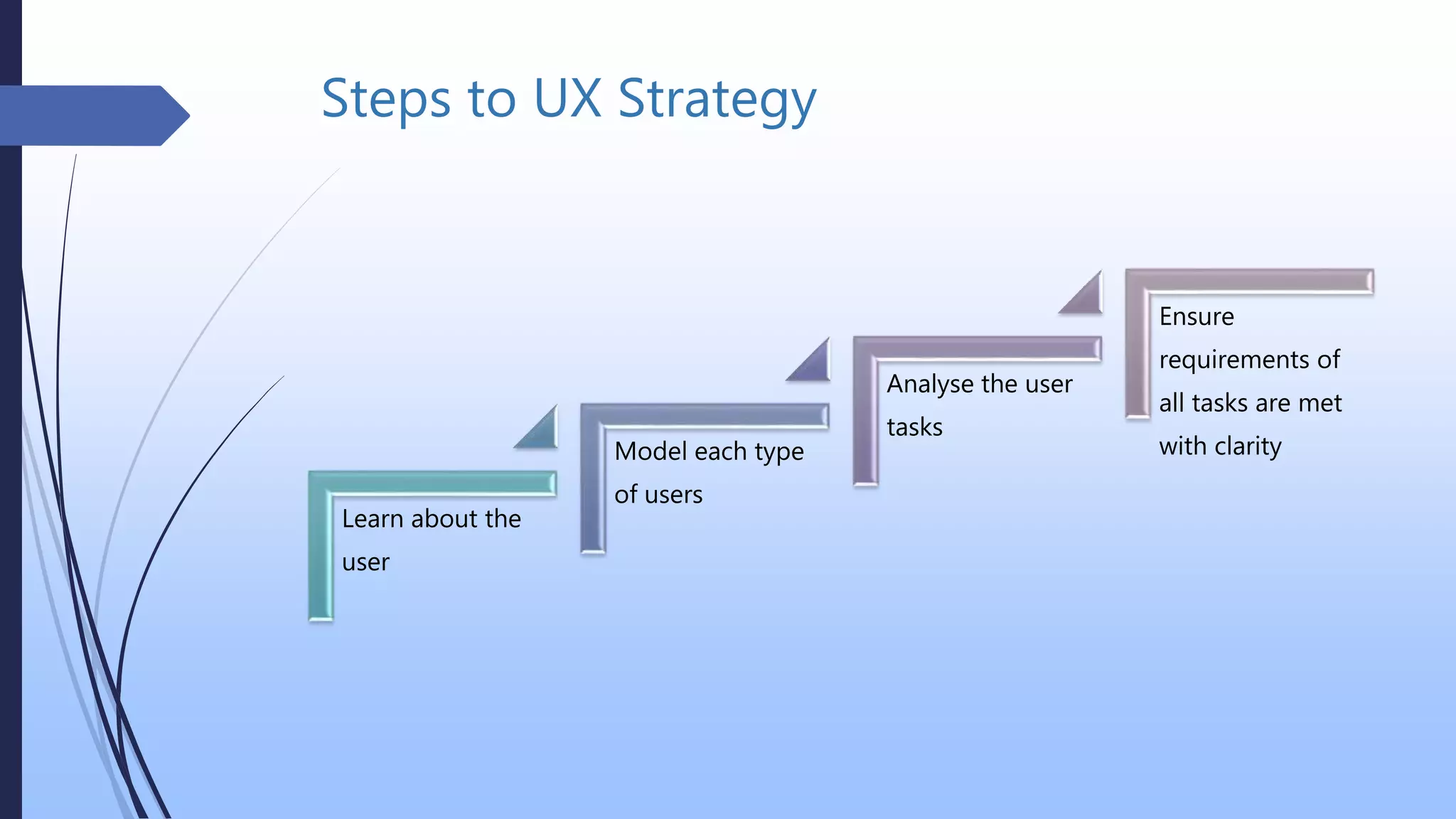
Steps to UX Strategy
Learn about the
user
Model each type
of users
Analyse the user
tasks
Ensure
requirements of
all tasks are met
with clarity
Guidelines
 Design needs to clearly communicate the behaviour of product through its user
interfaces
 Questions that need the answers
 Vision, product fitment, goals, what can it win, revenue model (cost incurred)
 Competitive differentiation
 What other needs, preferences, desires of customer will the app satisfy
 Understand and create a context using the historical background for the product
 Ensure issues are addressed from what the customers are complaining about or
requesting
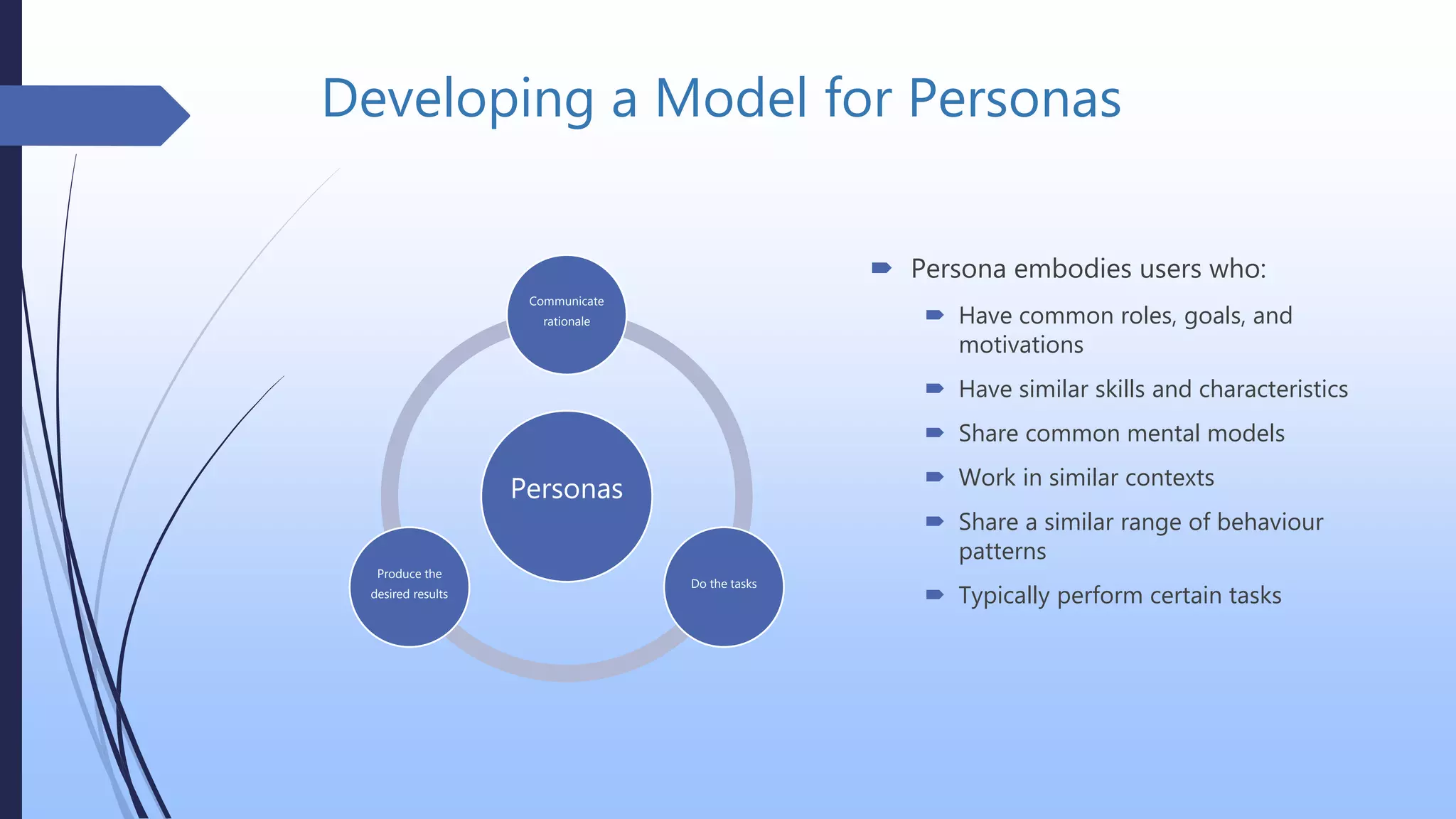
Developing a Model for Personas
Personas
Communicate
rationale
Do the tasks
Produce the
desired results
 Persona embodies users who:
 Have common roles, goals, and
motivations
 Have similar skills and characteristics
 Share common mental models
 Work in similar contexts
 Share a similar range of behaviour
patterns
 Typically perform certain tasks
Developing a Task based work-flows
 Identify each user’s task and subtask as a step-by-step procedures or task flows
with:
 Inputs to a procedure
 Cognitive processes
 Actions on objects
 Decision points
 Results of the procedure
Moments That Matter: Micro-Moments
 Refers to single task-based interactions with a product e.g. like setting an alarm,
liking a comment, or pressing a login button
 After completion these moments the implications are tremendous in scope
 Touch, scroll, pinch, zoom, tap, click and so on will be with unique animations
and feedback
 These interactions enable create more engaging experiences
 More and new ways to capitalize on newfound user-engagement e.g. Designing
new features around “interactions within interactions”
 Designers need to devise new interfaces for these abundance of new interactions
 More on this topic can be found at https://www.thinkwithgoogle.com/
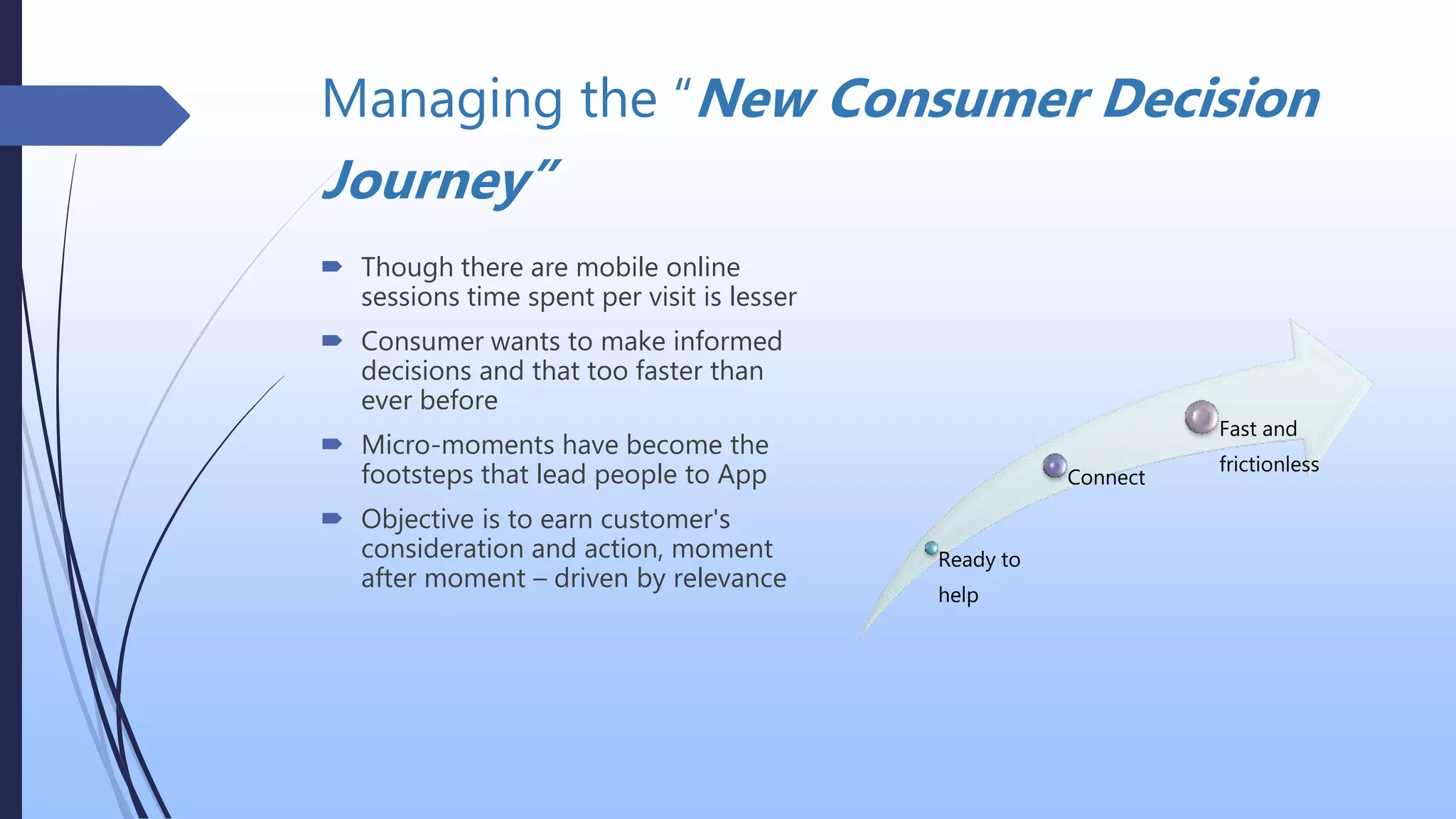
Managing the “New Consumer Decision
Journey”
 Though there are mobile online
sessions time spent per visit is lesser
 Consumer wants to make informed
decisions and that too faster than
ever before
 Micro-moments have become the
footsteps that lead people to App
 Objective is to earn customer's
consideration and action, moment
after moment – driven by relevance
Ready to
help
Connect
Fast and
frictionless
UX patterns
 Benefits: Increase of 30% - 50% in performance time
 Use:
 Standards for Profile Menus, Login etc..
 Lists, Search, and Drill down details based navigation
 Top or bottom menus, tabs where required
 Notifications
 Maps and location detection
 “Infinite scroll” technique - Leverages the contemporary user’s openness to scroll down and
keep reading more
 Provide customization where possible
 Improve on interactivity and social media integration

Designing a Mobile First UX

  • 1.
    Designing UX forCloud – Mobile and Web Apps By Unmesh Ballal
  • 2.
    Mobile First -An “Experience Design” paradigm  Mobile First Strategy is that Desktop / Web App will come later  Mobile First is a trend in UX - Driven for the user with following benefits:  Clear Content  Simple navigation  Fluid Layouts  Designed for Touch  Leverage Mobile features  UX Features are considered based on:  Designed for Users in Multiple Contexts  Unique Design due to a Smaller Screen  Connectivity with Social Media, Photos and Maps easily accessible
  • 3.
    How to Designfor Mobile User Experience  Key Considerations  Target audience  Targeted Behavior  Technology channel  Due to lesser screen real estate expect greater breadth to user experience  Mobile Browsers render newer HTML 5 web sites with optimized page layouts  Increased speed of online data enable users to complete tasks on the go
  • 4.
    Steps to UXStrategy Learn about the user Model each type of users Analyse the user tasks Ensure requirements of all tasks are met with clarity
  • 5.
    Guidelines  Design needsto clearly communicate the behaviour of product through its user interfaces  Questions that need the answers  Vision, product fitment, goals, what can it win, revenue model (cost incurred)  Competitive differentiation  What other needs, preferences, desires of customer will the app satisfy  Understand and create a context using the historical background for the product  Ensure issues are addressed from what the customers are complaining about or requesting
  • 6.
    Developing a Modelfor Personas Personas Communicate rationale Do the tasks Produce the desired results  Persona embodies users who:  Have common roles, goals, and motivations  Have similar skills and characteristics  Share common mental models  Work in similar contexts  Share a similar range of behaviour patterns  Typically perform certain tasks
  • 7.
    Developing a Taskbased work-flows  Identify each user’s task and subtask as a step-by-step procedures or task flows with:  Inputs to a procedure  Cognitive processes  Actions on objects  Decision points  Results of the procedure
  • 8.
    Moments That Matter:Micro-Moments  Refers to single task-based interactions with a product e.g. like setting an alarm, liking a comment, or pressing a login button  After completion these moments the implications are tremendous in scope  Touch, scroll, pinch, zoom, tap, click and so on will be with unique animations and feedback  These interactions enable create more engaging experiences  More and new ways to capitalize on newfound user-engagement e.g. Designing new features around “interactions within interactions”  Designers need to devise new interfaces for these abundance of new interactions  More on this topic can be found at https://www.thinkwithgoogle.com/
  • 9.
    Managing the “NewConsumer Decision Journey”  Though there are mobile online sessions time spent per visit is lesser  Consumer wants to make informed decisions and that too faster than ever before  Micro-moments have become the footsteps that lead people to App  Objective is to earn customer's consideration and action, moment after moment – driven by relevance Ready to help Connect Fast and frictionless
  • 10.
    UX patterns  Benefits:Increase of 30% - 50% in performance time  Use:  Standards for Profile Menus, Login etc..  Lists, Search, and Drill down details based navigation  Top or bottom menus, tabs where required  Notifications  Maps and location detection  “Infinite scroll” technique - Leverages the contemporary user’s openness to scroll down and keep reading more  Provide customization where possible  Improve on interactivity and social media integration