A quick guide
to UX design
(for fintech startups)
“Hello there!”
- DORALIN KELLY
UI/UX designer and Star Wars fangirl
F I N T E C H S T A R T U P S
are easing payment processes, reducing fraud, saving
users money, promoting financial planning, and
ultimately moving a giant industry forward.
(Yup, that’s you guys! No pressure..)
- forbes.com
Why?
What?
How?
Why good design matters
What is ‘good’ UX design?
How do I create good UX?
Why?
What?
How?
Why good design matters
What is ‘good’ UX design?
How do I create good UX?
Why?
What?
How?
Why good design matters
What is ‘good’ UX design?
How do I create good UX?
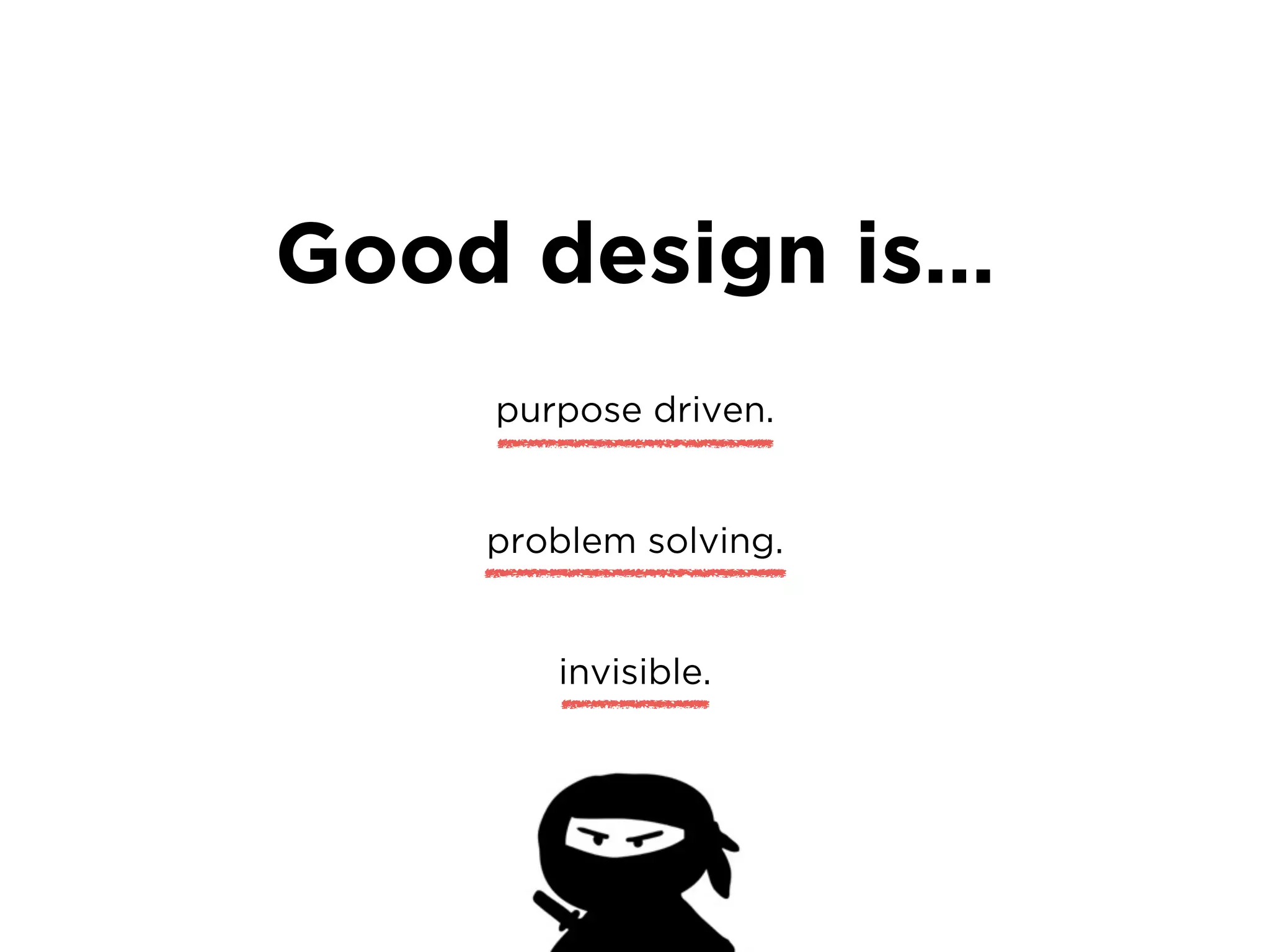
Good design is…
Good design is…
purpose driven.
Good design is…
purpose driven.
problem solving.
Good design is…
purpose driven.
problem solving.
invisible.
Good design is…
purpose driven.
problem solving.
invisible.
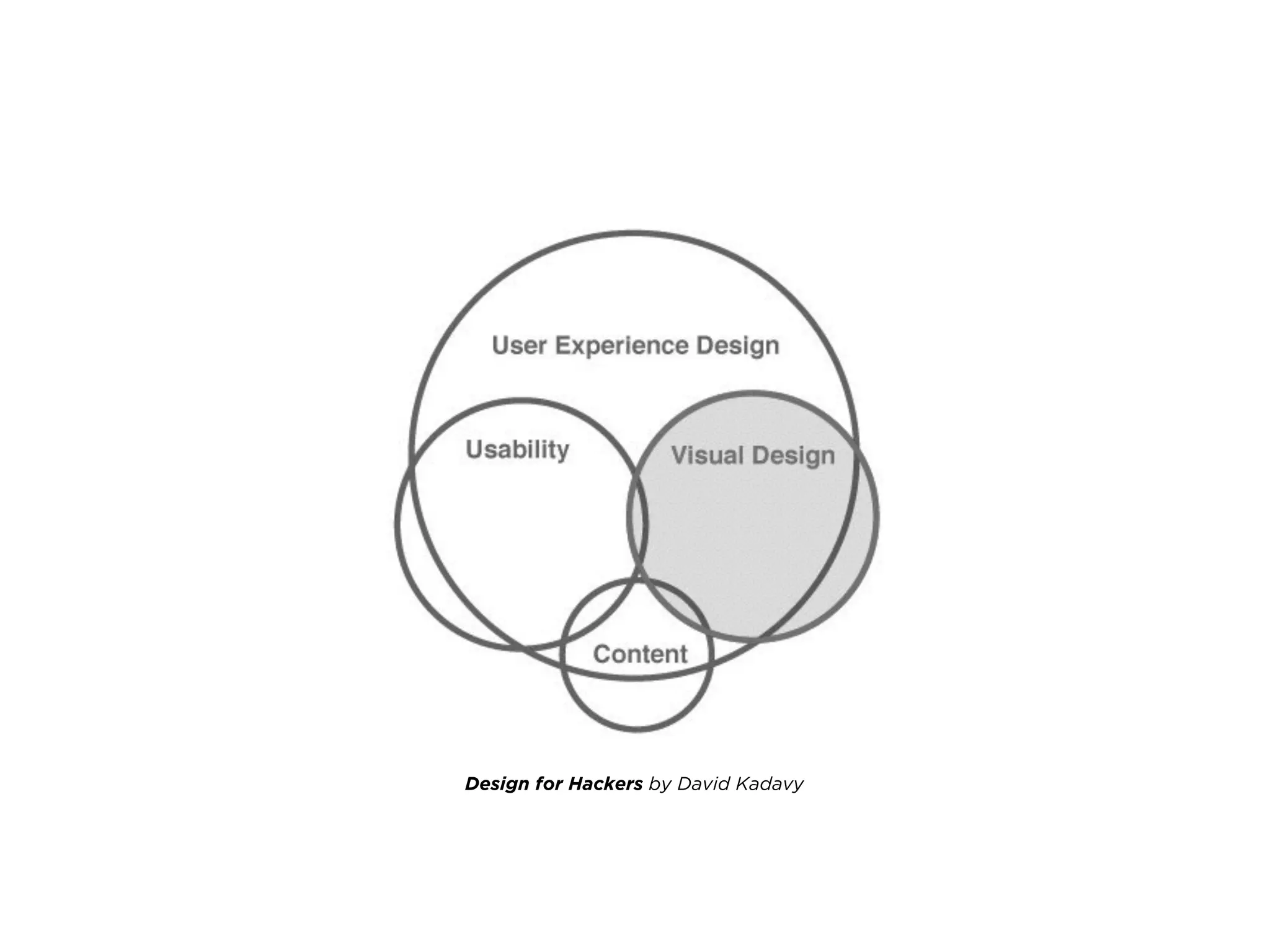
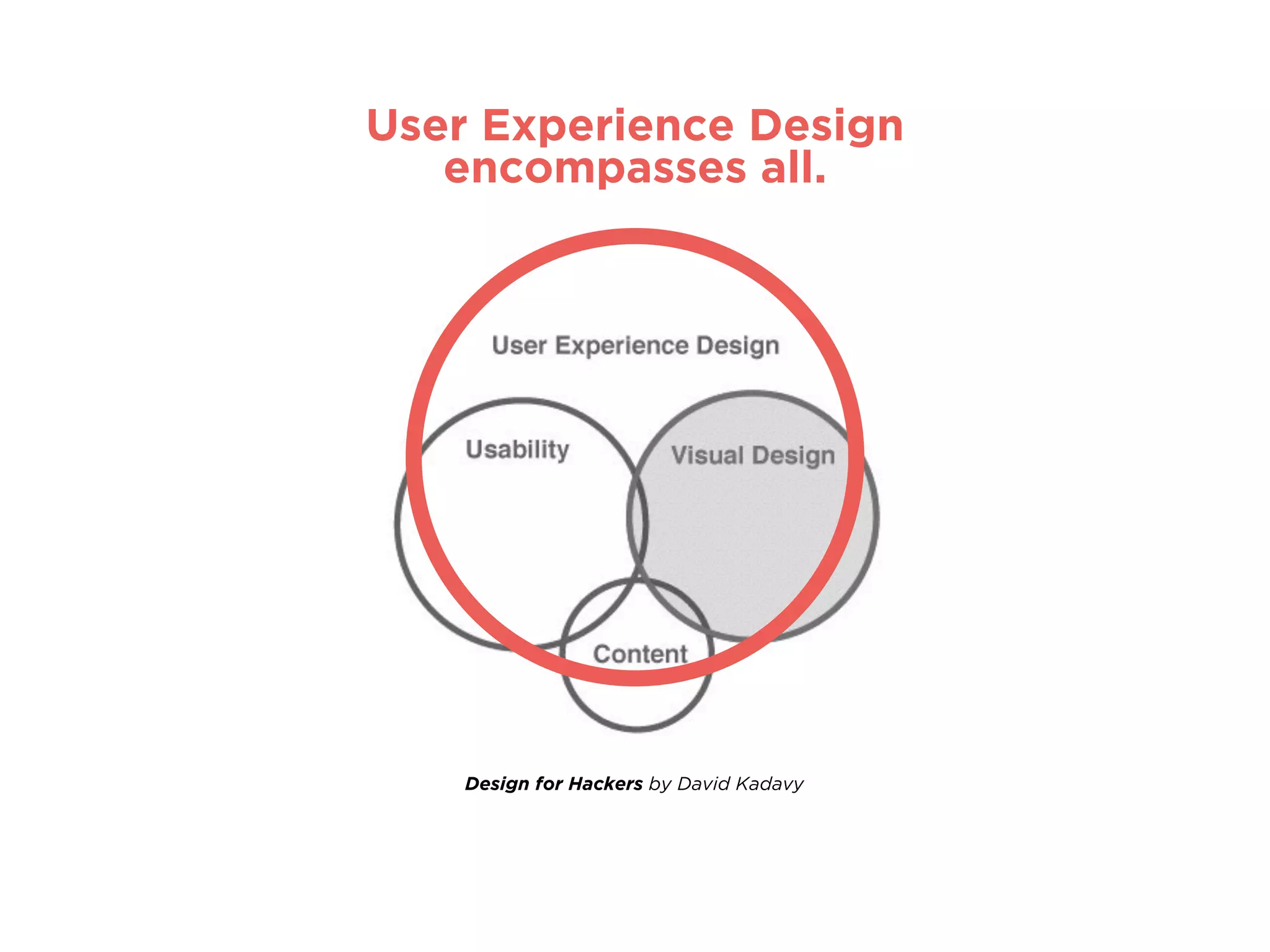
Design for Hackers by David Kadavy
User Experience Design
encompasses all.
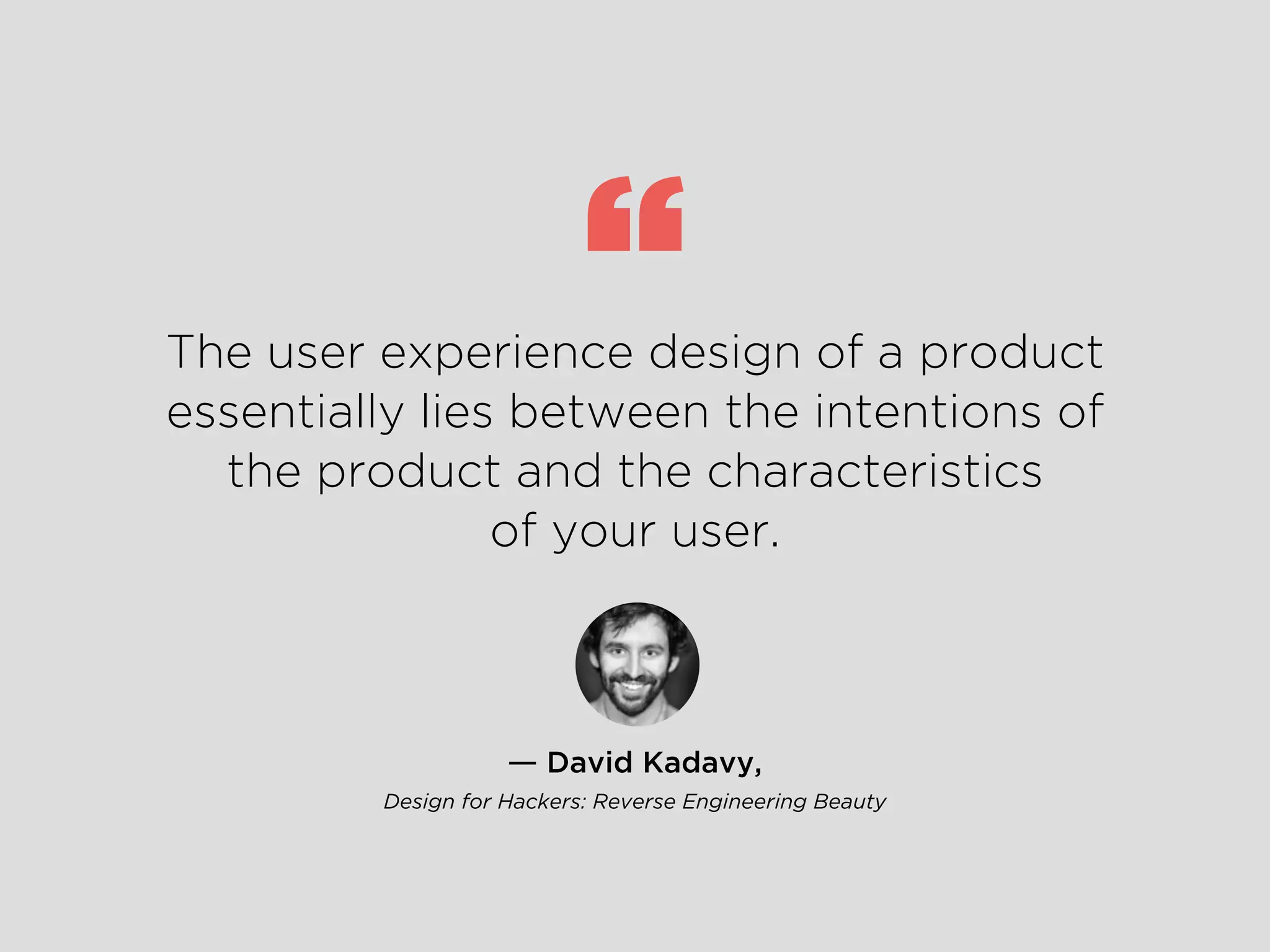
― David Kadavy,
Design for Hackers: Reverse Engineering Beauty
The user experience design of a product
essentially lies between the intentions of
the product and the characteristics
of your user.
“
Who is it for?
How are they using it?
Why are they using it?
What value proposition will engage users?
How do we deliver this benefit?
There are countless factors that can be considered when
coming up with your design solution.
OMGWhere do I even start???
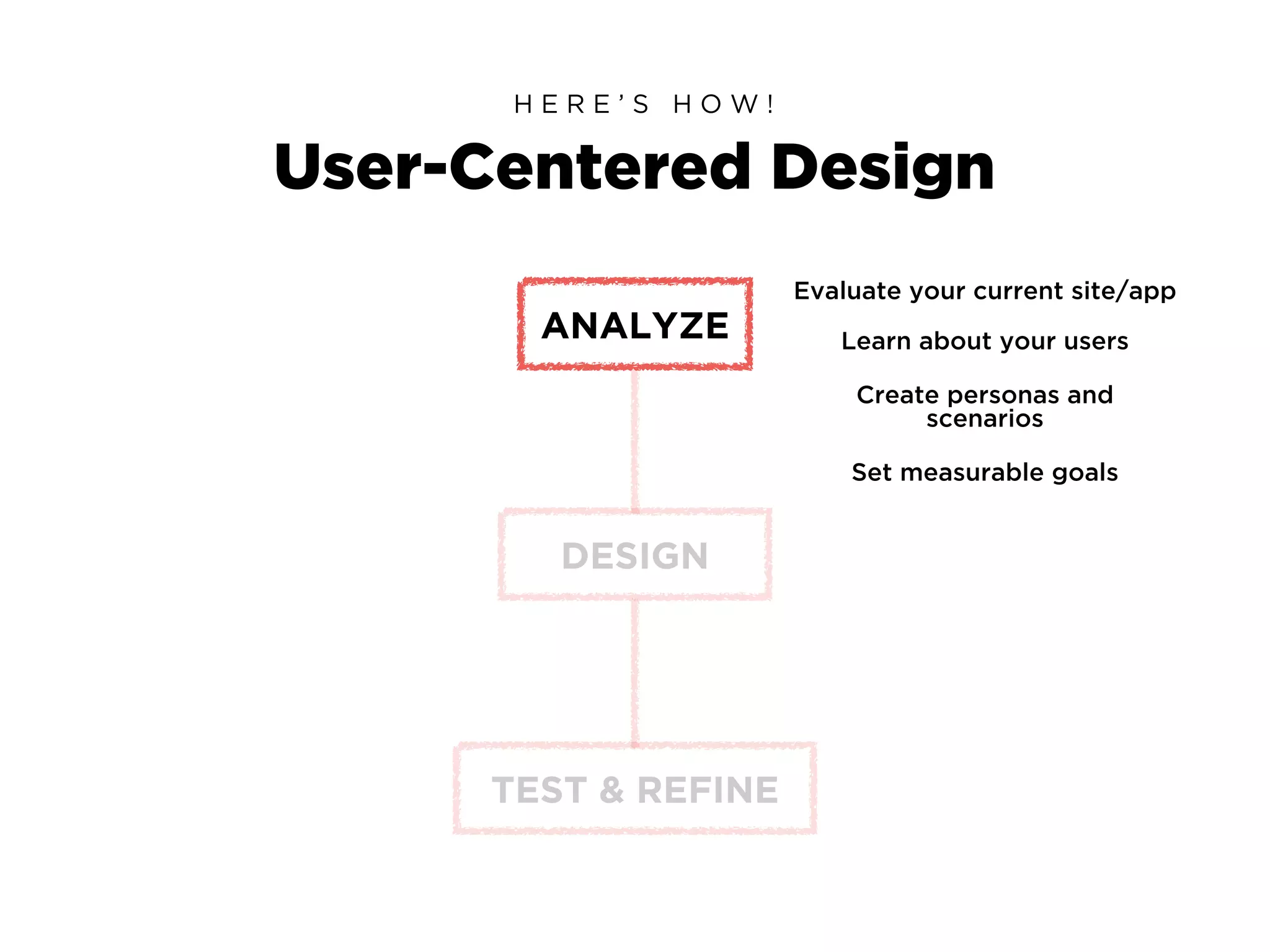
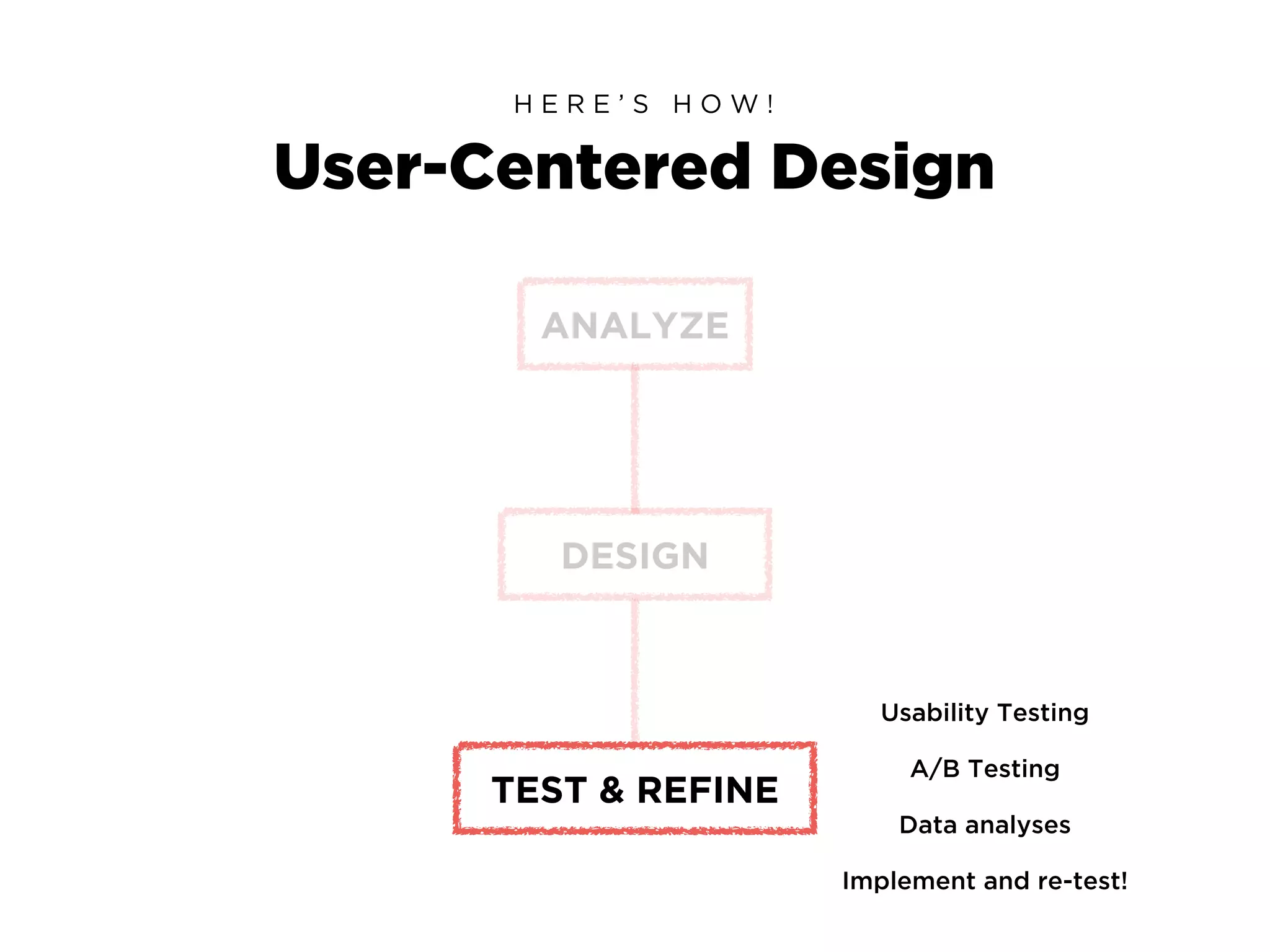
User-Centered Design
H E R E ’ S H O W !
ANALYZE
DESIGN
TEST & REFINE
Evaluate your current site/app
Learn about your users
Create personas and
scenarios
Set measurable goals
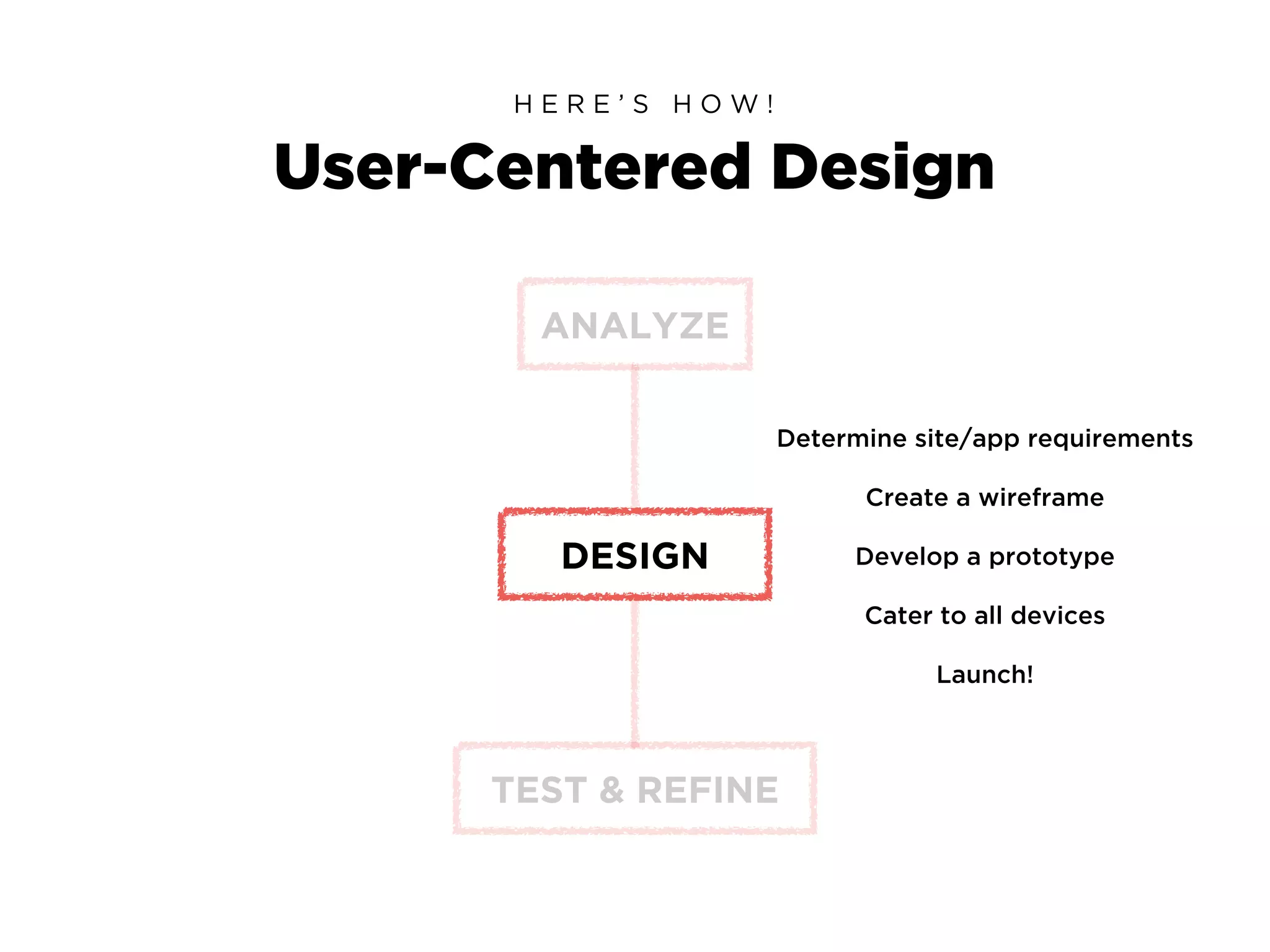
User-Centered Design
H E R E ’ S H O W !
ANALYZE
DESIGN
TEST & REFINE
Determine site/app requirements
Cater to all devices
Develop a prototype
Launch!
Create a wireframe
User-Centered Design
H E R E ’ S H O W !
ANALYZE
DESIGN
TEST & REFINE
Usability Testing
A/B Testing
Data analyses
Implement and re-test!
User Personas
H A N D S O N !
1.
In your teams, get your hands on some markers
and one of those massive sheets of paper.
2.
Draw out your User Personas.
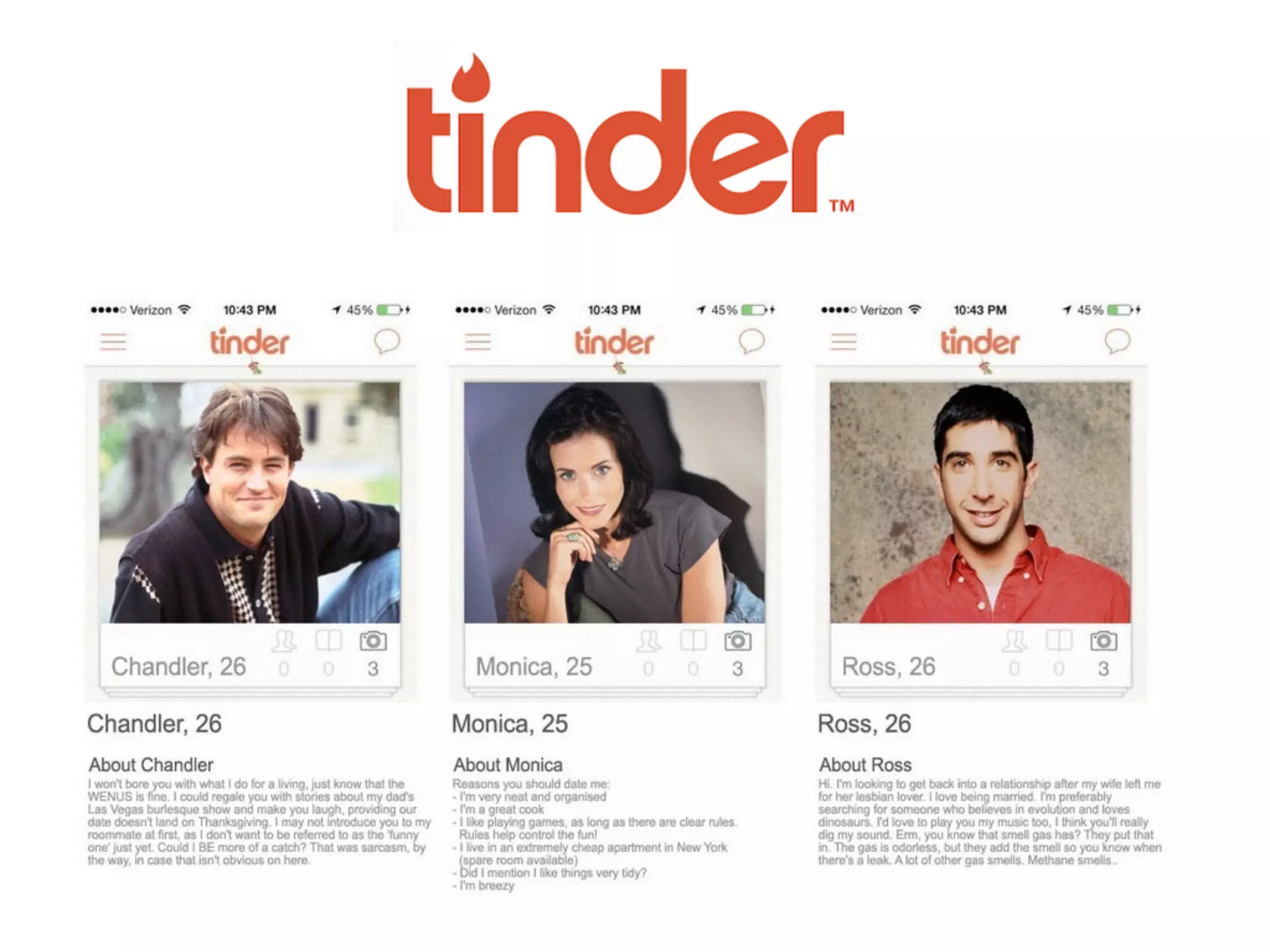
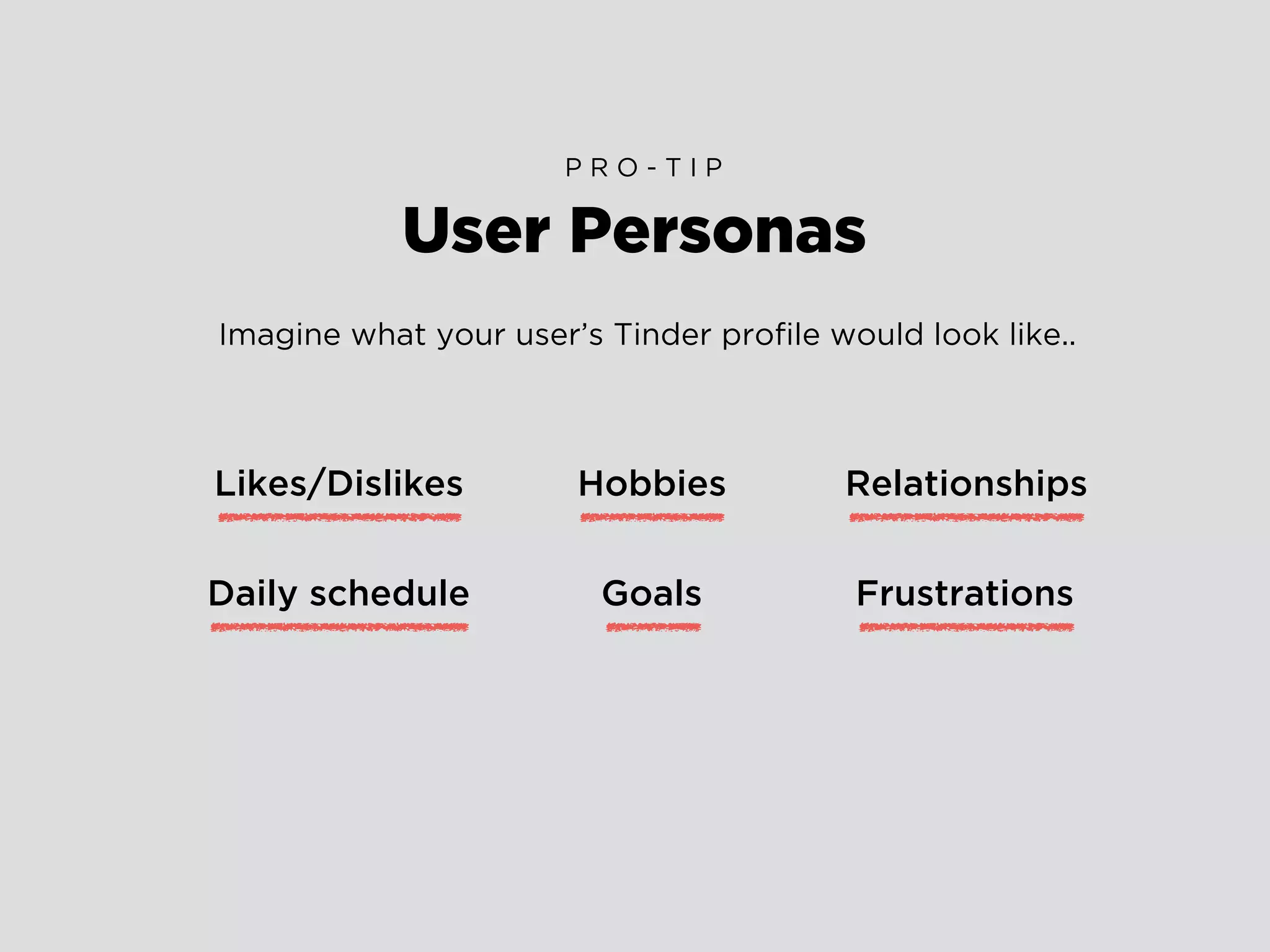
User Personas
P R O - T I P
Imagine what your user’s Tinder profile would look like..
Likes/Dislikes
Daily schedule
Hobbies
Goals Frustrations
Relationships
Use Cases
H A N D S O N !
1.
Write out a simple Use Case for your User Persona.
2.
Discuss and evaluate.
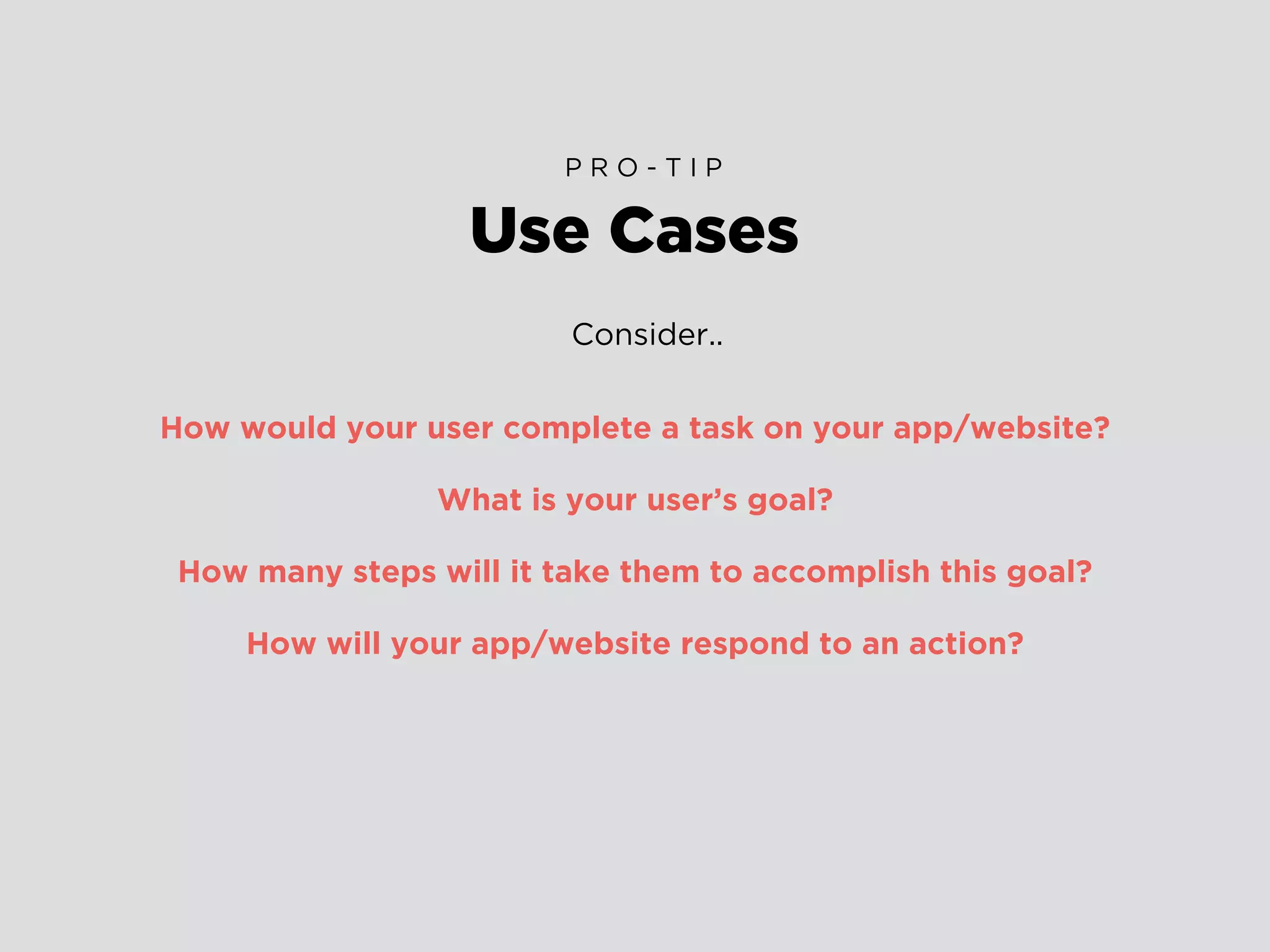
Consider..
How would your user complete a task on your app/website?
What is your user’s goal?
How many steps will it take them to accomplish this goal?
How will your app/website respond to an action?
Use Cases
P R O - T I P
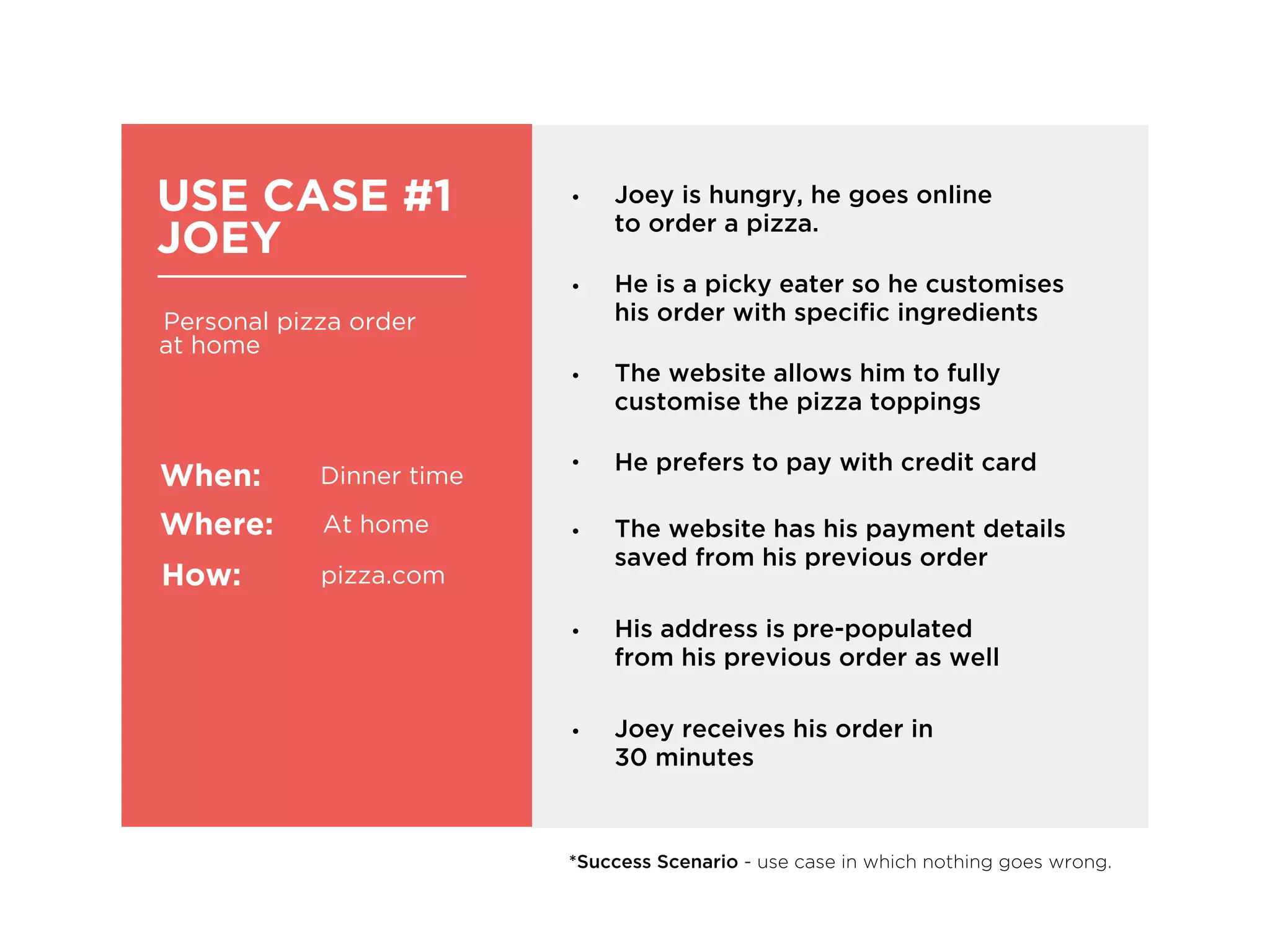
USE CASE #1
JOEY
Personal pizza order
at home
When:
Where:
How:
Dinner time
At home
pizza.com
• He is a picky eater so he customises
his order with specific ingredients
• Joey is hungry, he goes online
to order a pizza.
• He prefers to pay with credit card
• His address is pre-populated
from his previous order as well
• The website allows him to fully
customise the pizza toppings
• The website has his payment details
saved from his previous order
*Success Scenario - use case in which nothing goes wrong.
• Joey receives his order in
30 minutes
Consider..
How can you cater for scenarios in which a user gets stuck?
i.e Form errors can be super annoying
Can you cut down on steps to accomplish the user’s goal?
i.e Joey’s forms were pre-populated from his previous orders
Think about leveraging from the highs/lows in your Use Cases
i.e Joey’s order arrives 15 minutes late, he gets a $10 coupon as an apology
from pizza.com
Use Cases
E V A L U A T E
Don’t base anything on
your assumptions.
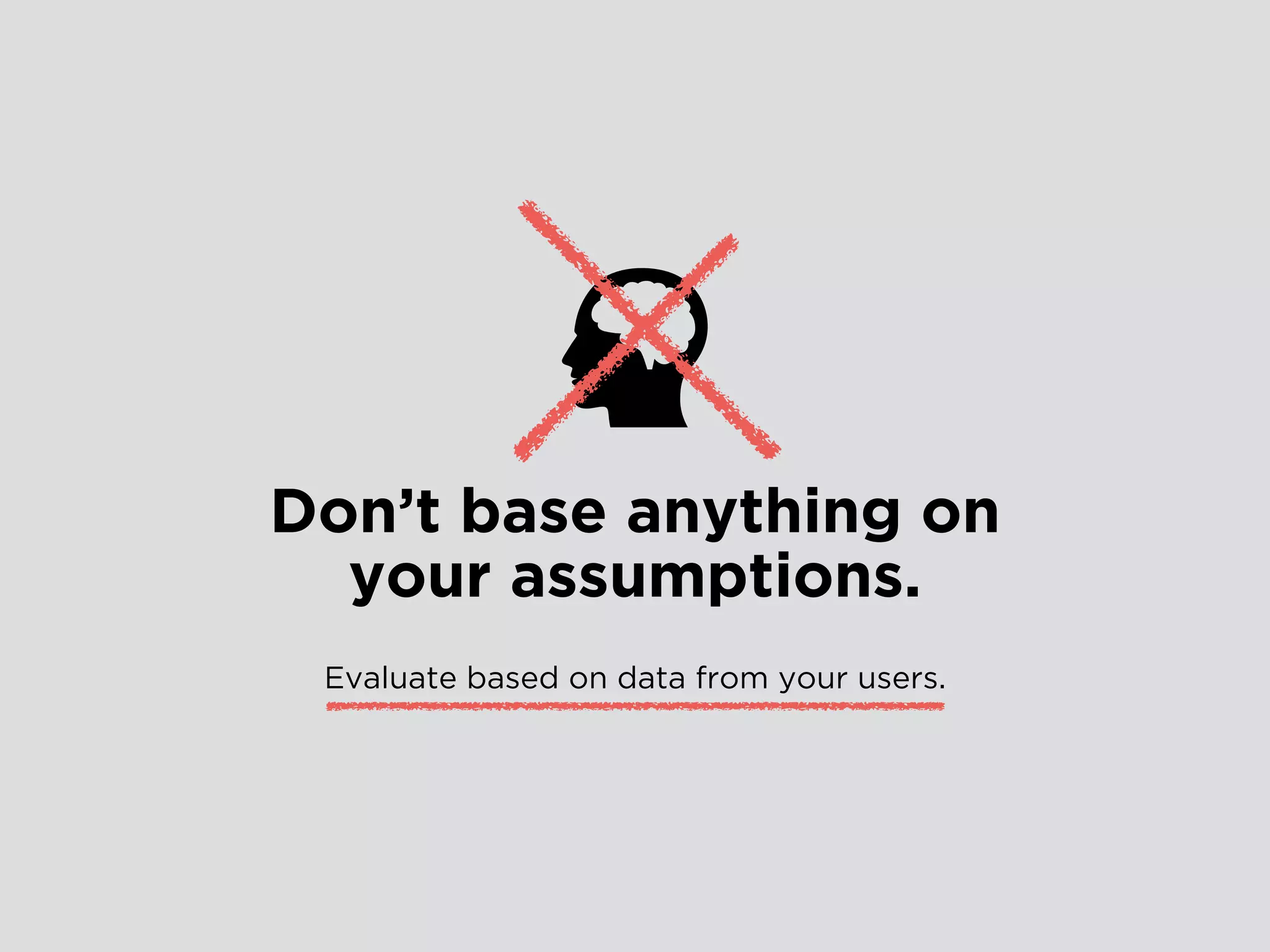
Don’t base anything on
your assumptions.
Evaluate based on data from your users.
Designing Data-Driven Interfaces
F I N - T E C H
Define your personas
Identifying your User Personas upfront is an important
step into gaining insight that you can build your wireframes on.
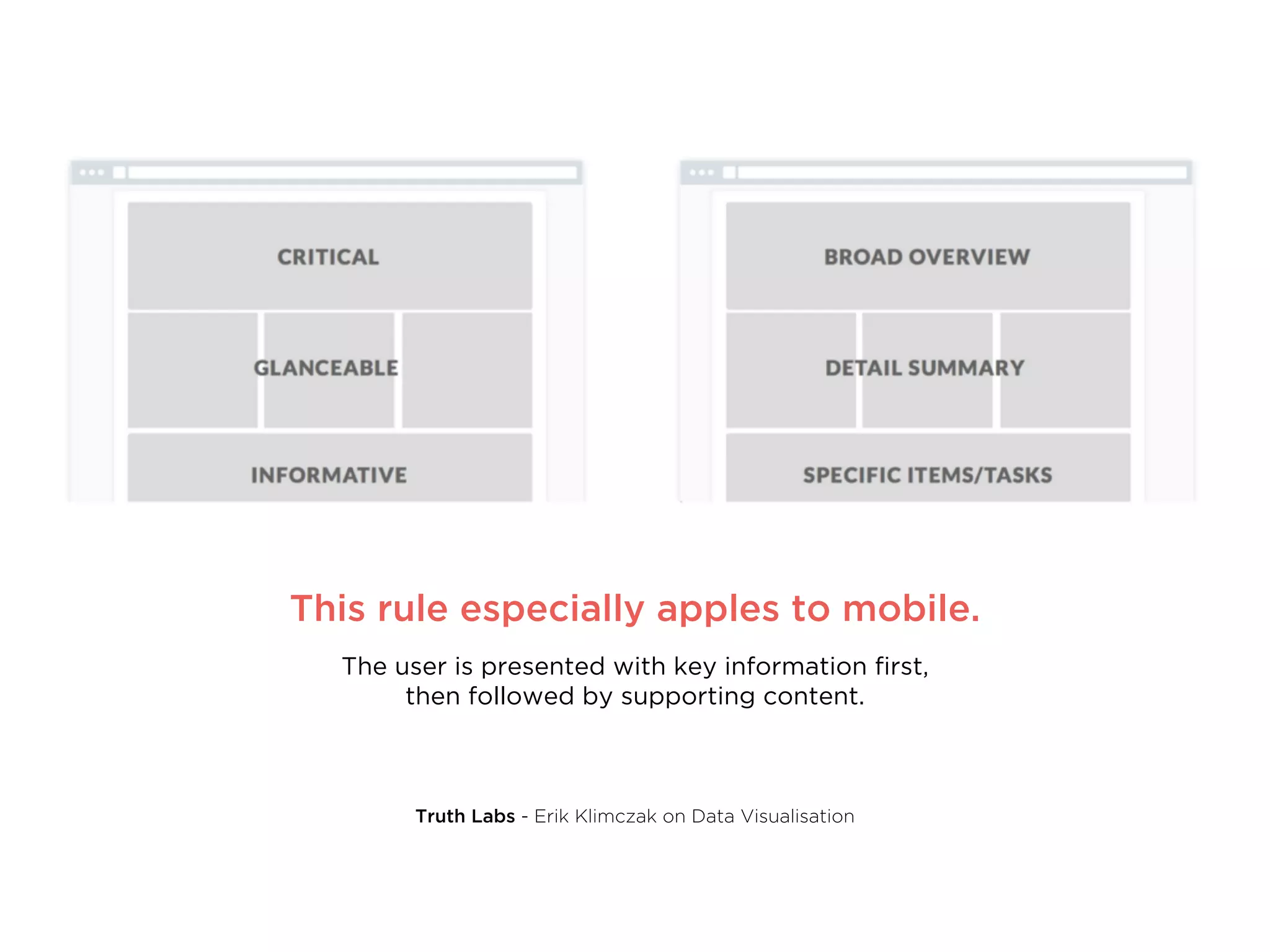
Curate the information
Especially when it comes to dashboards, be sure to show the user what they
need to see first, then structure the rest of the page based on
the hierarchy of information.
Truth Labs - Erik Klimczak on Data Visualisation
This rule especially applies to mobile.
The user is presented with key information first,
then followed by supporting content.
Truth Labs - Erik Klimczak on Data Visualisation
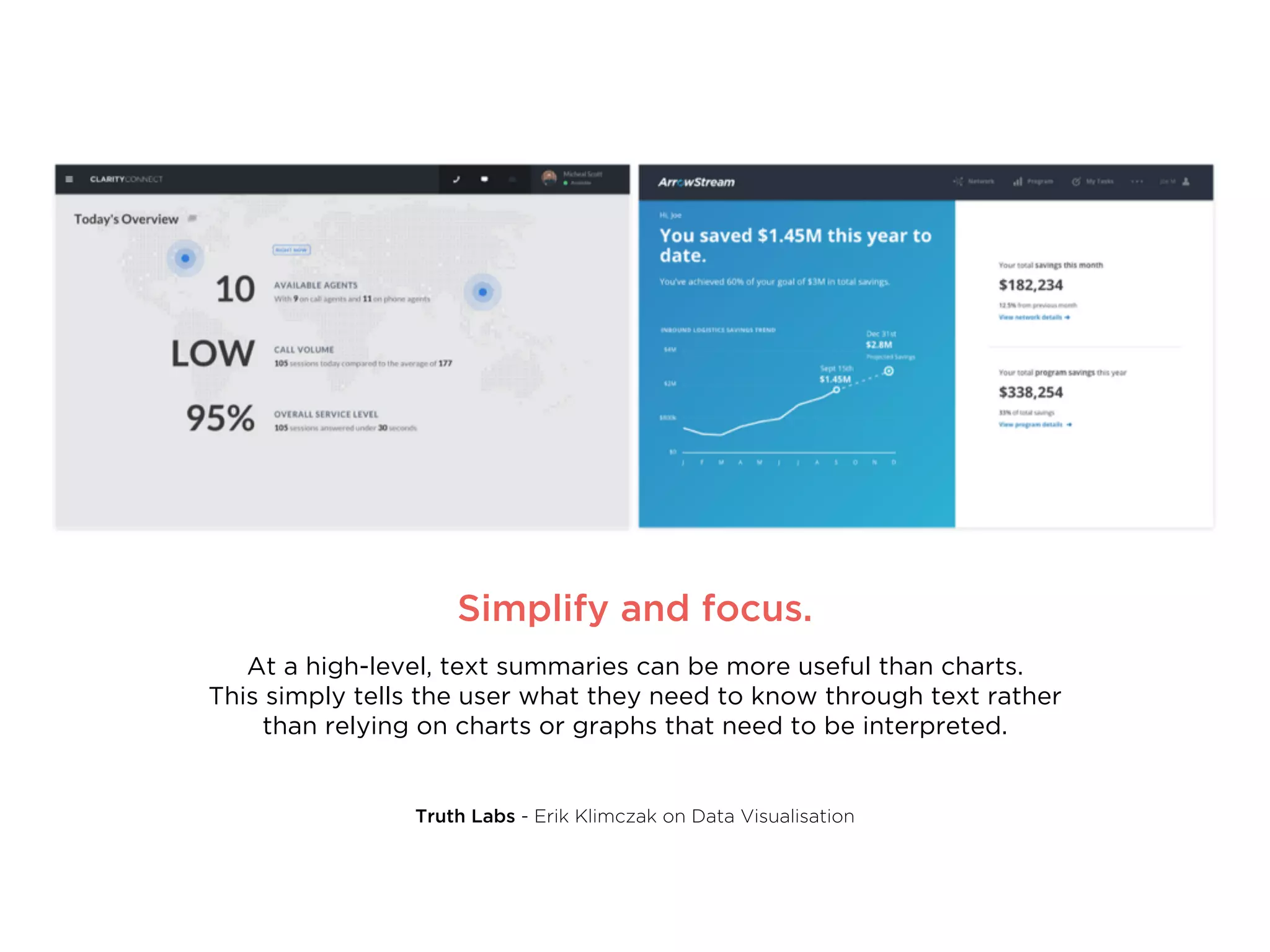
Simplify and focus.
At a high-level, text summaries can be more useful than charts.
This simply tells the user what they need to know through text rather
than relying on charts or graphs that need to be interpreted.
Designing Data-Driven Interfaces
F I N - T E C H
It’s a balancing act
Make sure to present your data in a distinctive way, but avoid
over-designing and unnecessary distractions.
Simplify. (again)
Strip away the unnecessary to simplify experiences.
Pushing on to Demo Day
F I N - T E C H
DUMMM DUMMM DUUUUUMMMMMMMMMMMM!!
Build your Minimum
Viable Product
(MVP)
Simplifying doesn’t mean creating a prototype
that’s so bare it can’t be used as a test.
It means considering what excess
can you strip away.
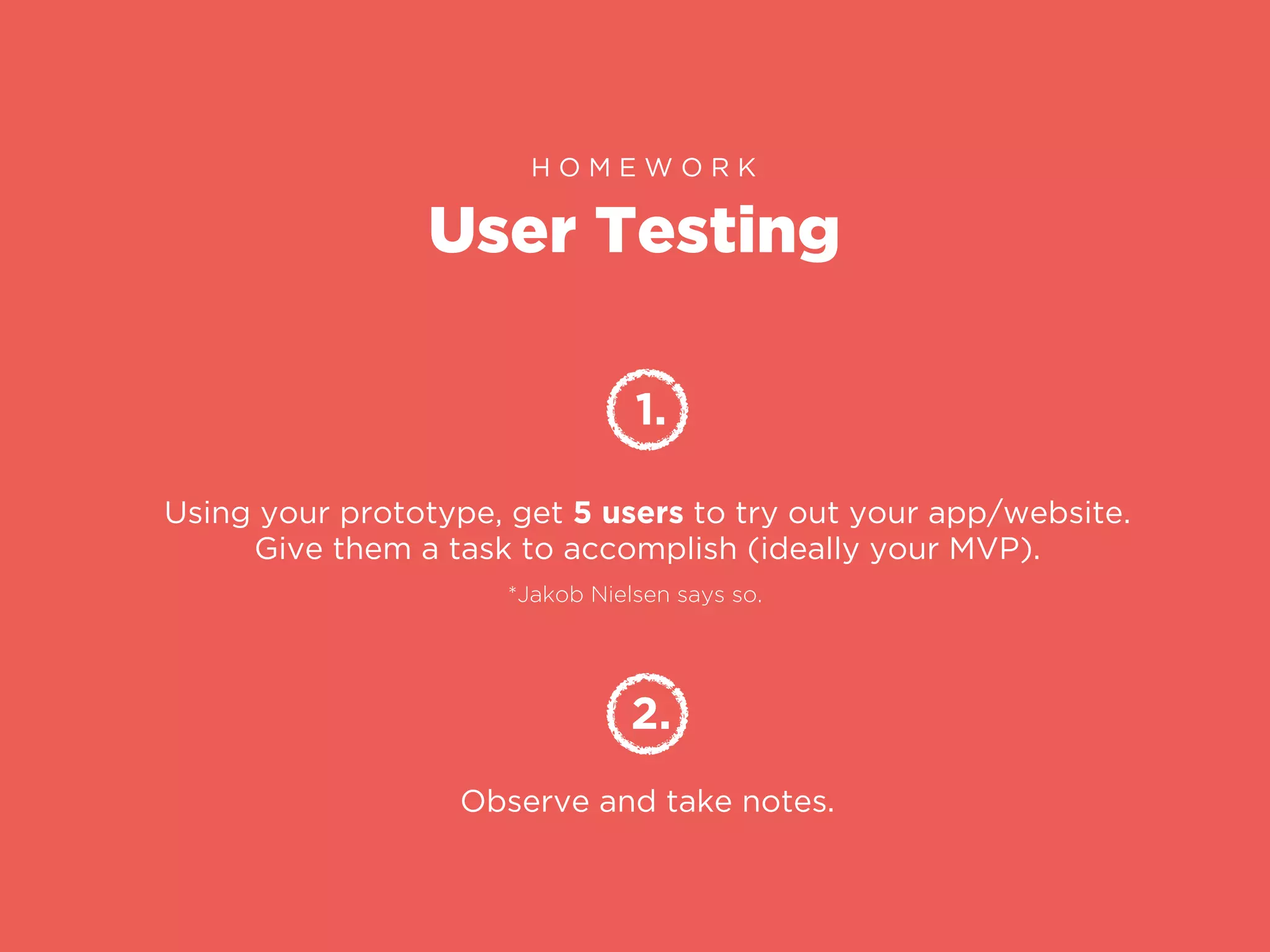
User Testing
H O M E W O R K
1.
Using your prototype, get 5 users to try out your app/website.
Give them a task to accomplish (ideally your MVP).
2.
Observe and take notes.
*Jakob Nielsen says so.
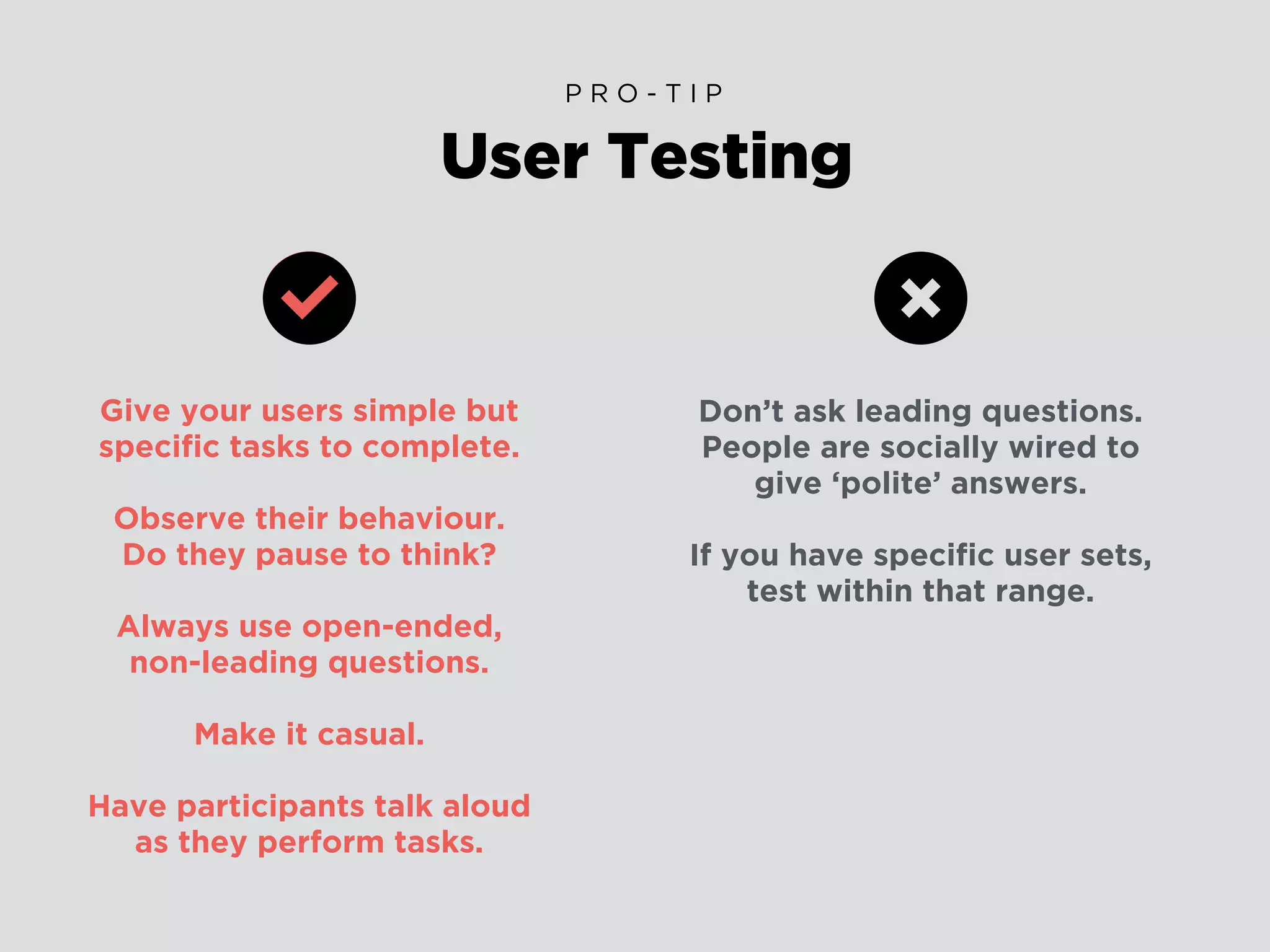
Give your users simple but
specific tasks to complete.
Observe their behaviour.
Do they pause to think?
Always use open-ended,
non-leading questions.
Make it casual.
Have participants talk aloud
as they perform tasks.
User Testing
P R O - T I P
Don’t ask leading questions.
People are socially wired to
give ‘polite’ answers.
If you have specific user sets,
test within that range.
Questions?
I T ’ S A W R A P !
design@doralinkelly.ninja
@doralinkelly
doralinkelly.ninja

UX Workshop for Fin-Tech startups @ SBC

  • 1.
    A quick guide toUX design (for fintech startups)
  • 2.
    “Hello there!” - DORALINKELLY UI/UX designer and Star Wars fangirl
  • 5.
    F I NT E C H S T A R T U P S are easing payment processes, reducing fraud, saving users money, promoting financial planning, and ultimately moving a giant industry forward. (Yup, that’s you guys! No pressure..) - forbes.com
  • 6.
    Why? What? How? Why good designmatters What is ‘good’ UX design? How do I create good UX?
  • 7.
    Why? What? How? Why good designmatters What is ‘good’ UX design? How do I create good UX?
  • 8.
    Why? What? How? Why good designmatters What is ‘good’ UX design? How do I create good UX?
  • 9.
  • 10.
  • 11.
    Good design is… purposedriven. problem solving.
  • 12.
    Good design is… purposedriven. problem solving. invisible.
  • 13.
    Good design is… purposedriven. problem solving. invisible.
  • 14.
    Design for Hackersby David Kadavy
  • 15.
    Design for Hackersby David Kadavy User Experience Design encompasses all.
  • 16.
    ― David Kadavy, Designfor Hackers: Reverse Engineering Beauty The user experience design of a product essentially lies between the intentions of the product and the characteristics of your user. “
  • 17.
    Who is itfor? How are they using it? Why are they using it? What value proposition will engage users? How do we deliver this benefit? There are countless factors that can be considered when coming up with your design solution.
  • 18.
    OMGWhere do Ieven start???
  • 19.
    User-Centered Design H ER E ’ S H O W ! ANALYZE DESIGN TEST & REFINE Evaluate your current site/app Learn about your users Create personas and scenarios Set measurable goals
  • 20.
    User-Centered Design H ER E ’ S H O W ! ANALYZE DESIGN TEST & REFINE Determine site/app requirements Cater to all devices Develop a prototype Launch! Create a wireframe
  • 21.
    User-Centered Design H ER E ’ S H O W ! ANALYZE DESIGN TEST & REFINE Usability Testing A/B Testing Data analyses Implement and re-test!
  • 22.
    User Personas H AN D S O N ! 1. In your teams, get your hands on some markers and one of those massive sheets of paper. 2. Draw out your User Personas.
  • 24.
    User Personas P RO - T I P Imagine what your user’s Tinder profile would look like.. Likes/Dislikes Daily schedule Hobbies Goals Frustrations Relationships
  • 25.
    Use Cases H AN D S O N ! 1. Write out a simple Use Case for your User Persona. 2. Discuss and evaluate.
  • 26.
    Consider.. How would youruser complete a task on your app/website? What is your user’s goal? How many steps will it take them to accomplish this goal? How will your app/website respond to an action? Use Cases P R O - T I P
  • 27.
    USE CASE #1 JOEY Personalpizza order at home When: Where: How: Dinner time At home pizza.com • He is a picky eater so he customises his order with specific ingredients • Joey is hungry, he goes online to order a pizza. • He prefers to pay with credit card • His address is pre-populated from his previous order as well • The website allows him to fully customise the pizza toppings • The website has his payment details saved from his previous order *Success Scenario - use case in which nothing goes wrong. • Joey receives his order in 30 minutes
  • 29.
    Consider.. How can youcater for scenarios in which a user gets stuck? i.e Form errors can be super annoying Can you cut down on steps to accomplish the user’s goal? i.e Joey’s forms were pre-populated from his previous orders Think about leveraging from the highs/lows in your Use Cases i.e Joey’s order arrives 15 minutes late, he gets a $10 coupon as an apology from pizza.com Use Cases E V A L U A T E
  • 30.
    Don’t base anythingon your assumptions.
  • 31.
    Don’t base anythingon your assumptions. Evaluate based on data from your users.
  • 32.
    Designing Data-Driven Interfaces FI N - T E C H Define your personas Identifying your User Personas upfront is an important step into gaining insight that you can build your wireframes on. Curate the information Especially when it comes to dashboards, be sure to show the user what they need to see first, then structure the rest of the page based on the hierarchy of information.
  • 33.
    Truth Labs -Erik Klimczak on Data Visualisation This rule especially applies to mobile. The user is presented with key information first, then followed by supporting content.
  • 34.
    Truth Labs -Erik Klimczak on Data Visualisation Simplify and focus. At a high-level, text summaries can be more useful than charts. This simply tells the user what they need to know through text rather than relying on charts or graphs that need to be interpreted.
  • 35.
    Designing Data-Driven Interfaces FI N - T E C H It’s a balancing act Make sure to present your data in a distinctive way, but avoid over-designing and unnecessary distractions. Simplify. (again) Strip away the unnecessary to simplify experiences.
  • 36.
    Pushing on toDemo Day F I N - T E C H DUMMM DUMMM DUUUUUMMMMMMMMMMMM!!
  • 37.
  • 38.
    Simplifying doesn’t meancreating a prototype that’s so bare it can’t be used as a test. It means considering what excess can you strip away.
  • 39.
    User Testing H OM E W O R K 1. Using your prototype, get 5 users to try out your app/website. Give them a task to accomplish (ideally your MVP). 2. Observe and take notes. *Jakob Nielsen says so.
  • 40.
    Give your userssimple but specific tasks to complete. Observe their behaviour. Do they pause to think? Always use open-ended, non-leading questions. Make it casual. Have participants talk aloud as they perform tasks. User Testing P R O - T I P Don’t ask leading questions. People are socially wired to give ‘polite’ answers. If you have specific user sets, test within that range.
  • 41.
    Questions? I T ’S A W R A P ! design@doralinkelly.ninja @doralinkelly doralinkelly.ninja