
Downloaded 50 times
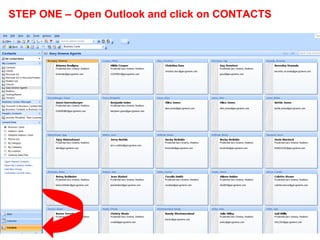

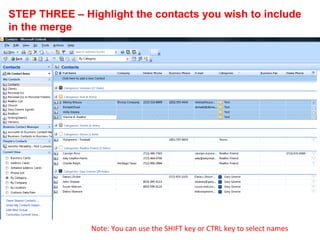
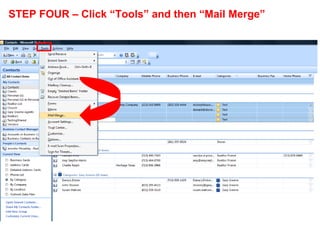
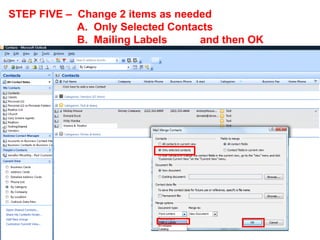
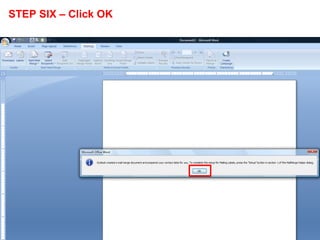
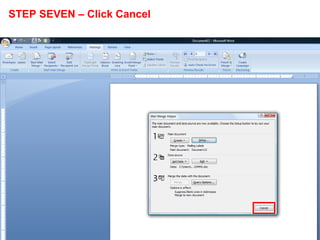
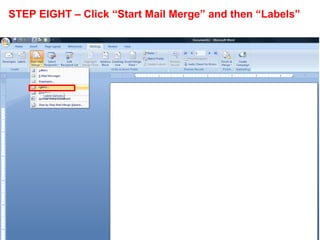
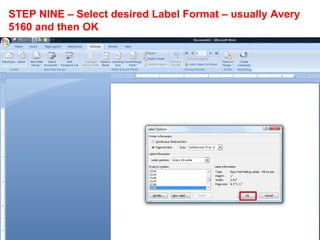
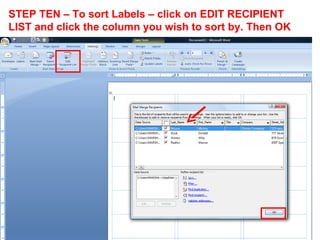
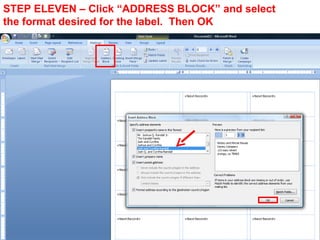
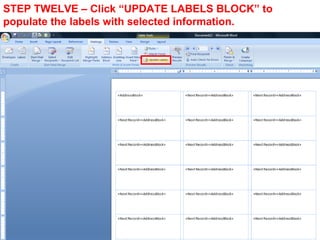
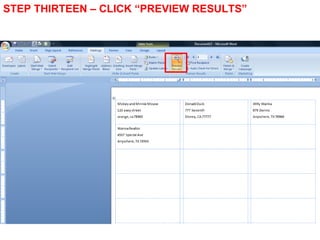
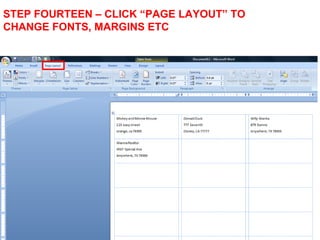
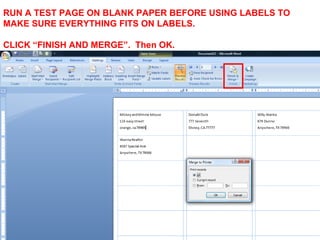
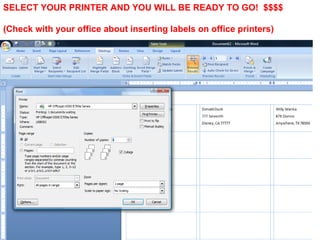

The document provides 14 step-by-step instructions for creating mailing labels from contacts categorized in Microsoft Outlook. The instructions guide the user to select contacts from categories, launch the mail merge tool, choose the label format and printer, preview and adjust the label layout, and print the labels. Following these steps allows users to generate labels directly from categorized Outlook contacts without separating them into separate contact folders first.


![Balgos 12 abel[1]](https://cdn.slidesharecdn.com/ss_thumbnails/balgos12abel1-200303112507-thumbnail.jpg?width=640&height=640&fit=bounds)


