Small Business Company Intranet
(SharePoint Online)
Agenda:
• Introduction
• Creating Subsites
• Adding Apps (Calendar, Picture Library, Announcements)
• Navigation
• Site Permissions
Introduction
SharePoint Online is part of the Office 365 suite, all you really need to
do to get started is sign up for an account. It is an important tool for an
Office 365 intranet, helping organisations share and collaborate with
colleagues, partners & customers on any device. You can access
internal sites, documents and other information with SharePoint
Online.
Here we will take a look at how to create a intranet for a small
company.
Get Started
Creating a small business company intranet.
• Creating subsites (Departments – Marketing, Projects, Support)
• Title, Logo & Theme.
• Adding Apps (Calendar, Picture Library, Announcements)
• Common Navigation
• Site Permissions
CloudFronts O365 Managed Services
Office 365
User Account and Group Management
Billing and Subscription Management
Health and Monitoring Reports
Security, Compliance and Protection
Usage, Security & Compliance Reports
Critical Issue Resolution (Troubleshoot and provide guidance for customer issues)
CloudFronts Portal access (Create/Update tickets for support)
CloudFronts Support email access (Send email to support@cloudfronts.com for
automated ticket creation
Office 365 Webinars, New features updates and business impact, Status Update
End-user Training
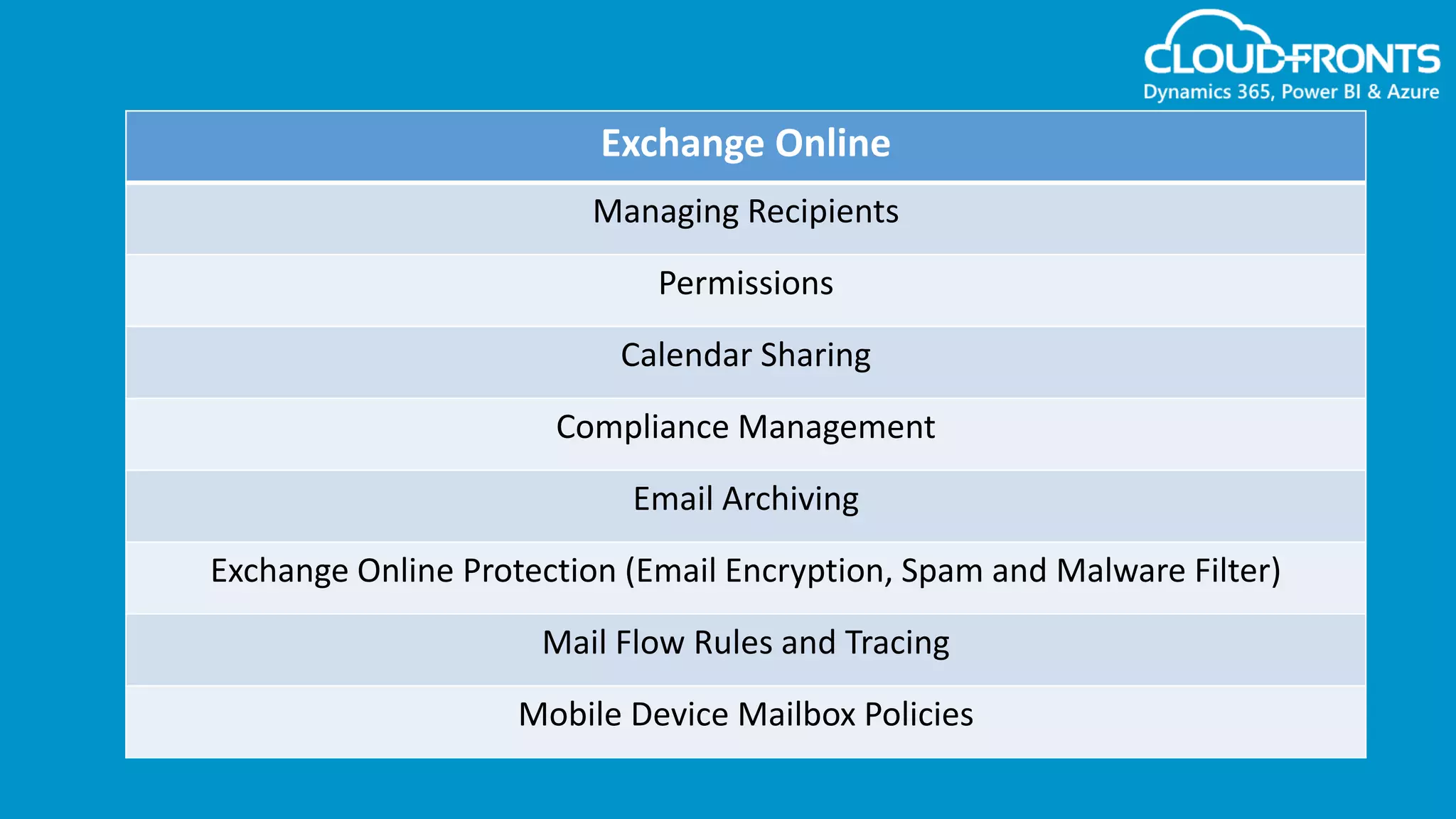
Exchange Online
Managing Recipients
Permissions
Calendar Sharing
Compliance Management
Email Archiving
Exchange Online Protection (Email Encryption, Spam and Malware Filter)
Mail Flow Rules and Tracing
Mobile Device Mailbox Policies
For more information on Office 365, visit our page :-
www.cloudfronts.com/office-365-migration
Connect with us!
https://www.linkedin.com/company/cloudfronts
@cloudfronts
https://www.youtube.com/cloudfronts
info@cloudfronts.com
CloudFronts Technologies, LLP.
+1 855 796 4355 (USA) | +91 92 2358 3878 (India)
Write to us : info@cloudfronts.com

Creating a Small Company Business Intranet

  • 1.
    Small Business CompanyIntranet (SharePoint Online)
  • 2.
    Agenda: • Introduction • CreatingSubsites • Adding Apps (Calendar, Picture Library, Announcements) • Navigation • Site Permissions
  • 3.
    Introduction SharePoint Online ispart of the Office 365 suite, all you really need to do to get started is sign up for an account. It is an important tool for an Office 365 intranet, helping organisations share and collaborate with colleagues, partners & customers on any device. You can access internal sites, documents and other information with SharePoint Online. Here we will take a look at how to create a intranet for a small company.
  • 4.
    Get Started Creating asmall business company intranet. • Creating subsites (Departments – Marketing, Projects, Support) • Title, Logo & Theme. • Adding Apps (Calendar, Picture Library, Announcements) • Common Navigation • Site Permissions
  • 5.
    CloudFronts O365 ManagedServices Office 365 User Account and Group Management Billing and Subscription Management Health and Monitoring Reports Security, Compliance and Protection Usage, Security & Compliance Reports Critical Issue Resolution (Troubleshoot and provide guidance for customer issues) CloudFronts Portal access (Create/Update tickets for support) CloudFronts Support email access (Send email to support@cloudfronts.com for automated ticket creation Office 365 Webinars, New features updates and business impact, Status Update End-user Training
  • 6.
    Exchange Online Managing Recipients Permissions CalendarSharing Compliance Management Email Archiving Exchange Online Protection (Email Encryption, Spam and Malware Filter) Mail Flow Rules and Tracing Mobile Device Mailbox Policies
  • 7.
    For more informationon Office 365, visit our page :- www.cloudfronts.com/office-365-migration
  • 8.
    Connect with us! https://www.linkedin.com/company/cloudfronts @cloudfronts https://www.youtube.com/cloudfronts info@cloudfronts.com CloudFrontsTechnologies, LLP. +1 855 796 4355 (USA) | +91 92 2358 3878 (India) Write to us : info@cloudfronts.com