Dynamics 365: July 2017 Release
Customer Updates
By –
Priyesh Wagh
Topics to be covered
• User Experience Enhancements in web apps
• User interface refresh
• Advanced Find Change
• Unified Interface
• Extensibility and app platform
• Virtual Entities
• Customer Service Hub
• New and improved business process flows
• Outlook app
• Dynamics 365 mobile app
User Experience Enhancements
• Visually refreshed
• Consistent across all web apps –
• Sales
• Customer Service
• Field Service
• Project Service Automation
User Interface Refresh
• Now data grouped in easy-to-read containers
• Removal of unneeded white spaces
• Empty spaces have useful messages
• Text wrapping for field labels
• Color of the sub-grid at form level.
Unified Interface
Unified Interface is a major update coming to D365!
No just visual – consistency and performance.
DEMO
Unified Interface
Advanced Find change
• NOT IN operator on Entity.
Extensibility and App Platform
• Business users can design apps using UI.
• My Apps landing page improved. Better search.
• App Designer –
• Create from existing solution or quickly create.
• Easy drag-drop components.
• Chose client type – Web / Unified.
• Design SiteMap for the same.
• Search Canvas – Search for components to be added in the App.
Extensibility and App Platform
DEMO
Virtual Entities
• Virtual Entities is a superb feature! Access data in CRM without
storing it in CRM.
• Connects to external data sources
• Create entities in CRM just like you create any other entity.
• System Administrators/Configurators can perform this.
• Organization owned and no row-level security
• Data can’t be updated.
• Doesn’t support – Business Process Flows, Workflows.
Customer Service Hub
• CSH is a replacement to Interactive Service Hub
• Interactive Dashboards
• Dock stages
• Creating Rich Email – yet to be available.
Improved Business Process Flow
• Dock Stages
• Business Process Flows as entities in D365.
• Step Action
Outlook App
• Uses Unified Interface
• View List Items
Outlook App
• SiteMap –
• Favorites and Recent records
Outlook App
• Detailed Record View –
• Navigate into each record
Outlook App
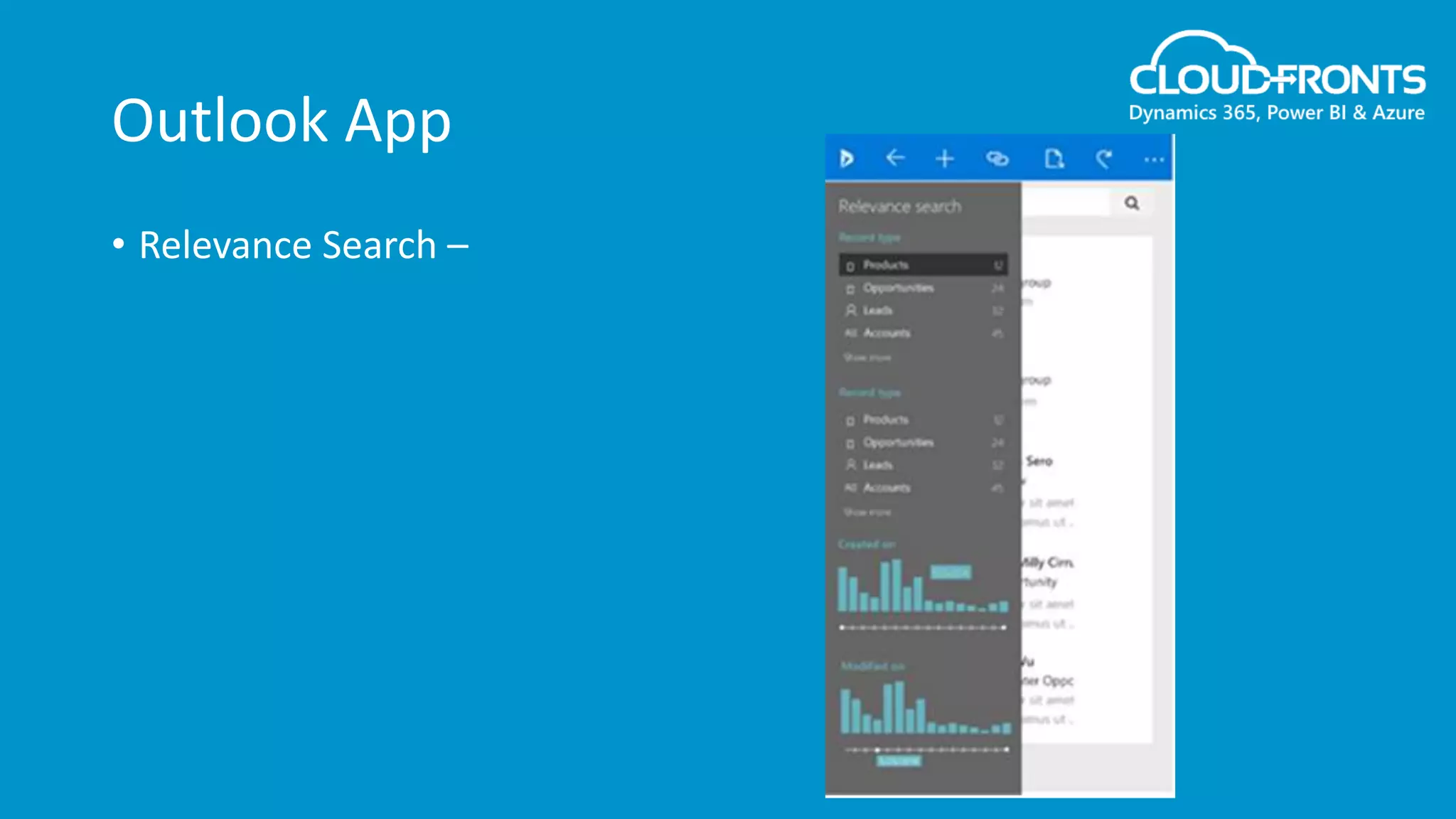
• Relevance Search –
Dynamics 365 mobile app
• No need to download a separate app.
• New navigation
• Take action on record
• Support for iFrame and Web Resources.
• Continuum support for Windows Phone.
• Getting offline faster
Next in this series…
• 20th September
• What’s New for Developers
• 27th September
• Customer Insights
Thank you!

D365 July 2017 Updates (Part 1)

  • 1.
    Dynamics 365: July2017 Release Customer Updates By – Priyesh Wagh
  • 2.
    Topics to becovered • User Experience Enhancements in web apps • User interface refresh • Advanced Find Change • Unified Interface • Extensibility and app platform • Virtual Entities • Customer Service Hub • New and improved business process flows • Outlook app • Dynamics 365 mobile app
  • 3.
    User Experience Enhancements •Visually refreshed • Consistent across all web apps – • Sales • Customer Service • Field Service • Project Service Automation
  • 4.
    User Interface Refresh •Now data grouped in easy-to-read containers • Removal of unneeded white spaces • Empty spaces have useful messages • Text wrapping for field labels • Color of the sub-grid at form level.
  • 5.
    Unified Interface Unified Interfaceis a major update coming to D365! No just visual – consistency and performance. DEMO
  • 6.
  • 7.
    Advanced Find change •NOT IN operator on Entity.
  • 8.
    Extensibility and AppPlatform • Business users can design apps using UI. • My Apps landing page improved. Better search. • App Designer – • Create from existing solution or quickly create. • Easy drag-drop components. • Chose client type – Web / Unified. • Design SiteMap for the same. • Search Canvas – Search for components to be added in the App.
  • 9.
    Extensibility and AppPlatform DEMO
  • 10.
    Virtual Entities • VirtualEntities is a superb feature! Access data in CRM without storing it in CRM. • Connects to external data sources • Create entities in CRM just like you create any other entity. • System Administrators/Configurators can perform this. • Organization owned and no row-level security • Data can’t be updated. • Doesn’t support – Business Process Flows, Workflows.
  • 11.
    Customer Service Hub •CSH is a replacement to Interactive Service Hub • Interactive Dashboards • Dock stages • Creating Rich Email – yet to be available.
  • 12.
    Improved Business ProcessFlow • Dock Stages • Business Process Flows as entities in D365. • Step Action
  • 13.
    Outlook App • UsesUnified Interface • View List Items
  • 14.
    Outlook App • SiteMap– • Favorites and Recent records
  • 15.
    Outlook App • DetailedRecord View – • Navigate into each record
  • 16.
  • 17.
    Dynamics 365 mobileapp • No need to download a separate app. • New navigation • Take action on record • Support for iFrame and Web Resources. • Continuum support for Windows Phone. • Getting offline faster
  • 18.
    Next in thisseries… • 20th September • What’s New for Developers • 27th September • Customer Insights
  • 19.