Creating a school policy for
digital technology
Tim Black
EAQUALS, Nice 20.11.15
So you want to BYOD?
Digital Native
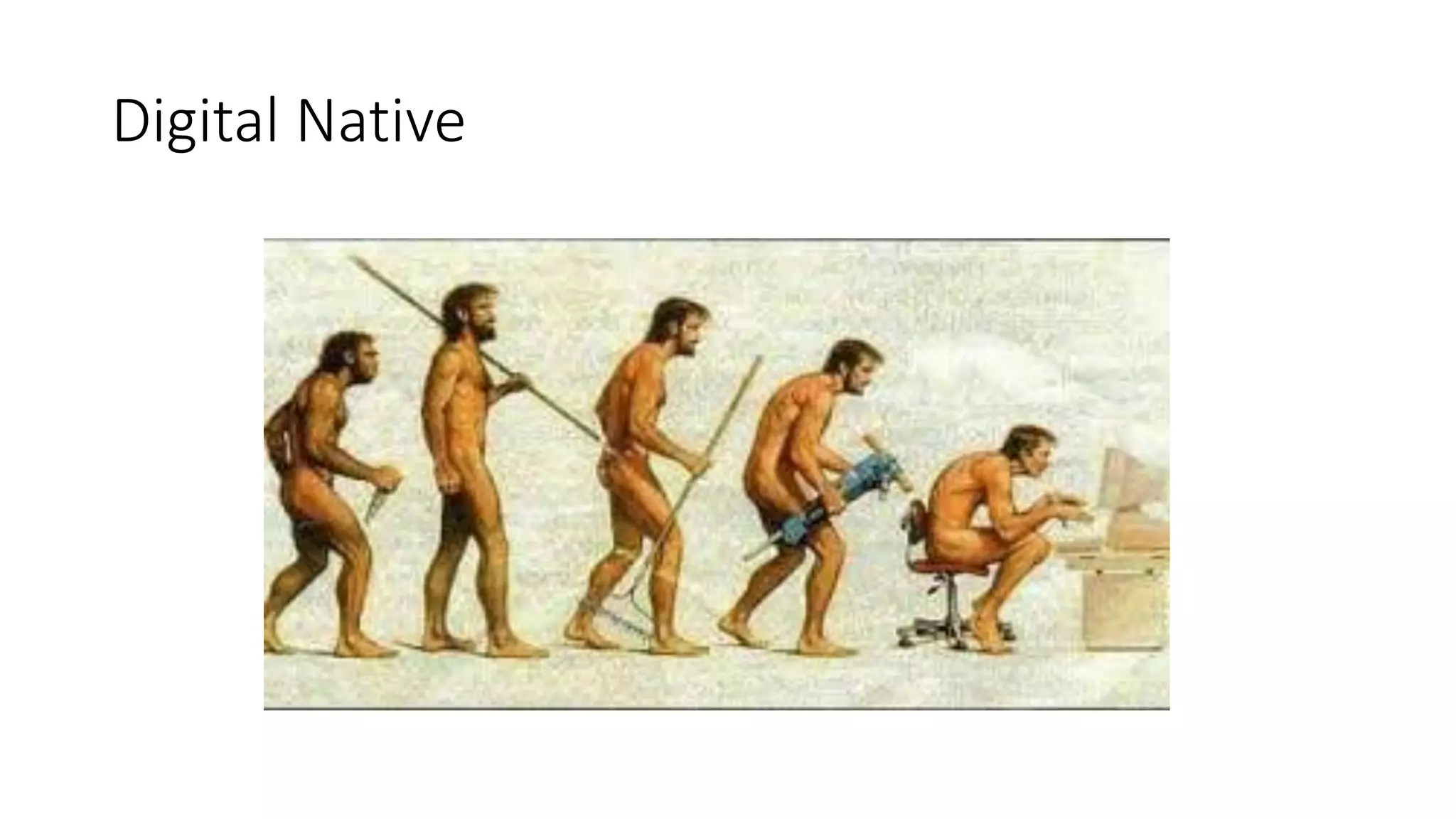
We have come a long way
BYOD is exciting
BYOD is exciting for schools
But beware
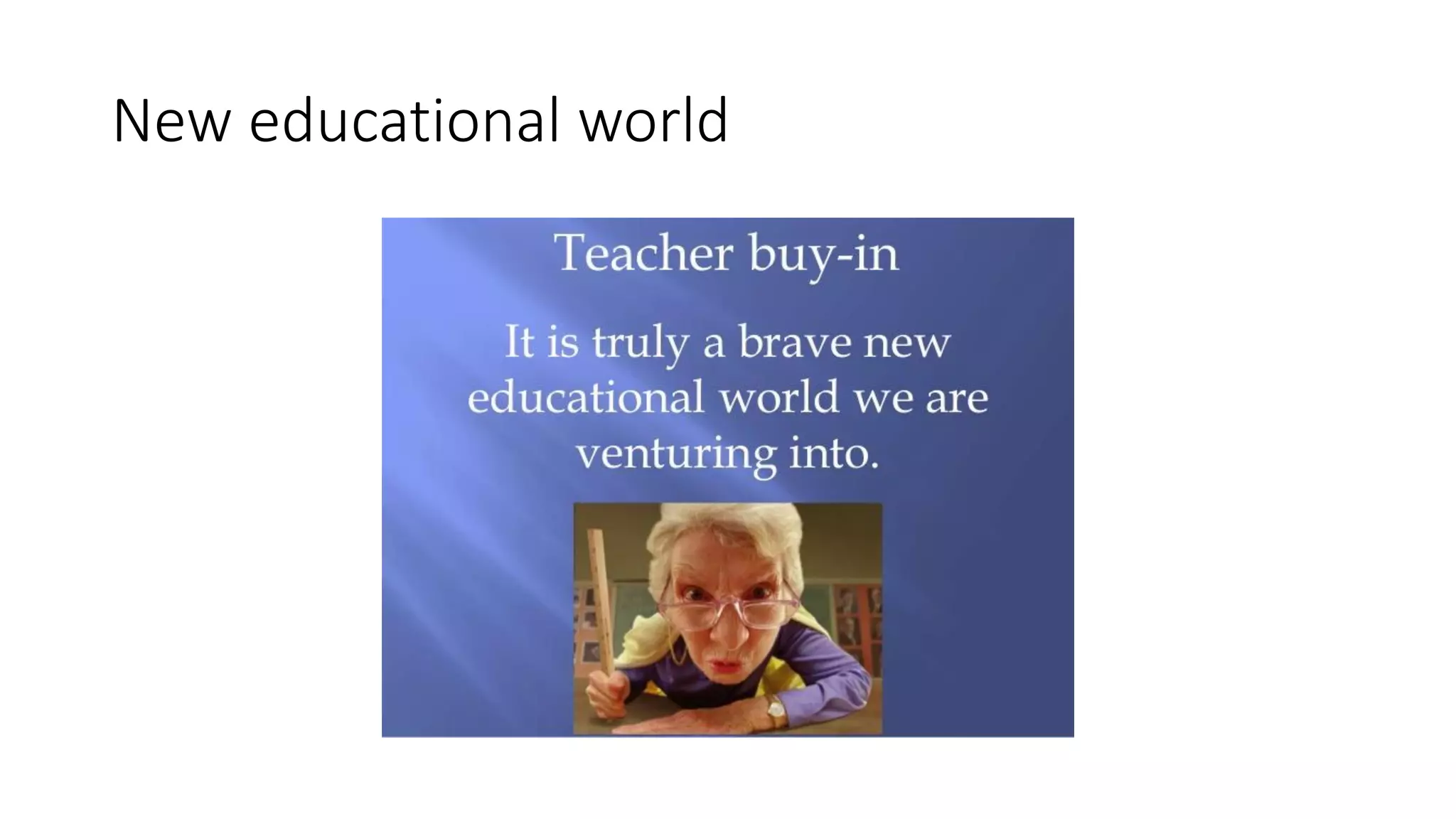
New educational world
The Canton
• The Canton wants to be BYOD by up and running by 2018
• They have stated they will not replace the current hardware
• They have been given free Microsoft software: SharePoint, Office 360
Business One Drive with 1 TB of cloud storage
• We have strong budget pressure and education is being forced to cut
costs – panic and fear in the air
• The canton has a fragmented IT policy with schools setting up own
independent platform though the canton has been promoting it own
canton platform
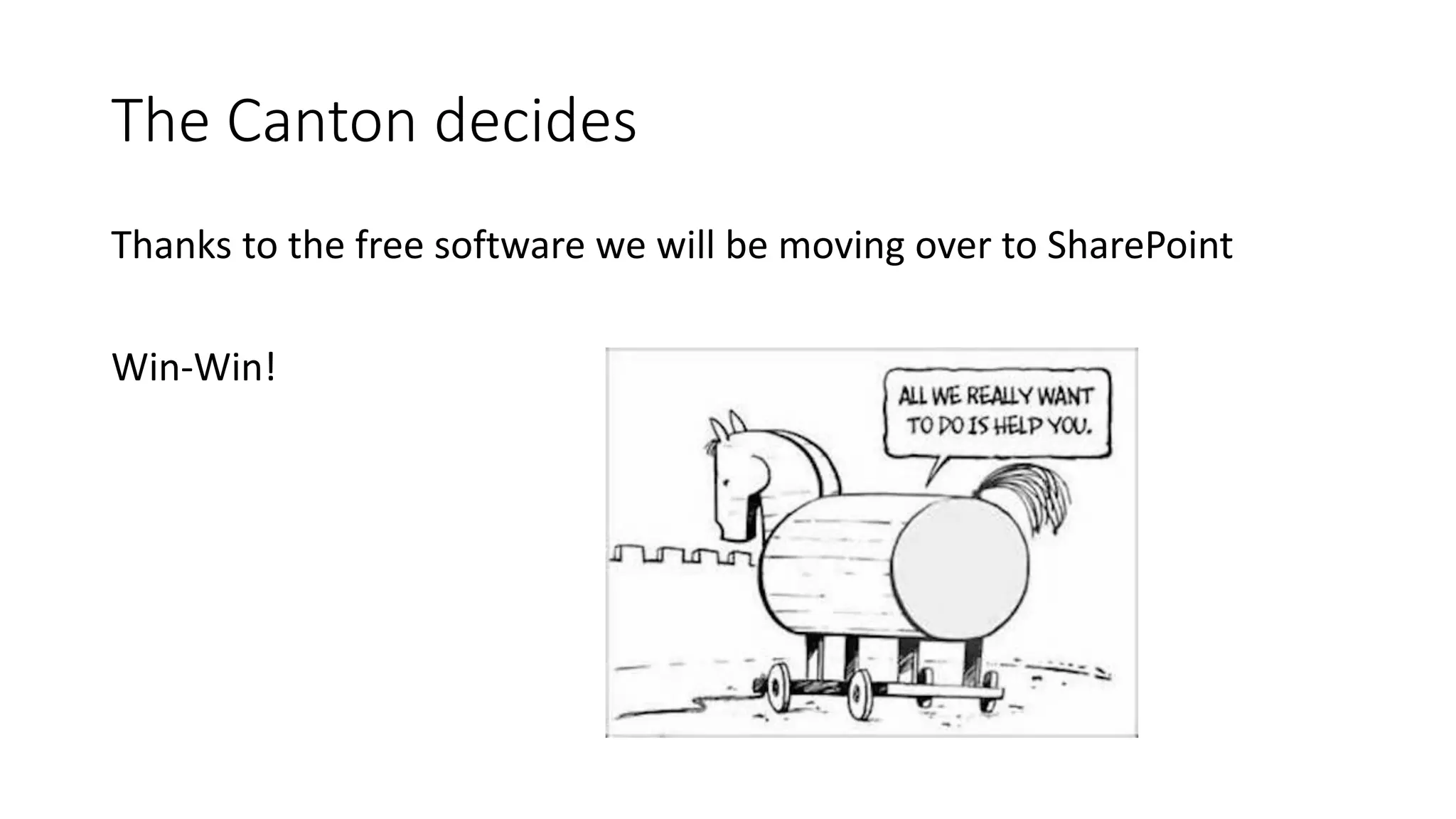
The Canton decides
Thanks to the free software we will be moving over to SharePoint
Win-Win!
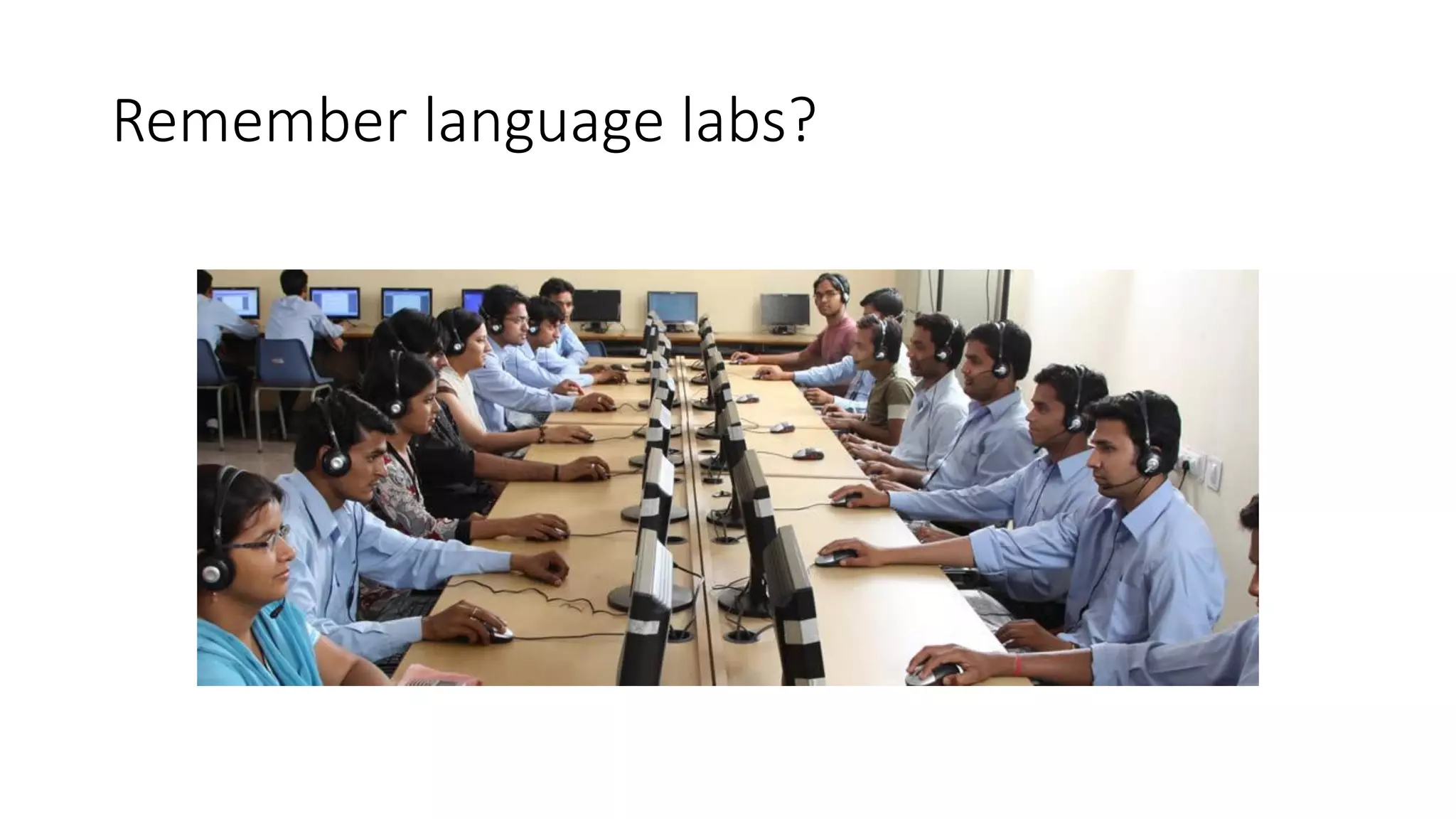
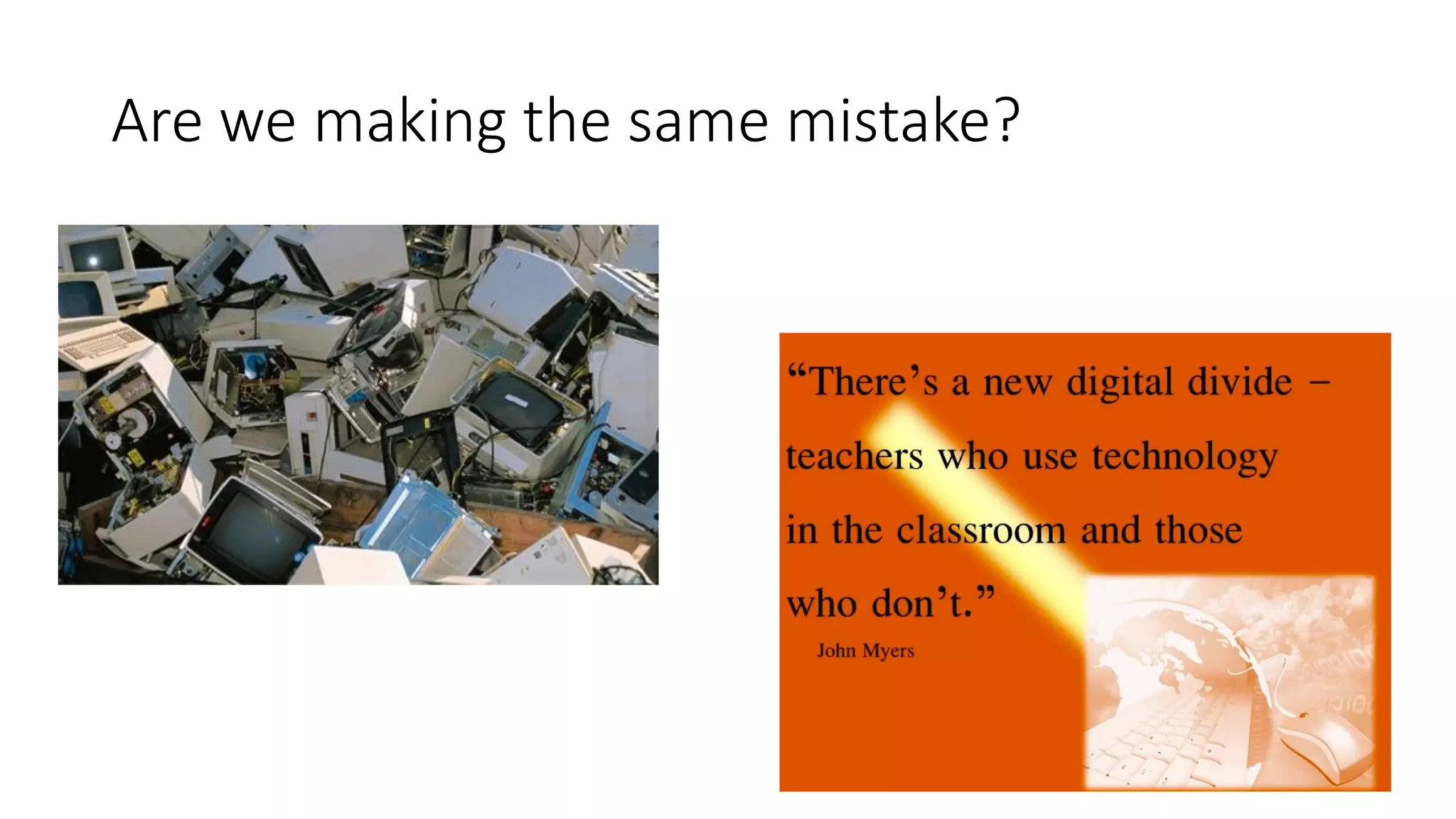
Remember language labs?
Are we making the same mistake?
School X set up
School X decided to set up a BYOD project (project status get funding)
• Classrooms had new digital projectors and document readers.
• BYOD rooms had blackboards, OHT and flipchart removed.
• School management lead the project with meetings and top down
information
• Teachers worked independently as usual
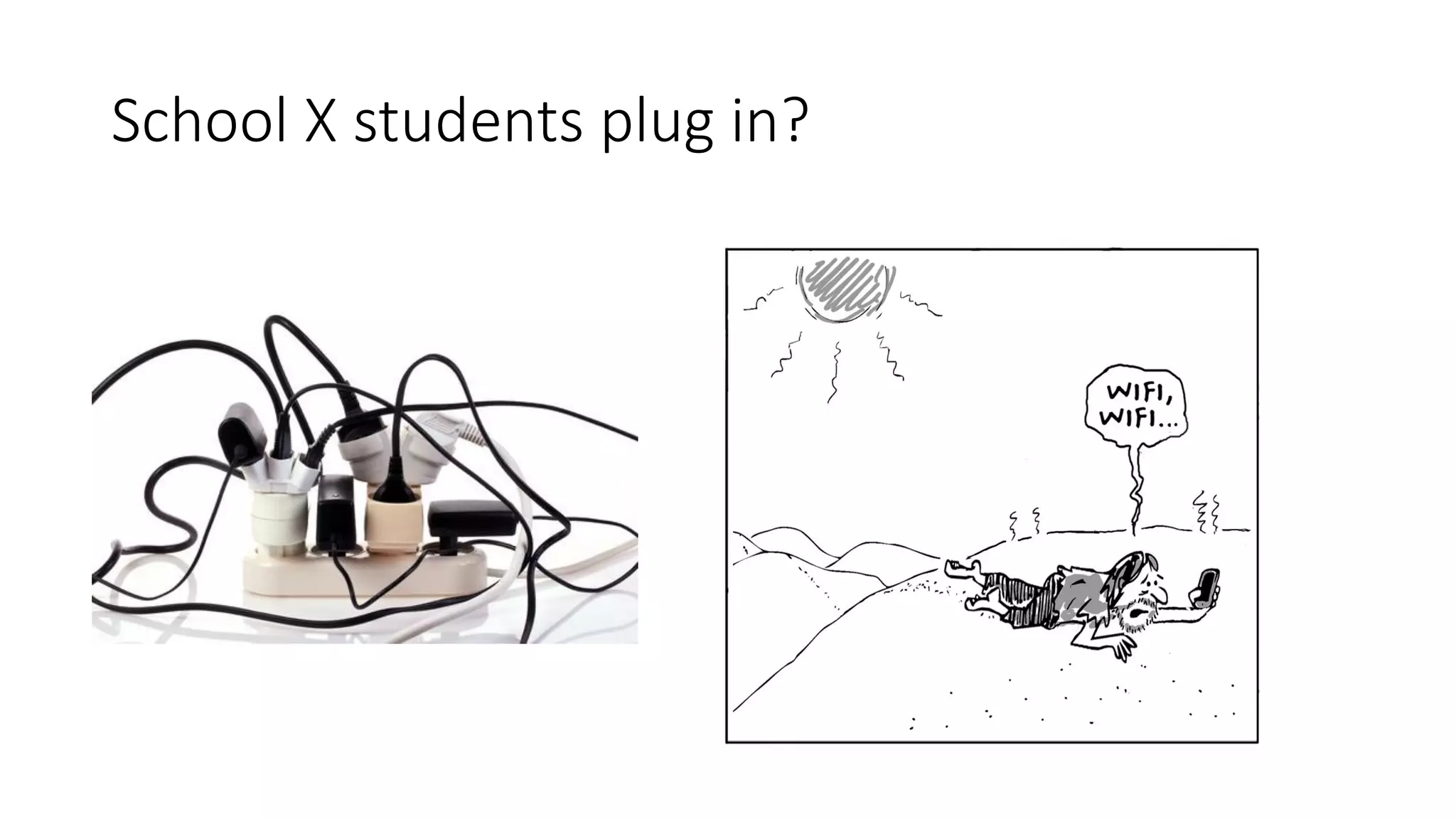
School X students plug in?
Control
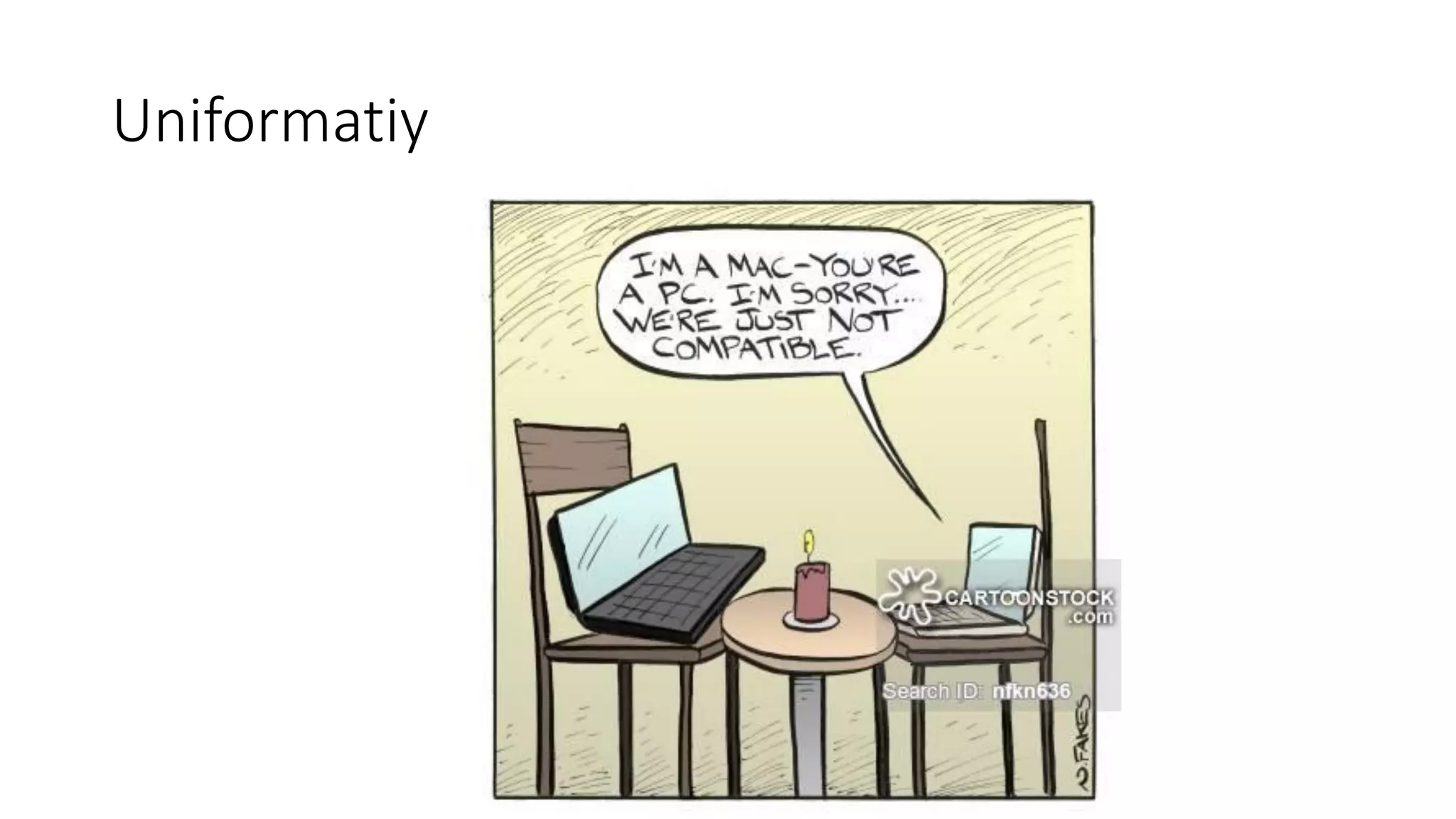
Uniformatiy
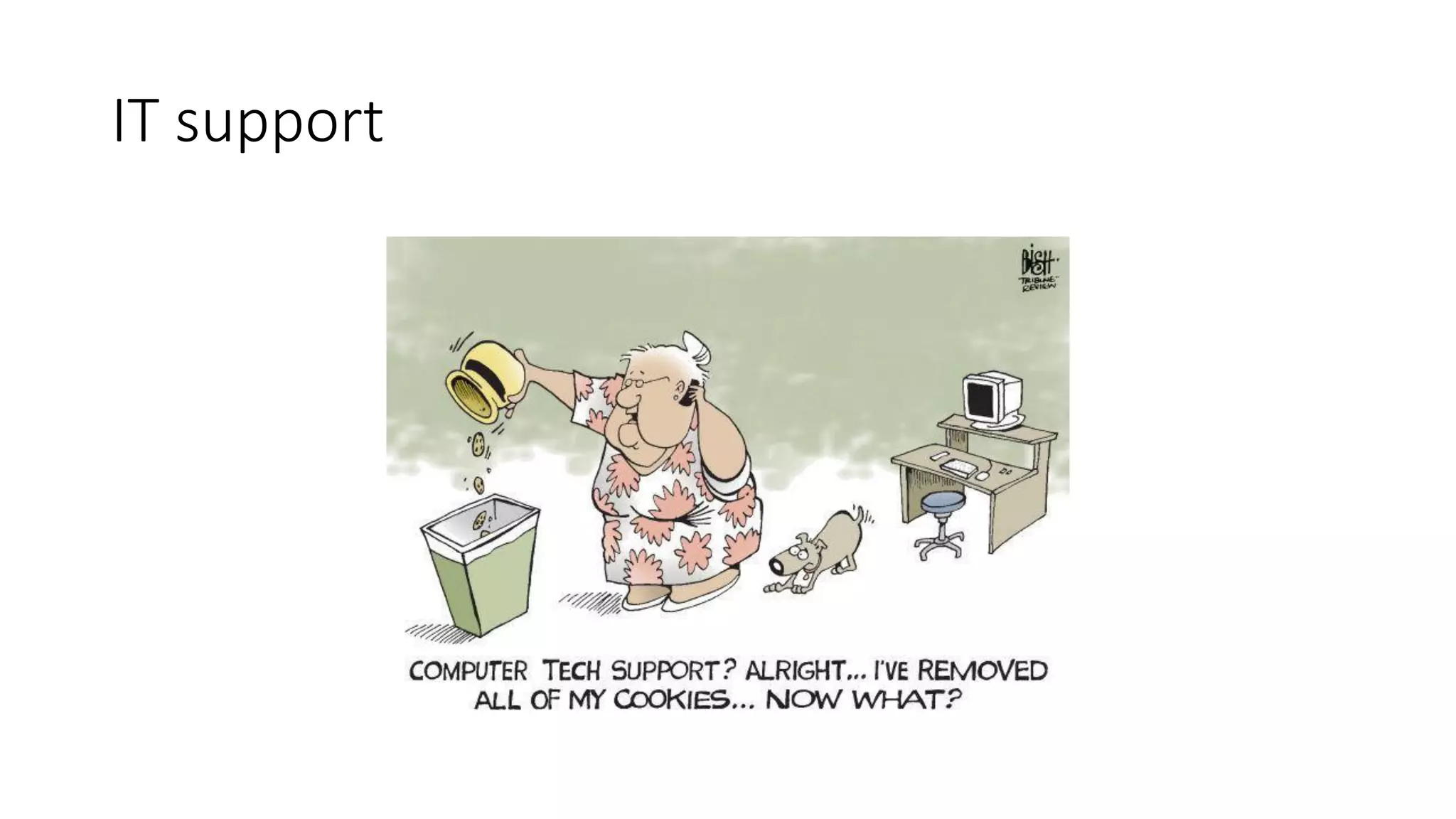
IT support
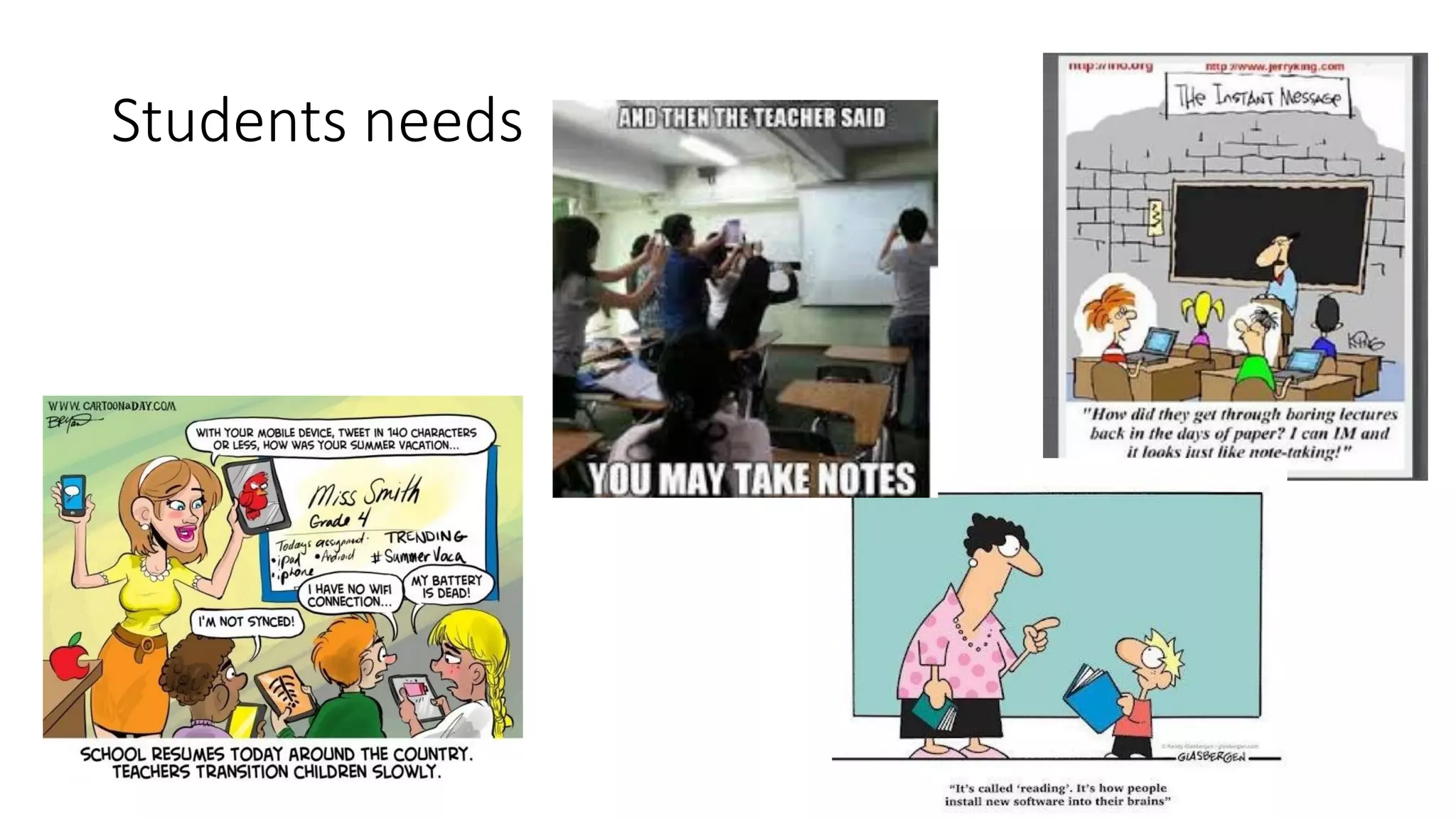
Students needs
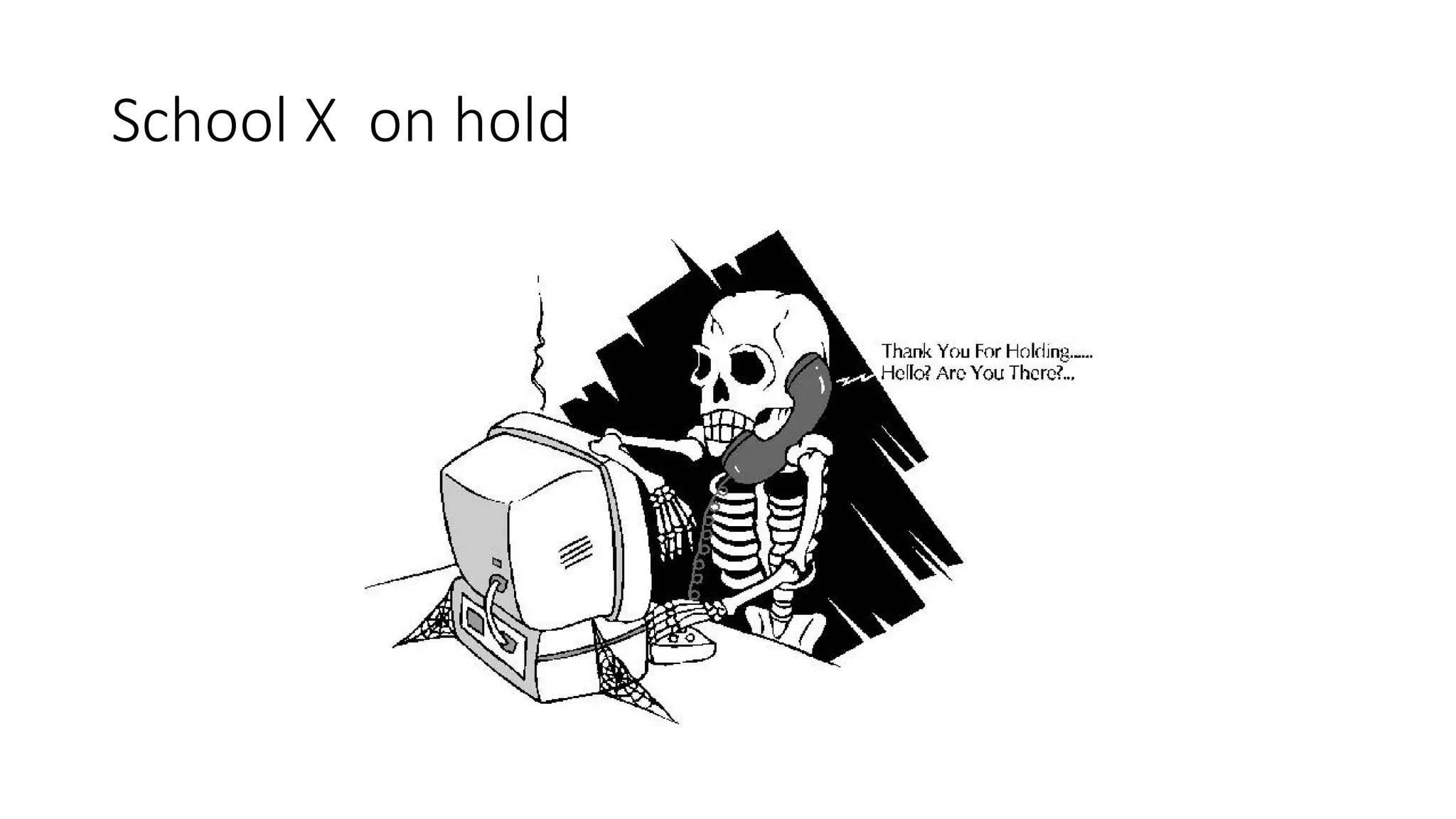
School X on hold
School Y start up
• No project just one class BYOD
• Three class rooms prepared. Improved Wi-Fi, power and sockets
• Teachers were informed that class Z would be BYOD we could opt out
of being the subject teacher of that class
• Project leader was IT teacher
• Management were participants not leaders
• Enrolled in University BYOD course paid for by school
• Workshops at each stage from installing onwards
School Y launch August 2015
• The class Z are aware of BYOD but are told by teacher if they will need
more than a smartphone
• Getting the IT infrastructure and admin set up takes time
• School happy to go slow
• We teachers will be training our fellow subject teachers in the future
and will become first line of support
• School is always listening - Blogs
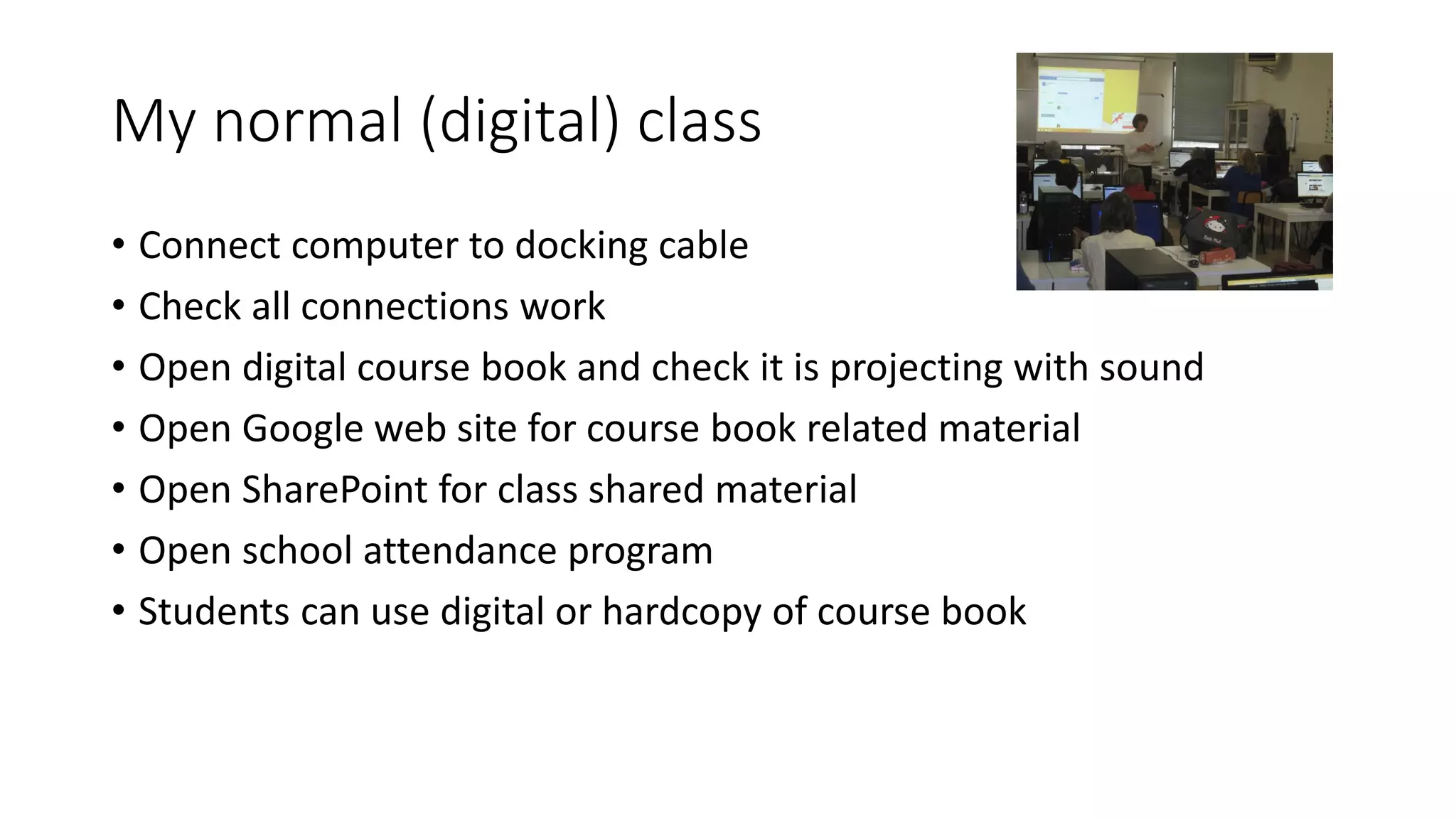
My normal (digital) class
• Connect computer to docking cable
• Check all connections work
• Open digital course book and check it is projecting with sound
• Open Google web site for course book related material
• Open SharePoint for class shared material
• Open school attendance program
• Students can use digital or hardcopy of course book
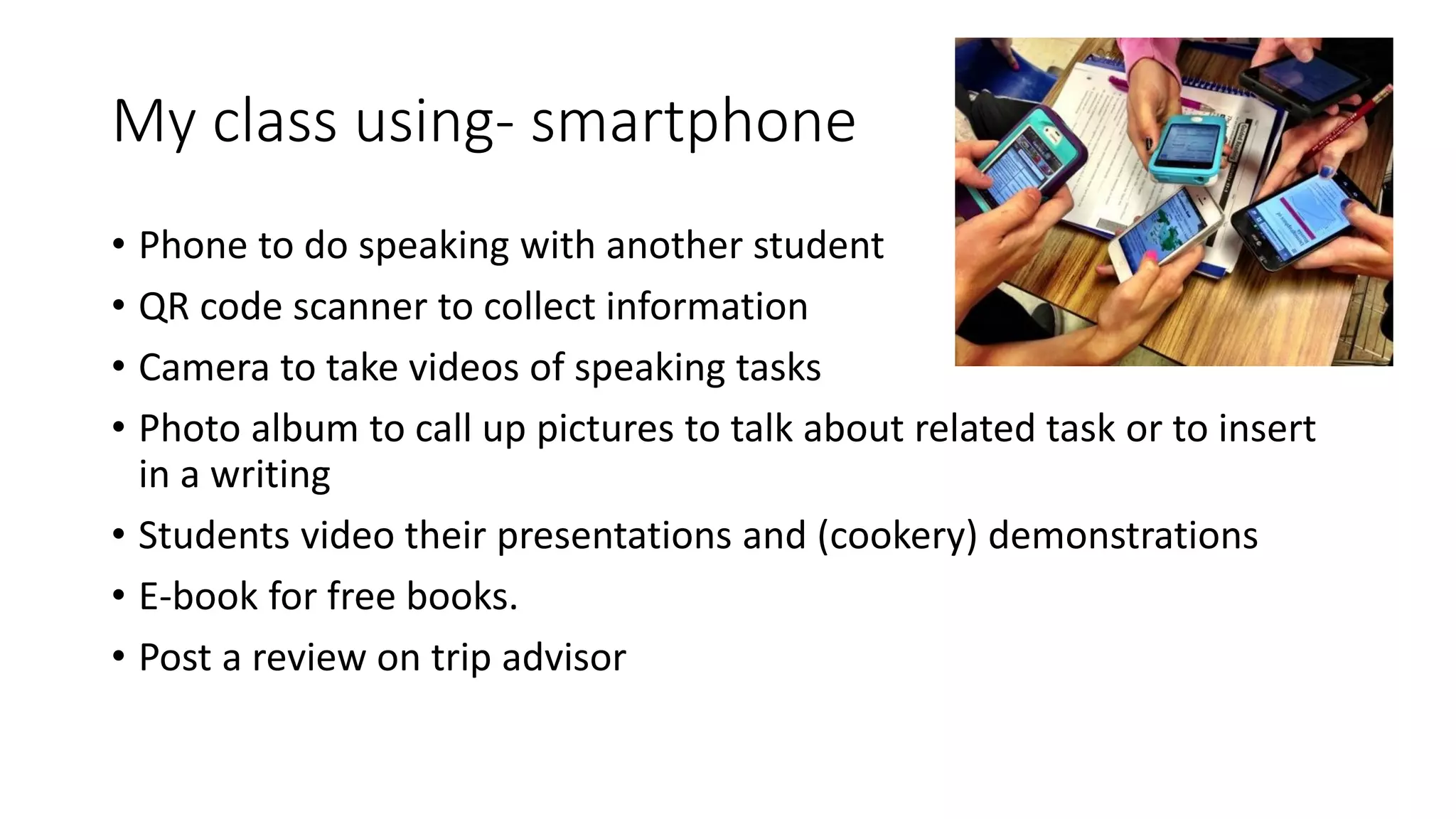
My class using- smartphone
• Phone to do speaking with another student
• QR code scanner to collect information
• Camera to take videos of speaking tasks
• Photo album to call up pictures to talk about related task or to insert
in a writing
• Students video their presentations and (cookery) demonstrations
• E-book for free books.
• Post a review on trip advisor
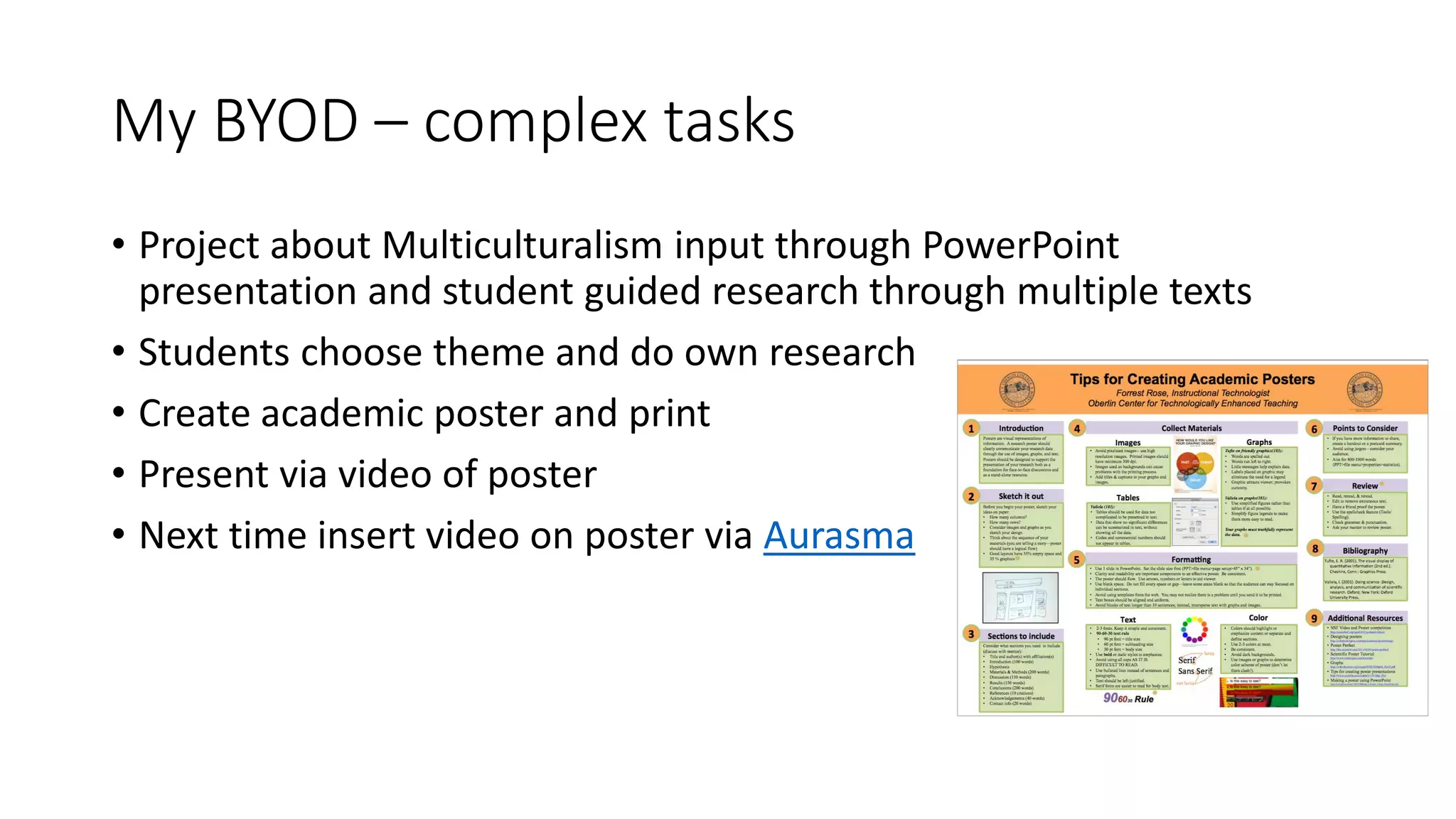
My BYOD – complex tasks
• Project about Multiculturalism input through PowerPoint
presentation and student guided research through multiple texts
• Students choose theme and do own research
• Create academic poster and print
• Present via video of poster
• Next time insert video on poster via Aurasma
Lessons to be learnt
• Costs can be higher than expected – spend it on improving power and
Wi-Fi and training
• Get expert help to evaluate hard and software needs
• Approach manufactures for assistance, installation and training
• Have good IT support on the ground and at different levels
• Have a training program for teachers and it should be continuous
• Plan and go slowly and steadily involve teachers and students so
leadership is provided but development is flexible to teacher and
student feedback
And…
• Provide and improve teachers’ basic IT training skills
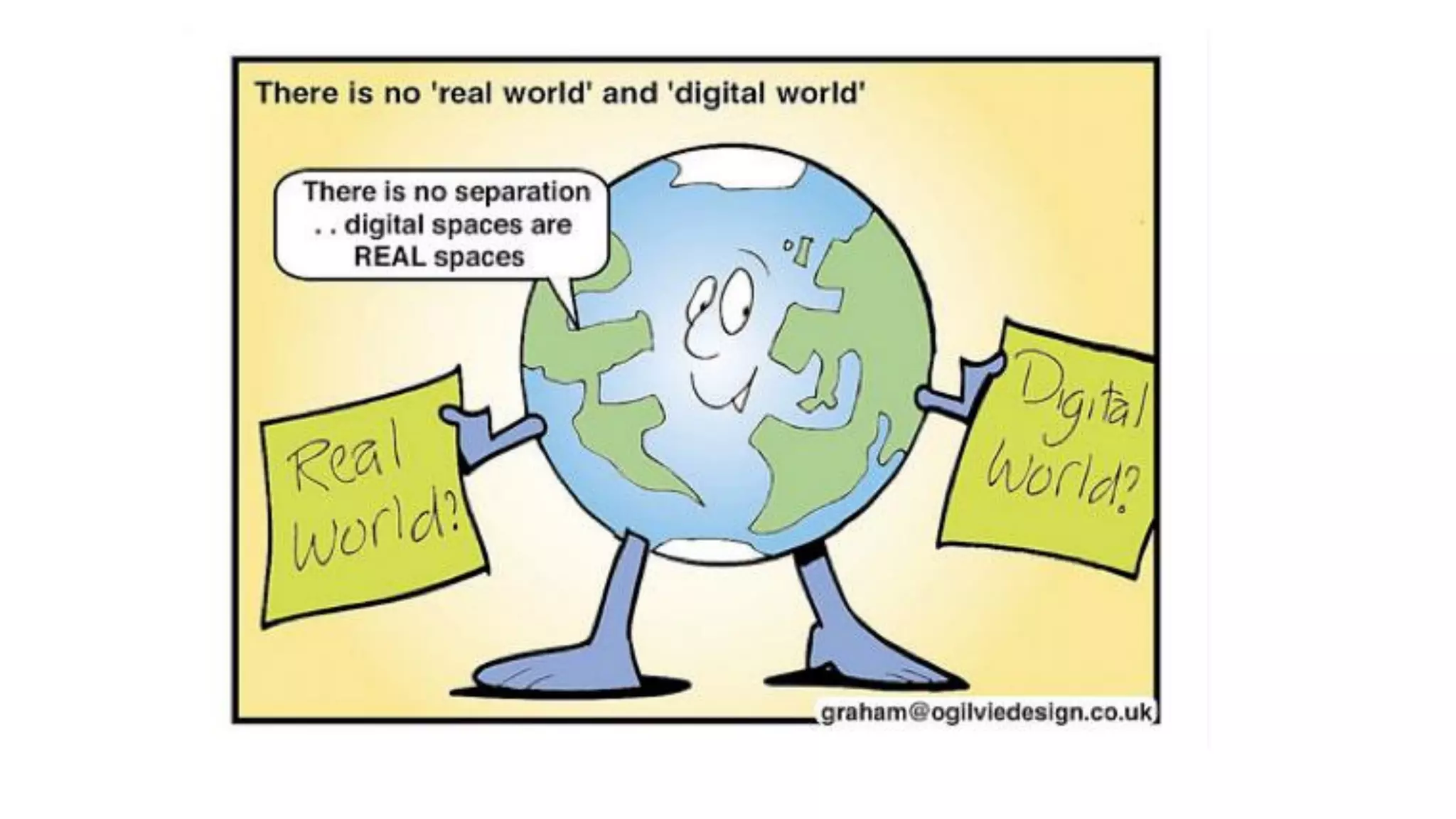
• Do not expect to control the organic nature of the digital world
• Uses publishers of eBooks and educational material to provide
support and training
• Plan to continue to maintain and update the network
• Much like when your school became and EAQUALS school it required
a whole school effort to gain membership and it required a
commitment to continual development. BYOD should plug into that
spirit
Creating a school policy for digital technology- Tim Black

Creating a school policy for digital technology- Tim Black

  • 1.
    Creating a schoolpolicy for digital technology Tim Black EAQUALS, Nice 20.11.15
  • 2.
    So you wantto BYOD?
  • 3.
  • 4.
    We have comea long way
  • 5.
  • 6.
    BYOD is excitingfor schools
  • 7.
  • 8.
  • 9.
    The Canton • TheCanton wants to be BYOD by up and running by 2018 • They have stated they will not replace the current hardware • They have been given free Microsoft software: SharePoint, Office 360 Business One Drive with 1 TB of cloud storage • We have strong budget pressure and education is being forced to cut costs – panic and fear in the air • The canton has a fragmented IT policy with schools setting up own independent platform though the canton has been promoting it own canton platform
  • 10.
    The Canton decides Thanksto the free software we will be moving over to SharePoint Win-Win!
  • 11.
  • 12.
    Are we makingthe same mistake?
  • 13.
    School X setup School X decided to set up a BYOD project (project status get funding) • Classrooms had new digital projectors and document readers. • BYOD rooms had blackboards, OHT and flipchart removed. • School management lead the project with meetings and top down information • Teachers worked independently as usual
  • 14.
  • 15.
  • 16.
  • 17.
  • 18.
  • 19.
  • 20.
    School Y startup • No project just one class BYOD • Three class rooms prepared. Improved Wi-Fi, power and sockets • Teachers were informed that class Z would be BYOD we could opt out of being the subject teacher of that class • Project leader was IT teacher • Management were participants not leaders • Enrolled in University BYOD course paid for by school • Workshops at each stage from installing onwards
  • 21.
    School Y launchAugust 2015 • The class Z are aware of BYOD but are told by teacher if they will need more than a smartphone • Getting the IT infrastructure and admin set up takes time • School happy to go slow • We teachers will be training our fellow subject teachers in the future and will become first line of support • School is always listening - Blogs
  • 22.
    My normal (digital)class • Connect computer to docking cable • Check all connections work • Open digital course book and check it is projecting with sound • Open Google web site for course book related material • Open SharePoint for class shared material • Open school attendance program • Students can use digital or hardcopy of course book
  • 23.
    My class using-smartphone • Phone to do speaking with another student • QR code scanner to collect information • Camera to take videos of speaking tasks • Photo album to call up pictures to talk about related task or to insert in a writing • Students video their presentations and (cookery) demonstrations • E-book for free books. • Post a review on trip advisor
  • 24.
    My BYOD –complex tasks • Project about Multiculturalism input through PowerPoint presentation and student guided research through multiple texts • Students choose theme and do own research • Create academic poster and print • Present via video of poster • Next time insert video on poster via Aurasma
  • 25.
    Lessons to belearnt • Costs can be higher than expected – spend it on improving power and Wi-Fi and training • Get expert help to evaluate hard and software needs • Approach manufactures for assistance, installation and training • Have good IT support on the ground and at different levels • Have a training program for teachers and it should be continuous • Plan and go slowly and steadily involve teachers and students so leadership is provided but development is flexible to teacher and student feedback
  • 26.
    And… • Provide andimprove teachers’ basic IT training skills • Do not expect to control the organic nature of the digital world • Uses publishers of eBooks and educational material to provide support and training • Plan to continue to maintain and update the network • Much like when your school became and EAQUALS school it required a whole school effort to gain membership and it required a commitment to continual development. BYOD should plug into that spirit