CPU PERFORMANCE MATRIX
Performance in General
• X is n times faster than Y" means:
n= Performance (X) / Performance (Y)
• Speed of Concorde vs. Boeing 747
• Throughput of Boeing 747 vs. Concorde
• Cost is also an important parameter in the equation, which is why Concorde was put to
pasture!
• The Bottom Line:
• Performance and Cost or Cost and Performance?
Basic Performance Metrics
• Response time: the time between the start and the completion of a task (in time units)
• Throughput: the total amount of tasks done in a given time period (in number of tasks per
unit of time.
• Example: Car assembly factory:
• 4 hours to produce a car (response time)
• 6 cars per an hour produced (throughput)
• General, there is no relationship between those two metrics.
• Throughput of the car assembly factory may increase to 18 cars per an hour without
changing time to produce one car.
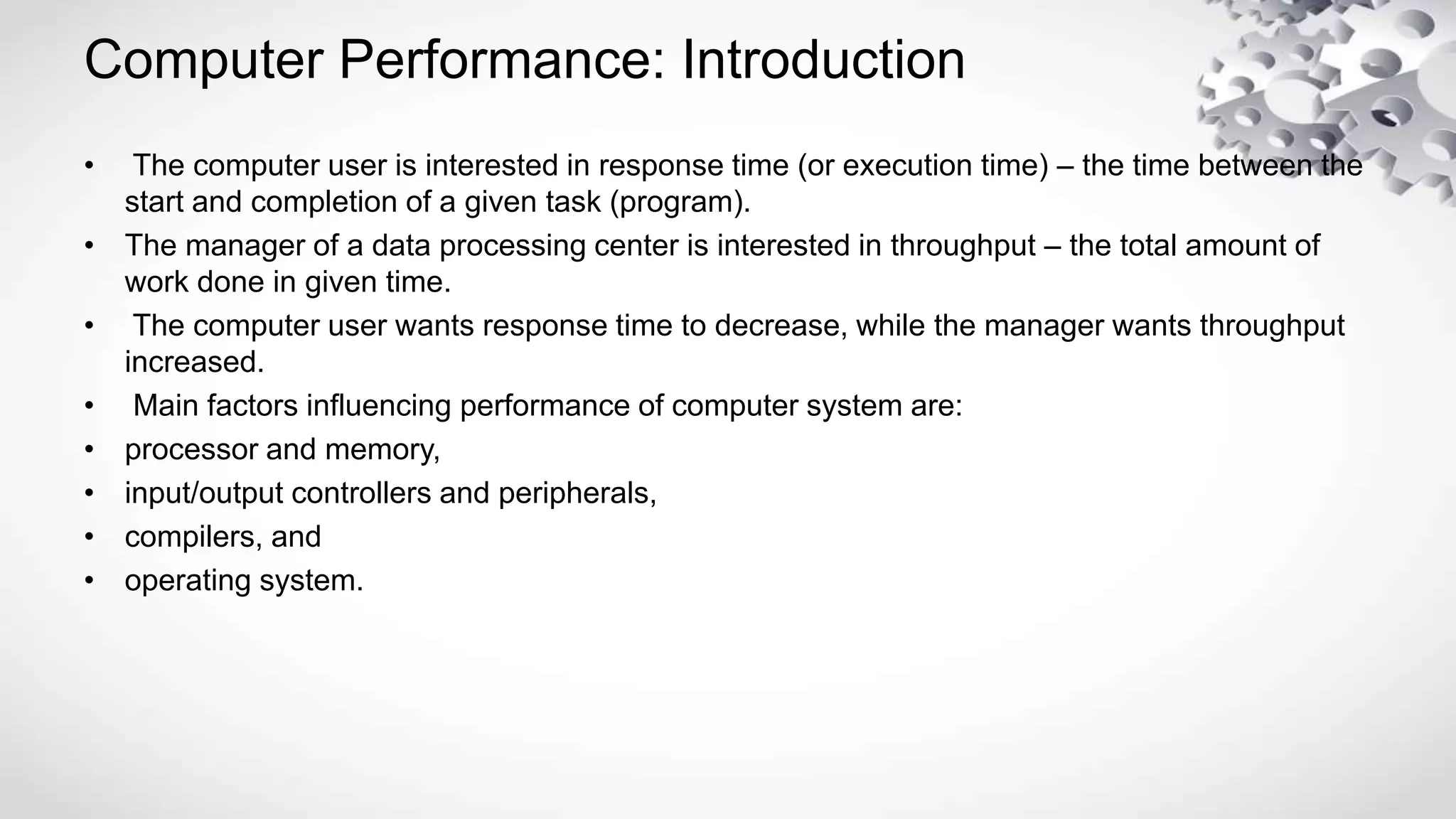
Computer Performance: Introduction
• The computer user is interested in response time (or execution time) – the time between the
start and completion of a given task (program).
• The manager of a data processing center is interested in throughput – the total amount of
work done in given time.
• The computer user wants response time to decrease, while the manager wants throughput
increased.
• Main factors influencing performance of computer system are:
• processor and memory,
• input/output controllers and peripherals,
• compilers, and
• operating system.
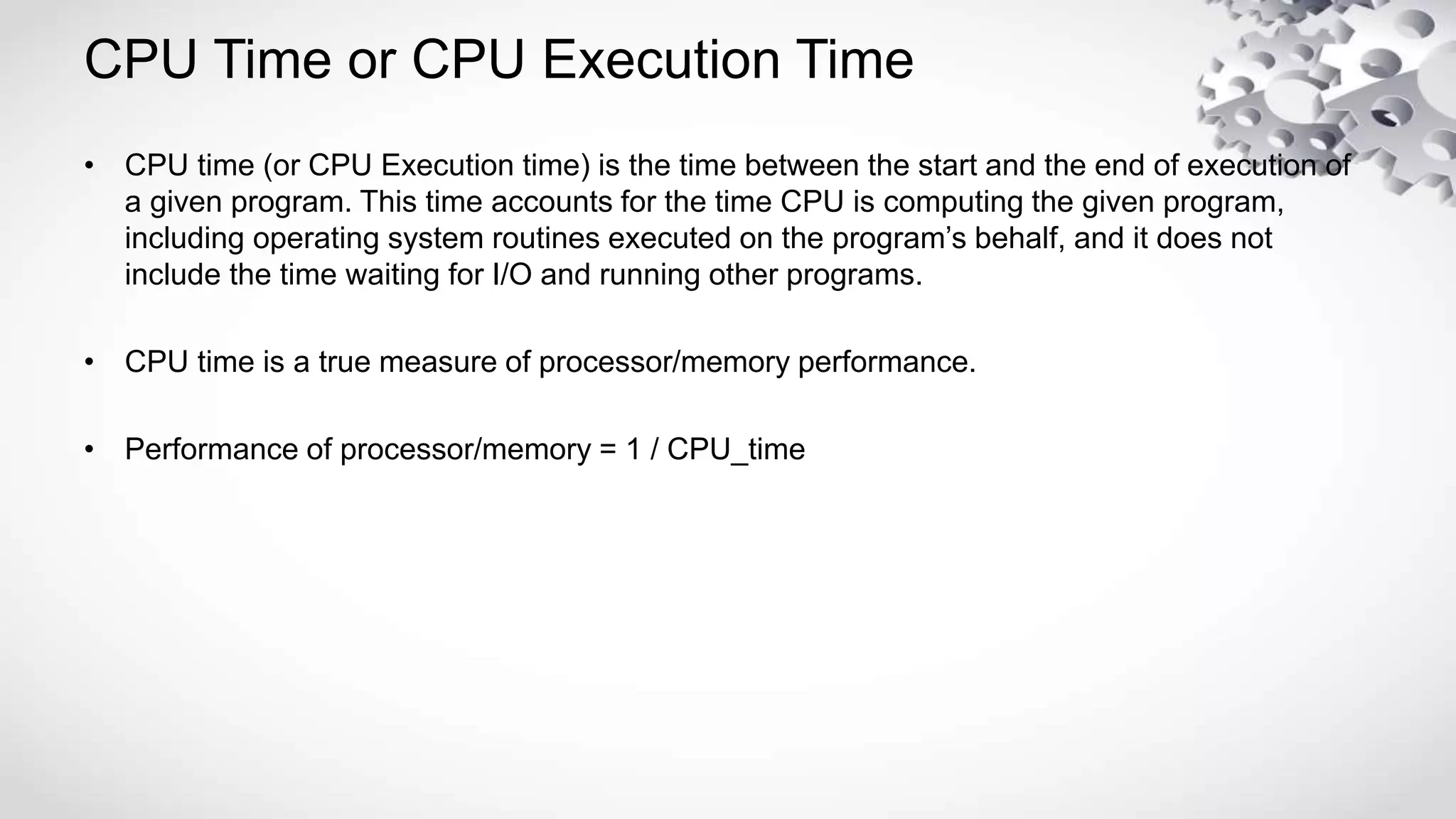
CPU Time or CPU Execution Time
• CPU time (or CPU Execution time) is the time between the start and the end of execution of
a given program. This time accounts for the time CPU is computing the given program,
including operating system routines executed on the program’s behalf, and it does not
include the time waiting for I/O and running other programs.
• CPU time is a true measure of processor/memory performance.
• Performance of processor/memory = 1 / CPU_time
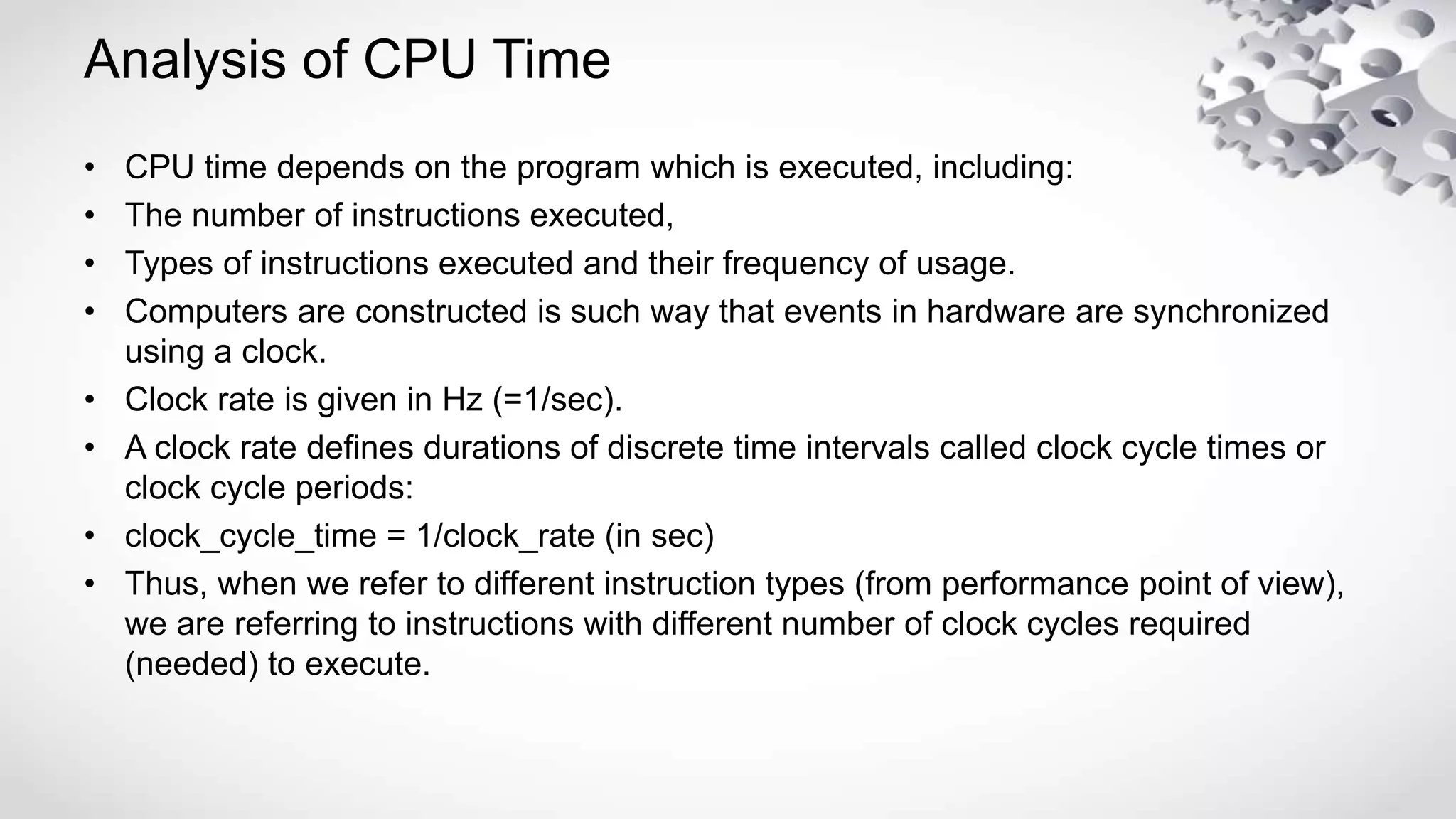
Analysis of CPU Time
• CPU time depends on the program which is executed, including:
• The number of instructions executed,
• Types of instructions executed and their frequency of usage.
• Computers are constructed is such way that events in hardware are synchronized
using a clock.
• Clock rate is given in Hz (=1/sec).
• A clock rate defines durations of discrete time intervals called clock cycle times or
clock cycle periods:
• clock_cycle_time = 1/clock_rate (in sec)
• Thus, when we refer to different instruction types (from performance point of view),
we are referring to instructions with different number of clock cycles required
(needed) to execute.
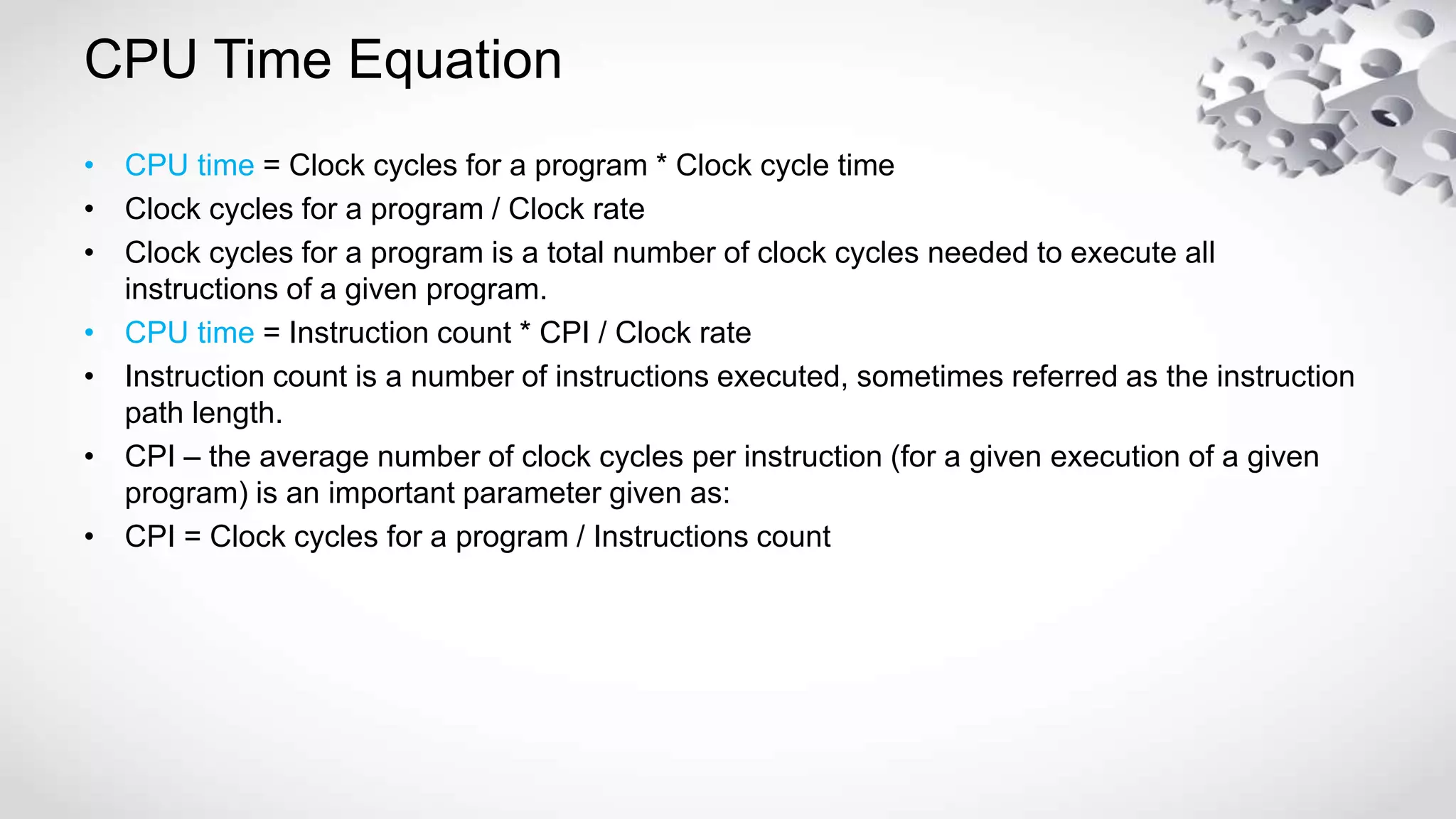
CPU Time Equation
• CPU time = Clock cycles for a program * Clock cycle time
• Clock cycles for a program / Clock rate
• Clock cycles for a program is a total number of clock cycles needed to execute all
instructions of a given program.
• CPU time = Instruction count * CPI / Clock rate
• Instruction count is a number of instructions executed, sometimes referred as the instruction
path length.
• CPI – the average number of clock cycles per instruction (for a given execution of a given
program) is an important parameter given as:
• CPI = Clock cycles for a program / Instructions count
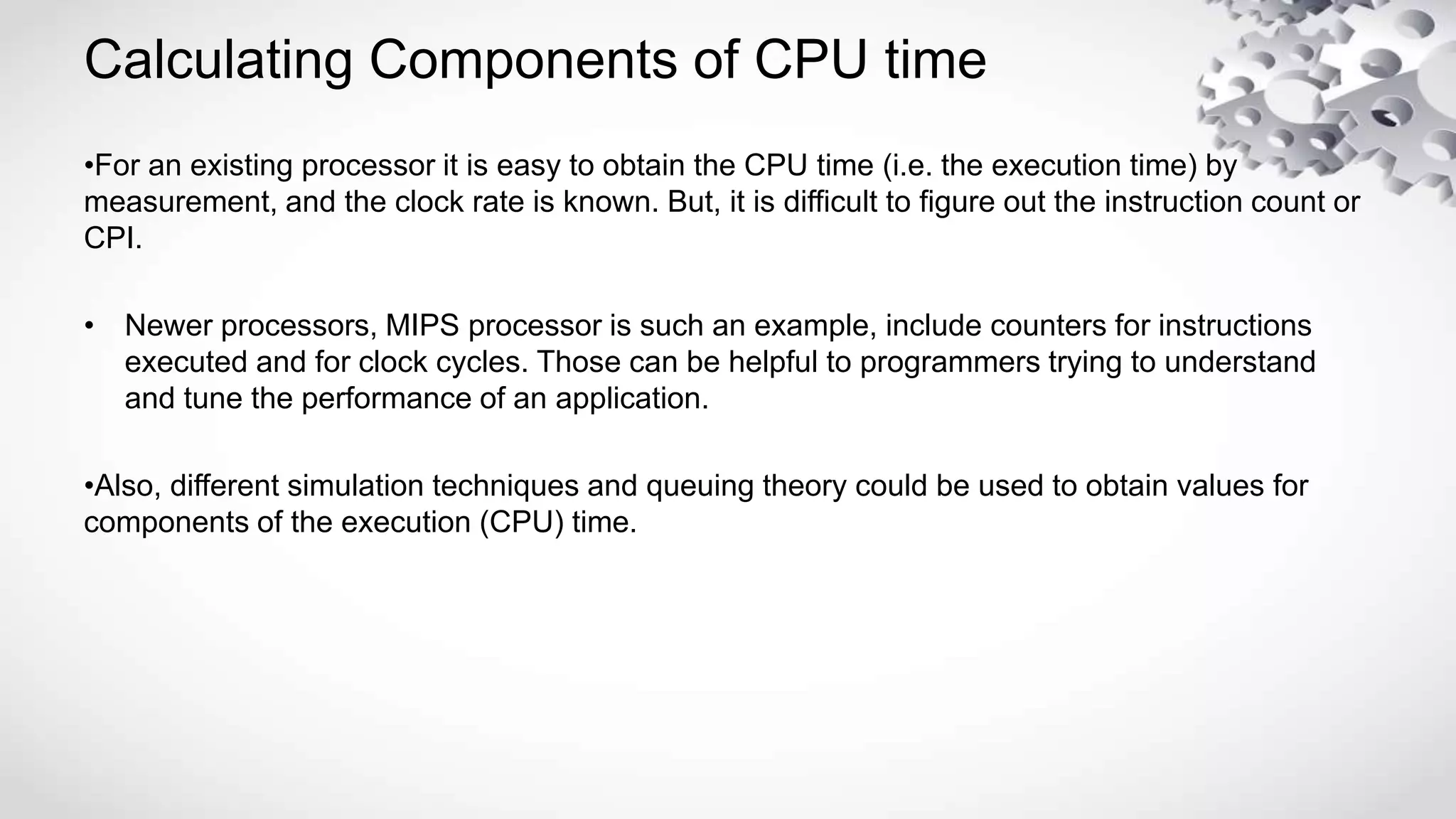
Calculating Components of CPU time
•For an existing processor it is easy to obtain the CPU time (i.e. the execution time) by
measurement, and the clock rate is known. But, it is difficult to figure out the instruction count or
CPI.
• Newer processors, MIPS processor is such an example, include counters for instructions
executed and for clock cycles. Those can be helpful to programmers trying to understand
and tune the performance of an application.
•Also, different simulation techniques and queuing theory could be used to obtain values for
components of the execution (CPU) time.
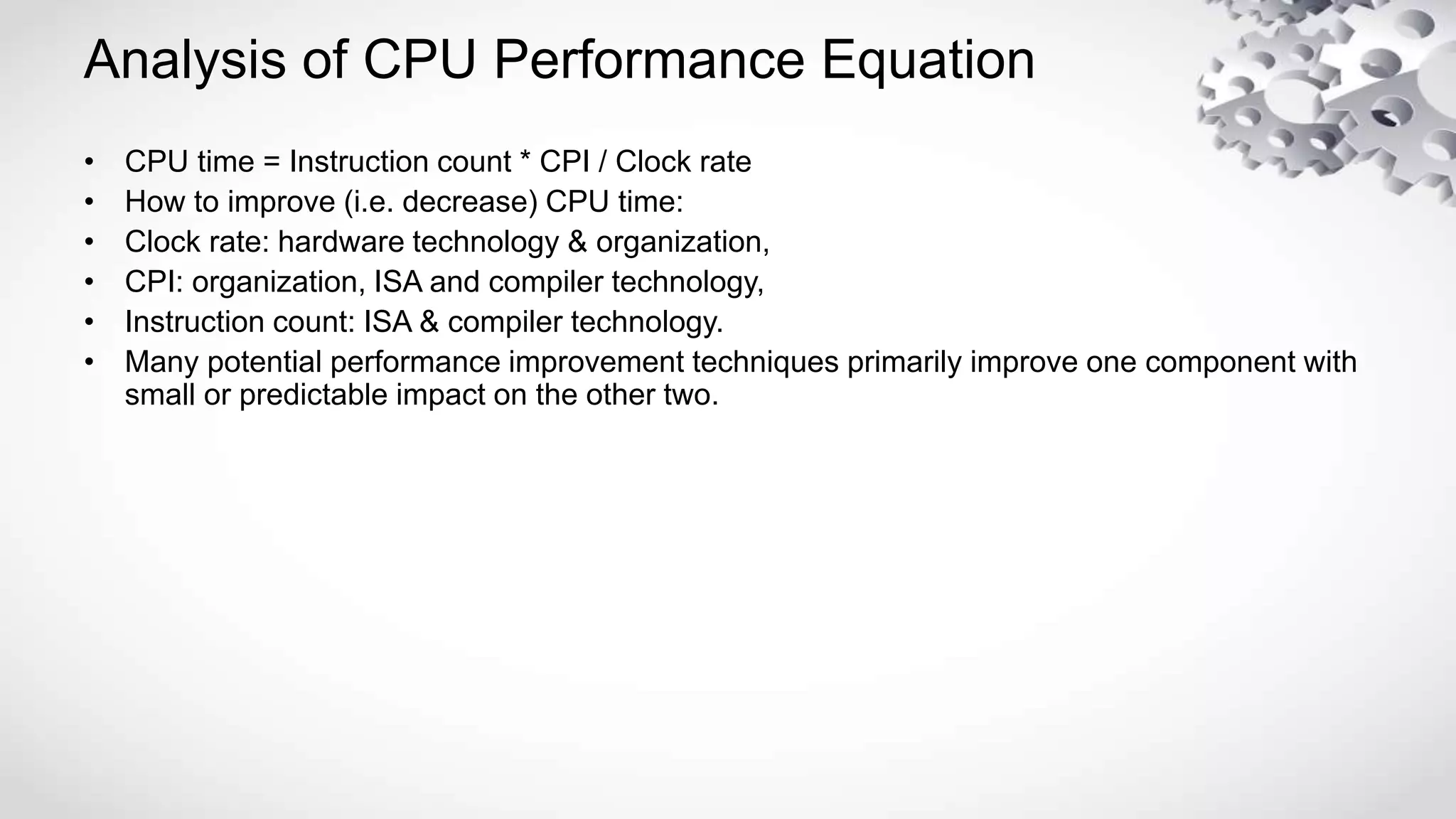
Analysis of CPU Performance Equation
• CPU time = Instruction count * CPI / Clock rate
• How to improve (i.e. decrease) CPU time:
• Clock rate: hardware technology & organization,
• CPI: organization, ISA and compiler technology,
• Instruction count: ISA & compiler technology.
• Many potential performance improvement techniques primarily improve one component with
small or predictable impact on the other two.
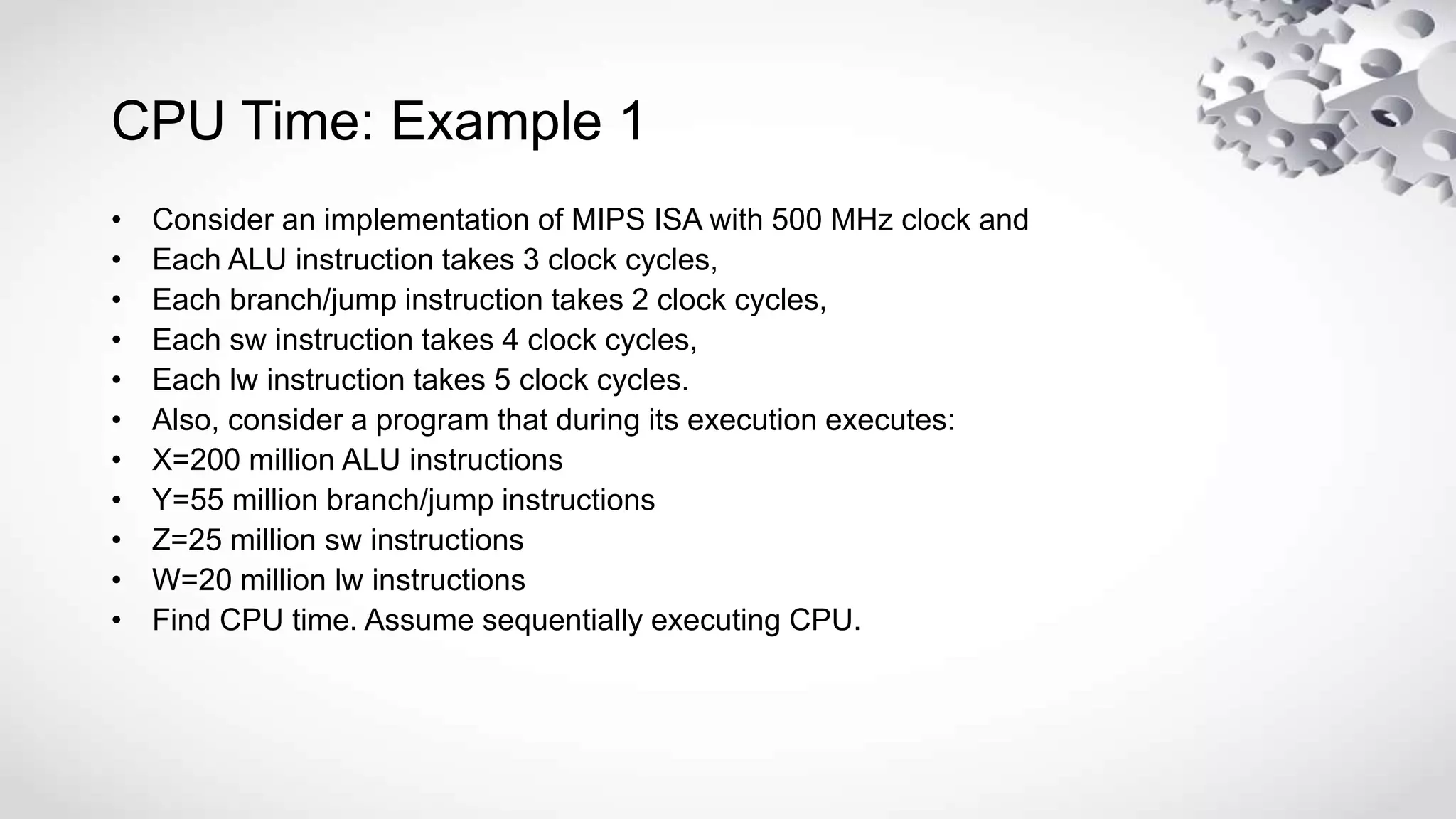
CPU Time: Example 1
• Consider an implementation of MIPS ISA with 500 MHz clock and
• Each ALU instruction takes 3 clock cycles,
• Each branch/jump instruction takes 2 clock cycles,
• Each sw instruction takes 4 clock cycles,
• Each lw instruction takes 5 clock cycles.
• Also, consider a program that during its execution executes:
• X=200 million ALU instructions
• Y=55 million branch/jump instructions
• Z=25 million sw instructions
• W=20 million lw instructions
• Find CPU time. Assume sequentially executing CPU.
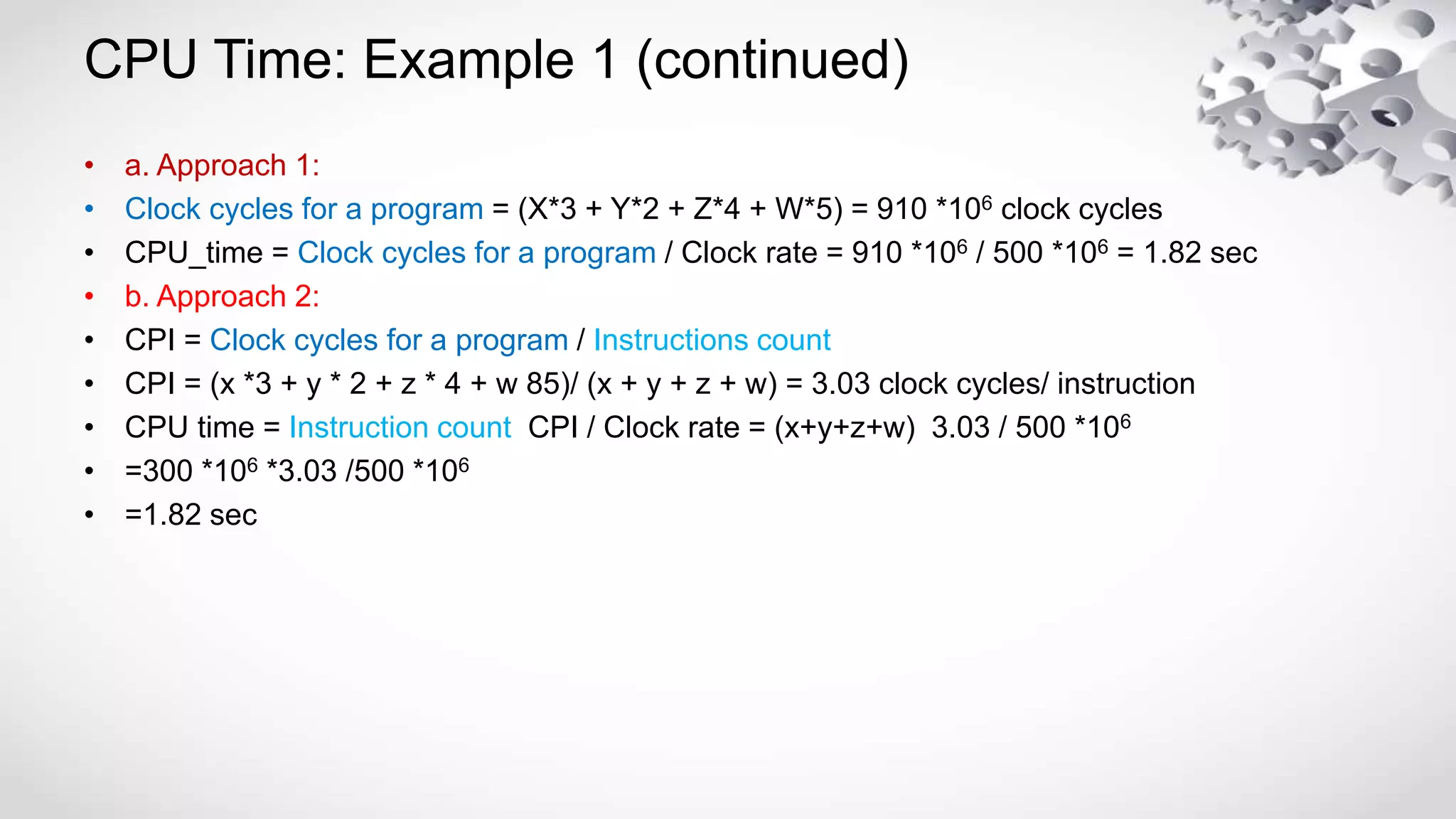
CPU Time: Example 1 (continued)
• a. Approach 1:
• Clock cycles for a program = (X*3 + Y*2 + Z*4 + W*5) = 910 *106 clock cycles
• CPU_time = Clock cycles for a program / Clock rate = 910 *106 / 500 *106 = 1.82 sec
• b. Approach 2:
• CPI = Clock cycles for a program / Instructions count
• CPI = (x *3 + y * 2 + z * 4 + w 85)/ (x + y + z + w) = 3.03 clock cycles/ instruction
• CPU time = Instruction count CPI / Clock rate = (x+y+z+w) 3.03 / 500 *106
• =300 *106 *3.03 /500 *106
• =1.82 sec
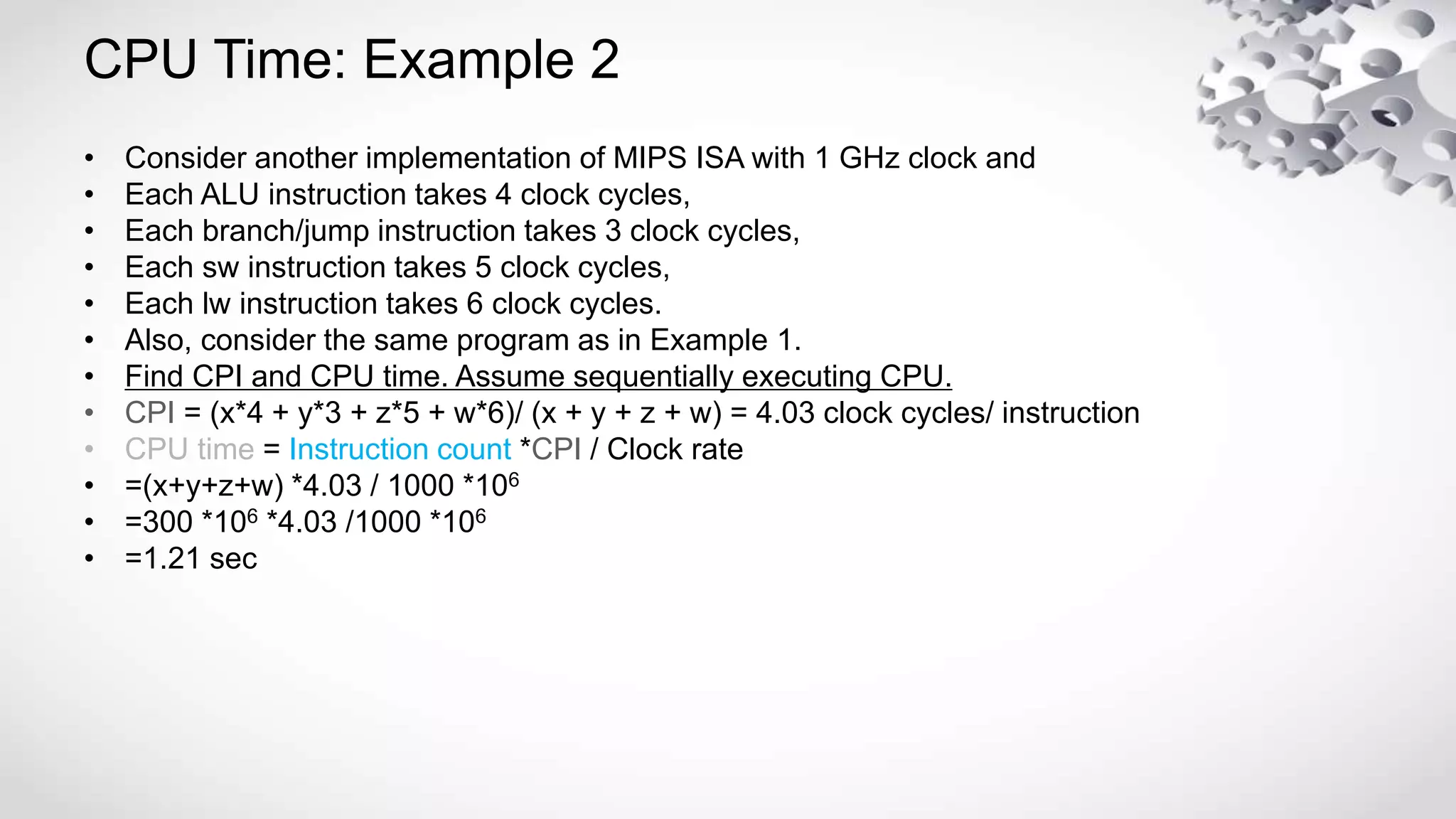
CPU Time: Example 2
• Consider another implementation of MIPS ISA with 1 GHz clock and
• Each ALU instruction takes 4 clock cycles,
• Each branch/jump instruction takes 3 clock cycles,
• Each sw instruction takes 5 clock cycles,
• Each lw instruction takes 6 clock cycles.
• Also, consider the same program as in Example 1.
• Find CPI and CPU time. Assume sequentially executing CPU.
• CPI = (x*4 + y*3 + z*5 + w*6)/ (x + y + z + w) = 4.03 clock cycles/ instruction
• CPU time = Instruction count *CPI / Clock rate
• =(x+y+z+w) *4.03 / 1000 *106
• =300 *106 *4.03 /1000 *106
• =1.21 sec
Calculating CPI
• CPI = (x3 + y2 + z4 + w5)/ (x + y + z + w)
• The calculation may not be necessary correct (and usually it isn’t) since the numbers of
cycles per instruction given don’t account for pipeline effects and other advanced design
techniques.

Cpu performance matrix

  • 1.
  • 2.
    Performance in General •X is n times faster than Y" means: n= Performance (X) / Performance (Y) • Speed of Concorde vs. Boeing 747 • Throughput of Boeing 747 vs. Concorde • Cost is also an important parameter in the equation, which is why Concorde was put to pasture! • The Bottom Line: • Performance and Cost or Cost and Performance?
  • 3.
    Basic Performance Metrics •Response time: the time between the start and the completion of a task (in time units) • Throughput: the total amount of tasks done in a given time period (in number of tasks per unit of time. • Example: Car assembly factory: • 4 hours to produce a car (response time) • 6 cars per an hour produced (throughput) • General, there is no relationship between those two metrics. • Throughput of the car assembly factory may increase to 18 cars per an hour without changing time to produce one car.
  • 4.
    Computer Performance: Introduction •The computer user is interested in response time (or execution time) – the time between the start and completion of a given task (program). • The manager of a data processing center is interested in throughput – the total amount of work done in given time. • The computer user wants response time to decrease, while the manager wants throughput increased. • Main factors influencing performance of computer system are: • processor and memory, • input/output controllers and peripherals, • compilers, and • operating system.
  • 5.
    CPU Time orCPU Execution Time • CPU time (or CPU Execution time) is the time between the start and the end of execution of a given program. This time accounts for the time CPU is computing the given program, including operating system routines executed on the program’s behalf, and it does not include the time waiting for I/O and running other programs. • CPU time is a true measure of processor/memory performance. • Performance of processor/memory = 1 / CPU_time
  • 6.
    Analysis of CPUTime • CPU time depends on the program which is executed, including: • The number of instructions executed, • Types of instructions executed and their frequency of usage. • Computers are constructed is such way that events in hardware are synchronized using a clock. • Clock rate is given in Hz (=1/sec). • A clock rate defines durations of discrete time intervals called clock cycle times or clock cycle periods: • clock_cycle_time = 1/clock_rate (in sec) • Thus, when we refer to different instruction types (from performance point of view), we are referring to instructions with different number of clock cycles required (needed) to execute.
  • 7.
    CPU Time Equation •CPU time = Clock cycles for a program * Clock cycle time • Clock cycles for a program / Clock rate • Clock cycles for a program is a total number of clock cycles needed to execute all instructions of a given program. • CPU time = Instruction count * CPI / Clock rate • Instruction count is a number of instructions executed, sometimes referred as the instruction path length. • CPI – the average number of clock cycles per instruction (for a given execution of a given program) is an important parameter given as: • CPI = Clock cycles for a program / Instructions count
  • 8.
    Calculating Components ofCPU time •For an existing processor it is easy to obtain the CPU time (i.e. the execution time) by measurement, and the clock rate is known. But, it is difficult to figure out the instruction count or CPI. • Newer processors, MIPS processor is such an example, include counters for instructions executed and for clock cycles. Those can be helpful to programmers trying to understand and tune the performance of an application. •Also, different simulation techniques and queuing theory could be used to obtain values for components of the execution (CPU) time.
  • 9.
    Analysis of CPUPerformance Equation • CPU time = Instruction count * CPI / Clock rate • How to improve (i.e. decrease) CPU time: • Clock rate: hardware technology & organization, • CPI: organization, ISA and compiler technology, • Instruction count: ISA & compiler technology. • Many potential performance improvement techniques primarily improve one component with small or predictable impact on the other two.
  • 10.
    CPU Time: Example1 • Consider an implementation of MIPS ISA with 500 MHz clock and • Each ALU instruction takes 3 clock cycles, • Each branch/jump instruction takes 2 clock cycles, • Each sw instruction takes 4 clock cycles, • Each lw instruction takes 5 clock cycles. • Also, consider a program that during its execution executes: • X=200 million ALU instructions • Y=55 million branch/jump instructions • Z=25 million sw instructions • W=20 million lw instructions • Find CPU time. Assume sequentially executing CPU.
  • 11.
    CPU Time: Example1 (continued) • a. Approach 1: • Clock cycles for a program = (X*3 + Y*2 + Z*4 + W*5) = 910 *106 clock cycles • CPU_time = Clock cycles for a program / Clock rate = 910 *106 / 500 *106 = 1.82 sec • b. Approach 2: • CPI = Clock cycles for a program / Instructions count • CPI = (x *3 + y * 2 + z * 4 + w 85)/ (x + y + z + w) = 3.03 clock cycles/ instruction • CPU time = Instruction count CPI / Clock rate = (x+y+z+w) 3.03 / 500 *106 • =300 *106 *3.03 /500 *106 • =1.82 sec
  • 12.
    CPU Time: Example2 • Consider another implementation of MIPS ISA with 1 GHz clock and • Each ALU instruction takes 4 clock cycles, • Each branch/jump instruction takes 3 clock cycles, • Each sw instruction takes 5 clock cycles, • Each lw instruction takes 6 clock cycles. • Also, consider the same program as in Example 1. • Find CPI and CPU time. Assume sequentially executing CPU. • CPI = (x*4 + y*3 + z*5 + w*6)/ (x + y + z + w) = 4.03 clock cycles/ instruction • CPU time = Instruction count *CPI / Clock rate • =(x+y+z+w) *4.03 / 1000 *106 • =300 *106 *4.03 /1000 *106 • =1.21 sec
  • 13.
    Calculating CPI • CPI= (x3 + y2 + z4 + w5)/ (x + y + z + w) • The calculation may not be necessary correct (and usually it isn’t) since the numbers of cycles per instruction given don’t account for pipeline effects and other advanced design techniques.