STARTER KIT CONNECTED EDUCATOR 
created by Powerful Learning Practice 
for Connected Educator Month 2014
About this project 
Millions of educators and others around the world 
have participated in hundreds of professional de-velopment 
opportunities as part of Connected Edu-cator 
Month (CEM) the past two years. Originally 
developed by the U.S. Department of Education 
and its partners as part of the Connected Educators 
initiative, CEM offers highly distributed, diverse, 
and engaging activities to educators at all levels. 
Based on its success in 2012 and 2013, the initia-tive 
is poised to reach even more educators in 2014, 
through expanded partnerships and enhanced 
programming. 
In 2014 Connected Educator Month became col-laboratively 
owned by the global connected learn-ing 
community. Connected Educator Month 2014 
is being organized and launched by the American 
Institutes for Research in partnership with Grun-wald 
Associates LLC, Powerful Learning Practice 
LLC, the United States Department of Education 
and Digital Promise. 
Visit the official Connected Educator Month site at 
http://connectededucators.org.
Table of contents 
About Connected Educator Month. . 4 
What you can expect this month. . 4 
About this starter kit . 5 
Day 1 - What is a connected educator?. . 6 
Day 2 - What is Web 2.0? . 10 
Day 3 - Twitter . 11 
Day 4 - Hashtags. . 13 
Day 5 - Even more Twitter . 14 
Day 6 - Become a Facebookworm. . 15 
Day 7 - YouTube. . 16 
Day 8 - Digital storytelling. . 17 
Day 9 - Tell your story. . 18 
Day 10 - Photo sharing. . 19 
Day 11 - Wikis . 20 
Day 12 - Webinars . 21 
Day 13 - Map yourself. . 22 
Day 14 - Get a blog. . 23 
Day 15 - Become a blogger. . 24 
Day 16 - Future Ready Pledge. . . . . . . . . . . . . . . . . . . . . . . . . .25 
Day 17 - Social bookmarking. . 26 
Day 18 - Social networking. . 27 
Day 19 - Month long forums . 28 
Day 20 - Online communities . 29 
Day 21 - Voicethread. . 30 
Day 22 - Collaboration with Google docs. . . . . . . . . . . . . . . .31 
Day 23 - Teacher Leaders Network. . 32 
Day 24 - Unlearn & relearn. . 33 
Day 25 - Connected learning manifesto. . 34 
Day 26 - Reflection time. . 35 
Day 27 - Voices from the Learning Revolution. . 36 
Day 28 - What makes a connected educator?. . 37 
Day 29 - Web 2.0 check in. . 38 
Day 30 - Culminating events . 39 
Day 31 - Final thoughts. . 40 
Connected Educator Starter Kit 3 
Table of 
contents
About Connected Educator Month 
Online communities and learning networks are helping hundreds of thou-sands 
of educators learn, reducing isolation and providing “just in time” 
access to knowledge and opportunities for collaboration. However, many 
educators are not yet participating and others aren’t realizing the full ben-efits. 
In many cases, schools, districts, and states also are not recognizing 
and rewarding this essential professional learning. 
October 2014 marks the third annual Connected Educator Month. 
Throughout the month there will be coordinated opportunities to partici-pate 
in events and activities in dozens of online locations to develop skills 
and enhance one’s personal learning network. 
What you can expect this month 
You can expect an intensive 31 days of connected learning focused on 
teaching and learning in four countries (USA, New Zealand, Victoria, 
Australia, and Norway) all holding simultaneously their own Connected 
Educator Month and using a common calendar. There will be hundreds of 
organizations leading a variety of events around seven core themes. Theme 
leader organizations in the USA will offer kickoff events and programming 
for each of the themes throughout October. Be sure to also check the 
calendar as it’s constantly being updated with opportunities like: 
• Month-long forums on key topics, such as blended learning; collabo-ration 
and capacity building; diversity, inclusiveness, and global educa-tion; 
professional development; leadership for change; student agency, 
student voice, and the maker movement; and whole community en-gagement. 
All which will be moderated by noted education leaders and 
consist of online discussions, interviews, webinars, chats, and more. 
• Guided tours and real-time community open houses, which will con-nect 
educators with communities, answering questions such as: Who can 
help me solve challenges I’m facing in my classroom and how do I best 
connect with them? How can I help change my profession for the better? 
• Contests for addressing community challenges with lots of great prizes, 
developing innovative ideas, and creating compelling video demonstra-tions. 
Many of the best and most exciting contest prizes will be part of 
the crowdfunding campaign geared toward making Connected Educa-tor 
Month last all year. 
• Virtual worlds, simulations, hands on demonstrations, social games 
and more. 
Connected Educator Starter Kit 4 
Getting 
started 
All events and activities will 
be archived and synthesized 
into multimedia “proceed-ings” 
that will serve as a per-manent 
resource to educators 
and community sponsors.
About this starter kit 
Powerful Learning Practice, a professional learning company for con-nected 
educators has created 
The Connected Educator Starter 
Kit to help you join the vast sea 
of connected educators, social 
networks, and online communities. Whether you just dip your toe in the 
water by trying a few of these activities or you dive in headfirst and take 
advantage of this entire month-long, do-it-yourself professional learning 
journey, we’re sure you’ll find something to challenge you or spark your 
interest. 
This guide is separated into 31 days worth of online activities (one for 
each day during the month of October) to get you started into your jour-ney 
as a connected educator and learner. How you use the kit is up to you. 
Try a few activities and then explore on your own, follow this guide to the 
letter, find a tool or community that fuels your passion and spend your 
month really cultivating your presence there. It’s like a choose your own 
adventure starter kit! Feel free to replace any day’s activities with an activ-ity 
or event from the Connected Educator Month calendar. 
And be sure to create a profile on our calendar and sign up for Connected 
Educator Month updates so you won’t miss out on any of the exciting 
opportunities. 
Once you’re signed up, you’ll get regular updates about: 
• Webinars and other real-­time 
events—many headlined by education, 
technology, and community leaders—that you can register to attend. 
• Forums on key education and community issues in which you can 
participate. 
• Guided tours, open houses, launches, exhibits, collaborative projects, 
polls, and other special activities of which you can partake. 
• Contests you can enter, badges you can earn, plus other resources 
ranging from starter kits to book clubs and classes to help you join the 
world of connected education or become more connected. 
We encourage you to jump right in with the Day 1 activity. This is your 
month of learning, trying new things, and growing. Keep an open mind 
and have fun! 
Connected Educator Starter Kit 5 
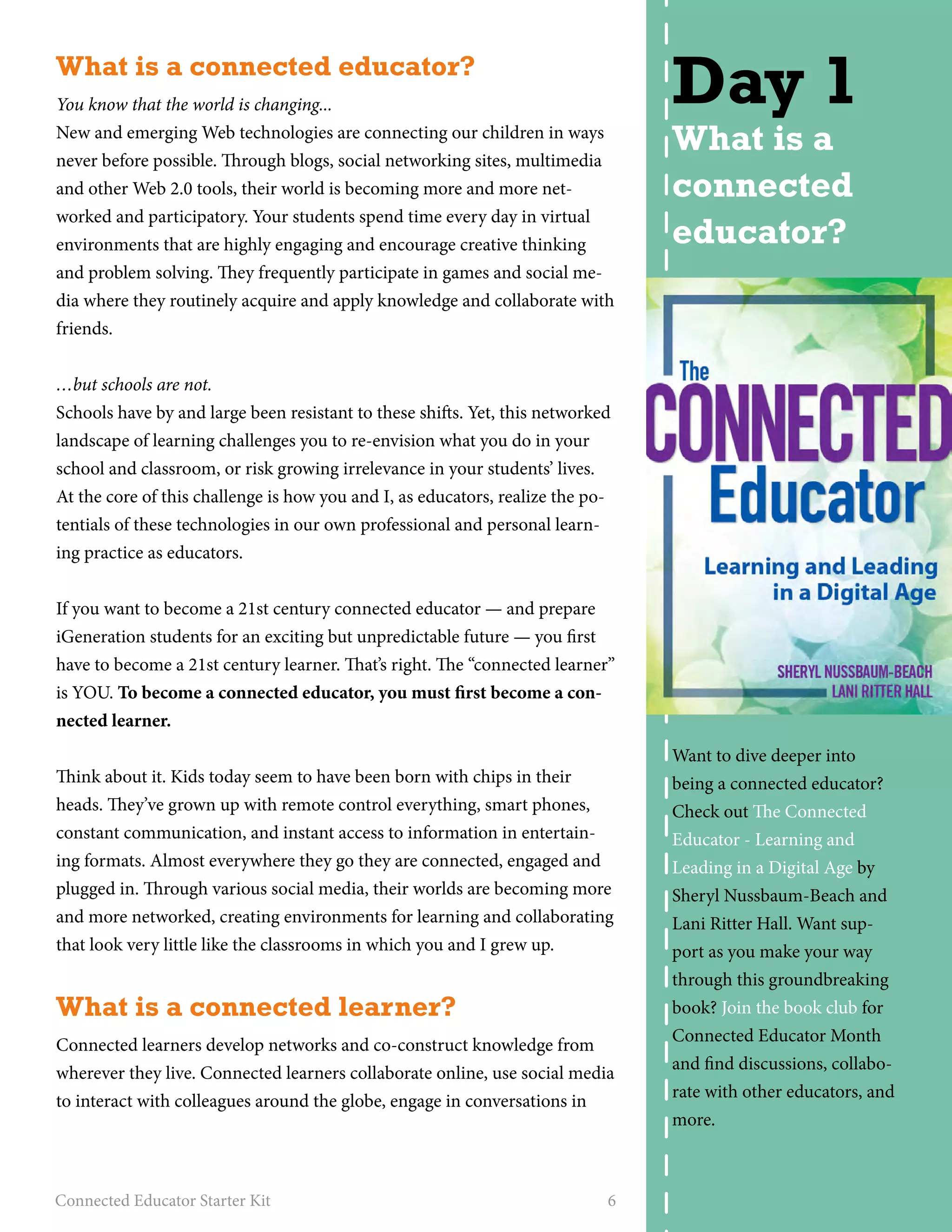
About the calendar 
of events 
The calendar is chock full of 
events, collaborations, and ac-tivities 
for you to get involved. 
You can search or browse for 
events that interest you (use 
the easy color-coded categories 
to sort the calendar events) or 
sign up for a free account and 
you can mark events you’re 
interested in to create a per-sonal 
calendar. Don’t get over-whelmed 
by all of the options – 
it’s fine to just stick your toe in 
and pick one or two activities. 
There is so much to do that no 
one could possibly do every-thing. 
So browse the calendar, 
see what sparks your interest, 
and get involved!
What is a connected educator? 
You know that the world is changing... 
New and emerging Web technologies are connecting our children in ways 
never before possible. Through blogs, social networking sites, multimedia 
and other Web 2.0 tools, their world is becoming more and more net-worked 
and participatory. Your students spend time every day in virtual 
environments that are highly engaging and encourage creative thinking 
and problem solving. They frequently participate in games and social me-dia 
where they routinely acquire and apply knowledge and collaborate with 
friends. 
…but schools are not. 
Schools have by and large been resistant to these shifts. Yet, this networked 
landscape of learning challenges you to re-envision what you do in your 
school and classroom, or risk growing irrelevance in your students’ lives. 
At the core of this challenge is how you and I, as educators, realize the po-tentials 
of these technologies in our own professional and personal learn-ing 
practice as educators. 
If you want to become a 21st century connected educator — and prepare 
iGeneration students for an exciting but unpredictable future — you first 
have to become a 21st century learner. That’s right. The “connected learner” 
is YOU. To become a connected educator, you must first become a con-nected 
learner. 
Think about it. Kids today seem to have been born with chips in their 
heads. They’ve grown up with remote control everything, smart phones, 
constant communication, and instant access to information in entertain-ing 
formats. Almost everywhere they go they are connected, engaged and 
plugged in. Through various social media, their worlds are becoming more 
and more networked, creating environments for learning and collaborating 
that look very little like the classrooms in which you and I grew up. 
What is a connected learner? 
Connected learners develop networks and co-construct knowledge from 
wherever they live. Connected learners collaborate online, use social media 
to interact with colleagues around the globe, engage in conversations in 
Connected Educator Starter Kit 6 
Day 1 
What is a 
connected 
educator? 
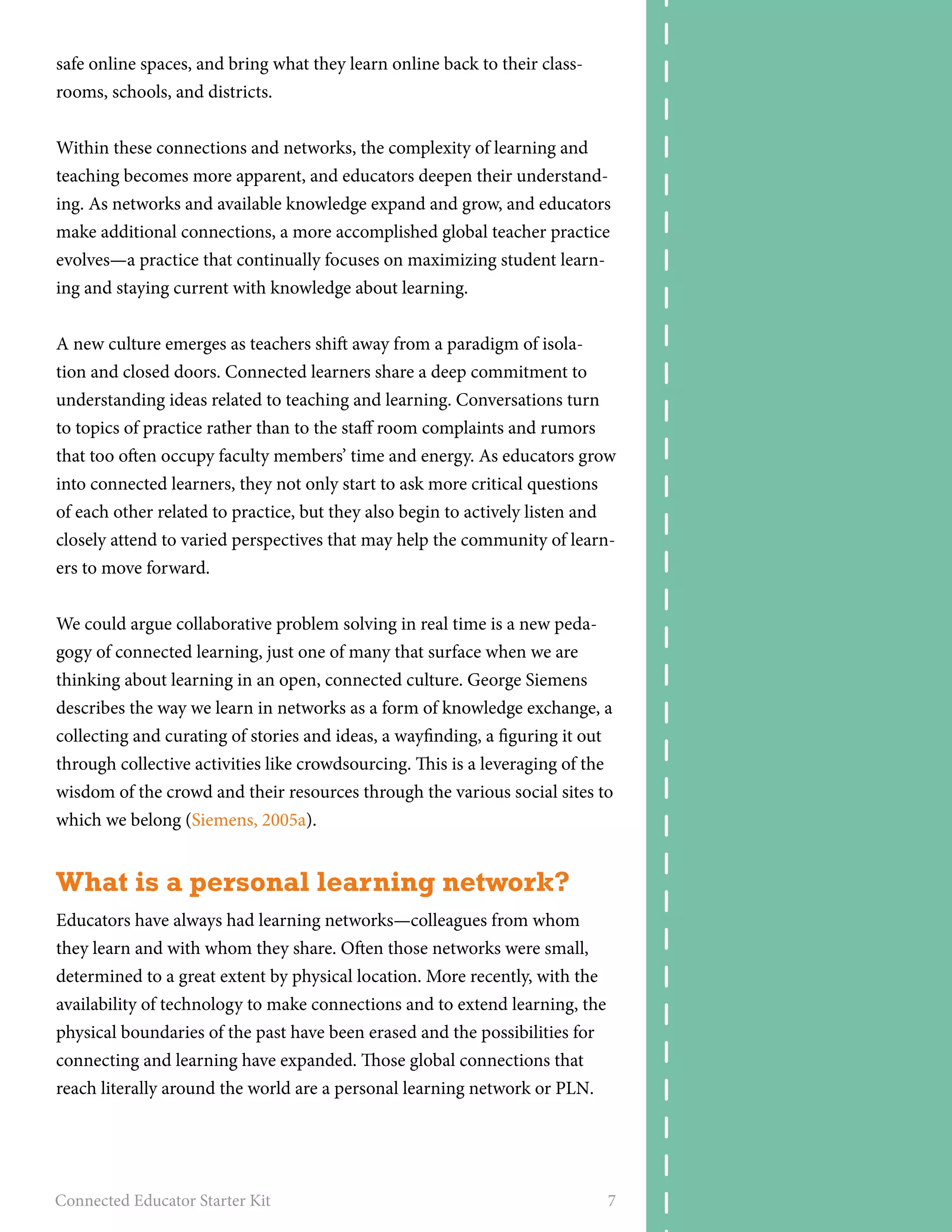
Want to dive deeper into 
being a connected educator? 
Check out The Connected 
Educator - Learning and 
Leading in a Digital Age by 
Sheryl Nussbaum-Beach and 
Lani Ritter Hall. Want sup-port 
as you make your way 
through this groundbreaking 
book? Join the book club for 
Connected Educator Month 
and find discussions, collabo-rate 
with other educators, and 
more.
safe online spaces, and bring what they learn online back to their class-rooms, 
schools, and districts. 
Within these connections and networks, the complexity of learning and 
teaching becomes more apparent, and educators deepen their understand-ing. 
As networks and available knowledge expand and grow, and educators 
make additional connections, a more accomplished global teacher practice 
evolves—a practice that continually focuses on maximizing student learn-ing 
and staying current with knowledge about learning. 
A new culture emerges as teachers shift away from a paradigm of isola-tion 
and closed doors. Connected learners share a deep commitment to 
understanding ideas related to teaching and learning. Conversations turn 
to topics of practice rather than to the staff room complaints and rumors 
that too often occupy faculty members’ time and energy. As educators grow 
into connected learners, they not only start to ask more critical questions 
of each other related to practice, but they also begin to actively listen and 
closely attend to varied perspectives that may help the community of learn-ers 
to move forward. 
We could argue collaborative problem solving in real time is a new peda-gogy 
of connected learning, just one of many that surface when we are 
thinking about learning in an open, connected culture. George Siemens 
describes the way we learn in networks as a form of knowledge exchange, a 
collecting and curating of stories and ideas, a wayfinding, a figuring it out 
through collective activities like crowdsourcing. This is a leveraging of the 
wisdom of the crowd and their resources through the various social sites to 
which we belong (Siemens, 2005a). 
What is a personal learning network? 
Educators have always had learning networks—colleagues from whom 
they learn and with whom they share. Often those networks were small, 
determined to a great extent by physical location. More recently, with the 
availability of technology to make connections and to extend learning, the 
physical boundaries of the past have been erased and the possibilities for 
connecting and learning have expanded. Those global connections that 
reach literally around the world are a personal learning network or PLN. 
Connected Educator Starter Kit 7
A personal learning network consists of the connections an educator 
makes to extend learning; the environments and spaces created as they find 
their colleagues or mentors. PLNs can be viewed as a reciprocal learning 
system, in which educators participate by sharing and then learn from 
others who share with them. PLNs become the personalized classrooms 
and curriculum where educators connect around ideas for which they are 
passionate. Everyone may connect to different people as the building of the 
network is a series of self directed, independent learning experiences. The 
growing and nurturing of a PLN is a complex process in which educators 
develop the literacy of finding trusted sources in a safe, effective and ethical 
way. In that end, PLNs are the creation of personal learning spaces and en-vironments; 
they have the potential to profoundly impact both professional 
and personal learning. PLNs focus on individual needs, interests, conversa-tions, 
and learning. Interestingly enough, learning in networks connects 
the learner to learning objects as often as it does people. An RSS stream or 
news feed (authored by many) can be part of a personal learning network. 
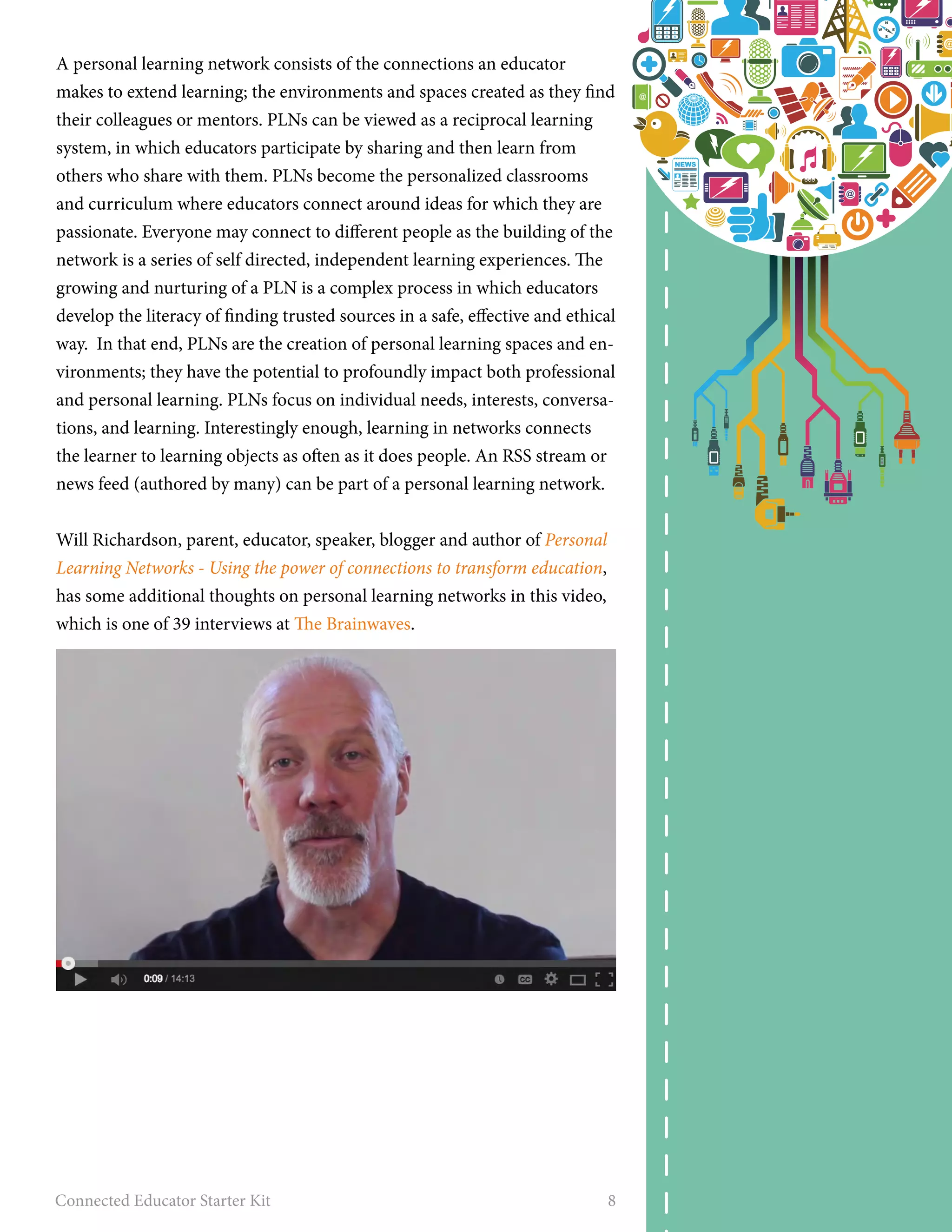
Will Richardson, parent, educator, speaker, blogger and author of Personal 
Learning Networks - Using the power of connections to transform education, 
has some additional thoughts on personal learning networks in this video, 
which is one of 39 interviews at The Brainwaves. 
Connected Educator Starter Kit 8
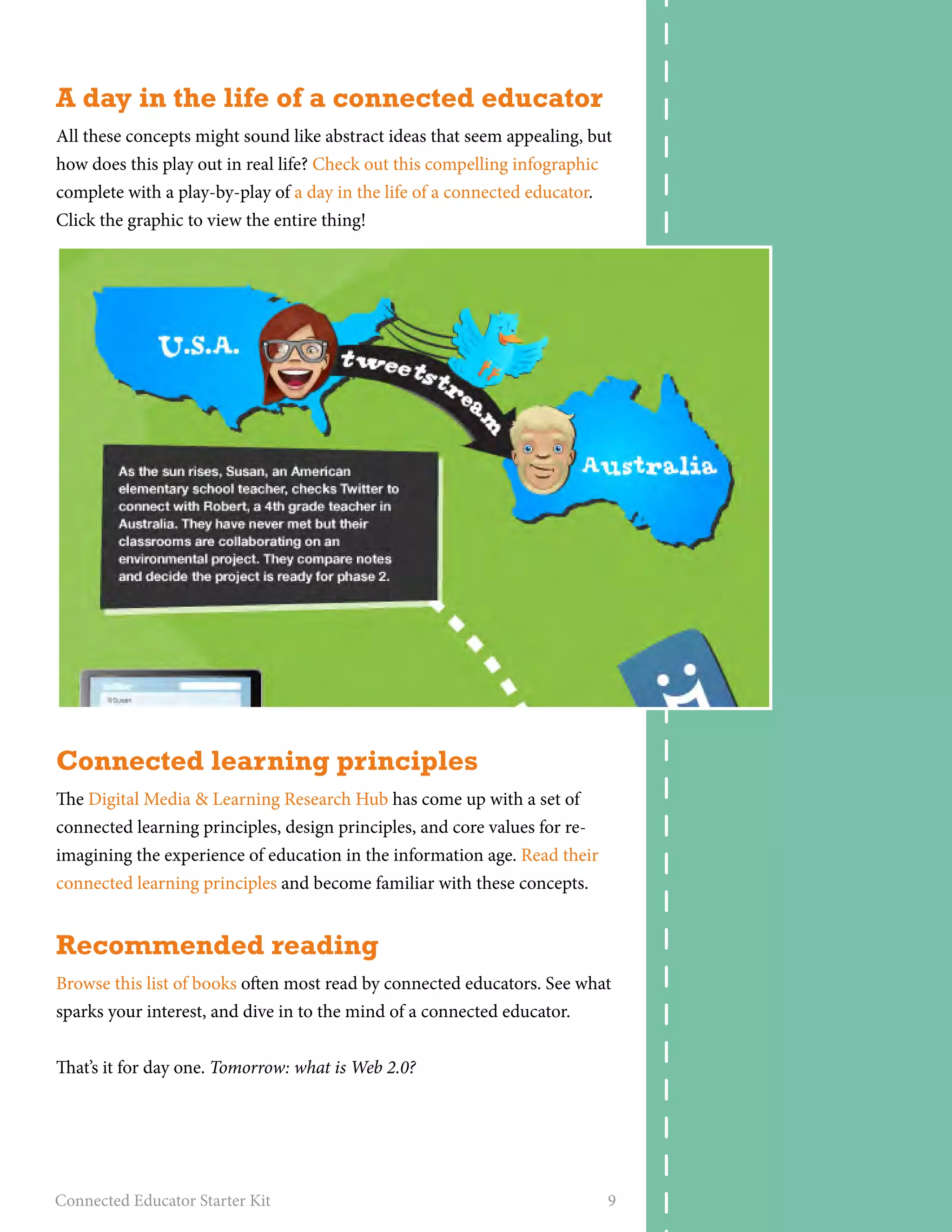
A day in the life of a connected educator 
All these concepts might sound like abstract ideas that seem appealing, but 
how does this play out in real life? Check out this compelling infographic 
complete with a play-by-play of a day in the life of a connected educator. 
Click the graphic to view the entire thing! 
Connected learning principles 
The Digital Media & Learning Research Hub has come up with a set of 
connected learning principles, design principles, and core values for re-imagining 
the experience of education in the information age. Read their 
connected learning principles and become familiar with these concepts. 
Recommended reading 
Browse this list of books often most read by connected educators. See what 
sparks your interest, and dive in to the mind of a connected educator. 
That’s it for day one. Tomorrow: what is Web 2.0? 
Connected Educator Starter Kit 9
What is Web 2.0? 
What is Web 2.0 and why is it important? Today, you’ll find out. Complete 
the activities below to steep yourself in the concept of Web 2.0. 
• Complete this page on the K12 Learning 2.0 site. Read the page, watch 
the videos, and make notes on questions or reflections you may have. 
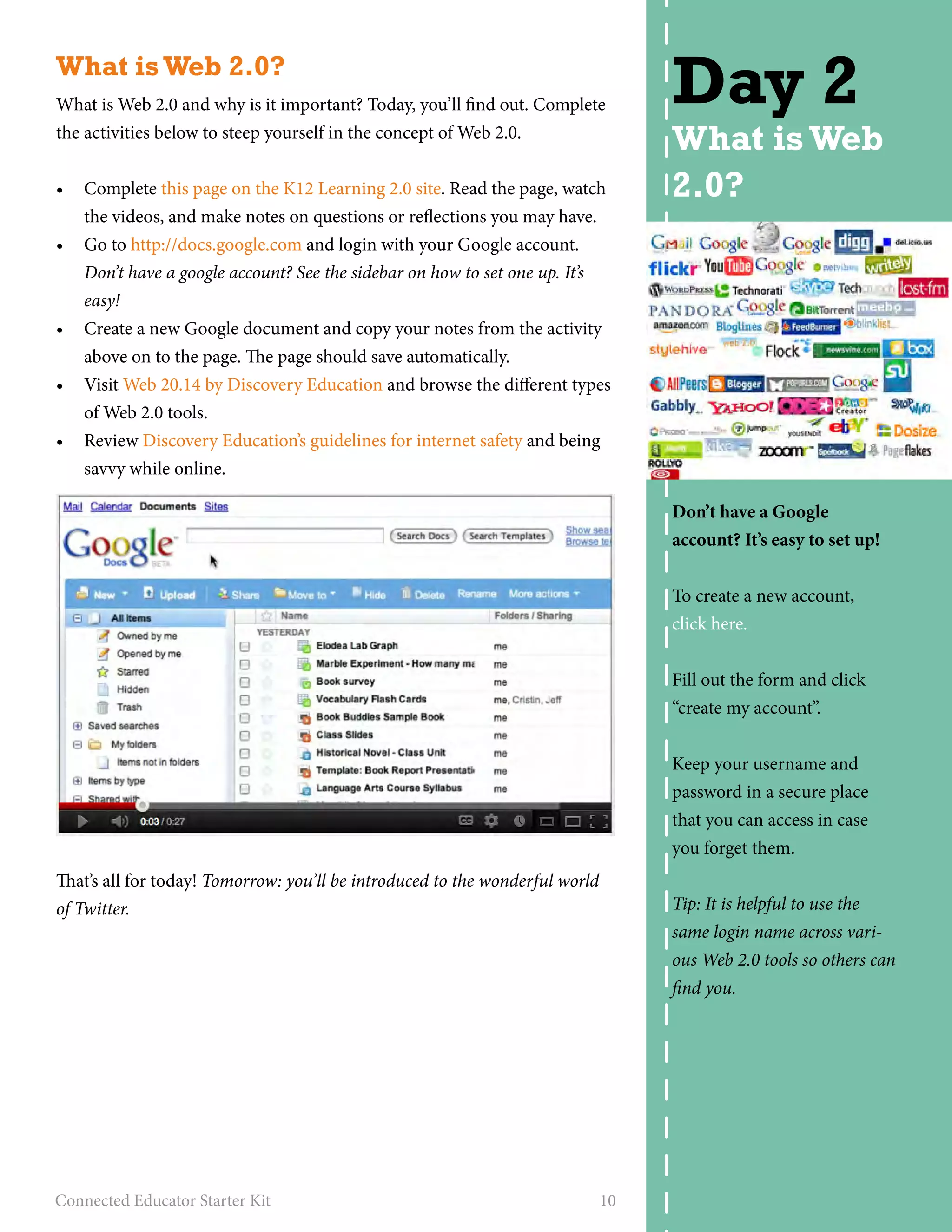
• Go to http://docs.google.com and login with your Google account. 
Don’t have a google account? See the sidebar on how to set one up. It’s 
easy! 
• Create a new Google document and copy your notes from the activity 
above on to the page. The page should save automatically. 
• Visit Web 20.14 by Discovery Education and browse the different types 
of Web 2.0 tools. 
• Review Discovery Education’s guidelines for internet safety and being 
savvy while online. 
That’s all for today! Tomorrow: you’ll be introduced to the wonderful world 
of Twitter. 
Connected Educator Starter Kit 10 
Day 2 
What is Web 
2.0? 
Don’t have a Google 
account? It’s easy to set up! 
To create a new account, 
click here. 
Fill out the form and click 
“create my account”. 
Keep your username and 
password in a secure place 
that you can access in case 
you forget them. 
Tip: It is helpful to use the 
same login name across vari-ous 
Web 2.0 tools so others can 
find you.
Twitter 
Twitter is a microblogging service, accessed from your computer or mobile 
phone, that connects you to a worldwide network of people. Think of Twit-ter 
like a very short blog—Twitter’s “tweets” are microposts of a maximum 
of 140 characters. Like blogs, the tweets may contain videos and photos, 
but these are shown as links in order to stay within the character limits. 
Just as you have readers and subscribers for your blog, you have “followers” 
on Twitter. Your followers see your messages (called tweets or updates) as 
you tweet them, along with the chronological tweets from all those they 
follow. 
To find out more about Twitter and how you can use it, watch this short 
video: Twitter in plain English. Then complete the activities below to get 
started with Twitter. 
• Visit Twitter and create an account. 
• Visit Sue’s site that shares tips and tricks to consider when creating your 
Twitter account. 
• Create a few tweets. 
• To get started, follow a well-known connected educator like @snbeach 
or a connected organization like @edconnectr, @ascd, @plpnetwork, 
or @cueinc. View their lists of followers as well as who they are follow-ing, 
and then follow some users that are interesting to you. Want more 
people to follow? Check out this collaborative list of connected 
Connected Educator Starter Kit 11 
Day 3 
Twitter 
Earn a badge: Complete the 
activities on this page and 
earn the Baby Tweet badge! 
Visit this link to grab the code 
and learn how to display the 
badge on profiles or sites you 
use.
educators to follow on Twitter. If you have suggestions of who to follow, 
add them to the document! 
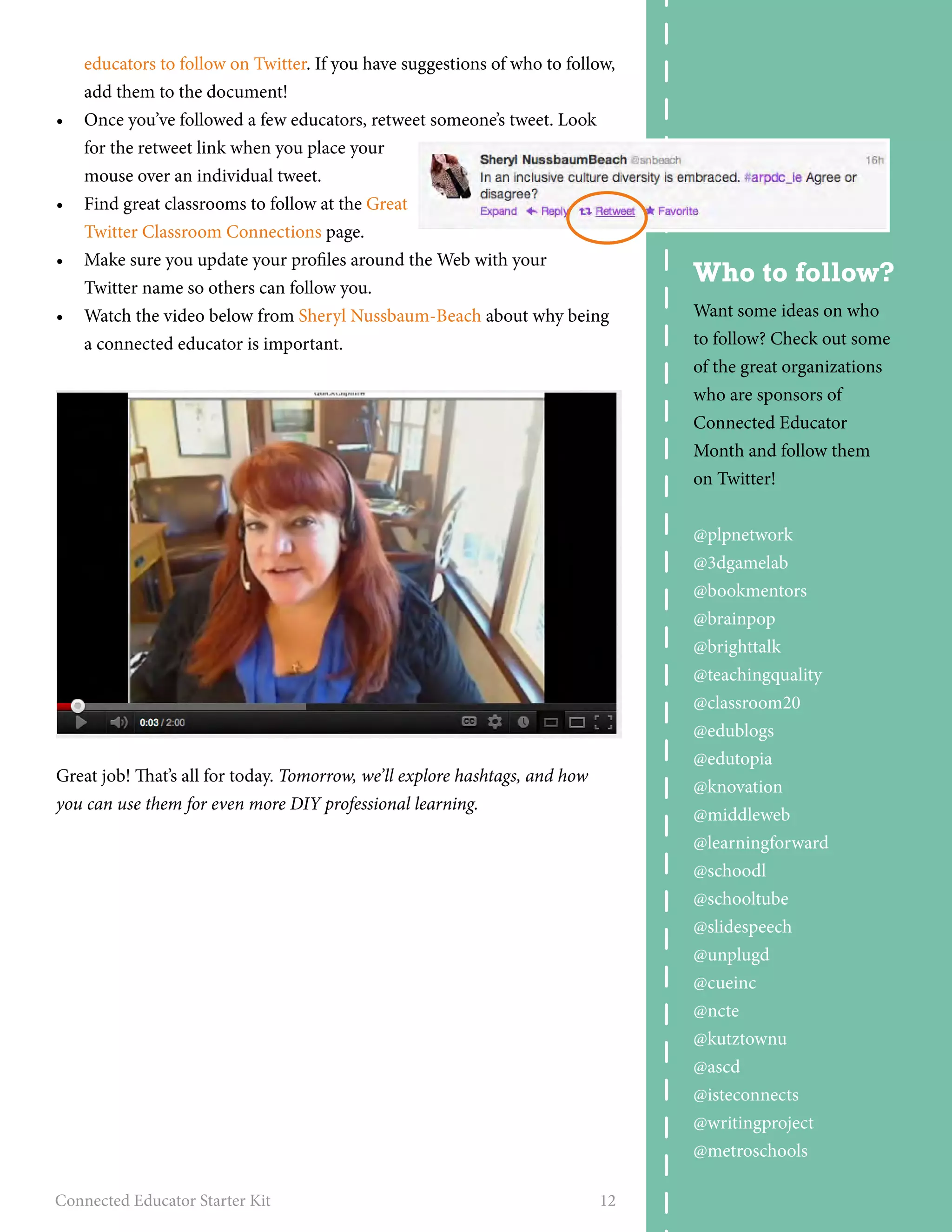
• Once you’ve followed a few educators, retweet someone’s tweet. Look 
for the retweet link when you place your 
mouse over an individual tweet. 
• Find great classrooms to follow at the Great 
Twitter Classroom Connections page. 
• Make sure you update your profiles around the Web with your 
Twitter name so others can follow you. 
• Watch the video below from Sheryl Nussbaum-Beach about why being 
a connected educator is important. 
Great job! That’s all for today. Tomorrow, we’ll explore hashtags, and how 
you can use them for even more DIY professional learning. 
Connected Educator Starter Kit 12 
Who to follow? 
Want some ideas on who 
to follow? Check out some 
of the great organizations 
who are sponsors of 
Connected Educator 
Month and follow them 
on Twitter! 
@plpnetwork 
@3dgamelab 
@bookmentors 
@brainpop 
@brighttalk 
@teachingquality 
@classroom20 
@edublogs 
@edutopia 
@knovation 
@middleweb 
@learningforward 
@schoodl 
@schooltube 
@slidespeech 
@unplugd 
@cueinc 
@ncte 
@kutztownu 
@ascd 
@isteconnects 
@writingproject 
@metroschools
Hashtags 
If you’ve completed the activities from day three and have been browsing 
through your Twitter stream, you’ve no doubt noticed the use of hashtags. 
Typing a pound sign followed by a word or phrase (such as #edchat, 
#plpnetwork or #CE14) into a tweet makes a special link that searches Twit-ter 
for that word or phrase. In this way, you can follow discussions, topics, 
live tweeting of conferences or events, or join Twitter chats (scheduled dis-cussions 
of particular topics which are grouped together by hashtags for easy 
tracking). Visit this link for more on hashtags and Twitter chats, or check out 
this complete list of weekly Twitter chat times. 
Here are some activities to get you started using and following hashtags. 
• Check out the hashtag #CE14 (the official hashtag for Connected 
Educator Month 2014) to find out about events, join discussions, and 
discover other connected educators to follow. 
• Join a Twitter chat during Connected Educator Month. Check out the 
calendar and click on “Twitter chat” in the list of event types to see all 
the chats that are happening this month. Connected Cafe Twitter chats 
will happen every Tuesday, Wednesday, and Thursday in October. They 
are sponsored by ISTE and will include Board members, yearly award-winning 
teachers, and the Center for Teaching Quality’s Collaboratory 
Teacher Leaders. 
• Read educator Patti Grayson’s account of discovering hashtags and us-ing 
them for her DIY professional development. 
• If you want more on how to use Twitter for professional development, 
check out Middleweb’s excellent resource on Twitter for summer PD. 
• Sign up for a Twitter application like Tweetdeck or Hootsuite (both 
sites have web-based, desktop, and mobile apps). These Twitter clients 
let you track hashtags, make lists of people you follow, quickly check 
your @replies and direct messages, and more. 
• Start following a few hashtags. Start with #CE14 so you don’t miss out on 
Connected Educator Month discussions and announcements. Find more 
suggestions in The Complete Guide to Twitter Hashtags for Education. 
• Try composing your own tweet using a hashtag. Stumped for ideas? 
Just tweet this: I just learned all about hashtags from my Connected Edu-cator 
Starter kit with #CE14 and @plpnetwork. Get your kit here: http:// 
ow.ly/BMbv2 
Nice job! That’s all for today. Tomorrow, we’ll delve even further into Twitter. 
Connected Educator Starter Kit 13 
Day 4 
Hashtags 
Watch this video for an easy 
how-to on tracking and creat-ing 
hashtags. 
Earn a badge: Complete the 
activities on this page and 
earn the Twitterati badge! 
Visit this link to grab the code 
and learn how to display the 
badge on profiles or sites you 
use. 
#readytolaugh? 
#funnyvideo
Even more Twitter 
Another great way to collaborate, build your personal learning network, 
and use Twitter for DIY professional development is to join a Twitter chat. 
A Twitter chat is a lot like any other online chat, where people gather to 
talk about a specific issue. The great thing about a Twitter chat is it brings 
people together from all over world to a central area (Twitter) where they 
can interact in real time. To join a Twitter chat, you just need to know what 
hashtag is being used. Not sure what a hashtag is? Check out day four for 
activities surrounding hashtags. 
Here are a couple activities that will let you take your Twitter experience 
even further. 
• If you’d like to follow a hashtag chat in an easy and engaging format, try 
the Twubs tool. Check out the plpnetwork Twubs page for an example 
of how this tool works. 
• Cybraryman has created a page with 300+ eductional Twitter hashtags 
being used right now. 
• Visit the Connected Educator Month calendar and click on the Twit-ter 
chat label for a list of other Twitter chats you can attend during the 
month of October. 
• Want to study up before the chat? Check out this guide on how to get 
the most out of participating in a Twitter chat. 
• Want more ideas on how to use Twitter? Download Powerful Learn-ing 
Practice’s free Twitter Handbook for Teachers, a brand new, 13-page 
guide to Twitter. This guide is for educators who are new to Twitter, or 
veterans to the social media platform who want to bring Twitter into 
their classrooms or grow their network. 
Great work! That’s it for today. Tomorrow, we’ll take a look at Facebook. 
Connected Educator Starter Kit 14 
Day 5 
Even more 
Twitter 
Twitter chat with 
Secretary Duncan 
Join the #ce14 Twitter chat 
with Secretary of Education 
Arne Duncan, October 16 at 
6pm EDT.
Become a Facebookworm 
Facebook is a global social network. If you’re not already a user, you’ve 
probably heard of it, and if you haven’t, then today you’ll become part of 
the largest social network on the planet. Want a few statistics about Face-book? 
• 1.28 billion monthly active users (a 15% increase year to year) 
• 4.5 billion likes generated daily 
• 802 million people log onto Facebook daily 
• Five new profiles are created every second 
• Photo uploads total 300 million per day 
Most of your friends and family are probably already on Facebook, and 
finding them and connecting to their updates is easy. Here are a few activi-ties 
that will get you started with Facebook. 
• Create a Facebook account. Click here to get started. 
• Search for friends, family members, or colleagues and add them as 
friends to start making connections. 
• Search on Facebook for your favorite educational groups, brands, 
celebrities, or authors and “like” their pages. Get started with these: 
Powerful Learning Practice, The Global Education Conference, Con-nected 
Educator Month. 
• Curious about how to take Facebook into your classroom? Check out 
100 Ways You Should be Using Facebook in your Classroom and the 
Facebook Guide for Educators. 
• Should you be friends with your students? This debate, as well as the 
article The Why and How of Using Facebook For Educators – No Need to 
be Friends At All! tackles that topic as well as the overarching question, 
does Facebook belong in the classroom at all? 
• This presentation features school leaders who ban & block Facebook as 
well as those who empower and prepare. It also provides examples of a 
teacher and students from The Science Leadership Academy who have 
had success using social media in education. 
That’s all for today! Tomorrow we’ll take a look at YouTube. 
Connected Educator Starter Kit 15 
Day 6 
Facebook 
Earn a badge: Complete the 
activities on this page and 
earn the FacebookWorm 
badge! Visit this link to grab 
the code and learn how to 
display the badge on profiles 
or sites you use.
YouTube - online video sharing 
Making your own video is easier today than it ever has been. Nearly every 
cellphone, new laptop, or point & shoot camera has a videocamera built in. 
YouTube is a community for sharing videos. After you make a video, you 
can upload it for the world to see. Your video is given it’s own link which 
you can share. You can also embed your video into websites, blogs, or so-cial 
networks like Facebook. 
There are plenty of silly and “fluff” videos on YouTube (cat videos, any-one?), 
but many educators are also on YouTube. You can expand your 
professional knowledge by learning from other educators. You can also find 
great content that students can watch at home or in the classroom. Here are 
a few activities to get started with YouTube. 
• Visit YouTube and login with your Google account. 
• Fill out your YouTube profile. 
• Record and upload a simple video: introduce yourself and tell us the 
biggest “a ha moment” for you so far during Connected Educator 
Month. Be sure to tag your video with CE14 when you upload it, and 
put Connected Educator Month in the title (such as, “Jane Smith, Con-nected 
Educator Month”). 
• Subscribe to a channel (like Edutopia or the Teaching Channel) to get 
started with video subscriptions. Want to find more videos about edu-cation? 
Check out YouTube’s Education section, which features the best 
videos from around the web for every subject imaginable, from math to 
science to engineering and business. 
• If YouTube is blocked at your school, don’t miss out on Schooltube or 
Teachertube Read this article from Edutopia on how teachertube is a 
wonderful resource for the classroom. 
• The National Education Association has a guide to YouTube for Educa-tors, 
including how to find instructional videos, limit access to educa-tional 
content only, and advice on creating your own channel. 
That’s all for today! Tomorrow we’ll talk about digital storytelling. 
Connected Educator Starter Kit 16 
Day 7 
YouTube 
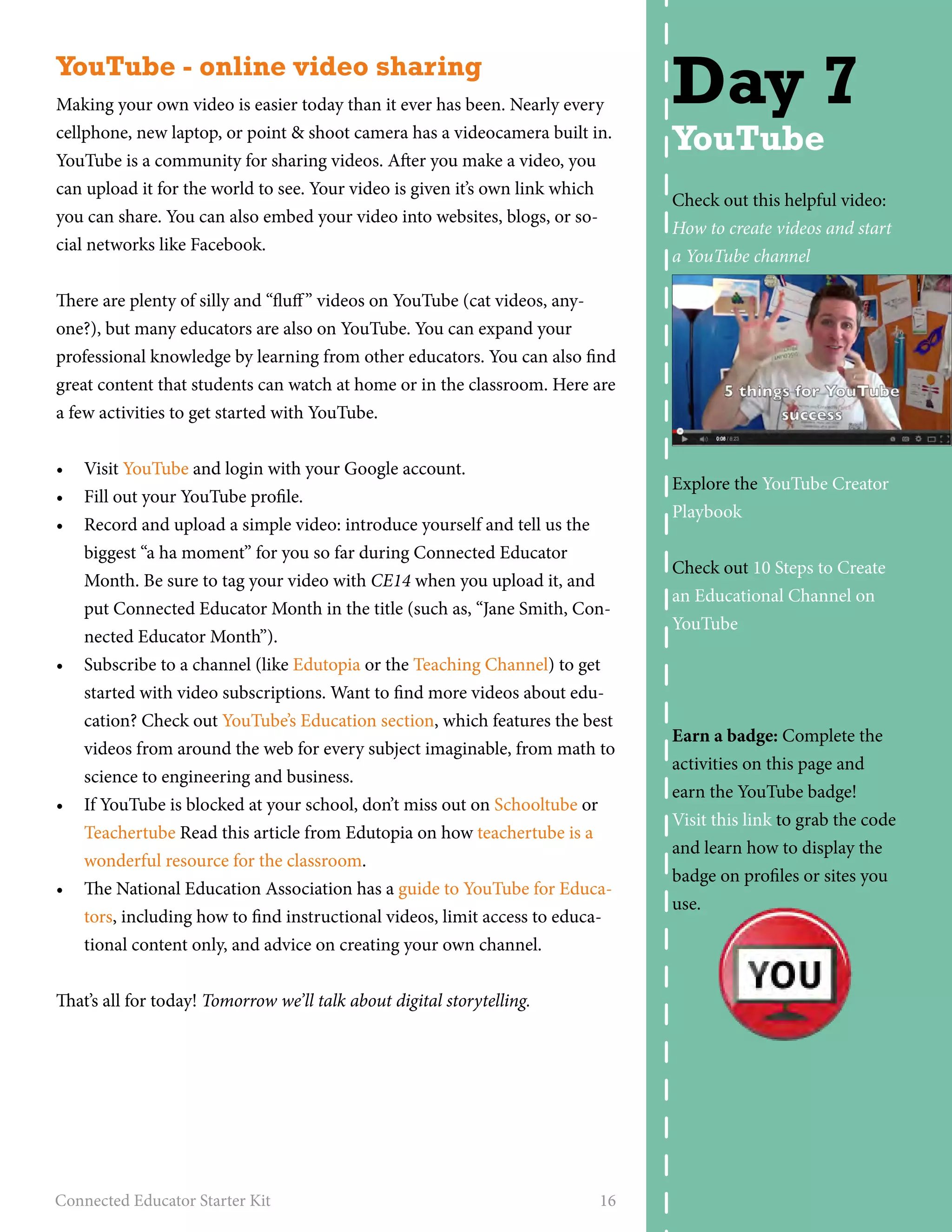
Check out this helpful video: 
How to create videos and start 
a YouTube channel 
Explore the YouTube Creator 
Playbook 
Check out 10 Steps to Create 
an Educational Channel on 
YouTube 
Earn a badge: Complete the 
activities on this page and 
earn the YouTube badge! 
Visit this link to grab the code 
and learn how to display the 
badge on profiles or sites you 
use.
Digital storytelling 
Before the advent of online content and easy to use software, producing 
multimedia content required expensive equipment and technical know-how. 
But nowadays we can create compelling digital content with nothing 
more complicated than a Web browser or camera. Digital storytelling is 
simply telling a story using digital tools. Much like regular storytelling, 
telling a digital story should come from the heart, include personal experi-ence, 
and have a point of view. Here are a few activities to get you started 
with digital storytelling. 
• Explore Alan Levine’s wonderful and comprehensive 50+ Web 2.0 
Ways to Tell a Story. He includes tips, tricks, and tools for getting your 
story across using online tools, video, and other multimedia platforms. 
According to Alan, it’s “As Easy as 1-2-3! - Outline a Story Idea, Find 
Some Media, andPick a Tool and Build Your Story.” 
• Another popular approach to digital storytelling is the 5x5 project 
(25 second videos featuring five five-second clips put together to tell a 
story). Read more about the project and watch some examples. 
• Think about a story you’d like to tell. It can be complex or simple, a 
deeply personal tale or an entry from a travel journal, you can narrate it 
or it can be silent. Tomorrow, you’ll dive right in with this, so be ready 
with some ideas! 
Great work, that’s all for today. Tomorrow, you’ll create your own digital 
story. 
Connected Educator Starter Kit 17 
Day 8 
Digital 
storytelling
Tell your story 
Yesterday you learned about digital storytelling and browsed through more 
than 50 ways to tell a story using Web 2.0 tools. I hope you put your think-ing 
caps on and dreamed up your own story to tell! Today, you’ll take your 
first step into digital storytelling. 
• Follow the 3 easy steps on the 50 Ways wiki to get your story online. 
Outline your story, find some media, and create your story using an 
online tool. 
• Maybe you’d rather try your hand at a 5x5 video. Record five 5-second 
clips and put them together to create a 25-second simple vignette. See 
the sidebar for a great resource on video editing if you need help with 
that. 
• Another great example of using clips to create a story is this time lapse 
video of the first 12 years of a little girl’s life. 
• If you chose video as the medium for your digital storytelling journey, 
log in to YouTube and upload your video. Be sure to fill out the title, 
description, and give it some relevant tags, including CE14 (the tag for 
Connected Educator month) so others who are doing this activity can 
find your story. 
That’s it for today, nice work! Tomorrow we’ll explore the world of the online 
photo sharing community Flickr. 
Connected Educator Starter Kit 18 
Day 9 
Tell your 
story 
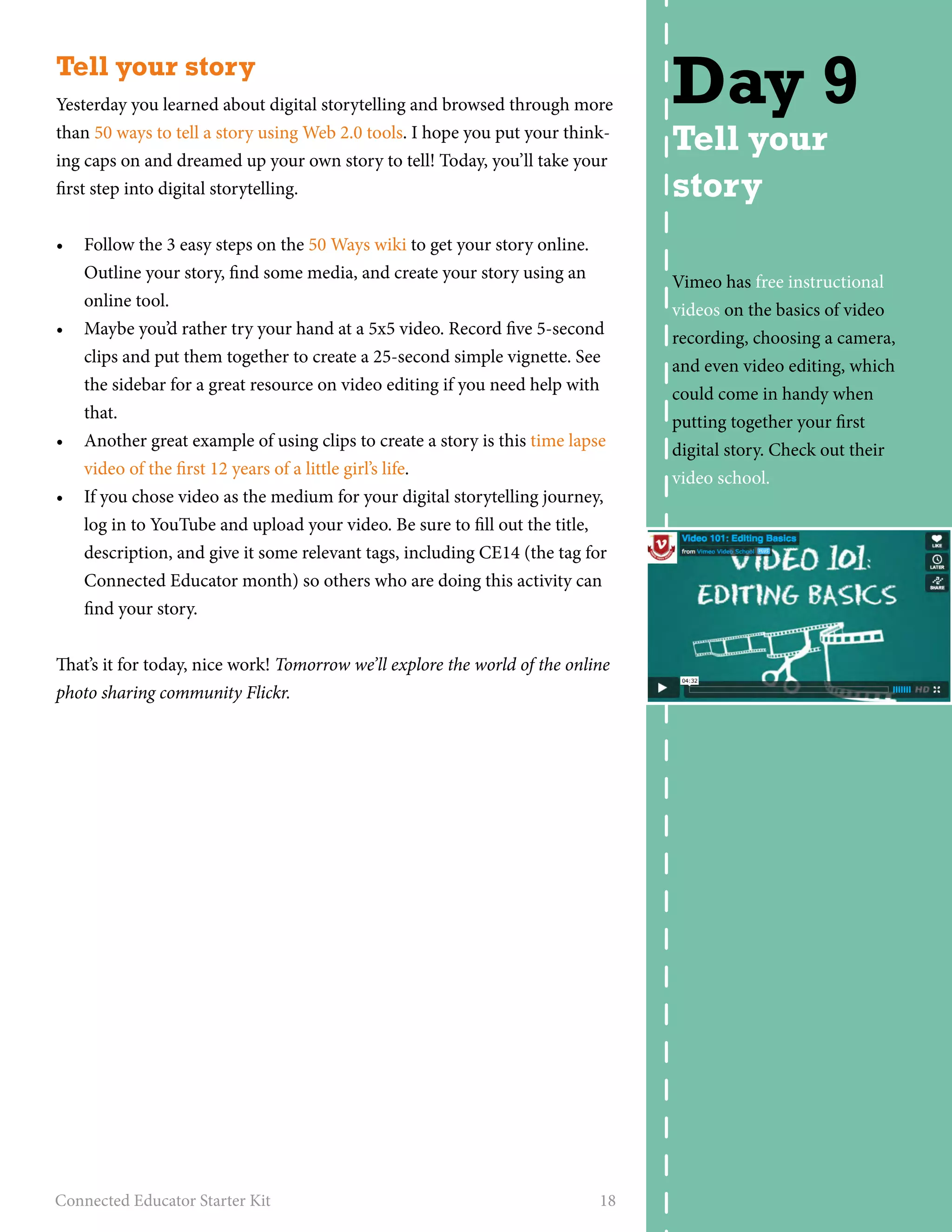
Vimeo has free instructional 
videos on the basics of video 
recording, choosing a camera, 
and even video editing, which 
could come in handy when 
putting together your first 
digital story. Check out their 
video school.
Photo sharing 
By this time, you probably realize there’s probably a social network or com-munity 
out there for every type of media, and photos are no exception. 
One of the most popular photo sharing communities out there is Flickr. 
Flickr lets you upload your photos, add friends, follow their Flickr streams, 
leave comments, and join groups relevant to your interests. Here are a few 
activities to get you started sharing photos on Flickr. 
• Sign up for a Flickr account. You can use your Facebook or Google ac-count 
to sign up. 
• Upload a photo. You can upload a picture from your computer’s hard 
drive, from one of your social networks, your mobile phone, or many 
photo apps. Flickr makes it easy to figure out. 
• Be sure to fill out all the fields on your photo including a title, descrip-tion, 
and relevant tags. Include the tag CE14 so others following this 
connected educator starter kit can search for your photo. 
• Search “CE14” or “connected educator” in the search box and see if 
other connected educators are uploading photos. Browse through their 
accounts and perhaps add a few of them as contacts. 
• Join the Flickr for Education group and browse the photos. Leave a 
comment on a photo that you find interesting. 
• Once you have a few more Flickr photos, consider turning them into a 
YouTube video for a quick-look of your life through photographs! 
That’s all for today! Tomorrow we’ll take a look at Wikis. 
Connected Educator Starter Kit 19 
Day 10 
Photo 
sharing 
Wondering what sorts of 
activities you could use Flickr 
for in your classroom? 
Check out 18 Ways to Use 
Flickr in Schools 
Earn a badge: Earn a badge: 
Complete the activities on 
this page and earn the Photo-gogo 
badge! Visit this link 
to grab the code and learn 
how to display the badge on 
profiles or sites you use.
Wikis 
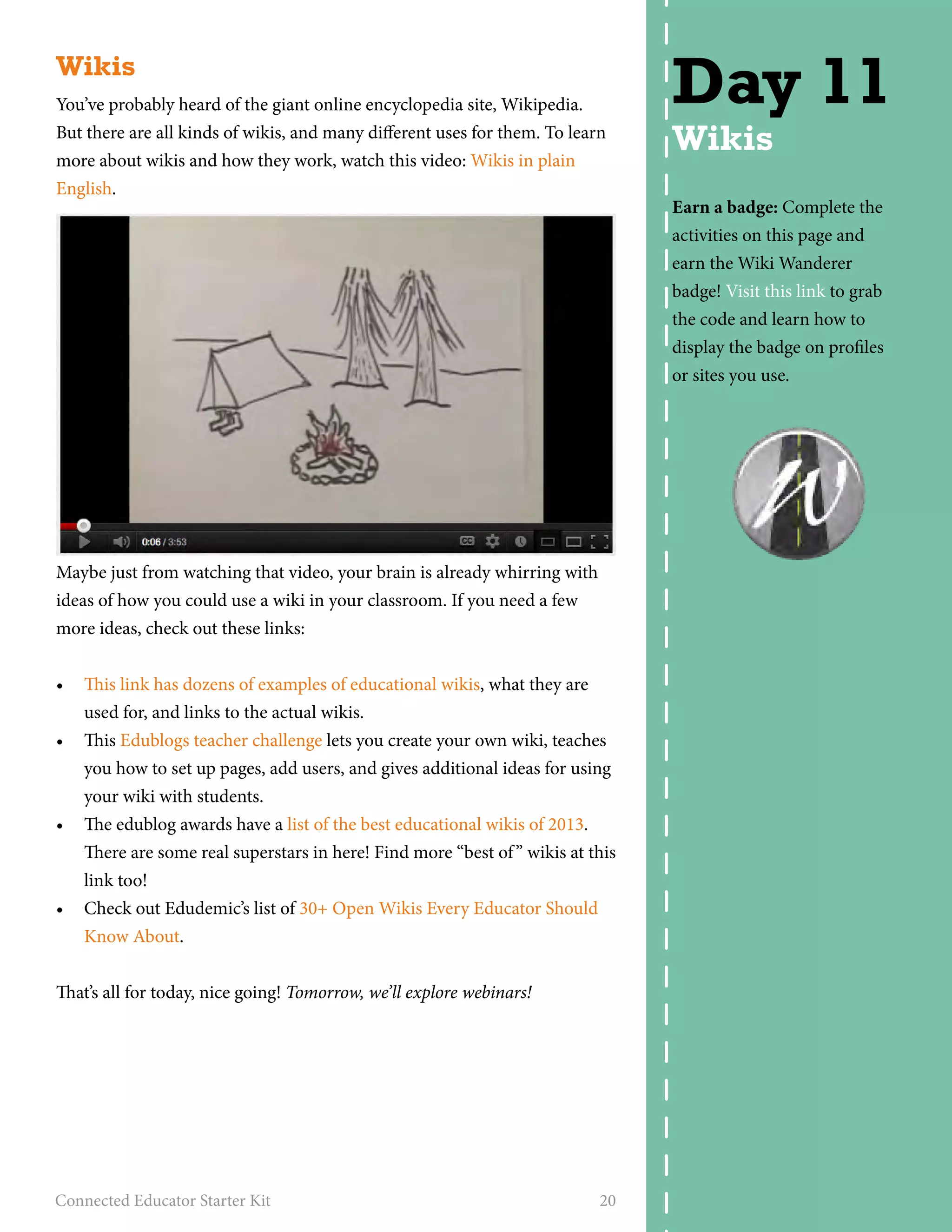
You’ve probably heard of the giant online encyclopedia site, Wikipedia. 
But there are all kinds of wikis, and many different uses for them. To learn 
more about wikis and how they work, watch this video: Wikis in plain 
English. 
Maybe just from watching that video, your brain is already whirring with 
ideas of how you could use a wiki in your classroom. If you need a few 
more ideas, check out these links: 
• This link has dozens of examples of educational wikis, what they are 
used for, and links to the actual wikis. 
• This Edublogs teacher challenge lets you create your own wiki, teaches 
you how to set up pages, add users, and gives additional ideas for using 
your wiki with students. 
• The edublog awards have a list of the best educational wikis of 2013. 
There are some real superstars in here! Find more “best of ” wikis at this 
link too! 
• Check out Edudemic’s list of 30+ Open Wikis Every Educator Should 
Know About. 
That’s all for today, nice going! Tomorrow, we’ll explore webinars! 
Connected Educator Starter Kit 20 
Day 11 
Wikis 
Earn a badge: Complete the 
activities on this page and 
earn the Wiki Wanderer 
badge! Visit this link to grab 
the code and learn how to 
display the badge on profiles 
or sites you use.
Webinars 
A webinar is an online seminar or workshop delivered over the internet. 
The host of the webinar sends emails to attendees with a link to the we-binar 
hosting provider, allowing them to register. At a specified time, the 
attendees log in at the webinar site, and view the presentation. Usually 
there is an audio component, and there may also be video or a chat chan-nel. 
There are thousands of free webinars about every conceivable subject 
and topic. They can be a great way to receive information in an interactive 
format. 
• Get a peek inside the life of a connected learner in a free guided tour 
from Powerful Learning Practice where you’ll find webinars and more. 
• ConnectedLearning.tv is a community-centric website that seeks to 
help people understand the theory of Connected Learning, spread 
awareness of its Values and Principles, and advocate for adoption of 
the Connected Learning model. Check out the free webinars offered by 
Connected Learning.tv. 
• edWeb.net has some free upcoming webinars you could take advantage 
of; you’ll even get a CE certificate at the end. 
• Don’t forget to check out the webinars posted on the Connected Educa-tor 
Month calendar and sign up. 
That’s all for today! Tomorrow you’re going to map yourself on a collabora-tive 
Google map. 
Connected Educator Starter Kit 21 
Day 12 
Webinars 
Want to become a tech-savvy 
educator and con-nected 
learner? Powerful 
Learning Practice has 
designed a whole year 
of professional learning 
designed to get you there. 
Communities are kicking 
off in Austin and Fort 
Worth, Texas, in 
November. You can also 
participate virtually. 
It’s not too late to sign up! 
Learn more here.
Map yourself 
Emerging technologies make it easier than ever to connect, collaborate, 
and learn together with others around the world. In this fun activity, you’ll 
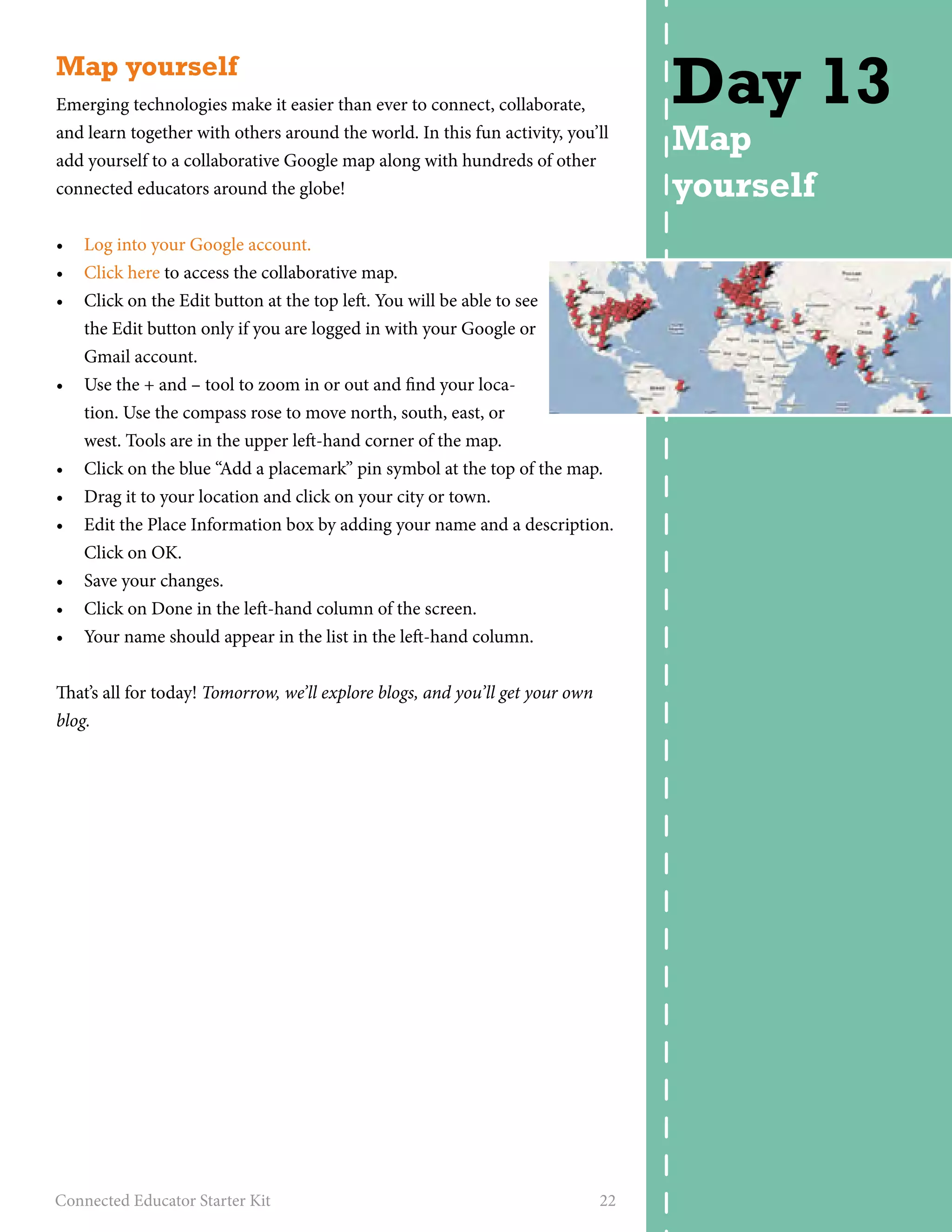
add yourself to a collaborative Google map along with hundreds of other 
connected educators around the globe! 
• Log into your Google account. 
• Click here to access the collaborative map. 
• Click on the Edit button at the top left. You will be able to see 
the Edit button only if you are logged in with your Google or 
Gmail account. 
• Use the + and – tool to zoom in or out and find your loca-tion. 
Use the compass rose to move north, south, east, or 
west. Tools are in the upper left-hand corner of the map. 
• Click on the blue “Add a placemark” pin symbol at the top of the map. 
• Drag it to your location and click on your city or town. 
• Edit the Place Information box by adding your name and a description. 
Click on OK. 
• Save your changes. 
• Click on Done in the left-hand column of the screen. 
• Your name should appear in the list in the left-hand column. 
That’s all for today! Tomorrow, we’ll explore blogs, and you’ll get your own 
blog. 
Connected Educator Starter Kit 22 
Day 13 
Map 
yourself
Get a blog 
One of the best ways to build your personal 
learning network is to become a blogger and 
use your blog to network with others who 
write and share online. Let’s get you started 
down that road. 
• Today’s activity is to sign up for an 
Edublog. Follow the easy steps in this 
teacher challenge activity from Sue Waters. 
She’s got tips on choosing a name, setting up your blog, and customiz-ing 
a theme. 
• Once you’ve set up your blog, it’s time to leave your first comment. 
Blogging isn’t just about writing, it’s also about interacting and convers-ing 
with others, and building relationships. Leave a comment on this 
post answering the following questions: What part of this activity did 
you find easiest or most enjoyable? Was there any part of the exercise 
you didn’t like or that got you stuck? 
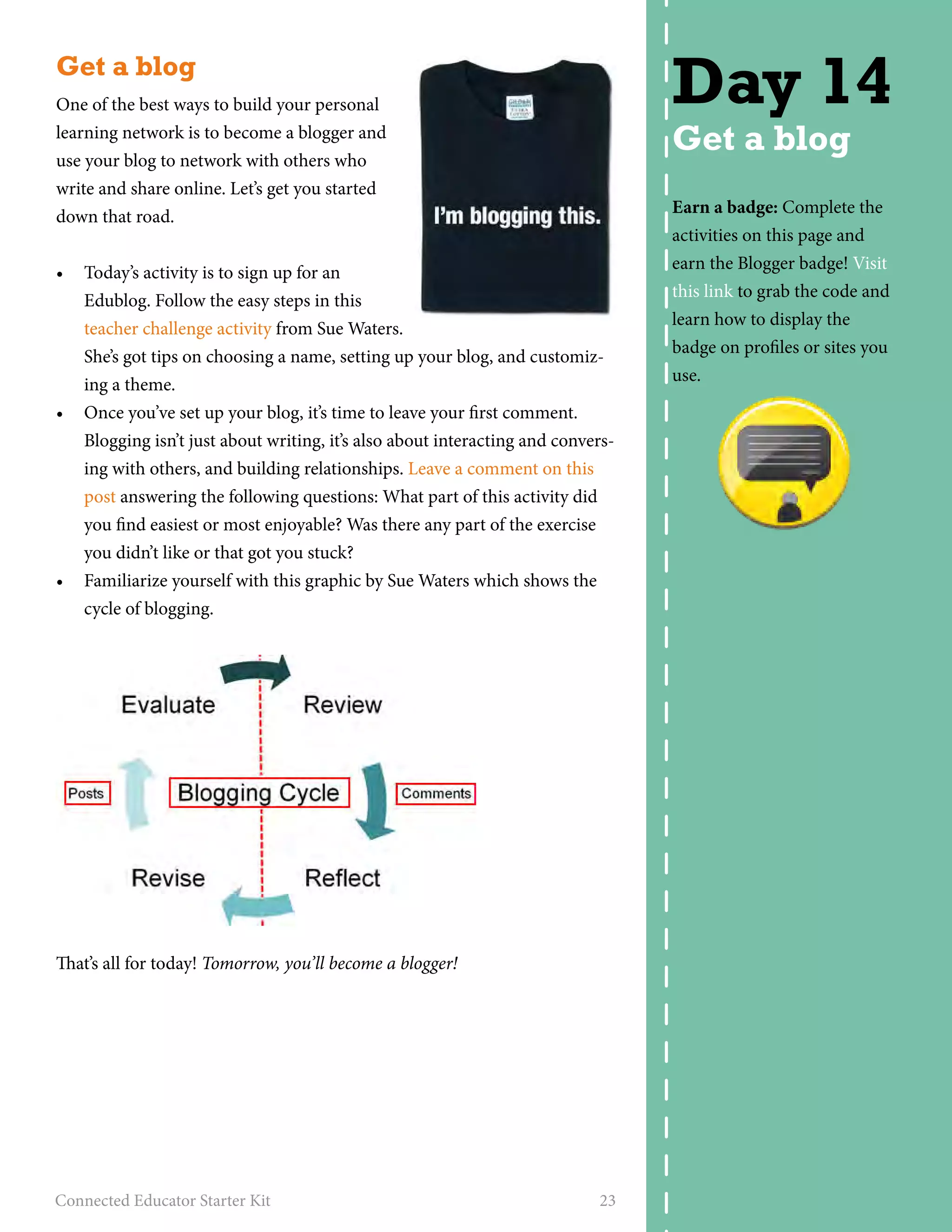
• Familiarize yourself with this graphic by Sue Waters which shows the 
cycle of blogging. 
That’s all for today! Tomorrow, you’ll become a blogger! 
Connected Educator Starter Kit 23 
Day 14 
Get a blog 
Earn a badge: Complete the 
activities on this page and 
earn the Blogger badge! Visit 
this link to grab the code and 
learn how to display the 
badge on profiles or sites you 
use.
Become a blogger 
It’s time to start your journey as a blogger, which is an important step along 
the way to building your personal learning network. Before we get started 
with your first blog post, watch this video: Blogs in plain English, for a bril-liantly 
simple explanation of blogs. Then, you’ll get started with your first 
blog post. 
• Create your first blog post on your new edublog. (If you’re already a 
blogger, you can follow these instructions, just use your existing blog.) 
• Here’s a guide to writing your first post. Write a reflective post address-ing 
the expectations of what you’d like to gain in your month-long 
journey as a connected educator. Maybe also write about what you’ve 
learned so far or a tool that’s sparked your interest. 
• Blogging begins with reading. Below are several blogs to choose from 
– read a post on at least three to give you a sampling of some great 
educational blogs. Then leave a comment on at least one post. 
• Connected Educator Month 
• Powerful Learning Practice 
• Voices from the Learning Revolution 
• The Fischbowl – Karl Fisch 
• Free Technology for Teachers 
• Middleweb 
• The Edublog Awards site is another great place to find blogs to follow. 
Congratulations! You’ve now become part of the conversation! Tomorrow 
we’ll check out some Connected Educator month guided tours! 
Connected Educator Starter Kit 24 
Day 15 
Become a 
blogger 
Learn the basics about blogs 
at What is a Blog? 
Earn a badge: Did you com-plete 
all the activities for the 
first two weeks of Connected 
Educator month? Then you’ve 
earned the Social Butterfly 
badge! Visit this link to grab 
the code and learn how to 
display the badge on profiles 
or sites you use.
Is your school Future Ready? Are you? 
The Office of Educational Technology recently launched the Future Ready 
District Pledge, which establishes a framework for districts to achieve the 
goals laid out in President Obama’s ConnectED Initiative and commits 
districts to move as quickly as possible towards our shared vision of pre-paring 
students for success in college, careers and citizenship. Goals of the 
pledge include upgrading broadband and high-speed wireless connectivity, 
providing access to educational devices and digital content, and preparing 
teachers to use technology effectively to improve student learning. 
Do you want Future Ready Schools? Visit tech.ed.gov/FutureReadyPledge 
to read and sign the pledge. Then, challenge your network to sign the 
pledge. 
Then Tweet this: I signed the #FutureReady District Pledge and you should 
too! Visit tech.ed.gov/FutureReadyPledge to read & sign the pledge! 
@OfficeofEdTech #ce14 
That’s all for today. Tomorrow, we’ll explore social bookmarking. 
Connected Educator Starter Kit 25 
Day 16 
Future 
Ready
Social bookmarking 
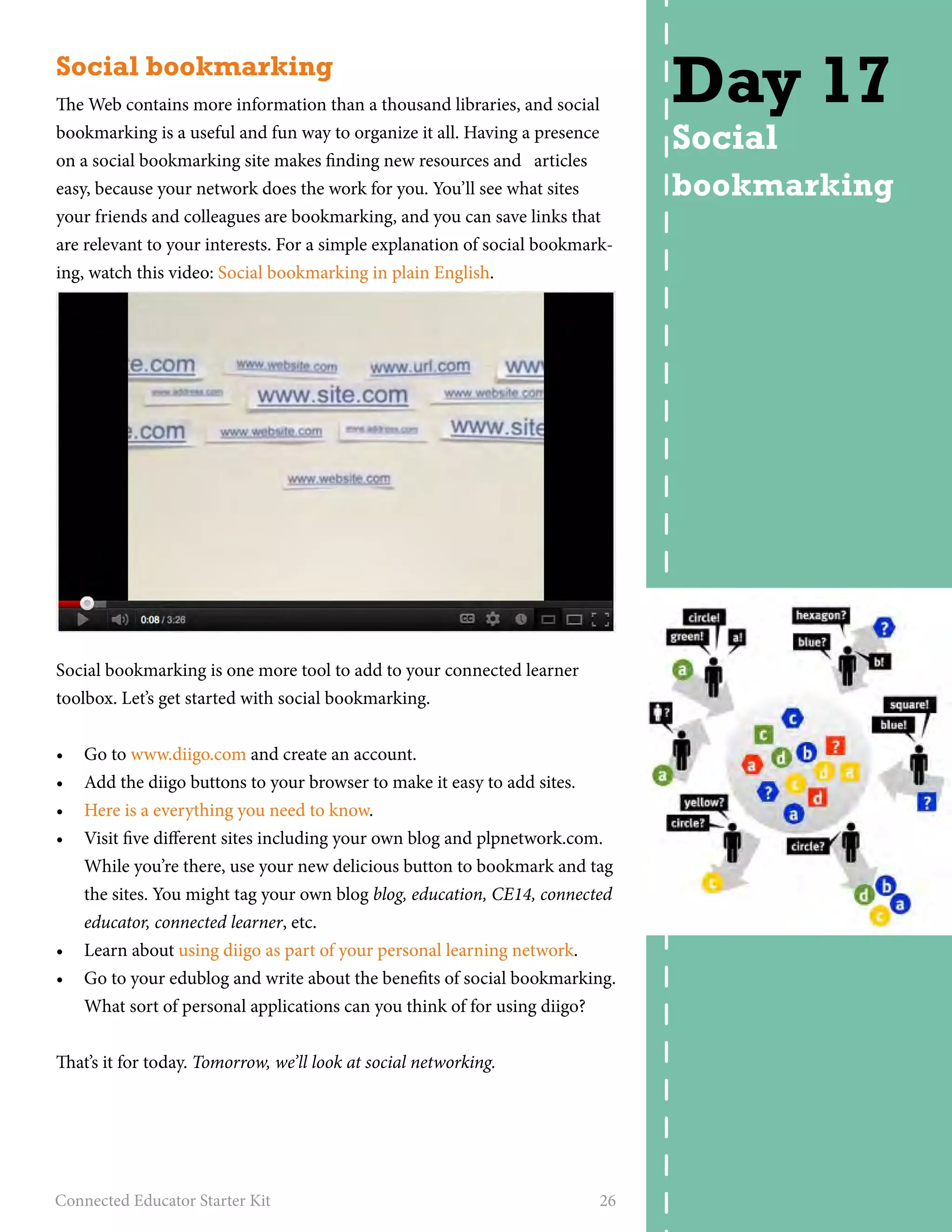
The Web contains more information than a thousand libraries, and social 
bookmarking is a useful and fun way to organize it all. Having a presence 
on a social bookmarking site makes finding new resources and articles 
easy, because your network does the work for you. You’ll see what sites 
your friends and colleagues are bookmarking, and you can save links that 
are relevant to your interests. For a simple explanation of social bookmark-ing, 
watch this video: Social bookmarking in plain English. 
Social bookmarking is one more tool to add to your connected learner 
toolbox. Let’s get started with social bookmarking. 
• Go to www.diigo.com and create an account. 
• Add the diigo buttons to your browser to make it easy to add sites. 
• Here is a everything you need to know. 
• Visit five different sites including your own blog and plpnetwork.com. 
While you’re there, use your new delicious button to bookmark and tag 
the sites. You might tag your own blog blog, education, CE14, connected 
educator, connected learner, etc. 
• Learn about using diigo as part of your personal learning network. 
• Go to your edublog and write about the benefits of social bookmarking. 
What sort of personal applications can you think of for using diigo? 
That’s it for today. Tomorrow, we’ll look at social networking. 
Connected Educator Starter Kit 26 
Day 17 
Social 
bookmarking
Social networking 
Most are familiar with online social networks such as Facebook, but thou-sands 
of niche social networks have been designed for people with specific 
interests. For example, online social networks can help you find your next 
job, help you parent—or help you as an educator. Ning is a powerful tool that 
allows anyone to create a specialized online social network for a few dollars a 
month, or you can join any of the thousands of Ning communities for free. 
Social networks on Ning can feature discussion forums, blogs, photo and 
video sharing, widgets from other websites (small representations of ap-plications 
that you put on a webpage for specific information or function-ality, 
similar to apps for smartphones) such as Google and Twitter, and an 
RSS reader to share blog feeds from outside of Ning (such as your Edublog 
feed). 
• Visit the Connected Educator Book Club Ning and click “sign up” on 
the right side of the screen. Follow the signup process. Fill out your 
profile on the site (add your photo and some personal details). 
• Take a look around the community and see what sparks your interest. 
Maybe there’s a book group you’d like to join, or a discussion to 
comment on. 
• Find a link, a discussion, or a topic that interests you, and write a post 
about it on your blog. 
• Check out Edmodo. Edmodo provides teachers and students a secure 
place to connect and collaborate, share content and educational appli-cations, 
and access homework, grades, class discussions and notifica-tions. 
Edmodo connects more than 8,000,000 teachers and students in 
secure social networks. 
• Edweb is a professional social network for the education community. 
It allows you to connect with colleagues, create learning communities, 
share and collaborate, and mentor new teachers. Check it out. 
• Check out the brand new social networking site called edConnectr. 
Go to edConnectr, then tell us about yourself, your interests, and what 
you’d like to learn about. edConnectr will find other educators who can 
teach you things relevant to your interests, or who could learn from 
you. From there, connect and collaborate. 
That’s all for today! Tomorrow we’ll explore some month-long forums from 
Connected Educator Month. 
Connected Educator Starter Kit 27 
Day 18 
Social 
networking 
Earn a badge: Complete the 
activities on this page and 
earn the Socialize badge! 
Visit this link to grab the code 
and learn how to display the 
badge on profiles or sites you 
use.
Month long forums 
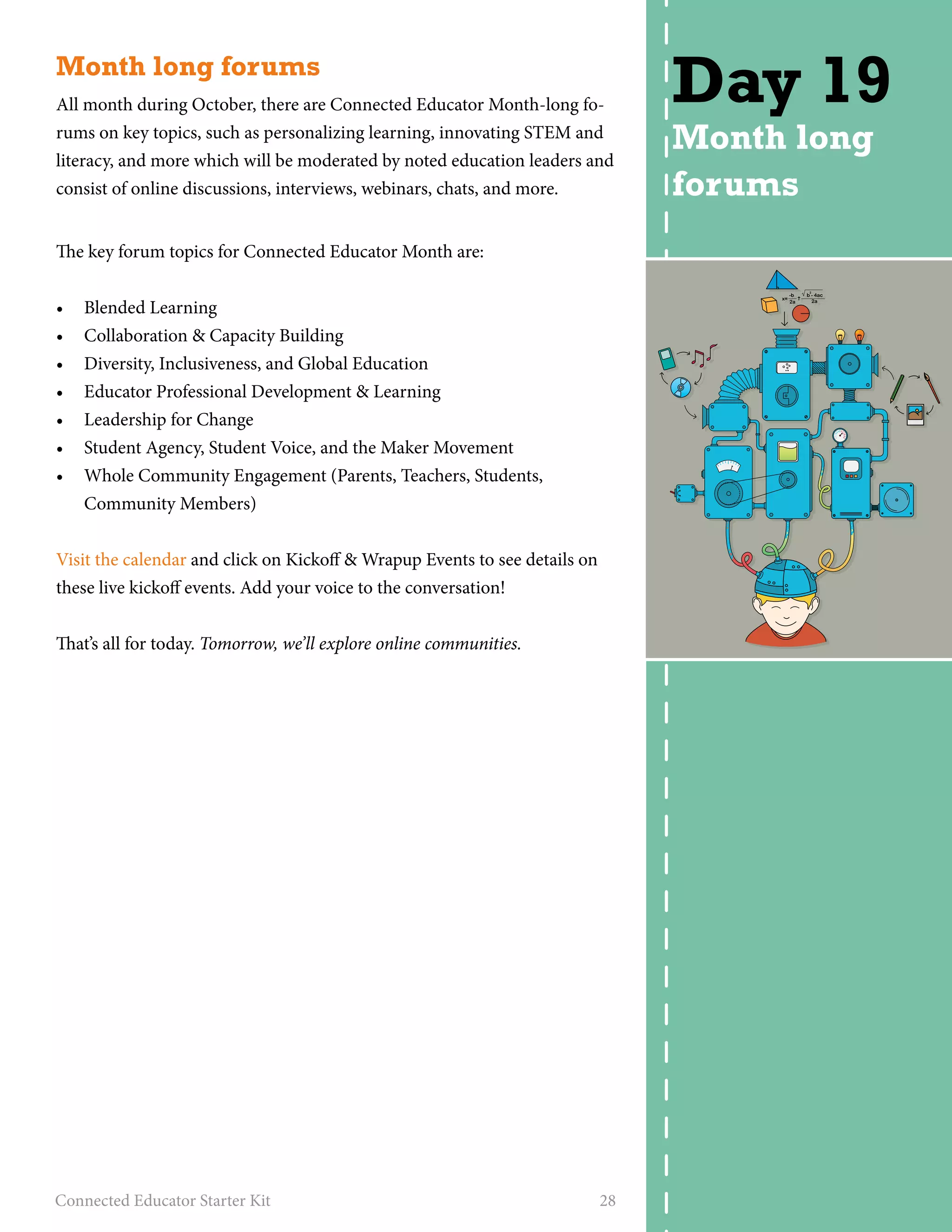
All month during October, there are Connected Educator Month-long fo-rums 
on key topics, such as personalizing learning, innovating STEM and 
literacy, and more which will be moderated by noted education leaders and 
consist of online discussions, interviews, webinars, chats, and more. 
The key forum topics for Connected Educator Month are: 
• Blended Learning 
• Collaboration & Capacity Building 
• Diversity, Inclusiveness, and Global Education 
• Educator Professional Development & Learning 
• Leadership for Change 
• Student Agency, Student Voice, and the Maker Movement 
• Whole Community Engagement (Parents, Teachers, Students, 
Community Members) 
Visit the calendar and click on Kickoff & Wrapup Events to see details on 
these live kickoff events. Add your voice to the conversation! 
That’s all for today. Tomorrow, we’ll explore online communities. 
Connected Educator Starter Kit 28 
Day 19 
Month long 
forums
Online communities 
So far during Connected Educator month, we’ve explored dozens of edu-cational 
blogs, sites, tools, and fellow connected educators. But the world 
of online community engagement reaches into every corner of the world, 
for every conceivable interest, hobby, and passion. Check out these other 
online networks and communities. Maybe one of these will appeal to a 
hobby or interest you have. Don’t see anything that tickles your fancy? Do a 
Google search for “insert your interest here” community. 
• Fitocracy - lets you log your workouts and turns fitness into a game - 
earn badges, levels, or become a hero! 
• Curbly - a community for people who are passionate about home im-provement 
and do-it-yourself house projects 
• Ravelry - a huge community of knitters, crocheters, and fiber artists 
from around the Web. Browse thousands of patterns, find yarns, and 
see pictures of finished projects from other users. 
• Bakespace - a social networking just for bakers. Find a baking mentor, 
compare recipes, browse photos of yummy baked goods, and more. 
• Goodreads - a social network for your bookshelf! Log your books, tell 
others what you’re reading, join a read-along group, read reviews, and 
more. 
Can’t pull yourself away from educational communities? Connected Edu-cators. 
org has put together a Community Directory of the most notable 
online educational communities. This directory lets you comment on com-munities 
you find valuable, add your own favorites, and read interviews 
with Notable Community managers like this one. 
That’s all for today! Tomorrow, we’ll check out a tool called Voicethread. 
Connected Educator Starter Kit 29 
Day 20 
Online 
communities
Voicethread 
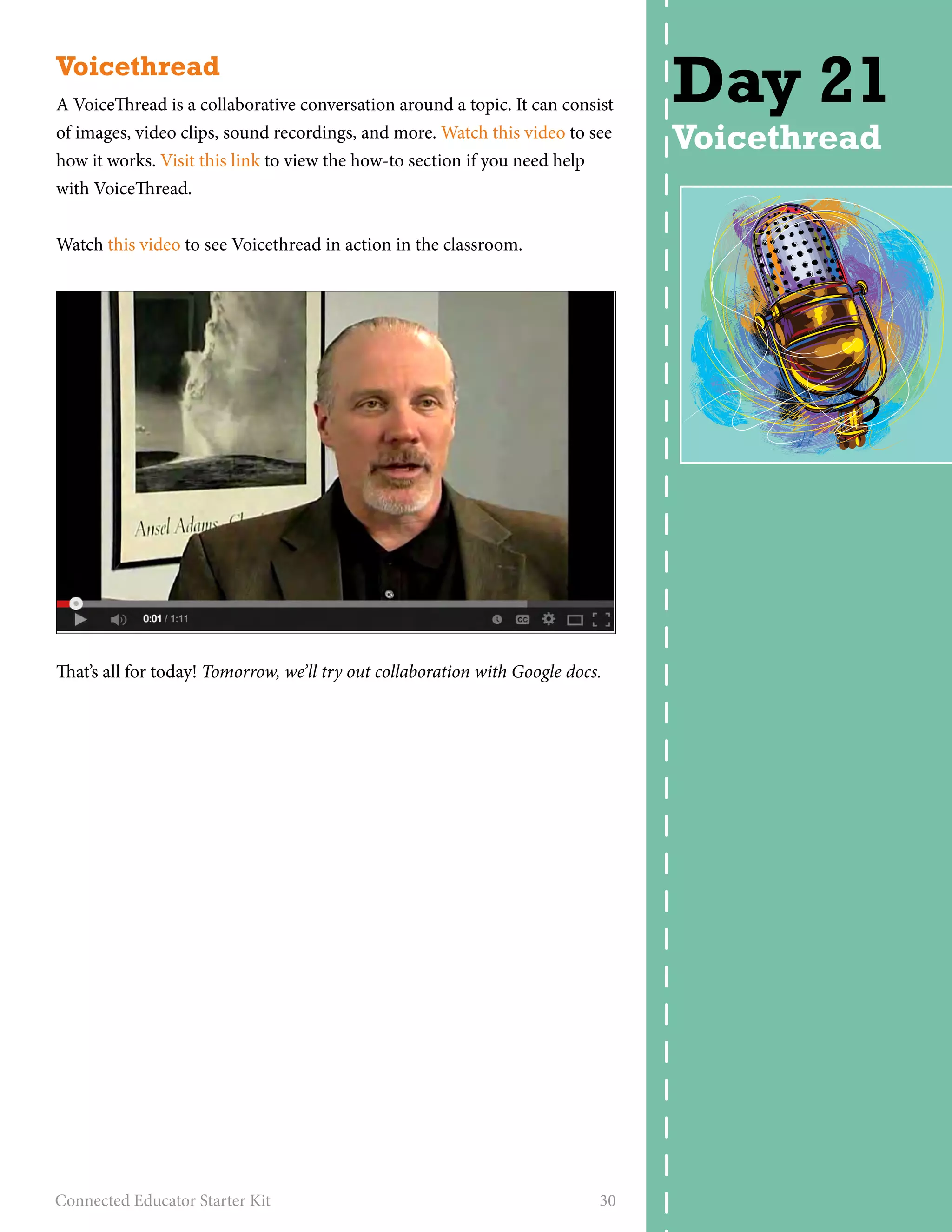
A VoiceThread is a collaborative conversation around a topic. It can consist 
of images, video clips, sound recordings, and more. Watch this video to see 
how it works. Visit this link to view the how-to section if you need help 
with VoiceThread. 
Watch this video to see Voicethread in action in the classroom. 
That’s all for today! Tomorrow, we’ll try out collaboration with Google docs. 
Connected Educator Starter Kit 30 
Day 21 
Voicethread
Collaboration with Google docs 
How do we build a collaborative culture in online spaces? What are the 
needed components? What does it look like? What should the connected 
learner do to make collaboration happen? 
A shared vision emerges from the intersection of professional learning 
community members’ personal visions. First, however, connected learners 
must develop personal visions through their personal learning network. In 
this activity, we collaborate on Google Docs to create a shared vision. 
• Visit docs.google.com and login with your 
Google account. 
• Visit this shared vision Google Doc slideshow. 
• Create your own slide within our slideshow that 
answers the following questions: What are our 
(connected educators and learners) guiding princi-ples 
for how we should operate and work together? 
Why do we exist? What do we want to create? 
What should school look like to support the needs of today’s learners? 
• When you create your slide, add images and be sure to use a template 
that expresses how you feel and shows your personality. 
That’s all for now. Tomorrow, we’ll check out the Teacher Leaders Network. 
Connected Educator Starter Kit 31 
Day 22 
Collaboration 
with Google 
docs
CTQ Collaboratory 
The CTQ Collaboratory is an incubator for teachers’ bold ideas and inno-vative 
solutions. We also welcome all who value teachers as leaders in the 
classroom and beyond. 
• Visit this link to see the CTQ bloggers. 
• View some of the posts, 
then leave a comment on 
a post that resonates with 
you, and introduce your-self 
as a budding con-nected 
educator going 
through this month-long 
journey. 
• Bookmark the link of the post you commented on on Diigo. Tag the 
link with #CE14. 
• See if there are other blog posts with the tag #CE14 on Diigo that other 
connected educators have written. Follow them on Diigo. 
• Go to Twitter and tweet a link to your blog post. Use the hashtag 
#CE14 in your tweet. 
That’s all for today. Tomorrow, we’ll think about unlearning and relearning, 
and check out a tool called Wallwisher. 
Connected Educator Starter Kit 32 
Day 23 
Center for 
Teaching 
Quality
Unlearn & relearn 
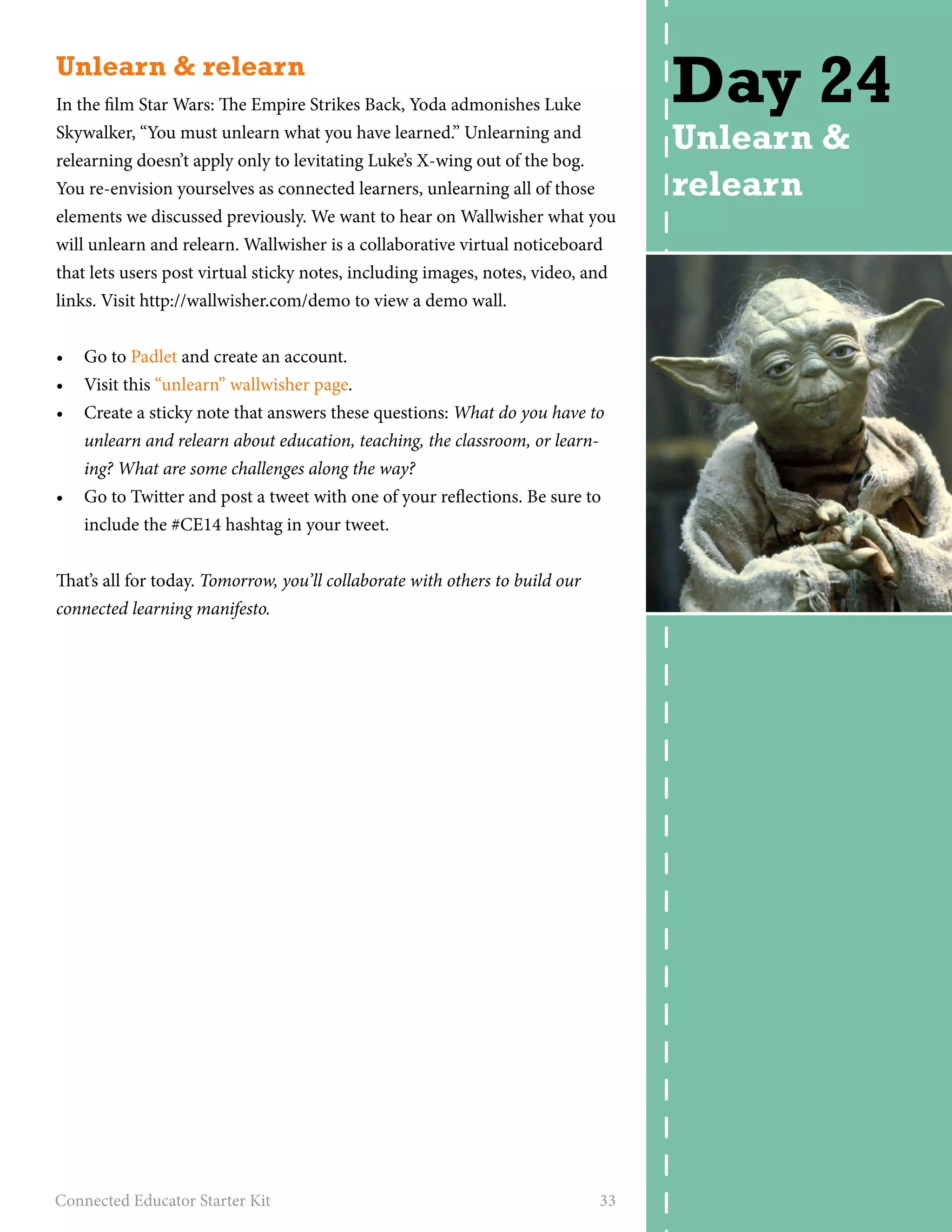
In the film Star Wars: The Empire Strikes Back, Yoda admonishes Luke 
Skywalker, “You must unlearn what you have learned.” Unlearning and 
relearning doesn’t apply only to levitating Luke’s X-wing out of the bog. 
You re-envision yourselves as connected learners, unlearning all of those 
elements we discussed previously. We want to hear on Wallwisher what you 
will unlearn and relearn. Wallwisher is a collaborative virtual noticeboard 
that lets users post virtual sticky notes, including images, notes, video, and 
links. Visit http://wallwisher.com/demo to view a demo wall. 
• Go to Padlet and create an account. 
• Visit this “unlearn” wallwisher page. 
• Create a sticky note that answers these questions: What do you have to 
unlearn and relearn about education, teaching, the classroom, or learn-ing? 
What are some challenges along the way? 
• Go to Twitter and post a tweet with one of your reflections. Be sure to 
include the #CE14 hashtag in your tweet. 
That’s all for today. Tomorrow, you’ll collaborate with others to build our 
connected learning manifesto. 
Connected Educator Starter Kit 33 
Day 24 
Unlearn & 
relearn
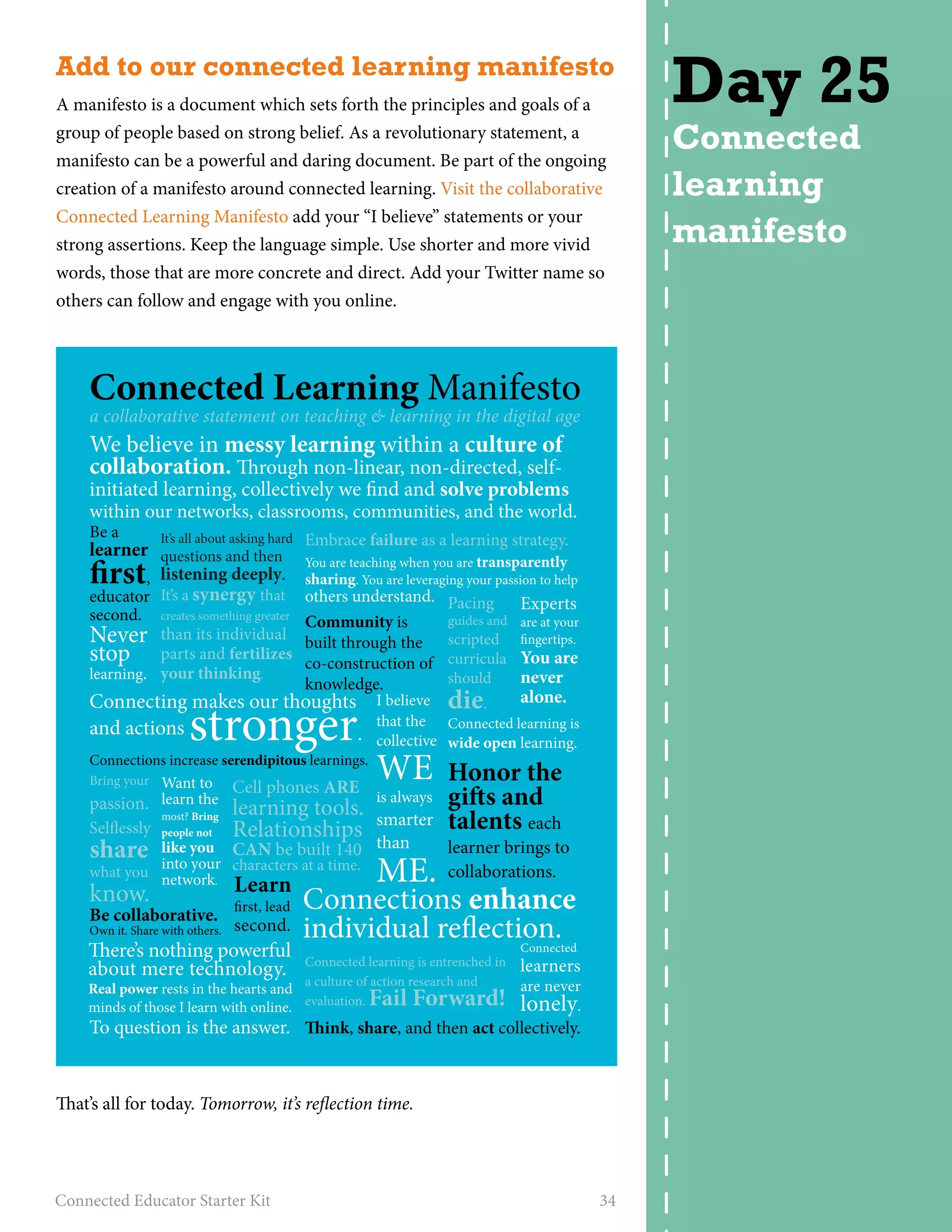
Add to our connected learning manifesto 
A manifesto is a document which sets forth the principles and goals of a 
group of people based on strong belief. As a revolutionary statement, a 
manifesto can be a powerful and daring document. Be part of the ongoing 
creation of a manifesto around connected learning. Visit the collaborative 
Connected Learning Manifesto add your “I believe” statements or your 
strong assertions. Keep the language simple. Use shorter and more vivid 
words, those that are more concrete and direct. Add your Twitter name so 
others can follow and engage with you online. 
Connected Learning Manifesto 
a collaborative statement on teaching & learning in the digital age 
We believe in messy learning within a culture of 
collaboration. rough non-linear, non-directed, self-initiated 
learning, collectively we nd and solve problems 
within our networks, classrooms, communities, and the world. 
Be a 
learner rst, 
educator 
second. 
Never 
stop 
learning. 
Embrace failure as a learning strategy. 
You are teaching when you are transparently 
sharing. You are leveraging your passion to help 
others understand. 
It’s all about asking hard 
questions and then 
listening deeply. 
It’s a synergy that 
creates something greater 
than its individual 
parts and fertilizes 
your thinking. 
Connecting makes our thoughts 
and actions stronger. 
Connections increase serendipitous learnings. 
Want to 
learn the 
most? Bring 
people not 
like you 
into your 
network. 
Community is 
built through the 
co-construction of 
knowledge. 
Pacing 
guides and 
scripted 
curricula 
should 
die. 
I believe alone. 
that the 
collective 
WE 
is always 
smarter 
than 
ME. 
Connected learning is 
wide open learning. 
Honor the 
gis and 
talents each 
learner brings to 
collaborations. 
Cell phones ARE 
learning tools. 
Relationships 
CAN be built 140 
characters at a time. 
Connections enhance 
individual reection. 
Connected learning is entrenched in 
a culture of action research and 
evaluation. Fail Forward! 
Experts 
are at your 
ngertips. 
You are 
never 
Connected 
learners 
are never 
lonely. 
ink, share, and then act collectively. 
Bring your 
passion. 
Selessly 
share 
what you 
know. 
Be collaborative. 
Own it. Share with others. 
Learn 
rst, lead 
second. 
ere’s nothing powerful 
about mere technology. 
Real power rests in the hearts and 
minds of those I learn with online. 
To question is the answer. 
That’s all for today. Tomorrow, it’s reflection time. 
Connected Educator Starter Kit 34 
Day 25 
Connected 
learning 
manifesto
Reflection time 
It’s time to reflect on your learning during Connected Educator month so 
far. Write a post in your edublog to reflect on the month of connecting. 
Pick four of these questions to answer. 
• How has your PLN grown? 
• Which tools do you like? 
• Which tools have given you trouble or do you not understand? 
• Did you discover anything about your journey as a connected educator 
that surprised you? 
• Are there any communities you want to delve further into? 
• Do you have a hobby or interest that you could see yourself using your 
connected educator skills to get deeper into? 
• Did you find any tools or skills that you’re inspired to use with your stu-dents? 
Which ones and how will you use them in your classroom? 
• Tweet a link to your post, put a link on Facebook, and add a bookmark 
in Diigo. Tag your post #connectededucator and #CE14. 
Tomorrow we’ll explore the Voices from the Learning Revolution blog. 
Connected Educator Starter Kit 35 
Day 26 
Reflection 
time
Voices from the Learning Revolution 
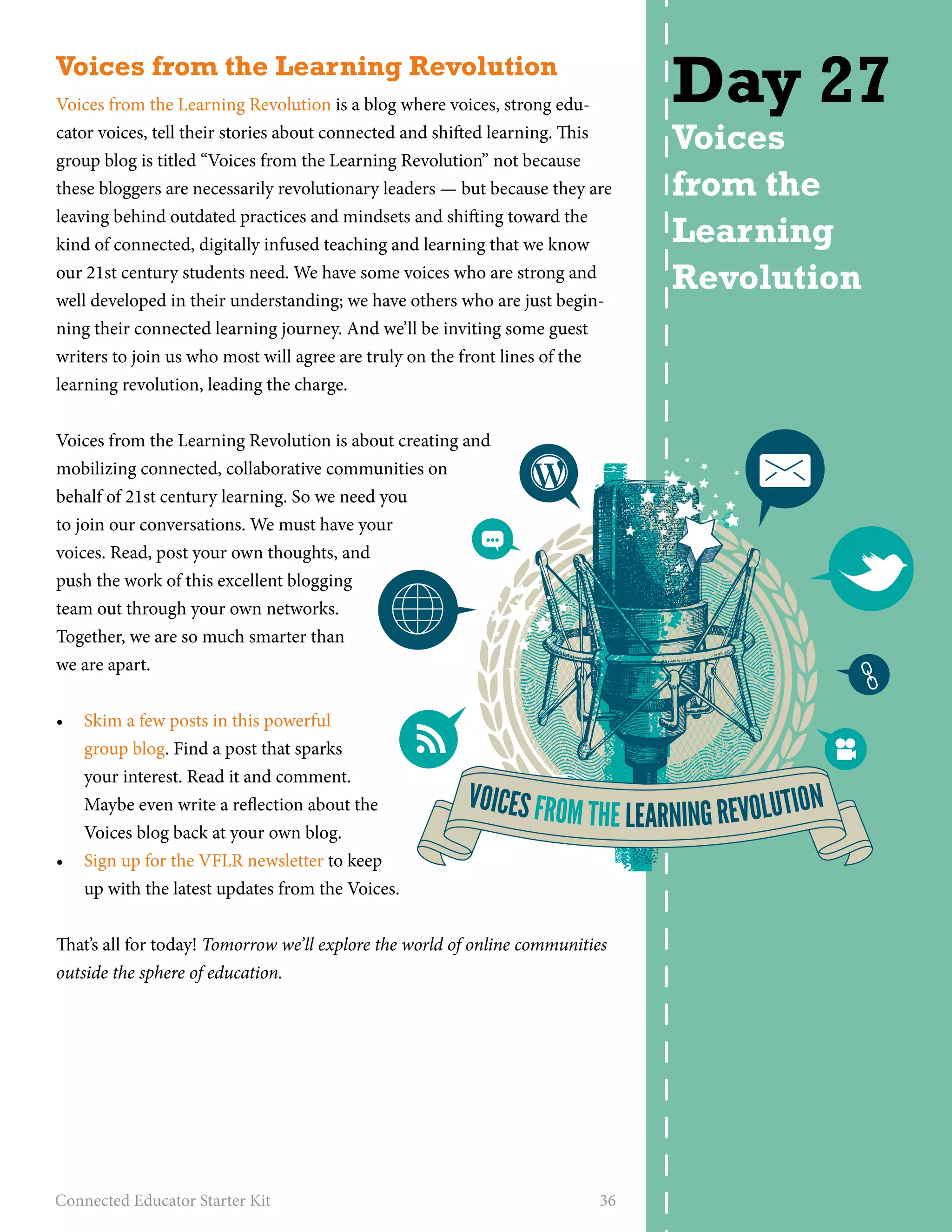
Voices from the Learning Revolution is a blog where voices, strong edu-cator 
voices, tell their stories about connected and shifted learning. This 
group blog is titled “Voices from the Learning Revolution” not because 
these bloggers are necessarily revolutionary leaders — but because they are 
leaving behind outdated practices and mindsets and shifting toward the 
kind of connected, digitally infused teaching and learning that we know 
our 21st century students need. We have some voices who are strong and 
well developed in their understanding; we have others who are just begin-ning 
their connected learning journey. And we’ll be inviting some guest 
writers to join us who most will agree are truly on the front lines of the 
learning revolution, leading the charge. 
Voices from the Learning Revolution is about creating and 
mobilizing connected, collaborative communities on 
behalf of 21st century learning. So we need you 
to join our conversations. We must have your 
voices. Read, post your own thoughts, and 
push the work of this excellent blogging 
team out through your own networks. 
Together, we are so much smarter than 
we are apart. 
• Skim a few posts in this powerful 
group blog. Find a post that sparks 
your interest. Read it and comment. 
Maybe even write a reflection about the 
Voices blog back at your own blog. 
• Sign up for the VFLR newsletter to keep 
up with the latest updates from the Voices. 
That’s all for today! Tomorrow we’ll explore the world of online communities 
outside the sphere of education. 
Connected Educator Starter Kit 36 
Day 27 
Voices 
from the 
Learning 
Revolution 
VOICES FROM THE LEARNING REVOLUTION
What makes a connected educator? 
Now that you’ve spent almost a month becoming a connected learner and 
a connected educator, you may have formed your own ideas about what 
connected learning is, and what “makes” a connected educator. At least, we 
hope you’ve been thinking about it! 
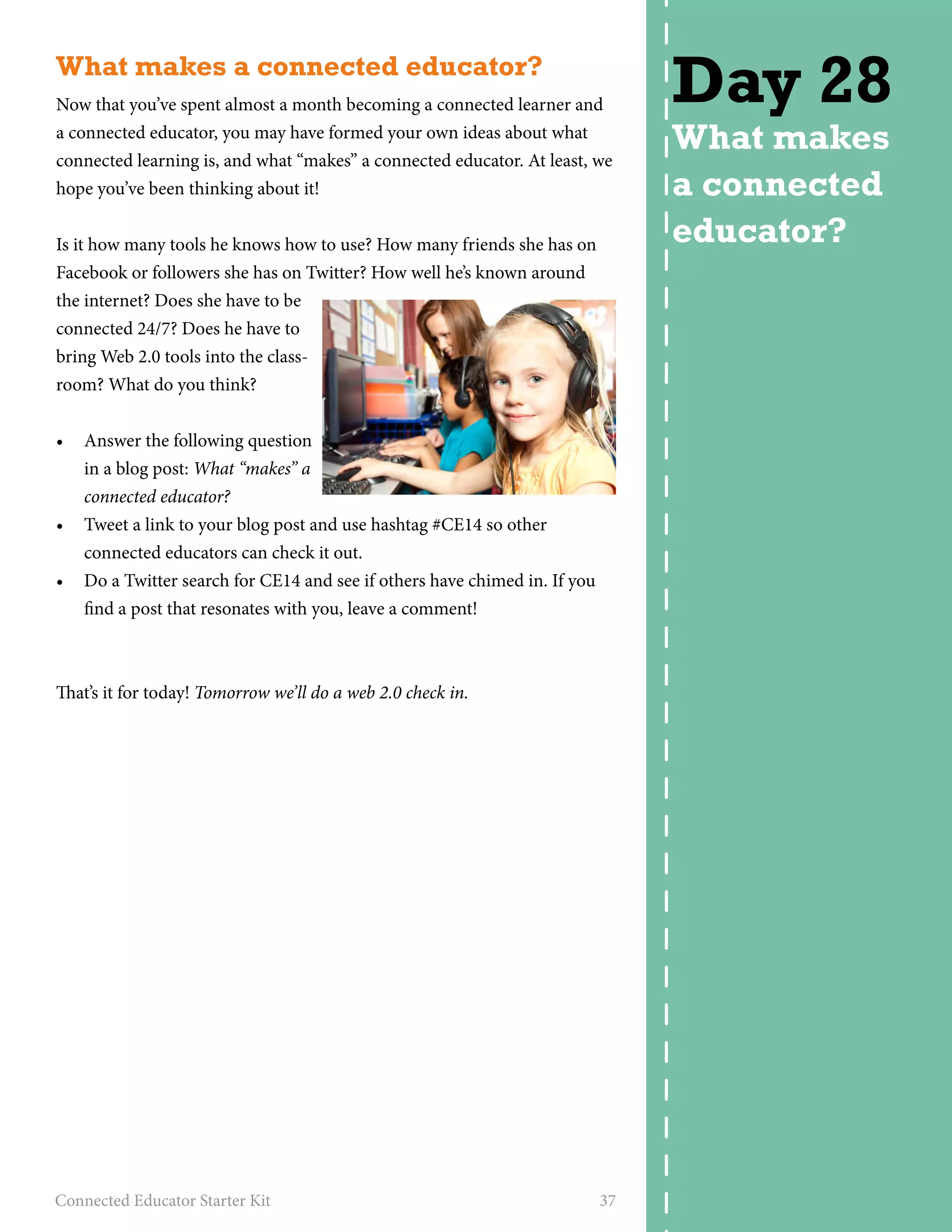
Is it how many tools he knows how to use? How many friends she has on 
Facebook or followers she has on Twitter? How well he’s known around 
the internet? Does she have to be 
connected 24/7? Does he have to 
bring Web 2.0 tools into the class-room? 
What do you think? 
• Answer the following question 
in a blog post: What “makes” a 
connected educator? 
• Tweet a link to your blog post and use hashtag #CE14 so other 
connected educators can check it out. 
• Do a Twitter search for CE14 and see if others have chimed in. If you 
find a post that resonates with you, leave a comment! 
That’s it for today! Tomorrow we’ll do a web 2.0 check in. 
Connected Educator Starter Kit 37 
Day 28 
What makes 
a connected 
educator?
Web 2.0 check in 
You’ve spent almost a month exploring new tools, learning new terminol-ogy, 
experimenting with things around the Web, and participating in Con-nected 
Educator month activities. It’s time for a Web 2.0 check in! 
Write a blog post answering the following questions: 
• How has your network grown this 
month? This doesn’t have to just 
be a measurement by numbers of 
followers, friends, and contacts 
(although that can be interest-ing 
to note), but also can consider 
what type of connections you’ve 
made, and how you might connect, 
collaborate or build those relation-ships 
in the future. 
• What is your favorite tool or technology you discovered this month? 
How do you see yourself incorporating this tool into your everyday life 
and work? 
• Were there tools that you signed up for and never used? What do you 
think is the impediment to you diving right in and trying these tools? 
• Is there a tool that frustrated you? Why do you think that happened? 
• Are there any applications for the things you learned this month to 
make their way into your classroom? 
• Have you begun to see yourself as a connected learner? A connected 
educator? Why or why not? 
• What is the biggest “a-ha!” moment or realization you’ve had this 
month? 
• Be sure to Tweet your blog post with the hashtag #CE14 so other con-nected 
educators can check it out. 
• Do a Twitter search for #CE14 and see what others have learned. 
That’s all for today! Tomorrow we’ll check out the culminating events for con-nected 
educator month. 
Connected Educator Starter Kit 38 
Day 29 
Web 2.0 
check in
Culminating events 
Make plans to participate in one of the culminating events for Connected 
Educator Month. 
• Check the calendar for details. 
• Sign up for an event. 
• Post a tweet letting others know which event you’ll be participating in. 
Be sure to include the #CE14 hashtag. 
Tomorrow is our final day! 
Connected Educator Starter Kit 39 
Day 30 
Culminating 
events
Final thoughts 
Congratulations! You’ve made it through all the 
DIY professional development activities offered 
in The Connected Educator month. Here’s a 
badge for you to use on your blog or website. 
Just copy and paste this code to display it! 
a href=http://21stcenturycollaborati 
ve.com/the-connected-educatorimg 
src=”http://gallery.mailchimp.com/e8ec3e- 
096284b8e832f6e08b3/files/BADGE.jpg” alt=”I 
am a connected educator and learner first” // 
a 
Although we have done this work, we are continuing to learn. Like all rest-less 
lifelong learners, we have more questions than answers. Here are some 
of the things we think about. 
• What principled changes should we be making in our classrooms to 
ensure that we are developing in students the skill sets they will need as 
they face future challenges? 
• Are we preparing kids for yesterday, today, or tomorrow? 
• Are current classroom techniques helping those we teach become 
future scientists, technologists, and imagineers who will solve the social 
ills of the society of the future? 
• How can we collectively advocate best for needed policy changes that 
will enable our teachers and students to engage in connected, authentic 
learning? 
• How can we help our students be ready to learn using tools we cannot 
yet imagine? 
As you think about how to become a connected learner or continue on 
your journey, revisit these questions and develop your own answers, or add 
to the questions to advance your learning. To paraphrase Gandhi, be the 
change you want to see in the world. 
Connected Educator Starter Kit 40 
Day 31 
Final 
thoughts
STARTER KIT CONNECTED EDUCATOR 
created by Powerful Learning Practice 
for Connected Educator Month 2014

Connected educator-month-starter-kit-2014

  • 1.
    STARTER KIT CONNECTEDEDUCATOR created by Powerful Learning Practice for Connected Educator Month 2014
  • 2.
    About this project Millions of educators and others around the world have participated in hundreds of professional de-velopment opportunities as part of Connected Edu-cator Month (CEM) the past two years. Originally developed by the U.S. Department of Education and its partners as part of the Connected Educators initiative, CEM offers highly distributed, diverse, and engaging activities to educators at all levels. Based on its success in 2012 and 2013, the initia-tive is poised to reach even more educators in 2014, through expanded partnerships and enhanced programming. In 2014 Connected Educator Month became col-laboratively owned by the global connected learn-ing community. Connected Educator Month 2014 is being organized and launched by the American Institutes for Research in partnership with Grun-wald Associates LLC, Powerful Learning Practice LLC, the United States Department of Education and Digital Promise. Visit the official Connected Educator Month site at http://connectededucators.org.
  • 3.
    Table of contents About Connected Educator Month. . 4 What you can expect this month. . 4 About this starter kit . 5 Day 1 - What is a connected educator?. . 6 Day 2 - What is Web 2.0? . 10 Day 3 - Twitter . 11 Day 4 - Hashtags. . 13 Day 5 - Even more Twitter . 14 Day 6 - Become a Facebookworm. . 15 Day 7 - YouTube. . 16 Day 8 - Digital storytelling. . 17 Day 9 - Tell your story. . 18 Day 10 - Photo sharing. . 19 Day 11 - Wikis . 20 Day 12 - Webinars . 21 Day 13 - Map yourself. . 22 Day 14 - Get a blog. . 23 Day 15 - Become a blogger. . 24 Day 16 - Future Ready Pledge. . . . . . . . . . . . . . . . . . . . . . . . . .25 Day 17 - Social bookmarking. . 26 Day 18 - Social networking. . 27 Day 19 - Month long forums . 28 Day 20 - Online communities . 29 Day 21 - Voicethread. . 30 Day 22 - Collaboration with Google docs. . . . . . . . . . . . . . . .31 Day 23 - Teacher Leaders Network. . 32 Day 24 - Unlearn & relearn. . 33 Day 25 - Connected learning manifesto. . 34 Day 26 - Reflection time. . 35 Day 27 - Voices from the Learning Revolution. . 36 Day 28 - What makes a connected educator?. . 37 Day 29 - Web 2.0 check in. . 38 Day 30 - Culminating events . 39 Day 31 - Final thoughts. . 40 Connected Educator Starter Kit 3 Table of contents
  • 4.
    About Connected EducatorMonth Online communities and learning networks are helping hundreds of thou-sands of educators learn, reducing isolation and providing “just in time” access to knowledge and opportunities for collaboration. However, many educators are not yet participating and others aren’t realizing the full ben-efits. In many cases, schools, districts, and states also are not recognizing and rewarding this essential professional learning. October 2014 marks the third annual Connected Educator Month. Throughout the month there will be coordinated opportunities to partici-pate in events and activities in dozens of online locations to develop skills and enhance one’s personal learning network. What you can expect this month You can expect an intensive 31 days of connected learning focused on teaching and learning in four countries (USA, New Zealand, Victoria, Australia, and Norway) all holding simultaneously their own Connected Educator Month and using a common calendar. There will be hundreds of organizations leading a variety of events around seven core themes. Theme leader organizations in the USA will offer kickoff events and programming for each of the themes throughout October. Be sure to also check the calendar as it’s constantly being updated with opportunities like: • Month-long forums on key topics, such as blended learning; collabo-ration and capacity building; diversity, inclusiveness, and global educa-tion; professional development; leadership for change; student agency, student voice, and the maker movement; and whole community en-gagement. All which will be moderated by noted education leaders and consist of online discussions, interviews, webinars, chats, and more. • Guided tours and real-time community open houses, which will con-nect educators with communities, answering questions such as: Who can help me solve challenges I’m facing in my classroom and how do I best connect with them? How can I help change my profession for the better? • Contests for addressing community challenges with lots of great prizes, developing innovative ideas, and creating compelling video demonstra-tions. Many of the best and most exciting contest prizes will be part of the crowdfunding campaign geared toward making Connected Educa-tor Month last all year. • Virtual worlds, simulations, hands on demonstrations, social games and more. Connected Educator Starter Kit 4 Getting started All events and activities will be archived and synthesized into multimedia “proceed-ings” that will serve as a per-manent resource to educators and community sponsors.
  • 5.
    About this starterkit Powerful Learning Practice, a professional learning company for con-nected educators has created The Connected Educator Starter Kit to help you join the vast sea of connected educators, social networks, and online communities. Whether you just dip your toe in the water by trying a few of these activities or you dive in headfirst and take advantage of this entire month-long, do-it-yourself professional learning journey, we’re sure you’ll find something to challenge you or spark your interest. This guide is separated into 31 days worth of online activities (one for each day during the month of October) to get you started into your jour-ney as a connected educator and learner. How you use the kit is up to you. Try a few activities and then explore on your own, follow this guide to the letter, find a tool or community that fuels your passion and spend your month really cultivating your presence there. It’s like a choose your own adventure starter kit! Feel free to replace any day’s activities with an activ-ity or event from the Connected Educator Month calendar. And be sure to create a profile on our calendar and sign up for Connected Educator Month updates so you won’t miss out on any of the exciting opportunities. Once you’re signed up, you’ll get regular updates about: • Webinars and other real-­time events—many headlined by education, technology, and community leaders—that you can register to attend. • Forums on key education and community issues in which you can participate. • Guided tours, open houses, launches, exhibits, collaborative projects, polls, and other special activities of which you can partake. • Contests you can enter, badges you can earn, plus other resources ranging from starter kits to book clubs and classes to help you join the world of connected education or become more connected. We encourage you to jump right in with the Day 1 activity. This is your month of learning, trying new things, and growing. Keep an open mind and have fun! Connected Educator Starter Kit 5 About the calendar of events The calendar is chock full of events, collaborations, and ac-tivities for you to get involved. You can search or browse for events that interest you (use the easy color-coded categories to sort the calendar events) or sign up for a free account and you can mark events you’re interested in to create a per-sonal calendar. Don’t get over-whelmed by all of the options – it’s fine to just stick your toe in and pick one or two activities. There is so much to do that no one could possibly do every-thing. So browse the calendar, see what sparks your interest, and get involved!
  • 6.
    What is aconnected educator? You know that the world is changing... New and emerging Web technologies are connecting our children in ways never before possible. Through blogs, social networking sites, multimedia and other Web 2.0 tools, their world is becoming more and more net-worked and participatory. Your students spend time every day in virtual environments that are highly engaging and encourage creative thinking and problem solving. They frequently participate in games and social me-dia where they routinely acquire and apply knowledge and collaborate with friends. …but schools are not. Schools have by and large been resistant to these shifts. Yet, this networked landscape of learning challenges you to re-envision what you do in your school and classroom, or risk growing irrelevance in your students’ lives. At the core of this challenge is how you and I, as educators, realize the po-tentials of these technologies in our own professional and personal learn-ing practice as educators. If you want to become a 21st century connected educator — and prepare iGeneration students for an exciting but unpredictable future — you first have to become a 21st century learner. That’s right. The “connected learner” is YOU. To become a connected educator, you must first become a con-nected learner. Think about it. Kids today seem to have been born with chips in their heads. They’ve grown up with remote control everything, smart phones, constant communication, and instant access to information in entertain-ing formats. Almost everywhere they go they are connected, engaged and plugged in. Through various social media, their worlds are becoming more and more networked, creating environments for learning and collaborating that look very little like the classrooms in which you and I grew up. What is a connected learner? Connected learners develop networks and co-construct knowledge from wherever they live. Connected learners collaborate online, use social media to interact with colleagues around the globe, engage in conversations in Connected Educator Starter Kit 6 Day 1 What is a connected educator? Want to dive deeper into being a connected educator? Check out The Connected Educator - Learning and Leading in a Digital Age by Sheryl Nussbaum-Beach and Lani Ritter Hall. Want sup-port as you make your way through this groundbreaking book? Join the book club for Connected Educator Month and find discussions, collabo-rate with other educators, and more.
  • 7.
    safe online spaces,and bring what they learn online back to their class-rooms, schools, and districts. Within these connections and networks, the complexity of learning and teaching becomes more apparent, and educators deepen their understand-ing. As networks and available knowledge expand and grow, and educators make additional connections, a more accomplished global teacher practice evolves—a practice that continually focuses on maximizing student learn-ing and staying current with knowledge about learning. A new culture emerges as teachers shift away from a paradigm of isola-tion and closed doors. Connected learners share a deep commitment to understanding ideas related to teaching and learning. Conversations turn to topics of practice rather than to the staff room complaints and rumors that too often occupy faculty members’ time and energy. As educators grow into connected learners, they not only start to ask more critical questions of each other related to practice, but they also begin to actively listen and closely attend to varied perspectives that may help the community of learn-ers to move forward. We could argue collaborative problem solving in real time is a new peda-gogy of connected learning, just one of many that surface when we are thinking about learning in an open, connected culture. George Siemens describes the way we learn in networks as a form of knowledge exchange, a collecting and curating of stories and ideas, a wayfinding, a figuring it out through collective activities like crowdsourcing. This is a leveraging of the wisdom of the crowd and their resources through the various social sites to which we belong (Siemens, 2005a). What is a personal learning network? Educators have always had learning networks—colleagues from whom they learn and with whom they share. Often those networks were small, determined to a great extent by physical location. More recently, with the availability of technology to make connections and to extend learning, the physical boundaries of the past have been erased and the possibilities for connecting and learning have expanded. Those global connections that reach literally around the world are a personal learning network or PLN. Connected Educator Starter Kit 7
  • 8.
    A personal learningnetwork consists of the connections an educator makes to extend learning; the environments and spaces created as they find their colleagues or mentors. PLNs can be viewed as a reciprocal learning system, in which educators participate by sharing and then learn from others who share with them. PLNs become the personalized classrooms and curriculum where educators connect around ideas for which they are passionate. Everyone may connect to different people as the building of the network is a series of self directed, independent learning experiences. The growing and nurturing of a PLN is a complex process in which educators develop the literacy of finding trusted sources in a safe, effective and ethical way. In that end, PLNs are the creation of personal learning spaces and en-vironments; they have the potential to profoundly impact both professional and personal learning. PLNs focus on individual needs, interests, conversa-tions, and learning. Interestingly enough, learning in networks connects the learner to learning objects as often as it does people. An RSS stream or news feed (authored by many) can be part of a personal learning network. Will Richardson, parent, educator, speaker, blogger and author of Personal Learning Networks - Using the power of connections to transform education, has some additional thoughts on personal learning networks in this video, which is one of 39 interviews at The Brainwaves. Connected Educator Starter Kit 8
  • 9.
    A day inthe life of a connected educator All these concepts might sound like abstract ideas that seem appealing, but how does this play out in real life? Check out this compelling infographic complete with a play-by-play of a day in the life of a connected educator. Click the graphic to view the entire thing! Connected learning principles The Digital Media & Learning Research Hub has come up with a set of connected learning principles, design principles, and core values for re-imagining the experience of education in the information age. Read their connected learning principles and become familiar with these concepts. Recommended reading Browse this list of books often most read by connected educators. See what sparks your interest, and dive in to the mind of a connected educator. That’s it for day one. Tomorrow: what is Web 2.0? Connected Educator Starter Kit 9
  • 10.
    What is Web2.0? What is Web 2.0 and why is it important? Today, you’ll find out. Complete the activities below to steep yourself in the concept of Web 2.0. • Complete this page on the K12 Learning 2.0 site. Read the page, watch the videos, and make notes on questions or reflections you may have. • Go to http://docs.google.com and login with your Google account. Don’t have a google account? See the sidebar on how to set one up. It’s easy! • Create a new Google document and copy your notes from the activity above on to the page. The page should save automatically. • Visit Web 20.14 by Discovery Education and browse the different types of Web 2.0 tools. • Review Discovery Education’s guidelines for internet safety and being savvy while online. That’s all for today! Tomorrow: you’ll be introduced to the wonderful world of Twitter. Connected Educator Starter Kit 10 Day 2 What is Web 2.0? Don’t have a Google account? It’s easy to set up! To create a new account, click here. Fill out the form and click “create my account”. Keep your username and password in a secure place that you can access in case you forget them. Tip: It is helpful to use the same login name across vari-ous Web 2.0 tools so others can find you.
  • 11.
    Twitter Twitter isa microblogging service, accessed from your computer or mobile phone, that connects you to a worldwide network of people. Think of Twit-ter like a very short blog—Twitter’s “tweets” are microposts of a maximum of 140 characters. Like blogs, the tweets may contain videos and photos, but these are shown as links in order to stay within the character limits. Just as you have readers and subscribers for your blog, you have “followers” on Twitter. Your followers see your messages (called tweets or updates) as you tweet them, along with the chronological tweets from all those they follow. To find out more about Twitter and how you can use it, watch this short video: Twitter in plain English. Then complete the activities below to get started with Twitter. • Visit Twitter and create an account. • Visit Sue’s site that shares tips and tricks to consider when creating your Twitter account. • Create a few tweets. • To get started, follow a well-known connected educator like @snbeach or a connected organization like @edconnectr, @ascd, @plpnetwork, or @cueinc. View their lists of followers as well as who they are follow-ing, and then follow some users that are interesting to you. Want more people to follow? Check out this collaborative list of connected Connected Educator Starter Kit 11 Day 3 Twitter Earn a badge: Complete the activities on this page and earn the Baby Tweet badge! Visit this link to grab the code and learn how to display the badge on profiles or sites you use.
  • 12.
    educators to followon Twitter. If you have suggestions of who to follow, add them to the document! • Once you’ve followed a few educators, retweet someone’s tweet. Look for the retweet link when you place your mouse over an individual tweet. • Find great classrooms to follow at the Great Twitter Classroom Connections page. • Make sure you update your profiles around the Web with your Twitter name so others can follow you. • Watch the video below from Sheryl Nussbaum-Beach about why being a connected educator is important. Great job! That’s all for today. Tomorrow, we’ll explore hashtags, and how you can use them for even more DIY professional learning. Connected Educator Starter Kit 12 Who to follow? Want some ideas on who to follow? Check out some of the great organizations who are sponsors of Connected Educator Month and follow them on Twitter! @plpnetwork @3dgamelab @bookmentors @brainpop @brighttalk @teachingquality @classroom20 @edublogs @edutopia @knovation @middleweb @learningforward @schoodl @schooltube @slidespeech @unplugd @cueinc @ncte @kutztownu @ascd @isteconnects @writingproject @metroschools
  • 13.
    Hashtags If you’vecompleted the activities from day three and have been browsing through your Twitter stream, you’ve no doubt noticed the use of hashtags. Typing a pound sign followed by a word or phrase (such as #edchat, #plpnetwork or #CE14) into a tweet makes a special link that searches Twit-ter for that word or phrase. In this way, you can follow discussions, topics, live tweeting of conferences or events, or join Twitter chats (scheduled dis-cussions of particular topics which are grouped together by hashtags for easy tracking). Visit this link for more on hashtags and Twitter chats, or check out this complete list of weekly Twitter chat times. Here are some activities to get you started using and following hashtags. • Check out the hashtag #CE14 (the official hashtag for Connected Educator Month 2014) to find out about events, join discussions, and discover other connected educators to follow. • Join a Twitter chat during Connected Educator Month. Check out the calendar and click on “Twitter chat” in the list of event types to see all the chats that are happening this month. Connected Cafe Twitter chats will happen every Tuesday, Wednesday, and Thursday in October. They are sponsored by ISTE and will include Board members, yearly award-winning teachers, and the Center for Teaching Quality’s Collaboratory Teacher Leaders. • Read educator Patti Grayson’s account of discovering hashtags and us-ing them for her DIY professional development. • If you want more on how to use Twitter for professional development, check out Middleweb’s excellent resource on Twitter for summer PD. • Sign up for a Twitter application like Tweetdeck or Hootsuite (both sites have web-based, desktop, and mobile apps). These Twitter clients let you track hashtags, make lists of people you follow, quickly check your @replies and direct messages, and more. • Start following a few hashtags. Start with #CE14 so you don’t miss out on Connected Educator Month discussions and announcements. Find more suggestions in The Complete Guide to Twitter Hashtags for Education. • Try composing your own tweet using a hashtag. Stumped for ideas? Just tweet this: I just learned all about hashtags from my Connected Edu-cator Starter kit with #CE14 and @plpnetwork. Get your kit here: http:// ow.ly/BMbv2 Nice job! That’s all for today. Tomorrow, we’ll delve even further into Twitter. Connected Educator Starter Kit 13 Day 4 Hashtags Watch this video for an easy how-to on tracking and creat-ing hashtags. Earn a badge: Complete the activities on this page and earn the Twitterati badge! Visit this link to grab the code and learn how to display the badge on profiles or sites you use. #readytolaugh? #funnyvideo
  • 14.
    Even more Twitter Another great way to collaborate, build your personal learning network, and use Twitter for DIY professional development is to join a Twitter chat. A Twitter chat is a lot like any other online chat, where people gather to talk about a specific issue. The great thing about a Twitter chat is it brings people together from all over world to a central area (Twitter) where they can interact in real time. To join a Twitter chat, you just need to know what hashtag is being used. Not sure what a hashtag is? Check out day four for activities surrounding hashtags. Here are a couple activities that will let you take your Twitter experience even further. • If you’d like to follow a hashtag chat in an easy and engaging format, try the Twubs tool. Check out the plpnetwork Twubs page for an example of how this tool works. • Cybraryman has created a page with 300+ eductional Twitter hashtags being used right now. • Visit the Connected Educator Month calendar and click on the Twit-ter chat label for a list of other Twitter chats you can attend during the month of October. • Want to study up before the chat? Check out this guide on how to get the most out of participating in a Twitter chat. • Want more ideas on how to use Twitter? Download Powerful Learn-ing Practice’s free Twitter Handbook for Teachers, a brand new, 13-page guide to Twitter. This guide is for educators who are new to Twitter, or veterans to the social media platform who want to bring Twitter into their classrooms or grow their network. Great work! That’s it for today. Tomorrow, we’ll take a look at Facebook. Connected Educator Starter Kit 14 Day 5 Even more Twitter Twitter chat with Secretary Duncan Join the #ce14 Twitter chat with Secretary of Education Arne Duncan, October 16 at 6pm EDT.
  • 15.
    Become a Facebookworm Facebook is a global social network. If you’re not already a user, you’ve probably heard of it, and if you haven’t, then today you’ll become part of the largest social network on the planet. Want a few statistics about Face-book? • 1.28 billion monthly active users (a 15% increase year to year) • 4.5 billion likes generated daily • 802 million people log onto Facebook daily • Five new profiles are created every second • Photo uploads total 300 million per day Most of your friends and family are probably already on Facebook, and finding them and connecting to their updates is easy. Here are a few activi-ties that will get you started with Facebook. • Create a Facebook account. Click here to get started. • Search for friends, family members, or colleagues and add them as friends to start making connections. • Search on Facebook for your favorite educational groups, brands, celebrities, or authors and “like” their pages. Get started with these: Powerful Learning Practice, The Global Education Conference, Con-nected Educator Month. • Curious about how to take Facebook into your classroom? Check out 100 Ways You Should be Using Facebook in your Classroom and the Facebook Guide for Educators. • Should you be friends with your students? This debate, as well as the article The Why and How of Using Facebook For Educators – No Need to be Friends At All! tackles that topic as well as the overarching question, does Facebook belong in the classroom at all? • This presentation features school leaders who ban & block Facebook as well as those who empower and prepare. It also provides examples of a teacher and students from The Science Leadership Academy who have had success using social media in education. That’s all for today! Tomorrow we’ll take a look at YouTube. Connected Educator Starter Kit 15 Day 6 Facebook Earn a badge: Complete the activities on this page and earn the FacebookWorm badge! Visit this link to grab the code and learn how to display the badge on profiles or sites you use.
  • 16.
    YouTube - onlinevideo sharing Making your own video is easier today than it ever has been. Nearly every cellphone, new laptop, or point & shoot camera has a videocamera built in. YouTube is a community for sharing videos. After you make a video, you can upload it for the world to see. Your video is given it’s own link which you can share. You can also embed your video into websites, blogs, or so-cial networks like Facebook. There are plenty of silly and “fluff” videos on YouTube (cat videos, any-one?), but many educators are also on YouTube. You can expand your professional knowledge by learning from other educators. You can also find great content that students can watch at home or in the classroom. Here are a few activities to get started with YouTube. • Visit YouTube and login with your Google account. • Fill out your YouTube profile. • Record and upload a simple video: introduce yourself and tell us the biggest “a ha moment” for you so far during Connected Educator Month. Be sure to tag your video with CE14 when you upload it, and put Connected Educator Month in the title (such as, “Jane Smith, Con-nected Educator Month”). • Subscribe to a channel (like Edutopia or the Teaching Channel) to get started with video subscriptions. Want to find more videos about edu-cation? Check out YouTube’s Education section, which features the best videos from around the web for every subject imaginable, from math to science to engineering and business. • If YouTube is blocked at your school, don’t miss out on Schooltube or Teachertube Read this article from Edutopia on how teachertube is a wonderful resource for the classroom. • The National Education Association has a guide to YouTube for Educa-tors, including how to find instructional videos, limit access to educa-tional content only, and advice on creating your own channel. That’s all for today! Tomorrow we’ll talk about digital storytelling. Connected Educator Starter Kit 16 Day 7 YouTube Check out this helpful video: How to create videos and start a YouTube channel Explore the YouTube Creator Playbook Check out 10 Steps to Create an Educational Channel on YouTube Earn a badge: Complete the activities on this page and earn the YouTube badge! Visit this link to grab the code and learn how to display the badge on profiles or sites you use.
  • 17.
    Digital storytelling Beforethe advent of online content and easy to use software, producing multimedia content required expensive equipment and technical know-how. But nowadays we can create compelling digital content with nothing more complicated than a Web browser or camera. Digital storytelling is simply telling a story using digital tools. Much like regular storytelling, telling a digital story should come from the heart, include personal experi-ence, and have a point of view. Here are a few activities to get you started with digital storytelling. • Explore Alan Levine’s wonderful and comprehensive 50+ Web 2.0 Ways to Tell a Story. He includes tips, tricks, and tools for getting your story across using online tools, video, and other multimedia platforms. According to Alan, it’s “As Easy as 1-2-3! - Outline a Story Idea, Find Some Media, andPick a Tool and Build Your Story.” • Another popular approach to digital storytelling is the 5x5 project (25 second videos featuring five five-second clips put together to tell a story). Read more about the project and watch some examples. • Think about a story you’d like to tell. It can be complex or simple, a deeply personal tale or an entry from a travel journal, you can narrate it or it can be silent. Tomorrow, you’ll dive right in with this, so be ready with some ideas! Great work, that’s all for today. Tomorrow, you’ll create your own digital story. Connected Educator Starter Kit 17 Day 8 Digital storytelling
  • 18.
    Tell your story Yesterday you learned about digital storytelling and browsed through more than 50 ways to tell a story using Web 2.0 tools. I hope you put your think-ing caps on and dreamed up your own story to tell! Today, you’ll take your first step into digital storytelling. • Follow the 3 easy steps on the 50 Ways wiki to get your story online. Outline your story, find some media, and create your story using an online tool. • Maybe you’d rather try your hand at a 5x5 video. Record five 5-second clips and put them together to create a 25-second simple vignette. See the sidebar for a great resource on video editing if you need help with that. • Another great example of using clips to create a story is this time lapse video of the first 12 years of a little girl’s life. • If you chose video as the medium for your digital storytelling journey, log in to YouTube and upload your video. Be sure to fill out the title, description, and give it some relevant tags, including CE14 (the tag for Connected Educator month) so others who are doing this activity can find your story. That’s it for today, nice work! Tomorrow we’ll explore the world of the online photo sharing community Flickr. Connected Educator Starter Kit 18 Day 9 Tell your story Vimeo has free instructional videos on the basics of video recording, choosing a camera, and even video editing, which could come in handy when putting together your first digital story. Check out their video school.
  • 19.
    Photo sharing Bythis time, you probably realize there’s probably a social network or com-munity out there for every type of media, and photos are no exception. One of the most popular photo sharing communities out there is Flickr. Flickr lets you upload your photos, add friends, follow their Flickr streams, leave comments, and join groups relevant to your interests. Here are a few activities to get you started sharing photos on Flickr. • Sign up for a Flickr account. You can use your Facebook or Google ac-count to sign up. • Upload a photo. You can upload a picture from your computer’s hard drive, from one of your social networks, your mobile phone, or many photo apps. Flickr makes it easy to figure out. • Be sure to fill out all the fields on your photo including a title, descrip-tion, and relevant tags. Include the tag CE14 so others following this connected educator starter kit can search for your photo. • Search “CE14” or “connected educator” in the search box and see if other connected educators are uploading photos. Browse through their accounts and perhaps add a few of them as contacts. • Join the Flickr for Education group and browse the photos. Leave a comment on a photo that you find interesting. • Once you have a few more Flickr photos, consider turning them into a YouTube video for a quick-look of your life through photographs! That’s all for today! Tomorrow we’ll take a look at Wikis. Connected Educator Starter Kit 19 Day 10 Photo sharing Wondering what sorts of activities you could use Flickr for in your classroom? Check out 18 Ways to Use Flickr in Schools Earn a badge: Earn a badge: Complete the activities on this page and earn the Photo-gogo badge! Visit this link to grab the code and learn how to display the badge on profiles or sites you use.
  • 20.
    Wikis You’ve probablyheard of the giant online encyclopedia site, Wikipedia. But there are all kinds of wikis, and many different uses for them. To learn more about wikis and how they work, watch this video: Wikis in plain English. Maybe just from watching that video, your brain is already whirring with ideas of how you could use a wiki in your classroom. If you need a few more ideas, check out these links: • This link has dozens of examples of educational wikis, what they are used for, and links to the actual wikis. • This Edublogs teacher challenge lets you create your own wiki, teaches you how to set up pages, add users, and gives additional ideas for using your wiki with students. • The edublog awards have a list of the best educational wikis of 2013. There are some real superstars in here! Find more “best of ” wikis at this link too! • Check out Edudemic’s list of 30+ Open Wikis Every Educator Should Know About. That’s all for today, nice going! Tomorrow, we’ll explore webinars! Connected Educator Starter Kit 20 Day 11 Wikis Earn a badge: Complete the activities on this page and earn the Wiki Wanderer badge! Visit this link to grab the code and learn how to display the badge on profiles or sites you use.
  • 21.
    Webinars A webinaris an online seminar or workshop delivered over the internet. The host of the webinar sends emails to attendees with a link to the we-binar hosting provider, allowing them to register. At a specified time, the attendees log in at the webinar site, and view the presentation. Usually there is an audio component, and there may also be video or a chat chan-nel. There are thousands of free webinars about every conceivable subject and topic. They can be a great way to receive information in an interactive format. • Get a peek inside the life of a connected learner in a free guided tour from Powerful Learning Practice where you’ll find webinars and more. • ConnectedLearning.tv is a community-centric website that seeks to help people understand the theory of Connected Learning, spread awareness of its Values and Principles, and advocate for adoption of the Connected Learning model. Check out the free webinars offered by Connected Learning.tv. • edWeb.net has some free upcoming webinars you could take advantage of; you’ll even get a CE certificate at the end. • Don’t forget to check out the webinars posted on the Connected Educa-tor Month calendar and sign up. That’s all for today! Tomorrow you’re going to map yourself on a collabora-tive Google map. Connected Educator Starter Kit 21 Day 12 Webinars Want to become a tech-savvy educator and con-nected learner? Powerful Learning Practice has designed a whole year of professional learning designed to get you there. Communities are kicking off in Austin and Fort Worth, Texas, in November. You can also participate virtually. It’s not too late to sign up! Learn more here.
  • 22.
    Map yourself Emergingtechnologies make it easier than ever to connect, collaborate, and learn together with others around the world. In this fun activity, you’ll add yourself to a collaborative Google map along with hundreds of other connected educators around the globe! • Log into your Google account. • Click here to access the collaborative map. • Click on the Edit button at the top left. You will be able to see the Edit button only if you are logged in with your Google or Gmail account. • Use the + and – tool to zoom in or out and find your loca-tion. Use the compass rose to move north, south, east, or west. Tools are in the upper left-hand corner of the map. • Click on the blue “Add a placemark” pin symbol at the top of the map. • Drag it to your location and click on your city or town. • Edit the Place Information box by adding your name and a description. Click on OK. • Save your changes. • Click on Done in the left-hand column of the screen. • Your name should appear in the list in the left-hand column. That’s all for today! Tomorrow, we’ll explore blogs, and you’ll get your own blog. Connected Educator Starter Kit 22 Day 13 Map yourself
  • 23.
    Get a blog One of the best ways to build your personal learning network is to become a blogger and use your blog to network with others who write and share online. Let’s get you started down that road. • Today’s activity is to sign up for an Edublog. Follow the easy steps in this teacher challenge activity from Sue Waters. She’s got tips on choosing a name, setting up your blog, and customiz-ing a theme. • Once you’ve set up your blog, it’s time to leave your first comment. Blogging isn’t just about writing, it’s also about interacting and convers-ing with others, and building relationships. Leave a comment on this post answering the following questions: What part of this activity did you find easiest or most enjoyable? Was there any part of the exercise you didn’t like or that got you stuck? • Familiarize yourself with this graphic by Sue Waters which shows the cycle of blogging. That’s all for today! Tomorrow, you’ll become a blogger! Connected Educator Starter Kit 23 Day 14 Get a blog Earn a badge: Complete the activities on this page and earn the Blogger badge! Visit this link to grab the code and learn how to display the badge on profiles or sites you use.
  • 24.
    Become a blogger It’s time to start your journey as a blogger, which is an important step along the way to building your personal learning network. Before we get started with your first blog post, watch this video: Blogs in plain English, for a bril-liantly simple explanation of blogs. Then, you’ll get started with your first blog post. • Create your first blog post on your new edublog. (If you’re already a blogger, you can follow these instructions, just use your existing blog.) • Here’s a guide to writing your first post. Write a reflective post address-ing the expectations of what you’d like to gain in your month-long journey as a connected educator. Maybe also write about what you’ve learned so far or a tool that’s sparked your interest. • Blogging begins with reading. Below are several blogs to choose from – read a post on at least three to give you a sampling of some great educational blogs. Then leave a comment on at least one post. • Connected Educator Month • Powerful Learning Practice • Voices from the Learning Revolution • The Fischbowl – Karl Fisch • Free Technology for Teachers • Middleweb • The Edublog Awards site is another great place to find blogs to follow. Congratulations! You’ve now become part of the conversation! Tomorrow we’ll check out some Connected Educator month guided tours! Connected Educator Starter Kit 24 Day 15 Become a blogger Learn the basics about blogs at What is a Blog? Earn a badge: Did you com-plete all the activities for the first two weeks of Connected Educator month? Then you’ve earned the Social Butterfly badge! Visit this link to grab the code and learn how to display the badge on profiles or sites you use.
  • 25.
    Is your schoolFuture Ready? Are you? The Office of Educational Technology recently launched the Future Ready District Pledge, which establishes a framework for districts to achieve the goals laid out in President Obama’s ConnectED Initiative and commits districts to move as quickly as possible towards our shared vision of pre-paring students for success in college, careers and citizenship. Goals of the pledge include upgrading broadband and high-speed wireless connectivity, providing access to educational devices and digital content, and preparing teachers to use technology effectively to improve student learning. Do you want Future Ready Schools? Visit tech.ed.gov/FutureReadyPledge to read and sign the pledge. Then, challenge your network to sign the pledge. Then Tweet this: I signed the #FutureReady District Pledge and you should too! Visit tech.ed.gov/FutureReadyPledge to read & sign the pledge! @OfficeofEdTech #ce14 That’s all for today. Tomorrow, we’ll explore social bookmarking. Connected Educator Starter Kit 25 Day 16 Future Ready
  • 26.
    Social bookmarking TheWeb contains more information than a thousand libraries, and social bookmarking is a useful and fun way to organize it all. Having a presence on a social bookmarking site makes finding new resources and articles easy, because your network does the work for you. You’ll see what sites your friends and colleagues are bookmarking, and you can save links that are relevant to your interests. For a simple explanation of social bookmark-ing, watch this video: Social bookmarking in plain English. Social bookmarking is one more tool to add to your connected learner toolbox. Let’s get started with social bookmarking. • Go to www.diigo.com and create an account. • Add the diigo buttons to your browser to make it easy to add sites. • Here is a everything you need to know. • Visit five different sites including your own blog and plpnetwork.com. While you’re there, use your new delicious button to bookmark and tag the sites. You might tag your own blog blog, education, CE14, connected educator, connected learner, etc. • Learn about using diigo as part of your personal learning network. • Go to your edublog and write about the benefits of social bookmarking. What sort of personal applications can you think of for using diigo? That’s it for today. Tomorrow, we’ll look at social networking. Connected Educator Starter Kit 26 Day 17 Social bookmarking
  • 27.
    Social networking Mostare familiar with online social networks such as Facebook, but thou-sands of niche social networks have been designed for people with specific interests. For example, online social networks can help you find your next job, help you parent—or help you as an educator. Ning is a powerful tool that allows anyone to create a specialized online social network for a few dollars a month, or you can join any of the thousands of Ning communities for free. Social networks on Ning can feature discussion forums, blogs, photo and video sharing, widgets from other websites (small representations of ap-plications that you put on a webpage for specific information or function-ality, similar to apps for smartphones) such as Google and Twitter, and an RSS reader to share blog feeds from outside of Ning (such as your Edublog feed). • Visit the Connected Educator Book Club Ning and click “sign up” on the right side of the screen. Follow the signup process. Fill out your profile on the site (add your photo and some personal details). • Take a look around the community and see what sparks your interest. Maybe there’s a book group you’d like to join, or a discussion to comment on. • Find a link, a discussion, or a topic that interests you, and write a post about it on your blog. • Check out Edmodo. Edmodo provides teachers and students a secure place to connect and collaborate, share content and educational appli-cations, and access homework, grades, class discussions and notifica-tions. Edmodo connects more than 8,000,000 teachers and students in secure social networks. • Edweb is a professional social network for the education community. It allows you to connect with colleagues, create learning communities, share and collaborate, and mentor new teachers. Check it out. • Check out the brand new social networking site called edConnectr. Go to edConnectr, then tell us about yourself, your interests, and what you’d like to learn about. edConnectr will find other educators who can teach you things relevant to your interests, or who could learn from you. From there, connect and collaborate. That’s all for today! Tomorrow we’ll explore some month-long forums from Connected Educator Month. Connected Educator Starter Kit 27 Day 18 Social networking Earn a badge: Complete the activities on this page and earn the Socialize badge! Visit this link to grab the code and learn how to display the badge on profiles or sites you use.
  • 28.
    Month long forums All month during October, there are Connected Educator Month-long fo-rums on key topics, such as personalizing learning, innovating STEM and literacy, and more which will be moderated by noted education leaders and consist of online discussions, interviews, webinars, chats, and more. The key forum topics for Connected Educator Month are: • Blended Learning • Collaboration & Capacity Building • Diversity, Inclusiveness, and Global Education • Educator Professional Development & Learning • Leadership for Change • Student Agency, Student Voice, and the Maker Movement • Whole Community Engagement (Parents, Teachers, Students, Community Members) Visit the calendar and click on Kickoff & Wrapup Events to see details on these live kickoff events. Add your voice to the conversation! That’s all for today. Tomorrow, we’ll explore online communities. Connected Educator Starter Kit 28 Day 19 Month long forums
  • 29.
    Online communities Sofar during Connected Educator month, we’ve explored dozens of edu-cational blogs, sites, tools, and fellow connected educators. But the world of online community engagement reaches into every corner of the world, for every conceivable interest, hobby, and passion. Check out these other online networks and communities. Maybe one of these will appeal to a hobby or interest you have. Don’t see anything that tickles your fancy? Do a Google search for “insert your interest here” community. • Fitocracy - lets you log your workouts and turns fitness into a game - earn badges, levels, or become a hero! • Curbly - a community for people who are passionate about home im-provement and do-it-yourself house projects • Ravelry - a huge community of knitters, crocheters, and fiber artists from around the Web. Browse thousands of patterns, find yarns, and see pictures of finished projects from other users. • Bakespace - a social networking just for bakers. Find a baking mentor, compare recipes, browse photos of yummy baked goods, and more. • Goodreads - a social network for your bookshelf! Log your books, tell others what you’re reading, join a read-along group, read reviews, and more. Can’t pull yourself away from educational communities? Connected Edu-cators. org has put together a Community Directory of the most notable online educational communities. This directory lets you comment on com-munities you find valuable, add your own favorites, and read interviews with Notable Community managers like this one. That’s all for today! Tomorrow, we’ll check out a tool called Voicethread. Connected Educator Starter Kit 29 Day 20 Online communities
  • 30.
    Voicethread A VoiceThreadis a collaborative conversation around a topic. It can consist of images, video clips, sound recordings, and more. Watch this video to see how it works. Visit this link to view the how-to section if you need help with VoiceThread. Watch this video to see Voicethread in action in the classroom. That’s all for today! Tomorrow, we’ll try out collaboration with Google docs. Connected Educator Starter Kit 30 Day 21 Voicethread
  • 31.
    Collaboration with Googledocs How do we build a collaborative culture in online spaces? What are the needed components? What does it look like? What should the connected learner do to make collaboration happen? A shared vision emerges from the intersection of professional learning community members’ personal visions. First, however, connected learners must develop personal visions through their personal learning network. In this activity, we collaborate on Google Docs to create a shared vision. • Visit docs.google.com and login with your Google account. • Visit this shared vision Google Doc slideshow. • Create your own slide within our slideshow that answers the following questions: What are our (connected educators and learners) guiding princi-ples for how we should operate and work together? Why do we exist? What do we want to create? What should school look like to support the needs of today’s learners? • When you create your slide, add images and be sure to use a template that expresses how you feel and shows your personality. That’s all for now. Tomorrow, we’ll check out the Teacher Leaders Network. Connected Educator Starter Kit 31 Day 22 Collaboration with Google docs
  • 32.
    CTQ Collaboratory TheCTQ Collaboratory is an incubator for teachers’ bold ideas and inno-vative solutions. We also welcome all who value teachers as leaders in the classroom and beyond. • Visit this link to see the CTQ bloggers. • View some of the posts, then leave a comment on a post that resonates with you, and introduce your-self as a budding con-nected educator going through this month-long journey. • Bookmark the link of the post you commented on on Diigo. Tag the link with #CE14. • See if there are other blog posts with the tag #CE14 on Diigo that other connected educators have written. Follow them on Diigo. • Go to Twitter and tweet a link to your blog post. Use the hashtag #CE14 in your tweet. That’s all for today. Tomorrow, we’ll think about unlearning and relearning, and check out a tool called Wallwisher. Connected Educator Starter Kit 32 Day 23 Center for Teaching Quality
  • 33.
    Unlearn & relearn In the film Star Wars: The Empire Strikes Back, Yoda admonishes Luke Skywalker, “You must unlearn what you have learned.” Unlearning and relearning doesn’t apply only to levitating Luke’s X-wing out of the bog. You re-envision yourselves as connected learners, unlearning all of those elements we discussed previously. We want to hear on Wallwisher what you will unlearn and relearn. Wallwisher is a collaborative virtual noticeboard that lets users post virtual sticky notes, including images, notes, video, and links. Visit http://wallwisher.com/demo to view a demo wall. • Go to Padlet and create an account. • Visit this “unlearn” wallwisher page. • Create a sticky note that answers these questions: What do you have to unlearn and relearn about education, teaching, the classroom, or learn-ing? What are some challenges along the way? • Go to Twitter and post a tweet with one of your reflections. Be sure to include the #CE14 hashtag in your tweet. That’s all for today. Tomorrow, you’ll collaborate with others to build our connected learning manifesto. Connected Educator Starter Kit 33 Day 24 Unlearn & relearn
  • 34.
    Add to ourconnected learning manifesto A manifesto is a document which sets forth the principles and goals of a group of people based on strong belief. As a revolutionary statement, a manifesto can be a powerful and daring document. Be part of the ongoing creation of a manifesto around connected learning. Visit the collaborative Connected Learning Manifesto add your “I believe” statements or your strong assertions. Keep the language simple. Use shorter and more vivid words, those that are more concrete and direct. Add your Twitter name so others can follow and engage with you online. Connected Learning Manifesto a collaborative statement on teaching & learning in the digital age We believe in messy learning within a culture of collaboration. rough non-linear, non-directed, self-initiated learning, collectively we nd and solve problems within our networks, classrooms, communities, and the world. Be a learner rst, educator second. Never stop learning. Embrace failure as a learning strategy. You are teaching when you are transparently sharing. You are leveraging your passion to help others understand. It’s all about asking hard questions and then listening deeply. It’s a synergy that creates something greater than its individual parts and fertilizes your thinking. Connecting makes our thoughts and actions stronger. Connections increase serendipitous learnings. Want to learn the most? Bring people not like you into your network. Community is built through the co-construction of knowledge. Pacing guides and scripted curricula should die. I believe alone. that the collective WE is always smarter than ME. Connected learning is wide open learning. Honor the gis and talents each learner brings to collaborations. Cell phones ARE learning tools. Relationships CAN be built 140 characters at a time. Connections enhance individual reection. Connected learning is entrenched in a culture of action research and evaluation. Fail Forward! Experts are at your ngertips. You are never Connected learners are never lonely. ink, share, and then act collectively. Bring your passion. Selessly share what you know. Be collaborative. Own it. Share with others. Learn rst, lead second. ere’s nothing powerful about mere technology. Real power rests in the hearts and minds of those I learn with online. To question is the answer. That’s all for today. Tomorrow, it’s reflection time. Connected Educator Starter Kit 34 Day 25 Connected learning manifesto
  • 35.
    Reflection time It’stime to reflect on your learning during Connected Educator month so far. Write a post in your edublog to reflect on the month of connecting. Pick four of these questions to answer. • How has your PLN grown? • Which tools do you like? • Which tools have given you trouble or do you not understand? • Did you discover anything about your journey as a connected educator that surprised you? • Are there any communities you want to delve further into? • Do you have a hobby or interest that you could see yourself using your connected educator skills to get deeper into? • Did you find any tools or skills that you’re inspired to use with your stu-dents? Which ones and how will you use them in your classroom? • Tweet a link to your post, put a link on Facebook, and add a bookmark in Diigo. Tag your post #connectededucator and #CE14. Tomorrow we’ll explore the Voices from the Learning Revolution blog. Connected Educator Starter Kit 35 Day 26 Reflection time
  • 36.
    Voices from theLearning Revolution Voices from the Learning Revolution is a blog where voices, strong edu-cator voices, tell their stories about connected and shifted learning. This group blog is titled “Voices from the Learning Revolution” not because these bloggers are necessarily revolutionary leaders — but because they are leaving behind outdated practices and mindsets and shifting toward the kind of connected, digitally infused teaching and learning that we know our 21st century students need. We have some voices who are strong and well developed in their understanding; we have others who are just begin-ning their connected learning journey. And we’ll be inviting some guest writers to join us who most will agree are truly on the front lines of the learning revolution, leading the charge. Voices from the Learning Revolution is about creating and mobilizing connected, collaborative communities on behalf of 21st century learning. So we need you to join our conversations. We must have your voices. Read, post your own thoughts, and push the work of this excellent blogging team out through your own networks. Together, we are so much smarter than we are apart. • Skim a few posts in this powerful group blog. Find a post that sparks your interest. Read it and comment. Maybe even write a reflection about the Voices blog back at your own blog. • Sign up for the VFLR newsletter to keep up with the latest updates from the Voices. That’s all for today! Tomorrow we’ll explore the world of online communities outside the sphere of education. Connected Educator Starter Kit 36 Day 27 Voices from the Learning Revolution VOICES FROM THE LEARNING REVOLUTION
  • 37.
    What makes aconnected educator? Now that you’ve spent almost a month becoming a connected learner and a connected educator, you may have formed your own ideas about what connected learning is, and what “makes” a connected educator. At least, we hope you’ve been thinking about it! Is it how many tools he knows how to use? How many friends she has on Facebook or followers she has on Twitter? How well he’s known around the internet? Does she have to be connected 24/7? Does he have to bring Web 2.0 tools into the class-room? What do you think? • Answer the following question in a blog post: What “makes” a connected educator? • Tweet a link to your blog post and use hashtag #CE14 so other connected educators can check it out. • Do a Twitter search for CE14 and see if others have chimed in. If you find a post that resonates with you, leave a comment! That’s it for today! Tomorrow we’ll do a web 2.0 check in. Connected Educator Starter Kit 37 Day 28 What makes a connected educator?
  • 38.
    Web 2.0 checkin You’ve spent almost a month exploring new tools, learning new terminol-ogy, experimenting with things around the Web, and participating in Con-nected Educator month activities. It’s time for a Web 2.0 check in! Write a blog post answering the following questions: • How has your network grown this month? This doesn’t have to just be a measurement by numbers of followers, friends, and contacts (although that can be interest-ing to note), but also can consider what type of connections you’ve made, and how you might connect, collaborate or build those relation-ships in the future. • What is your favorite tool or technology you discovered this month? How do you see yourself incorporating this tool into your everyday life and work? • Were there tools that you signed up for and never used? What do you think is the impediment to you diving right in and trying these tools? • Is there a tool that frustrated you? Why do you think that happened? • Are there any applications for the things you learned this month to make their way into your classroom? • Have you begun to see yourself as a connected learner? A connected educator? Why or why not? • What is the biggest “a-ha!” moment or realization you’ve had this month? • Be sure to Tweet your blog post with the hashtag #CE14 so other con-nected educators can check it out. • Do a Twitter search for #CE14 and see what others have learned. That’s all for today! Tomorrow we’ll check out the culminating events for con-nected educator month. Connected Educator Starter Kit 38 Day 29 Web 2.0 check in
  • 39.
    Culminating events Makeplans to participate in one of the culminating events for Connected Educator Month. • Check the calendar for details. • Sign up for an event. • Post a tweet letting others know which event you’ll be participating in. Be sure to include the #CE14 hashtag. Tomorrow is our final day! Connected Educator Starter Kit 39 Day 30 Culminating events
  • 40.
    Final thoughts Congratulations!You’ve made it through all the DIY professional development activities offered in The Connected Educator month. Here’s a badge for you to use on your blog or website. Just copy and paste this code to display it! a href=http://21stcenturycollaborati ve.com/the-connected-educatorimg src=”http://gallery.mailchimp.com/e8ec3e- 096284b8e832f6e08b3/files/BADGE.jpg” alt=”I am a connected educator and learner first” // a Although we have done this work, we are continuing to learn. Like all rest-less lifelong learners, we have more questions than answers. Here are some of the things we think about. • What principled changes should we be making in our classrooms to ensure that we are developing in students the skill sets they will need as they face future challenges? • Are we preparing kids for yesterday, today, or tomorrow? • Are current classroom techniques helping those we teach become future scientists, technologists, and imagineers who will solve the social ills of the society of the future? • How can we collectively advocate best for needed policy changes that will enable our teachers and students to engage in connected, authentic learning? • How can we help our students be ready to learn using tools we cannot yet imagine? As you think about how to become a connected learner or continue on your journey, revisit these questions and develop your own answers, or add to the questions to advance your learning. To paraphrase Gandhi, be the change you want to see in the world. Connected Educator Starter Kit 40 Day 31 Final thoughts
  • 41.
    STARTER KIT CONNECTEDEDUCATOR created by Powerful Learning Practice for Connected Educator Month 2014