Computer Parts By-Jonathan Ruiz Teacher-Mrs. Melton
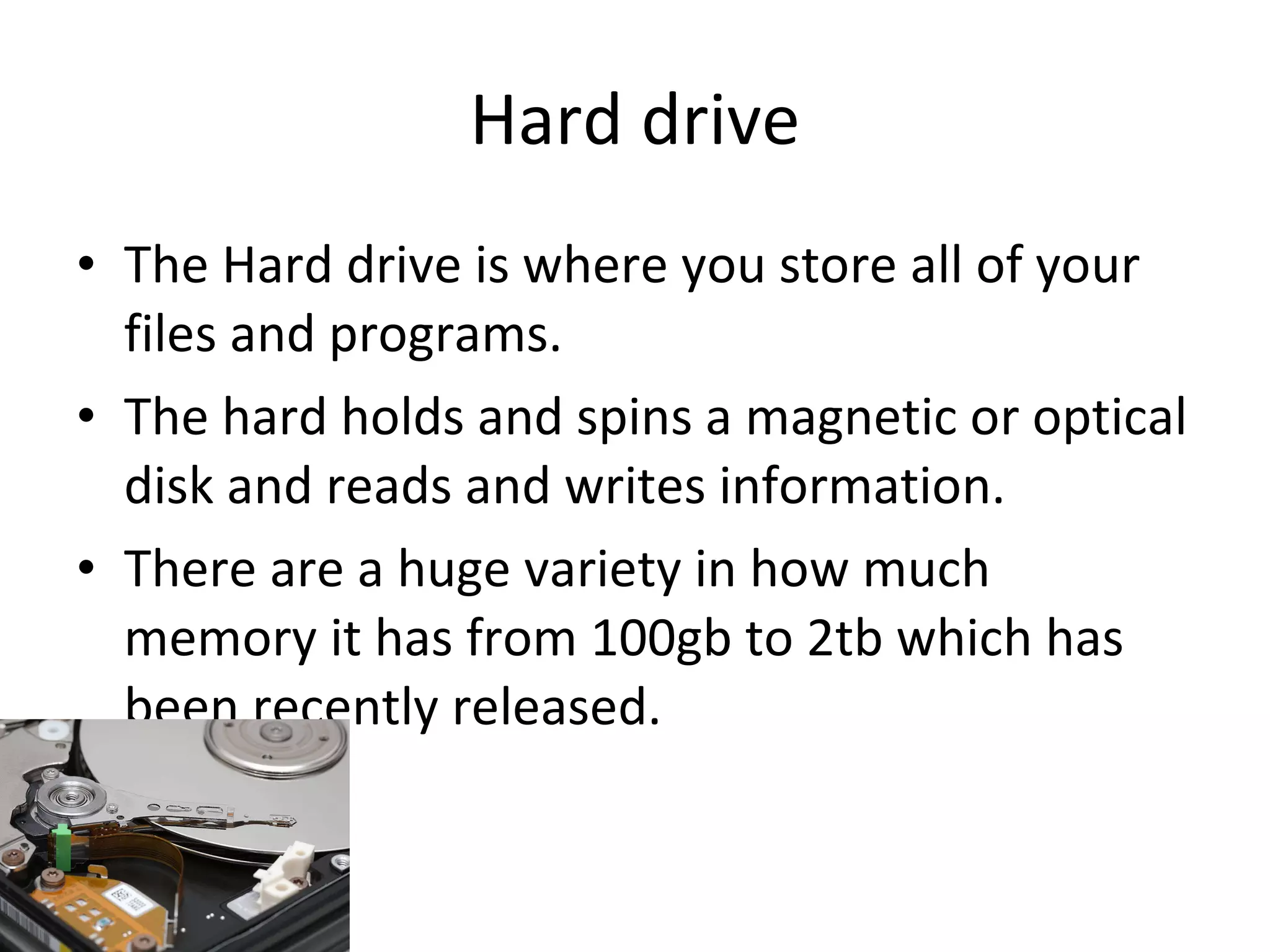
Hard drive The Hard drive is where you store all of your files and programs. The hard holds and spins a magnetic or optical disk and reads and writes information. There are a huge variety in how much memory it has from 100gb to 2tb which has been recently released.
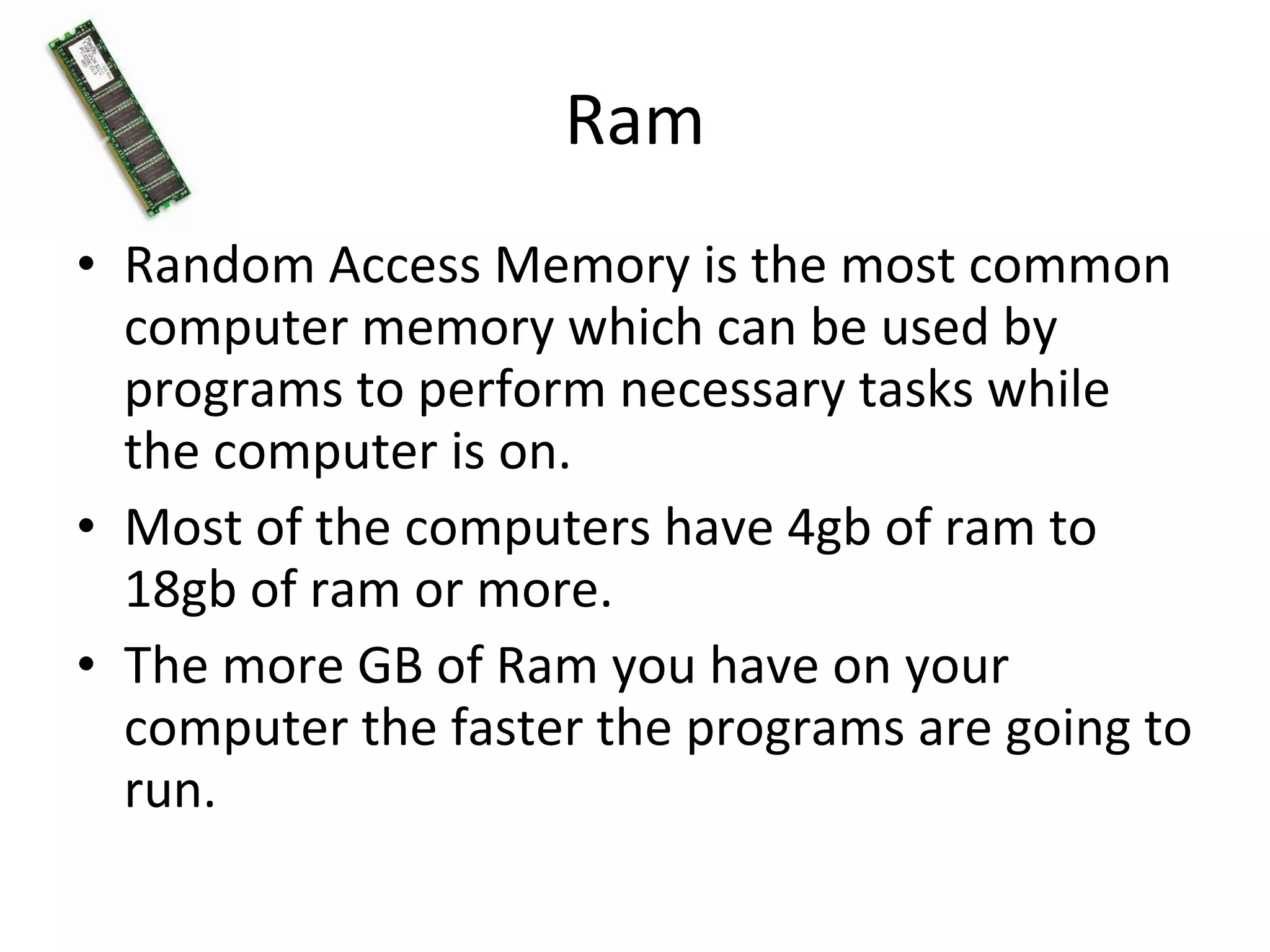
Ram Random Access Memory is the most common computer memory which can be used by programs to perform necessary tasks while the computer is on. Most of the computers have 4gb of ram to 18gb of ram or more. The more GB of Ram you have on your computer the faster the programs are going to run.
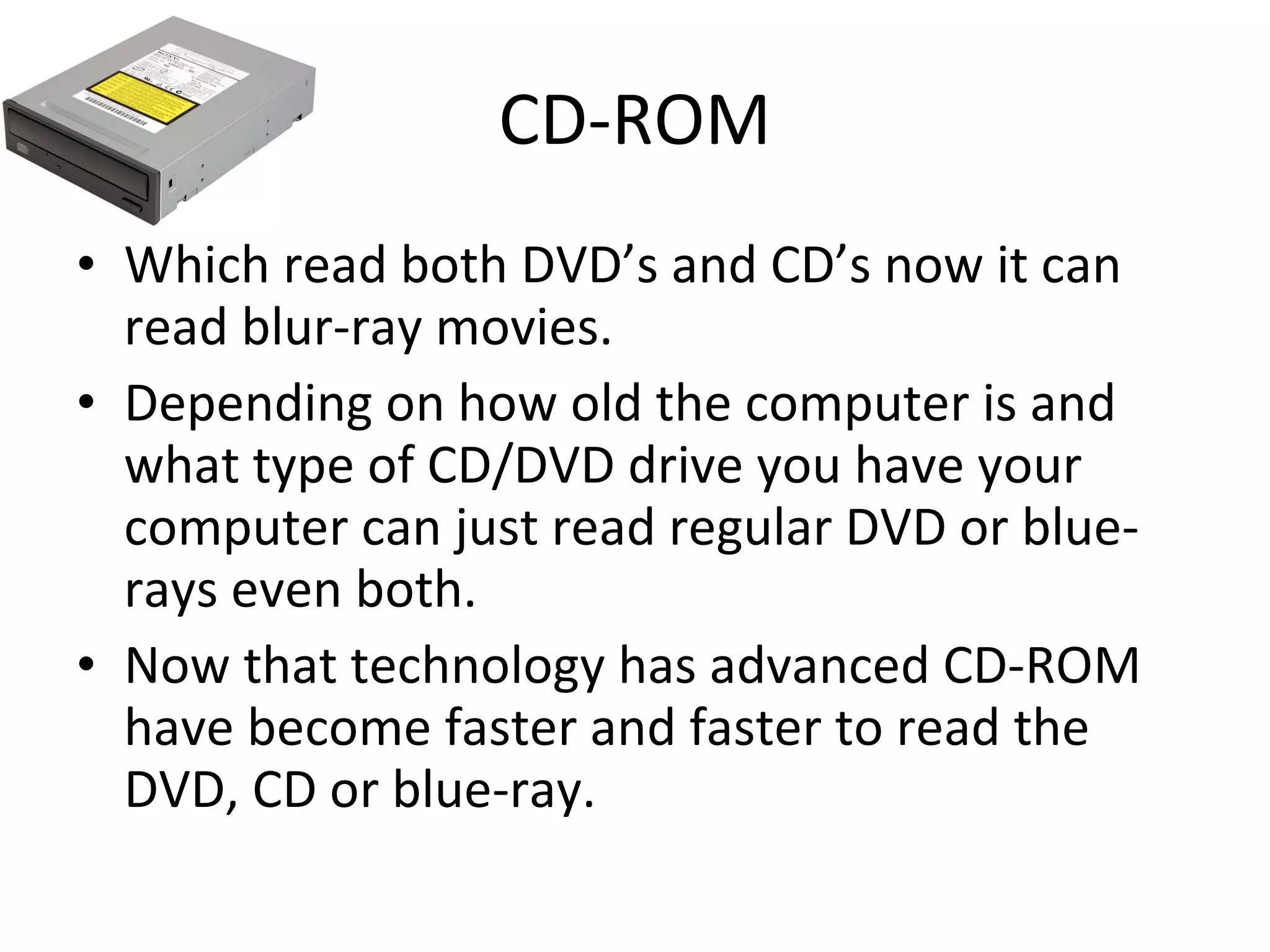
CD-ROM Which read both DVD’s and CD’s now it can read blur-ray movies. Depending on how old the computer is and what type of CD/DVD drive you have your computer can just read regular DVD or blue-rays even both. Now that technology has advanced CD-ROM have become faster and faster to read the DVD, CD or blue-ray.
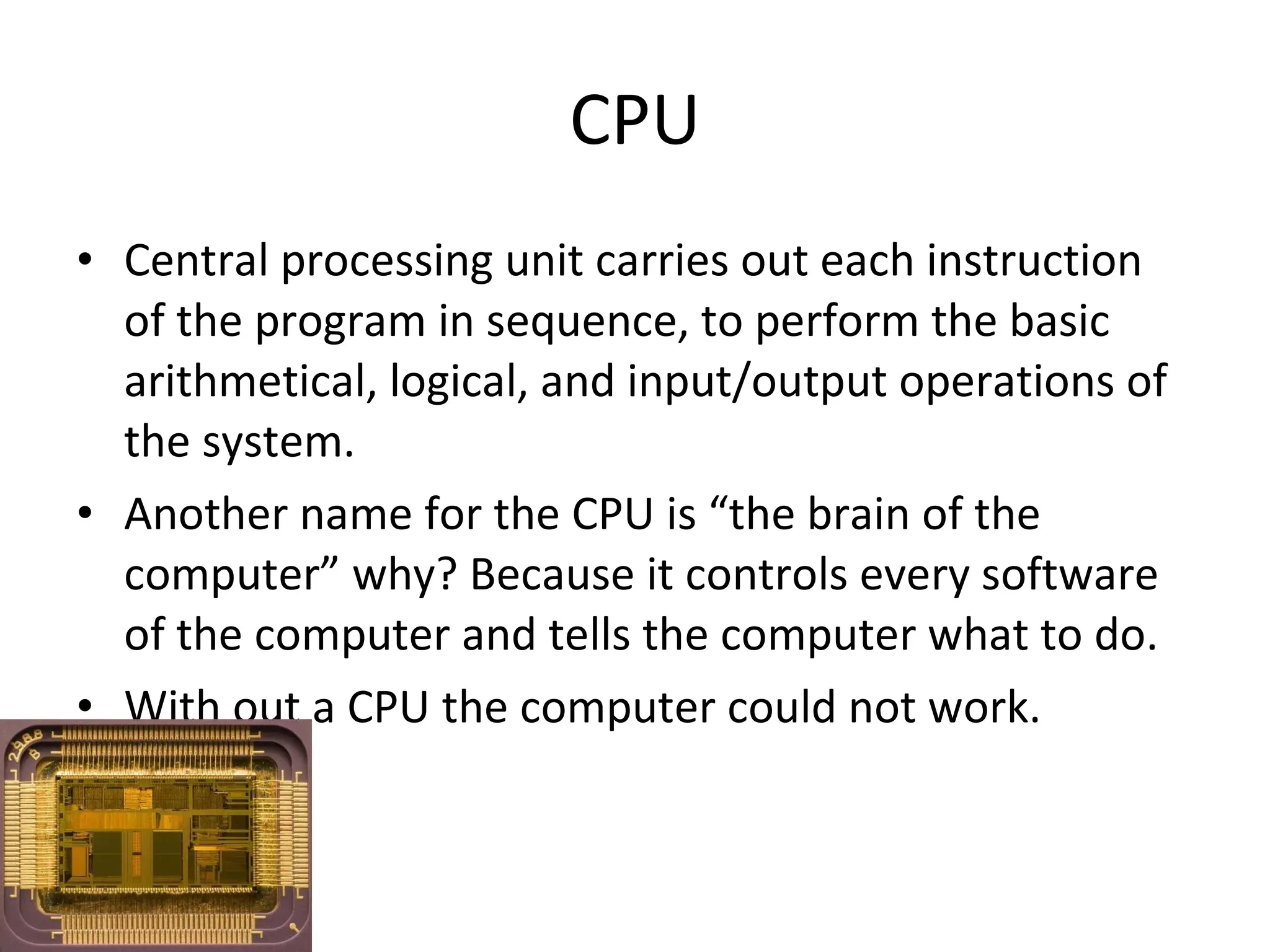
CPU Central processing unit carries out each instruction of the program in sequence, to perform the basic arithmetical, logical, and input/output operations of the system. Another name for the CPU is “the brain of the computer” why? Because it controls every software of the computer and tells the computer what to do. With out a CPU the computer could not work.
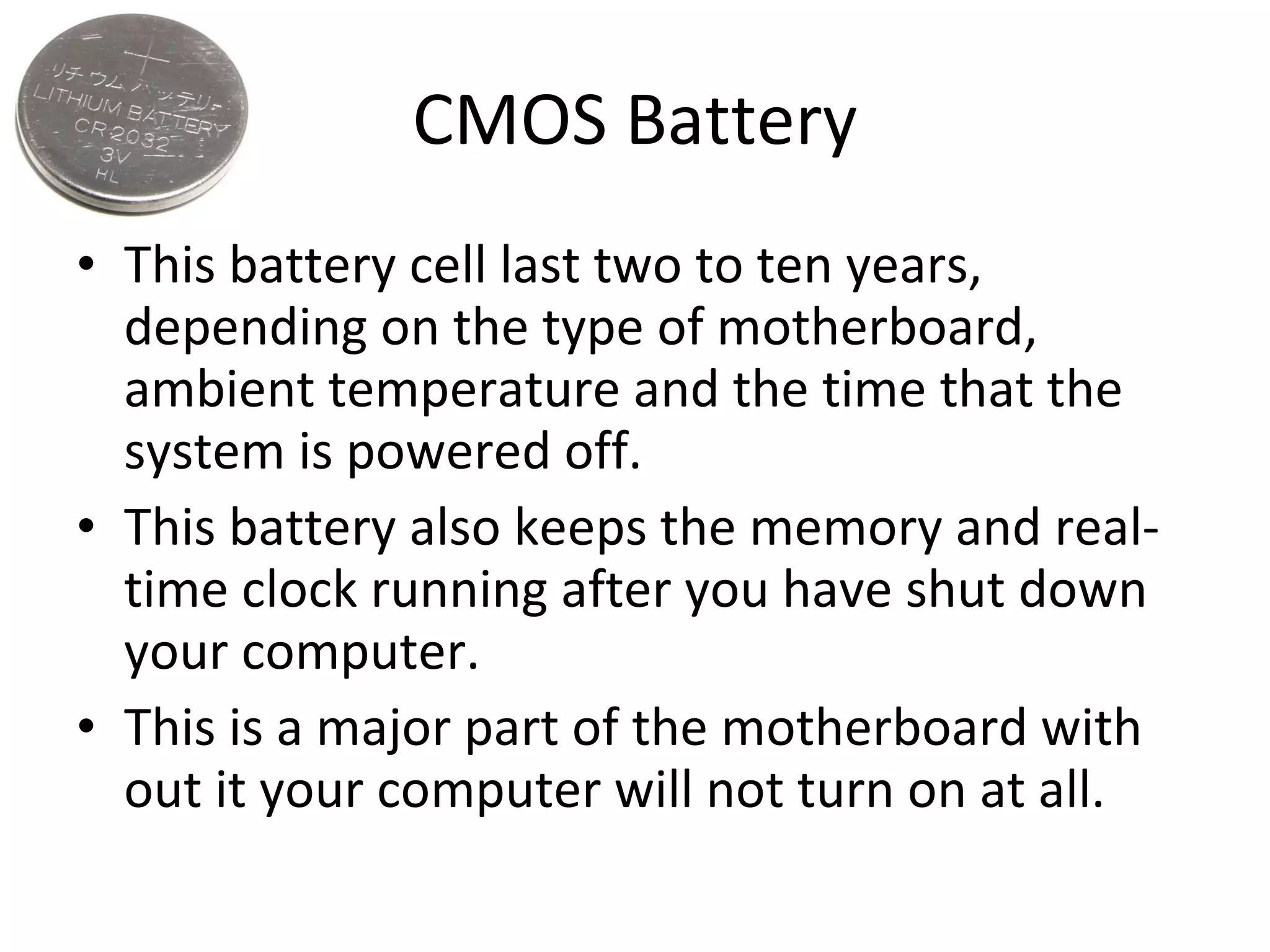
CMOS Battery This battery cell last two to ten years, depending on the type of motherboard, ambient temperature and the time that the system is powered off. This battery also keeps the memory and real-time clock running after you have shut down your computer. This is a major part of the motherboard with out it your computer will not turn on at all.
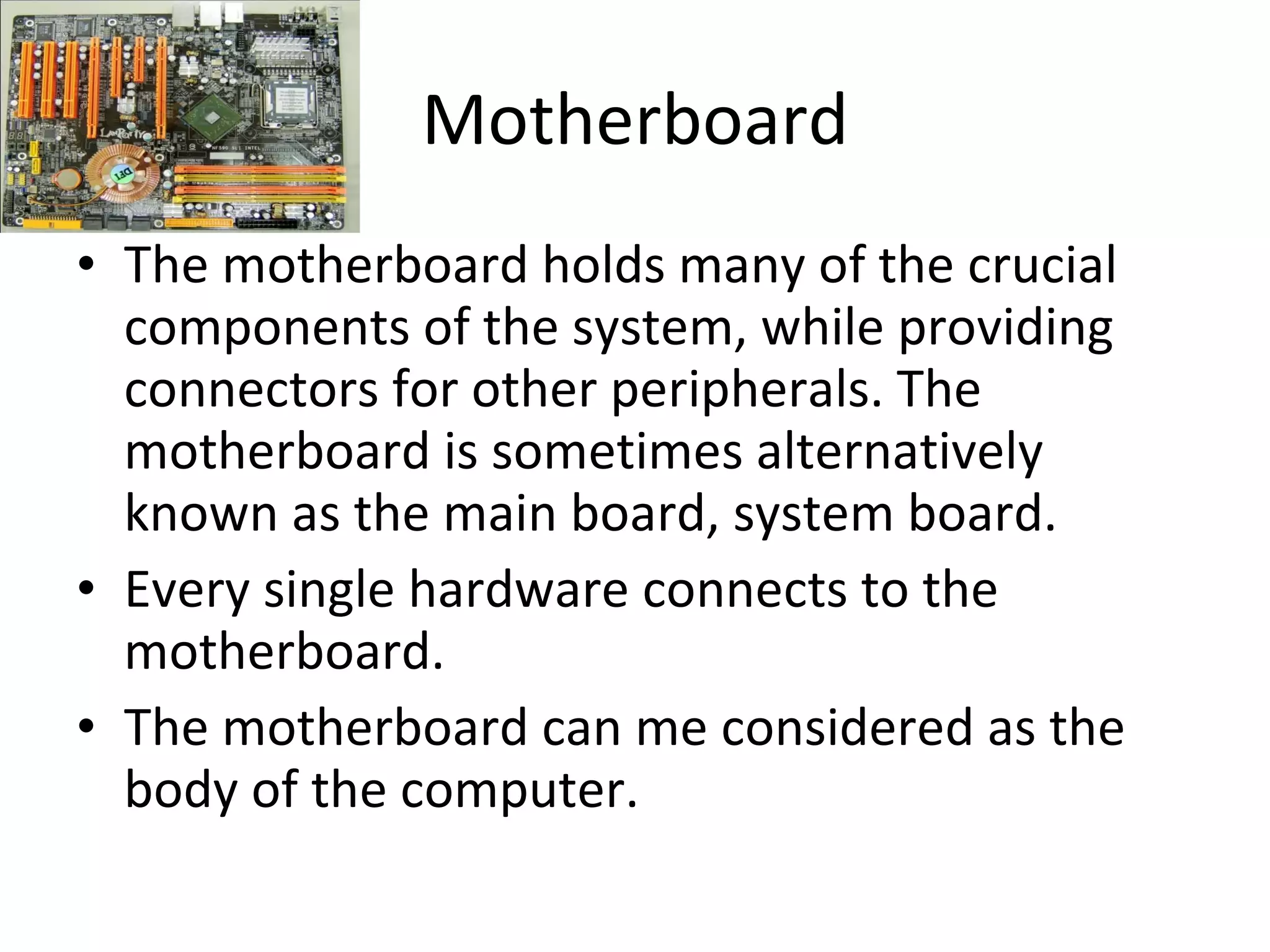
Motherboard The motherboard holds many of the crucial components of the system, while providing connectors for other peripherals. The motherboard is sometimes alternatively known as the main board, system board. Every single hardware connects to the motherboard. The motherboard can me considered as the body of the computer.
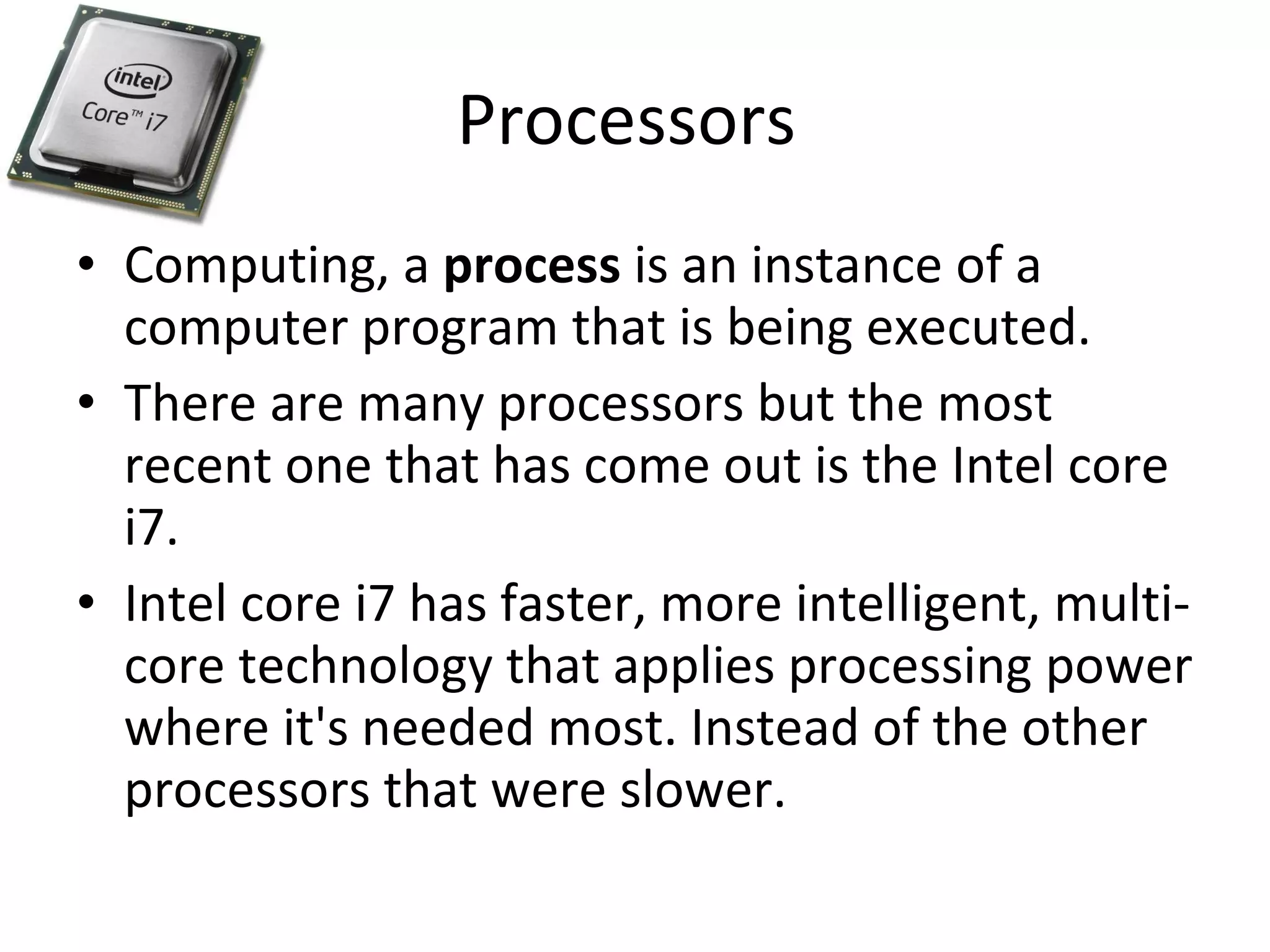
Processors  Computing, a  process  is an instance of a computer program that is being executed. There are many processors but the most recent one that has come out is the Intel core i7. Intel core i7 has faster, more intelligent, multi-core technology that applies processing power where it's needed most. Instead of the other processors that were slower.
Credits http://www.google.com/imghp?hl=en&tab=wi http://www.intel.com/products/processor/corei7/index.htm

Computer parts

  • 1.
    Computer Parts By-JonathanRuiz Teacher-Mrs. Melton
  • 2.
    Hard drive TheHard drive is where you store all of your files and programs. The hard holds and spins a magnetic or optical disk and reads and writes information. There are a huge variety in how much memory it has from 100gb to 2tb which has been recently released.
  • 3.
    Ram Random AccessMemory is the most common computer memory which can be used by programs to perform necessary tasks while the computer is on. Most of the computers have 4gb of ram to 18gb of ram or more. The more GB of Ram you have on your computer the faster the programs are going to run.
  • 4.
    CD-ROM Which readboth DVD’s and CD’s now it can read blur-ray movies. Depending on how old the computer is and what type of CD/DVD drive you have your computer can just read regular DVD or blue-rays even both. Now that technology has advanced CD-ROM have become faster and faster to read the DVD, CD or blue-ray.
  • 5.
    CPU Central processingunit carries out each instruction of the program in sequence, to perform the basic arithmetical, logical, and input/output operations of the system. Another name for the CPU is “the brain of the computer” why? Because it controls every software of the computer and tells the computer what to do. With out a CPU the computer could not work.
  • 6.
    CMOS Battery Thisbattery cell last two to ten years, depending on the type of motherboard, ambient temperature and the time that the system is powered off. This battery also keeps the memory and real-time clock running after you have shut down your computer. This is a major part of the motherboard with out it your computer will not turn on at all.
  • 7.
    Motherboard The motherboardholds many of the crucial components of the system, while providing connectors for other peripherals. The motherboard is sometimes alternatively known as the main board, system board. Every single hardware connects to the motherboard. The motherboard can me considered as the body of the computer.
  • 8.
    Processors Computing,a process is an instance of a computer program that is being executed. There are many processors but the most recent one that has come out is the Intel core i7. Intel core i7 has faster, more intelligent, multi-core technology that applies processing power where it's needed most. Instead of the other processors that were slower.
  • 9.