The parts of a computer and how it works.By. Nathan Watt
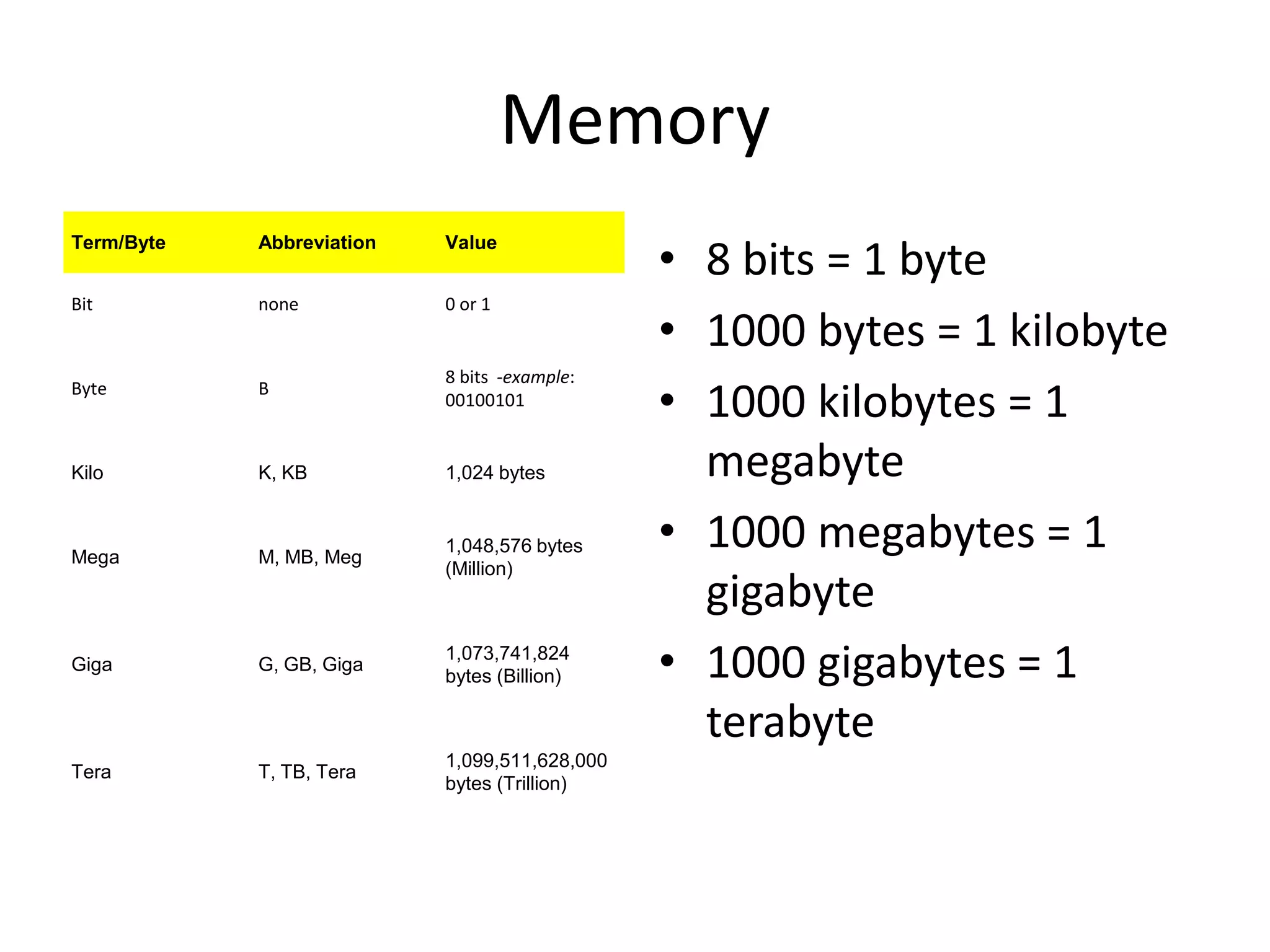
Memory8 bits = 1 byte 1000 bytes = 1 kilobyte 1000 kilobytes = 1 megabyte 1000 megabytes = 1 gigabyte 1000 gigabytes = 1 terabyte
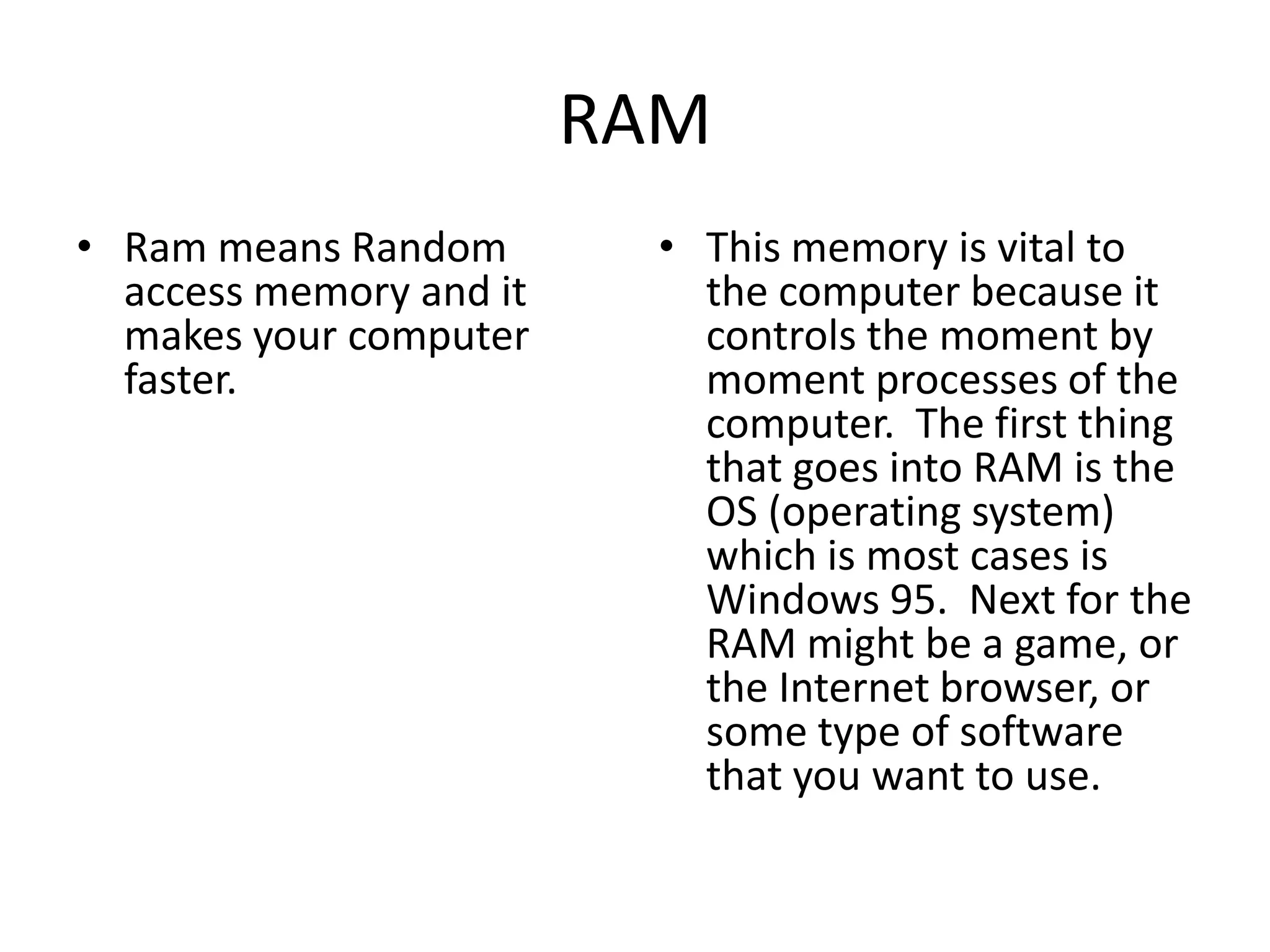
RAMRam means Random access memory and it makes your computer faster.This memory is vital to the computer because it controls the moment by moment processes of the computer.  The first thing that goes into RAM is the OS (operating system) which is most cases is Windows 95.  Next for the RAM might be a game, or the Internet browser, or some type of software that you want to use.
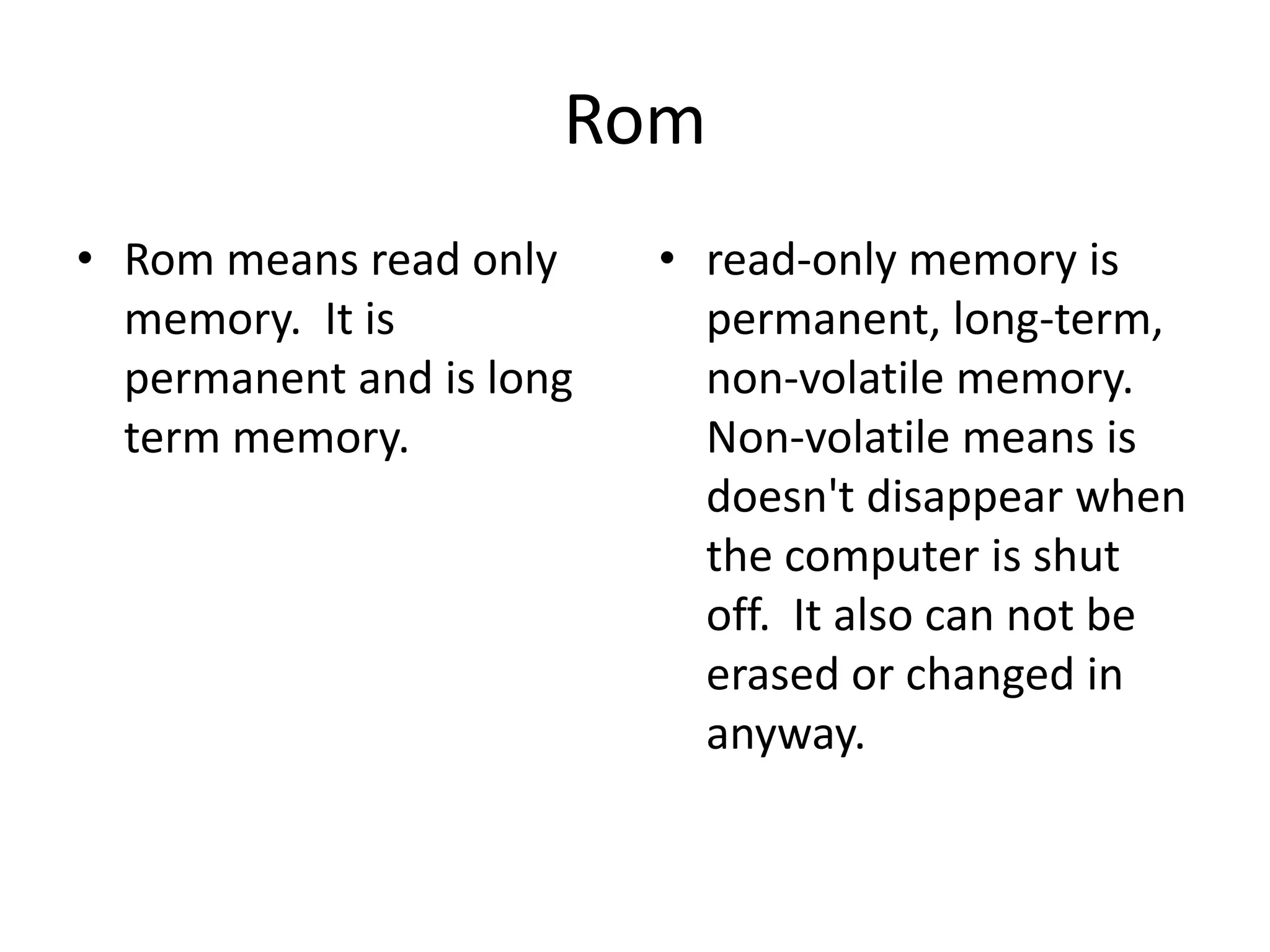
RomRom means read only memory.  It is permanent and is long term memory.read-only memory is permanent, long-term, non-volatile memory.  Non-volatile means is doesn't disappear when the computer is shut off.  It also can not be erased or changed in anyway.
Early Computers personal computer only needed about 64K of RAM.  Today that number is drastically higher.  With photos, sounds, and even movies going into RAM, the amount need is now in the millions.
MultitaskingMultitasking makes it so you can do more than one thing at one time.Multitasking has put more demand on RAM in the past few years.  Multitasking is the ability to run more than one program at the same time.  For instance, many people like to run Netscape Communicator along with their word processing software.  This means you need lots of RAM to hold both programs.
CacheCache is a type of virtual memory.Other types of temporary memory are cache, pronounced cash, and virtual memory.  Both of these types of memory supplement the computer's primary RAM and perform the same function as RAM.
Hard DiskA stack of round metal platters called disks encased in a metal air tight shell.  They commonly range in sizes from 60  to 500 gigabytes (1000MB=1GB).  The hard drive's function is to store all the files, and software the computer will ever use.
Thumb Drive or Memory StickA device that in 1998 IBM introduced and has caught on very quickly as a great portable storage device.  It quickly replaced the floppy disk.
DVD-ROM (digital video disk, read-only memory)DVD's are similar to CD in that they are written and read by laser.  Hard drives use magnetic currents store data.  However CD's and DVD's use light (laser) to write and read data on a disk.  These long and short pits are then stored or etched on the surface of the disk.
CD-ROM (Compact disk, read-only memory)CD's function much like hard drive in that they store large amounts of memory.  What separates them is their mobility and optical storage technology.  Their storage capacity is also very limited compared to hard drives.
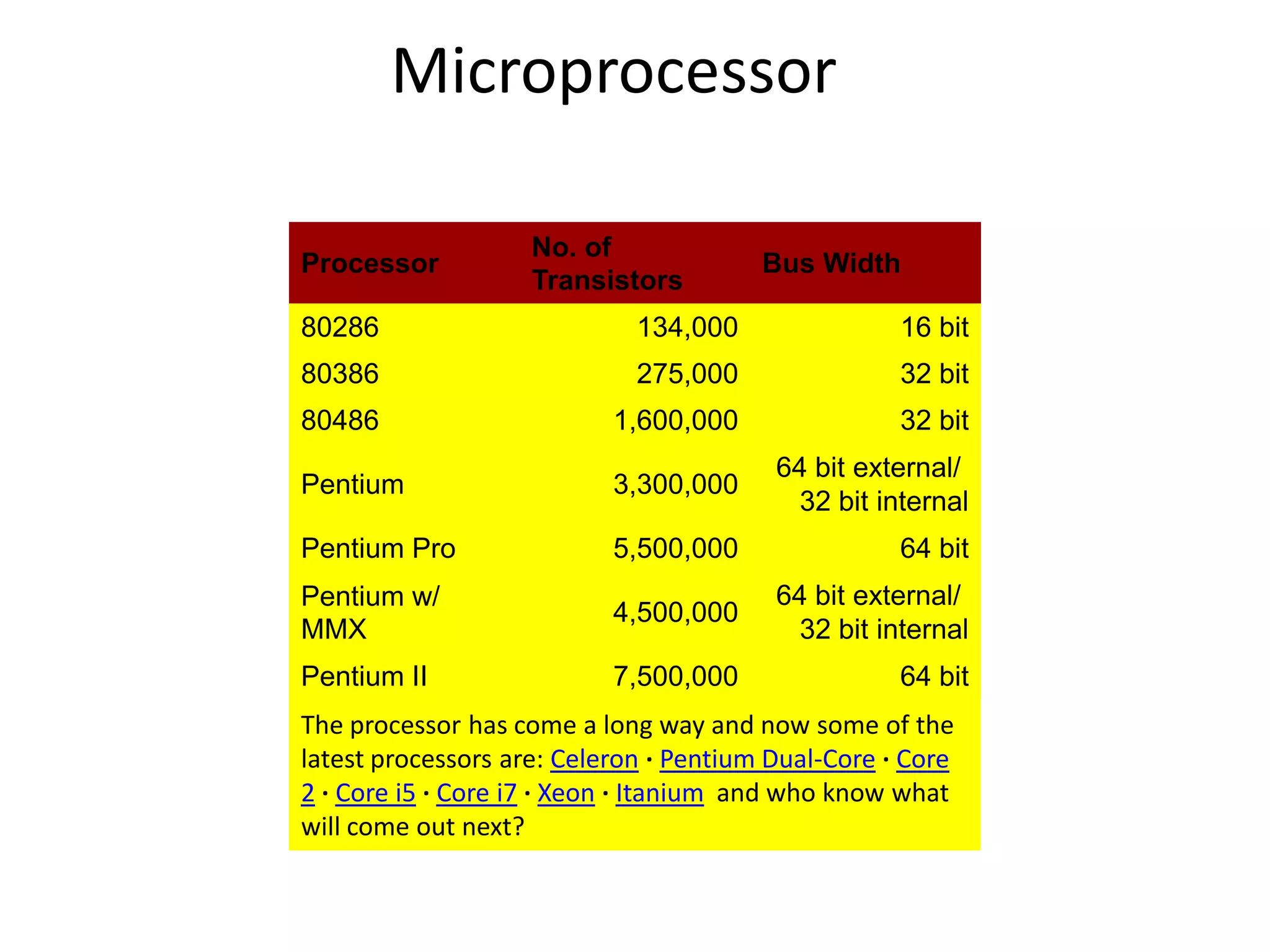
Microprocessor
ProcessingThe processor is the one part of the computer that is most important to the computer.  The microprocessor controls how data is sorted and directs the flow of data.
InputOne of the best features of a computer is the ability to give the computer commands and feed it information.  Without an input device this would not be possible.  Input devices can be built into the computer, like the keyboard in a laptop, or it can be connected to the computer by a cable.
OutputThe computer output devices are used to serve the user.  The most common output device is the monitor, or screen.  However most computer come with speakers and a printer which are excellent output devices.
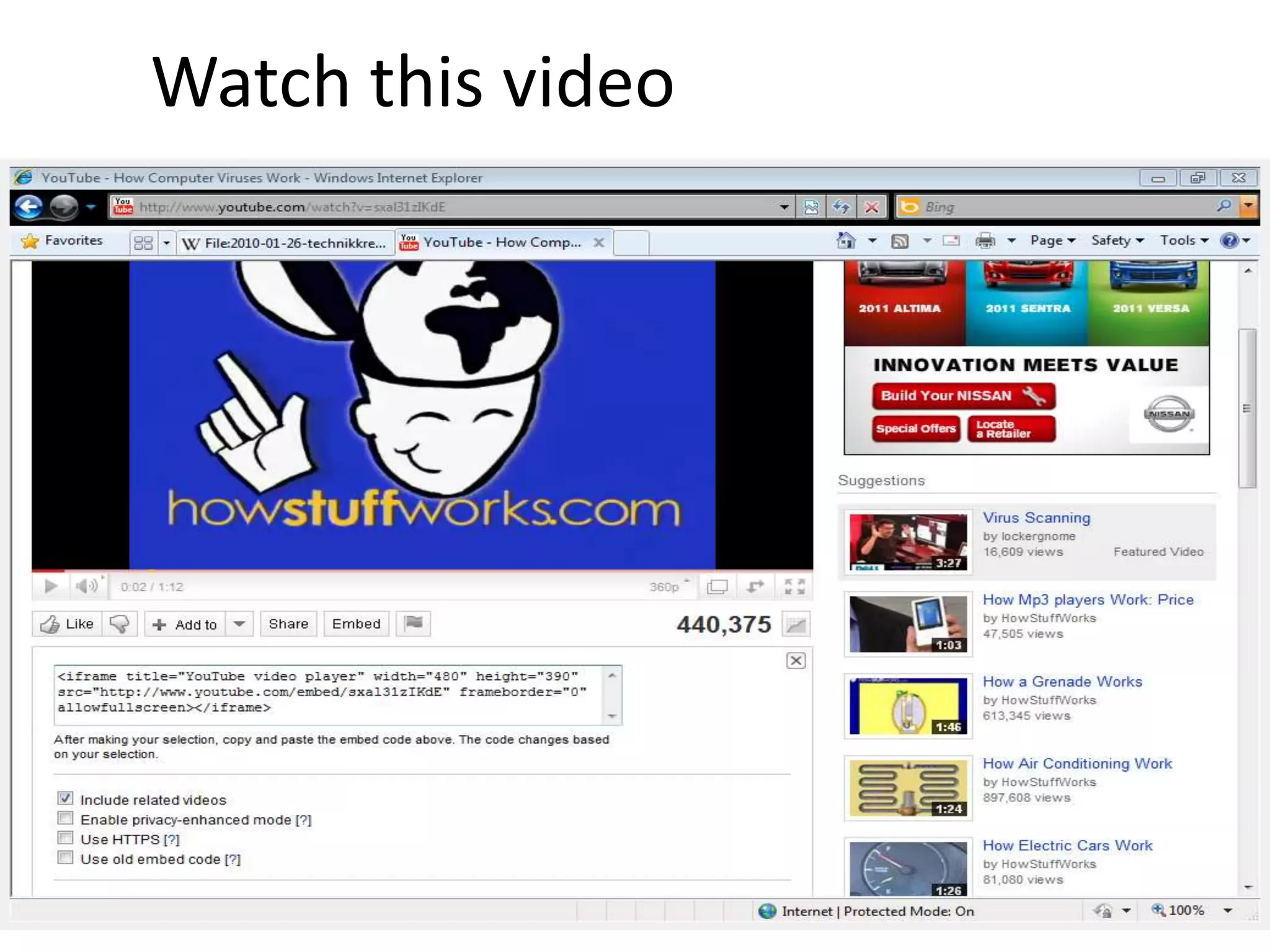
Watch this video
The End

The parts of a computer and how it

  • 1.
    The parts ofa computer and how it works.By. Nathan Watt
  • 2.
    Memory8 bits =1 byte 1000 bytes = 1 kilobyte 1000 kilobytes = 1 megabyte 1000 megabytes = 1 gigabyte 1000 gigabytes = 1 terabyte
  • 3.
    RAMRam means Randomaccess memory and it makes your computer faster.This memory is vital to the computer because it controls the moment by moment processes of the computer. The first thing that goes into RAM is the OS (operating system) which is most cases is Windows 95. Next for the RAM might be a game, or the Internet browser, or some type of software that you want to use.
  • 4.
    RomRom means readonly memory. It is permanent and is long term memory.read-only memory is permanent, long-term, non-volatile memory. Non-volatile means is doesn't disappear when the computer is shut off. It also can not be erased or changed in anyway.
  • 5.
    Early Computers personalcomputer only needed about 64K of RAM. Today that number is drastically higher. With photos, sounds, and even movies going into RAM, the amount need is now in the millions.
  • 6.
    MultitaskingMultitasking makes itso you can do more than one thing at one time.Multitasking has put more demand on RAM in the past few years. Multitasking is the ability to run more than one program at the same time. For instance, many people like to run Netscape Communicator along with their word processing software. This means you need lots of RAM to hold both programs.
  • 7.
    CacheCache is atype of virtual memory.Other types of temporary memory are cache, pronounced cash, and virtual memory. Both of these types of memory supplement the computer's primary RAM and perform the same function as RAM.
  • 8.
    Hard DiskA stackof round metal platters called disks encased in a metal air tight shell. They commonly range in sizes from 60 to 500 gigabytes (1000MB=1GB). The hard drive's function is to store all the files, and software the computer will ever use.
  • 9.
    Thumb Drive orMemory StickA device that in 1998 IBM introduced and has caught on very quickly as a great portable storage device. It quickly replaced the floppy disk.
  • 10.
    DVD-ROM (digital videodisk, read-only memory)DVD's are similar to CD in that they are written and read by laser. Hard drives use magnetic currents store data. However CD's and DVD's use light (laser) to write and read data on a disk. These long and short pits are then stored or etched on the surface of the disk.
  • 11.
    CD-ROM (Compact disk,read-only memory)CD's function much like hard drive in that they store large amounts of memory. What separates them is their mobility and optical storage technology. Their storage capacity is also very limited compared to hard drives.
  • 12.
  • 13.
    ProcessingThe processor isthe one part of the computer that is most important to the computer. The microprocessor controls how data is sorted and directs the flow of data.
  • 14.
    InputOne of thebest features of a computer is the ability to give the computer commands and feed it information. Without an input device this would not be possible. Input devices can be built into the computer, like the keyboard in a laptop, or it can be connected to the computer by a cable.
  • 15.
    OutputThe computer outputdevices are used to serve the user. The most common output device is the monitor, or screen. However most computer come with speakers and a printer which are excellent output devices.
  • 18.
  • 20.