How to improve Zoom Video
Quality
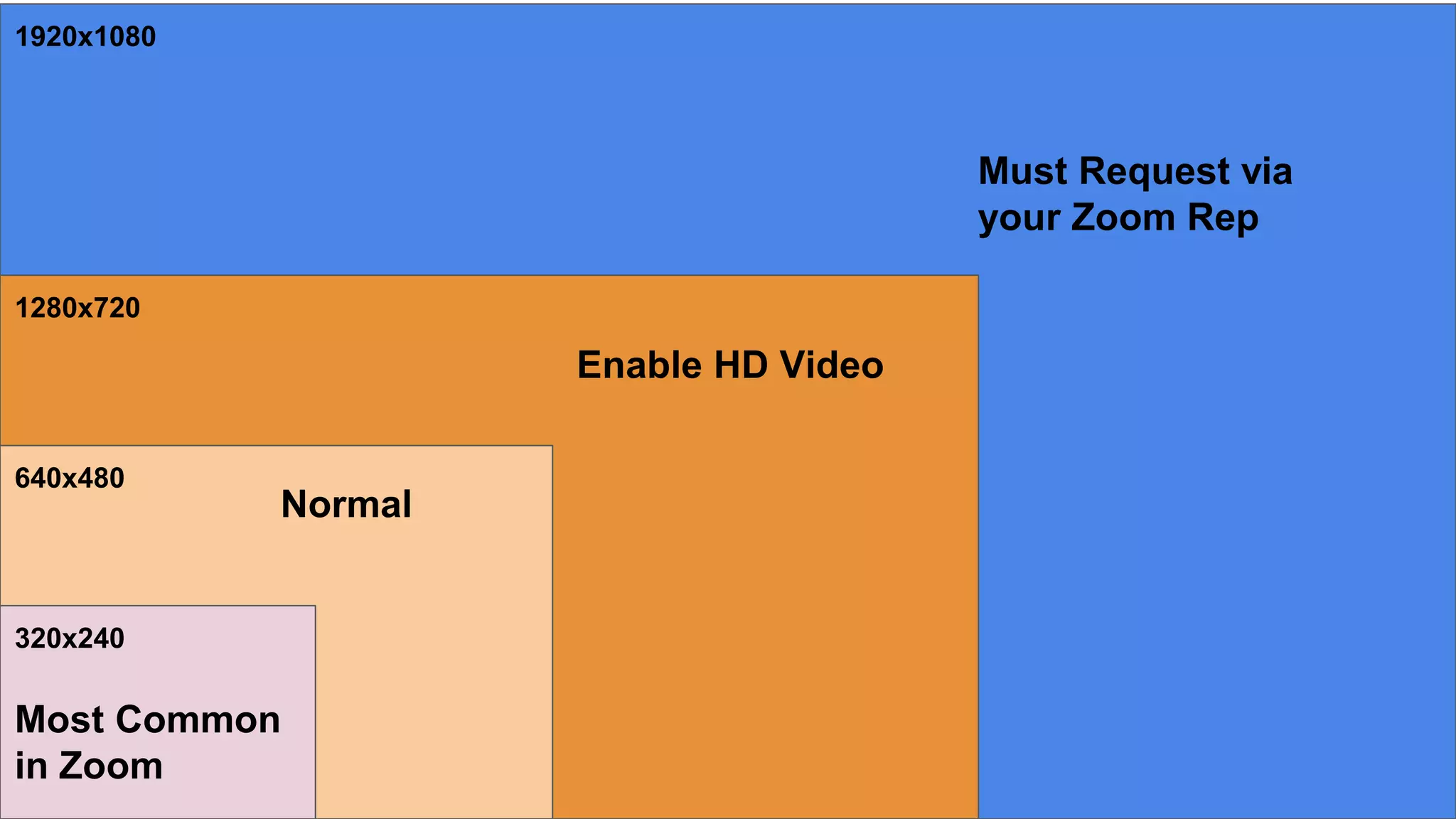
320x240
640x480
1280x720
1920x1080
Most Common
in Zoom
Normal
Enable HD Video
Must Request via
your Zoom Rep
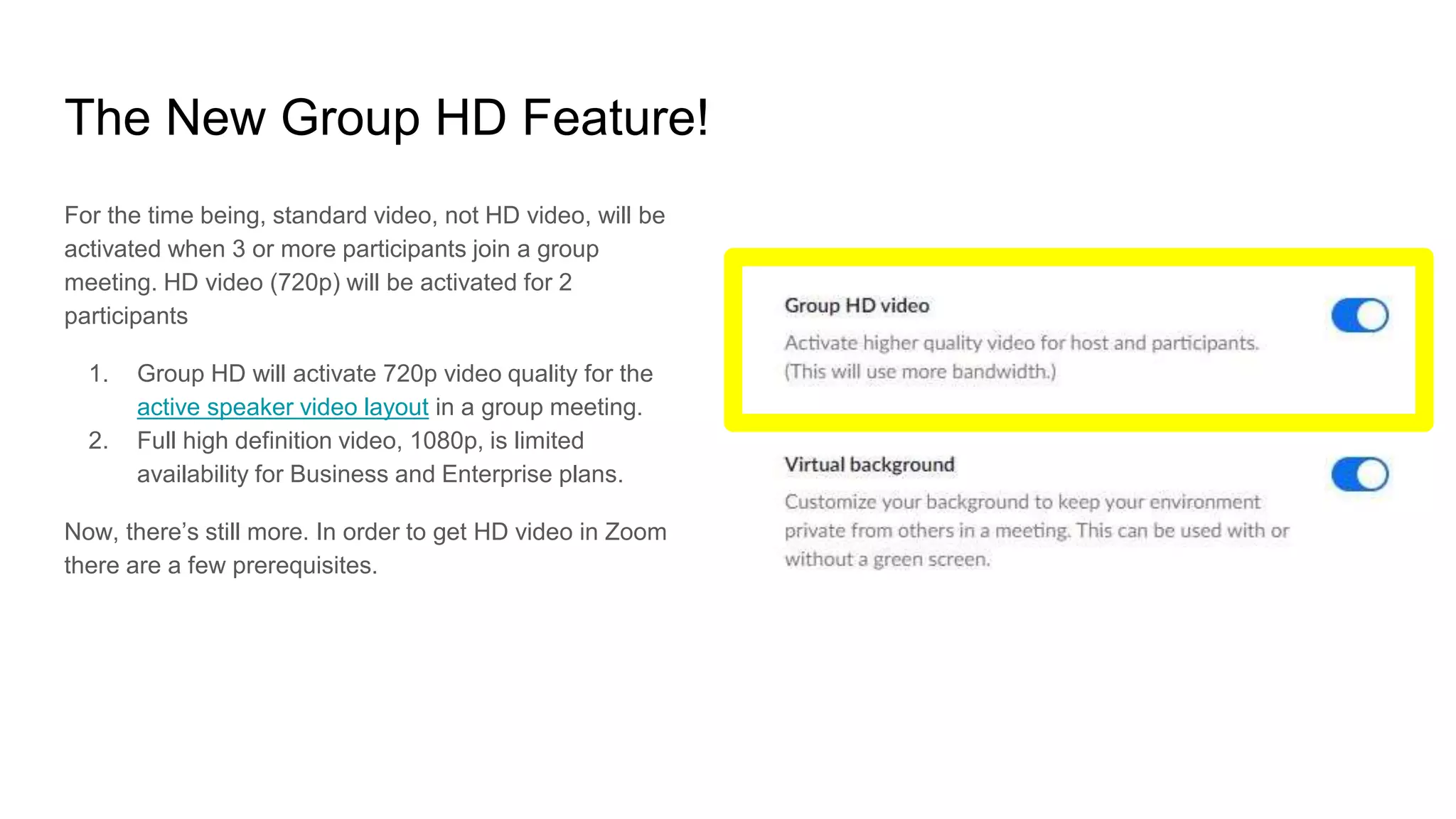
The New Group HD Feature!
For the time being, standard video, not HD video, will be
activated when 3 or more participants join a group
meeting. HD video (720p) will be activated for 2
participants
1. Group HD will activate 720p video quality for the
active speaker video layout in a group meeting.
2. Full high definition video, 1080p, is limited
availability for Business and Enterprise plans.
Now, there’s still more. In order to get HD video in Zoom
there are a few prerequisites.
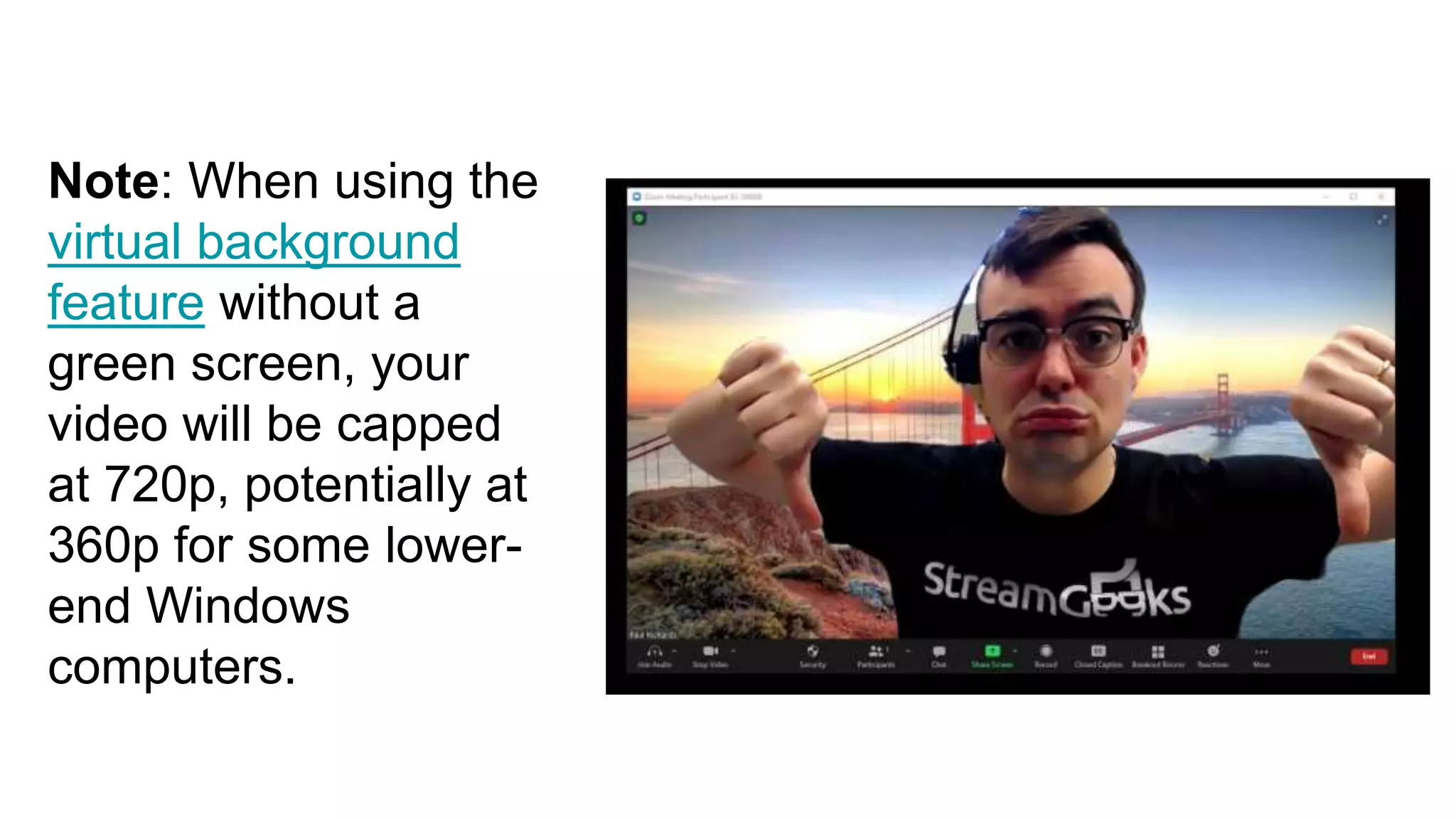
Note: When using the
virtual background
feature without a
green screen, your
video will be capped
at 720p, potentially at
360p for some lower-
end Windows
computers.
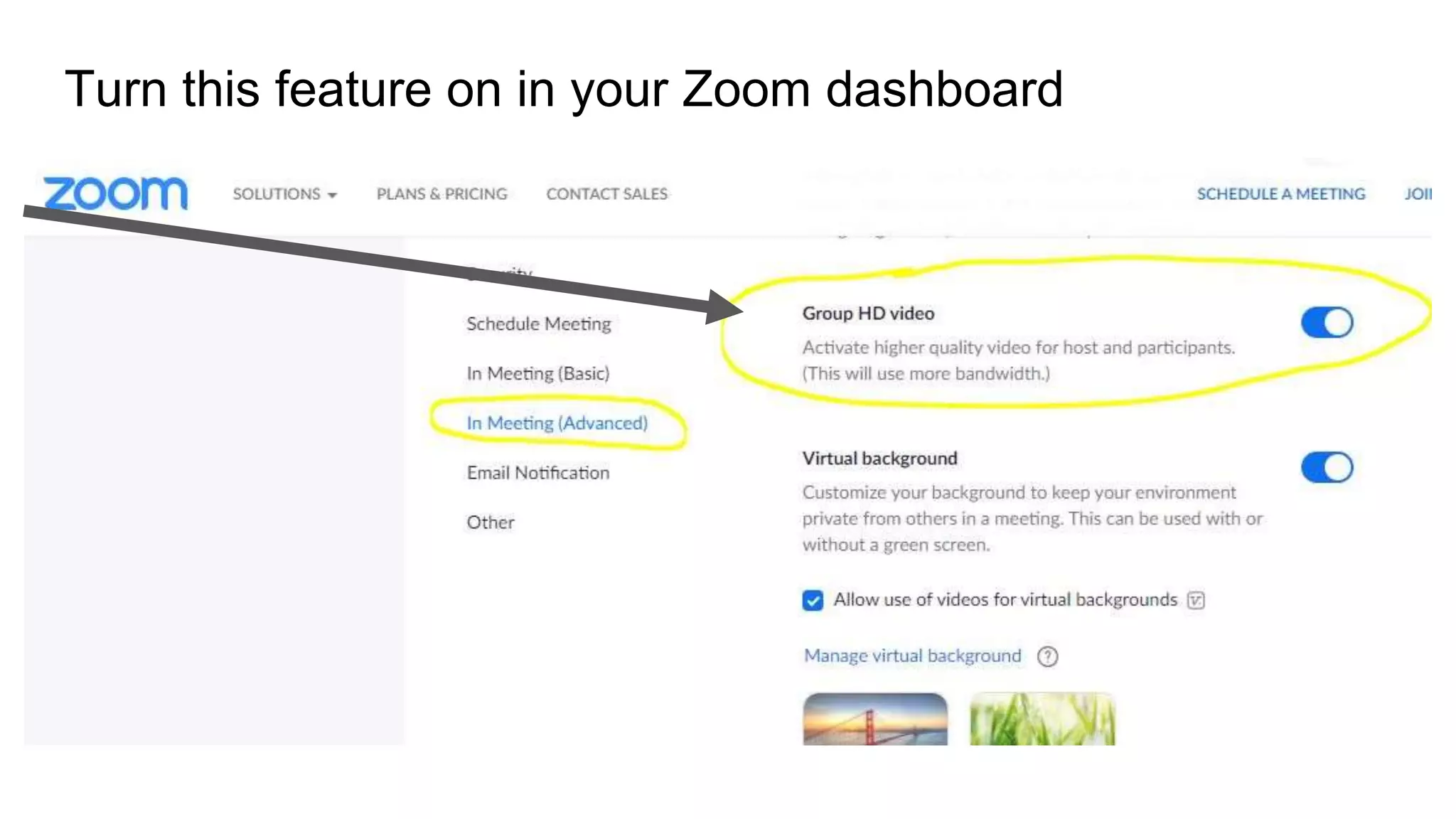
Turn this feature on in your Zoom dashboard
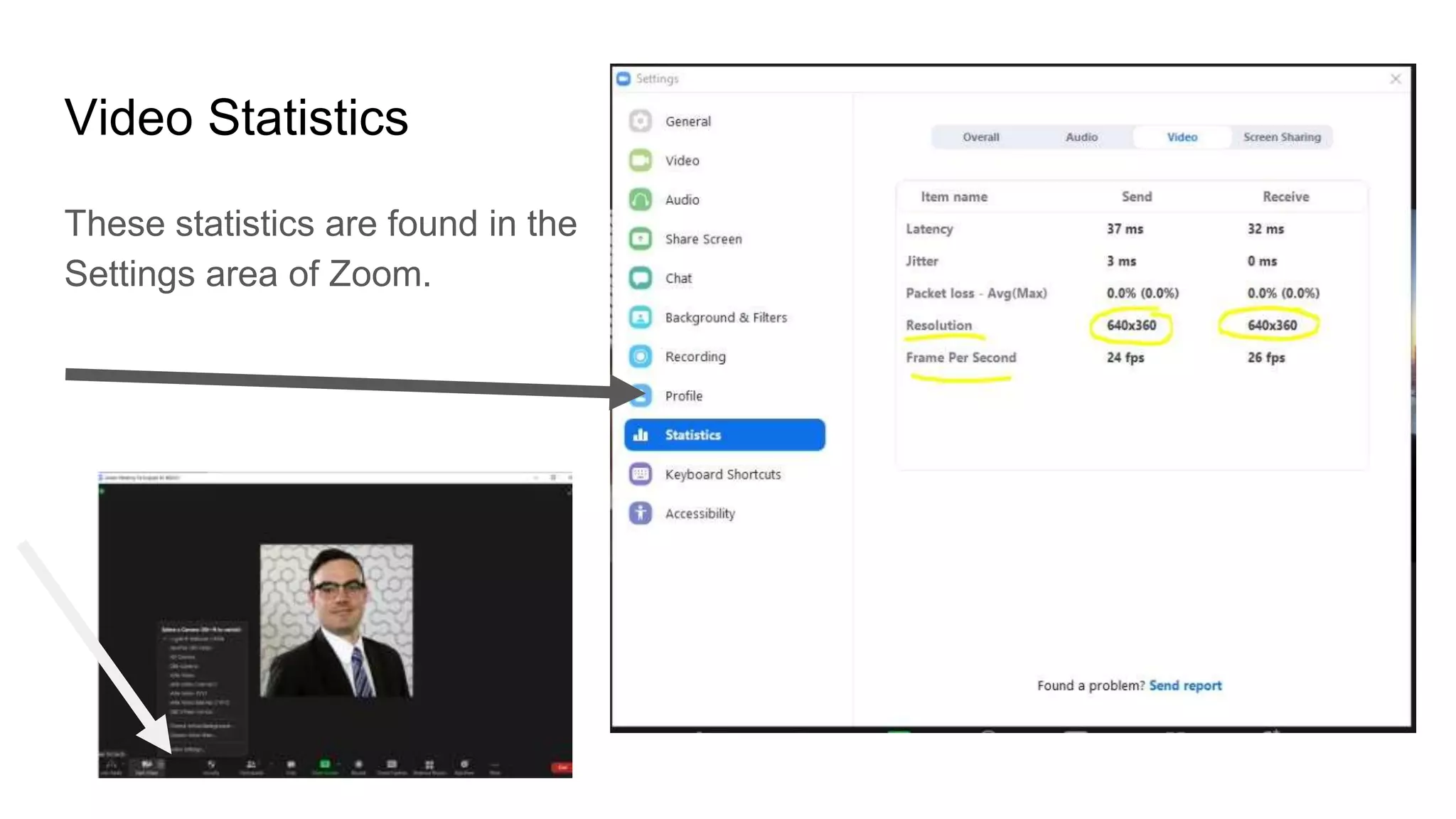
Video Statistics
These statistics are found in the
Settings area of Zoom.
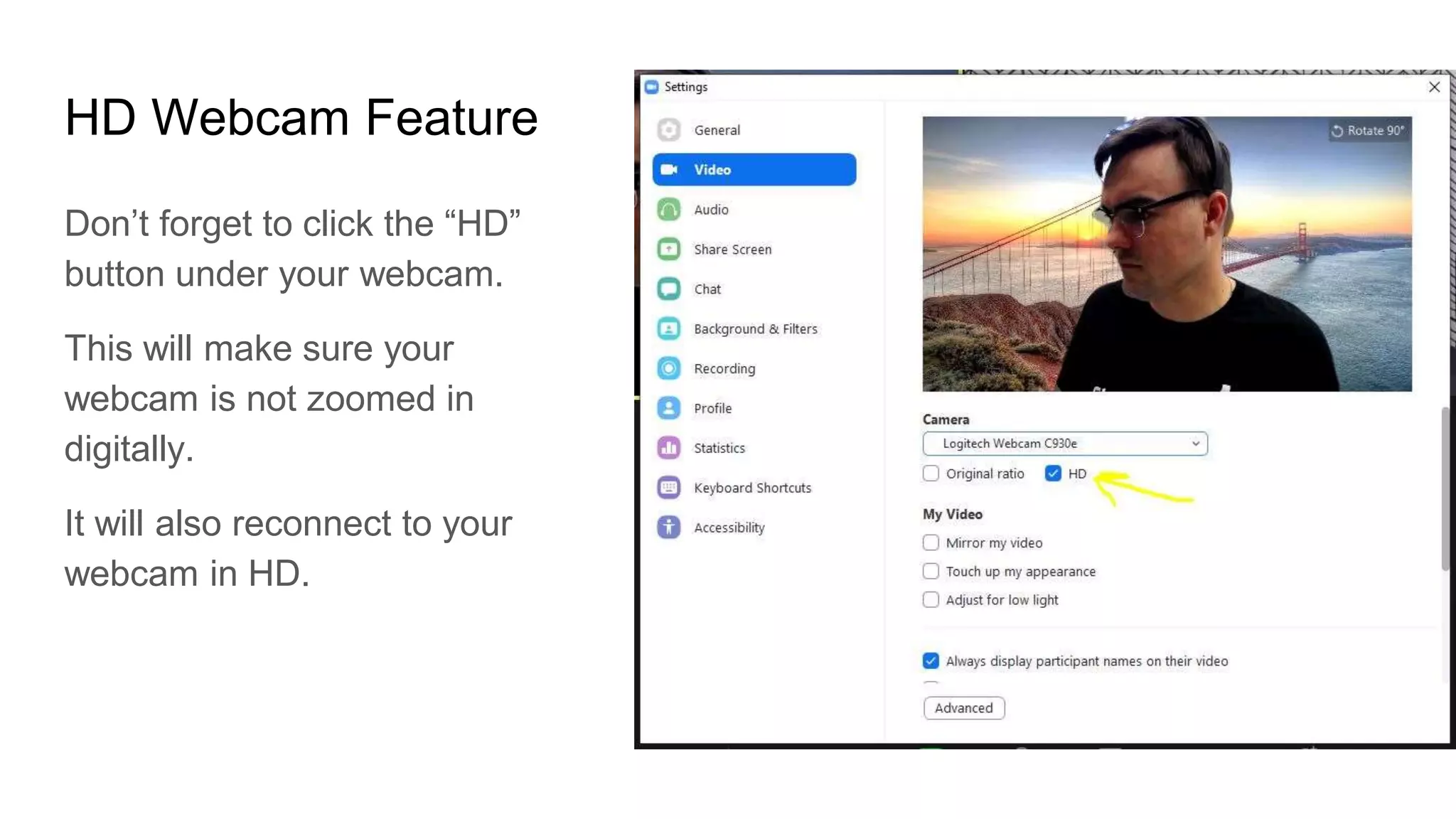
HD Webcam Feature
Don’t forget to click the “HD”
button under your webcam.
This will make sure your
webcam is not zoomed in
digitally.
It will also reconnect to your
webcam in HD.
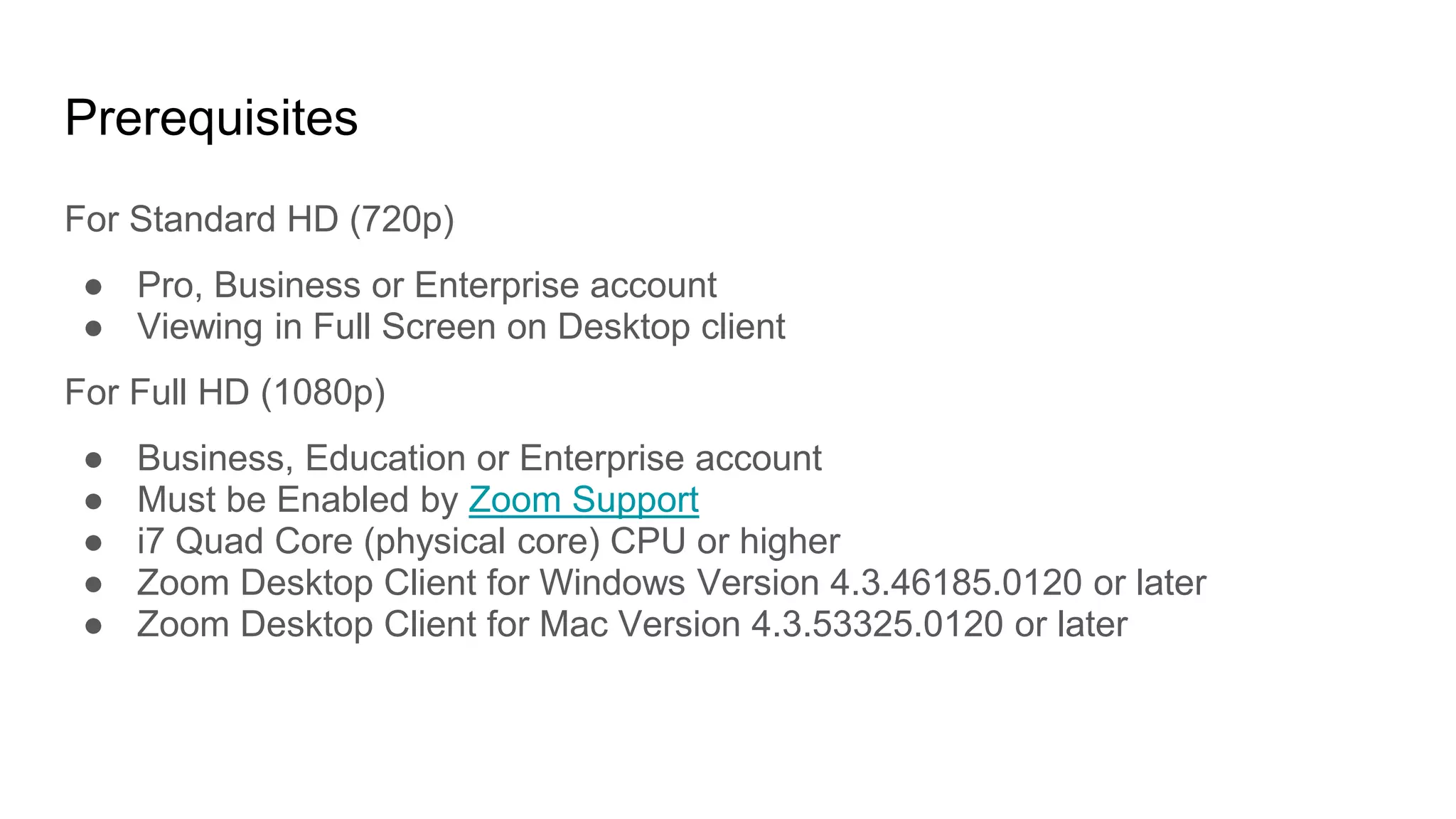
Prerequisites
For Standard HD (720p)
● Pro, Business or Enterprise account
● Viewing in Full Screen on Desktop client
For Full HD (1080p)
● Business, Education or Enterprise account
● Must be Enabled by Zoom Support
● i7 Quad Core (physical core) CPU or higher
● Zoom Desktop Client for Windows Version 4.3.46185.0120 or later
● Zoom Desktop Client for Mac Version 4.3.53325.0120 or later
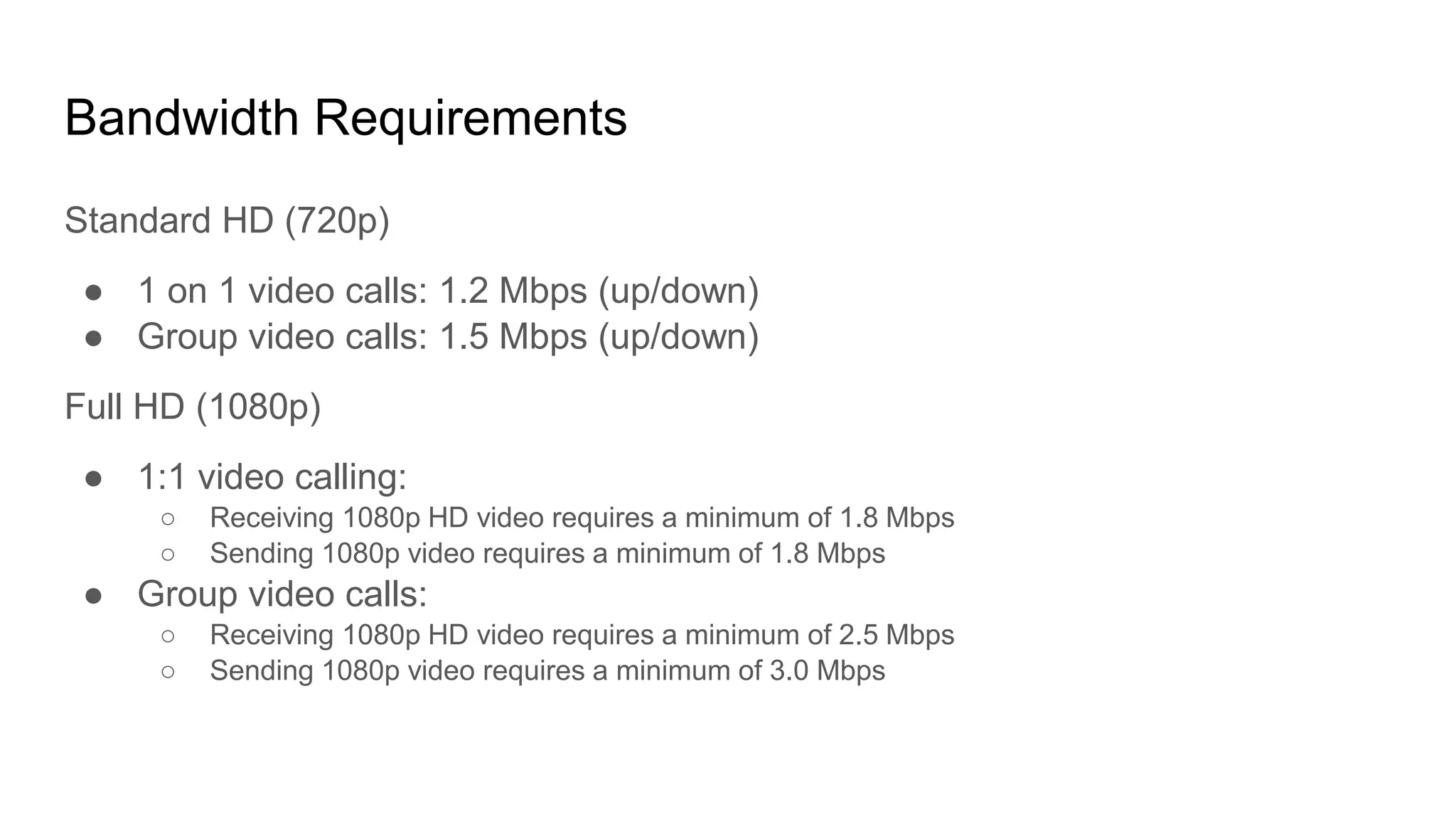
Bandwidth Requirements
Standard HD (720p)
● 1 on 1 video calls: 1.2 Mbps (up/down)
● Group video calls: 1.5 Mbps (up/down)
Full HD (1080p)
● 1:1 video calling:
○ Receiving 1080p HD video requires a minimum of 1.8 Mbps
○ Sending 1080p video requires a minimum of 1.8 Mbps
● Group video calls:
○ Receiving 1080p HD video requires a minimum of 2.5 Mbps
○ Sending 1080p video requires a minimum of 3.0 Mbps
Note
Please note that Group HD will use a higher amount of CPU and
bandwidth (~2Mbps up/down). If you are experiencing network or CPU
performance issues, you may want to disable Group HD.
How to use a Countdown timer
for Zoom Meetings
Check out our other tutorials for
Zoom here!

How to improve zoom video quality

  • 1.
    How to improveZoom Video Quality
  • 2.
  • 3.
    The New GroupHD Feature! For the time being, standard video, not HD video, will be activated when 3 or more participants join a group meeting. HD video (720p) will be activated for 2 participants 1. Group HD will activate 720p video quality for the active speaker video layout in a group meeting. 2. Full high definition video, 1080p, is limited availability for Business and Enterprise plans. Now, there’s still more. In order to get HD video in Zoom there are a few prerequisites.
  • 4.
    Note: When usingthe virtual background feature without a green screen, your video will be capped at 720p, potentially at 360p for some lower- end Windows computers.
  • 5.
    Turn this featureon in your Zoom dashboard
  • 6.
    Video Statistics These statisticsare found in the Settings area of Zoom.
  • 7.
    HD Webcam Feature Don’tforget to click the “HD” button under your webcam. This will make sure your webcam is not zoomed in digitally. It will also reconnect to your webcam in HD.
  • 8.
    Prerequisites For Standard HD(720p) ● Pro, Business or Enterprise account ● Viewing in Full Screen on Desktop client For Full HD (1080p) ● Business, Education or Enterprise account ● Must be Enabled by Zoom Support ● i7 Quad Core (physical core) CPU or higher ● Zoom Desktop Client for Windows Version 4.3.46185.0120 or later ● Zoom Desktop Client for Mac Version 4.3.53325.0120 or later
  • 9.
    Bandwidth Requirements Standard HD(720p) ● 1 on 1 video calls: 1.2 Mbps (up/down) ● Group video calls: 1.5 Mbps (up/down) Full HD (1080p) ● 1:1 video calling: ○ Receiving 1080p HD video requires a minimum of 1.8 Mbps ○ Sending 1080p video requires a minimum of 1.8 Mbps ● Group video calls: ○ Receiving 1080p HD video requires a minimum of 2.5 Mbps ○ Sending 1080p video requires a minimum of 3.0 Mbps
  • 10.
    Note Please note thatGroup HD will use a higher amount of CPU and bandwidth (~2Mbps up/down). If you are experiencing network or CPU performance issues, you may want to disable Group HD.
  • 11.
    How to usea Countdown timer for Zoom Meetings Check out our other tutorials for Zoom here!