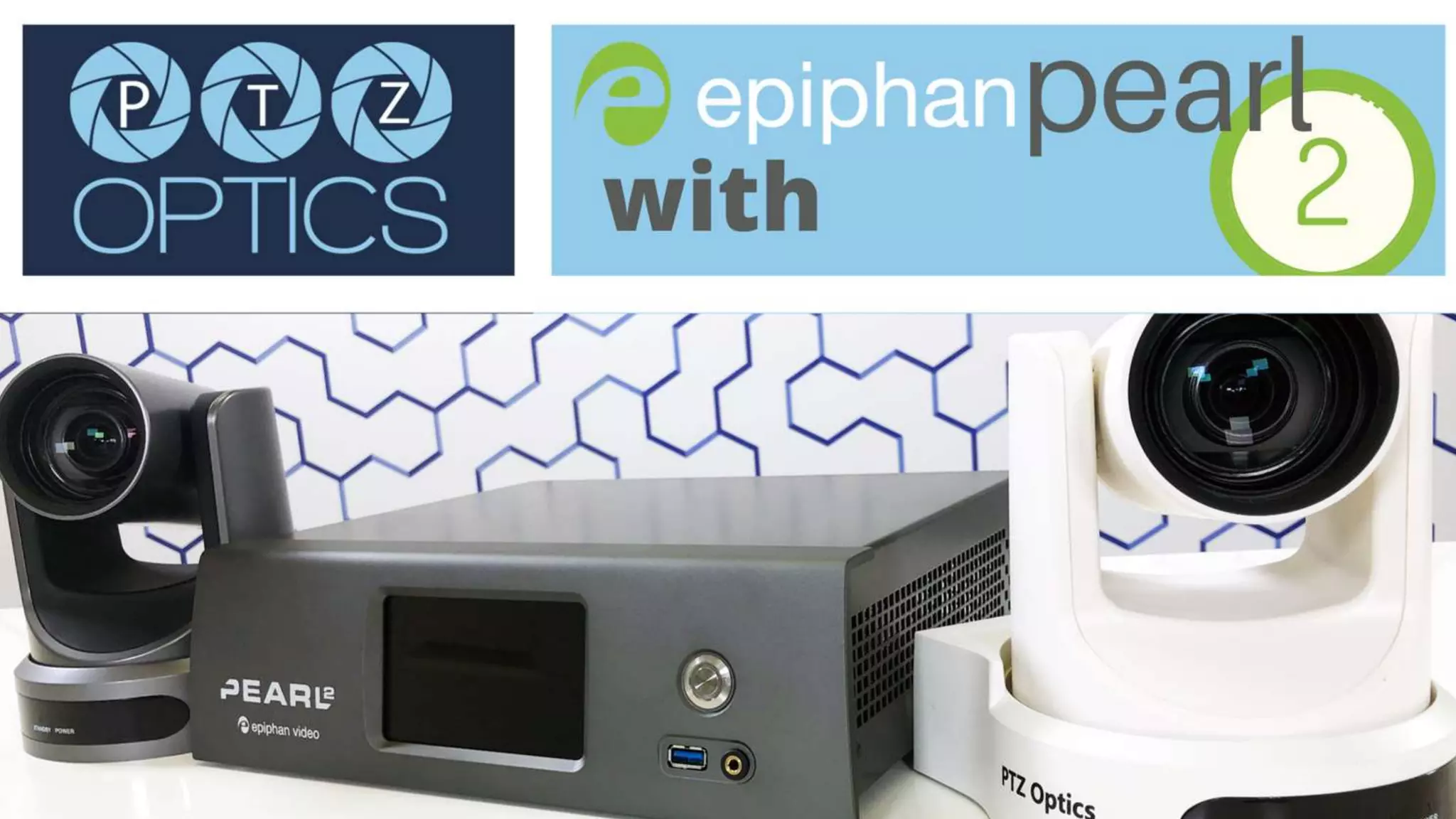
Epiphan and Panopto
Integration Overview
With PTZOptics
What is the Epiphan
Pearl?
It’s a production studio!
A hardware solution for video
recording, streaming and production.
What’s the difference
between Pearl Mini and
Pearl 2?
A hardware solution for video
recording, streaming and
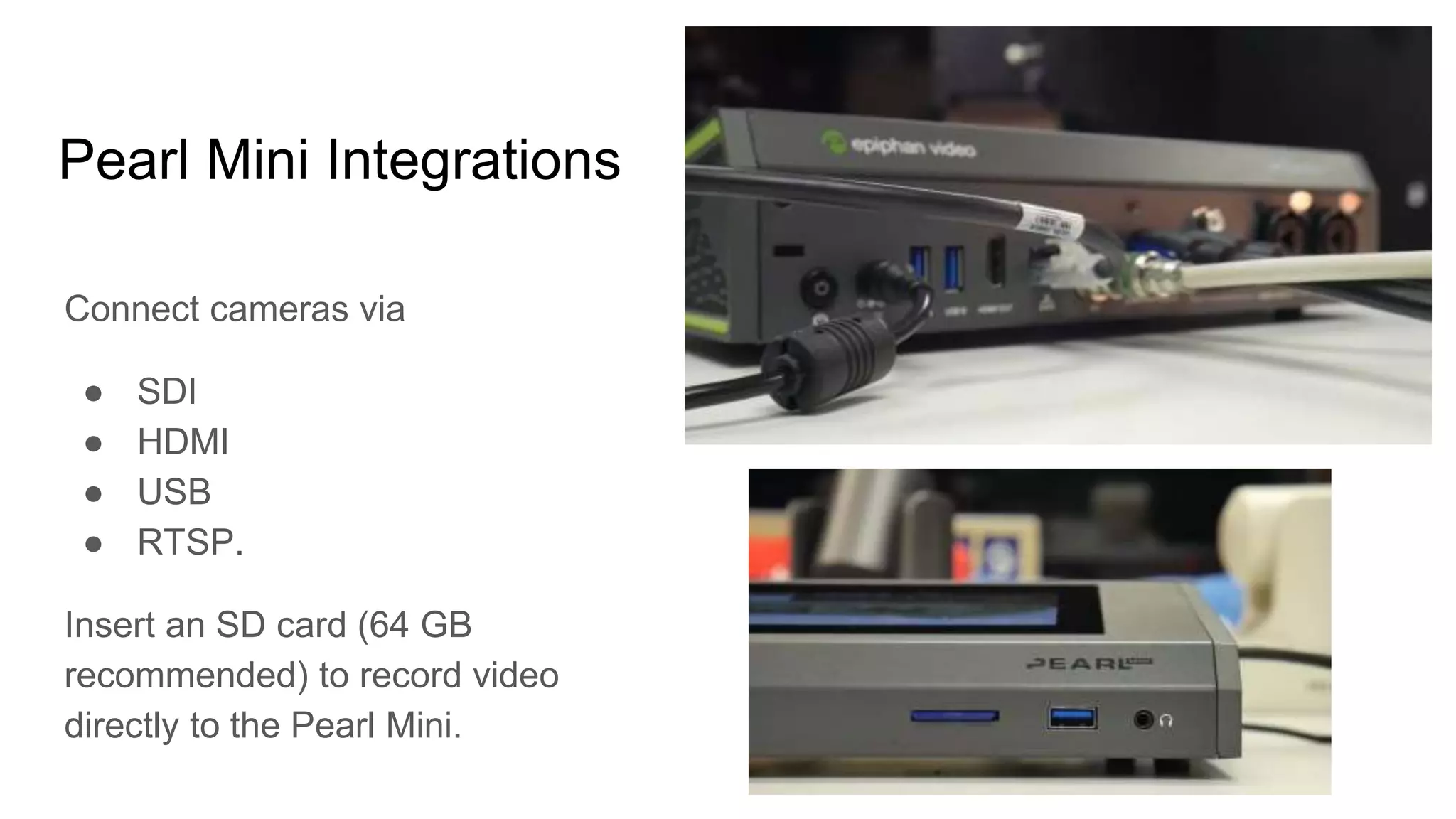
Pearl Mini Integrations
Connect cameras via
● SDI
● HDMI
● USB
● RTSP.
Insert an SD card (64 GB
recommended) to record video
directly to the Pearl Mini.
Pearl 2 Integrations
Connect cameras via:
● SDI
● HDMI
● USB
● NDI HX
See NDI HX information on next
page.
What is Panopto?
Panopto is a video management
platform designed for content
management, recording, live
streaming and search.
Epiphan’s Panopto Integration
With Panopto and Epiphan, it’s never been
easier to record your classrooms and
conference rooms. Epiphan’s Pearl lineup
features built-in displays that provide AV
professionals and end users with unique
management options. This fully-integrated
AV solution enables flexible, ad-hoc video
capture as well as advanced scheduling
and remote management of in-room
recordings.
Create an Event in Panopto
Easily create events directly
from your Epiphan Pearl
interface.
Manage and Schedule Events
Everything stays in sync as you
manage and schedule your
Panopto content through your
Panopto account.
Sample NDI Bandwidth Chart
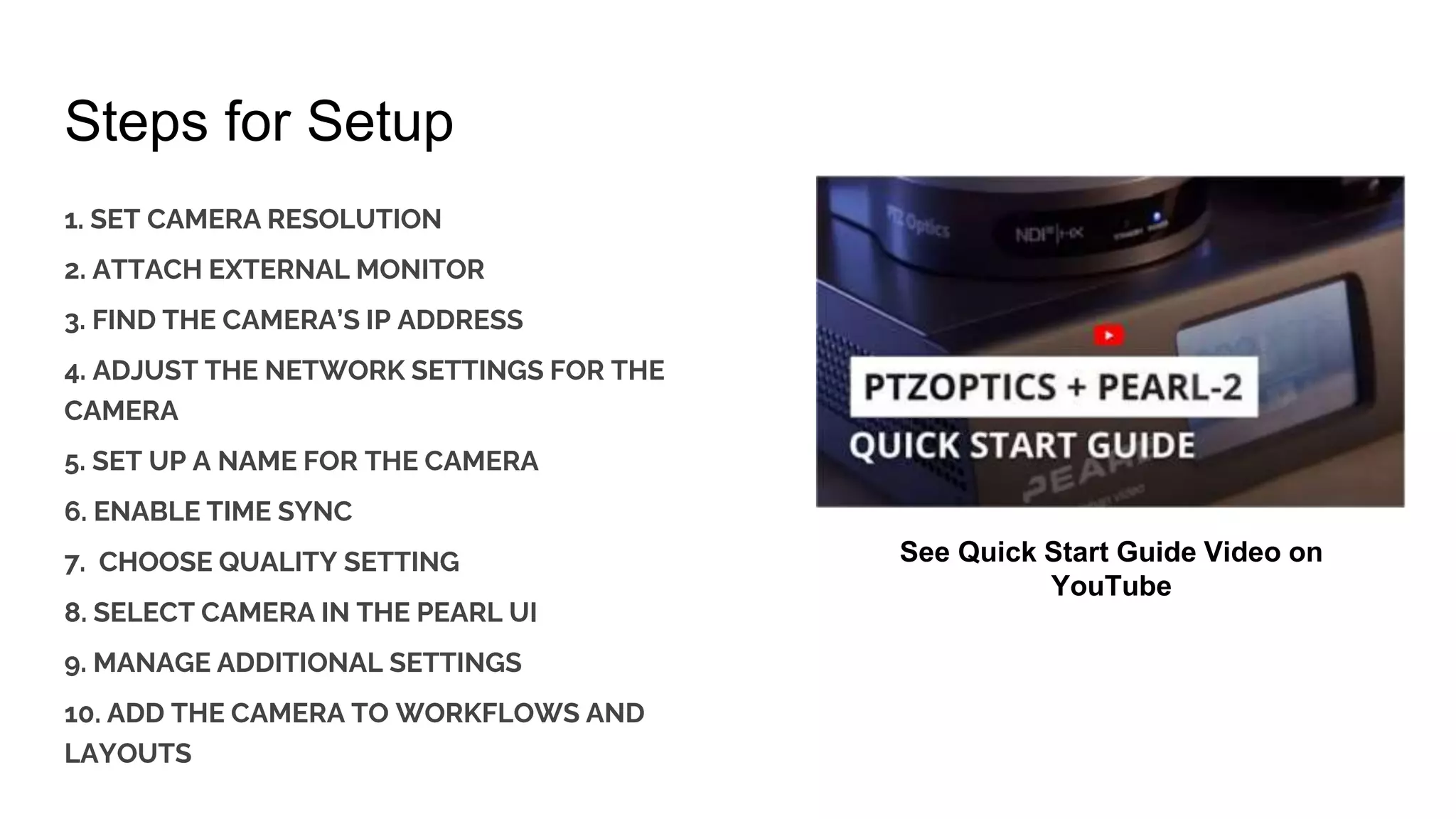
Steps for Setup
1. SET CAMERA RESOLUTION
2. ATTACH EXTERNAL MONITOR
3. FIND THE CAMERA’S IP ADDRESS
4. ADJUST THE NETWORK SETTINGS FOR THE
CAMERA
5. SET UP A NAME FOR THE CAMERA
6. ENABLE TIME SYNC
7. CHOOSE QUALITY SETTING
8. SELECT CAMERA IN THE PEARL UI
9. MANAGE ADDITIONAL SETTINGS
10. ADD THE CAMERA TO WORKFLOWS AND
LAYOUTS
See Quick Start Guide Video on
YouTube
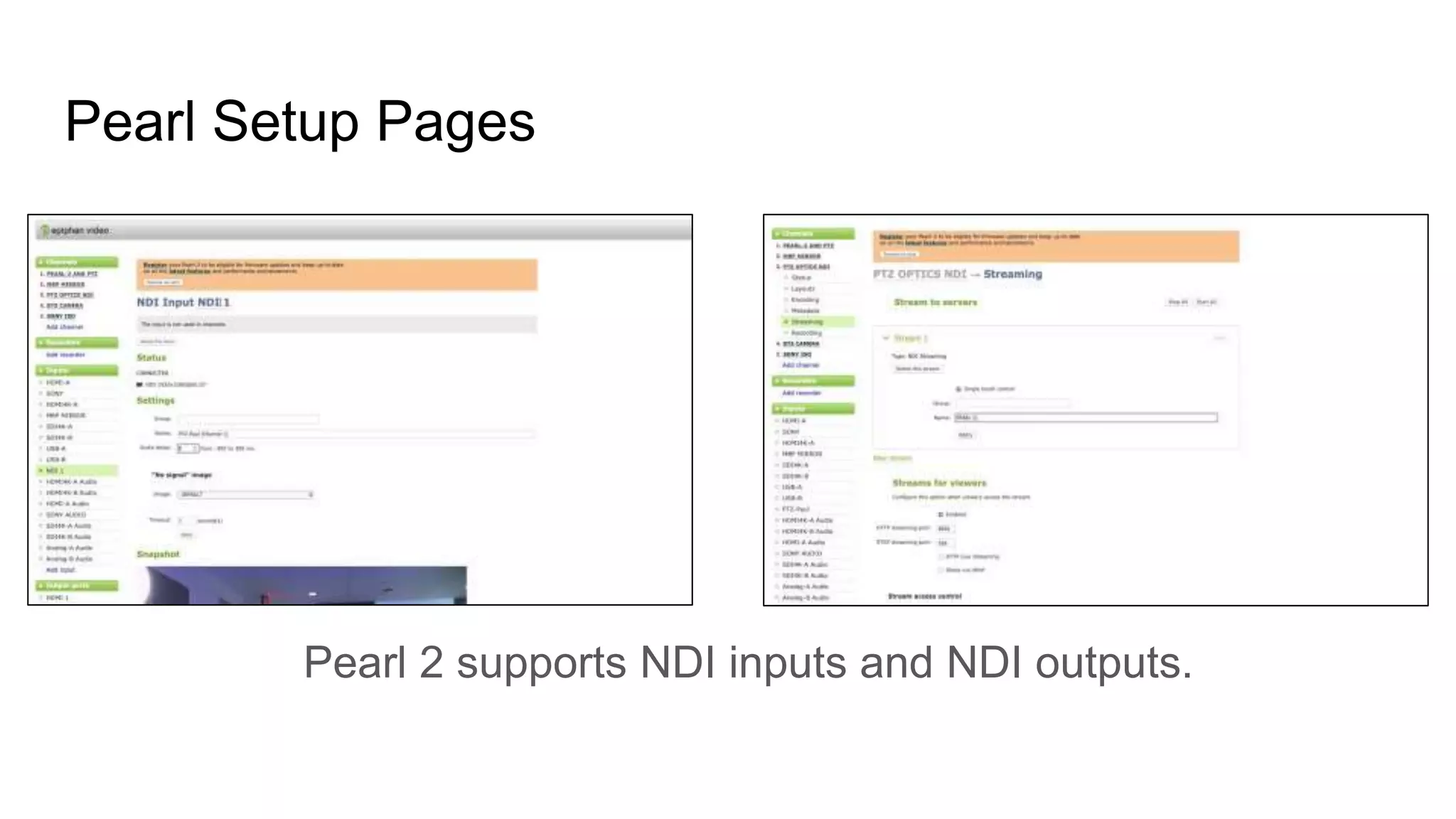
Pearl Setup Pages
Pearl 2 supports NDI inputs and NDI outputs.

Epiphan and Panopto Integration with PTZOptics Overview

  • 1.
    Epiphan and Panopto IntegrationOverview With PTZOptics
  • 2.
    What is theEpiphan Pearl? It’s a production studio! A hardware solution for video recording, streaming and production.
  • 3.
    What’s the difference betweenPearl Mini and Pearl 2? A hardware solution for video recording, streaming and
  • 4.
    Pearl Mini Integrations Connectcameras via ● SDI ● HDMI ● USB ● RTSP. Insert an SD card (64 GB recommended) to record video directly to the Pearl Mini.
  • 6.
    Pearl 2 Integrations Connectcameras via: ● SDI ● HDMI ● USB ● NDI HX See NDI HX information on next page.
  • 7.
    What is Panopto? Panoptois a video management platform designed for content management, recording, live streaming and search.
  • 8.
    Epiphan’s Panopto Integration WithPanopto and Epiphan, it’s never been easier to record your classrooms and conference rooms. Epiphan’s Pearl lineup features built-in displays that provide AV professionals and end users with unique management options. This fully-integrated AV solution enables flexible, ad-hoc video capture as well as advanced scheduling and remote management of in-room recordings.
  • 9.
    Create an Eventin Panopto Easily create events directly from your Epiphan Pearl interface.
  • 11.
    Manage and ScheduleEvents Everything stays in sync as you manage and schedule your Panopto content through your Panopto account.
  • 15.
  • 16.
    Steps for Setup 1.SET CAMERA RESOLUTION 2. ATTACH EXTERNAL MONITOR 3. FIND THE CAMERA’S IP ADDRESS 4. ADJUST THE NETWORK SETTINGS FOR THE CAMERA 5. SET UP A NAME FOR THE CAMERA 6. ENABLE TIME SYNC 7. CHOOSE QUALITY SETTING 8. SELECT CAMERA IN THE PEARL UI 9. MANAGE ADDITIONAL SETTINGS 10. ADD THE CAMERA TO WORKFLOWS AND LAYOUTS See Quick Start Guide Video on YouTube
  • 17.
    Pearl Setup Pages Pearl2 supports NDI inputs and NDI outputs.