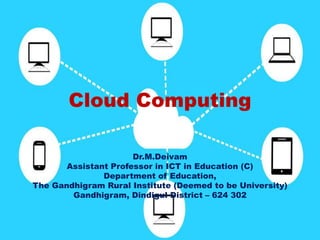
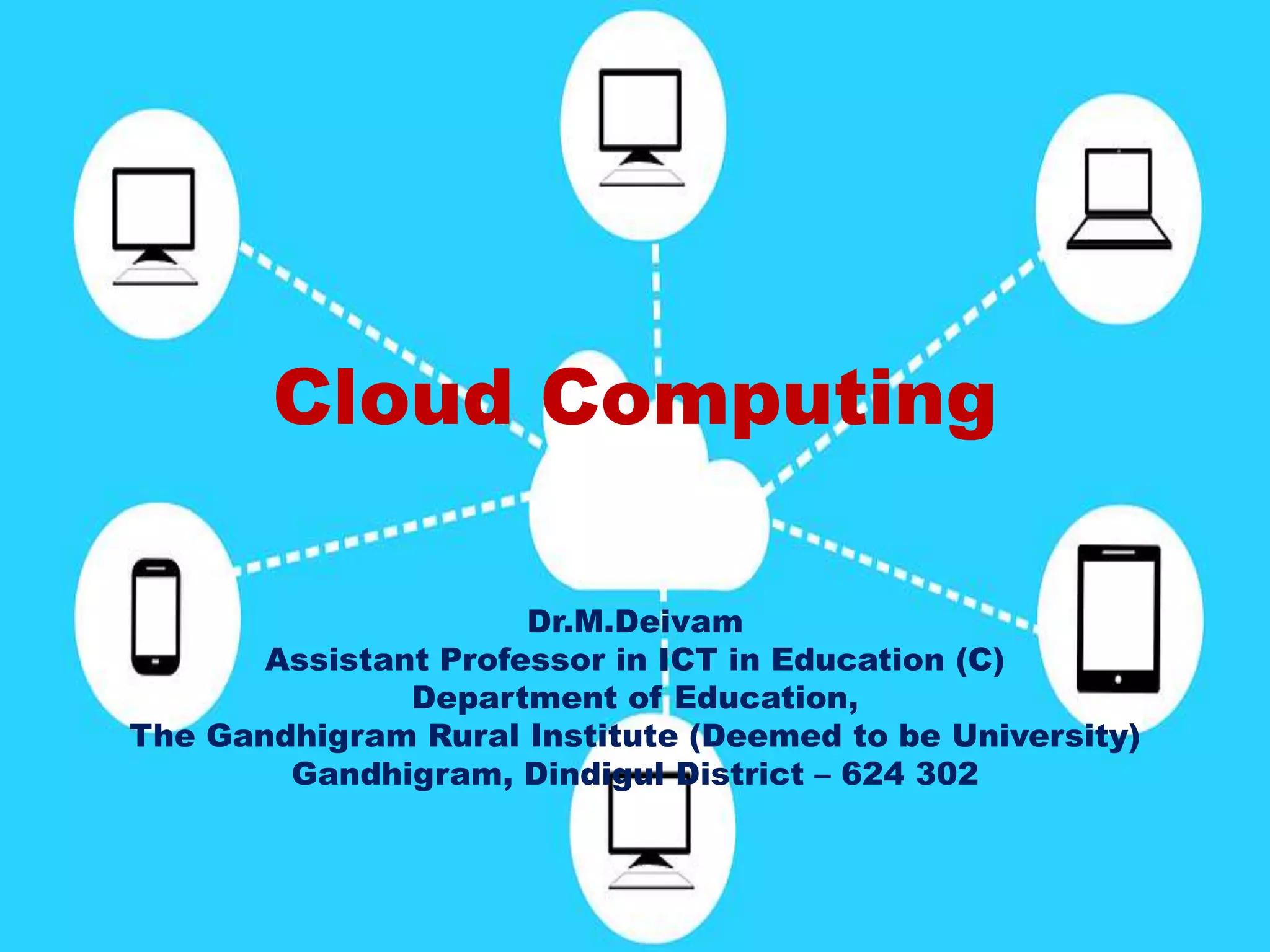
Cloud Computing
Dr.M.Deivam
Assistant Professor in ICT in Education (C)
Department of Education,
The Gandhigram Rural Institute (Deemed to be University)
Gandhigram, Dindigul District – 624 302
Cloud Computing
• Cloud computing is a technology that uses the
internet and central remote servers to maintain
data and applications. It allows consumers,
businesses, educational institutions, etc. to use
applications without installing costly software in
their computers.
Examples
• To send an email, all one need is just an internet
connection, the server and email management
software is all on the cloud (internet) and is totally
managed by the cloud services providers like Yahoo,
Google, etc.
• Large corporation to manage the employees, we
need right hardware and software to do their job.
Instead of installing costly software in all the
computers we install web applications to log in all
the employees would need to his or her job. This is
called cloud computing.
Contd.,
• Therefore, as mentioned earlier web based email
services like Gmail, Yahoo, etc are also examples of
cloud computing as instead of running an email
programme on our computer, we just log in to web
email account remotely. The software and storage
for this account doesn’t exist on the user’s
computer, it is on the service’s computer cloud.
Cloud computing Architecture
• In a cloud computing system, it is helpful to divide it
two sections – the front end and the back end.
Both the ends connect to each other through a
network, usually the internet.
• The front end it the side, the computer user (client)
and back end is the ‘cloud’ section of the system.
• It follows a set of rules called protocols and uses a
special kind of software called middleware.
Contd.,
• A cloud computing system must make a copy of all
its client’s information and store it on other devices.
The copies enable the central server to access
backup machines to retrieve data that otherwise
would be unreachable. Making copies of data as a
backup is called redundancy.
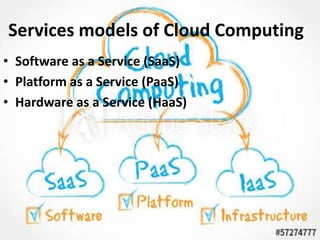
Services models of Cloud Computing
• Software as a Service (SaaS)
• Platform as a Service (PaaS)
• Hardware as a Service (HaaS)
SaaS
• Software as a Service (SaaS) is the model in which
an application is hosted off-site, the customers who
access it via the internet. When the software is
hosted off-site, the customer doesn’t have to
maintain it or support it. On the other hand, it is
out of the customer’s hands when the hosting
service decides to change it.
• The idea is that you use the software out of box as
is and do not need to make a lot of changes or
require integration to other system. The provider
does all the patching and upgrades as well as
keeping the infrastructure runnings.
PaaS
• Platform as a Service (PaaS) is another application
delivery model. PaaS supplies all the resources required
to build applications and services, completely from the
internet without having to download or install
software. PaaS is also known as cloudware.
• PaaS generally offers some support to help the creation
of user interfaces, and is normally based on HTML or
javascript. Because PaaS is expected to be used by
many users simultaneously, it is designed with that sort
of use in mind, and generally provides automatic
facilities for concurrency management, scalability,
failover and security.
HaaS
• It simply offers the hardware so that your
organization can put whatever they want onto it.
HaaS is sometimes also called Infratructure as a
Service (IaaS).
• HaaS allows service providers to rent hardware
resources, rather than purchase servers, software
and having to pay for the data-centre space for
them.
• Examples: Server space, Memory, Storage space
Cloud Deployment Models
• Private Cloud: the cloud services used by a
single organization, which are not exposed to
the public. A private cloud resides inside the
organization and must be behind a firewall, so
only the organization has access to it and can
manage it.
Hybrid Cloud
• Hybrid Cloud: the cloud services can be
distributed among public and private clouds,
where sensitive applications are kept inside
the organization’s network (by using a private
cloud), whereas other services can be hosted
outside the organization’s network (by using a
public cloud). Users can them interchangeably
use private as well as public cloud services in
every day operations.
Public Cloud
• Public Cloud: the cloud services are exposed
to the public and can be used by anyone.
Virtualization is typically used to build the
cloud services that are offered to the public.
An example of a public cloud is Amazon Web
Services (AWS).
Advantages
• Clients are able to access their applications
and data from anywhere at any time.
• It brings hardware costs down.
• Pay for use.
• Removing the need for physical space on the
front end.
• The data or information in a cloud system is
considered to be safe and secure.
Thank you all

Cloud computing

  • 1.
    Cloud Computing Dr.M.Deivam Assistant Professorin ICT in Education (C) Department of Education, The Gandhigram Rural Institute (Deemed to be University) Gandhigram, Dindigul District – 624 302
  • 3.
    Cloud Computing • Cloudcomputing is a technology that uses the internet and central remote servers to maintain data and applications. It allows consumers, businesses, educational institutions, etc. to use applications without installing costly software in their computers.
  • 4.
    Examples • To sendan email, all one need is just an internet connection, the server and email management software is all on the cloud (internet) and is totally managed by the cloud services providers like Yahoo, Google, etc. • Large corporation to manage the employees, we need right hardware and software to do their job. Instead of installing costly software in all the computers we install web applications to log in all the employees would need to his or her job. This is called cloud computing.
  • 5.
    Contd., • Therefore, asmentioned earlier web based email services like Gmail, Yahoo, etc are also examples of cloud computing as instead of running an email programme on our computer, we just log in to web email account remotely. The software and storage for this account doesn’t exist on the user’s computer, it is on the service’s computer cloud.
  • 6.
    Cloud computing Architecture •In a cloud computing system, it is helpful to divide it two sections – the front end and the back end. Both the ends connect to each other through a network, usually the internet. • The front end it the side, the computer user (client) and back end is the ‘cloud’ section of the system. • It follows a set of rules called protocols and uses a special kind of software called middleware.
  • 7.
    Contd., • A cloudcomputing system must make a copy of all its client’s information and store it on other devices. The copies enable the central server to access backup machines to retrieve data that otherwise would be unreachable. Making copies of data as a backup is called redundancy.
  • 8.
    Services models ofCloud Computing • Software as a Service (SaaS) • Platform as a Service (PaaS) • Hardware as a Service (HaaS)
  • 9.
    SaaS • Software asa Service (SaaS) is the model in which an application is hosted off-site, the customers who access it via the internet. When the software is hosted off-site, the customer doesn’t have to maintain it or support it. On the other hand, it is out of the customer’s hands when the hosting service decides to change it. • The idea is that you use the software out of box as is and do not need to make a lot of changes or require integration to other system. The provider does all the patching and upgrades as well as keeping the infrastructure runnings.
  • 10.
    PaaS • Platform asa Service (PaaS) is another application delivery model. PaaS supplies all the resources required to build applications and services, completely from the internet without having to download or install software. PaaS is also known as cloudware. • PaaS generally offers some support to help the creation of user interfaces, and is normally based on HTML or javascript. Because PaaS is expected to be used by many users simultaneously, it is designed with that sort of use in mind, and generally provides automatic facilities for concurrency management, scalability, failover and security.
  • 11.
    HaaS • It simplyoffers the hardware so that your organization can put whatever they want onto it. HaaS is sometimes also called Infratructure as a Service (IaaS). • HaaS allows service providers to rent hardware resources, rather than purchase servers, software and having to pay for the data-centre space for them. • Examples: Server space, Memory, Storage space
  • 12.
    Cloud Deployment Models •Private Cloud: the cloud services used by a single organization, which are not exposed to the public. A private cloud resides inside the organization and must be behind a firewall, so only the organization has access to it and can manage it.
  • 13.
    Hybrid Cloud • HybridCloud: the cloud services can be distributed among public and private clouds, where sensitive applications are kept inside the organization’s network (by using a private cloud), whereas other services can be hosted outside the organization’s network (by using a public cloud). Users can them interchangeably use private as well as public cloud services in every day operations.
  • 14.
    Public Cloud • PublicCloud: the cloud services are exposed to the public and can be used by anyone. Virtualization is typically used to build the cloud services that are offered to the public. An example of a public cloud is Amazon Web Services (AWS).
  • 15.
    Advantages • Clients areable to access their applications and data from anywhere at any time. • It brings hardware costs down. • Pay for use. • Removing the need for physical space on the front end. • The data or information in a cloud system is considered to be safe and secure.
  • 16.