New Classroom Web SitesNew Braunfels High School
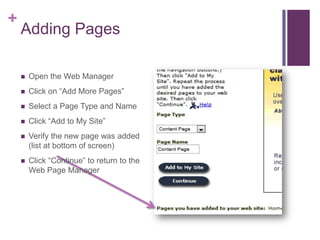
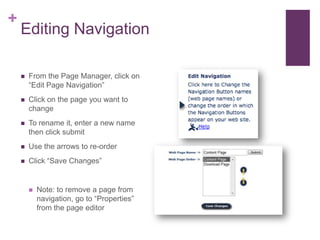
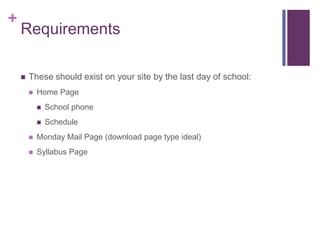
ObjectivesUse Wiffiti to shareLearn new site’s mapPreview page typesLog in to new siteAdd/remove pagesEdit pagesExpectationsUpdate profile information
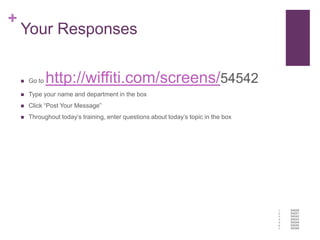
Your ResponsesGo to http://wiffiti.com/screens/54542Type your name and department in the boxClick “Post Your Message”Throughout today’s training, enter questions about today’s topic in the box54628545415454254543545445454554546
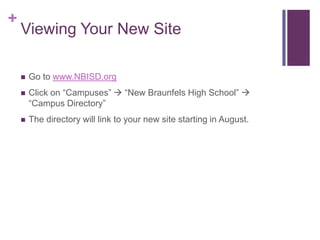
Viewing Your New SiteGo to www.NBISD.orgClick on “Campuses”  “New Braunfels High School”  “Campus Directory”The directory will link to your new site starting in August.
Four Types of PagesContentCalendarDownloadForm
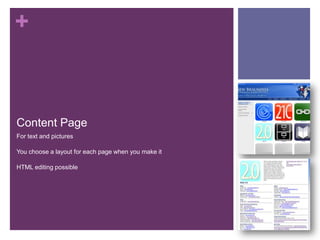
Content PageFor text and picturesYou choose a layout for each page when you make itHTML editing possible
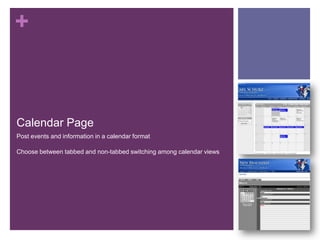
Calendar PagePost events and information in a calendar formatChoose between tabbed and non-tabbed switching among calendar views
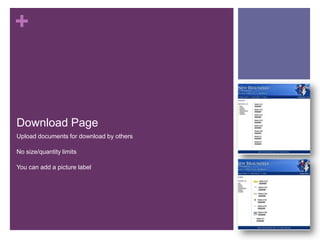
Download PageUpload documents for download by othersNo size/quantity limitsYou can add a picture label
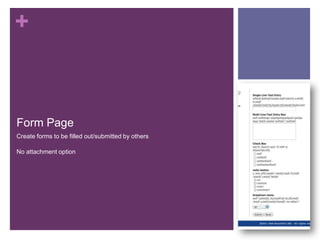
Form PageCreate forms to be filled out/submitted by othersNo attachment option
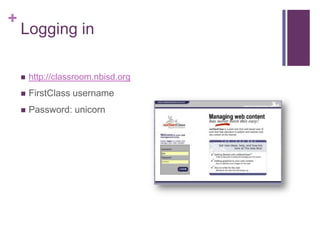
Logging inhttp://classroom.nbisd.orgFirstClass usernamePassword: unicorn
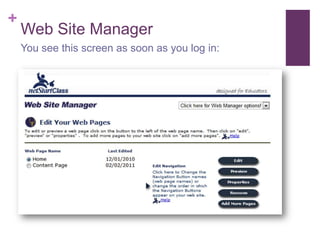
Web Site ManagerYou see this screen as soon as you log in:
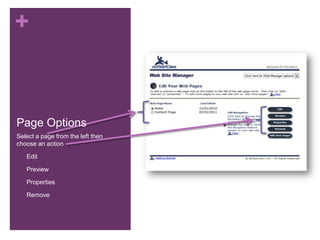
Page OptionsSelect a page from the left then choose an actionEdit
Preview
Properties
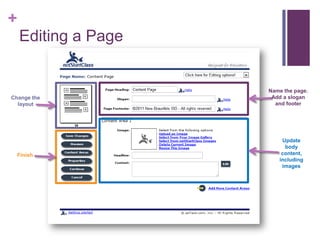
RemoveEditing a PageName the page. Add a slogan and footerChange the layoutUpdate body content, including imagesFinish
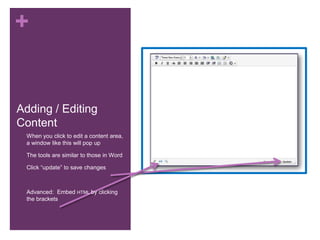
Adding / Editing ContentWhen you click to edit a content area, a window like this will pop up
The tools are similar to those in Word
Click “update” to save changes
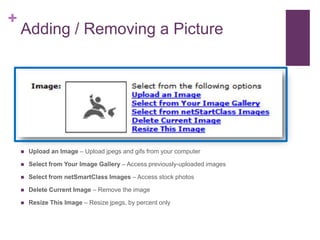
Advanced:  Embed html by clicking the brackets Adding / Removing a PictureUpload an Image – Upload jpegs and gifs from your computerSelect from Your Image Gallery – Access previously-uploaded imagesSelect from netSmartClass Images – Access stock photosDelete Current Image – Remove the imageResize This Image – Resize jpegs, by percent only
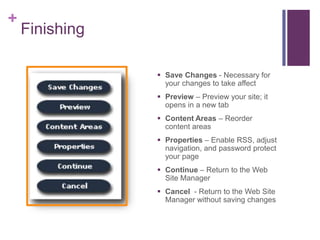
FinishingSave Changes - Necessary for your changes to take affect

Classroom websites training22