




1
   Digital fabrication
principles and practices
2
  Computer aided design,
manufacturing and modeling
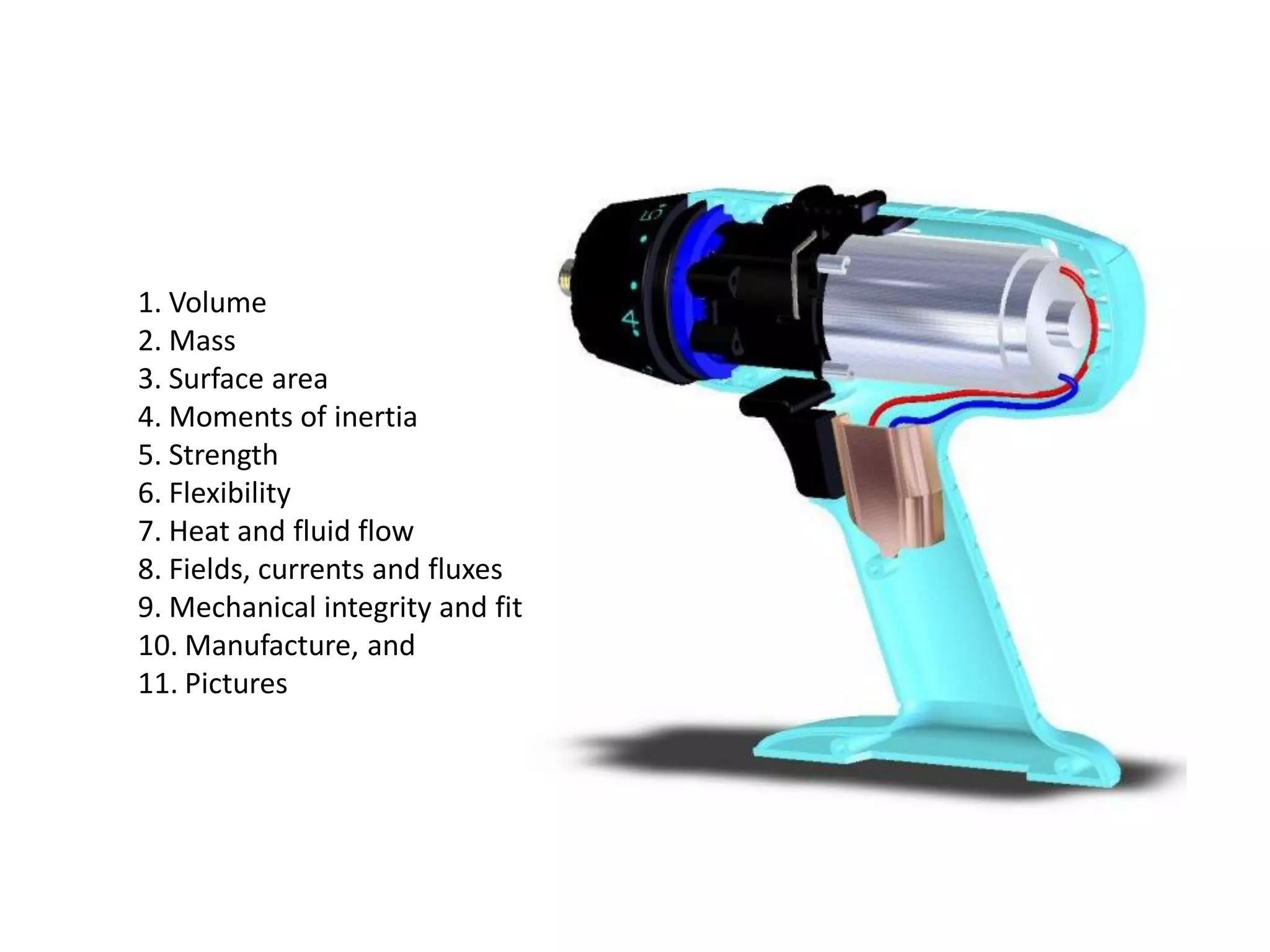
1. Volume
2. Mass
3. Surface area
4. Moments of inertia
5. Strength
6. Flexibility
7. Heat and fluid flow
8. Fields, currents and fluxes
9. Mechanical integrity and fit
10. Manufacture, and
11. Pictures
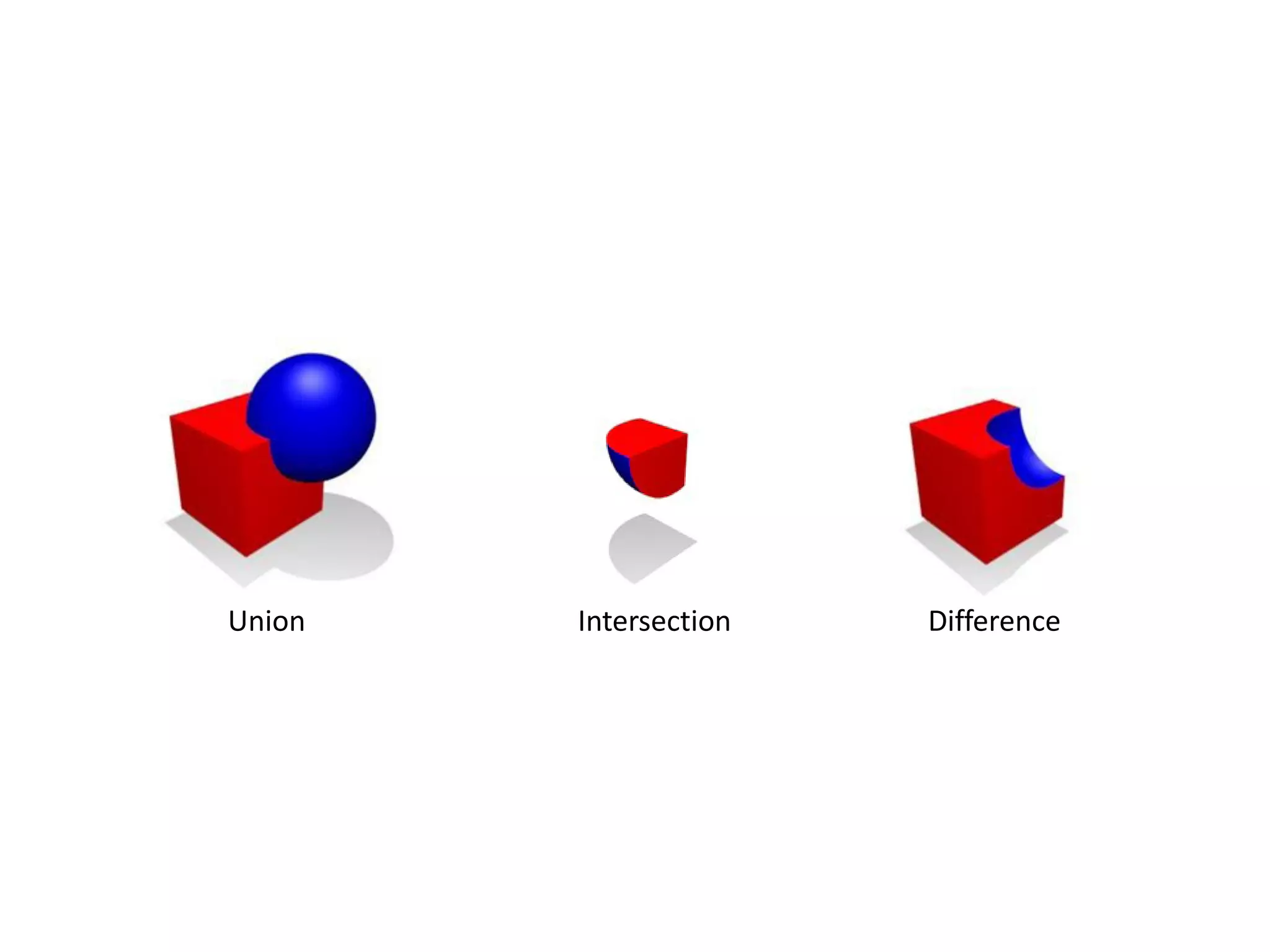
Union   Intersection   Difference
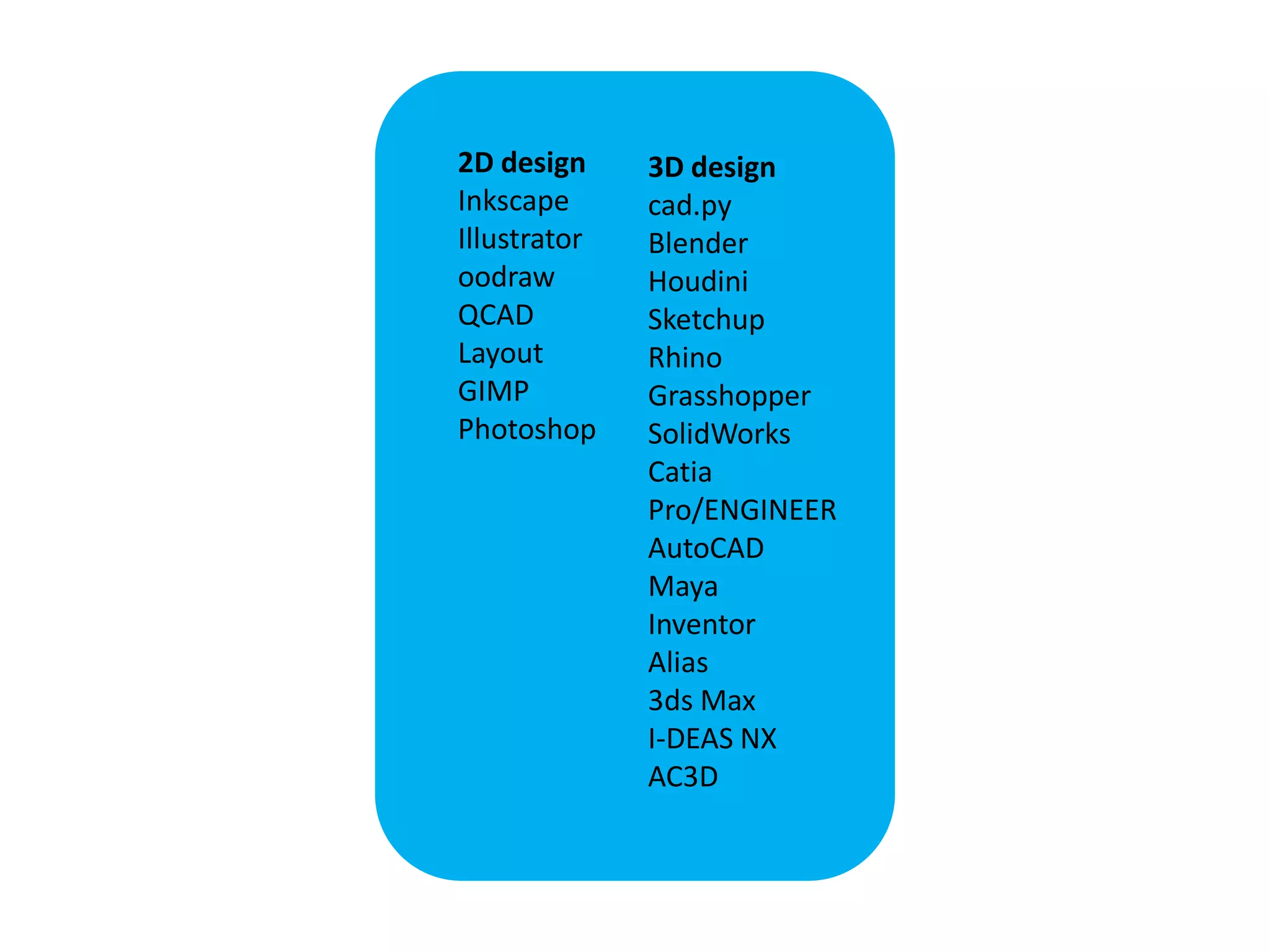
2D design     3D design
Inkscape      cad.py
Illustrator   Blender
oodraw        Houdini
QCAD          Sketchup
Layout        Rhino
GIMP          Grasshopper
Photoshop     SolidWorks
              Catia
              Pro/ENGINEER
              AutoCAD
              Maya
              Inventor
              Alias
              3ds Max
              I-DEAS NX
              AC3D
http://www.youtube.com/watch?v=3wEZp20-2Jc&feature=player_embedded
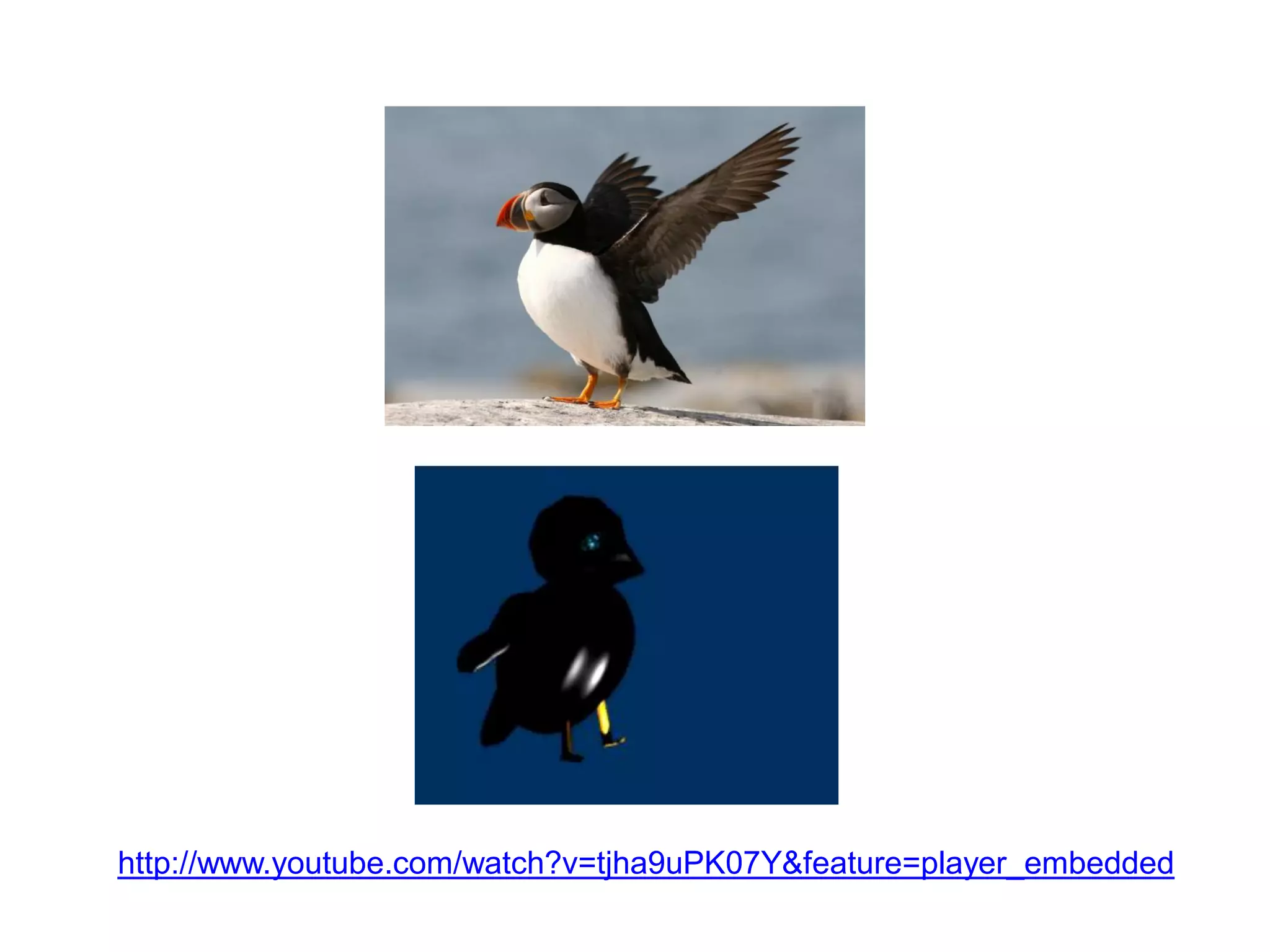
http://www.youtube.com/watch?v=tjha9uPK07Y&feature=player_embedded
http://www.youtube.com/watch?v=LSw9NqhC-jk&feature=player_embedded
http://vimeo.com/7060791
http://www.youtube.com/watch?v=Wo5VEH11BKY&feature=player_embedded
http://www.youtube.com/watch?v=L0LLKveuDRc&feature=player_embedded
http://www.youtube.com/watch?v=N0R7jTow-_Y&feature=player_embedded
3
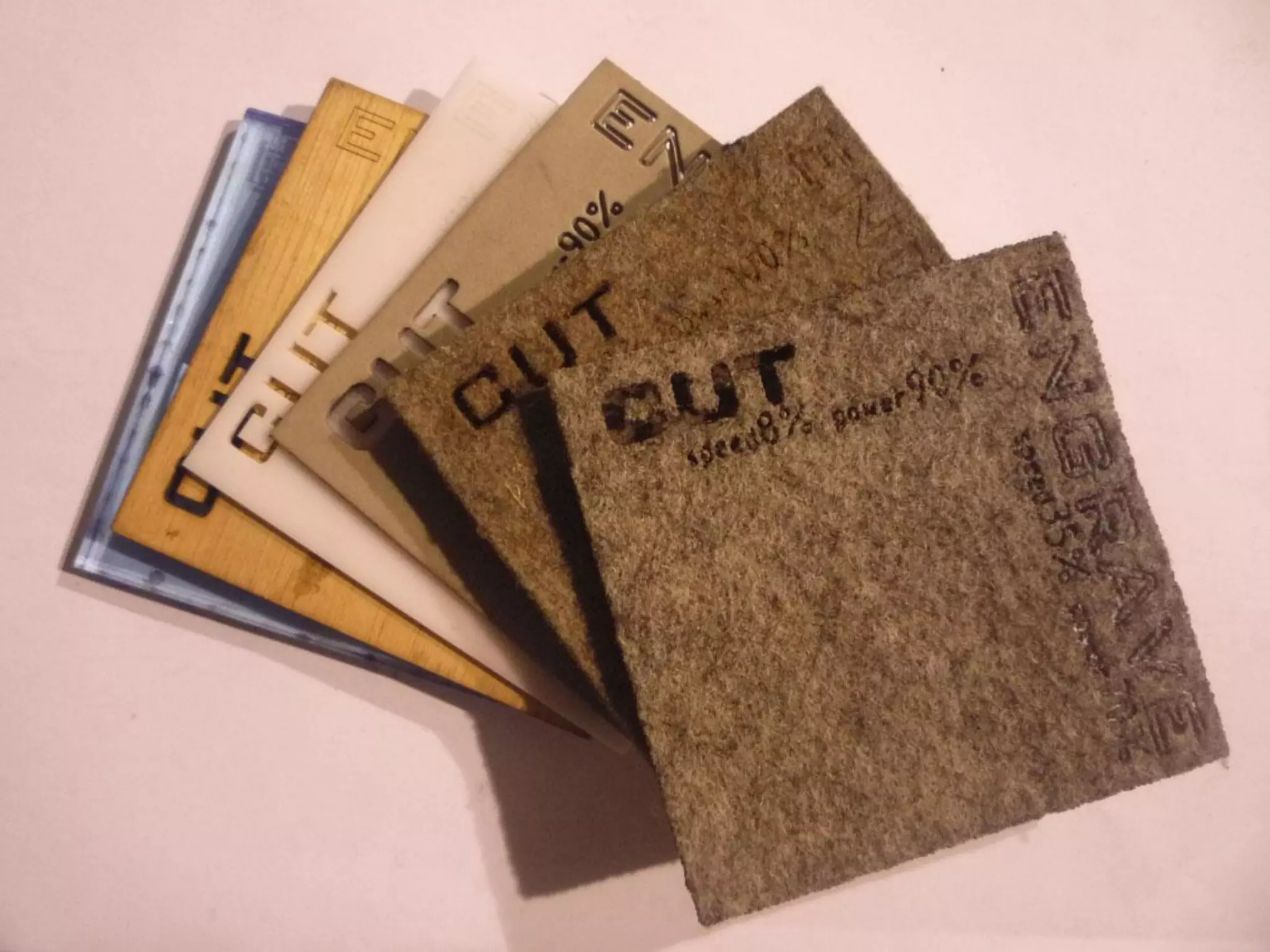
Computer controlled
     cutting
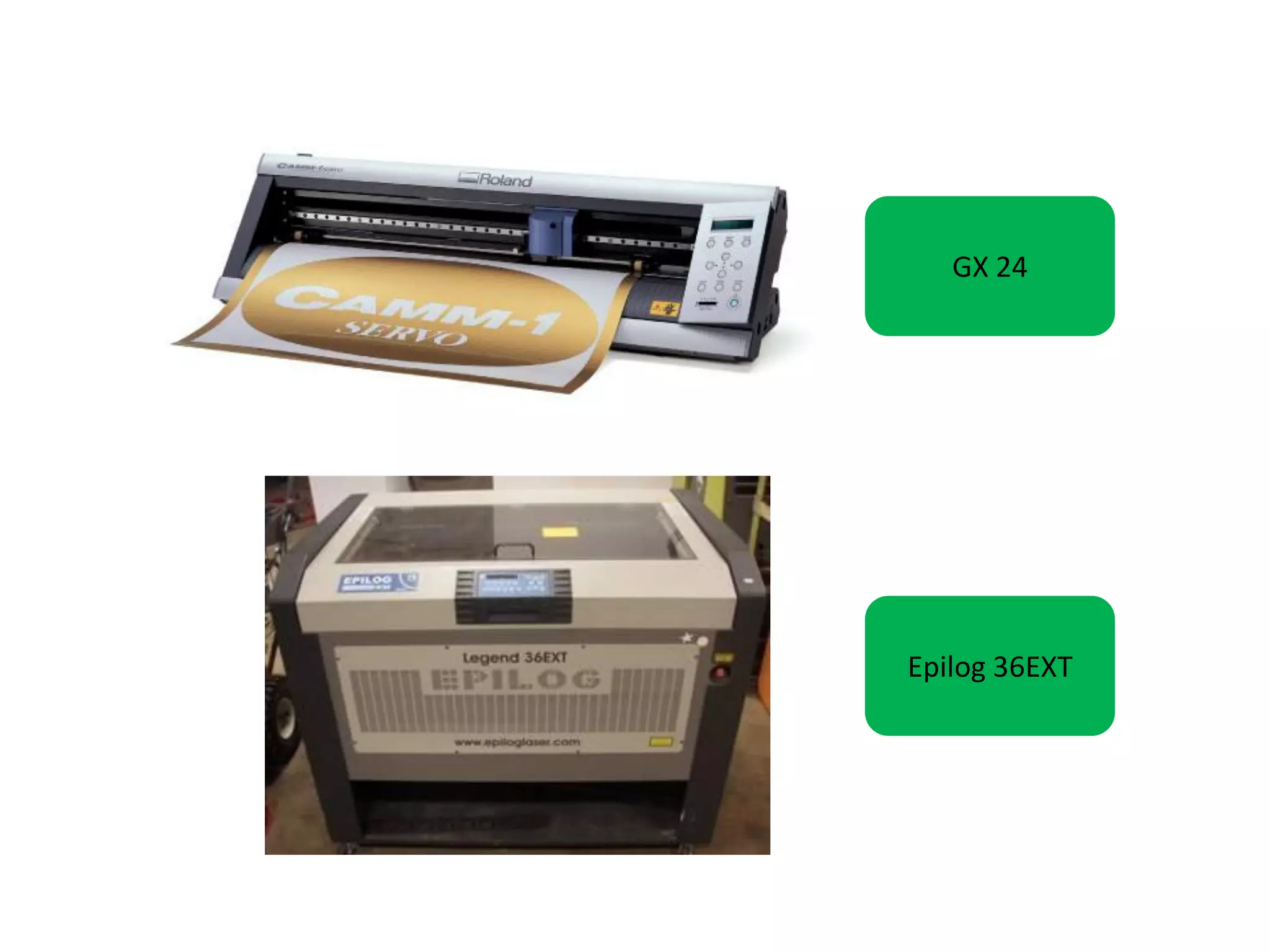
GX 24


Epilog 36EXT
http://www.youtube.com/watch?v=SMajJYDKs_8&feature=player_embedded
http://www.youtube.com/watch?v=d
atRhynwEQY&feature=player_emb
edded
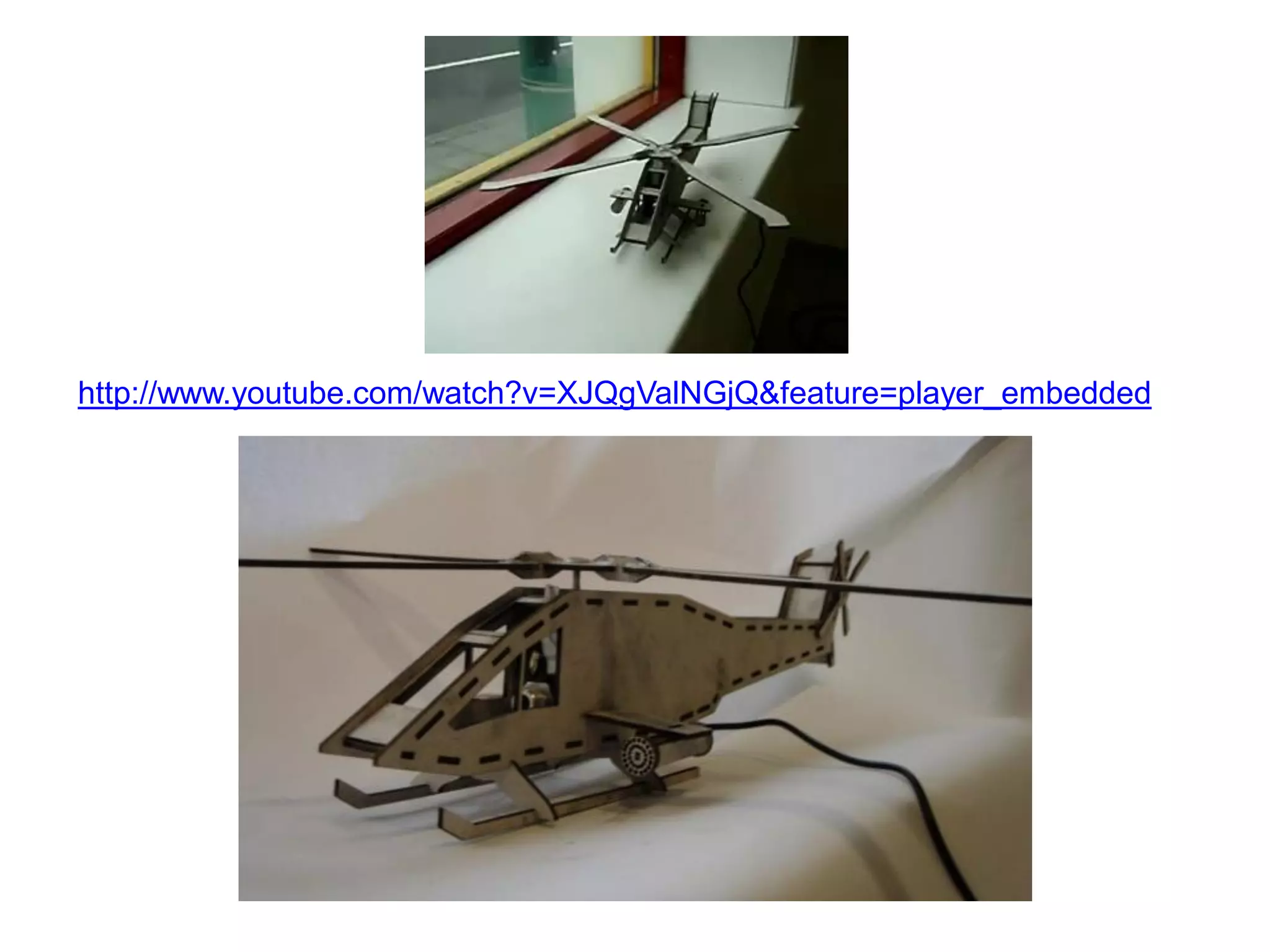
http://www.youtube.com/watch?v=XJQgValNGjQ&feature=player_embedded
4
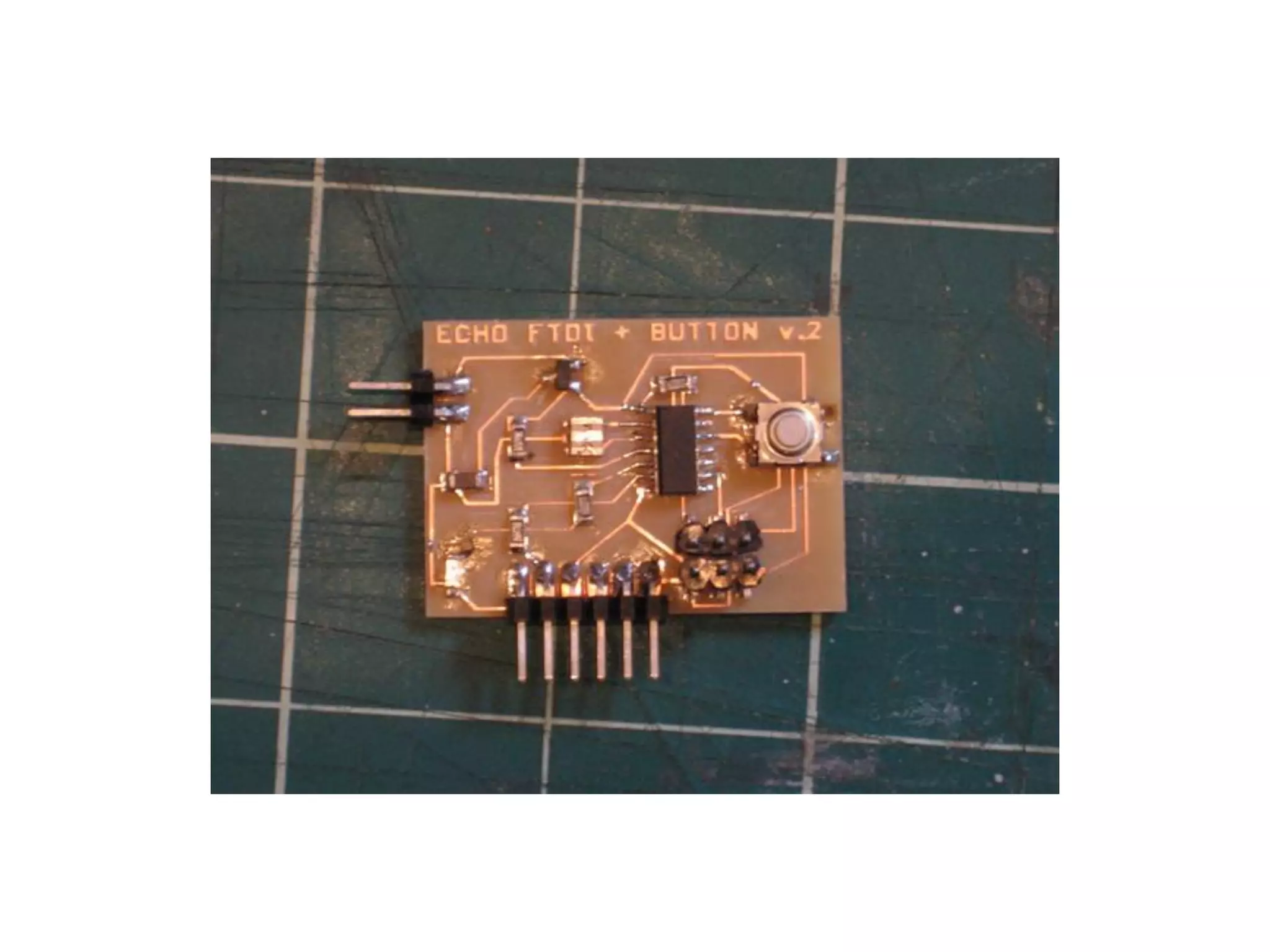
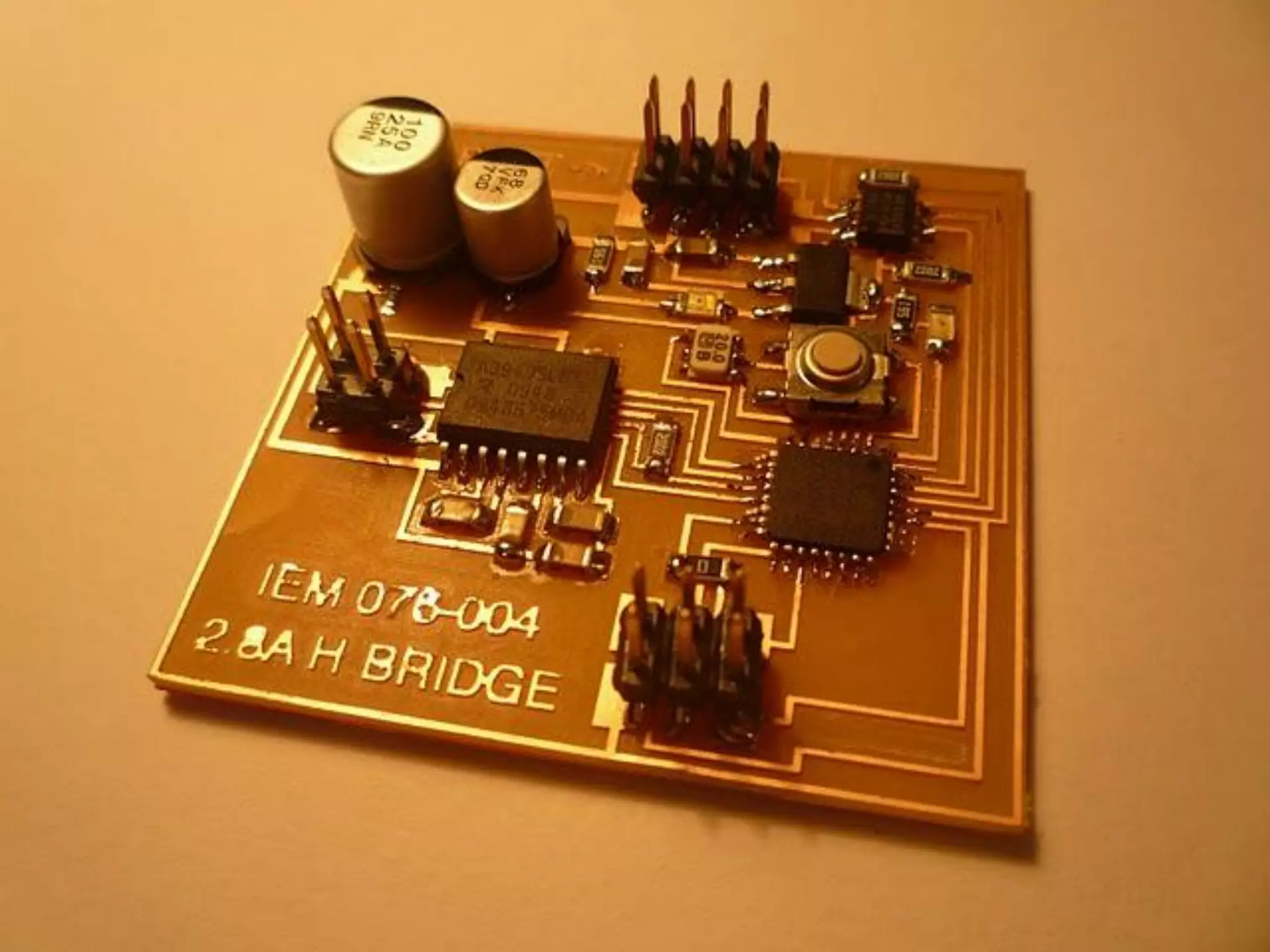
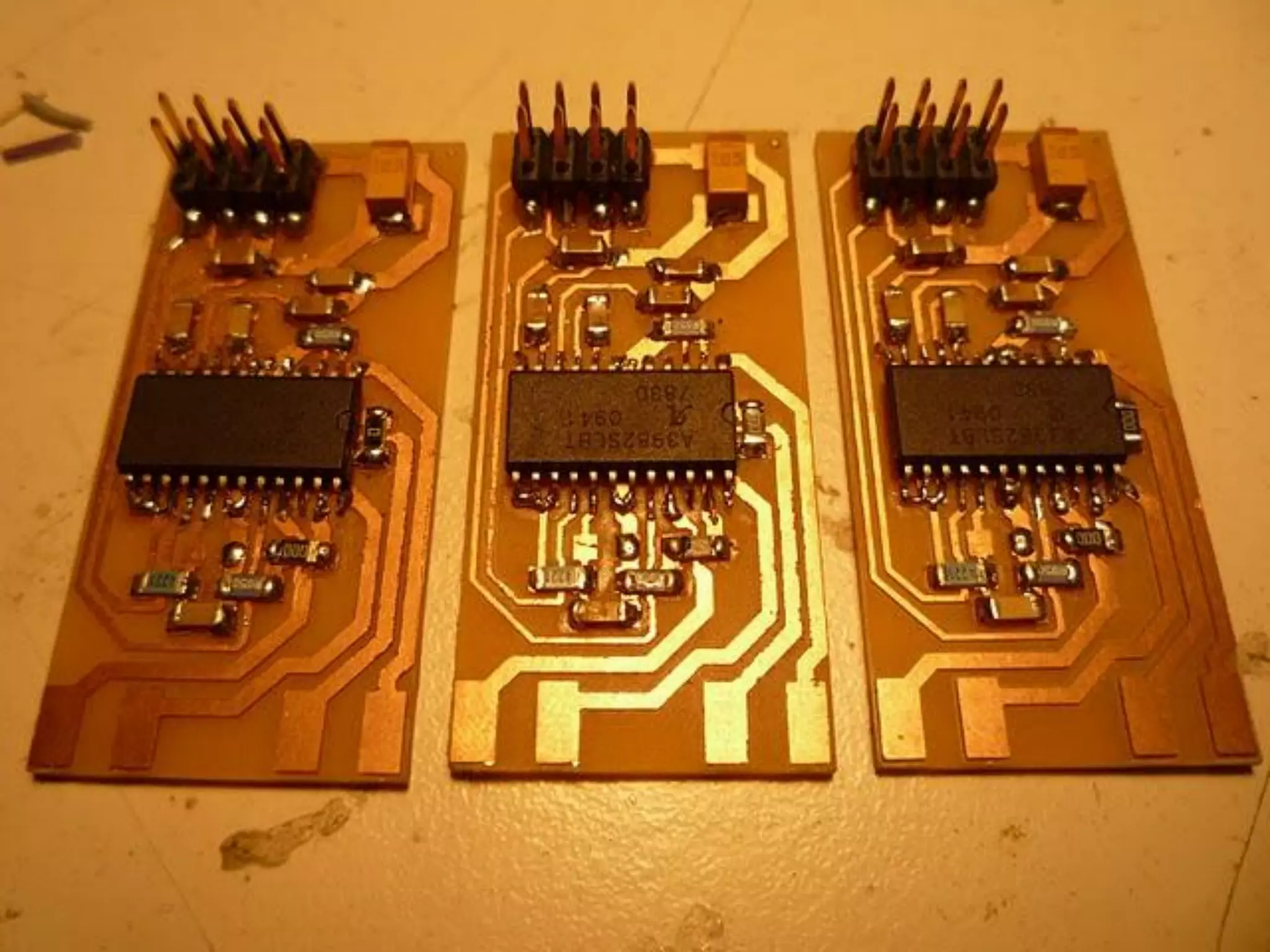
Electronics design and
      production
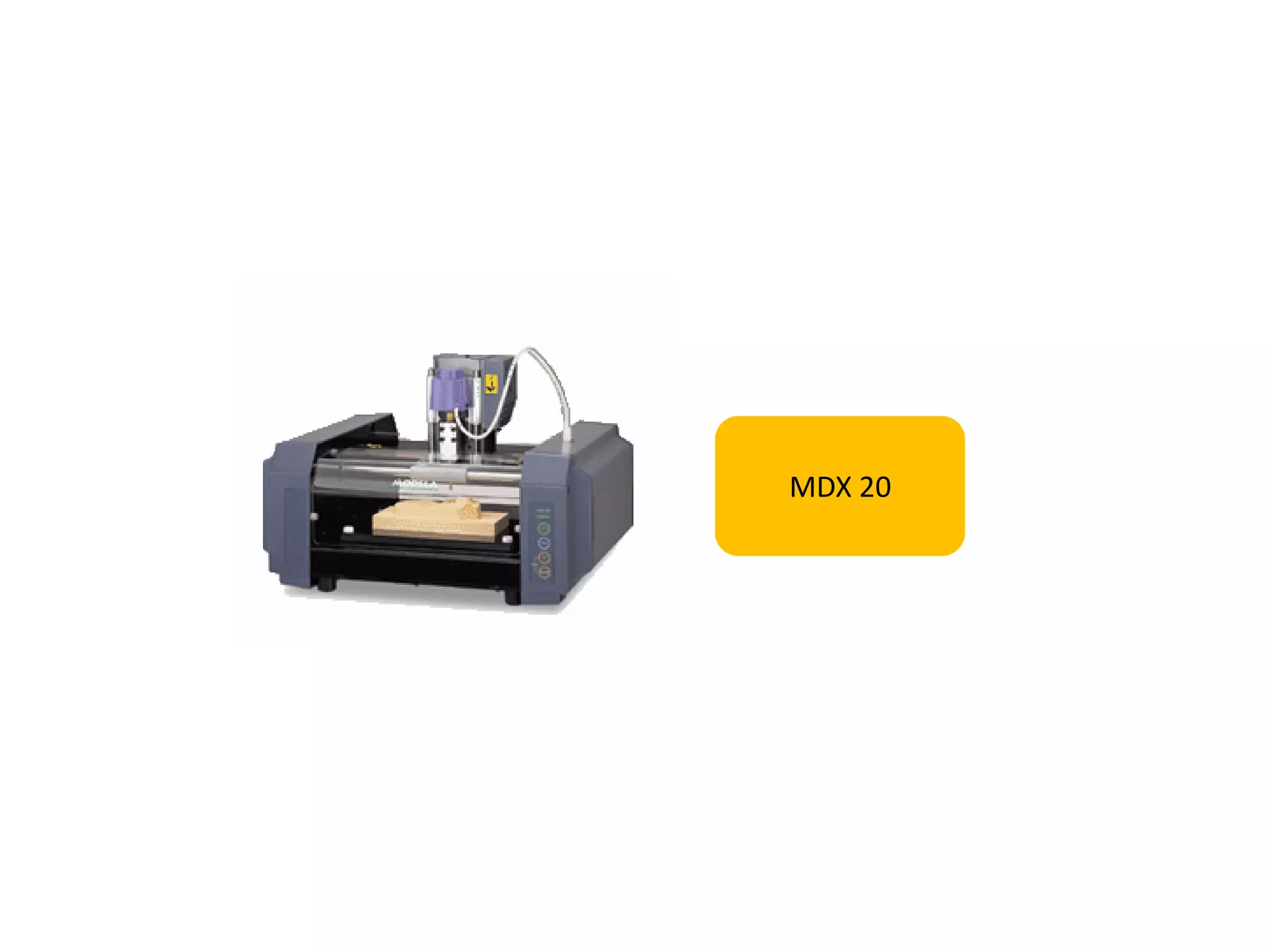
MDX 20
5
Computer controlled
    machining
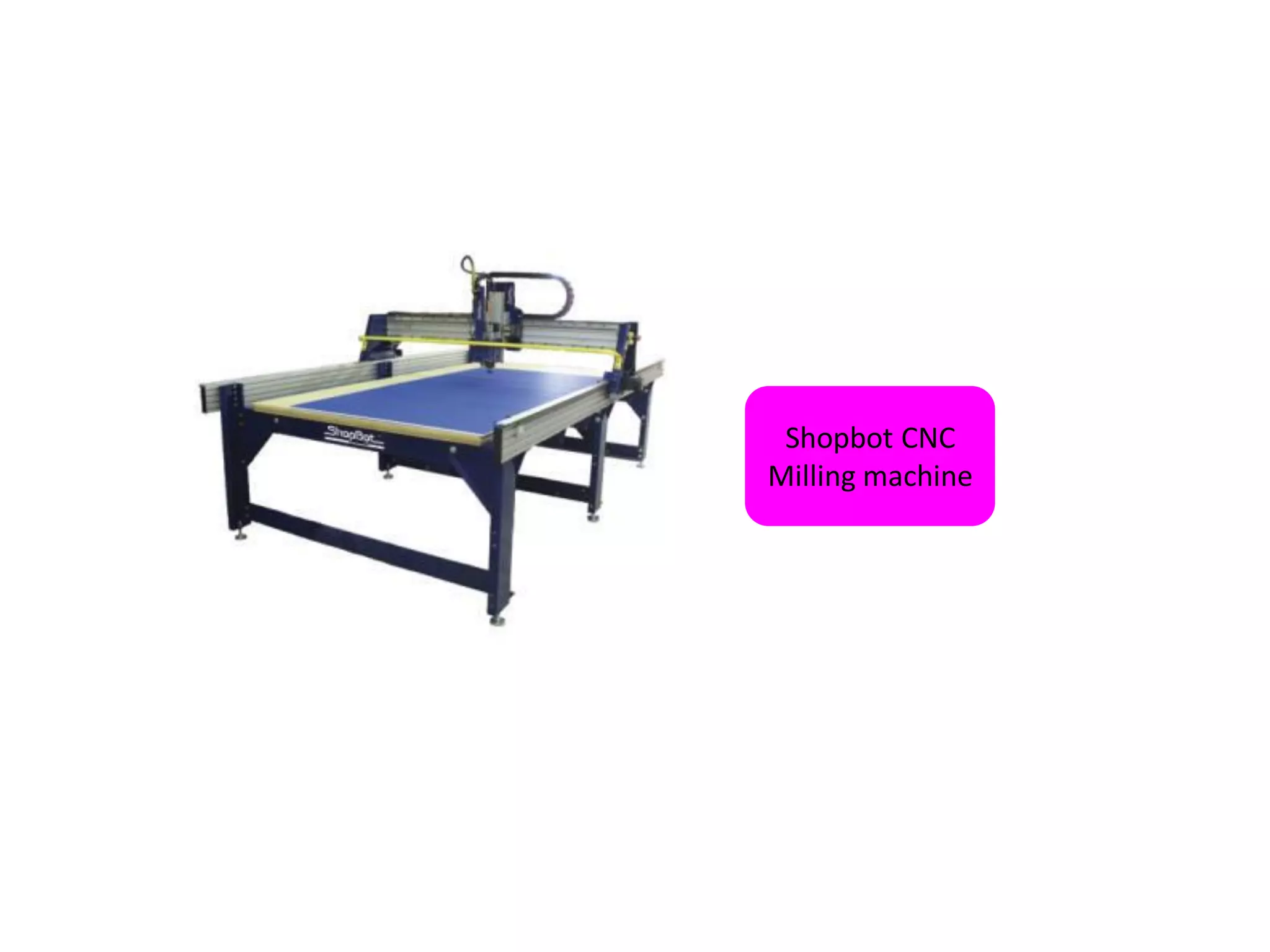
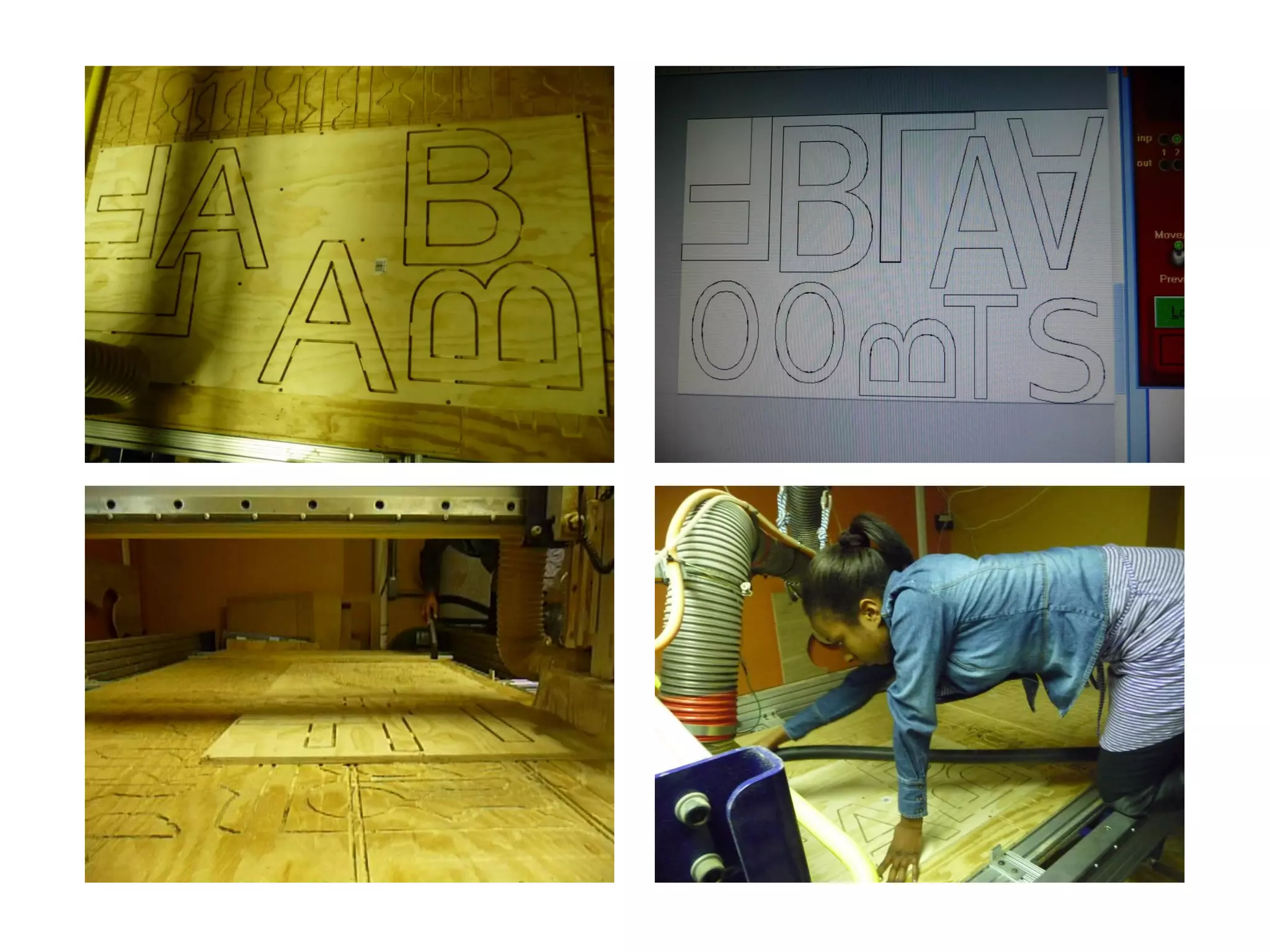
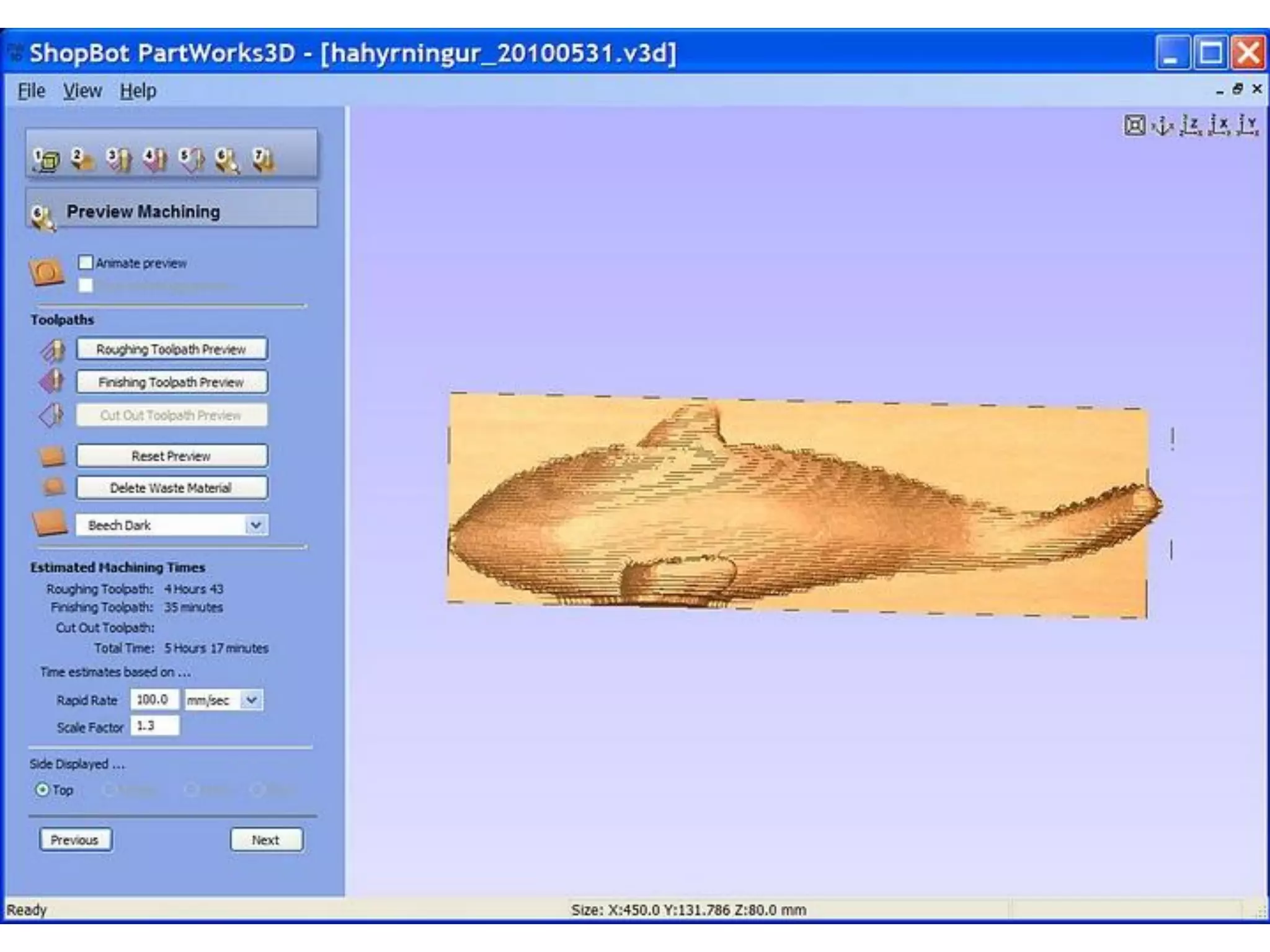
Shopbot CNC
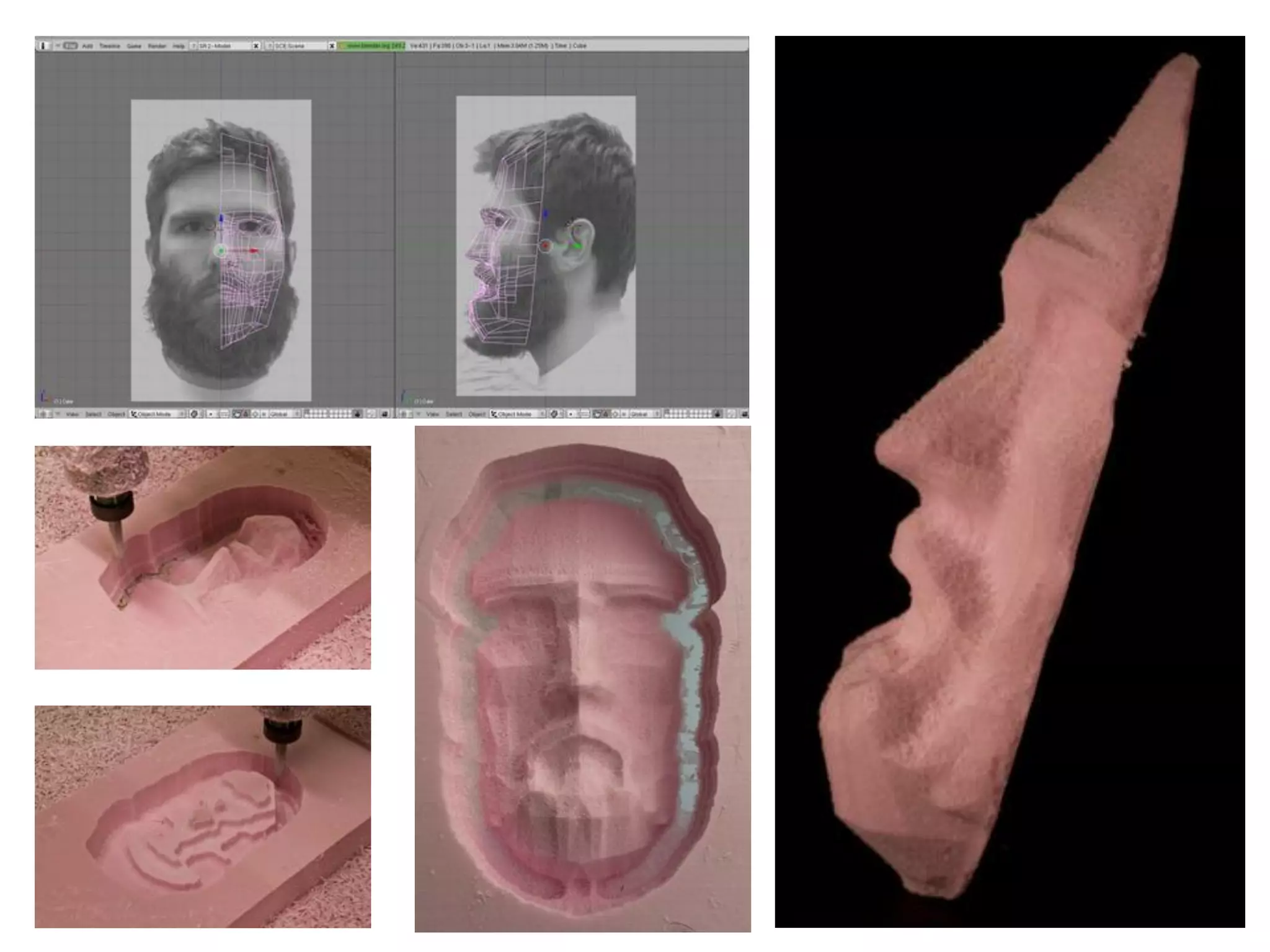
Milling machine
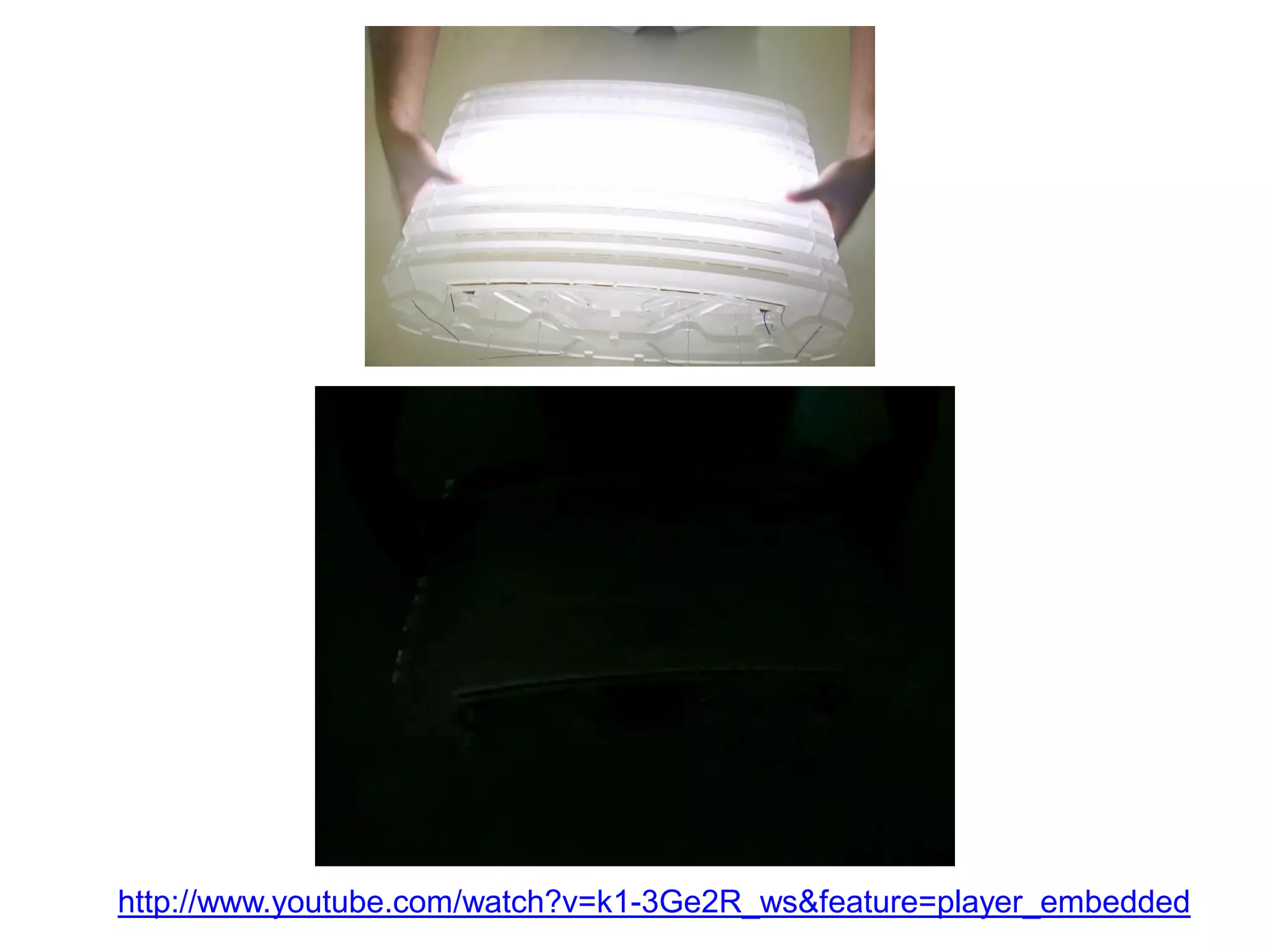
http://www.youtube.com/watch?v=k1-3Ge2R_ws&feature=player_embedded
6
Embedded programming
7
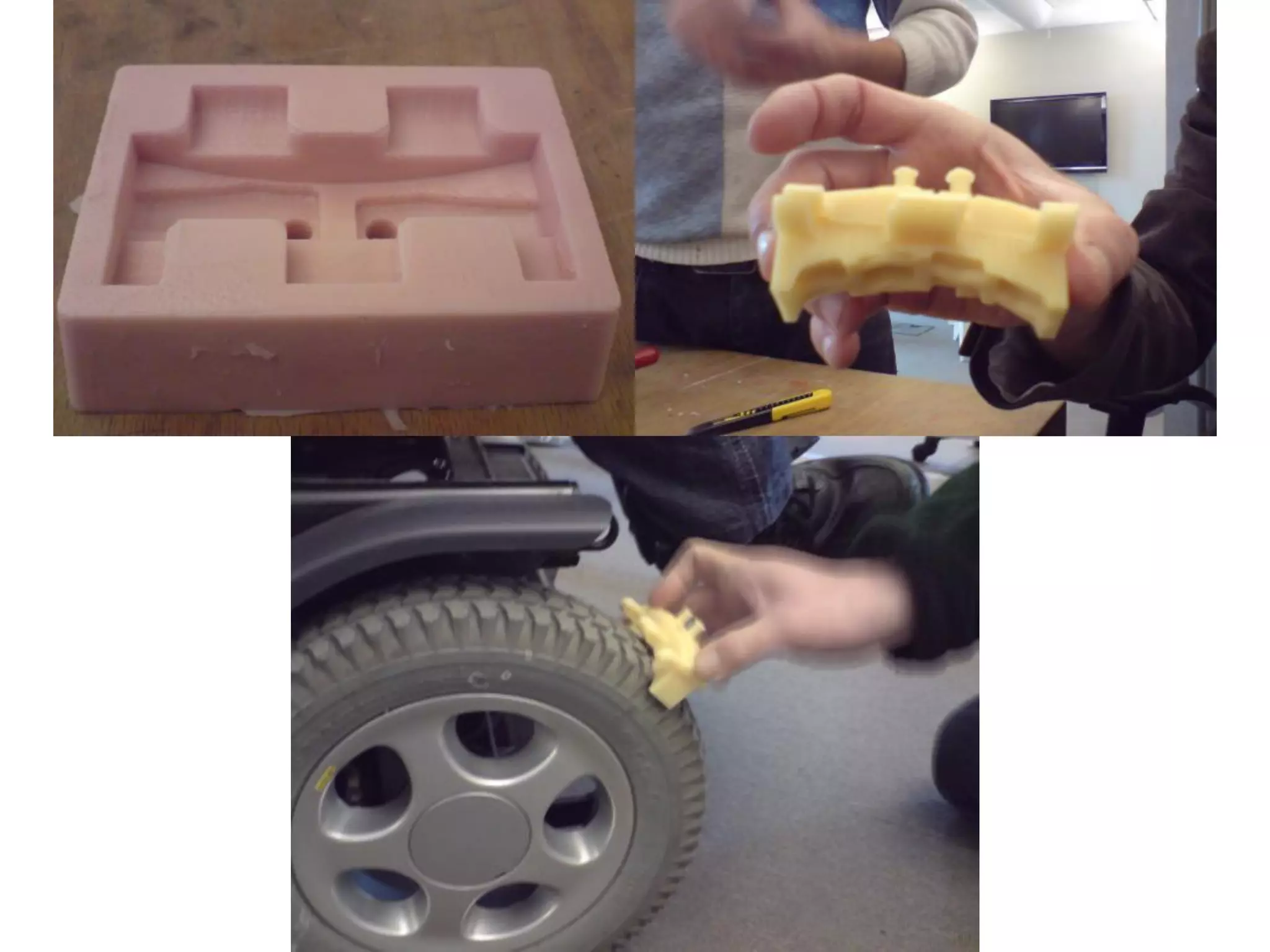
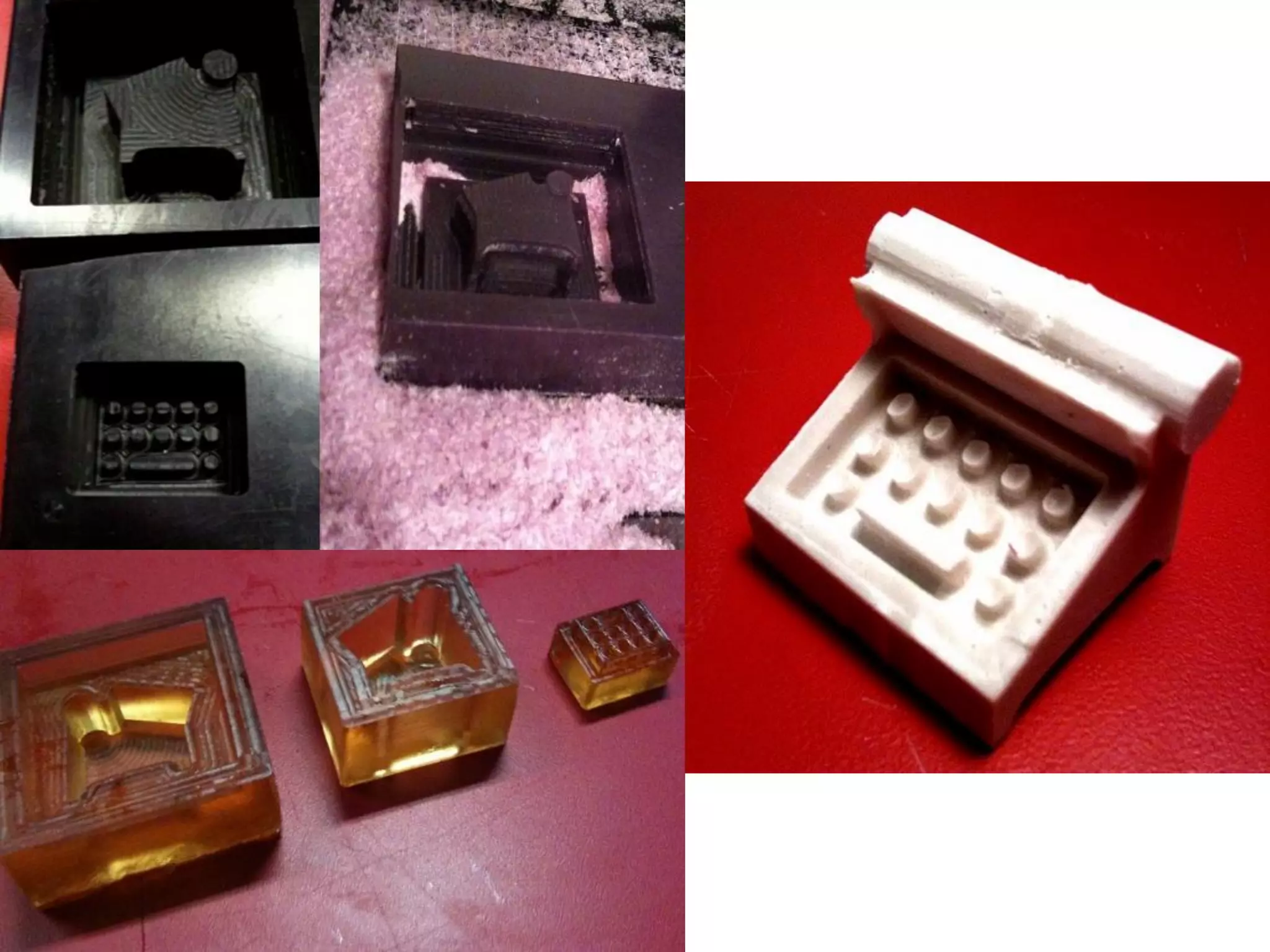
3D molding and
   casting
8
Collaborative technical
     development
1
1                                       2


                                                                                 2


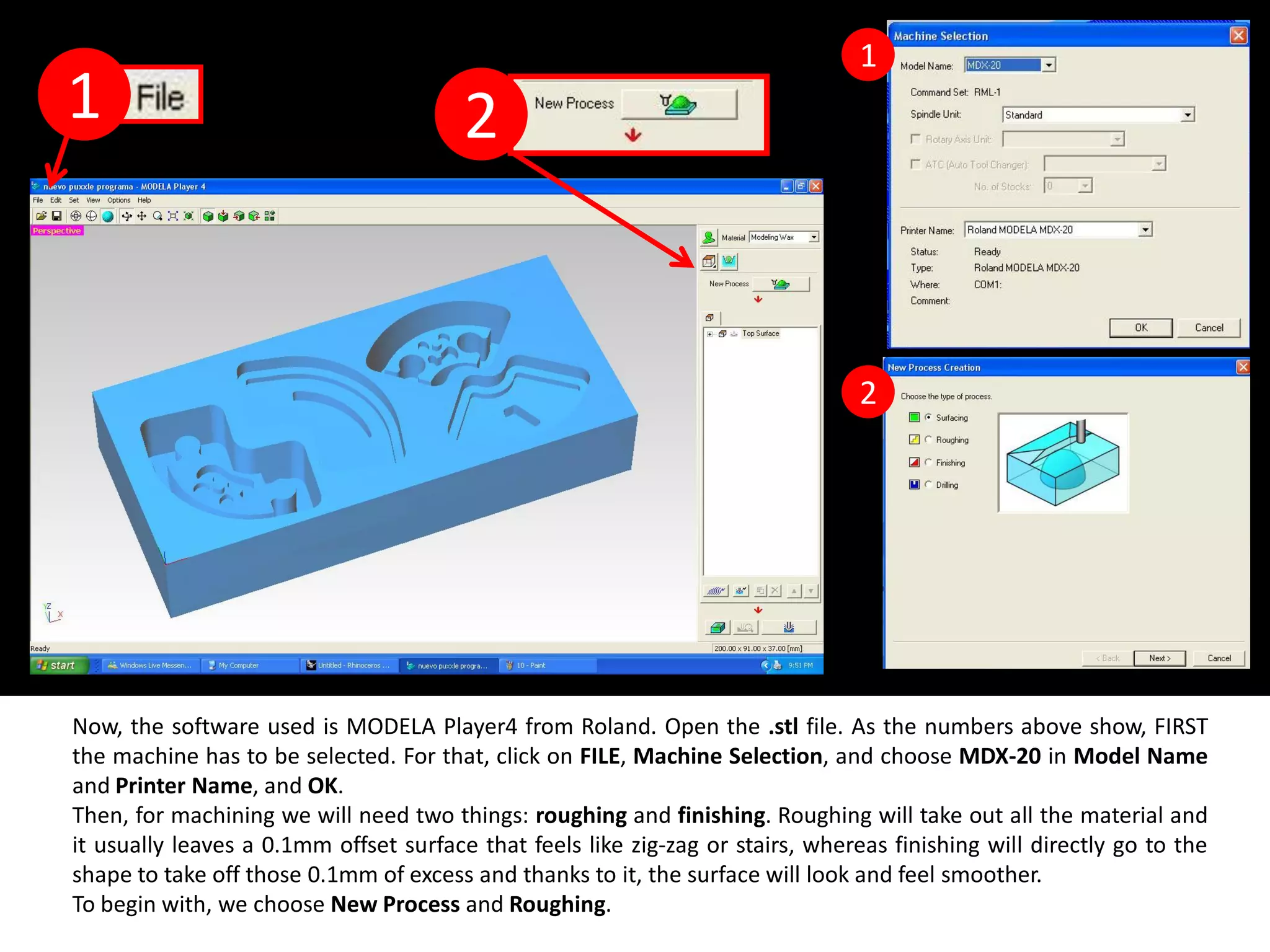
Now, the software used is MODELA Player4 from Roland. Open the .stl file. As the numbers above show, FIRST
the machine has to be selected. For that, click on FILE, Machine Selection, and choose MDX-20 in Model Name
and Printer Name, and OK.
Then, for machining we will need two things: roughing and finishing. Roughing will take out all the material and
it usually leaves a 0.1mm offset surface that feels like zig-zag or stairs, whereas finishing will directly go to the
shape to take off those 0.1mm of excess and thanks to it, the surface will look and feel smoother.
To begin with, we choose New Process and Roughing.
1                                                        2

Red frame


 arrow


      3                                                        4


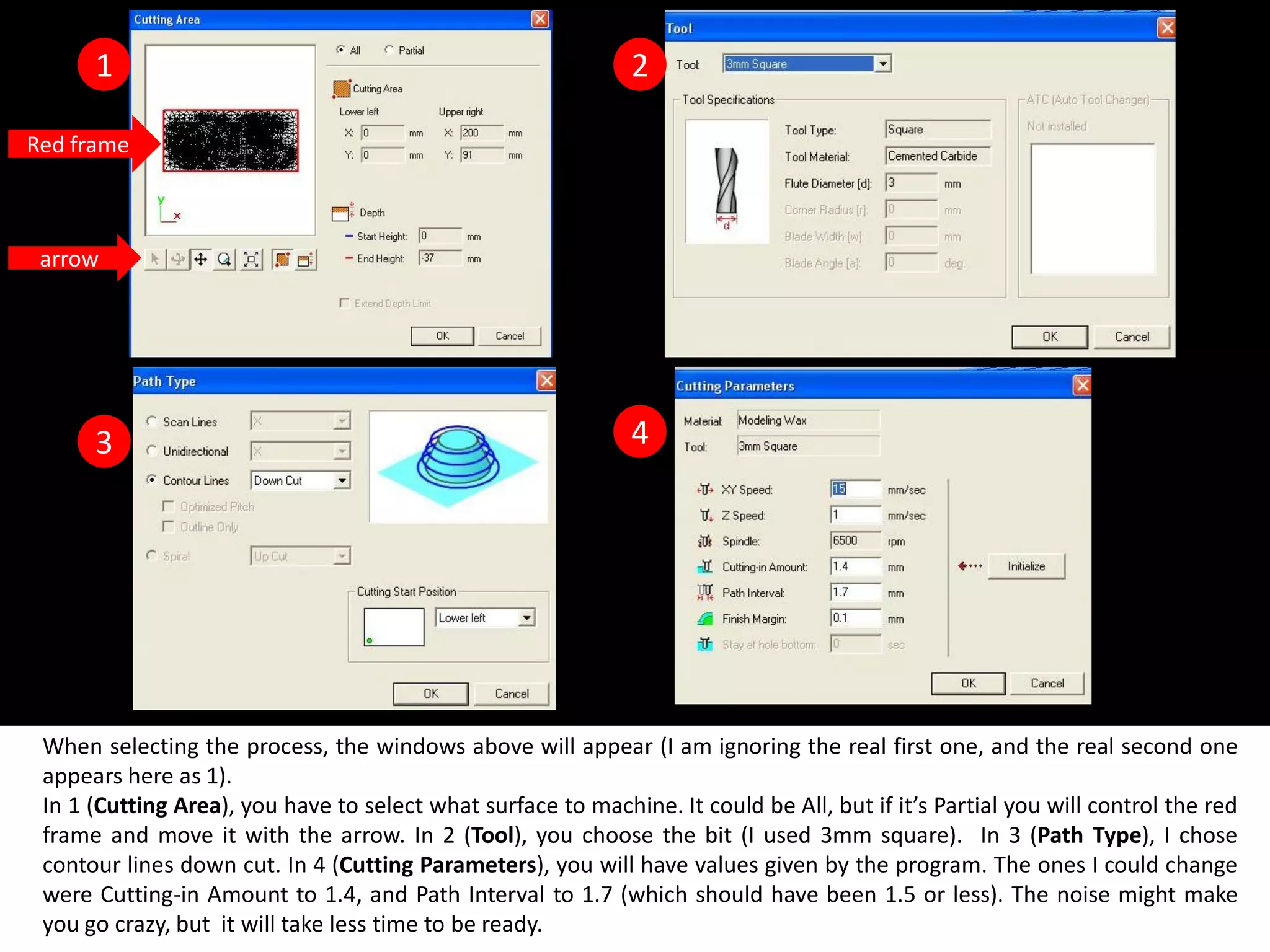
 When selecting the process, the windows above will appear (I am ignoring the real first one, and the real second one
 appears here as 1).
 In 1 (Cutting Area), you have to select what surface to machine. It could be All, but if it’s Partial you will control the red
 frame and move it with the arrow. In 2 (Tool), you choose the bit (I used 3mm square). In 3 (Path Type), I chose
 contour lines down cut. In 4 (Cutting Parameters), you will have values given by the program. The ones I could change
 were Cutting-in Amount to 1.4, and Path Interval to 1.7 (which should have been 1.5 or less). The noise might make
 you go crazy, but it will take less time to be ready.
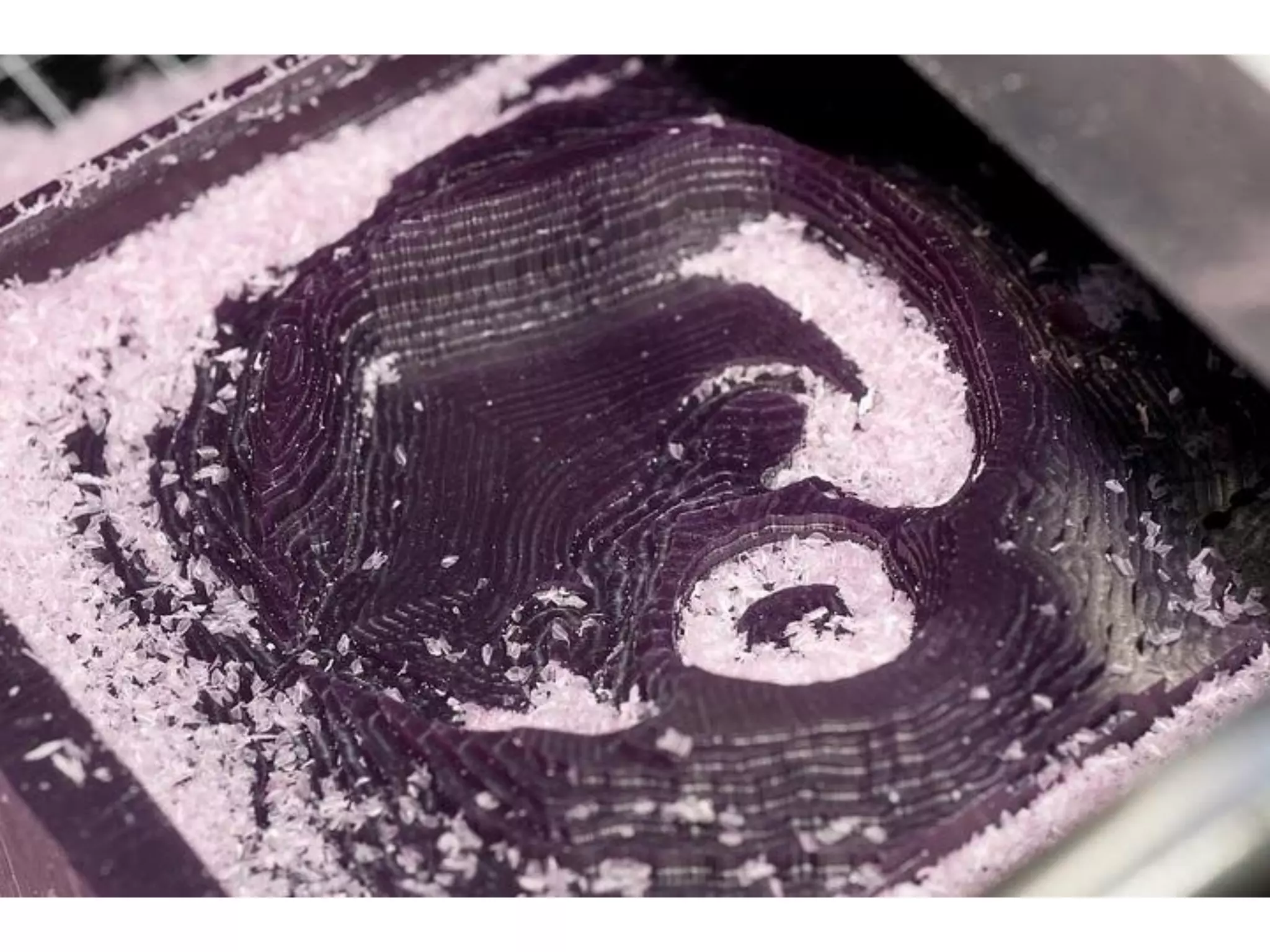
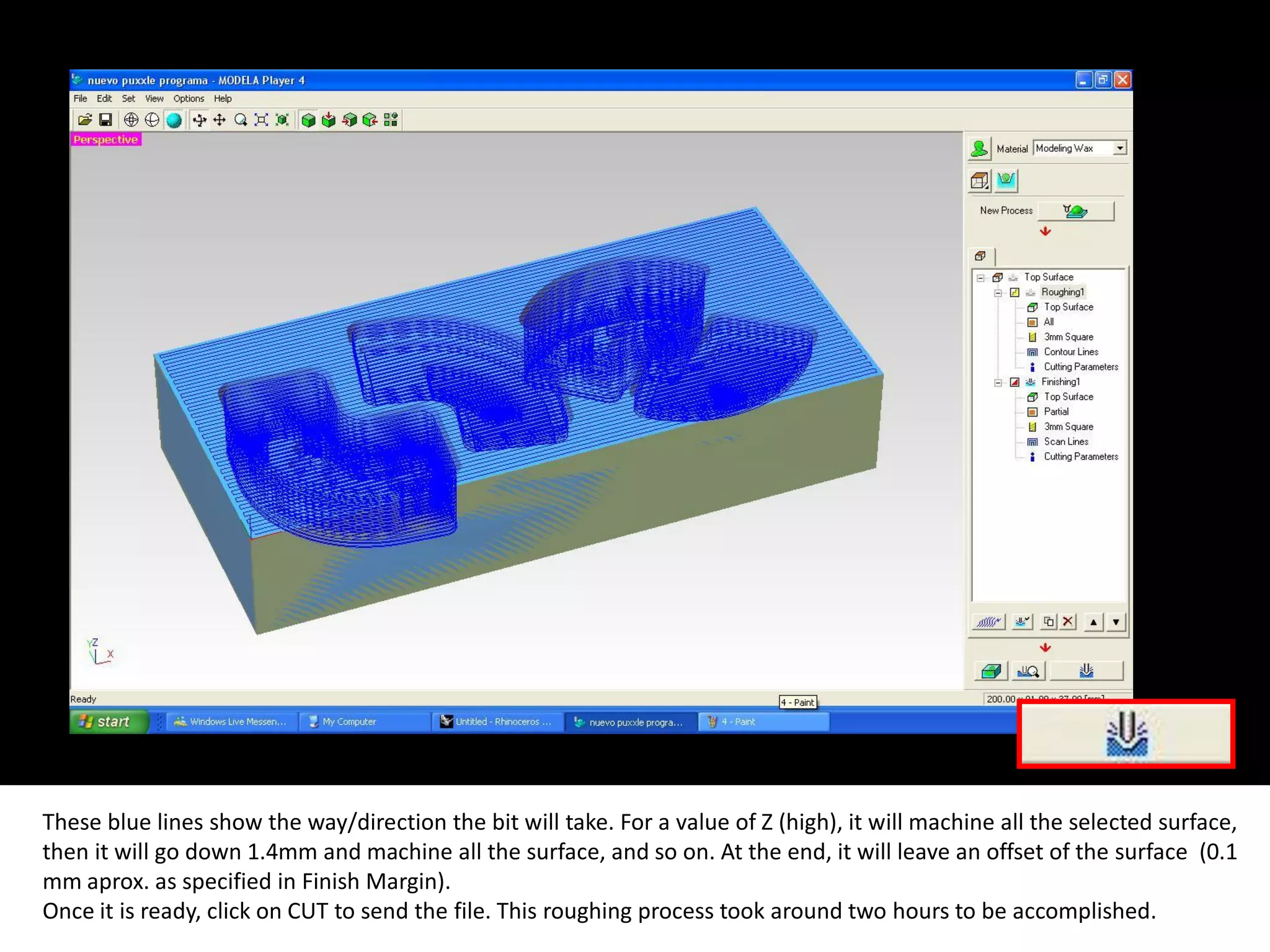
These blue lines show the way/direction the bit will take. For a value of Z (high), it will machine all the selected surface,
then it will go down 1.4mm and machine all the surface, and so on. At the end, it will leave an offset of the surface (0.1
mm aprox. as specified in Finish Margin).
Once it is ready, click on CUT to send the file. This roughing process took around two hours to be accomplished.
9
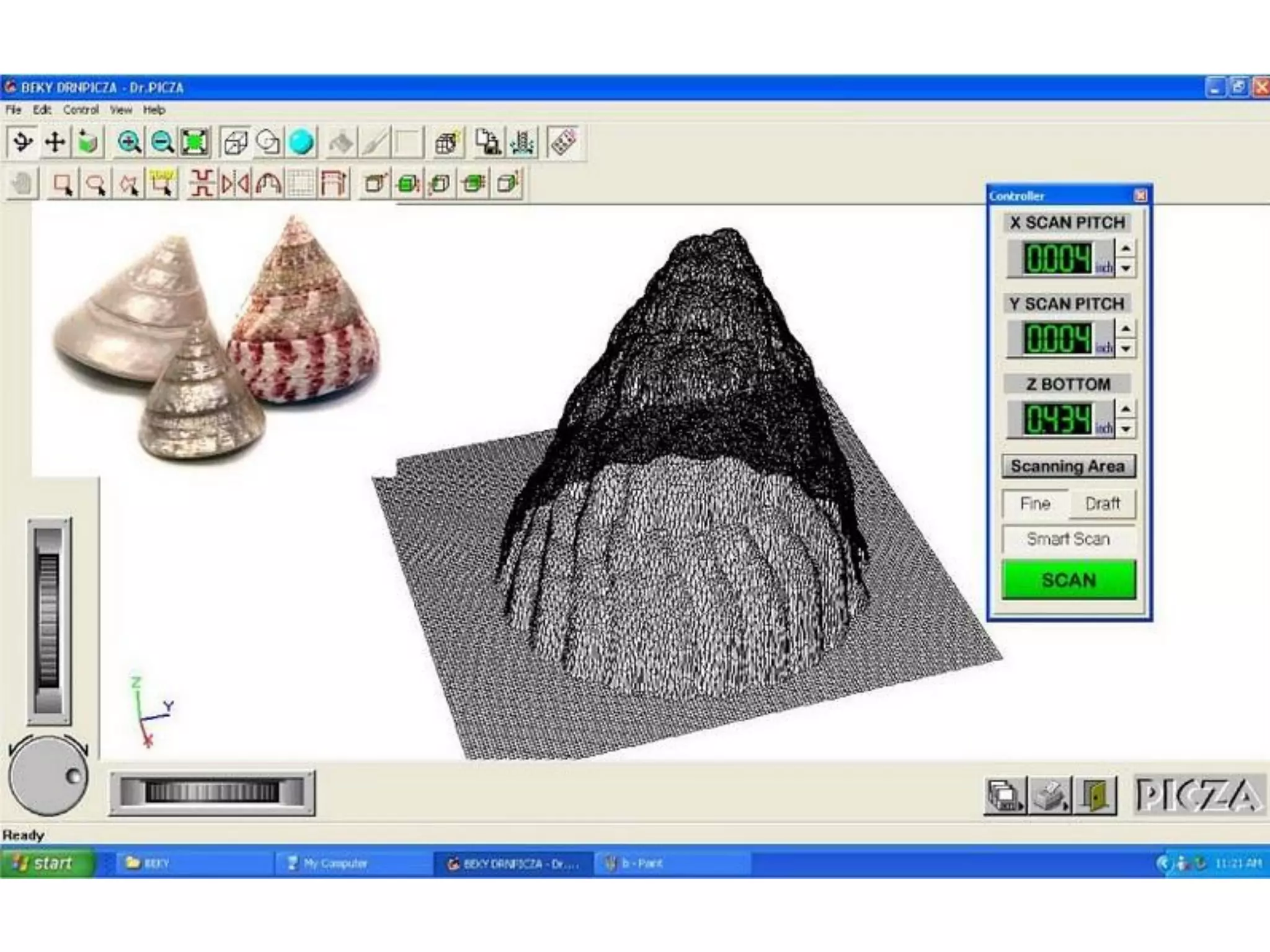
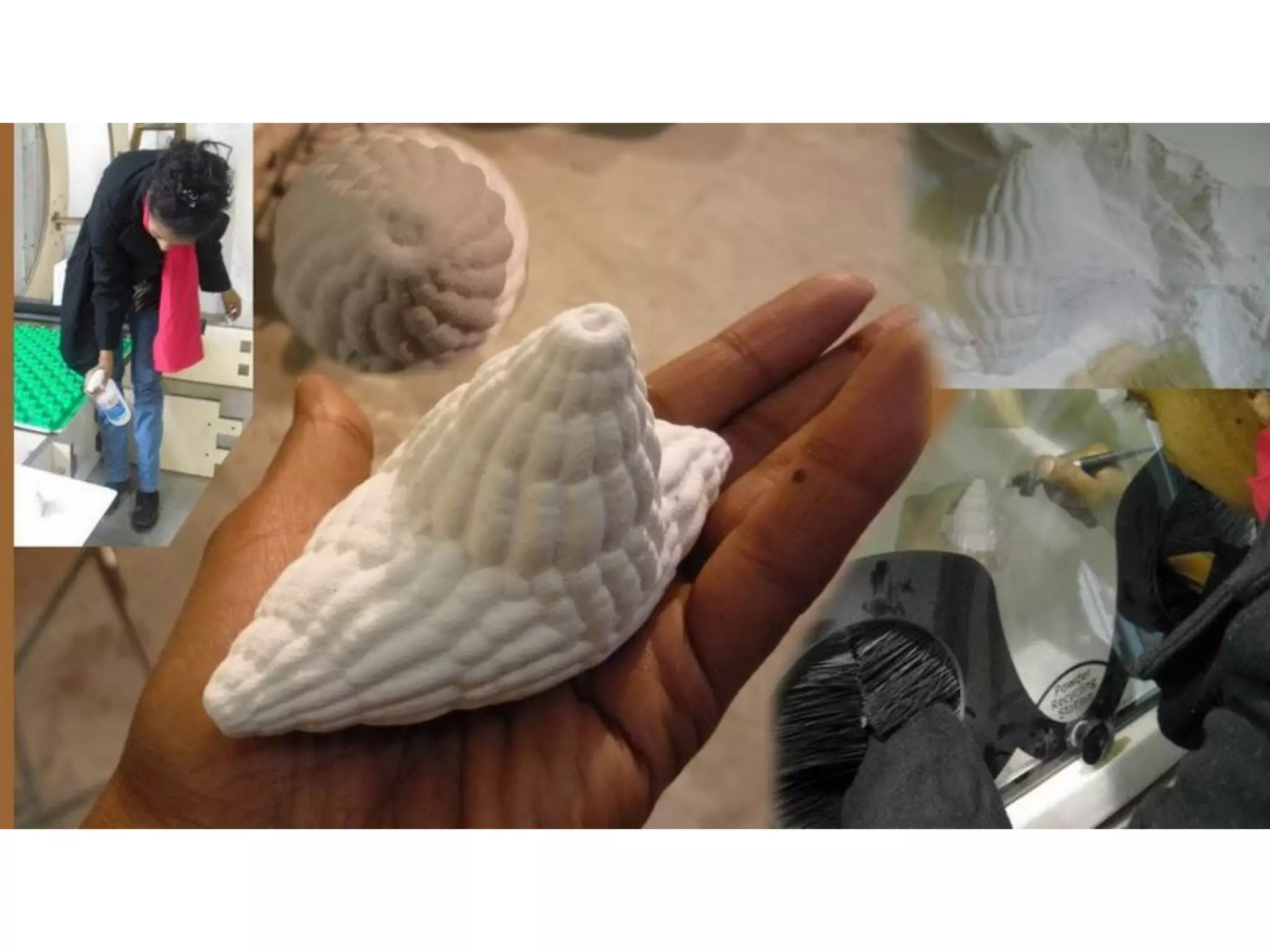
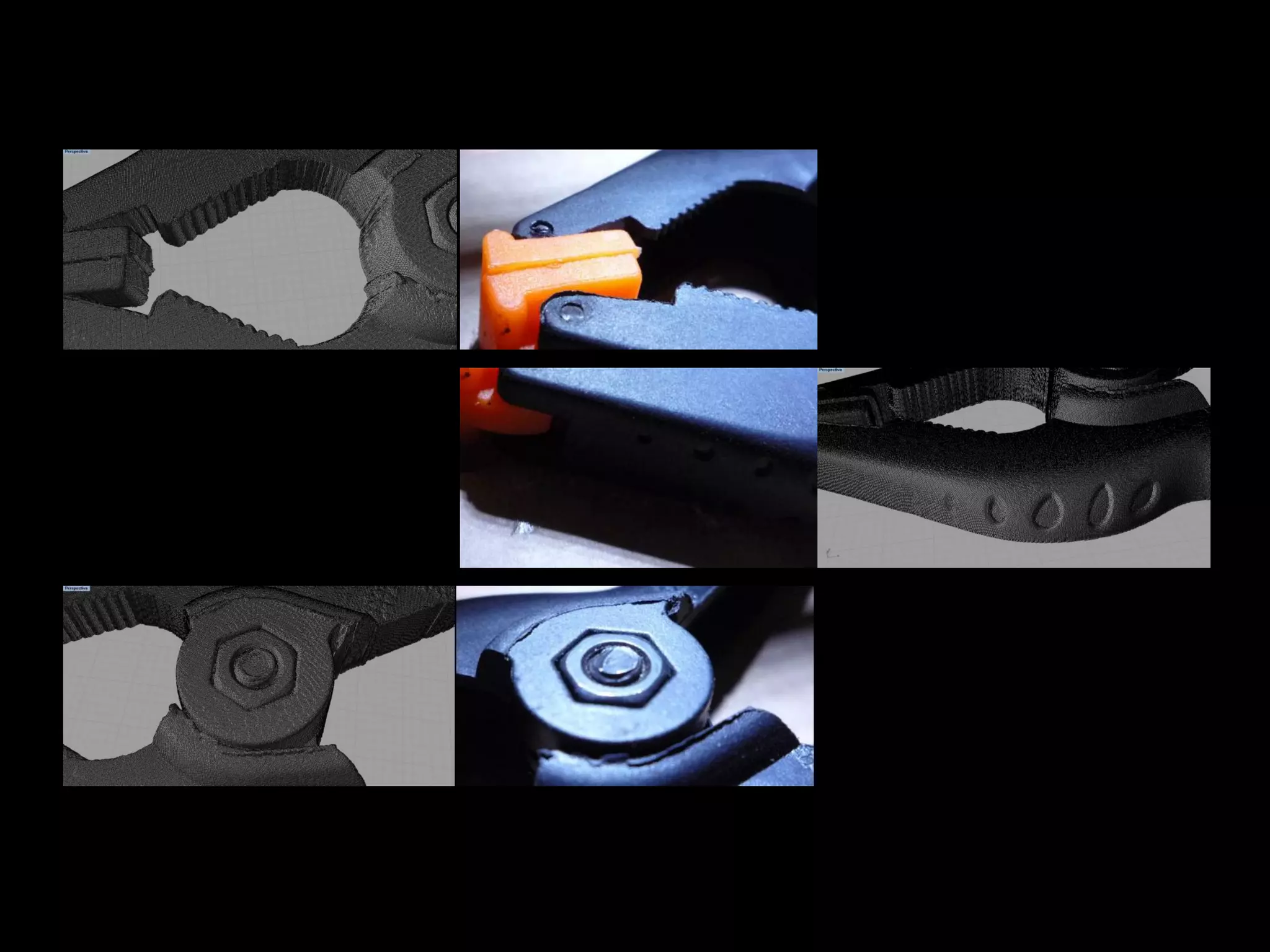
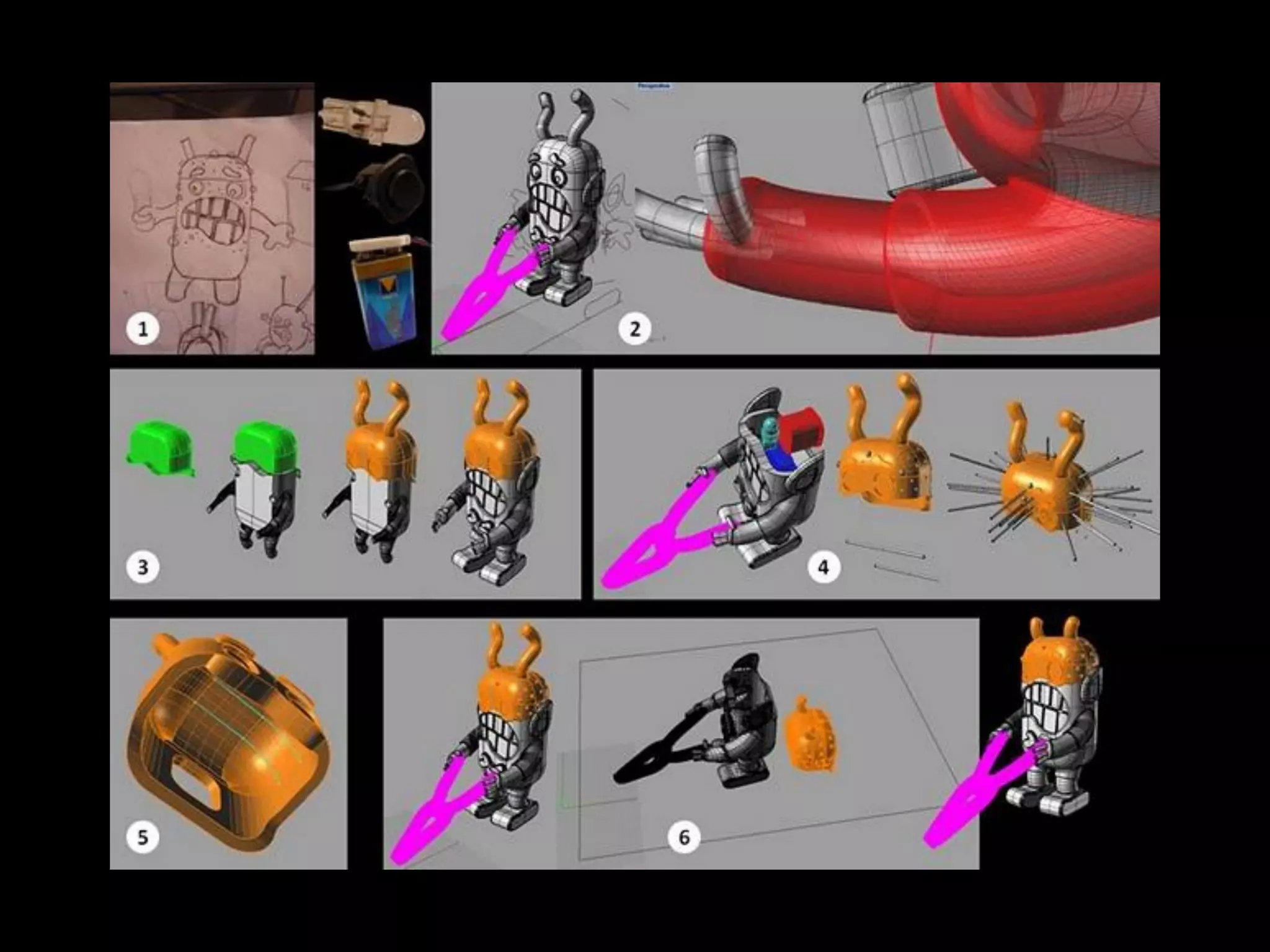
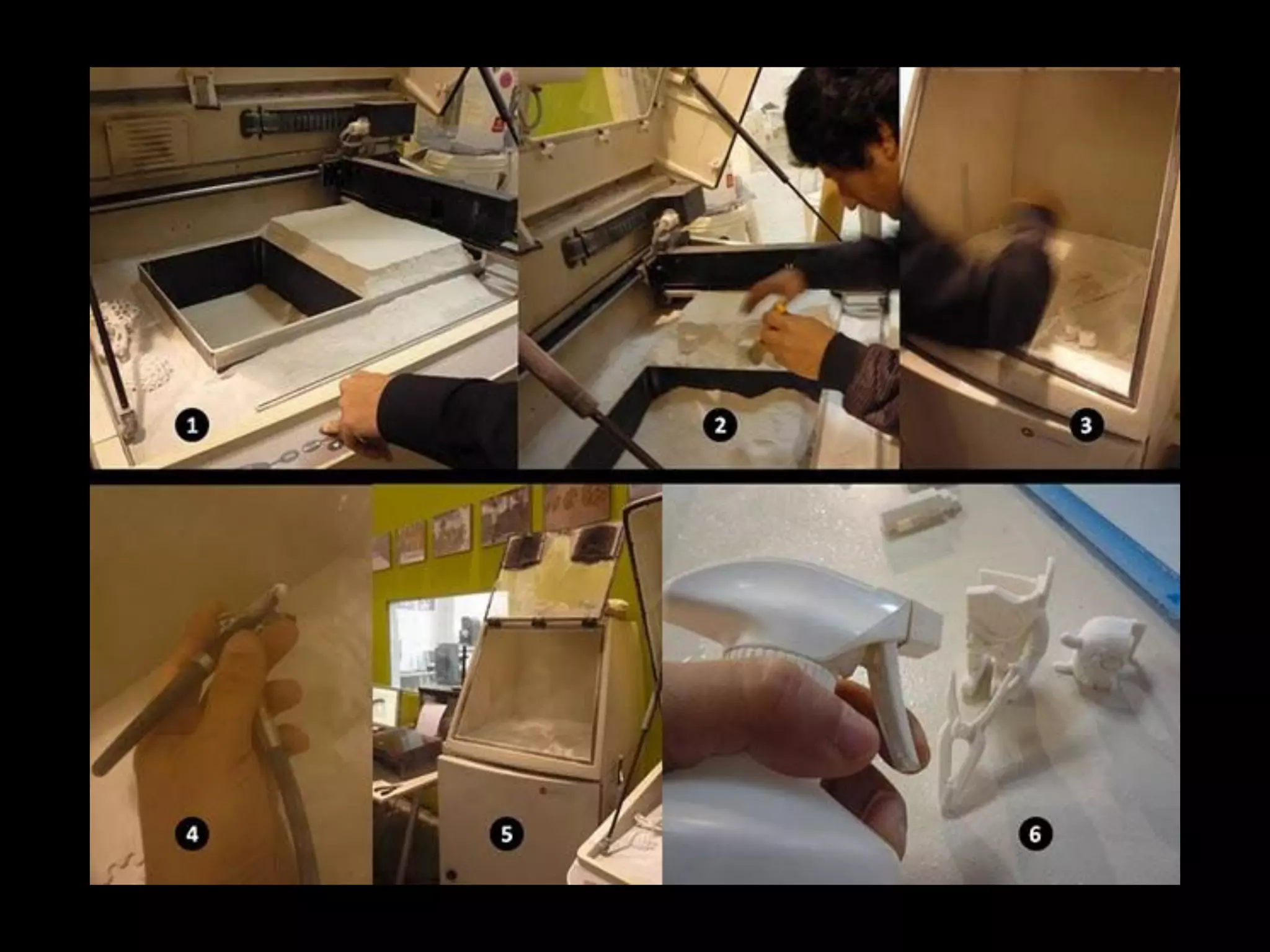
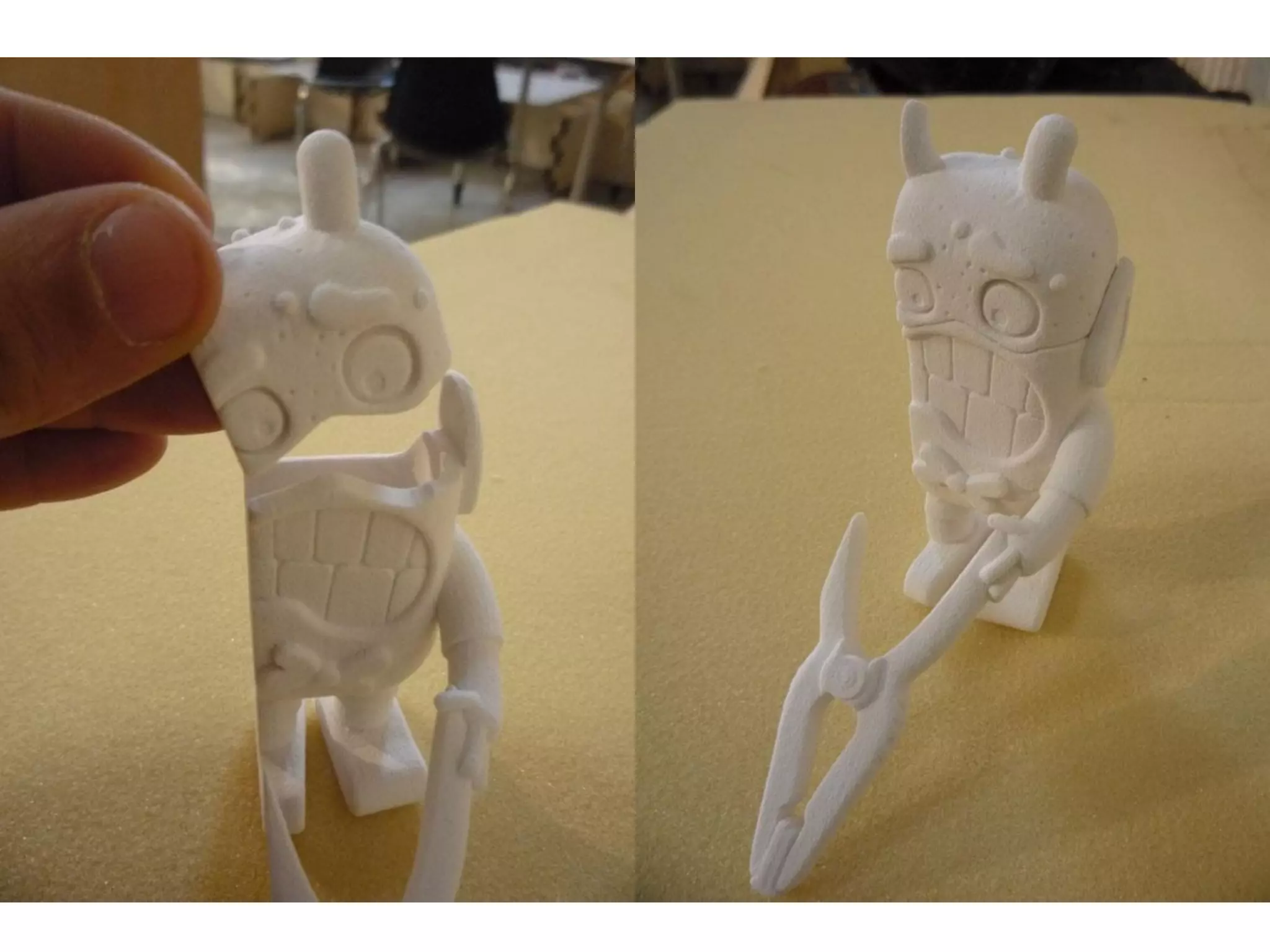
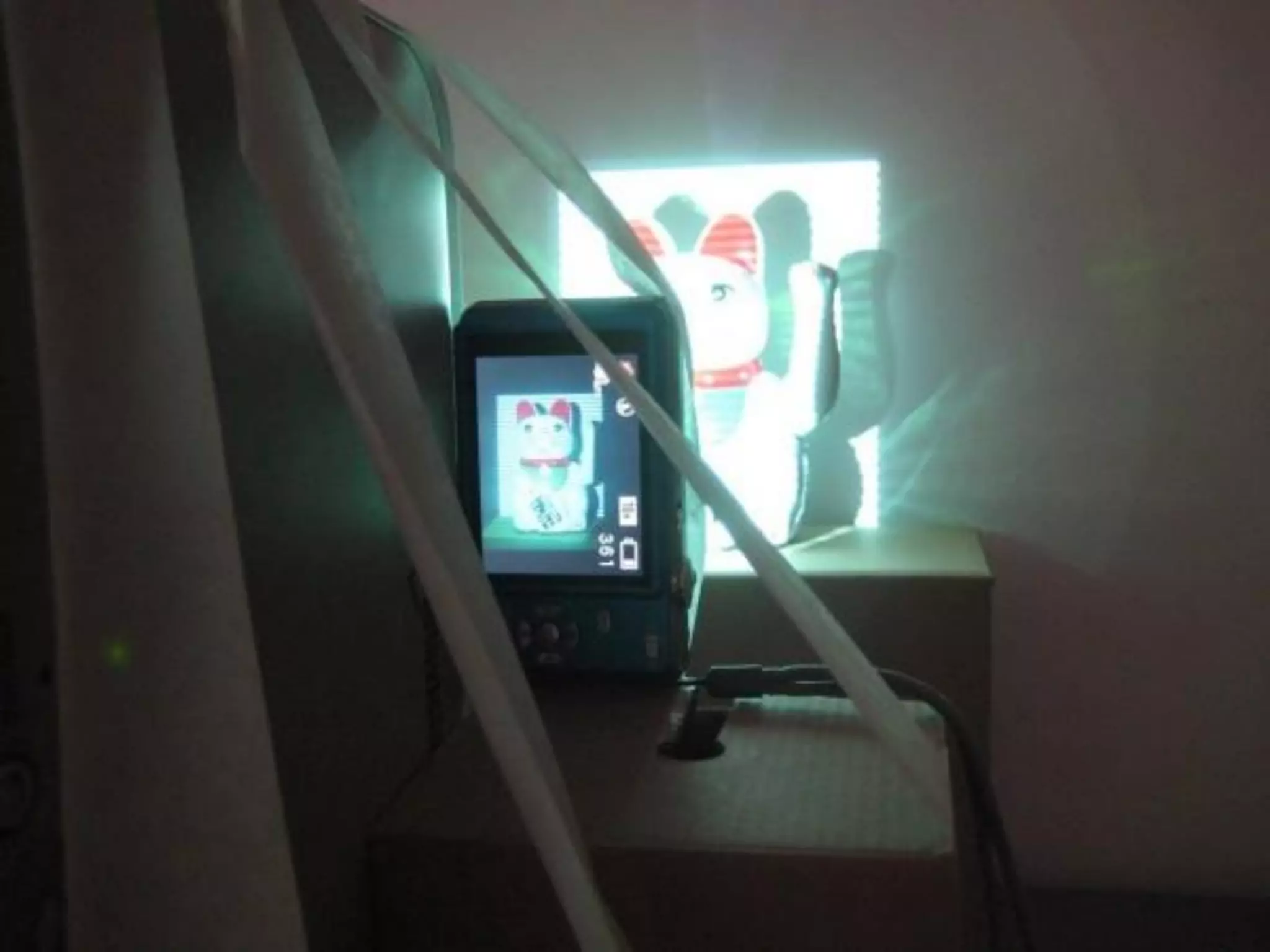
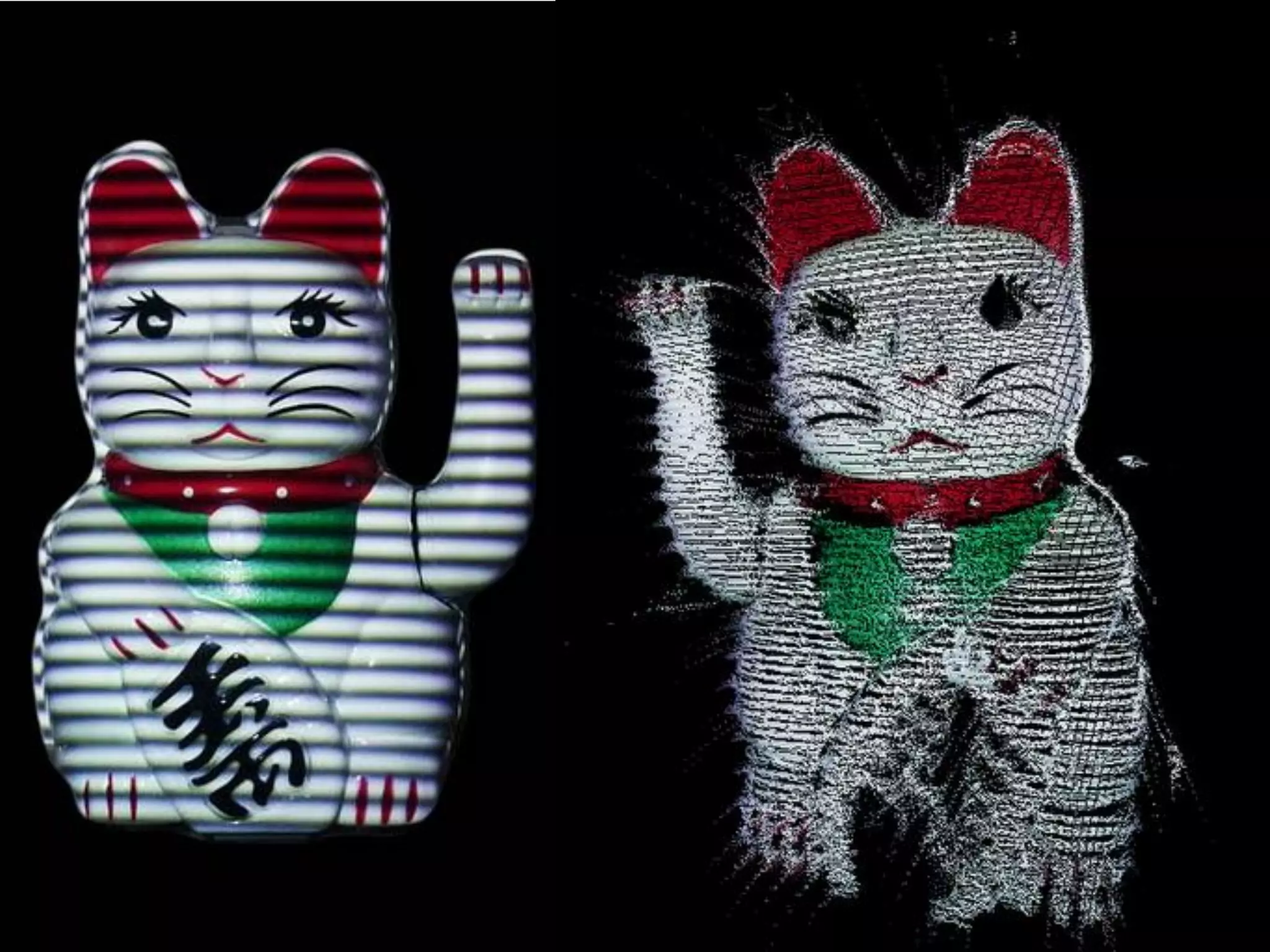
3D scanning and
    printing
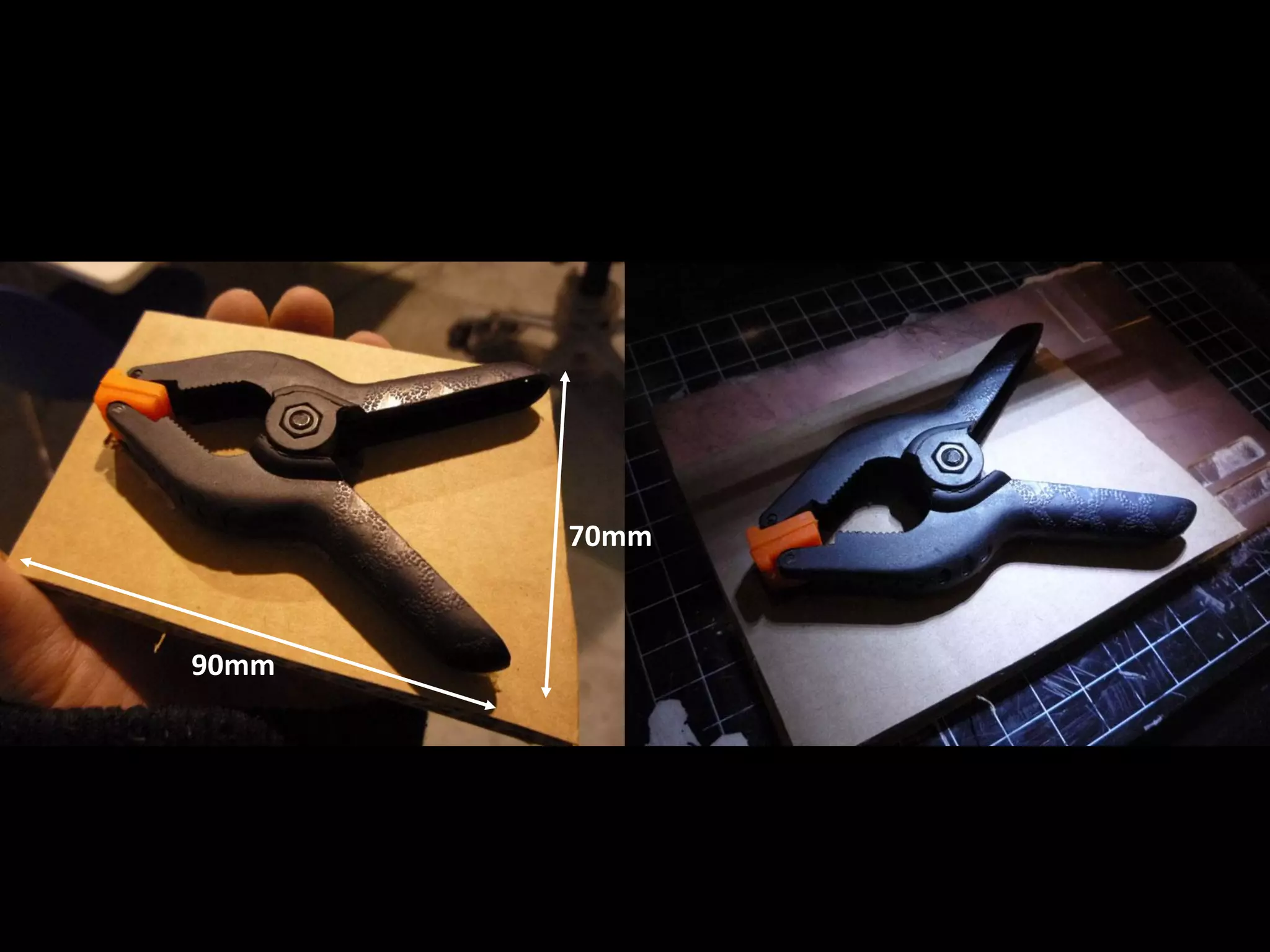
70mm


90mm
10
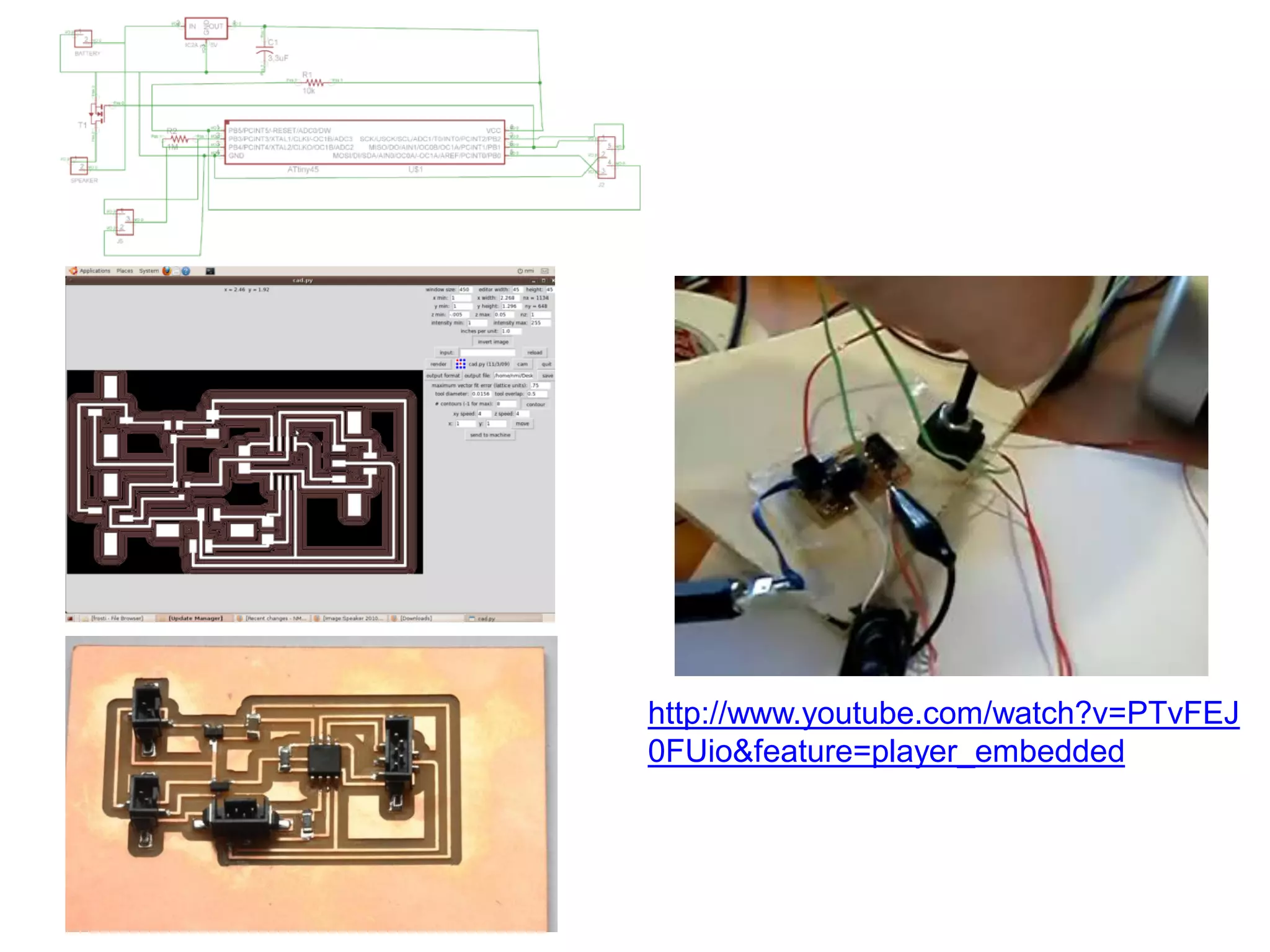
Sensors, actuators and
      displays
http://www.youtube.com/watch?v=PTvFEJ
0FUio&feature=player_embedded
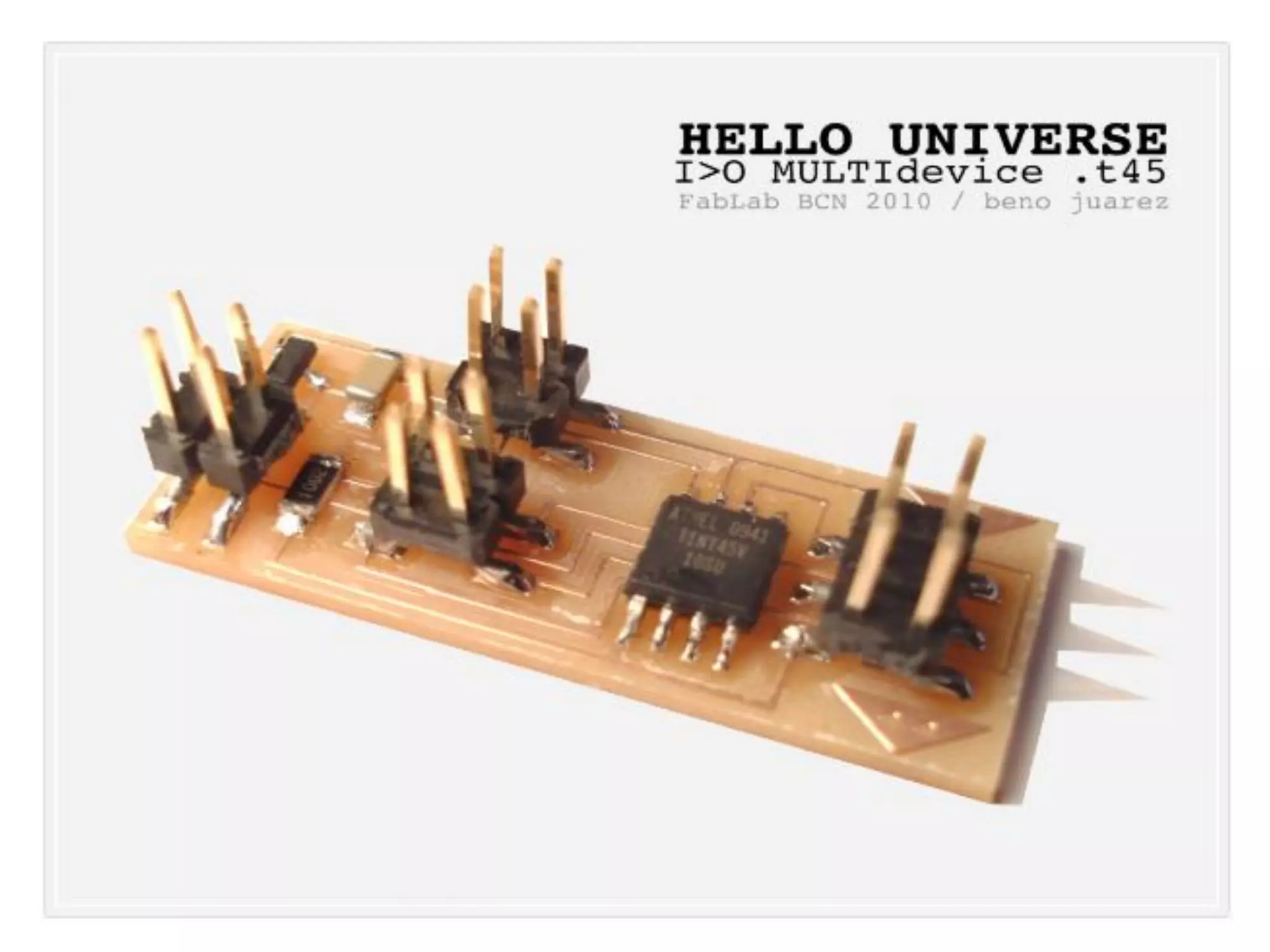
http://www.youtube.com/watch?v=KGUVWsnCW8o&feature=player_embedded
11
Interface and application
      programming
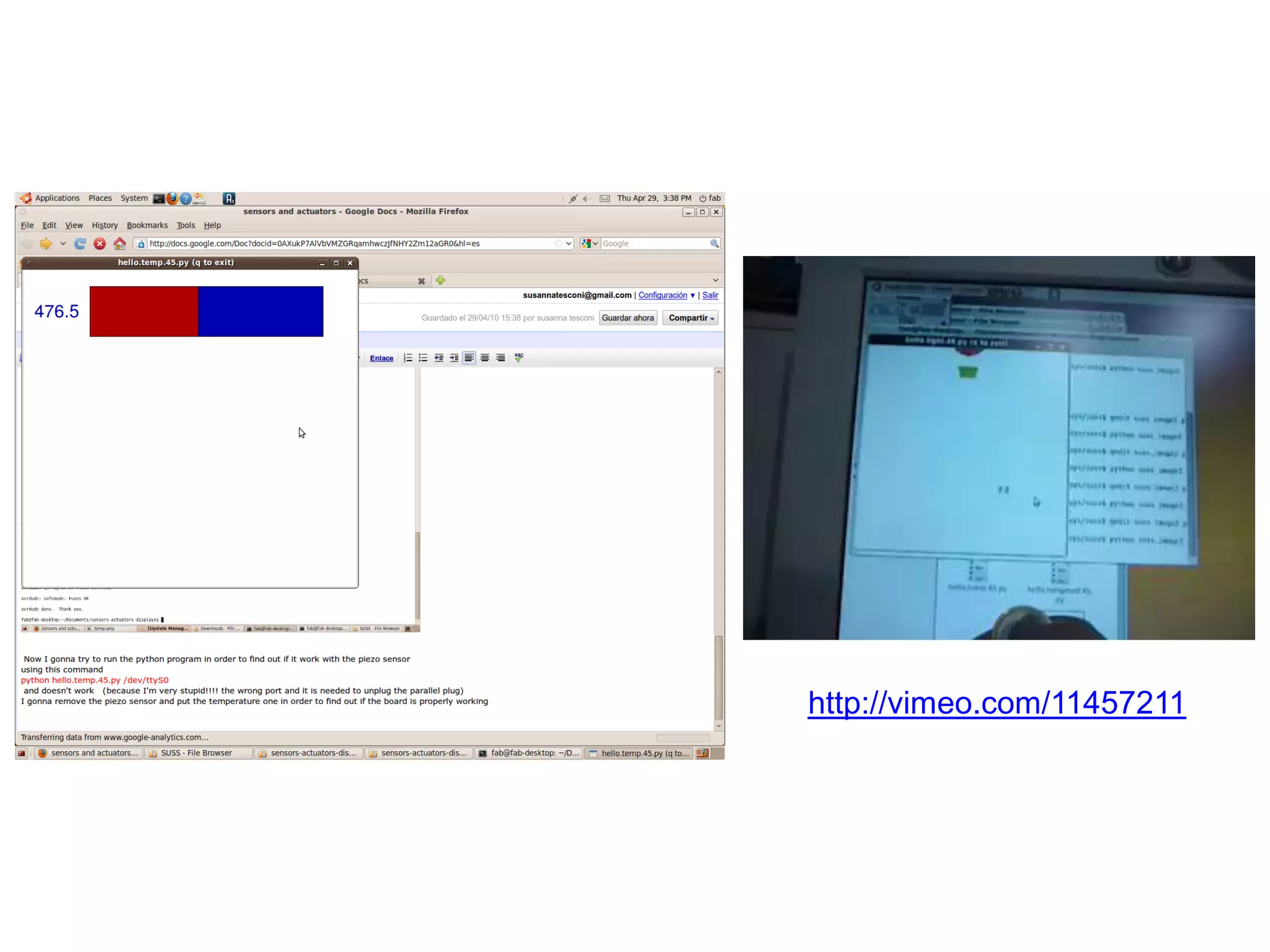
http://vimeo.com/11457211
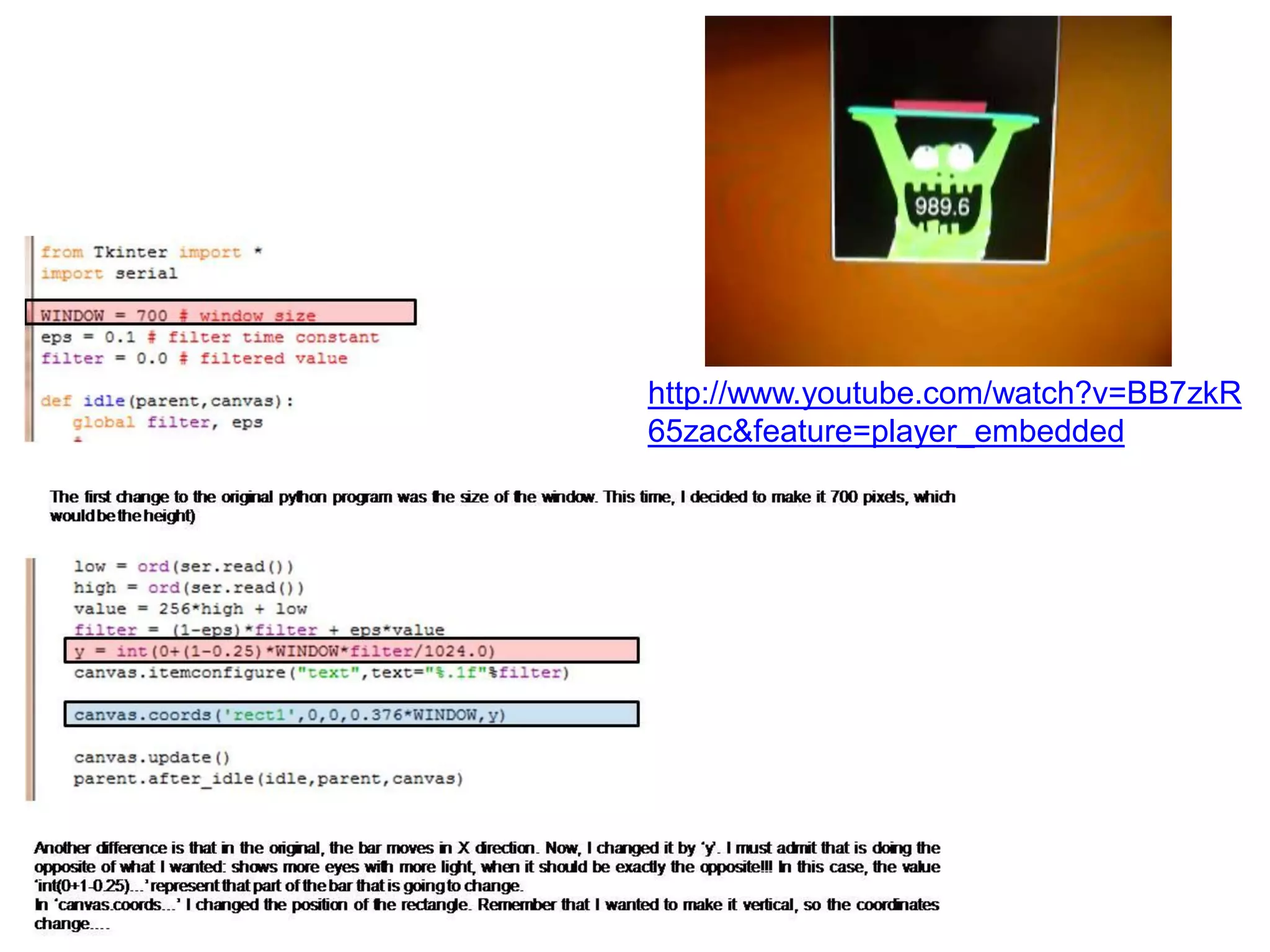
http://www.youtube.com/watch?v=BB7zkR
65zac&feature=player_embedded
http://www.youtube.com/watch?v=yLHrLRpaRBM&feature=player_embedded
12
Embedded networking
 and communications
13
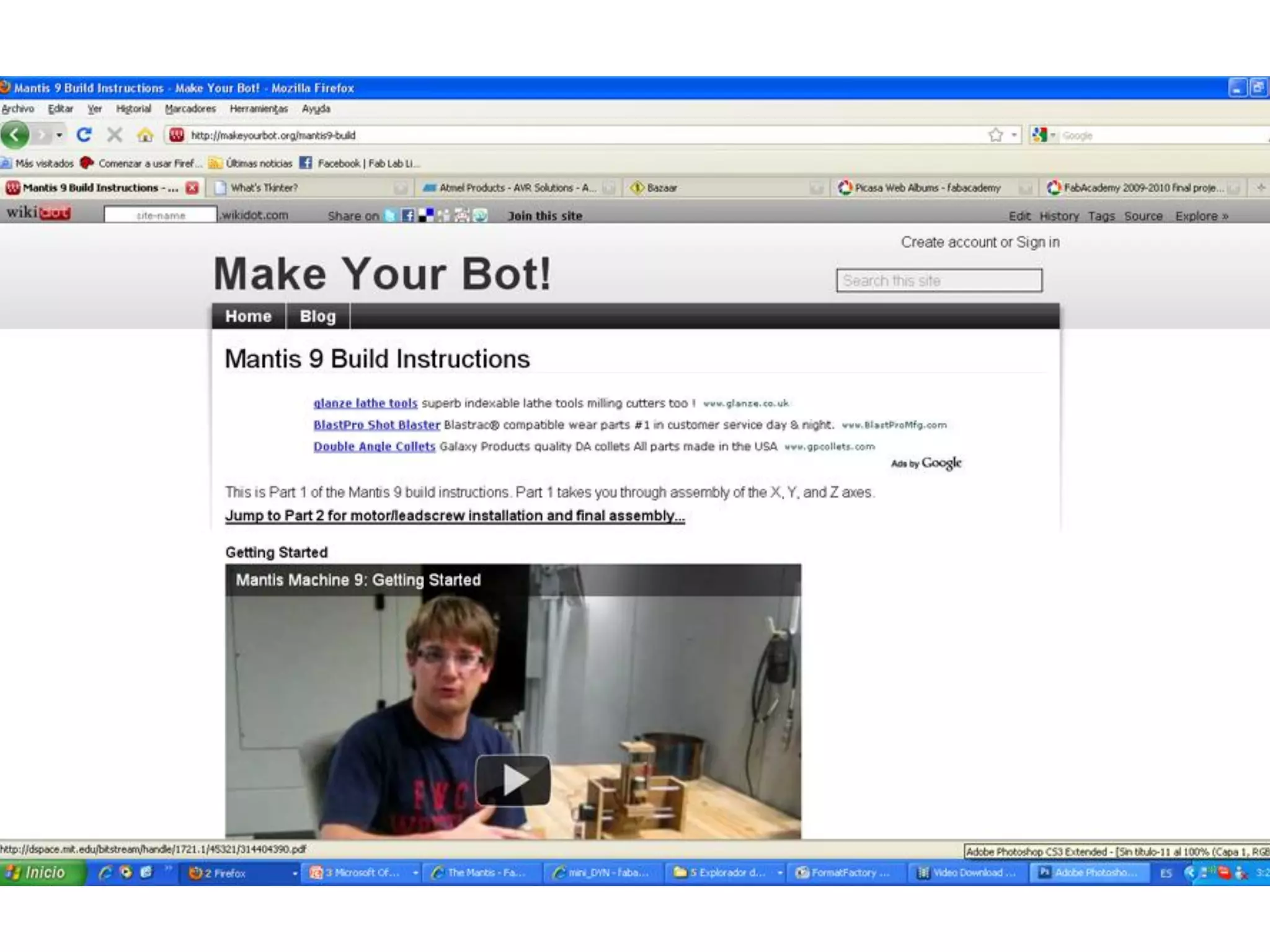
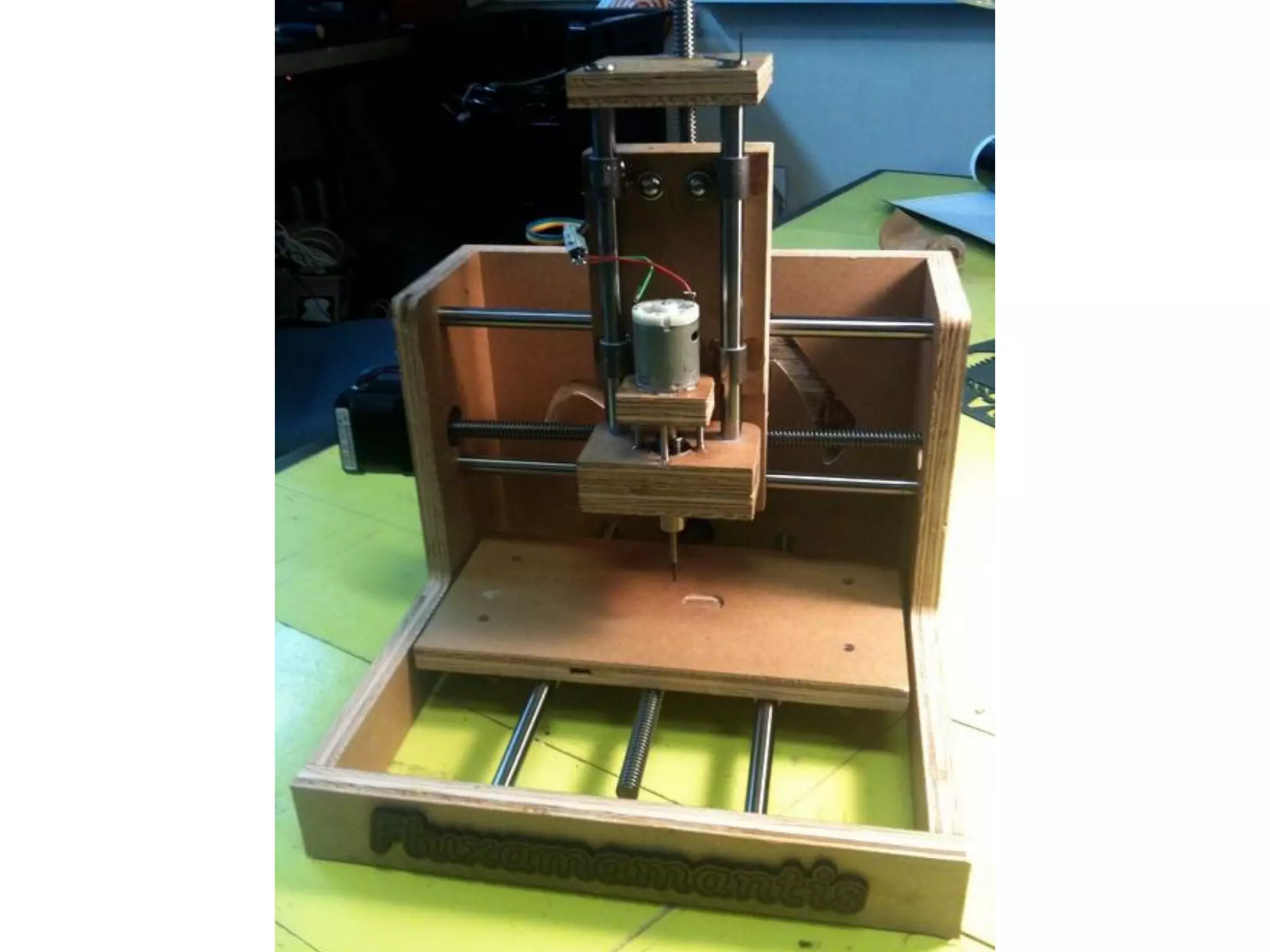
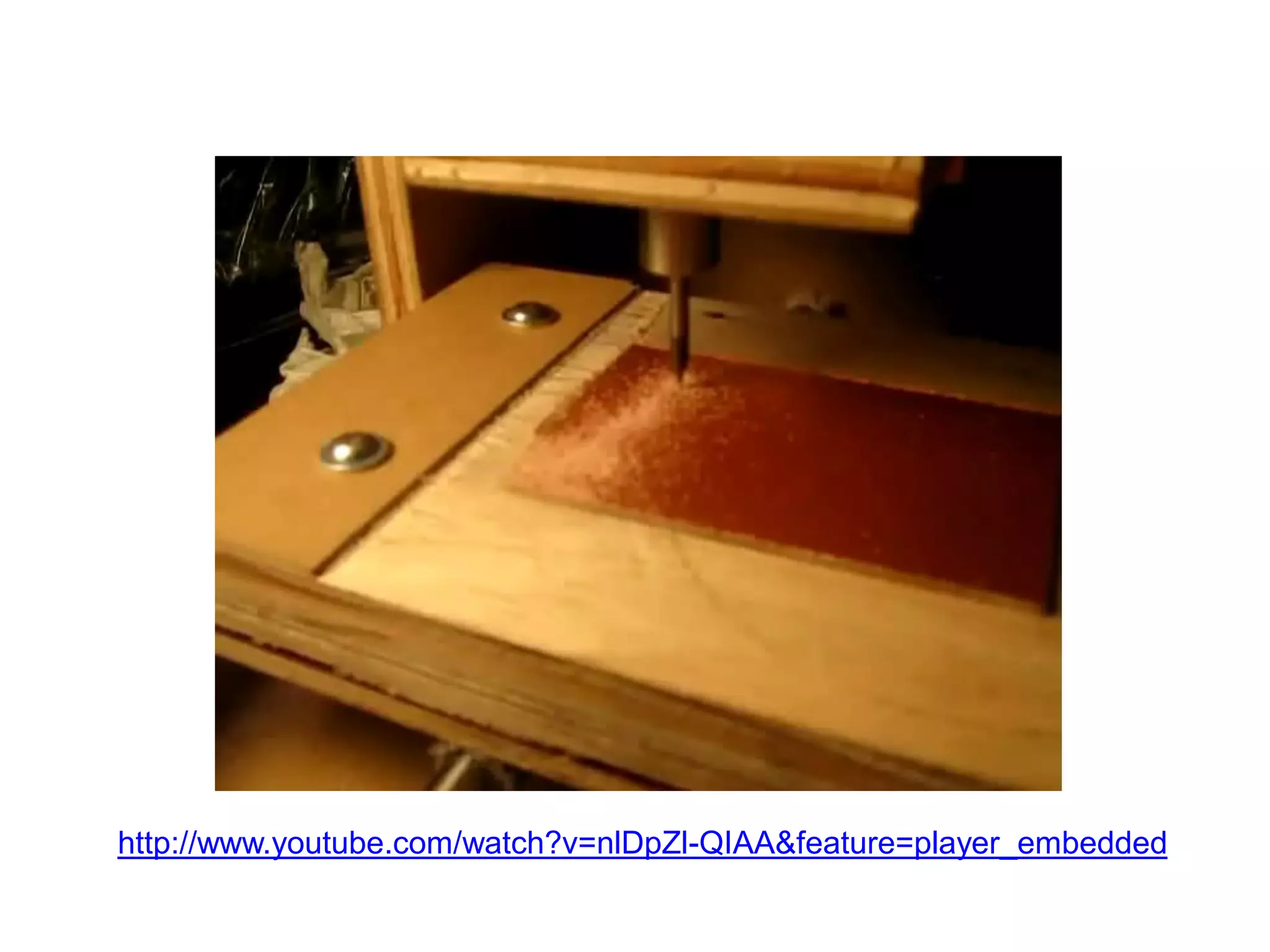
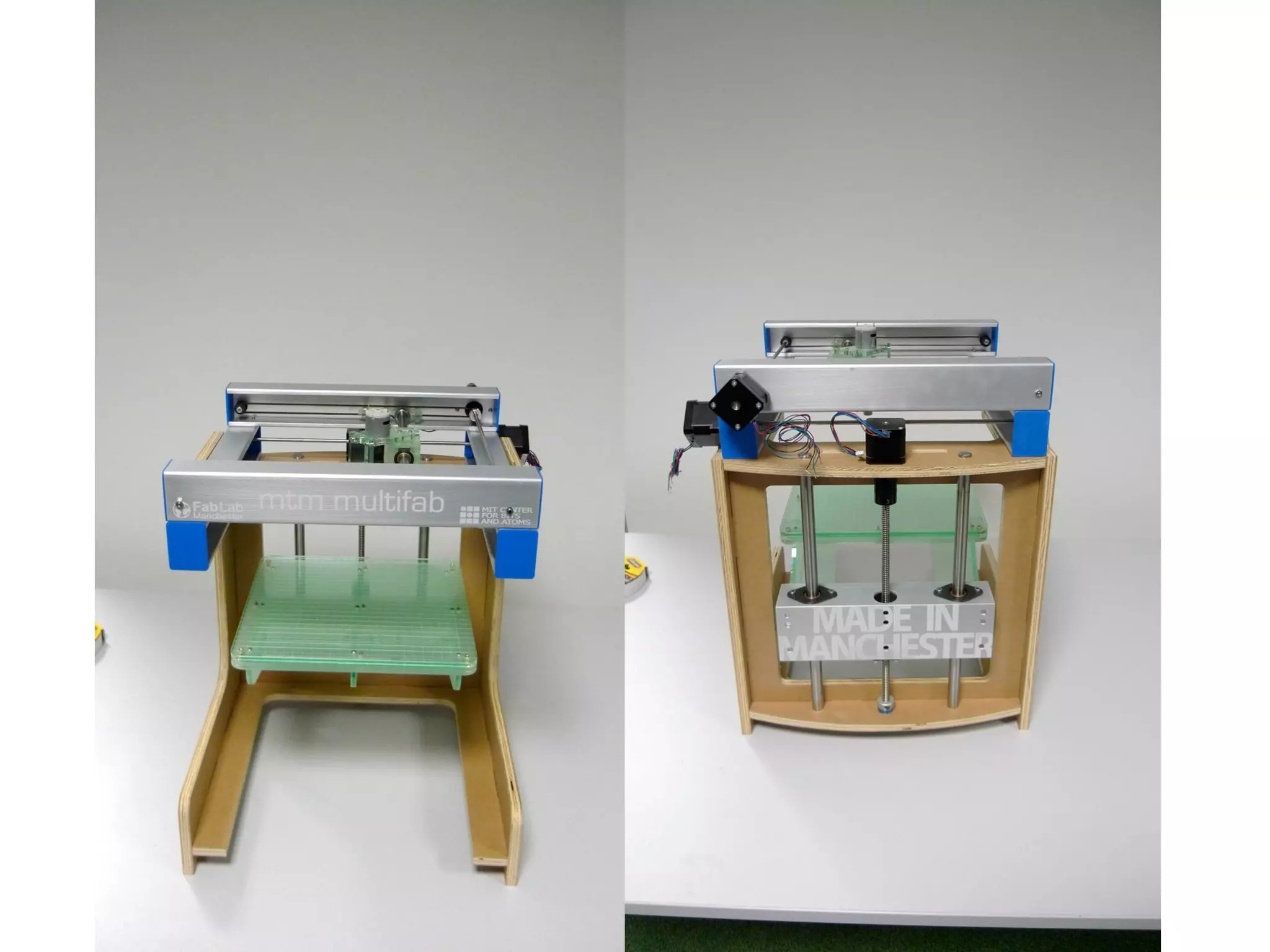
Machine design
http://www.youtube.com/watch?v=nlDpZl-QIAA&feature=player_embedded
14
Digital fabrication applications
        and implications
15
Invention, intellectual property
     and business models
16
 Digital fabrication
project development
17
 Final project
presentations
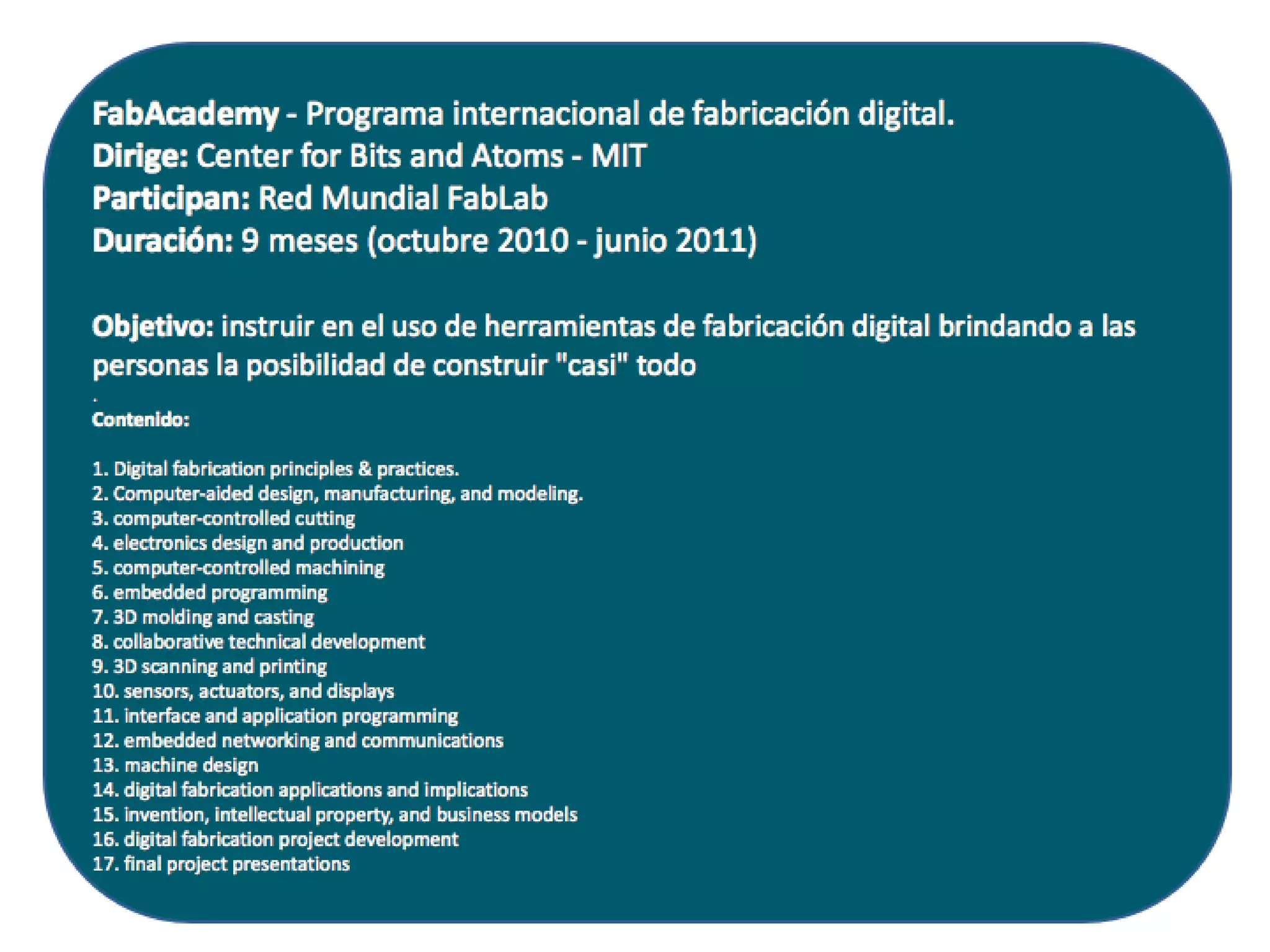
Introduction to Fab Academy

Introduction to Fab Academy