Chapter 3 - Common Test Types and Test Process for Mobile Applications
The document discusses various test types and processes for mobile applications, including installability, stress, security, performance, usability, database, globalization, localization, and accessibility testing. It emphasizes the need for structured testing approaches tailored to mobile environments, employing techniques such as personas and exploratory testing. Additionally, it outlines the importance of planning for field testing and ensuring compliance with application store approval processes.
Chapter 3 - Common Test Types and Test Process for Mobile Applications
1.
Test Types andTest Process for Mobile Applications
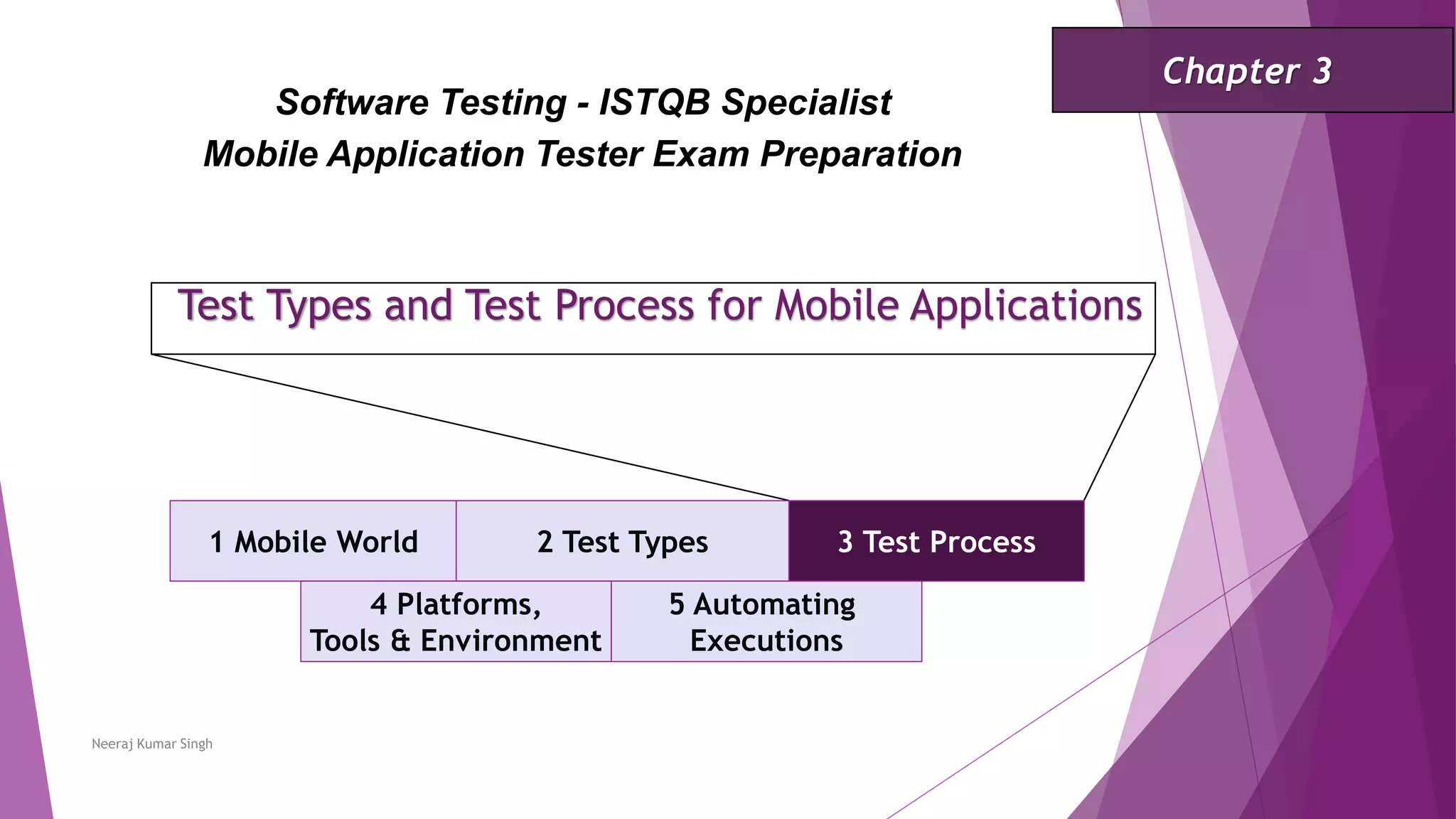
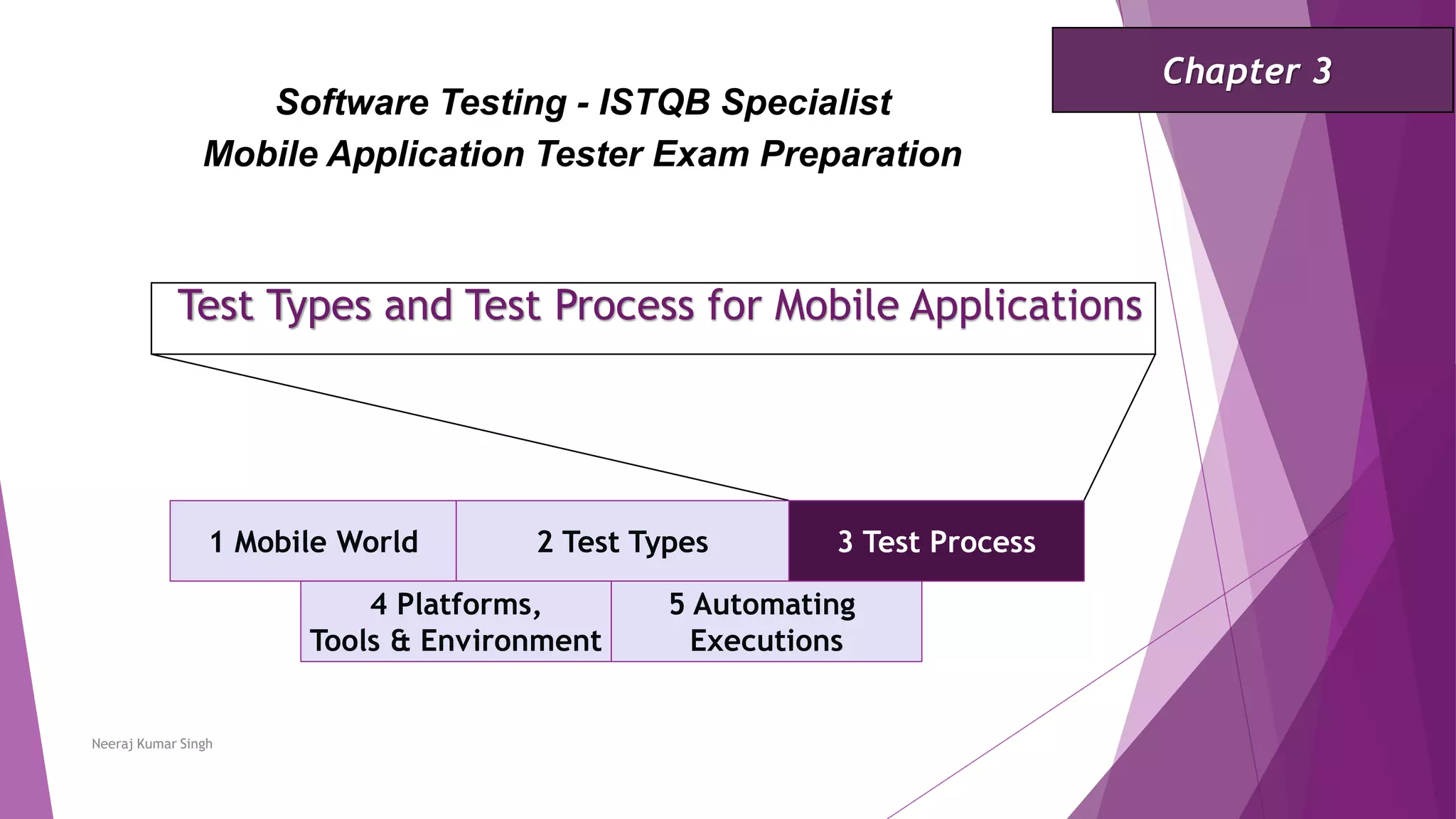
1 Mobile World 2 Test Types 3 Test Process
Software Testing - ISTQB Specialist
Mobile Application Tester Exam Preparation
Chapter 3
Neeraj Kumar Singh
4 Platforms,
Tools & Environment
5 Automating
Executions
2.
Test Types andTest Process for Mobile Applications
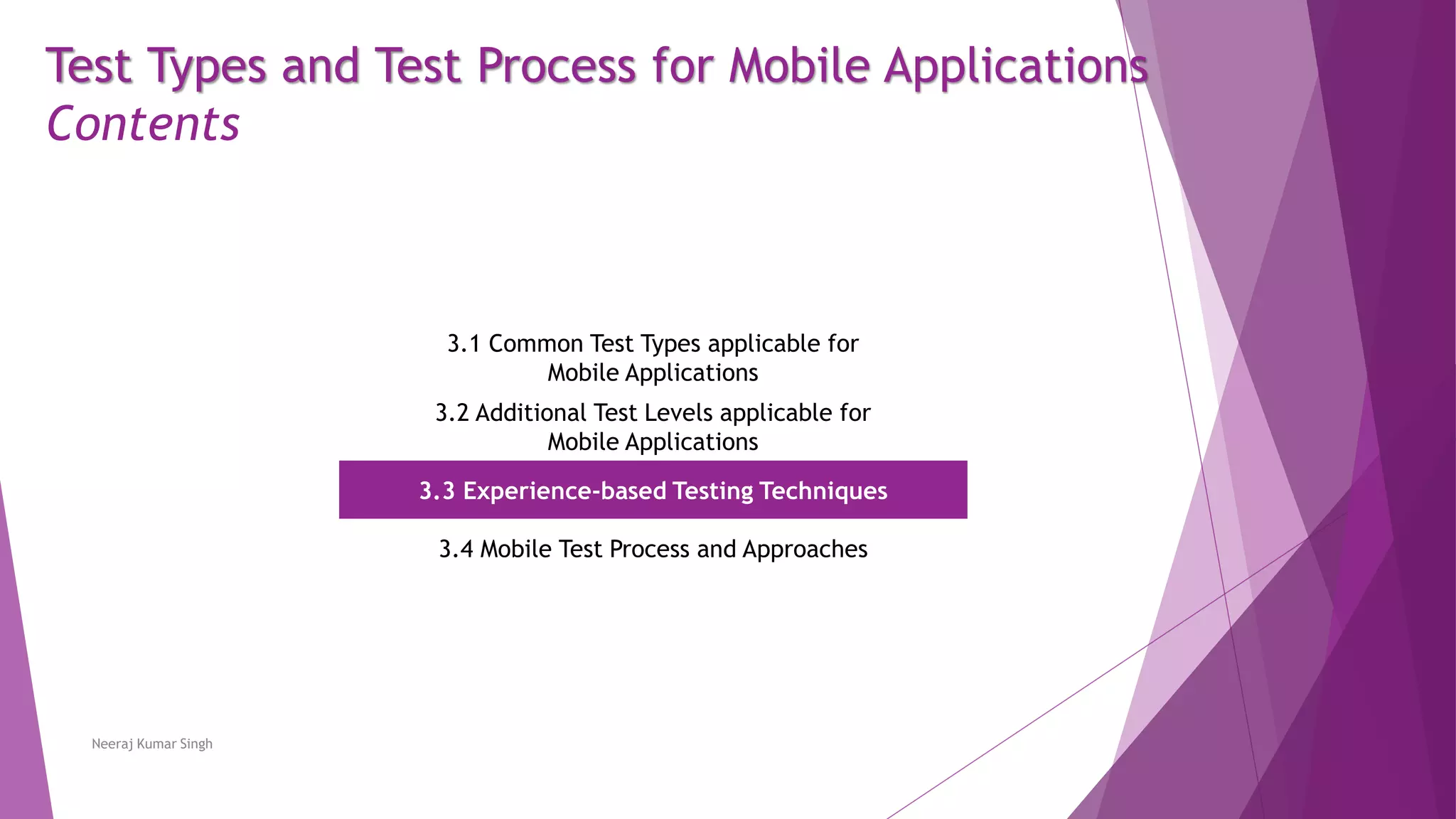
Contents
3.1 Common Test Types applicable for
Mobile Applications
3.2 Additional Test Levels applicable for
Mobile Applications
3.3 Experience-based Testing Techniques
3.4 Mobile Test Process and Approaches
Neeraj Kumar Singh
3.
Test Types applicablefor Mobile Applications
Installability Testing
Testers need to focus on installation, update and de-installation of the app using the following approaches:
Application stores - The installation process may be different depending on the users of the app. The users could
install the app from market place stores such as the Google Play Store or Apple’s App Store. The users of enterprise
apps will be required to perform installation tests via a link, or a distribution service such as HockeyApp or App
Center.
Sideloading (copying and installing app) - Some operating systems provide the option of installing the application
by copying it to a mobile device and installing it from the file.
Desktop applications - Desktop applications such as Apple iTunes (for iOS) or Android App Installer are available for
installing apps on the smartphone. The tester needs to download the app in this application and use a cable to
install it from there to the smartphone. Most of these desktop applications also allow de-installation of the app.
Neeraj Kumar Singh
4.
Test Types applicablefor Mobile Applications
Installability Testing
Installation can be performed using the following methods:
OTA (Over-the-Air) via Wi-Fi or Cellular Data
Data cable
Neeraj Kumar Singh
5.
Test Types applicablefor Mobile Applications
Installability Testing
Some of the test conditions that can be considered include:
Installation, de-installation and upgrade on internal and external memory (if supported).
Re-installation of app when the “retain app data” option was chosen during the previous deinstallation.
Re-installation of app when the “retain app data” option was not chosen during the previous de-installation.
Cancelling or interrupting the installation or de-installation, for example, by shutting down the mobile device
during the process or disconnecting from the internet.
Resuming interrupted installation, de-installation and upgrade after cancelling or interrupting.
Permissions-related testing. For example, some apps request permission to use the address book. This important
test must verify app behavior if the user denies permission. For example, is there a corresponding message sent to
the user?
Update the app and verify that no data is lost.
Some apps require jailbroken (iOS) or rooted (Android) devices which give the user the administrative rights over the
device. Most platform providers do not support jailbreaking/rooting as it may have legal consequences. An app not
requiring jailbreaking/rooting may not need to be tested for the jailbreaking/rooting devices.
Neeraj Kumar Singh
6.
Test Types applicablefor Mobile Applications
Stress Testing
Stress testing is focused on determining the performance efficiency of the application when subjected to conditions
beyond normal load. The stress test is this context is targeted only at the mobile device.
Some of the test conditions that can be considered for stress testing include:
high CPU-usage
out-of-memory
low disk space
battery stress
failures
poor bandwidth
very high number of user interactions (real world network conditions may need to be simulated for this)
Some of these stressful conditions can be created using tools such as Monkey. This is a command line tool that runs over
the ADB shell command line [URL3] or, if possible, manually, e.g., by using big files or other apps with high CPU-usage or
memory consumption.
Neeraj Kumar Singh
7.
Test Types applicablefor Mobile Applications
Security Testing
Since security testing is a complex topic, the ISTQB® has a separate specialist syllabus on this subject
[ISTQB_CTAL_SEC_2016]. Principal security issues for mobile apps include:
Access to sensitive data on the device.
Unencrypted information transfer or unsafe storage. Some of the test conditions that can be considered for security
testing include:
Testing inputs for code injection and overflow.
Encryption of transferred data.
Encryption of locally stored data.
Deletion of temporary data after use or after an abnormal end.
Clearing text in password fields. Top 10 mobile related vulnerabilities from the Open Web Application Security
Project (OWASP) should also be explored.
Neeraj Kumar Singh
8.
Test Types applicablefor Mobile Applications
Performance Testing
If the user installs the app and it does not appear fast enough (e.g., less than or equal to 3 seconds) it may get de-
installed in favor of another alternative app. Time and resource consumption aspects are important success factors for
an app and performance testing is carried out to measure these aspects.
Performance efficiency needs to be tested on the device itself in addition to interaction with the backend system and
other mobile devices.
Performance testing of the whole system should be performed as defined in the test strategy and is not mobile specific.
The performance test of the app itself should contain chronometry for the most important workflows. Some examples
for the workflows of an online-banking app are: “Login”, “Change address” or “Bank transfer with PIN and TAN”. The
tester should then compare this chronometry with similar apps.
Besides chronometric measures it is important to consider the perceived performance by the user. User experience can
have a huge impact on how long the user is willing to wait for a certain function to complete.
Neeraj Kumar Singh
9.
Test Types applicablefor Mobile Applications
Usability Testing
Usability is very important for mobile apps because data shows that a large number of users de-install their apps
within a few minutes of installing because of poor usability or performance.
Due to this it is recommended that user experience (UX) design considers the look and feel of the platform which the
app is to be used on. If the UX does not conform with the user’s expectations for their platform of choice, it can have
a strong negative impact. Thus, a tester should be aware of the look and feel on the platform used.
Usability tests can be conducted by a tester using various available heuristics and test tours. Considering personas is
also a helpful support for usability testing. If required, a usability lab can also be used for this purpose.
In projects, findings identified during the usability test are mostly just findings and not defects. The tester must have
the ability to explain the findings to the team, Product Owner or similar stakeholders.
To achieve satisfactory usability, an app should:
be self-explanatory and intuitive.
allow user mistakes.
be consistent in wording and behavior.
abide by the design guidelines of the platforms.
make needed information visible and reachable in each screen size and type.
Neeraj Kumar Singh
10.
Test Types applicablefor Mobile Applications
Database Testing
Many apps need to store data locally using various data storage mechanisms such as flat files or databases. Some of
the test conditions to be considered for the database testing of mobile apps include:
Validation of data storage issues:
Synchronization
Upload conflicts
Data security
Constraints on the data
CRUD (Create/Read/Update/Delete) functionality
Search
Data integration testing for data provided by the device (e.g., contacts) or by third-party apps (e.g., pictures,
videos and messages).
Performance of storing the data on the device.
Neeraj Kumar Singh
11.
Test Types applicablefor Mobile Applications
Globalization and Localization Testing
Internationalization (I18N) /Globalization testing of the application includes testing an app for different locations,
formats for dates, numbers and currency, and replacing actual strings with pseudo-strings.
Localization (L10N) testing includes the testing of an app with localized strings, images and workflows for a particular
region. For example, Russian and German words could be much longer than those in other languages.
Since mobile devices have different screen sizes and resolutions, limited screen sizes may lead to problems with
translated strings. These issues should be checked as standard globalization/localization tests.
A very important aspect to be checked is the date format used, such as YEAR – MONTH – DAY or DAY – MONTH – YEAR.
Neeraj Kumar Singh
12.
Test Types applicablefor Mobile Applications
Accessibility Testing
Accessibility testing is performed to determine the ease by which users with disabilities can use a component or
system. For mobile apps this can be done using device accessibility settings and testing the app for each setting.
Accessibility guidelines are available from platform vendors and these should be used. For example, both Google and
Apple have published accessibility guidelines for their respective platforms. Taking feedback from people who require
accessibility is also helpful.
For mobile web an accessibility guide has been published by the W3C, which should be considered.
Neeraj Kumar Singh
13.
Test Types andTest Process for Mobile Applications
1 Mobile World 2 Test Types 3 Test Process
Software Testing - ISTQB Specialist
Mobile Application Tester Exam Preparation
Chapter 3
Neeraj Kumar Singh
4 Platforms,
Tools & Environment
5 Automating
Executions
14.
Test Types andTest Process for Mobile Applications
Contents
3.1 Common Test Types applicable for
Mobile Applications
3.2 Additional Test Levels applicable for
Mobile Applications
3.3 Experience-based Testing Techniques
3.4 Mobile Test Process and Approaches
Neeraj Kumar Singh
15.
Test Levels Applicablefor Mobile Applications
Field Testing
Some mobile applications need field testing to ensure that they function correctly in the expected usage scenario of
real users. This could include testing on various networks and on different types of communication technologies such
as Wi-Fi or cellular data.
Field tests should include the use of mobile towers, networks, Wi-Fi, and cellular data switching while the app is in
use. Tests should be performed with varying download speeds and signal strengths, and include the handling of blind
spots.
Field testing requires careful planning and the identification of all items required to perform the tests, such as
appropriate device types, Wi-Fi, cellular data plans on various carriers and access to various modes of transport
required to give adequate coverage. In addition, the routes and modes of transport, and the time of the day when the
tests are to be executed need to be scheduled.
Usability of an app is another important aspect that needs to be covered while conducting field testing. Tests should
incorporate environmental factors such as temperature and similar conditions related to usage scenario.
Neeraj Kumar Singh
16.
Test Levels Applicablefor Mobile Applications
Application Store Approval and Post-release Testing
Before an app is sent for publishing some checklist/based tests must be passed to assure the approval of the
application stores. If the release is an upgrade, then upgrade related tests should also be run.
Checklists are typically based on guidelines, such as those specific to operating systems, for user interface design, and
for using the libraries and APIs provided by application stores.
The approval process may take some time after submission. If any issues are found during the approval process, a new
version may need to be submitted, which will require additional time to resolve. This situation requires careful
consideration during project planning and testing.
A further level of testing is “post-release” testing. Testing at this level includes downloading and installing the
application from application stores.
Neeraj Kumar Singh
17.
Test Types andTest Process for Mobile Applications
1 Mobile World 2 Test Types 3 Test Process
Software Testing - ISTQB Specialist
Mobile Application Tester Exam Preparation
Chapter 3
Neeraj Kumar Singh
4 Platforms,
Tools & Environment
5 Automating
Executions
18.
Test Types andTest Process for Mobile Applications
Contents
3.1 Common Test Types applicable for
Mobile Applications
3.2 Additional Test Levels applicable for
Mobile Applications
3.3 Experience-based Testing Techniques
3.4 Mobile Test Process and Approaches
Neeraj Kumar Singh
19.
Experience-based Testing Techniques
Personasand Mnemonics
Personas are fictional characters which represent real customers. They have motivations, expectations, problems,
habits and goals and it helps to use them when real user behavior needs to be mimicked.
A persona could have a name, gender, age, income, an educational background, and a location. In a mobile context
they may use other apps, check their mobile device x times an hour and can have other devices and personal traits.
A mnemonic is a memory aid to remember something. In the context of testing, every letter in a mnemonic stands for
a technique, a testing method or a focal point for testing. An example of a mnemonic is SFiDPOT.
Neeraj Kumar Singh
20.
Experience-based Testing Techniques
Personasand Mnemonics
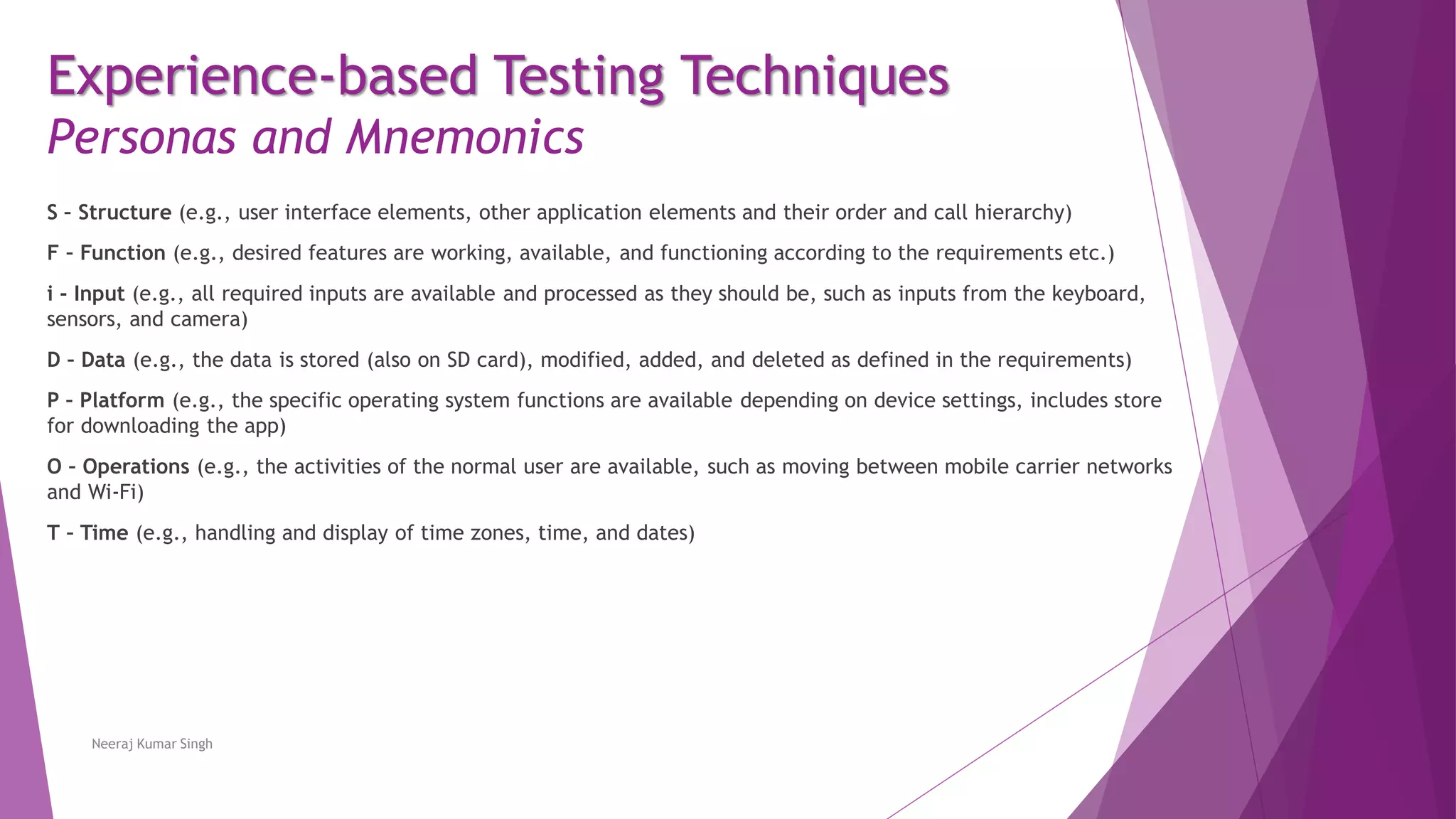
S – Structure (e.g., user interface elements, other application elements and their order and call hierarchy)
F – Function (e.g., desired features are working, available, and functioning according to the requirements etc.)
i - Input (e.g., all required inputs are available and processed as they should be, such as inputs from the keyboard,
sensors, and camera)
D – Data (e.g., the data is stored (also on SD card), modified, added, and deleted as defined in the requirements)
P – Platform (e.g., the specific operating system functions are available depending on device settings, includes store
for downloading the app)
O – Operations (e.g., the activities of the normal user are available, such as moving between mobile carrier networks
and Wi-Fi)
T – Time (e.g., handling and display of time zones, time, and dates)
Neeraj Kumar Singh
21.
Experience-based Testing Techniques
Personasand Mnemonics
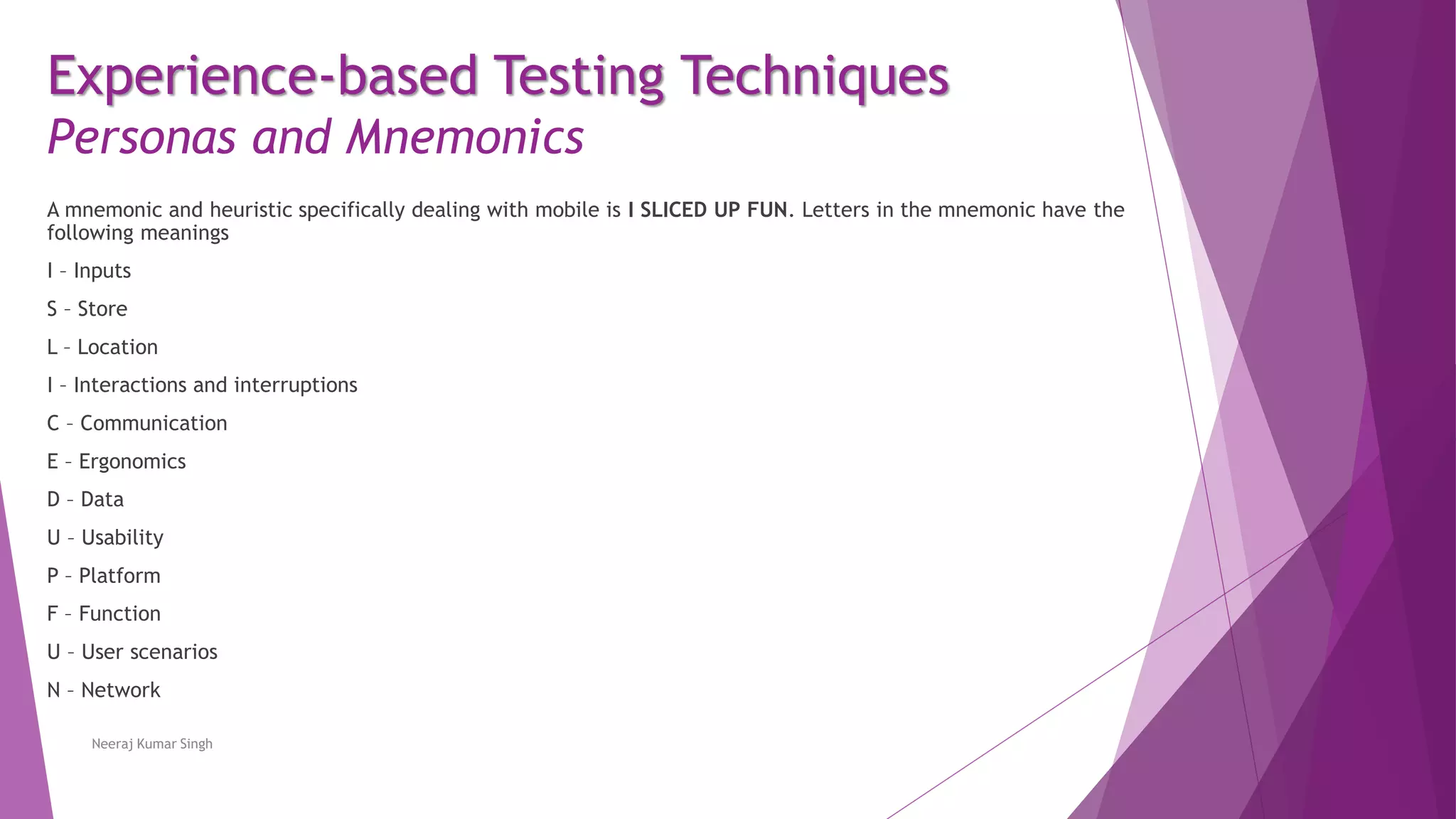
A mnemonic and heuristic specifically dealing with mobile is I SLICED UP FUN. Letters in the mnemonic have the
following meanings
I – Inputs
S – Store
L – Location
I – Interactions and interruptions
C – Communication
E – Ergonomics
D – Data
U – Usability
P – Platform
F – Function
U – User scenarios
N – Network
Neeraj Kumar Singh
22.
Experience-based Testing Techniques
Heuristic
Aheuristic approach is a “rule of thumb” approach to problem solving, learning and discovery that employs a practical
method. This does not guarantee to be optimal or perfect, but can be considered as sufficient for achieving the
immediate goals.
There are many heuristics for mobile testing. Most mnemonics can be used as heuristics, but not every heuristic is a
mnemonic.
Neeraj Kumar Singh
23.
Experience-based Testing Techniques
Tours
Toursare used in exploratory testing to enable an application to be explored from a specific point of view and focus.
They can be performed to understand how an application works and to create models for the workflow. Tours provide
an effective method for field testing.
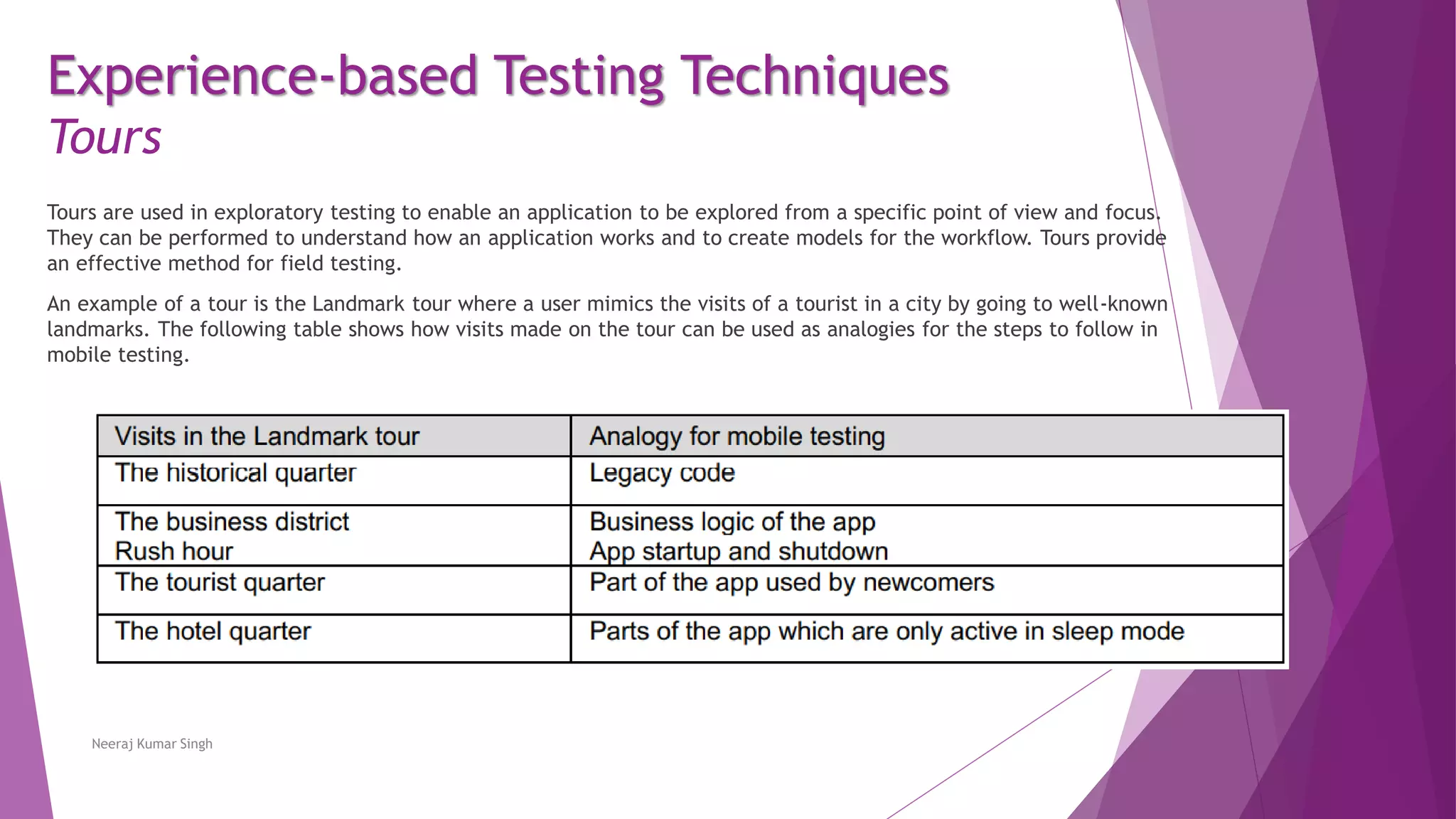
An example of a tour is the Landmark tour where a user mimics the visits of a tourist in a city by going to well-known
landmarks. The following table shows how visits made on the tour can be used as analogies for the steps to follow in
mobile testing.
Neeraj Kumar Singh
24.
Experience-based Testing Techniques
Tours
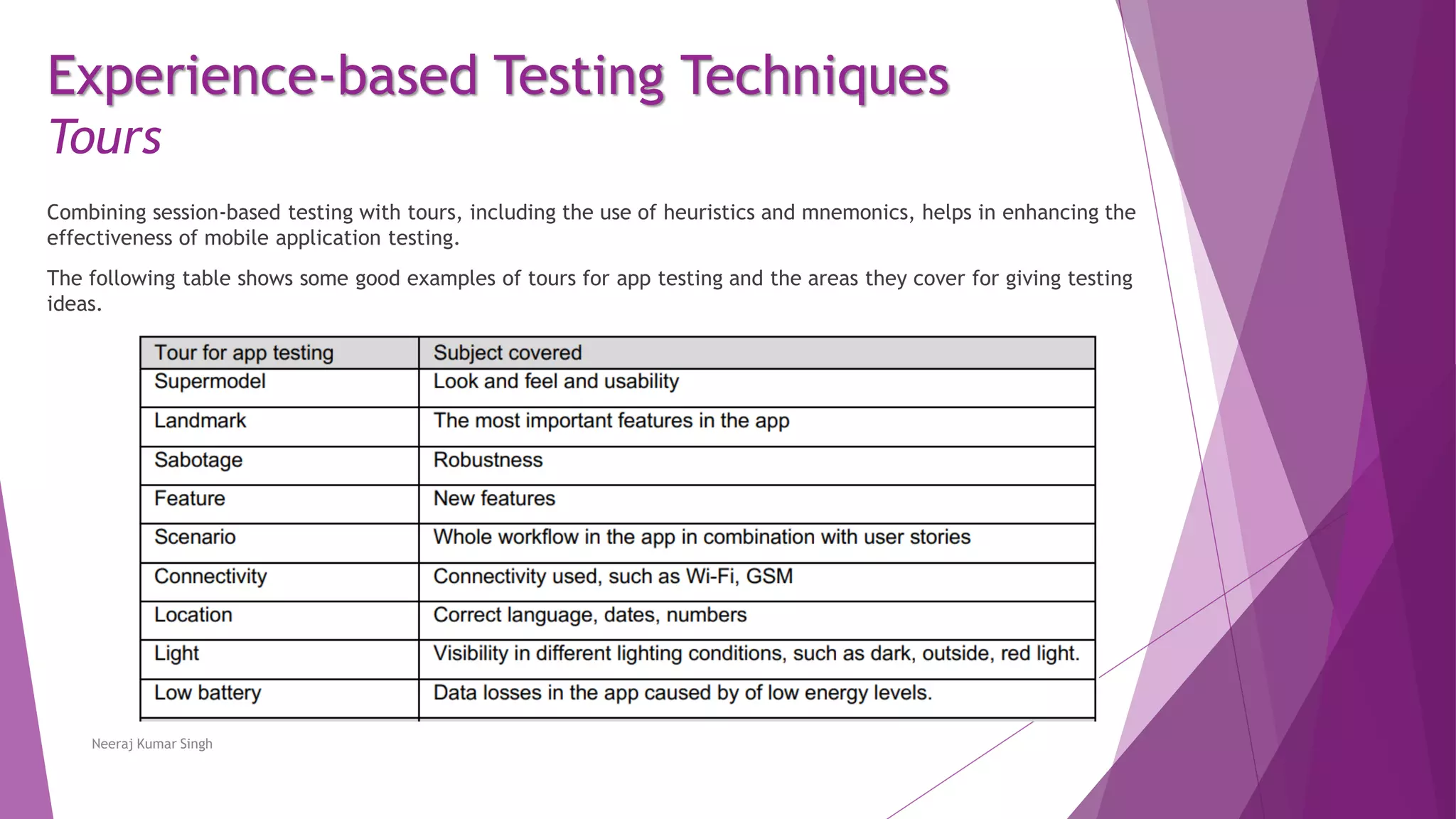
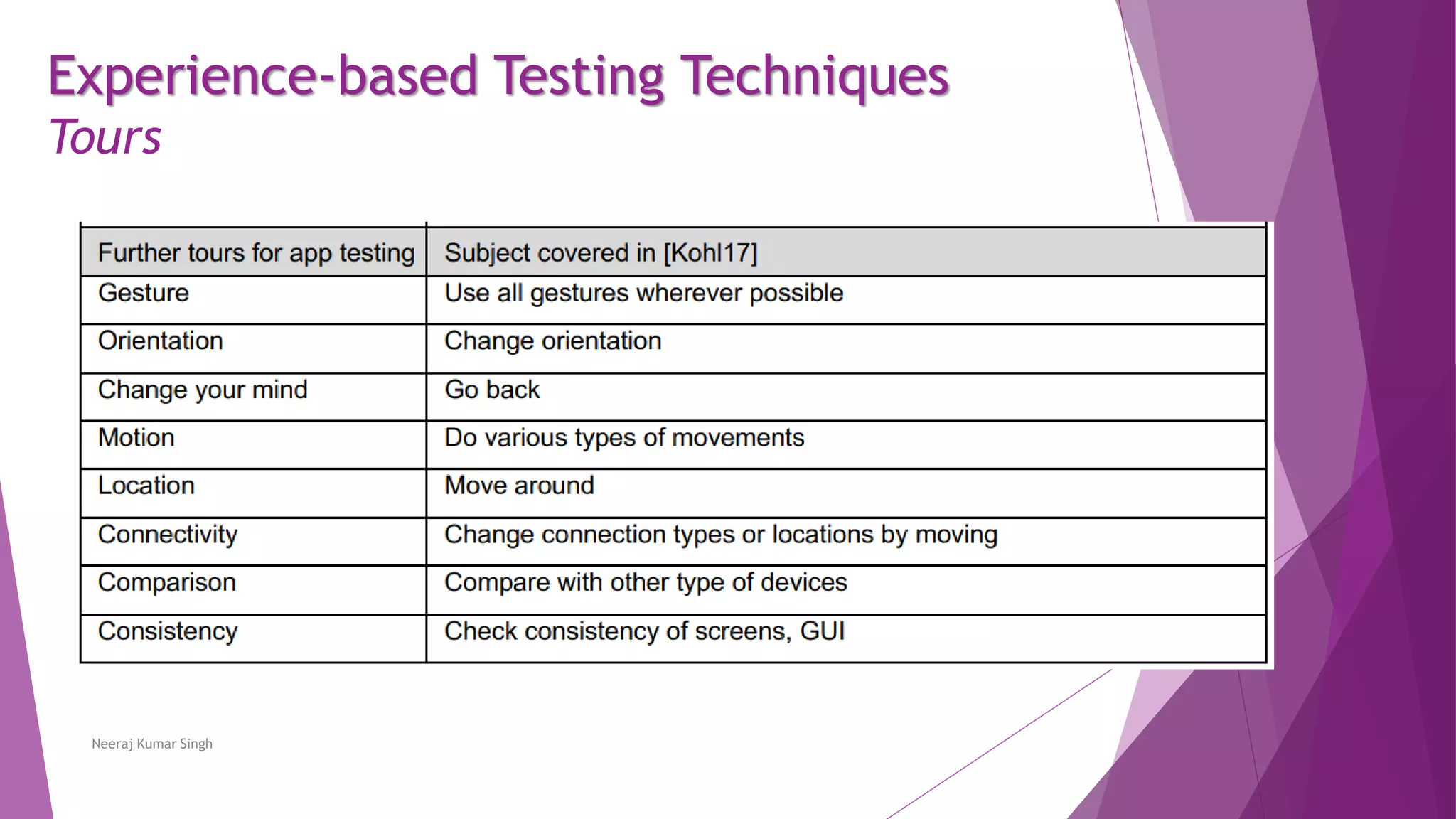
Combiningsession-based testing with tours, including the use of heuristics and mnemonics, helps in enhancing the
effectiveness of mobile application testing.
The following table shows some good examples of tours for app testing and the areas they cover for giving testing
ideas.
Neeraj Kumar Singh
Experience-based Testing Techniques
Session-BasedTest Management (SBTM)
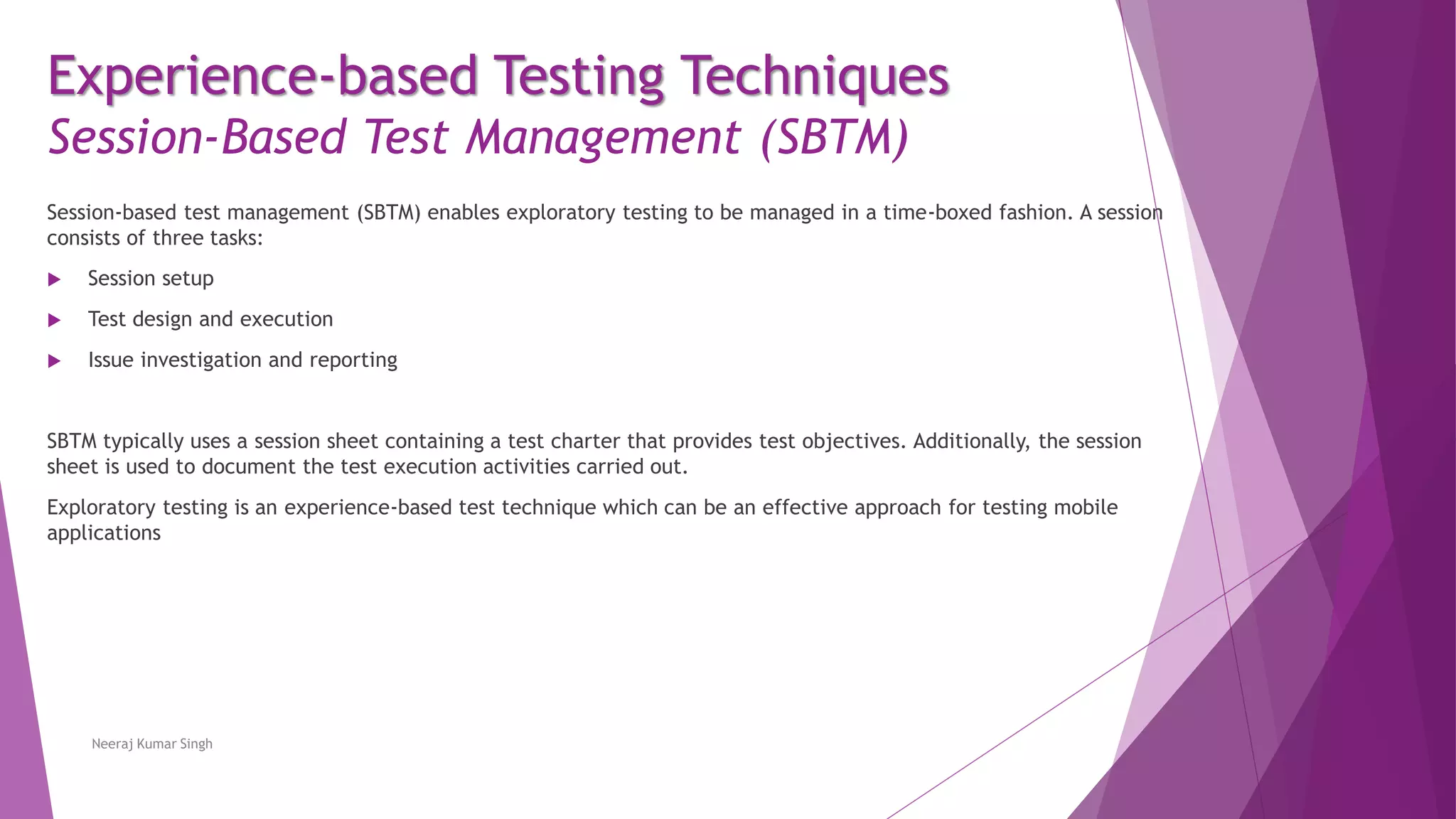
Session-based test management (SBTM) enables exploratory testing to be managed in a time-boxed fashion. A session
consists of three tasks:
Session setup
Test design and execution
Issue investigation and reporting
SBTM typically uses a session sheet containing a test charter that provides test objectives. Additionally, the session
sheet is used to document the test execution activities carried out.
Exploratory testing is an experience-based test technique which can be an effective approach for testing mobile
applications
Neeraj Kumar Singh
27.
Test Types andTest Process for Mobile Applications
1 Mobile World 2 Test Types 3 Test Process
Software Testing - ISTQB Specialist
Mobile Application Tester Exam Preparation
Chapter 3
Neeraj Kumar Singh
4 Platforms,
Tools & Environment
5 Automating
Executions
28.
Test Types andTest Process for Mobile Applications
Contents
3.1 Common Test Types applicable for
Mobile Applications
3.2 Additional Test Levels applicable for
Mobile Applications
3.3 Experience-based Testing Techniques
3.4 Mobile Test Process and Approaches
Neeraj Kumar Singh
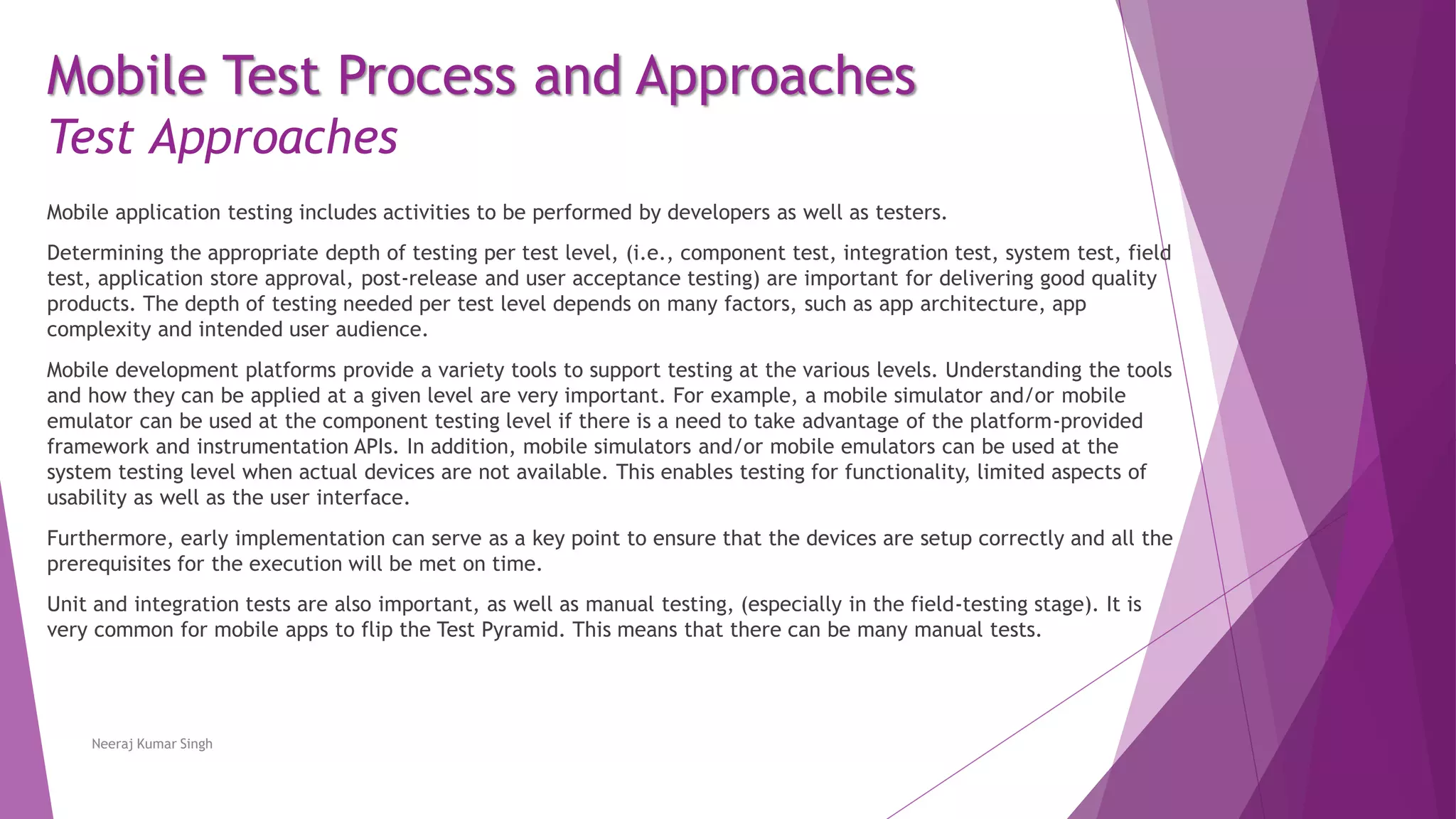
Mobile application testingincludes activities to be performed by developers as well as testers.
Determining the appropriate depth of testing per test level, (i.e., component test, integration test, system test, field
test, application store approval, post-release and user acceptance testing) are important for delivering good quality
products. The depth of testing needed per test level depends on many factors, such as app architecture, app
complexity and intended user audience.
Mobile development platforms provide a variety tools to support testing at the various levels. Understanding the tools
and how they can be applied at a given level are very important. For example, a mobile simulator and/or mobile
emulator can be used at the component testing level if there is a need to take advantage of the platform-provided
framework and instrumentation APIs. In addition, mobile simulators and/or mobile emulators can be used at the
system testing level when actual devices are not available. This enables testing for functionality, limited aspects of
usability as well as the user interface.
Furthermore, early implementation can serve as a key point to ensure that the devices are setup correctly and all the
prerequisites for the execution will be met on time.
Unit and integration tests are also important, as well as manual testing, (especially in the field-testing stage). It is
very common for mobile apps to flip the Test Pyramid. This means that there can be many manual tests.
Neeraj Kumar Singh
Mobile Test Process and Approaches
Test Approaches