Chapter 2:
HTML Tags
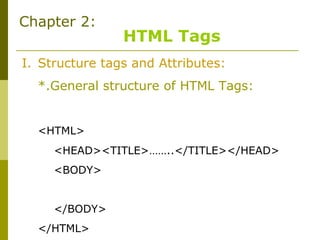
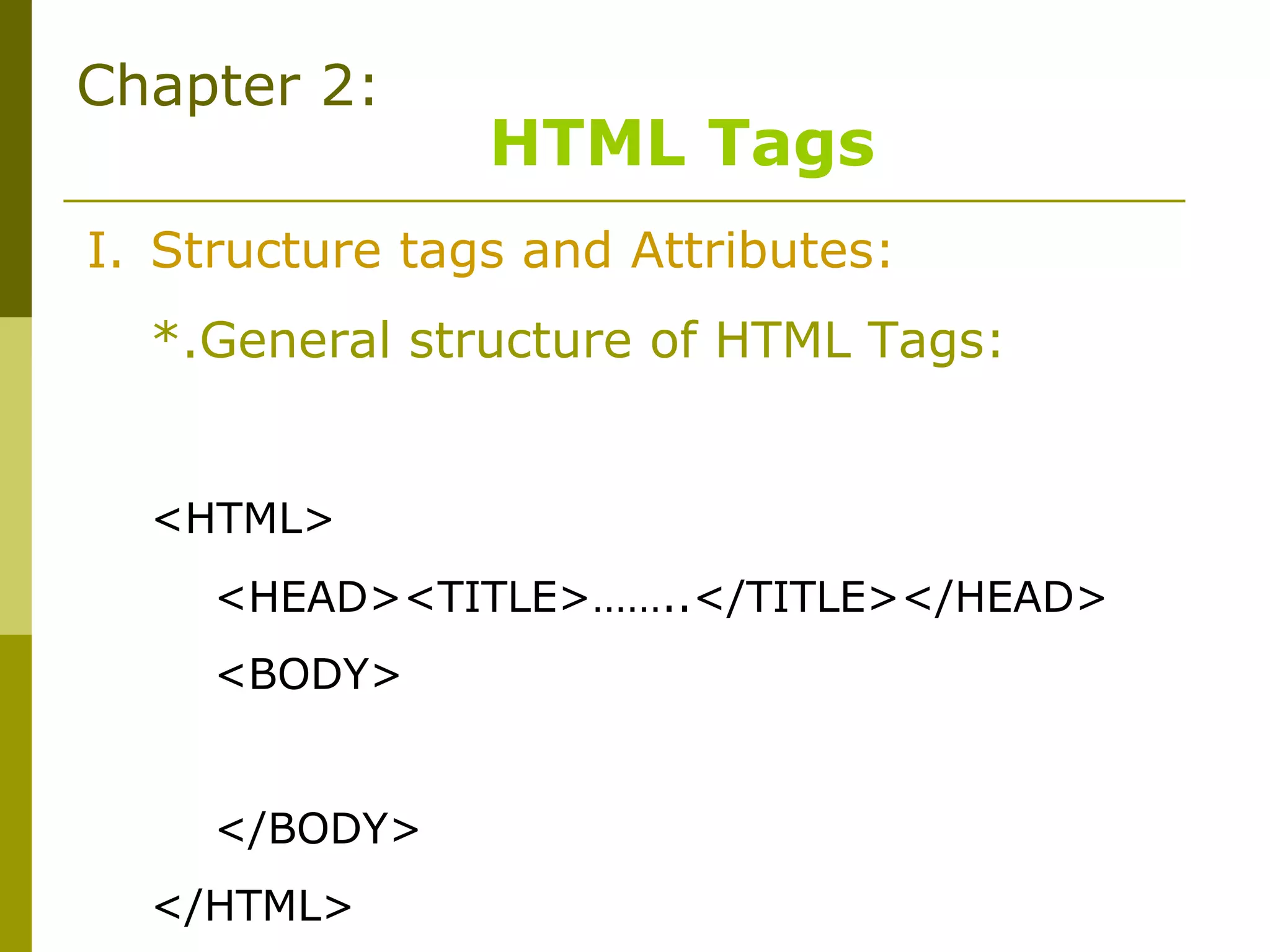
I. Structure tags and Attributes:
*.General structure of HTML Tags:
<HTML>
<HEAD><TITLE>……..</TITLE></HEAD>
<BODY>
</BODY>
</HTML>
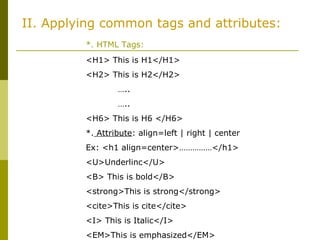
II. Applying common tags and attributes:
*. HTML Tags:
<H1> This is H1</H1>
<H2> This is H2</H2>
…..
…..
<H6> This is H6 </H6>
*. Attribute: align=left | right | center
Ex: <h1 align=center>……………</h1>
<U>Underlinc</U>
<B> This is bold</B>
<strong>This is strong</strong>
<cite>This is cite</cite>
<I> This is Italic</I>
<EM>This is emphasized</EM>
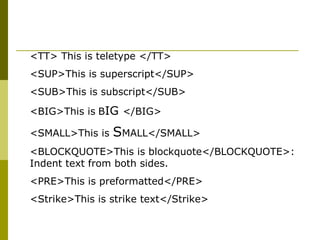
<TT> This is teletype </TT>
<SUP>This is superscript</SUP>
<SUB>This is subscript</SUB>
<BIG>This is BIG </BIG>
<SMALL>This is SMALL</SMALL>
<BLOCKQUOTE>This is blockquote</BLOCKQUOTE>:
Indent text from both sides.
<PRE>This is preformatted</PRE>
<Strike>This is strike text</Strike>
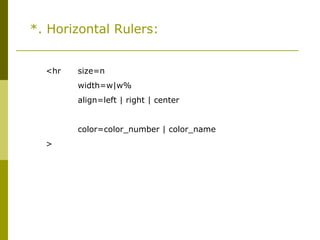
*. Horizontal Rulers:
<hr size=n
width=w|w%
align=left | right | center
noshade
color=color_number | color_name
>
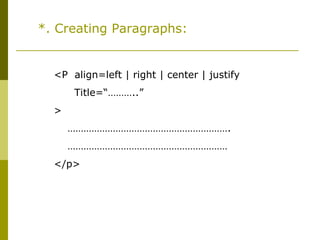
*. Creating Paragraphs:
<P align=left | right | center | justify
Title=“………..”
>
…………………………………………………….
……………………………………………………
</p>
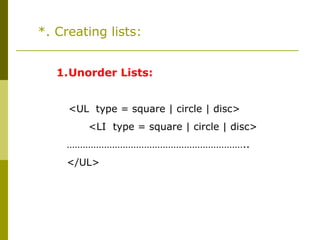
*. Creating lists:
1.Unorder Lists:
<UL type = square | circle | disc>
<LI type = square | circle | disc>
…………………………………………………………..
</UL>
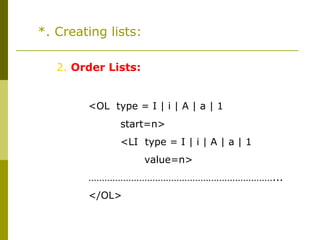
*. Creating lists:
2. Order Lists:
<OL type = I | i | A | a | 1
start=n>
<LI type = I | i | A | a | 1
value=n>
……………………………………………………………...
</OL>
*. Creating lists:
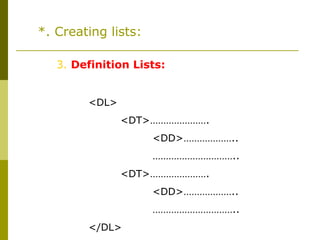
3. Definition Lists:
<DL>
<DT>………………….
<DD>………………..
…………………………..
<DT>………………….
<DD>………………..
…………………………..
</DL>
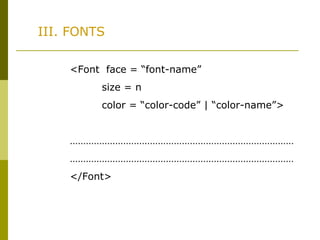
III. FONTS
<Font face = “font-name”
size = n
color = “color-code” | “color-name”>
…………………………………………………………………………
…………………………………………………………………………
</Font>
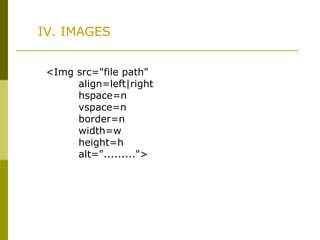
IV. IMAGES
<Img src="file path"
align=left|right
hspace=n
vspace=n
border=n
width=w
height=h
alt=".........">
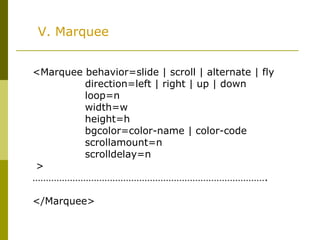
V. Marquee
<Marquee behavior=slide | scroll | alternate | fly
direction=left | right | up | down
loop=n
width=w
height=h
bgcolor=color-name | color-code
scrollamount=n
scrolldelay=n
>
…………………………………………………………………………….
</Marquee>
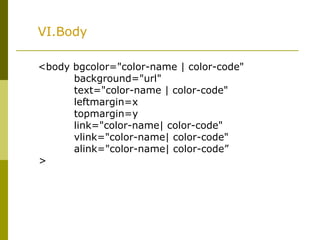
VI.Body
<body bgcolor="color-name | color-code"
background="url"
text="color-name | color-code"
leftmargin=x
topmargin=y
link="color-name| color-code"
vlink="color-name| color-code"
alink="color-name| color-code”
>

Chapter 2-html-tage

  • 1.
    Chapter 2: HTML Tags I.Structure tags and Attributes: *.General structure of HTML Tags: <HTML> <HEAD><TITLE>……..</TITLE></HEAD> <BODY> </BODY> </HTML>
  • 2.
    II. Applying commontags and attributes: *. HTML Tags: <H1> This is H1</H1> <H2> This is H2</H2> ….. ….. <H6> This is H6 </H6> *. Attribute: align=left | right | center Ex: <h1 align=center>……………</h1> <U>Underlinc</U> <B> This is bold</B> <strong>This is strong</strong> <cite>This is cite</cite> <I> This is Italic</I> <EM>This is emphasized</EM>
  • 3.
    <TT> This isteletype </TT> <SUP>This is superscript</SUP> <SUB>This is subscript</SUB> <BIG>This is BIG </BIG> <SMALL>This is SMALL</SMALL> <BLOCKQUOTE>This is blockquote</BLOCKQUOTE>: Indent text from both sides. <PRE>This is preformatted</PRE> <Strike>This is strike text</Strike>
  • 4.
    *. Horizontal Rulers: <hrsize=n width=w|w% align=left | right | center noshade color=color_number | color_name >
  • 5.
    *. Creating Paragraphs: <Palign=left | right | center | justify Title=“………..” > ……………………………………………………. …………………………………………………… </p>
  • 6.
    *. Creating lists: 1.UnorderLists: <UL type = square | circle | disc> <LI type = square | circle | disc> ………………………………………………………….. </UL>
  • 7.
    *. Creating lists: 2.Order Lists: <OL type = I | i | A | a | 1 start=n> <LI type = I | i | A | a | 1 value=n> ……………………………………………………………... </OL>
  • 8.
    *. Creating lists: 3.Definition Lists: <DL> <DT>…………………. <DD>……………….. ………………………….. <DT>…………………. <DD>……………….. ………………………….. </DL>
  • 9.
    III. FONTS <Font face= “font-name” size = n color = “color-code” | “color-name”> ………………………………………………………………………… ………………………………………………………………………… </Font>
  • 10.
    IV. IMAGES <Img src="filepath" align=left|right hspace=n vspace=n border=n width=w height=h alt=".........">
  • 11.
    V. Marquee <Marquee behavior=slide| scroll | alternate | fly direction=left | right | up | down loop=n width=w height=h bgcolor=color-name | color-code scrollamount=n scrolldelay=n > ……………………………………………………………………………. </Marquee>
  • 12.
    VI.Body <body bgcolor="color-name |color-code" background="url" text="color-name | color-code" leftmargin=x topmargin=y link="color-name| color-code" vlink="color-name| color-code" alink="color-name| color-code” >