WS3: Putting Google Apps and Services
to Work for You
Mark Frydenberg
August 1, 2016
8:30 – 11:30 a.m.
Agenda
• Google Forms
• Scripts – Mail Merge / Grades
• Spreadsheets – Smart Schedule
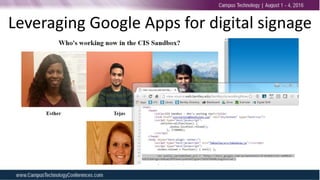
• Spreadsheets + JavaScript – Signage
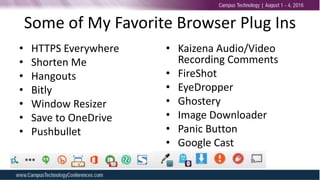
• Browser Plugins
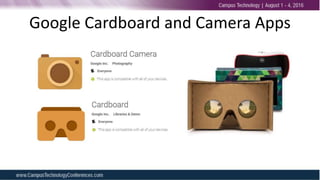
• Cardboard
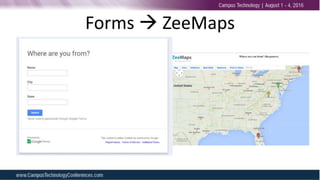
Forms  ZeeMaps
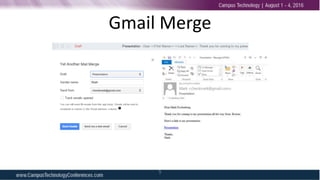
Gmail Merge
5
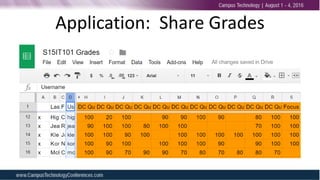
Application: Share Grades
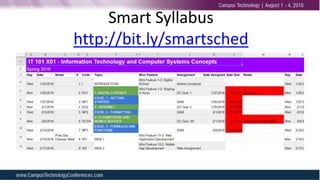
Smart Syllabus
http://bit.ly/smartsched
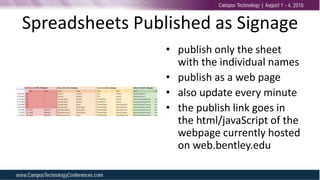
Spreadsheets Published as Signage
• publish only the sheet
with the individual names
• publish as a web page
• also update every minute
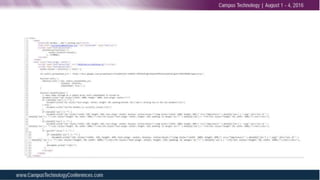
• the publish link goes in
the html/javaScript of the
webpage currently hosted
on web.bentley.edu
Leveraging Google Apps for digital signage
Some of My Favorite Browser Plug Ins
• HTTPS Everywhere
• Shorten Me
• Hangouts
• Bitly
• Window Resizer
• Save to OneDrive
• Pushbullet
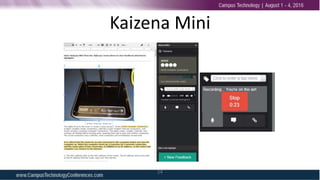
• Kaizena Audio/Video
Recording Comments
• FireShot
• EyeDropper
• Ghostery
• Image Downloader
• Panic Button
• Google Cast
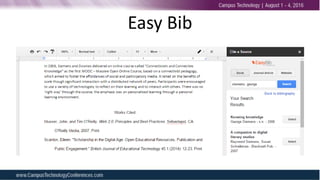
Easy Bib
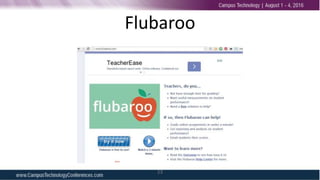
Flubaroo
13
Kaizena Mini
14
Google Cardboard and Camera Apps
Thank You!
Stay in Touch
mfrydenberg@bentley.edu
Twitter: @checkmark
http://cis.bentley.edu/mfrydenberg
Invite me to your school!

Campus Technology 2016 WS3