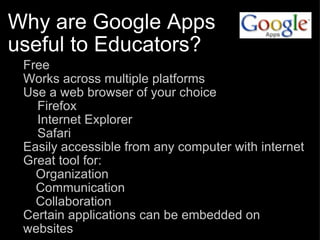
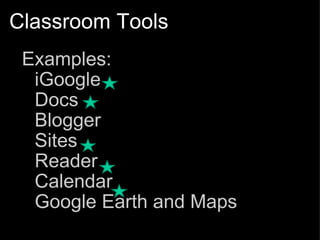
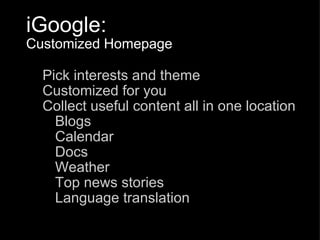
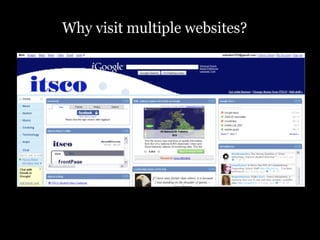
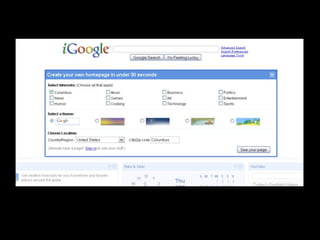
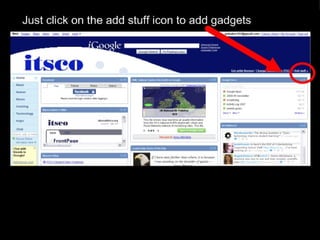
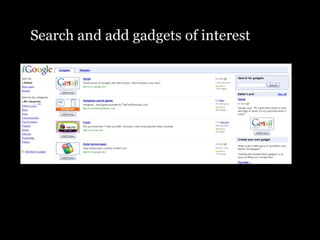
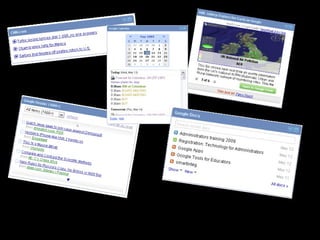
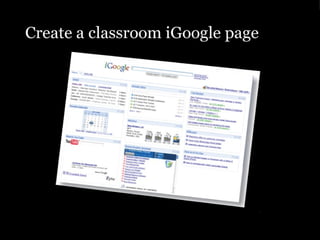
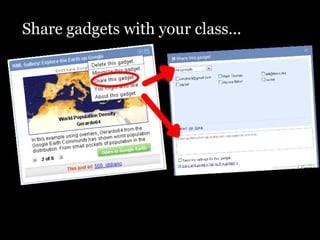
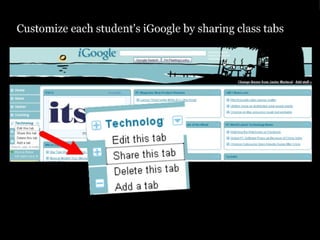
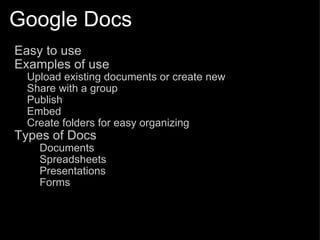
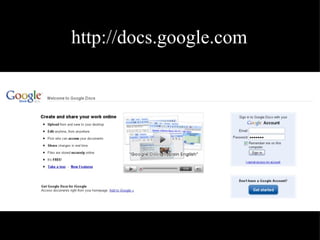
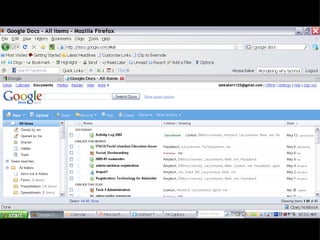
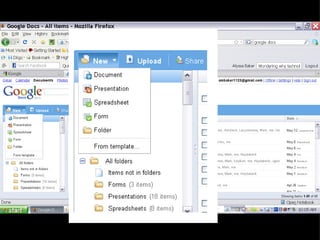
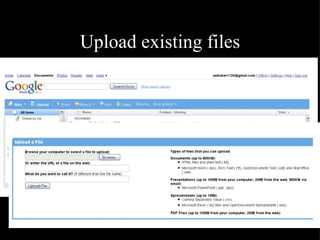
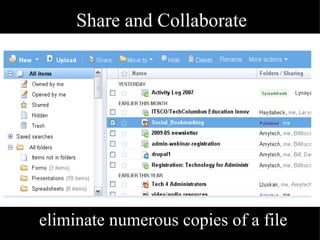
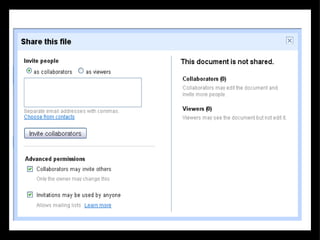
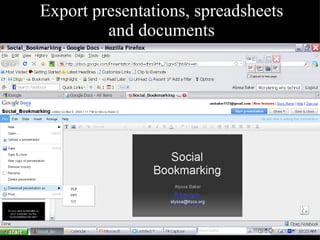
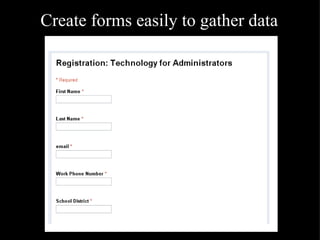
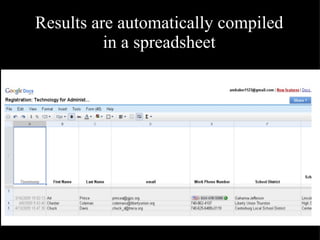
This document summarizes some of the Google tools that are useful for educators, including Google Docs, Blogger, Google Calendar, Google Earth, and iGoogle. It notes that Google Apps are free, accessible from any web browser, and allow for organization, communication, and collaboration. Google Docs specifically is highlighted as being easy to use for uploading existing documents, sharing and collaborating on files simultaneously, exporting files, and creating forms for gathering data.
![Google Tools Part I Presented by: Alyssa Baker [email_address]](https://image.slidesharecdn.com/googleapps-090604080829-phpapp02/85/Google-Apps-1-320.jpg)
![Google Tools Part I Presented by: Alyssa Baker [email_address]](https://image.slidesharecdn.com/googleapps-090604080829-phpapp02/75/Google-Apps-1-2048.jpg)
![Alyssa Baker [email_address] http://alyssabaker.pbworks.com Follow Alytechconsult on Diigo and Twitter http://tech4admin.wetpaint.com/](https://image.slidesharecdn.com/googleapps-090604080829-phpapp02/85/Google-Apps-27-320.jpg)


