Cloud First: Be Prepared
Alan Eardley | @al_eardley
SharePoint Saturday Belgium 2018
#SPSBE
Platinum
Gold
Silver
SharePint
Community
Thanks to our sponsors!
About me
• Twitter: @al_eardley
• LinkedIn: https://www.linkedin.com/in/alaneardley/
• Helping clients adopt Microsoft 365
What will I cover?
• Why companies are moving to the cloud?
• Example scenario
• Hurdles to overcome
Why move to the cloud?
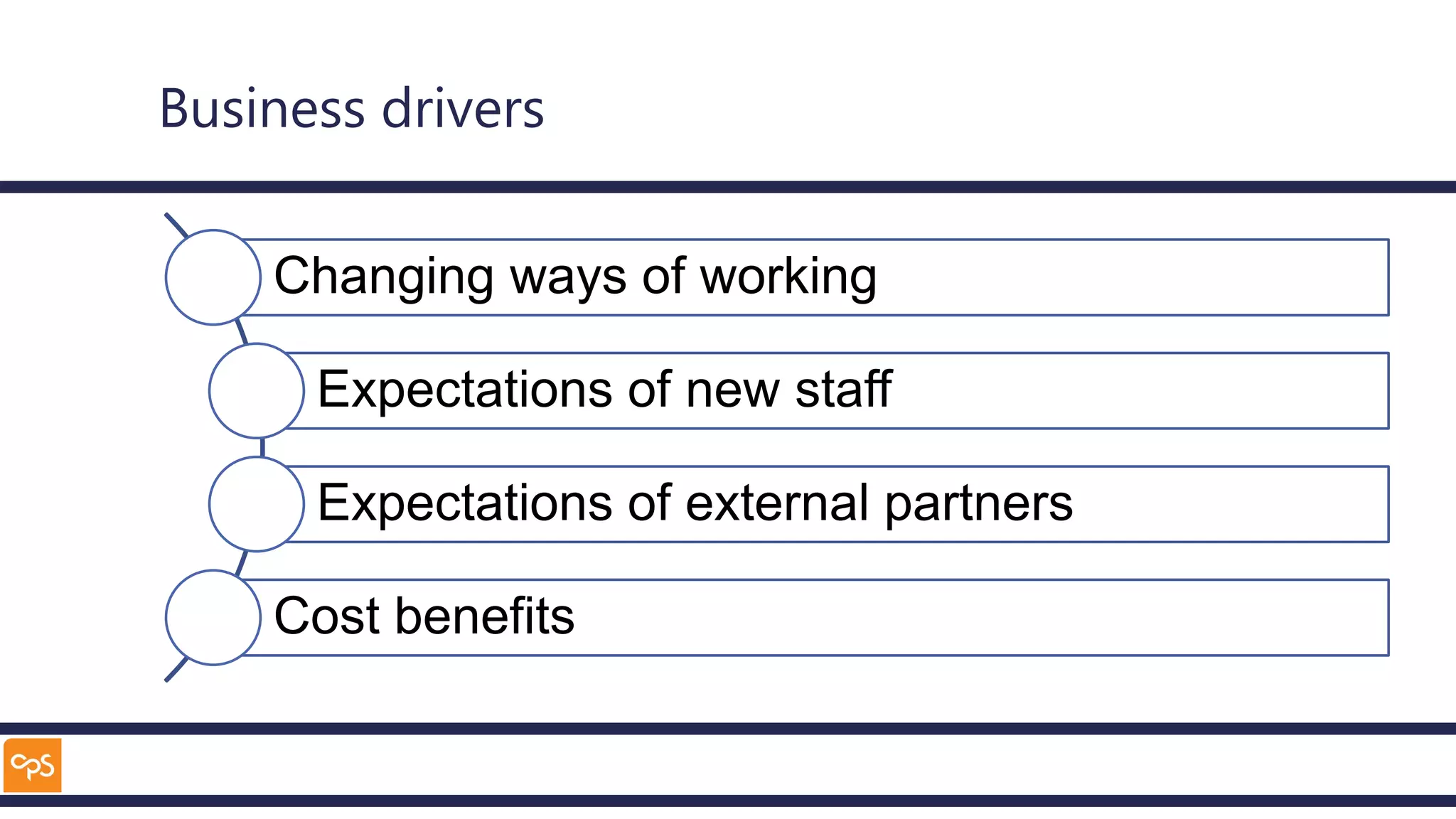
Business drivers
Changing ways of working
Expectations of new staff
Expectations of external partners
Cost benefits
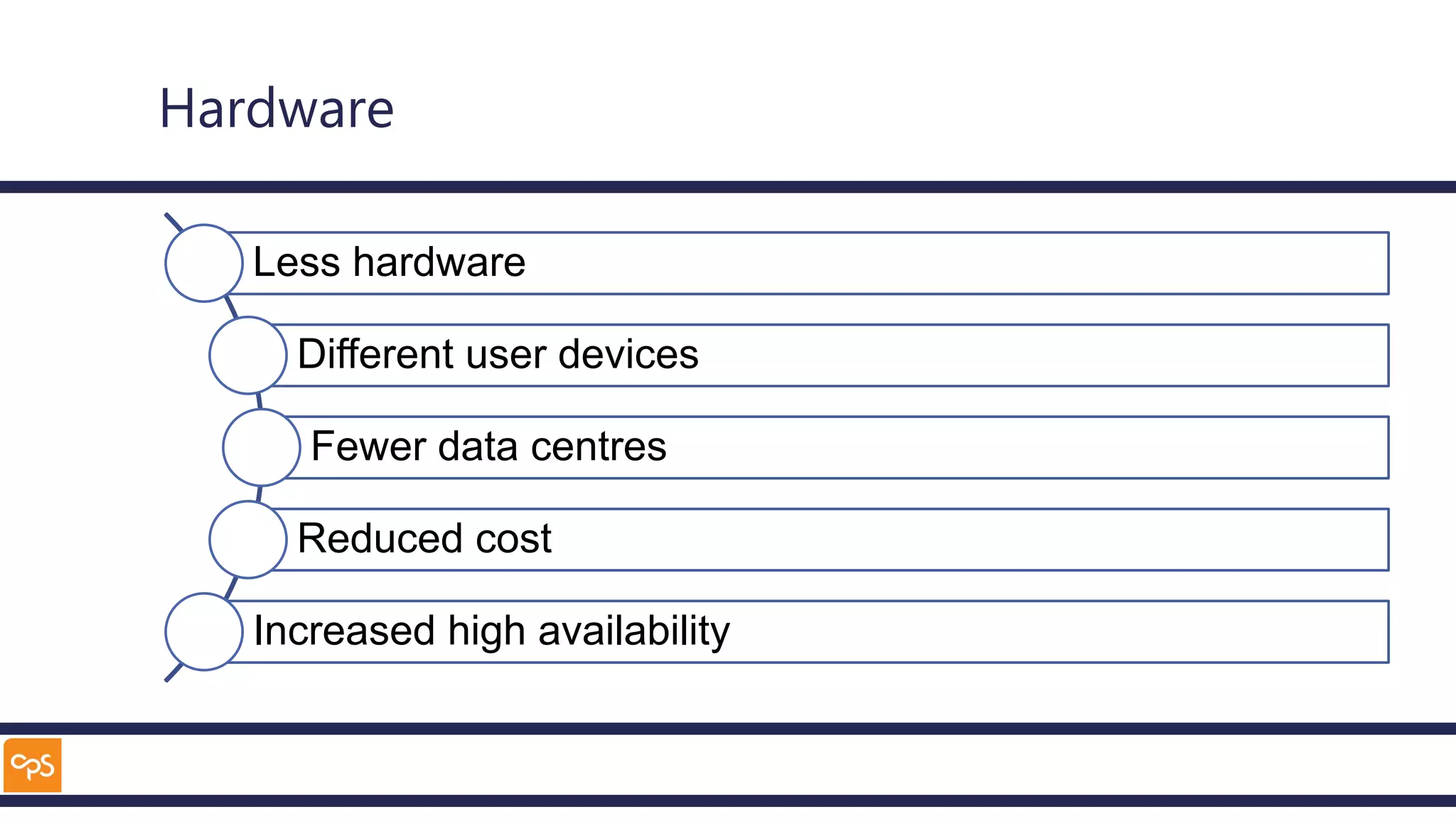
Hardware
Less hardware
Different user devices
Fewer data centres
Reduced cost
Increased high availability
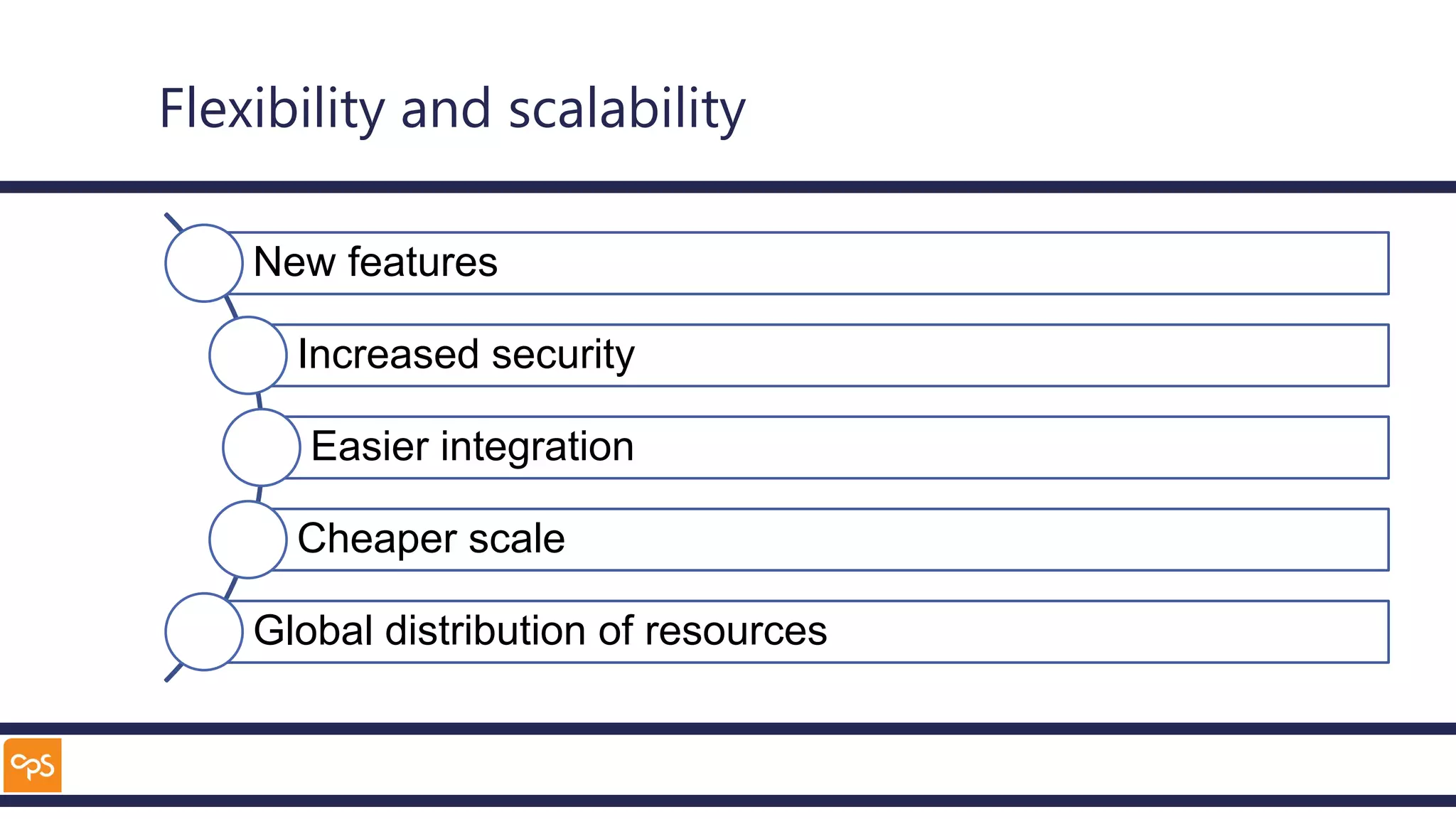
Flexibility and scalability
New features
Increased security
Easier integration
Cheaper scale
Global distribution of resources
Sample scenario
Acme.com
Global company
Growing rapidly
Data centres need to be increased in capacity
Existing solutions at end of life
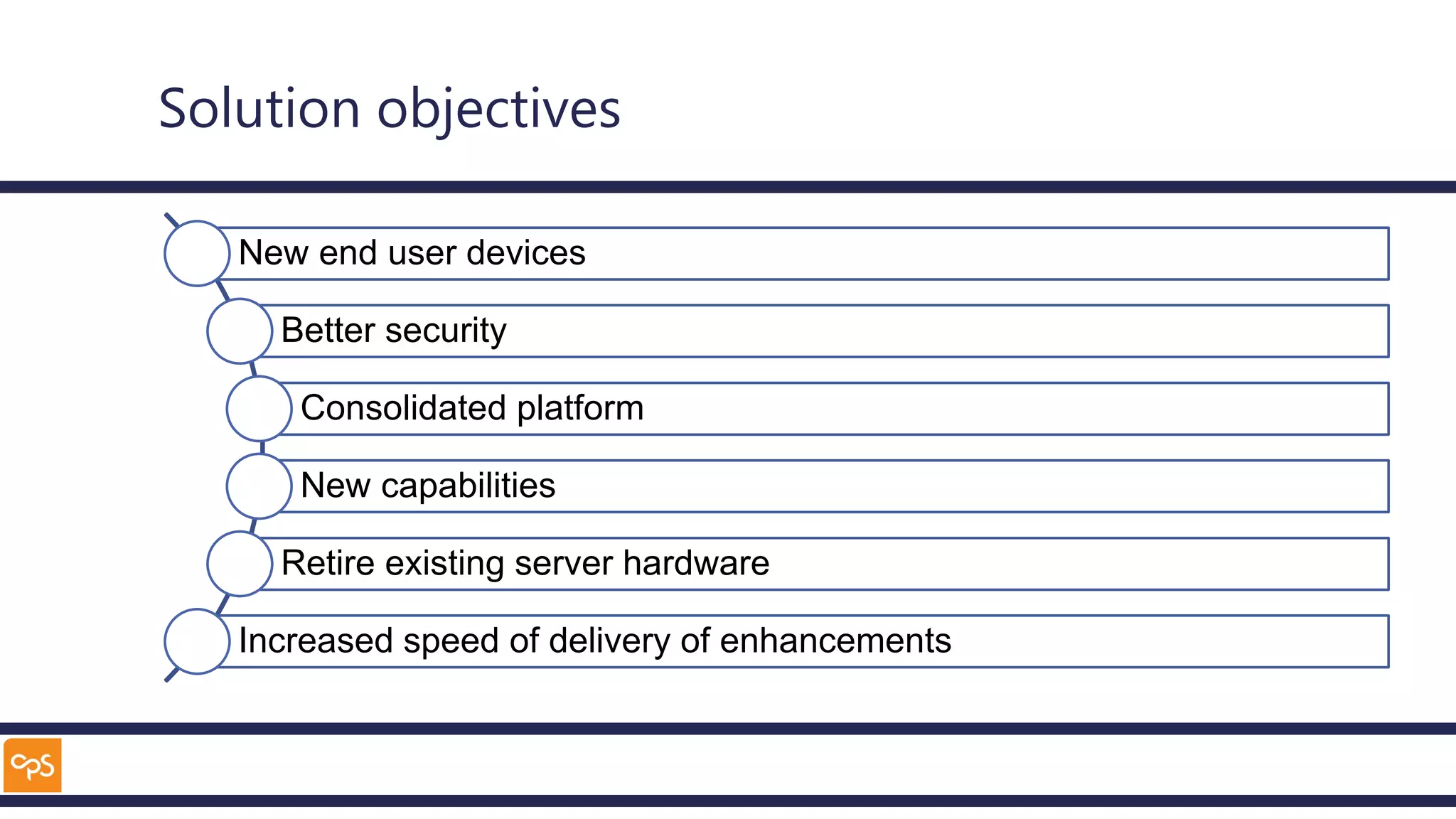
Solution objectives
New end user devices
Better security
Consolidated platform
New capabilities
Retire existing server hardware
Increased speed of delivery of enhancements
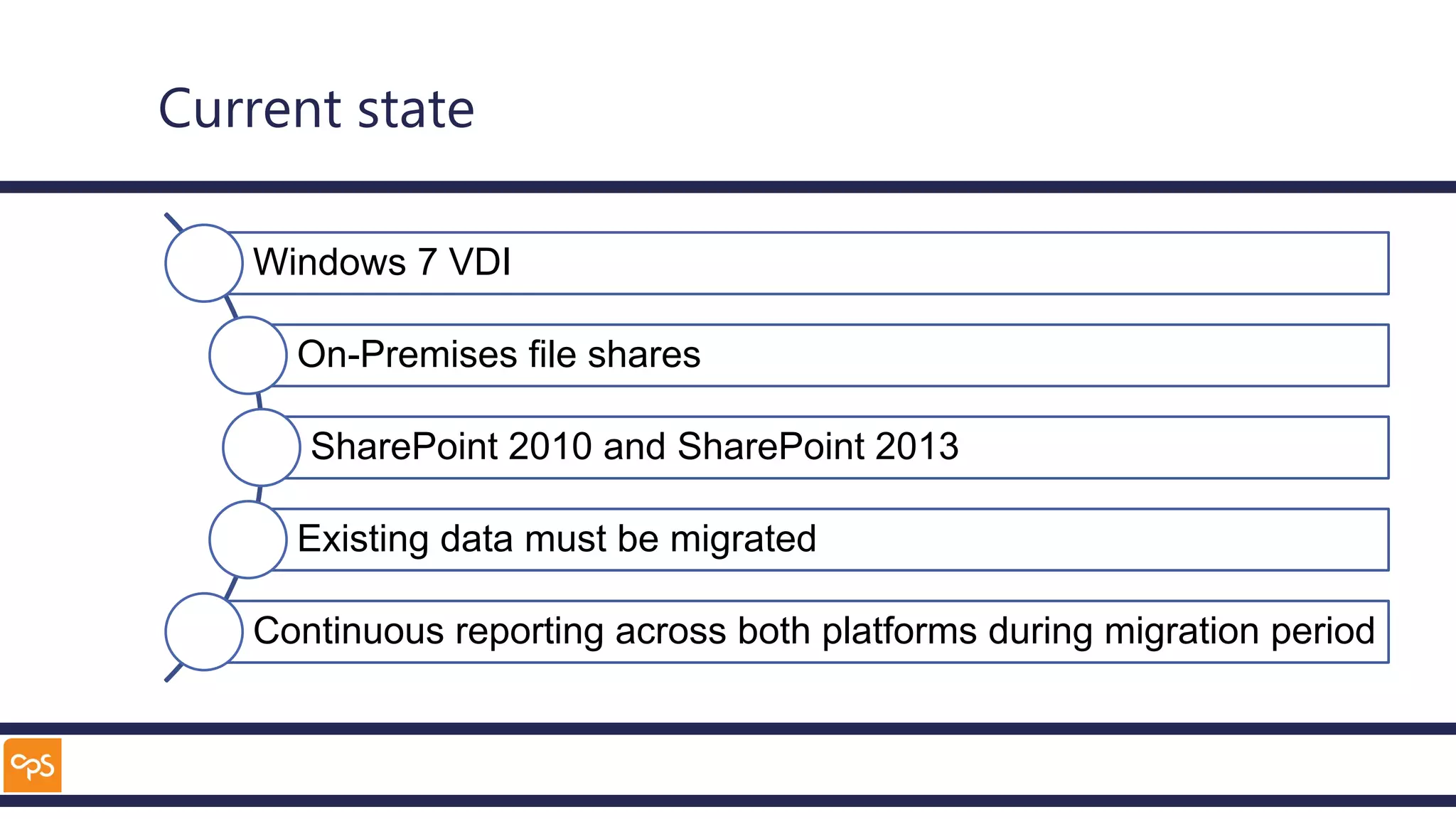
Current state
Windows 7 VDI
On-Premises file shares
SharePoint 2010 and SharePoint 2013
Existing data must be migrated
Continuous reporting across both platforms during migration period
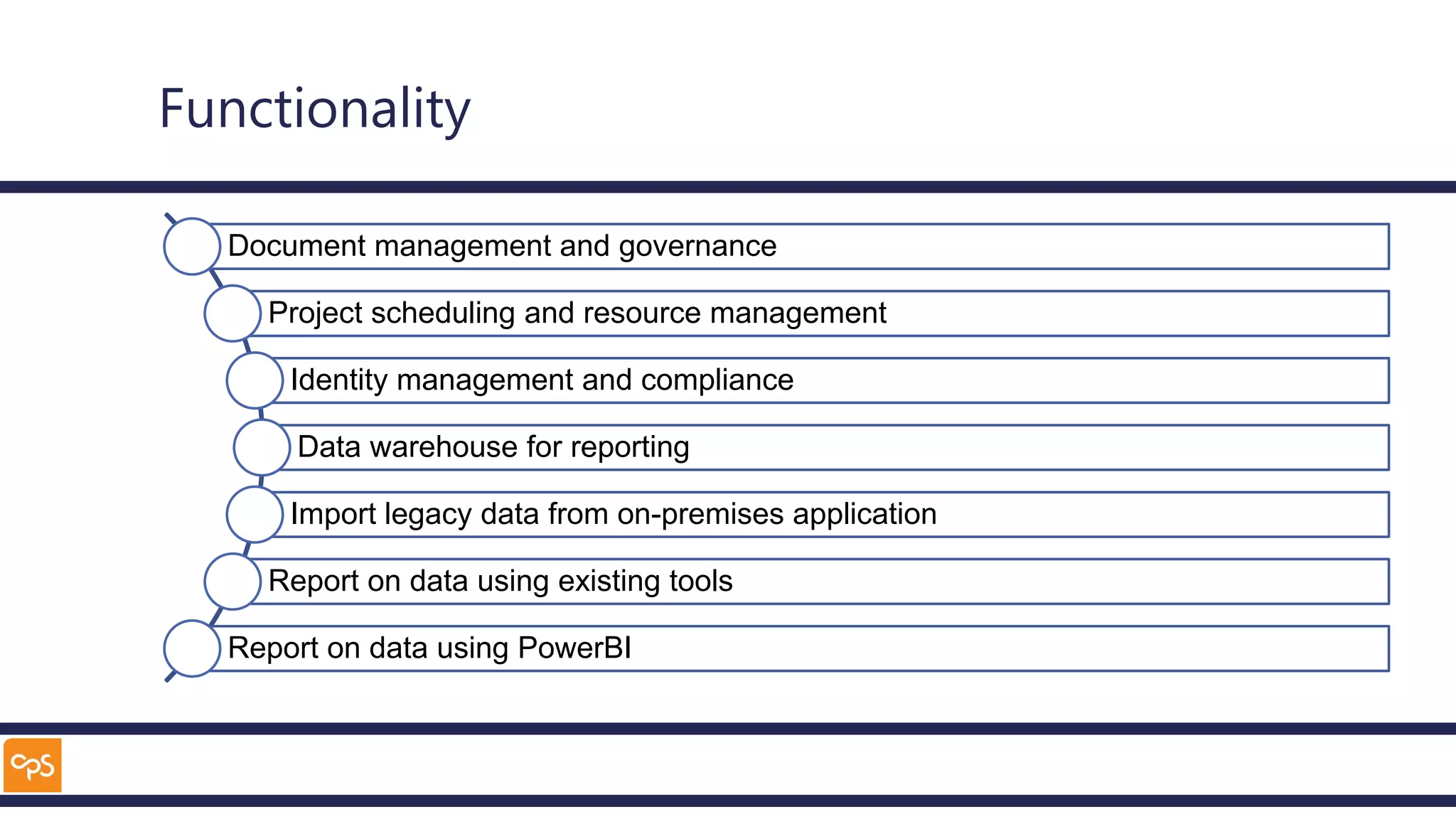
Functionality
Document management and governance
Project scheduling and resource management
Identity management and compliance
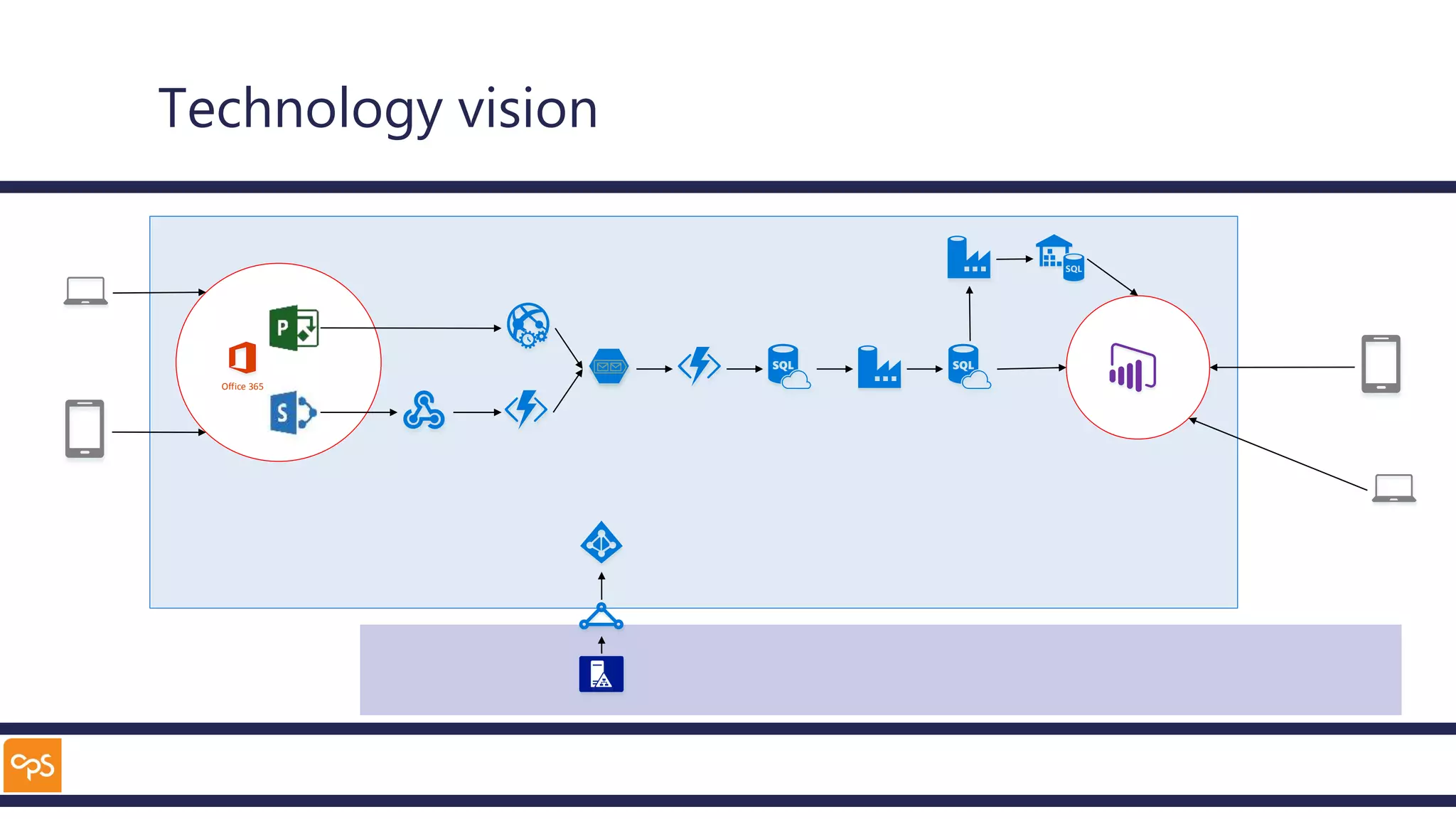
Data warehouse for reporting
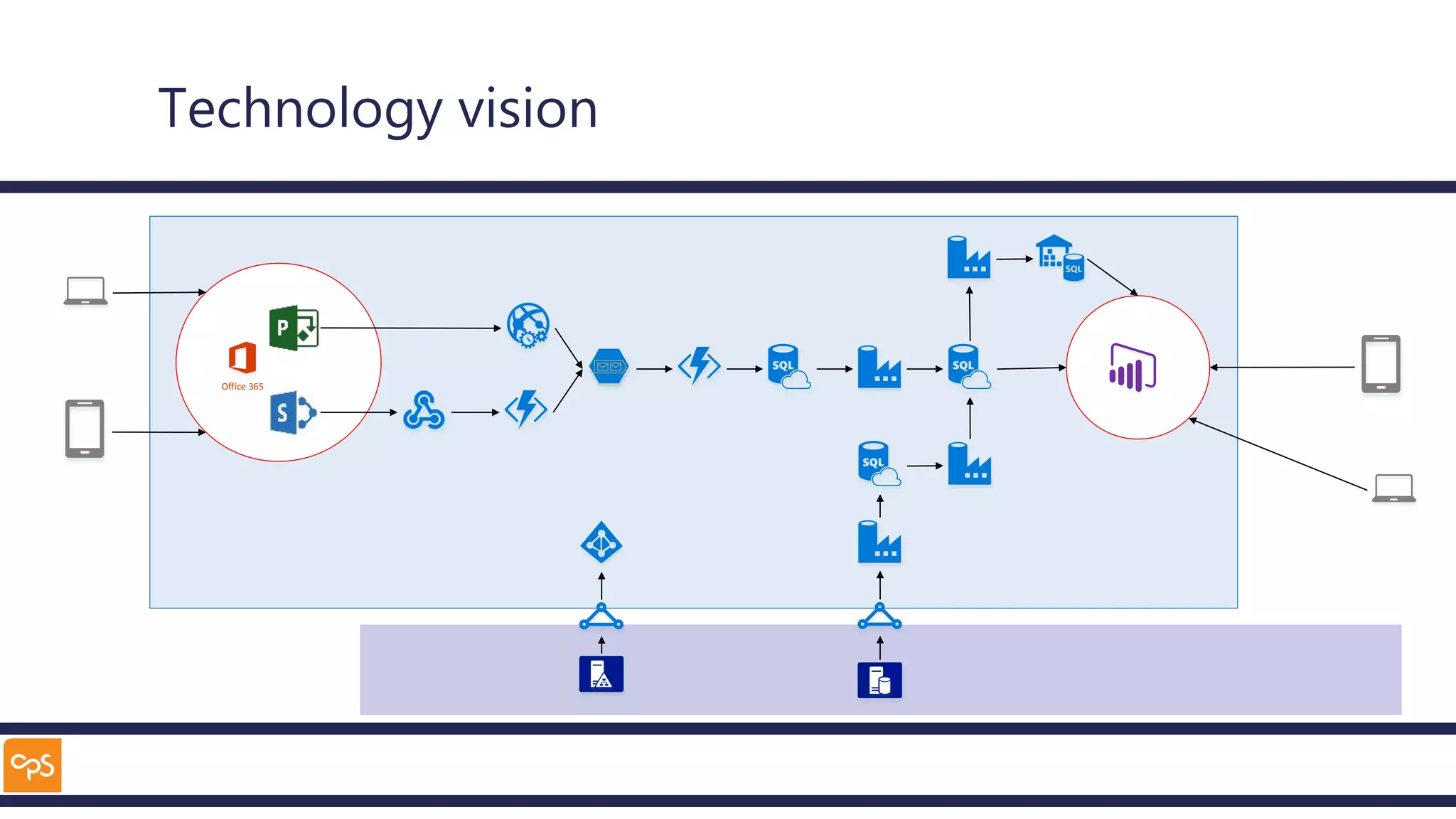
Import legacy data from on-premises application
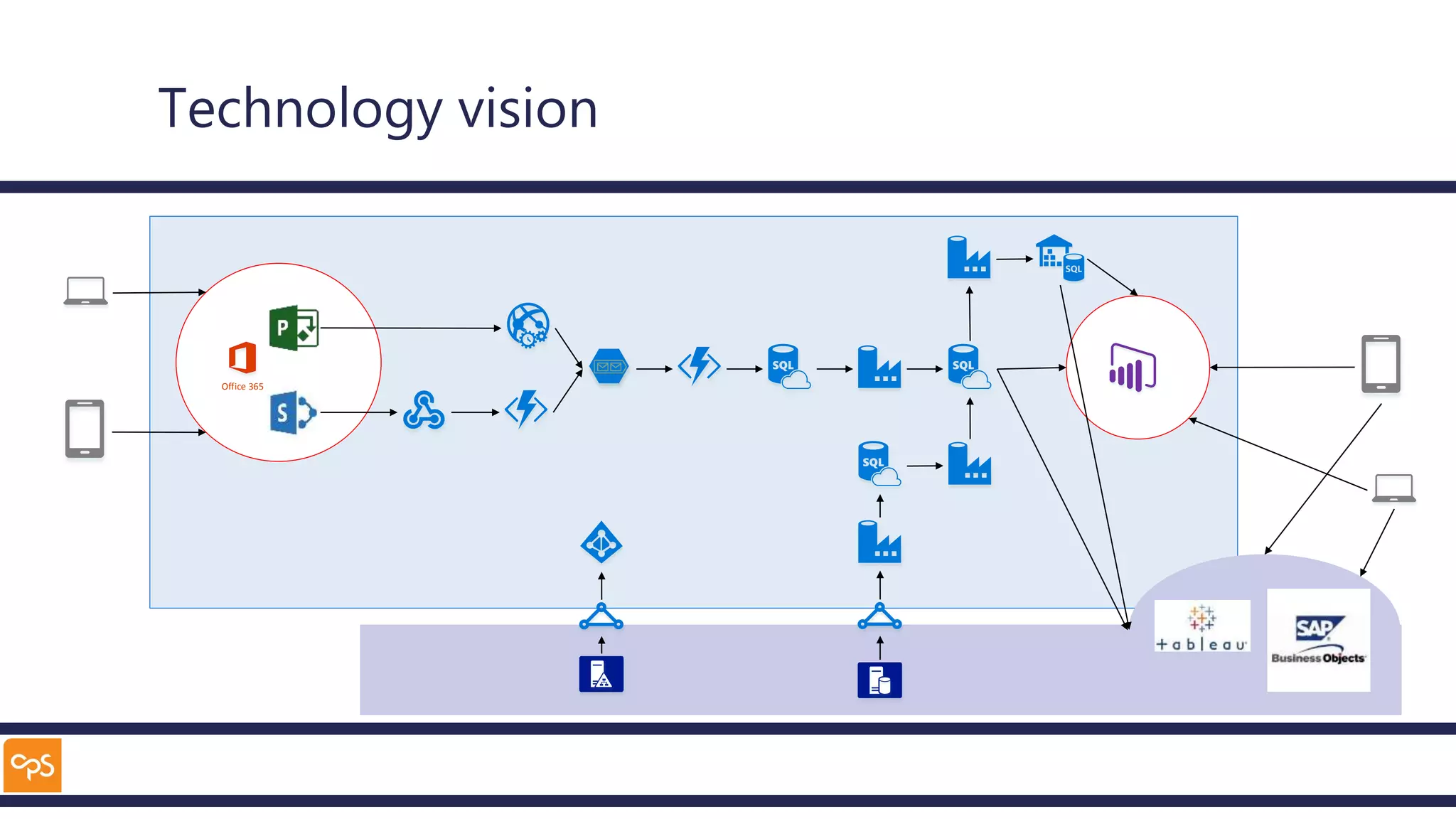
Report on data using existing tools
Report on data using PowerBI
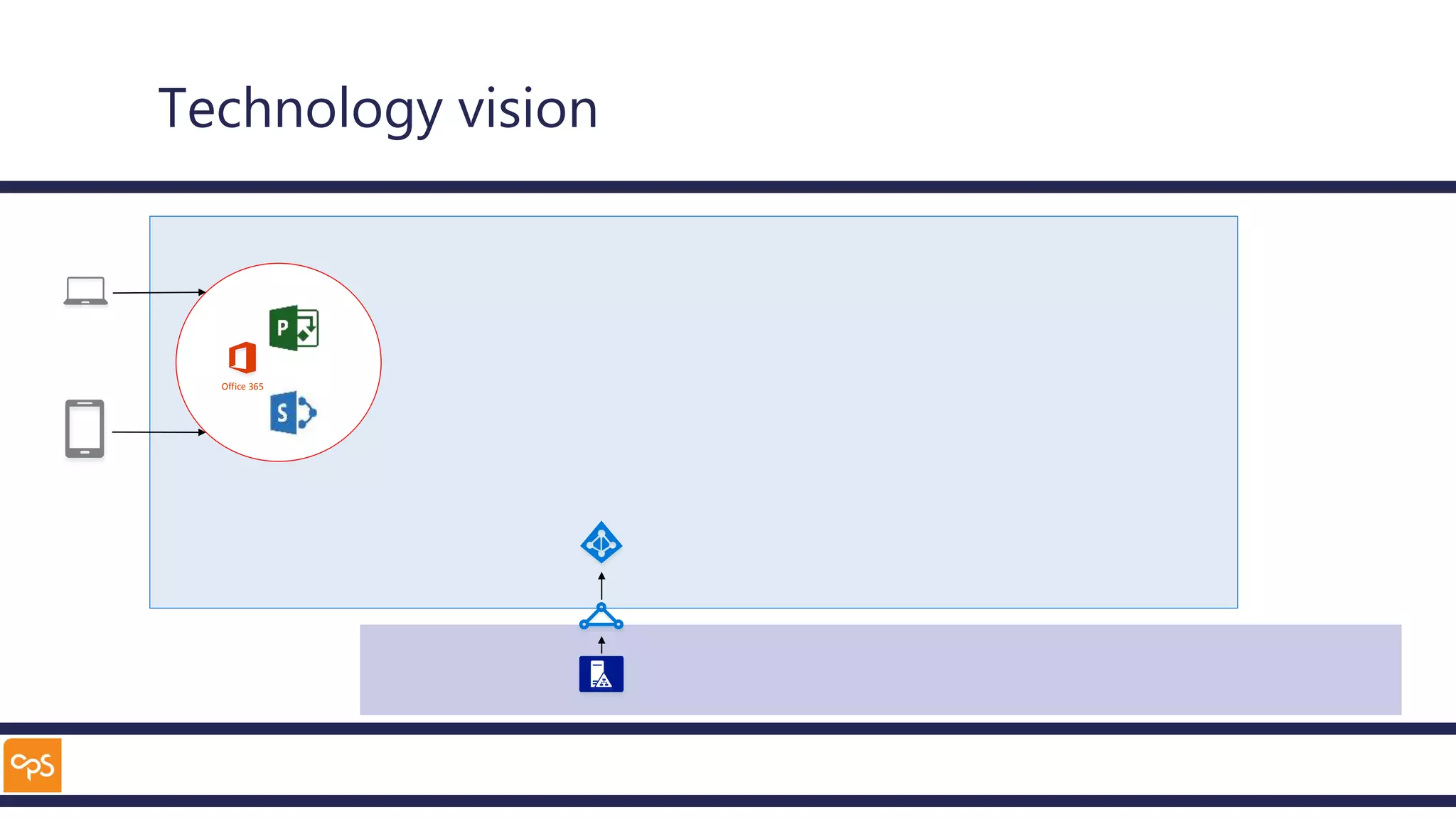
Technology vision
Office 365
Technology vision
Office 365
Technology vision
Office 365
Technology vision
Office 365
Hurdles
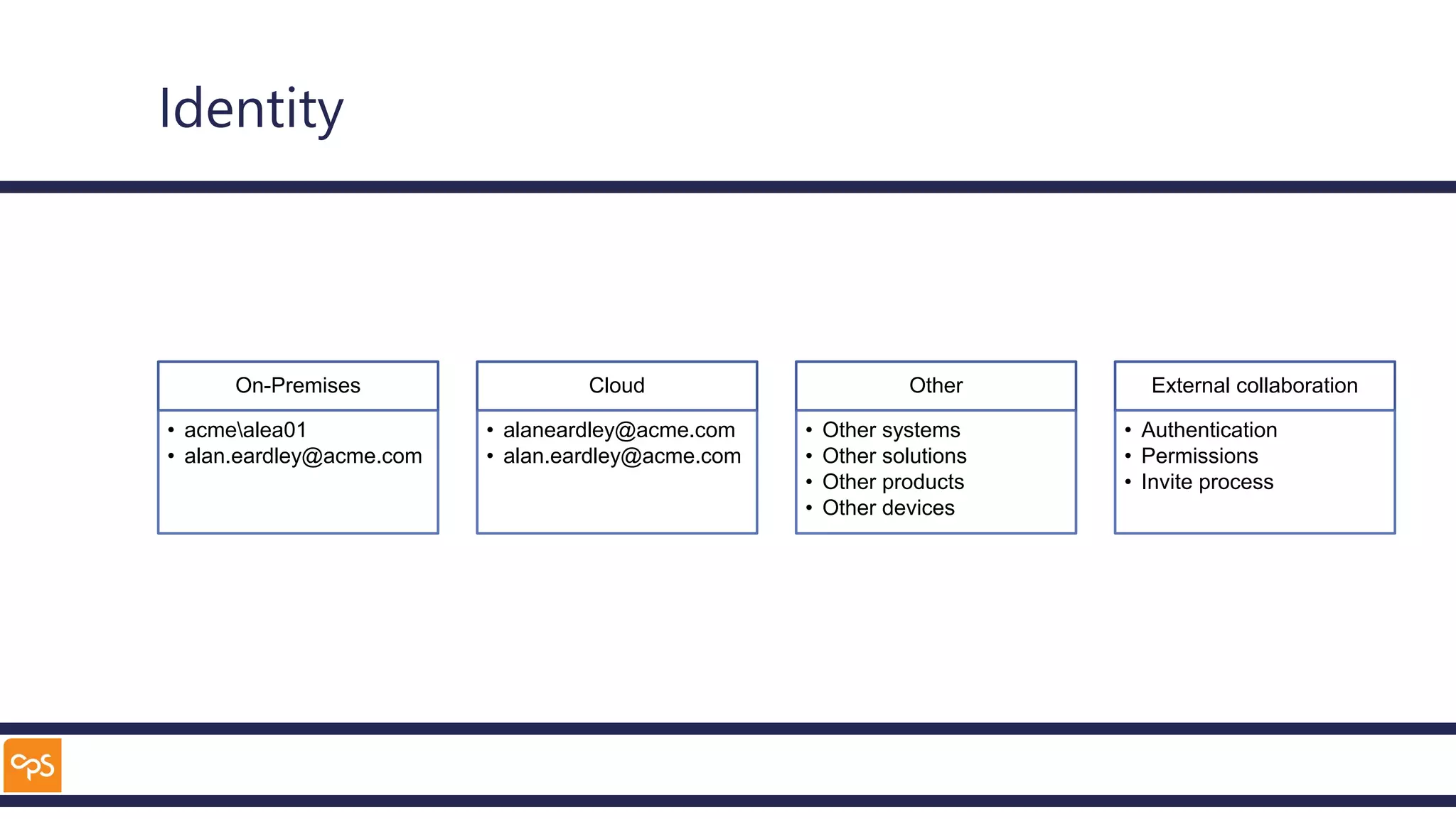
Identity
On-Premises
• acmealea01
• alan.eardley@acme.com
Cloud
• alaneardley@acme.com
• alan.eardley@acme.com
Other
• Other systems
• Other solutions
• Other products
• Other devices
External collaboration
• Authentication
• Permissions
• Invite process
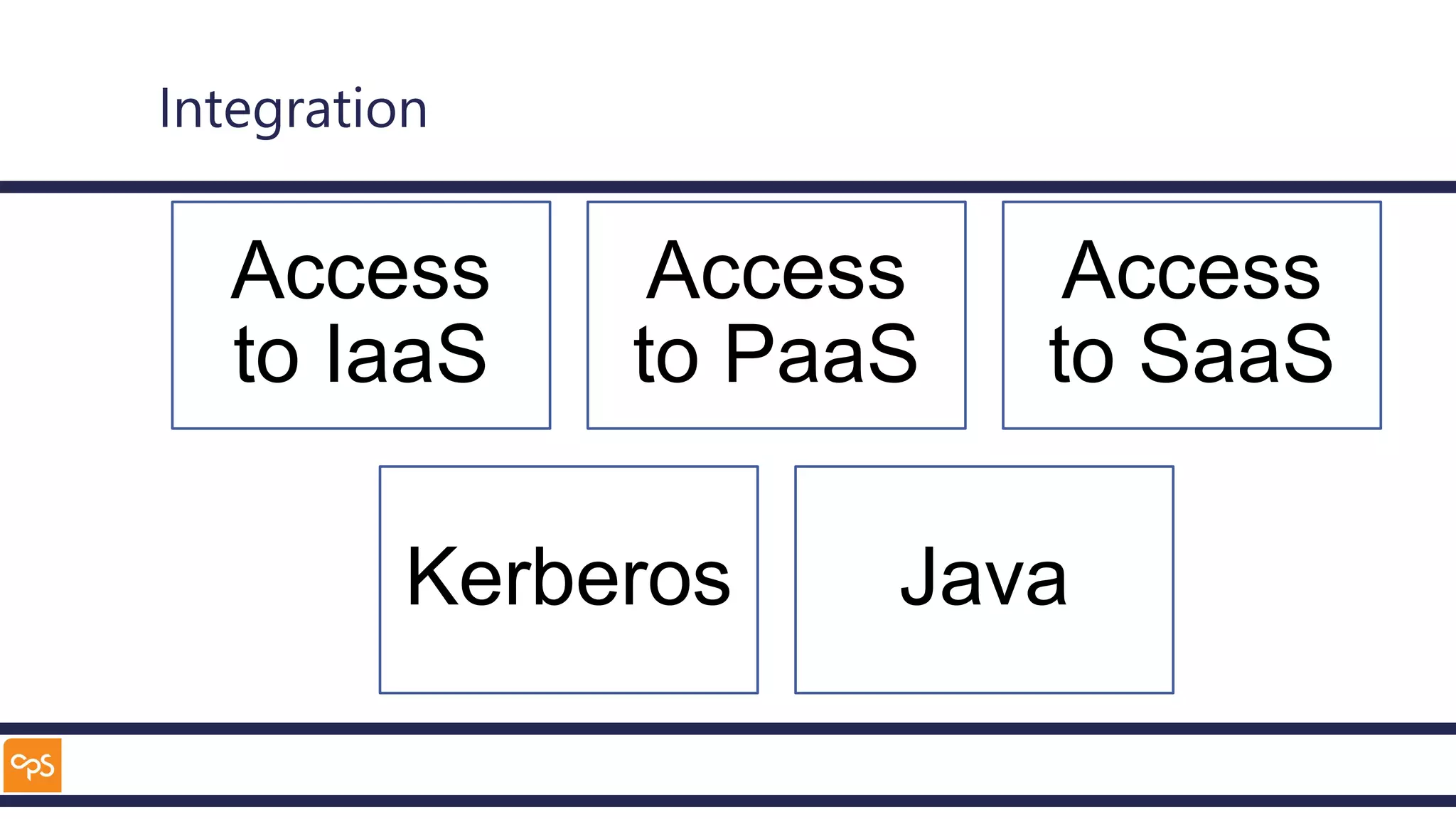
Integration
Access
to IaaS
Access
to PaaS
Access
to SaaS
Kerberos Java
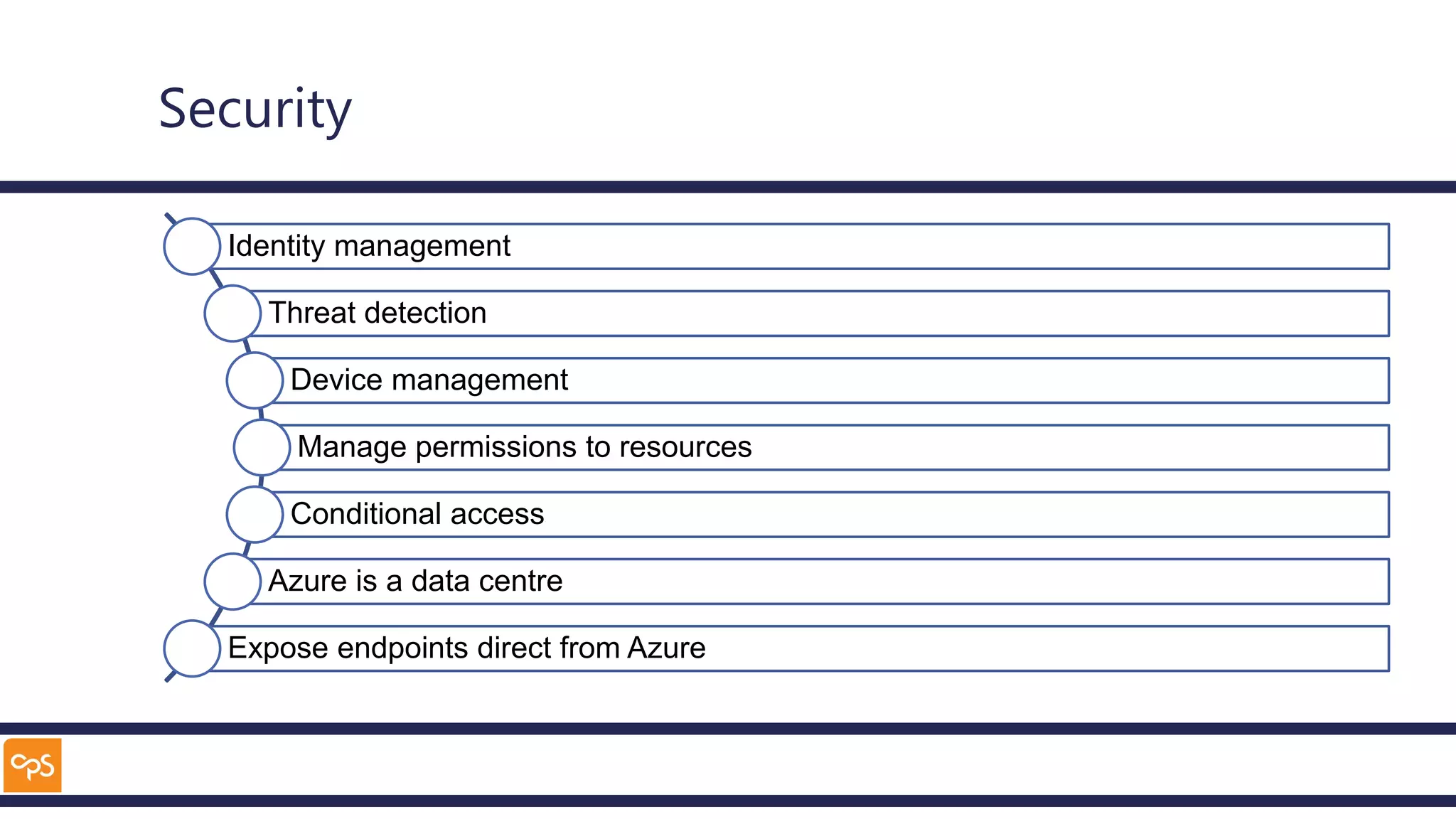
Security
Identity management
Threat detection
Device management
Manage permissions to resources
Conditional access
Azure is a data centre
Expose endpoints direct from Azure
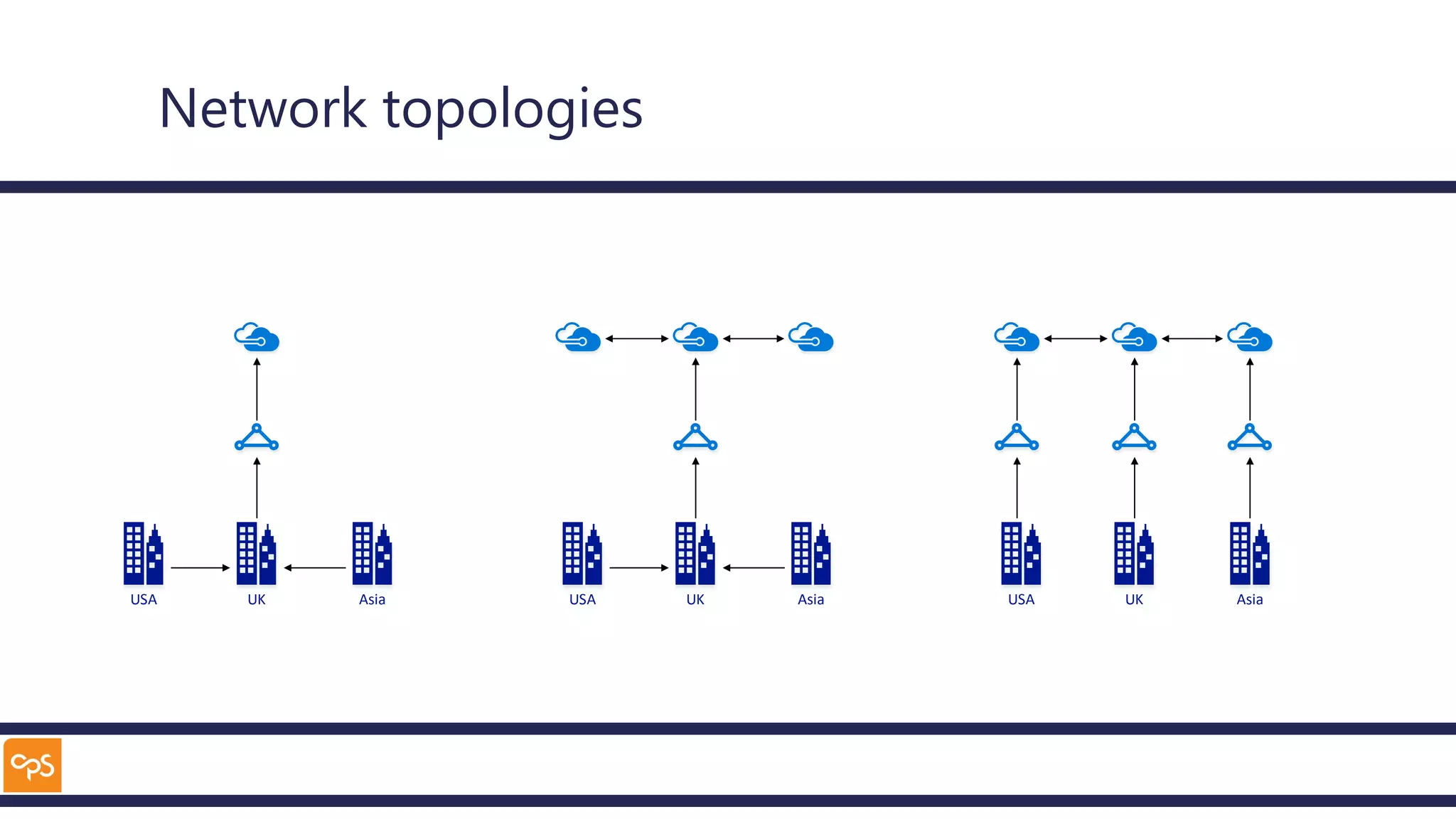
Network topologies
USA UK Asia USA UK Asia USA UK Asia
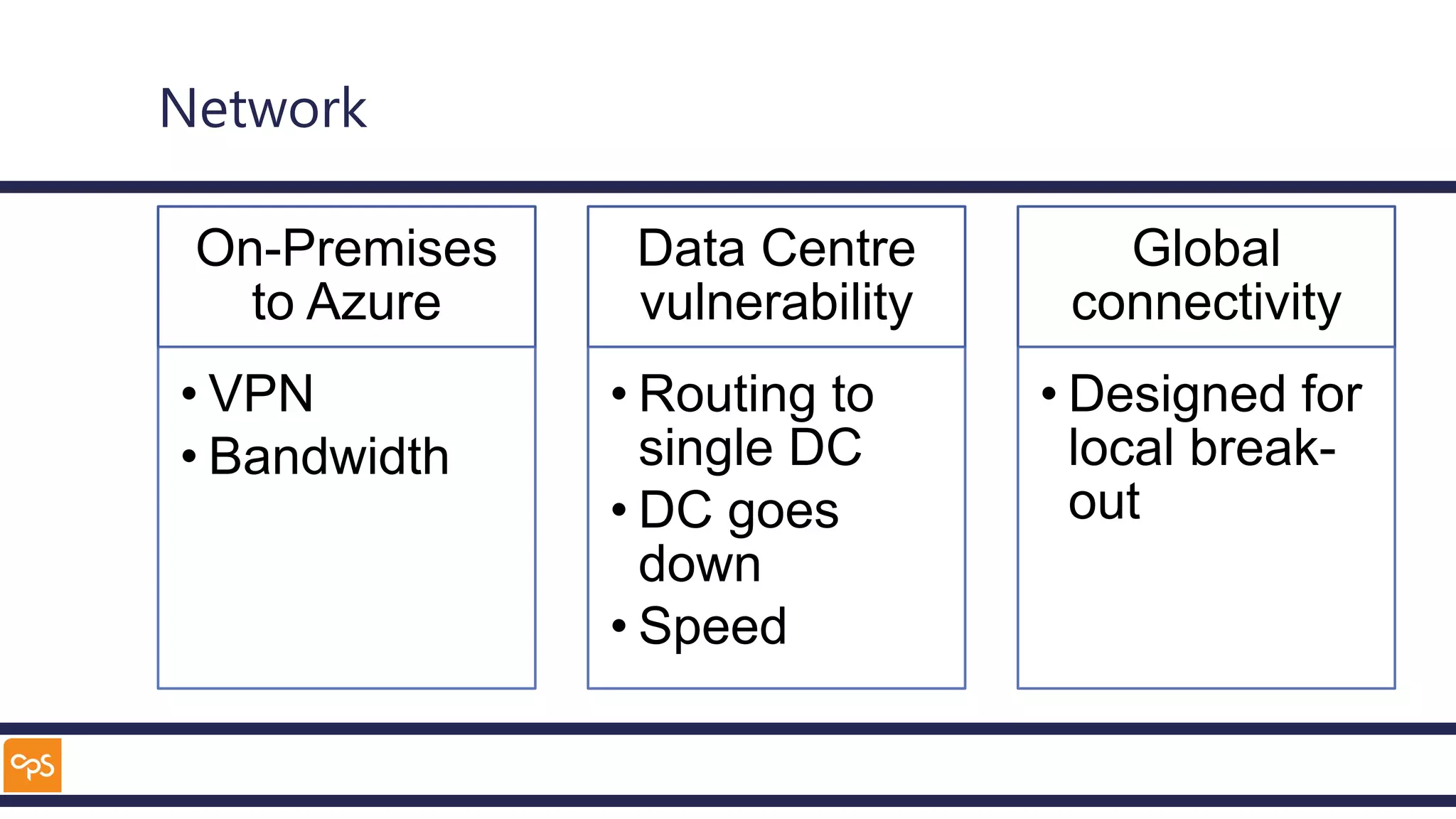
Network
On-Premises
to Azure
• VPN
• Bandwidth
Data Centre
vulnerability
• Routing to
single DC
• DC goes
down
• Speed
Global
connectivity
• Designed for
local break-
out
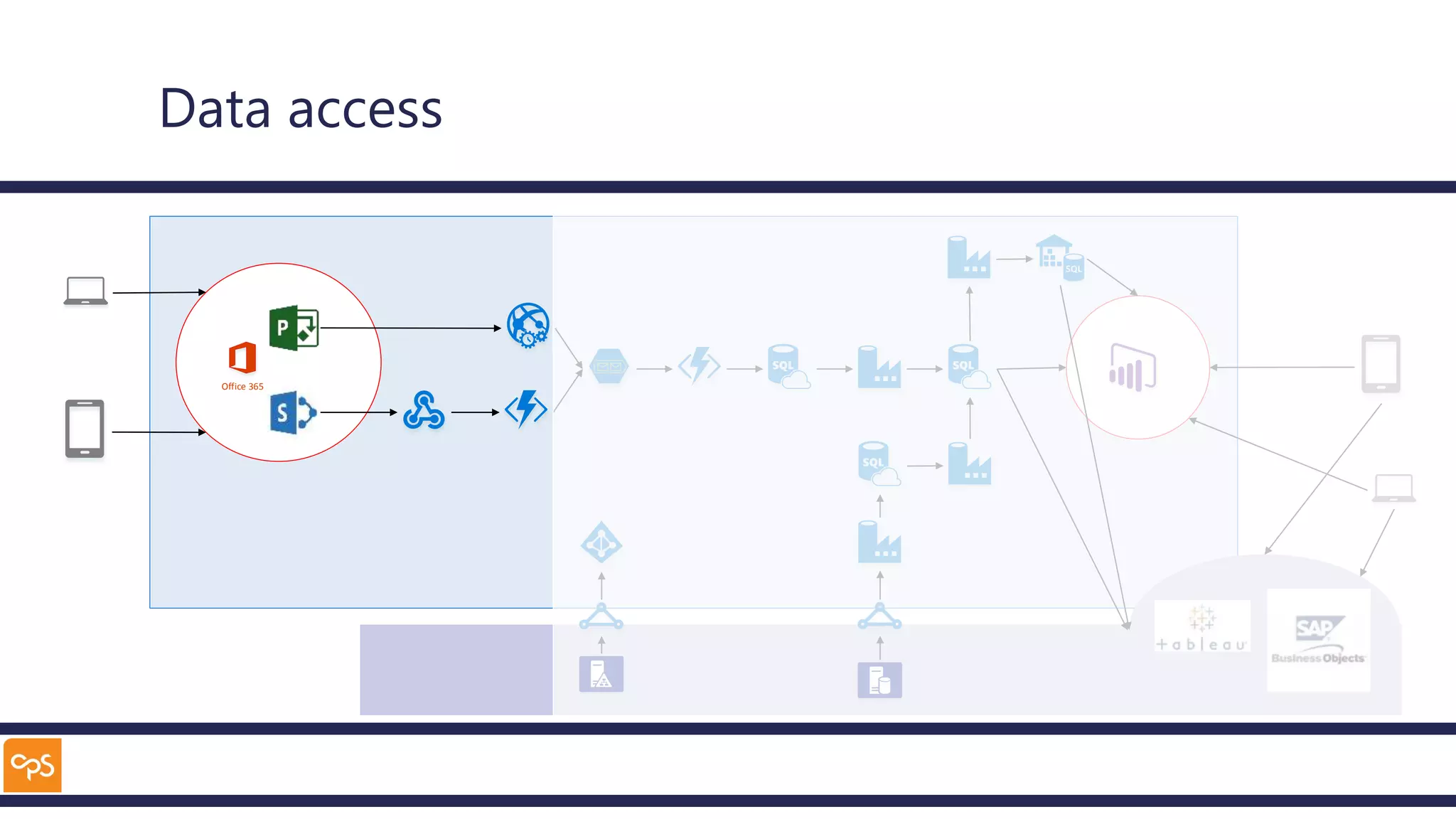
Data access
Office 365
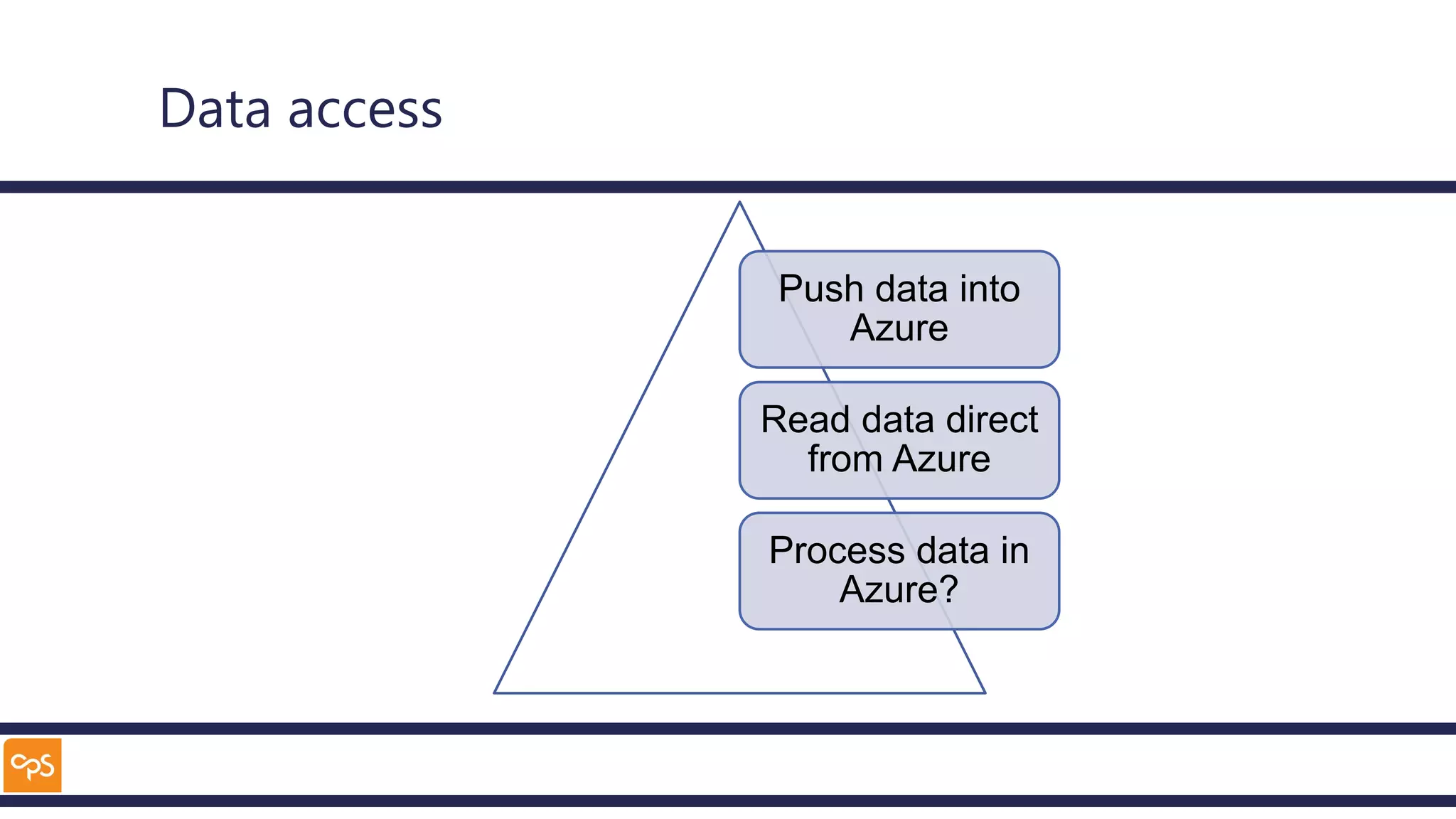
Data access
Push data into
Azure
Read data direct
from Azure
Process data in
Azure?
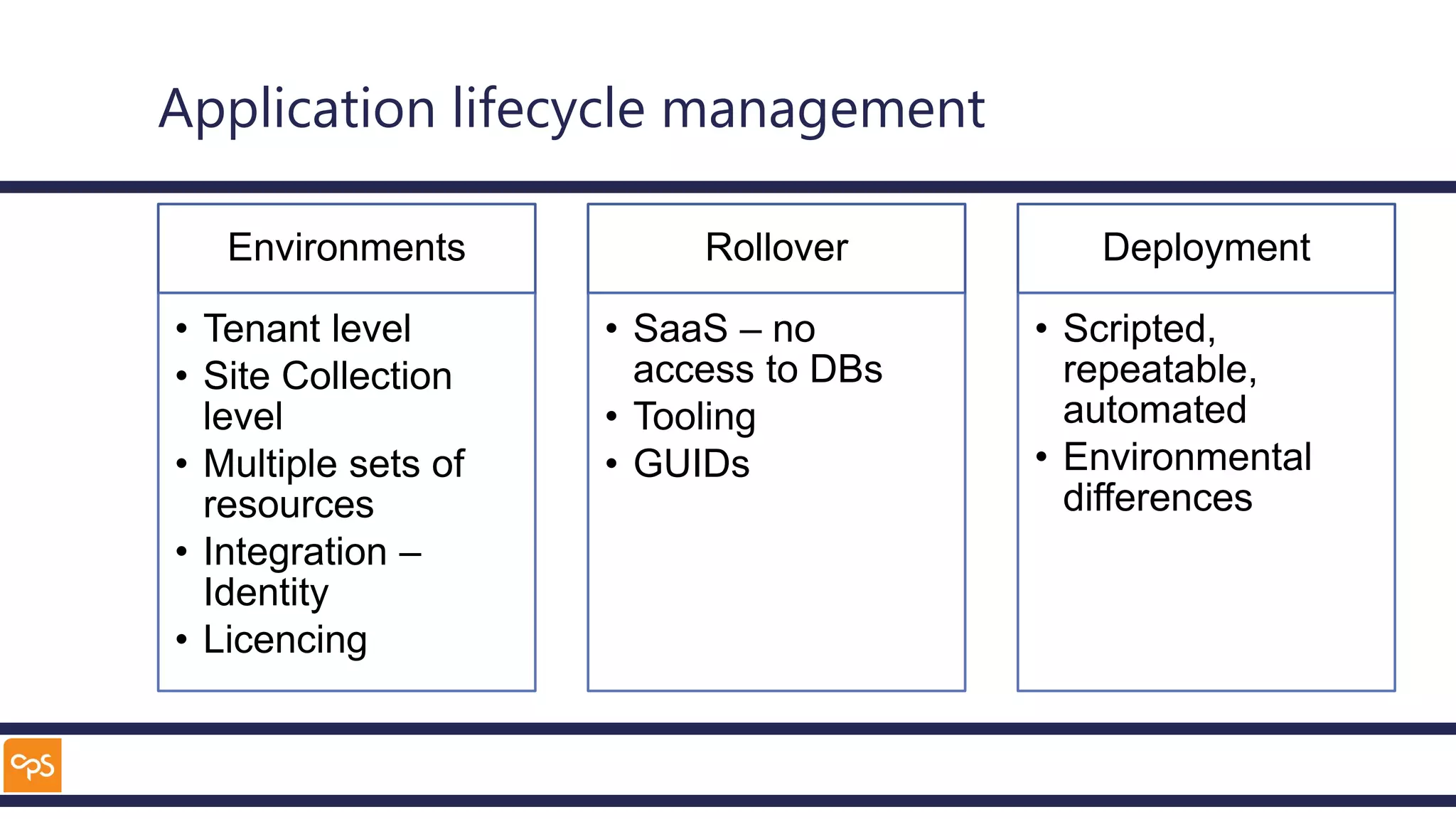
Application lifecycle management
Environments
• Tenant level
• Site Collection
level
• Multiple sets of
resources
• Integration –
Identity
• Licencing
Rollover
• SaaS – no
access to DBs
• Tooling
• GUIDs
Deployment
• Scripted,
repeatable,
automated
• Environmental
differences
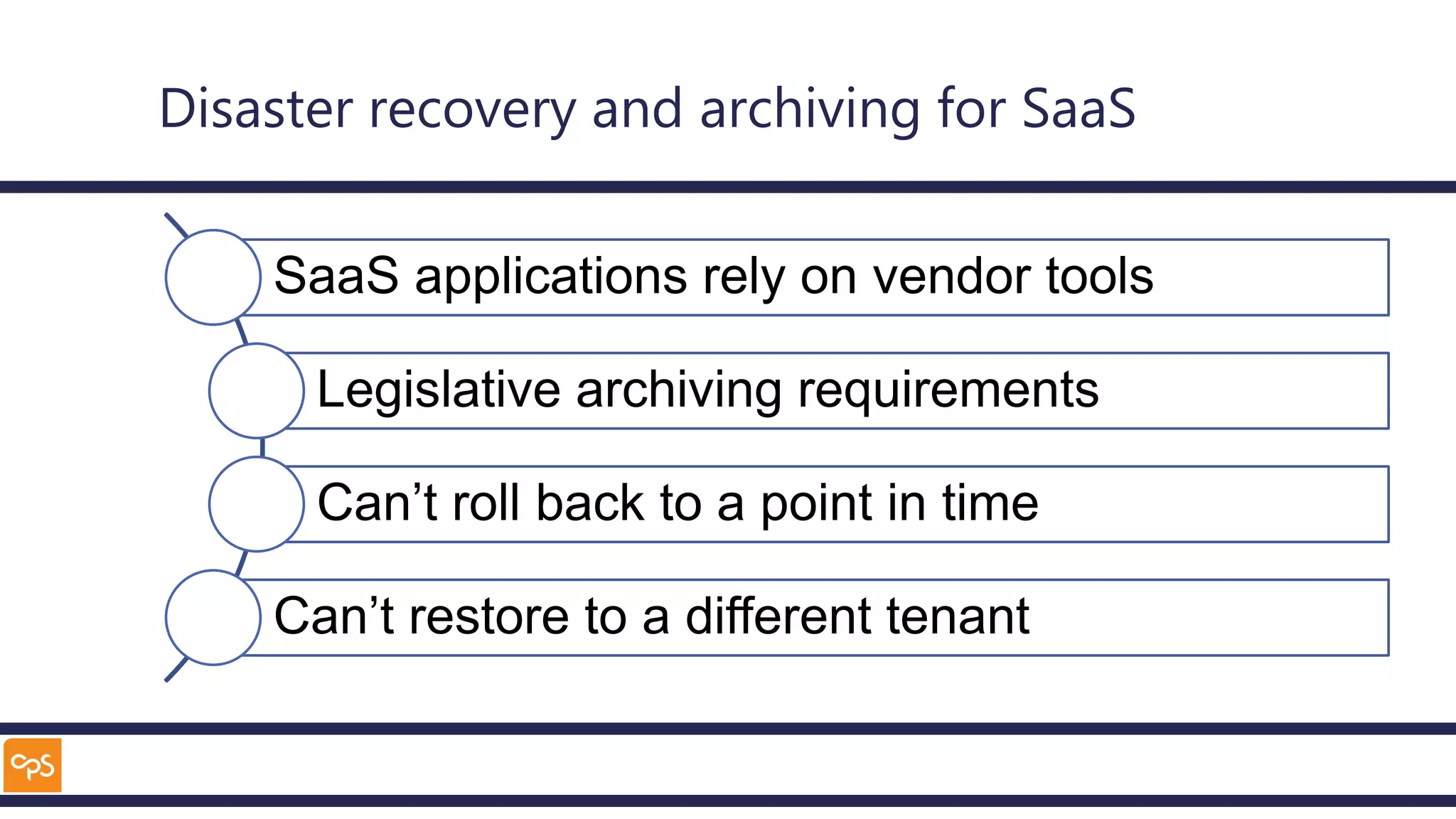
Disaster recovery and archiving for SaaS
SaaS applications rely on vendor tools
Legislative archiving requirements
Can’t roll back to a point in time
Can’t restore to a different tenant
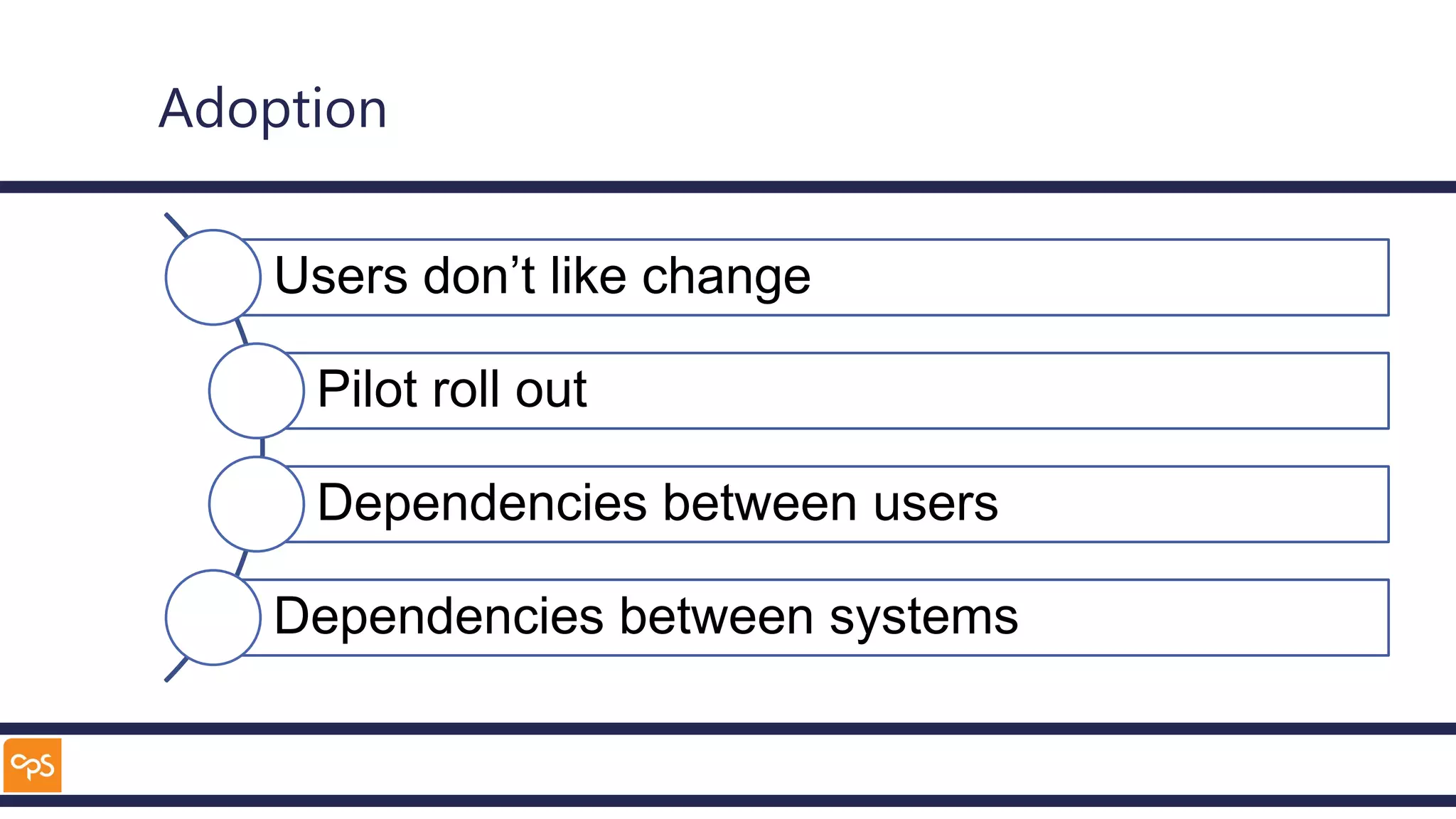
Adoption
Users don’t like change
Pilot roll out
Dependencies between users
Dependencies between systems
Takeaways
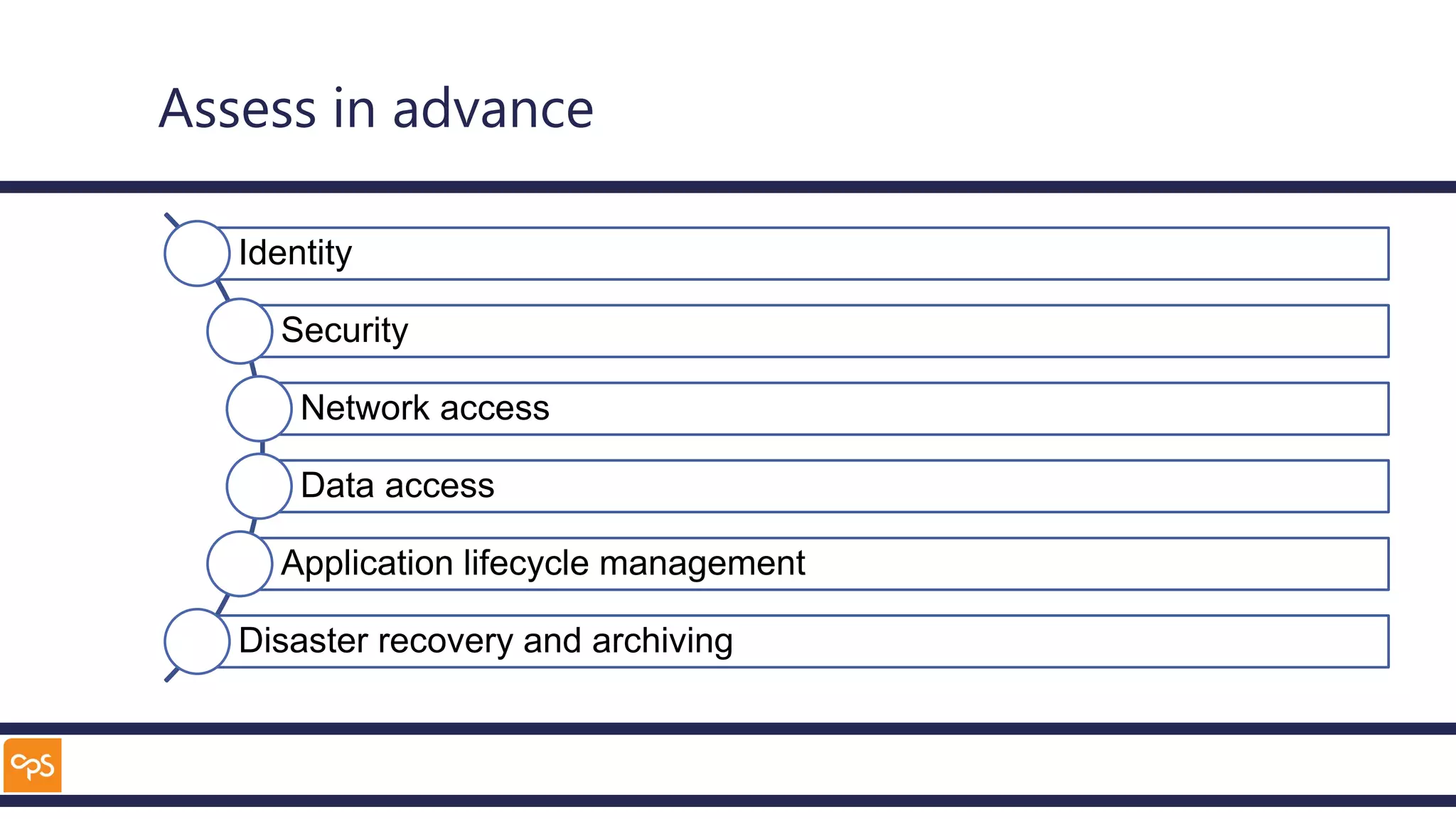
Assess in advance
Identity
Security
Network access
Data access
Application lifecycle management
Disaster recovery and archiving
Planning
Plan for technology
Validate concerns and risks
Plan for user adoption
Contact details – Alan Eardley
• Twitter: @al_eardley
• LinkedIn: https://www.linkedin.com/in/alaneardley/
#SPSBE
http://spsbe.be
Please rate this session!
SharePoint Saturday Belgium 2018
#SPSBE

Cloud First. Be Prepared

Editor's Notes

  • #5 Most of us know why to a move to cloud is good Many organisations are now satisfied with the security, or motivated by the security The impending end of support for Windows 7 is driving clients to Windows 10 and therefore Microsoft 365
  • #8 Patching and upgrading of OS and Software Reduced cost – management, high availability, distadter recovery
  • #9 Teams, SharePoint, Stream
  • #15 Office 365 and identity management
  • #16 Build of data warehouse and surface in PowerBI
  • #17 Import data from legacy solution
  • #18 Access from on-premises tools
  • #20 Without the ability to access the cloud, the project stops Different technical approaches such as cloud identity, federation and passthrough Common issues are more related to changes in user behaviour
  • #22 Like any other data centre, access needs to be controlled Delegation of permissions works well in Azure – grant permissions to different resource groups containing logical sets of Azure resources Azure resources have different methods for exposing endpoints Azure SQL has firewalls to allow restriction to allowed IP addresses by default Web based applications can accept traffic from anywhere, or be restricted to a range of IP addresses
  • #24 Tunnel to Azure – 100MB BA Azure can scale globally – not if all traffic is routed through a single datacentre
  • #31 Change management