Establishing Environmental Best PracticesBrendan LawBlaw@td.com.au@FlamerNZFlamer.co.nz/spag/
AgendaActive DirectoryService AccountsDatabase PlatformWindows PlatformData Storage PlanningVirtualisationFarm Topologies
Introduction	The trick is finding the right balance between:There are often many solutions to the same problemNot meant as prescriptive guidance, but these are examples of how I have got it to workKeen to hear about others’ experiences
Active Directory
Active DirectoryCorporate Intranet or Internal Only SharePointCreate Service Accounts in existing corporate domainUse a naming convention for easy identificationPlace accounts in Service Accounts OUUse strong passwords/password generator tool
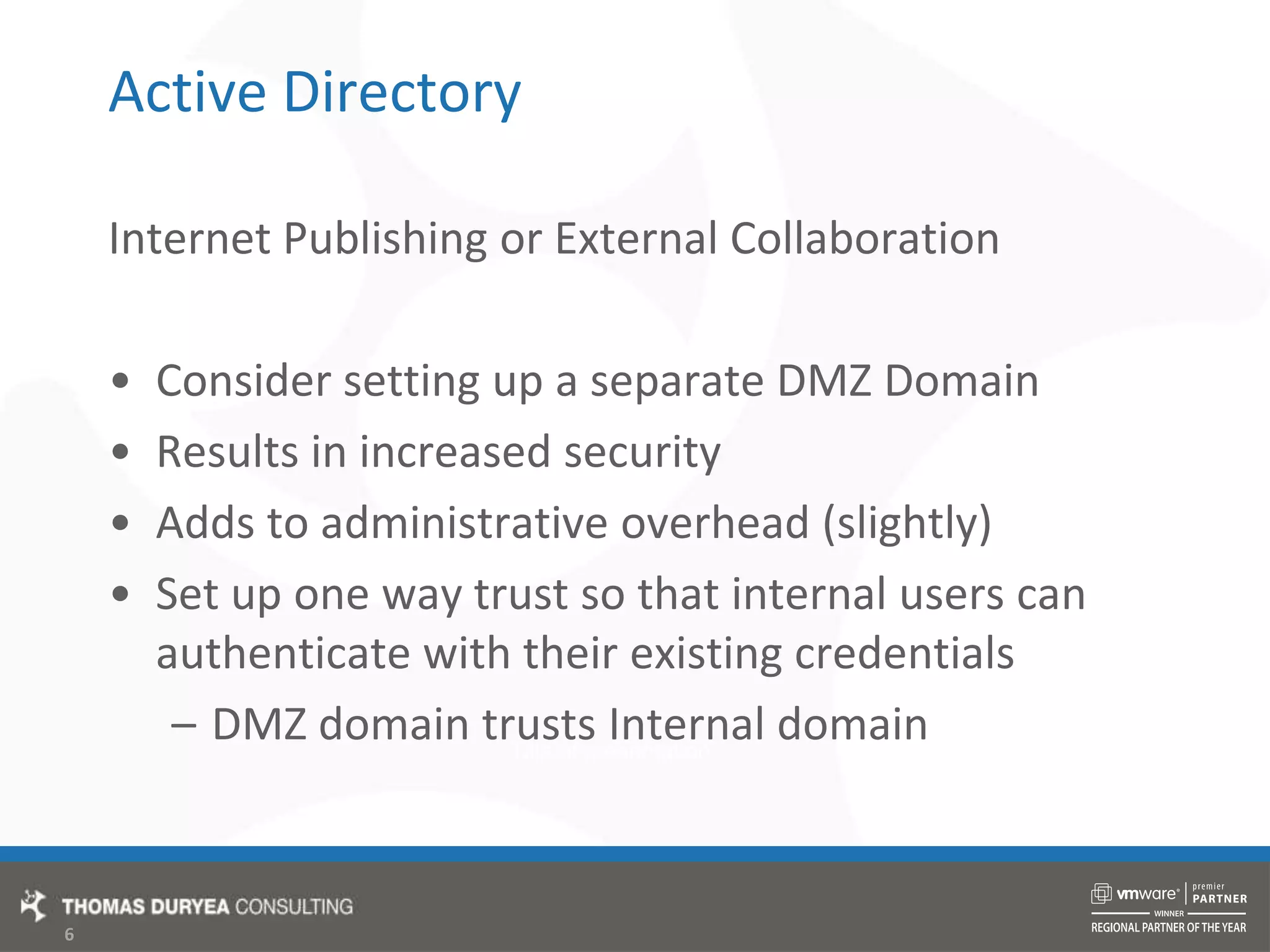
Active DirectoryInternet Publishing or External CollaborationConsider setting up a separate DMZ DomainResults in increased securityAdds to administrative overhead (slightly)Set up one way trust so that internal users can authenticate with their existing credentialsDMZ domain trusts Internal domain
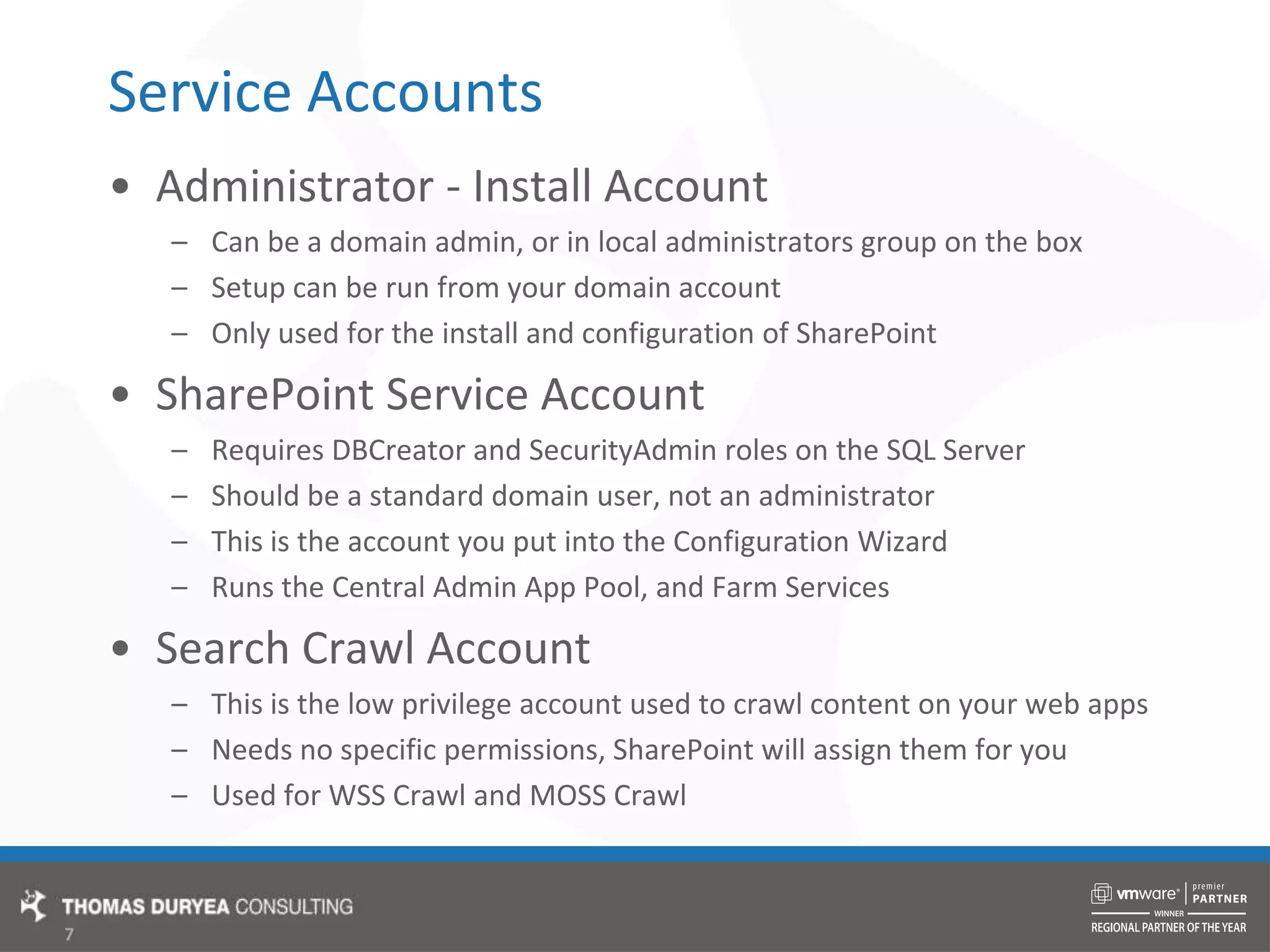
Service AccountsAdministrator - Install AccountCan be a domain admin, or in local administrators group on the boxSetup can be run from your domain accountOnly used for the install and configuration of SharePointSharePoint Service AccountRequires DBCreator and SecurityAdmin roles on the SQL ServerShould be a standard domain user, not an administratorThis is the account you put into the Configuration WizardRuns the Central Admin App Pool, and Farm ServicesSearch Crawl AccountThis is the low privilege account used to crawl content on your web appsNeeds no specific permissions, SharePoint will assign them for youUsed for WSS Crawl and MOSS Crawl
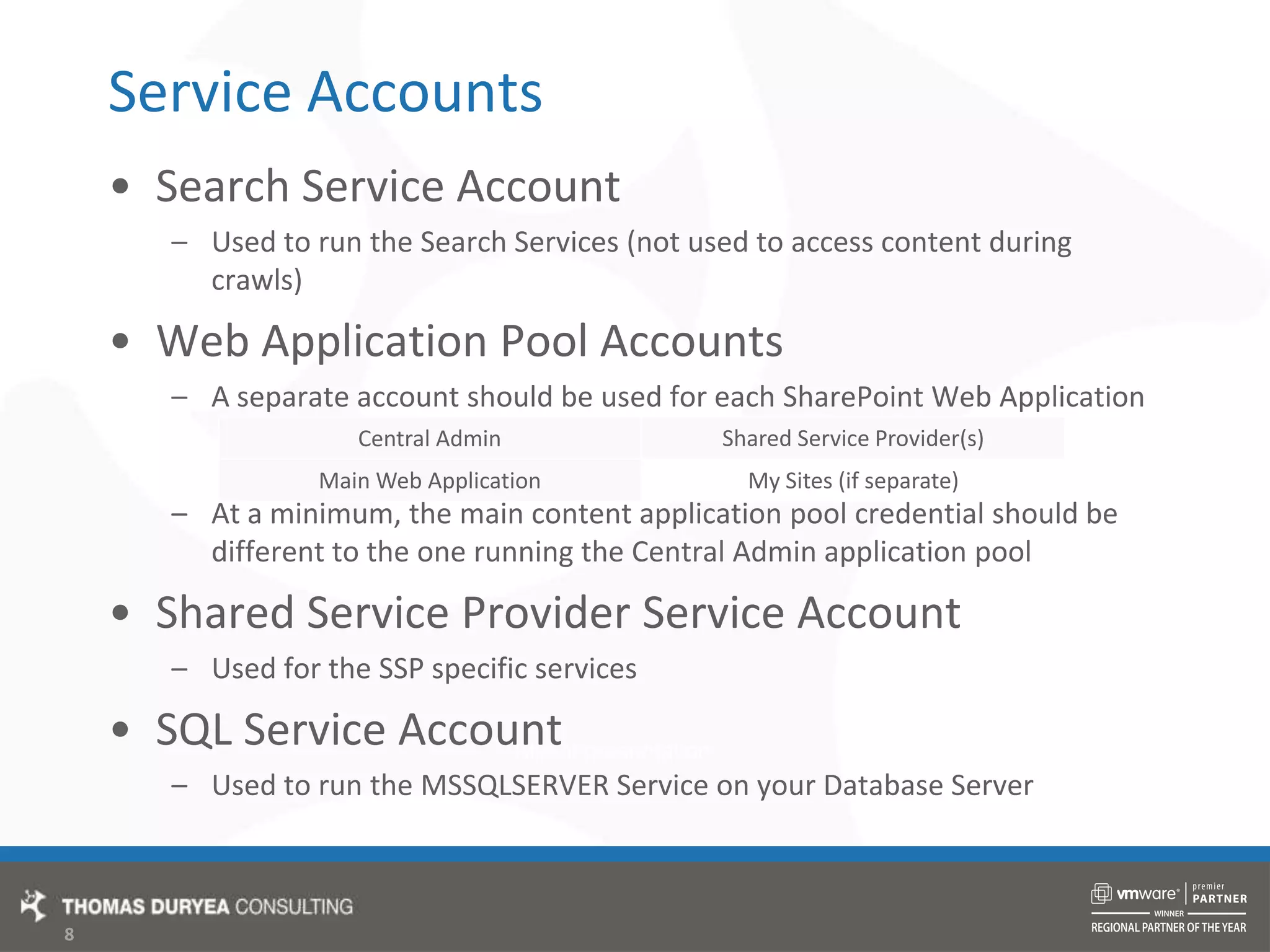
Service AccountsSearch Service AccountUsed to run the Search Services (not used to access content during crawls)Web Application Pool AccountsA separate account should be used for each SharePoint Web ApplicationAt a minimum, the main content application pool credential should be different to the one running the Central Admin application poolShared Service Provider Service AccountUsed for the SSP specific servicesSQL Service AccountUsed to run the MSSQLSERVER Service on your Database Server
Database Platform
Database PlatformAwesome!New Dedicated SQL Server or Cluster64 bitPlenty of RAM (8GB +)Physical ServerEither 2005 or 2008Fast RAID 5 local disks orSAN attached DB StorageMaintenance PlansWell maintainedBackups
Database PlatformGoodNew SQL Instance, or underutilised shared SQL ServerPreferably 64 bit, or 32 bitAdequate RAM (4GB +) or more if SharedPhysical or Virtual2005 or 2008Fast mirrored local disksOr, if virtual, SAN attached DB StorageMaintenance PlansBackups
Database PlatformBadOld or over utilised shared SQL server32 bitHeavy page file utilisation due to inadequate RAMOld Physical server, or under resourced VirtualSQL 2000 or MSDE/SSEESlow local disks, no redundancyNo maintenance plans/not maintainedNo backupsHUGE log files, drives running out of spaceNo one takes responsibility for maintenance
Windows Platform
Patches and Service PacksPatch Windows!Make sure windows updates are runningTest WSUS functionalityPatch SQL ServerSQL 2000 SP4 required for installAnother good reason to have a dedicated SQL installSlipstream latest MOSS Service PackSP2 patch has now been releasedDelete WSSSetup.dll from Updates directory
PartitioningSharePoint ServersSystem PartitionC:\Where the Windows, Program Files folders live30GB+Disk space usage can blow out during Service Pack installationCan be on a locally attached diskData PartitionD:\Where everything else is, Logs, Indexes, Web Site FilesSource/Install for storage of installed binariesDeployment folder for solution packagesShould be on a SAN/RAID disk for performance
PartitioningDatabase ServersSystem PartitionC:\Where Windows, and SQL application files live30GB+Disk space usage can blow out during Service Pack installationCan be on a locally attached diskData PartitionD:\Stores all the mdf files for SharePoint databasesEnsure it is large enough to accommodate future growthShould be on SAN/RAID disk for redundancy
PartitioningDatabase Servers (continued)Logs PartitionE:\Stores all the ldf files for SharePoint databasesNeeds to be fast, put on SAN/RAID disk or dedicated spindleBackup PartitionF:\Stores backups from your SQL maintenance plansOptional, if you have a separate backup server/storage methodNeeds to be redundant, put on RAID or Mirrored Partition
Data Storage Planning
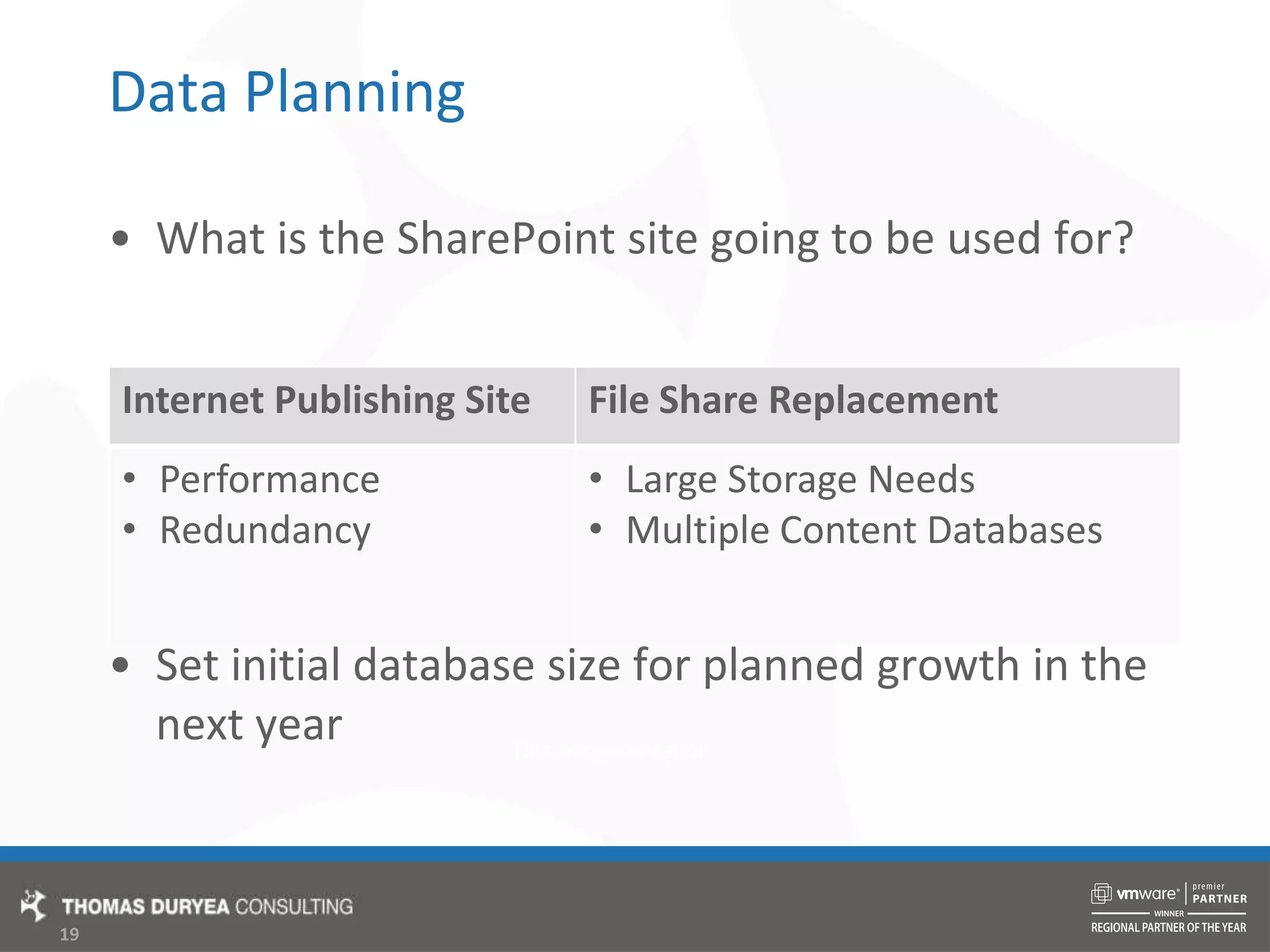
Data PlanningWhat is the SharePoint site going to be used for?Set initial database size for planned growth in the next year
Content DatabasesOneFor both Intranet Content and My SitesEasy to manageMy Site content can cause database to expandIf hosted in the same content DBUse quotas to manage site collection size
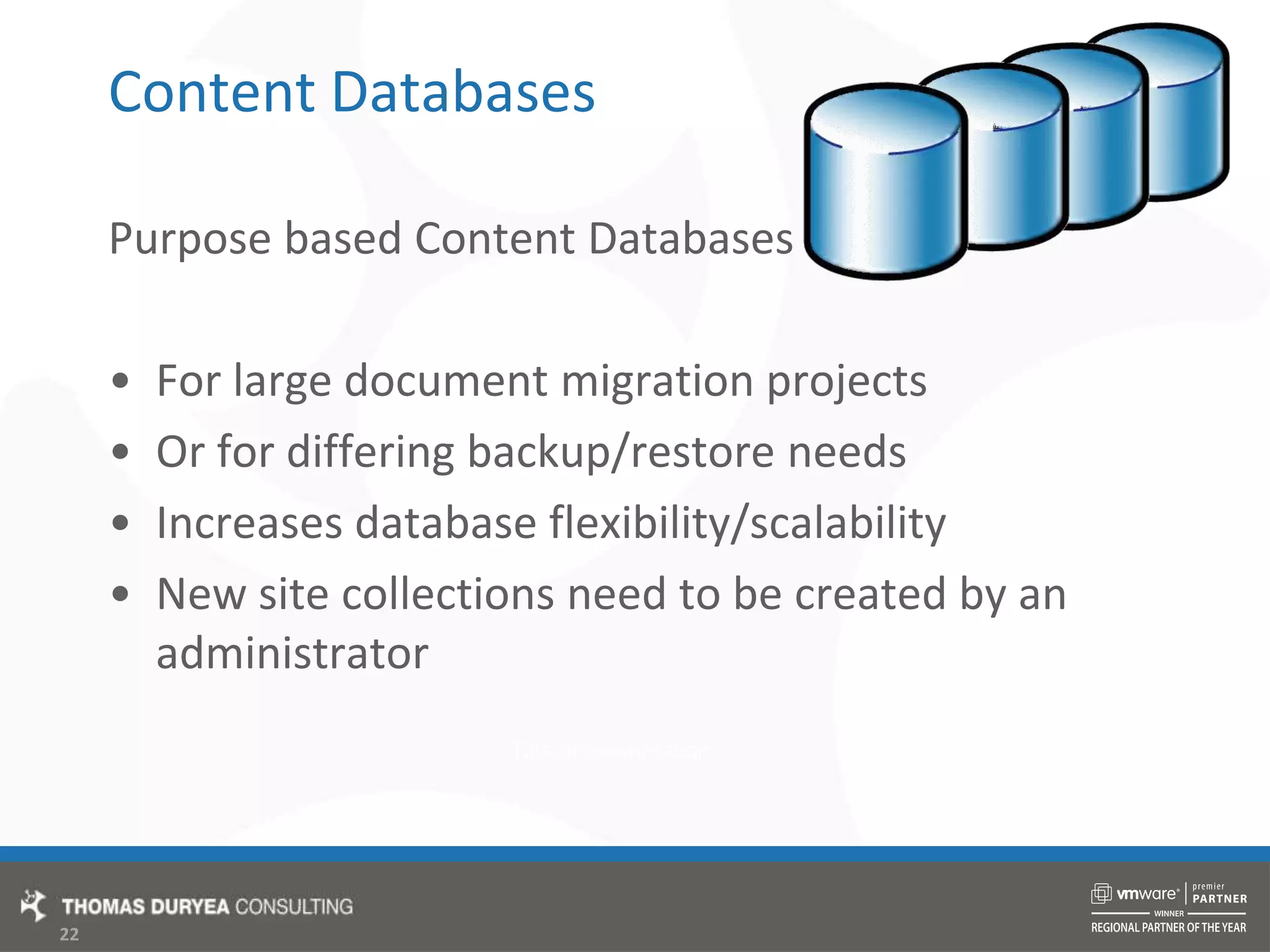
Content DatabasesSplit My Sites and Business ContentBusiness content can be backed up separatelyMy Site content database size is less of a concernHow:Create a new content database for my sitesSet original content database to offline
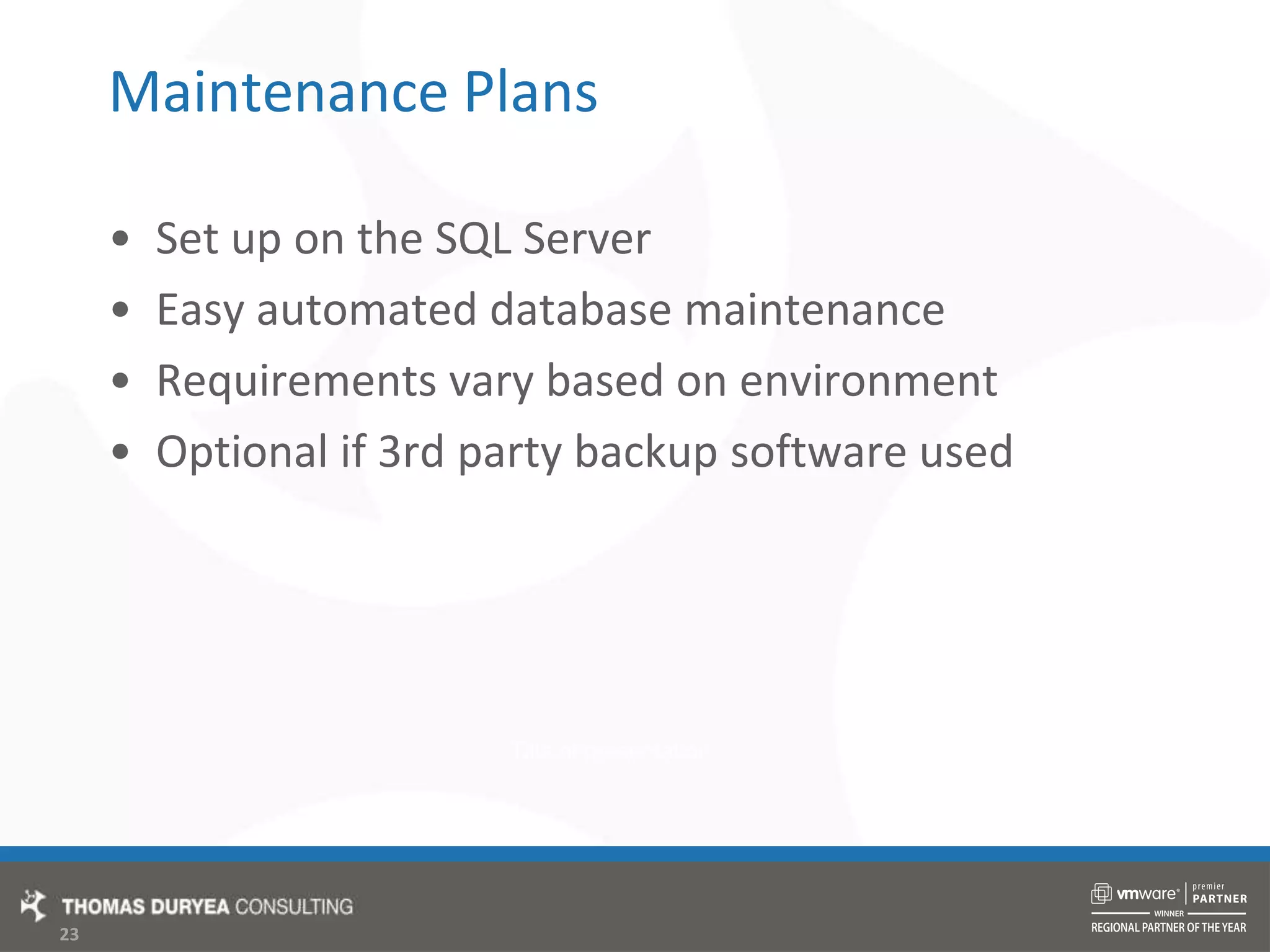
Content DatabasesPurpose based Content Databases For large document migration projectsOr for differing backup/restore needsIncreases database flexibility/scalabilityNew site collections need to be created by an  administrator
Maintenance PlansSet up on the SQL ServerEasy automated database maintenanceRequirements vary based on environmentOptional if 3rd party backup software used
Sample Maintenance PlansBackup User Databases DailyWith clean up task.bak files should then be copied to secondary storageBackup System Databases WeeklyAs these don't change as often as user databasesBackup Transaction Logs hourlyIf up to the hour restores are requiredOnly for databases with full recovery modelReindex Databases WeeklyHelps with performanceShrinking databases causes file system fragmentation
VirtualisationDecide what to VirtualiseWeb Front EndsSearch ServerApplication ServerDatabase ServerPhysical Infrastructure for ProductionVirtual for Test/Dev/Staging Backups are simplified, backup entire VHD/VMDKRestore as a group, at same point in time
Farm Topologies
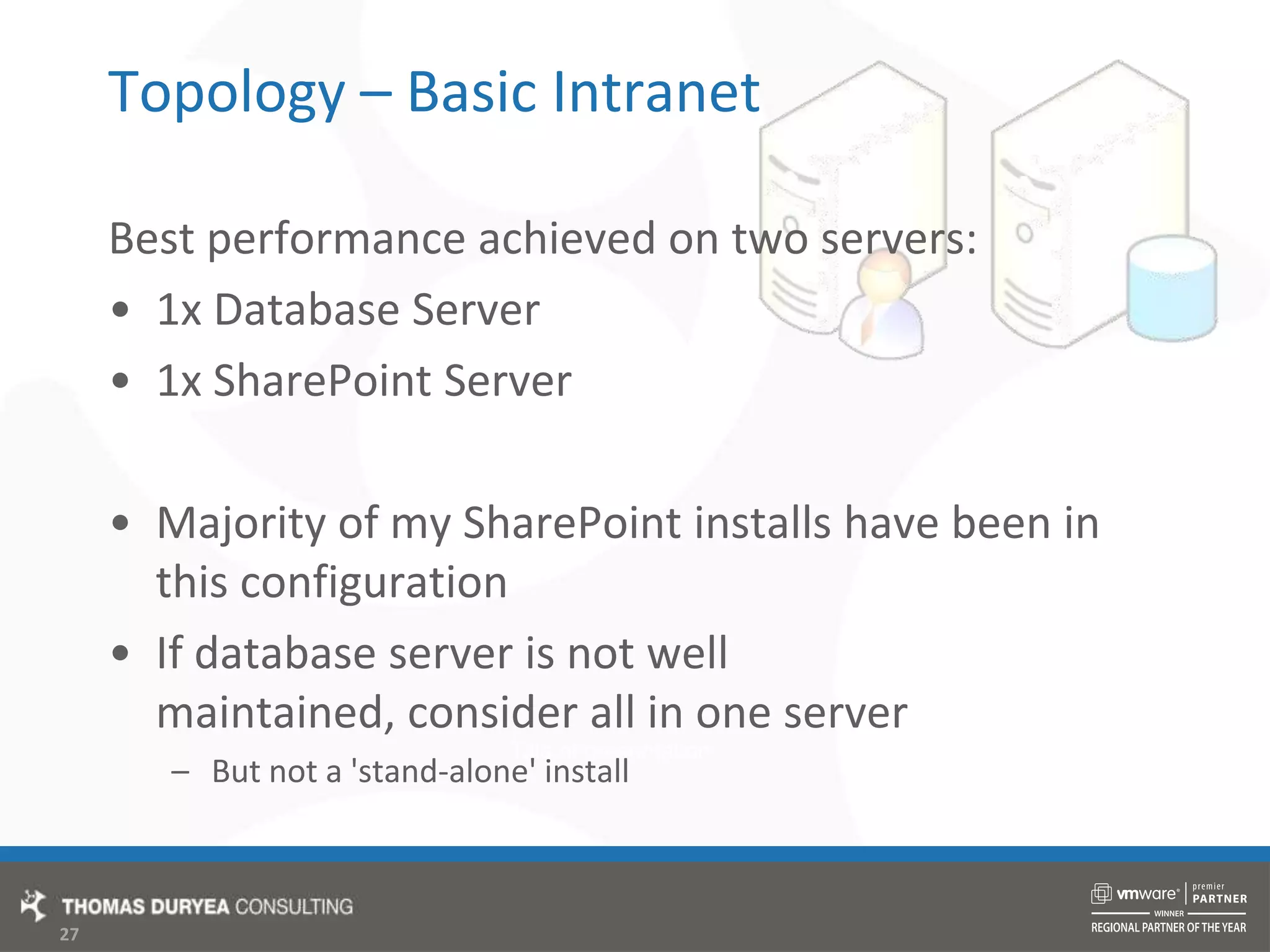
Topology – Basic IntranetBest performance achieved on two servers:1x Database Server1x SharePoint ServerMajority of my SharePoint installs have been in this configurationIf database server is not well maintained, consider all in one serverBut not a 'stand-alone' install
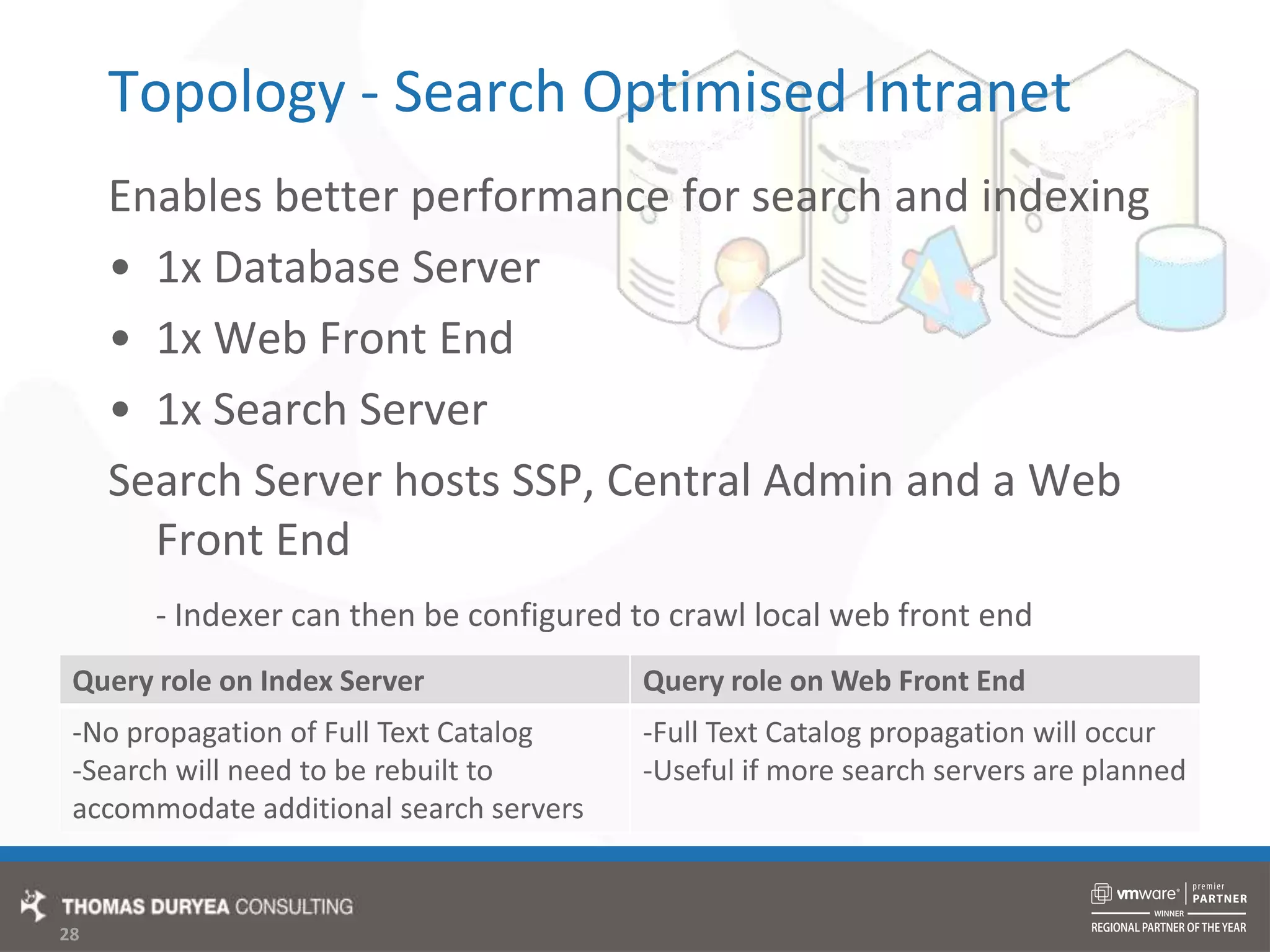
Topology - Search Optimised IntranetEnables better performance for search and indexing1x Database Server1x Web Front End1x Search ServerSearch Server hosts SSP, Central Admin and a Web Front End- Indexer can then be configured to crawl local web front end
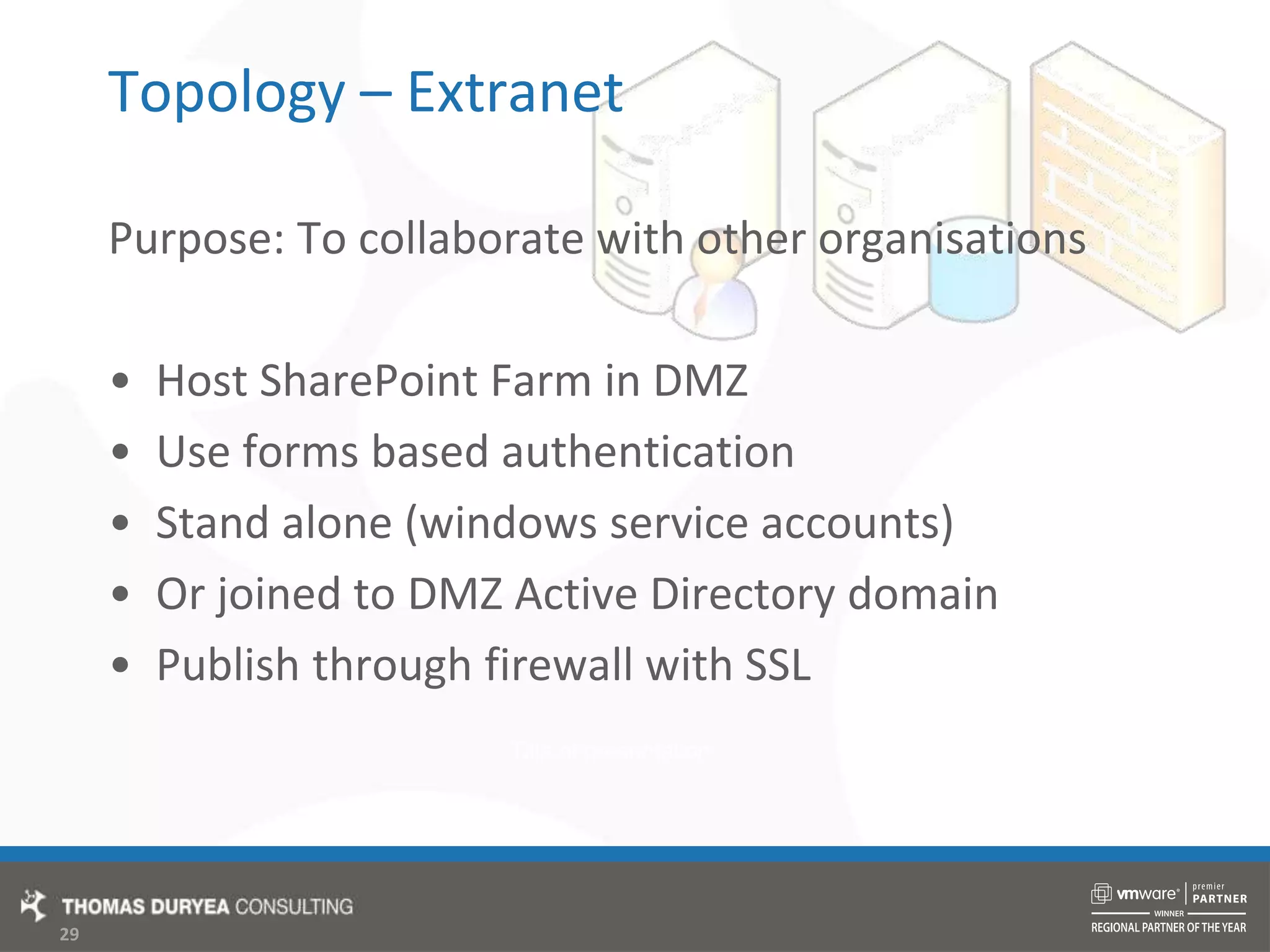
Topology – ExtranetPurpose: To collaborate with other organisationsHost SharePoint Farm in DMZUse forms based authenticationStand alone (windows service accounts)Or joined to DMZ Active Directory domainPublish through firewall with SSL
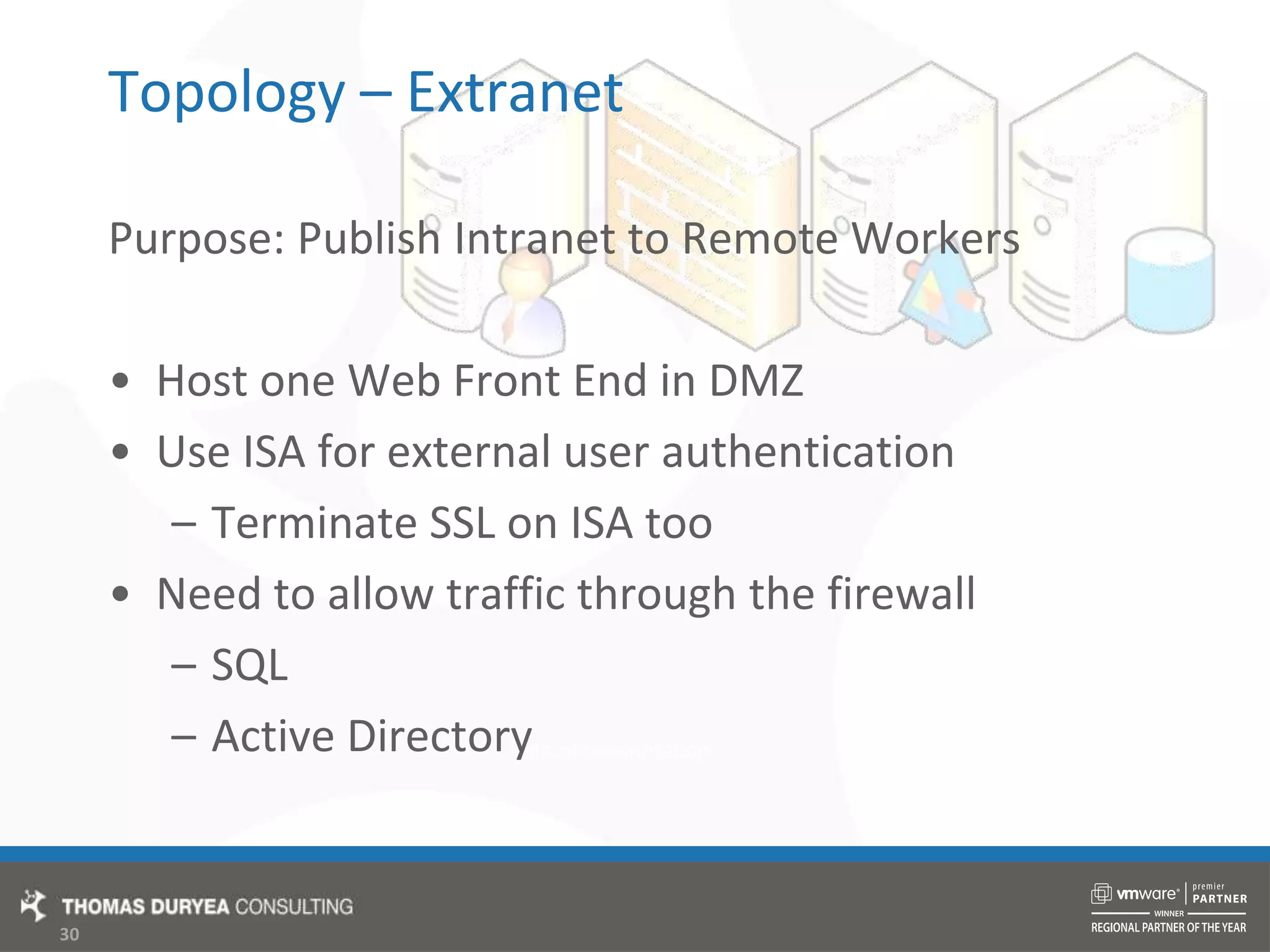
Topology – ExtranetPurpose: Publish Intranet to Remote WorkersHost one Web Front End in DMZUse ISA for external user authenticationTerminate SSL on ISA tooNeed to allow traffic through the firewallSQLActive Directory
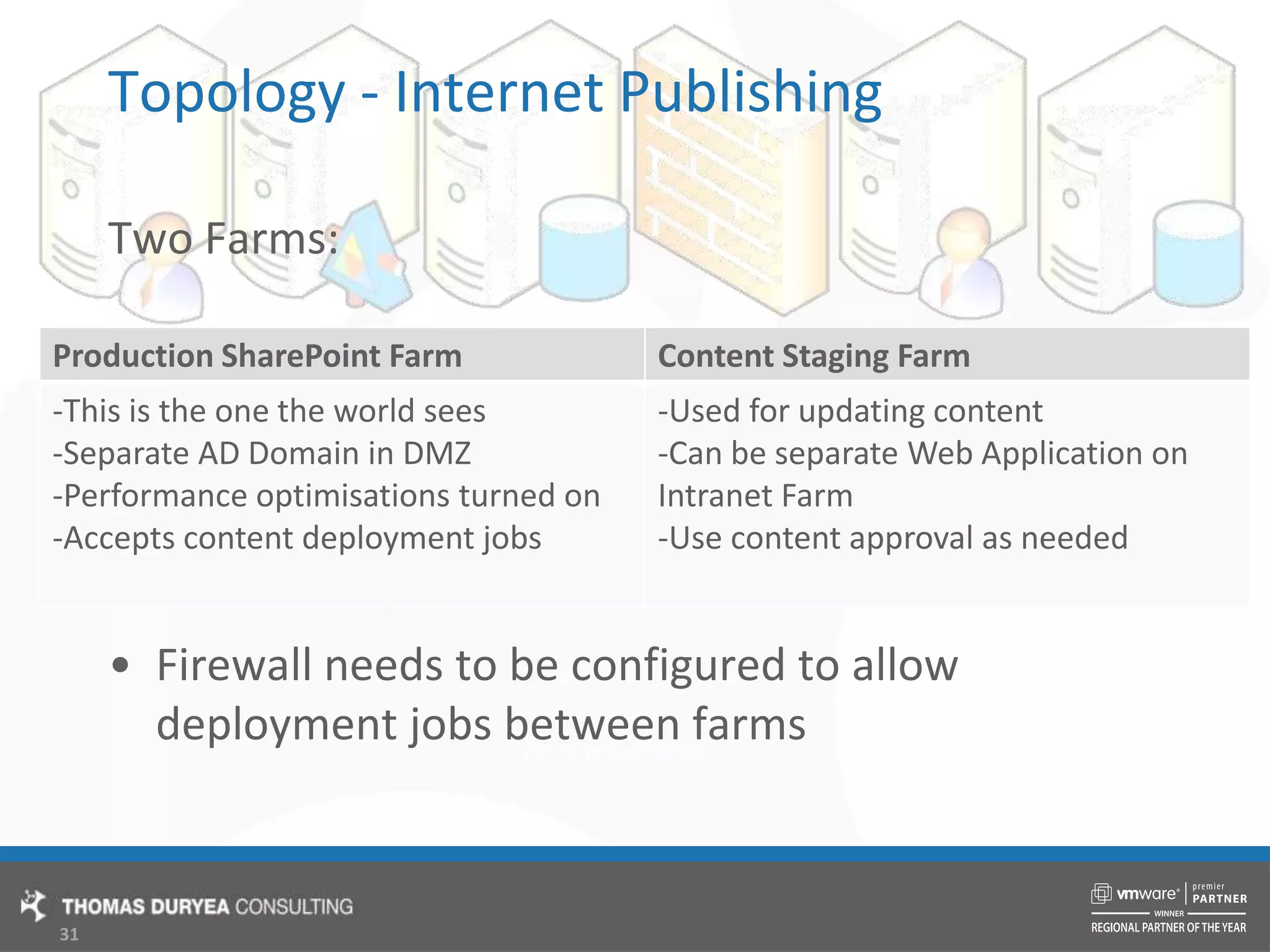
Topology - Internet PublishingTwo Farms:Firewall needs to be configured to allow deployment jobs between farms
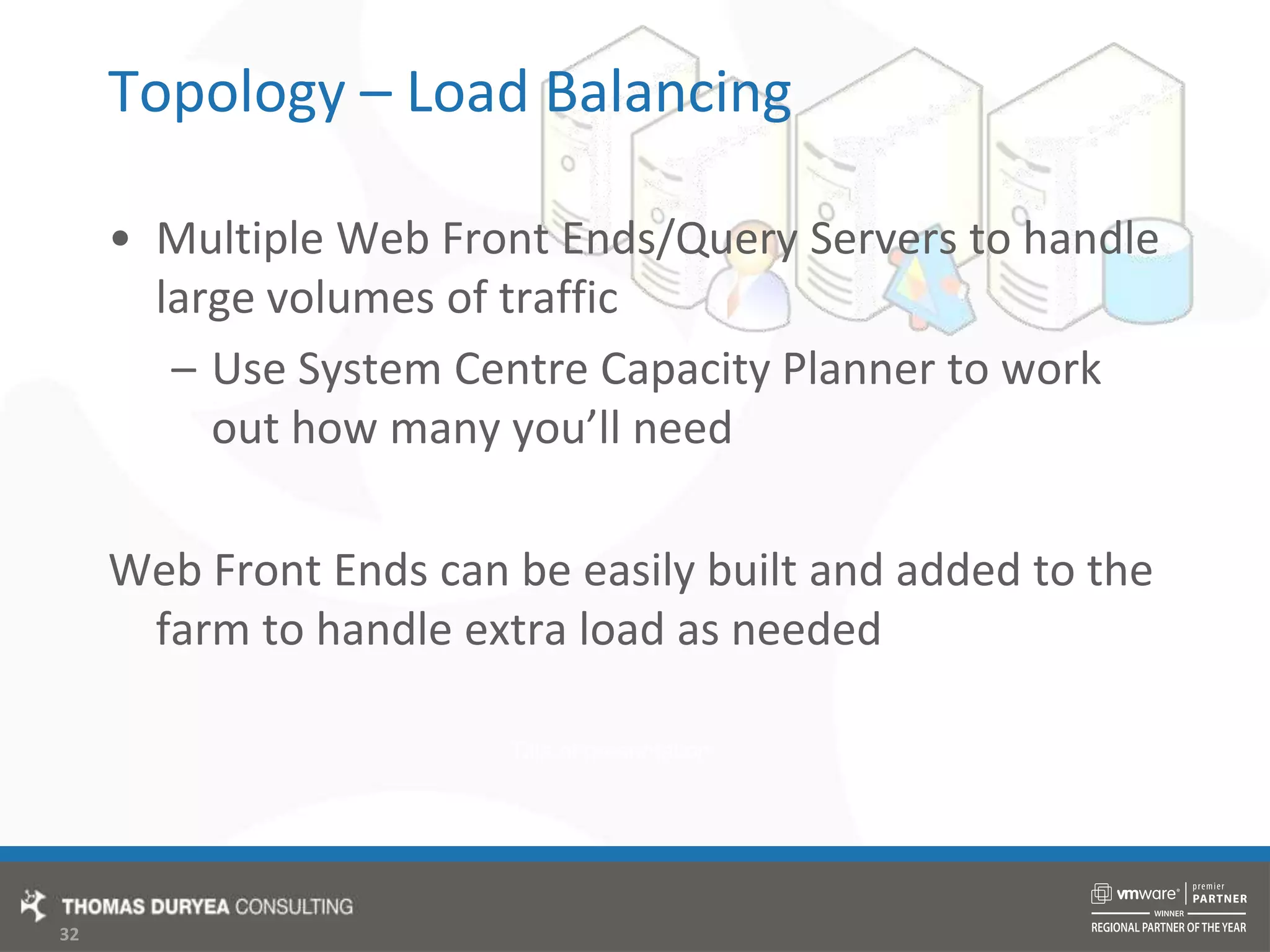
Topology – Load BalancingMultiple Web Front Ends/Query Servers to handle large volumes of trafficUse System Centre Capacity Planner to work out how many you’ll needWeb Front Ends can be easily built and added to the farm to handle extra load as needed
Topology – Load Balancing MethodsDNS Round RobinSimply switches the between servers in a IP address poolCan cause problems with session state (if needed)Windows Load BalancingGood method for less sophisticated deploymentsHardware Load BalancingNeed specialised hardwareCan determine load on each server and route requests appropriatelyBest in high load/mission critical Internet applications
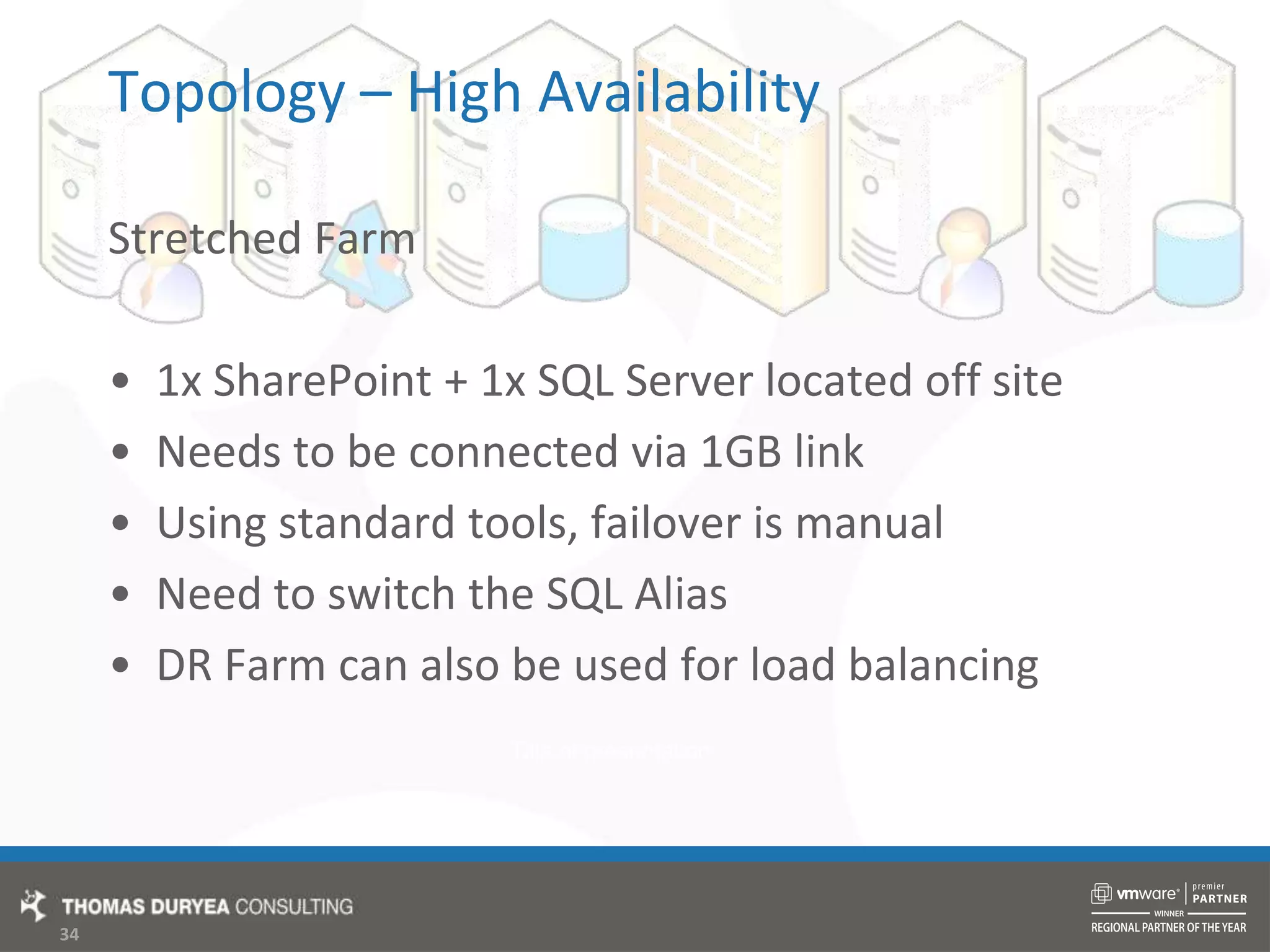
Topology – High AvailabilityStretched Farm1x SharePoint + 1x SQL Server located off siteNeeds to be connected via 1GB linkUsing standard tools, failover is manualNeed to switch the SQL AliasDR Farm can also be used for load balancing
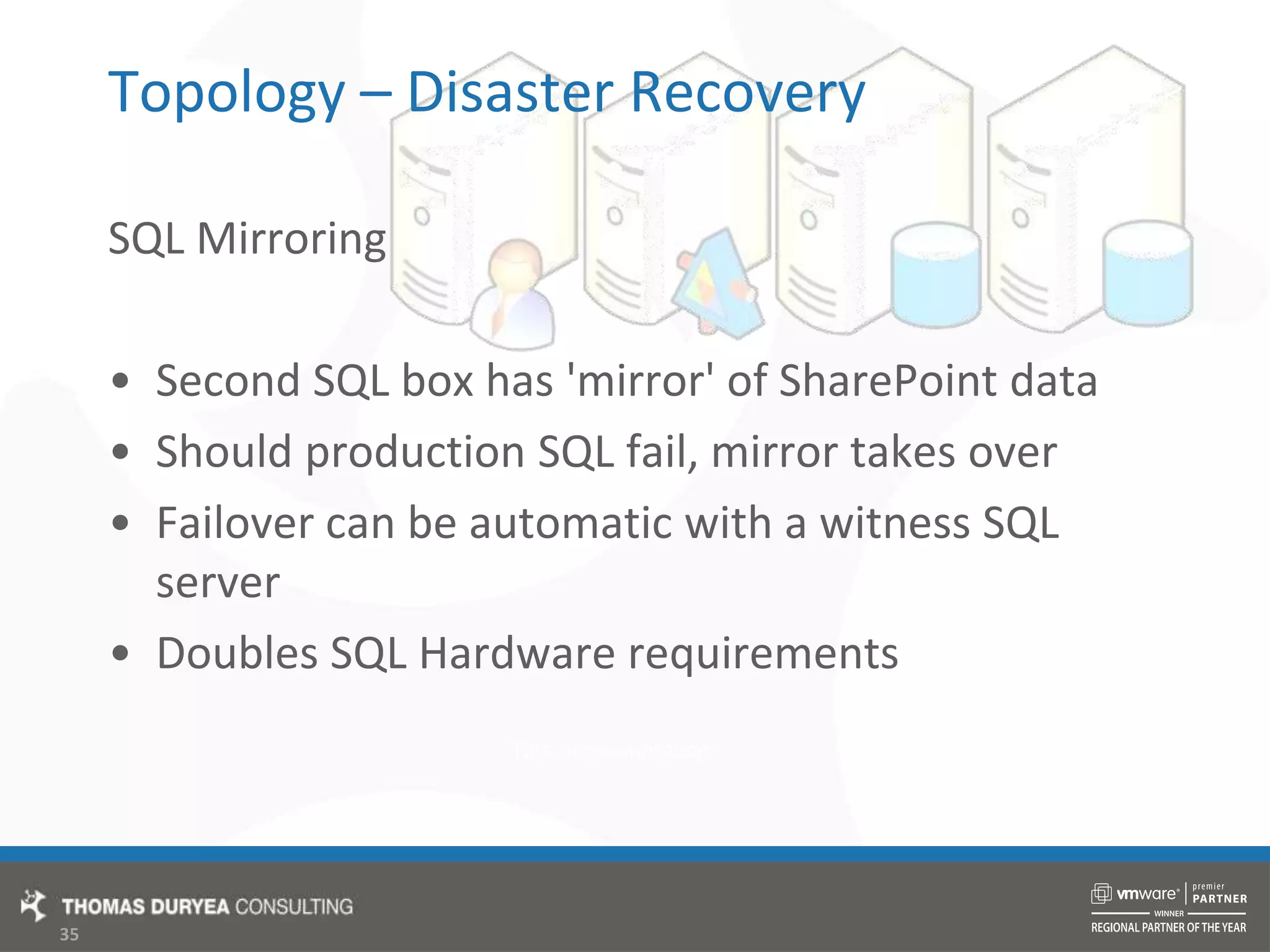
Topology – Disaster RecoverySQL Mirroring Second SQL box has 'mirror' of SharePoint dataShould production SQL fail, mirror takes overFailover can be automatic with a witness SQL serverDoubles SQL Hardware requirements
TopologyThird Party ToolsDisaster Recovery – NeverFailWAN Acceleration - Riverbed
ConclusionMany solutions to the same challengesBest practice is not to cut cornersWe want our users to have the best possible experienceLots of information availableTwitter: @JoelOleson, @FlamerNZ, and many moreEmail Groups: OzMossBlogs, Forums, SearchQuestions?
Thanks!Brendan LawBlaw@td.com.au@FlamerNZFlamer.co.nz/spag/

Establishing Environment Best Practices T12 Brendan Law

  • 1.
    Establishing Environmental BestPracticesBrendan LawBlaw@td.com.au@FlamerNZFlamer.co.nz/spag/
  • 2.
    AgendaActive DirectoryService AccountsDatabasePlatformWindows PlatformData Storage PlanningVirtualisationFarm Topologies
  • 3.
    Introduction The trick isfinding the right balance between:There are often many solutions to the same problemNot meant as prescriptive guidance, but these are examples of how I have got it to workKeen to hear about others’ experiences
  • 4.
  • 5.
    Active DirectoryCorporate Intranetor Internal Only SharePointCreate Service Accounts in existing corporate domainUse a naming convention for easy identificationPlace accounts in Service Accounts OUUse strong passwords/password generator tool
  • 6.
    Active DirectoryInternet Publishingor External CollaborationConsider setting up a separate DMZ DomainResults in increased securityAdds to administrative overhead (slightly)Set up one way trust so that internal users can authenticate with their existing credentialsDMZ domain trusts Internal domain
  • 7.
    Service AccountsAdministrator -Install AccountCan be a domain admin, or in local administrators group on the boxSetup can be run from your domain accountOnly used for the install and configuration of SharePointSharePoint Service AccountRequires DBCreator and SecurityAdmin roles on the SQL ServerShould be a standard domain user, not an administratorThis is the account you put into the Configuration WizardRuns the Central Admin App Pool, and Farm ServicesSearch Crawl AccountThis is the low privilege account used to crawl content on your web appsNeeds no specific permissions, SharePoint will assign them for youUsed for WSS Crawl and MOSS Crawl
  • 8.
    Service AccountsSearch ServiceAccountUsed to run the Search Services (not used to access content during crawls)Web Application Pool AccountsA separate account should be used for each SharePoint Web ApplicationAt a minimum, the main content application pool credential should be different to the one running the Central Admin application poolShared Service Provider Service AccountUsed for the SSP specific servicesSQL Service AccountUsed to run the MSSQLSERVER Service on your Database Server
  • 9.
  • 10.
    Database PlatformAwesome!New DedicatedSQL Server or Cluster64 bitPlenty of RAM (8GB +)Physical ServerEither 2005 or 2008Fast RAID 5 local disks orSAN attached DB StorageMaintenance PlansWell maintainedBackups
  • 11.
    Database PlatformGoodNew SQLInstance, or underutilised shared SQL ServerPreferably 64 bit, or 32 bitAdequate RAM (4GB +) or more if SharedPhysical or Virtual2005 or 2008Fast mirrored local disksOr, if virtual, SAN attached DB StorageMaintenance PlansBackups
  • 12.
    Database PlatformBadOld orover utilised shared SQL server32 bitHeavy page file utilisation due to inadequate RAMOld Physical server, or under resourced VirtualSQL 2000 or MSDE/SSEESlow local disks, no redundancyNo maintenance plans/not maintainedNo backupsHUGE log files, drives running out of spaceNo one takes responsibility for maintenance
  • 13.
  • 14.
    Patches and ServicePacksPatch Windows!Make sure windows updates are runningTest WSUS functionalityPatch SQL ServerSQL 2000 SP4 required for installAnother good reason to have a dedicated SQL installSlipstream latest MOSS Service PackSP2 patch has now been releasedDelete WSSSetup.dll from Updates directory
  • 15.
    PartitioningSharePoint ServersSystem PartitionC:\Wherethe Windows, Program Files folders live30GB+Disk space usage can blow out during Service Pack installationCan be on a locally attached diskData PartitionD:\Where everything else is, Logs, Indexes, Web Site FilesSource/Install for storage of installed binariesDeployment folder for solution packagesShould be on a SAN/RAID disk for performance
  • 16.
    PartitioningDatabase ServersSystem PartitionC:\WhereWindows, and SQL application files live30GB+Disk space usage can blow out during Service Pack installationCan be on a locally attached diskData PartitionD:\Stores all the mdf files for SharePoint databasesEnsure it is large enough to accommodate future growthShould be on SAN/RAID disk for redundancy
  • 17.
    PartitioningDatabase Servers (continued)LogsPartitionE:\Stores all the ldf files for SharePoint databasesNeeds to be fast, put on SAN/RAID disk or dedicated spindleBackup PartitionF:\Stores backups from your SQL maintenance plansOptional, if you have a separate backup server/storage methodNeeds to be redundant, put on RAID or Mirrored Partition
  • 18.
  • 19.
    Data PlanningWhat isthe SharePoint site going to be used for?Set initial database size for planned growth in the next year
  • 20.
    Content DatabasesOneFor bothIntranet Content and My SitesEasy to manageMy Site content can cause database to expandIf hosted in the same content DBUse quotas to manage site collection size
  • 21.
    Content DatabasesSplit MySites and Business ContentBusiness content can be backed up separatelyMy Site content database size is less of a concernHow:Create a new content database for my sitesSet original content database to offline
  • 22.
    Content DatabasesPurpose basedContent Databases For large document migration projectsOr for differing backup/restore needsIncreases database flexibility/scalabilityNew site collections need to be created by an administrator
  • 23.
    Maintenance PlansSet upon the SQL ServerEasy automated database maintenanceRequirements vary based on environmentOptional if 3rd party backup software used
  • 24.
    Sample Maintenance PlansBackupUser Databases DailyWith clean up task.bak files should then be copied to secondary storageBackup System Databases WeeklyAs these don't change as often as user databasesBackup Transaction Logs hourlyIf up to the hour restores are requiredOnly for databases with full recovery modelReindex Databases WeeklyHelps with performanceShrinking databases causes file system fragmentation
  • 25.
    VirtualisationDecide what toVirtualiseWeb Front EndsSearch ServerApplication ServerDatabase ServerPhysical Infrastructure for ProductionVirtual for Test/Dev/Staging Backups are simplified, backup entire VHD/VMDKRestore as a group, at same point in time
  • 26.
  • 27.
    Topology – BasicIntranetBest performance achieved on two servers:1x Database Server1x SharePoint ServerMajority of my SharePoint installs have been in this configurationIf database server is not well maintained, consider all in one serverBut not a 'stand-alone' install
  • 28.
    Topology - SearchOptimised IntranetEnables better performance for search and indexing1x Database Server1x Web Front End1x Search ServerSearch Server hosts SSP, Central Admin and a Web Front End- Indexer can then be configured to crawl local web front end
  • 29.
    Topology – ExtranetPurpose:To collaborate with other organisationsHost SharePoint Farm in DMZUse forms based authenticationStand alone (windows service accounts)Or joined to DMZ Active Directory domainPublish through firewall with SSL
  • 30.
    Topology – ExtranetPurpose:Publish Intranet to Remote WorkersHost one Web Front End in DMZUse ISA for external user authenticationTerminate SSL on ISA tooNeed to allow traffic through the firewallSQLActive Directory
  • 31.
    Topology - InternetPublishingTwo Farms:Firewall needs to be configured to allow deployment jobs between farms
  • 32.
    Topology – LoadBalancingMultiple Web Front Ends/Query Servers to handle large volumes of trafficUse System Centre Capacity Planner to work out how many you’ll needWeb Front Ends can be easily built and added to the farm to handle extra load as needed
  • 33.
    Topology – LoadBalancing MethodsDNS Round RobinSimply switches the between servers in a IP address poolCan cause problems with session state (if needed)Windows Load BalancingGood method for less sophisticated deploymentsHardware Load BalancingNeed specialised hardwareCan determine load on each server and route requests appropriatelyBest in high load/mission critical Internet applications
  • 34.
    Topology – HighAvailabilityStretched Farm1x SharePoint + 1x SQL Server located off siteNeeds to be connected via 1GB linkUsing standard tools, failover is manualNeed to switch the SQL AliasDR Farm can also be used for load balancing
  • 35.
    Topology – DisasterRecoverySQL Mirroring Second SQL box has 'mirror' of SharePoint dataShould production SQL fail, mirror takes overFailover can be automatic with a witness SQL serverDoubles SQL Hardware requirements
  • 36.
    TopologyThird Party ToolsDisasterRecovery – NeverFailWAN Acceleration - Riverbed
  • 37.
    ConclusionMany solutions tothe same challengesBest practice is not to cut cornersWe want our users to have the best possible experienceLots of information availableTwitter: @JoelOleson, @FlamerNZ, and many moreEmail Groups: OzMossBlogs, Forums, SearchQuestions?
  • 38.

Editor's Notes

  • #2 I have been working for Thomas Duryea in Melbourne for a year now and am keen to share the experience I have gained from my Australian projectsHave been working with SharePoint for 4 yearsStarted off as a developer on the 2003 versionNow I specialise in solution design and implementations
  • #3 AD – use existing or create new domain?Service Accounts – how many are needed?DB Platform – The good, the bad and the unworkableWindows Platform – Patches and partitionsData planning – How much space will we need, and where should our data go?Virtualisation – Which roles are best to virtualise?Topologies – and which ones fit best with various situations
  • #4 A fully secured Internet Publishing site is going to require a bit more work than a small IntranetThere is no one right way to deploy any SharePoint farm, with so many options and factors to take into account, it is probable that you will get different answers from different peopleThis is based on my experience, and I’m still learning things about SharePoint everyday!So let me know if you’ve got it working in a different way, or tried it my way and not had as much success as I have
  • #5 A healthy domain makes a worthwhile SharePoint investment, as AD is the foundation on which a good SharePoint platform is builtMake sure you know what group policies are going to be applied to your SharePoint server
  • #6 This is the typical scenario, where all SharePoint users are located on the local domainUsing local domain accounts also allows the people picker and profile imports to work with minimum hassleYou may need to also apply special group policy to these accounts, such as allowing ‘run as service’ which will be easier if they are all in the same OU
  • #7 Yes, it can be a bit of a pain having to manage another AD domain, but you really don’t want your corporate domain to be compromisedOnce configured properly, users won’t be able to tell the differenceAlternatively, you could use stand alone servers and Forms Based Authentication for external users
  • #8 At a minimum:Once the install and configuration has been completed, the account can be demoted to a user on the machineThe main SharePoint service accountFarm Services include things like the Timer Service, Administration ServiceThe crawl account needs to be separate, if not it will index draft and unpublished documents
  • #9 For increased securityThese accounts are generally optionalIn my installs, I use a separate Search Service account, to isolate SharePoint’s functional areasExtra web application pool accounts provide increased security isolation, meaning that if one of your accounts is compromised by an attacker, there is less chance of them being able to access sensitive data on other sitesFor Internet facing SharePoint sites, architects should lean towards higher security best practicesUsing a separate SSP account allows for the further isolation of functional areasFinally, the SQL service account will be used to run the database services
  • #10 SharePoint performance and stability is dictated primarily by the performance and stability of your database platformIf you are thrust into being a DBA as well as a SharePoint administrator, study up on SQL, lots of great info on the net and training courses available ** Previous Session?
  • #11 Perfect world scenario, great for large corporate Intranets, but only really feasible for Internet publishing sitesAll 64 bit means that you will be ready for upgrade to 2010 too!Best in performance and manageability
  • #12 The usual scenario, good for most SharePoint deploymentsDefine maximum page load time as an SLA, and then performance test SQL to make sure the platform will meet standardsAsk questions about who is maintaining it, and include in your governance plan
  • #13 Sometimes the case if SharePoint deployment is not properly plannedOnce again, performance testing will tell you whether we need to look at an alternative solutionAvoid this at all costs, recently had to deal with this at a client site, and we deployed a new SQL instance on the SharePoint ServerCan even be better installing a local copy of SQL Server
  • #14 Using a standard configuration and maintaining your windows servers should already be part of your organisational practicesThese are a few recommendations that will benefit your SharePoint environment
  • #15 Keeping your Windows Server updated should be a standard practise anywayWho knows what WSUS is?Pays to monitor WSUS to ensure updates are being applied successfullyUsing a dedicated SQL server makes it easier to test and schedule outages for service pack upgradesRun the SharePoint service pack with the /extract switch to create a slip stream install
  • #16 Having dedicated System and Data partitions ensures that Windows patches can always be appliedAlso, there can be performance gains from creating the partitions on separate disks, especially on the Index and Query rolesI like to make directories where all solutions and install binaries are placed before they are installed, in case they need to be reinstalled
  • #17 Database servers can be set up similarly, with a system partition for Windows and Program FilesA data partition, where the actual SharePoint data will be stored, should be redundantKeep in mind that updates to the mdf file are made asynchronously
  • #18 Your logs partition should be as fast as possible as this is where all the action happensYou can also improve performance by putting the tempdb on a fast disk as wellYou will probably only need a specific backup partition if you do not have a 3rd party backup solutionIf your backups are going to be archived off to another server, this partition will be used for temporary storage of your .bak files, and should be about 3 times the size of your data partitionCan be on less performant disks, as long as there is enough space
  • #19 How many documents/how much content is your SharePoint installation going to hold?We need to predict uptake of SharePoint as a document storage location, and plan for future growth
  • #20 Obviously, SharePoint’s various purposes are going to result in different storage needsKeeping unlimited numbers of old versions of documents can have a significant impact on content database size, so ensure that you limit the number of major and minor document versionsSetting initial database size reduces file system fragmentation of databasesYou can set this size in SQL management studio by pre-creating your databases, and then simply using your pre-created databases during web application configurationYou will need to use psconfig if you want to pre-create your admin content database, but this shouldn’t be necessary
  • #21 This is not a best practice, but is the default, so is a common occurrenceNot as much of an issue if My Sites are hosted in their own web application
  • #22 Create new content database from Central AdministrationSetting a content database to offline simply means that no new site collections can be created in it, existing site collections will still be accessibleIf new site collections are required within your business content database, they will need to be created by an administrator
  • #23 Creating content databases for different types of content is a more advanced choice when you need different backup strategies for varying types of contentIf your document migration is going to result in content databases over 100GB in size, these should be split for performance reasonsI recently came across the need for this at a client where data storage gets charged back to the departmentUse this when your governance plan stipulates the need for a dedicated SharePoint Administrator
  • #24 Who has created a SQL maintenance plan?SQL maintenance plans are a simple way to ensure that your databases are being backed up and maintained, especially if you don’t have a DBA looking after your database serversPlans are set up via a drag and drop design surface, built into SQL management console
  • #25 The first plan will back up all your SharePoint content, configuration and search databasesThe system databases include model, master, and msdbOptionally, Transaction logs can be backed up to give point in time restores on databases with full recoveryAnd finally, a plan should be set up to run optimisations including re-indexingNote that shrinking your databases to claim space will only result in the files becoming fragmented when SQL server needs to allocate more space to the database