©2016 Smartware Group, Inc. All Rights Reserved.
BROUGHT TO YOU BY:
BEYONDTHEDESKTOP
Reasons
to use a
mobile
CMMS
app
©2016 Smartware Group, Inc. All Rights Reserved.
5
Is mobile part of your
current maintenance
management
strategy?
Is mobile part of your
current maintenance
management
strategy?
No
Is mobile part of your
current maintenance
management
strategy?
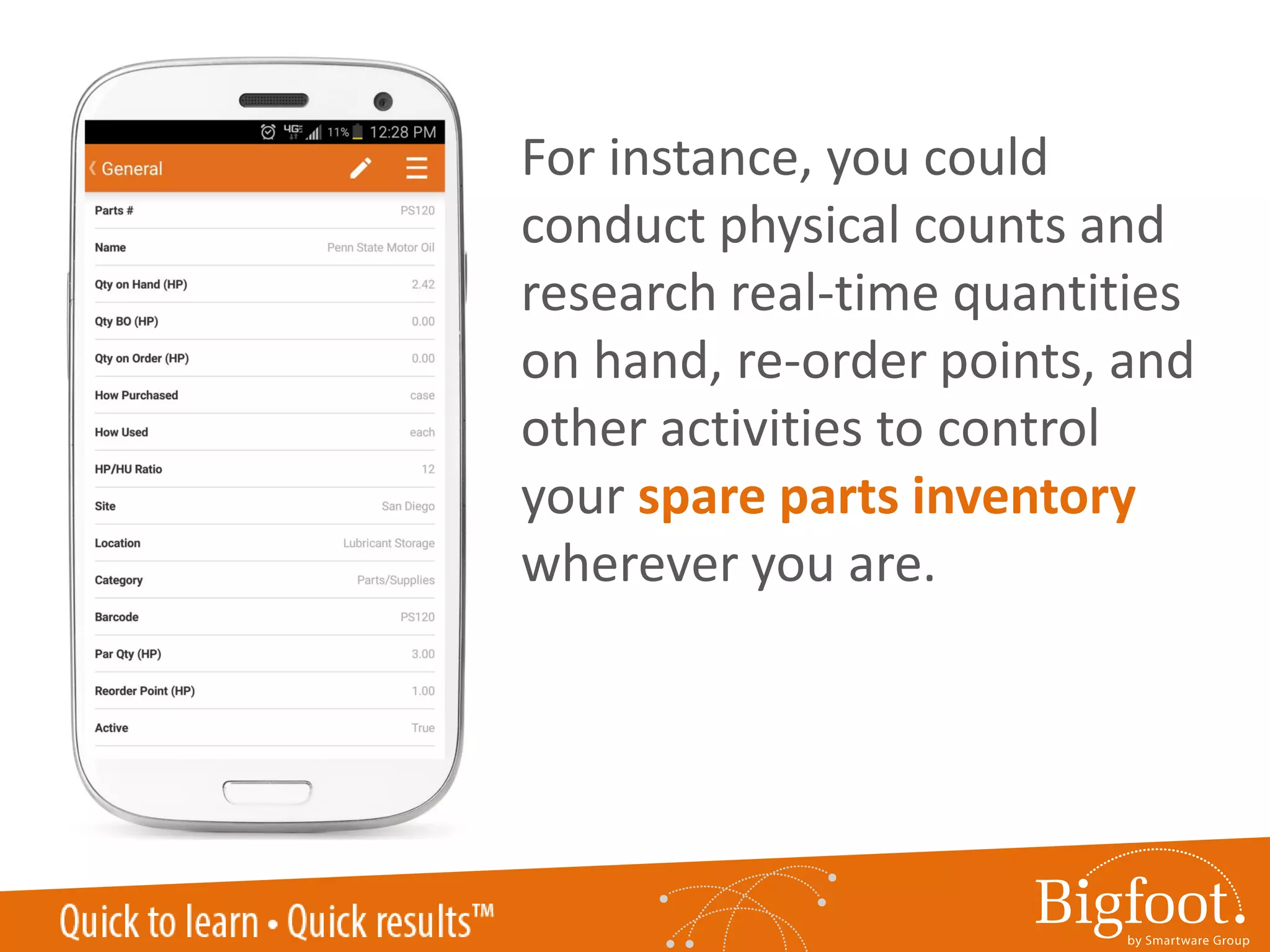
No
Let’s look at 5
reasons you should
get started with a
mobile CMMS app.
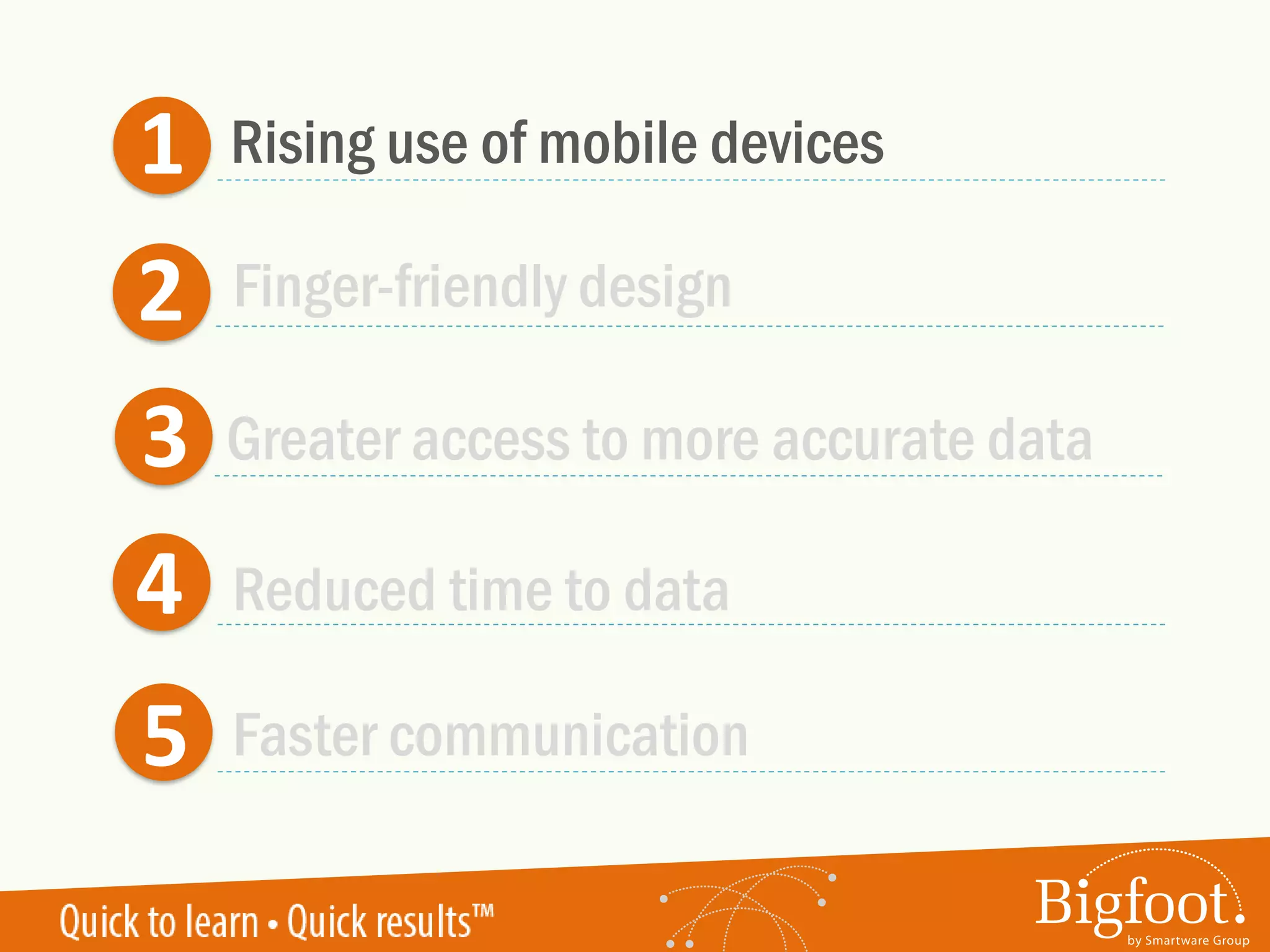
1
2
3
4
5
Rising use of mobile devices
Greater access to more accurate data
Reduced time to data
Faster communication
Finger-friendly design
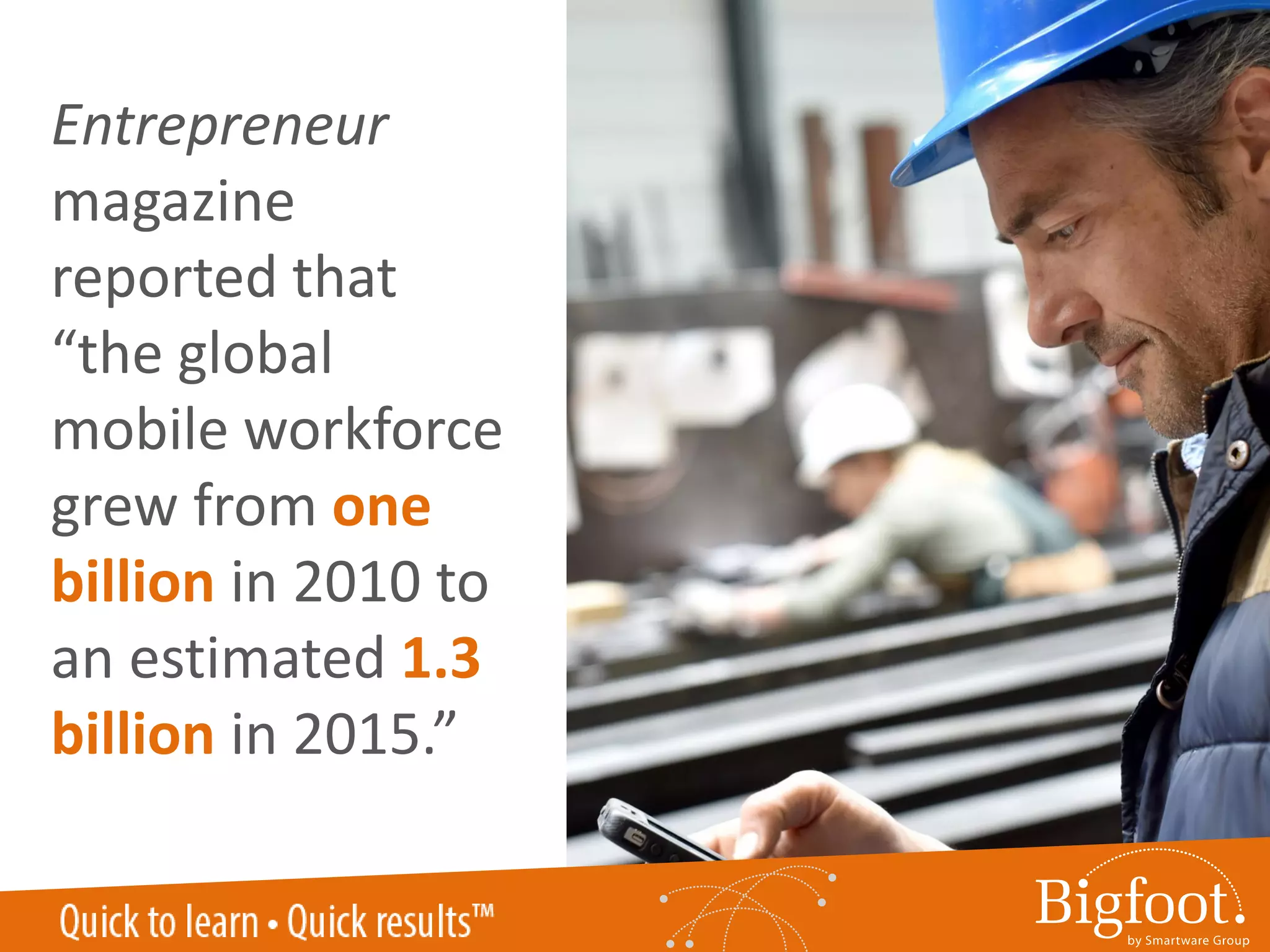
Entrepreneur
magazine
reported that
“the global
mobile workforce
grew from one
billion in 2010 to
an estimated 1.3
billion in 2015.”
FABTECH 2016 LAS VEGAS
0.00%
5.00%
10.00%
15.00%
20.00%
25.00%
Consumer-Grade
Smartphone
Industrial-Grade
Smartphone
Consumer-Grade
Tablets
Industrial-Grade
Tablets
2014 2016
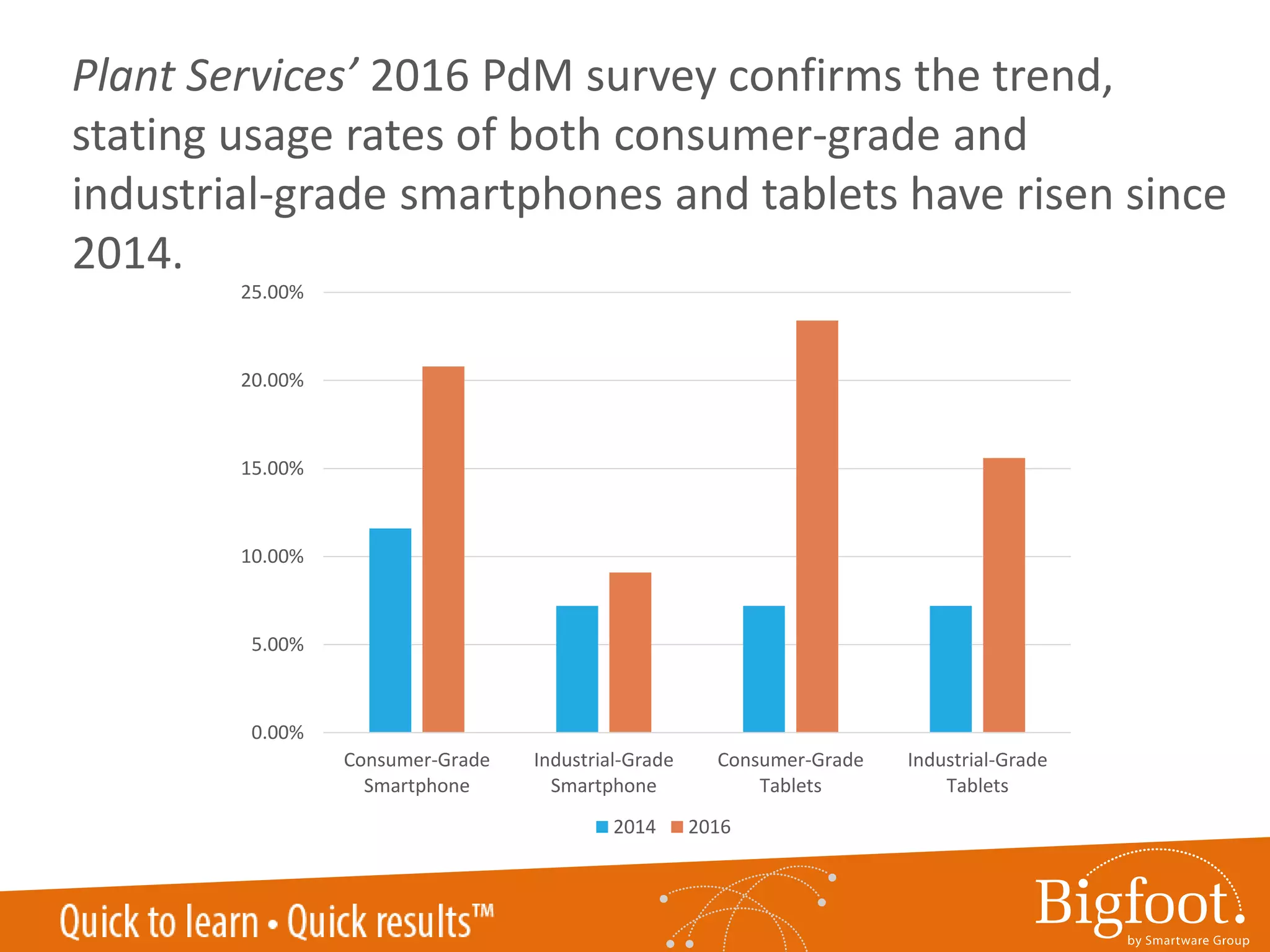
Plant Services’ 2016 PdM survey confirms the trend,
stating usage rates of both consumer-grade and
industrial-grade smartphones and tablets have risen since
2014.
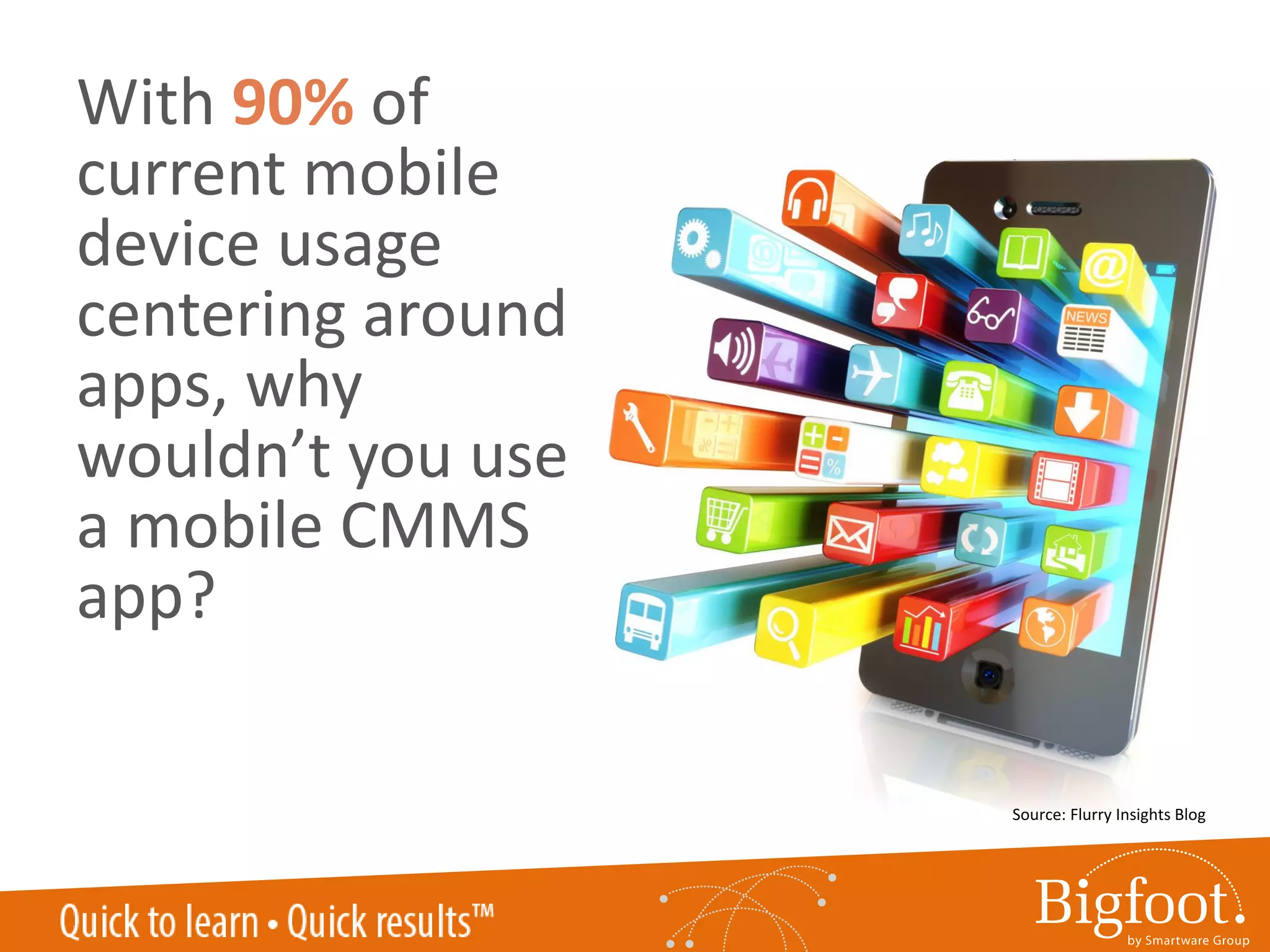
With 90% of
current mobile
device usage
centering around
apps, why
wouldn’t you use
a mobile CMMS
app?
Source: Flurry Insights Blog
1
2
3
4
5
Rising use of mobile devices
Greater access to more accurate data
Reduced time to data
Faster communication
Finger-friendly design
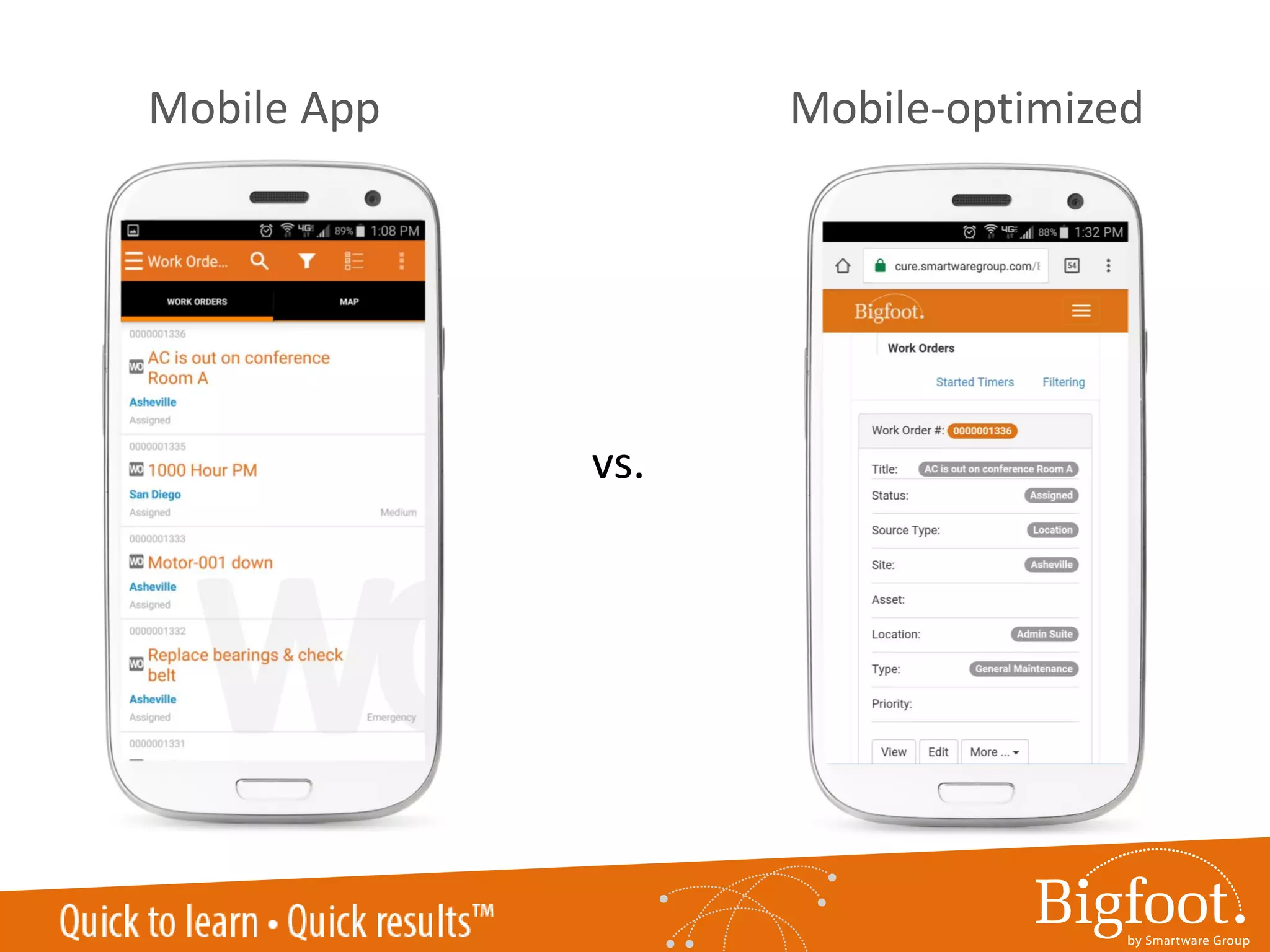
Mobile App Mobile-optimized
vs.
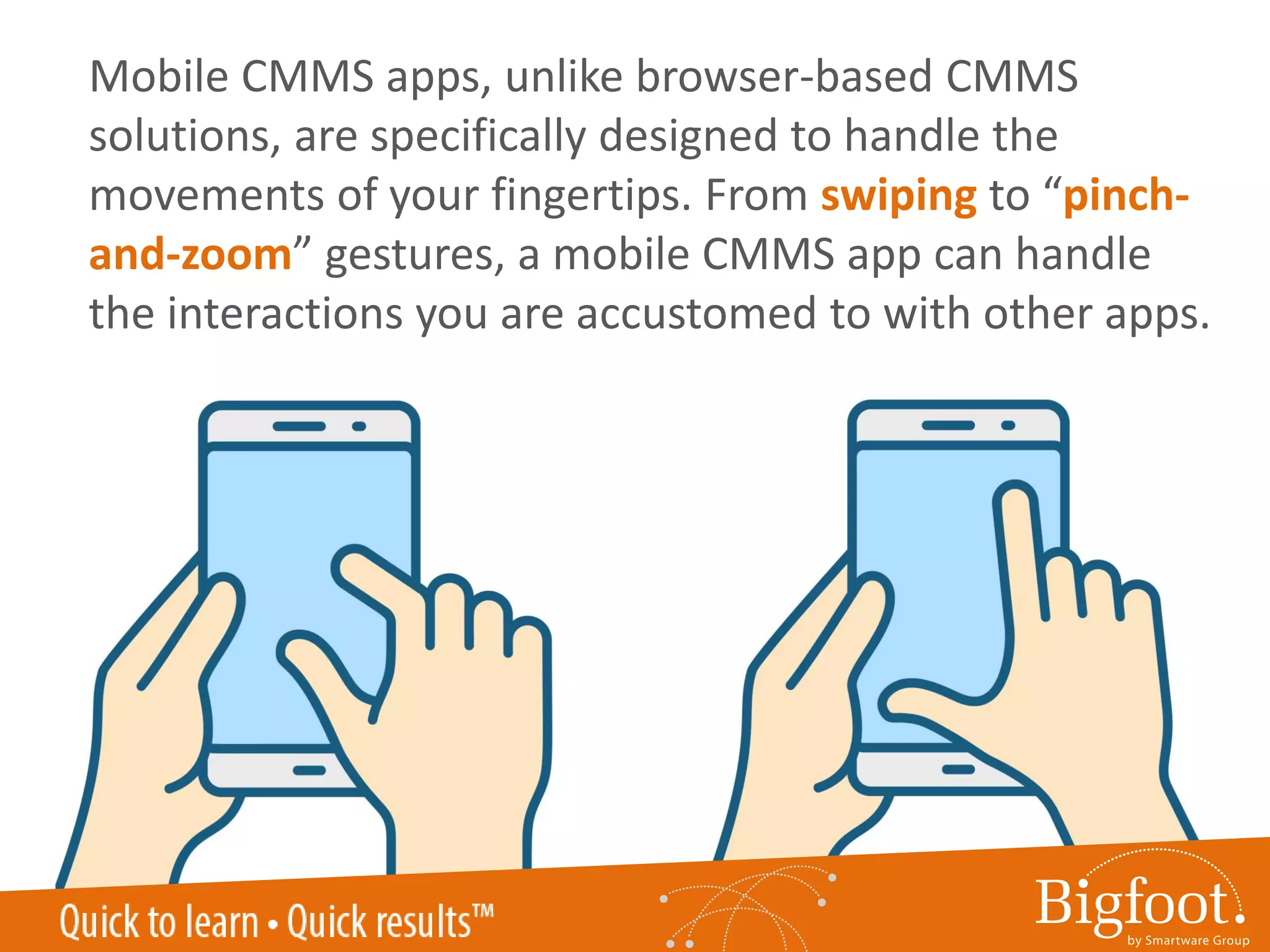
Mobile CMMS apps, unlike browser-based CMMS
solutions, are specifically designed to handle the
movements of your fingertips. From swiping to “pinch-
and-zoom” gestures, a mobile CMMS app can handle
the interactions you are accustomed to with other apps.
1
2
3
4
5
Rising use of mobile devices
Greater access to more accurate data
Reduced time to data
Faster communication
Finger-friendly design
A well-designed
mobile CMMS
app gives even
greater access
to data that may
have been
previously
limited.
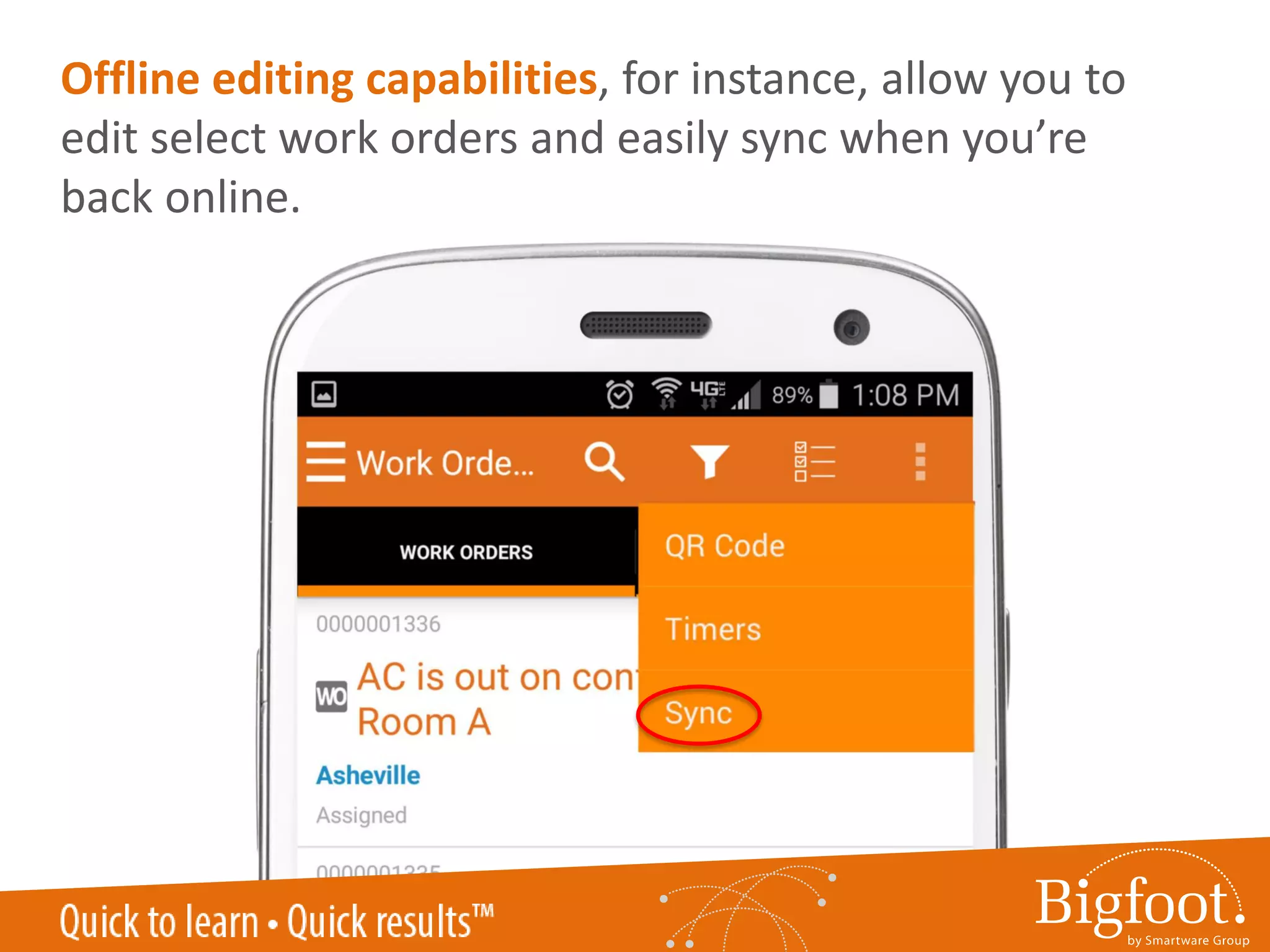
Offline editing capabilities, for instance, allow you to
edit select work orders and easily sync when you’re
back online.
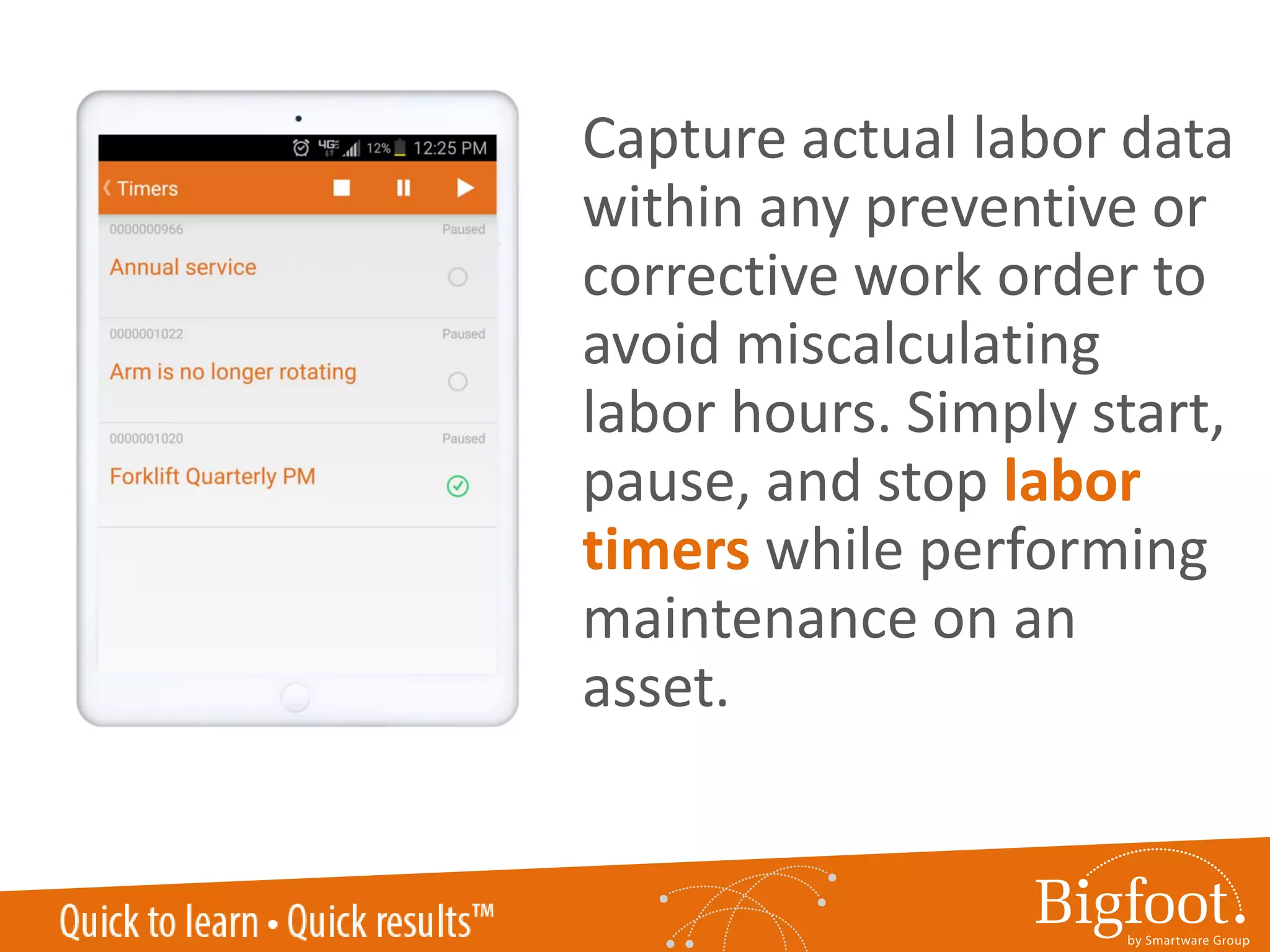
Capture actual labor data
within any preventive or
corrective work order to
avoid miscalculating
labor hours. Simply start,
pause, and stop labor
timers while performing
maintenance on an
asset.
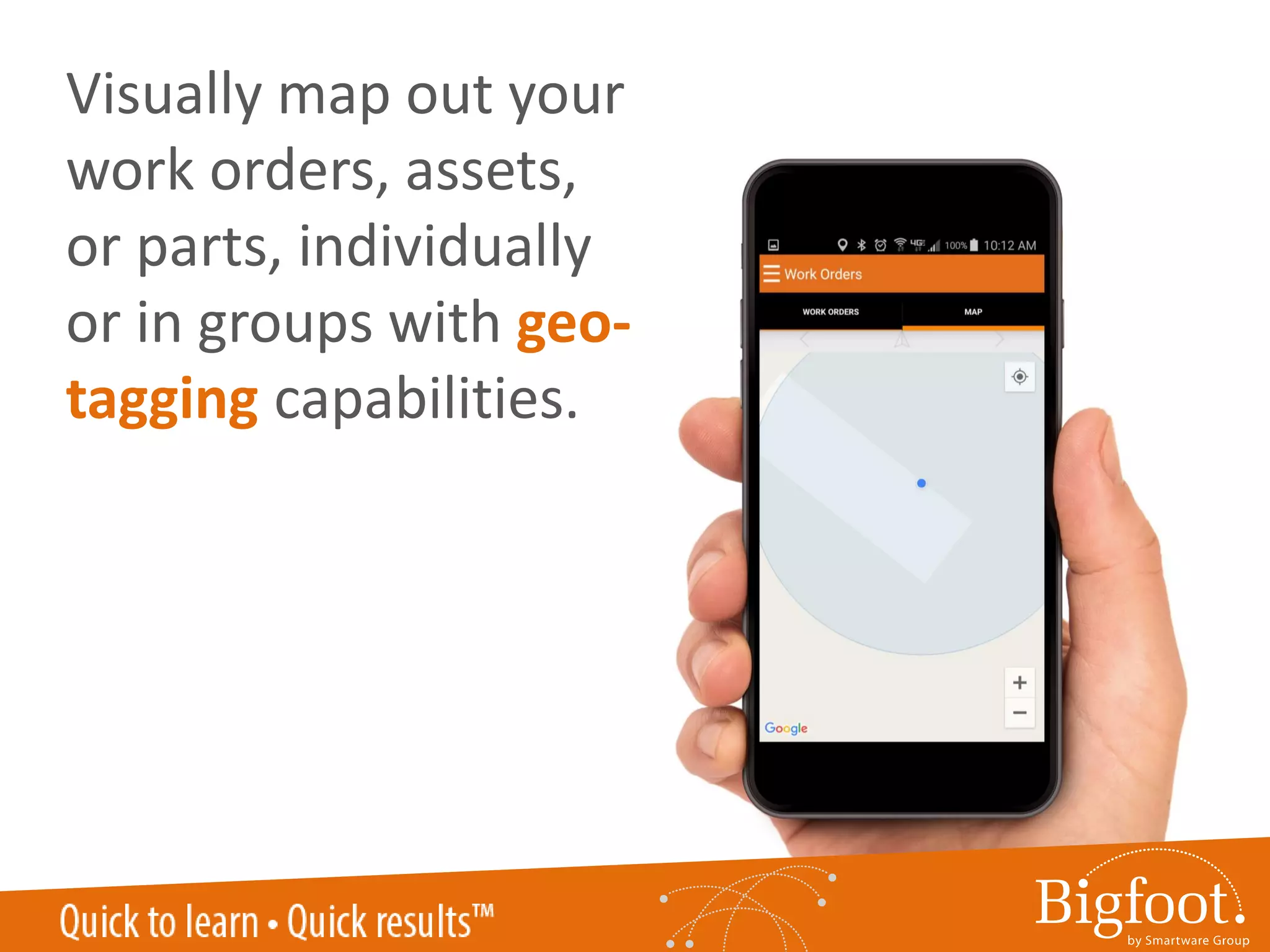
Visually map out your
work orders, assets,
or parts, individually
or in groups with geo-
tagging capabilities.
1
2
3
4
5
Rising use of mobile devices
Greater access to more accurate data
Reduced time to data
Faster communication
Finger-friendly design
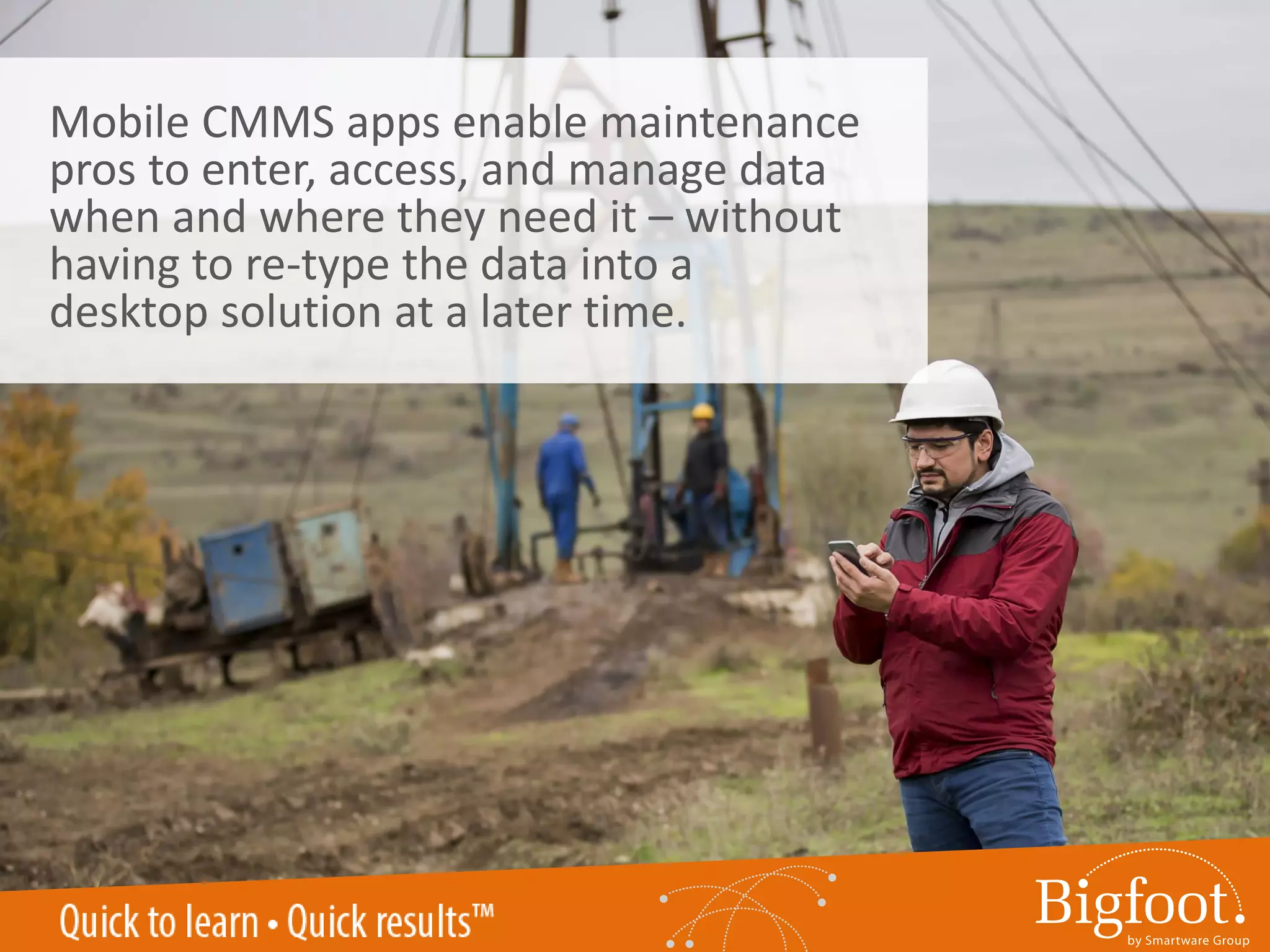
Mobile CMMS apps enable maintenance
pros to enter, access, and manage data
when and where they need it – without
having to re-type the data into a
desktop solution at a later time.
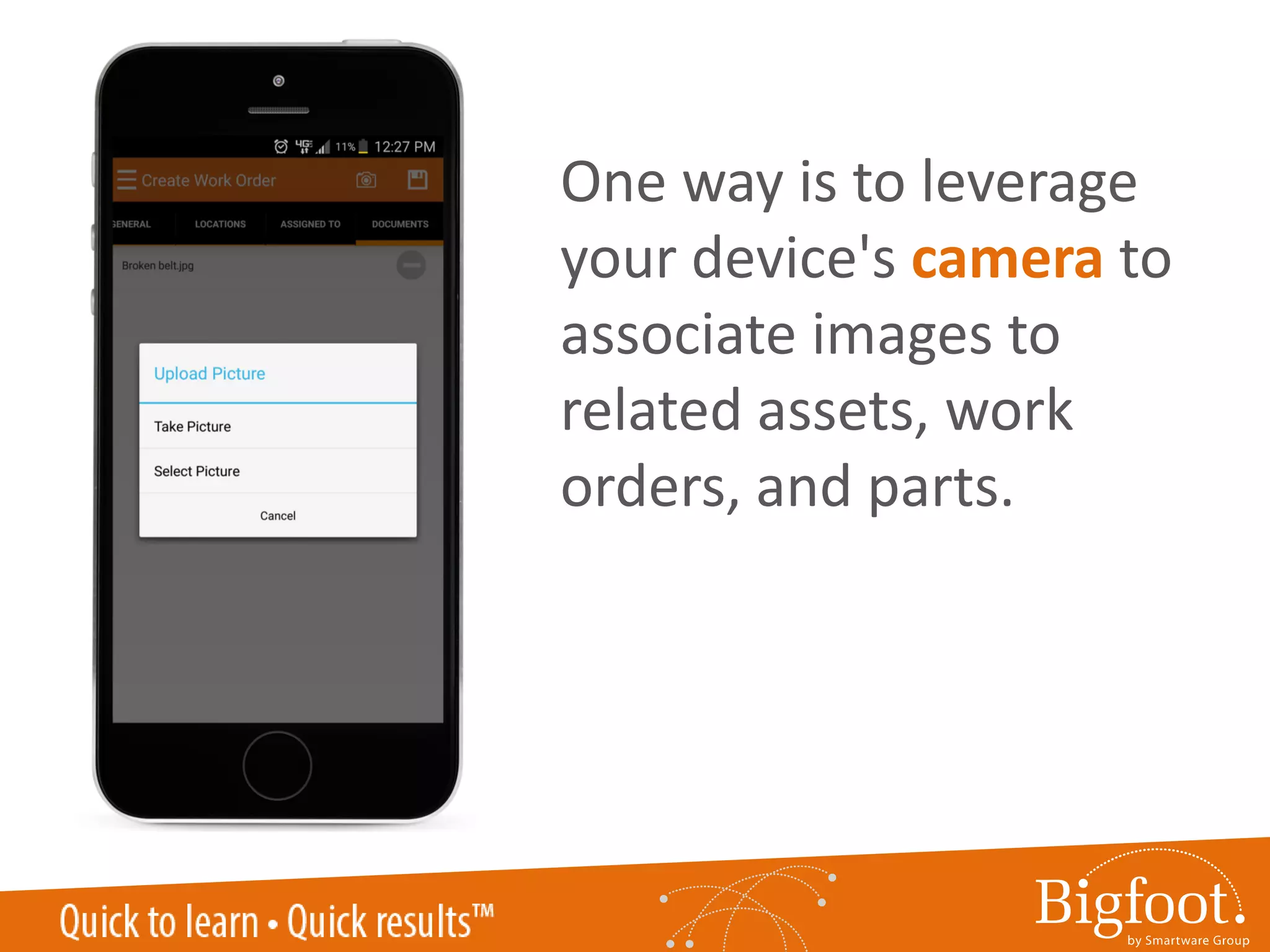
One way is to leverage
your device's camera to
associate images to
related assets, work
orders, and parts.
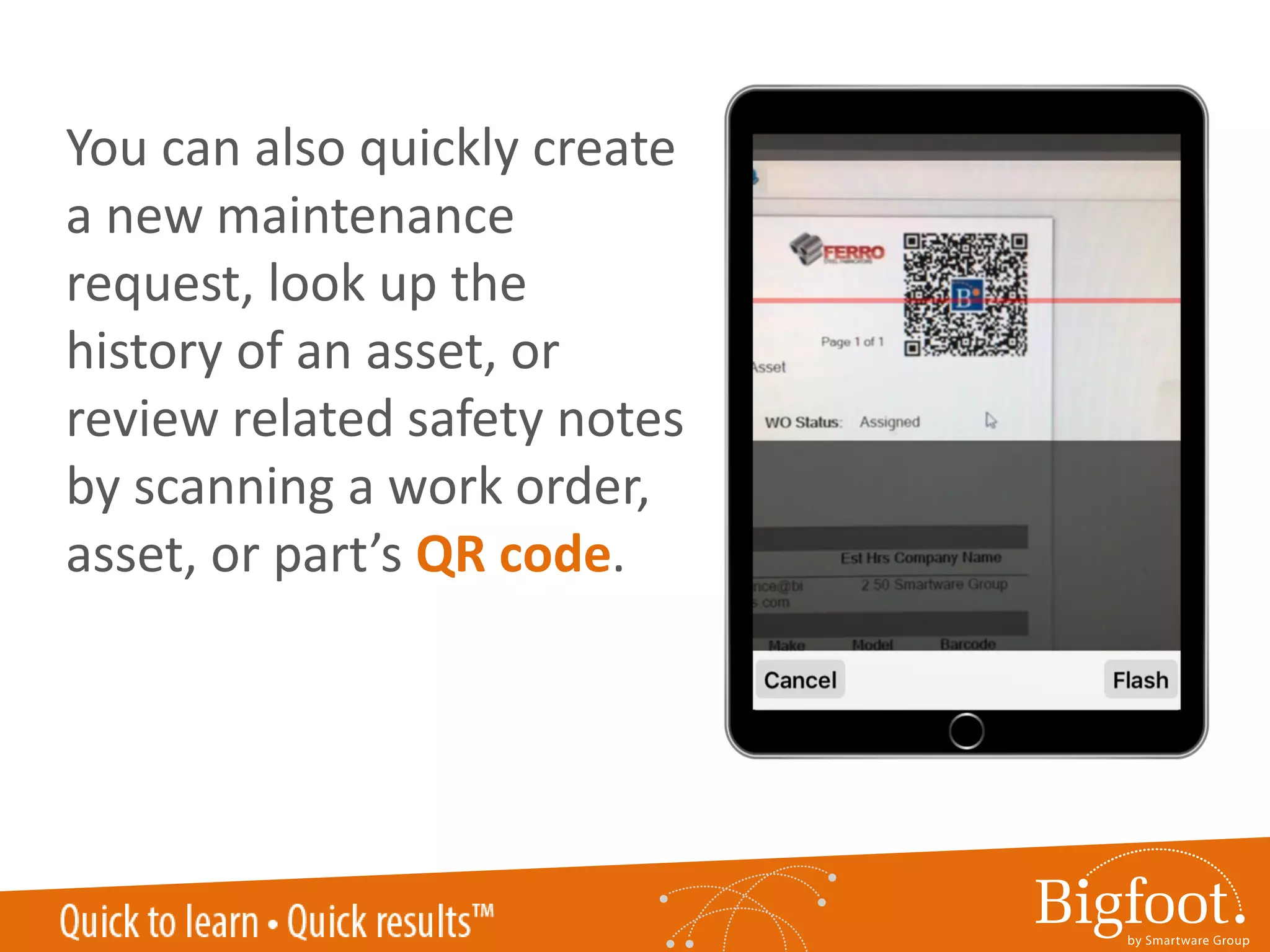
QR CODE SCANNINGYou can also quickly create
a new maintenance
request, look up the
history of an asset, or
review related safety notes
by scanning a work order,
asset, or part’s QR code.
1
2
3
4
5
Rising use of mobile devices
Greater access to more accurate data
Reduced time to data
Faster communication
Finger-friendly design
When utilizing a mobile CMMS
app, maintenance pros are
better equipped to know the
current availability of inventory
or the latest status of an asset,
and therefore, are better able to
collaborate on true priorities.
For instance, you could
conduct physical counts and
research real-time quantities
on hand, re-order points, and
other activities to control
your spare parts inventory
wherever you are.
1
2
3
4
5
Rising use of mobile devices
Greater access to more accurate data
Reduced time to data
Faster communication
Finger-friendly design
The Bigfoot CMMS mobile
app features all of these
capabilities and more!
Request a demo at
sales@bigfootcmms.com or
866-858-7800 ext. 82.
Created by:
Discover more mobile maintenance management
trends and tips on the Maintenance Matters blog.
http://www.bigfootcmms.com/blog/category/functionality/mobile/
BROUGHT TO YOU BY:

Beyond the Desktop: 5 Reasons to use a mobile CMMS app

  • 1.
    ©2016 Smartware Group,Inc. All Rights Reserved. BROUGHT TO YOU BY: BEYONDTHEDESKTOP Reasons to use a mobile CMMS app ©2016 Smartware Group, Inc. All Rights Reserved. 5
  • 2.
    Is mobile partof your current maintenance management strategy?
  • 3.
    Is mobile partof your current maintenance management strategy? No
  • 4.
    Is mobile partof your current maintenance management strategy? No Let’s look at 5 reasons you should get started with a mobile CMMS app.
  • 5.
    1 2 3 4 5 Rising use ofmobile devices Greater access to more accurate data Reduced time to data Faster communication Finger-friendly design
  • 6.
    Entrepreneur magazine reported that “the global mobileworkforce grew from one billion in 2010 to an estimated 1.3 billion in 2015.”
  • 7.
    FABTECH 2016 LASVEGAS 0.00% 5.00% 10.00% 15.00% 20.00% 25.00% Consumer-Grade Smartphone Industrial-Grade Smartphone Consumer-Grade Tablets Industrial-Grade Tablets 2014 2016 Plant Services’ 2016 PdM survey confirms the trend, stating usage rates of both consumer-grade and industrial-grade smartphones and tablets have risen since 2014.
  • 8.
    With 90% of currentmobile device usage centering around apps, why wouldn’t you use a mobile CMMS app? Source: Flurry Insights Blog
  • 9.
    1 2 3 4 5 Rising use ofmobile devices Greater access to more accurate data Reduced time to data Faster communication Finger-friendly design
  • 10.
  • 11.
    Mobile CMMS apps,unlike browser-based CMMS solutions, are specifically designed to handle the movements of your fingertips. From swiping to “pinch- and-zoom” gestures, a mobile CMMS app can handle the interactions you are accustomed to with other apps.
  • 12.
    1 2 3 4 5 Rising use ofmobile devices Greater access to more accurate data Reduced time to data Faster communication Finger-friendly design
  • 13.
    A well-designed mobile CMMS appgives even greater access to data that may have been previously limited.
  • 14.
    Offline editing capabilities,for instance, allow you to edit select work orders and easily sync when you’re back online.
  • 15.
    Capture actual labordata within any preventive or corrective work order to avoid miscalculating labor hours. Simply start, pause, and stop labor timers while performing maintenance on an asset.
  • 16.
    Visually map outyour work orders, assets, or parts, individually or in groups with geo- tagging capabilities.
  • 17.
    1 2 3 4 5 Rising use ofmobile devices Greater access to more accurate data Reduced time to data Faster communication Finger-friendly design
  • 18.
    Mobile CMMS appsenable maintenance pros to enter, access, and manage data when and where they need it – without having to re-type the data into a desktop solution at a later time.
  • 19.
    One way isto leverage your device's camera to associate images to related assets, work orders, and parts.
  • 20.
    QR CODE SCANNINGYoucan also quickly create a new maintenance request, look up the history of an asset, or review related safety notes by scanning a work order, asset, or part’s QR code.
  • 21.
    1 2 3 4 5 Rising use ofmobile devices Greater access to more accurate data Reduced time to data Faster communication Finger-friendly design
  • 22.
    When utilizing amobile CMMS app, maintenance pros are better equipped to know the current availability of inventory or the latest status of an asset, and therefore, are better able to collaborate on true priorities.
  • 23.
    For instance, youcould conduct physical counts and research real-time quantities on hand, re-order points, and other activities to control your spare parts inventory wherever you are.
  • 24.
    1 2 3 4 5 Rising use ofmobile devices Greater access to more accurate data Reduced time to data Faster communication Finger-friendly design
  • 25.
    The Bigfoot CMMSmobile app features all of these capabilities and more! Request a demo at sales@bigfootcmms.com or 866-858-7800 ext. 82.
  • 26.
    Created by: Discover moremobile maintenance management trends and tips on the Maintenance Matters blog. http://www.bigfootcmms.com/blog/category/functionality/mobile/ BROUGHT TO YOU BY: