CHAPTER 1
DEFINITION OF INFORMATION
Information is the result of processing, manipulating and
Organizing data in way that Adds to the knowledge of the
Receiver. In other Words, it is the context in which data is
Taken.
DATA VS INFORMATION
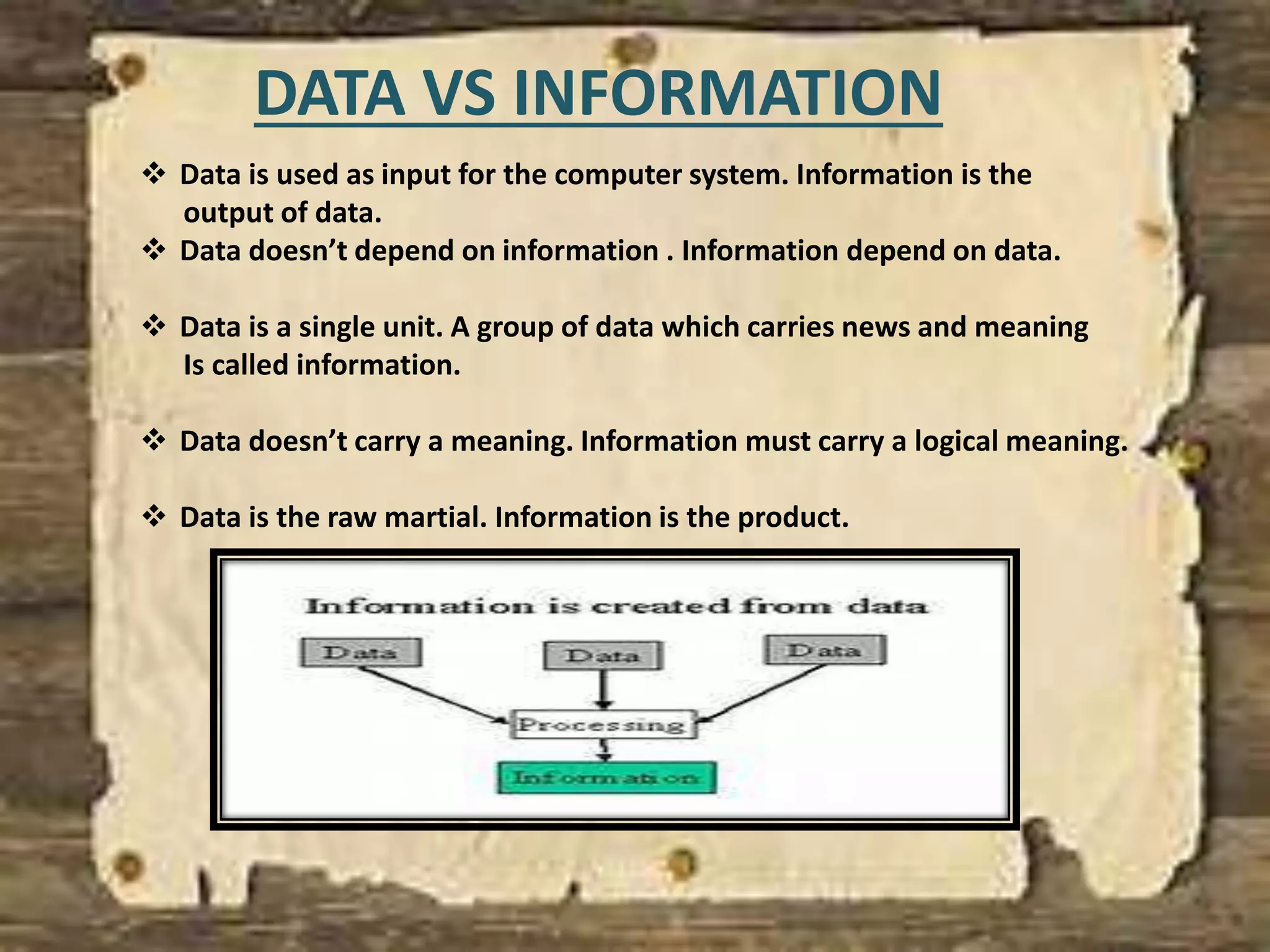
 Data is used as input for the computer system. Information is the
output of data.
 Data doesn’t depend on information . Information depend on data.
 Data is a single unit. A group of data which carries news and meaning
Is called information.
 Data doesn’t carry a meaning. Information must carry a logical meaning.
 Data is the raw martial. Information is the product.
Usually the data is represented in terms of characters.
But now-a-days this Information is being converted to
Other forms such as graphics, images, Animation, audio
And video.
INFORMATIONREPRESENTATION
DIGITALMEDIA
IMAGES
In common usage, an image or picture is an artifact that reproduces
the likeness of Some subject- usually a physical object or a person.
Images may be two dimensional, such as a photograph, or three
dimensional such as In a statue. They are typically produced by
optical devices- such as a cameras, lenses, Microscopes, etc.
DRAWING
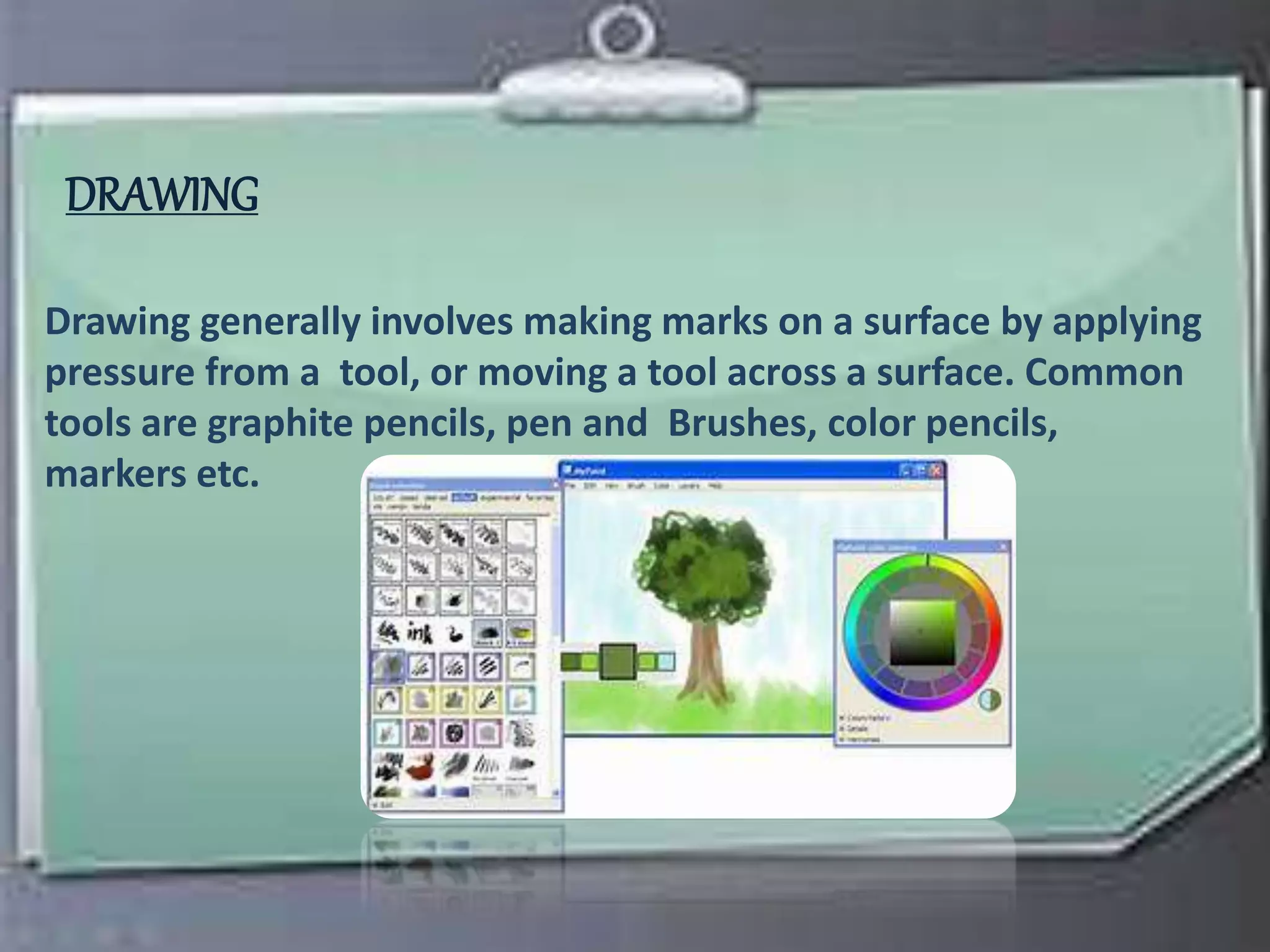
Drawing generally involves making marks on a surface by applying
pressure from a tool, or moving a tool across a surface. Common
tools are graphite pencils, pen and Brushes, color pencils,
markers etc.
GRAPHICS
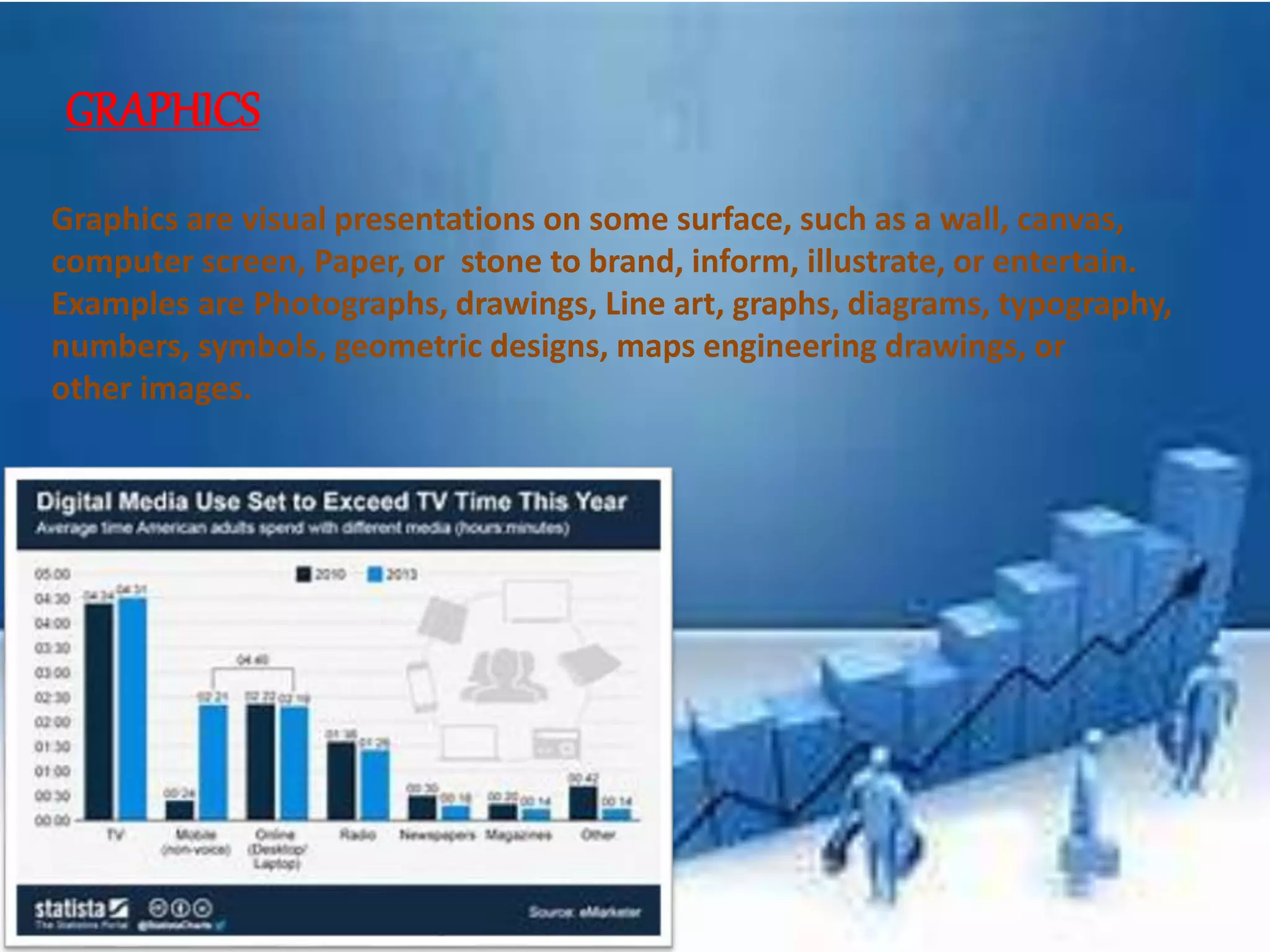
Graphics are visual presentations on some surface, such as a wall, canvas,
computer screen, Paper, or stone to brand, inform, illustrate, or entertain.
Examples are Photographs, drawings, Line art, graphs, diagrams, typography,
numbers, symbols, geometric designs, maps engineering drawings, or
other images.
ETCHING
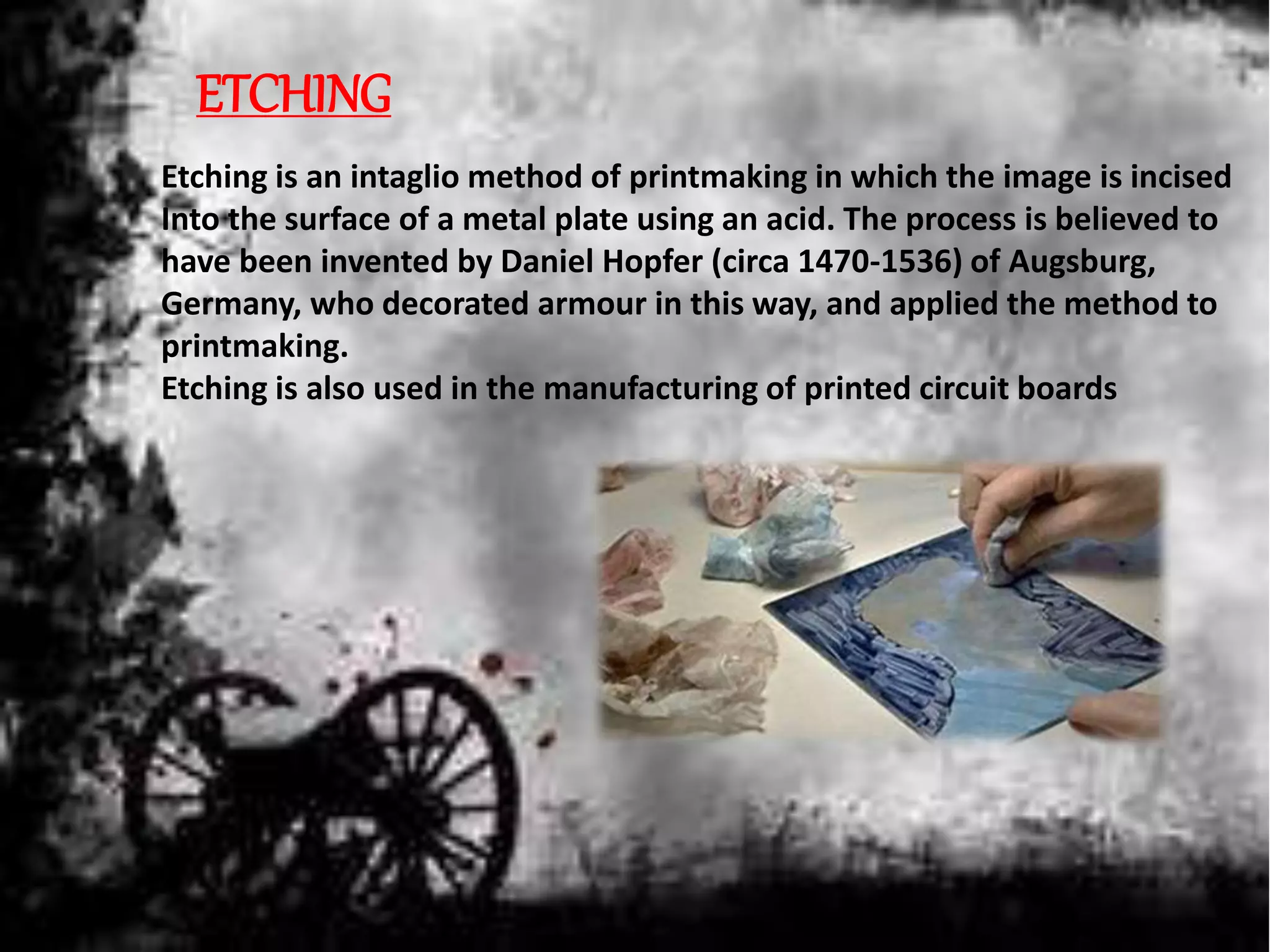
Etching is an intaglio method of printmaking in which the image is incised
Into the surface of a metal plate using an acid. The process is believed to
have been invented by Daniel Hopfer (circa 1470-1536) of Augsburg,
Germany, who decorated armour in this way, and applied the method to
printmaking.
Etching is also used in the manufacturing of printed circuit boards
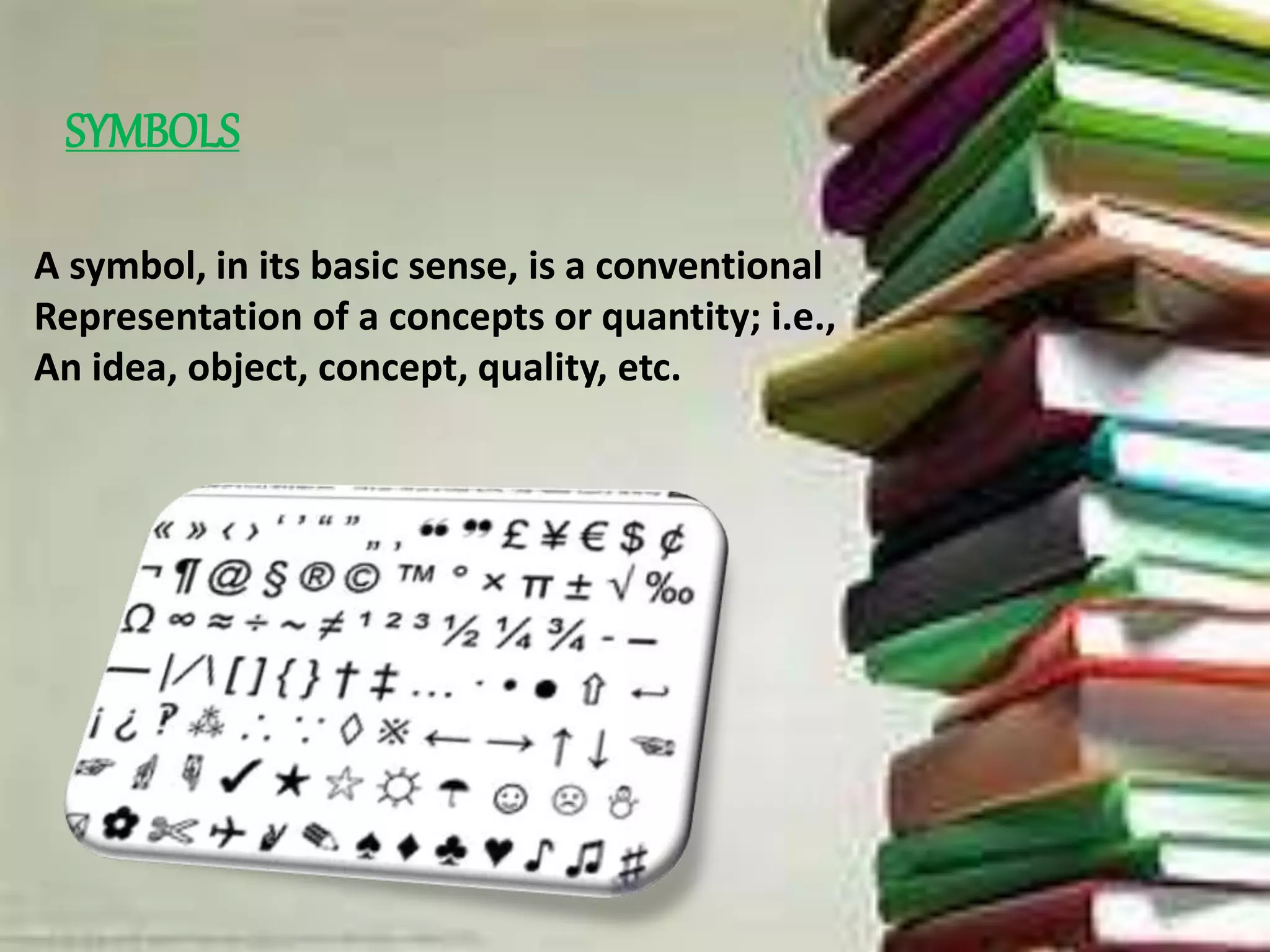
SYMBOLS
A symbol, in its basic sense, is a conventional
Representation of a concepts or quantity; i.e.,
An idea, object, concept, quality, etc.
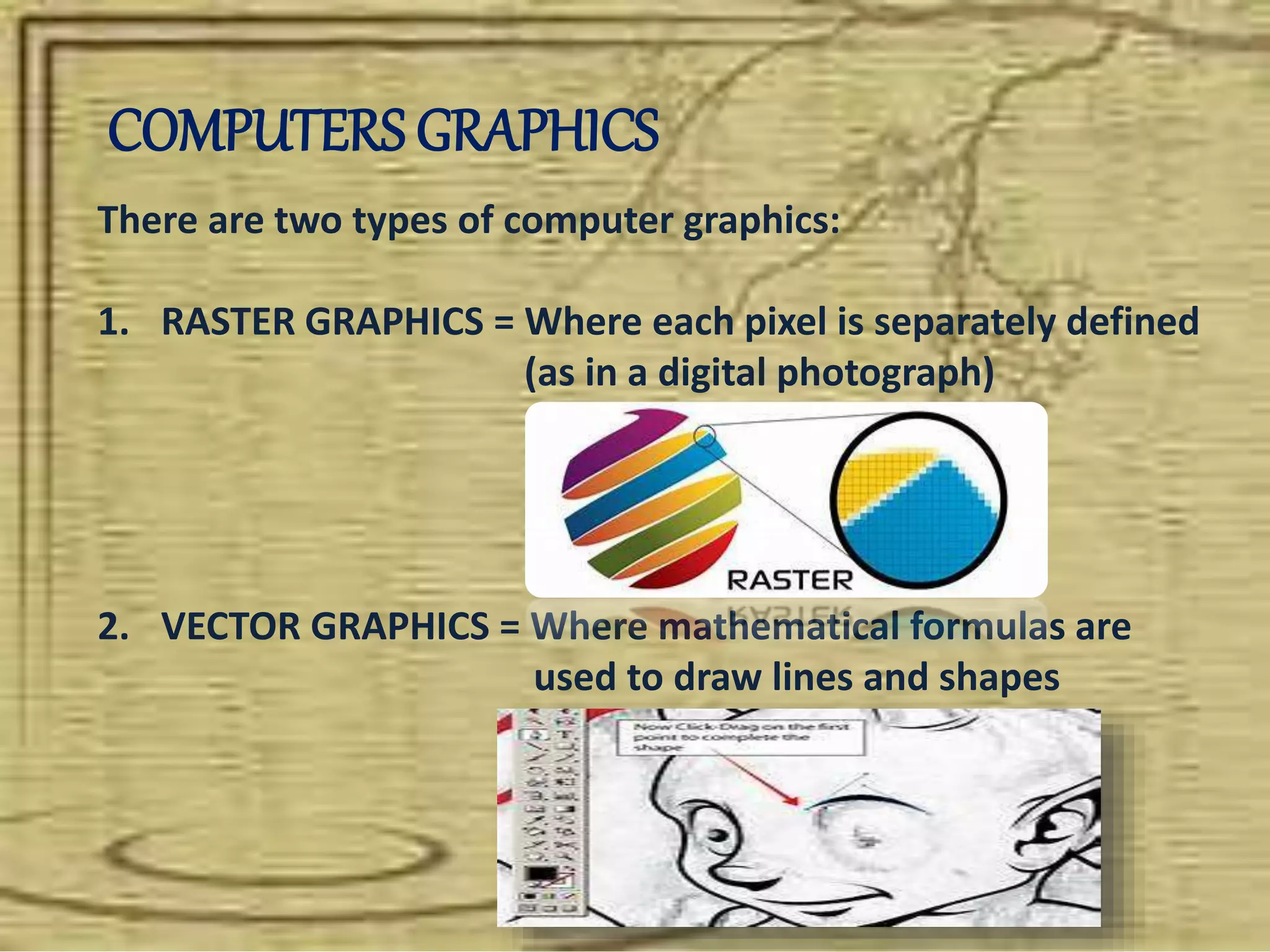
COMPUTERS GRAPHICS
There are two types of computer graphics:
1. RASTER GRAPHICS = Where each pixel is separately defined
(as in a digital photograph)
2. VECTOR GRAPHICS = Where mathematical formulas are
used to draw lines and shapes
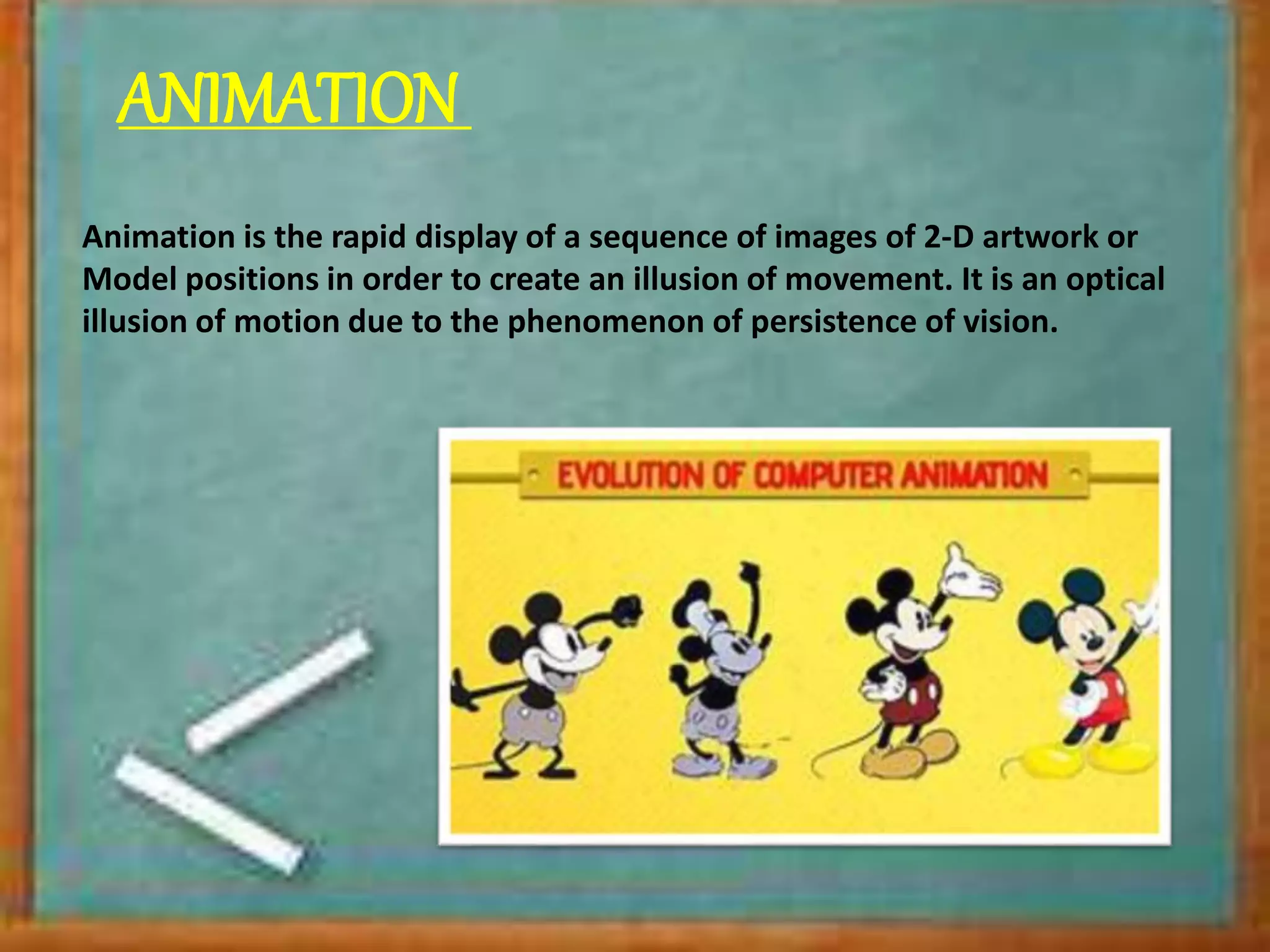
ANIMATION
Animation is the rapid display of a sequence of images of 2-D artwork or
Model positions in order to create an illusion of movement. It is an optical
illusion of motion due to the phenomenon of persistence of vision.
COMMON TYPES OF ANIMATION
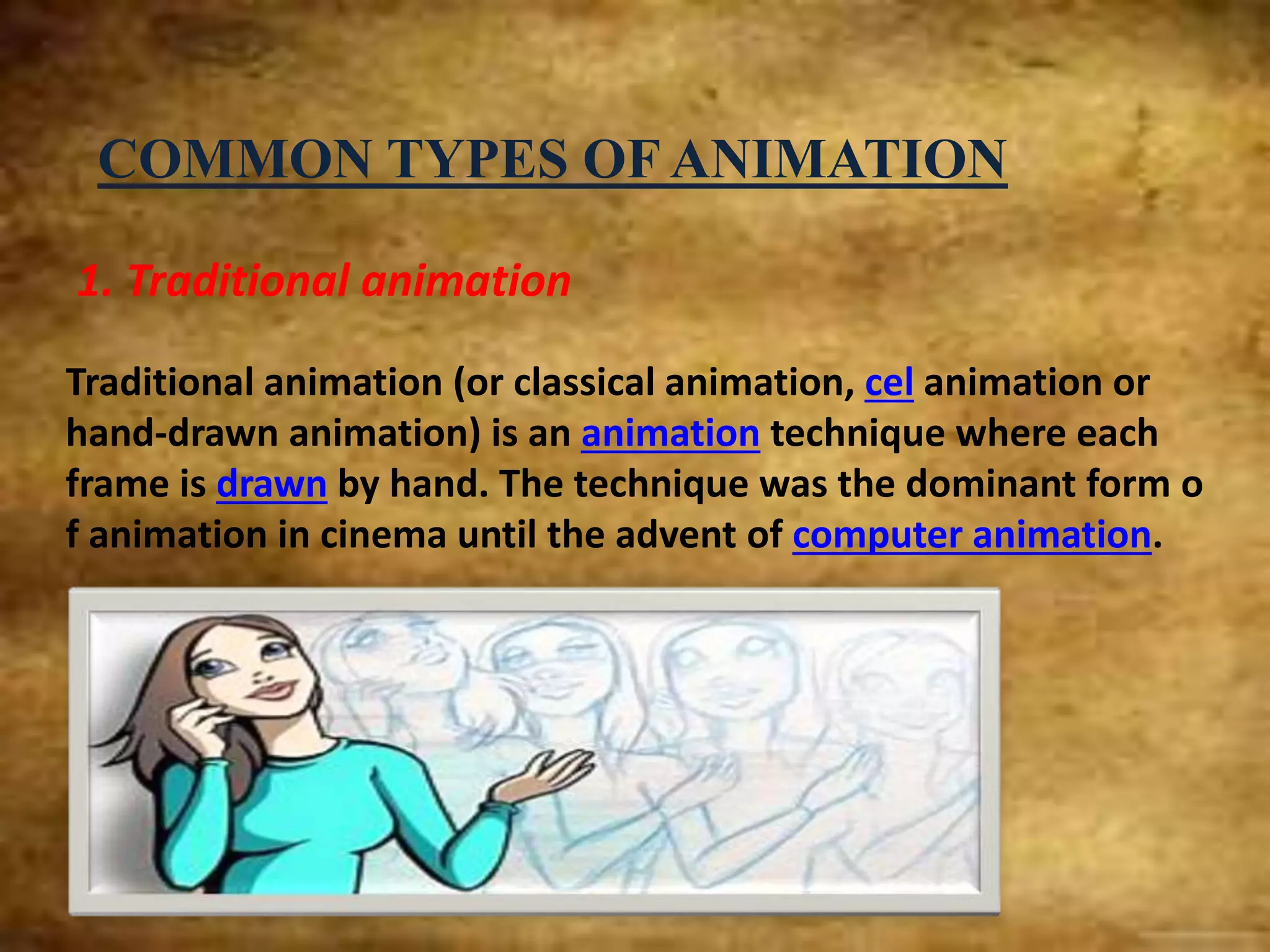
1. Traditional animation
Traditional animation (or classical animation, cel animation or
hand-drawn animation) is an animation technique where each
frame is drawn by hand. The technique was the dominant form o
f animation in cinema until the advent of computer animation.
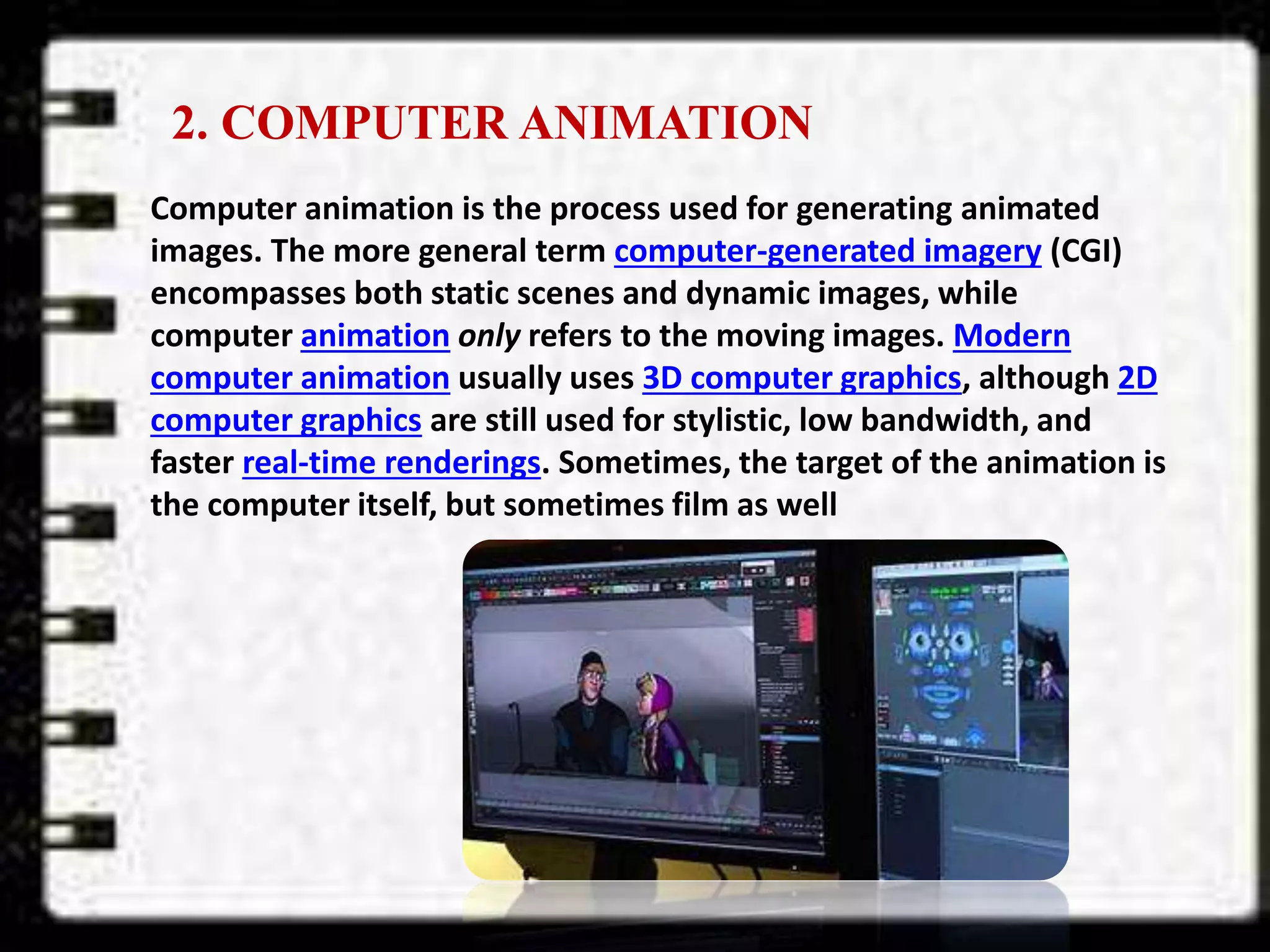
2. COMPUTER ANIMATION
Computer animation is the process used for generating animated
images. The more general term computer-generated imagery (CGI)
encompasses both static scenes and dynamic images, while
computer animation only refers to the moving images. Modern
computer animation usually uses 3D computer graphics, although 2D
computer graphics are still used for stylistic, low bandwidth, and
faster real-time renderings. Sometimes, the target of the animation is
the computer itself, but sometimes film as well
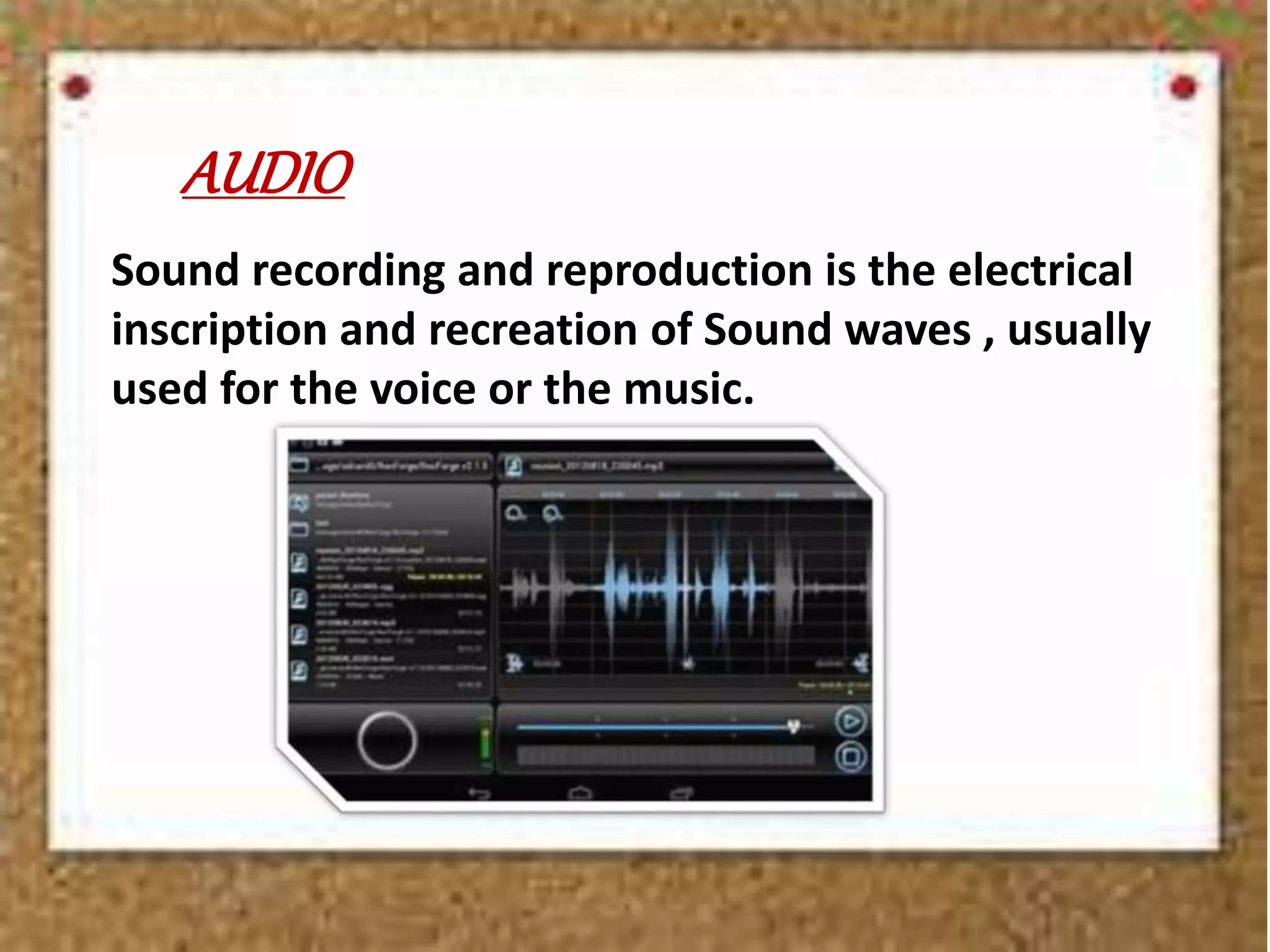
AUDIO
Sound recording and reproduction is the electrical
inscription and recreation of Sound waves , usually
used for the voice or the music.
VIDEO
Video is an electronic medium for the recording, copying,
playback, broadcasting, and display of moving visual media.[1]
Video was first developed for mechanical television systems, which were
quickly replaced by cathode ray tube (CRT) systems which were later
replaced by flat panel displays of several types
CHAPTER2
COMPUTERAPPREDIATION
DEFINITIONOF ELECTRONICCOMPUTER
A programmable electronic device that can be used to store and
manipulate data to carry out designated functions; the
two fundamental components are hardware, that is, the actual el
ectronic device, and software, that is, the instructions
or program used to carry out the function
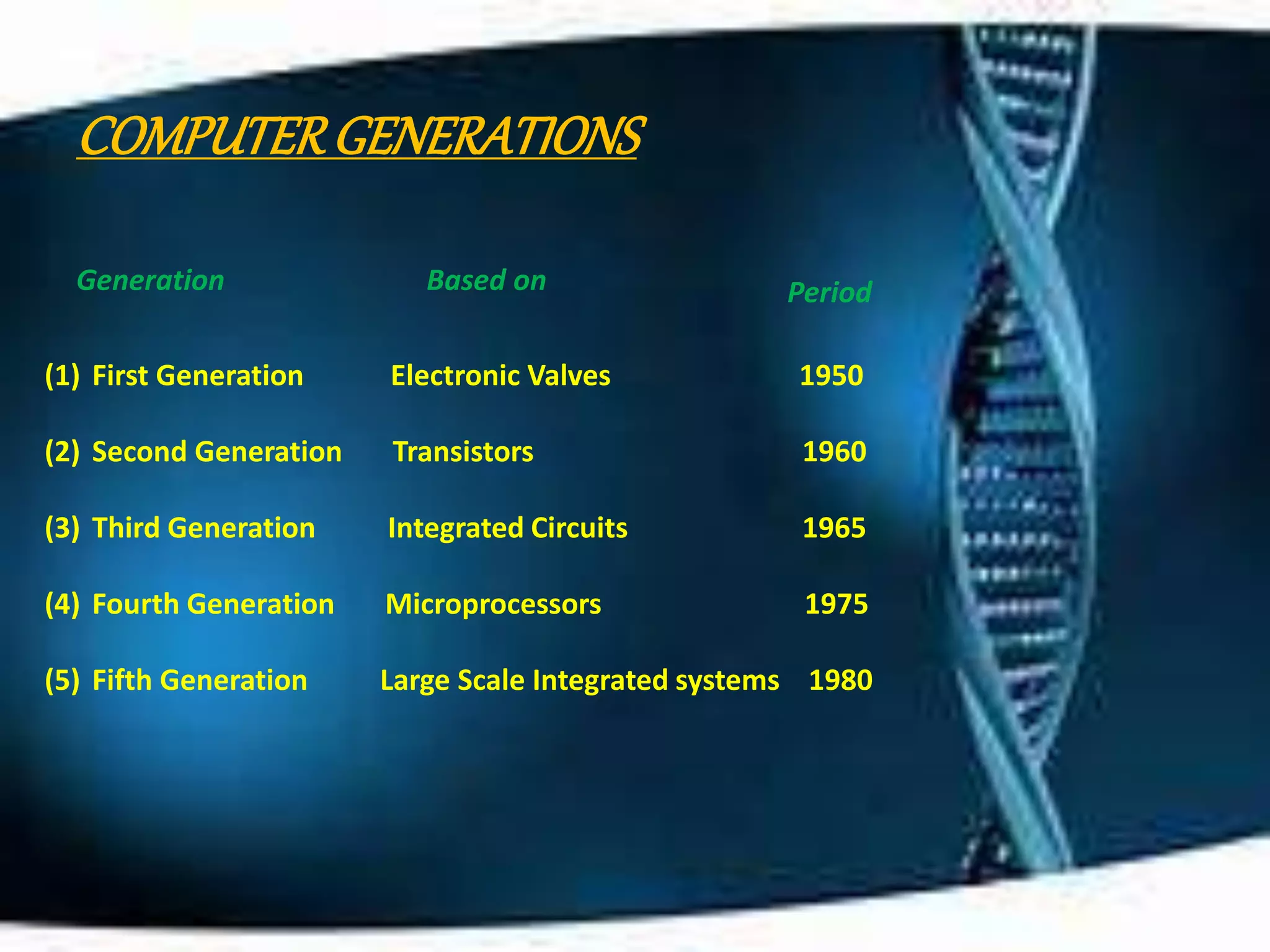
COMPUTERGENERATIONS
Generation Based on Period
(1) First Generation Electronic Valves 1950
(2) Second Generation Transistors 1960
(3) Third Generation Integrated Circuits 1965
(4) Fourth Generation Microprocessors 1975
(5) Fifth Generation Large Scale Integrated systems 1980
APPLICATION OF COMPUTERS
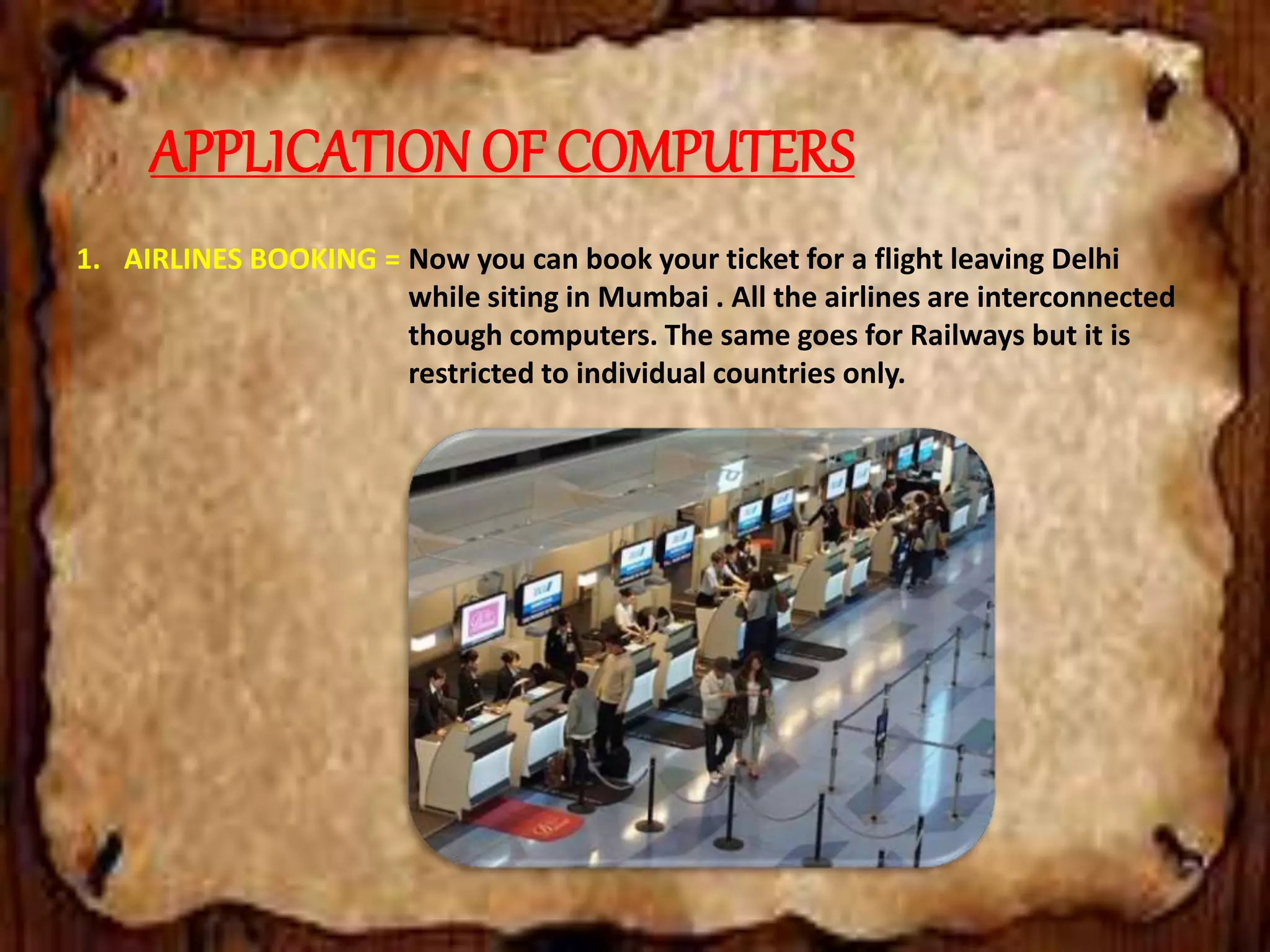
1. AIRLINES BOOKING = Now you can book your ticket for a flight leaving Delhi
while siting in Mumbai . All the airlines are interconnected
though computers. The same goes for Railways but it is
restricted to individual countries only.
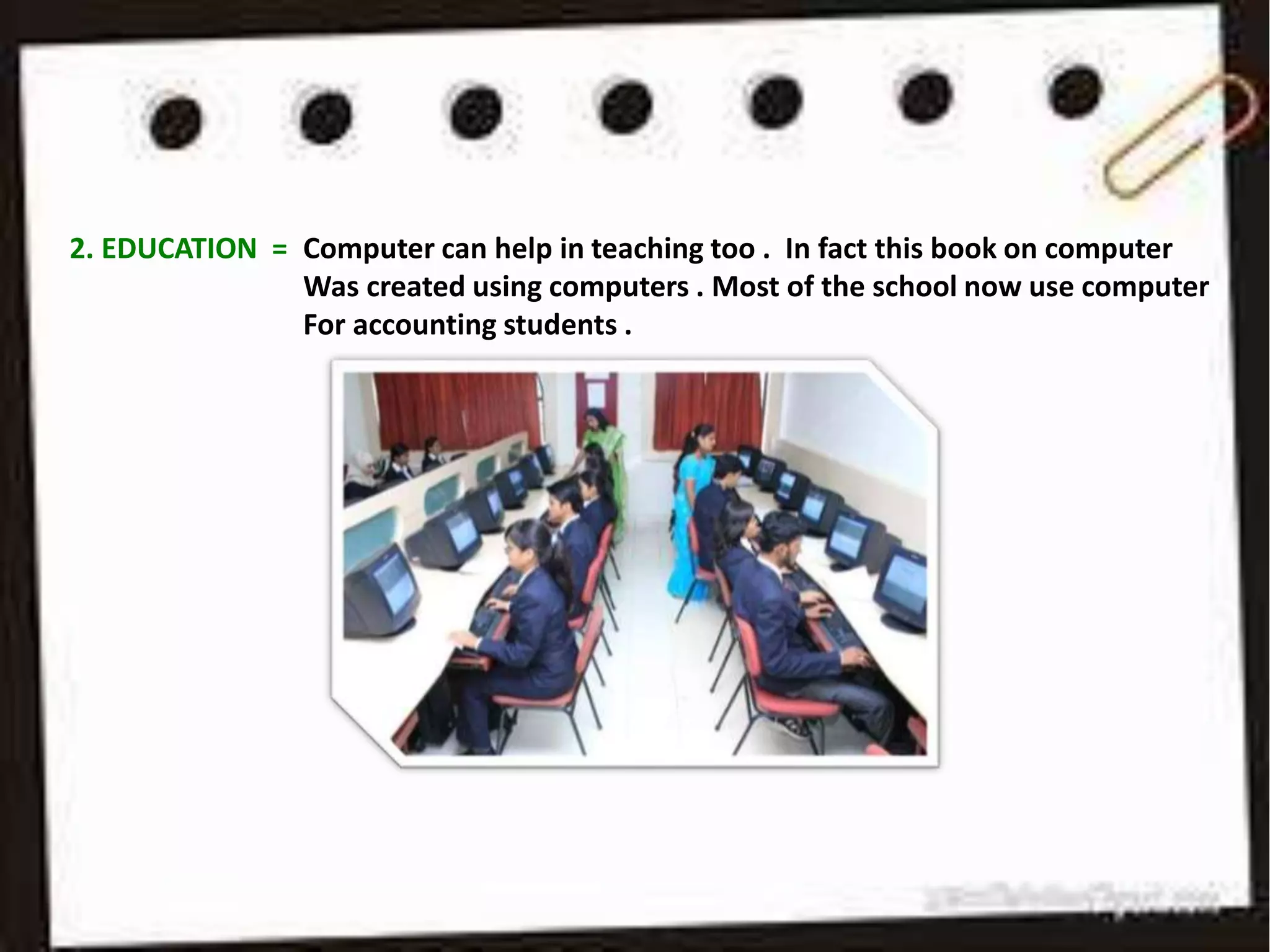
2. EDUCATION = Computer can help in teaching too . In fact this book on computer
Was created using computers . Most of the school now use computer
For accounting students .
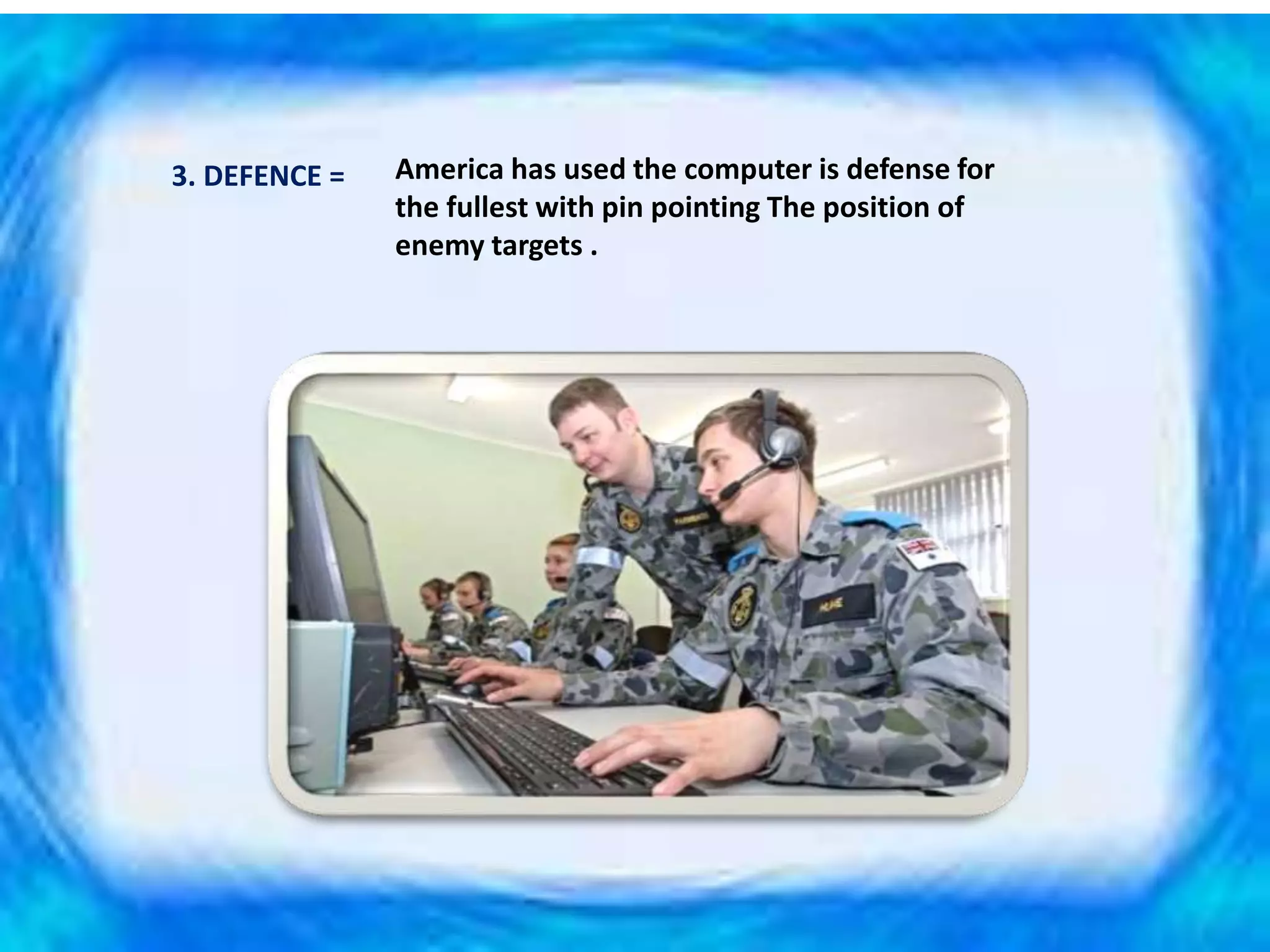
3. DEFENCE = America has used the computer is defense for
the fullest with pin pointing The position of
enemy targets .
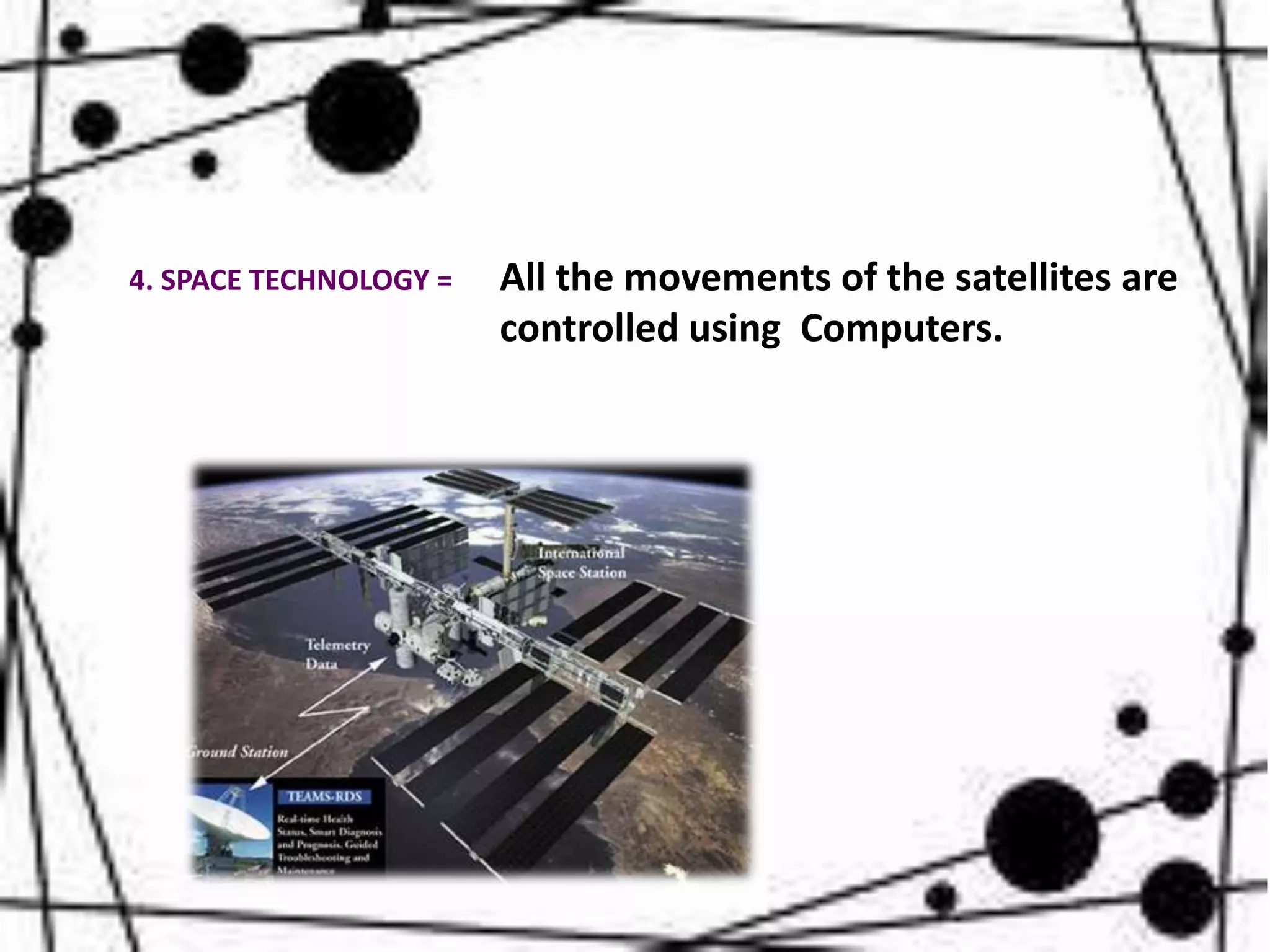
All the movements of the satellites are
controlled using Computers.
4. SPACE TECHNOLOGY =
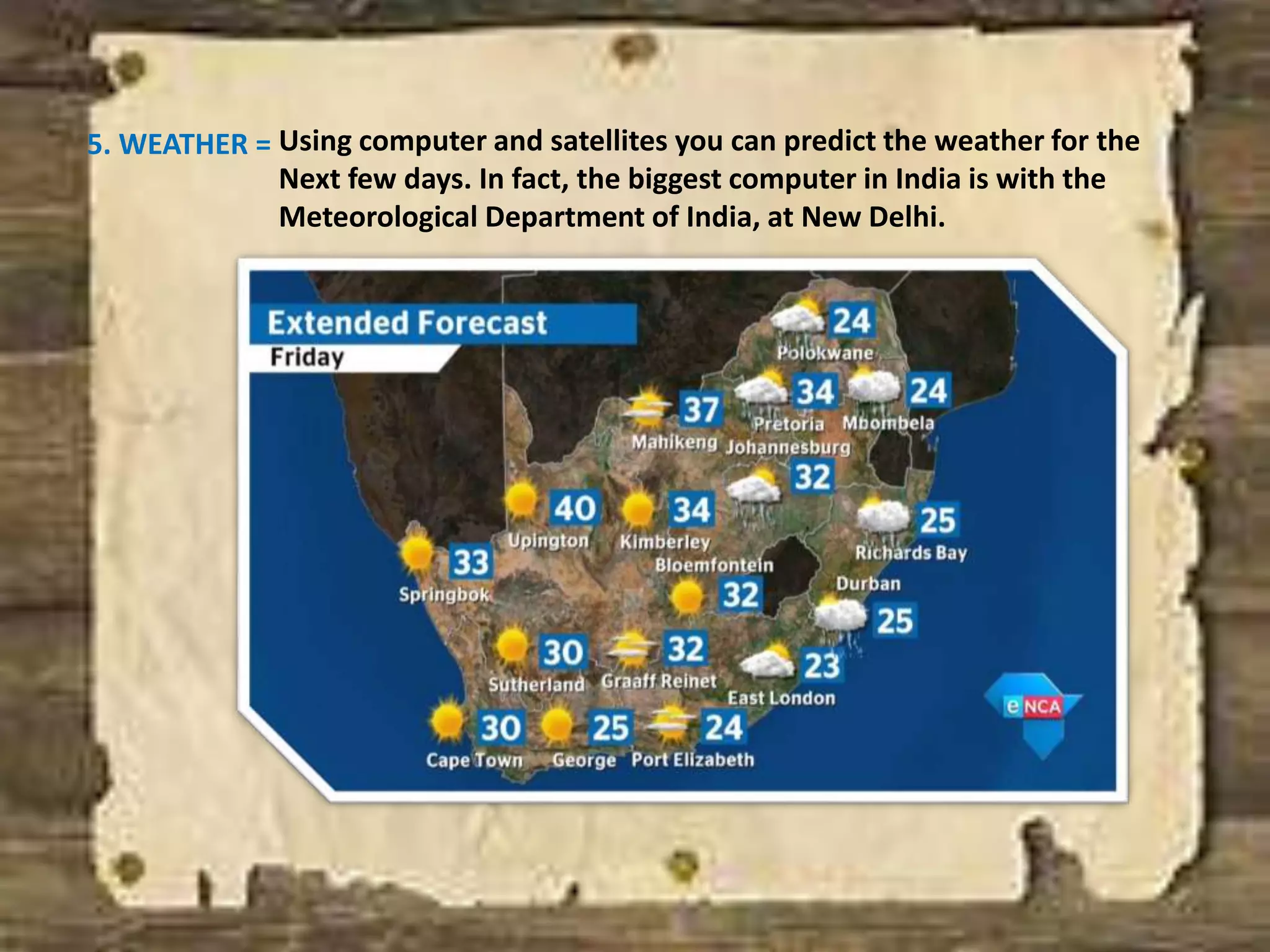
5. WEATHER = Using computer and satellites you can predict the weather for the
Next few days. In fact, the biggest computer in India is with the
Meteorological Department of India, at New Delhi.
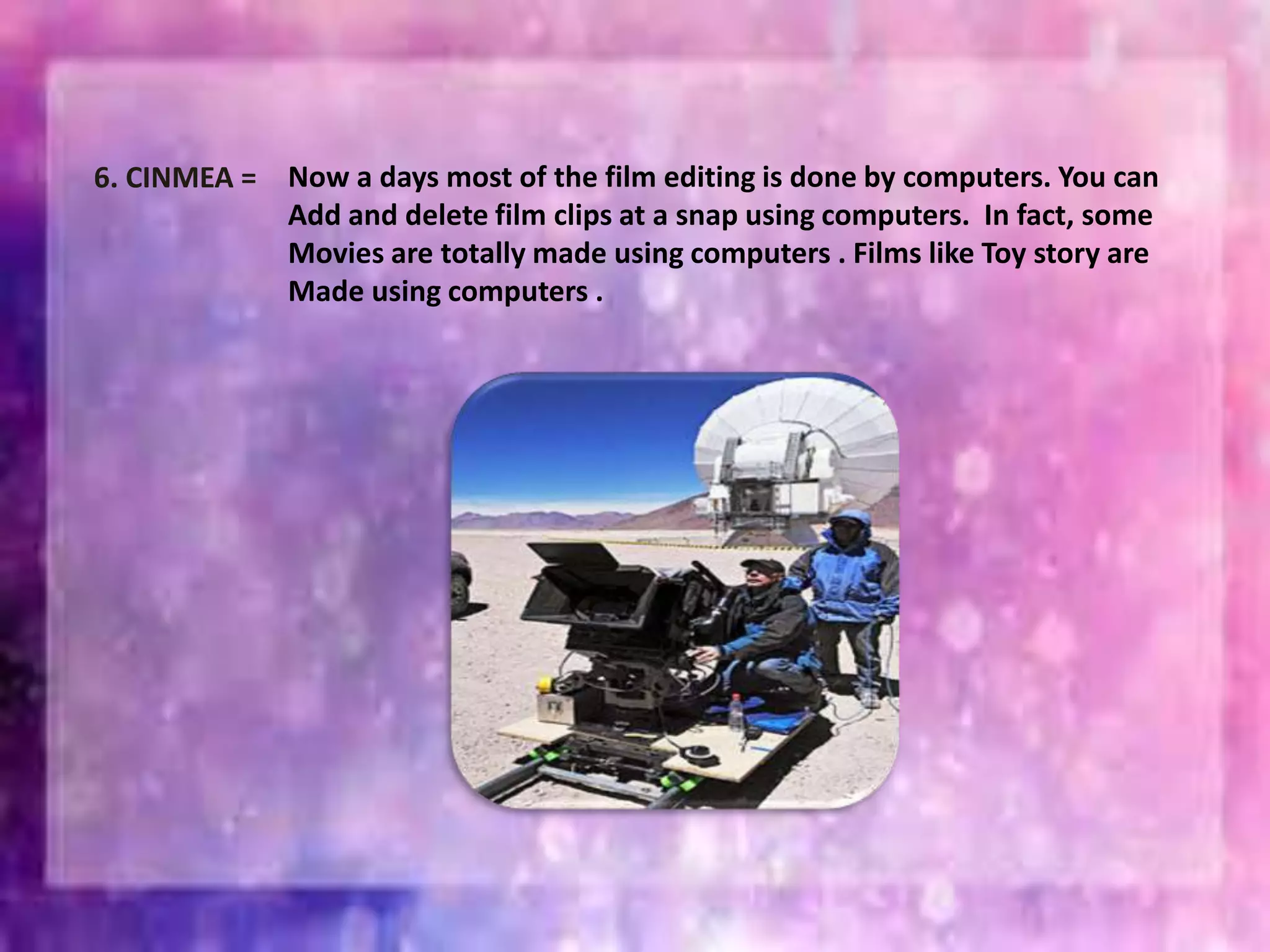
6. CINMEA = Now a days most of the film editing is done by computers. You can
Add and delete film clips at a snap using computers. In fact, some
Movies are totally made using computers . Films like Toy story are
Made using computers .
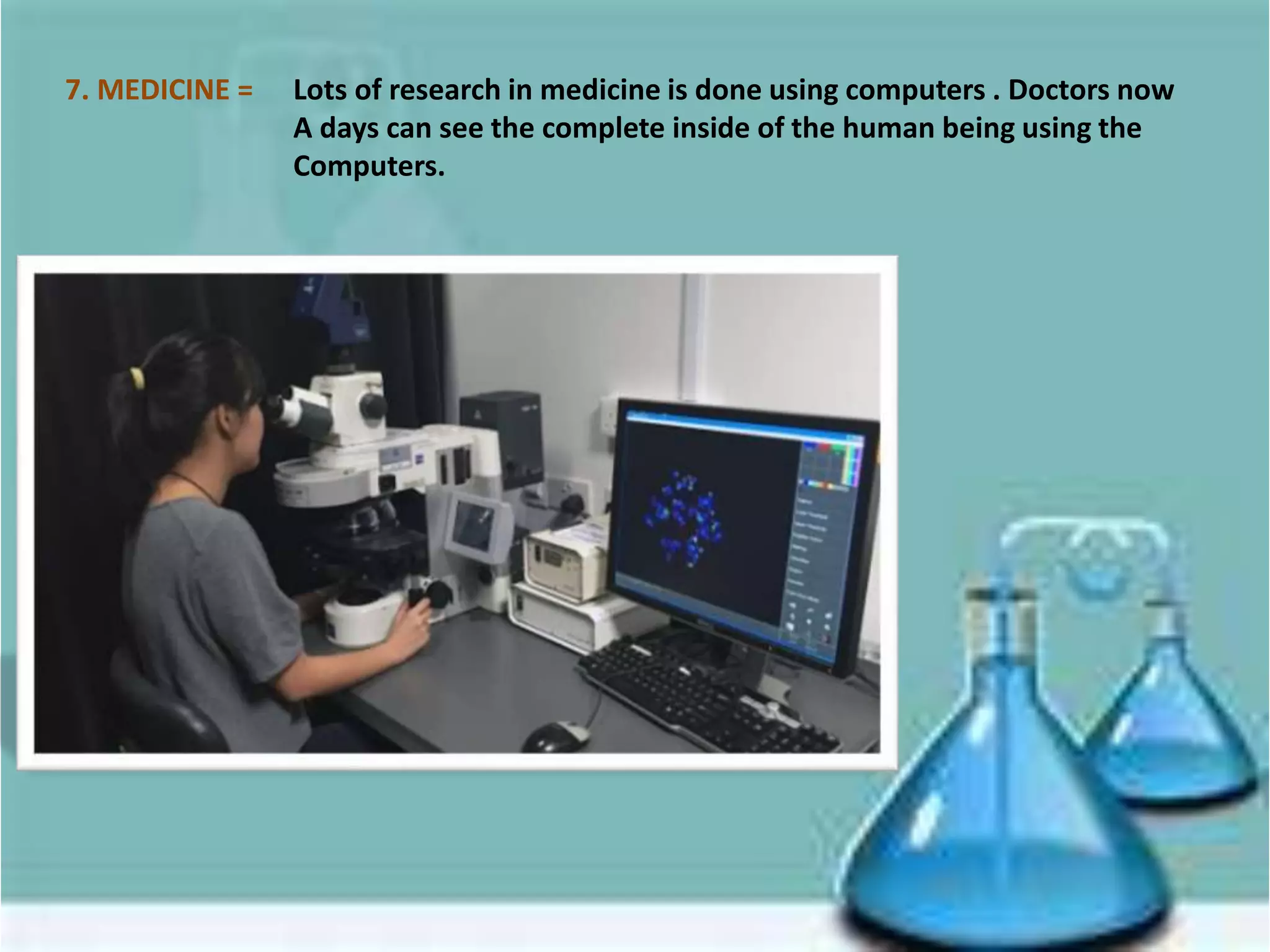
7. MEDICINE = Lots of research in medicine is done using computers . Doctors now
A days can see the complete inside of the human being using the
Computers.
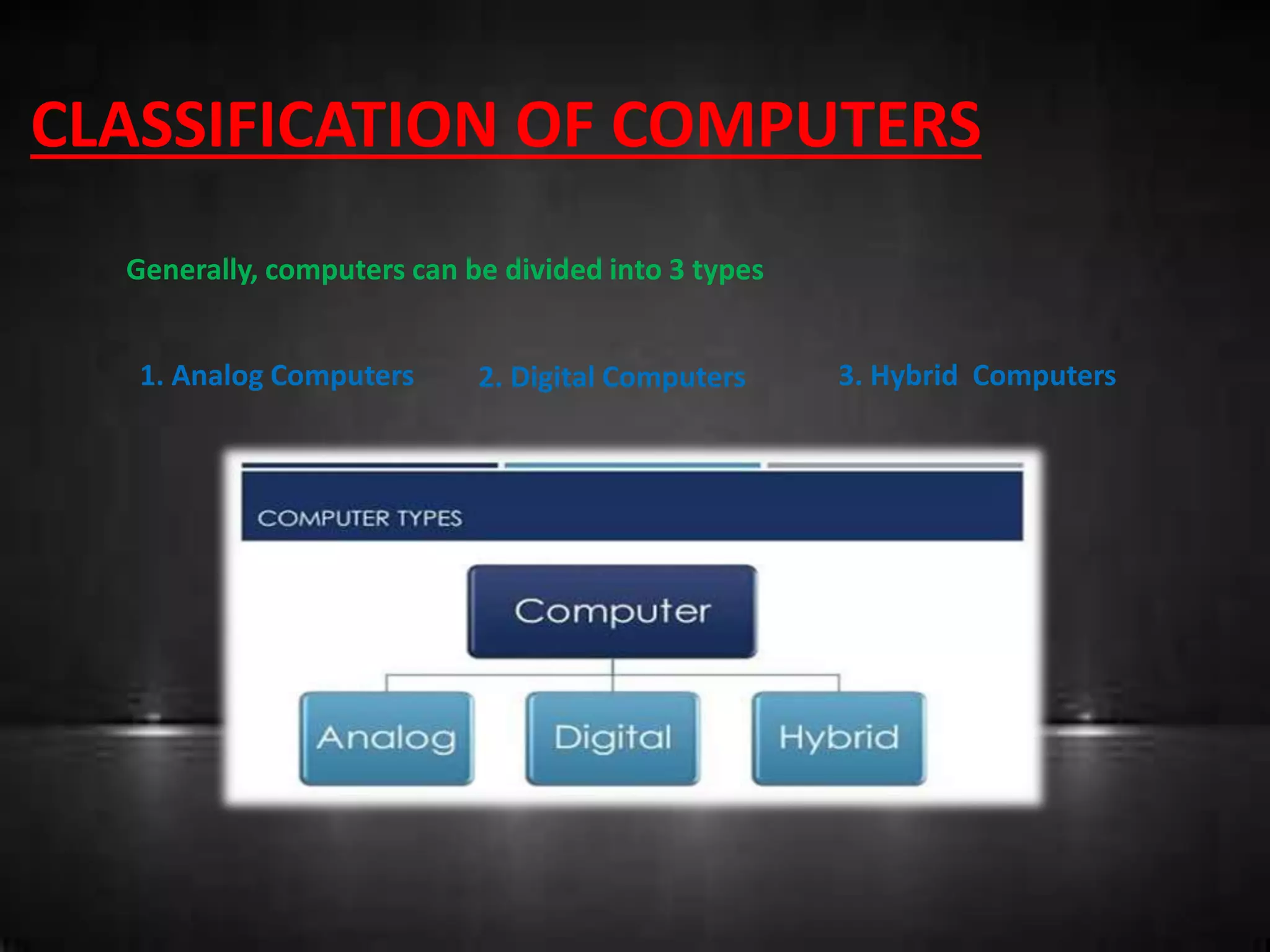
CLASSIFICATION OF COMPUTERS
Generally, computers can be divided into 3 types
1. Analog Computers 2. Digital Computers 3. Hybrid Computers
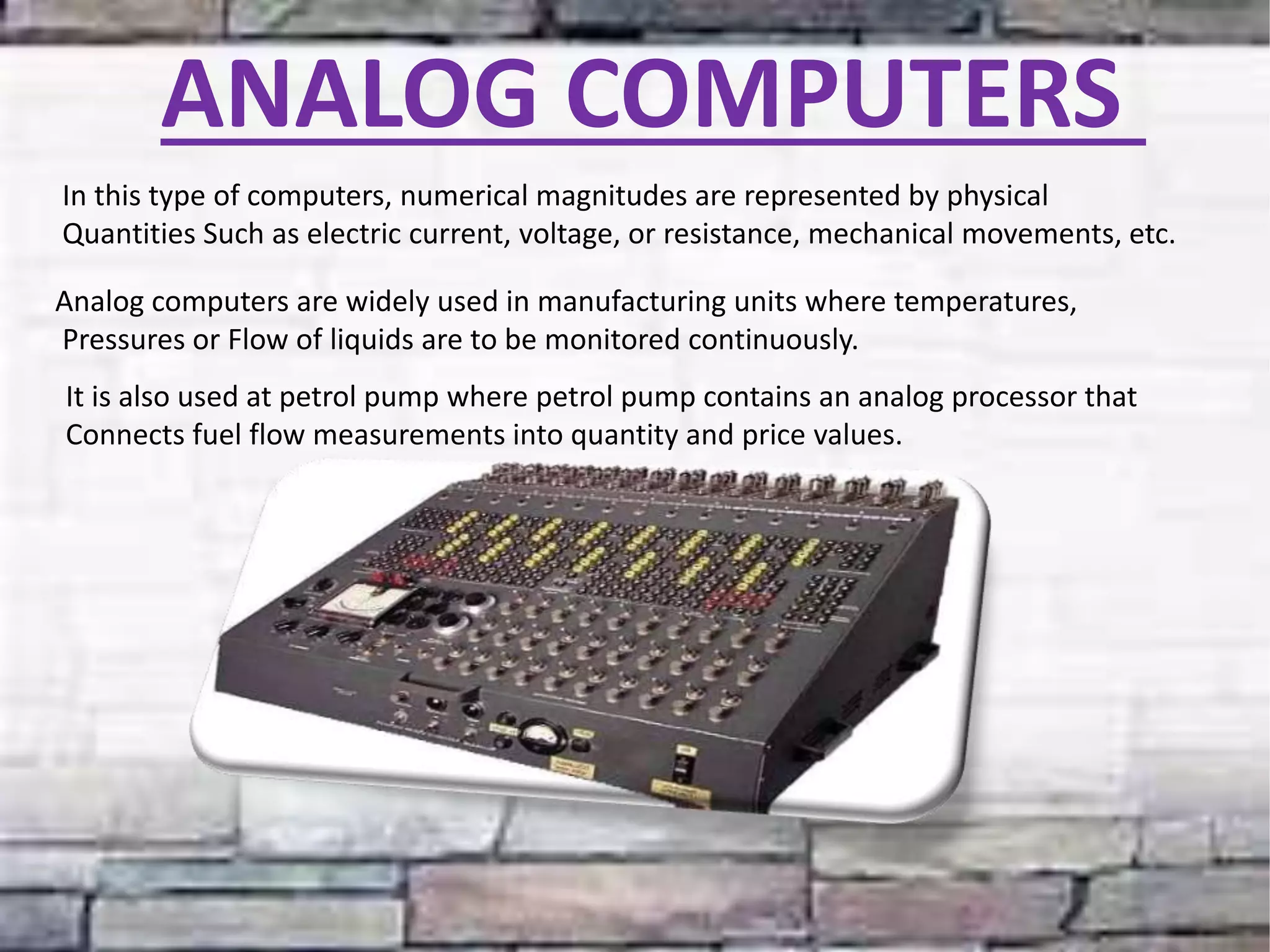
ANALOG COMPUTERS
In this type of computers, numerical magnitudes are represented by physical
Quantities Such as electric current, voltage, or resistance, mechanical movements, etc.
Analog computers are widely used in manufacturing units where temperatures,
Pressures or Flow of liquids are to be monitored continuously.
It is also used at petrol pump where petrol pump contains an analog processor that
Connects fuel flow measurements into quantity and price values.
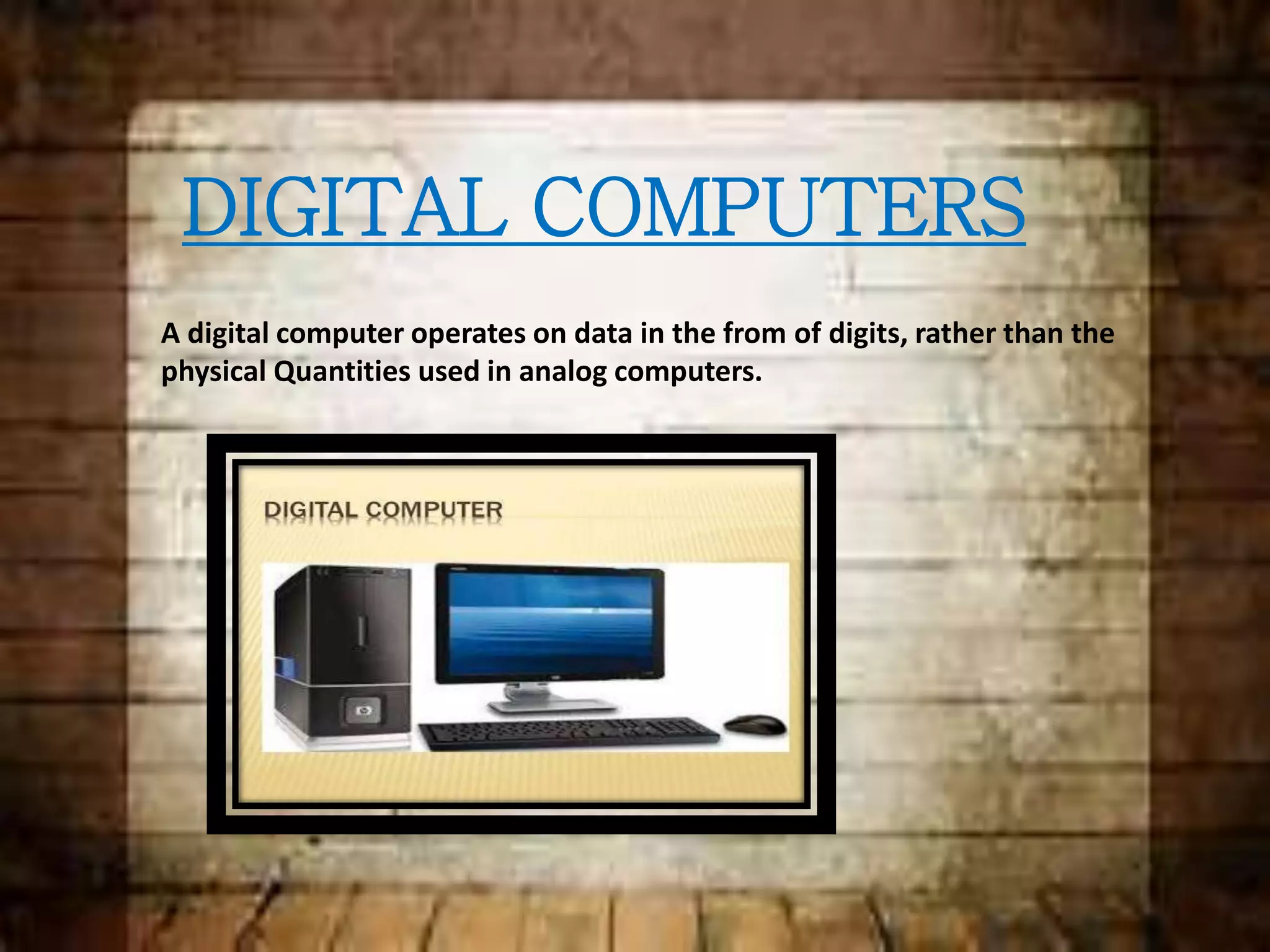
DIGITAL COMPUTERS
A digital computer operates on data in the from of digits, rather than the
physical Quantities used in analog computers.
Classification of Digital Computers
General Purpose Digital Computers
They are also known as all purpose digital computers. Theoretically they can be used
For any type of applications, e.g., computers that are used for payroll, graphs,
Analysis, etc.
Special Purpose Digital Computers
A digital computer is designed to solve problems of a restricted type. That is, special
Purpose digital computer is designed to be especially efficient in a certain class of
Applications, e.g., computers installed in washing machines.
Hybrid computers
This type of computers are hybrid of the above two types. A hybrid computer may use or
Produce analog data or digital data.
Hybrid computers are generally used in scientific application or controlling industrial
processes.
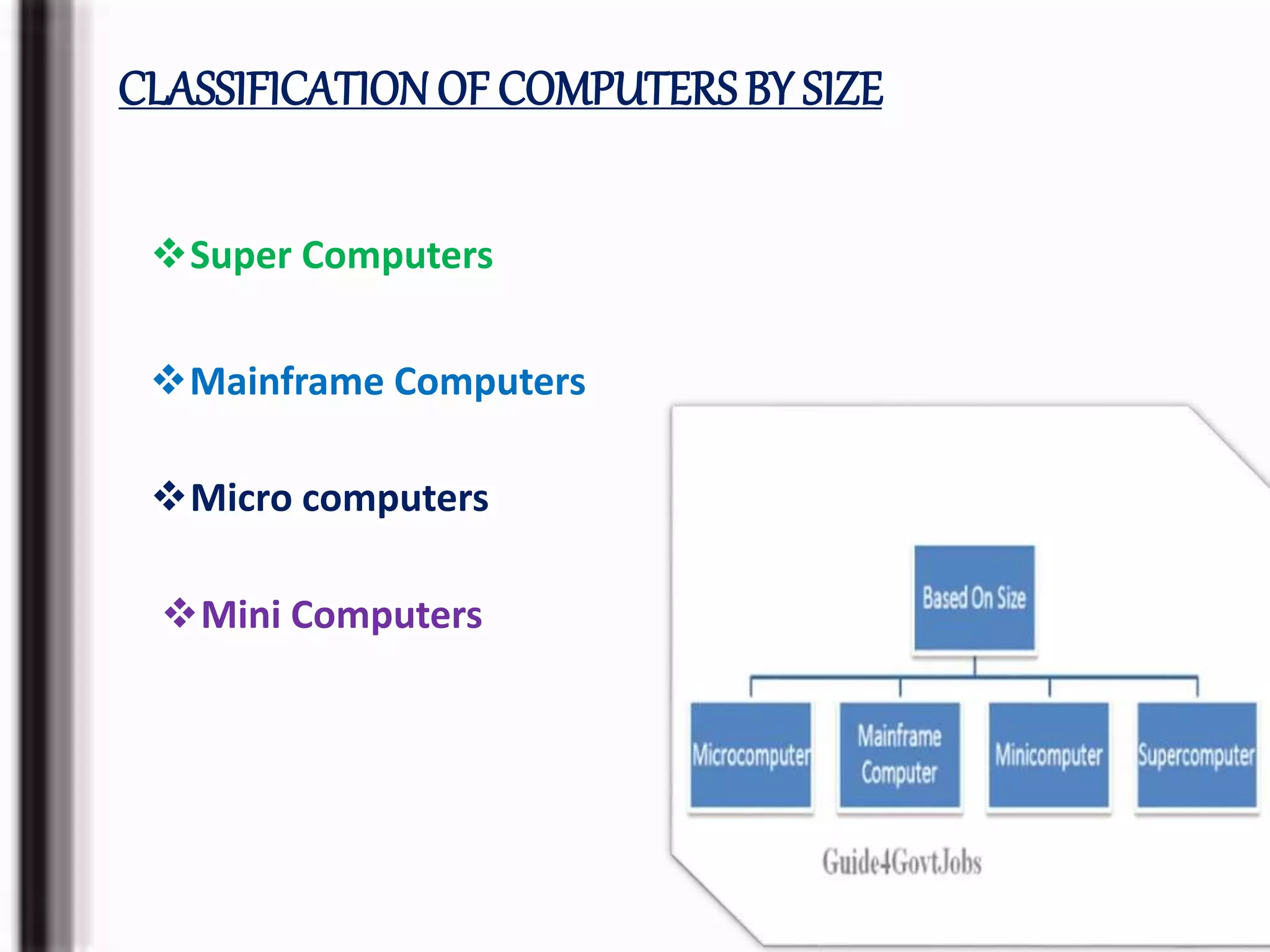
CLASSIFICATION OF COMPUTERSBY SIZE
Super Computers
Mainframe Computers
Micro computers
Mini Computers
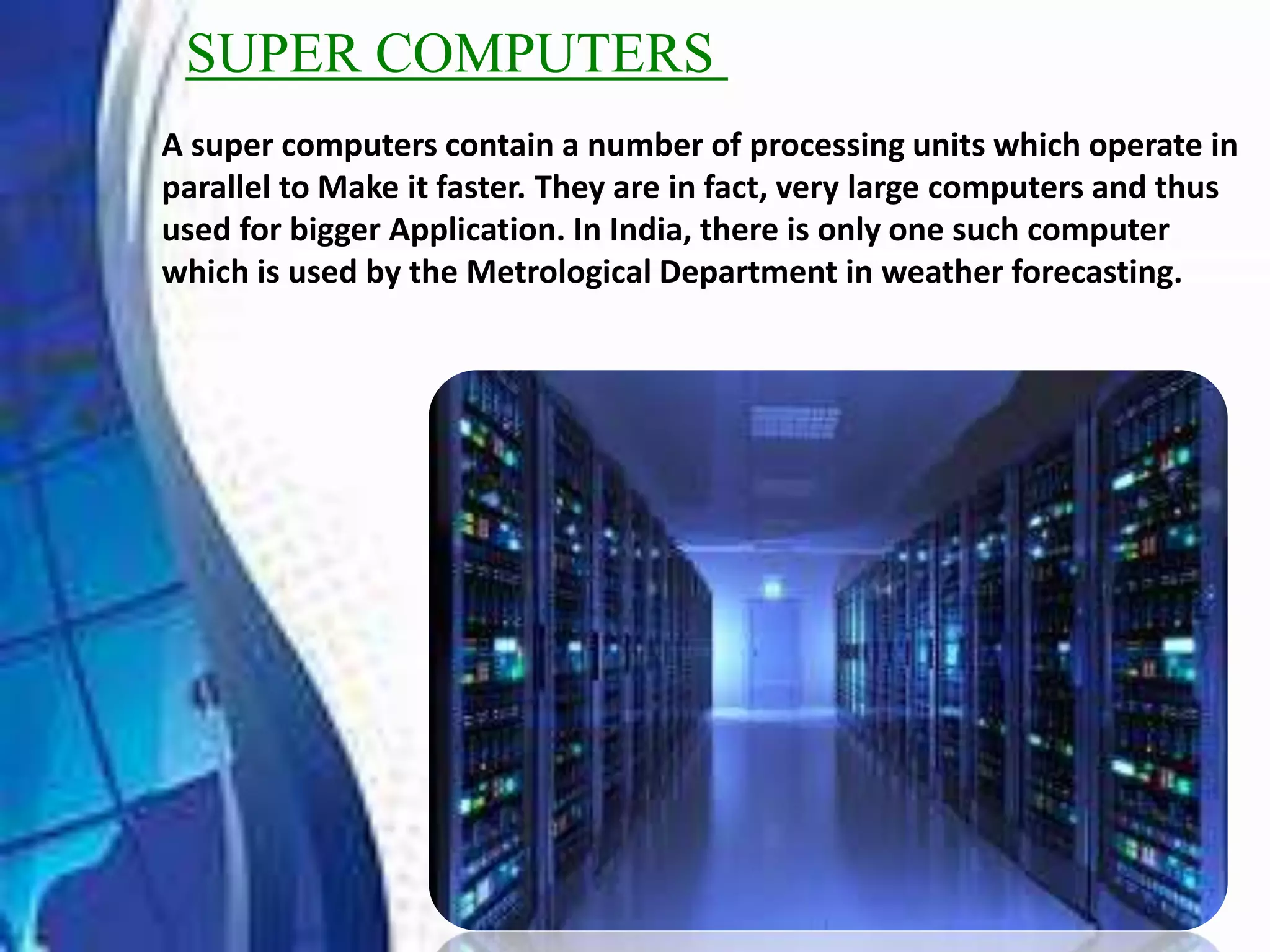
SUPER COMPUTERS
A super computers contain a number of processing units which operate in
parallel to Make it faster. They are in fact, very large computers and thus
used for bigger Application. In India, there is only one such computer
which is used by the Metrological Department in weather forecasting.
MAINFRAME COMPUTERS
It is a large computers or Mainframe computers are used in research organizations,
large industrial, banks, airlines, and railway reservations where large data base is
Required.
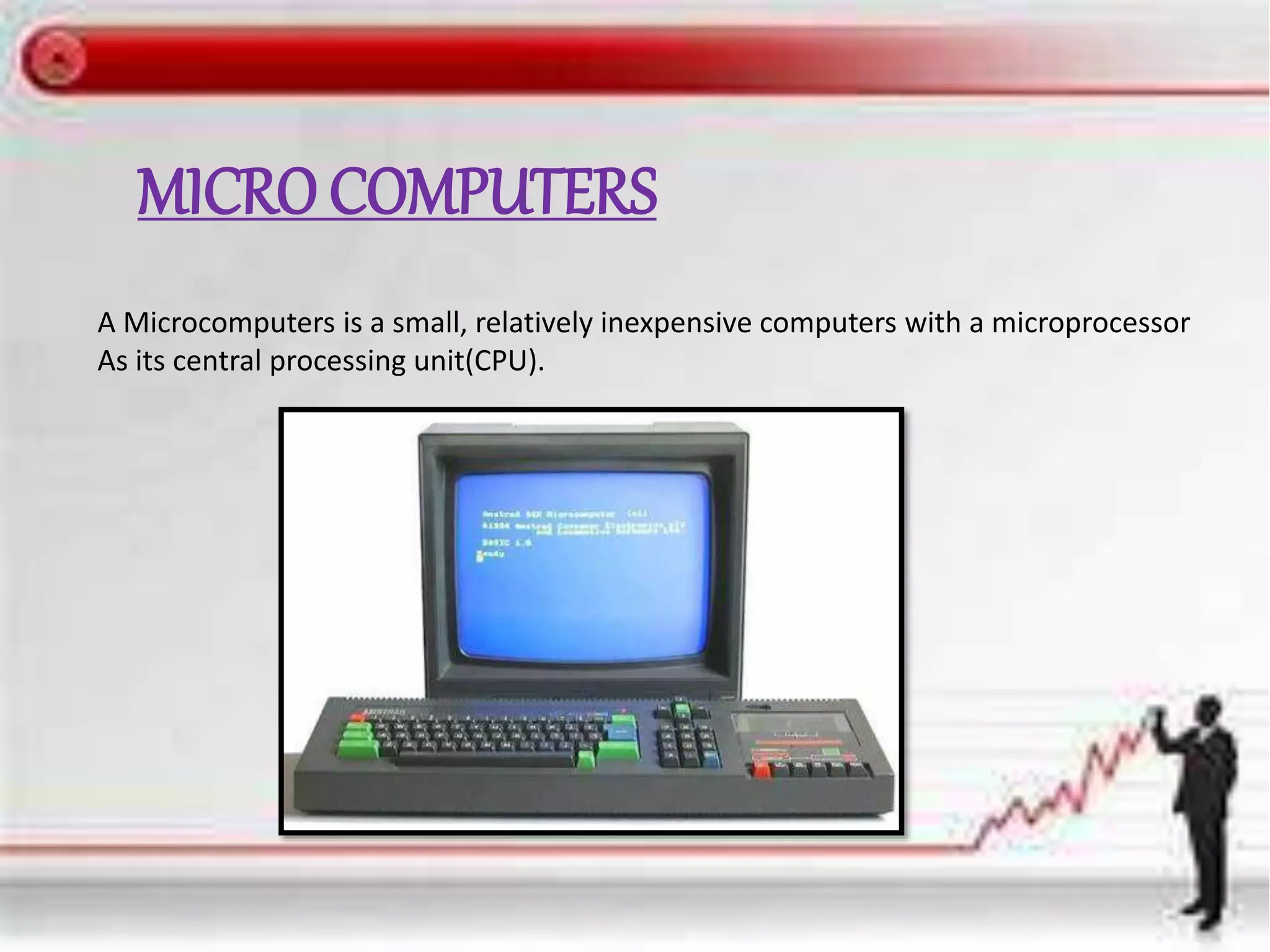
MICRO COMPUTERS
A Microcomputers is a small, relatively inexpensive computers with a microprocessor
As its central processing unit(CPU).
MINI COMPUTERS
A minicomputer, or colloquially mini, is a
class of smaller computers that was
developed in the mid-1960s[1][2] and sold for
much less than mainframe[3] and mid-size
computers from IBM and its direct
competitors
RAM(RANDOM ACCESS MEMORY)
A random-access memory device allows data . items to be read or written
in almost the same amount of time irrespective of the physical location of
data inside the memory. In contrast, with other direct-access data storage
media such as hard disks, CD-RWs, DVD-RWs and the older magnetic
tapes and drum memory, the time required to read and write data items
varies significantly depending on their physical locations on the recording
medium, due to mechanical limitations such as media rotation speeds and
arm movement.
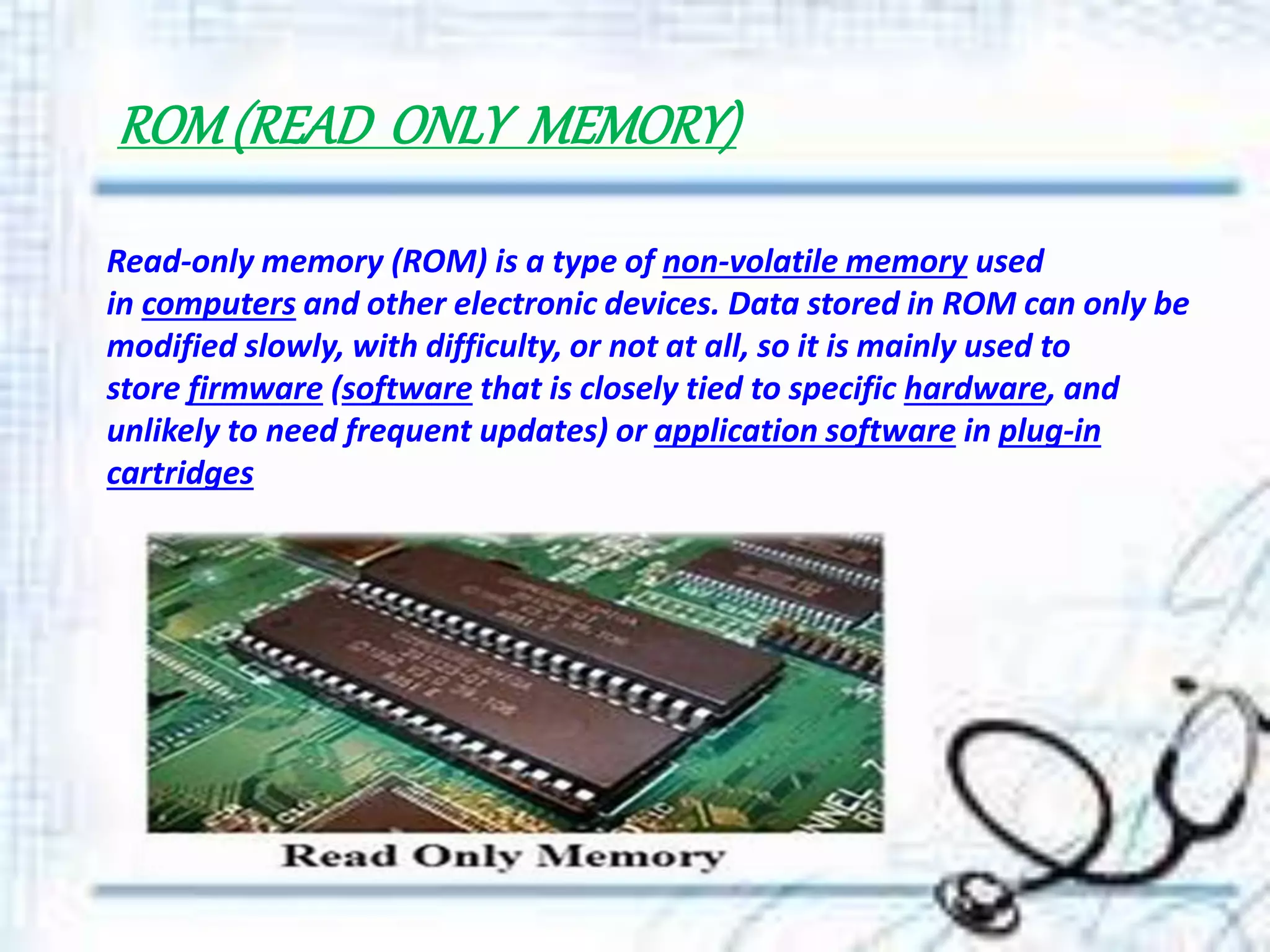
ROM(READ ONLY MEMORY)
Read-only memory (ROM) is a type of non-volatile memory used
in computers and other electronic devices. Data stored in ROM can only be
modified slowly, with difficulty, or not at all, so it is mainly used to
store firmware (software that is closely tied to specific hardware, and
unlikely to need frequent updates) or application software in plug-in
cartridges
COMPUTER HARDWARE
Computer hardware are the physical parts or components of a computer,
such as the monitor, keyboard, computer data storage, graphic
card, sound card and motherboard.[1] By contrast, software is instructions
that can be stored and ran by hardware.
Hardware is directed by the software to execute any command
or instruction. A combination of hardware and software forms a
usable computing system
C . P. U (CENTRALPROCESSINGUNIT)
It is actually the main brain of the computer system. It is here that
the whole processing take place. It consists of 4 main unit:
1) Primary Storage Unit
2) Arithmetic Logic Unit
3) Control Unit
4) Output Unit
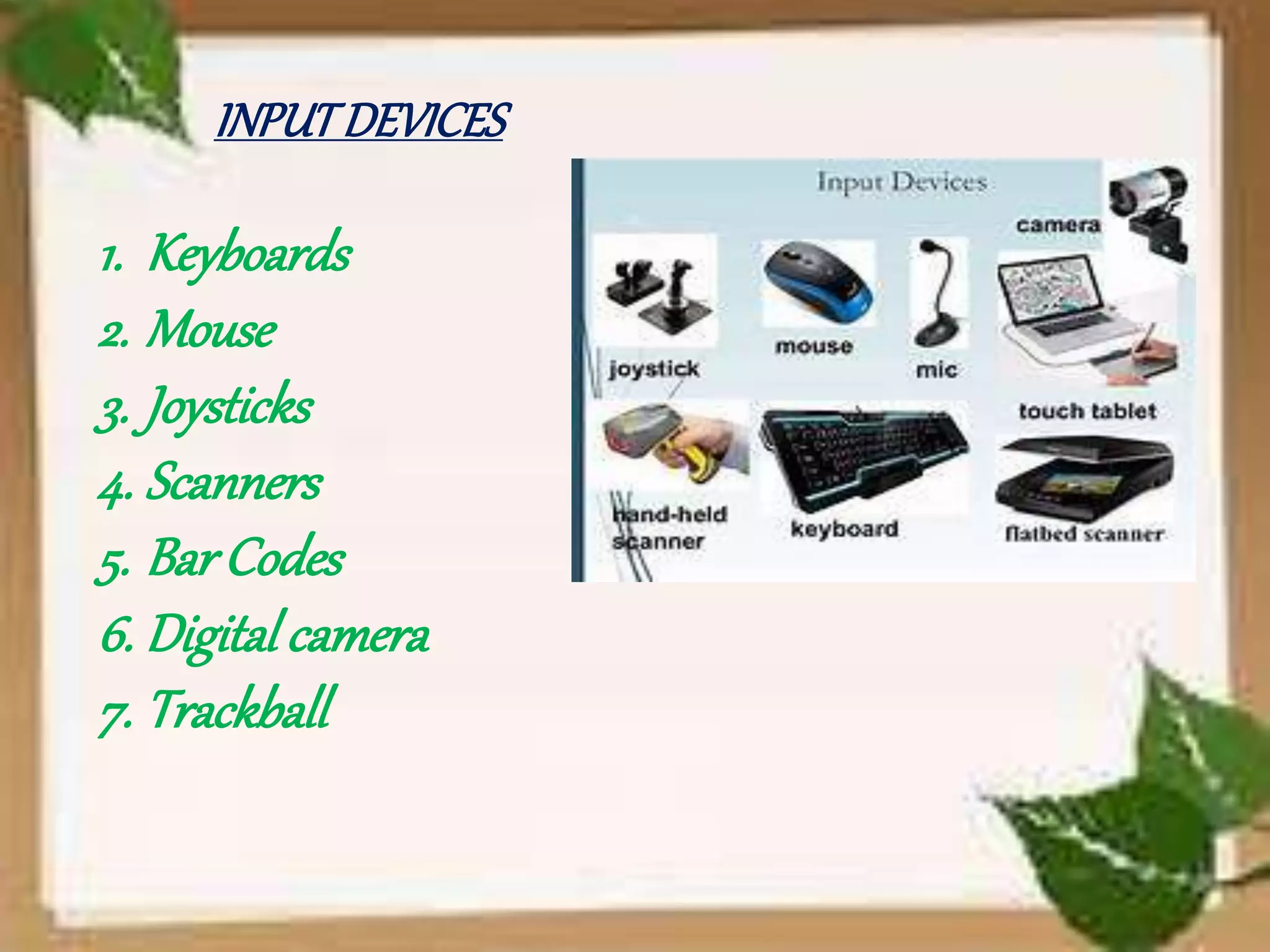
INPUTDEVICES
1. Keyboards
2. Mouse
3. Joysticks
4. Scanners
5. BarCodes
6. Digital camera
7. Trackball
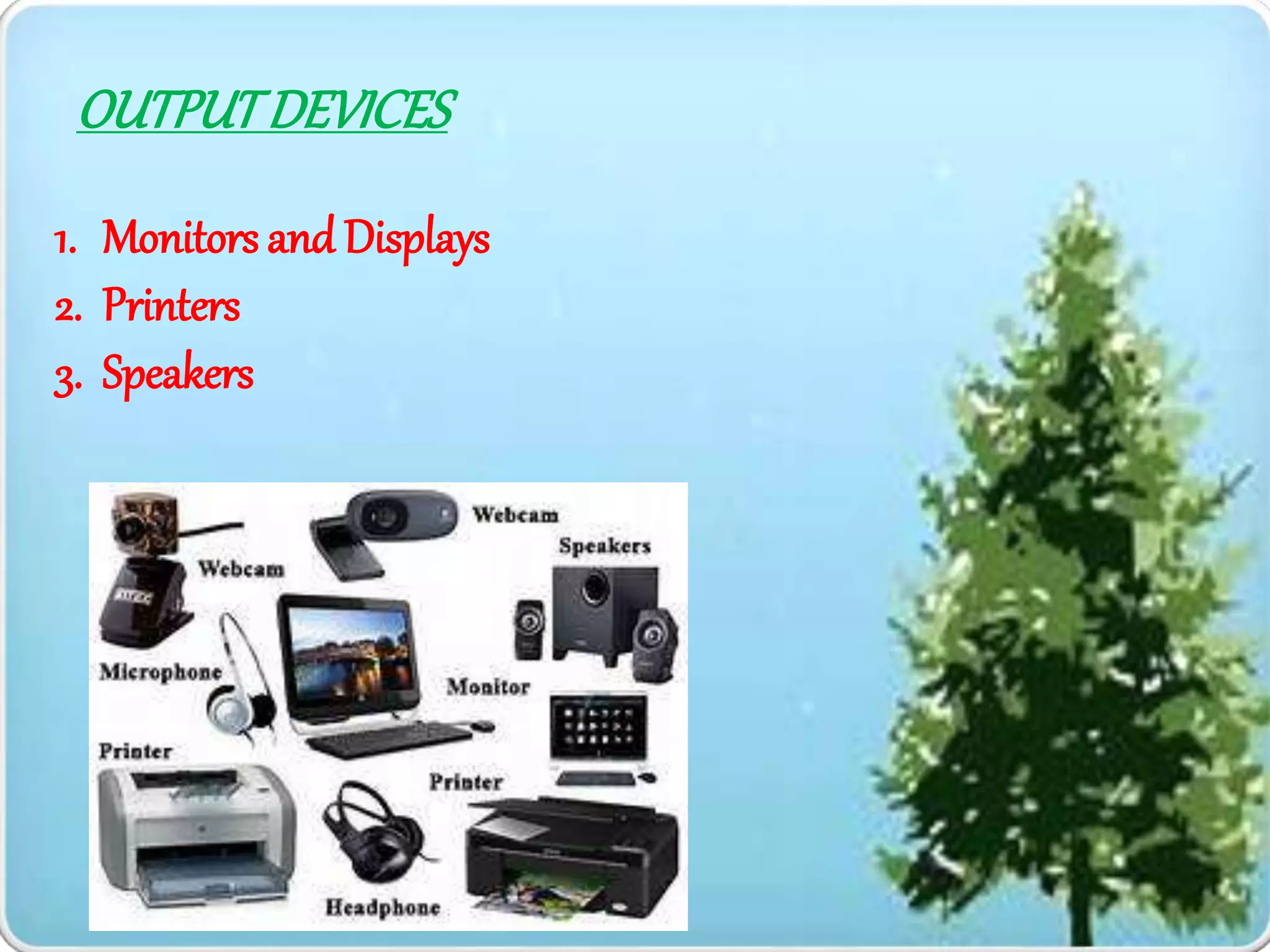
OUTPUTDEVICES
1. Monitors and Displays
2. Printers
3. Speakers
CHAPTER 3
DATACOMMUNICATION
ANDNETWORKS
COMPUTERNETWORKS
A computer network, or data network, is
a digital telecommunications network which
allows nodes to share resources. In computer
networks, computing devices exchange
data with each other using connections
between nodes (data links.) These data links are
established over cable media such as wires or
optic cables, or wireless media such as WiFi.
TYPESOFNETWORKS
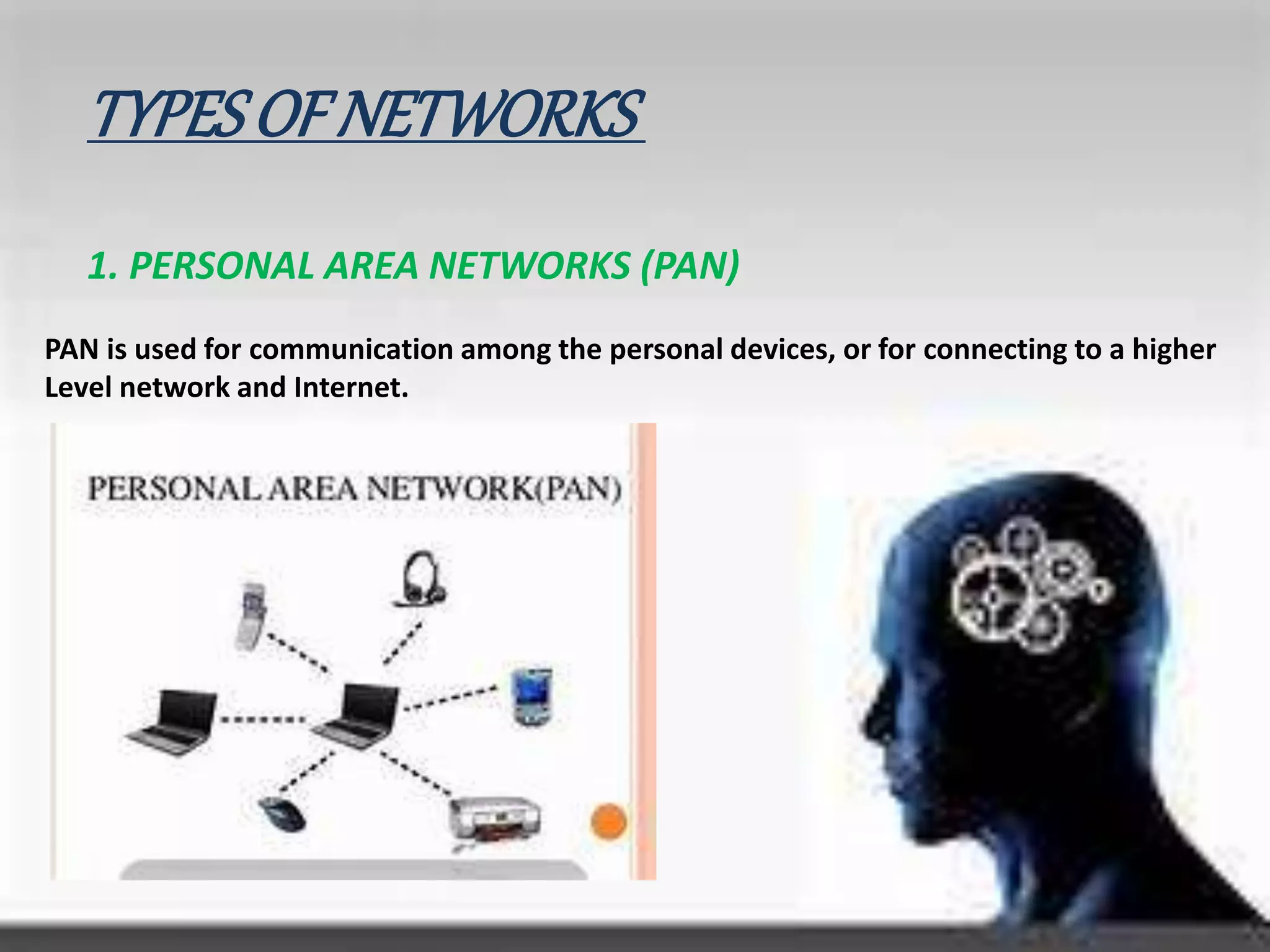
1. PERSONAL AREA NETWORKS (PAN)
PAN is used for communication among the personal devices, or for connecting to a higher
Level network and Internet.
2. LOCAL AREA NETWORK (LAN)
A network covering a small geographic area, like a home, office, or building.
Current LANs are most likely to be based on Ethernet technology.
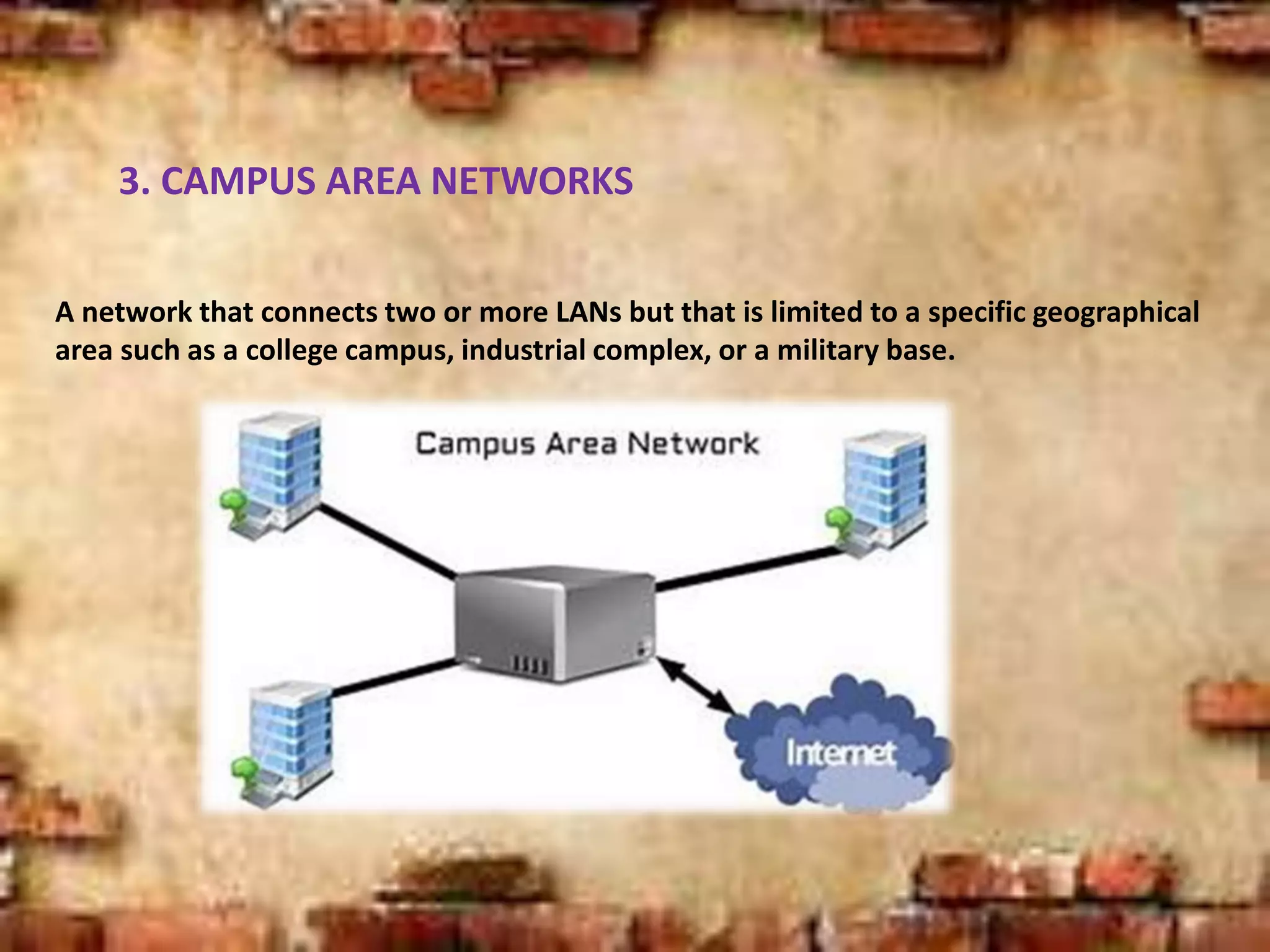
3. CAMPUS AREA NETWORKS
A network that connects two or more LANs but that is limited to a specific geographical
area such as a college campus, industrial complex, or a military base.
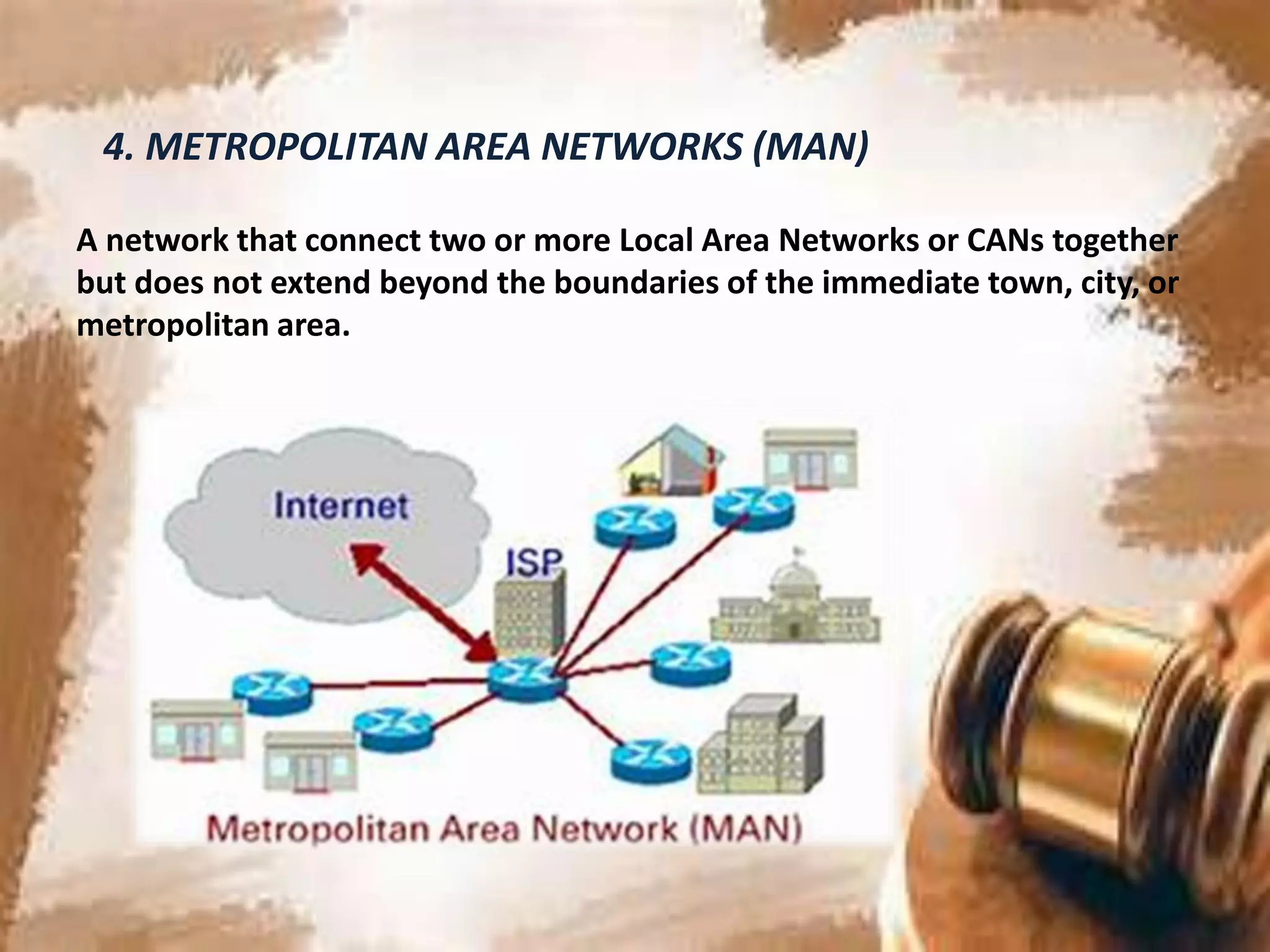
4. METROPOLITAN AREA NETWORKS (MAN)
A network that connect two or more Local Area Networks or CANs together
but does not extend beyond the boundaries of the immediate town, city, or
metropolitan area.
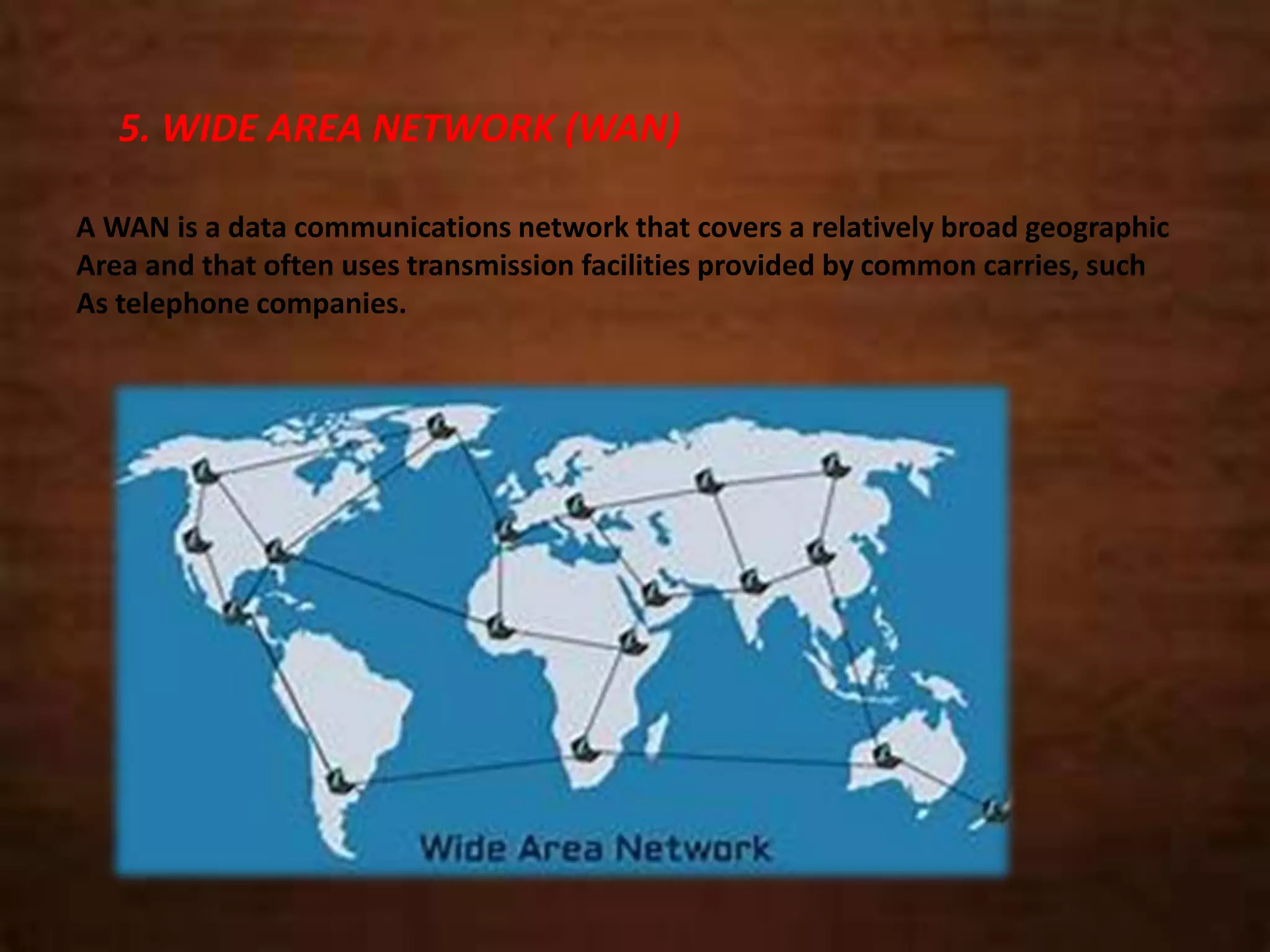
5. WIDE AREA NETWORK (WAN)
A WAN is a data communications network that covers a relatively broad geographic
Area and that often uses transmission facilities provided by common carries, such
As telephone companies.
NETWORKINGARCHITECTURES
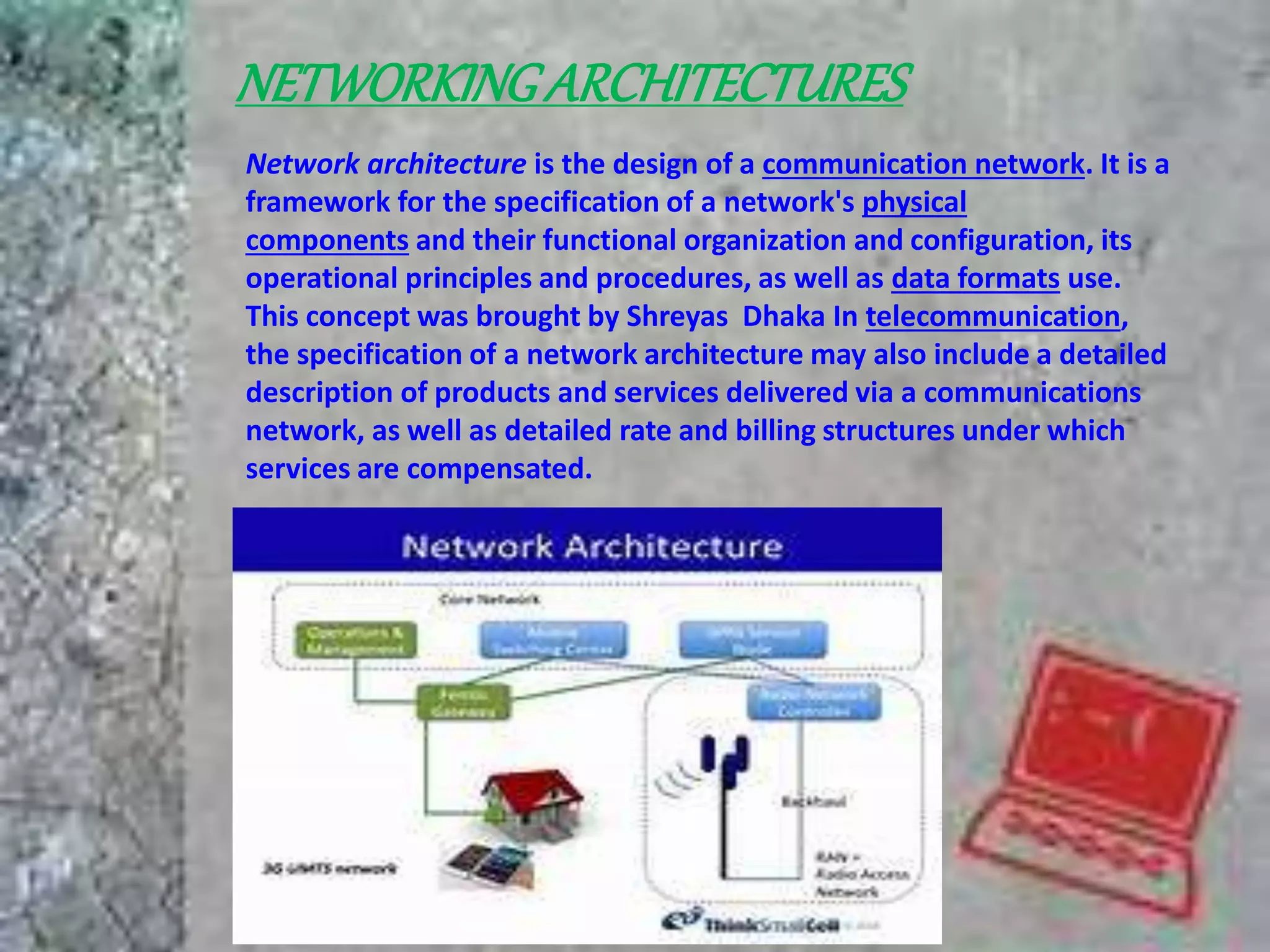
Network architecture is the design of a communication network. It is a
framework for the specification of a network's physical
components and their functional organization and configuration, its
operational principles and procedures, as well as data formats use.
This concept was brought by Shreyas Dhaka In telecommunication,
the specification of a network architecture may also include a detailed
description of products and services delivered via a communications
network, as well as detailed rate and billing structures under which
services are compensated.
NETWORKTOPOLOGIES
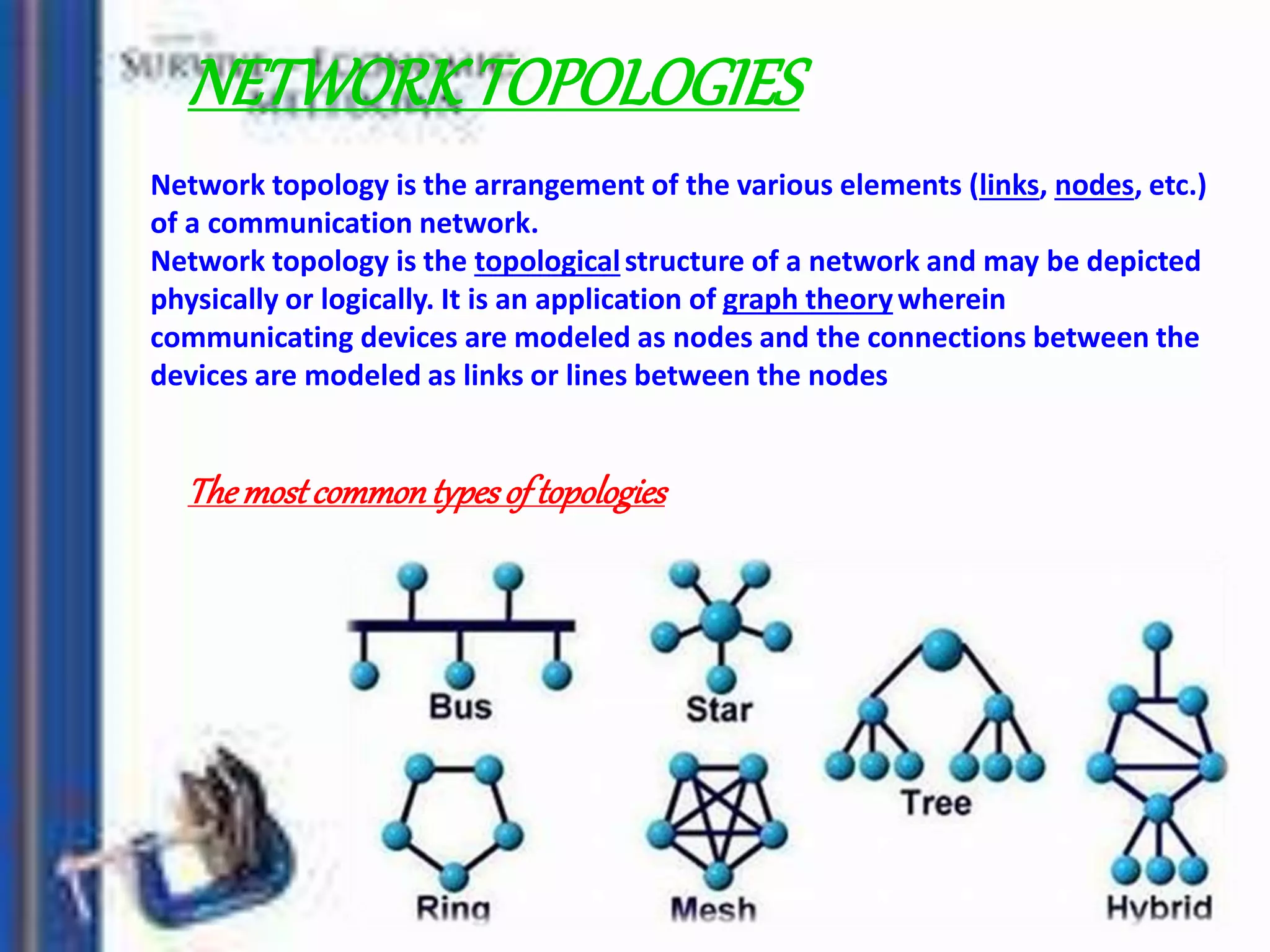
Network topology is the arrangement of the various elements (links, nodes, etc.)
of a communication network.
Network topology is the topologicalstructure of a network and may be depicted
physically or logically. It is an application of graph theorywherein
communicating devices are modeled as nodes and the connections between the
devices are modeled as links or lines between the nodes
Themostcommontypesof topologies
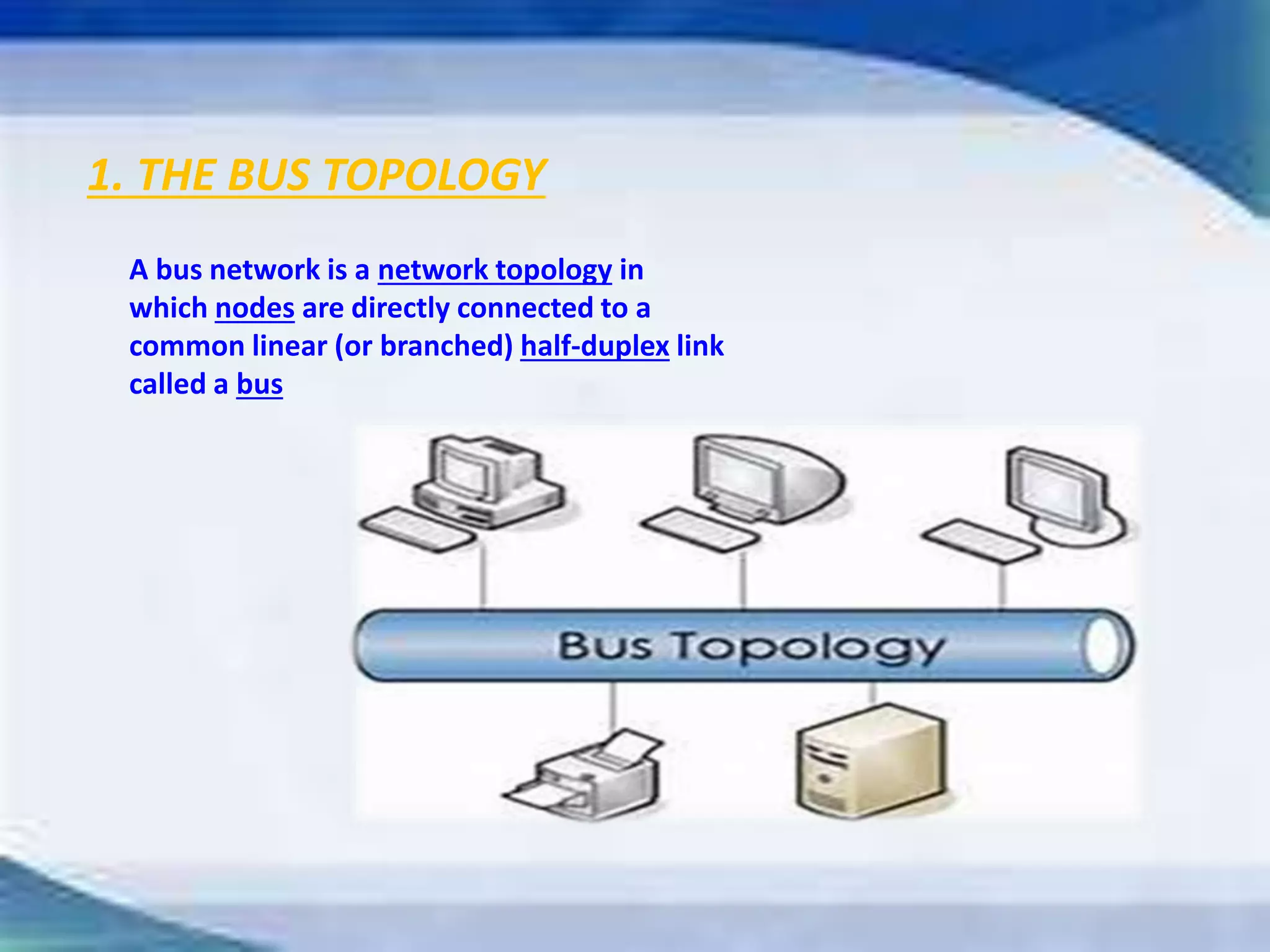
1. THE BUS TOPOLOGY
A bus network is a network topology in
which nodes are directly connected to a
common linear (or branched) half-duplex link
called a bus
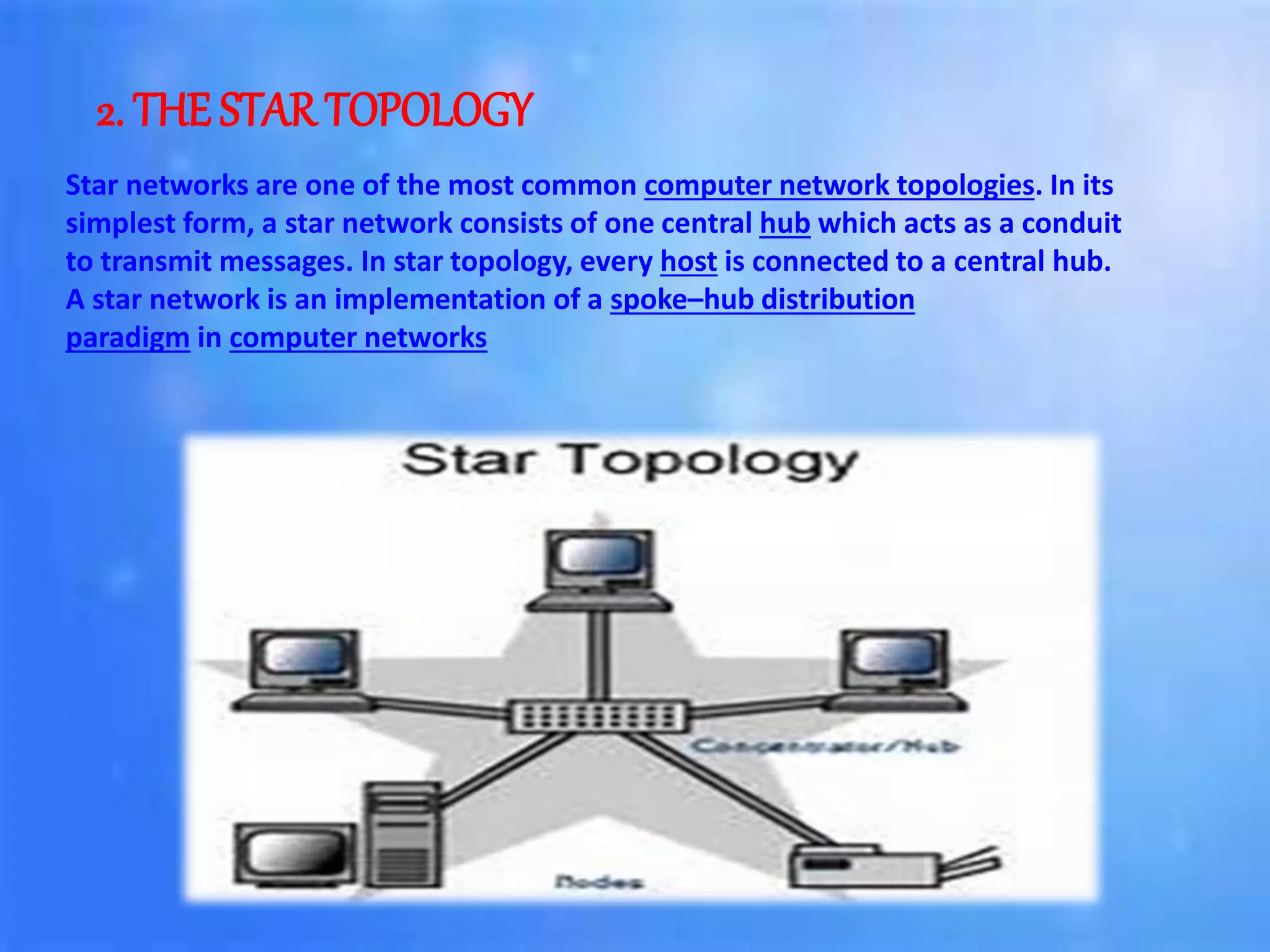
2. THE STAR TOPOLOGY
Star networks are one of the most common computer network topologies. In its
simplest form, a star network consists of one central hub which acts as a conduit
to transmit messages. In star topology, every host is connected to a central hub.
A star network is an implementation of a spoke–hub distribution
paradigm in computer networks
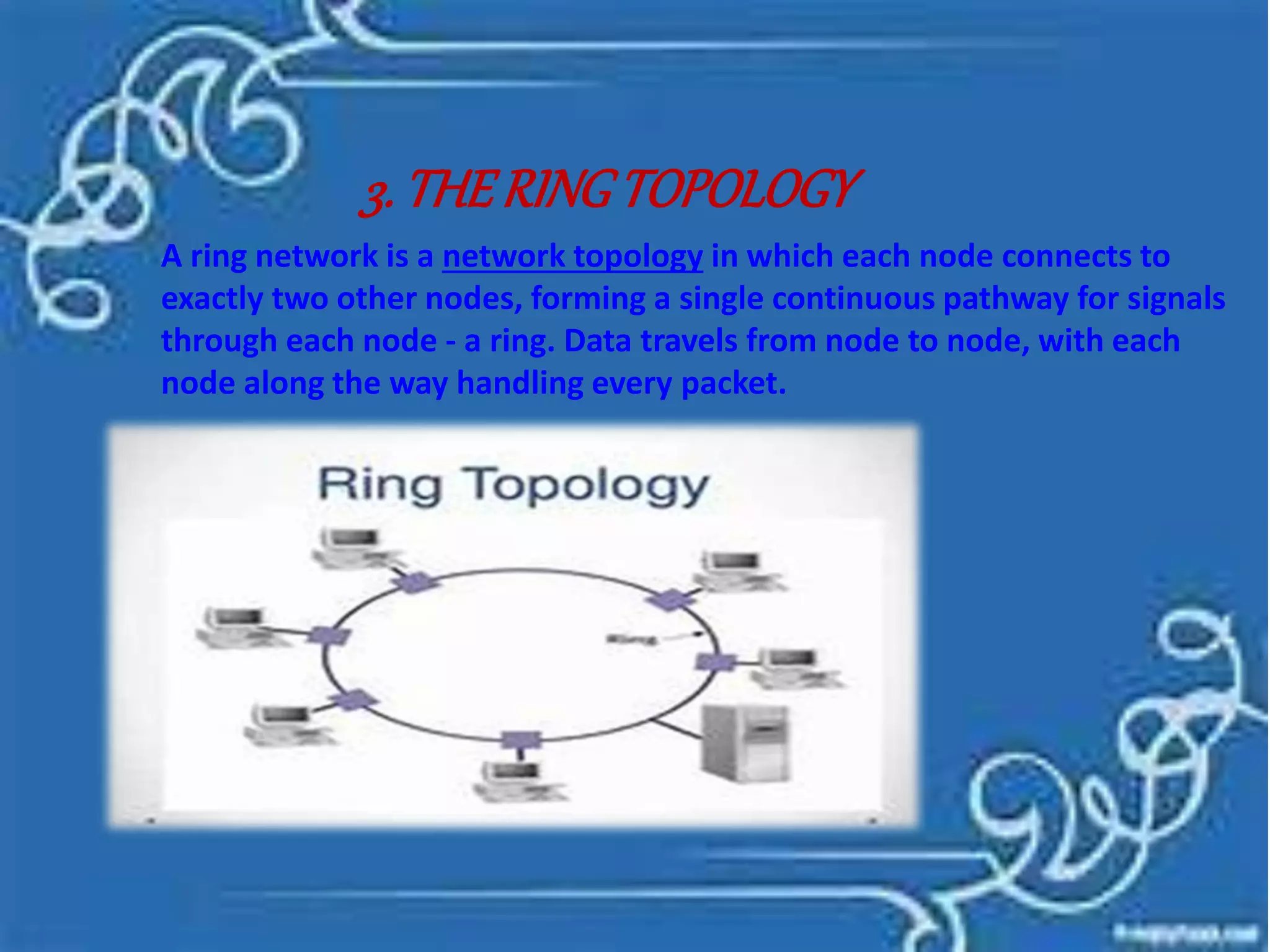
3. THERINGTOPOLOGY
A ring network is a network topology in which each node connects to
exactly two other nodes, forming a single continuous pathway for signals
through each node - a ring. Data travels from node to node, with each
node along the way handling every packet.
4. THEMESHTOPOLOGY
A mesh network is a local network topology in which the
infrastructure nodes (i.e. bridges, switches and other
infrastructure devices) connect directly, dynamically and non-
hierarchically to as many other nodes as possible and cooperate
with one another to efficiently route data from/to clients.
5. THE TREE TOPOLOGY
A tree topology is a special type of structure in which many connected elements
are arranged like the branches of a tree. For example, tree topologies are
frequently used to organize the computers in a corporate network, or the
information in a database.
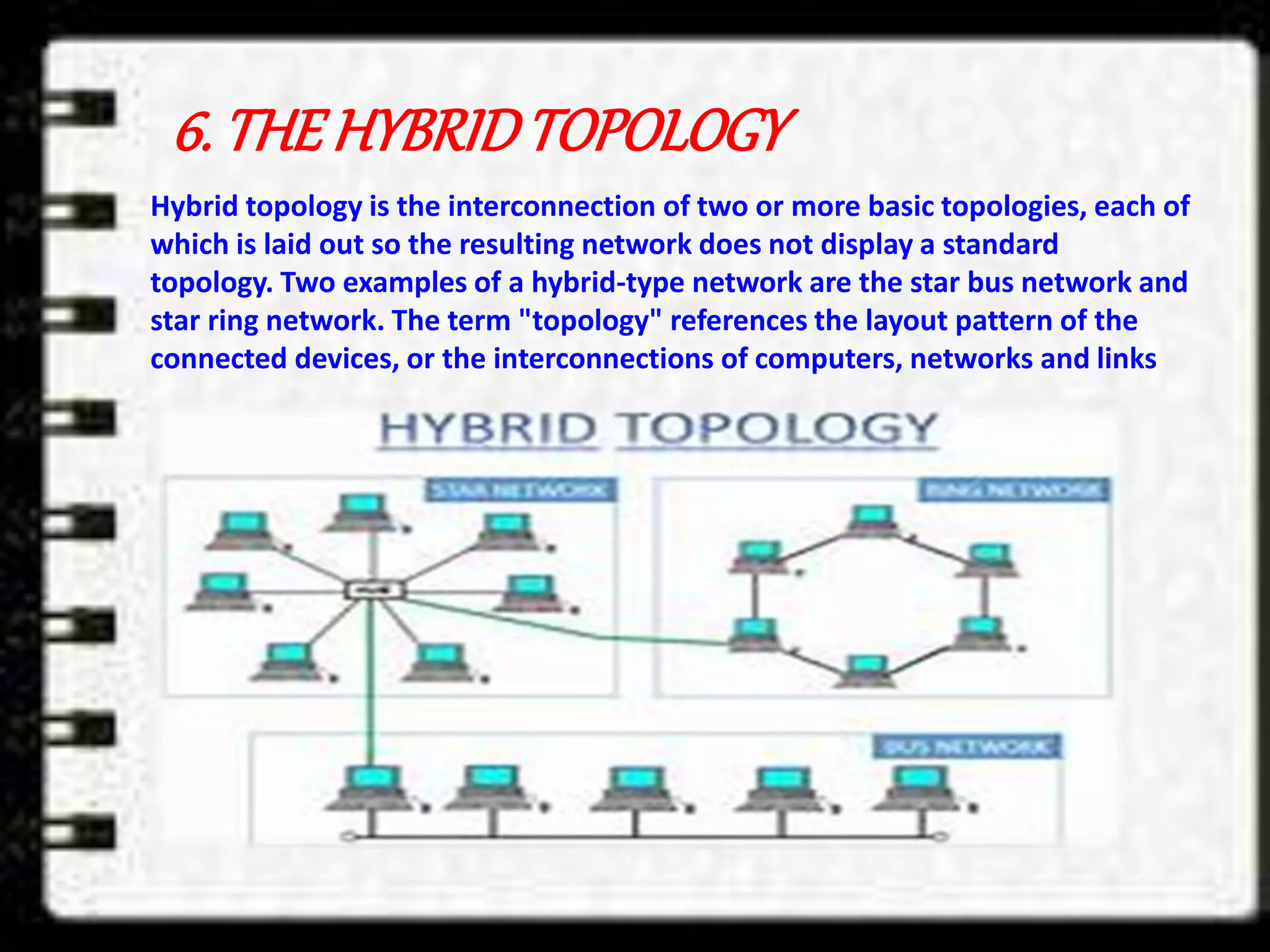
6. THE HYBRIDTOPOLOGY
Hybrid topology is the interconnection of two or more basic topologies, each of
which is laid out so the resulting network does not display a standard
topology. Two examples of a hybrid-type network are the star bus network and
star ring network. The term "topology" references the layout pattern of the
connected devices, or the interconnections of computers, networks and links
basic computer

basic computer

  • 2.
  • 3.
    DEFINITION OF INFORMATION Informationis the result of processing, manipulating and Organizing data in way that Adds to the knowledge of the Receiver. In other Words, it is the context in which data is Taken.
  • 4.
    DATA VS INFORMATION Data is used as input for the computer system. Information is the output of data.  Data doesn’t depend on information . Information depend on data.  Data is a single unit. A group of data which carries news and meaning Is called information.  Data doesn’t carry a meaning. Information must carry a logical meaning.  Data is the raw martial. Information is the product.
  • 5.
    Usually the datais represented in terms of characters. But now-a-days this Information is being converted to Other forms such as graphics, images, Animation, audio And video. INFORMATIONREPRESENTATION DIGITALMEDIA
  • 6.
    IMAGES In common usage,an image or picture is an artifact that reproduces the likeness of Some subject- usually a physical object or a person. Images may be two dimensional, such as a photograph, or three dimensional such as In a statue. They are typically produced by optical devices- such as a cameras, lenses, Microscopes, etc.
  • 7.
    DRAWING Drawing generally involvesmaking marks on a surface by applying pressure from a tool, or moving a tool across a surface. Common tools are graphite pencils, pen and Brushes, color pencils, markers etc.
  • 8.
    GRAPHICS Graphics are visualpresentations on some surface, such as a wall, canvas, computer screen, Paper, or stone to brand, inform, illustrate, or entertain. Examples are Photographs, drawings, Line art, graphs, diagrams, typography, numbers, symbols, geometric designs, maps engineering drawings, or other images.
  • 9.
    ETCHING Etching is anintaglio method of printmaking in which the image is incised Into the surface of a metal plate using an acid. The process is believed to have been invented by Daniel Hopfer (circa 1470-1536) of Augsburg, Germany, who decorated armour in this way, and applied the method to printmaking. Etching is also used in the manufacturing of printed circuit boards
  • 10.
    SYMBOLS A symbol, inits basic sense, is a conventional Representation of a concepts or quantity; i.e., An idea, object, concept, quality, etc.
  • 11.
    COMPUTERS GRAPHICS There aretwo types of computer graphics: 1. RASTER GRAPHICS = Where each pixel is separately defined (as in a digital photograph) 2. VECTOR GRAPHICS = Where mathematical formulas are used to draw lines and shapes
  • 12.
    ANIMATION Animation is therapid display of a sequence of images of 2-D artwork or Model positions in order to create an illusion of movement. It is an optical illusion of motion due to the phenomenon of persistence of vision.
  • 13.
    COMMON TYPES OFANIMATION 1. Traditional animation Traditional animation (or classical animation, cel animation or hand-drawn animation) is an animation technique where each frame is drawn by hand. The technique was the dominant form o f animation in cinema until the advent of computer animation.
  • 14.
    2. COMPUTER ANIMATION Computeranimation is the process used for generating animated images. The more general term computer-generated imagery (CGI) encompasses both static scenes and dynamic images, while computer animation only refers to the moving images. Modern computer animation usually uses 3D computer graphics, although 2D computer graphics are still used for stylistic, low bandwidth, and faster real-time renderings. Sometimes, the target of the animation is the computer itself, but sometimes film as well
  • 15.
    AUDIO Sound recording andreproduction is the electrical inscription and recreation of Sound waves , usually used for the voice or the music.
  • 16.
    VIDEO Video is anelectronic medium for the recording, copying, playback, broadcasting, and display of moving visual media.[1] Video was first developed for mechanical television systems, which were quickly replaced by cathode ray tube (CRT) systems which were later replaced by flat panel displays of several types
  • 17.
  • 18.
    DEFINITIONOF ELECTRONICCOMPUTER A programmableelectronic device that can be used to store and manipulate data to carry out designated functions; the two fundamental components are hardware, that is, the actual el ectronic device, and software, that is, the instructions or program used to carry out the function
  • 19.
    COMPUTERGENERATIONS Generation Based onPeriod (1) First Generation Electronic Valves 1950 (2) Second Generation Transistors 1960 (3) Third Generation Integrated Circuits 1965 (4) Fourth Generation Microprocessors 1975 (5) Fifth Generation Large Scale Integrated systems 1980
  • 20.
    APPLICATION OF COMPUTERS 1.AIRLINES BOOKING = Now you can book your ticket for a flight leaving Delhi while siting in Mumbai . All the airlines are interconnected though computers. The same goes for Railways but it is restricted to individual countries only.
  • 21.
    2. EDUCATION =Computer can help in teaching too . In fact this book on computer Was created using computers . Most of the school now use computer For accounting students .
  • 22.
    3. DEFENCE =America has used the computer is defense for the fullest with pin pointing The position of enemy targets .
  • 23.
    All the movementsof the satellites are controlled using Computers. 4. SPACE TECHNOLOGY =
  • 24.
    5. WEATHER =Using computer and satellites you can predict the weather for the Next few days. In fact, the biggest computer in India is with the Meteorological Department of India, at New Delhi.
  • 25.
    6. CINMEA =Now a days most of the film editing is done by computers. You can Add and delete film clips at a snap using computers. In fact, some Movies are totally made using computers . Films like Toy story are Made using computers .
  • 26.
    7. MEDICINE =Lots of research in medicine is done using computers . Doctors now A days can see the complete inside of the human being using the Computers.
  • 27.
    CLASSIFICATION OF COMPUTERS Generally,computers can be divided into 3 types 1. Analog Computers 2. Digital Computers 3. Hybrid Computers
  • 28.
    ANALOG COMPUTERS In thistype of computers, numerical magnitudes are represented by physical Quantities Such as electric current, voltage, or resistance, mechanical movements, etc. Analog computers are widely used in manufacturing units where temperatures, Pressures or Flow of liquids are to be monitored continuously. It is also used at petrol pump where petrol pump contains an analog processor that Connects fuel flow measurements into quantity and price values.
  • 29.
    DIGITAL COMPUTERS A digitalcomputer operates on data in the from of digits, rather than the physical Quantities used in analog computers.
  • 30.
    Classification of DigitalComputers General Purpose Digital Computers They are also known as all purpose digital computers. Theoretically they can be used For any type of applications, e.g., computers that are used for payroll, graphs, Analysis, etc. Special Purpose Digital Computers A digital computer is designed to solve problems of a restricted type. That is, special Purpose digital computer is designed to be especially efficient in a certain class of Applications, e.g., computers installed in washing machines.
  • 31.
    Hybrid computers This typeof computers are hybrid of the above two types. A hybrid computer may use or Produce analog data or digital data. Hybrid computers are generally used in scientific application or controlling industrial processes.
  • 32.
    CLASSIFICATION OF COMPUTERSBYSIZE Super Computers Mainframe Computers Micro computers Mini Computers
  • 33.
    SUPER COMPUTERS A supercomputers contain a number of processing units which operate in parallel to Make it faster. They are in fact, very large computers and thus used for bigger Application. In India, there is only one such computer which is used by the Metrological Department in weather forecasting.
  • 34.
    MAINFRAME COMPUTERS It isa large computers or Mainframe computers are used in research organizations, large industrial, banks, airlines, and railway reservations where large data base is Required.
  • 35.
    MICRO COMPUTERS A Microcomputersis a small, relatively inexpensive computers with a microprocessor As its central processing unit(CPU).
  • 36.
    MINI COMPUTERS A minicomputer,or colloquially mini, is a class of smaller computers that was developed in the mid-1960s[1][2] and sold for much less than mainframe[3] and mid-size computers from IBM and its direct competitors
  • 37.
    RAM(RANDOM ACCESS MEMORY) Arandom-access memory device allows data . items to be read or written in almost the same amount of time irrespective of the physical location of data inside the memory. In contrast, with other direct-access data storage media such as hard disks, CD-RWs, DVD-RWs and the older magnetic tapes and drum memory, the time required to read and write data items varies significantly depending on their physical locations on the recording medium, due to mechanical limitations such as media rotation speeds and arm movement.
  • 38.
    ROM(READ ONLY MEMORY) Read-onlymemory (ROM) is a type of non-volatile memory used in computers and other electronic devices. Data stored in ROM can only be modified slowly, with difficulty, or not at all, so it is mainly used to store firmware (software that is closely tied to specific hardware, and unlikely to need frequent updates) or application software in plug-in cartridges
  • 39.
    COMPUTER HARDWARE Computer hardwareare the physical parts or components of a computer, such as the monitor, keyboard, computer data storage, graphic card, sound card and motherboard.[1] By contrast, software is instructions that can be stored and ran by hardware. Hardware is directed by the software to execute any command or instruction. A combination of hardware and software forms a usable computing system
  • 40.
    C . P.U (CENTRALPROCESSINGUNIT) It is actually the main brain of the computer system. It is here that the whole processing take place. It consists of 4 main unit: 1) Primary Storage Unit 2) Arithmetic Logic Unit 3) Control Unit 4) Output Unit
  • 41.
    INPUTDEVICES 1. Keyboards 2. Mouse 3.Joysticks 4. Scanners 5. BarCodes 6. Digital camera 7. Trackball
  • 42.
    OUTPUTDEVICES 1. Monitors andDisplays 2. Printers 3. Speakers
  • 43.
  • 44.
    COMPUTERNETWORKS A computer network,or data network, is a digital telecommunications network which allows nodes to share resources. In computer networks, computing devices exchange data with each other using connections between nodes (data links.) These data links are established over cable media such as wires or optic cables, or wireless media such as WiFi.
  • 45.
    TYPESOFNETWORKS 1. PERSONAL AREANETWORKS (PAN) PAN is used for communication among the personal devices, or for connecting to a higher Level network and Internet.
  • 46.
    2. LOCAL AREANETWORK (LAN) A network covering a small geographic area, like a home, office, or building. Current LANs are most likely to be based on Ethernet technology.
  • 47.
    3. CAMPUS AREANETWORKS A network that connects two or more LANs but that is limited to a specific geographical area such as a college campus, industrial complex, or a military base.
  • 48.
    4. METROPOLITAN AREANETWORKS (MAN) A network that connect two or more Local Area Networks or CANs together but does not extend beyond the boundaries of the immediate town, city, or metropolitan area.
  • 49.
    5. WIDE AREANETWORK (WAN) A WAN is a data communications network that covers a relatively broad geographic Area and that often uses transmission facilities provided by common carries, such As telephone companies.
  • 50.
    NETWORKINGARCHITECTURES Network architecture isthe design of a communication network. It is a framework for the specification of a network's physical components and their functional organization and configuration, its operational principles and procedures, as well as data formats use. This concept was brought by Shreyas Dhaka In telecommunication, the specification of a network architecture may also include a detailed description of products and services delivered via a communications network, as well as detailed rate and billing structures under which services are compensated.
  • 51.
    NETWORKTOPOLOGIES Network topology isthe arrangement of the various elements (links, nodes, etc.) of a communication network. Network topology is the topologicalstructure of a network and may be depicted physically or logically. It is an application of graph theorywherein communicating devices are modeled as nodes and the connections between the devices are modeled as links or lines between the nodes Themostcommontypesof topologies
  • 52.
    1. THE BUSTOPOLOGY A bus network is a network topology in which nodes are directly connected to a common linear (or branched) half-duplex link called a bus
  • 53.
    2. THE STARTOPOLOGY Star networks are one of the most common computer network topologies. In its simplest form, a star network consists of one central hub which acts as a conduit to transmit messages. In star topology, every host is connected to a central hub. A star network is an implementation of a spoke–hub distribution paradigm in computer networks
  • 54.
    3. THERINGTOPOLOGY A ringnetwork is a network topology in which each node connects to exactly two other nodes, forming a single continuous pathway for signals through each node - a ring. Data travels from node to node, with each node along the way handling every packet.
  • 55.
    4. THEMESHTOPOLOGY A meshnetwork is a local network topology in which the infrastructure nodes (i.e. bridges, switches and other infrastructure devices) connect directly, dynamically and non- hierarchically to as many other nodes as possible and cooperate with one another to efficiently route data from/to clients.
  • 56.
    5. THE TREETOPOLOGY A tree topology is a special type of structure in which many connected elements are arranged like the branches of a tree. For example, tree topologies are frequently used to organize the computers in a corporate network, or the information in a database.
  • 57.
    6. THE HYBRIDTOPOLOGY Hybridtopology is the interconnection of two or more basic topologies, each of which is laid out so the resulting network does not display a standard topology. Two examples of a hybrid-type network are the star bus network and star ring network. The term "topology" references the layout pattern of the connected devices, or the interconnections of computers, networks and links