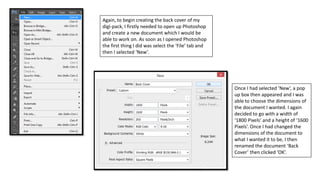
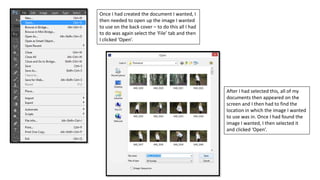
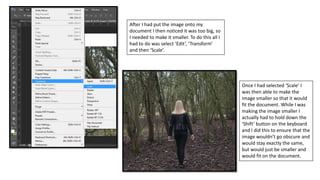
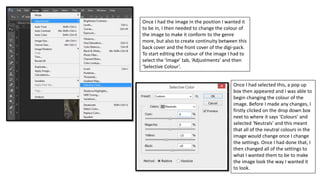
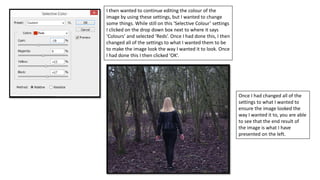
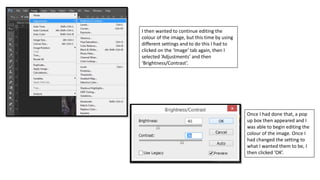
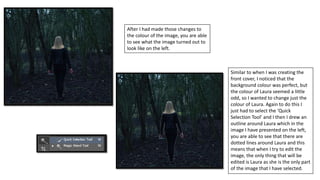
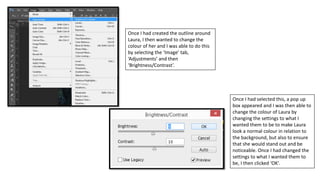
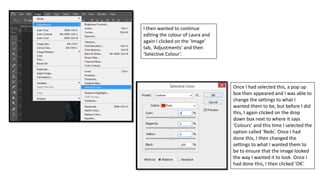
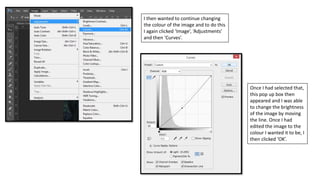
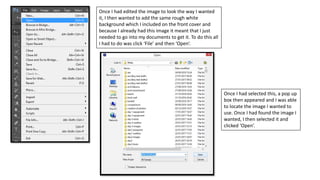
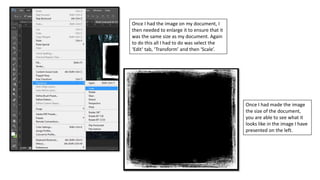
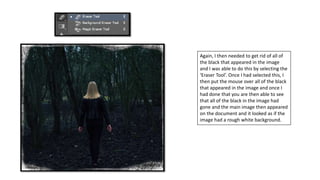
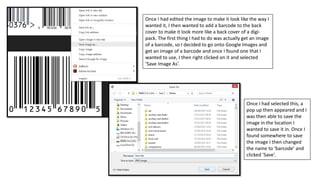
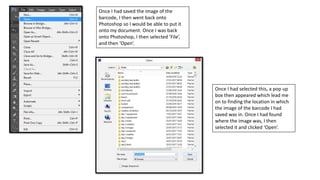
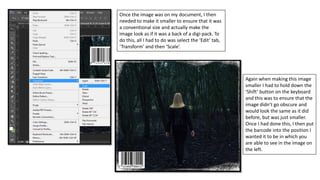
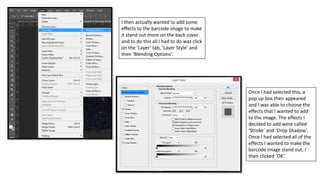
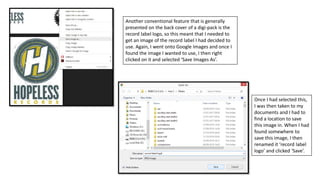
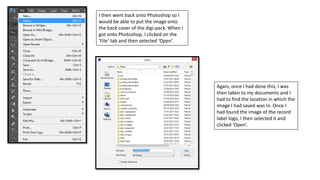
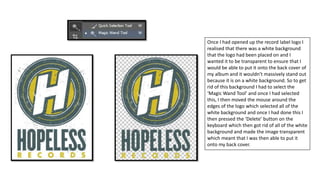
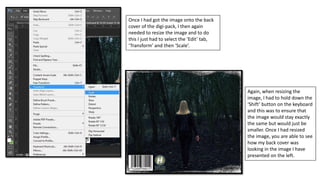
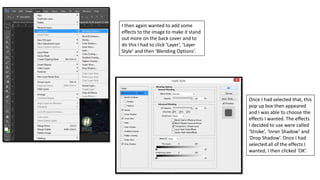
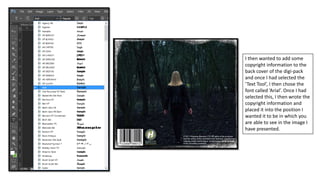
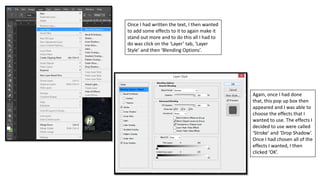
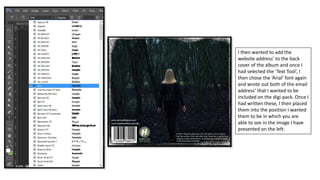
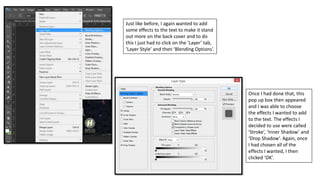
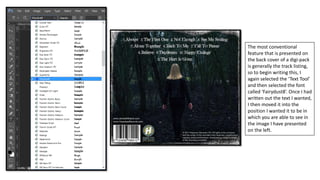
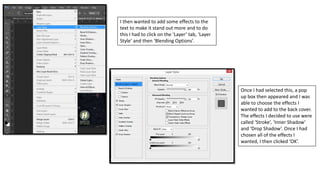
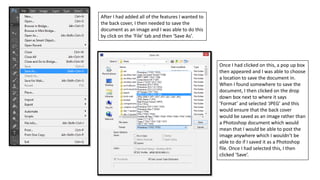
The document describes the steps taken to design the back cover of a digital music package in Photoshop. It involves opening Photoshop, creating a new document, importing an image, resizing and adjusting the colors of the image, adding a white textured background, and finally including a barcode. Multiple adjustment tools in Photoshop like Selective Color, Brightness/Contrast, and Curves are used to fine-tune the image colors.