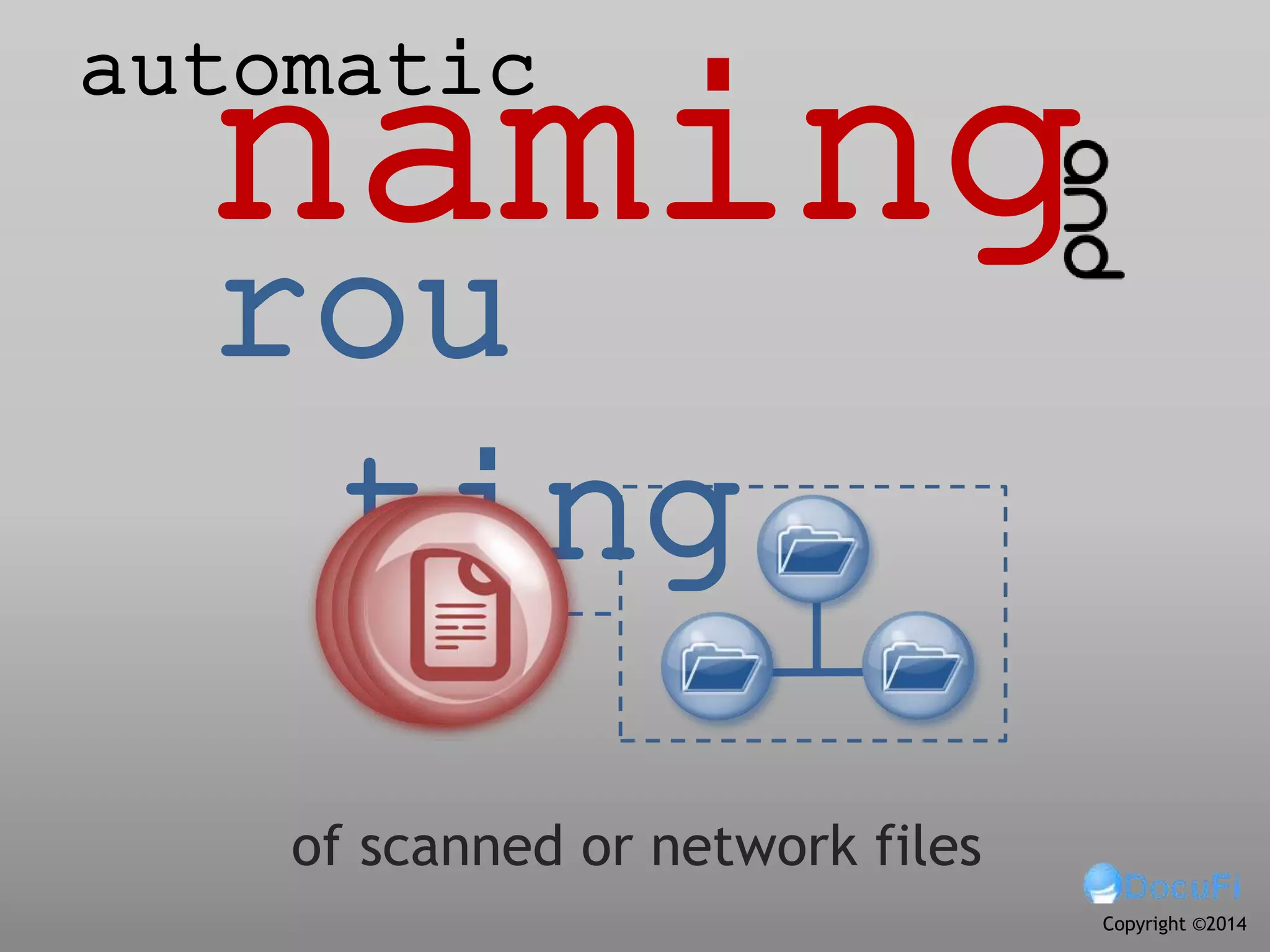
naming
rou
ting
of scanned or network files
automatic
Copyright ©2014
Intelligent data capture software provides
automated file naming and routing.
of the files, folders and subfolders can be based on
barcode information, OCR-mined text or system
data
namin
g
we mean placing the processed file in a folder or
subfolder. The folder/subfolder may be existing
or created by the capture software.
routi
ng
by
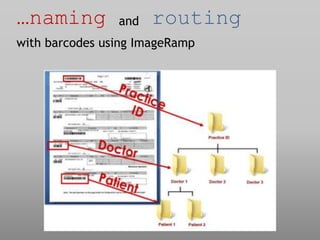
…naming and routing
with barcodes using ImageRamp
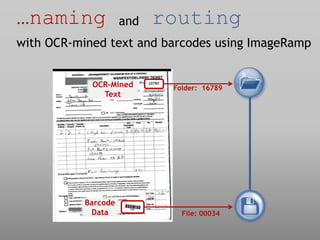
…naming and routing
with OCR-mined text and barcodes using ImageRamp
Folder: 16789
File: 00034
OCR-Mined
Text
Barcode
Data
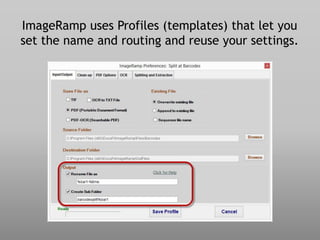
ImageRamp uses Profiles (templates) that let you
set the name and routing and reuse your settings.
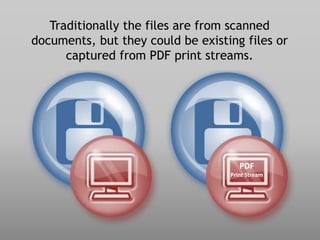
Traditionally the files are from scanned
documents, but they could be existing files or
captured from PDF print streams.
PDF
Print Stream
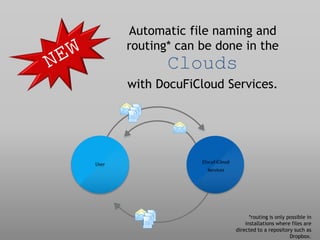
Automatic file naming and
routing* can be done in the
Clouds
with DocuFiCloud Services.
User DocuFiCloud
Services
*routing is only possible in
installations where files are
directed to a repository such as
Dropbox.
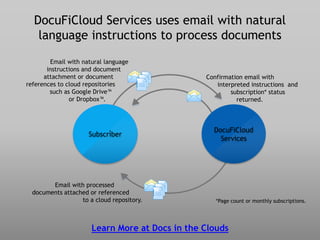
DocuFiCloud Services uses email with natural
language instructions to process documents
Learn More at Docs in the Clouds
Subscriber
DocuFiCloud
Services
Email with natural language
instructions and document
attachment or document
references to cloud repositories
such as Google Drive™
or Dropbox™.
.
Email with processed
documents attached or referenced
to a cloud repository. *Page count or monthly subscriptions.
Confirmation email with
interpreted instructions and
subscription* status
returned.
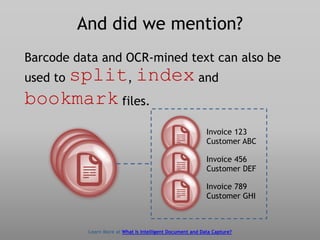
And did we mention?
Barcode data and OCR-mined text can also be
used to split, index and
bookmark files.
Invoice 123
Customer ABC
Invoice 456
Customer DEF
Invoice 789
Customer GHI
Learn More at What Is Intelligent Document and Data Capture?
Bottom Line:
Automatic naming and
routing with ImageRamp
can save time and money
by lowering your operator
intervention through
intelligent data capture.
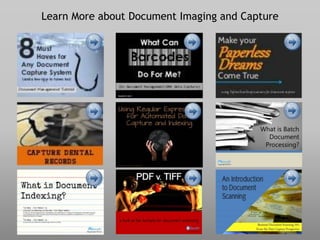
Learn More about Document Imaging and Capture
For more on:
• Beta testing
• Cloud document process
• Document naming
• Document routing
• File naming
• File routing
• Docufi,
• Imageramp,
• Watch folders,
• Data capture,
• Scanning to folders,
• Scanning to folder,
• Scan to Folder,
• Batch Splitting
• Automatic file naming
• Automatic file routing
Contact Us
DocuFi
30 years’ experience in the Document Imaging market.
Capture Products www.docufi.com
info@docufi.com
Copyright ©2014
makers of ImageRamp,
Document Management
Capture Solution

Automatic file naming and routing for scanned documents and existing files.

  • 1.
    naming rou ting of scanned ornetwork files automatic Copyright ©2014
  • 2.
    Intelligent data capturesoftware provides automated file naming and routing.
  • 3.
    of the files,folders and subfolders can be based on barcode information, OCR-mined text or system data namin g
  • 4.
    we mean placingthe processed file in a folder or subfolder. The folder/subfolder may be existing or created by the capture software. routi ng by
  • 5.
    …naming and routing withbarcodes using ImageRamp
  • 6.
    …naming and routing withOCR-mined text and barcodes using ImageRamp Folder: 16789 File: 00034 OCR-Mined Text Barcode Data
  • 7.
    ImageRamp uses Profiles(templates) that let you set the name and routing and reuse your settings.
  • 8.
    Traditionally the filesare from scanned documents, but they could be existing files or captured from PDF print streams. PDF Print Stream
  • 9.
    Automatic file namingand routing* can be done in the Clouds with DocuFiCloud Services. User DocuFiCloud Services *routing is only possible in installations where files are directed to a repository such as Dropbox.
  • 10.
    DocuFiCloud Services usesemail with natural language instructions to process documents Learn More at Docs in the Clouds Subscriber DocuFiCloud Services Email with natural language instructions and document attachment or document references to cloud repositories such as Google Drive™ or Dropbox™. . Email with processed documents attached or referenced to a cloud repository. *Page count or monthly subscriptions. Confirmation email with interpreted instructions and subscription* status returned.
  • 11.
    And did wemention? Barcode data and OCR-mined text can also be used to split, index and bookmark files. Invoice 123 Customer ABC Invoice 456 Customer DEF Invoice 789 Customer GHI Learn More at What Is Intelligent Document and Data Capture?
  • 12.
    Bottom Line: Automatic namingand routing with ImageRamp can save time and money by lowering your operator intervention through intelligent data capture.
  • 13.
    Learn More aboutDocument Imaging and Capture
  • 14.
    For more on: •Beta testing • Cloud document process • Document naming • Document routing • File naming • File routing • Docufi, • Imageramp, • Watch folders, • Data capture, • Scanning to folders, • Scanning to folder, • Scan to Folder, • Batch Splitting • Automatic file naming • Automatic file routing Contact Us DocuFi 30 years’ experience in the Document Imaging market. Capture Products www.docufi.com info@docufi.com Copyright ©2014 makers of ImageRamp, Document Management Capture Solution