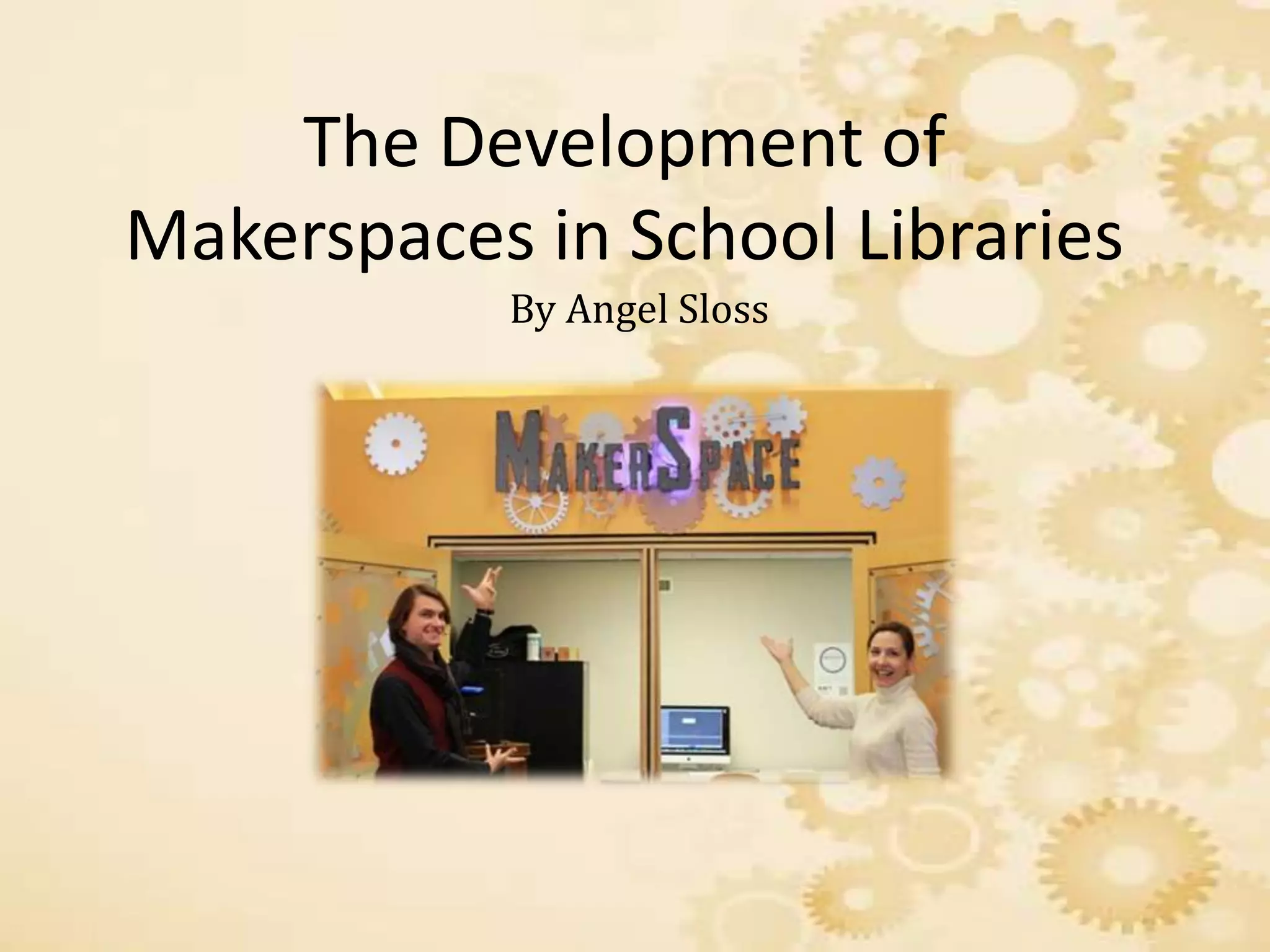
The Development of
Makerspaces in School Libraries
By Angel Sloss
Introduction
• In today’s society the implementation of advanced
technology being integrated into school media centers
across the nation, always involves school
administrators, teachers, librarians and all other
various personnel in educator roles.
• Through careful planning, budgeting and advocating
through federal agencies, school media centers can
gradually reap the benefits of integrated technological
advances within the center to support a challenging
curriculum aligned with national and state standards.
Makerspaces
• Such advances in technology can be used to create
integrated technology learning areas called
Makerspaces.
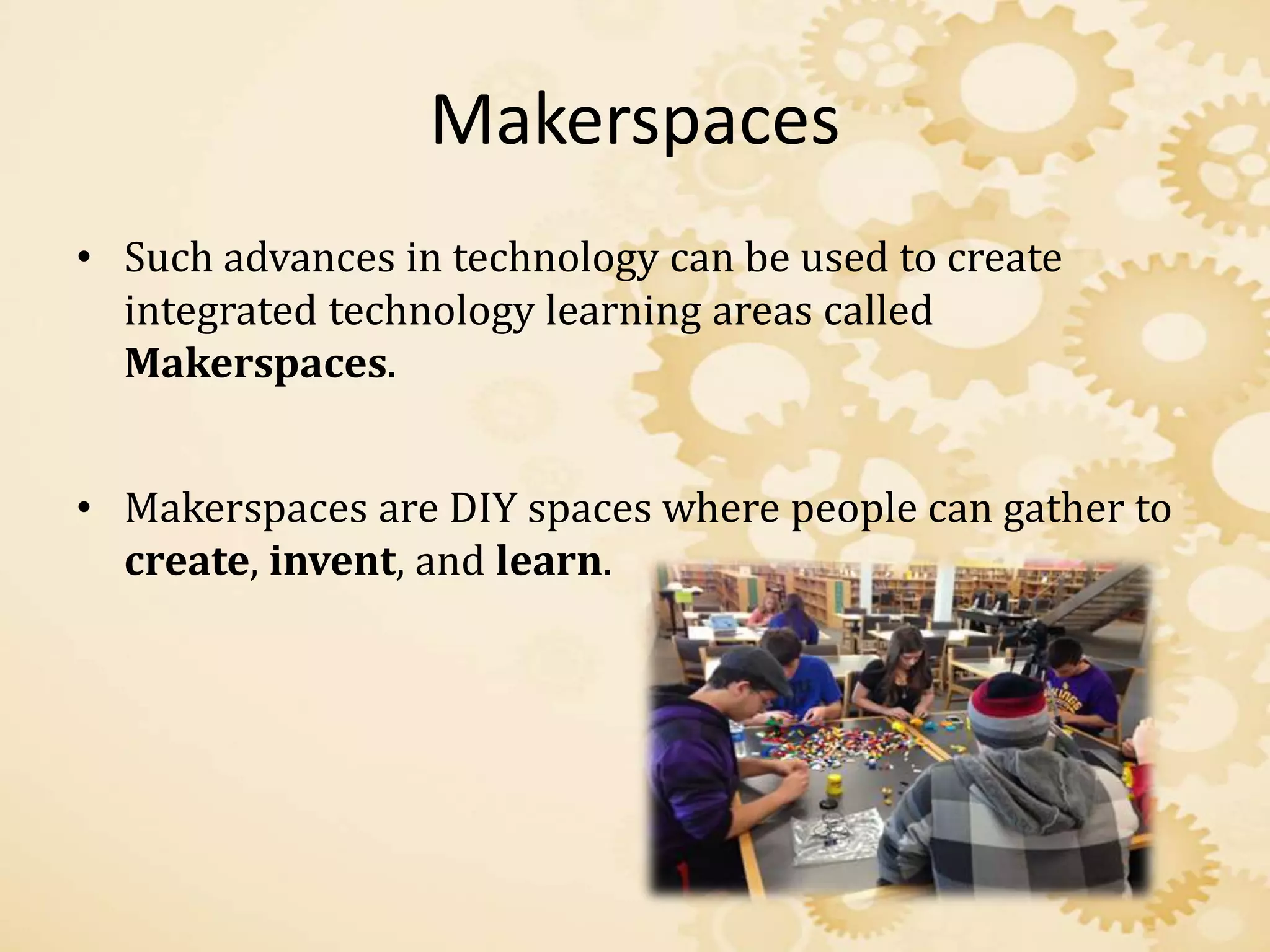
• Makerspaces are DIY spaces where people can gather to
create, invent, and learn.
Makers: History
• Makerspaces first seem to appear around 2005 as part of
the much popular DIY (Do it yourself) movement.
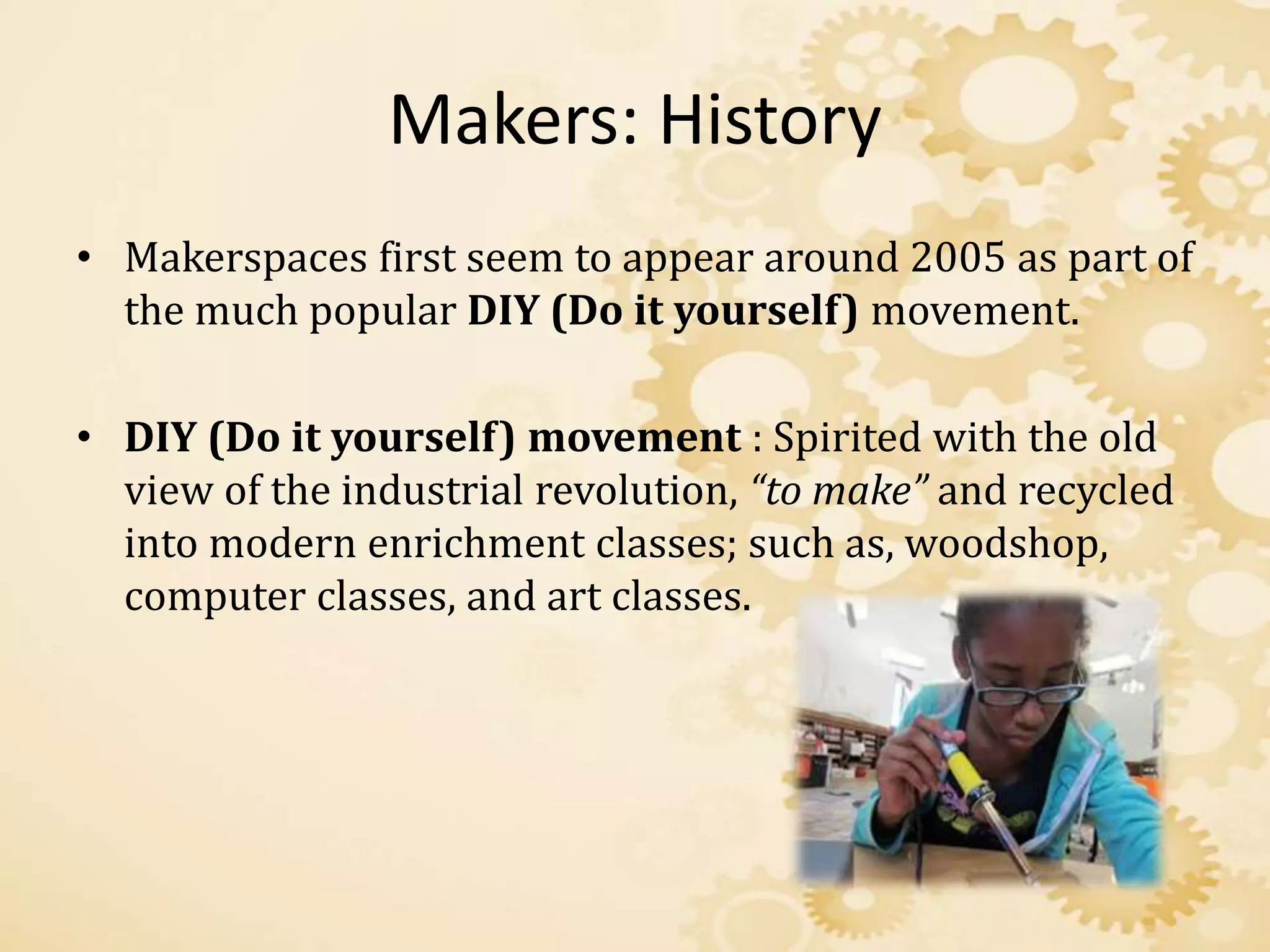
• DIY (Do it yourself) movement : Spirited with the old
view of the industrial revolution, “to make” and recycled
into modern enrichment classes; such as, woodshop,
computer classes, and art classes.
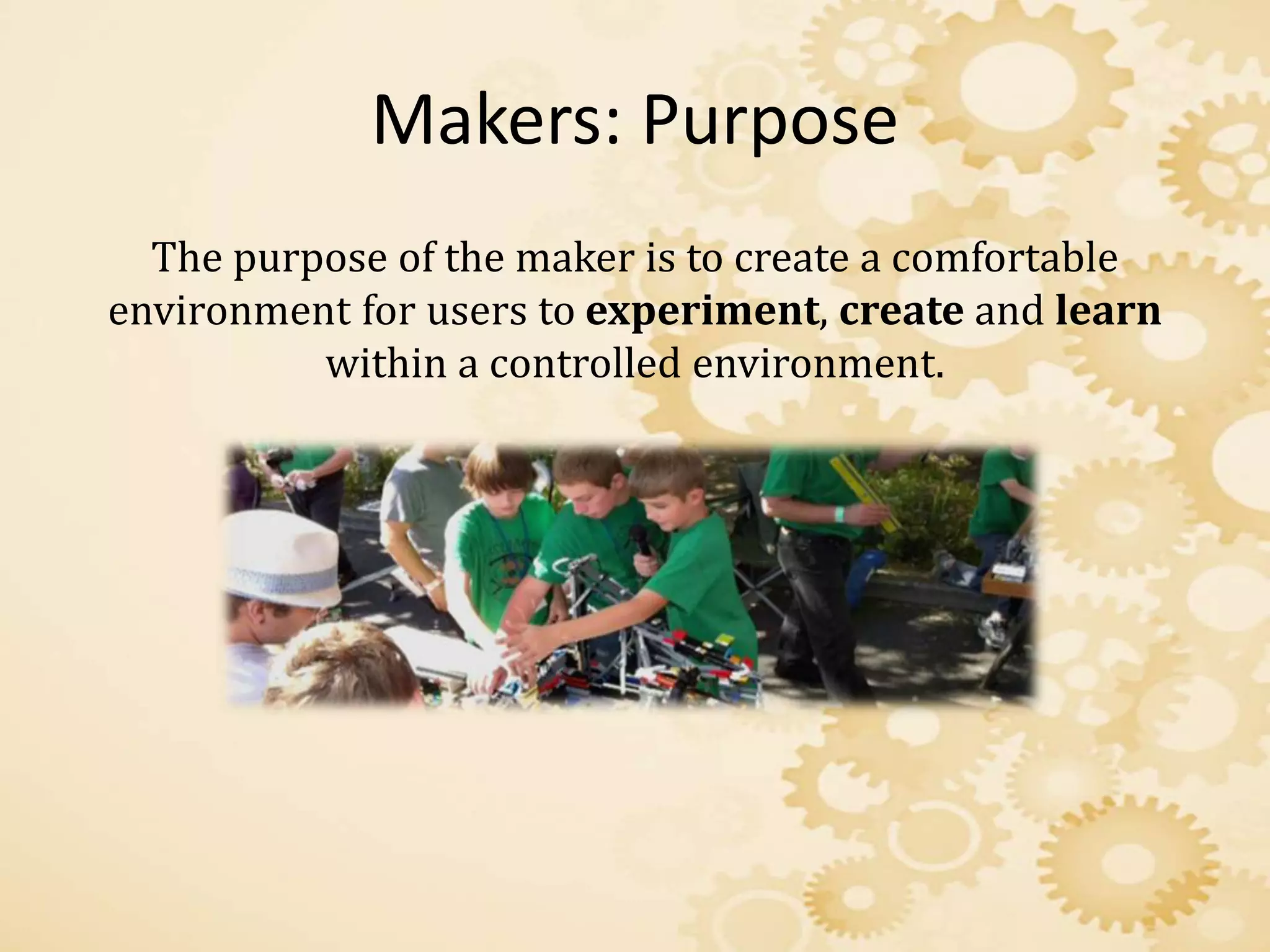
Makers: Purpose
The purpose of the maker is to create a comfortable
environment for users to experiment, create and learn
within a controlled environment.
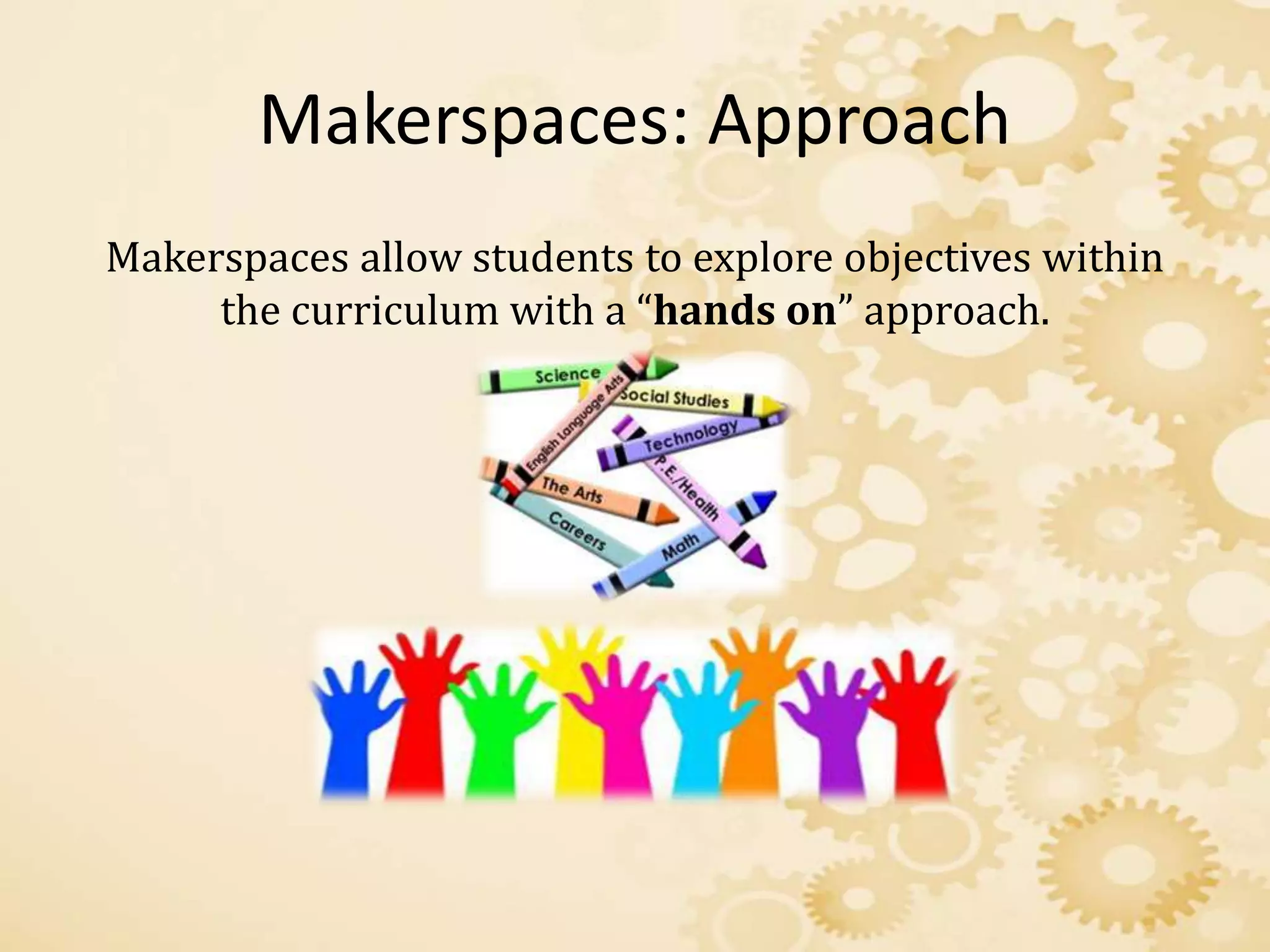
Makerspaces: Approach
Makerspaces allow students to explore objectives within
the curriculum with a “hands on” approach.
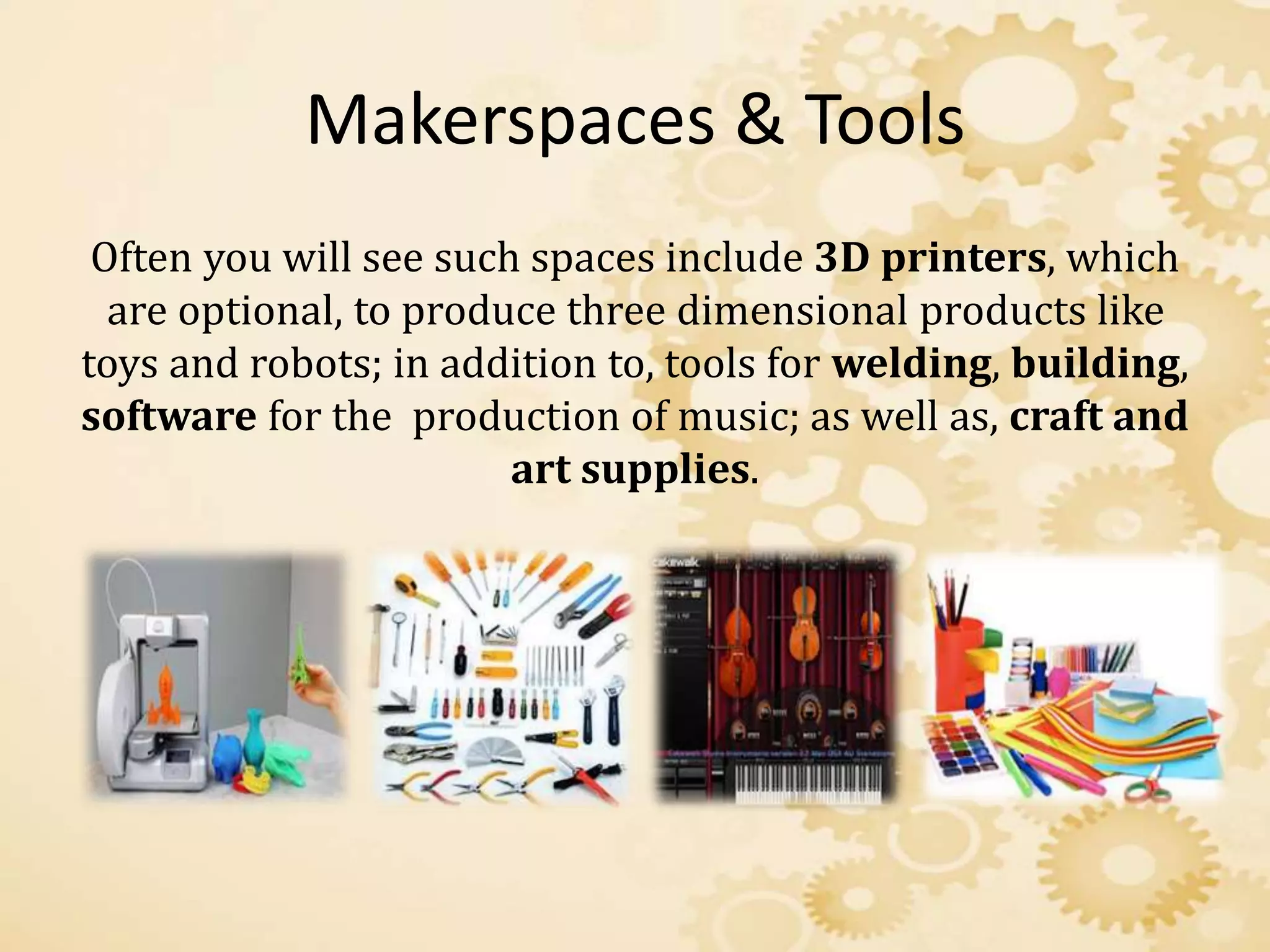
Makerspaces & Tools
Often you will see such spaces include 3D printers, which
are optional, to produce three dimensional products like
toys and robots; in addition to, tools for welding, building,
software for the production of music; as well as, craft and
art supplies.
Makerspaces: Instruction and Creative
Freedom
• The making environment is conveniently supported by,
“local, state and national standards for creativity,
productivity, thinking, learning, contributing and inquiry
are met through makerspace activities” (Preddy, 2014, p.
5).
• Not only does is support CORE and STEM, but it also
supports AASL Standards for the 21st Century Learner
by engaging students to “think”.
Programming & Workshops
Makerspaces in the media center need to support the
curriculum by hosting appropriate unit planned
programs & workshops.
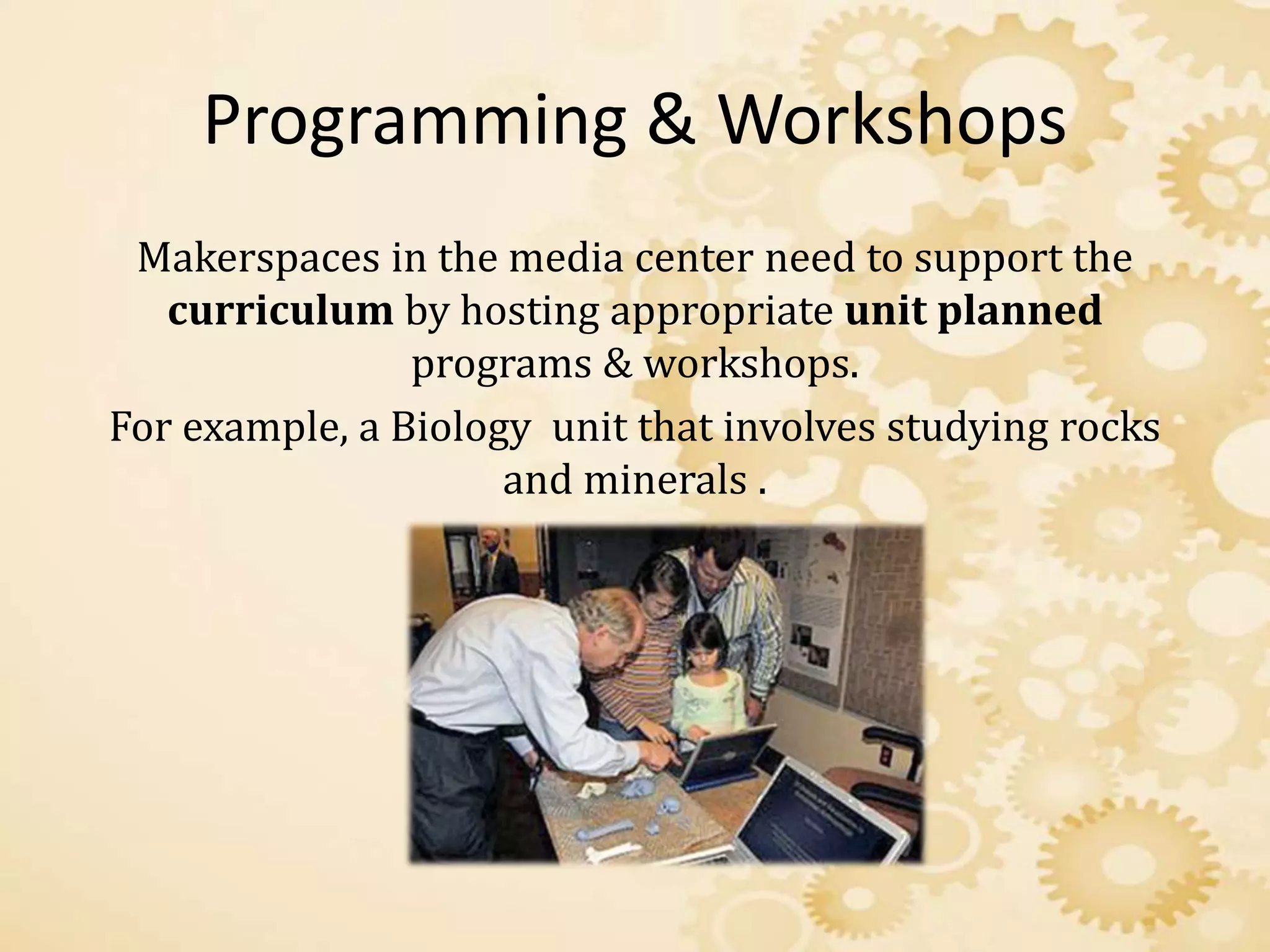
For example, a Biology unit that involves studying rocks
and minerals .
Examples of Unit Workshops
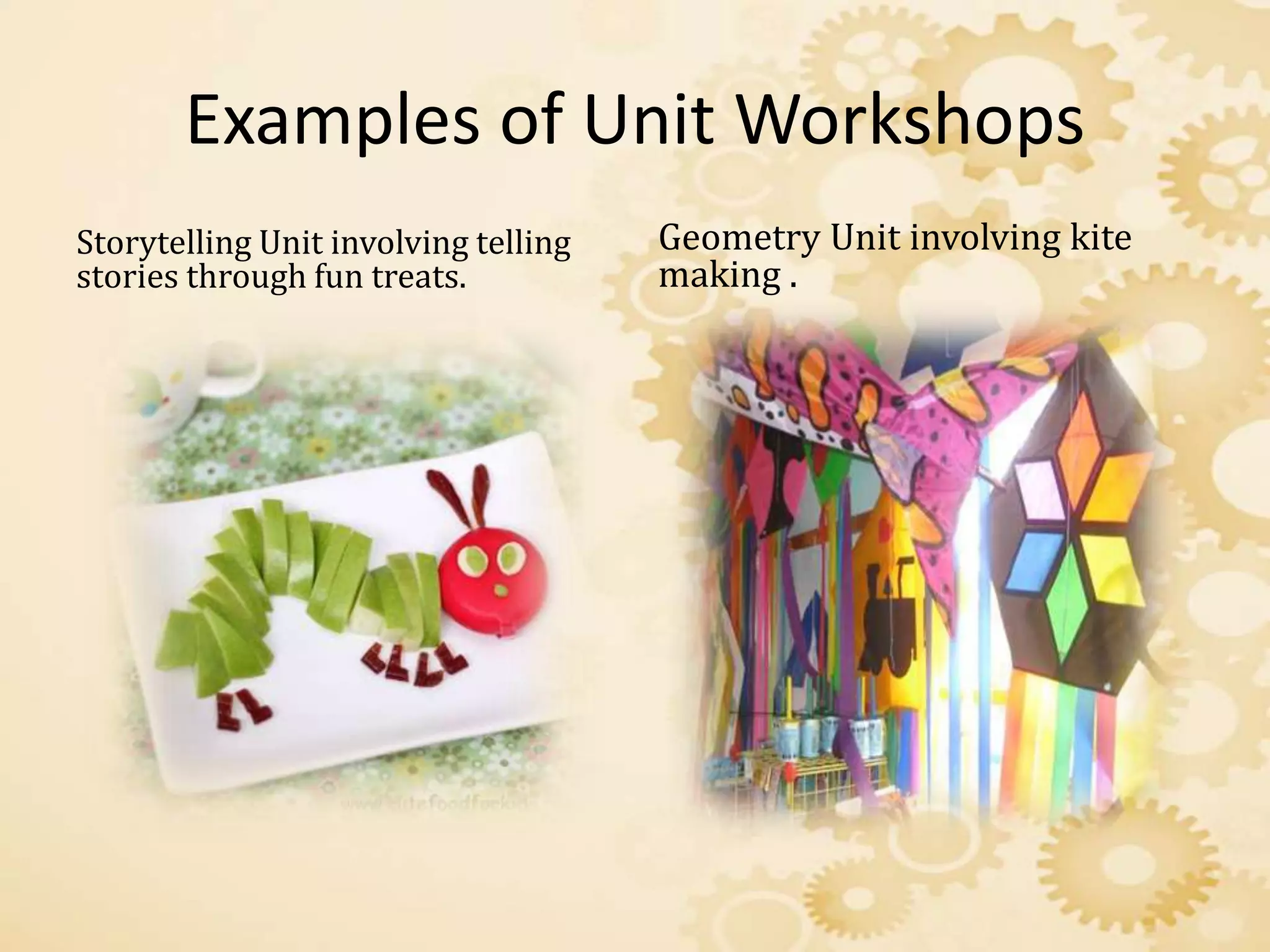
Storytelling Unit involving telling
stories through fun treats.
Geometry Unit involving kite
making .
Makerspaces & School Library Goals
• Display effort and participation by asking learners
questions and allowing learners to investigate
answers with meaningful facts.
• Demonstrate adaption skills and allow students to
adjust their focus and search for a variety of resources
to achieve success.
School Library Goals Continued
• Develop students into leaders and support self-
confidence when learners present to their peers.
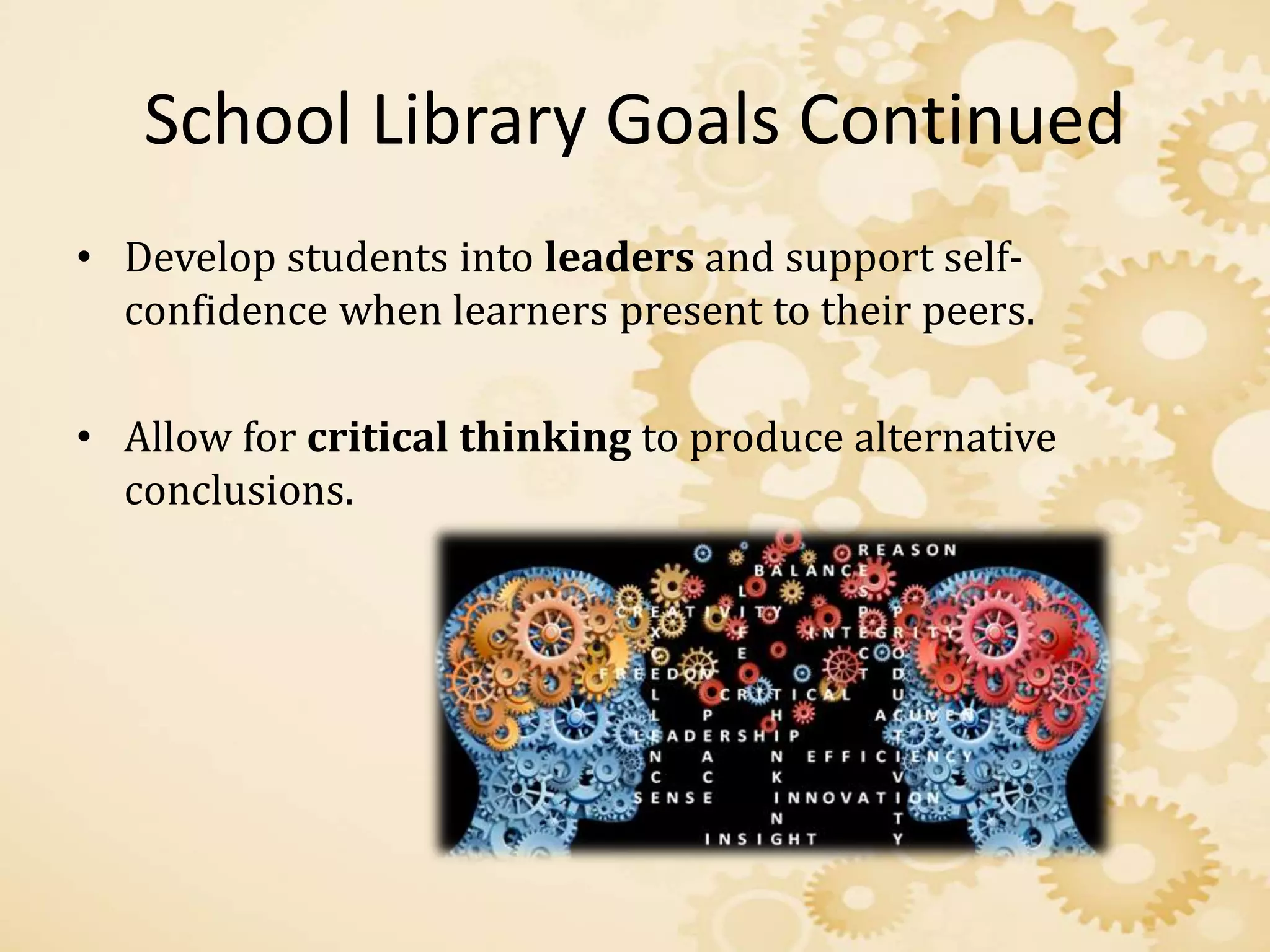
• Allow for critical thinking to produce alternative
conclusions.
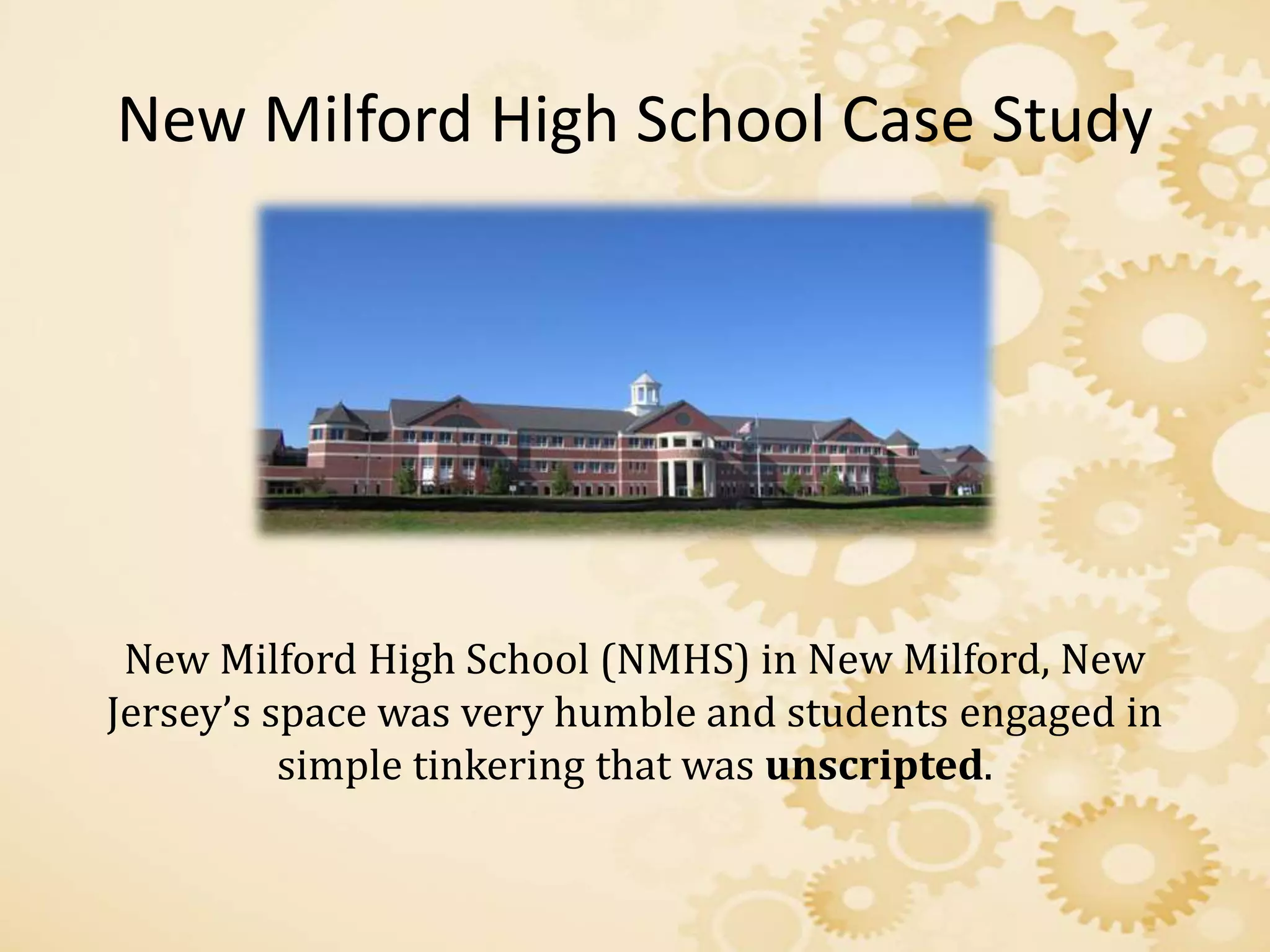
New Milford High School Case Study
New Milford High School (NMHS) in New Milford, New
Jersey’s space was very humble and students engaged in
simple tinkering that was unscripted.
New Milford High School
• The librarian on staff accepted the challenge of
reinventing the library to transform it into a vibrant
learning facility, and the principal offered full support
and professional freedom.
• The transformation of the library space resulted in a
thriving learning environment for students.
• Success also came from staff and faculty adopting a
“hands off” approach to the makerspace, and
transferring ownership over to the student body.
What did we learn?
• There’s no limit to the types of workshops one could
create in the makerspace environment to fit curriculum
needs.
• The school library media center is a perfect place for
makerspaces to exist because it is a place where
students come together to collaborate; fostering
learning and the, “think, learn and build knowledge”
mission of makerspaces.
Looking Back…
Makerspaces are very exciting and can be fun for all of
those involved. School Libraries can support national and
state standards for education in an innovative way that
includes the integration of high demand technology.
Makerspaces allow for the transfer of ownership from
faculty to students; making students responsible for their
learning.
References
Canino-Fluitt, A. A. (2014). School Library Makerspaces. Teacher
Librarian, 41(5), 21-27.
Fernandez, P. (2014). Through the Looking glass: envisioning
new library technologies the possibilities and challenges of 3D
Printing. Library Hi Tech News, Vol. 31 Iss: 5.
Gustafson, E. E. (2013). Meeting Needs: Makerspaces and School
Libraries. School Library Monthly, 29(8), 35-36.
Kurti, R. S., Kurti, D. D., & Fleming, L. l. (2014). Practical
Implementation of an Educational Makerspace. Teacher
Librarian, 42(2), 20-24.
Moorefield-Lang, H. (2015). Making, Libraries, and Literacies.
Library Media Connection, 33(4), 30-31.
Preddy, L. (2013). School library makerspaces: Grades 6-12.

Angel Sloss Makerspaces

  • 1.
    The Development of Makerspacesin School Libraries By Angel Sloss
  • 2.
    Introduction • In today’ssociety the implementation of advanced technology being integrated into school media centers across the nation, always involves school administrators, teachers, librarians and all other various personnel in educator roles. • Through careful planning, budgeting and advocating through federal agencies, school media centers can gradually reap the benefits of integrated technological advances within the center to support a challenging curriculum aligned with national and state standards.
  • 3.
    Makerspaces • Such advancesin technology can be used to create integrated technology learning areas called Makerspaces. • Makerspaces are DIY spaces where people can gather to create, invent, and learn.
  • 4.
    Makers: History • Makerspacesfirst seem to appear around 2005 as part of the much popular DIY (Do it yourself) movement. • DIY (Do it yourself) movement : Spirited with the old view of the industrial revolution, “to make” and recycled into modern enrichment classes; such as, woodshop, computer classes, and art classes.
  • 5.
    Makers: Purpose The purposeof the maker is to create a comfortable environment for users to experiment, create and learn within a controlled environment.
  • 6.
    Makerspaces: Approach Makerspaces allowstudents to explore objectives within the curriculum with a “hands on” approach.
  • 7.
    Makerspaces & Tools Oftenyou will see such spaces include 3D printers, which are optional, to produce three dimensional products like toys and robots; in addition to, tools for welding, building, software for the production of music; as well as, craft and art supplies.
  • 8.
    Makerspaces: Instruction andCreative Freedom • The making environment is conveniently supported by, “local, state and national standards for creativity, productivity, thinking, learning, contributing and inquiry are met through makerspace activities” (Preddy, 2014, p. 5). • Not only does is support CORE and STEM, but it also supports AASL Standards for the 21st Century Learner by engaging students to “think”.
  • 9.
    Programming & Workshops Makerspacesin the media center need to support the curriculum by hosting appropriate unit planned programs & workshops. For example, a Biology unit that involves studying rocks and minerals .
  • 10.
    Examples of UnitWorkshops Storytelling Unit involving telling stories through fun treats. Geometry Unit involving kite making .
  • 11.
    Makerspaces & SchoolLibrary Goals • Display effort and participation by asking learners questions and allowing learners to investigate answers with meaningful facts. • Demonstrate adaption skills and allow students to adjust their focus and search for a variety of resources to achieve success.
  • 12.
    School Library GoalsContinued • Develop students into leaders and support self- confidence when learners present to their peers. • Allow for critical thinking to produce alternative conclusions.
  • 13.
    New Milford HighSchool Case Study New Milford High School (NMHS) in New Milford, New Jersey’s space was very humble and students engaged in simple tinkering that was unscripted.
  • 14.
    New Milford HighSchool • The librarian on staff accepted the challenge of reinventing the library to transform it into a vibrant learning facility, and the principal offered full support and professional freedom. • The transformation of the library space resulted in a thriving learning environment for students. • Success also came from staff and faculty adopting a “hands off” approach to the makerspace, and transferring ownership over to the student body.
  • 15.
    What did welearn? • There’s no limit to the types of workshops one could create in the makerspace environment to fit curriculum needs. • The school library media center is a perfect place for makerspaces to exist because it is a place where students come together to collaborate; fostering learning and the, “think, learn and build knowledge” mission of makerspaces.
  • 16.
    Looking Back… Makerspaces arevery exciting and can be fun for all of those involved. School Libraries can support national and state standards for education in an innovative way that includes the integration of high demand technology. Makerspaces allow for the transfer of ownership from faculty to students; making students responsible for their learning.
  • 17.
    References Canino-Fluitt, A. A.(2014). School Library Makerspaces. Teacher Librarian, 41(5), 21-27. Fernandez, P. (2014). Through the Looking glass: envisioning new library technologies the possibilities and challenges of 3D Printing. Library Hi Tech News, Vol. 31 Iss: 5. Gustafson, E. E. (2013). Meeting Needs: Makerspaces and School Libraries. School Library Monthly, 29(8), 35-36. Kurti, R. S., Kurti, D. D., & Fleming, L. l. (2014). Practical Implementation of an Educational Makerspace. Teacher Librarian, 42(2), 20-24. Moorefield-Lang, H. (2015). Making, Libraries, and Literacies. Library Media Connection, 33(4), 30-31. Preddy, L. (2013). School library makerspaces: Grades 6-12.