ELECTRICAL ENGINEERING DRAWING
AUTOCAD
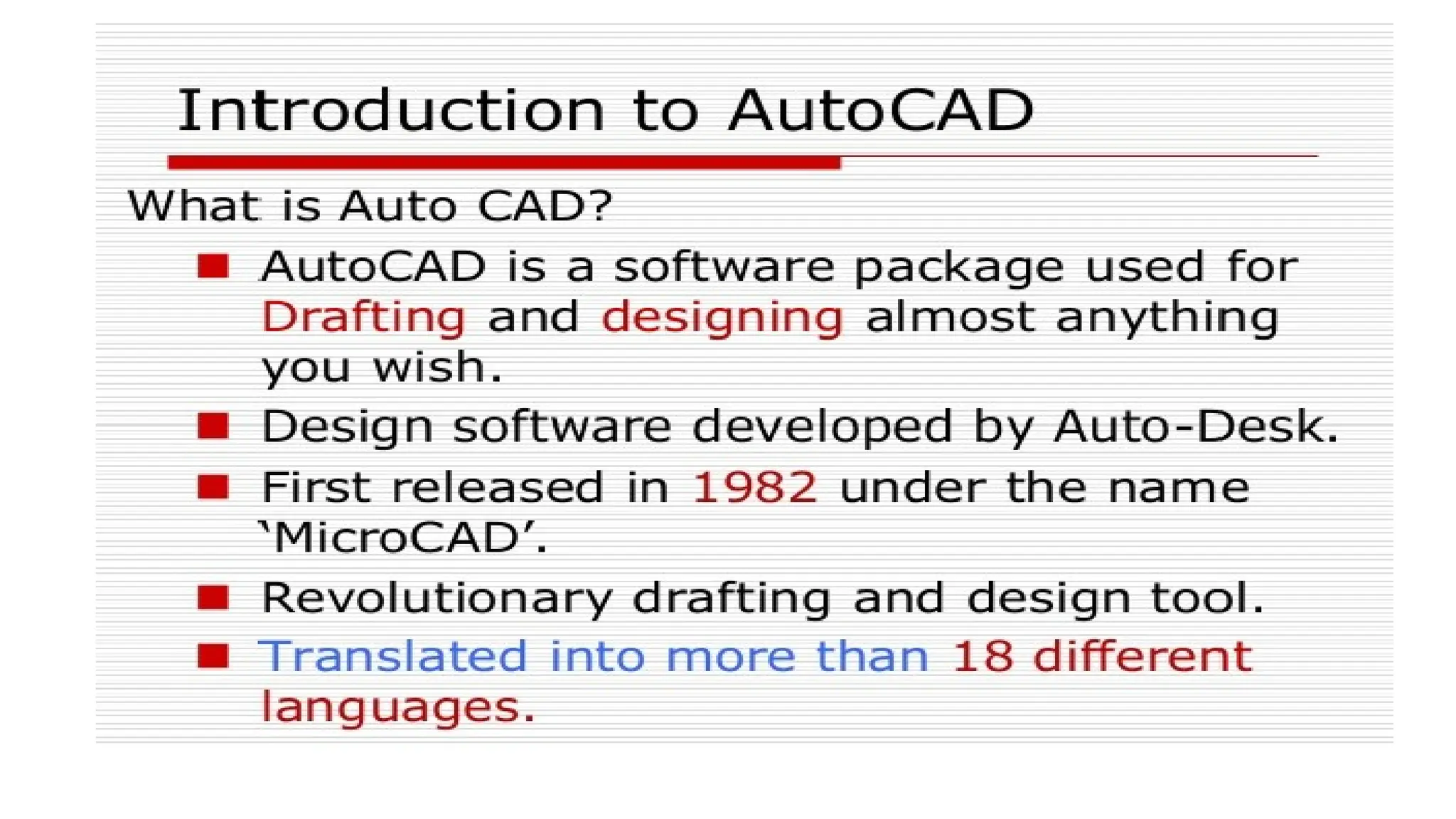
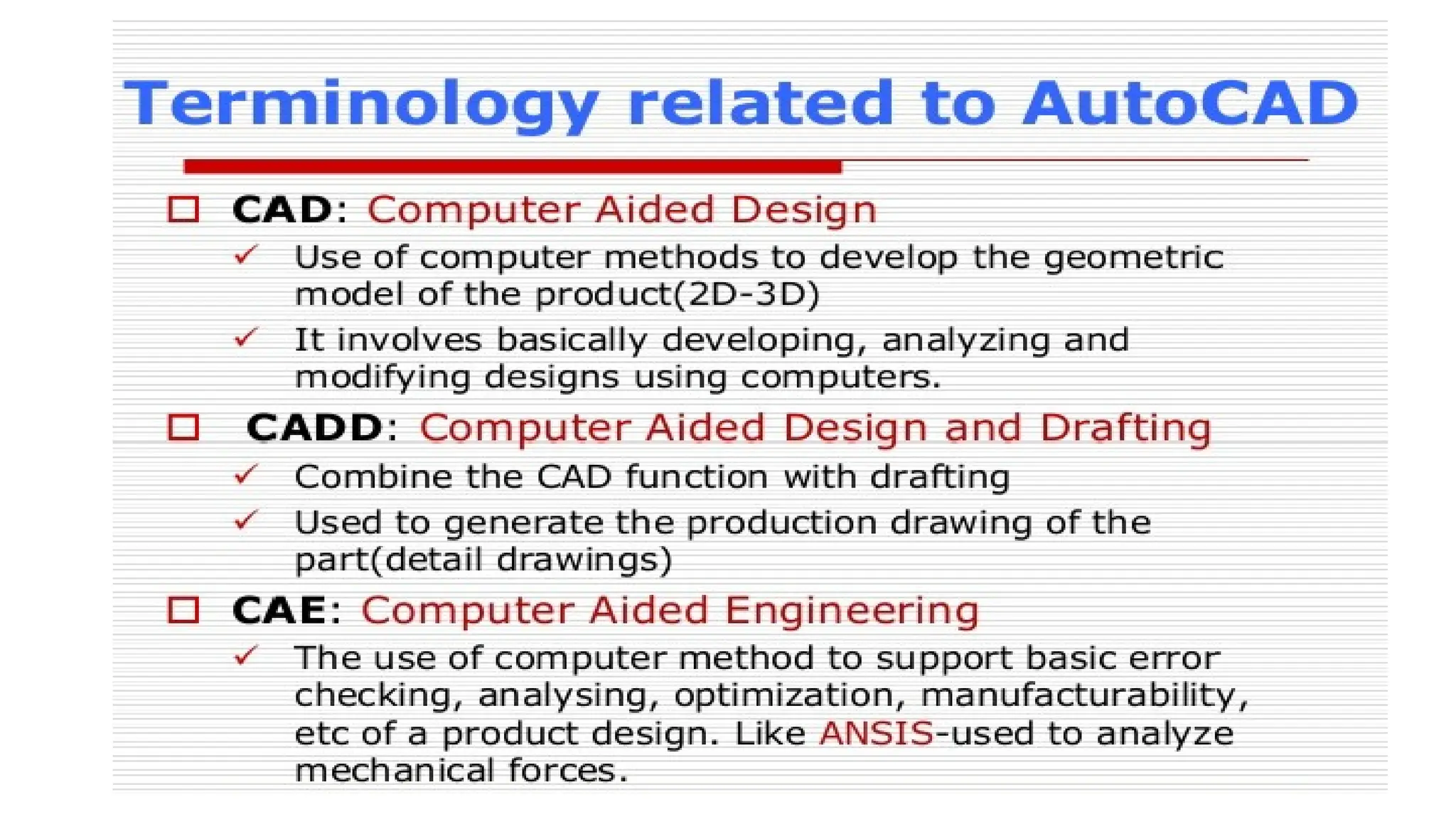
INTRODUCTION TO AUTOCAD
• AutoCAD is the industry leader among all CAD products. It is the
most widely used CAD software. The commands and concepts
introduced by AutoCAD are utilized by other systems. As a student,
learning AutoCAD provides you with a greater advantage as
compared to any other CAD software.
• As a new user of this software, the time you spend on learning this
software will be a wise investment.
Advantage of AutoCAD
• Storage and accessibility: - AutoCAD documents can be saved on a PC. The
software documents also can be saved on any cloud storage, from wherein they're
easily handy at whenever, from anywhere provided there's an internet connection.
• 3D View: - Even though it is feasible to sketch 3-D drawings manually, they're not
as powerful and sensible as computer aided drawings. AutoCAD assist model 3D
objects with colorings, substances and/or textures carried out to numerous
surfaces making them vibrant and less complicated for the consumer to visualize
the top product.
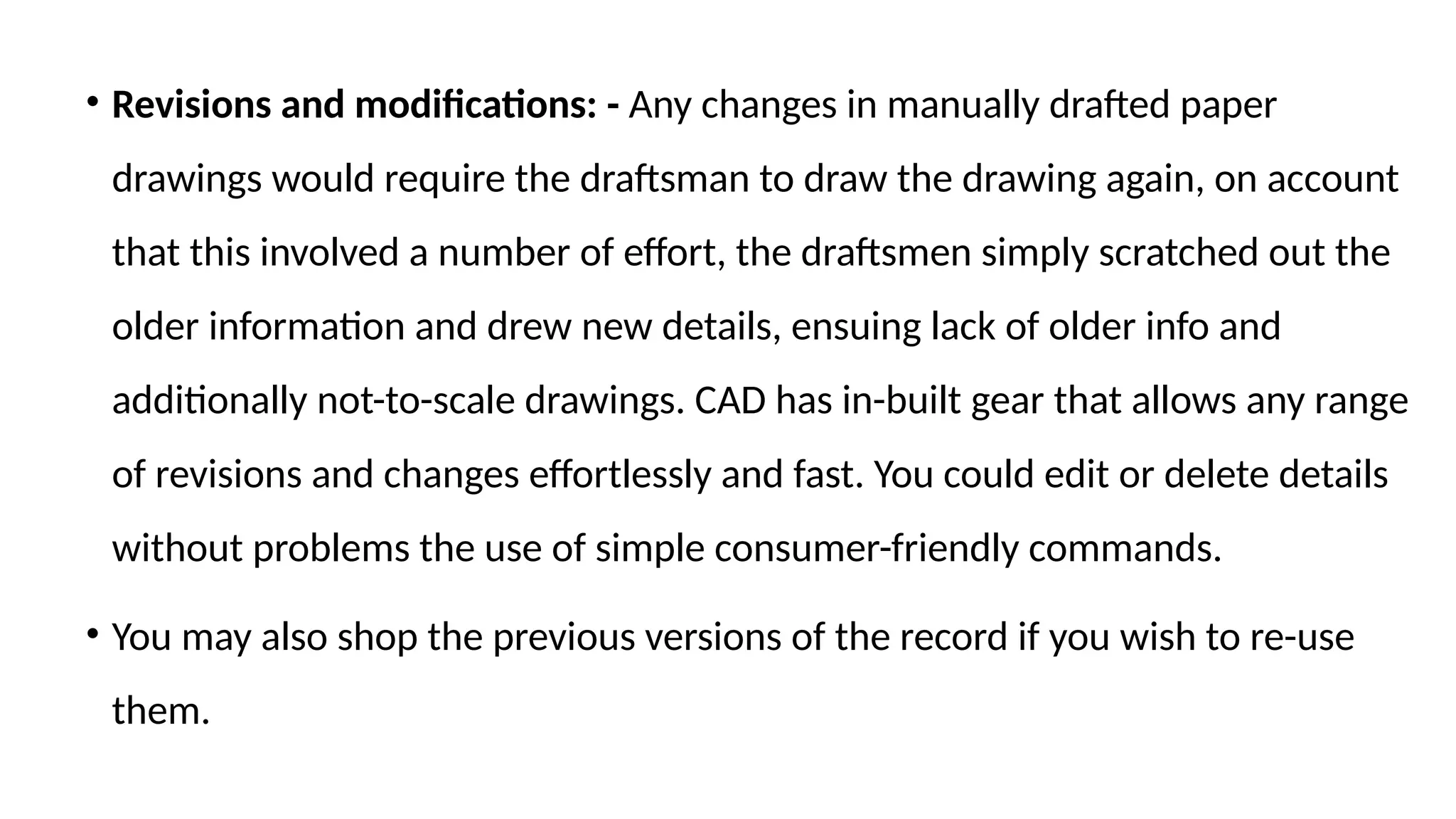
• Revisions and modifications: - Any changes in manually drafted paper
drawings would require the draftsman to draw the drawing again, on account
that this involved a number of effort, the draftsmen simply scratched out the
older information and drew new details, ensuing lack of older info and
additionally not-to-scale drawings. CAD has in-built gear that allows any range
of revisions and changes effortlessly and fast. You could edit or delete details
without problems the use of simple consumer-friendly commands.
• You may also shop the previous versions of the record if you wish to re-use
them.
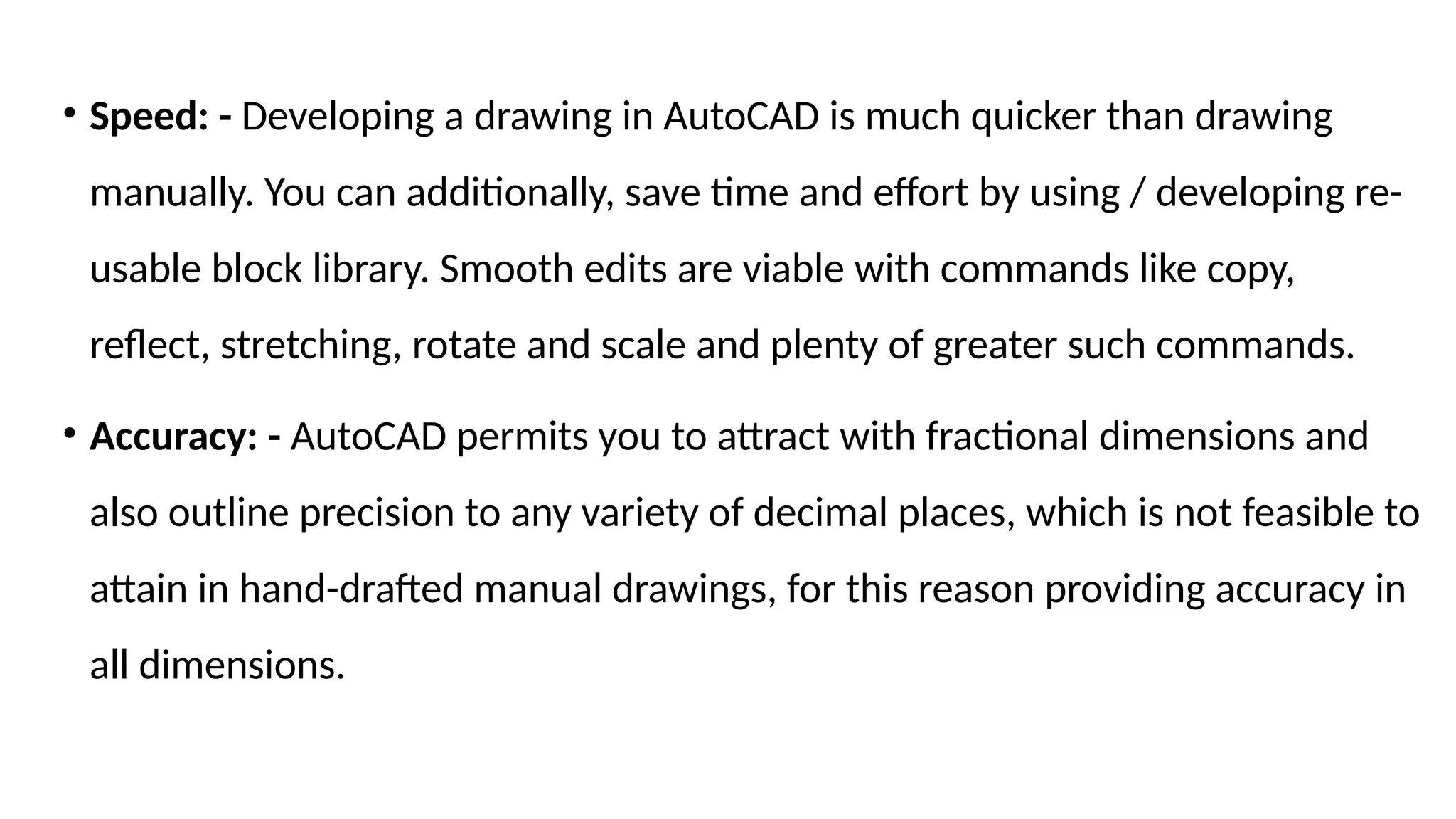
• Speed: - Developing a drawing in AutoCAD is much quicker than drawing
manually. You can additionally, save time and effort by using / developing re-
usable block library. Smooth edits are viable with commands like copy,
reflect, stretching, rotate and scale and plenty of greater such commands.
• Accuracy: - AutoCAD permits you to attract with fractional dimensions and
also outline precision to any variety of decimal places, which is not feasible to
attain in hand-drafted manual drawings, for this reason providing accuracy in
all dimensions.
Application of AutoCAD
• A design draft is the basic requirement of any venture of any size and decides its
success. Designing and drafting were manual tasks initially, but nowadays, it is
possible to prepare Computer Aided Designs with the help of computers so that
everything is conveniently digitized. AutoCAD software is computer aided designs
created by Auto desk. AutoCAD has breathed magic into the tedious and time
consuming task of designing drafts, by making the process simple, automatic, quick
and enjoyable. It also reduces the number of errors.
• Applications of AutoCAD are in multiple fields and the number continues to
increase.
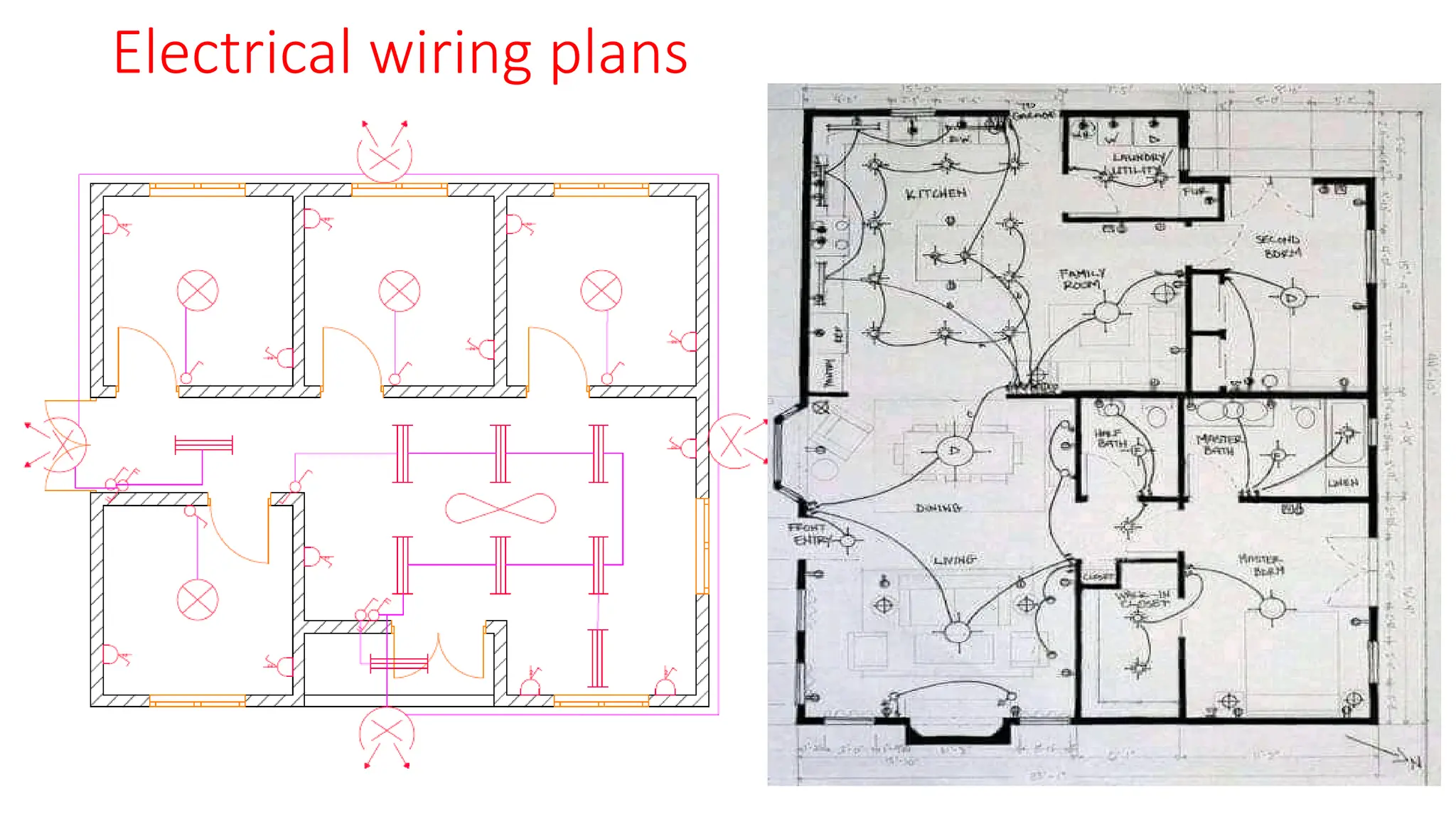
1. Electrical Engineering- Wiring designs for residential and commercial
buildings are done using AutoCAD. Power systems Design Engineers use
AutoCAD to design Control panels, PLCs and transmission lines and
transmission line structures. AutoCAD is also used in design of electrical
appliances like, bulbs, molded boxes among others
Control and power circuit diagrams for forward and
reverse motor starter
Electrical wiring plans
2. Architecture – Project designs for residential and commercial buildings are
designed in advance using AutoCAD. They can be in 2D or 3D. Even before the
construction work begins, one can get an idea, a feel of the building and its
premises by observing the AutoCAD 3D drawings.
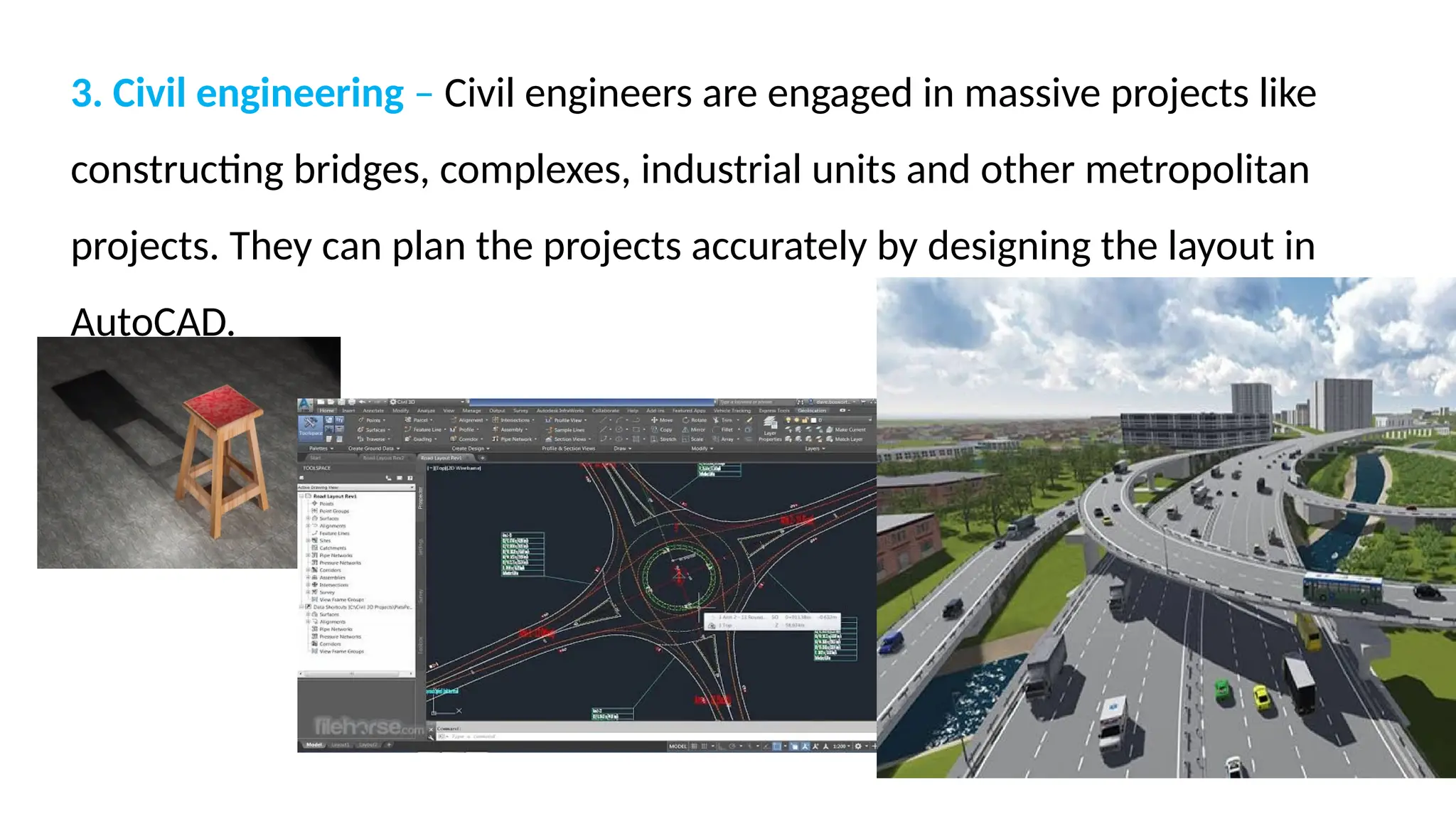
3. Civil engineering – Civil engineers are engaged in massive projects like
constructing bridges, complexes, industrial units and other metropolitan
projects. They can plan the projects accurately by designing the layout in
AutoCAD.
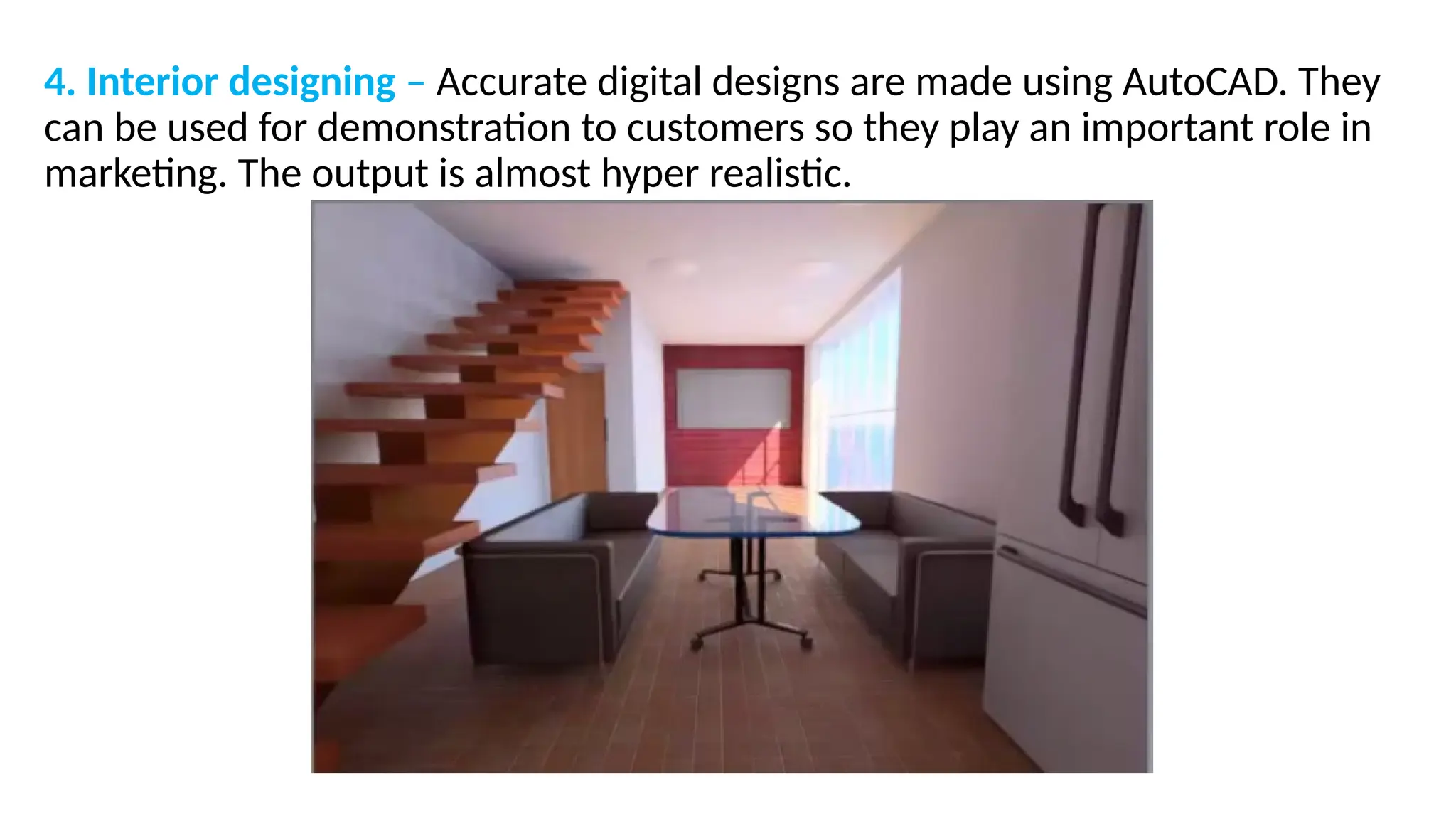
4. Interior designing – Accurate digital designs are made using AutoCAD. They
can be used for demonstration to customers so they play an important role in
marketing. The output is almost hyper realistic.
5. Automotive industry – CAD is used for all aspects of automotive designing like
engines and tyres. CAD software is useful in design, development, manufacture,
marketing and sale of motor vehicles, including bikes and scooters. Designs can
be changed and refined to give the manufacturers a competitive edge in the
market. There is more precision in the designs. The automotive industry is
growing in the world since the last couple of decades. AutoCAD gives plenty of
scope to manufacturers to bring about innovations in designs.
6. Aerospace – Satellites, space vehicles, missiles, and aircrafts are produced in
the aerospace industry. AutoCAD sample drawings play an important role in
the first step of the design process, because any one of these process costs
millions of dollars. The details are thoroughly planned with the AutoCAD
software before starting work on the final product.
7. Mechanical engineering – Mechanical engineers are engaged in planning and designing of
mechanical products. Design programs like AutoCAD help mechanical engineers do their
jobs by helping them create preliminary designs and spot flaws before production, saving
time and resources. Designs can be prepared and analyzed with AutoCAD, errors can be
detected at an early stage and give time for troubleshooting.
• AutoCAD allows graphic simulation of how a product will function after it is manufactured.
A machine can be seen in action. Hence, changes can be made beforehand and a great
deal of time and money can be saved in production.
8. Fashion designing – CAD enables selection of patterns and fabrics; virtual
models can be used for trials to show how the clothing will fit and look. It allows
timely changes and modifications.
Other applications
• CAD software is also used by landscapers on site for mapping, marking
boundaries, fencing details, placing pools, fountains, gardens, lawns etc. CAD is
also useful in making designs for furniture, jewellery, electronics, packaging,
photography, theatre, movie sets and almost any area of industry that one can
think of. It is also used in woodwork, crafts, artificial showpiece manufacturing.
System requirements for AutoCAD 2018
• The following are system requirements for running AutoCAD smoothly on your
system.
• Microsoft Windows 8/8.1, Windows 7, Windows 10.
• CPU Type:
• 32-bit: 1 gigahertz (GHz) or faster 32-bit (x86) processor
• 64-bit: 1 gigahertz (GHz) or faster 64-bit (x64) processor
• 2 GB of RAM (4GB Recommended) for 32-bit.
• 4GB of RAM (8GB Recommended) for 64-bit.
• Resolution 1360 x 2160 (1920 x 1080 or higher recommended) with True Color.
• Resolutions up to 3840 x 2160 supported on Windows 10 and 11, 64 bit systems
(with capable display card) for High Resolution & 4K Displays.
• 8 GB of free space for installation.

An introduction to AutoCAD Electrical.pptx

  • 1.
  • 2.
    INTRODUCTION TO AUTOCAD •AutoCAD is the industry leader among all CAD products. It is the most widely used CAD software. The commands and concepts introduced by AutoCAD are utilized by other systems. As a student, learning AutoCAD provides you with a greater advantage as compared to any other CAD software. • As a new user of this software, the time you spend on learning this software will be a wise investment.
  • 6.
    Advantage of AutoCAD •Storage and accessibility: - AutoCAD documents can be saved on a PC. The software documents also can be saved on any cloud storage, from wherein they're easily handy at whenever, from anywhere provided there's an internet connection. • 3D View: - Even though it is feasible to sketch 3-D drawings manually, they're not as powerful and sensible as computer aided drawings. AutoCAD assist model 3D objects with colorings, substances and/or textures carried out to numerous surfaces making them vibrant and less complicated for the consumer to visualize the top product.
  • 7.
    • Revisions andmodifications: - Any changes in manually drafted paper drawings would require the draftsman to draw the drawing again, on account that this involved a number of effort, the draftsmen simply scratched out the older information and drew new details, ensuing lack of older info and additionally not-to-scale drawings. CAD has in-built gear that allows any range of revisions and changes effortlessly and fast. You could edit or delete details without problems the use of simple consumer-friendly commands. • You may also shop the previous versions of the record if you wish to re-use them.
  • 8.
    • Speed: -Developing a drawing in AutoCAD is much quicker than drawing manually. You can additionally, save time and effort by using / developing re- usable block library. Smooth edits are viable with commands like copy, reflect, stretching, rotate and scale and plenty of greater such commands. • Accuracy: - AutoCAD permits you to attract with fractional dimensions and also outline precision to any variety of decimal places, which is not feasible to attain in hand-drafted manual drawings, for this reason providing accuracy in all dimensions.
  • 9.
    Application of AutoCAD •A design draft is the basic requirement of any venture of any size and decides its success. Designing and drafting were manual tasks initially, but nowadays, it is possible to prepare Computer Aided Designs with the help of computers so that everything is conveniently digitized. AutoCAD software is computer aided designs created by Auto desk. AutoCAD has breathed magic into the tedious and time consuming task of designing drafts, by making the process simple, automatic, quick and enjoyable. It also reduces the number of errors. • Applications of AutoCAD are in multiple fields and the number continues to increase.
  • 10.
    1. Electrical Engineering-Wiring designs for residential and commercial buildings are done using AutoCAD. Power systems Design Engineers use AutoCAD to design Control panels, PLCs and transmission lines and transmission line structures. AutoCAD is also used in design of electrical appliances like, bulbs, molded boxes among others
  • 11.
    Control and powercircuit diagrams for forward and reverse motor starter
  • 12.
  • 13.
    2. Architecture –Project designs for residential and commercial buildings are designed in advance using AutoCAD. They can be in 2D or 3D. Even before the construction work begins, one can get an idea, a feel of the building and its premises by observing the AutoCAD 3D drawings.
  • 14.
    3. Civil engineering– Civil engineers are engaged in massive projects like constructing bridges, complexes, industrial units and other metropolitan projects. They can plan the projects accurately by designing the layout in AutoCAD.
  • 15.
    4. Interior designing– Accurate digital designs are made using AutoCAD. They can be used for demonstration to customers so they play an important role in marketing. The output is almost hyper realistic.
  • 16.
    5. Automotive industry– CAD is used for all aspects of automotive designing like engines and tyres. CAD software is useful in design, development, manufacture, marketing and sale of motor vehicles, including bikes and scooters. Designs can be changed and refined to give the manufacturers a competitive edge in the market. There is more precision in the designs. The automotive industry is growing in the world since the last couple of decades. AutoCAD gives plenty of scope to manufacturers to bring about innovations in designs.
  • 18.
    6. Aerospace –Satellites, space vehicles, missiles, and aircrafts are produced in the aerospace industry. AutoCAD sample drawings play an important role in the first step of the design process, because any one of these process costs millions of dollars. The details are thoroughly planned with the AutoCAD software before starting work on the final product.
  • 19.
    7. Mechanical engineering– Mechanical engineers are engaged in planning and designing of mechanical products. Design programs like AutoCAD help mechanical engineers do their jobs by helping them create preliminary designs and spot flaws before production, saving time and resources. Designs can be prepared and analyzed with AutoCAD, errors can be detected at an early stage and give time for troubleshooting. • AutoCAD allows graphic simulation of how a product will function after it is manufactured. A machine can be seen in action. Hence, changes can be made beforehand and a great deal of time and money can be saved in production.
  • 20.
    8. Fashion designing– CAD enables selection of patterns and fabrics; virtual models can be used for trials to show how the clothing will fit and look. It allows timely changes and modifications. Other applications • CAD software is also used by landscapers on site for mapping, marking boundaries, fencing details, placing pools, fountains, gardens, lawns etc. CAD is also useful in making designs for furniture, jewellery, electronics, packaging, photography, theatre, movie sets and almost any area of industry that one can think of. It is also used in woodwork, crafts, artificial showpiece manufacturing.
  • 21.
    System requirements forAutoCAD 2018 • The following are system requirements for running AutoCAD smoothly on your system. • Microsoft Windows 8/8.1, Windows 7, Windows 10. • CPU Type: • 32-bit: 1 gigahertz (GHz) or faster 32-bit (x86) processor • 64-bit: 1 gigahertz (GHz) or faster 64-bit (x64) processor • 2 GB of RAM (4GB Recommended) for 32-bit. • 4GB of RAM (8GB Recommended) for 64-bit. • Resolution 1360 x 2160 (1920 x 1080 or higher recommended) with True Color. • Resolutions up to 3840 x 2160 supported on Windows 10 and 11, 64 bit systems (with capable display card) for High Resolution & 4K Displays. • 8 GB of free space for installation.

Editor's Notes

  • #5 Computerized Numerical Control, A jig is a device that holds a piece of work and guides the tool operating it.
  • #10 PLC Programmable Logic Controller