11
8th April, 2014
Enquiry: info@weborganic.hk
WebSite: WebOrganic.hk
iPad e-Learning teacher training
for
CCC Heep Woh Primary School
Teacher Training Session #1
iPad Apps Introduction and
Basic iPad Usage in Class
2
Agenda
1. Overall Training Objectives
2. Training Session Rundown
– Basic Concept of iPad & LMS (20 Min)
– Hands-on Exercise 1 (20 Min)
– Hands-on Exercise 2 (20 Min)
– Take-home Assignment (40 Min)
3
Overall Training Objectives
1. Raise teachers’ confidence in using iPad for
conducting classes
2. Basic understanding of popular teaching apps
(ability to assess and select apps)
3. Ability to integrate lesson plan with teaching
resources (e.g. paper textbook, worksheet, e-textbook, LMS, electronic
whiteboard, iPad, apps, etc) to facilitate learning
4
Training Design
Session 1 : iPad Apps Introduction and
Basic iPad Usage in Class (7-April)
Session 2 : Discuss & Integrate T&L for
e-learning (Optional)
Session 3 : e-Learning Try-out Rehearsal
(Optional)
5
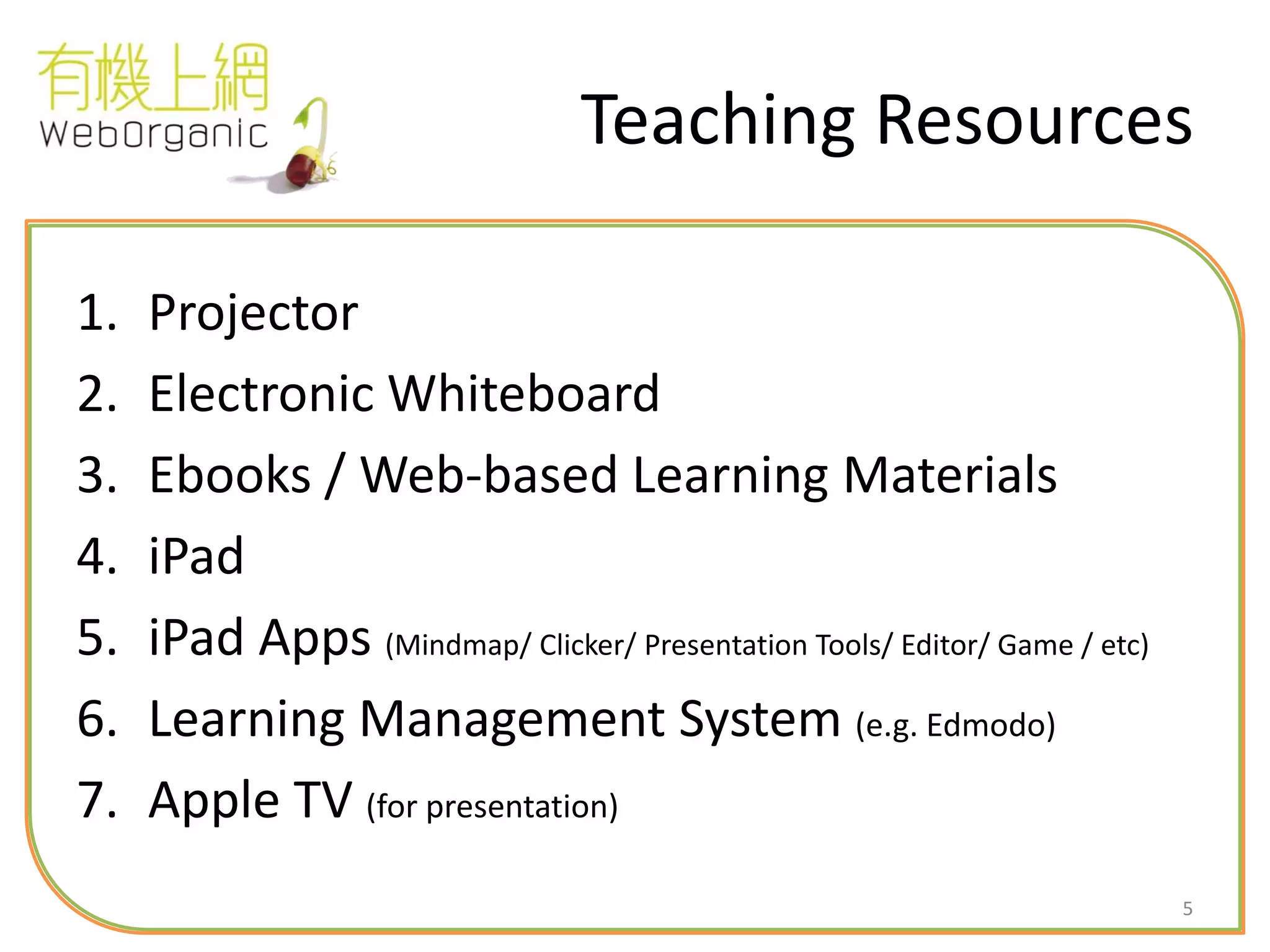
Teaching Resources
1. Projector
2. Electronic Whiteboard
3. Ebooks / Web-based Learning Materials
4. iPad
5. iPad Apps (Mindmap/ Clicker/ Presentation Tools/ Editor/ Game / etc)
6. Learning Management System (e.g. Edmodo)
7. Apple TV (for presentation)
6
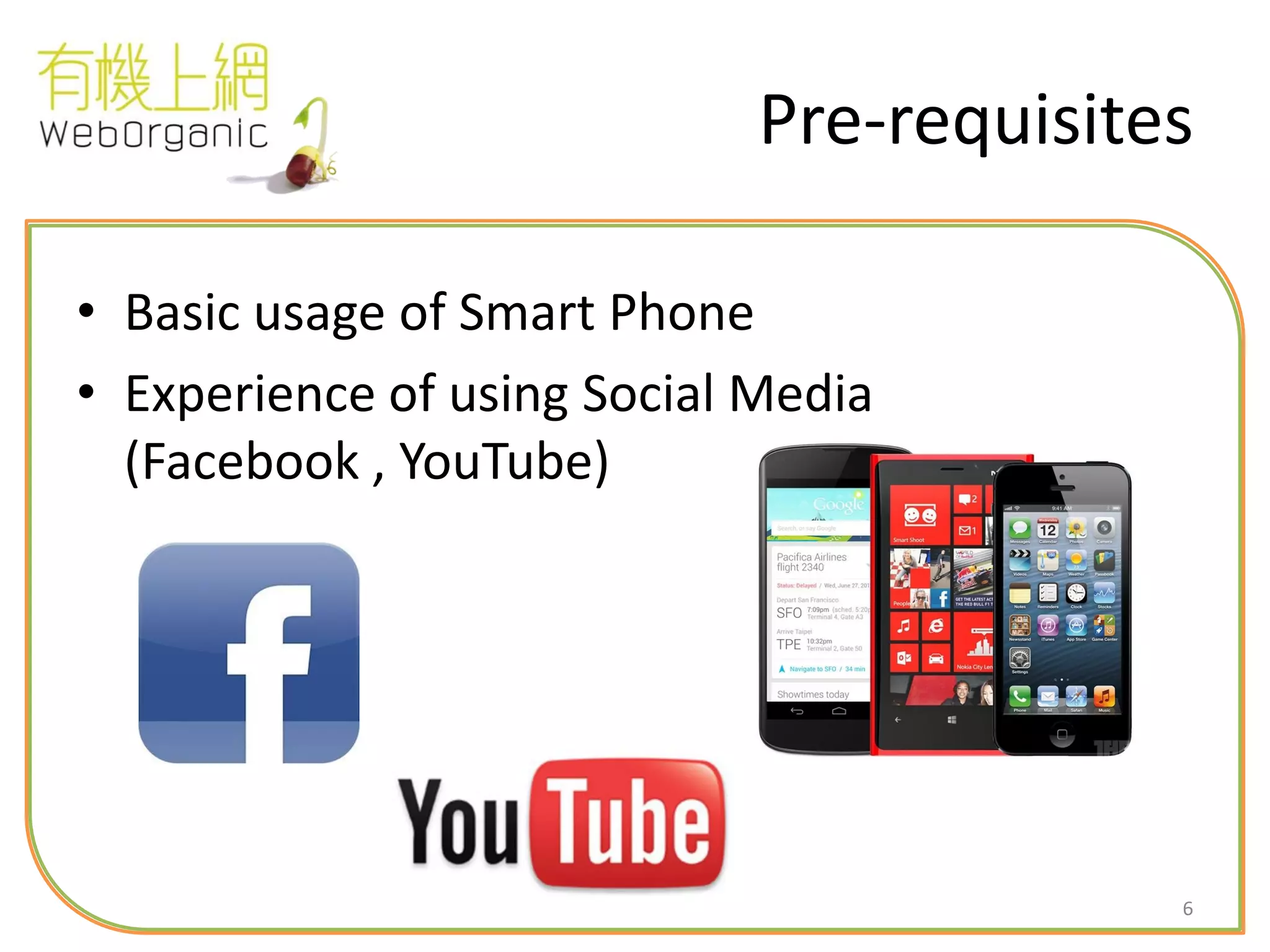
Pre-requisites
• Basic usage of Smart Phone
• Experience of using Social Media
(Facebook , YouTube)
7
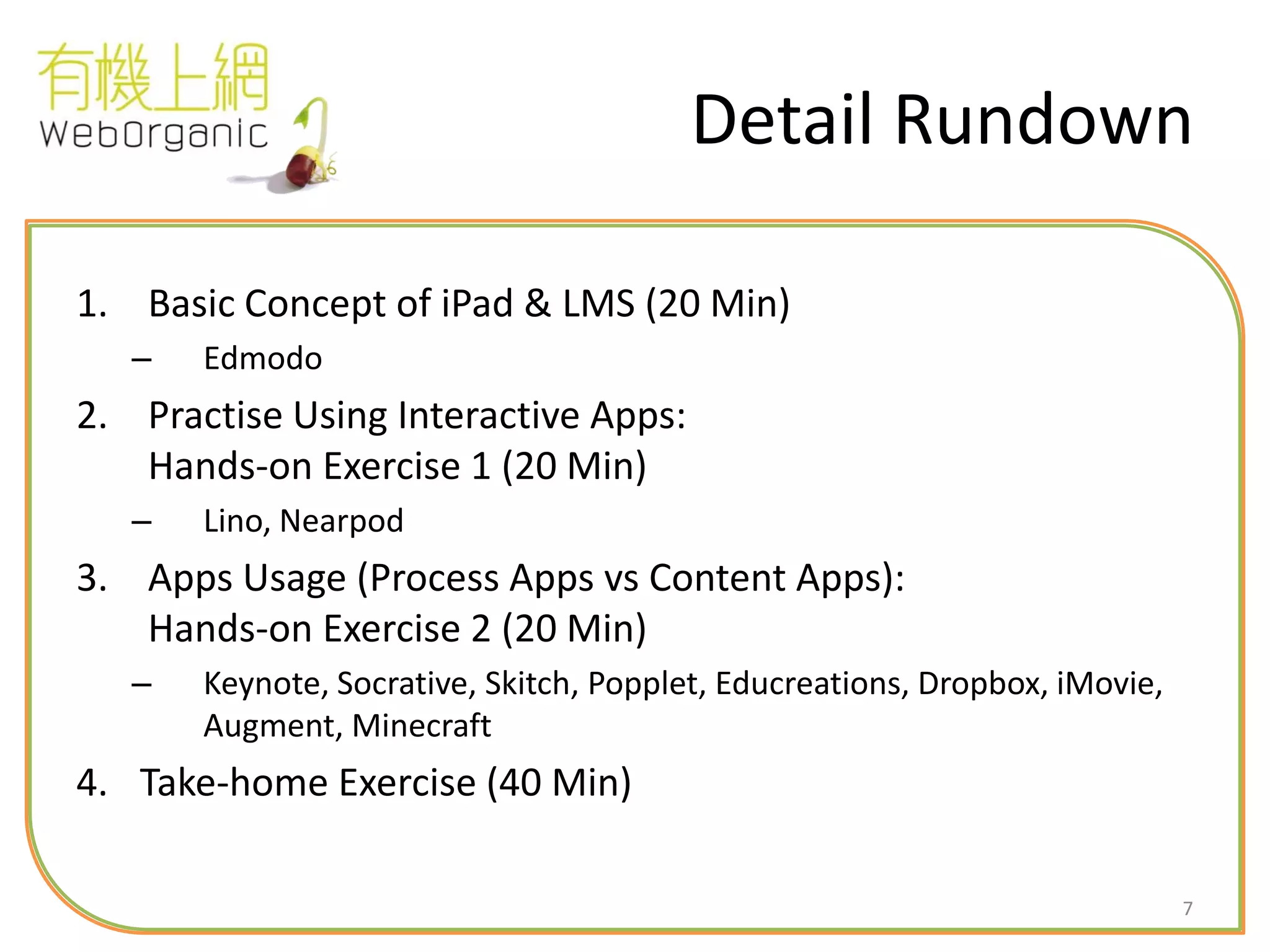
Detail Rundown
1. Basic Concept of iPad & LMS (20 Min)
– Edmodo
2. Practise Using Interactive Apps:
Hands-on Exercise 1 (20 Min)
– Lino, Nearpod
3. Apps Usage (Process Apps vs Content Apps):
Hands-on Exercise 2 (20 Min)
– Keynote, Socrative, Skitch, Popplet, Educreations, Dropbox, iMovie,
Augment, Minecraft
4. Take-home Exercise (40 Min)
8
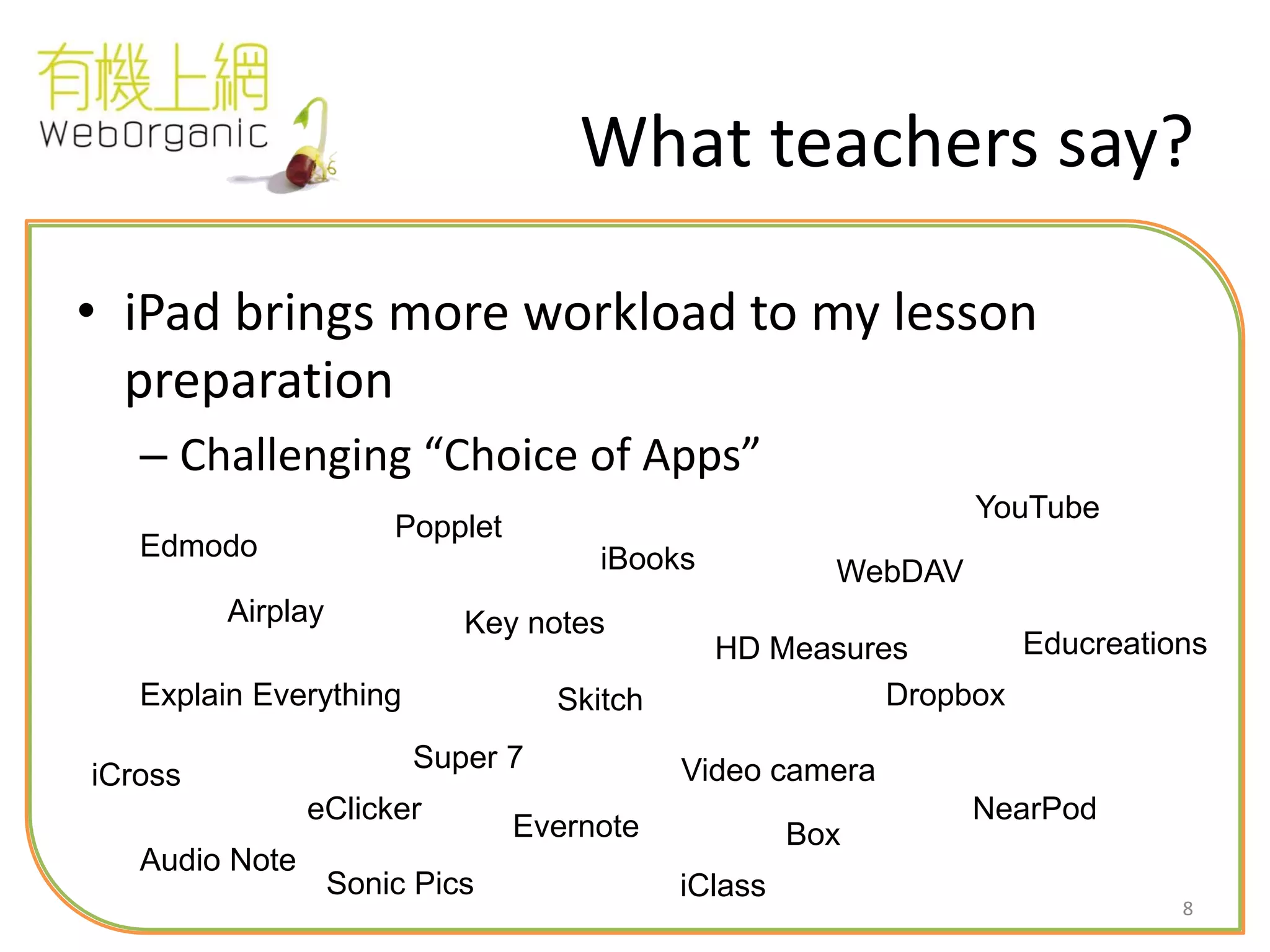
What teachers say?
• iPad brings more workload to my lesson
preparation
– Challenging “Choice of Apps”
Airplay
iBooks
Explain Everything
Popplet
Key notes
Video cameraiCross
Super 7
Dropbox
WebDAV
Box
Edmodo
iClass
Evernote
Sonic Pics
NearPod
Educreations
Skitch
HD Measures
Audio Note
eClicker
YouTube
9
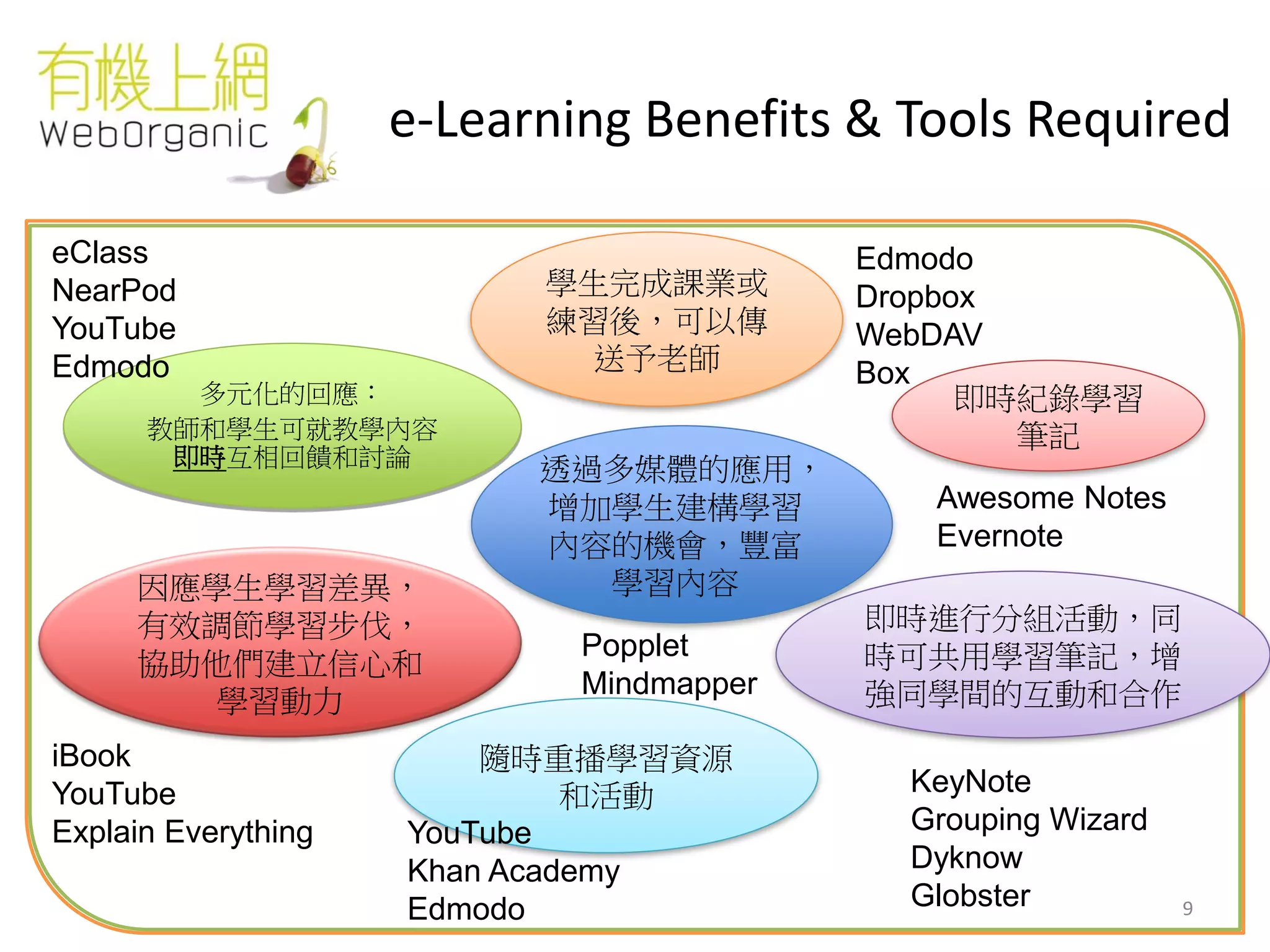
e-Learning Benefits & Tools Required
多元化的回應:
教師和學生可就教學內容
即時互相回饋和討論
學生完成課業或
練習後,可以傳
送予老師
隨時重播學習資源
和活動
即時紀錄學習
筆記
即時進行分組活動,同
時可共用學習筆記,增
強同學間的互動和合作
因應學生學習差異,
有效調節學習步伐,
協助他們建立信心和
學習動力
透過多媒體的應用,
增加學生建構學習
內容的機會,豐富
學習內容
Awesome Notes
Evernote
Edmodo
Dropbox
WebDAV
Box
Popplet
Mindmapper
KeyNote
Grouping Wizard
Dyknow
Globster
YouTube
Khan Academy
Edmodo
eClass
NearPod
YouTube
Edmodo
iBook
YouTube
Explain Everything
10
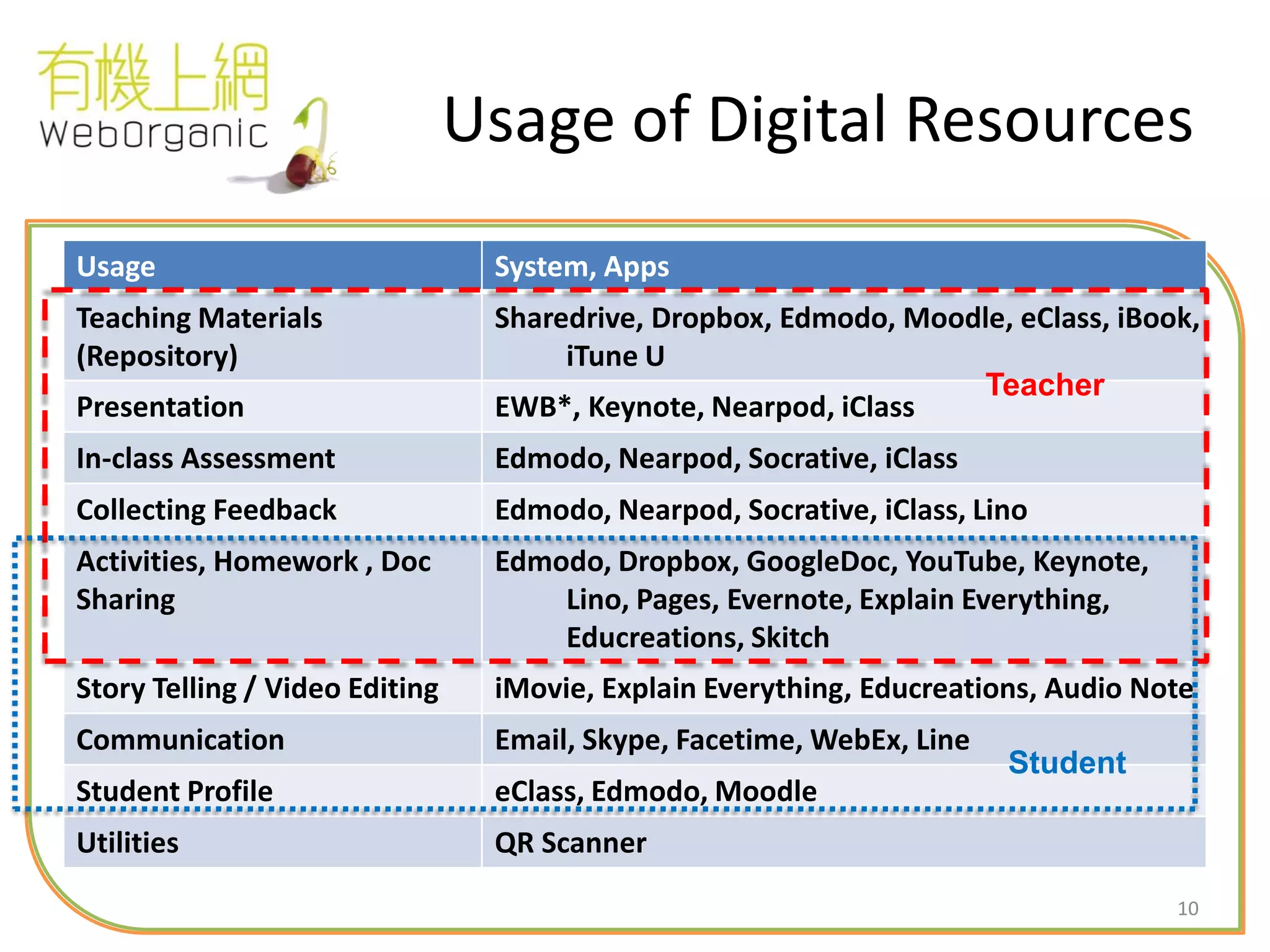
Usage of Digital Resources
Usage System, Apps
Teaching Materials
(Repository)
Sharedrive, Dropbox, Edmodo, Moodle, eClass, iBook,
iTune U
Presentation EWB*, Keynote, Nearpod, iClass
In-class Assessment Edmodo, Nearpod, Socrative, iClass
Collecting Feedback Edmodo, Nearpod, Socrative, iClass, Lino
Activities, Homework , Doc
Sharing
Edmodo, Dropbox, GoogleDoc, YouTube, Keynote,
Lino, Pages, Evernote, Explain Everything,
Educreations, Skitch
Story Telling / Video Editing iMovie, Explain Everything, Educreations, Audio Note
Communication Email, Skype, Facetime, WebEx, Line
Student Profile eClass, Edmodo, Moodle
Utilities QR Scanner
Teacher
Student
11
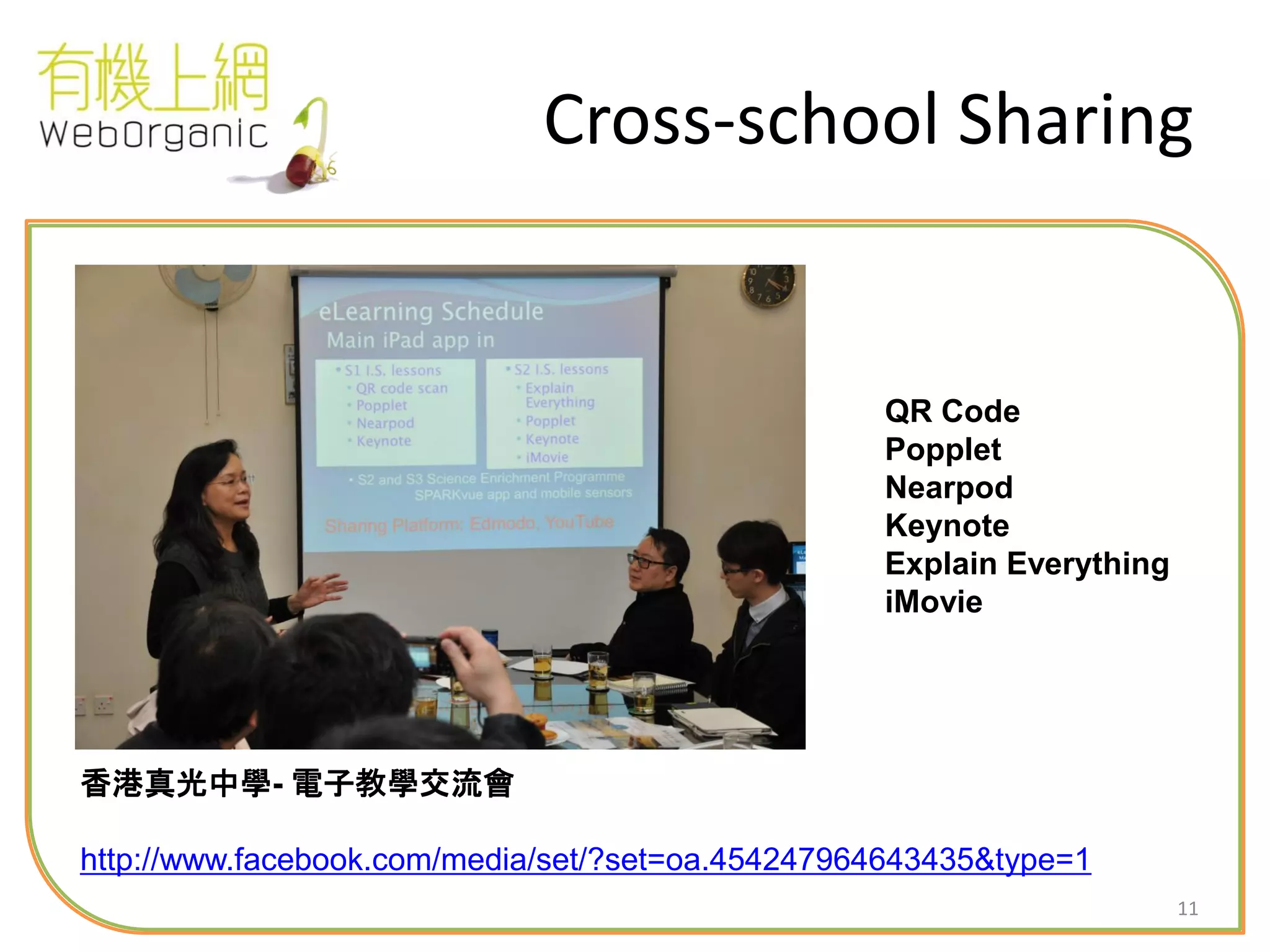
Cross-school Sharing
香港真光中學- 電子教學交流會
http://www.facebook.com/media/set/?set=oa.454247964643435&type=1
QR Code
Popplet
Nearpod
Keynote
Explain Everything
iMovie
12
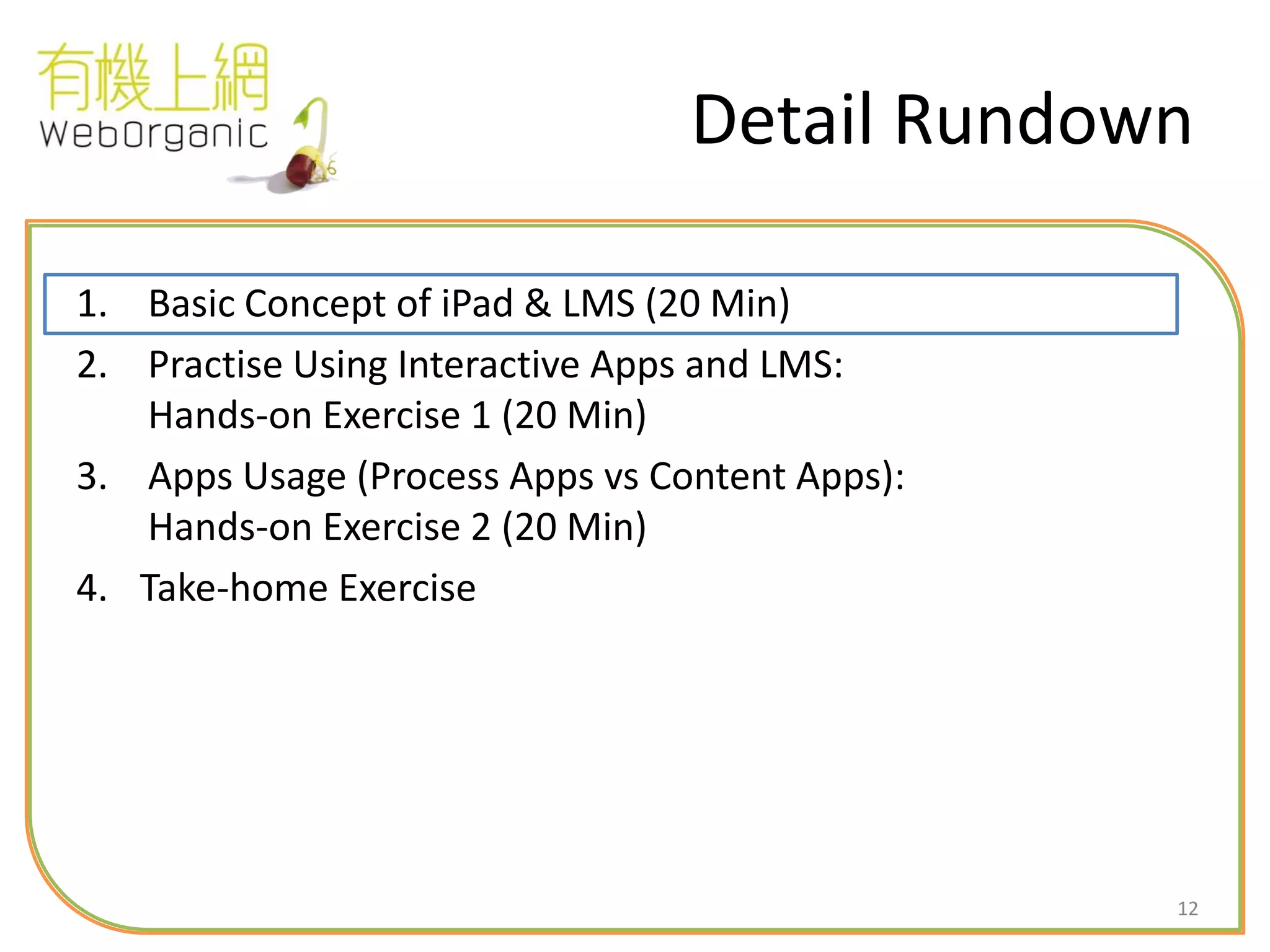
Detail Rundown
1. Basic Concept of iPad & LMS (20 Min)
2. Practise Using Interactive Apps and LMS:
Hands-on Exercise 1 (20 Min)
3. Apps Usage (Process Apps vs Content Apps):
Hands-on Exercise 2 (20 Min)
4. Take-home Exercise
13
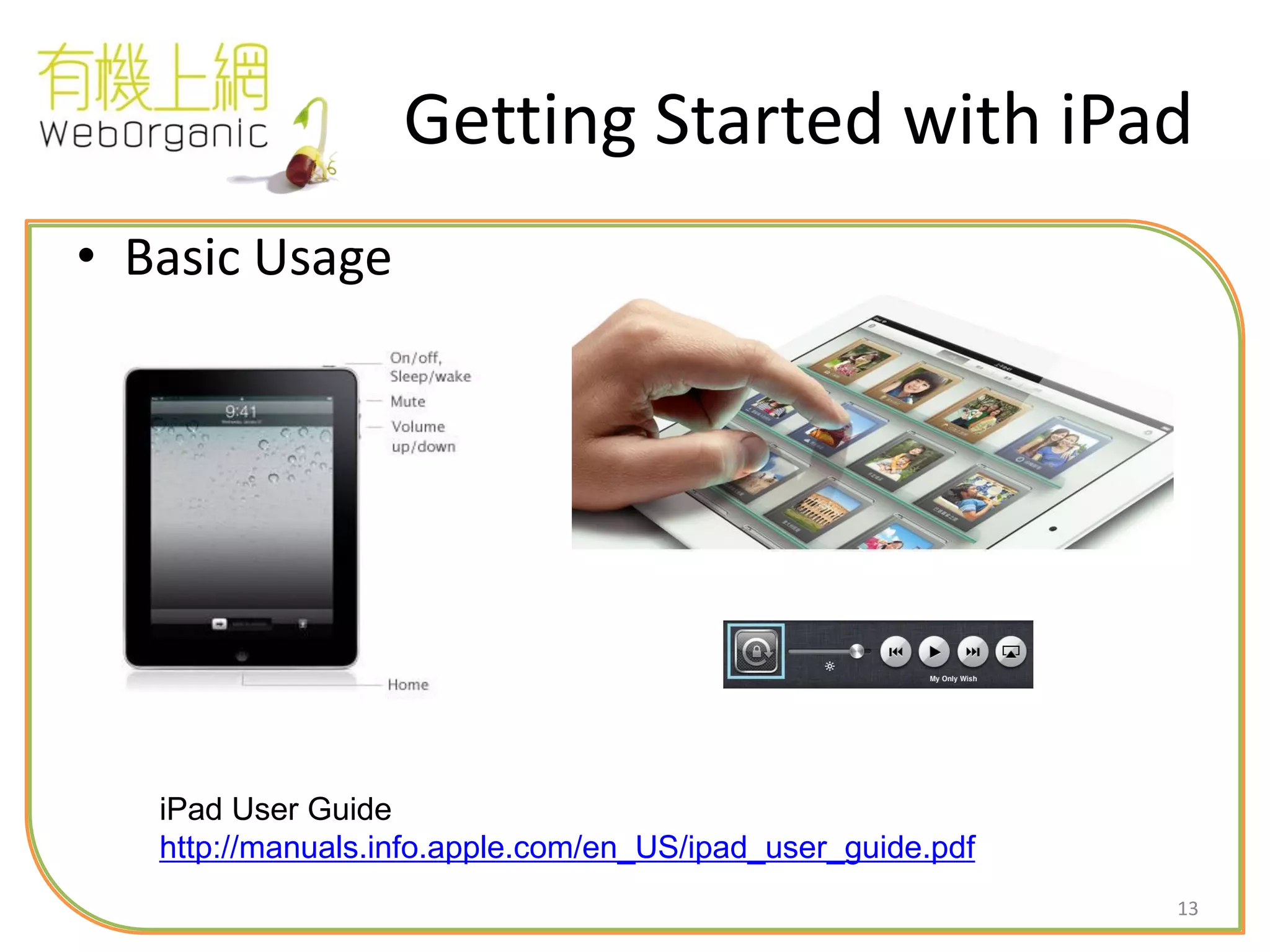
Getting Started with iPad
• Basic Usage
iPad User Guide
http://manuals.info.apple.com/en_US/ipad_user_guide.pdf
14
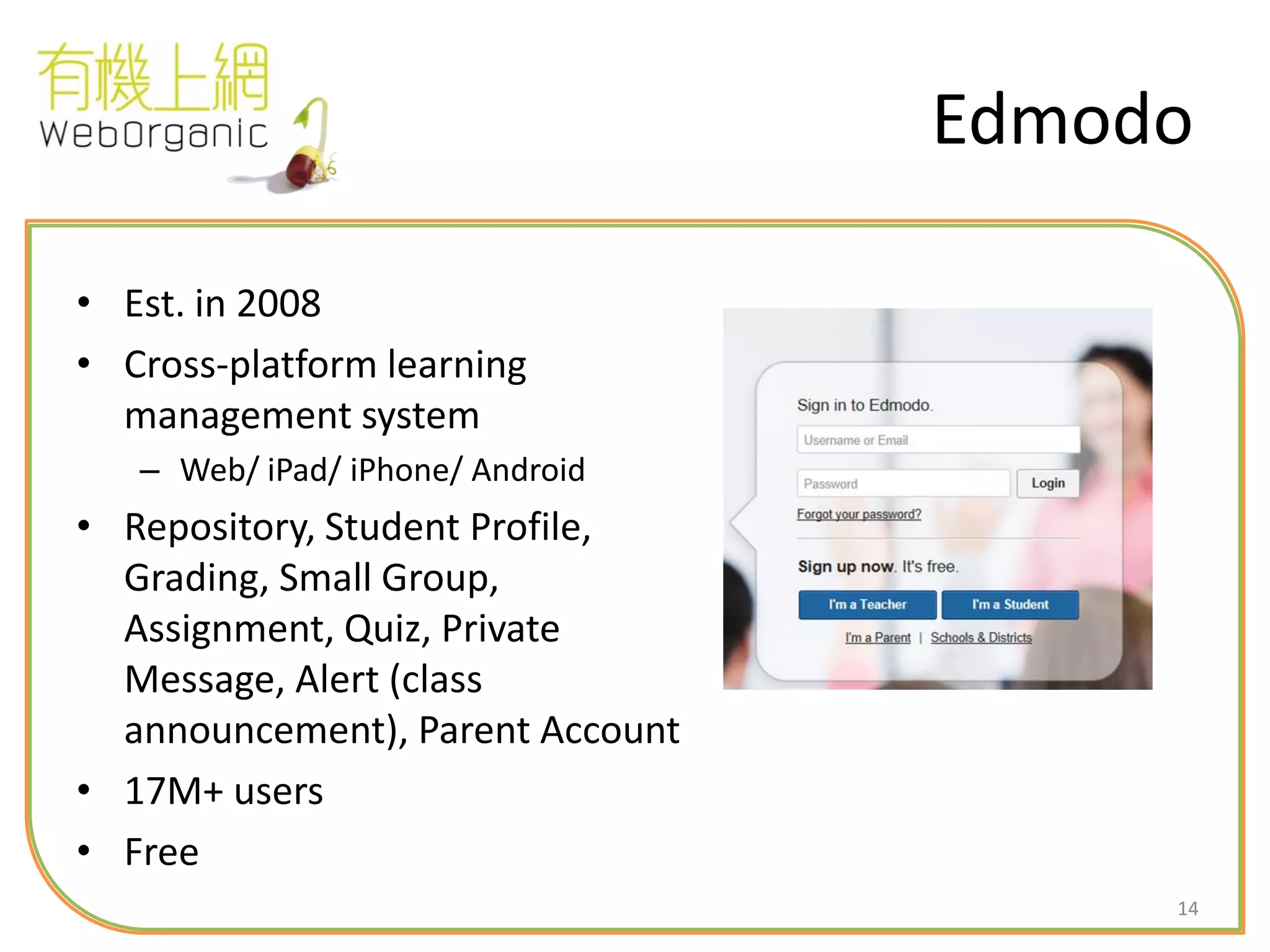
Edmodo
• Est. in 2008
• Cross-platform learning
management system
– Web/ iPad/ iPhone/ Android
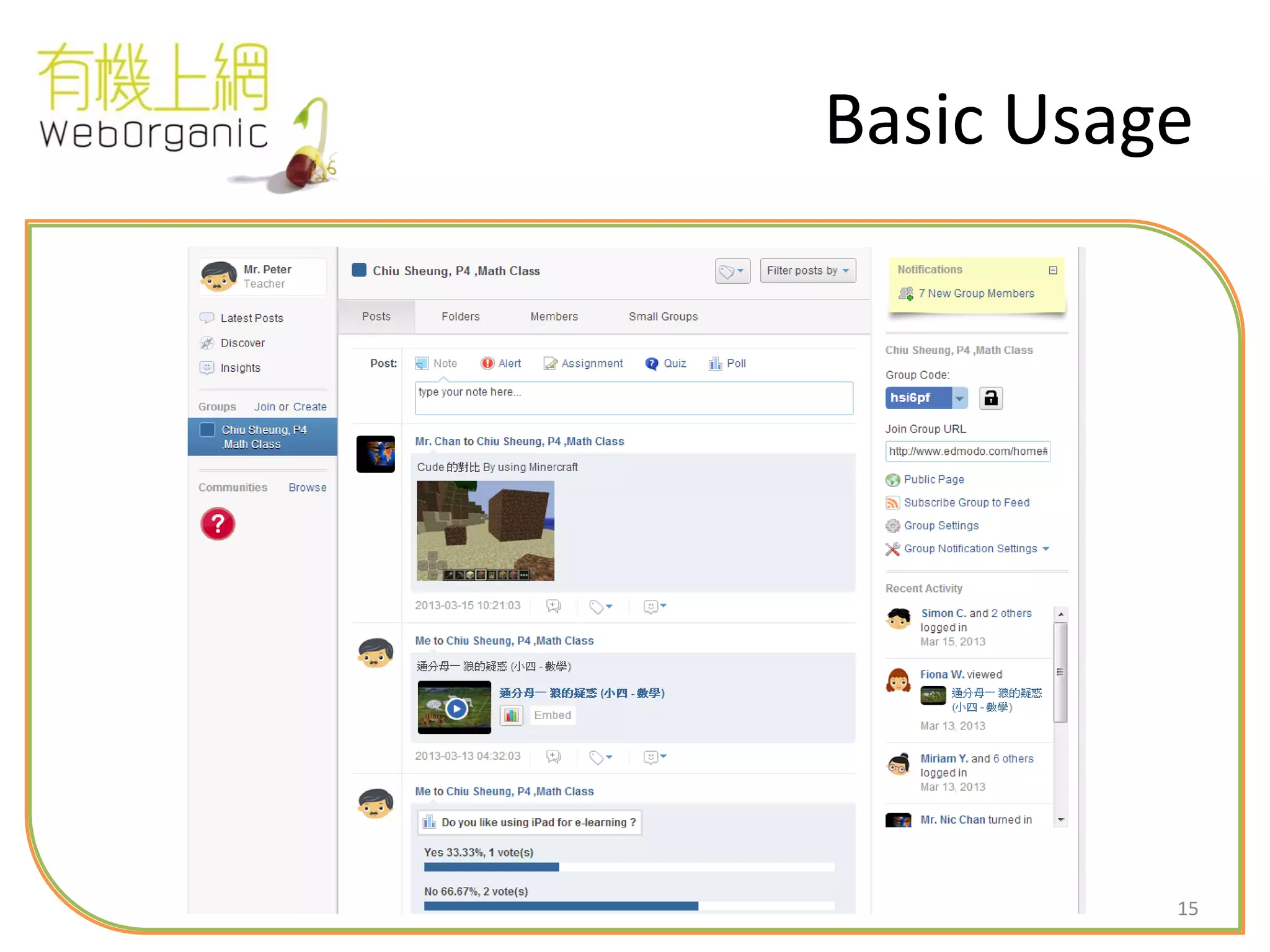
• Repository, Student Profile,
Grading, Small Group,
Assignment, Quiz, Private
Message, Alert (class
announcement), Parent Account
• 17M+ users
• Free
15
Basic Usage
16
Your Tasks
1. Say hi to the group
2. Take a photo and submit as
assignment
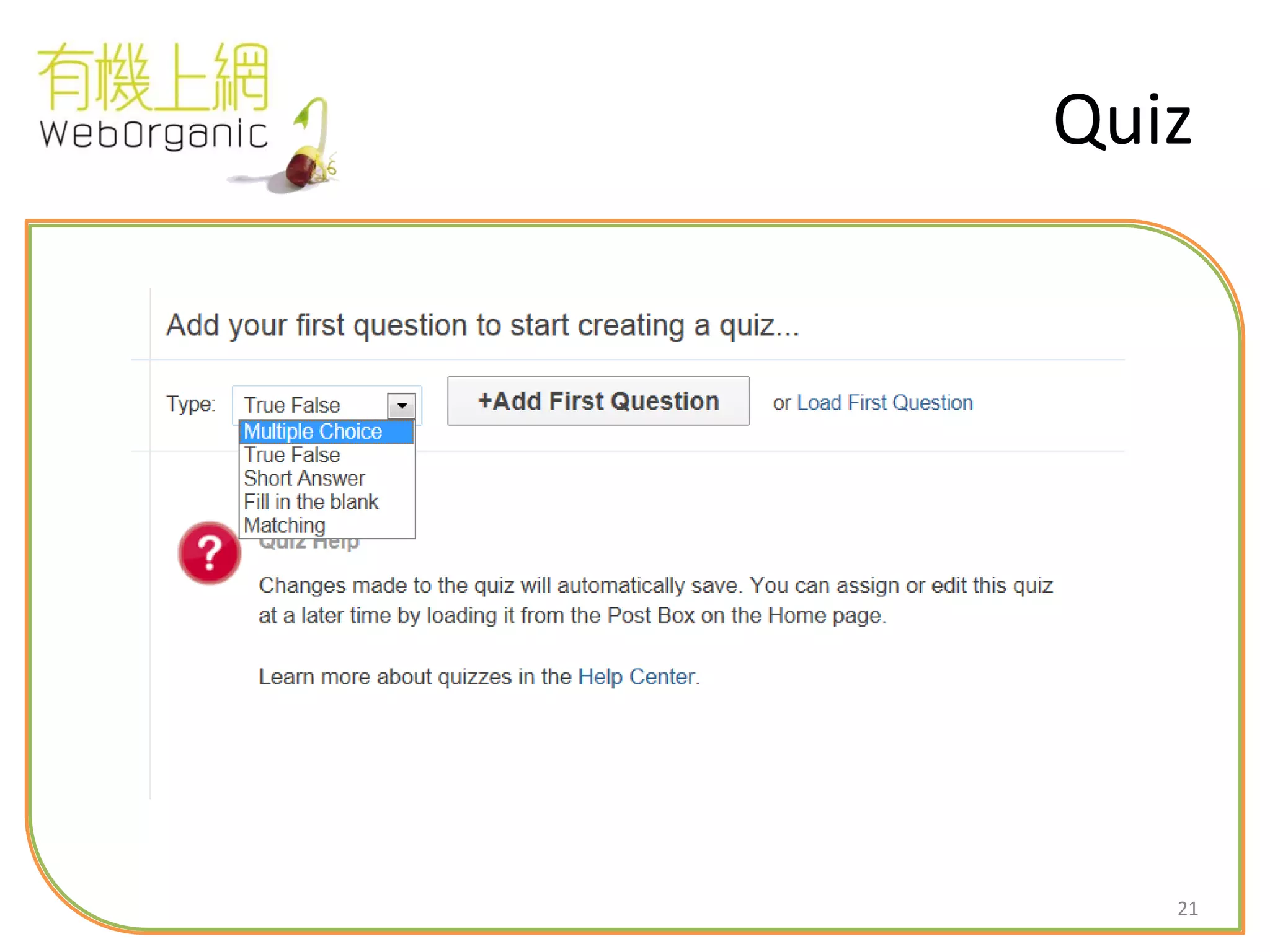
3. Answer question in quiz
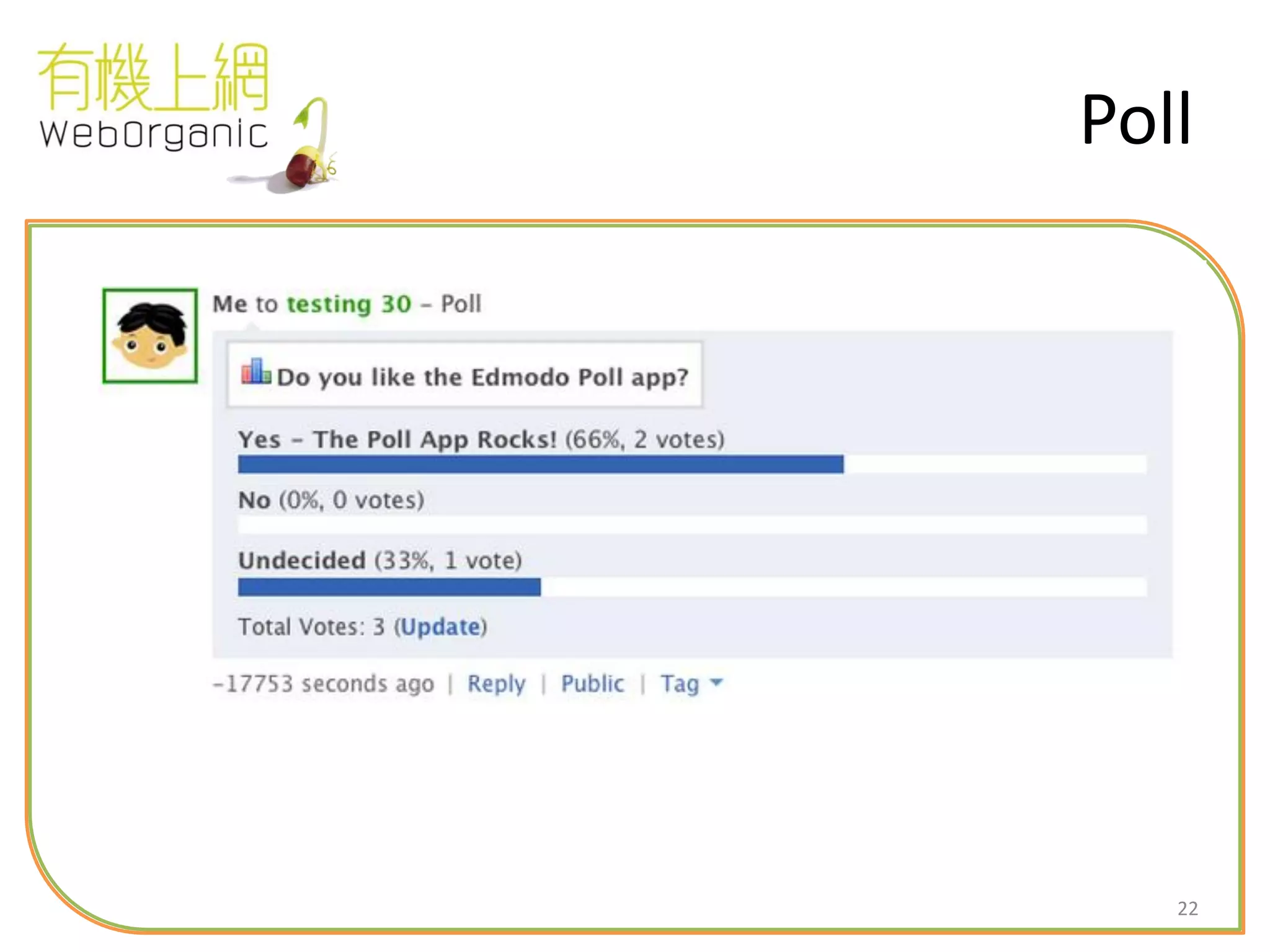
4. Feedback on polling question
5. Check class announcement
17
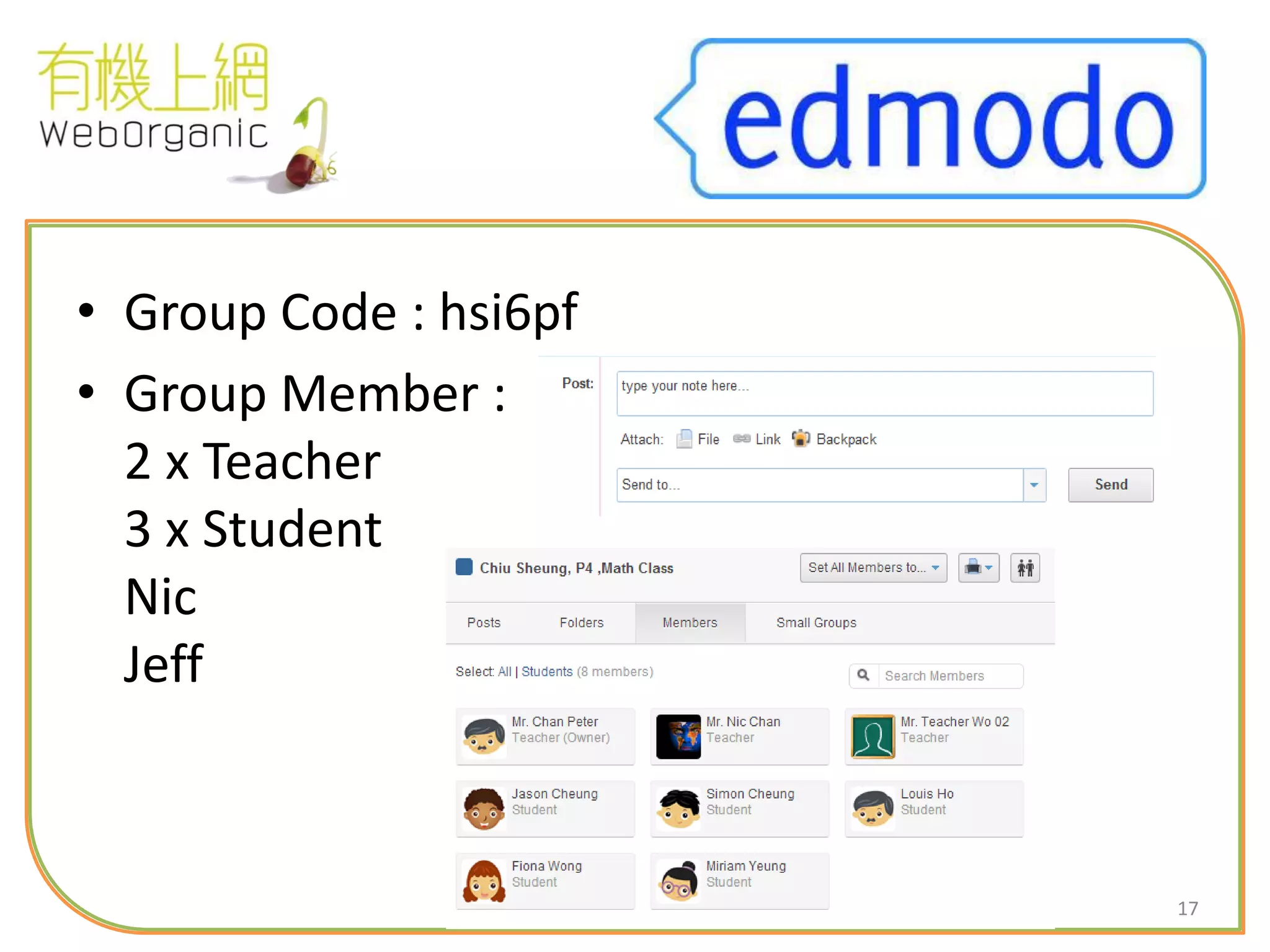
• Group Code : hsi6pf
• Group Member :
2 x Teacher
3 x Student
Nic
Jeff
18
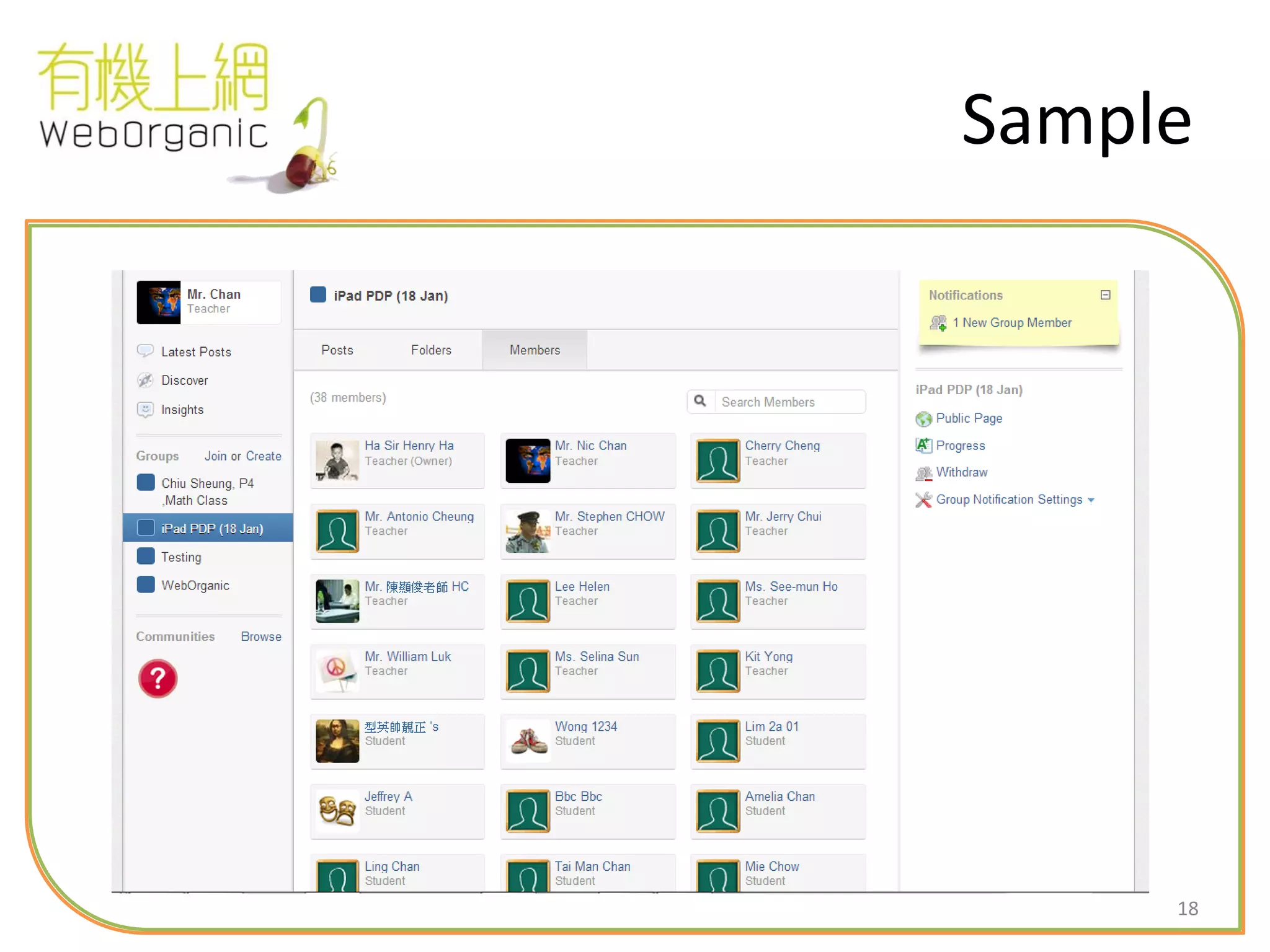
Sample
19
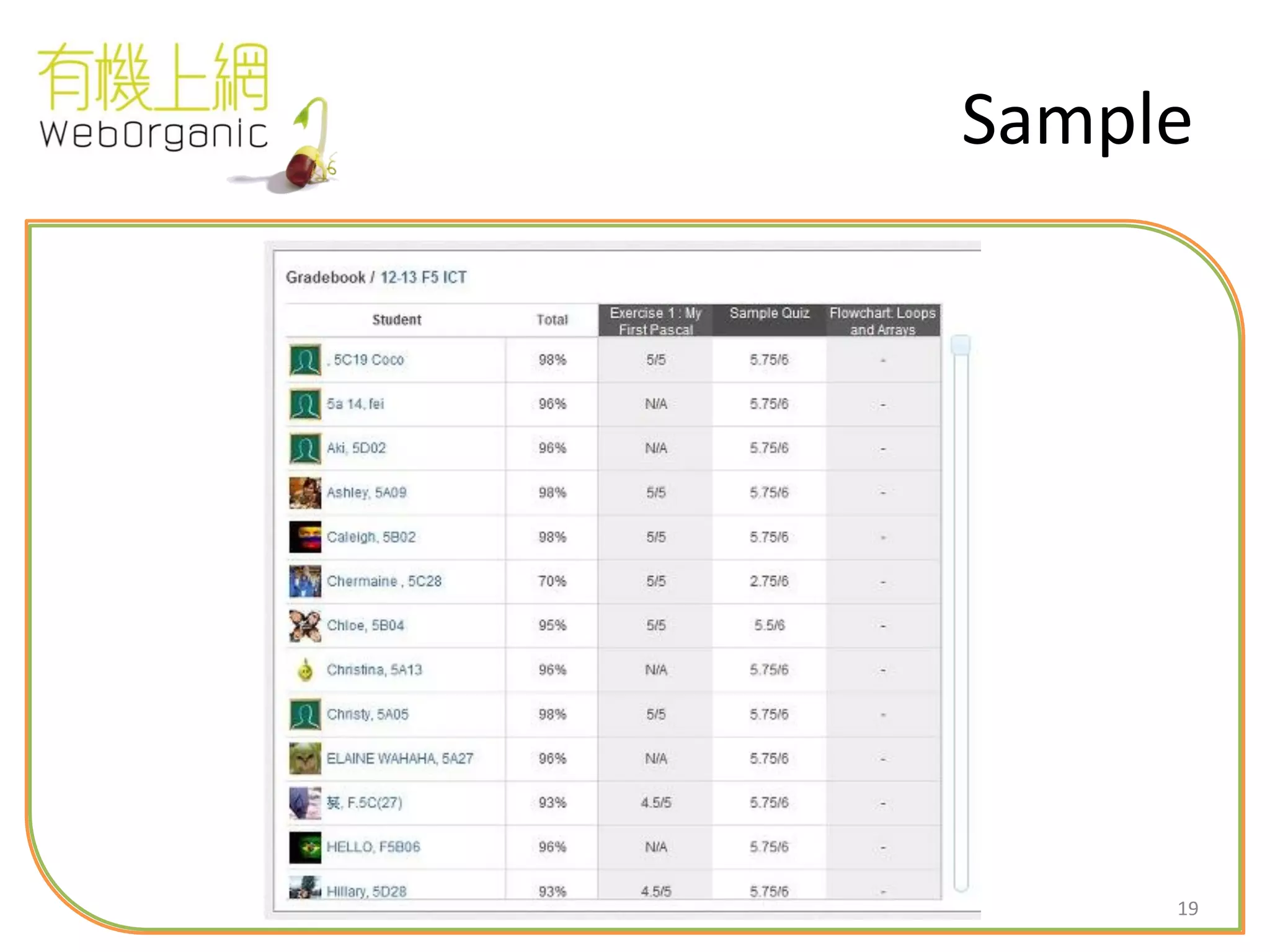
Sample
20
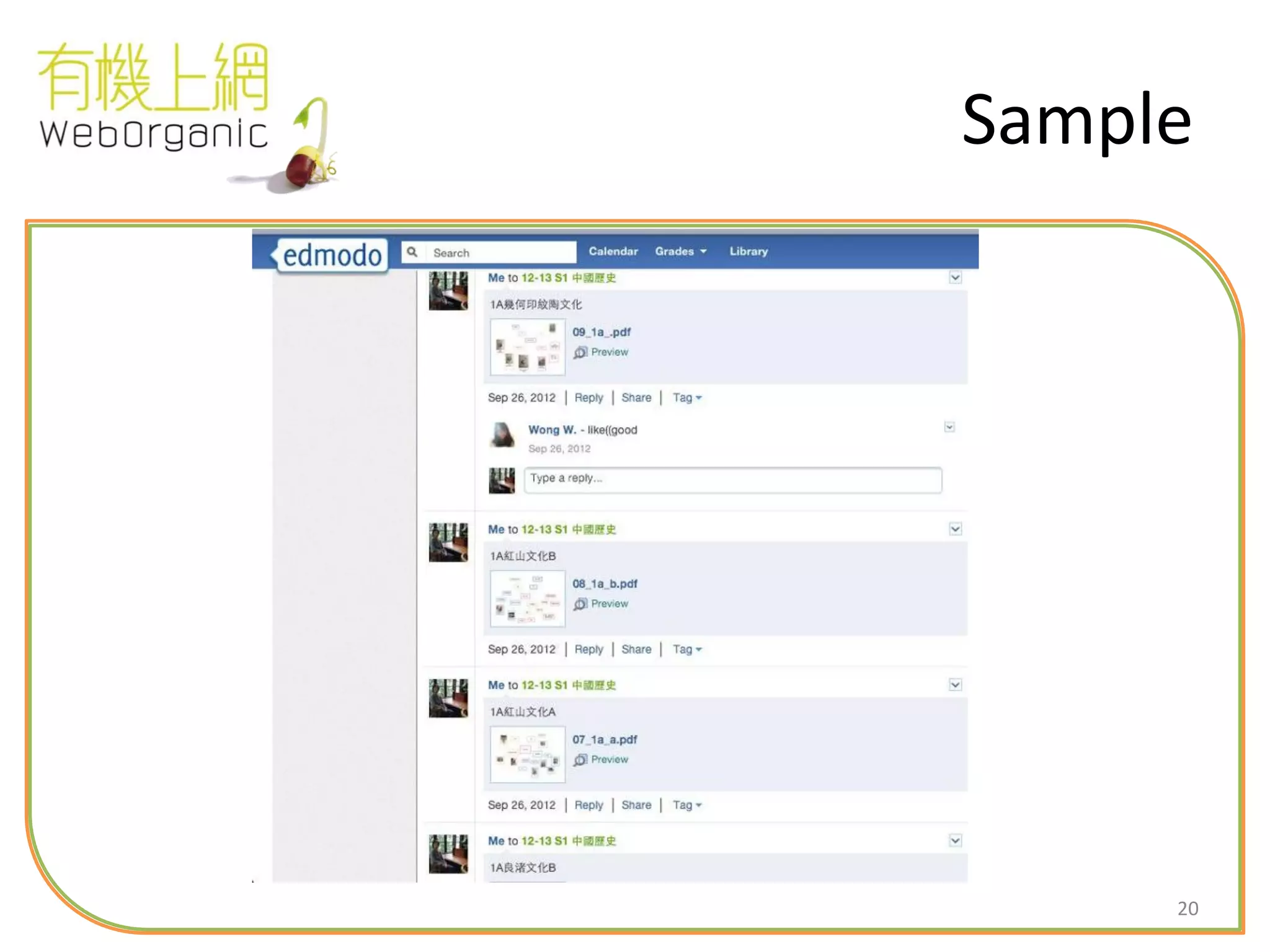
Sample
21
Quiz
22
Poll
23
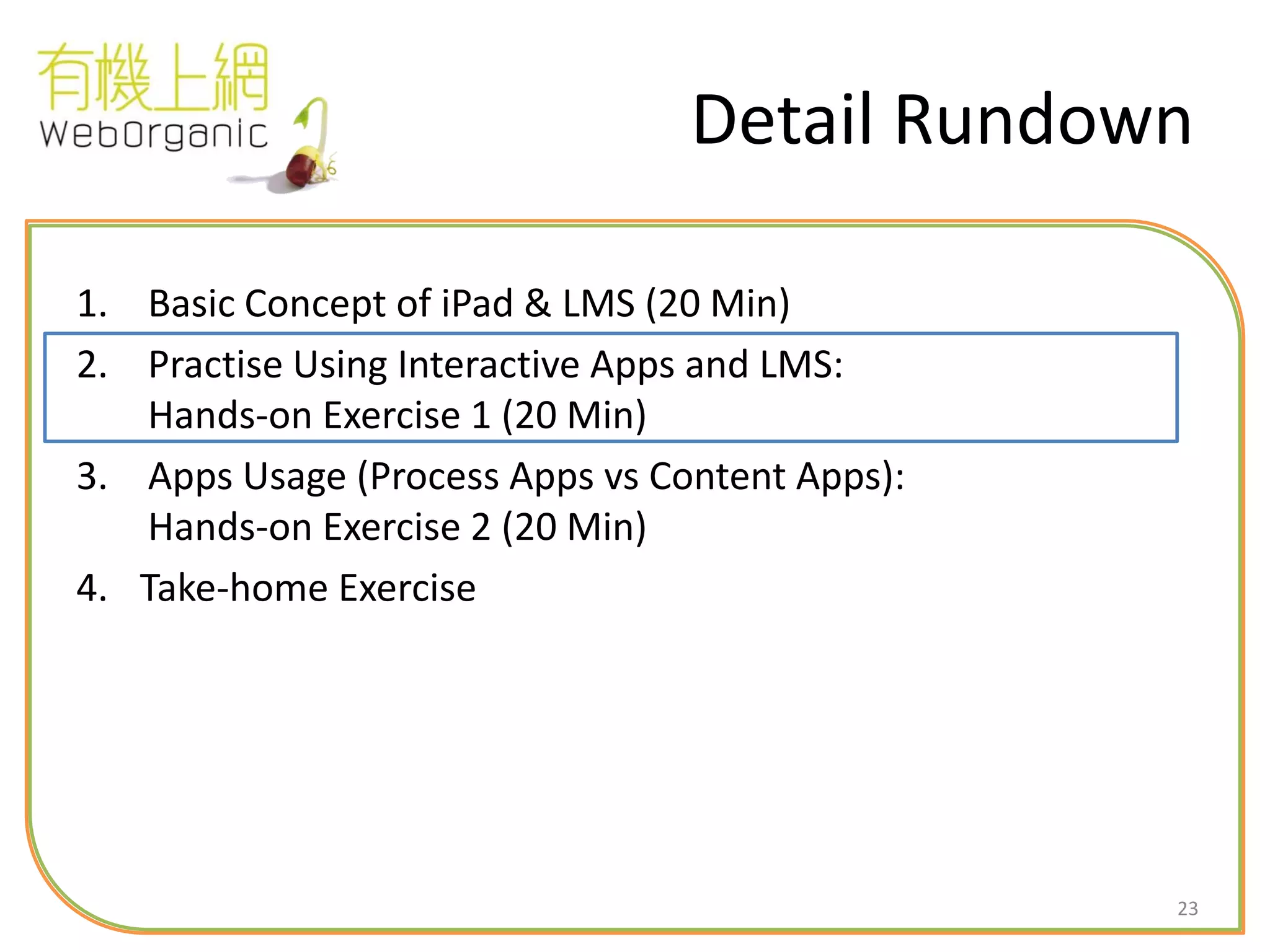
Detail Rundown
1. Basic Concept of iPad & LMS (20 Min)
2. Practise Using Interactive Apps and LMS:
Hands-on Exercise 1 (20 Min)
3. Apps Usage (Process Apps vs Content Apps):
Hands-on Exercise 2 (20 Min)
4. Take-home Exercise
24
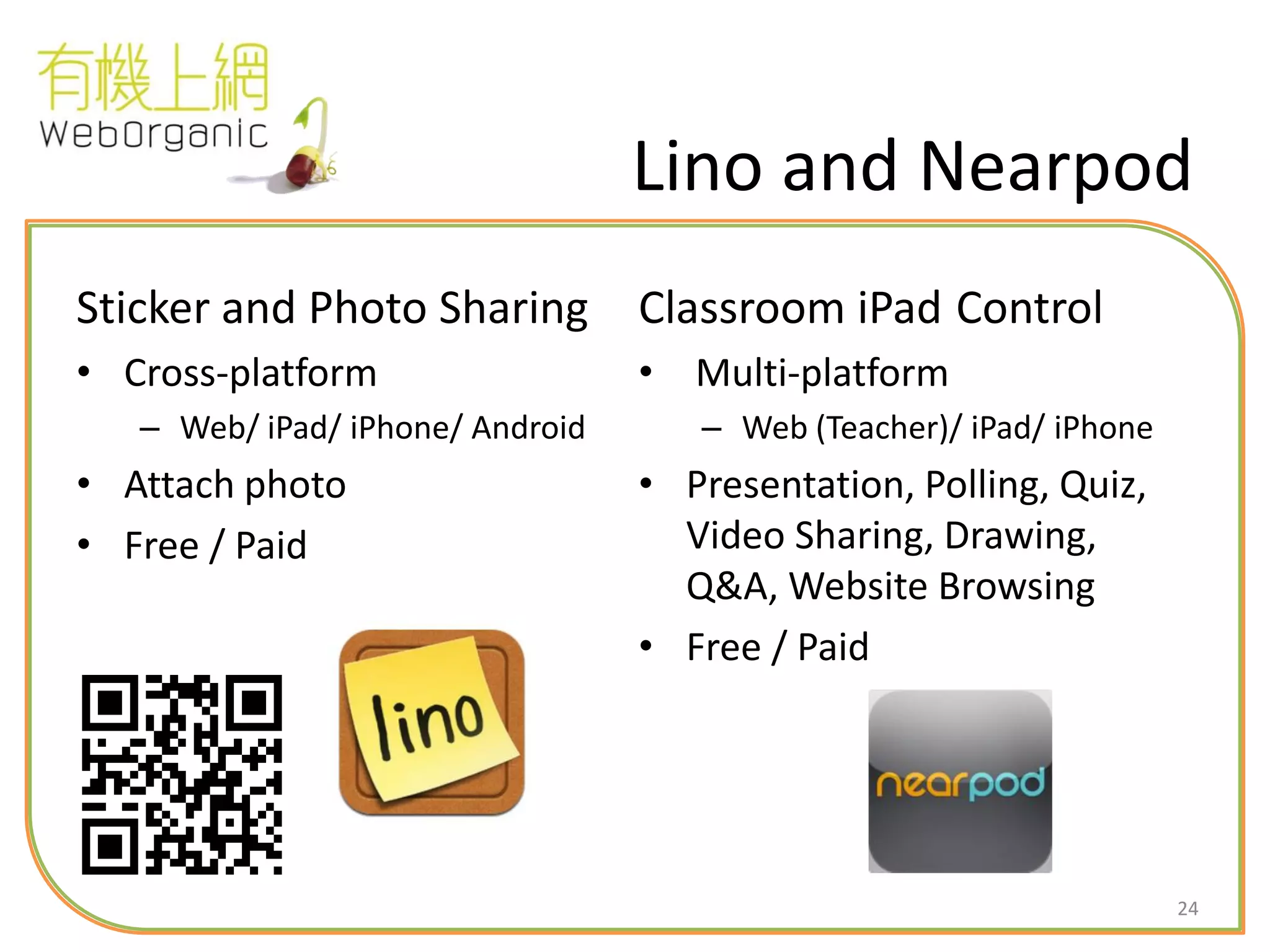
Lino and Nearpod
Sticker and Photo Sharing
• Cross-platform
– Web/ iPad/ iPhone/ Android
• Attach photo
• Free / Paid
Classroom iPad Control
• Multi-platform
– Web (Teacher)/ iPad/ iPhone
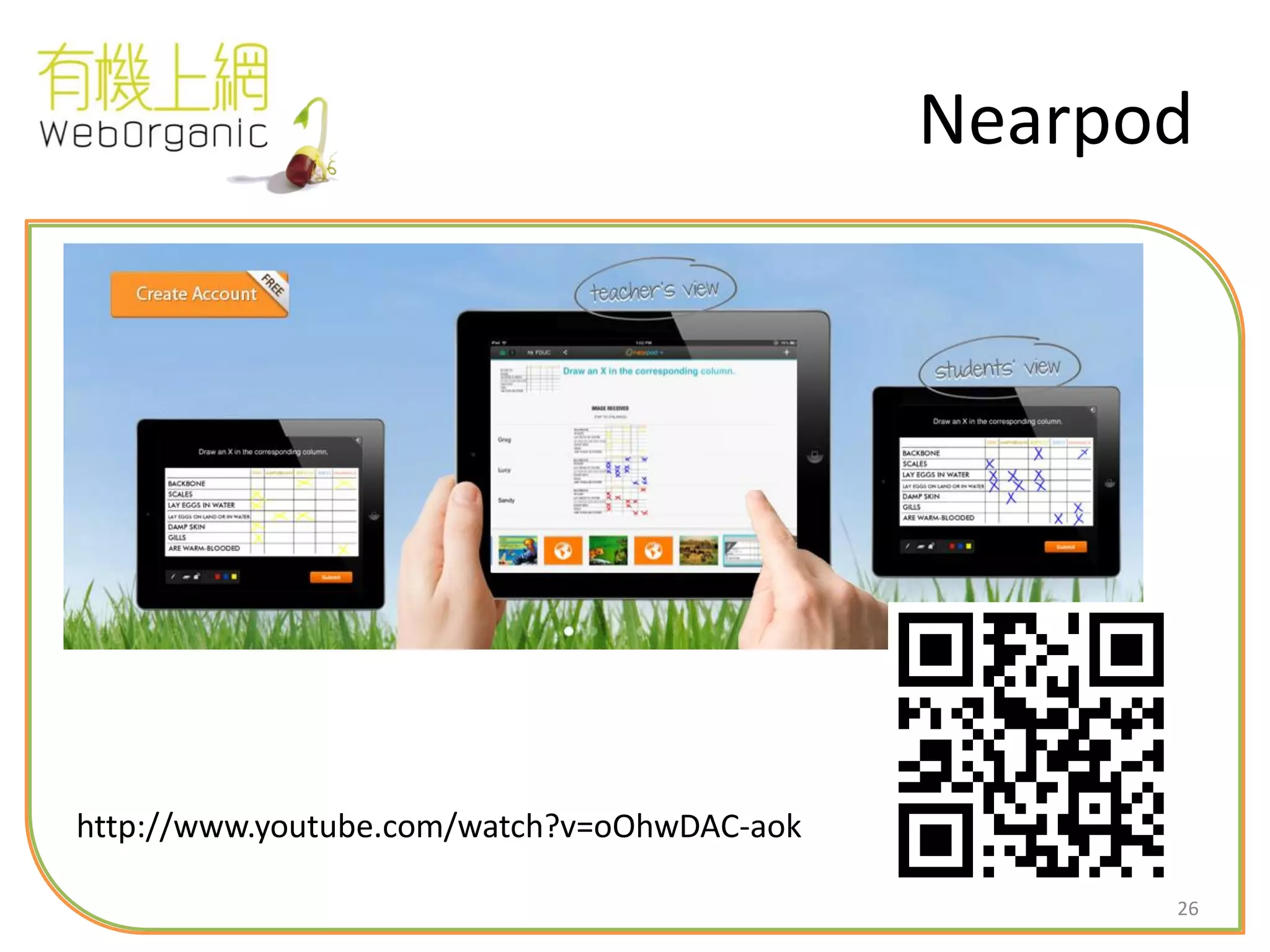
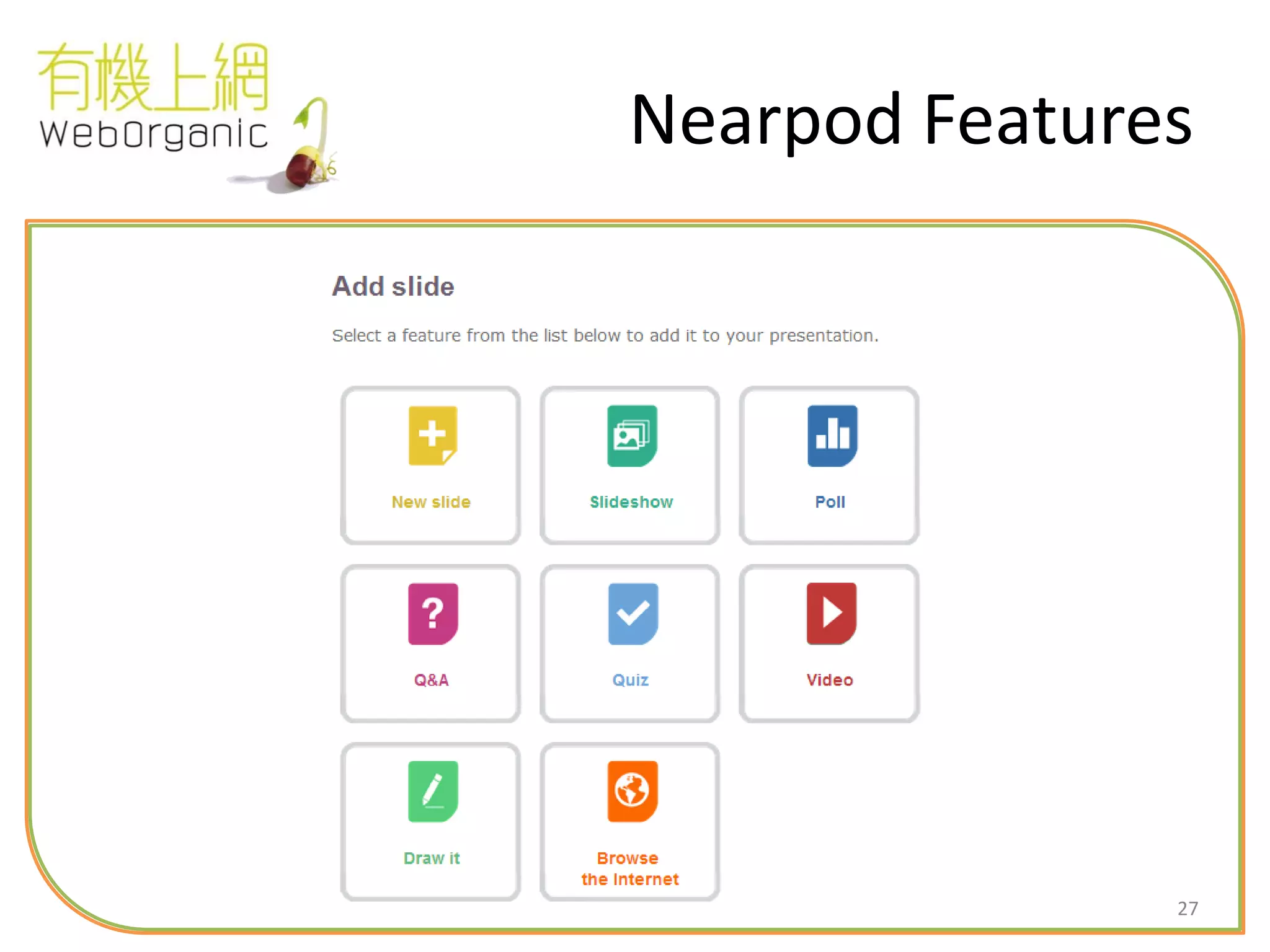
• Presentation, Polling, Quiz,
Video Sharing, Drawing,
Q&A, Website Browsing
• Free / Paid
25
Lino
• Lino : 描述人外貌的詞語
http://www.youtube.com/watch?feature=player_embedded&v=L2zoKCbBvAw#!
26
Nearpod
http://www.youtube.com/watch?v=oOhwDAC-aok
27
Nearpod Features
28
Detail Rundown
1. Basic Concept of iPad & LMS (20 Min)
2. Practice Using Interactive Apps:
Hands-on Exercise 1 (20 Min)
3. Apps Usage (Process Apps vs Content Apps):
Hands-on Exercise 2 (20 Min)
4. Take-home Exercise (40 Min)
29
Keynote
Presentation
• i-Platform Only
– iPad/ iPhone/ Mac
• Seamless integration with
Mac / iTune
• Multimedia support (incl.
video)
• Paid
30
31
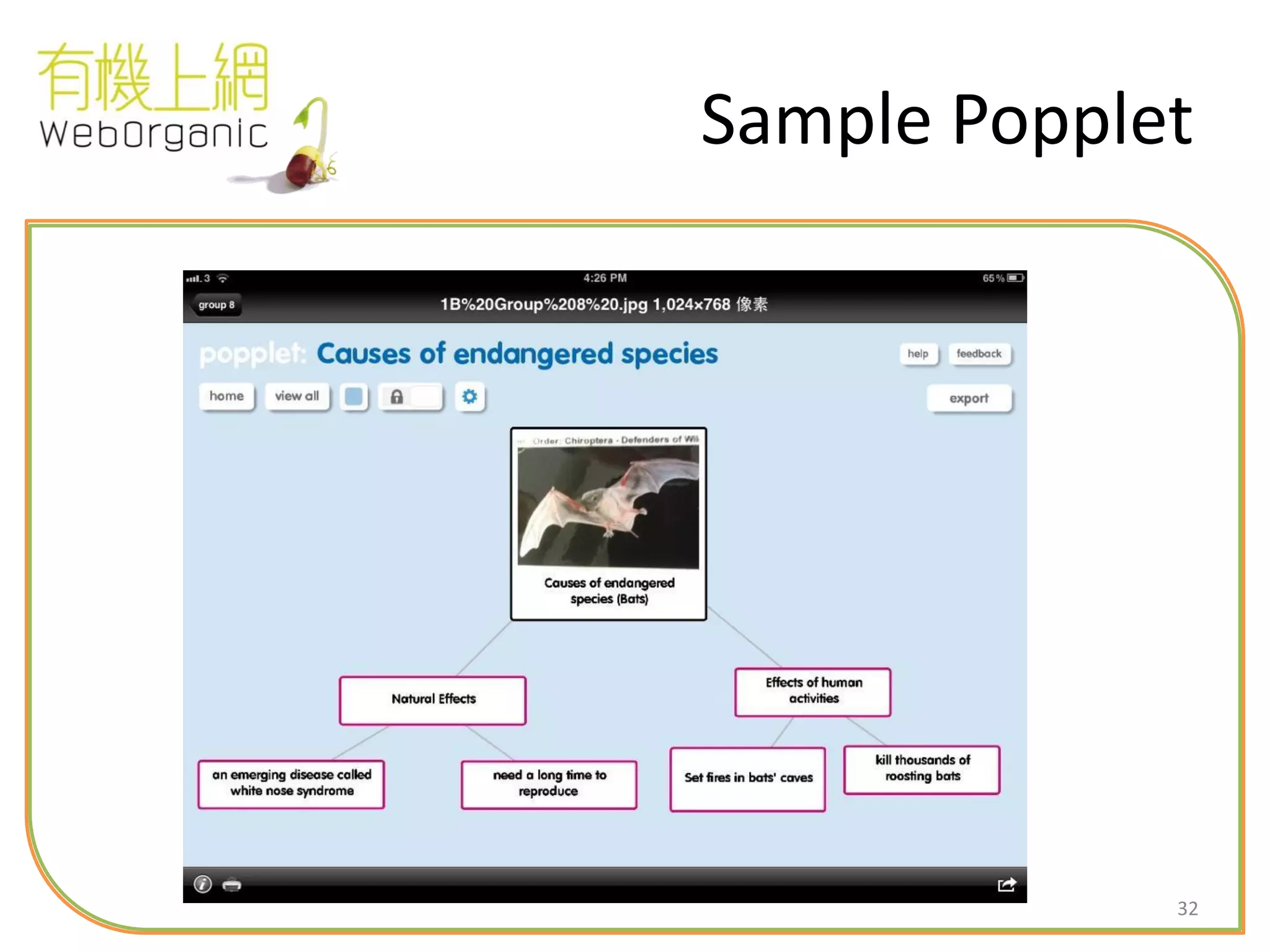
Popplet
Ideas Sharing through mind-mapping
• iPad only
• Can attach photo
• Free / Paid
• Usually used in subjects require sharing of ideas in
structured / un-structured ways
32
Sample Popplet
33
Dropbox
File Sharing Anywhere
• Cross-platform
– Web/ iPad/ iPhone/ Android
• Free (2GB) / Paid
• Share file with anyone through
web link (No USB drive
anymore)
• But… quite slow
• Private Dropbox using
WebDAV
34
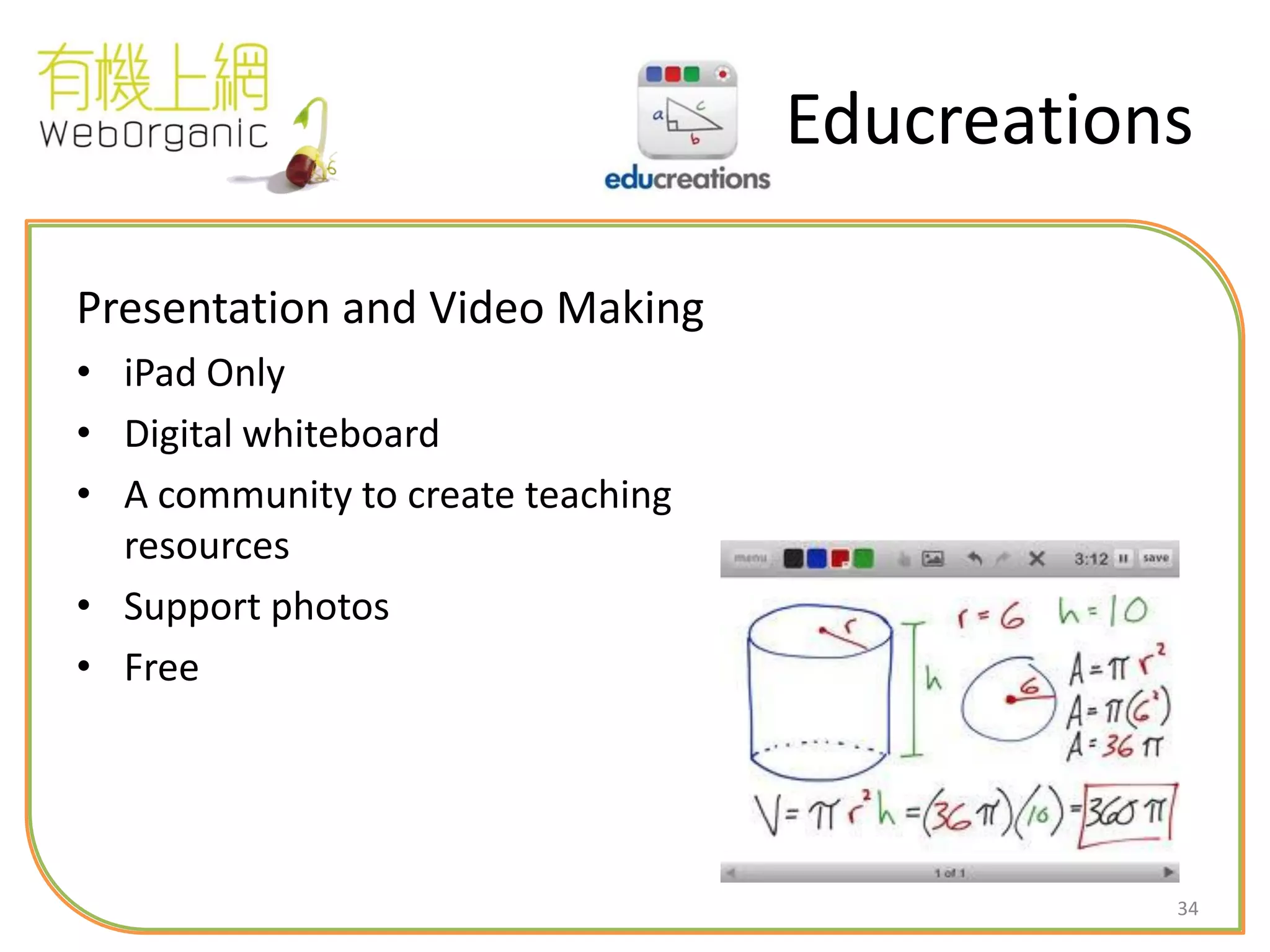
Educreations
Presentation and Video Making
• iPad Only
• Digital whiteboard
• A community to create teaching
resources
• Support photos
• Free
35
Explain Everything
• Explain Everything is an easy-to-use design,
screencasting, and interactive whiteboard tool
that lets you annotate, animate, narrate,
import, and export almost anything to and
from almost anywhere.
http://www.youtube.com/watch?v=j1Q5trmzA5Q
36
Skitch
• Express yourself with fewer words, emails and
meetings…with Skitch! Use shapes, arrows,
sketches and text annotation to get your point
across fast.
37
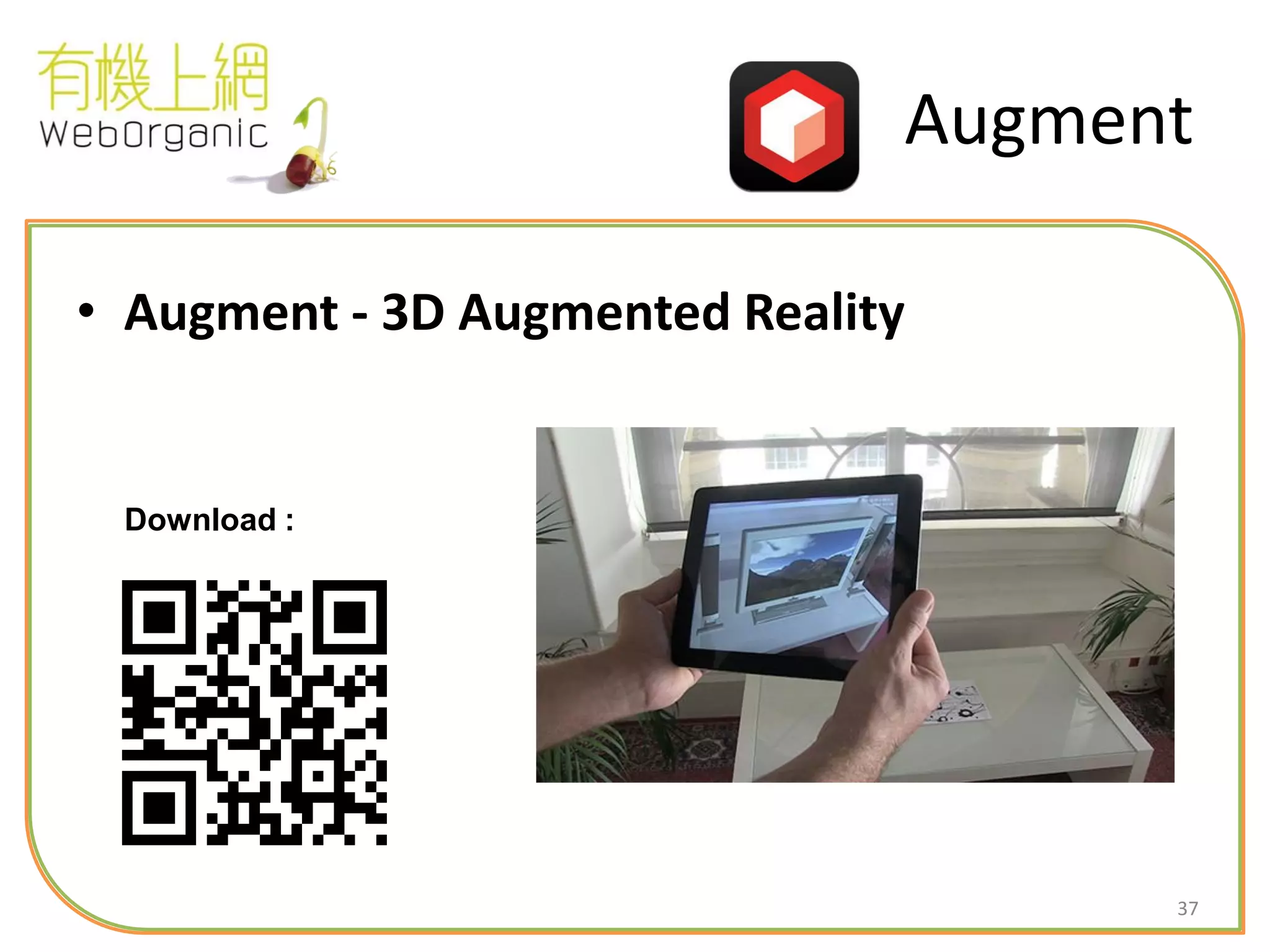
Augment
• Augment - 3D Augmented Reality
Download :
38
Detail Rundown
1. Basic Concept of iPad & LMS (20 Min)
2. Practice Using Interactive Apps:
Hands-on Exercise 1 (20 Min)
3. Apps Usage (Process Apps vs Content Apps):
Hands-on Exercise 2 (20 Min)
4. Take-home Exercise (40 Min)
39
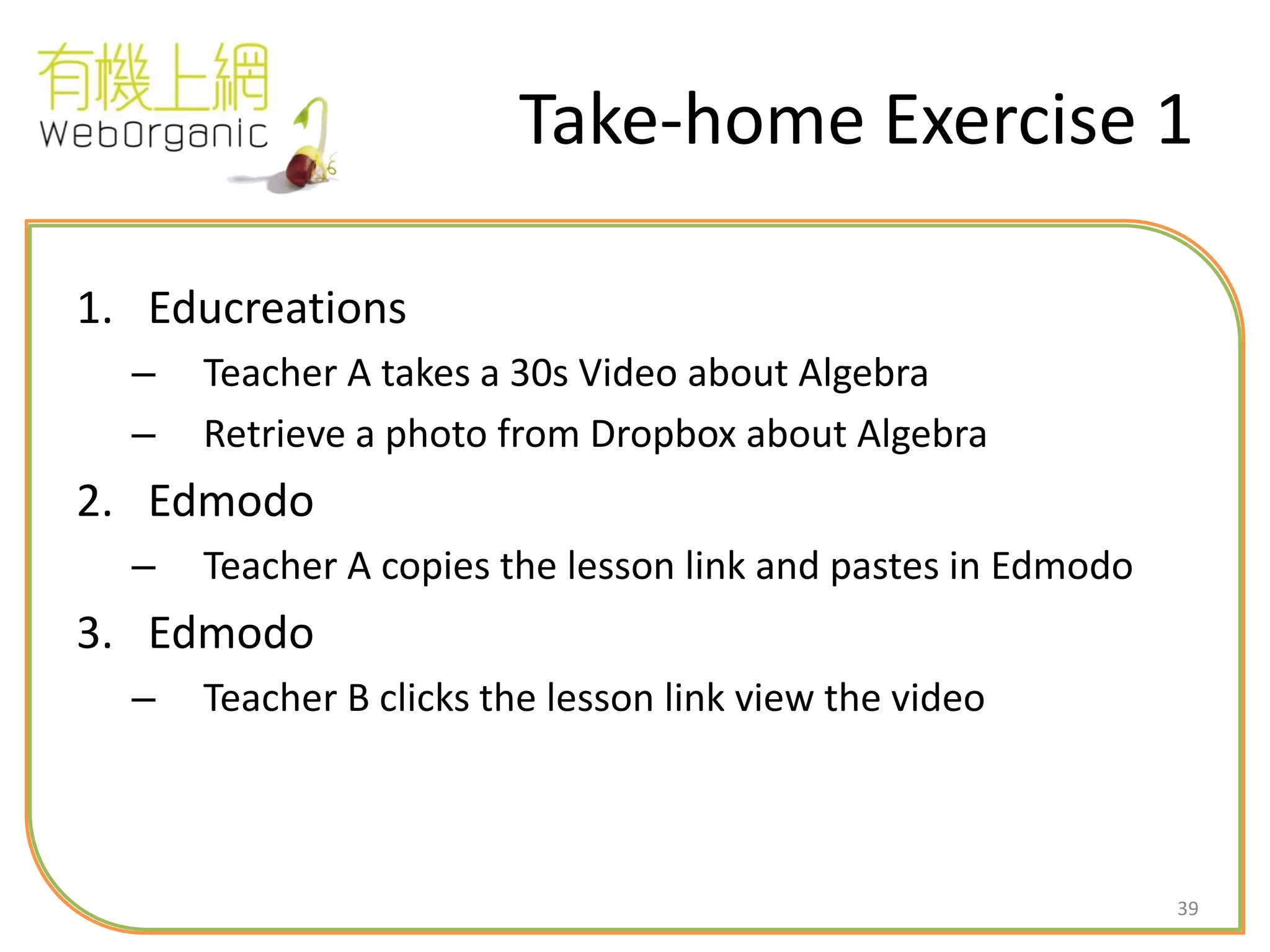
Take-home Exercise 1
1. Educreations
– Teacher A takes a 30s Video about Algebra
– Retrieve a photo from Dropbox about Algebra
2. Edmodo
– Teacher A copies the lesson link and pastes in Edmodo
3. Edmodo
– Teacher B clicks the lesson link view the video
40
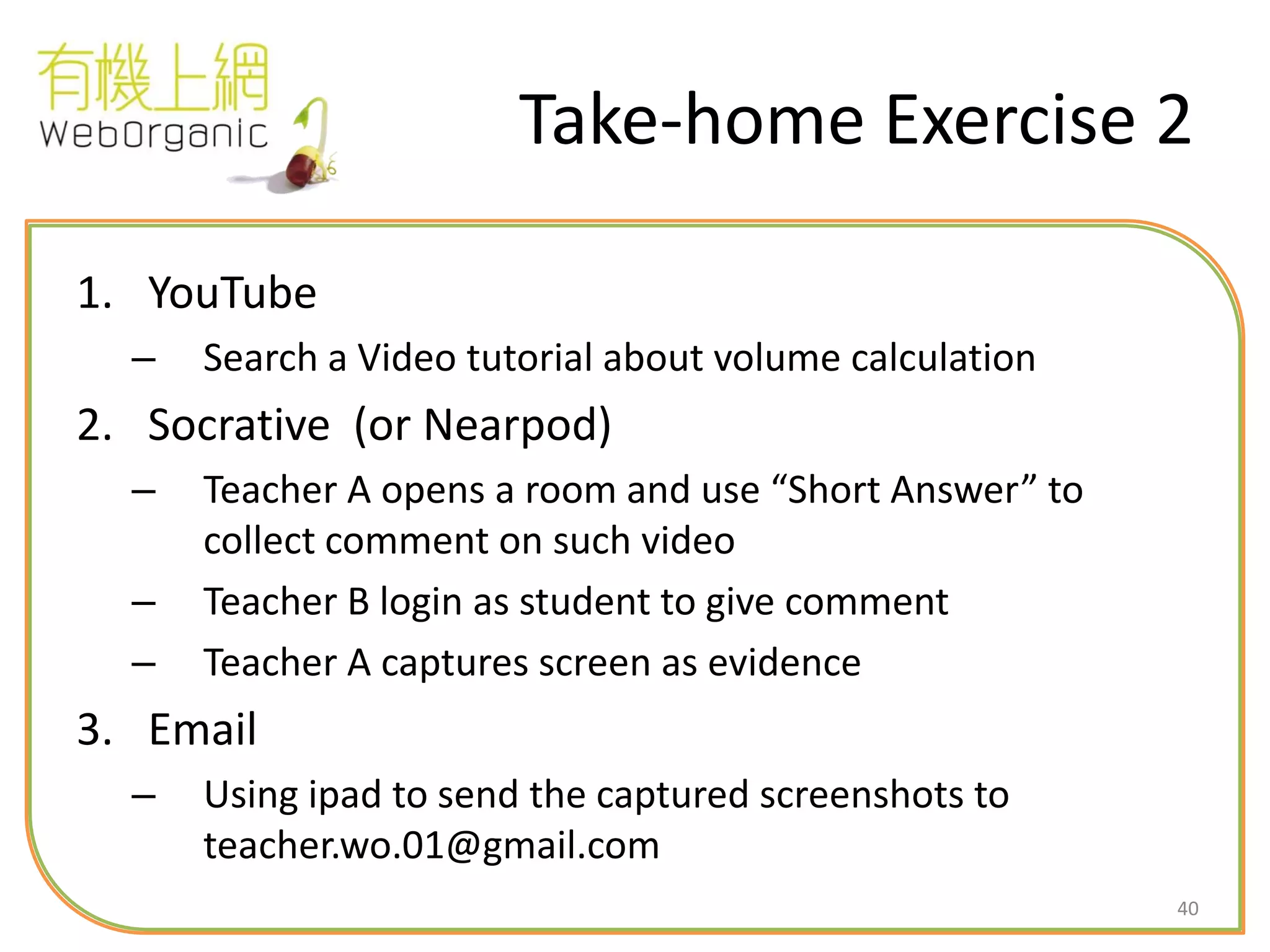
Take-home Exercise 2
1. YouTube
– Search a Video tutorial about volume calculation
2. Socrative (or Nearpod)
– Teacher A opens a room and use “Short Answer” to
collect comment on such video
– Teacher B login as student to give comment
– Teacher A captures screen as evidence
3. Email
– Using ipad to send the captured screenshots to
teacher.wo.01@gmail.com
41
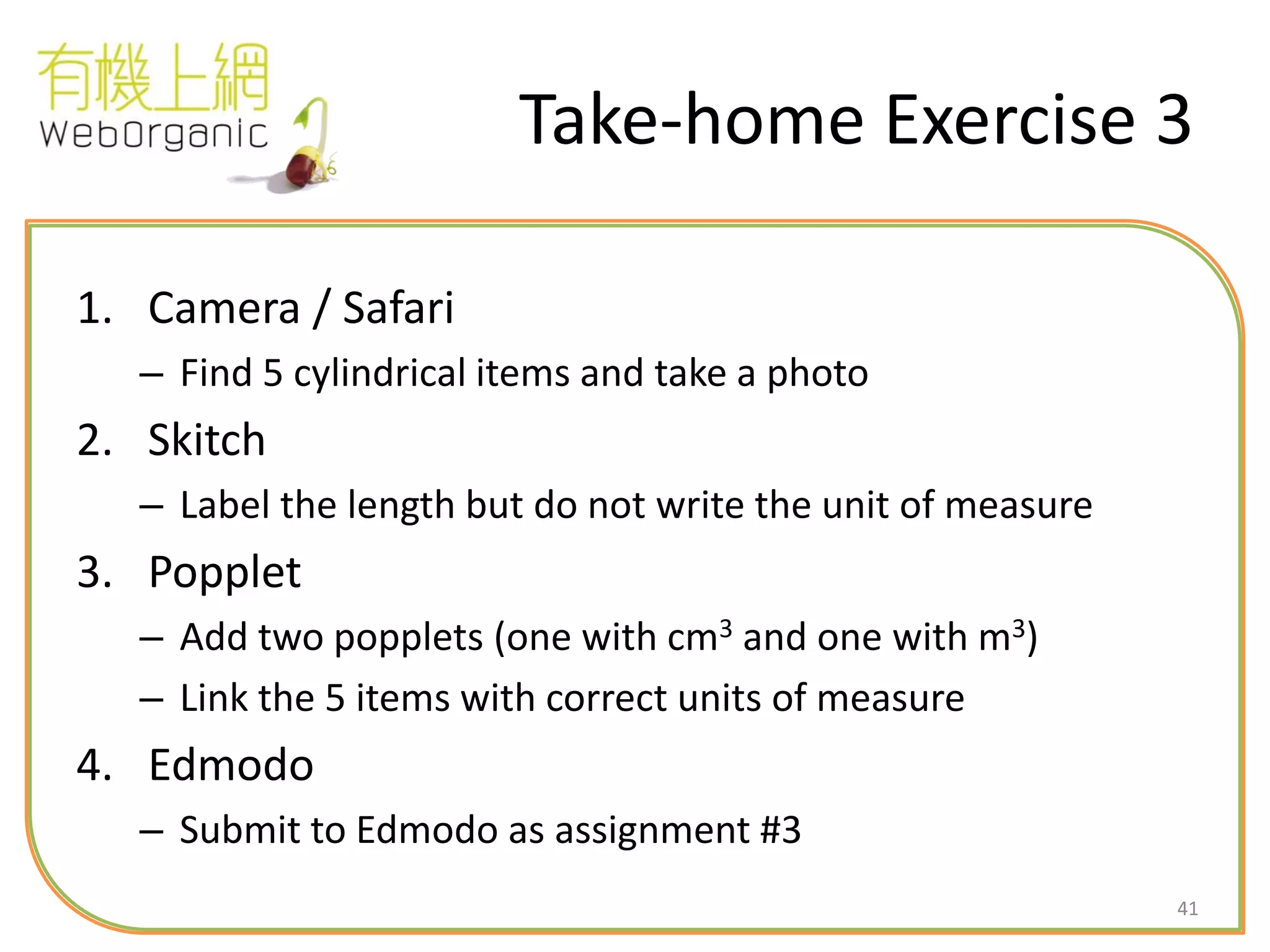
Take-home Exercise 3
1. Camera / Safari
– Find 5 cylindrical items and take a photo
2. Skitch
– Label the length but do not write the unit of measure
3. Popplet
– Add two popplets (one with cm3 and one with m3)
– Link the 5 items with correct units of measure
4. Edmodo
– Submit to Edmodo as assignment #3
42
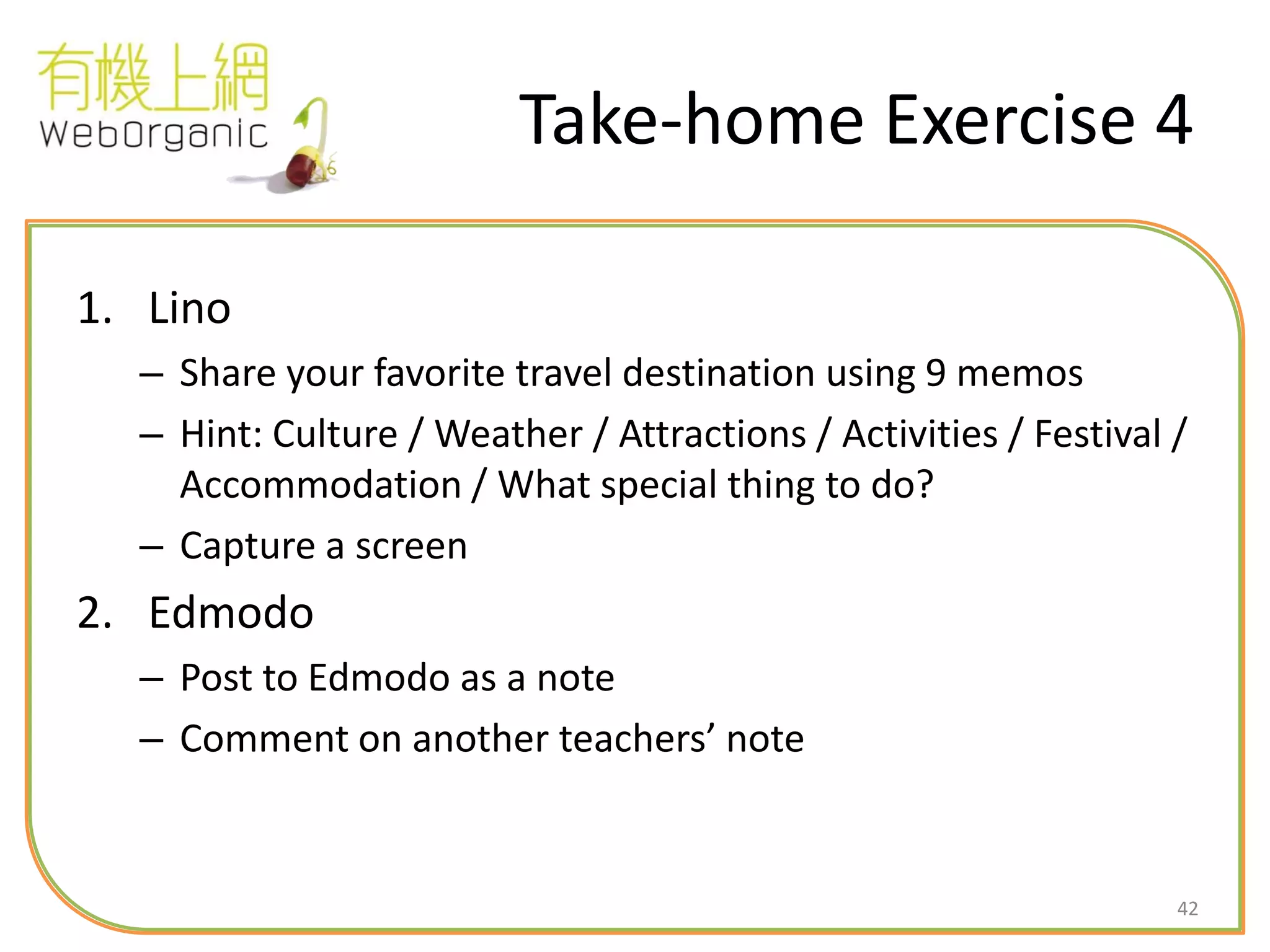
Take-home Exercise 4
1. Lino
– Share your favorite travel destination using 9 memos
– Hint: Culture / Weather / Attractions / Activities / Festival /
Accommodation / What special thing to do?
– Capture a screen
2. Edmodo
– Post to Edmodo as a note
– Comment on another teachers’ note
43
Take-home Exercise 5
(Optional)
1. Camera
– Record your class teaching
2. iMovie
– Add opening text (about subject) and ending text (school
name)
– Add a photo
– Add background music
– Upload to YouTube
44
Recommendation for
Next Step
1. Develop 5 lesson plans
2. Identify additional content apps for teaching
decimal number
3. Prepare video editing and sharing through FB
/ YouTube
4. Refine and confirm questionnaire for
teachers and students
45
Reference
46
10 iPad Tips
1.Directly Access Apps
2. Tap to Scroll Up
3. Keyboard Shortcuts
4. Speed from App to App
5. Take Screenshots
6. Swipe to Search
7.Read Websites More Easily
8. A Smarter Camera (iPhone)
9. Digital Picture Frame (iPad)
10. Mute or Screen Lock (iPad)
http://online.wsj.com/article/SB1000087239639044444350457760339166275
5170.html
47
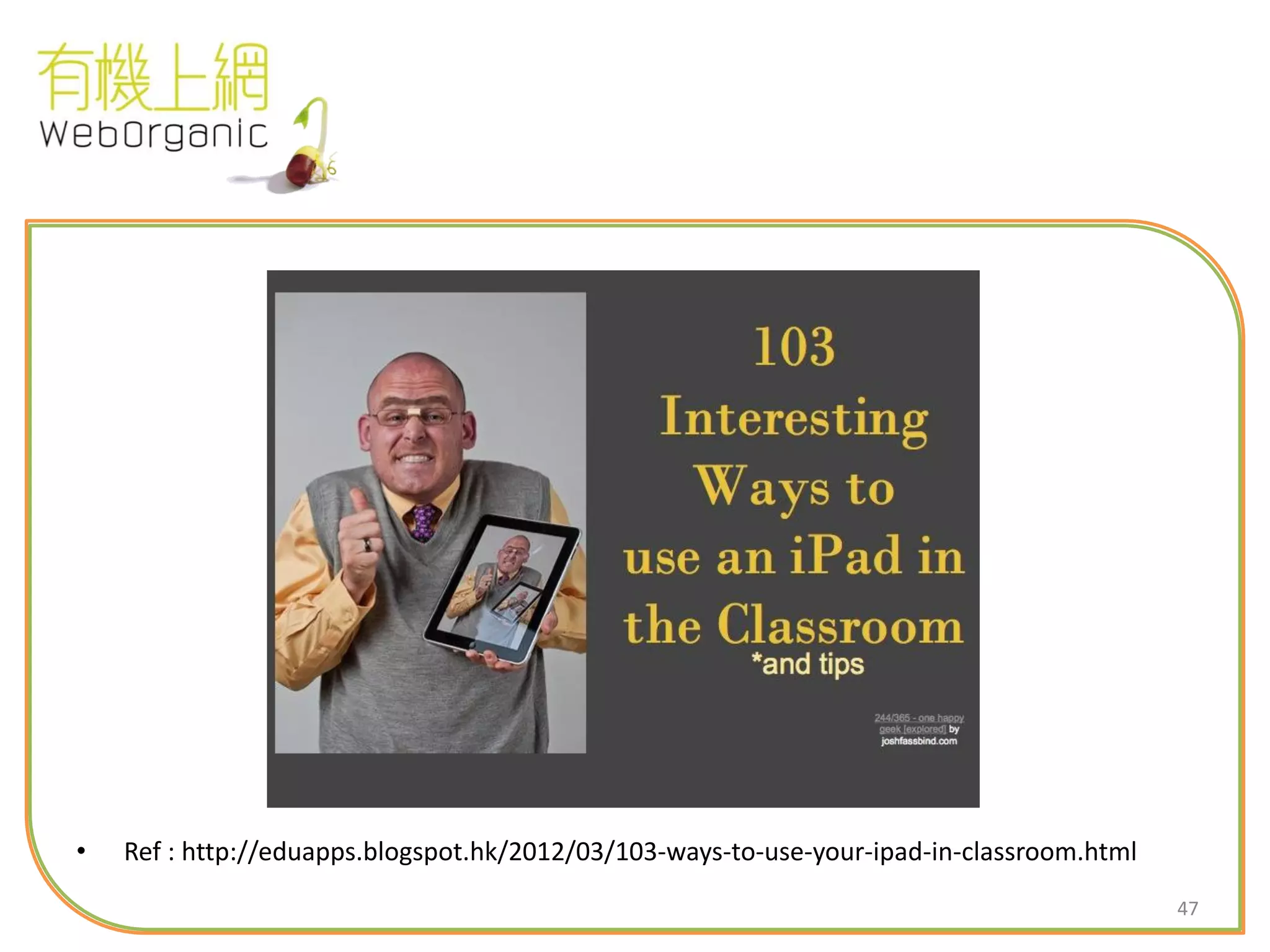
• Ref : http://eduapps.blogspot.hk/2012/03/103-ways-to-use-your-ipad-in-classroom.html
48
E-learning Trend
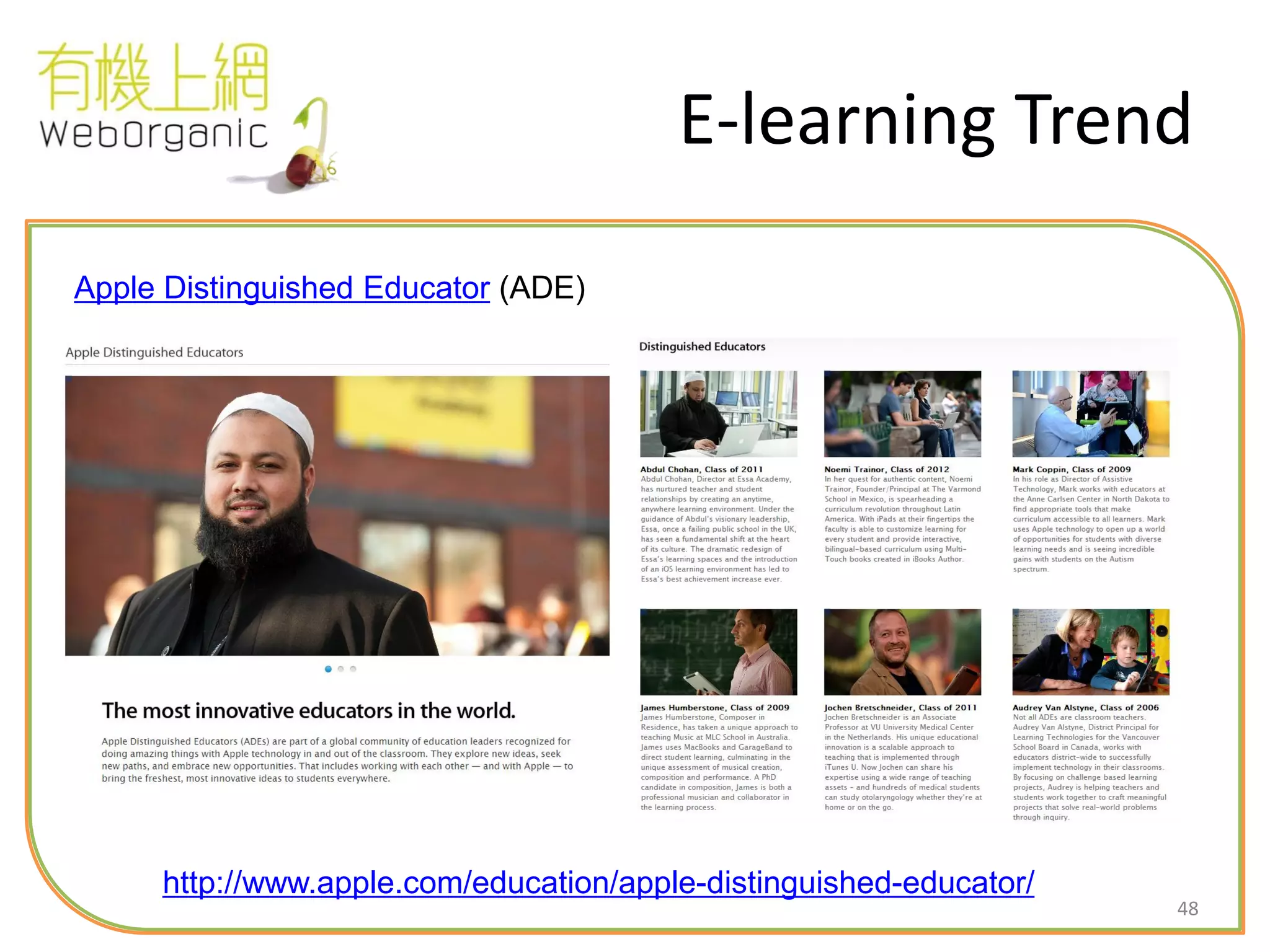
http://www.apple.com/education/apple-distinguished-educator/
Apple Distinguished Educator (ADE)
49
Resources
• Finding and Using Additional Education
Content
– iTunes U
– Khan Academy—an ever-growing library of videos on biology, algebra, calculus,
chemistry, and many more topics.
– KQED (a PBS affiliate)—a variety of videos and other materials for use in the classroom;
topics include Digital Storytelling and The Physics of Baseball.
• Creating Your Own Content
– Producing Multi-Touch Books with iBooks Author
50
Resources (Cont.)
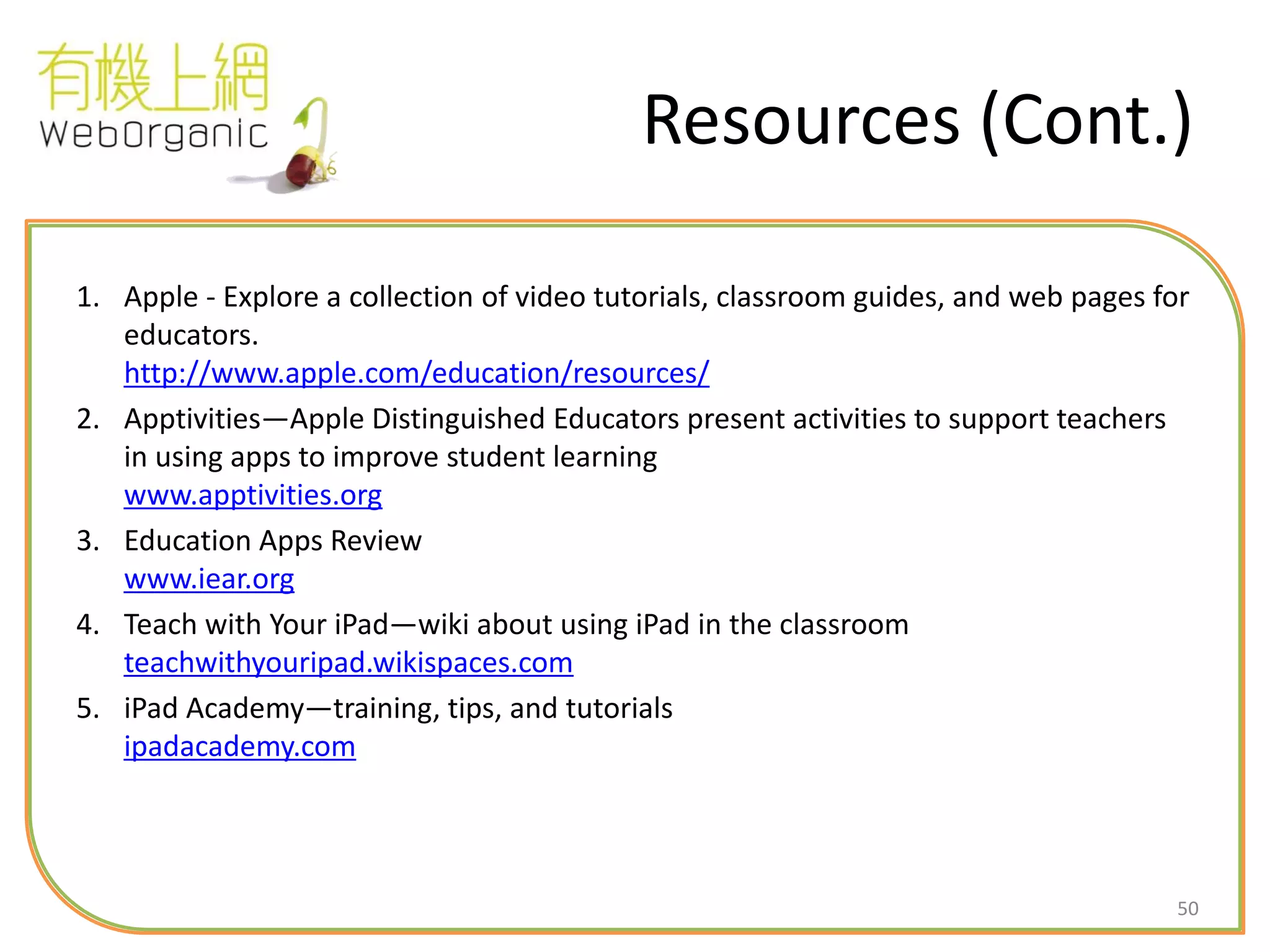
1. Apple - Explore a collection of video tutorials, classroom guides, and web pages for
educators.
http://www.apple.com/education/resources/
2. Apptivities—Apple Distinguished Educators present activities to support teachers
in using apps to improve student learning
www.apptivities.org
3. Education Apps Review
www.iear.org
4. Teach with Your iPad—wiki about using iPad in the classroom
teachwithyouripad.wikispaces.com
5. iPad Academy—training, tips, and tutorials
ipadacademy.com
51
Backup Slides
52
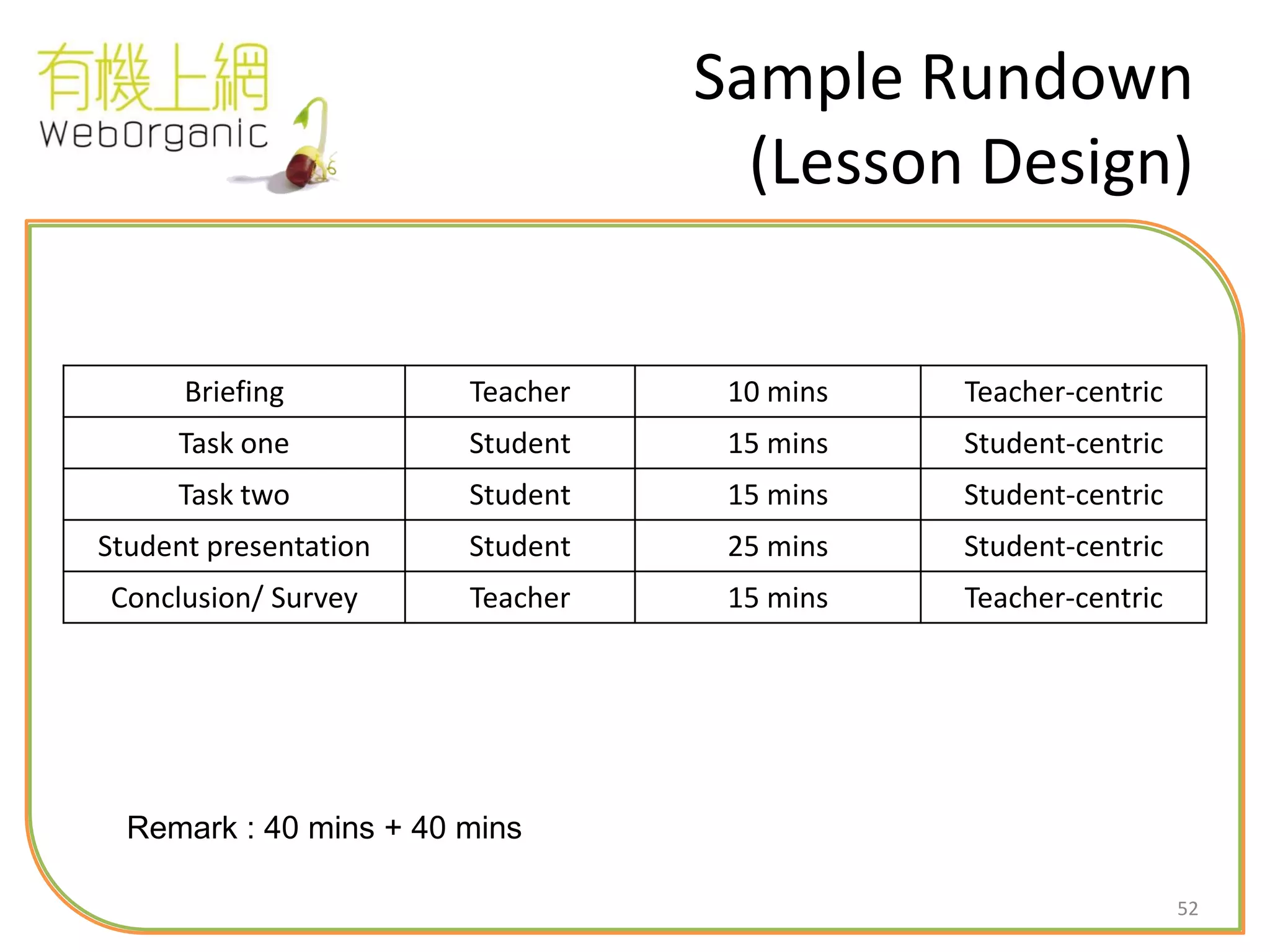
Sample Rundown
(Lesson Design)
Briefing Teacher 10 mins Teacher-centric
Task one Student 15 mins Student-centric
Task two Student 15 mins Student-centric
Student presentation Student 25 mins Student-centric
Conclusion/ Survey Teacher 15 mins Teacher-centric
Remark : 40 mins + 40 mins
53
54
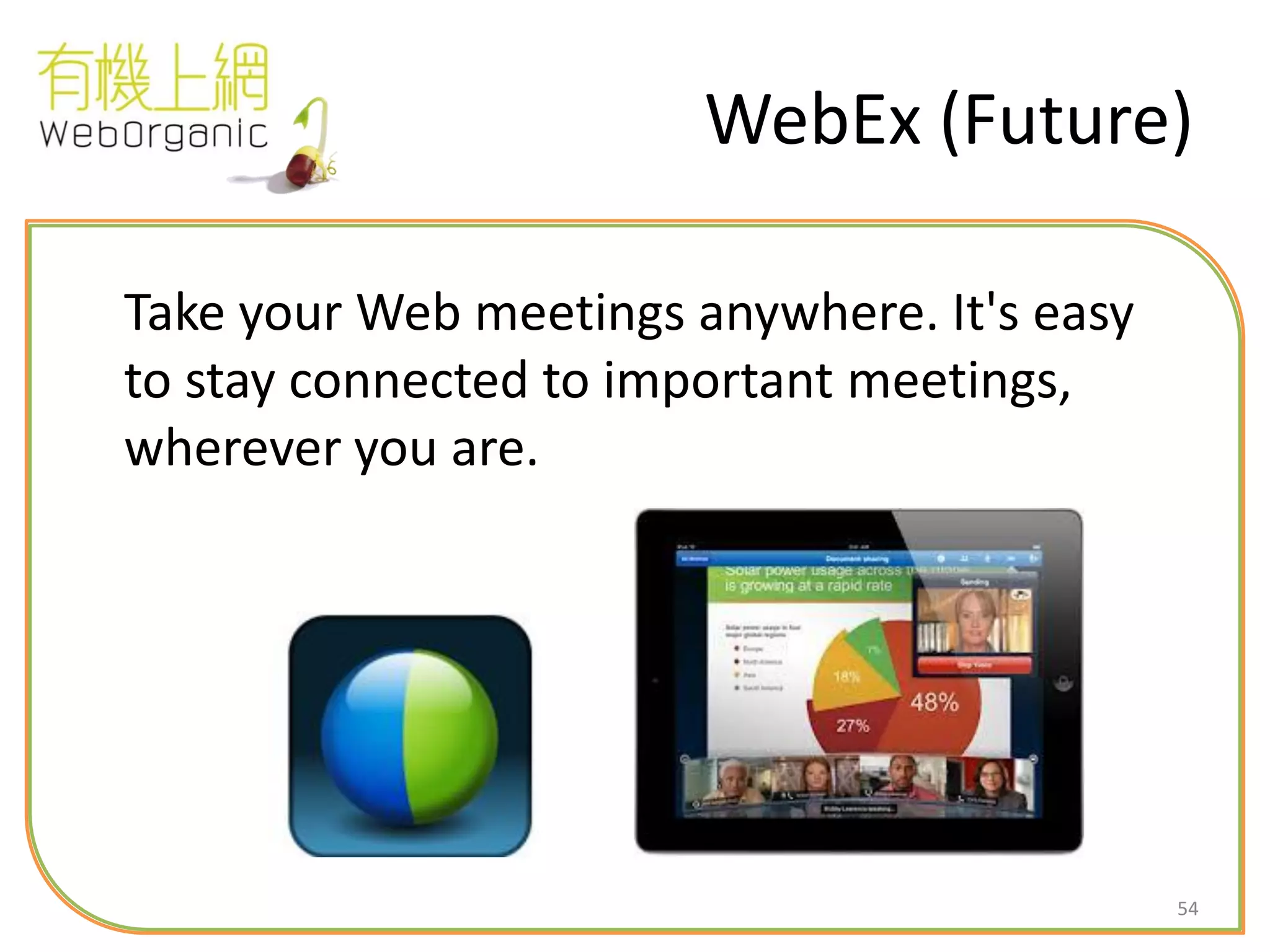
WebEx (Future)
Take your Web meetings anywhere. It's easy
to stay connected to important meetings,
wherever you are.

CCC Heep Woh Primary School - Teacher Training (Apr 2014)

  • 1.
    11 8th April, 2014 Enquiry:info@weborganic.hk WebSite: WebOrganic.hk iPad e-Learning teacher training for CCC Heep Woh Primary School Teacher Training Session #1 iPad Apps Introduction and Basic iPad Usage in Class
  • 2.
    2 Agenda 1. Overall TrainingObjectives 2. Training Session Rundown – Basic Concept of iPad & LMS (20 Min) – Hands-on Exercise 1 (20 Min) – Hands-on Exercise 2 (20 Min) – Take-home Assignment (40 Min)
  • 3.
    3 Overall Training Objectives 1.Raise teachers’ confidence in using iPad for conducting classes 2. Basic understanding of popular teaching apps (ability to assess and select apps) 3. Ability to integrate lesson plan with teaching resources (e.g. paper textbook, worksheet, e-textbook, LMS, electronic whiteboard, iPad, apps, etc) to facilitate learning
  • 4.
    4 Training Design Session 1: iPad Apps Introduction and Basic iPad Usage in Class (7-April) Session 2 : Discuss & Integrate T&L for e-learning (Optional) Session 3 : e-Learning Try-out Rehearsal (Optional)
  • 5.
    5 Teaching Resources 1. Projector 2.Electronic Whiteboard 3. Ebooks / Web-based Learning Materials 4. iPad 5. iPad Apps (Mindmap/ Clicker/ Presentation Tools/ Editor/ Game / etc) 6. Learning Management System (e.g. Edmodo) 7. Apple TV (for presentation)
  • 6.
    6 Pre-requisites • Basic usageof Smart Phone • Experience of using Social Media (Facebook , YouTube)
  • 7.
    7 Detail Rundown 1. BasicConcept of iPad & LMS (20 Min) – Edmodo 2. Practise Using Interactive Apps: Hands-on Exercise 1 (20 Min) – Lino, Nearpod 3. Apps Usage (Process Apps vs Content Apps): Hands-on Exercise 2 (20 Min) – Keynote, Socrative, Skitch, Popplet, Educreations, Dropbox, iMovie, Augment, Minecraft 4. Take-home Exercise (40 Min)
  • 8.
    8 What teachers say? •iPad brings more workload to my lesson preparation – Challenging “Choice of Apps” Airplay iBooks Explain Everything Popplet Key notes Video cameraiCross Super 7 Dropbox WebDAV Box Edmodo iClass Evernote Sonic Pics NearPod Educreations Skitch HD Measures Audio Note eClicker YouTube
  • 9.
    9 e-Learning Benefits &Tools Required 多元化的回應: 教師和學生可就教學內容 即時互相回饋和討論 學生完成課業或 練習後,可以傳 送予老師 隨時重播學習資源 和活動 即時紀錄學習 筆記 即時進行分組活動,同 時可共用學習筆記,增 強同學間的互動和合作 因應學生學習差異, 有效調節學習步伐, 協助他們建立信心和 學習動力 透過多媒體的應用, 增加學生建構學習 內容的機會,豐富 學習內容 Awesome Notes Evernote Edmodo Dropbox WebDAV Box Popplet Mindmapper KeyNote Grouping Wizard Dyknow Globster YouTube Khan Academy Edmodo eClass NearPod YouTube Edmodo iBook YouTube Explain Everything
  • 10.
    10 Usage of DigitalResources Usage System, Apps Teaching Materials (Repository) Sharedrive, Dropbox, Edmodo, Moodle, eClass, iBook, iTune U Presentation EWB*, Keynote, Nearpod, iClass In-class Assessment Edmodo, Nearpod, Socrative, iClass Collecting Feedback Edmodo, Nearpod, Socrative, iClass, Lino Activities, Homework , Doc Sharing Edmodo, Dropbox, GoogleDoc, YouTube, Keynote, Lino, Pages, Evernote, Explain Everything, Educreations, Skitch Story Telling / Video Editing iMovie, Explain Everything, Educreations, Audio Note Communication Email, Skype, Facetime, WebEx, Line Student Profile eClass, Edmodo, Moodle Utilities QR Scanner Teacher Student
  • 11.
  • 12.
    12 Detail Rundown 1. BasicConcept of iPad & LMS (20 Min) 2. Practise Using Interactive Apps and LMS: Hands-on Exercise 1 (20 Min) 3. Apps Usage (Process Apps vs Content Apps): Hands-on Exercise 2 (20 Min) 4. Take-home Exercise
  • 13.
    13 Getting Started withiPad • Basic Usage iPad User Guide http://manuals.info.apple.com/en_US/ipad_user_guide.pdf
  • 14.
    14 Edmodo • Est. in2008 • Cross-platform learning management system – Web/ iPad/ iPhone/ Android • Repository, Student Profile, Grading, Small Group, Assignment, Quiz, Private Message, Alert (class announcement), Parent Account • 17M+ users • Free
  • 15.
  • 16.
    16 Your Tasks 1. Sayhi to the group 2. Take a photo and submit as assignment 3. Answer question in quiz 4. Feedback on polling question 5. Check class announcement
  • 17.
    17 • Group Code: hsi6pf • Group Member : 2 x Teacher 3 x Student Nic Jeff
  • 18.
  • 19.
  • 20.
  • 21.
  • 22.
  • 23.
    23 Detail Rundown 1. BasicConcept of iPad & LMS (20 Min) 2. Practise Using Interactive Apps and LMS: Hands-on Exercise 1 (20 Min) 3. Apps Usage (Process Apps vs Content Apps): Hands-on Exercise 2 (20 Min) 4. Take-home Exercise
  • 24.
    24 Lino and Nearpod Stickerand Photo Sharing • Cross-platform – Web/ iPad/ iPhone/ Android • Attach photo • Free / Paid Classroom iPad Control • Multi-platform – Web (Teacher)/ iPad/ iPhone • Presentation, Polling, Quiz, Video Sharing, Drawing, Q&A, Website Browsing • Free / Paid
  • 25.
    25 Lino • Lino :描述人外貌的詞語 http://www.youtube.com/watch?feature=player_embedded&v=L2zoKCbBvAw#!
  • 26.
  • 27.
  • 28.
    28 Detail Rundown 1. BasicConcept of iPad & LMS (20 Min) 2. Practice Using Interactive Apps: Hands-on Exercise 1 (20 Min) 3. Apps Usage (Process Apps vs Content Apps): Hands-on Exercise 2 (20 Min) 4. Take-home Exercise (40 Min)
  • 29.
    29 Keynote Presentation • i-Platform Only –iPad/ iPhone/ Mac • Seamless integration with Mac / iTune • Multimedia support (incl. video) • Paid
  • 30.
  • 31.
    31 Popplet Ideas Sharing throughmind-mapping • iPad only • Can attach photo • Free / Paid • Usually used in subjects require sharing of ideas in structured / un-structured ways
  • 32.
  • 33.
    33 Dropbox File Sharing Anywhere •Cross-platform – Web/ iPad/ iPhone/ Android • Free (2GB) / Paid • Share file with anyone through web link (No USB drive anymore) • But… quite slow • Private Dropbox using WebDAV
  • 34.
    34 Educreations Presentation and VideoMaking • iPad Only • Digital whiteboard • A community to create teaching resources • Support photos • Free
  • 35.
    35 Explain Everything • ExplainEverything is an easy-to-use design, screencasting, and interactive whiteboard tool that lets you annotate, animate, narrate, import, and export almost anything to and from almost anywhere. http://www.youtube.com/watch?v=j1Q5trmzA5Q
  • 36.
    36 Skitch • Express yourselfwith fewer words, emails and meetings…with Skitch! Use shapes, arrows, sketches and text annotation to get your point across fast.
  • 37.
    37 Augment • Augment -3D Augmented Reality Download :
  • 38.
    38 Detail Rundown 1. BasicConcept of iPad & LMS (20 Min) 2. Practice Using Interactive Apps: Hands-on Exercise 1 (20 Min) 3. Apps Usage (Process Apps vs Content Apps): Hands-on Exercise 2 (20 Min) 4. Take-home Exercise (40 Min)
  • 39.
    39 Take-home Exercise 1 1.Educreations – Teacher A takes a 30s Video about Algebra – Retrieve a photo from Dropbox about Algebra 2. Edmodo – Teacher A copies the lesson link and pastes in Edmodo 3. Edmodo – Teacher B clicks the lesson link view the video
  • 40.
    40 Take-home Exercise 2 1.YouTube – Search a Video tutorial about volume calculation 2. Socrative (or Nearpod) – Teacher A opens a room and use “Short Answer” to collect comment on such video – Teacher B login as student to give comment – Teacher A captures screen as evidence 3. Email – Using ipad to send the captured screenshots to teacher.wo.01@gmail.com
  • 41.
    41 Take-home Exercise 3 1.Camera / Safari – Find 5 cylindrical items and take a photo 2. Skitch – Label the length but do not write the unit of measure 3. Popplet – Add two popplets (one with cm3 and one with m3) – Link the 5 items with correct units of measure 4. Edmodo – Submit to Edmodo as assignment #3
  • 42.
    42 Take-home Exercise 4 1.Lino – Share your favorite travel destination using 9 memos – Hint: Culture / Weather / Attractions / Activities / Festival / Accommodation / What special thing to do? – Capture a screen 2. Edmodo – Post to Edmodo as a note – Comment on another teachers’ note
  • 43.
    43 Take-home Exercise 5 (Optional) 1.Camera – Record your class teaching 2. iMovie – Add opening text (about subject) and ending text (school name) – Add a photo – Add background music – Upload to YouTube
  • 44.
    44 Recommendation for Next Step 1.Develop 5 lesson plans 2. Identify additional content apps for teaching decimal number 3. Prepare video editing and sharing through FB / YouTube 4. Refine and confirm questionnaire for teachers and students
  • 45.
  • 46.
    46 10 iPad Tips 1.DirectlyAccess Apps 2. Tap to Scroll Up 3. Keyboard Shortcuts 4. Speed from App to App 5. Take Screenshots 6. Swipe to Search 7.Read Websites More Easily 8. A Smarter Camera (iPhone) 9. Digital Picture Frame (iPad) 10. Mute or Screen Lock (iPad) http://online.wsj.com/article/SB1000087239639044444350457760339166275 5170.html
  • 47.
    47 • Ref :http://eduapps.blogspot.hk/2012/03/103-ways-to-use-your-ipad-in-classroom.html
  • 48.
  • 49.
    49 Resources • Finding andUsing Additional Education Content – iTunes U – Khan Academy—an ever-growing library of videos on biology, algebra, calculus, chemistry, and many more topics. – KQED (a PBS affiliate)—a variety of videos and other materials for use in the classroom; topics include Digital Storytelling and The Physics of Baseball. • Creating Your Own Content – Producing Multi-Touch Books with iBooks Author
  • 50.
    50 Resources (Cont.) 1. Apple- Explore a collection of video tutorials, classroom guides, and web pages for educators. http://www.apple.com/education/resources/ 2. Apptivities—Apple Distinguished Educators present activities to support teachers in using apps to improve student learning www.apptivities.org 3. Education Apps Review www.iear.org 4. Teach with Your iPad—wiki about using iPad in the classroom teachwithyouripad.wikispaces.com 5. iPad Academy—training, tips, and tutorials ipadacademy.com
  • 51.
  • 52.
    52 Sample Rundown (Lesson Design) BriefingTeacher 10 mins Teacher-centric Task one Student 15 mins Student-centric Task two Student 15 mins Student-centric Student presentation Student 25 mins Student-centric Conclusion/ Survey Teacher 15 mins Teacher-centric Remark : 40 mins + 40 mins
  • 53.
  • 54.
    54 WebEx (Future) Take yourWeb meetings anywhere. It's easy to stay connected to important meetings, wherever you are.