AJAX

         Jussi Pohjolainen
Tampere University of Applied Sciences
AJAX
• Asynchronous JavaScript and XML
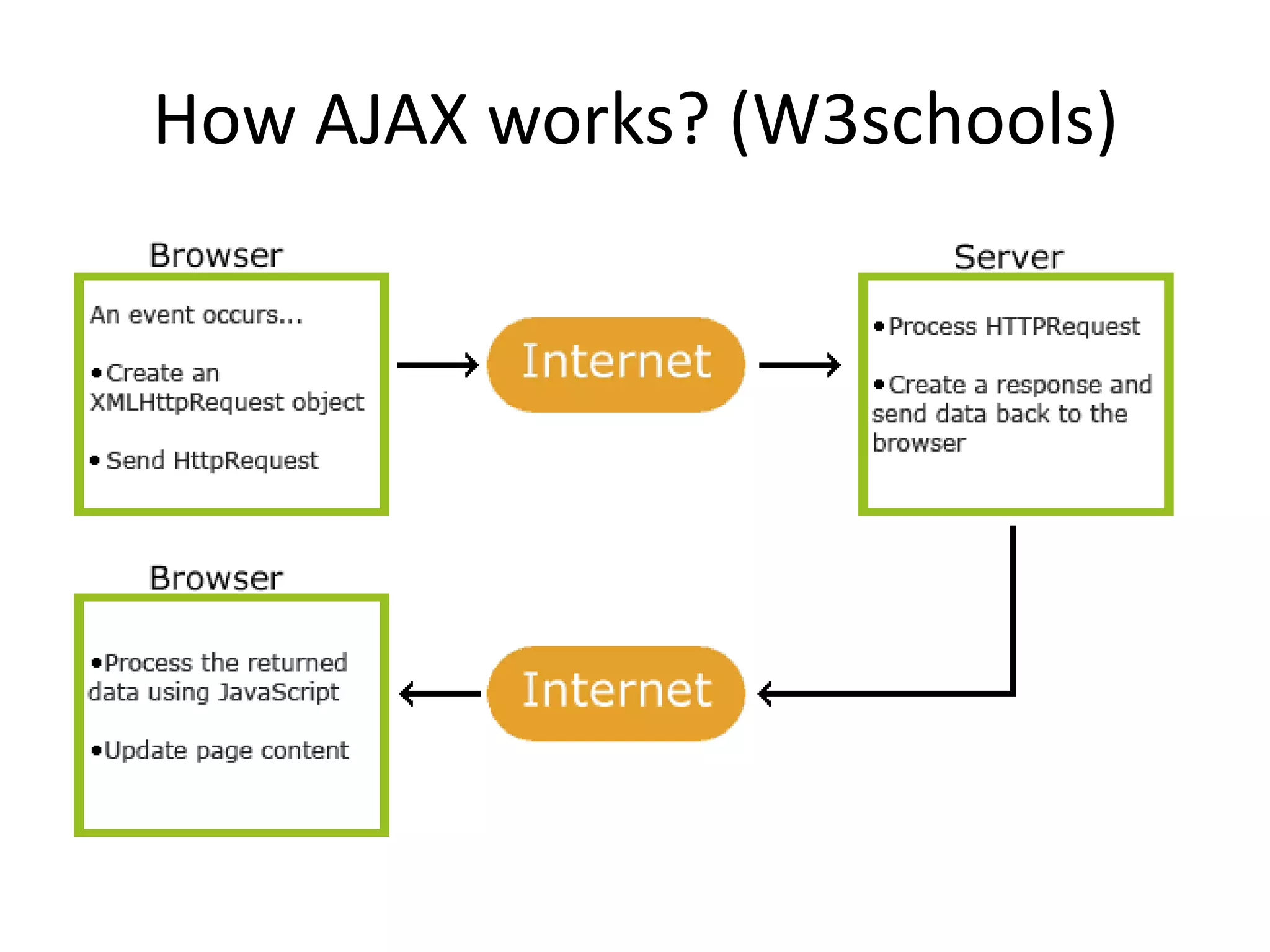
• AJAX is about updating parts of web page
  without reloading the whole page
• Google Maps, Gmail, Youtube…
How AJAX works? (W3schools)
Support
– Firefox 1.0 and newer
– Opera 8 and newer including Opera mini
– Safari 1.2 and newer
– Internet Explorer 7 and newer
Techniques
• XMLHttpRequest object
• JavaScript and DOM
• CSS and some dataformat (XML, JSON, HTML,
  text..)
XMLHttpRequest
• Modern browsers support built-in
  XMLHttpRequest object
• All about sending and receiving data from
  server.
• Instantiate in normal fashion:
  – var xmlobj = new XMLHttpRequest();
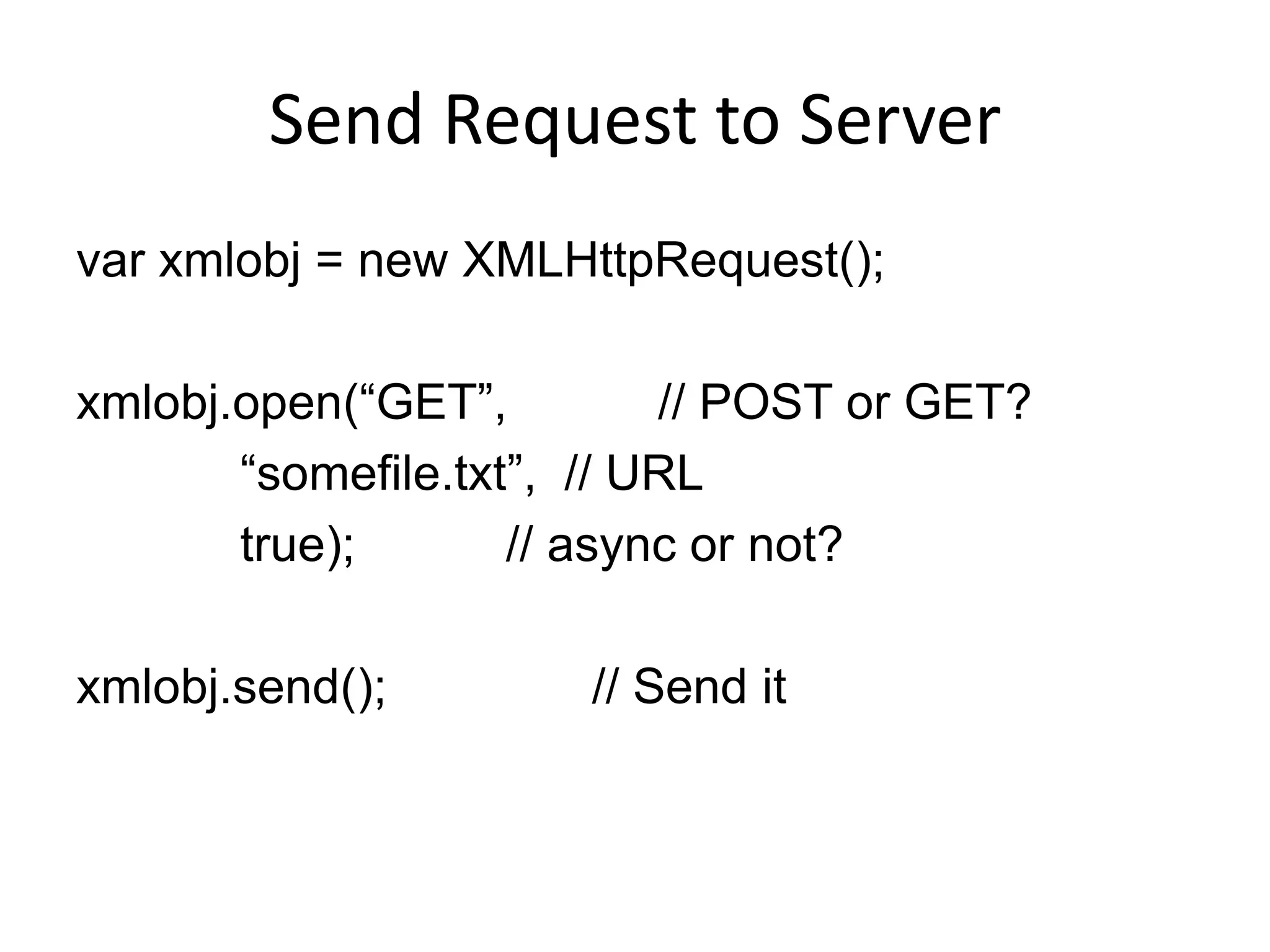
Send Request to Server
var xmlobj = new XMLHttpRequest();

xmlobj.open(“GET”,         // POST or GET?
       “somefile.txt”, // URL
       true);       // async or not?

xmlobj.send();        // Send it
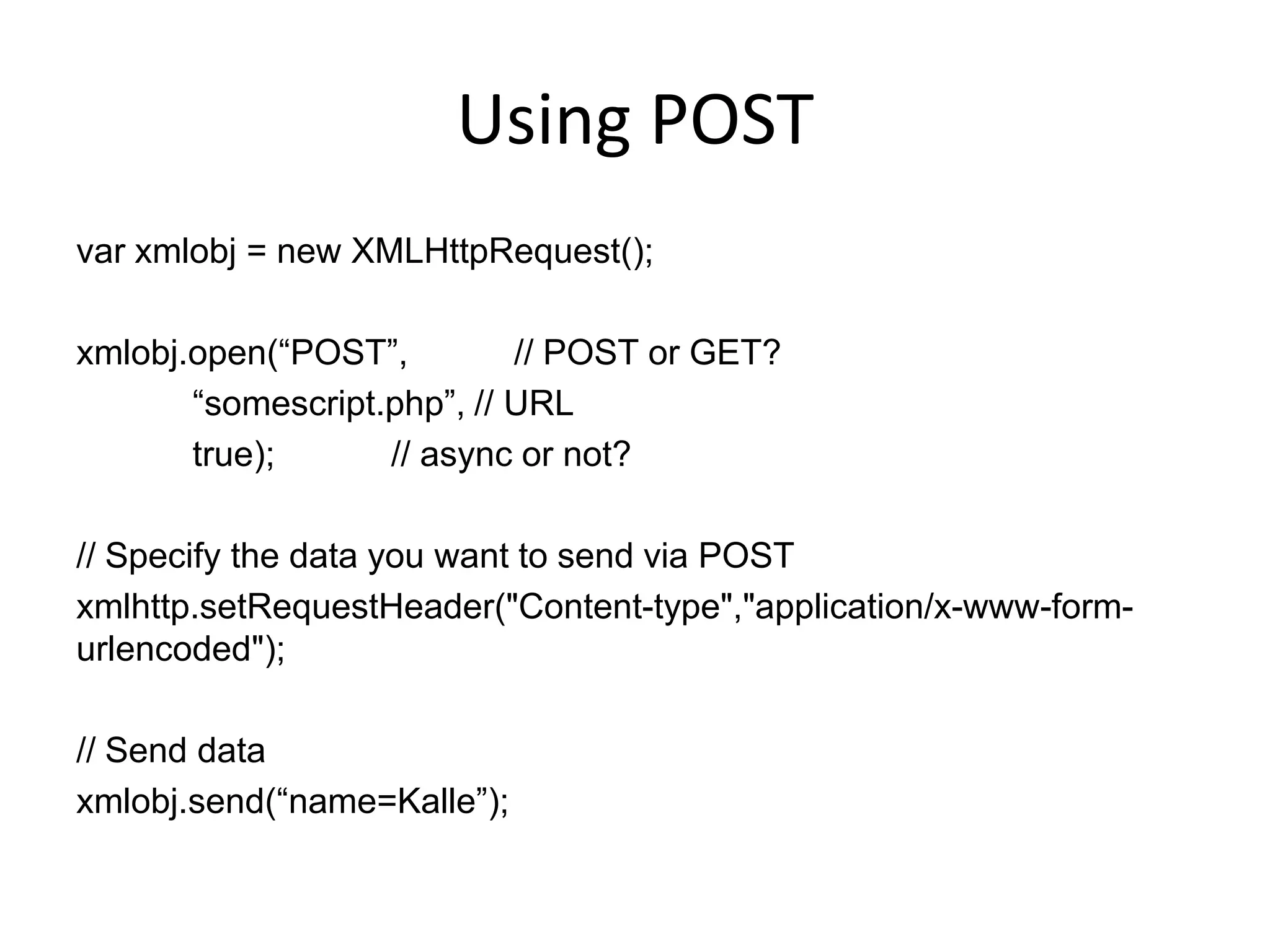
Using POST
var xmlobj = new XMLHttpRequest();

xmlobj.open(“POST”,         // POST or GET?
       “somescript.php”, // URL
       true);      // async or not?

// Specify the data you want to send via POST
xmlhttp.setRequestHeader("Content-type","application/x-www-form-
urlencoded");

// Send data
xmlobj.send(“name=Kalle”);
Asynchronous?
• When setting the async parameter to true, the
  server side script is run in background.
• Javascript does not have to wait for the server
  response.. You can
  – Execute other scripts while waiting server
    response
  – Deal with the response when ready
• Specify a function that is called when
  response is ready!
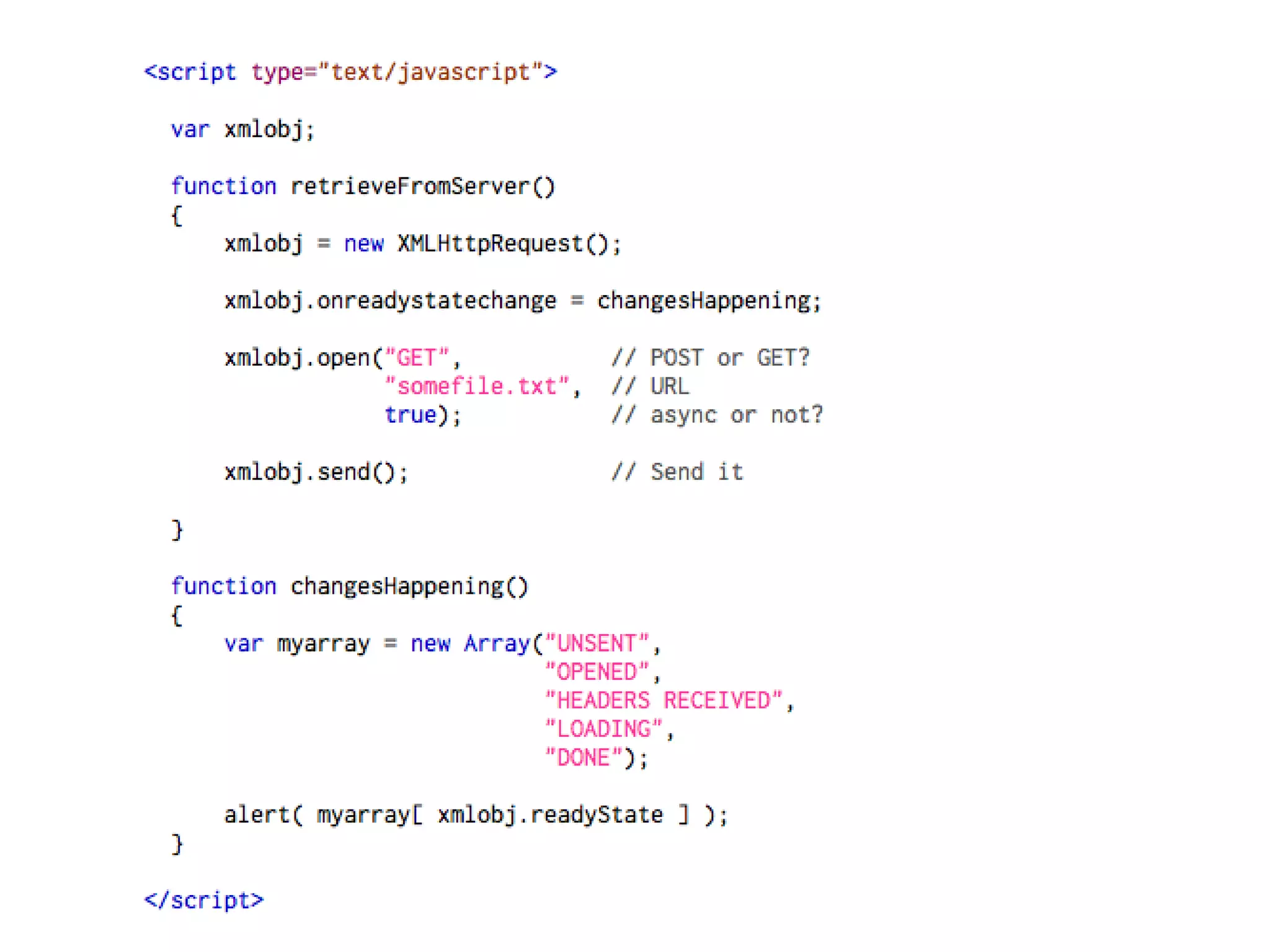
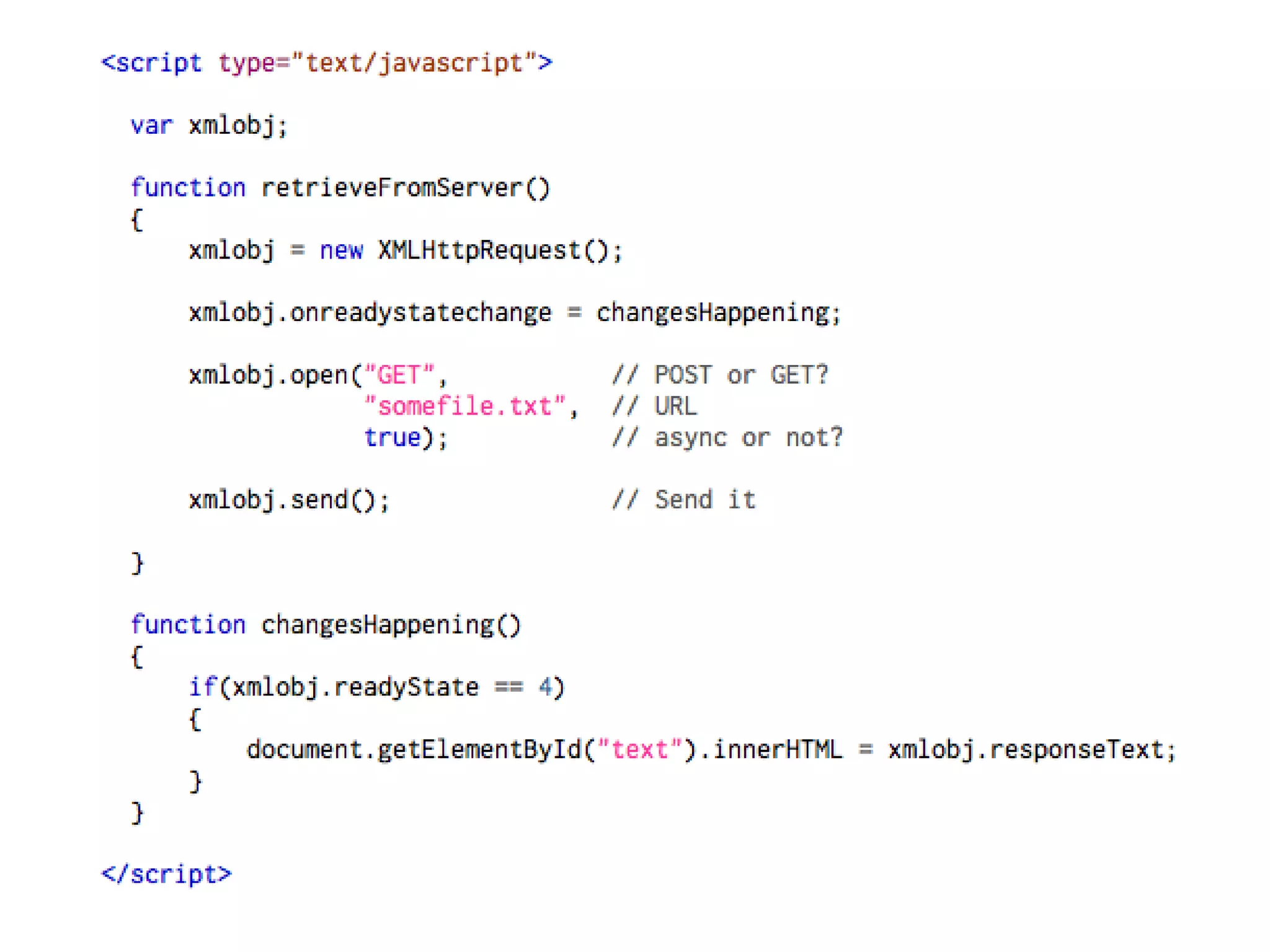
Example
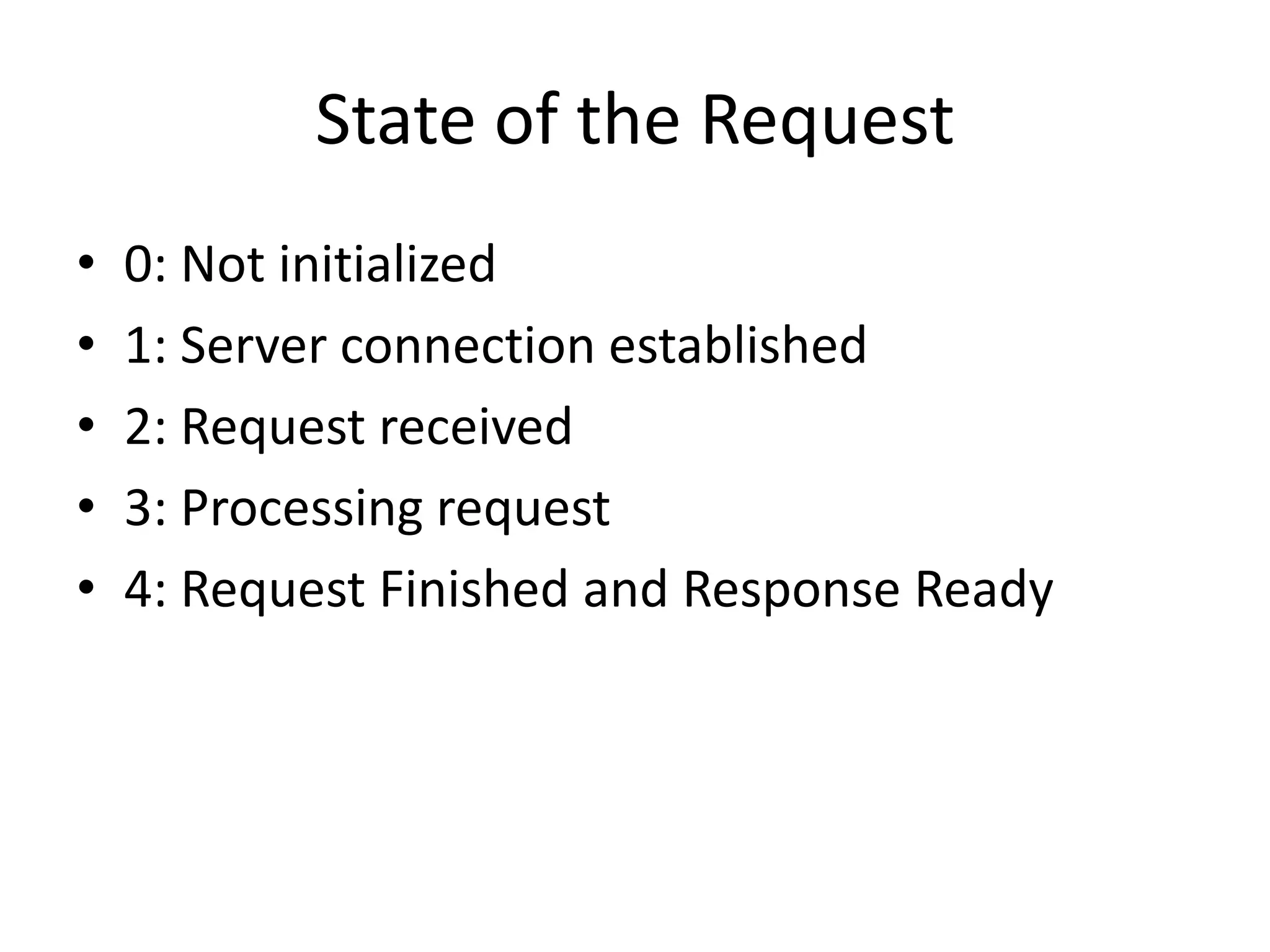
State of the Request
•   0: Not initialized
•   1: Server connection established
•   2: Request received
•   3: Processing request
•   4: Request Finished and Response Ready
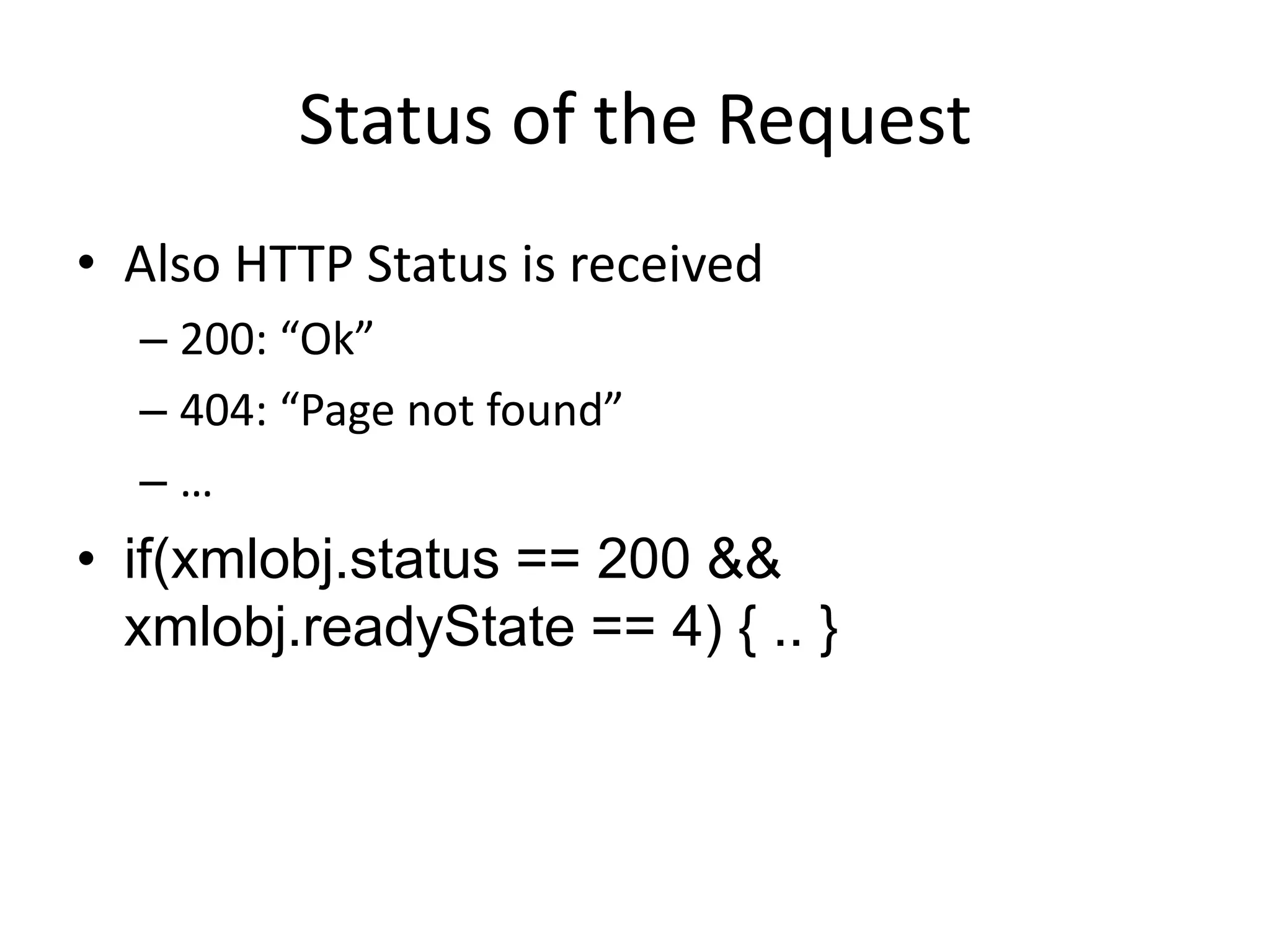
Status of the Request
• Also HTTP Status is received
  – 200: “Ok”
  – 404: “Page not found”
  –…
• if(xmlobj.status == 200 &&
  xmlobj.readyState == 4) { .. }
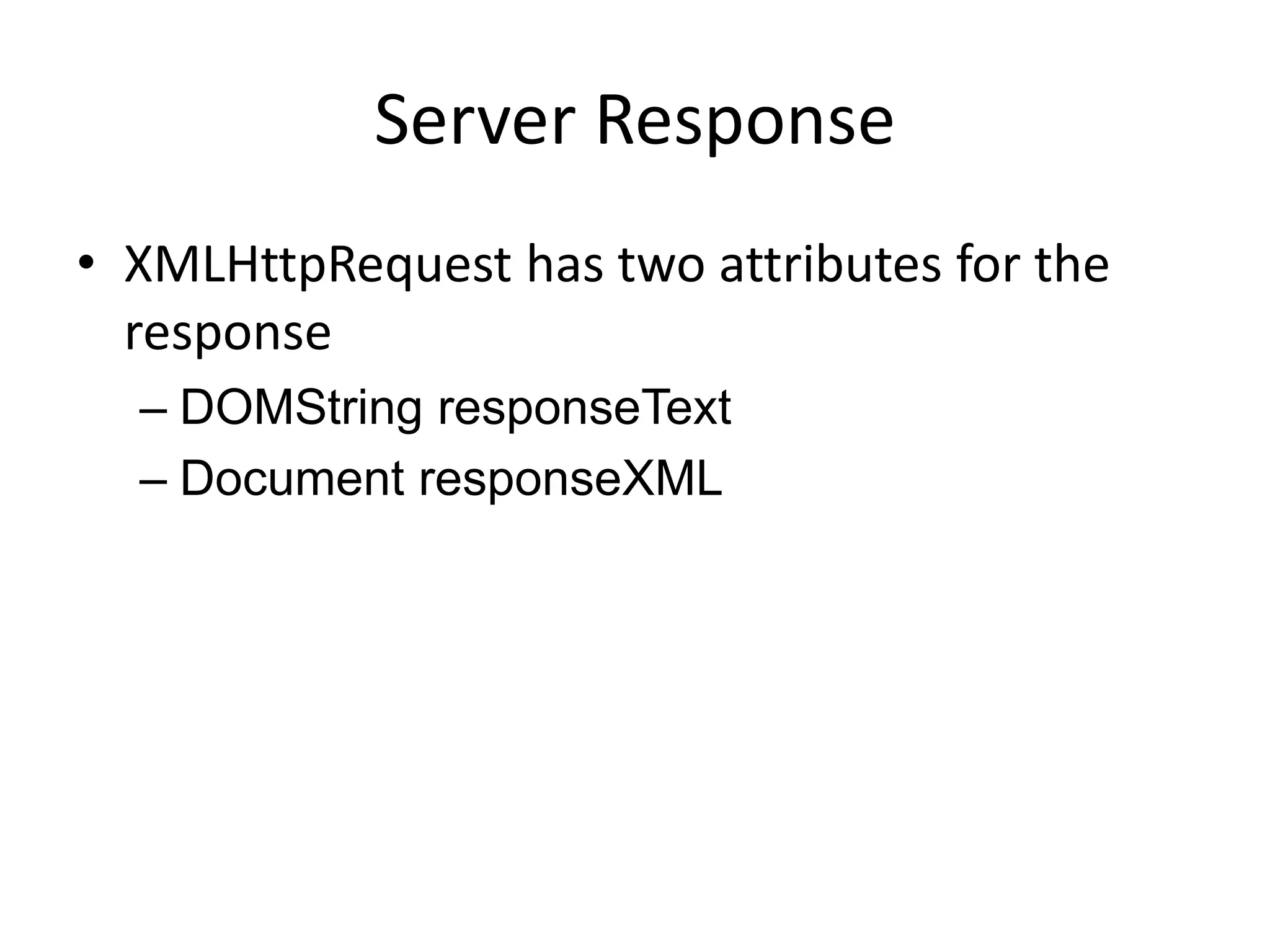
Server Response
• XMLHttpRequest has two attributes for the
  response
  – DOMString responseText
  – Document responseXML
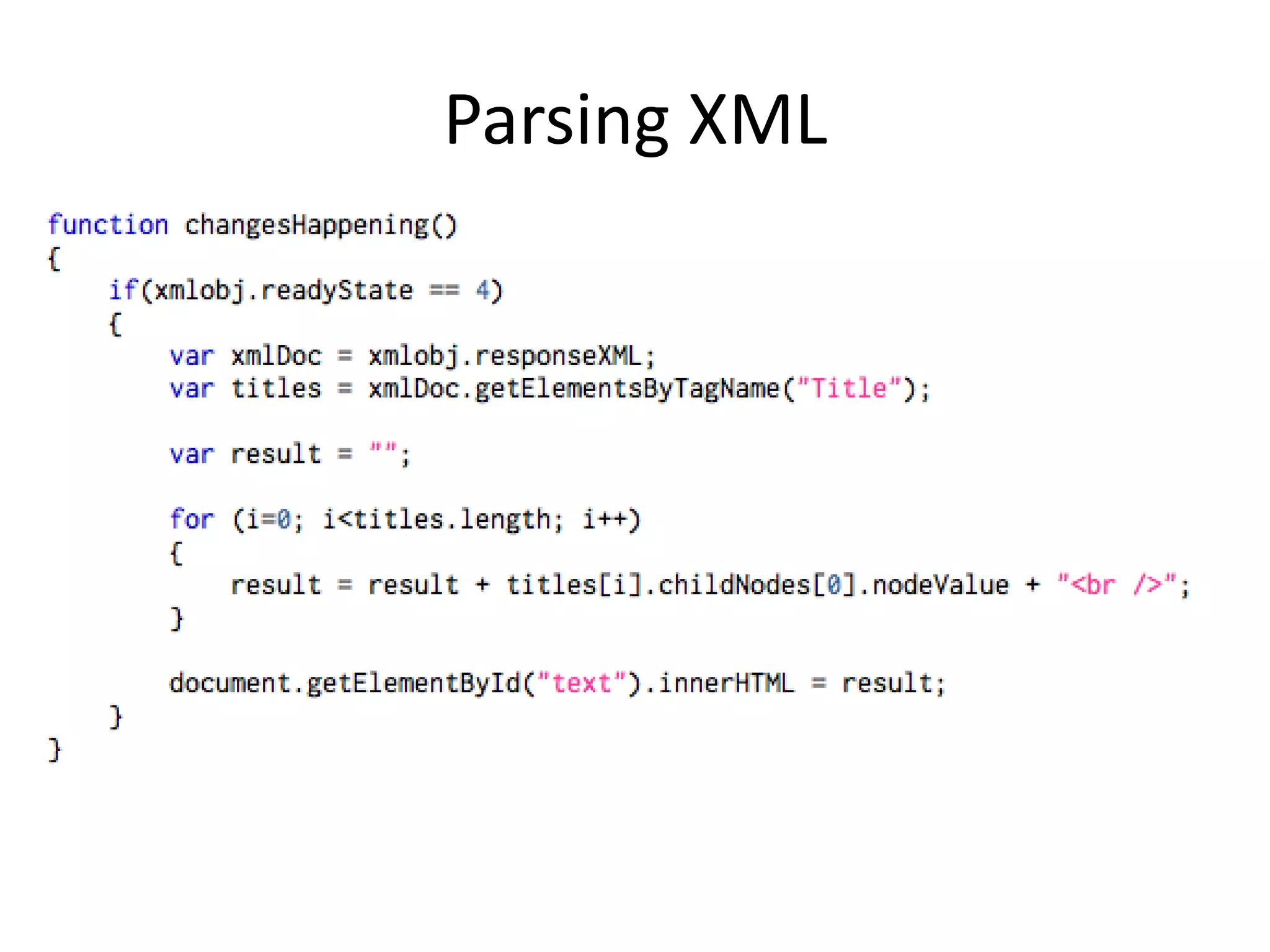
Parsing XML
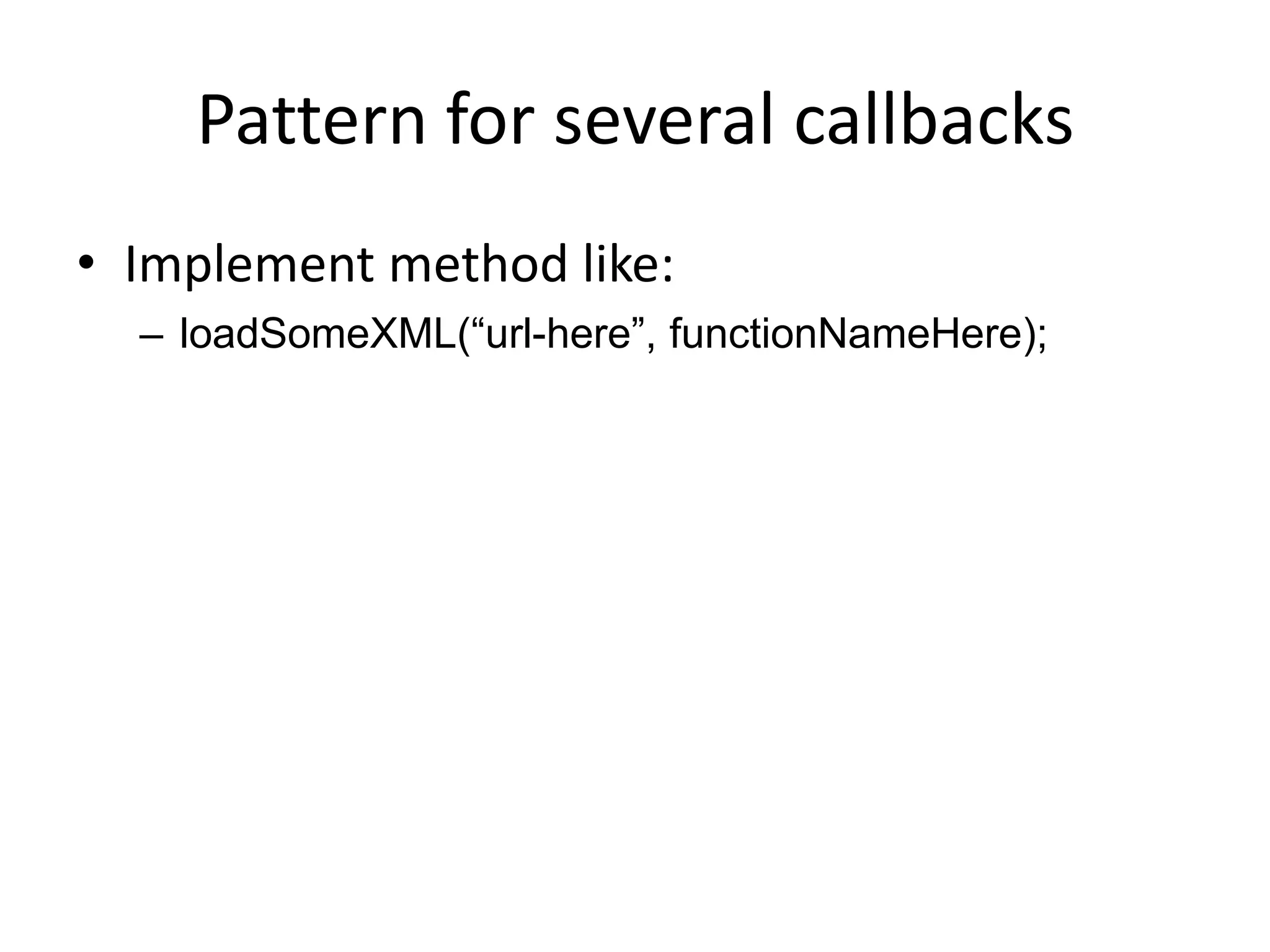
Pattern for several callbacks
• Implement method like:
  – loadSomeXML(“url-here”, functionNameHere);
DATA FORMATS
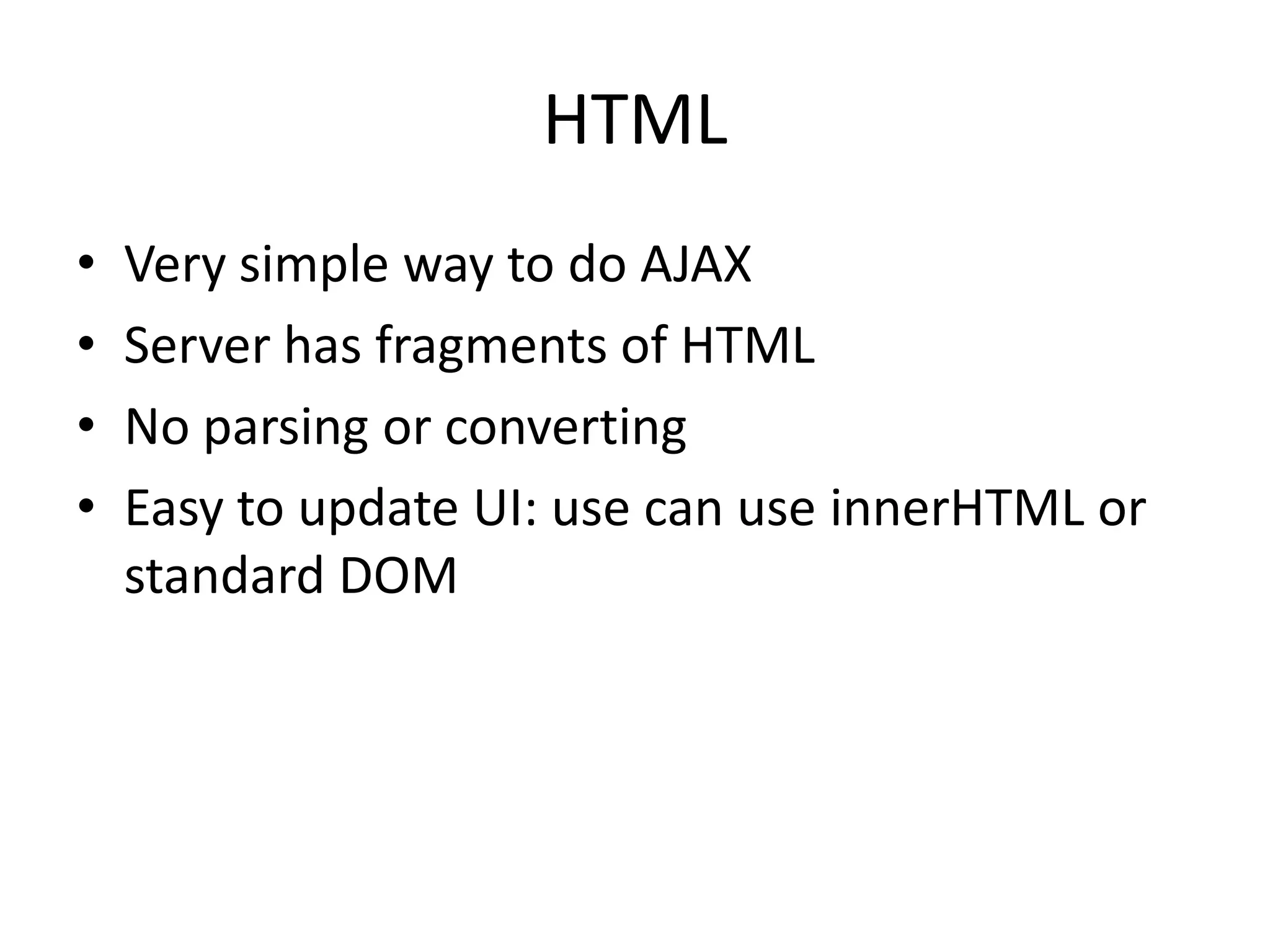
HTML
•   Very simple way to do AJAX
•   Server has fragments of HTML
•   No parsing or converting
•   Easy to update UI: use can use innerHTML or
    standard DOM
XML
• Static XML Data on server or generated XML
• XML must be parsed: use DOM scripting
• Example of PHP -> XML -> AJAX
Example
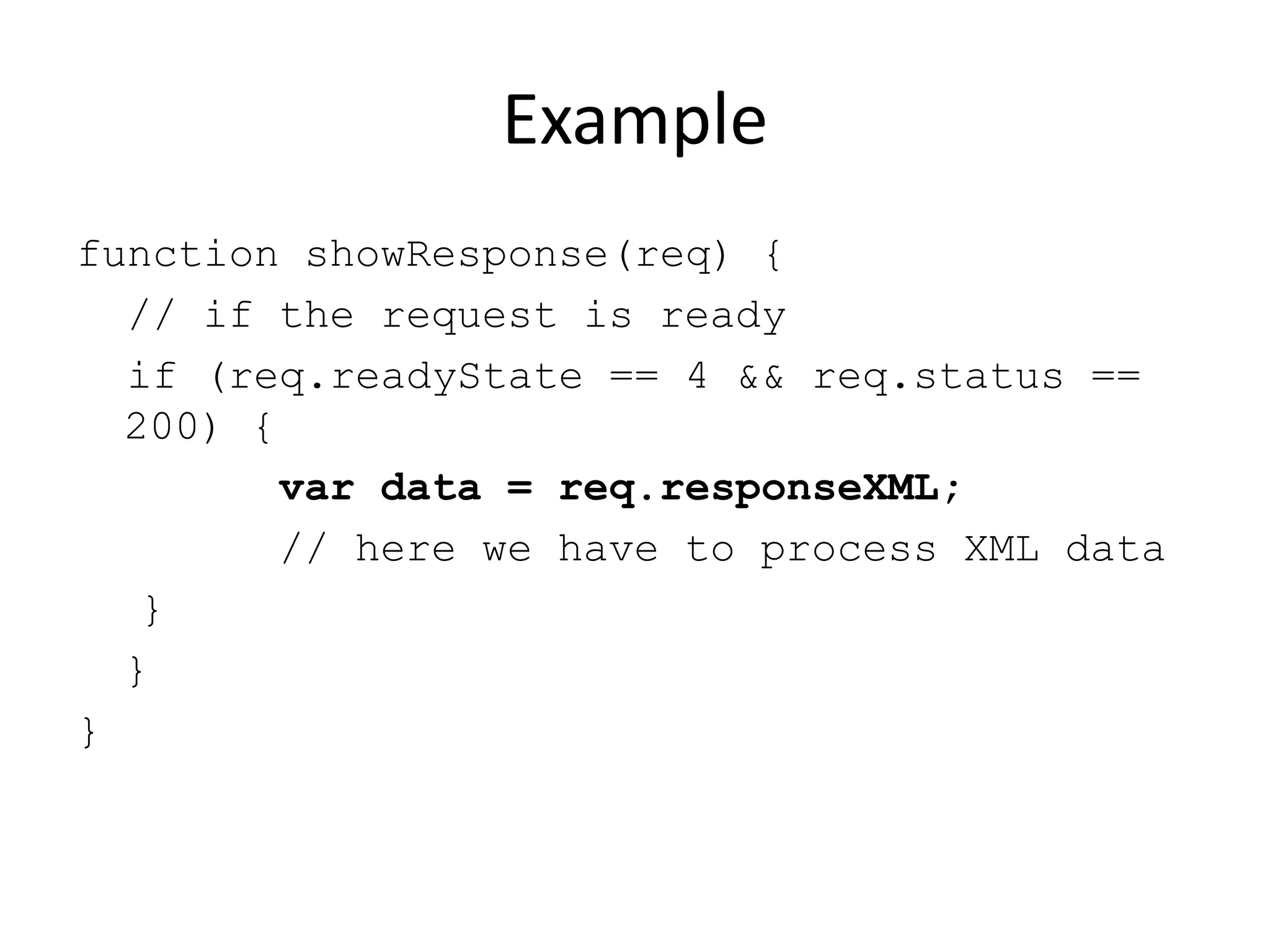
function showResponse(req) {
  // if the request is ready
  if (req.readyState == 4 && req.status ==
  200) {
         var data = req.responseXML;
         // here we have to process XML data
   }
  }
}
JSON
•   JavaScript Object Notation
•   Storing and exchanging text
•   Smaller than XML, faster and easier to parse!
•   Language Independent
Example
{
    "employees": [
      {
         "firstName": "John",
         "lastName" : "Doe"
      },
      {
         "firstName": "Anna",
         "lastName" : "Smith"
      },
      {
         "firstName": "Peter",
         "lastName": "Jones"
      }
    ]
}
Parsing JSON in JS
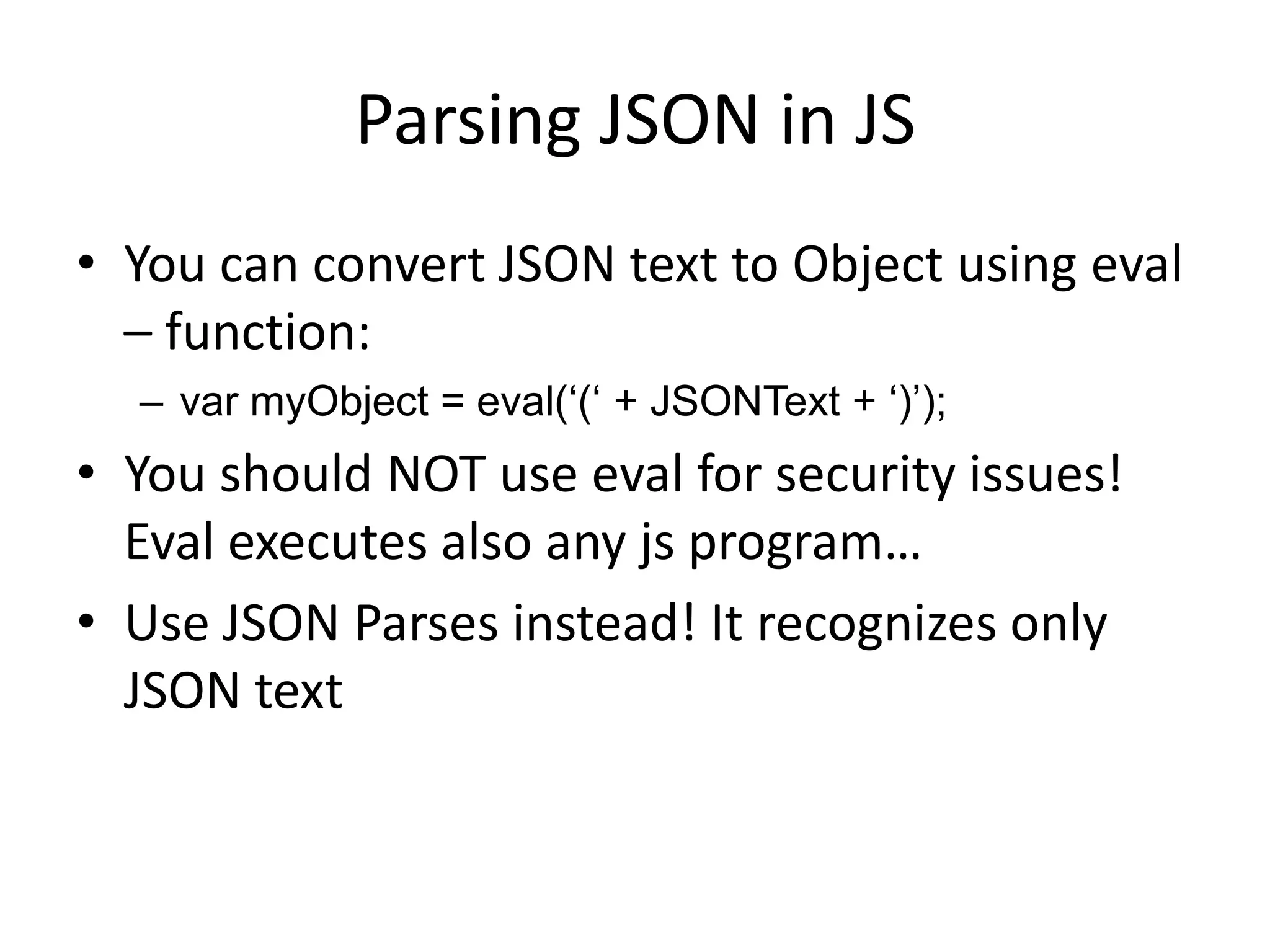
• You can convert JSON text to Object using eval
  – function:
  – var myObject = eval(„(„ + JSONText + „)‟);
• You should NOT use eval for security issues!
  Eval executes also any js program…
• Use JSON Parses instead! It recognizes only
  JSON text
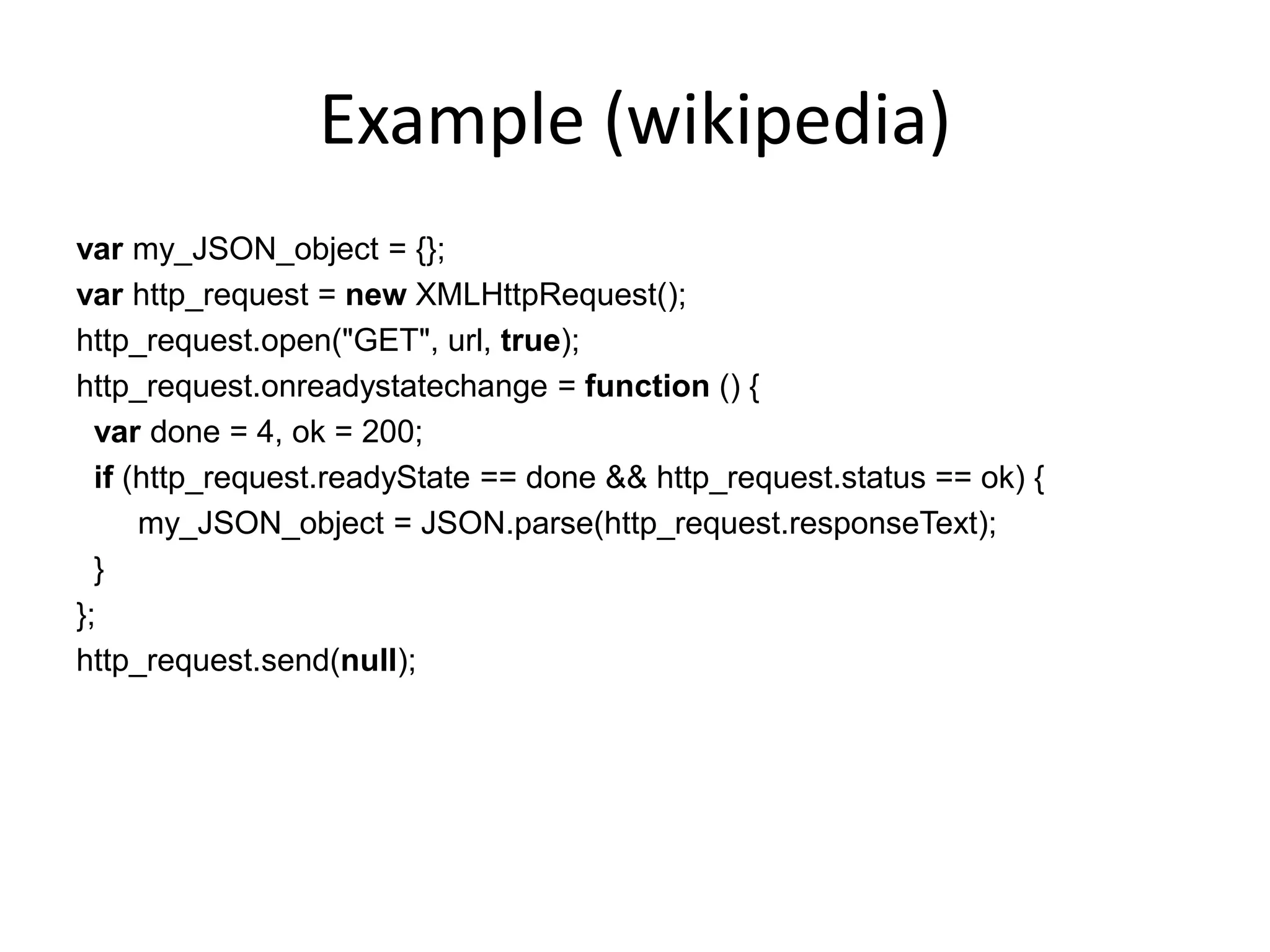
Example (wikipedia)
var my_JSON_object = {};
var http_request = new XMLHttpRequest();
http_request.open("GET", url, true);
http_request.onreadystatechange = function () {
  var done = 4, ok = 200;
  if (http_request.readyState == done && http_request.status == ok) {
      my_JSON_object = JSON.parse(http_request.responseText);
  }
};
http_request.send(null);
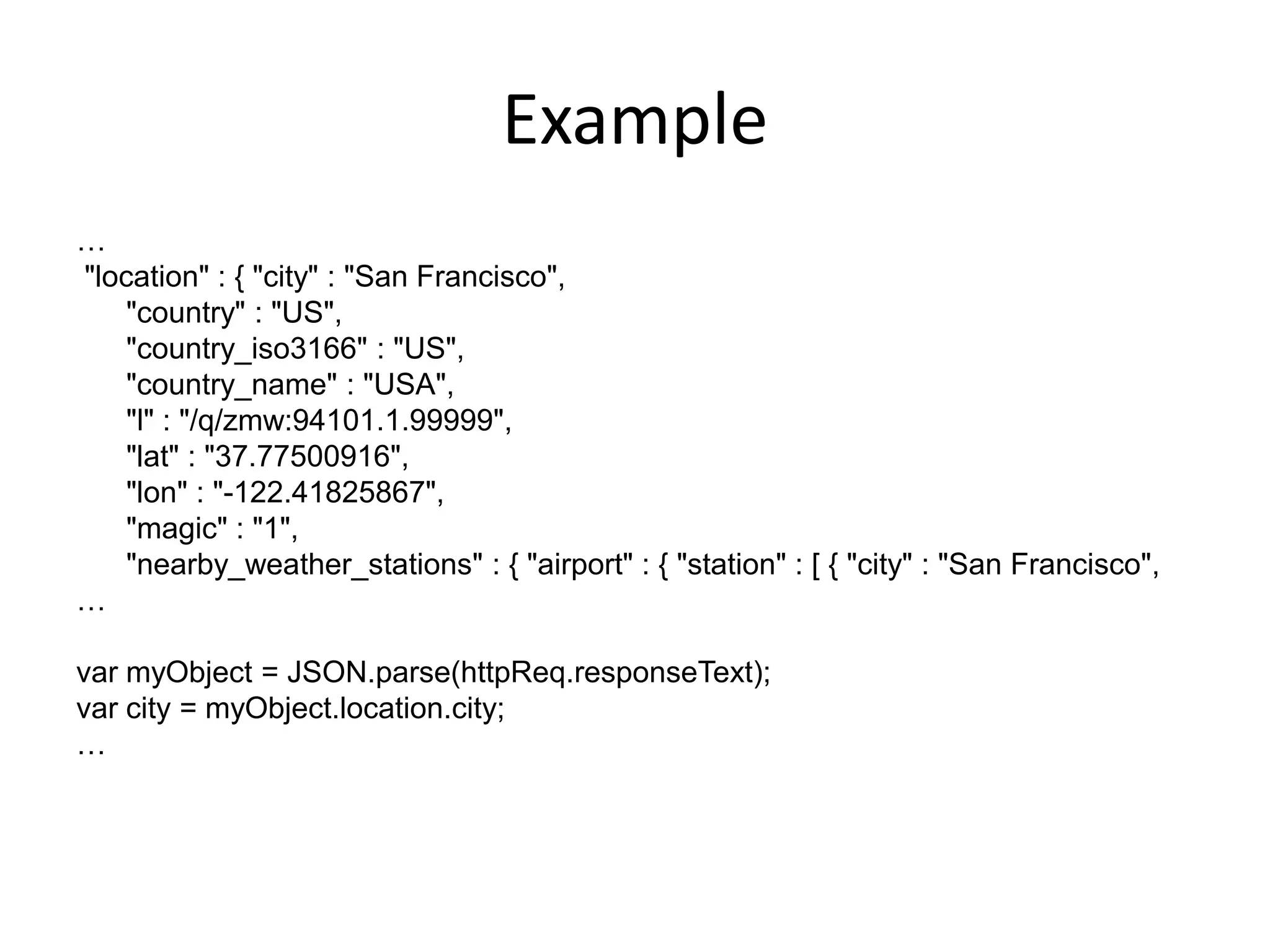
Example
…
"location" : { "city" : "San Francisco",
    "country" : "US",
    "country_iso3166" : "US",
    "country_name" : "USA",
    "l" : "/q/zmw:94101.1.99999",
    "lat" : "37.77500916",
    "lon" : "-122.41825867",
    "magic" : "1",
    "nearby_weather_stations" : { "airport" : { "station" : [ { "city" : "San Francisco",
…

var myObject = JSON.parse(httpReq.responseText);
var city = myObject.location.city;
…

AJAX

  • 1.
    AJAX Jussi Pohjolainen Tampere University of Applied Sciences
  • 2.
    AJAX • Asynchronous JavaScriptand XML • AJAX is about updating parts of web page without reloading the whole page • Google Maps, Gmail, Youtube…
  • 3.
    How AJAX works?(W3schools)
  • 4.
    Support – Firefox 1.0and newer – Opera 8 and newer including Opera mini – Safari 1.2 and newer – Internet Explorer 7 and newer
  • 5.
    Techniques • XMLHttpRequest object •JavaScript and DOM • CSS and some dataformat (XML, JSON, HTML, text..)
  • 6.
    XMLHttpRequest • Modern browserssupport built-in XMLHttpRequest object • All about sending and receiving data from server. • Instantiate in normal fashion: – var xmlobj = new XMLHttpRequest();
  • 7.
    Send Request toServer var xmlobj = new XMLHttpRequest(); xmlobj.open(“GET”, // POST or GET? “somefile.txt”, // URL true); // async or not? xmlobj.send(); // Send it
  • 8.
    Using POST var xmlobj= new XMLHttpRequest(); xmlobj.open(“POST”, // POST or GET? “somescript.php”, // URL true); // async or not? // Specify the data you want to send via POST xmlhttp.setRequestHeader("Content-type","application/x-www-form- urlencoded"); // Send data xmlobj.send(“name=Kalle”);
  • 9.
    Asynchronous? • When settingthe async parameter to true, the server side script is run in background. • Javascript does not have to wait for the server response.. You can – Execute other scripts while waiting server response – Deal with the response when ready • Specify a function that is called when response is ready!
  • 10.
  • 11.
    State of theRequest • 0: Not initialized • 1: Server connection established • 2: Request received • 3: Processing request • 4: Request Finished and Response Ready
  • 13.
    Status of theRequest • Also HTTP Status is received – 200: “Ok” – 404: “Page not found” –… • if(xmlobj.status == 200 && xmlobj.readyState == 4) { .. }
  • 14.
    Server Response • XMLHttpRequesthas two attributes for the response – DOMString responseText – Document responseXML
  • 15.
  • 16.
    Pattern for severalcallbacks • Implement method like: – loadSomeXML(“url-here”, functionNameHere);
  • 17.
  • 18.
    HTML • Very simple way to do AJAX • Server has fragments of HTML • No parsing or converting • Easy to update UI: use can use innerHTML or standard DOM
  • 19.
    XML • Static XMLData on server or generated XML • XML must be parsed: use DOM scripting • Example of PHP -> XML -> AJAX
  • 20.
    Example function showResponse(req) { // if the request is ready if (req.readyState == 4 && req.status == 200) { var data = req.responseXML; // here we have to process XML data } } }
  • 21.
    JSON • JavaScript Object Notation • Storing and exchanging text • Smaller than XML, faster and easier to parse! • Language Independent
  • 22.
    Example { "employees": [ { "firstName": "John", "lastName" : "Doe" }, { "firstName": "Anna", "lastName" : "Smith" }, { "firstName": "Peter", "lastName": "Jones" } ] }
  • 23.
    Parsing JSON inJS • You can convert JSON text to Object using eval – function: – var myObject = eval(„(„ + JSONText + „)‟); • You should NOT use eval for security issues! Eval executes also any js program… • Use JSON Parses instead! It recognizes only JSON text
  • 24.
    Example (wikipedia) var my_JSON_object= {}; var http_request = new XMLHttpRequest(); http_request.open("GET", url, true); http_request.onreadystatechange = function () { var done = 4, ok = 200; if (http_request.readyState == done && http_request.status == ok) { my_JSON_object = JSON.parse(http_request.responseText); } }; http_request.send(null);
  • 25.
    Example … "location" : {"city" : "San Francisco", "country" : "US", "country_iso3166" : "US", "country_name" : "USA", "l" : "/q/zmw:94101.1.99999", "lat" : "37.77500916", "lon" : "-122.41825867", "magic" : "1", "nearby_weather_stations" : { "airport" : { "station" : [ { "city" : "San Francisco", … var myObject = JSON.parse(httpReq.responseText); var city = myObject.location.city; …

Editor's Notes

  • #5 Sniff capabilities:if (window.XMLHttpRequest) {varoReq = new XMLHttpRequest();}
  • #11 <!DOCTYPE html PUBLIC "-//W3C//DTD XHTML 1.0 Strict//EN" "http://www.w3.org/TR/xhtml1/DTD/xhtml1-strict.dtd"><html xmlns="http://www.w3.org/1999/xhtml"><head> <title>Ajax Example</title> <meta http-equiv="content-type" content="application/xhtml+xml; charset=utf-8"/> <script type="text/javascript">varxmlobj; function retrieveFromServer() {xmlobj = new XMLHttpRequest();xmlobj.onreadystatechange = changesHappening;xmlobj.open("GET", // POST or GET? "somefile.txt", // URL true); // async or not?xmlobj.send(); // Send it } function changesHappening() {varmyarray = new Array("UNSENT", "OPENED", "HEADERS RECEIVED", "LOADING", "DONE"); alert( myarray[ xmlobj.readyState ] ); } </script> </head><body><p> <button type="button" onclick="retrieveFromServer()">Change Content</button></p><p id="here"></p></body></html>
  • #13 <!DOCTYPE html PUBLIC "-//W3C//DTD XHTML 1.0 Strict//EN" "http://www.w3.org/TR/xhtml1/DTD/xhtml1-strict.dtd"><html xmlns="http://www.w3.org/1999/xhtml"><head> <title>Ajax Example</title> <meta http-equiv="content-type" content="application/xhtml+xml; charset=utf-8"/> <script type="text/javascript">varxmlobj; function retrieveFromServer() {xmlobj = new XMLHttpRequest();xmlobj.onreadystatechange = changesHappening;xmlobj.open("GET", // POST or GET? "somefile.txt", // URL true); // async or not?xmlobj.send(); // Send it } function changesHappening() { if(xmlobj.readyState == 4) {document.getElementById("text").innerHTML = xmlobj.responseText; } } </script> </head><body><p> <button type="button" onclick="retrieveFromServer()">Change Content</button></p><p id="text"></p></body></html>
  • #16 <!DOCTYPE html PUBLIC "-//W3C//DTD XHTML 1.0 Strict//EN" "http://www.w3.org/TR/xhtml1/DTD/xhtml1-strict.dtd"><html xmlns="http://www.w3.org/1999/xhtml"><head> <title>Ajax Example</title> <meta http-equiv="content-type" content="application/xhtml+xml; charset=utf-8"/> <script type="text/javascript">varxmlobj;varfinnkinoURL = "http://www.finnkino.fi/xml/Schedule/?area=1021&dt=" + getDate(); function getDate() {varcurrentTime = new Date()var day = currentTime.getDate();var month = currentTime.getMonth();var year = currentTime.getYear(); return day + "." + month + "." + year; } function retrieveFromServer() {xmlobj = new XMLHttpRequest();xmlobj.onreadystatechange = changesHappening;xmlobj.open("GET", // POST or GET? finnkinoURL, // URL true); // async or not?xmlobj.send(); // Send it } function changesHappening() { if(xmlobj.readyState == 4) {varxmlDoc = xmlobj.responseXML;var titles = xmlDoc.getElementsByTagName("Title");var result = ""; for (i=0; i<titles.length; i++) { result = result + titles[i].childNodes[0].nodeValue + "<br />"; }document.getElementById("text").innerHTML = result; } } </script> </head><body><p> <button type="button" onclick="retrieveFromServer()">Change Content</button></p><p id="text"></p></body></html>
  • #17 <!DOCTYPE html PUBLIC "-//W3C//DTD XHTML 1.0 Strict//EN" "http://www.w3.org/TR/xhtml1/DTD/xhtml1-strict.dtd"><html xmlns="http://www.w3.org/1999/xhtml"><head> <title>Ajax Example</title> <meta http-equiv="content-type" content="application/xhtml+xml; charset=utf-8"/> <script type="text/javascript">varxmlobj; function getDate() {varcurrentTime = new Date()var day = currentTime.getDate();var month = currentTime.getMonth();var year = currentTime.getYear(); return day + "." + month + "." + year; } function retrieveFromServer(url, callBackFunction) {xmlobj = new XMLHttpRequest();xmlobj.onreadystatechange = callBackFunction;xmlobj.open("GET", // POST or GET? url, // URL true); // async or not?xmlobj.send(); // Send it } function parseMovieTitles() { if(xmlobj.readyState == 4 && xmlobj.status == 200) {varxmlDoc = xmlobj.responseXML;var titles = xmlDoc.getElementsByTagName("Title");var result = ""; for (i=0; i<titles.length; i++) { result = result + titles[i].childNodes[0].nodeValue + "<br />"; }document.getElementById("titles").innerHTML = result; } } function parseMovieImages() { if(xmlobj.readyState == 4 && xmlobj.status == 200) {varxmlDoc = xmlobj.responseXML;varimageURLs = xmlDoc.getElementsByTagName("EventSmallImagePortrait");var result = ""; for (i=0; i<imageURLs.length; i++) { result = result + "<imgsrc=\\"" + imageURLs[i].childNodes[0].nodeValue + "\\" alt=\\"\\" /><br />"; }document.getElementById("images").innerHTML = result; } } function showMovieTitles() {varfinnkinoURL = "http://www.finnkino.fi/xml/Schedule/?area=1021&dt=" + getDate();retrieveFromServer(finnkinoURL, parseMovieTitles); } function showMovieImages() {varfinnkinoURL = "http://www.finnkino.fi/xml/Schedule/?area=1021&dt=" + getDate();retrieveFromServer(finnkinoURL, parseMovieImages); } </script> </head><body><p> <button type="button" onclick="showMovieTitles()">Show Movie Titles</button> <button type="button" onclick="showMovieImages()">Show Movie Images</button></p><p id="titles"></p><div id="images"></div></body></html>