Administer WordPress with WP-CLI
“No Browser only Command Line”
SUWASH KUNWAR
http://wensolutions.com
http:suwash.com.np
Installing a Child Theme …
6 Steps
• Search
• Download
• Extract
• Copy
• Paste
• Activate
Time : couple of minutes
Using command line …..
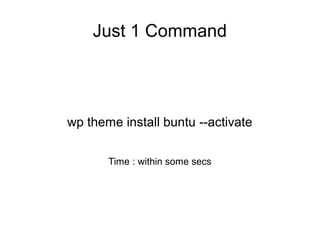
Just 1 Command
wp theme install buntu --activate
Time : within some secs
WP–CLI ?

Tool to manage WordPress from the command line

Super easy commands

Work super fast

Don’t touch browser
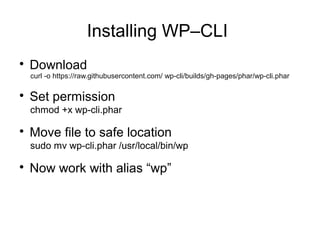
Installing WP–CLI

Download
curl -o https://raw.githubusercontent.com/ wp-cli/builds/gh-pages/phar/wp-cli.phar

Set permission
chmod +x wp-cli.phar

Move file to safe location
sudo mv wp-cli.phar /usr/local/bin/wp

Now work with alias “wp”
Let’s check whether it’s working or not.
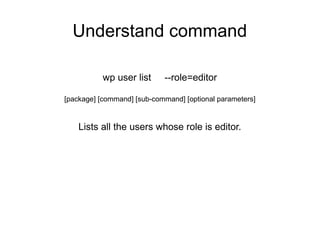
Understand command
wp user list --role=editor
[package] [command] [sub-command] [optional parameters]
Lists all the users whose role is editor.
Let’s try it ...
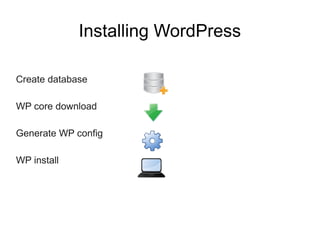
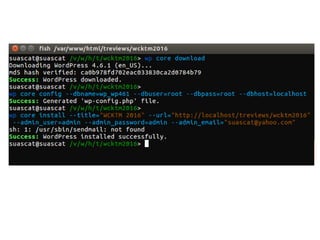
Installing WordPress
Create database
WP core download
Generate WP config
WP install
Managing Themes
Managing themes is quite easier from command line.
• Install
• Delete
• Activate
• Update
• Search
• .. much more
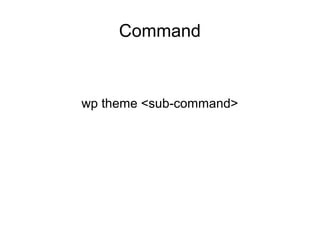
Command
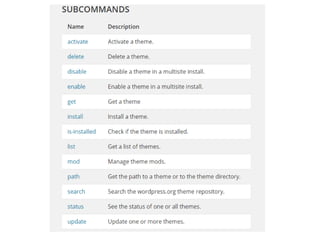
wp theme <sub-command>
Let’s try some commands...
Command: wp theme search
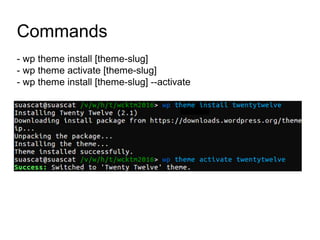
Commands
- wp theme install [theme-slug]
- wp theme activate [theme-slug]
- wp theme install [theme-slug] --activate
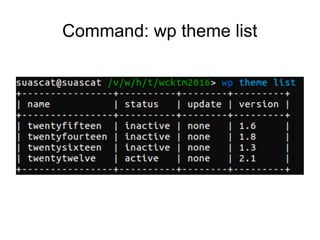
Command: wp theme list
Managing Plugins

managing themes is quite easier from command line
− Install
− Delete
− Activate
− Update
− Search
− .. much more
Command : wp plugin search
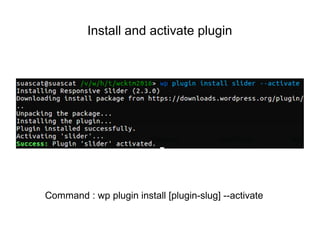
Install and activate plugin
Command : wp plugin install [plugin-slug] --activate
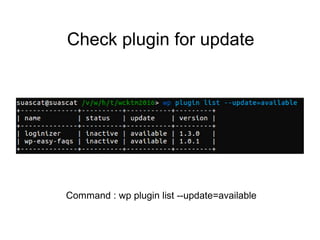
Check plugin for update
Command : wp plugin list --update=available
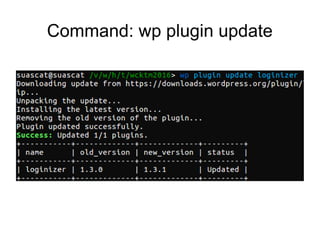
Command: wp plugin update
Manage Database

export

import

reset

drop

query

search/replace

...etc.
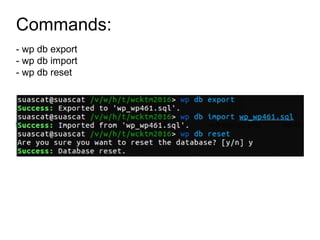
Let’s export & import the database..
Commands:
- wp db export
- wp db import
- wp db reset
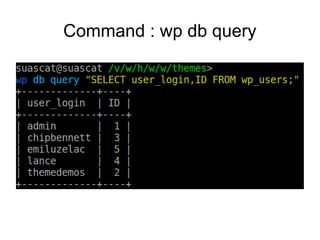
Query database ...
Command : wp db query
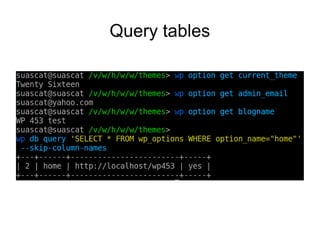
Query tables
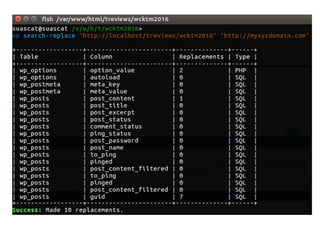
Search and Replace
Command
wp search replace <old-url><new-url>
Managing Media
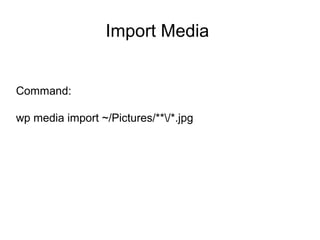
Import Media
Command:
wp media import ~/Pictures/**/*.jpg
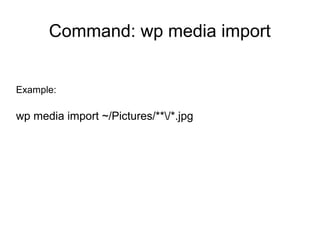
Example:
wp media import ~/Pictures/**/*.jpg
Command: wp media import
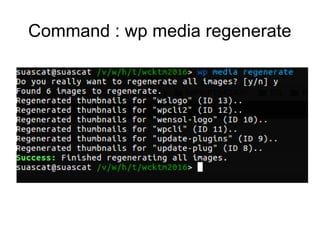
Command : wp media regenerate
Let’s go little advance !!
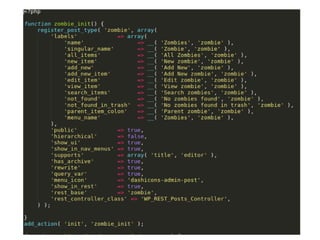
Do you always write code yourself for post types,
taxonomy ?
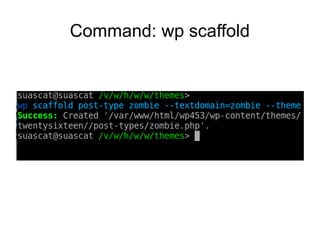
Scaffold
Command: wp scaffold
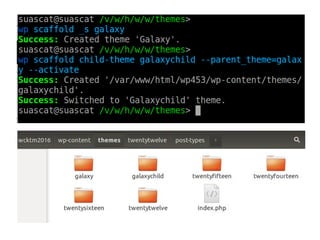
Scaffold for parent theme and child theme...
Multisite
Multisite : commands

wp core multisite-install

wp core multisite-convert
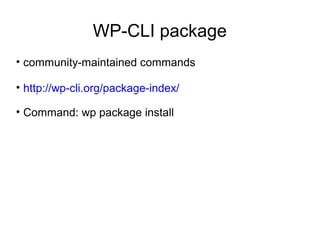
• community-maintained commands
• http://wp-cli.org/package-index/
• Command: wp package install
WP-CLI package
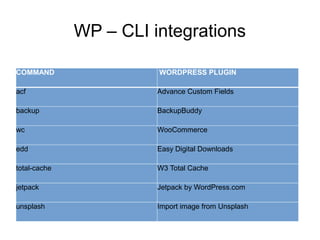
WP – CLI integrations
COMMAND WORDPRESS PLUGIN
acf Advance Custom Fields
backup BackupBuddy
wc WooCommerce
edd Easy Digital Downloads
total-cache W3 Total Cache
jetpack Jetpack by WordPress.com
unsplash Import image from Unsplash
Am gonna use it ….
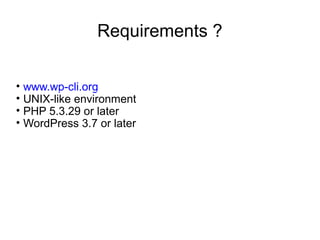
• www.wp-cli.org
• UNIX-like environment
• PHP 5.3.29 or later
• WordPress 3.7 or later
Requirements ?
Supporting Hosts
Any Questions ?
@suascat
http://suwash.com.np

Administer WordPress with WP-CLI