

WP-CLI: Save Time
by Managing
WordPress from the
Command Line
WordCamp Miami	

May 30, 2015	

@shawnhooper
• I’m Shawn Hooper, a web application
developer from Ottawa, Canada.
• I’ve been working in WordPress since
2009.
• I love the working from the command
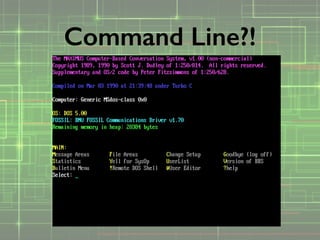
prompt, reminds me of my days running
a BBS (in the days before the Internet)
Hi!
Command Line?!
• A set of command line tools that allows
you to manage WordPress from the
command line.

• http://www.wp-cli.org/
What is WP-CLI ?
• Anyone really, but mostly:
• Developers
• Theme Designers
• Server Administrators
Who is this for?
Don’t Fear The
Command Line
• http://www.wp-cli.org/
• Requires PHP 3.5.2 or later
• Requires WordPress 3.5.2 or later
• A “UNIX-like” environment:
• OSX (Macintosh)
• Linux
• Cygwin (Windows)
What do you need?
• You need to have SSH access to use
WP-CLI. Some shared hosting packages
do not allow SSH access
• SiteGround, Pantheon, BlueHost,
GoDaddy, Media Temple, Windows
Azure and more now have CLI support.
• VPS services like Digital Ocean and
Linode are ideal.
Hosts
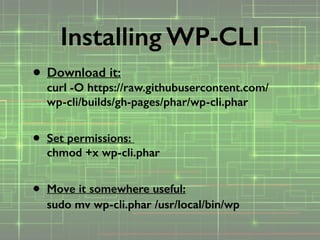
• Download it:

curl -O https://raw.githubusercontent.com/
wp-cli/builds/gh-pages/phar/wp-cli.phar

• Set permissions: 

chmod +x wp-cli.phar

• Move it somewhere useful:

sudo mv wp-cli.phar /usr/local/bin/wp 

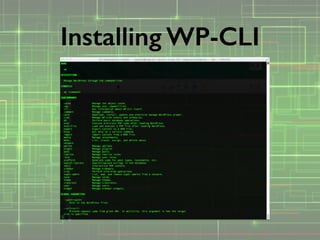
Installing WP-CLI
• Does it work? Type:


wp

Installing WP-CLI
Installing WP-CLI
Congratulations!
(that was the hard part)
Great… It’s installed.
So now what….
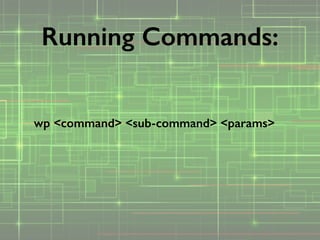
wp <command> <sub-command> <params>
Running Commands:
<param> — required
[—param] — optional flag
[—param=<value>] — optional w/ value
Running Commands:
• Check current WordPress version, or
see if there are updates available.
• Do the update!
• Install a brand new site
• Convert an existing site to Multisite!
• Verify core checksums
core
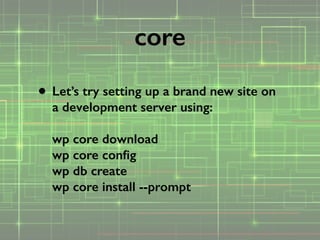
• Let’s try setting up a brand new site on
a development server using:


wp core download

wp core config

wp db create

wp core install --prompt
core
• Install, Delete Plugins
• Activate & Deactivate Plugins
• Update Plugins
• Search the repository for plugins
plugin
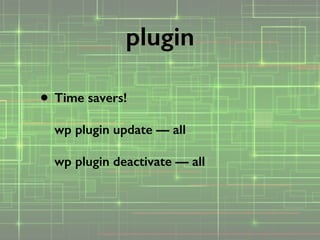
• Time savers!


wp plugin update — all


wp plugin deactivate — all
plugin
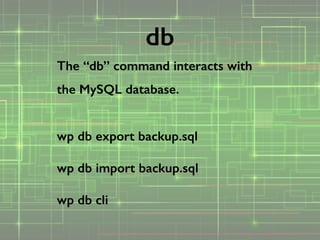
The “db” command interacts with
the MySQL database.
!
wp db export backup.sql


wp db import backup.sql


wp db cli
db
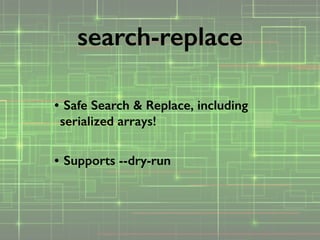
• Safe Search & Replace, including
serialized arrays!

• Supports --dry-run
search-replace
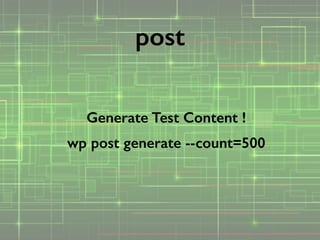
Generate Test Content !
wp post generate --count=500
post
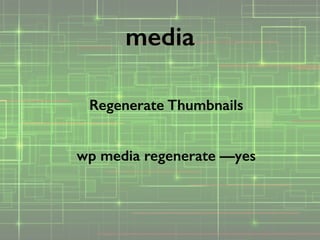
Regenerate Thumbnails
!
wp media regenerate —yes
media
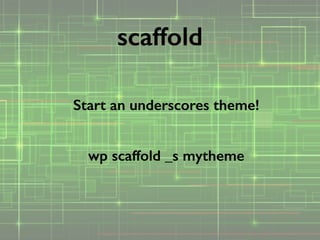
Start an underscores theme!
!
wp scaffold _s mytheme
scaffold
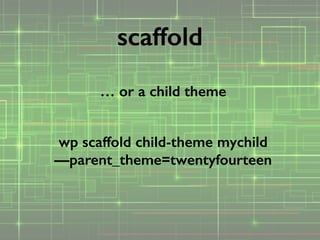
… or a child theme
!
wp scaffold child-theme mychild
—parent_theme=twentyfourteen
scaffold
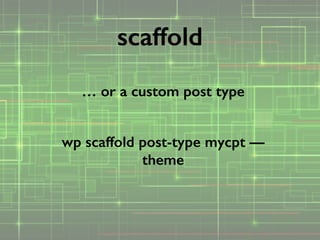
… or a custom post type
!
wp scaffold post-type mycpt —
theme
scaffold
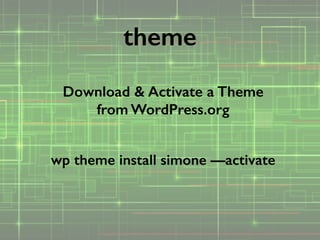
Download & Activate a Theme
from WordPress.org
!
wp theme install simone —activate
theme
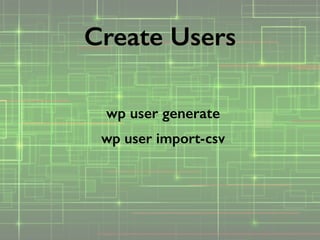
wp user generate
wp user import-csv
Create Users
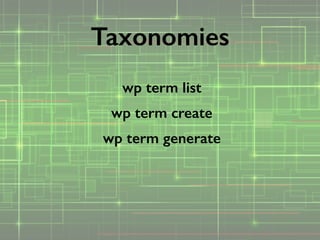
wp term list
wp term create
wp term generate
Taxonomies
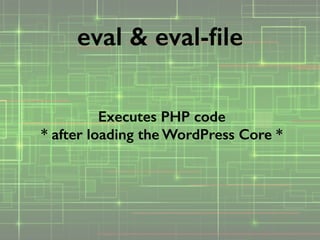
Executes PHP code

* after loading the WordPress Core *
eval & eval-file
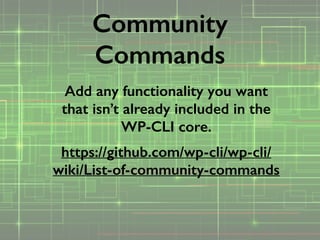
Add any functionality you want
that isn’t already included in the
WP-CLI core.
https://github.com/wp-cli/wp-cli/
wiki/List-of-community-commands
Community
Commands
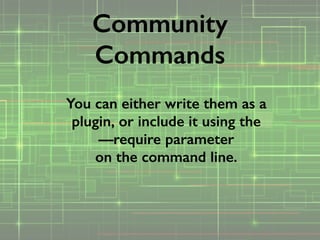
You can either write them as a
plugin, or include it using the

—require parameter

on the command line.
Community
Commands
Thank you!
!
E-Mail: shawn@fivesense.ca
Twitter: @shawnhooper
!
www.shawnhooper.ca

WP-CLI - WordCamp Miami 2015

  • 1.
    WP-CLI: Save Time byManaging WordPress from the Command Line WordCamp Miami May 30, 2015 @shawnhooper
  • 2.
    • I’m ShawnHooper, a web application developer from Ottawa, Canada. • I’ve been working in WordPress since 2009. • I love the working from the command prompt, reminds me of my days running a BBS (in the days before the Internet) Hi!
  • 3.
  • 4.
    • A setof command line tools that allows you to manage WordPress from the command line.
 • http://www.wp-cli.org/ What is WP-CLI ?
  • 5.
    • Anyone really,but mostly: • Developers • Theme Designers • Server Administrators Who is this for?
  • 6.
  • 7.
    • http://www.wp-cli.org/ • RequiresPHP 3.5.2 or later • Requires WordPress 3.5.2 or later • A “UNIX-like” environment: • OSX (Macintosh) • Linux • Cygwin (Windows) What do you need?
  • 8.
    • You needto have SSH access to use WP-CLI. Some shared hosting packages do not allow SSH access • SiteGround, Pantheon, BlueHost, GoDaddy, Media Temple, Windows Azure and more now have CLI support. • VPS services like Digital Ocean and Linode are ideal. Hosts
  • 9.
    • Download it:
 curl-O https://raw.githubusercontent.com/ wp-cli/builds/gh-pages/phar/wp-cli.phar
 • Set permissions: 
 chmod +x wp-cli.phar
 • Move it somewhere useful:
 sudo mv wp-cli.phar /usr/local/bin/wp 
 Installing WP-CLI
  • 10.
    • Does itwork? Type:
 
 wp
 Installing WP-CLI
  • 11.
  • 12.
  • 13.
  • 14.
    wp <command> <sub-command><params> Running Commands:
  • 15.
    <param> — required [—param]— optional flag [—param=<value>] — optional w/ value Running Commands:
  • 16.
    • Check currentWordPress version, or see if there are updates available. • Do the update! • Install a brand new site • Convert an existing site to Multisite! • Verify core checksums core
  • 17.
    • Let’s trysetting up a brand new site on a development server using:
 
 wp core download
 wp core config
 wp db create
 wp core install --prompt core
  • 18.
    • Install, DeletePlugins • Activate & Deactivate Plugins • Update Plugins • Search the repository for plugins plugin
  • 19.
    • Time savers!
 
 wpplugin update — all
 
 wp plugin deactivate — all plugin
  • 20.
    The “db” commandinteracts with the MySQL database. ! wp db export backup.sql
 
 wp db import backup.sql
 
 wp db cli db
  • 21.
    • Safe Search& Replace, including serialized arrays!
 • Supports --dry-run search-replace
  • 22.
    Generate Test Content! wp post generate --count=500 post
  • 23.
    Regenerate Thumbnails ! wp mediaregenerate —yes media
  • 24.
    Start an underscorestheme! ! wp scaffold _s mytheme scaffold
  • 25.
    … or achild theme ! wp scaffold child-theme mychild —parent_theme=twentyfourteen scaffold
  • 26.
    … or acustom post type ! wp scaffold post-type mycpt — theme scaffold
  • 27.
    Download & Activatea Theme from WordPress.org ! wp theme install simone —activate theme
  • 28.
    wp user generate wpuser import-csv Create Users
  • 29.
    wp term list wpterm create wp term generate Taxonomies
  • 30.
    Executes PHP code
 *after loading the WordPress Core * eval & eval-file
  • 31.
    Add any functionalityyou want that isn’t already included in the WP-CLI core. https://github.com/wp-cli/wp-cli/ wiki/List-of-community-commands Community Commands
  • 32.
    You can eitherwrite them as a plugin, or include it using the
 —require parameter
 on the command line. Community Commands
  • 33.
    Thank you! ! E-Mail: shawn@fivesense.ca Twitter:@shawnhooper ! www.shawnhooper.ca