Allocations Management in
Abila MIP
Live Webinar:
Webinar Audio:
You can dial the telephone numbers located on your webinar panel.
Or listen in using your headphones or computer speakers.
Welcome!
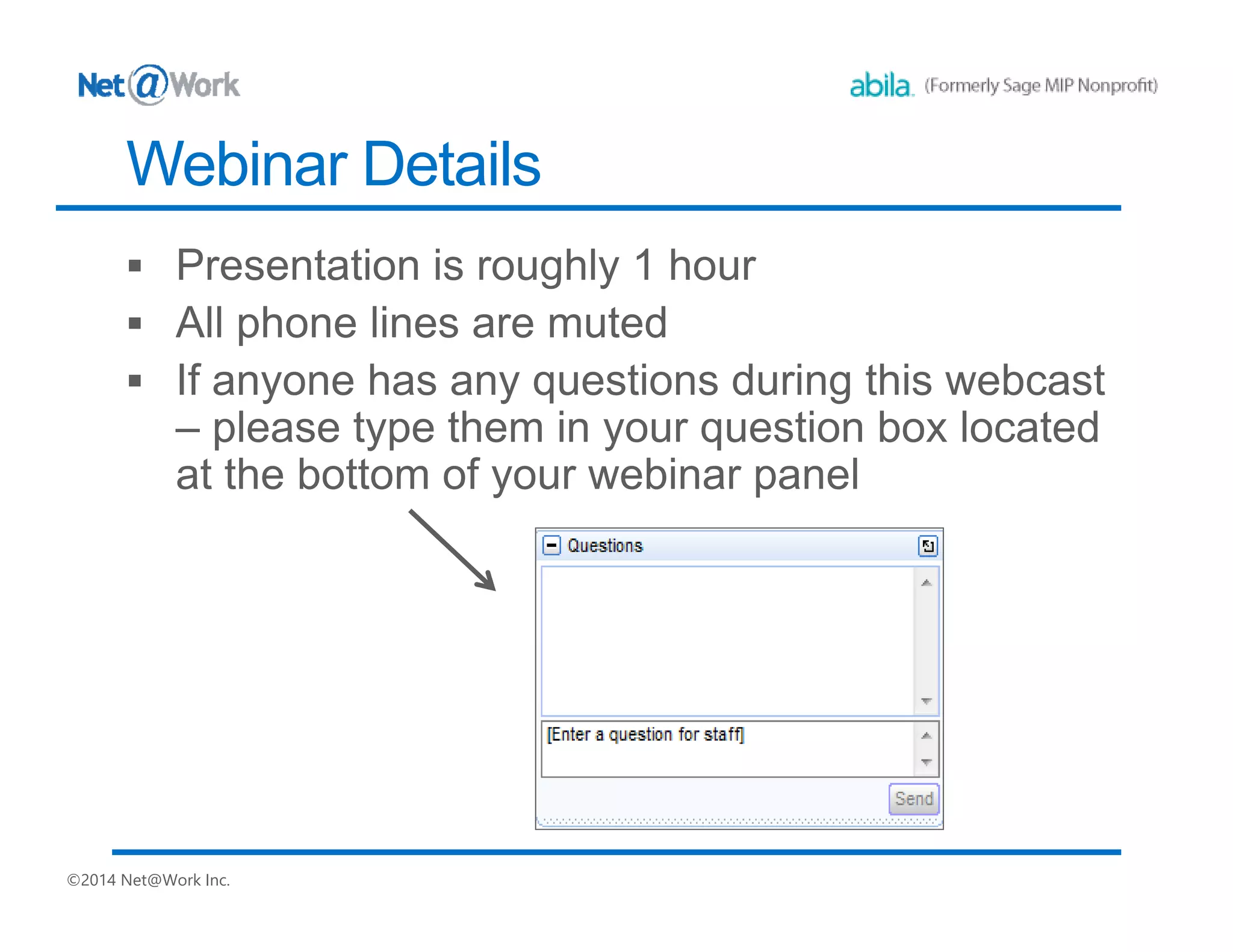
Webinar Details
• Presentation is roughly 60 minutes
• All phone lines are muted
• We will have about 10 minutes for questions after the
presentation. Please type your questions in the box located at
the bottom of your webinar panel.
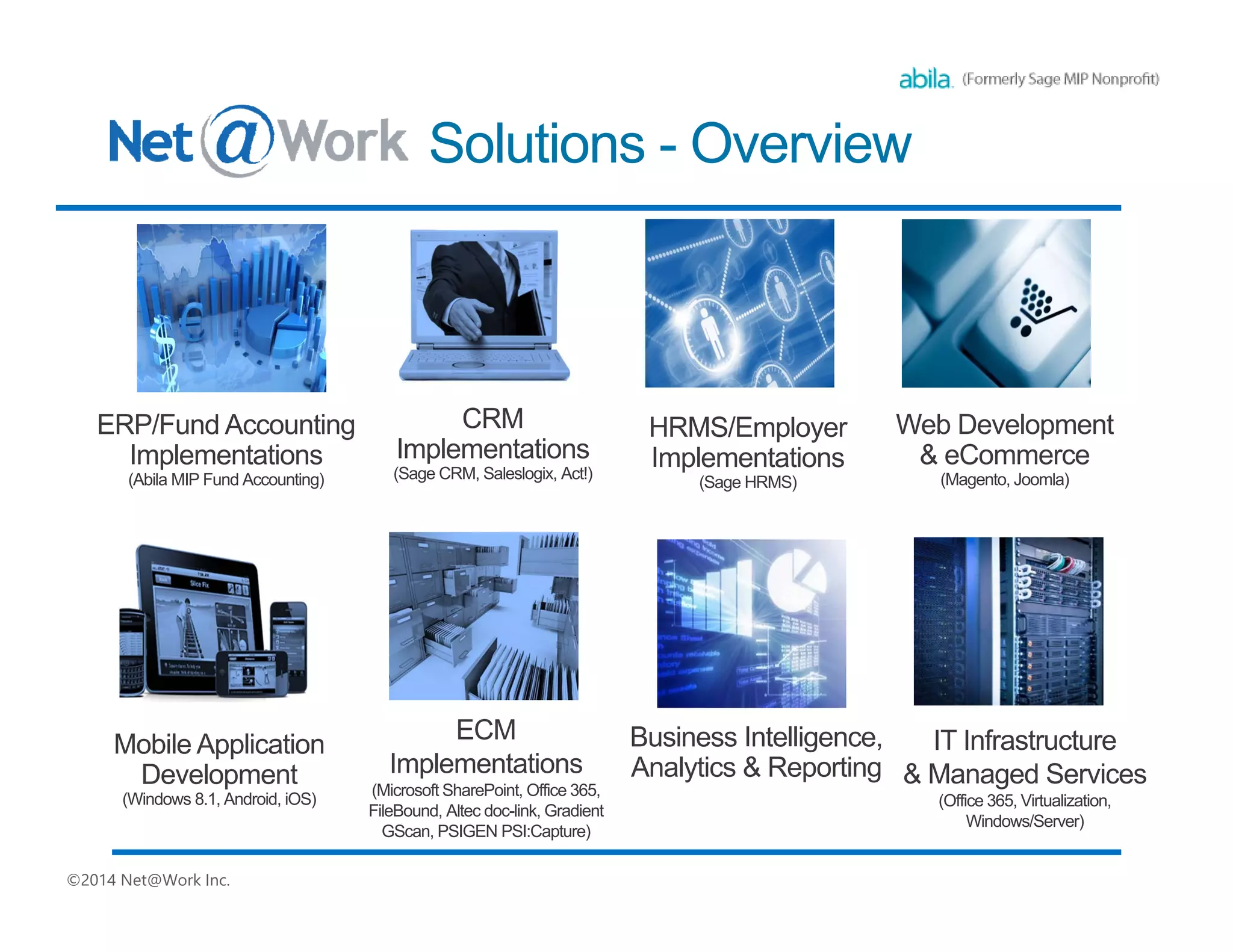
180+ Business
Technology
Architects and
Consultants
IT Road
Mapping
& Strategic Planning
Business
Process Review
Ecosystem
BI, Analytics
& Reporting
Cloud & IT
Managed Services
ERP/
Accounting
Web Development
& e-Commerce
Sister Company
Payment
Processing
SWYPE
Sister Company
CRM &
Marketing
Automation
HRMS/
Employer Solutions
Document
Management
Nonprofit
Solutions
Managed Print
Services
Sister Company
Net@Work Overview
Today’s Presenters
Jane Houle
Net@Work - Nonprofit Solutions
Team Leader
Your MIP Business Partner
Today’s Agenda
▪ Allocating Expenses in MIP
▪ Distribution Codes
▪ Allocations Module
▪ How does the Allocation Module Work?
▪ Allocation Codes
▪ Allocation Processing
▪ Reports
▪ Comparing Methods in MIP
▪ Questions?
Allocations Module
Allocation Codes
Method: Select one of the following methods to:
•Table - Set percentages, units, and/or monetary amounts for each Recipient Code combination.
•Indirect Cost Rate - Set an Indirect Cost Rate for each Recipient ICR segment code. Cost allocation amounts are calculated based on
the indirect cost rate.
•Relative Account Balances - Have the system calculate allocation percentages for each Recipient Code combination. Percentages are
based on account balances covering the Balances From through Balances To date range.
•Weighted Average Daily Balance - Have the system calculate allocation percentages for each Recipient Code combination.
Percentages are based on the days carried until the balance amount changes.
•Employee Headcount - Have the system calculate allocation percentages based on the number of employees per Allocation Code
combination covering the Balances From through Balances To date range.
•Labor Hours - Have the system calculate allocation percentages based on the hours worked per Allocation Code Combination covering
the Balances From through Balances To date range.
•Transaction Count - Have the system calculate allocation percentages based on the number of transaction lines per Allocation Code
combination covering the Balances From through Balances To date range.
•UDF Unit Measures - Have the system calculate allocation percentages based on the relative balances for each numeric user defined
field selected per Allocation Code combination covering the Balances From through Balance To date range.
Process Allocation
Dates:
Period, Amounts From, Amounts To: Enter the date range defining the monetary amounts to be allocated for the
selected allocation code. The system automatically displays the value of the default period that was selected on the
Process Information Tab. Period can be changed without affecting the Default Period. However, editing the date range
changes the Period to “Custom.”
Period, Balances From, Balances To: Enter the date range defining the monetary amounts to calculate the
allocations. The system automatically displays the value of the default period that was selected on the Process
Information Tab. Period can be changed without affecting the Default Period. However, editing the date range changes
the Period to “Custom.” These columns are only available if the allocation code uses the Employee Headcount,
Indirect Cost Rate, Labor Hours, Relative Account Balances, Transaction Count, UDF Unit Measures, or Weighted
Average Daily Balance allocation methods (Maintain>Allocation Codes - Allocation Tab).
Allocation Processing
Into Allocations in MIP
Please type in
your questions
Any Questions?
Online Webinars
• September 21 - Accounts Receivable Reporting and Billing
• October 12 - Using Abila Payroll , Human Resources
Management, Employee Web Services and Benefits
Enrollment
Regional 2-day MIP Jump Start Training
Chicago – September 14 and 15
Kansas City, MO – November 8, 9 and 10
( Optional Payroll/HR training day 3)
Advanced ½ day Seminars
New York City – December 11
Regional User Groups? You tell us!
Chicago – Kansas City – New York - California
Upcoming at Net@Work
Questions about your software? Need training or consulting services? Interested in another module for added functionality?
Thank You For Attending!
Jane Houle
Net@Work - Nonprofit Solutions
Team Leader
Email: jhoule@netatwork.com
Phone: 312-651-0364
800-719-3307
www.netatwork.com
netatwork.com/blog
Net@Work YouTube
Follow us on Twitter: @netatwork_corp
Follow Net@Work on LinkedIn
Follow Net@Work on Google+
Follow Net@Work on Facebook
Connect
with us
Julie Archer | Net@Work
jarcher@netatwork.com
417-520-3718
David Marks | Net@Work
dmarks@netatwork.com
646-517-6164
Customer Account Managers:
Danae Knapp
Net@Work - Nonprofit Solutions
Business Analyst / Consultant
dknapp@netatwork.com
Phone: 417-520-3717

The Allocation Management Module for Abila MIP

  • 1.
    Allocations Management in AbilaMIP Live Webinar: Webinar Audio: You can dial the telephone numbers located on your webinar panel. Or listen in using your headphones or computer speakers. Welcome!
  • 2.
    Webinar Details • Presentationis roughly 60 minutes • All phone lines are muted • We will have about 10 minutes for questions after the presentation. Please type your questions in the box located at the bottom of your webinar panel.
  • 3.
    180+ Business Technology Architects and Consultants ITRoad Mapping & Strategic Planning Business Process Review Ecosystem BI, Analytics & Reporting Cloud & IT Managed Services ERP/ Accounting Web Development & e-Commerce Sister Company Payment Processing SWYPE Sister Company CRM & Marketing Automation HRMS/ Employer Solutions Document Management Nonprofit Solutions Managed Print Services Sister Company Net@Work Overview
  • 4.
    Today’s Presenters Jane Houle Net@Work- Nonprofit Solutions Team Leader Your MIP Business Partner
  • 5.
    Today’s Agenda ▪ AllocatingExpenses in MIP ▪ Distribution Codes ▪ Allocations Module ▪ How does the Allocation Module Work? ▪ Allocation Codes ▪ Allocation Processing ▪ Reports ▪ Comparing Methods in MIP ▪ Questions?
  • 6.
  • 7.
    Allocation Codes Method: Selectone of the following methods to: •Table - Set percentages, units, and/or monetary amounts for each Recipient Code combination. •Indirect Cost Rate - Set an Indirect Cost Rate for each Recipient ICR segment code. Cost allocation amounts are calculated based on the indirect cost rate. •Relative Account Balances - Have the system calculate allocation percentages for each Recipient Code combination. Percentages are based on account balances covering the Balances From through Balances To date range. •Weighted Average Daily Balance - Have the system calculate allocation percentages for each Recipient Code combination. Percentages are based on the days carried until the balance amount changes. •Employee Headcount - Have the system calculate allocation percentages based on the number of employees per Allocation Code combination covering the Balances From through Balances To date range. •Labor Hours - Have the system calculate allocation percentages based on the hours worked per Allocation Code Combination covering the Balances From through Balances To date range. •Transaction Count - Have the system calculate allocation percentages based on the number of transaction lines per Allocation Code combination covering the Balances From through Balances To date range. •UDF Unit Measures - Have the system calculate allocation percentages based on the relative balances for each numeric user defined field selected per Allocation Code combination covering the Balances From through Balance To date range.
  • 8.
    Process Allocation Dates: Period, AmountsFrom, Amounts To: Enter the date range defining the monetary amounts to be allocated for the selected allocation code. The system automatically displays the value of the default period that was selected on the Process Information Tab. Period can be changed without affecting the Default Period. However, editing the date range changes the Period to “Custom.” Period, Balances From, Balances To: Enter the date range defining the monetary amounts to calculate the allocations. The system automatically displays the value of the default period that was selected on the Process Information Tab. Period can be changed without affecting the Default Period. However, editing the date range changes the Period to “Custom.” These columns are only available if the allocation code uses the Employee Headcount, Indirect Cost Rate, Labor Hours, Relative Account Balances, Transaction Count, UDF Unit Measures, or Weighted Average Daily Balance allocation methods (Maintain>Allocation Codes - Allocation Tab).
  • 9.
  • 10.
  • 11.
  • 12.
    Please type in yourquestions Any Questions?
  • 13.
    Online Webinars • September21 - Accounts Receivable Reporting and Billing • October 12 - Using Abila Payroll , Human Resources Management, Employee Web Services and Benefits Enrollment Regional 2-day MIP Jump Start Training Chicago – September 14 and 15 Kansas City, MO – November 8, 9 and 10 ( Optional Payroll/HR training day 3) Advanced ½ day Seminars New York City – December 11 Regional User Groups? You tell us! Chicago – Kansas City – New York - California Upcoming at Net@Work
  • 14.
    Questions about yoursoftware? Need training or consulting services? Interested in another module for added functionality? Thank You For Attending! Jane Houle Net@Work - Nonprofit Solutions Team Leader Email: jhoule@netatwork.com Phone: 312-651-0364 800-719-3307 www.netatwork.com netatwork.com/blog Net@Work YouTube Follow us on Twitter: @netatwork_corp Follow Net@Work on LinkedIn Follow Net@Work on Google+ Follow Net@Work on Facebook Connect with us Julie Archer | Net@Work jarcher@netatwork.com 417-520-3718 David Marks | Net@Work dmarks@netatwork.com 646-517-6164 Customer Account Managers: Danae Knapp Net@Work - Nonprofit Solutions Business Analyst / Consultant dknapp@netatwork.com Phone: 417-520-3717