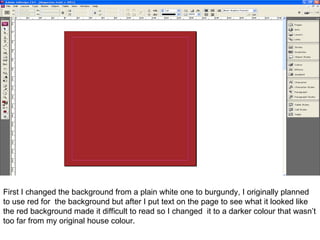
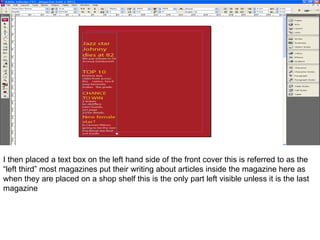
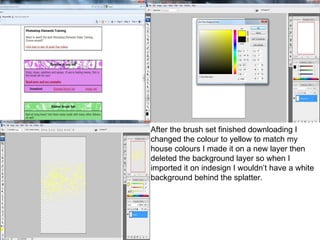
The document describes the process of designing a magazine cover and contents page in Adobe InDesign. Key steps include changing the background color, adding a title with a brush effect in Photoshop and importing into InDesign, positioning text boxes and articles on the left side, and centering the main cover photo while ensuring text is readable around images. The contents page similarly positions articles on the left and sections on the right, with page numbers on the bottom.