Presentation of written work  Presenting data; structuring long documents; using styles; adding tables of contents
Presenting data Main principle: clarity for the reader Bell, J  Doing your research  project (3 rd  ed) Buckingham: Open University Press, 1999 chapter 12 List, category, rank, scale, quantity, grid, verbal Become familiar with how to present different forms of data
Graphs For sophisticated data analysis, use a package such as  SPSS MS Word creates graphs Choose the best way to display data so that it is clear for the reader
Long documents Organisation of ideas Sections with headings Use a  template  (make your own and use again and again) Find out how to get the computer to do some of the work for you! www.ucs.ed.ac.uk http://webdb.ucs.ed.ac.uk/eucscourses/courselist/   http://www.ucs.ed.ac.uk/usd/iss/ol/comms/netskills.html
Structure of long documents Choice of headings Numbering sections Either indented first line OR block paragraphs with line space between Use paragraphs Help the reader – indicate the structure
Long documents – headings and margins Include page numbers (in the “footer” – VIEW > HEADER & FOOTER) Follow guidelines in handbook for line spacing and margins Help the reader – indicate the structure
Organising ideas Paragraphs should have one main idea Make sure paragraphs are linked Explain to the reader Use headings when creating drafts; discard some later Don’t tell stories!
Introduction – last for writer, first for reader Limit the information – think about the reader (who do you expect to read this?) Study introductions in journal articles: how much information? How much background? How much about organisation?
Academic style Collect useful phrases from your reading Tenses: (Swales 1990: 153) Present tense for generalisations Past tense for references to specific research Present perfect for areas of enquiry Avoiding first person Swales, JM  Genre Analysis: English in academic and research settings  CUP: 1990
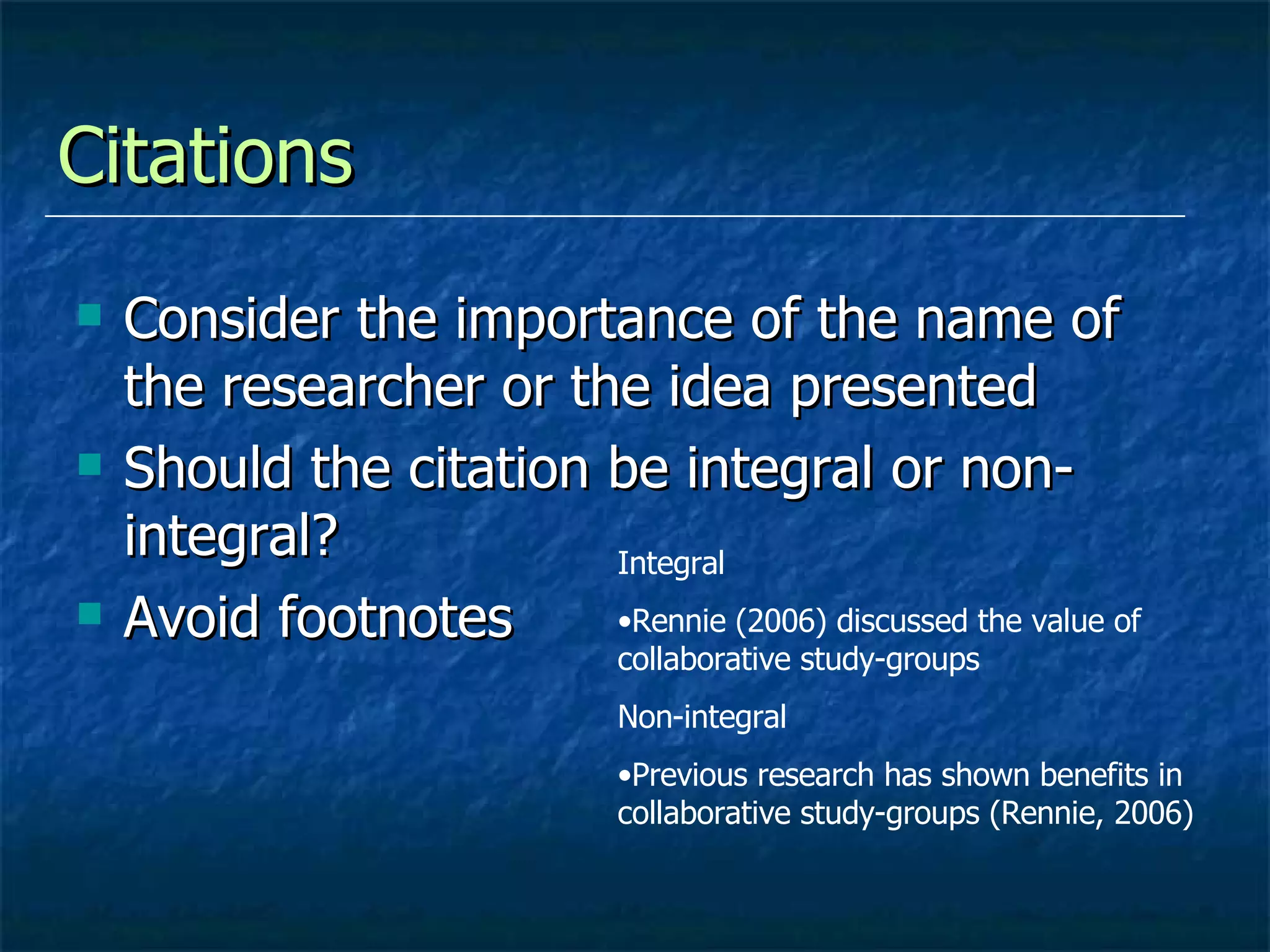
Citations  Consider the importance of the name of the researcher or the idea presented Should the citation be integral or non-integral? Avoid footnotes Integral Rennie (2006) discussed the value of collaborative study-groups Non-integral Previous research has shown benefits in collaborative study-groups (Rennie, 2006)
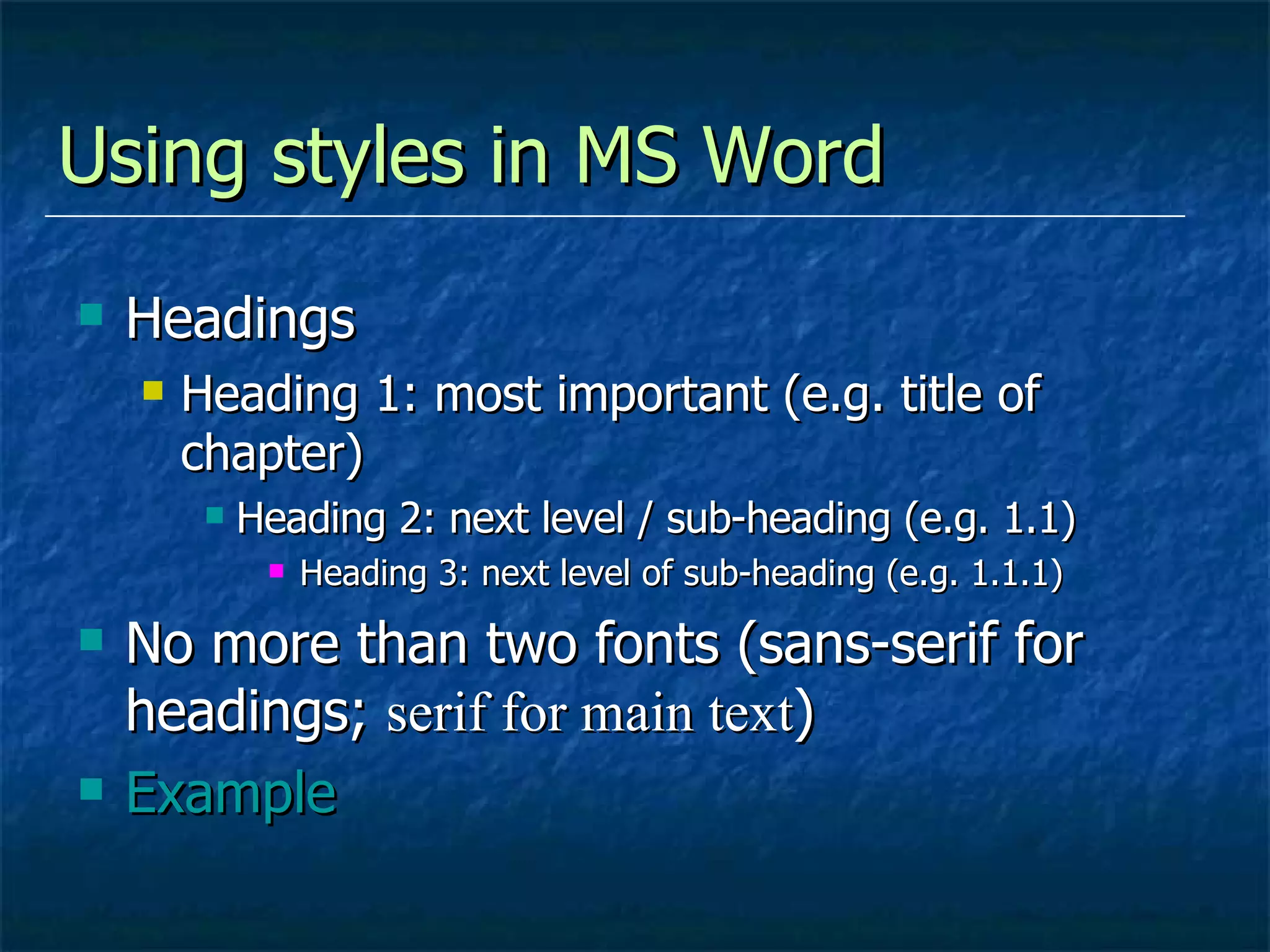
Using styles in MS Word Headings Heading 1: most important (e.g. title of chapter) Heading 2: next level / sub-heading (e.g. 1.1) Heading 3: next level of sub-heading (e.g. 1.1.1) No more than two fonts (sans-serif for headings;  serif for main text ) Example
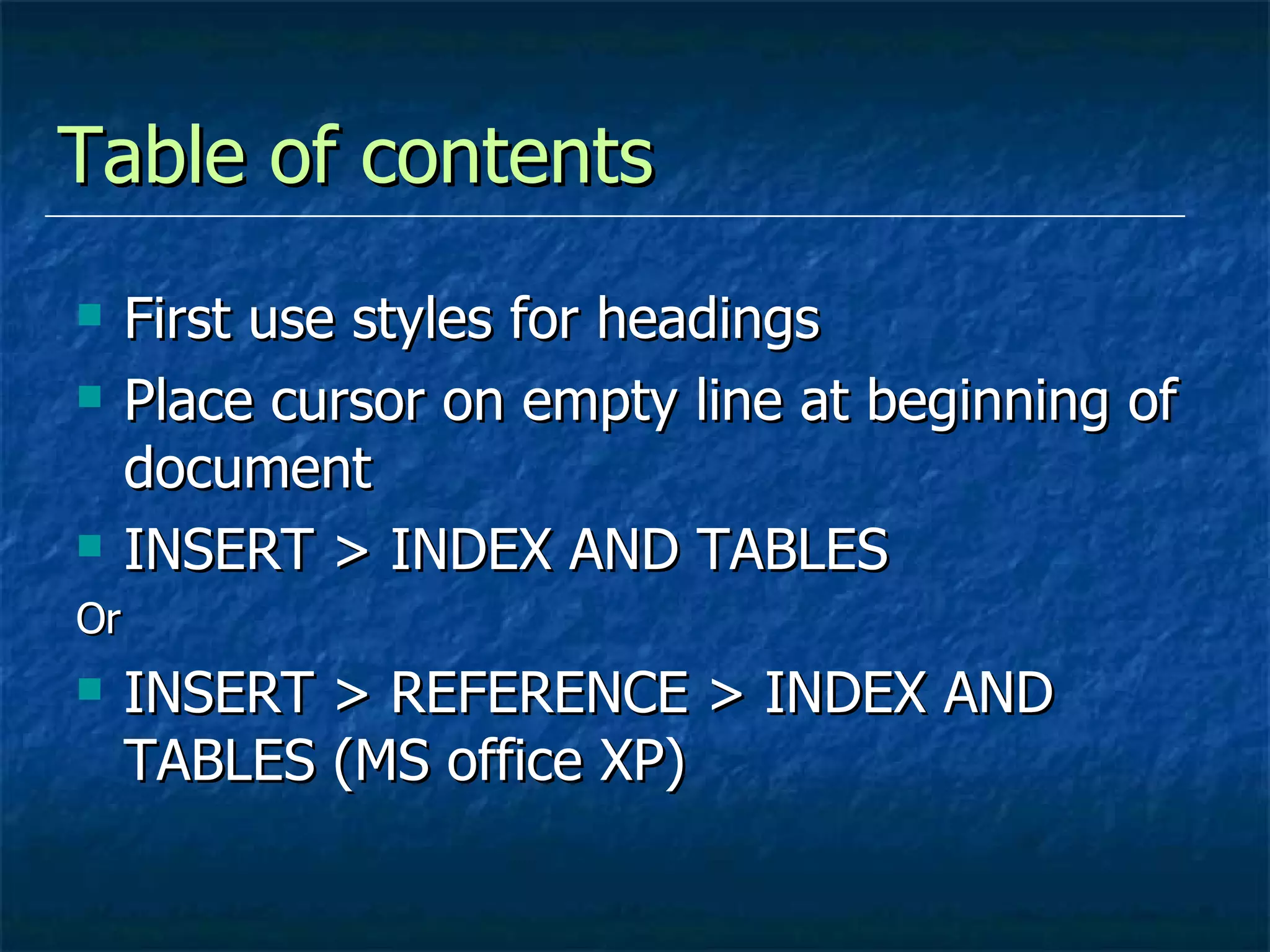
Table of contents First use styles for headings Place cursor on empty line at beginning of document INSERT > INDEX AND TABLES Or INSERT > REFERENCE > INDEX AND TABLES (MS office XP)
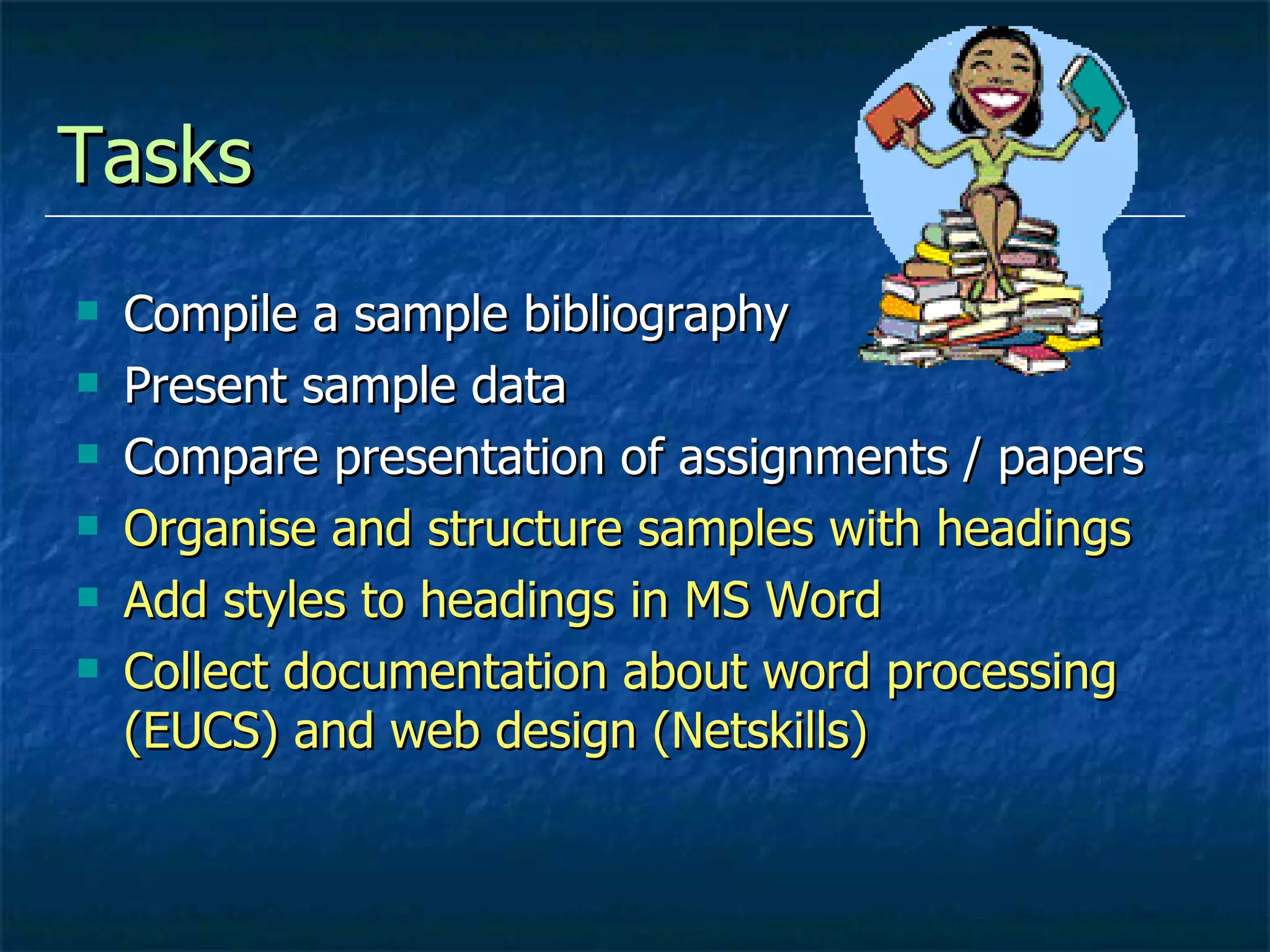
Tasks  Compile a sample bibliography Present sample data Compare presentation of assignments / papers Organise and structure samples with headings Add styles to headings in MS Word Collect documentation about word processing  (EUCS) and web design (Netskills)

5 Presentation of academic papers

  • 1.
    Presentation of writtenwork Presenting data; structuring long documents; using styles; adding tables of contents
  • 2.
    Presenting data Mainprinciple: clarity for the reader Bell, J Doing your research project (3 rd ed) Buckingham: Open University Press, 1999 chapter 12 List, category, rank, scale, quantity, grid, verbal Become familiar with how to present different forms of data
  • 3.
    Graphs For sophisticateddata analysis, use a package such as SPSS MS Word creates graphs Choose the best way to display data so that it is clear for the reader
  • 4.
    Long documents Organisationof ideas Sections with headings Use a template (make your own and use again and again) Find out how to get the computer to do some of the work for you! www.ucs.ed.ac.uk http://webdb.ucs.ed.ac.uk/eucscourses/courselist/ http://www.ucs.ed.ac.uk/usd/iss/ol/comms/netskills.html
  • 5.
    Structure of longdocuments Choice of headings Numbering sections Either indented first line OR block paragraphs with line space between Use paragraphs Help the reader – indicate the structure
  • 6.
    Long documents –headings and margins Include page numbers (in the “footer” – VIEW > HEADER & FOOTER) Follow guidelines in handbook for line spacing and margins Help the reader – indicate the structure
  • 7.
    Organising ideas Paragraphsshould have one main idea Make sure paragraphs are linked Explain to the reader Use headings when creating drafts; discard some later Don’t tell stories!
  • 8.
    Introduction – lastfor writer, first for reader Limit the information – think about the reader (who do you expect to read this?) Study introductions in journal articles: how much information? How much background? How much about organisation?
  • 9.
    Academic style Collectuseful phrases from your reading Tenses: (Swales 1990: 153) Present tense for generalisations Past tense for references to specific research Present perfect for areas of enquiry Avoiding first person Swales, JM Genre Analysis: English in academic and research settings CUP: 1990
  • 10.
    Citations Considerthe importance of the name of the researcher or the idea presented Should the citation be integral or non-integral? Avoid footnotes Integral Rennie (2006) discussed the value of collaborative study-groups Non-integral Previous research has shown benefits in collaborative study-groups (Rennie, 2006)
  • 11.
    Using styles inMS Word Headings Heading 1: most important (e.g. title of chapter) Heading 2: next level / sub-heading (e.g. 1.1) Heading 3: next level of sub-heading (e.g. 1.1.1) No more than two fonts (sans-serif for headings; serif for main text ) Example
  • 12.
    Table of contentsFirst use styles for headings Place cursor on empty line at beginning of document INSERT > INDEX AND TABLES Or INSERT > REFERENCE > INDEX AND TABLES (MS office XP)
  • 13.
    Tasks Compilea sample bibliography Present sample data Compare presentation of assignments / papers Organise and structure samples with headings Add styles to headings in MS Word Collect documentation about word processing (EUCS) and web design (Netskills)