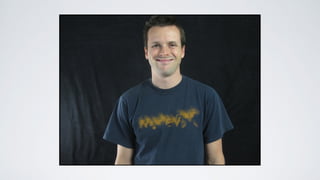
LIGHTS, CAMERA,AUDIO,ACTION!
How to film videos that sell.
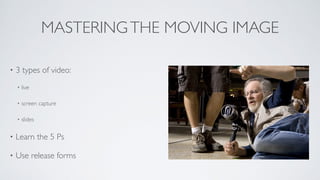
MASTERINGTHE MOVING IMAGE
• 3 types of video:	

• live	

• screen capture	

• slides	

• Learn the 5 Ps	

• Use release forms
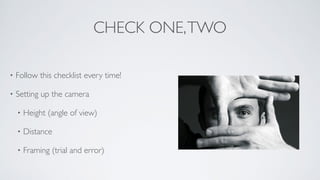
CHECK ONE,TWO
• Follow this checklist every time!	

• Setting up the camera	

• Height (angle of view)	

• Distance	

• Framing (trial and error)
CHECK ONE,TWO
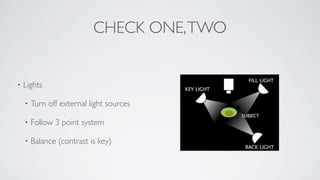
• Lights	

• Turn off external light sources	

• Follow 3 point system	


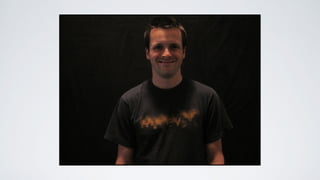
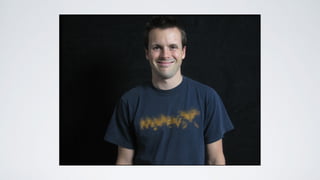
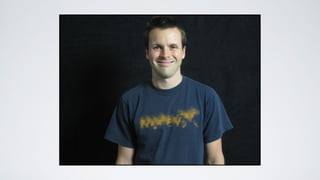
• Balance (contrast is key)
CHECK ONE,TWO
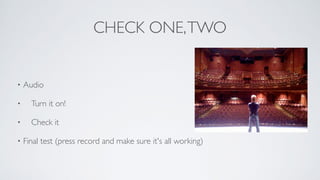
• Audio	

• 	

 Turn it on!	

• 	

 Check it	

• Final test (press record and make sure it's all working)
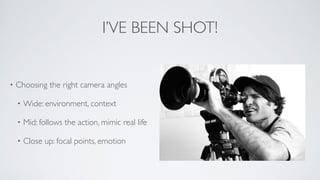
I’VE BEEN SHOT!
• Choosing the right camera angles	

• Wide: environment, context	

• Mid: follows the action, mimic real life	

• Close up: focal points, emotion
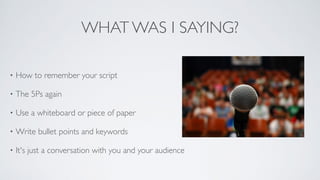
WHAT WAS I SAYING?
• How to remember your script	

• The 5Ps again	

• Use a whiteboard or piece of paper	

• Write bullet points and keywords	

• It's just a conversation with you and your audience
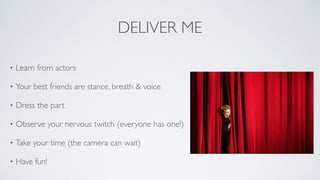
DELIVER ME
• Learn from actors	

• Your best friends are stance, breath & voice 	

• Dress the part	

• Observe your nervous twitch (everyone has one!)	

• Take your time (the camera can wait)	

• Have fun!
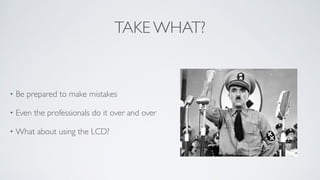
TAKE WHAT?
• Be prepared to make mistakes	

• Even the professionals do it over and over 	

• What about using the LCD?
TRICKS FOR EDITING
• Break down the content into sections	

• Start and end in the same position	

• Don't keep everything	

• The BBS example
SCREEN CAPTURE
• Versatile (perfect for tutorials, training,
providing feedback, case studies, grabs)	

• Two main programs: Screenflow and
Camtasia	

• Use computer's built-in mic or a
bluetooth headset	

• Record then animate
SLIDE RIGHT IN
• Use Powerpoint or Keynote	

• Great for phone/Skype interviews	

• Record audio first	

• 1 or 2 fonts, colours & sizes
QUESTIONS

Filming Web Videos Made Easy

  • 1.
    LIGHTS, CAMERA,AUDIO,ACTION! How tofilm videos that sell.
  • 2.
    MASTERINGTHE MOVING IMAGE •3 types of video: • live • screen capture • slides • Learn the 5 Ps • Use release forms
  • 3.
    CHECK ONE,TWO • Followthis checklist every time! • Setting up the camera • Height (angle of view) • Distance • Framing (trial and error)
  • 4.
    CHECK ONE,TWO • Lights •Turn off external light sources • Follow 3 point system • Balance (contrast is key)
  • 10.
    CHECK ONE,TWO • Audio • Turn it on! • Check it • Final test (press record and make sure it's all working)
  • 11.
    I’VE BEEN SHOT! •Choosing the right camera angles • Wide: environment, context • Mid: follows the action, mimic real life • Close up: focal points, emotion
  • 12.
    WHAT WAS ISAYING? • How to remember your script • The 5Ps again • Use a whiteboard or piece of paper • Write bullet points and keywords • It's just a conversation with you and your audience
  • 13.
    DELIVER ME • Learnfrom actors • Your best friends are stance, breath & voice • Dress the part • Observe your nervous twitch (everyone has one!) • Take your time (the camera can wait) • Have fun!
  • 14.
    TAKE WHAT? • Beprepared to make mistakes • Even the professionals do it over and over • What about using the LCD?
  • 15.
    TRICKS FOR EDITING •Break down the content into sections • Start and end in the same position • Don't keep everything • The BBS example
  • 16.
    SCREEN CAPTURE • Versatile(perfect for tutorials, training, providing feedback, case studies, grabs) • Two main programs: Screenflow and Camtasia • Use computer's built-in mic or a bluetooth headset • Record then animate
  • 17.
    SLIDE RIGHT IN •Use Powerpoint or Keynote • Great for phone/Skype interviews • Record audio first • 1 or 2 fonts, colours & sizes
  • 18.