




21st Century Teachers and
        Students
What is ICT
ICT is..

to consider all the uses of digital
technology that already exist to help
individuals, businesses and
organisations use information.
ICT in Education
Information and Communication Technology
(ICT) can contribute to universal access to
education, equity in education, the delivery of
quality learning and teaching, teachers’
professional development and more efficient
education management, governance and
administration
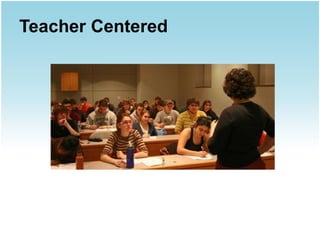
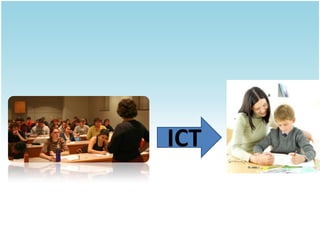
Teacher Centered
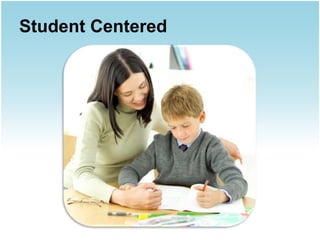
Student Centered
ICT
ICT act as a Facilitator


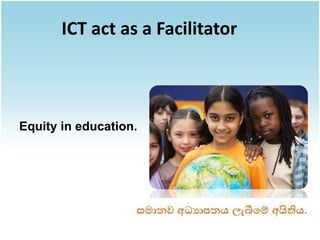
Equity in education.
ICT act as a Facilitator


2.Cost Effective
ICT act as a Facilitator


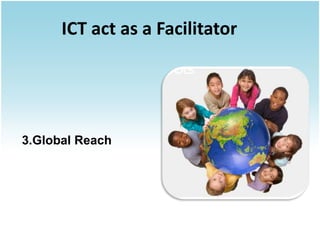
3.Global Reach
ICT act as a Facilitator


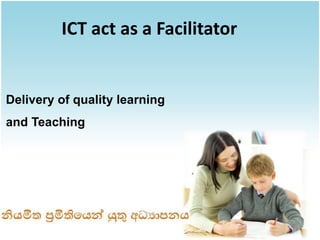
Delivery of quality learning
and Teaching
ICT act as a Facilitator


Teahcer’s Professional
Development
ICT act as a Facilitator


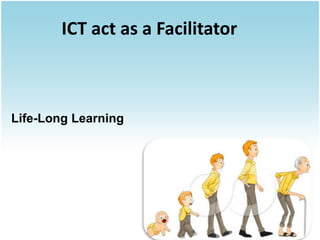
Life-Long Learning
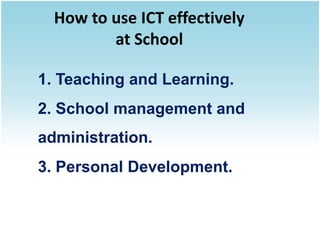
How to use ICT effectively
        at School
How to use ICT effectively
         at School

1. Teaching and Learning.
2. School management and
administration.
3. Personal Development.
Teaching and Learning
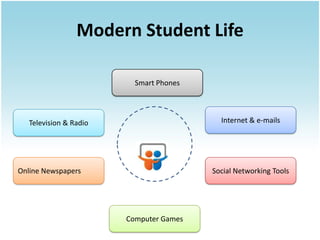
Modern Student Life

                          Smart Phones


   Television & Radio                      Internet & e-mails


Online Newspapers                        Social Networking Tools


                        Computer Games
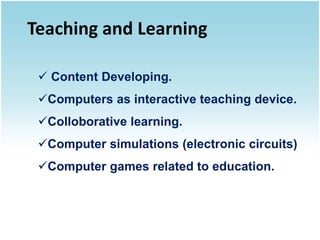
Teaching and Learning

  Content Developing.
 Computers as interactive teaching device.
 Colloborative learning.
 Computer simulations (electronic circuits)
 Computer games related to education.
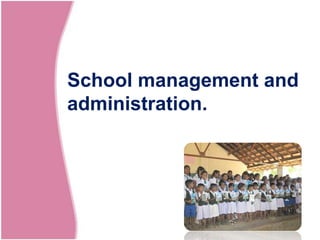
School management and
administration.
School management and administration.


 Content Mangement Systems.
 Finance and Assest Systems.
 Staff and Student Management Systems.
 Time management Systems.
 E-mail / Video conferencing / IP phones.
Personal Development.
Personal Development


 Leadership and skills development
programs.
Character building Programs.
ව ව වව ව ව ව ව ව
 ව ව  ව ව ව ව ව
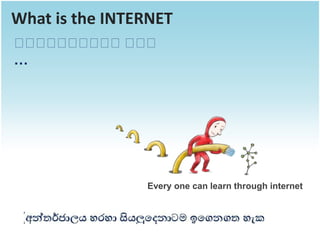
What is the INTERNET
ව ව ව ව ව
 ව ව ව ව වව ව
           ව
…


                Every one can learn through internet
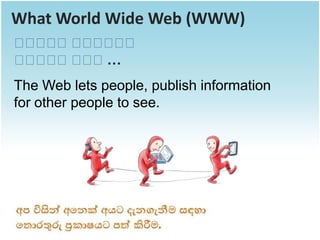
What World Wide Web (WWW)
ව ව වව ව ව
 ව ව  ව ව ව
ව ව වව ව…
 ව ව  ව
The Web lets people, publish information
for other people to see.
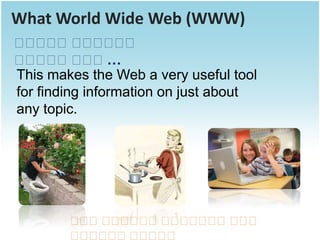
What World Wide Web (WWW)
ව ව වව ව ව
  ව ව       ව ව ව
ව ව වව ව…
  ව ව       ව
This makes the Web a very useful tool
for finding information on just about
any topic.


        ව වව ව ව ව ව ව ව ව ව
         ව  ව ව ව ව ව ව   ව
        ව ව ව ව ව ව
         ව ව ව ව ව
What the Web is used for most?


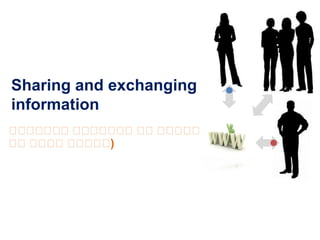
  Sharing and exchanging information
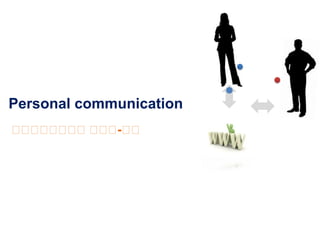
  Personal communication
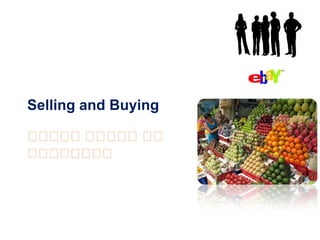
  Selling and Buying
Sharing and exchanging
information
ව ව ව වව ව ව වව ව ව ව
 ව ව ව  ව ව ව  ව ව ව
ව ව ව ව ව ව
 ව ව ව ව ව )
Personal communication
ව ව ව ව ව ව ව
 ව ව ව ව ව -ව
Selling and Buying

ව ව වව ව ව ව
 ව ව  ව ව   ව
ව ව ව ව
 ව ව ව ව
Open Source Applications
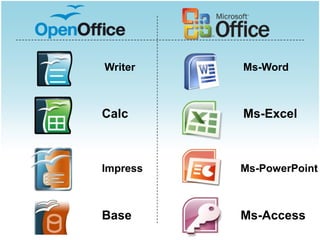
Office Suites
Writer    Ms-Word


Calc      Ms-Excel


Impress   Ms-PowerPoint


Base      Ms-Access
Web Browsing


         Mozilla Firefox
Video Playback


           VLC Player
Sound Recording


          Audacity
Online learning tools
Tools that you are familiar
Google-Docs
Web-based office suite
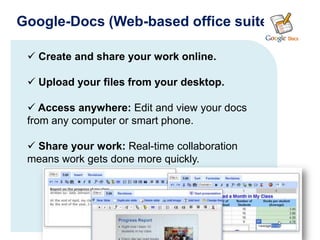
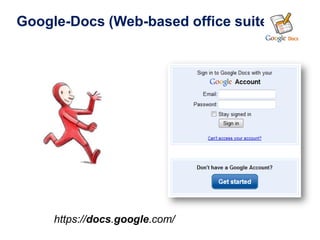
Google-Docs (Web-based office suite)

  Create and share your work online.

  Upload your files from your desktop.

  Access anywhere: Edit and view your docs
 from any computer or smart phone.

  Share your work: Real-time collaboration
 means work gets done more quickly.
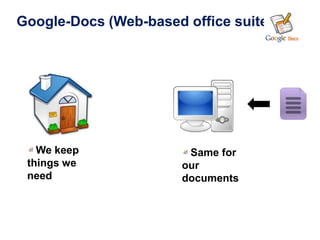
Google-Docs (Web-based office suite)


   We keep              Same for
 things we             our
 need                  documents
Google-Docs (Web-based office suite)


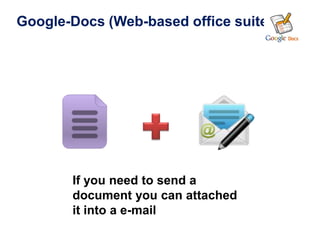
       If you need to send a
       document you can attached
       it into a e-mail
Google-Docs (Web-based office suite)


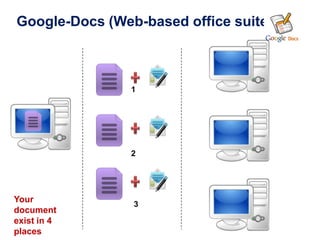
                1


                2


Your
                3
document
exist in 4
places
Google-Docs (Web-based office suite)


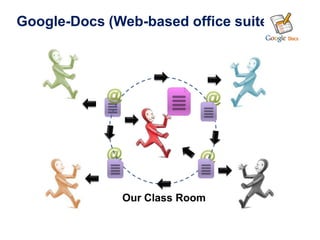
              Our Class Room
Google-Docs (Web-based office suite)


     https://docs.google.com/
Google-Docs (Web-based office suite)


                     https://docs.google.com/
Google-Docs (Web-based office suite)


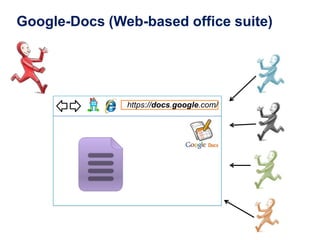
               https://docs.google.com/
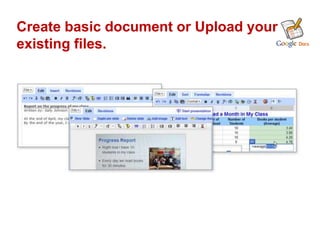
Create basic document or Upload your
existing files.
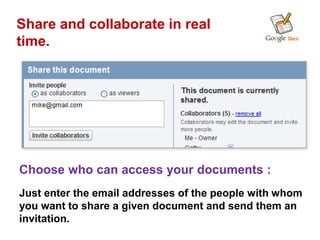
Share and collaborate in real
time.


Choose who can access your documents :
Just enter the email addresses of the people with whom
you want to share a given document and send them an
invitation.
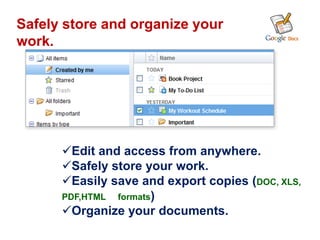
Safely store and organize your
work.


      Edit and access from anywhere.
      Safely store your work.
      Easily save and export copies (DOC, XLS,
      PDF,HTML formats)
      Organize your documents.
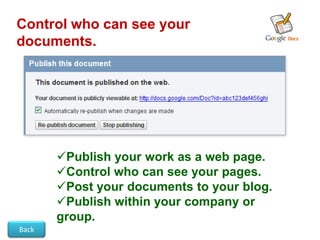
Control who can see your
documents.


       Publish your work as a web page.
       Control who can see your pages.
       Post your documents to your blog.
       Publish within your company or
       group.
Back
Successful Stories - Overseas
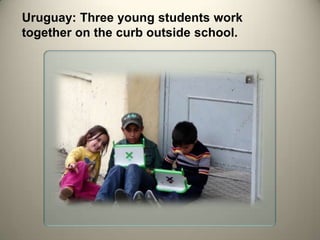
Uruguay: Three young students work
together on the curb outside school.
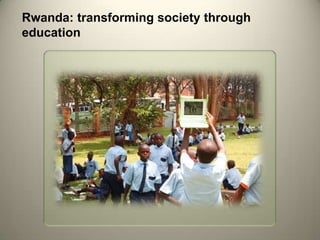
Rwanda: transforming society through
education
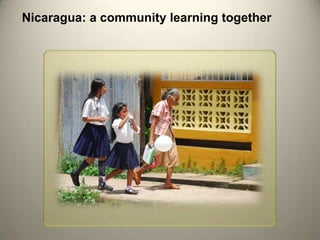
Nicaragua: a community learning together
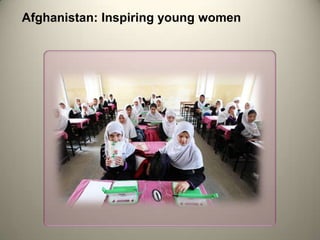
Afghanistan: Inspiring young women
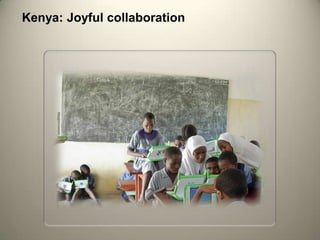
Kenya: Joyful collaboration
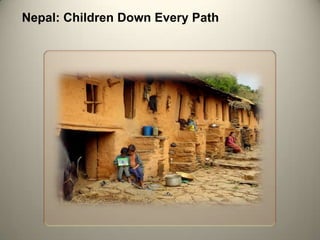
Nepal: Children Down Every Path
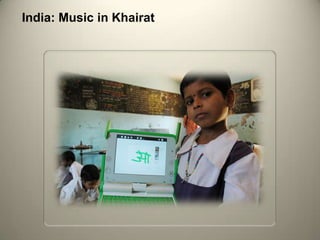
India: Music in Khairat
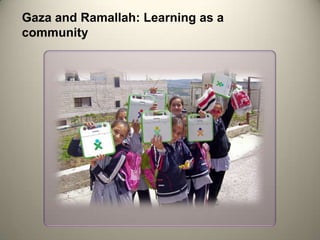
Gaza and Ramallah: Learning as a
community
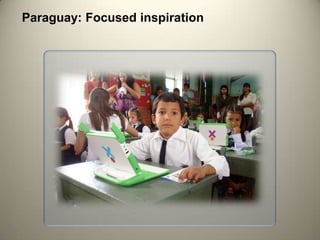
Paraguay: Focused inspiration
Succesful Stories from
     Sri Lanka
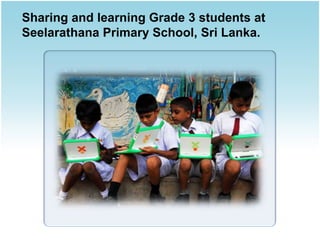
Sharing and learning Grade 3 students at
Seelarathana Primary School, Sri Lanka.
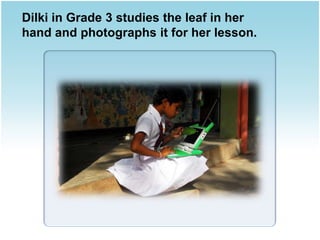
Dilki in Grade 3 studies the leaf in her
hand and photographs it for her lesson.
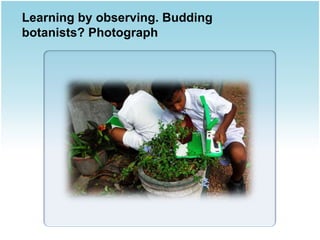
Learning by observing. Budding
botanists? Photograph
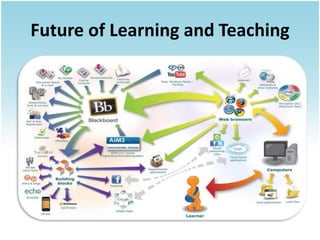
Future of Learning and Teaching
Thank you !

21st century teachers_and_students

Editor's Notes

  • #29 E-commerce
  • #34 E-commerce
  • #35 E-commerce
  • #36 E-commerce
  • #37 E-commerce
  • #38 E-commerce
  • #41 E-commerce
  • #46 Explanation
  • #49 Nicaragua: a community learning togetherBluefields, Nicaragua was devastated by Hurricane Felix in 2007. The Miskito community is embracing the XO laptops as a meaningful tool for its children's future. Thanks to the Zamora Teran Foundation, every child and teacher in the community is learning together with their XOs.
  • #50 Afghanistan: Inspiring young womenHalf of the OLPC schools in Afghanistan are for girls. They and their teachers have been particularly eager to explore new ways to work with laptops in the classroom.
  • #51 This class of students in Takaungu, Kenya has been working with their XOs for a year. They have an XO study hall, with seats rearranged in groups, to explore what interests them. You can see students working on recording video, programming in Turtle Art, and playing favorite Sugar activities.
  • #52 Nepal: Children Down Every PathThese young boys on the outskirts of Kathmandu, Nepal work together at home. They spend as much time with their XOs there as they do at school, and parents embrace the change.
  • #53 India: Music in Khairat Elementary students in Khairat, India, have kept their attendance near 100% since their school received XOs. Their teachers run weekly workshops inviting other teachers to come work with their students and share new ideas.
  • #54 Gaza and Ramallah: Learning as a community UNRWA and OLPC have been working together in Gaza and the West Bank to implement community laptop programs this year. In many schools in such as this one in Ramallah, students use their XOs in class and out. These girls are on their way home.
  • #55 Paraguay: Focused inspirationOLPC Paraguay has been led by a national NGO. Paraguayan software developers and educators have collaboratively developed localized software and class materials that they use today.
  • #56 Paraguay: Focused inspirationOLPC Paraguay has been led by a national NGO. Paraguayan software developers and educators have collaboratively developed localized software and class materials that they use today.
  • #57 Paraguay: Focused inspirationOLPC Paraguay has been led by a national NGO. Paraguayan software developers and educators have collaboratively developed localized software and class materials that they use today.
  • #58 Paraguay: Focused inspirationOLPC Paraguay has been led by a national NGO. Paraguayan software developers and educators have collaboratively developed localized software and class materials that they use today.