2014
NSPRA Video Boot Camp
Jake Sturgis, APR
CaptureVideo.com
My Background
Television news producer at KBJR
in Duluth, MN
Hopkins Public Schools, 2002-
2005
Minnetonka Public Schools, 2005-
2014
Capture Video, LLC
#2 Search Engine
• 100 hours of video are uploaded to YouTube every minute
• According to Nielsen, YouTube reaches more US adults ages 18-34
than any cable network
• Mobile makes up almost 40% of YouTube's global watch time
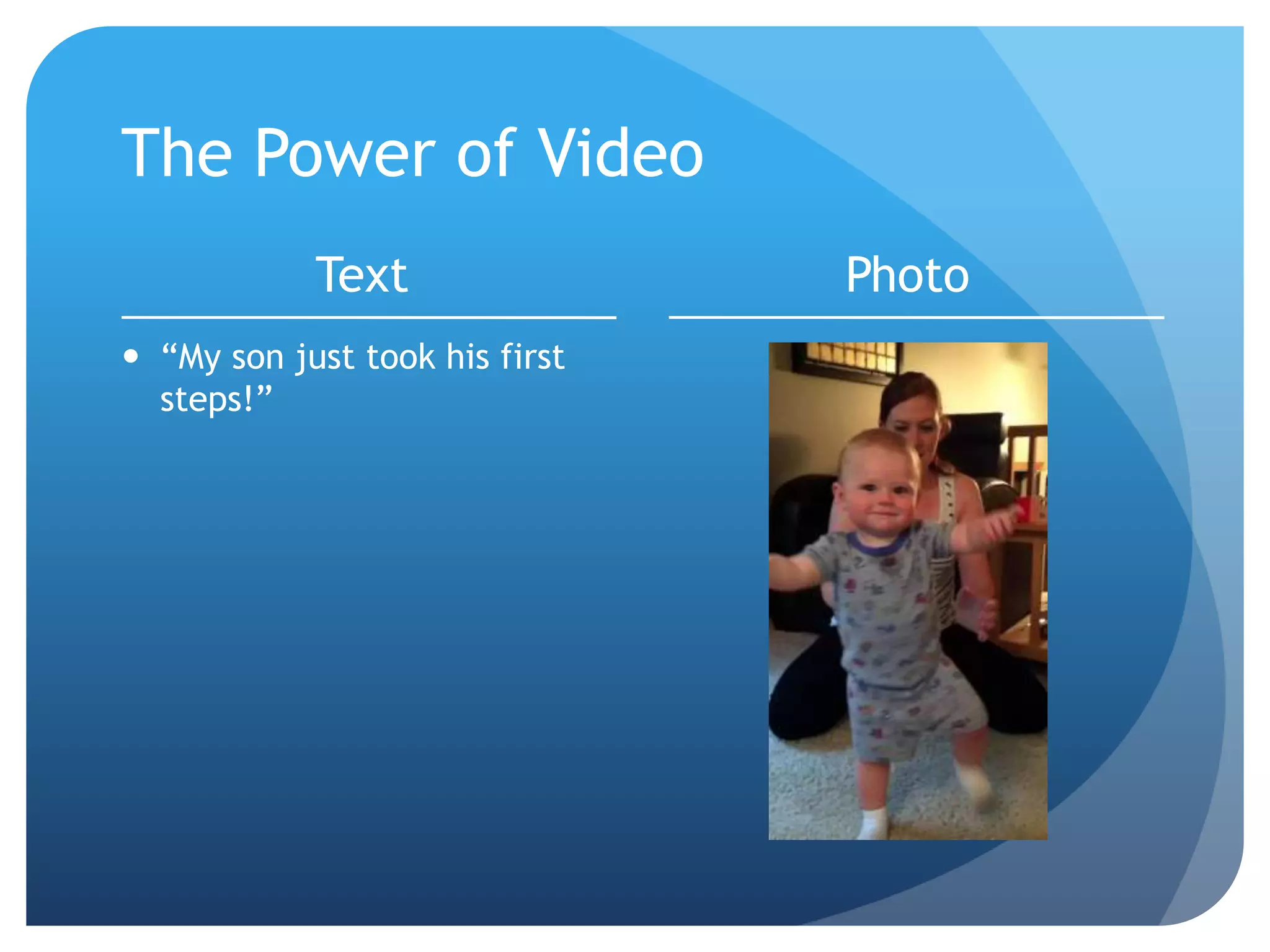
The Power of Video
Text
 “My son just took his first
steps!”
Photo
12 Tips to
Instantly Create
Better Videos
(And you probably already have
the gear to do it!)
Pre-Production of your Video
1. Have a Plan
Planning Your Video
 What is your goal?
 Who is your audience?
 What are your key messages?
 Who are your spokespeople?
 Do you need a script?
 What are the shots you need to get?
 How long do you want the video to be?
Planning Your Video
 Who is shooting the video?
 Who is editing the video?
 Who is scheduling?
 Do we need media release forms?
 What’s the timeline to get it done?
 How will it be distributed?
 Can it be used in multiple ways?
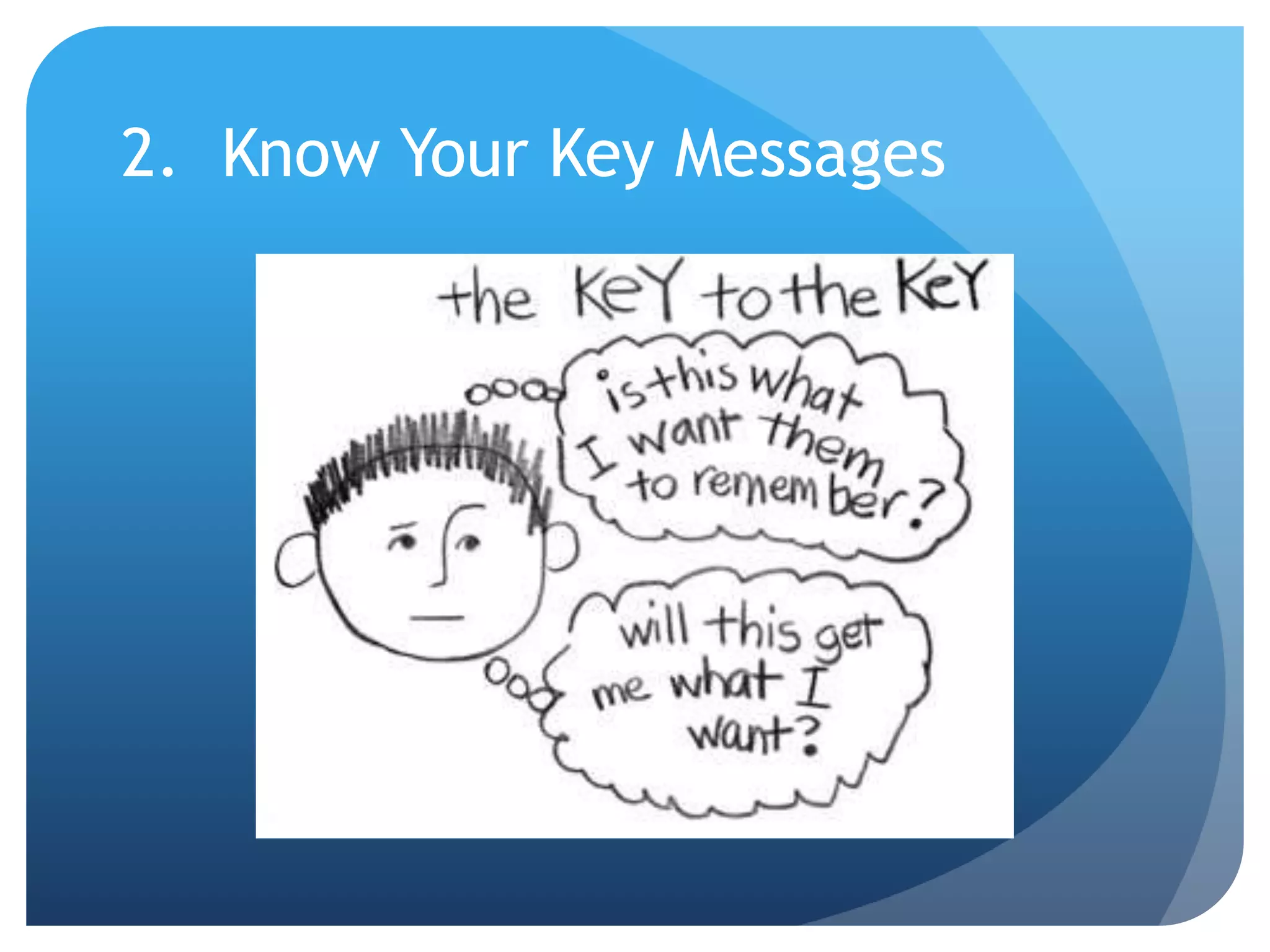
2. Know Your Key Messages
Production of your Video
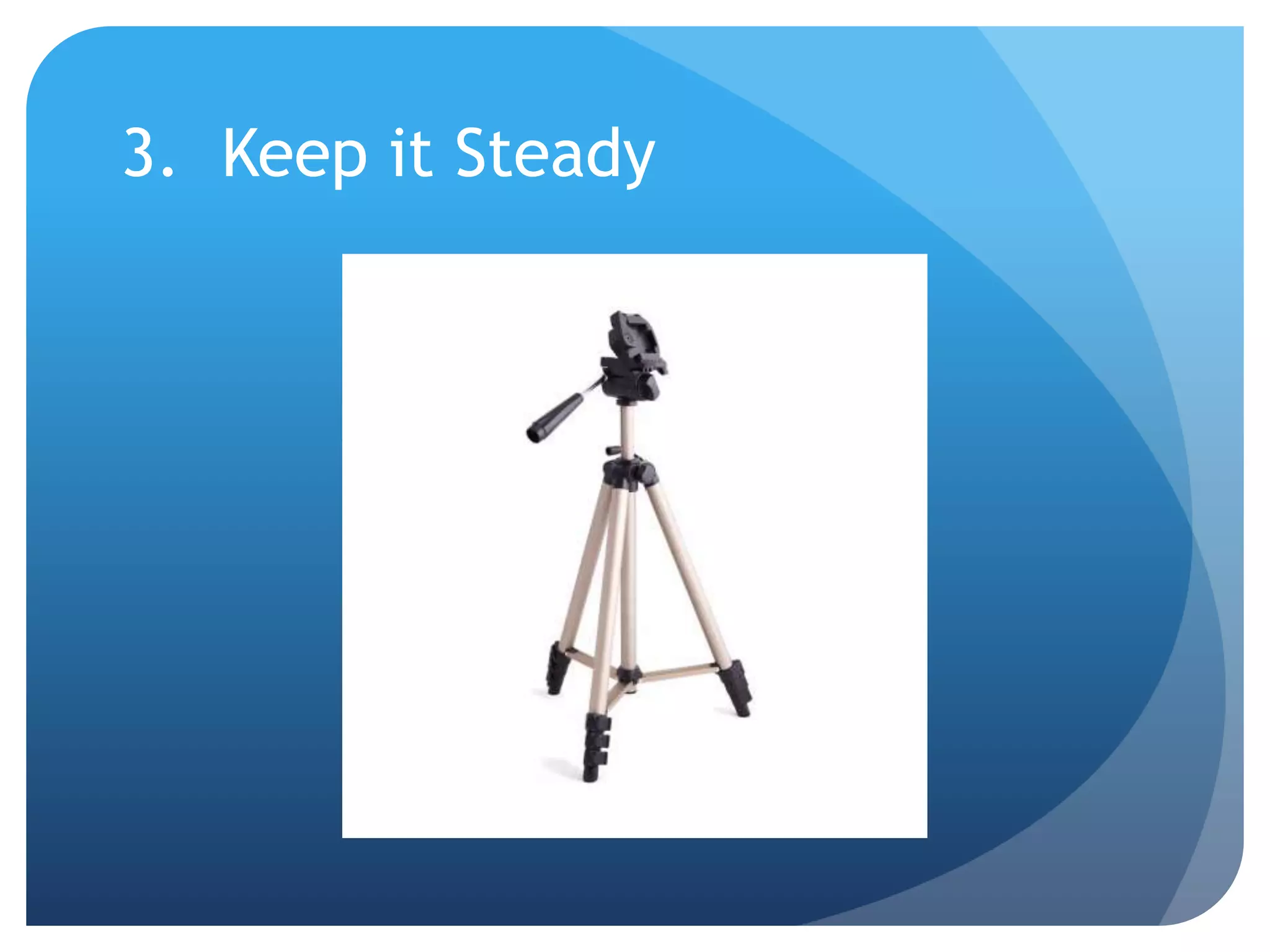
3. Keep it Steady
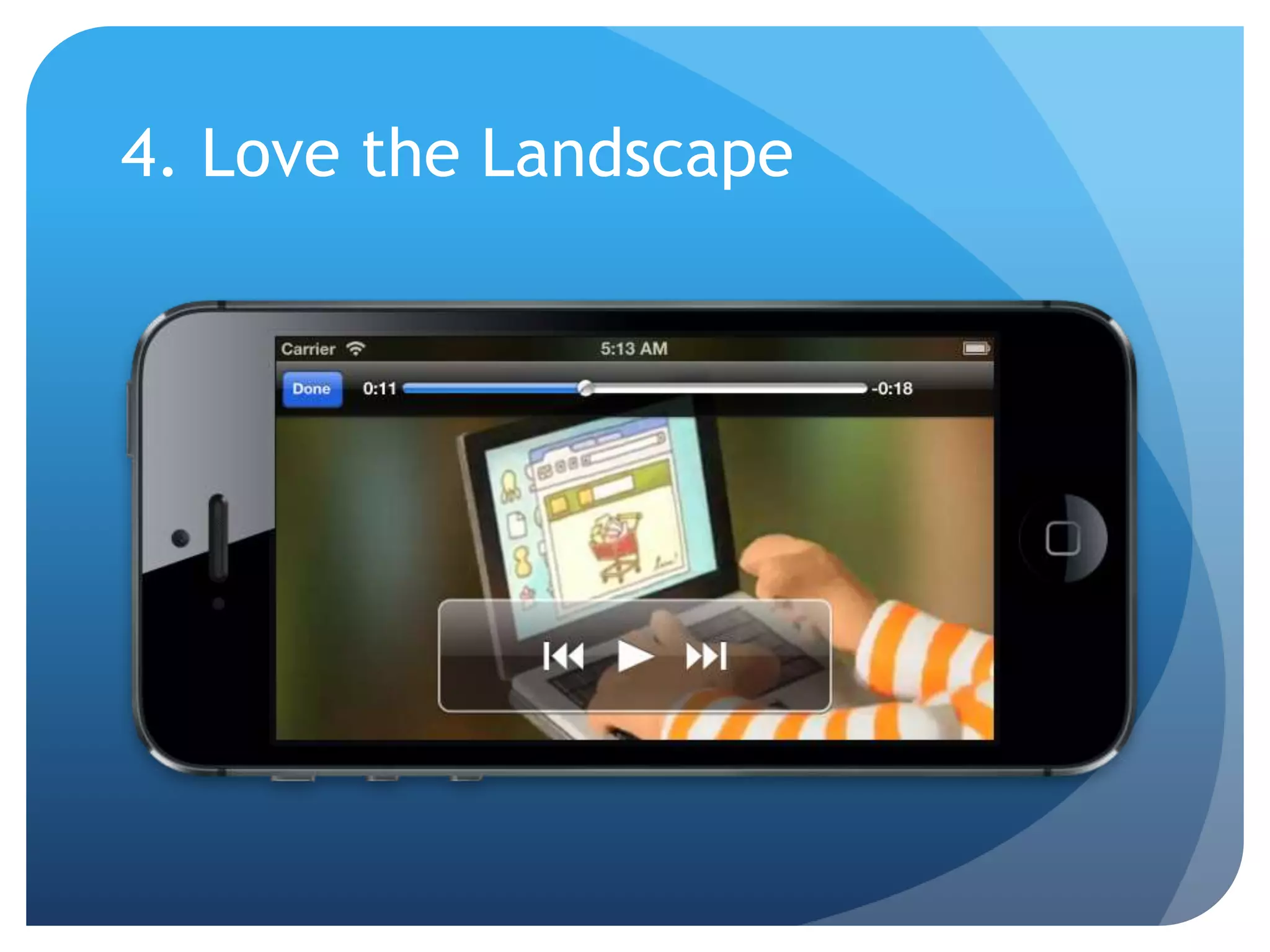
4. Love the Landscape
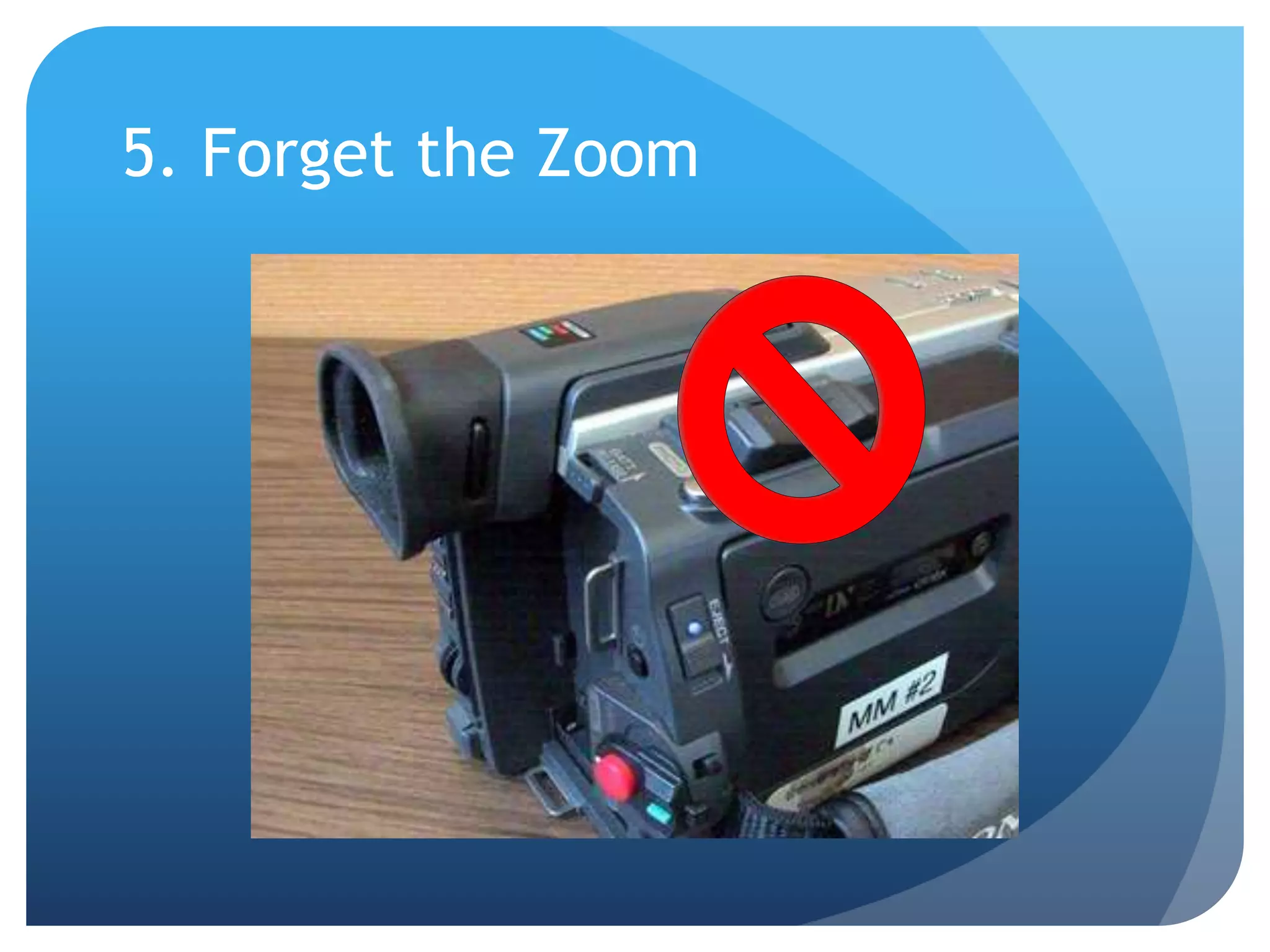
5. Forget the Zoom
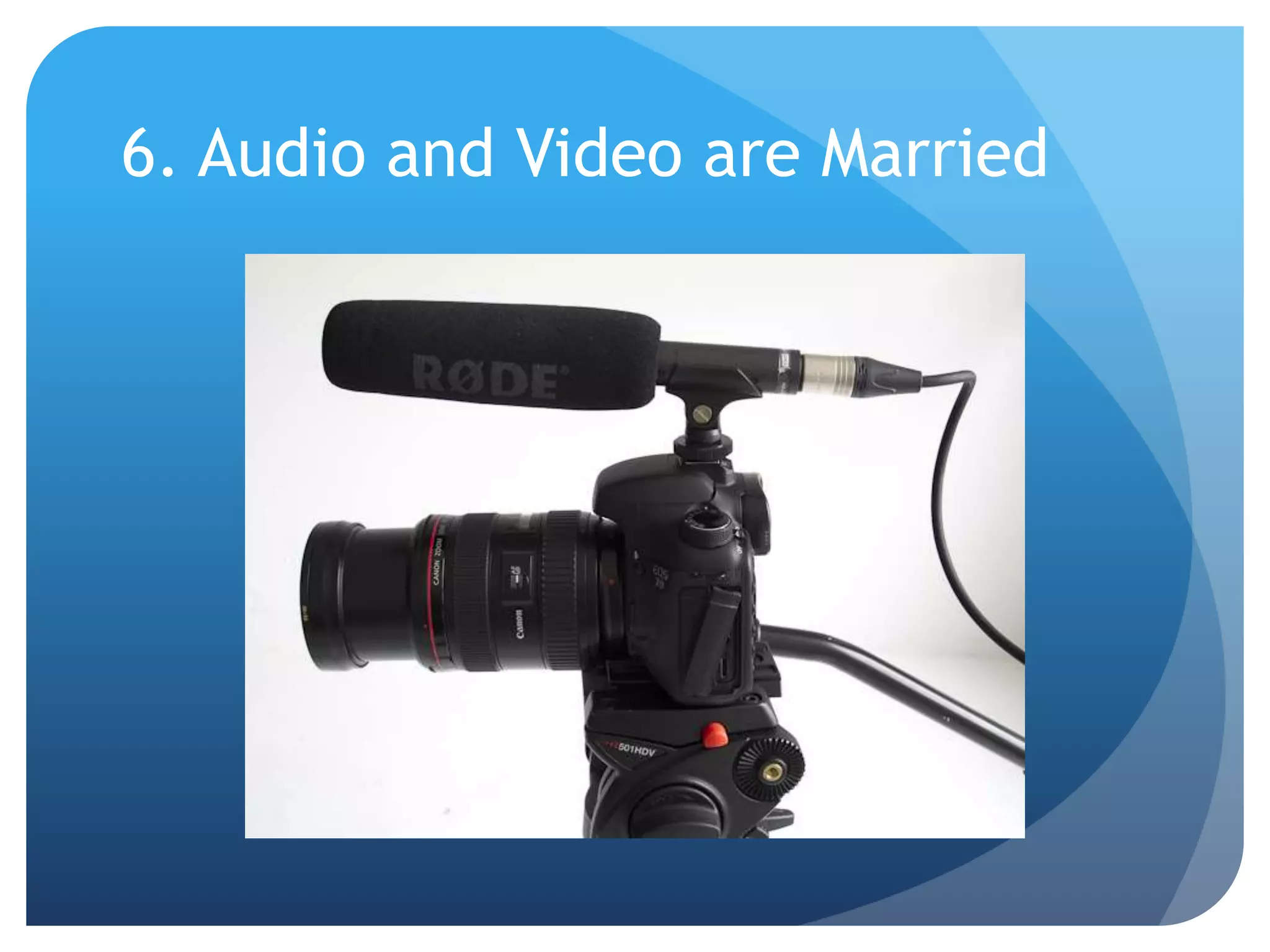
6. Audio and Video are Married
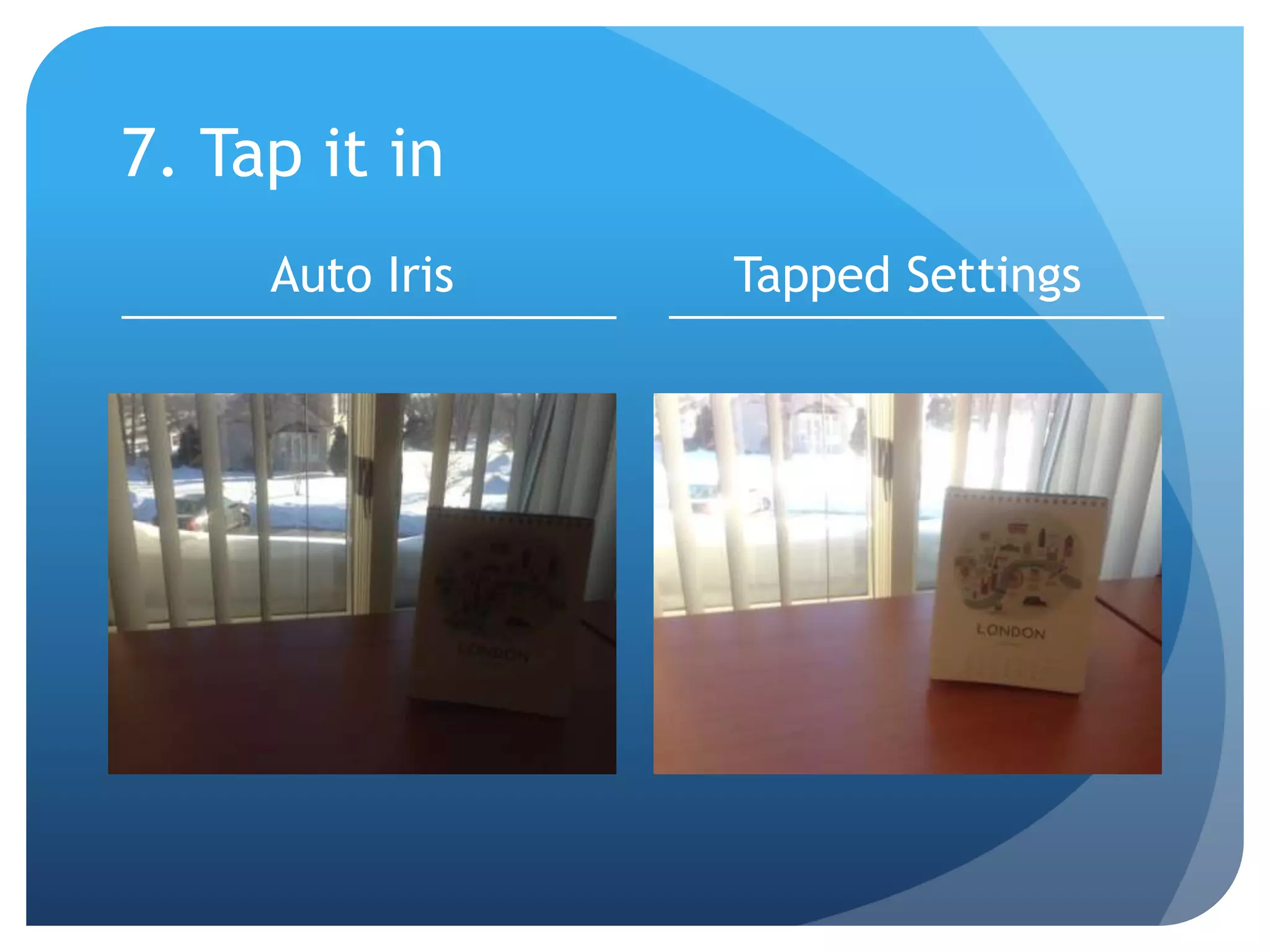
7. Tap it in
Auto Iris Tapped Settings
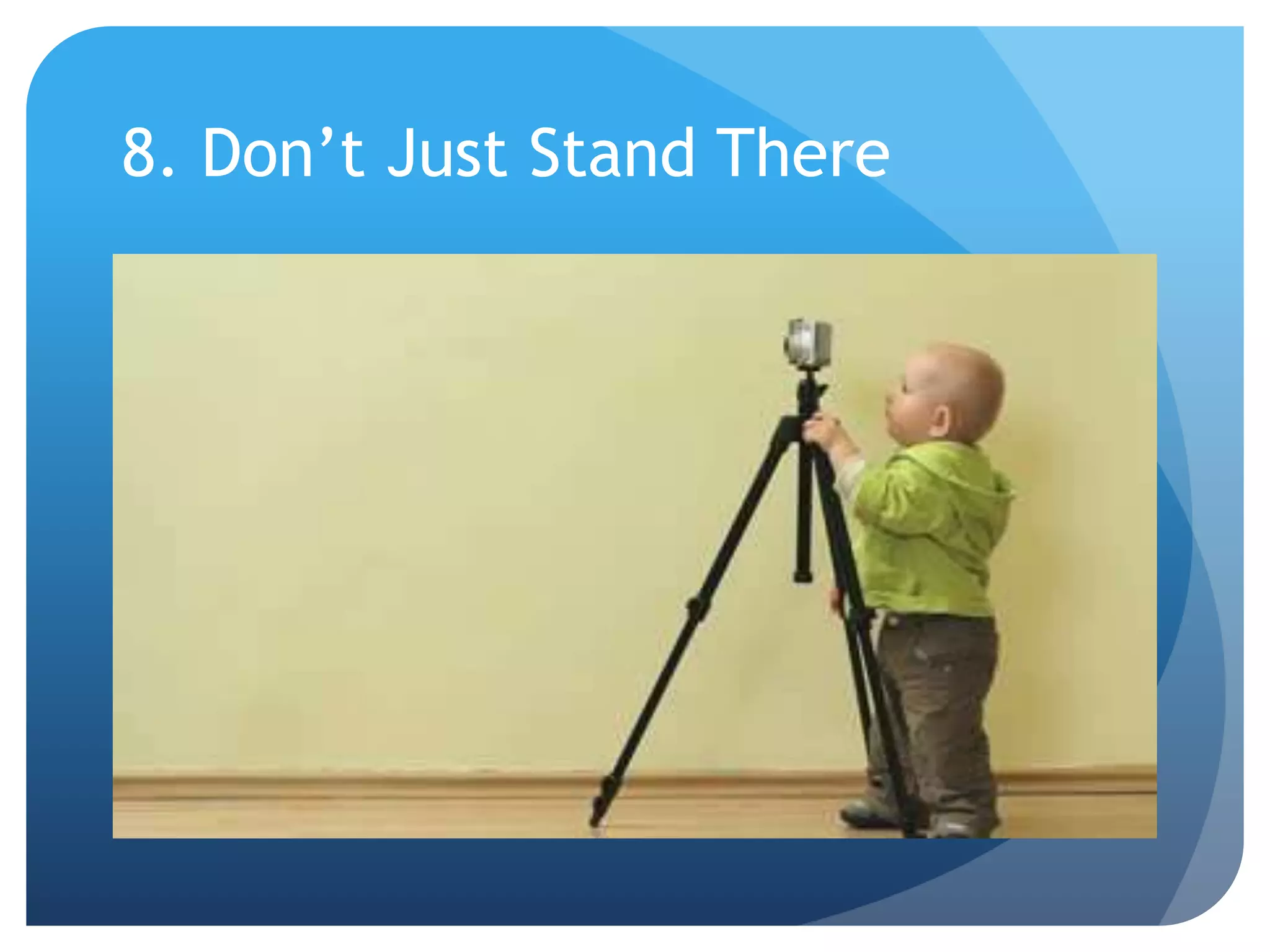
8. Don’t Just Stand There
Post-Production of your Video
9. Keep it Short
10. Make them Blink
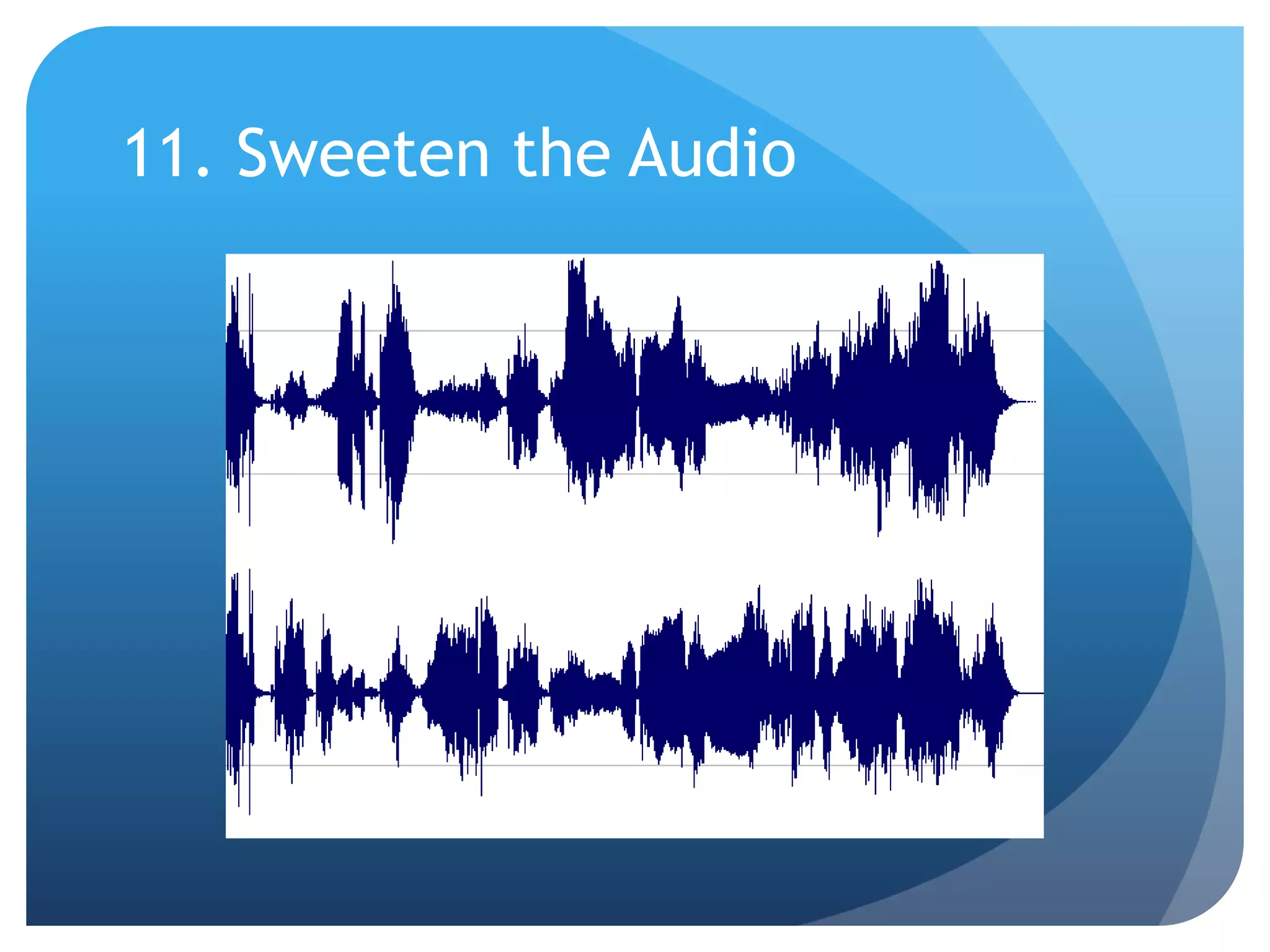
11. Sweeten the Audio
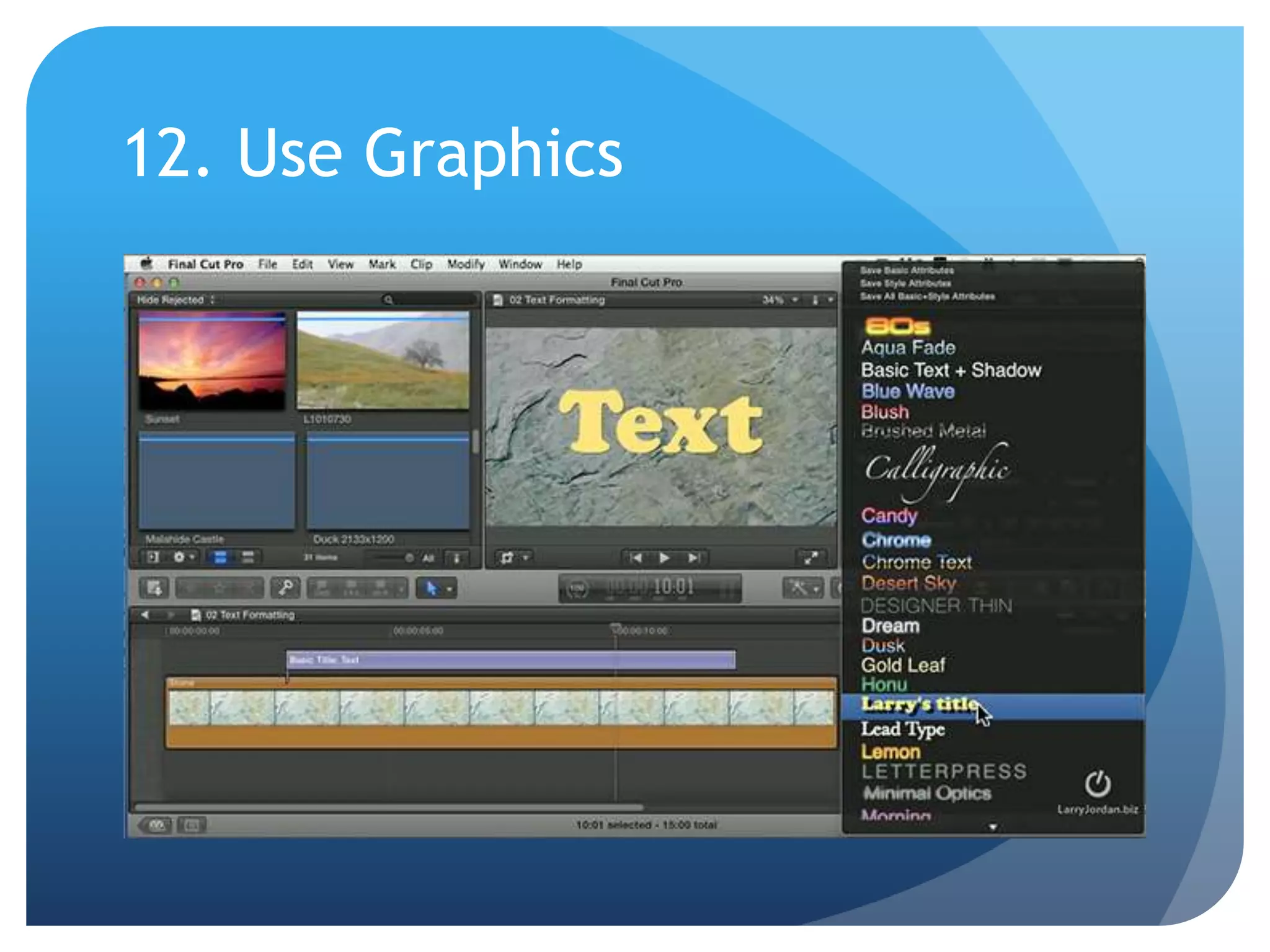
12. Use Graphics
Common School PR Video Blunders
 No key messaging developed
 Trying to force something into a “video story”
 Videos are too long
 Contain too many date/time references
 Poor video quality (no tripod, quick zooms)
 Poor audio quality (no external microphone)
 Too much “talking head”
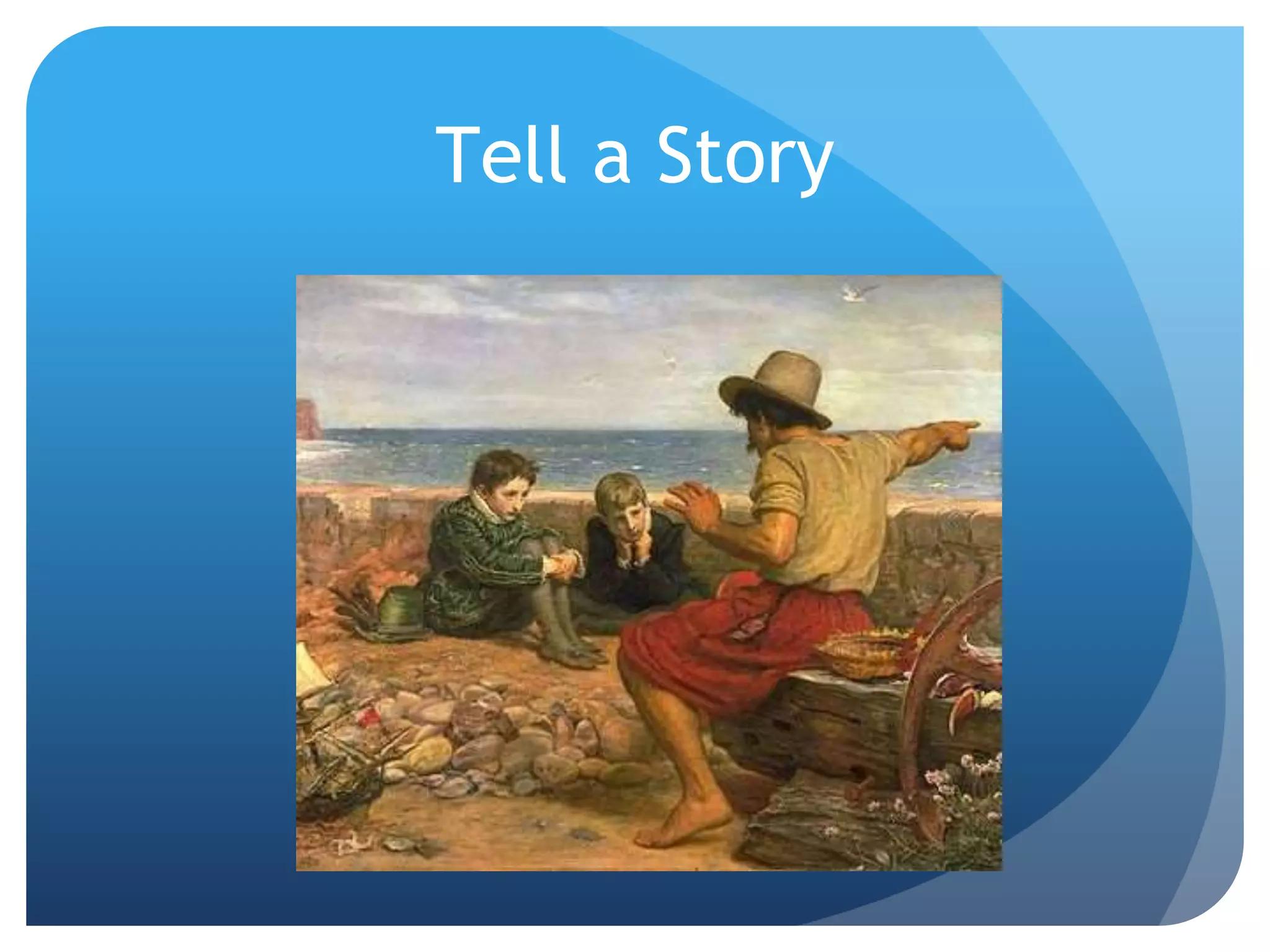
Tell a Story
Stories need a beginning, middle and end. They need characters, conflict
and surprises.
Most importantly, they need to move forward and reward the viewer along
the way.
These elements, regardless of their format, can turn any medium into a
powerful story.
Tell a Story
Video Storytelling
Andy Smith
Minnetonka Public Schools
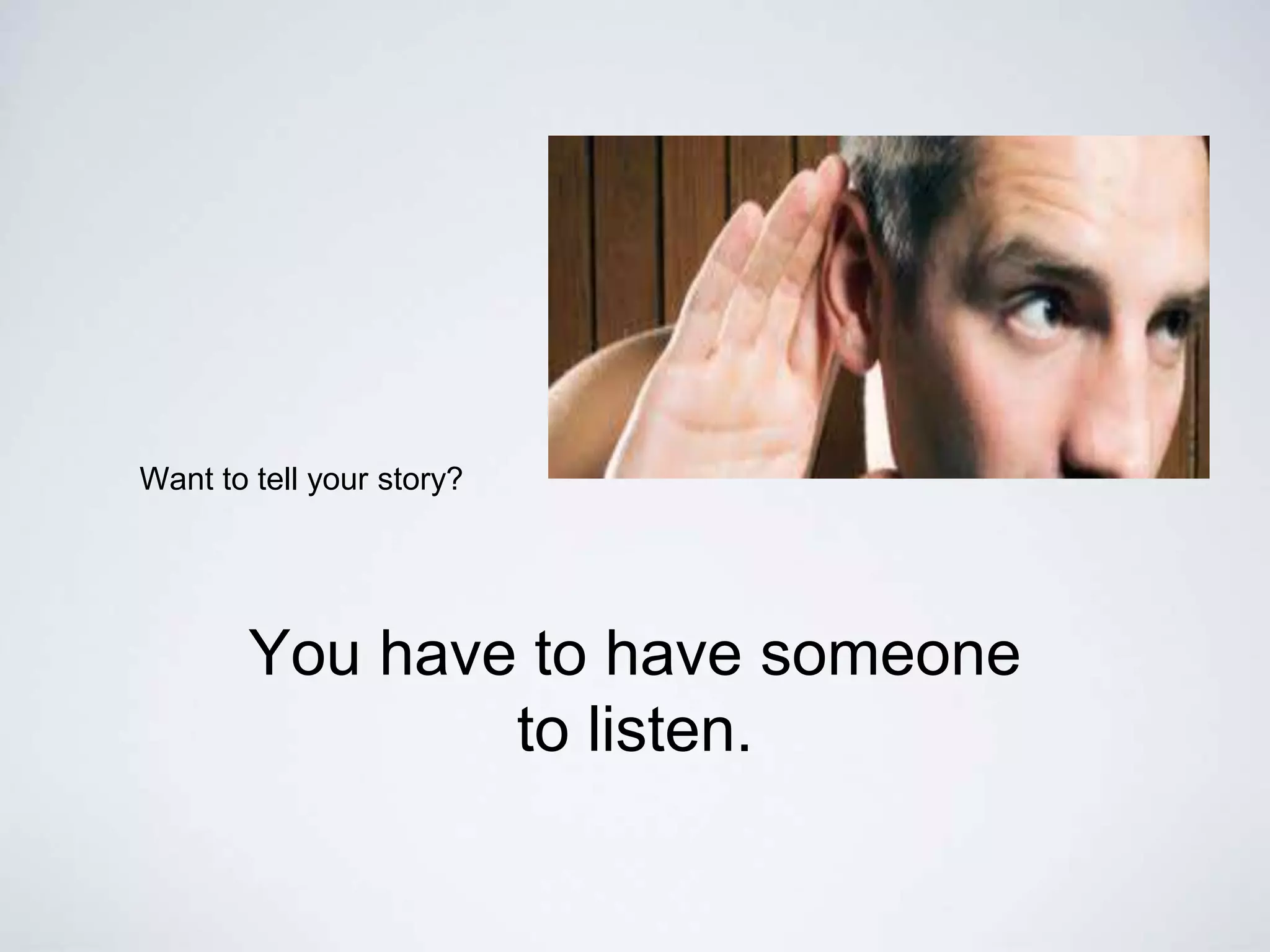
Want to tell your story?
You have to have someone
to listen.
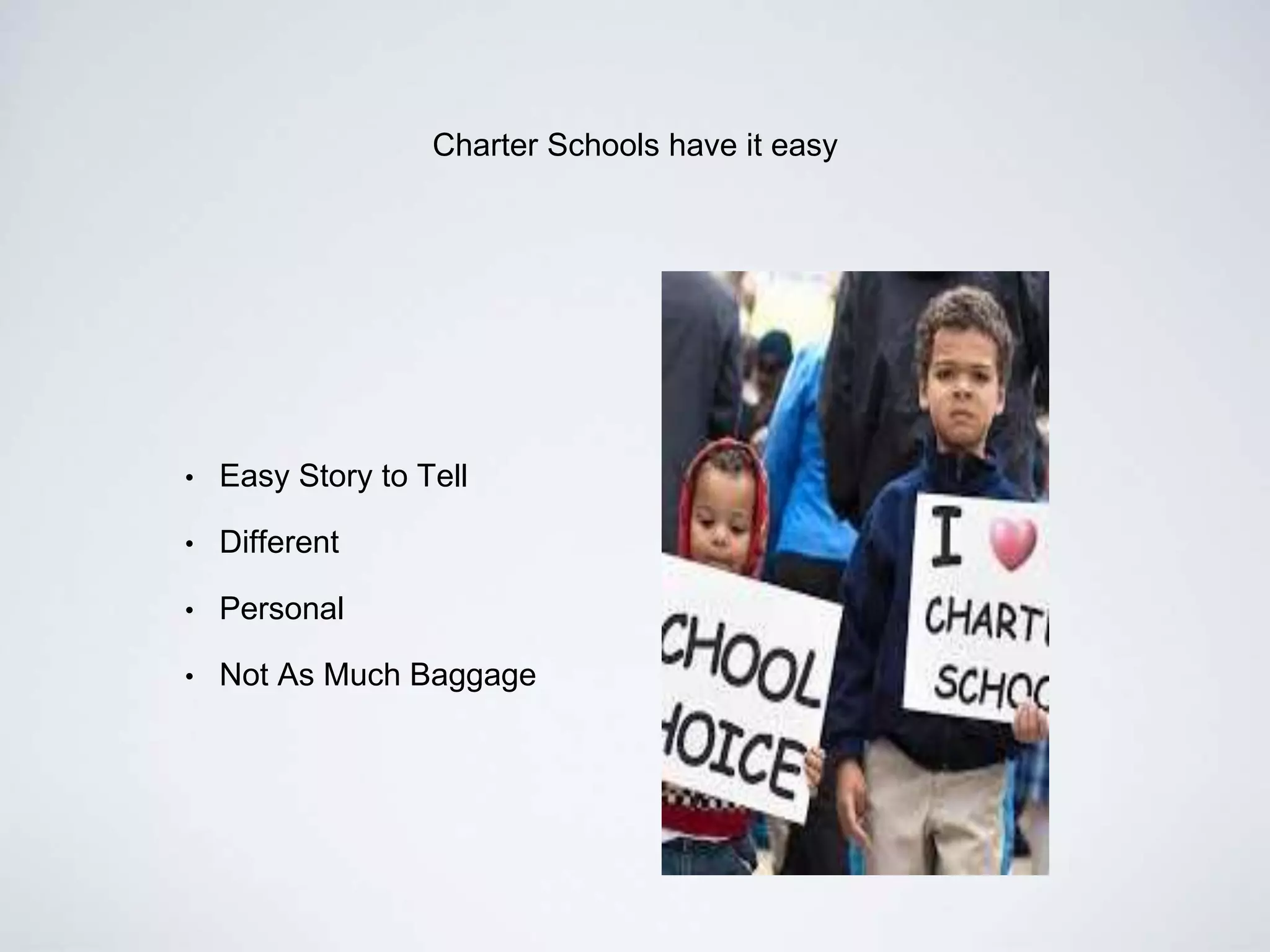
Charter Schools have it easy
• Easy Story to Tell
• Different
• Personal
• Not As Much Baggage
make it personal
Remember In a School District We Are All Neighbors
be like furniture
Always Have a Great Story to Tell.
DO NOT SAY: I Bought It at IKEA.
ITHASTOBEPERSONAL
It’s in here.
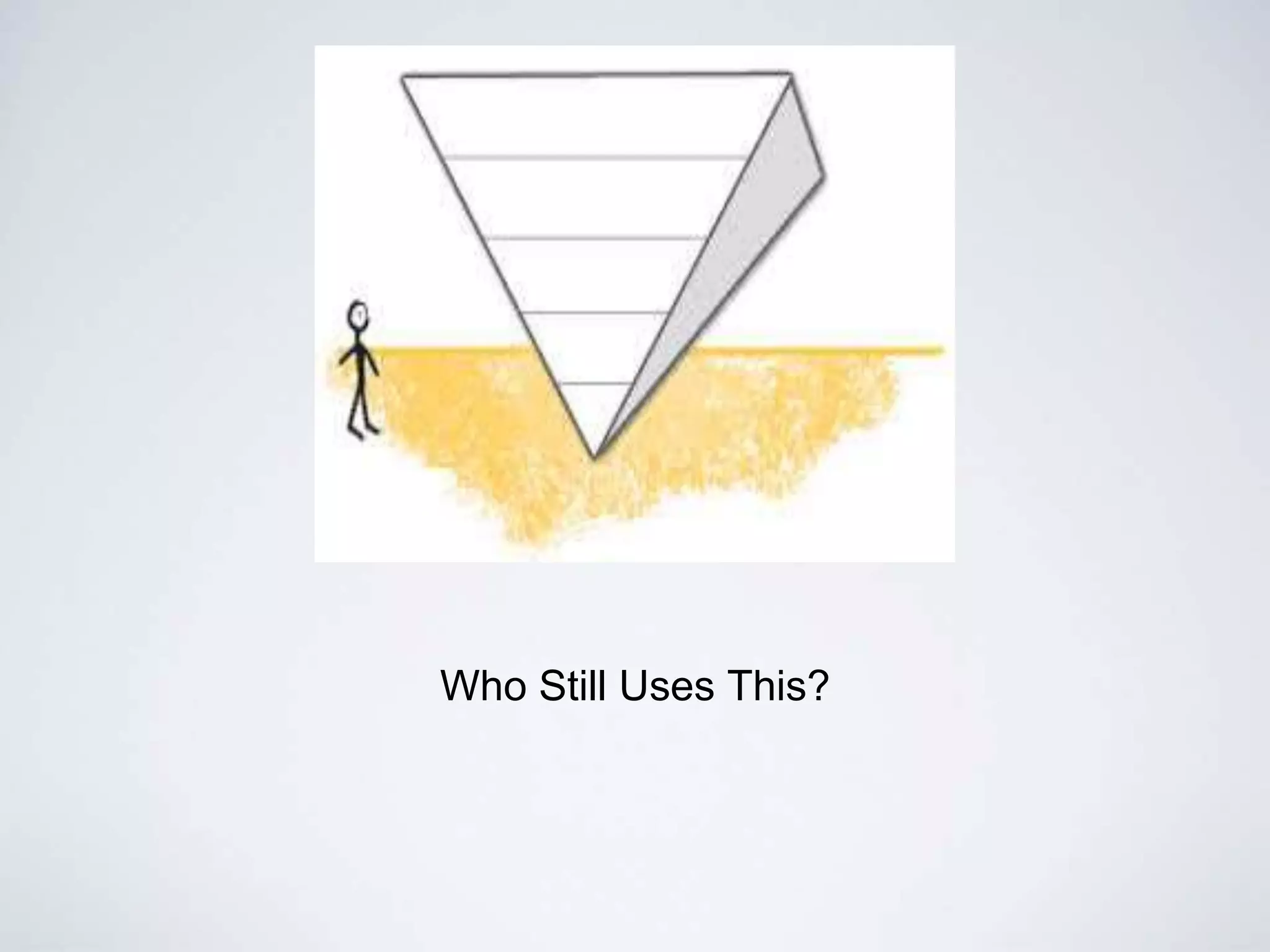
Who Still Uses This?
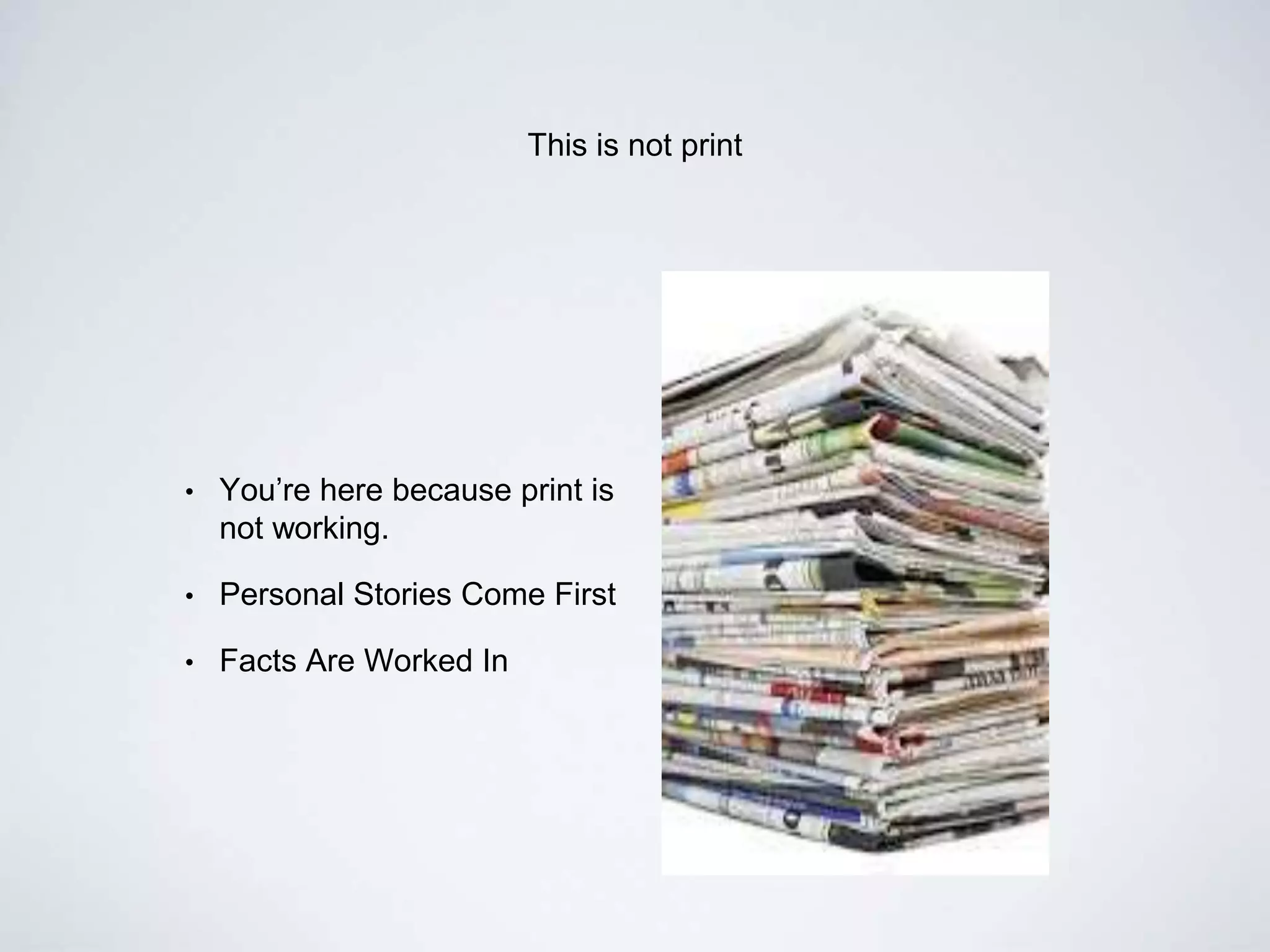
This is not print
• You’re here because print is
not working.
• Personal Stories Come First
• Facts Are Worked In
not every
story will be
told the same
way
Let little Susie tell her own
story.
Steal.
Create a Melt Reel.
story methods
• Progression
• Not Inverted Pyramid
• Top Ten
• Yin and Yang
• Lego
• Narrative
• Steal
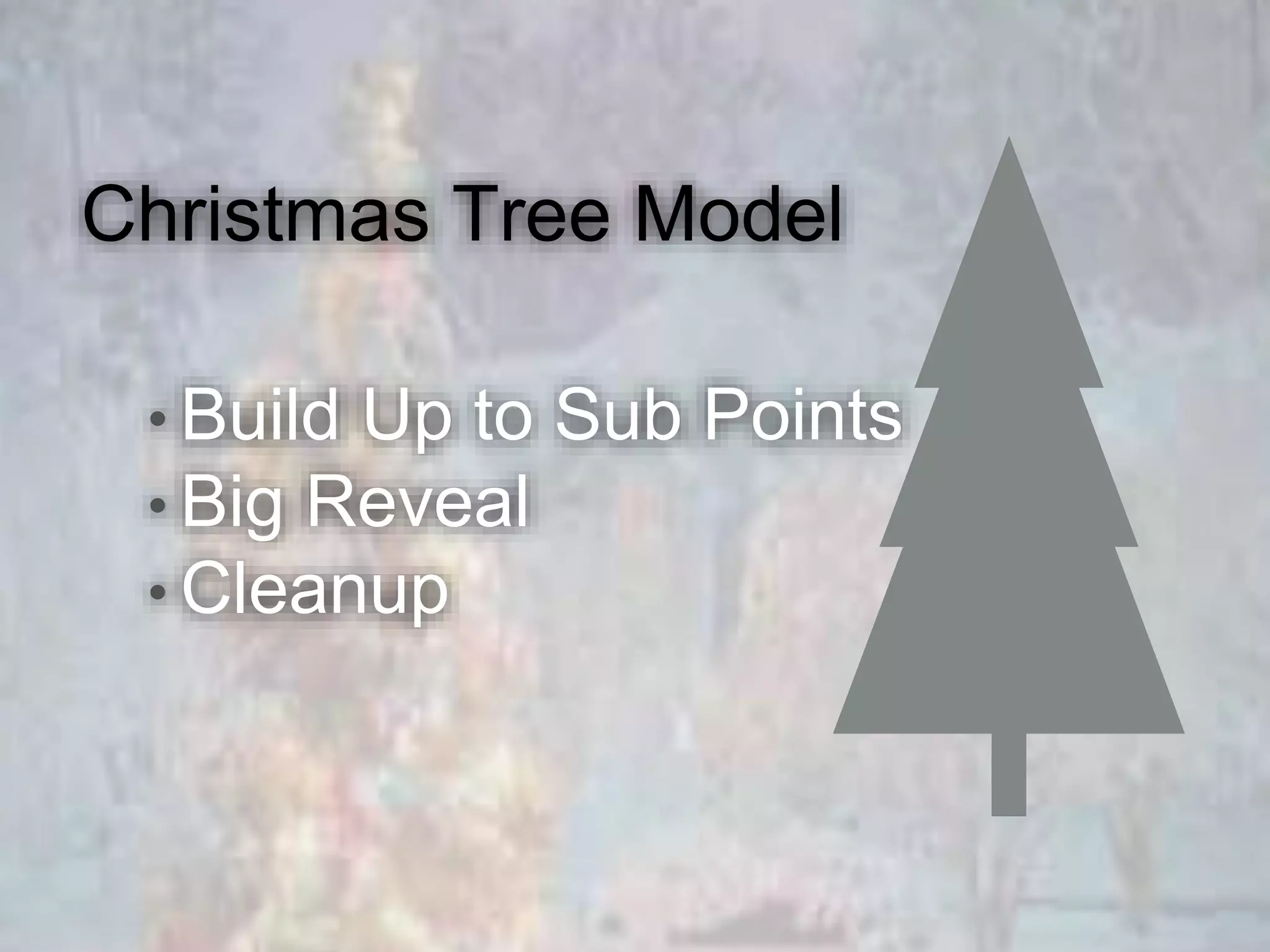
Christmas Tree Model
• Build Up to Sub Points
• Big Reveal
• Cleanup
WO
This is video. Half of it’s done.
Not every story wins an emmy
Not every video will have a
large audience.
Do not be afraid to
experiment.
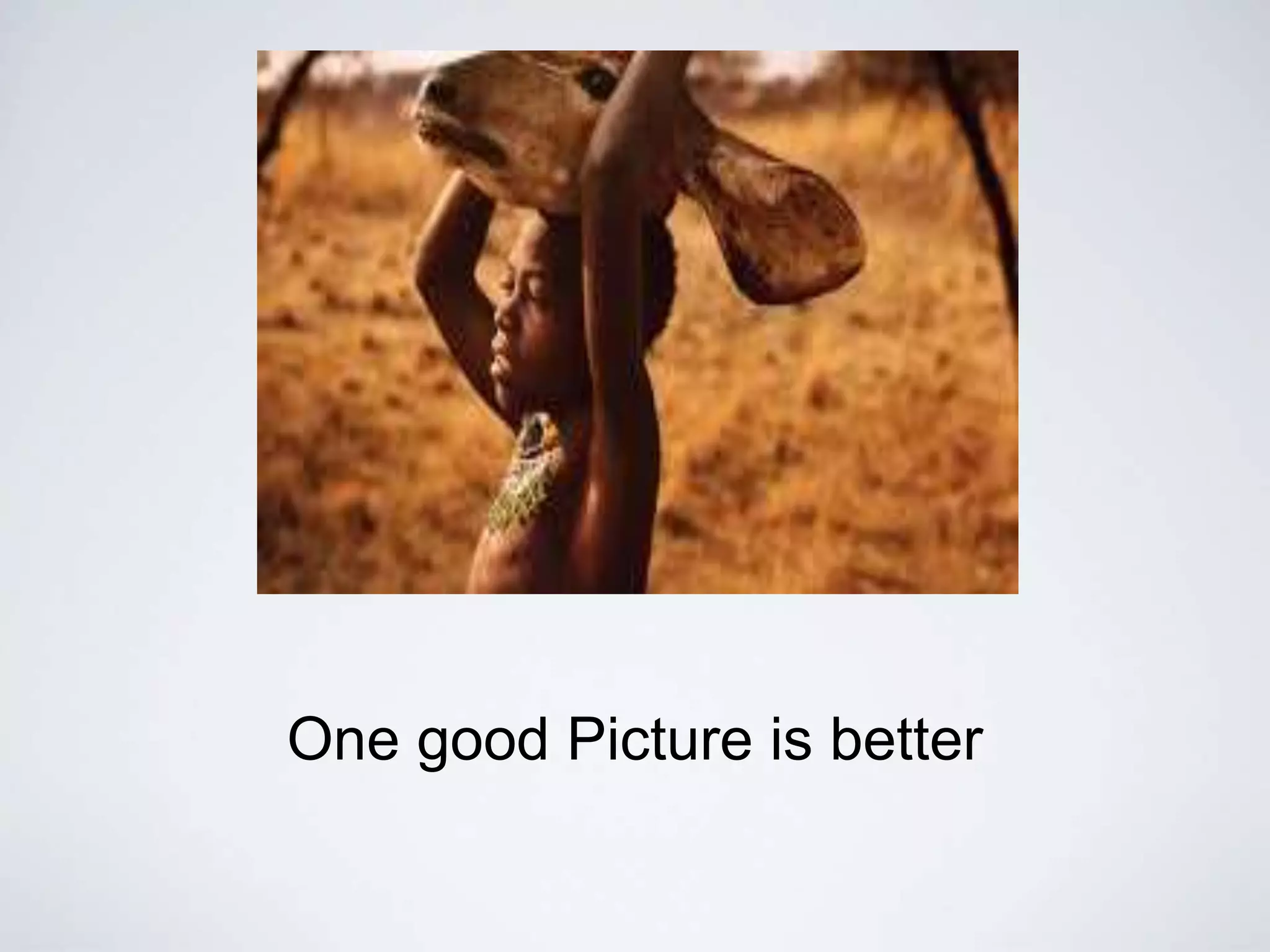
One good Picture is better
than this
the tools of the trade
• Seady, Sequenced Video
• Compelling Natural Sound
• Wide, Medium, Tight, Ultra Wide, Ultra Tight
• Action, Reaction
Get out of there
Be Imaginative, Creative and Present
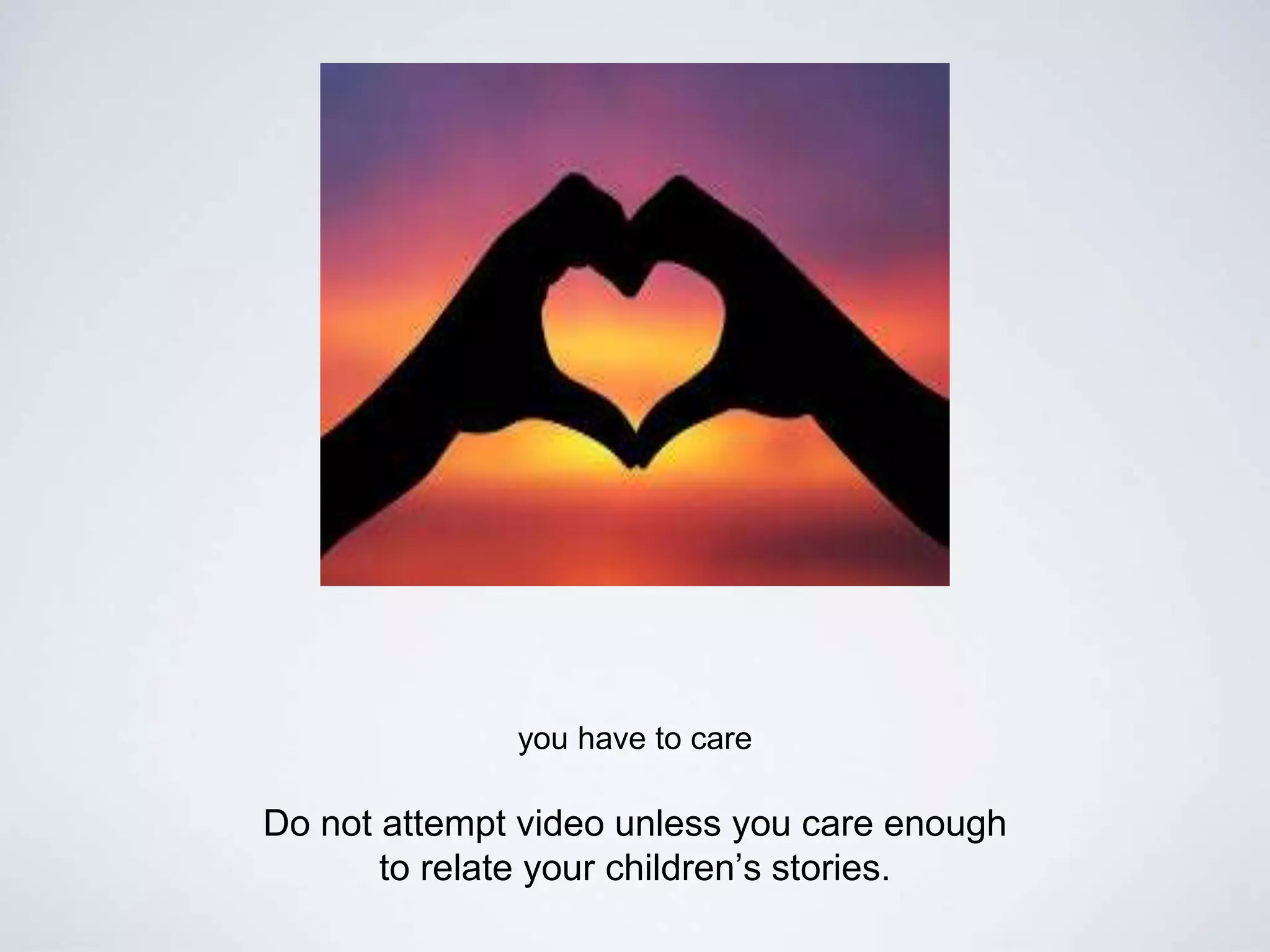
you have to care
Do not attempt video unless you care enough
to relate your children’s stories.
Shooting Your Video
 Shot Composition
 Rule of Thirds
 Talk Space
 Head Room
 Lead Room
 Camera Angles (High, low, eye-level)
 Balanced frame
Shooting Your Video
Shot Sequences help tell stories
 Tight, Medium, Wide Shots
 Match on action
 Look for the action
 Tip: Hold shots for 10 seconds
Shooting Your Video
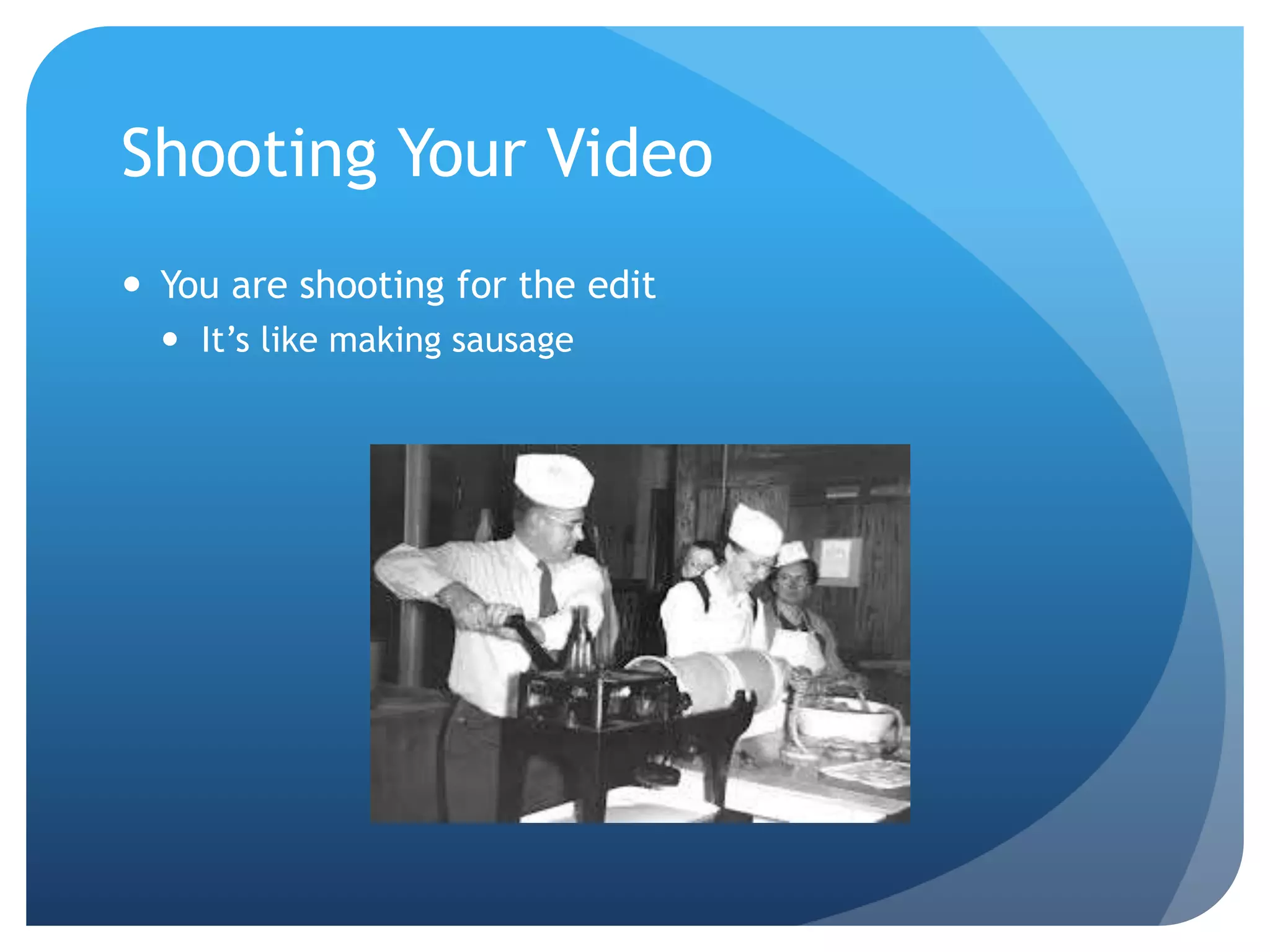
 You are shooting for the edit
 It’s like making sausage
Shooting Your Video
 More Jargon:
 Pan (side to side camera movement)
 Tilt (up and down camera movement)
 Zoom (in and out camera movement)
 Iris (opening to let light into camera)
 White Balance (adjusting colors)
Conducting Interviews
 Be aware of your background
 Never record in an administrator’s office
 Use a microphone and tripod
 Check your focus, audio levels, etc.
 Have them repeat your question
 Don’t give any verbal cues
Tips for Interviews
 The people closest to the story, should tell the story
 Find a good place for the interview
 Avoid interviews in administrators offices at all costs
 Have them repeat your question in the answer
 Use non-verbal cues during responses
Lighting Tips
 More light, the better
 Don’t shoot interviews near windows
Stabilization Techniques
 Use a tripod whenever possible
 Find places you can balance off of
 Create a human tripod
Getting Great Audio
 Good audio is essential for video
 Find a microphone
 Be aware of your surroundings
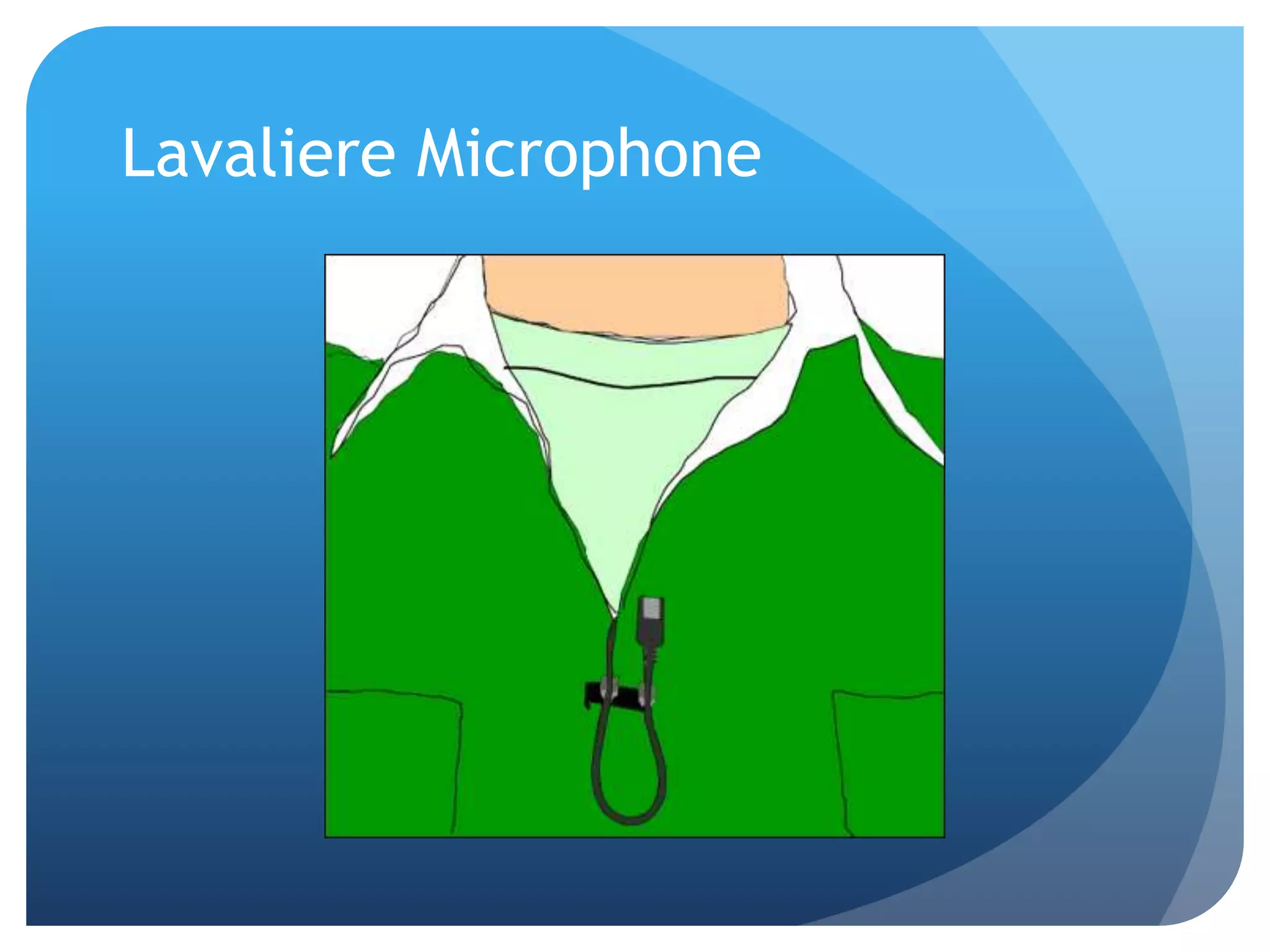
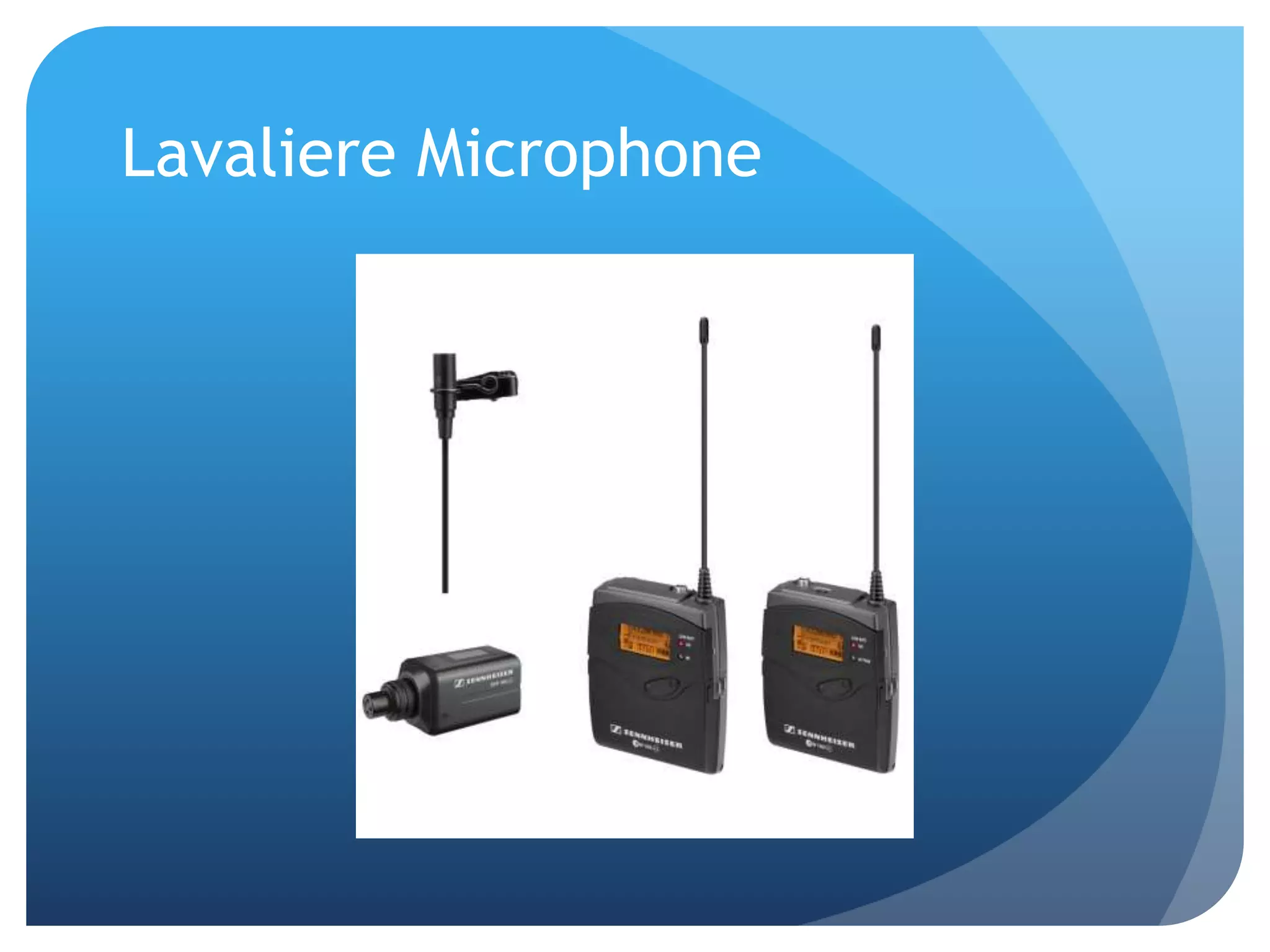
Lavaliere Microphone
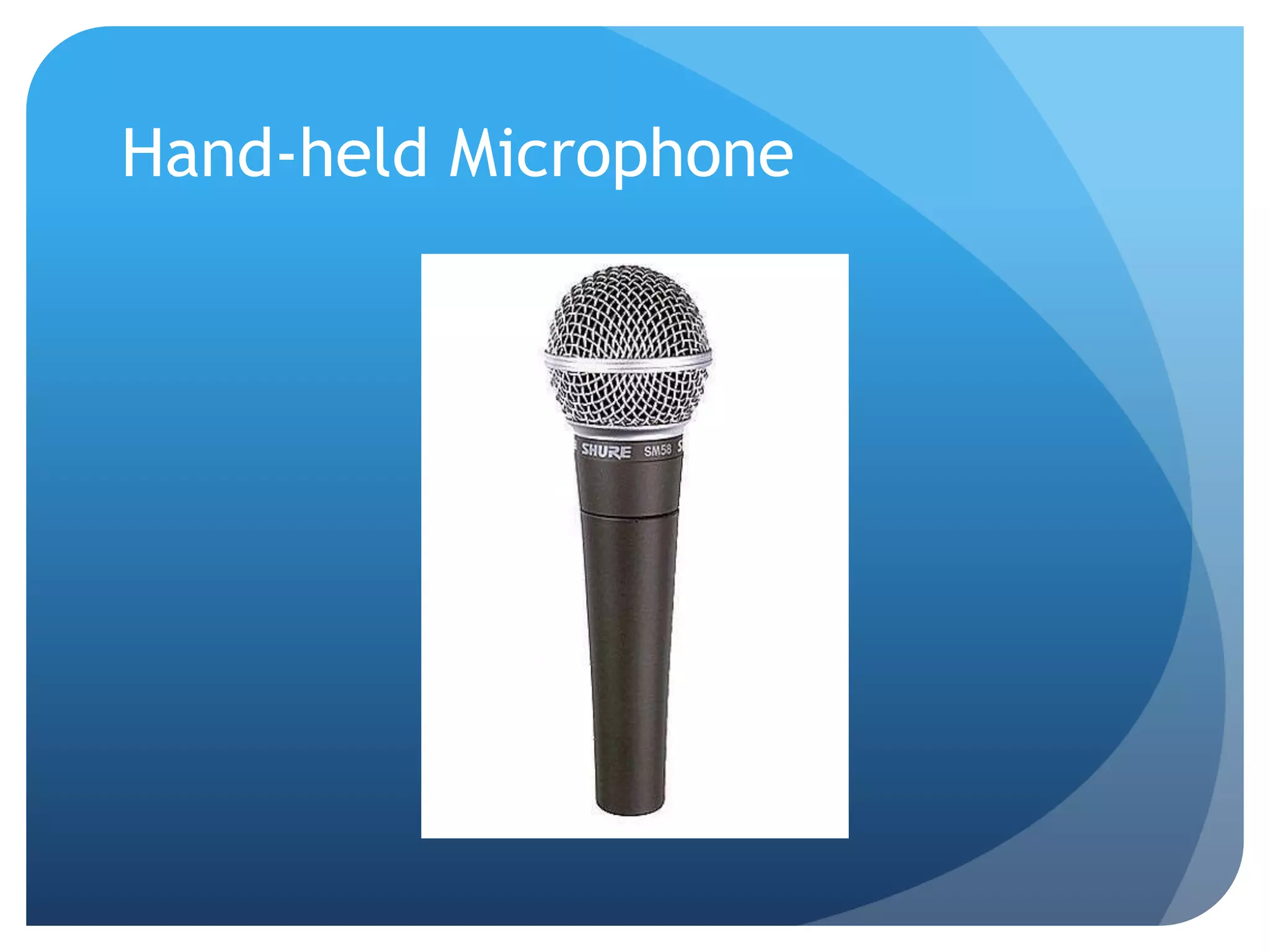
Hand-held Microphone
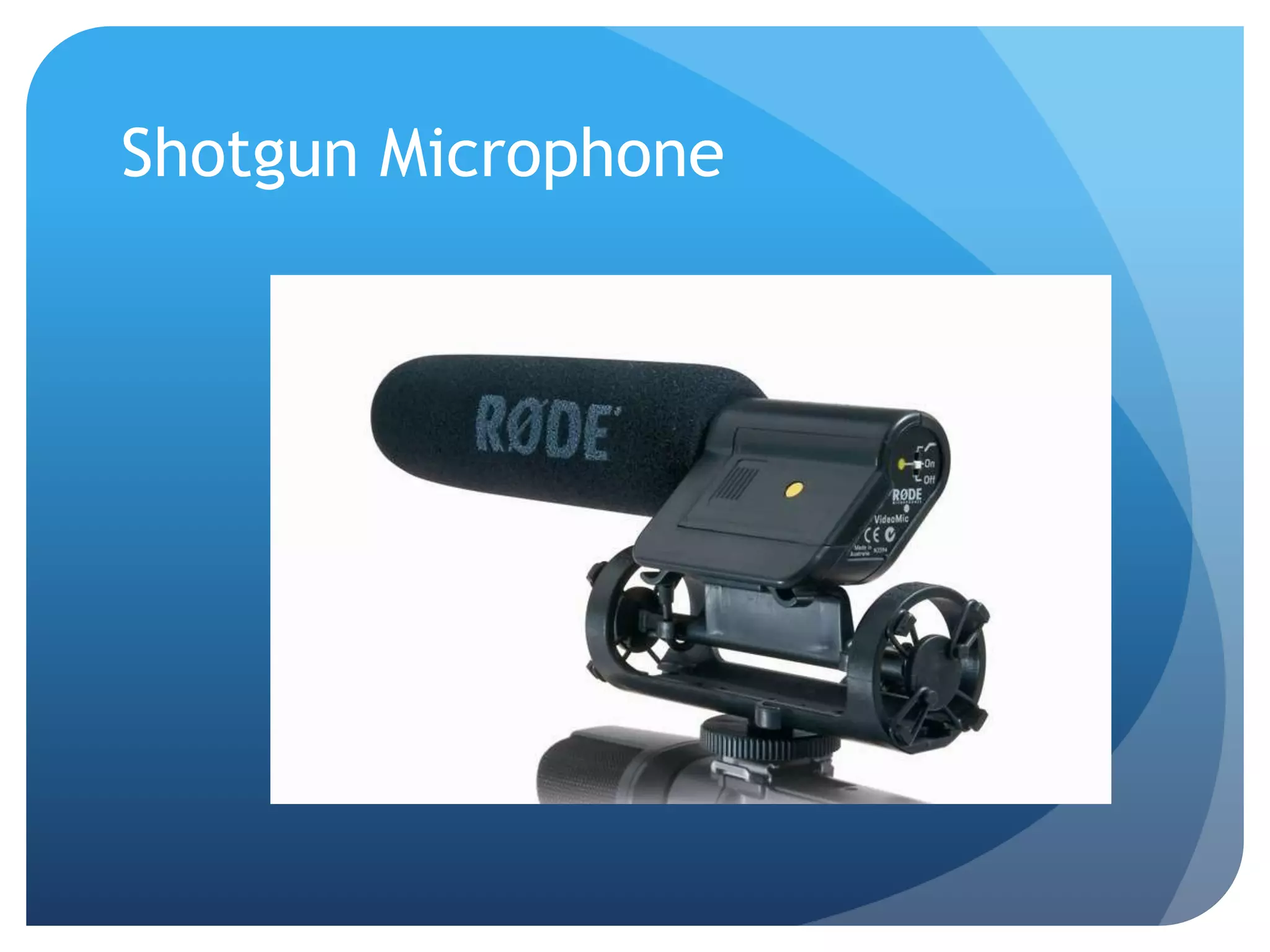
Shotgun Microphone
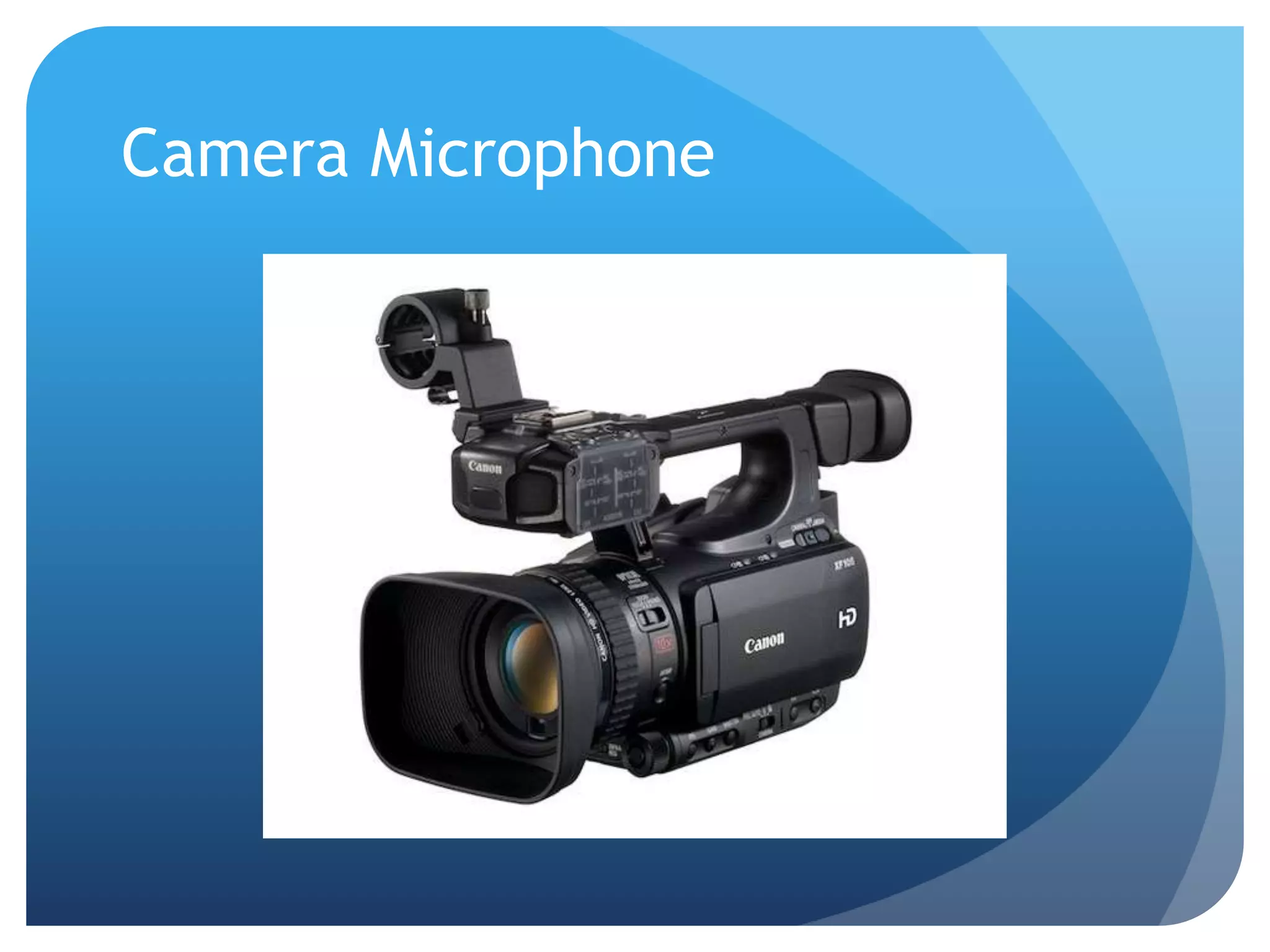
Camera Microphone
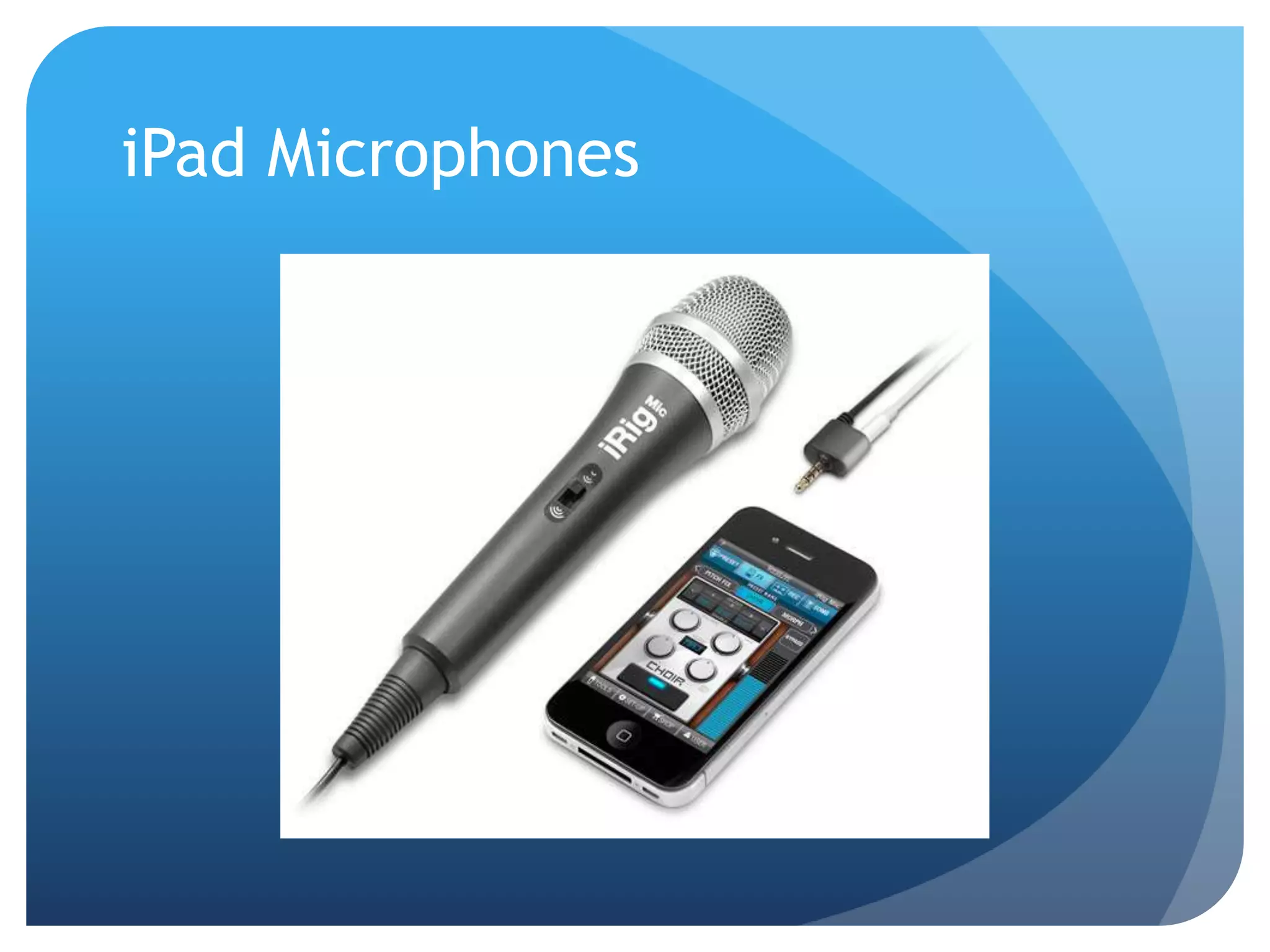
iPad Microphones
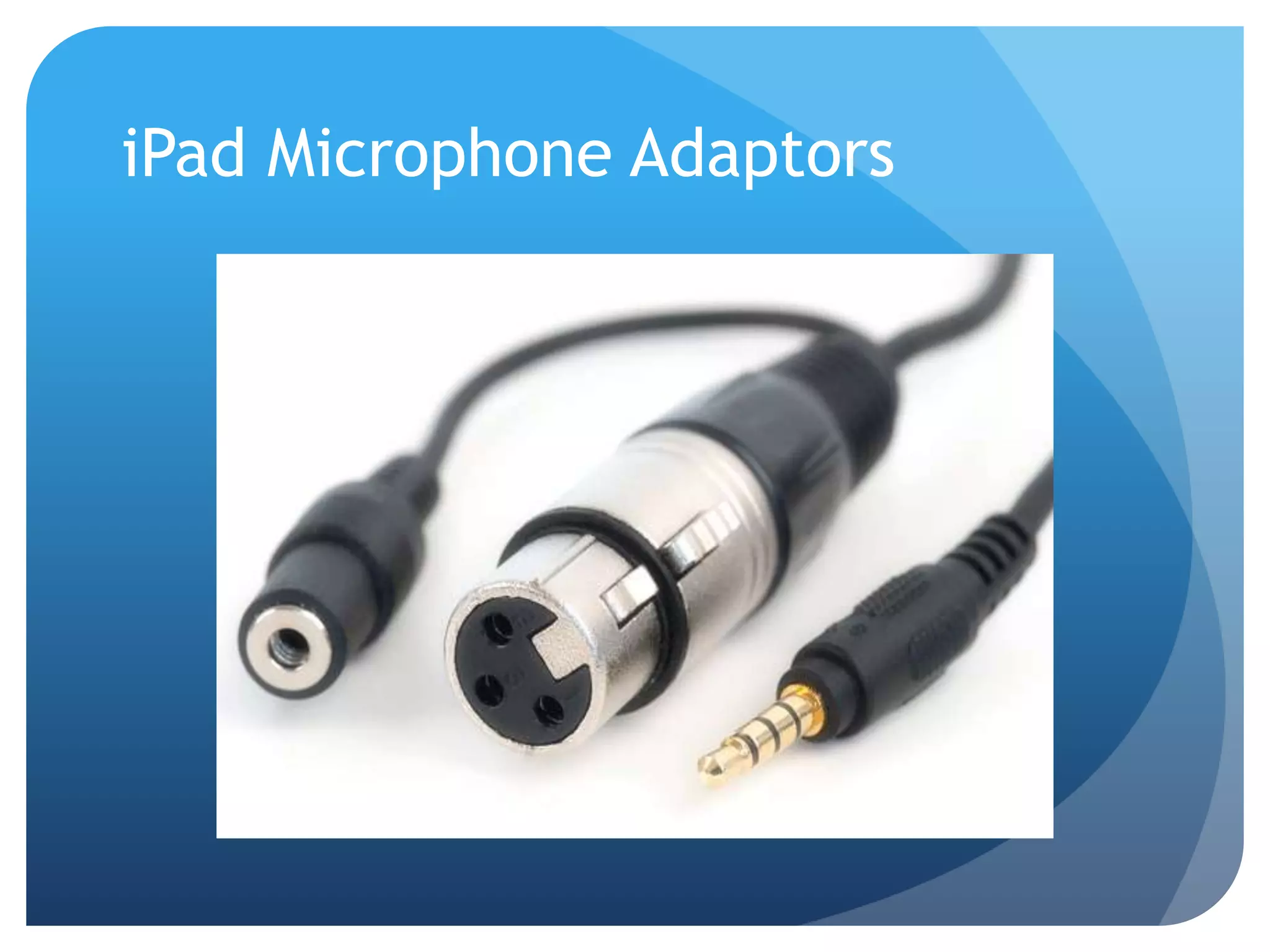
iPad Microphone Adaptors
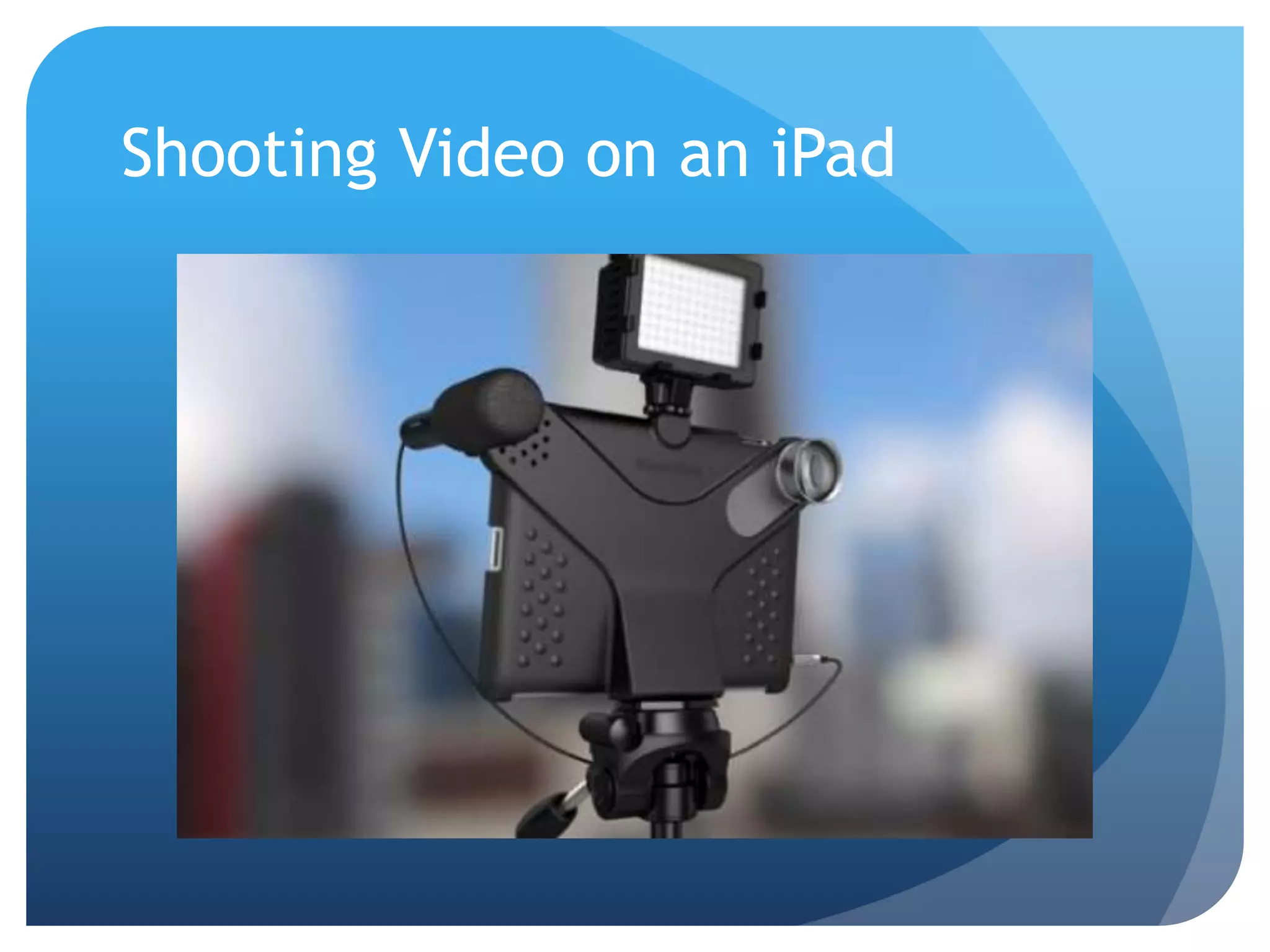
Shooting Video on an iPad
Editing Takes Time
My averages:
 10 minutes of raw
footage = ONE
minute edited
 1-3 hours of
editing for ONE
edited minute
Ditch the editing!
Shoot, upload, share.
Use Promo Code
“NSPRA50” through
October 1 to save $50 on
your first video.
CaptureVideo.com/3tap
Music and Graphics
 www.VideoBlocks.com
 www.Pond5.com
 www.DigitalJuice.com
 http://www.youtube.com/audiolibrary
 www.FreePlayMusic.com
Video Delivery
 Web
 Your District Website
 Video Sharing Site (YouTube, Vimeo)
 Social Networking Site (Facebook, Instagram)
 Video Hosting Site (Granicus, SchoolTube, Wistia)
 iTunes University
 Public Access Cable TV
 CDs and DVDs
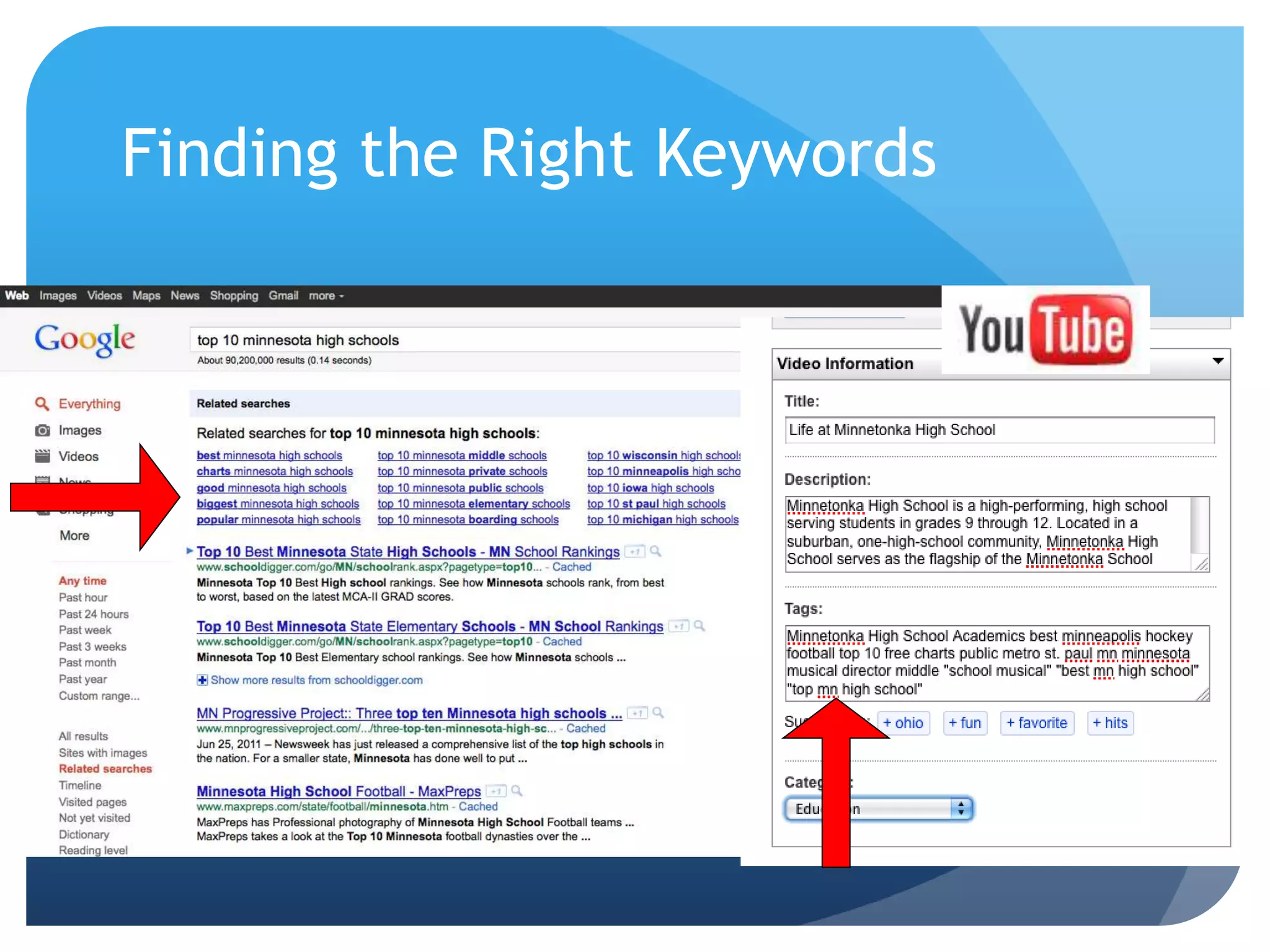
Search Engine Optimization
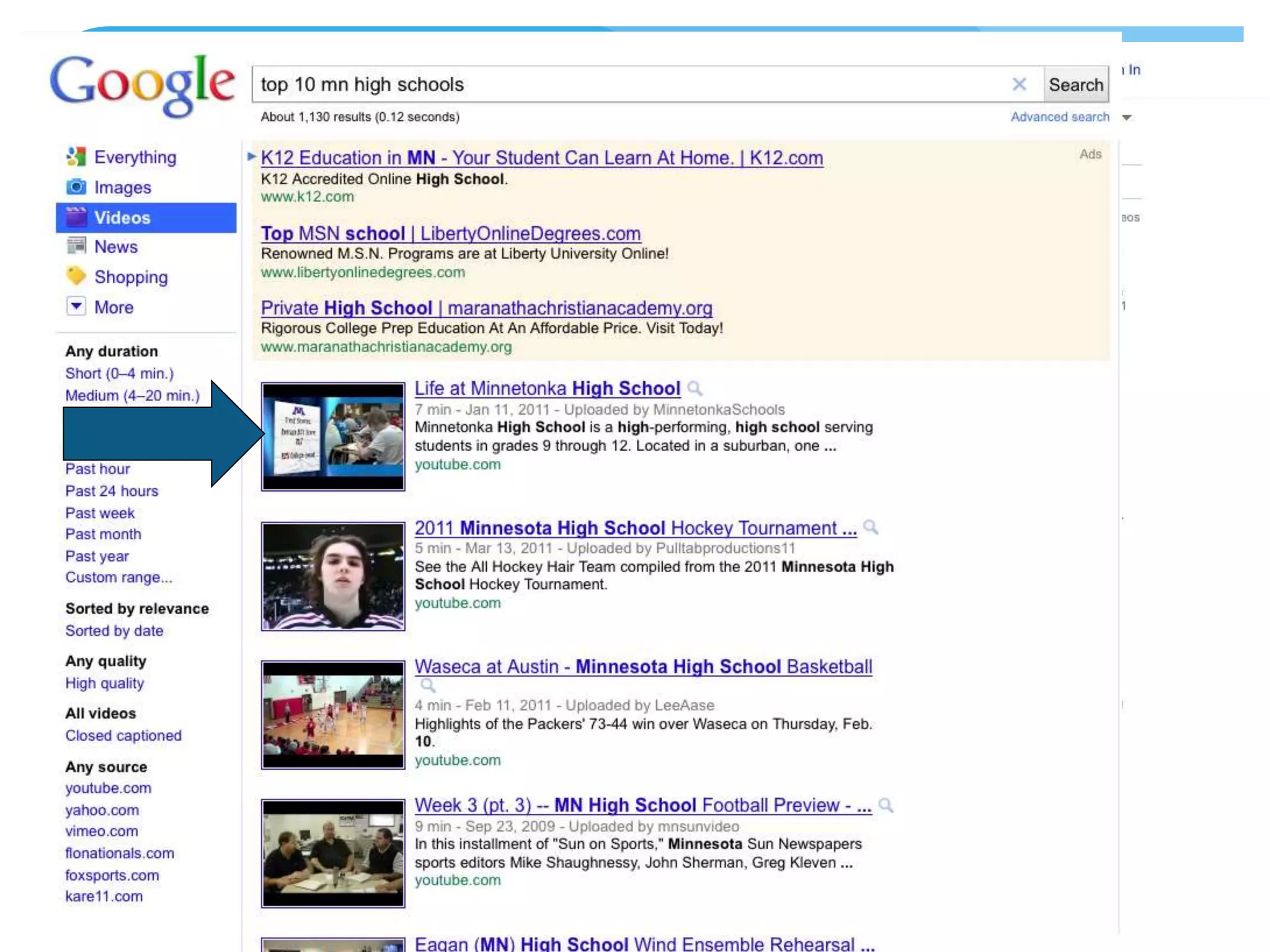
 Upload your video to a prominent platform
(YouTube, Vimeo, etc.)
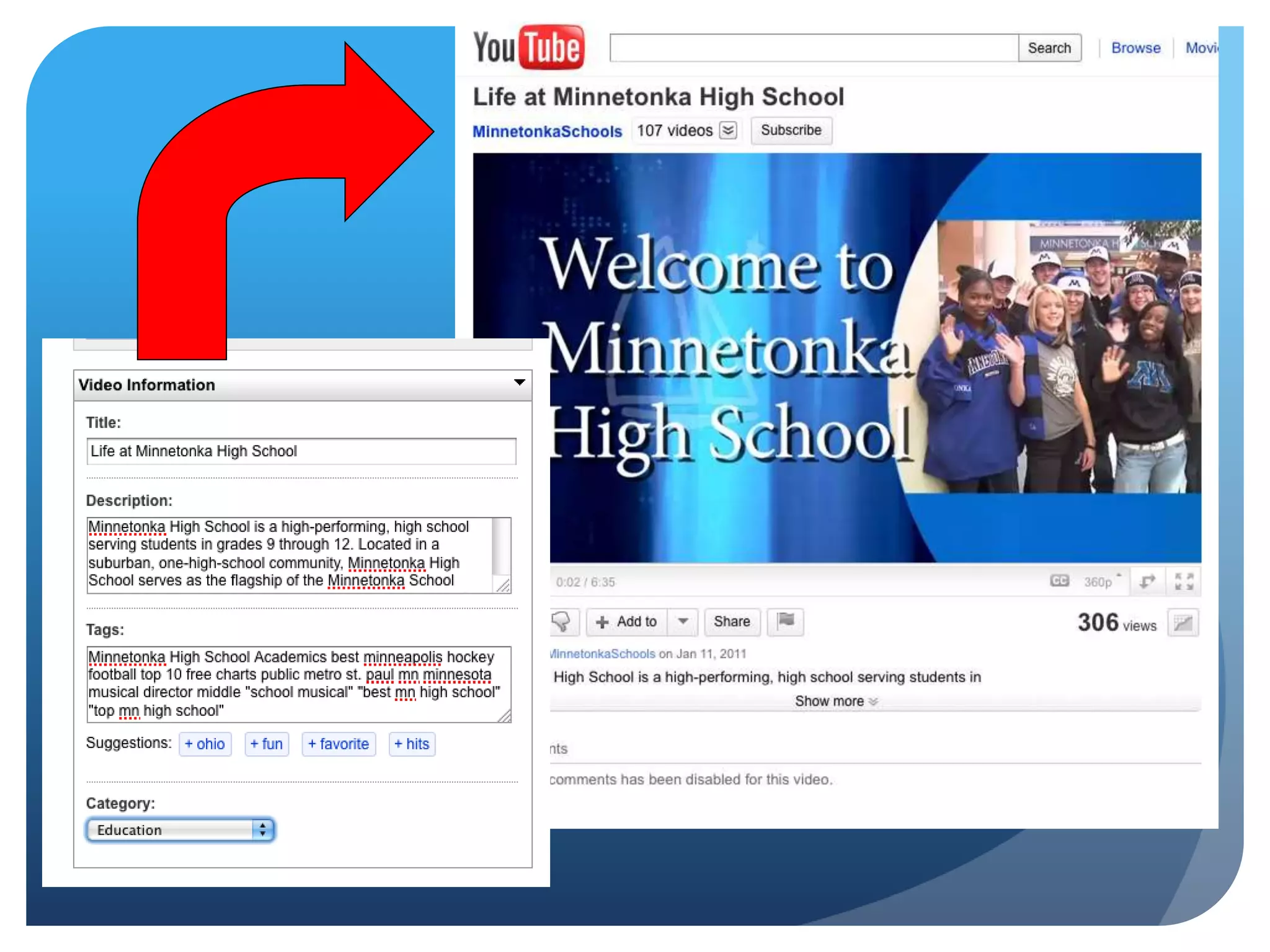
 Use the right words in your video tags and
descriptions, don’t abbreviate
 Use informational words in your title, tags
and script (How to…, History of…)
 Make great videos
Finding the Right Keywords
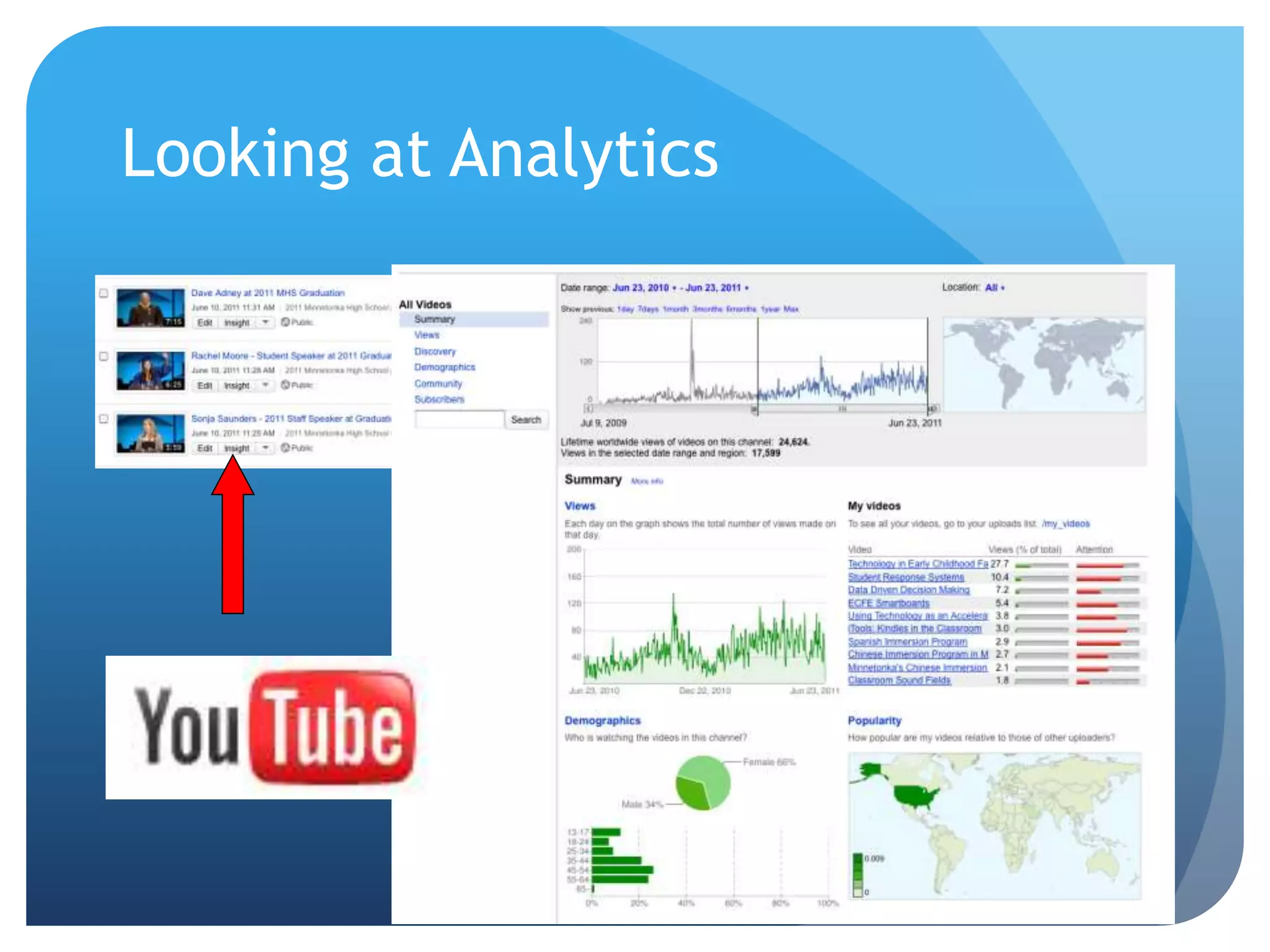
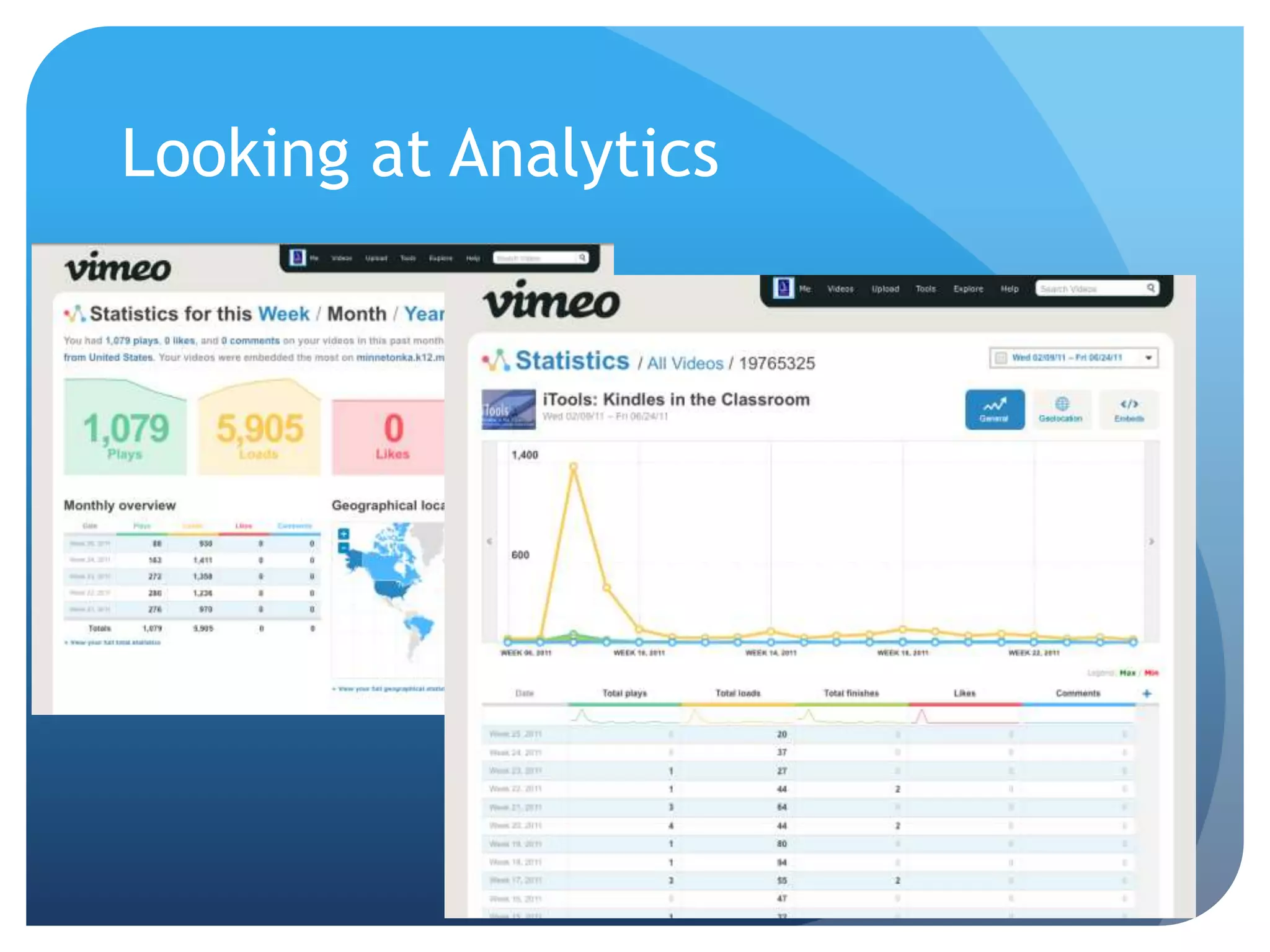
Looking at Analytics
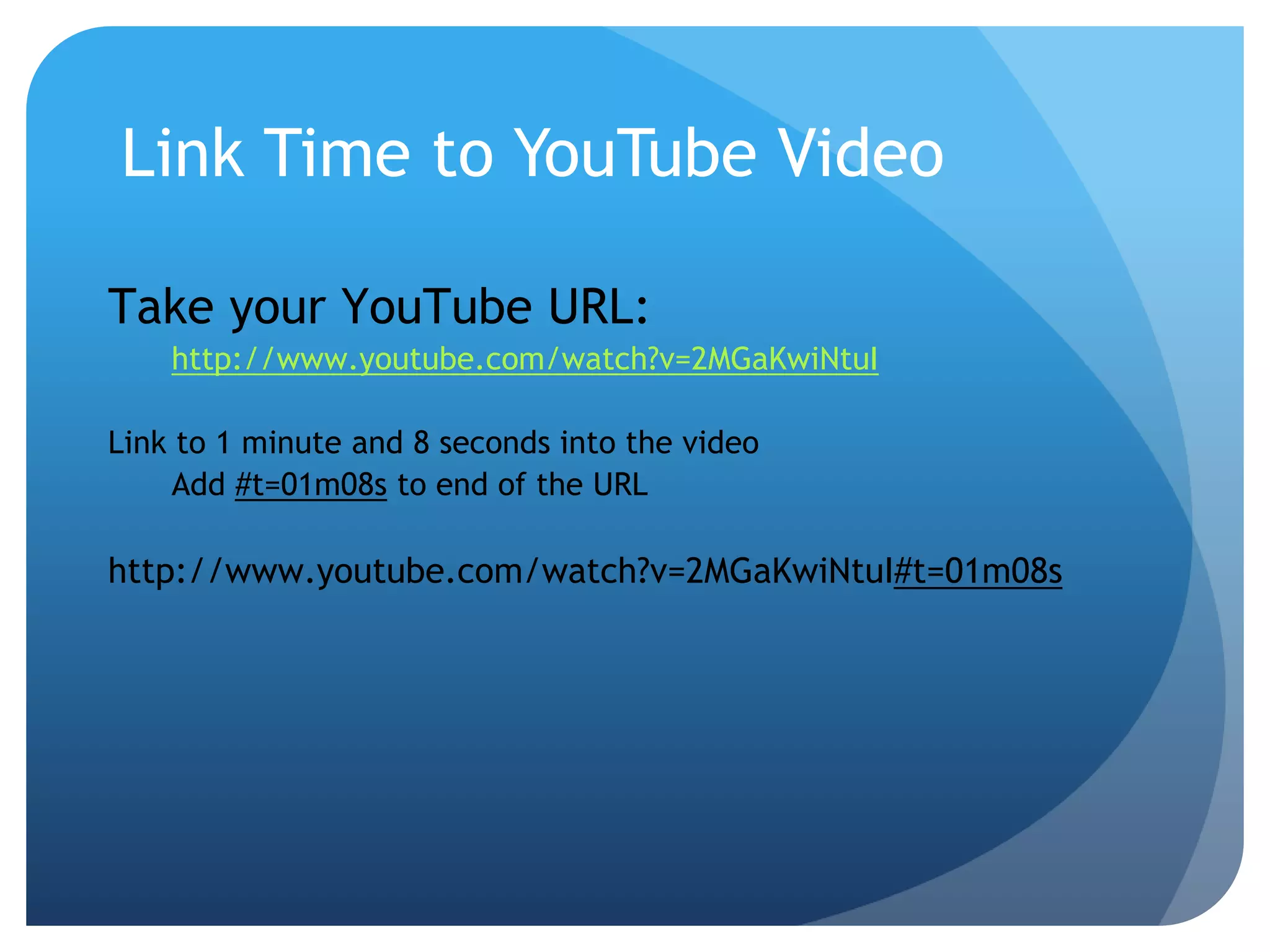
Link Time to YouTube Video
Take your YouTube URL:
http://www.youtube.com/watch?v=2MGaKwiNtuI
Link to 1 minute and 8 seconds into the video
Add #t=01m08s to end of the URL
http://www.youtube.com/watch?v=2MGaKwiNtuI#t=01m08s
My Contact Info
 Jake Sturgis, Capture Video
 www.CaptureVideo.com
 www.3TapEdit.com
 jake@capturevideo.com
 Andy Smith, Minnetonka Public Schools
Andy.Smith@minnetonka.k12.mn.us

2014 NSPRA Video Boot Camp