Hardware & Software
Youtube Video Link:
• Audio / Video Presentation (Language – English)
– Link: https://
• Audio / Video Presentation (Language – Hindi)
– Link: https://
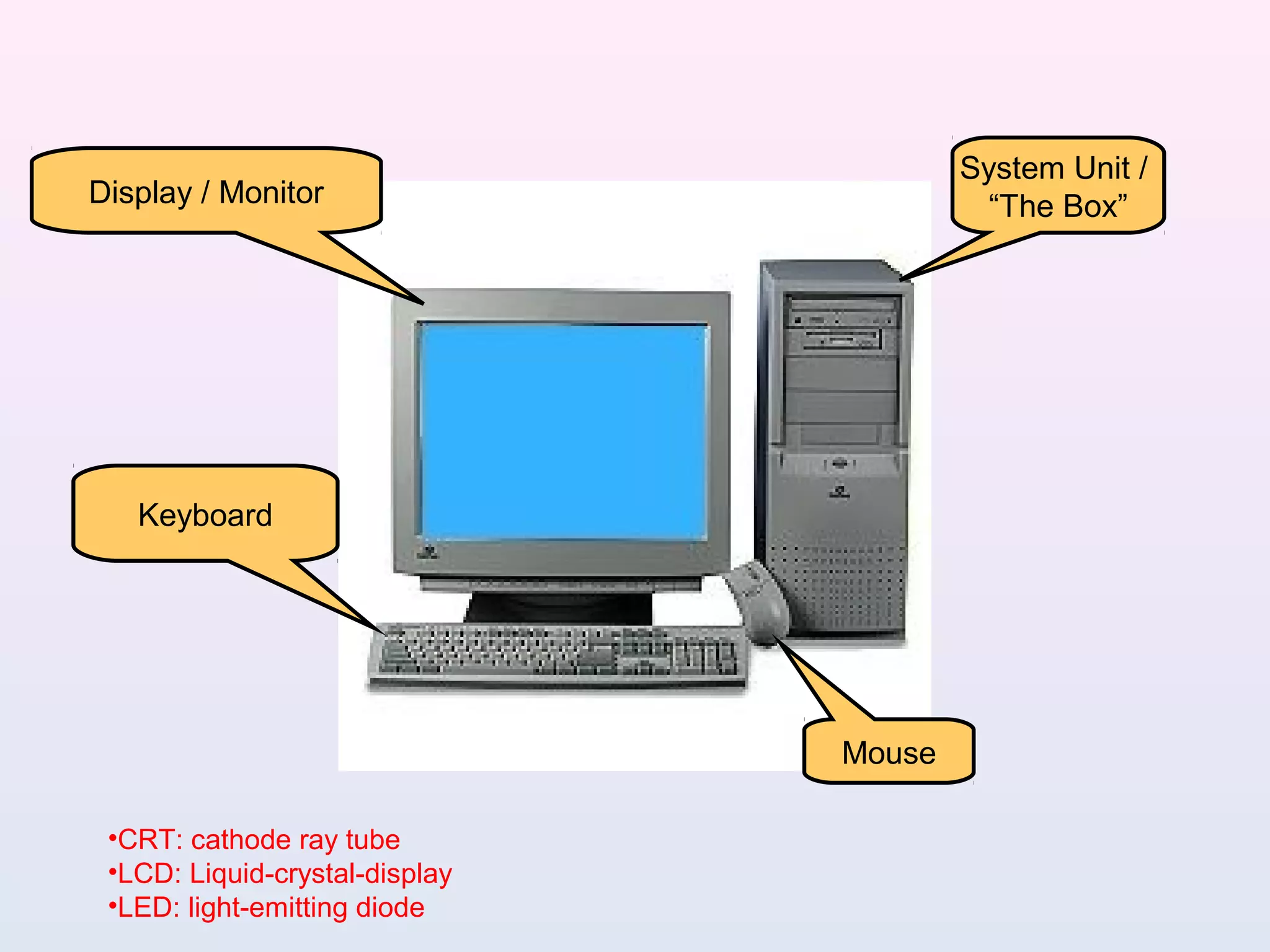
Display / Monitor
Keyboard
Mouse
System Unit /
“The Box”
•CRT: cathode ray tube
•LCD: Liquid-crystal-display
•LED: light-emitting diode
DEFINITION
• Hardware Vs. Software
If you can touch it, it’s hardware
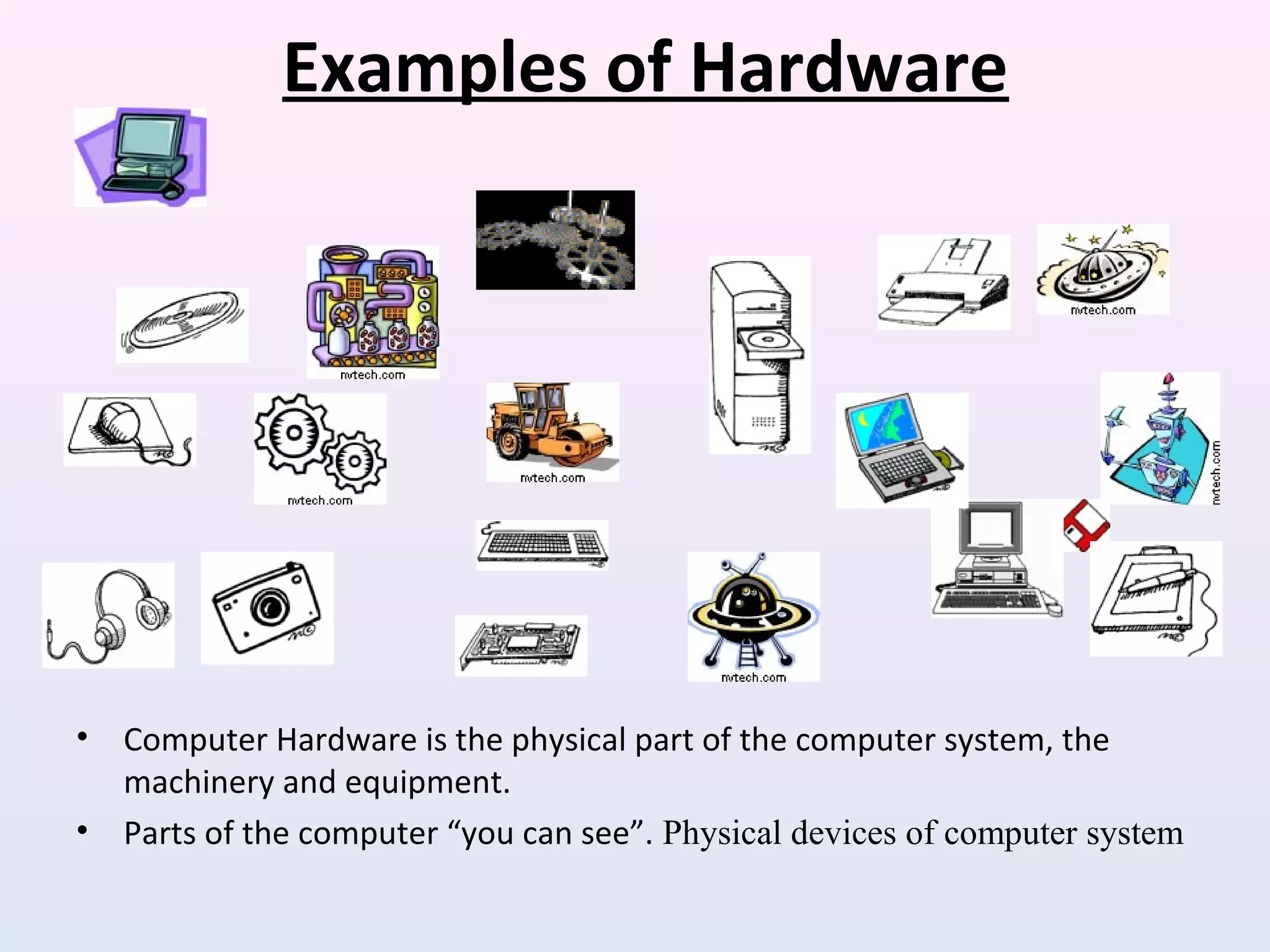
Examples of Hardware
• Computer Hardware is the physical part of the computer system, the
machinery and equipment.
• Parts of the computer “you can see”. Physical devices of computer system
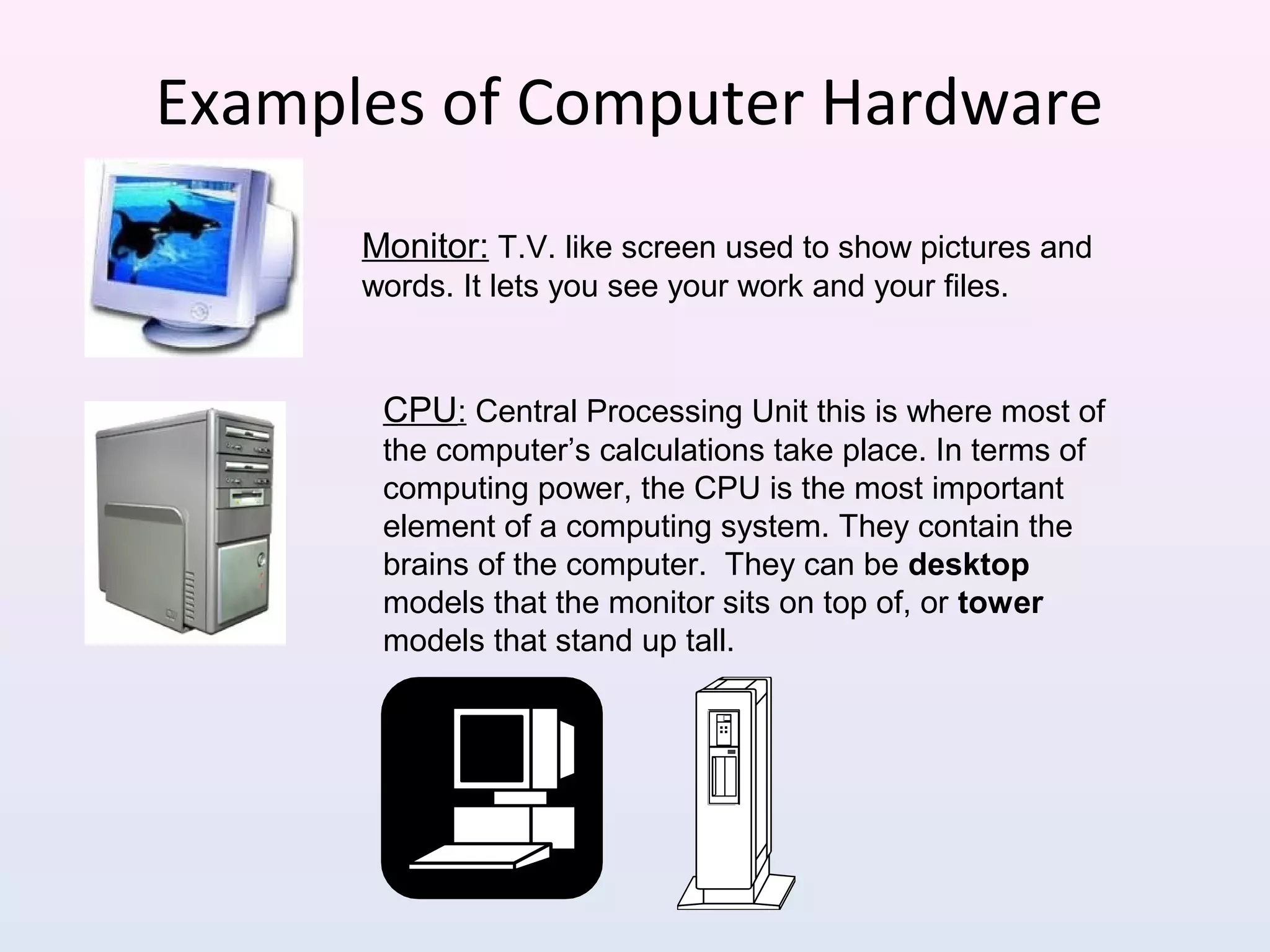
Examples of Computer Hardware
Monitor: T.V. like screen used to show pictures and
words. It lets you see your work and your files.
CPU: Central Processing Unit this is where most of
the computer’s calculations take place. In terms of
computing power, the CPU is the most important
element of a computing system. They contain the
brains of the computer. They can be desktop
models that the monitor sits on top of, or tower
models that stand up tall.
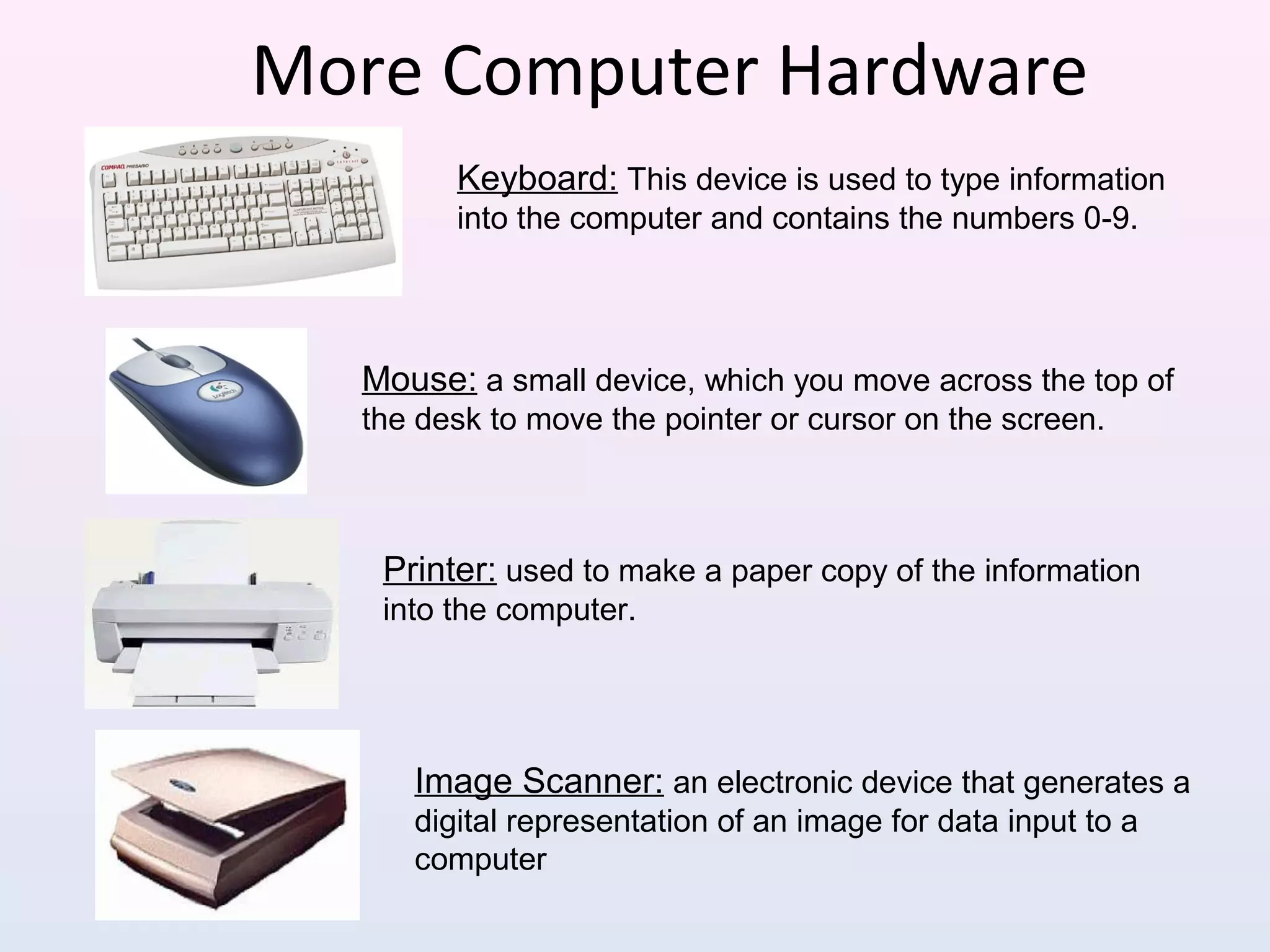
More Computer Hardware
Mouse: a small device, which you move across the top of
the desk to move the pointer or cursor on the screen.
Printer: used to make a paper copy of the information
into the computer.
Image Scanner: an electronic device that generates a
digital representation of an image for data input to a
computer
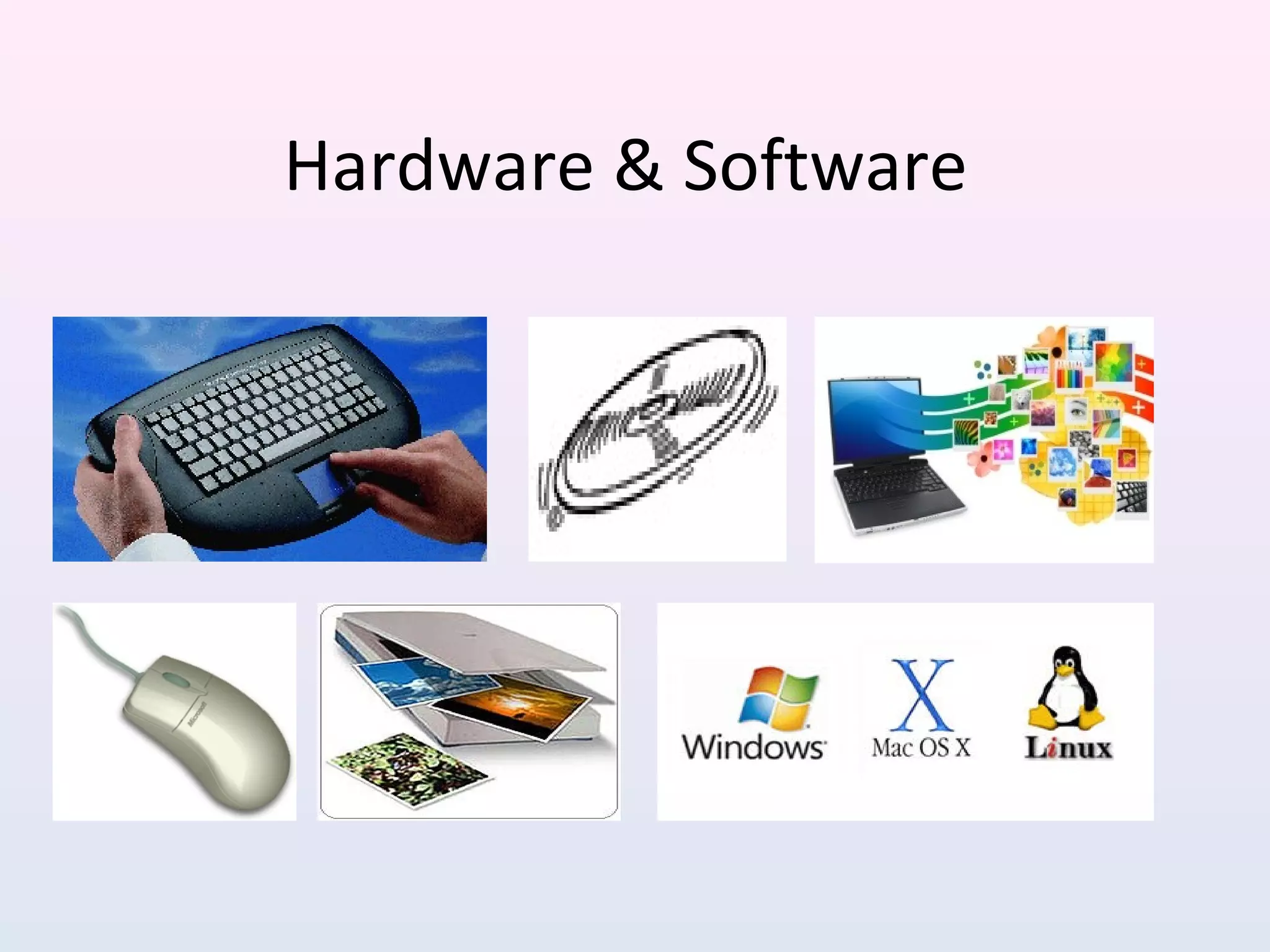
Keyboard: This device is used to type information
into the computer and contains the numbers 0-9.
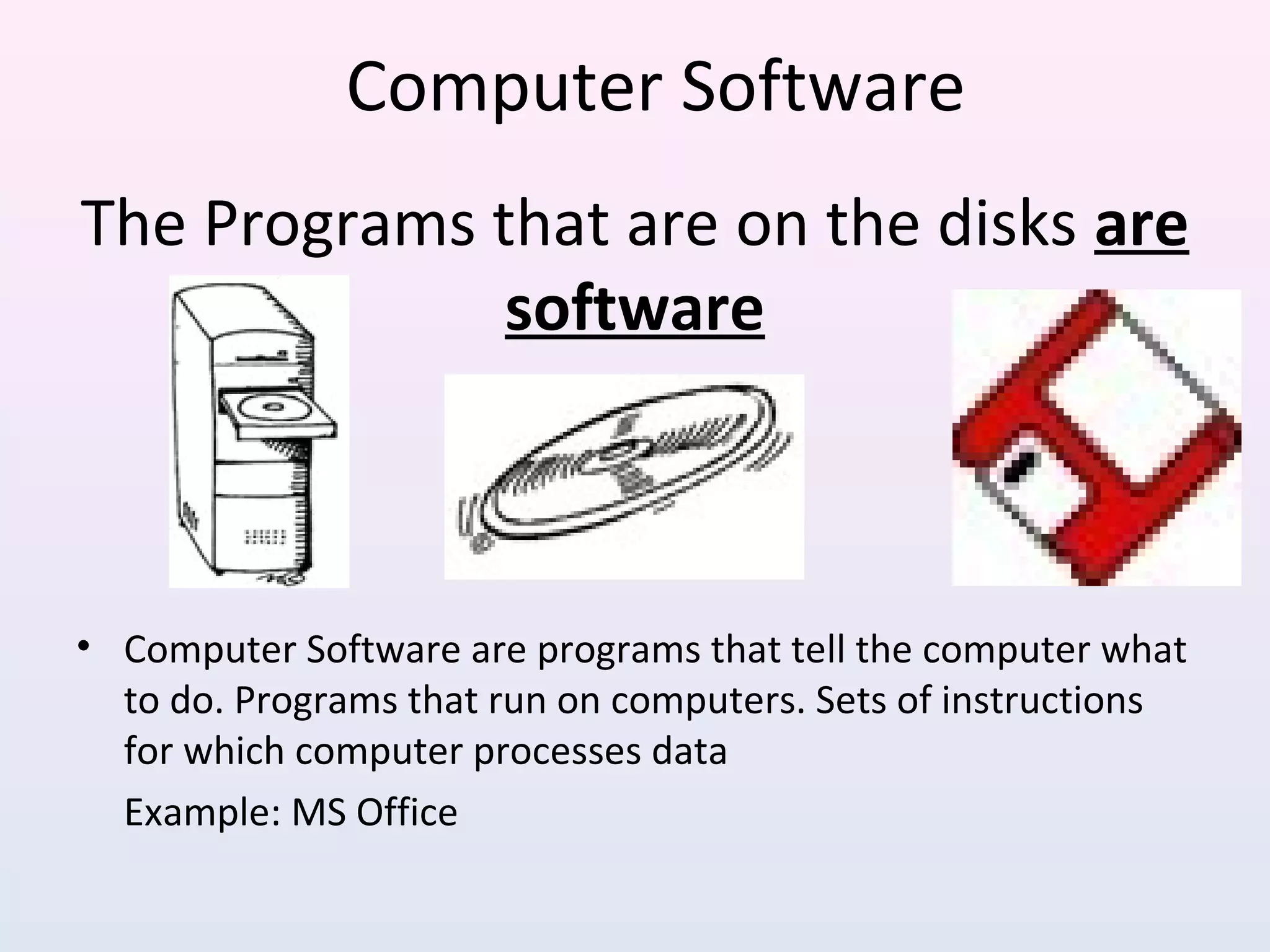
The Programs that are on the disks are
software
• Computer Software are programs that tell the computer what
to do. Programs that run on computers. Sets of instructions
for which computer processes data
Example: MS Office
Computer Software
But how computer actually works!
• To understand, let’s break it down into it's basic components
• Then how each component works
• Finally how all the components work together to achieve the
desired end product or result
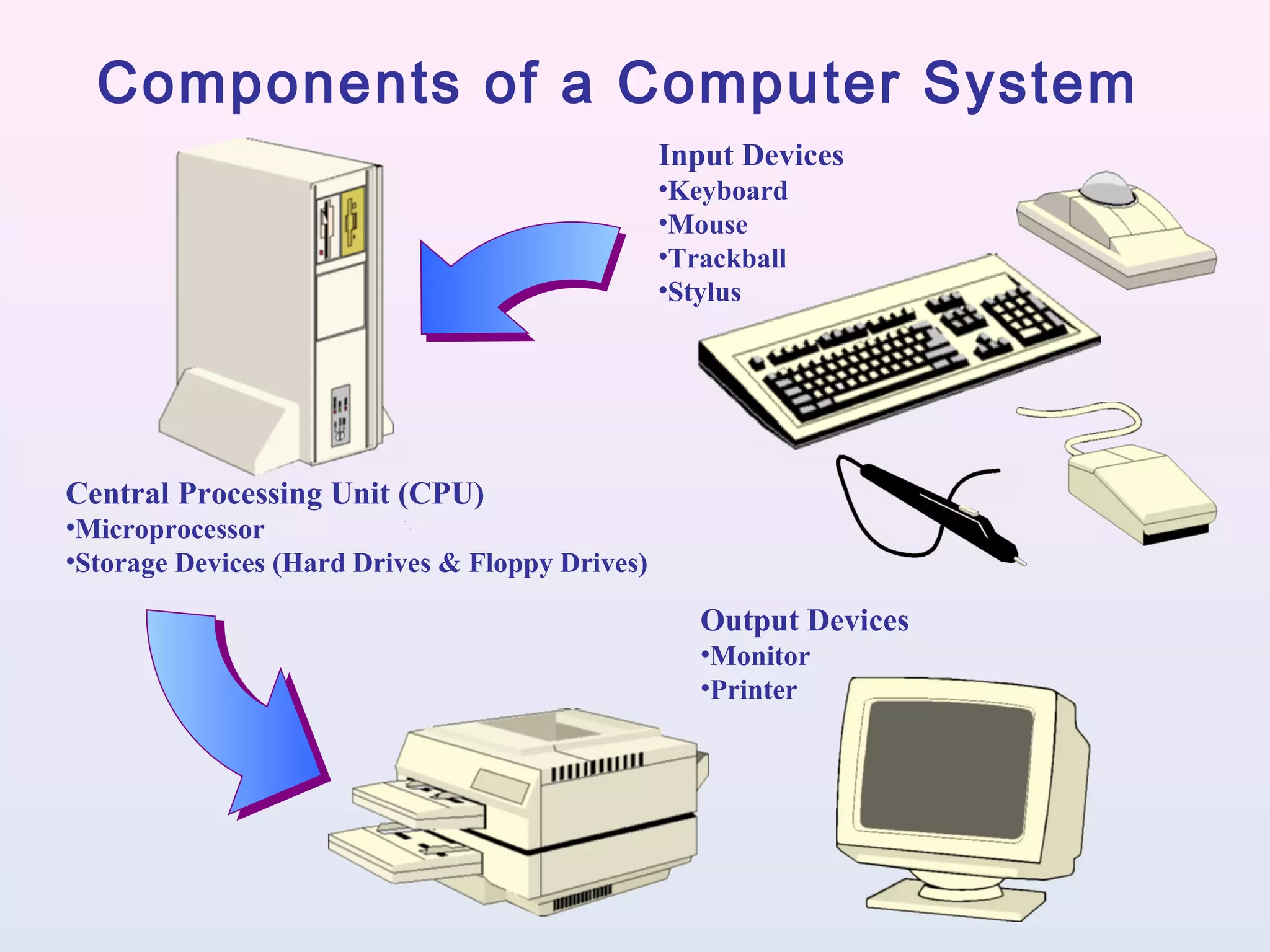
Input Devices
•Keyboard
•Mouse
•Trackball
•Stylus
Central Processing Unit (CPU)
•Microprocessor
•Storage Devices (Hard Drives & Floppy Drives)
Output Devices
•Monitor
•Printer
Components of a Computer System
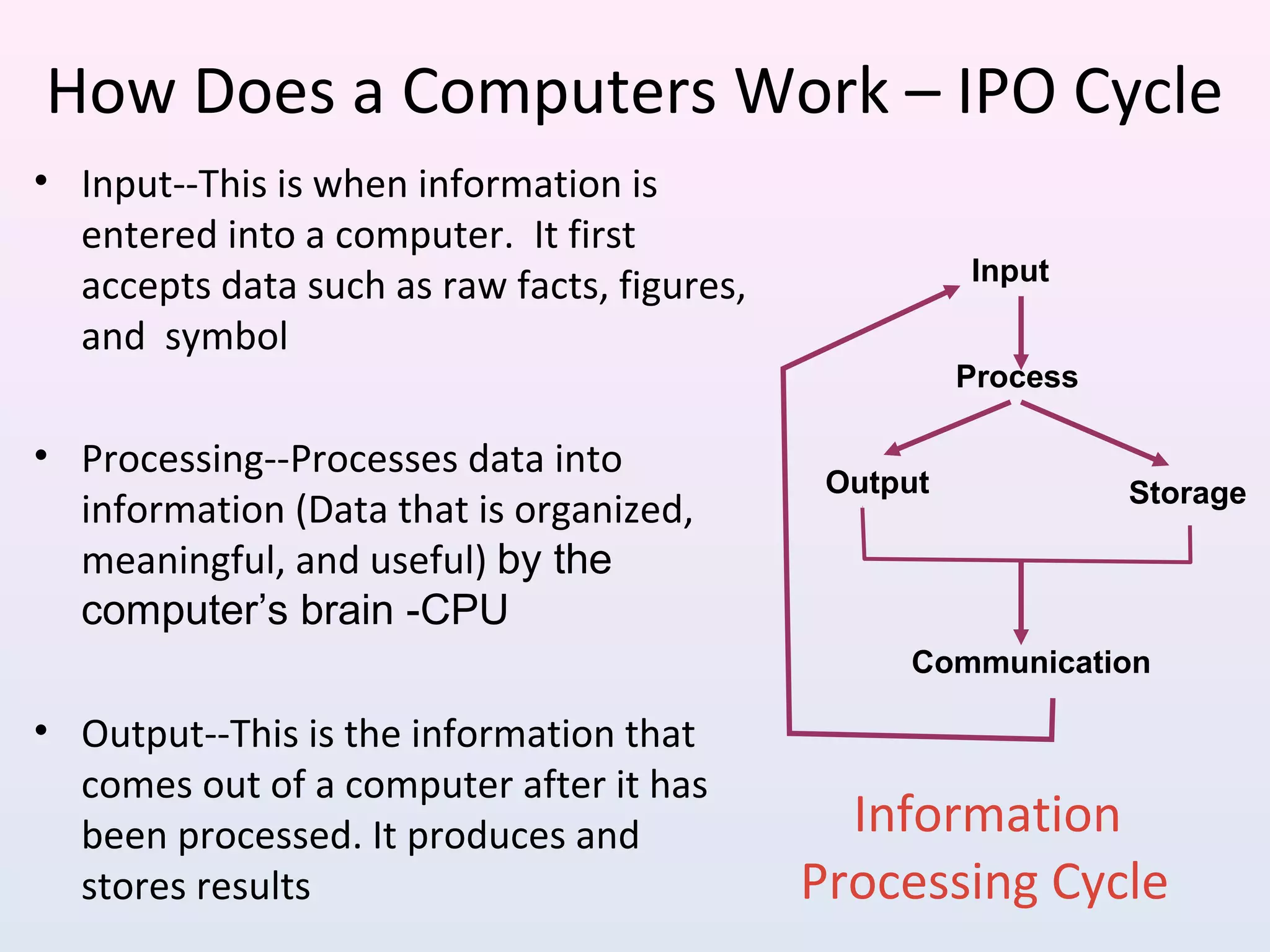
Information
Processing Cycle
Input
Process
Output Storage
Communication
• Input--This is when information is
entered into a computer. It first
accepts data such as raw facts, figures,
and symbol
• Processing--Processes data into
information (Data that is organized,
meaningful, and useful) by the
computer’s brain -CPU
• Output--This is the information that
comes out of a computer after it has
been processed. It produces and
stores results
How Does a Computers Work – IPO Cycle
Why Is a Computer So Powerful?
 Speed
 Reliability
 Accuracy
 Storage
 Versatility
 Communications
Thank You

04. features hardware and software - ipo of computer

  • 1.
  • 2.
    Youtube Video Link: •Audio / Video Presentation (Language – English) – Link: https:// • Audio / Video Presentation (Language – Hindi) – Link: https://
  • 3.
    Display / Monitor Keyboard Mouse SystemUnit / “The Box” •CRT: cathode ray tube •LCD: Liquid-crystal-display •LED: light-emitting diode
  • 4.
    DEFINITION • Hardware Vs.Software If you can touch it, it’s hardware
  • 5.
    Examples of Hardware •Computer Hardware is the physical part of the computer system, the machinery and equipment. • Parts of the computer “you can see”. Physical devices of computer system
  • 6.
    Examples of ComputerHardware Monitor: T.V. like screen used to show pictures and words. It lets you see your work and your files. CPU: Central Processing Unit this is where most of the computer’s calculations take place. In terms of computing power, the CPU is the most important element of a computing system. They contain the brains of the computer. They can be desktop models that the monitor sits on top of, or tower models that stand up tall.
  • 7.
    More Computer Hardware Mouse:a small device, which you move across the top of the desk to move the pointer or cursor on the screen. Printer: used to make a paper copy of the information into the computer. Image Scanner: an electronic device that generates a digital representation of an image for data input to a computer Keyboard: This device is used to type information into the computer and contains the numbers 0-9.
  • 8.
    The Programs thatare on the disks are software • Computer Software are programs that tell the computer what to do. Programs that run on computers. Sets of instructions for which computer processes data Example: MS Office Computer Software
  • 9.
    But how computeractually works! • To understand, let’s break it down into it's basic components • Then how each component works • Finally how all the components work together to achieve the desired end product or result
  • 10.
    Input Devices •Keyboard •Mouse •Trackball •Stylus Central ProcessingUnit (CPU) •Microprocessor •Storage Devices (Hard Drives & Floppy Drives) Output Devices •Monitor •Printer Components of a Computer System
  • 11.
    Information Processing Cycle Input Process Output Storage Communication •Input--This is when information is entered into a computer. It first accepts data such as raw facts, figures, and symbol • Processing--Processes data into information (Data that is organized, meaningful, and useful) by the computer’s brain -CPU • Output--This is the information that comes out of a computer after it has been processed. It produces and stores results How Does a Computers Work – IPO Cycle
  • 12.
    Why Is aComputer So Powerful?  Speed  Reliability  Accuracy  Storage  Versatility  Communications
  • 13.

Editor's Notes

  • #5 What is hard copy & Soft copy
  • #12 Eg: Suragcane Machine