Steps to a Great Presentation
Steps to a Great Presentation Select an appropriate Topic Develop an Outline Follow suggested slide format Follow suggested  Do’s and Don'ts
Select a Topic What are my interests? Who is my audience? What is my purpose? What are my resources?
Develop an Outline PowerPoint Word Using an outline creator like:
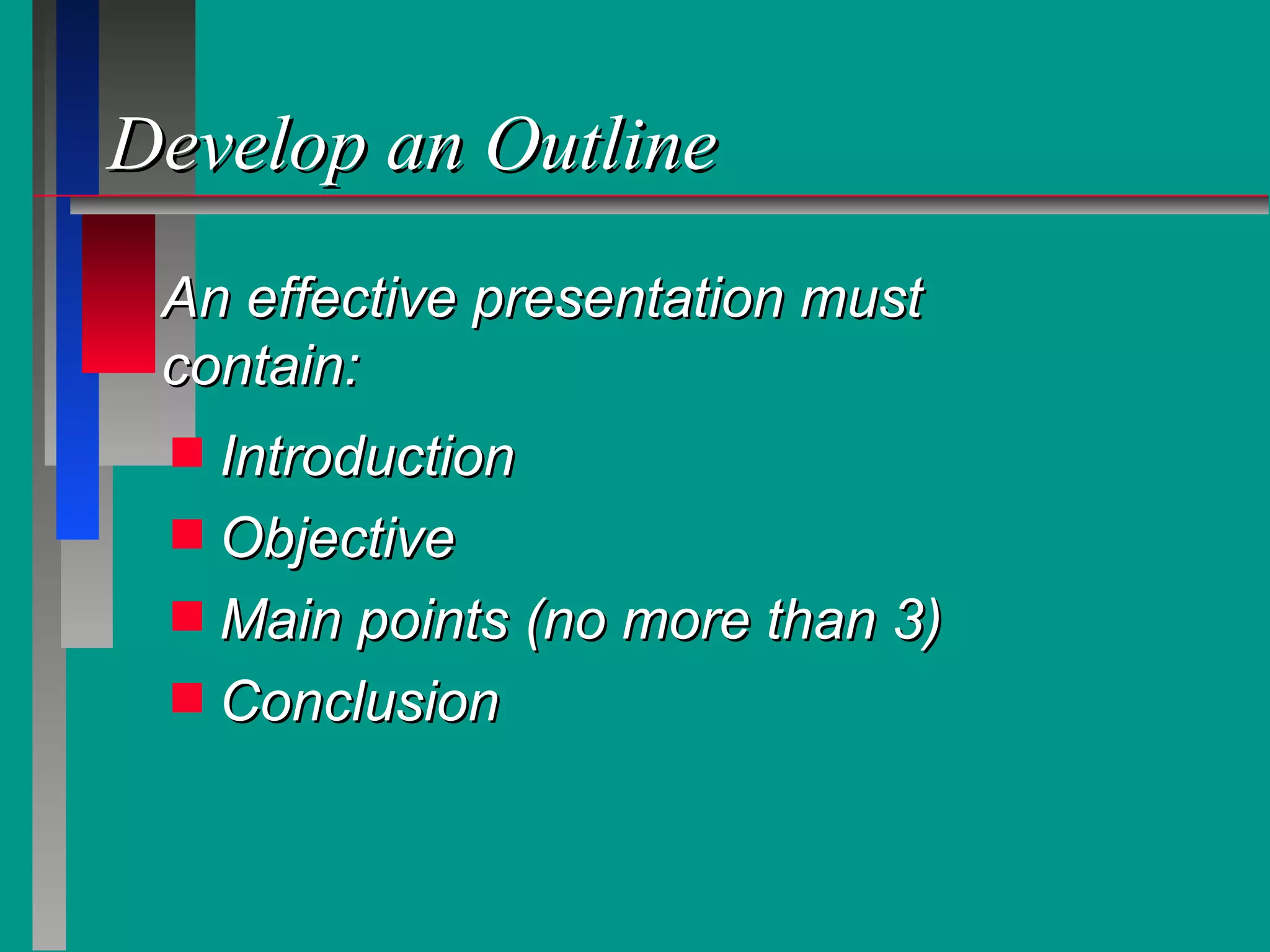
Develop an Outline Introduction Objective Main points (no more than 3) Conclusion An effective presentation must contain:
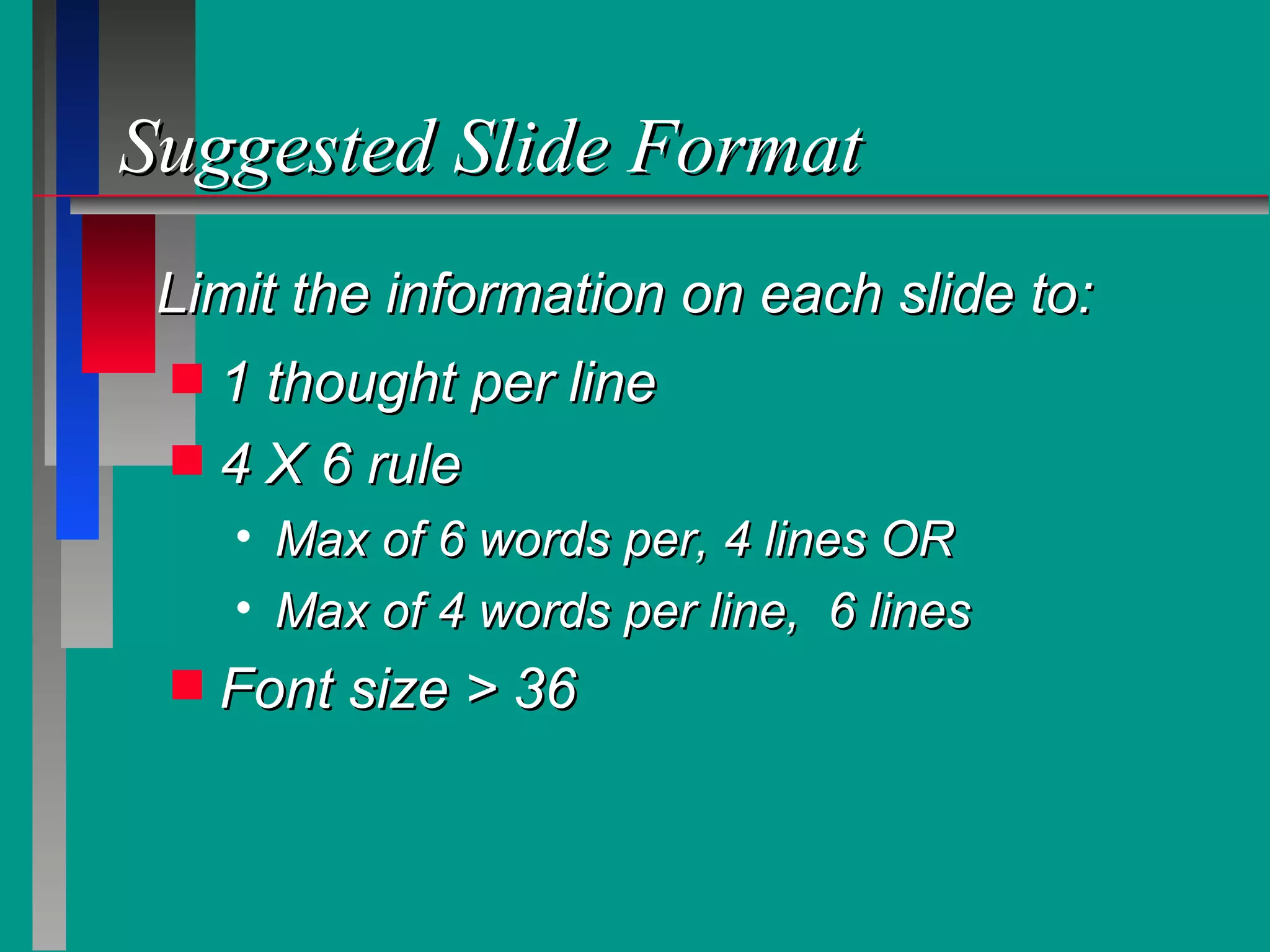
Suggested Slide Format 1 thought per line  4 X 6 rule Max of 6 words per, 4 lines OR Max of 4 words per line,  6 lines  Font size > 36 Limit the information on each slide to:
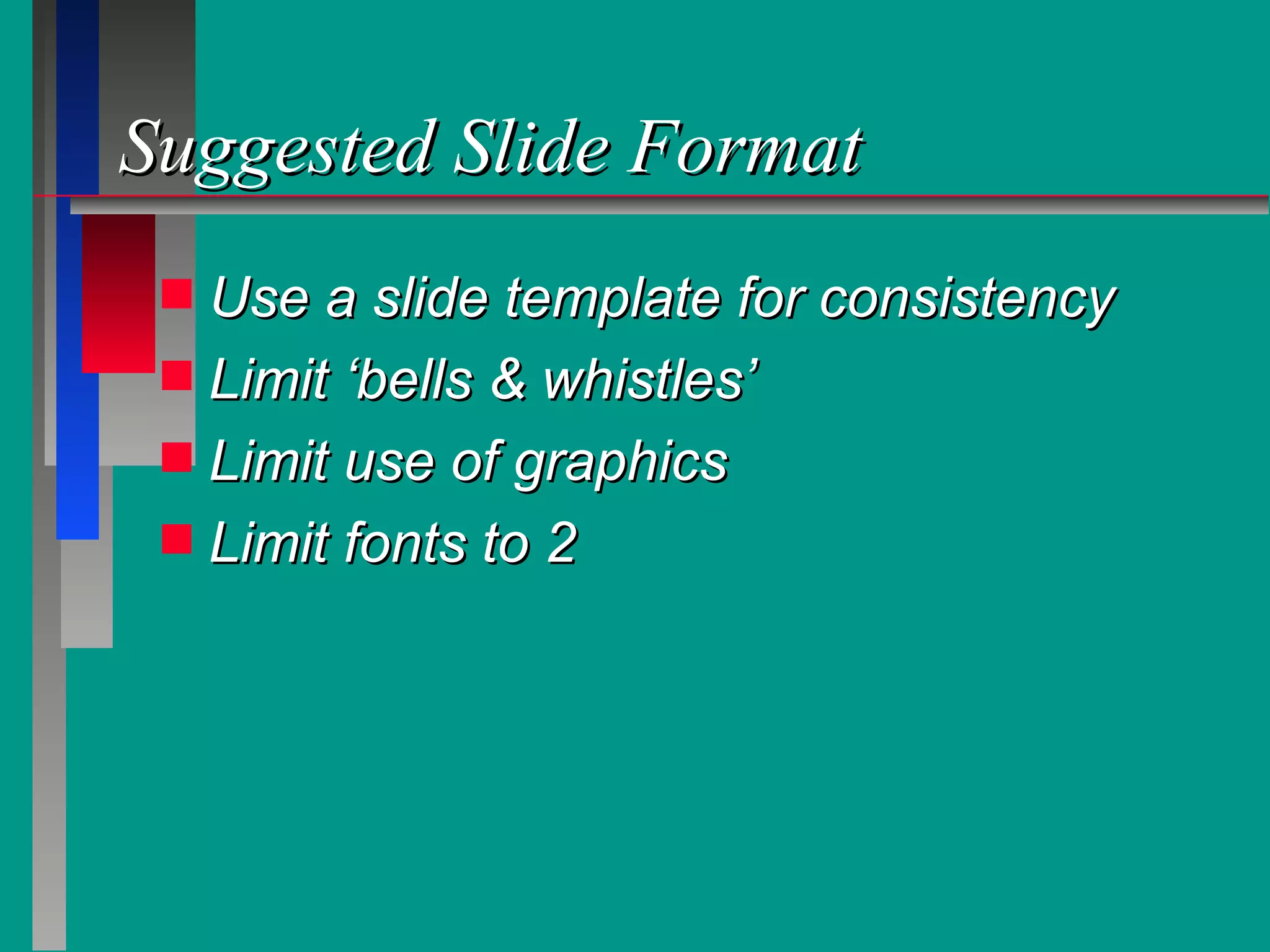
Suggested Slide Format Use a slide template for consistency Limit ‘bells & whistles’ Limit use of graphics Limit fonts to 2
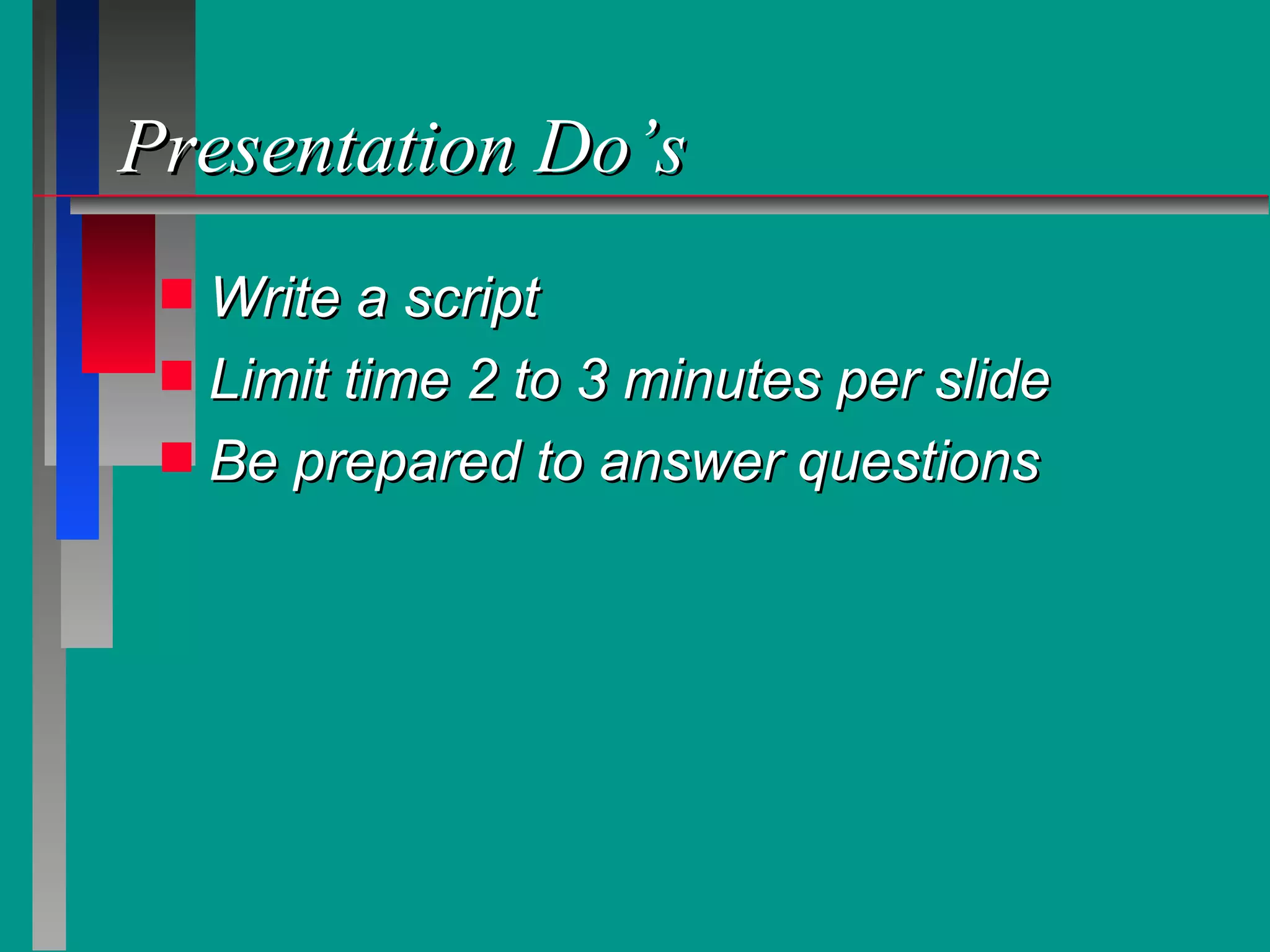
Presentation Do’s Write a script  Limit time 2 to 3 minutes per slide Be prepared to answer questions
Presentation Do’s Look at your audience (not the screen) Rehearse Rehearse Rehearse
In Conclusion Select a Topic Develop an Outline Follow suggested slide format Rehearse

ORACLE - How to create a presentation

  • 1.
    Steps to aGreat Presentation
  • 2.
    Steps to aGreat Presentation Select an appropriate Topic Develop an Outline Follow suggested slide format Follow suggested Do’s and Don'ts
  • 3.
    Select a TopicWhat are my interests? Who is my audience? What is my purpose? What are my resources?
  • 4.
    Develop an OutlinePowerPoint Word Using an outline creator like:
  • 5.
    Develop an OutlineIntroduction Objective Main points (no more than 3) Conclusion An effective presentation must contain:
  • 6.
    Suggested Slide Format1 thought per line 4 X 6 rule Max of 6 words per, 4 lines OR Max of 4 words per line, 6 lines Font size > 36 Limit the information on each slide to:
  • 7.
    Suggested Slide FormatUse a slide template for consistency Limit ‘bells & whistles’ Limit use of graphics Limit fonts to 2
  • 8.
    Presentation Do’s Writea script Limit time 2 to 3 minutes per slide Be prepared to answer questions
  • 9.
    Presentation Do’s Lookat your audience (not the screen) Rehearse Rehearse Rehearse
  • 10.
    In Conclusion Selecta Topic Develop an Outline Follow suggested slide format Rehearse