
Effective Presentations Danny Nicholson Think Bank Ltd
or PowerPointless? PowerPoint
Benefits of ICT Presentation “ Better quality” presentation Easy access to multimedia resources (images/video etc) Preparation of backbone of lesson in advance Easily stored, shared, printed and recalled
Golden Rules Some golden rules: Make it clear Keep it simple
Make it clear Make the font large enough to read. 12 point font 20 point font 36 point font 44 point font
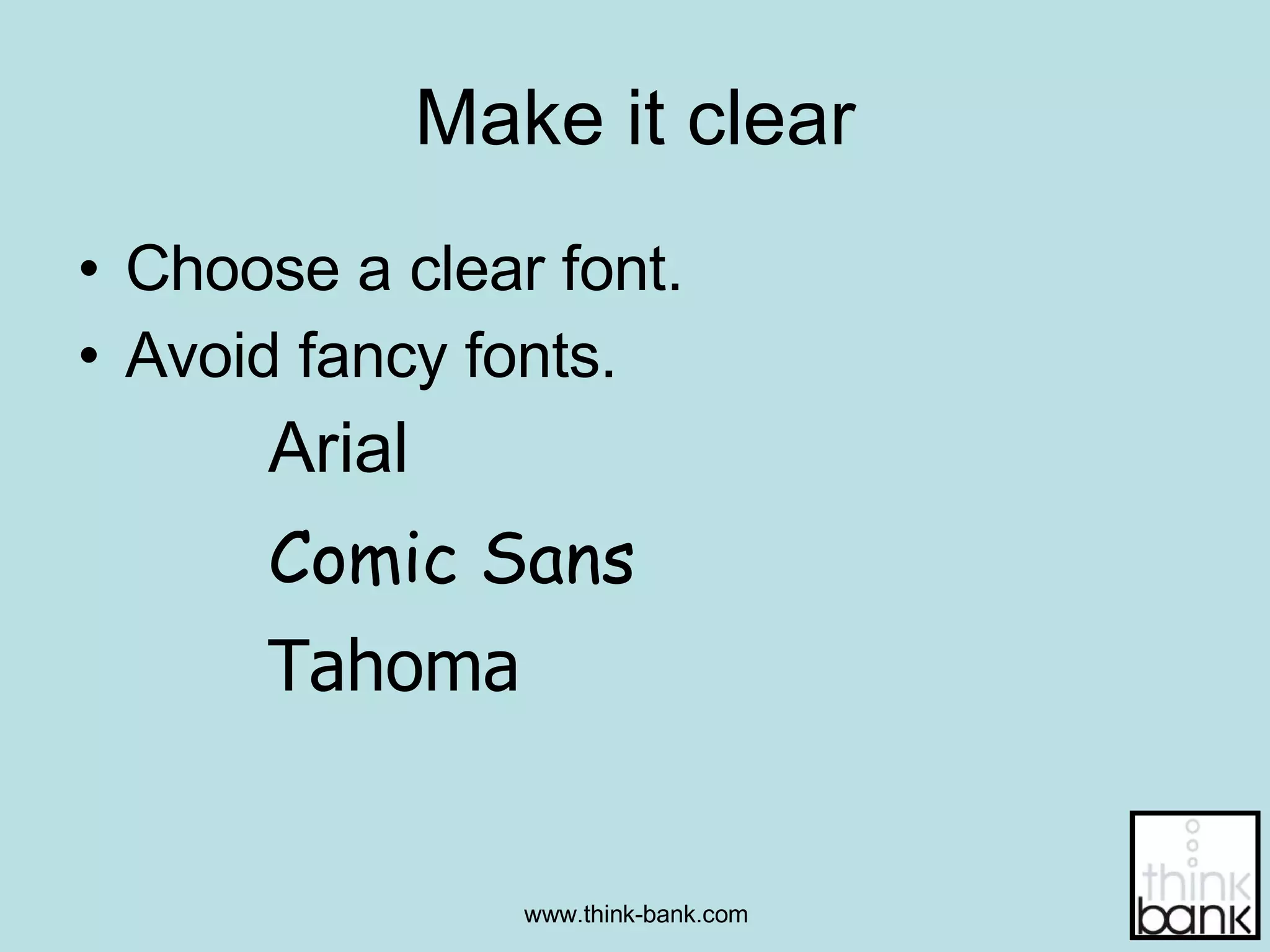
Make it clear Choose a clear font.  Avoid fancy fonts. Arial Comic Sans Tahoma
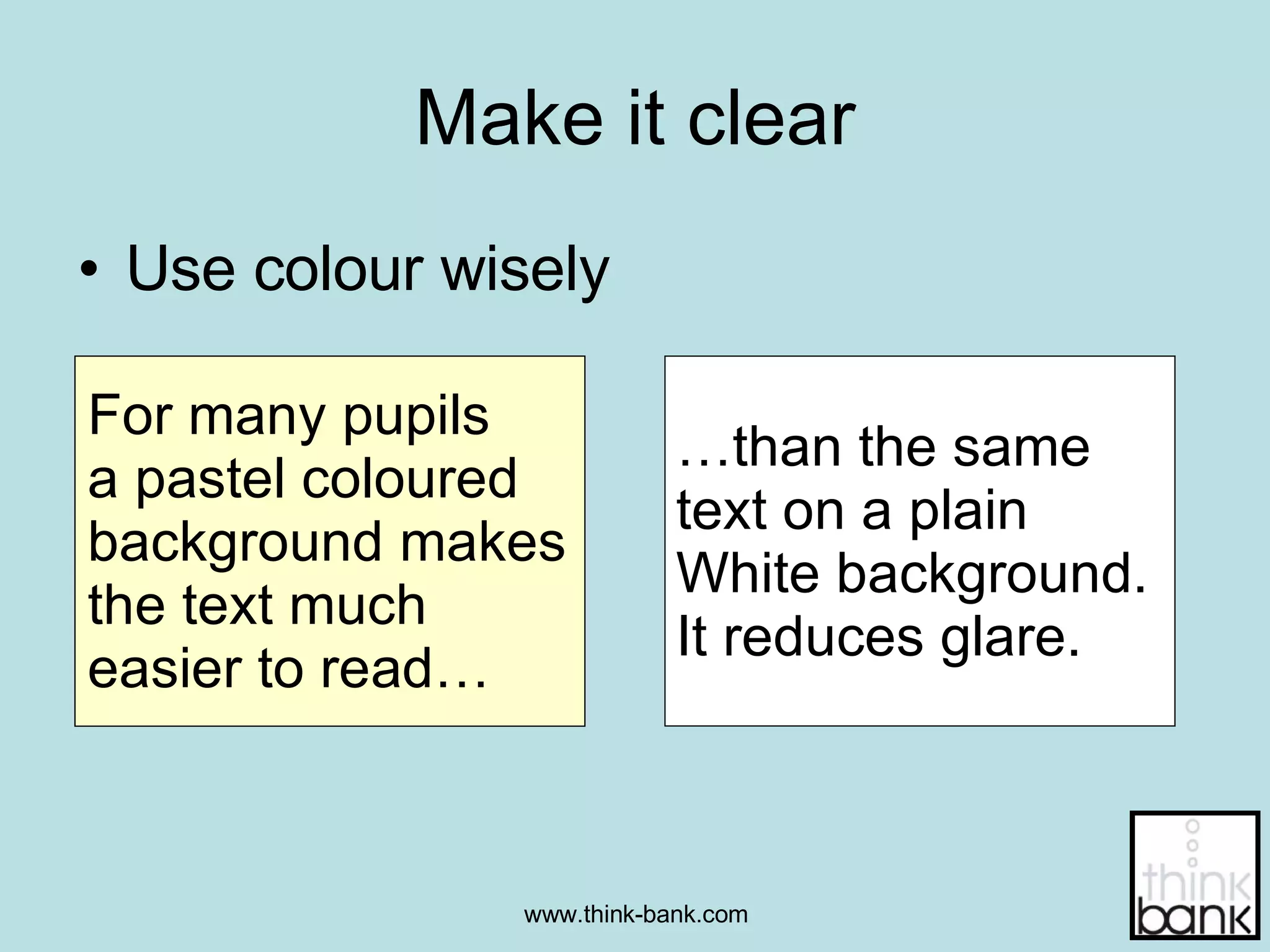
Make it clear Use colour wisely For many pupils  a pastel coloured background makes the text much  easier to read… … than the same  text on a plain  White background.  It reduces glare.
Make it clear Use contrasting colours Use dark text on a  light background. Or light text on a dark background.
Make it clear Be aware of colour blind pupils… avoid certain combinations. Eg:  Red / Green And this Avoid this
Make it clear Use text sparingly Six points per page Break text up into bullets ALL CAPITALS IS HARD TO READ Mixed case text is clearer.
Make it clear Avoid distracting backgrounds Stick to flat colours or a slight graduated tint
Keep it Simple Use appropriate images Images to support not distract Don’t overload slides with clipart Memorable images
Keep it Simple Don’t overload slides with text Keep slides concise Split over several slides if necessary.
Can you read it? Test out your presentation Go to the back of your classroom and see if you can read it Don’t just assume it can be read.
Add interactivity When using an IWB, build in activities where the pupils can interact with the board. Allow thinking time for all to attempt it. Kinaesthetic learning.
Just because you can..... Doesn't mean you should Remember:
Shared resources PowerPoints are available on the web Can purchase presentations Some are better than others. Evaluate them before buying / using
Summary Keep them simple Keep the slides clear Make sure it’s legible Concentrate on the message, rather than special effects. Add interactivity where possible
www.whiteboardblog.co.uk www.whiteboardweb.co.uk www.think-bank.com Thank you for reading

Effective Presentations

  • 1.
    Effective Presentations DannyNicholson Think Bank Ltd
  • 2.
  • 3.
    Benefits of ICTPresentation “ Better quality” presentation Easy access to multimedia resources (images/video etc) Preparation of backbone of lesson in advance Easily stored, shared, printed and recalled
  • 4.
    Golden Rules Somegolden rules: Make it clear Keep it simple
  • 5.
    Make it clearMake the font large enough to read. 12 point font 20 point font 36 point font 44 point font
  • 6.
    Make it clearChoose a clear font. Avoid fancy fonts. Arial Comic Sans Tahoma
  • 7.
    Make it clearUse colour wisely For many pupils a pastel coloured background makes the text much easier to read… … than the same text on a plain White background. It reduces glare.
  • 8.
    Make it clearUse contrasting colours Use dark text on a light background. Or light text on a dark background.
  • 9.
    Make it clearBe aware of colour blind pupils… avoid certain combinations. Eg: Red / Green And this Avoid this
  • 10.
    Make it clearUse text sparingly Six points per page Break text up into bullets ALL CAPITALS IS HARD TO READ Mixed case text is clearer.
  • 11.
    Make it clearAvoid distracting backgrounds Stick to flat colours or a slight graduated tint
  • 12.
    Keep it SimpleUse appropriate images Images to support not distract Don’t overload slides with clipart Memorable images
  • 13.
    Keep it SimpleDon’t overload slides with text Keep slides concise Split over several slides if necessary.
  • 14.
    Can you readit? Test out your presentation Go to the back of your classroom and see if you can read it Don’t just assume it can be read.
  • 15.
    Add interactivity Whenusing an IWB, build in activities where the pupils can interact with the board. Allow thinking time for all to attempt it. Kinaesthetic learning.
  • 16.
    Just because youcan..... Doesn't mean you should Remember:
  • 17.
    Shared resources PowerPointsare available on the web Can purchase presentations Some are better than others. Evaluate them before buying / using
  • 18.
    Summary Keep themsimple Keep the slides clear Make sure it’s legible Concentrate on the message, rather than special effects. Add interactivity where possible
  • 19.