Linux Administration
A Crash Course
LinuxTrainingAcademy.com
Welcome!
● This is a "crash course" in Linux System
Administration
● The goal is to expose you to a broad range of
system admin concepts
● Great starting point and overview
LinuxTrainingAcademy.com
Intended Audience
● Anyone interested in Linux administration
● Those that are new to IT
● Experienced IT professionals who want to
learn more about the in-demand Linux OS
● Those who want a Linux refresher course
LinuxTrainingAcademy.com
What People Are Saying
"Excellent course on Linux! It is the best way to get
started using Linux that I have come across." --Chris
"It's absolutely one of the best courses I've taken."
--Idriss
"Fantastic course and very beautifully explained."
--John
LinuxTrainingAcademy.com
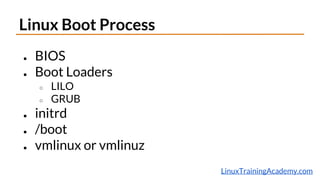
Linux Boot Process
● BIOS
● Boot Loaders
○ LILO
○ GRUB
● initrd
● /boot
● vmlinux or vmlinuz
LinuxTrainingAcademy.com
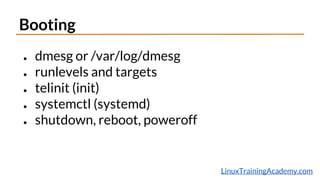
Booting
● dmesg or /var/log/dmesg
● runlevels and targets
● telinit (init)
● systemctl (systemd)
● shutdown, reboot, poweroff
LinuxTrainingAcademy.com
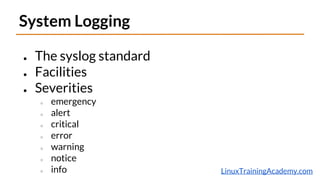
System Logging
● The syslog standard
● Facilities
● Severities
○ emergency
○ alert
○ critical
○ error
○ warning
○ notice
○ info
LinuxTrainingAcademy.com
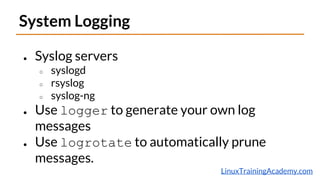
System Logging
● Syslog servers
○ syslogd
○ rsyslog
○ syslog-ng
● Use logger to generate your own log
messages
● Use logrotate to automatically prune
messages.
LinuxTrainingAcademy.com
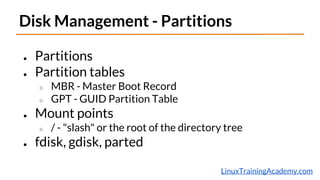
Disk Management - Partitions
● Partitions
● Partition tables
○ MBR - Master Boot Record
○ GPT - GUID Partition Table
● Mount points
○ / - "slash" or the root of the directory tree
● fdisk, gdisk, parted
LinuxTrainingAcademy.com
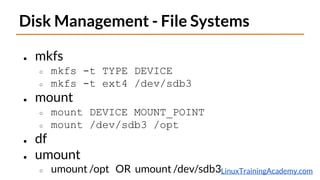
Disk Management - File Systems
● mkfs
○ mkfs -t TYPE DEVICE
○ mkfs -t ext4 /dev/sdb3
● mount
○ mount DEVICE MOUNT_POINT
○ mount /dev/sdb3 /opt
● df
● umount
○ umount /opt OR umount /dev/sdb3
LinuxTrainingAcademy.com
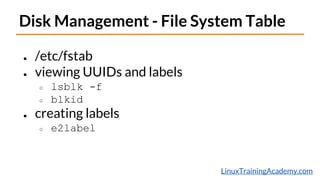
Disk Management - File System Table
● /etc/fstab
● viewing UUIDs and labels
○ lsblk -f
○ blkid
● creating labels
○ e2label
LinuxTrainingAcademy.com
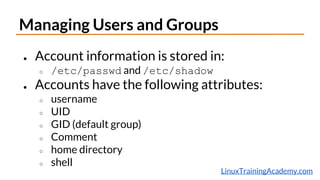
Managing Users and Groups
● Account information is stored in:
○ /etc/passwd and /etc/shadow
● Accounts have the following attributes:
○ username
○ UID
○ GID (default group)
○ Comment
○ home directory
○ shell
LinuxTrainingAcademy.com
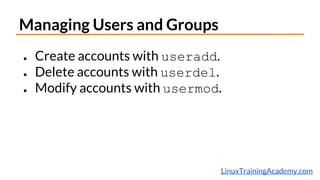
Managing Users and Groups
● Create accounts with useradd.
● Delete accounts with userdel.
● Modify accounts with usermod.
LinuxTrainingAcademy.com
Managing Users and Groups
● Group information is stored in /etc/group.
● Create groups with groupadd.
● Delete groups with groupdel.
● Modify groups with groupmod.
● To view group memberships use groups.
○ groups [ACCOUNT]
○ groups
○ groups jason
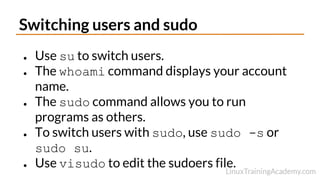
Switching users and sudo
● Use su to switch users.
● The whoami command displays your account
name.
● The sudo command allows you to run
programs as others.
● To switch users with sudo, use sudo -s or
sudo su.
● Use visudo to edit the sudoers file.
LinuxTrainingAcademy.com
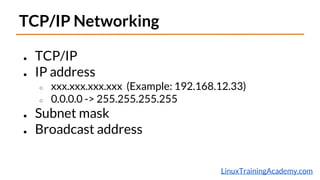
TCP/IP Networking
● TCP/IP
● IP address
○ xxx.xxx.xxx.xxx (Example: 192.168.12.33)
○ 0.0.0.0 -> 255.255.255.255
● Subnet mask
● Broadcast address
LinuxTrainingAcademy.com
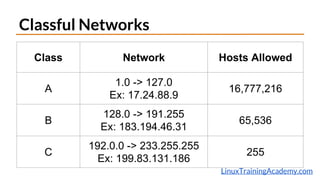
Classful Networks
Class Network Hosts Allowed
A
1.0 -> 127.0
Ex: 17.24.88.9
16,777,216
B
128.0 -> 191.255
Ex: 183.194.46.31
65,536
C
192.0.0 -> 233.255.255
Ex: 199.83.131.186
255
LinuxTrainingAcademy.com
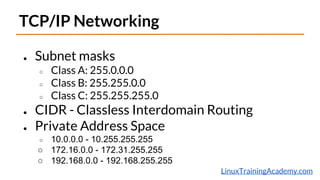
TCP/IP Networking
● Subnet masks
○ Class A: 255.0.0.0
○ Class B: 255.255.0.0
○ Class C: 255.255.255.0
● CIDR - Classless Interdomain Routing
● Private Address Space
○ 10.0.0.0 - 10.255.255.255
○ 172.16.0.0 - 172.31.255.255
○ 192.168.0.0 - 192.168.255.255
LinuxTrainingAcademy.com
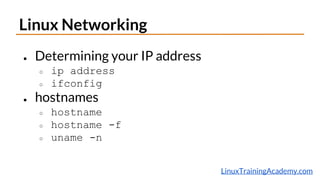
Linux Networking
● Determining your IP address
○ ip address
○ ifconfig
● hostnames
○ hostname
○ hostname -f
○ uname -n
LinuxTrainingAcademy.com
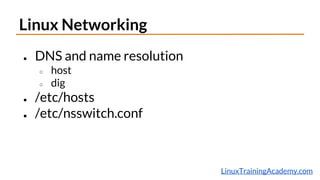
Linux Networking
● DNS and name resolution
○ host
○ dig
● /etc/hosts
● /etc/nsswitch.conf
LinuxTrainingAcademy.com
Linux Networking
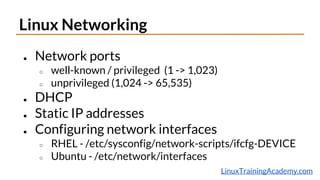
● Network ports
○ well-known / privileged (1 -> 1,023)
○ unprivileged (1,024 -> 65,535)
● DHCP
● Static IP addresses
● Configuring network interfaces
○ RHEL - /etc/sysconfig/network-scripts/ifcfg-DEVICE
○ Ubuntu - /etc/network/interfaces
LinuxTrainingAcademy.com
Linux Networking
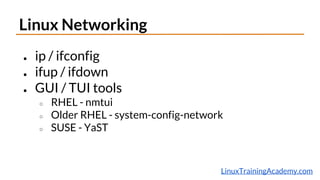
● ip / ifconfig
● ifup / ifdown
● GUI / TUI tools
○ RHEL - nmtui
○ Older RHEL - system-config-network
○ SUSE - YaST
Jobs and Processes
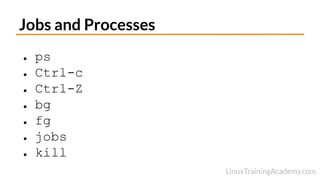
● ps
● Ctrl-c
● Ctrl-Z
● bg
● fg
● jobs
● kill
Scheduling Jobs with Cron
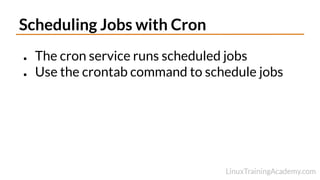
● The cron service runs scheduled jobs
● Use the crontab command to schedule jobs
Managing Software
● Package
● Package Manager
● RPM
○ yum
○ rpm
● DEB
○ apt
○ dpkg
In-Depth Linux Admin Course
● Boot process.
● System Logging.
● Disk management and file system creation.
● Managing Linux users and groups.
● Linux Networking.
● Process and job management.
● Linux shell scripting.
● And much more...
Why Enroll Now?
● Live Question and Answer Session.
● YOU choose the next topic(s).
● I will help you with shell scripting.
○ limited availability -- first come, first served.
● You can enroll for a special introductory
price.
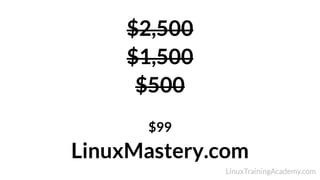
$2,500
$1,500
$500
$99
LinuxMastery.com
Get Started Now!
http://www.LinuxMastery.com

Linux System Administration Crash Course