Information Gathering and Vulnerability
Scanning for CompTIA Pentest+
Technical Information Gathering
Ricardo Reimao, OSCP, CISSP
Cybersecurity Consultant
Gathering relevant information
about your target
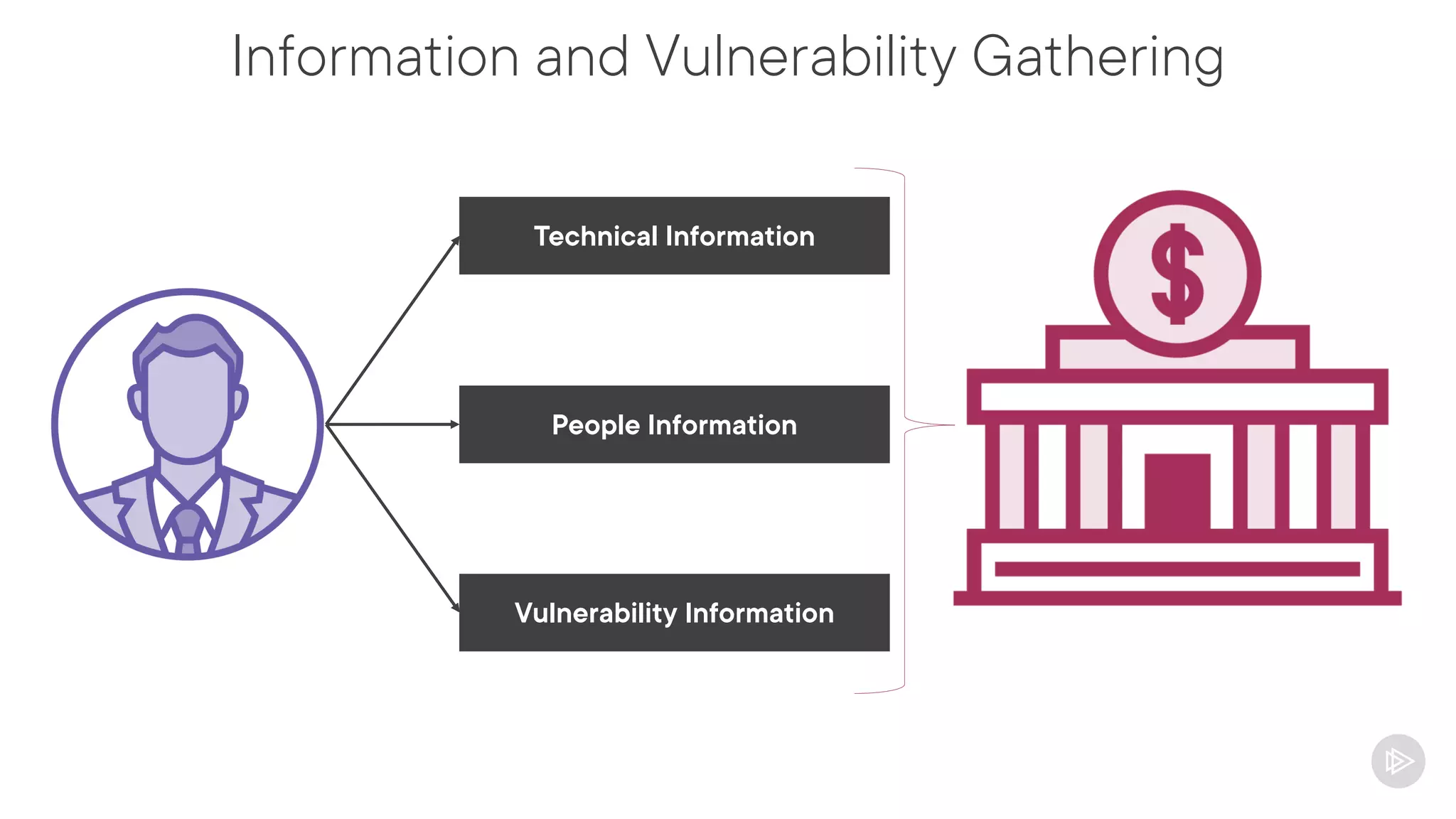
Information and Vulnerability Gathering
Technical Information
People Information
Vulnerability Information
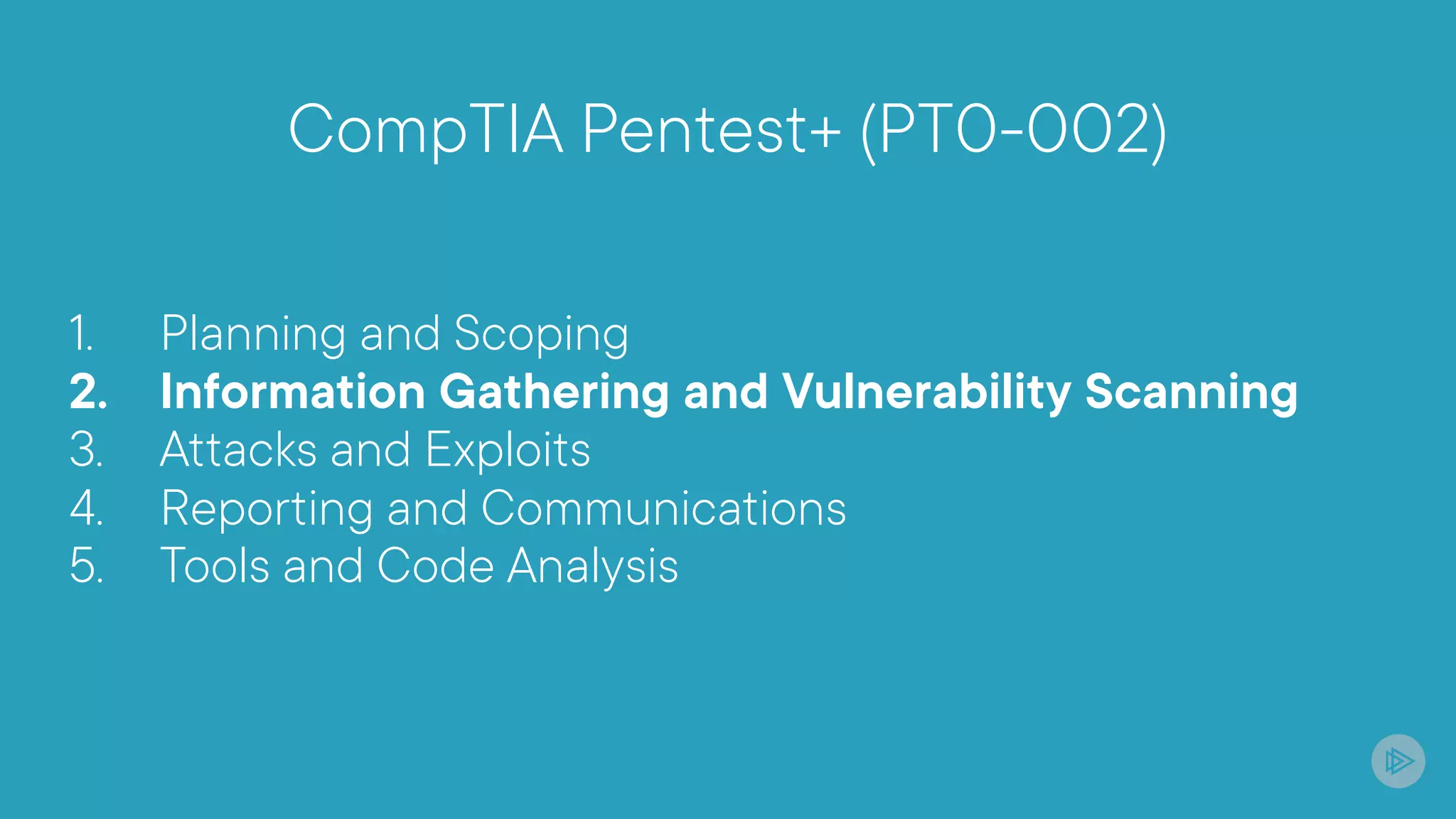
CompTIA Pentest+ (PT0-002)
1. Planning and Scoping
2. Information Gathering and Vulnerability Scanning
3. Attacks and Exploits
4. Reporting and Communications
5. Tools and Code Analysis
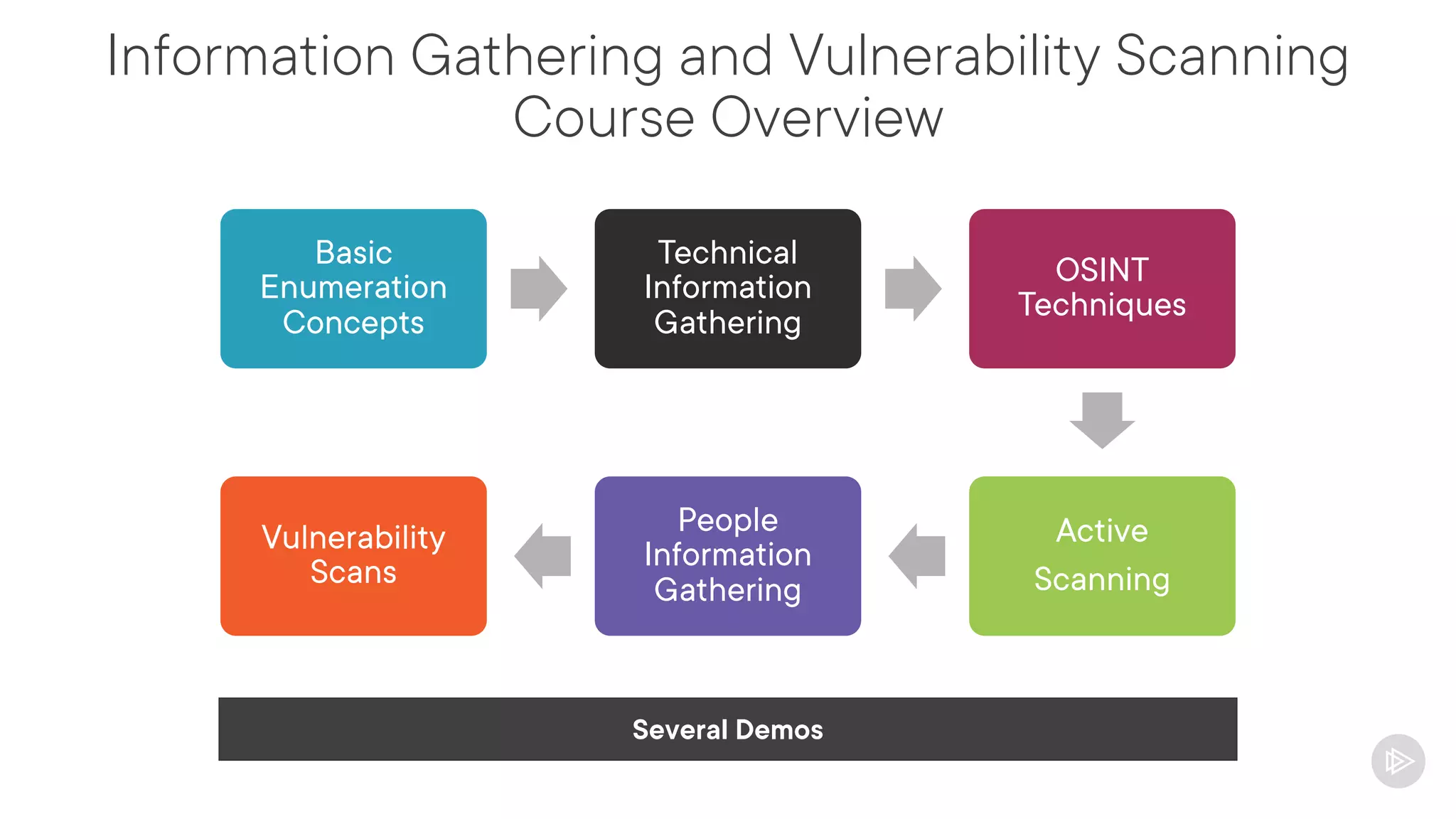
Information Gathering and Vulnerability Scanning
Course Overview
Basic
Enumeration
Concepts
Technical
Information
Gathering
OSINT
Techniques
Active
Scanning
People
Information
Gathering
Vulnerability
Scans
Several Demos
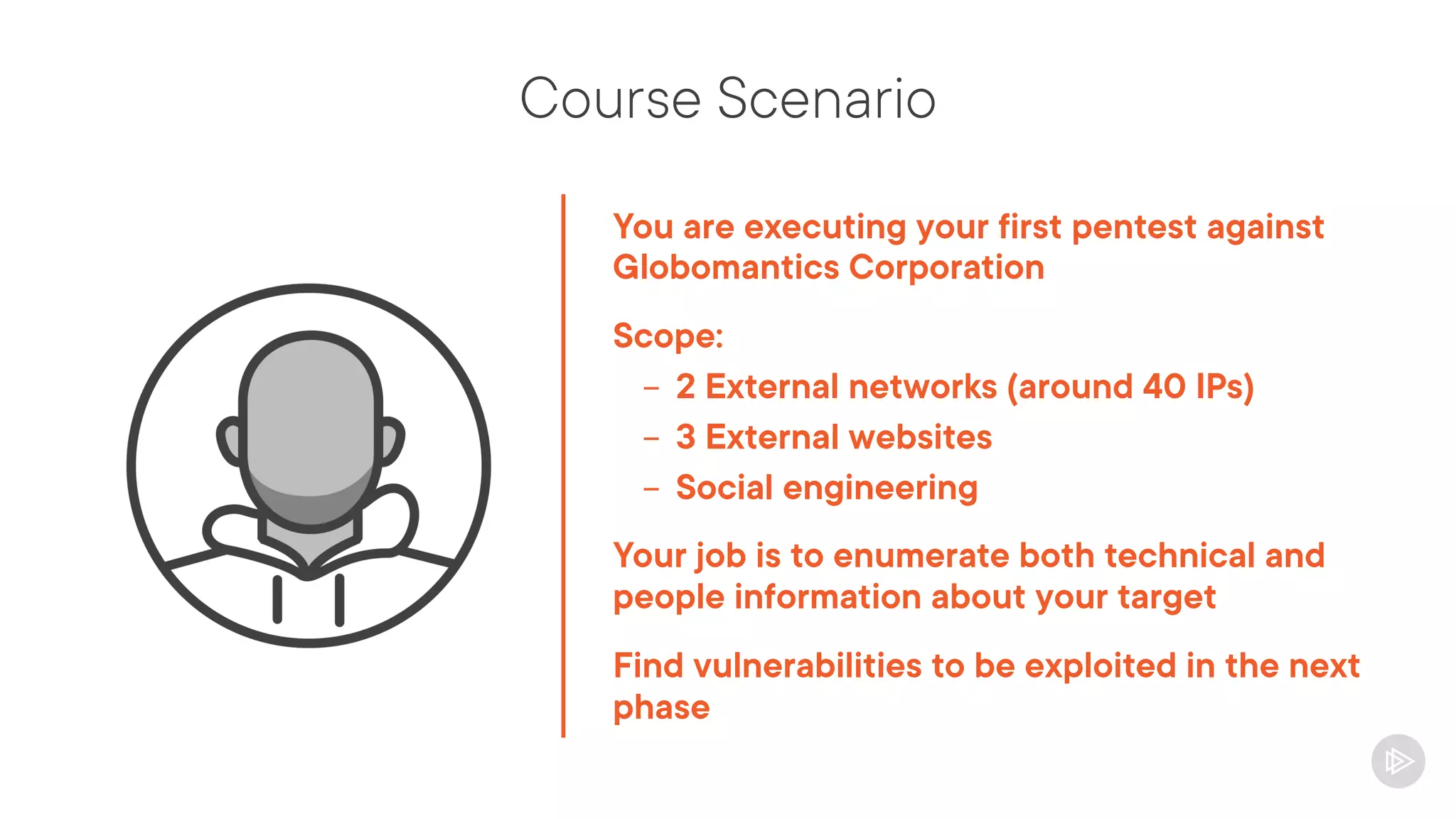
Course Scenario
You are executing your first pentest against
Globomantics Corporation
Scope:
- 2 External networks (around 40 IPs)
- 3 External websites
- Social engineering
Your job is to enumerate both technical and
people information about your target
Find vulnerabilities to be exploited in the next
phase
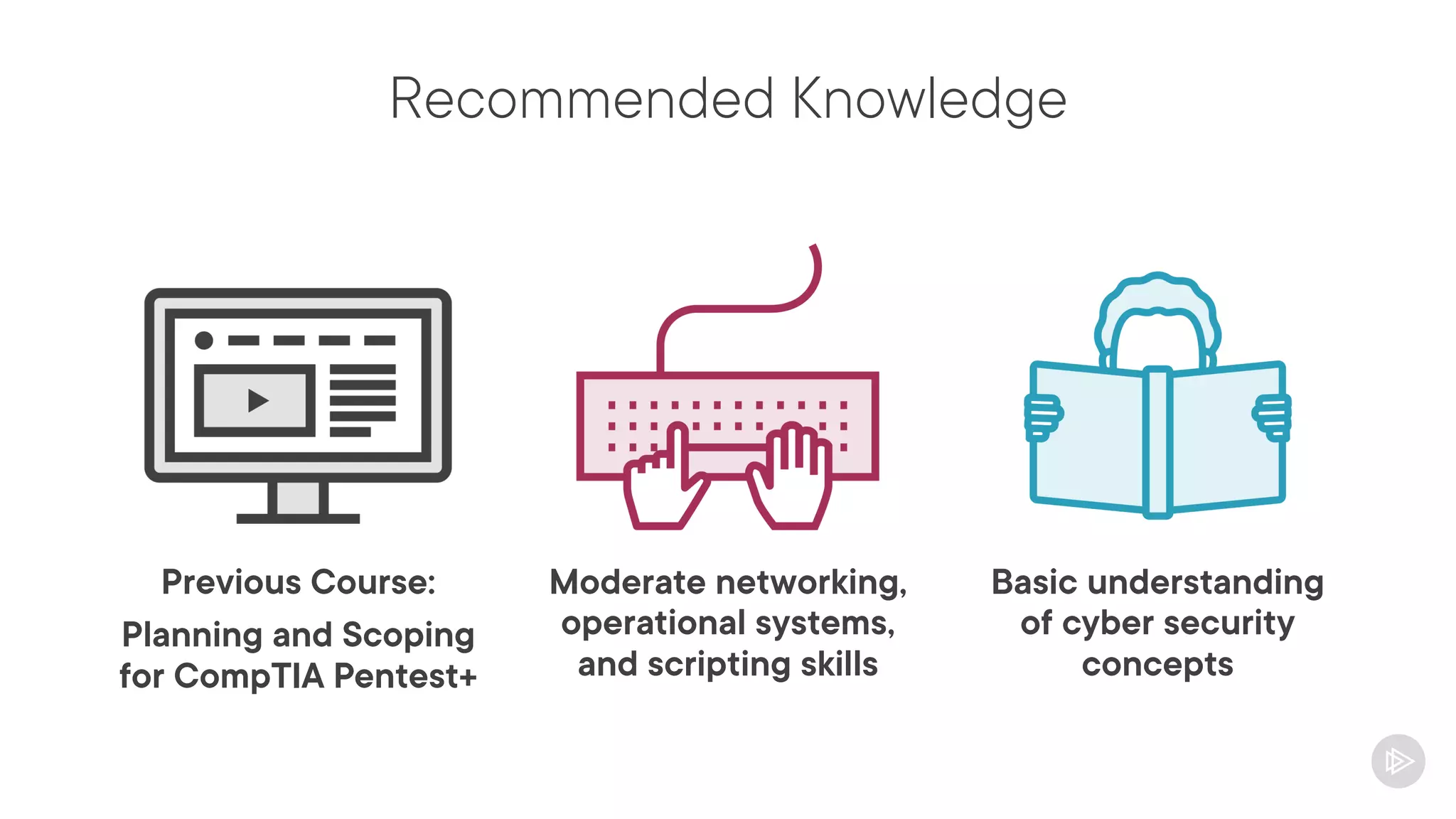
Recommended Knowledge
Previous Course:
Planning and Scoping
for CompTIA Pentest+
Basic understanding
of cyber security
concepts
Moderate networking,
operational systems,
and scripting skills
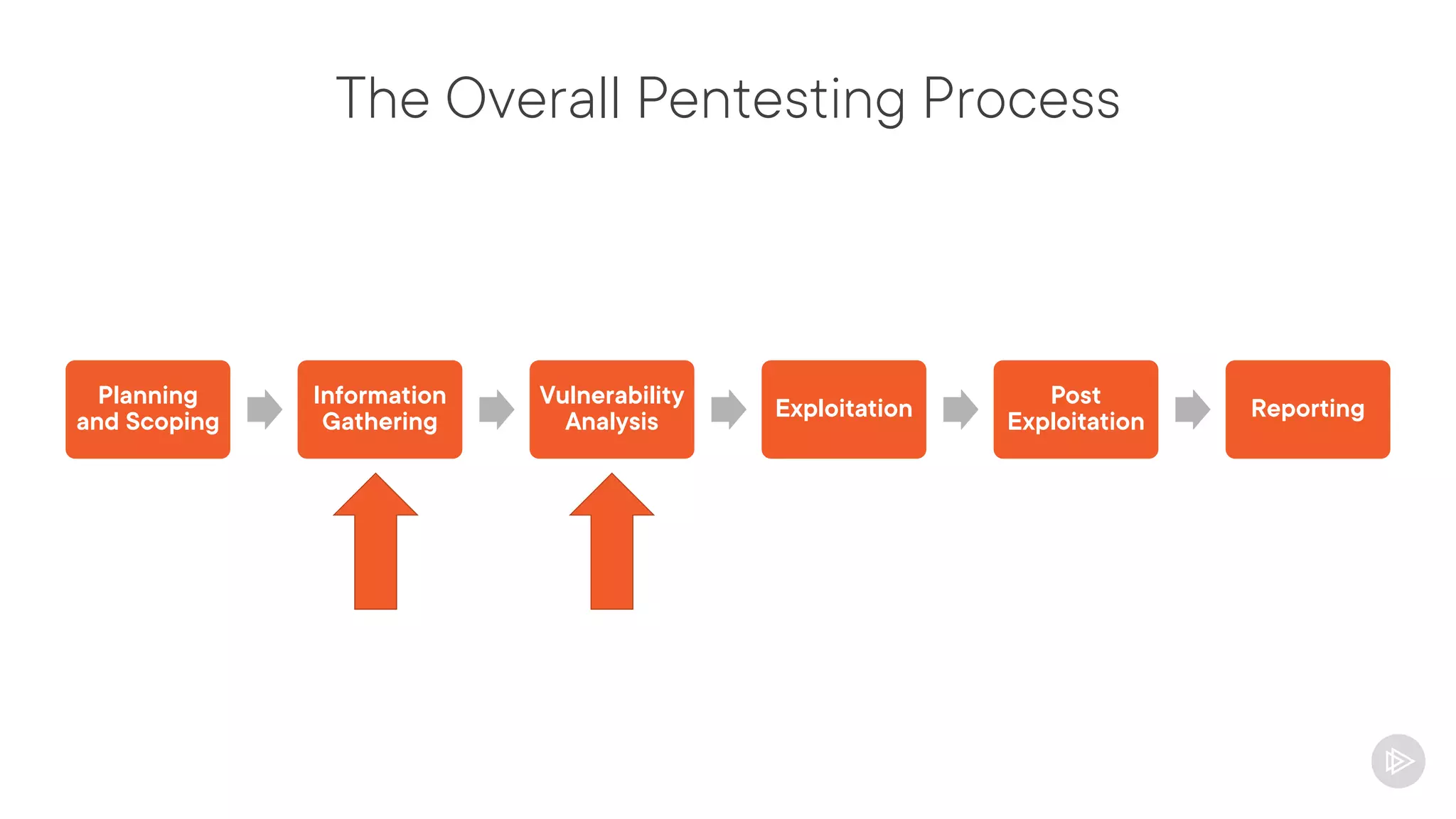
The Overall Pentesting Process
Planning
and Scoping
Information
Gathering
Vulnerability
Analysis
Exploitation
Post
Exploitation
Reporting
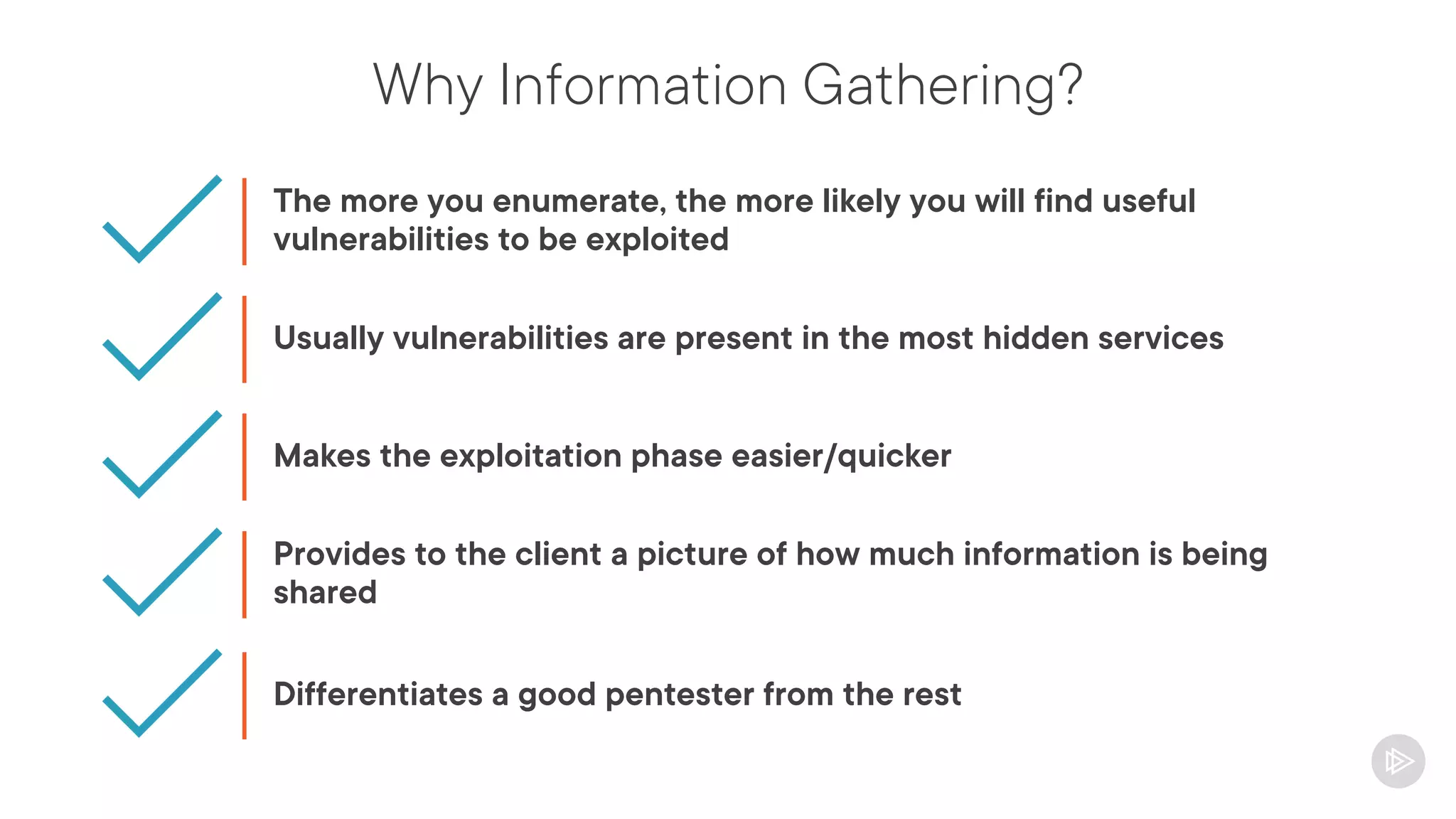
Why Information Gathering?
The more you enumerate, the more likely you will find useful
vulnerabilities to be exploited
Usually vulnerabilities are present in the most hidden services
Makes the exploitation phase easier/quicker
Provides to the client a picture of how much information is being
shared
Differentiates a good pentester from the rest
Understanding Passive and Active
Information Gathering
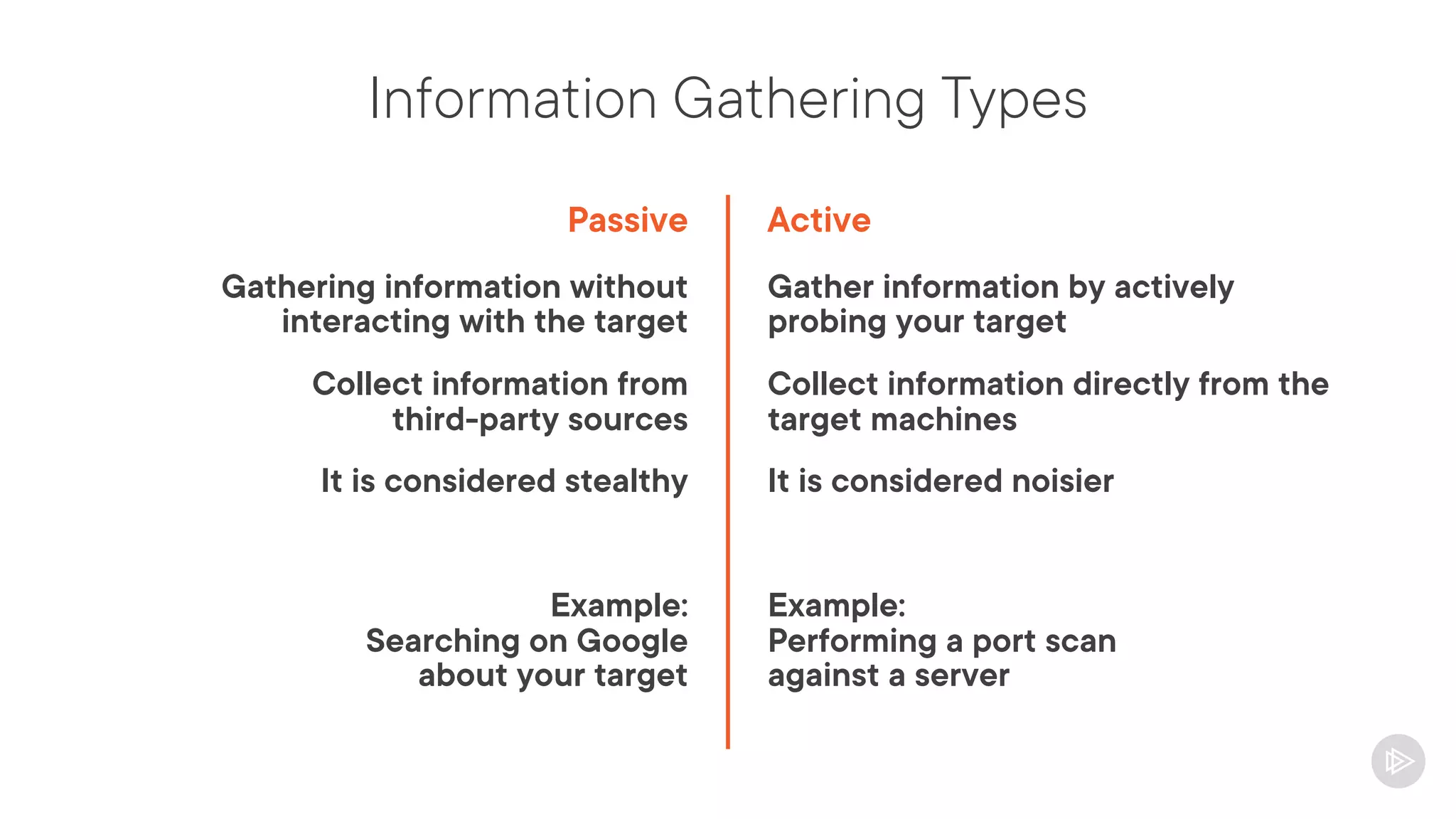
Information Gathering Types
Passive
Gathering information without
interacting with the target
Collect information from
third-party sources
It is considered stealthy
Example:
Searching on Google
about your target
Active
Gather information by actively
probing your target
Collect information directly from the
target machines
It is considered noisier
Example:
Performing a port scan
against a server
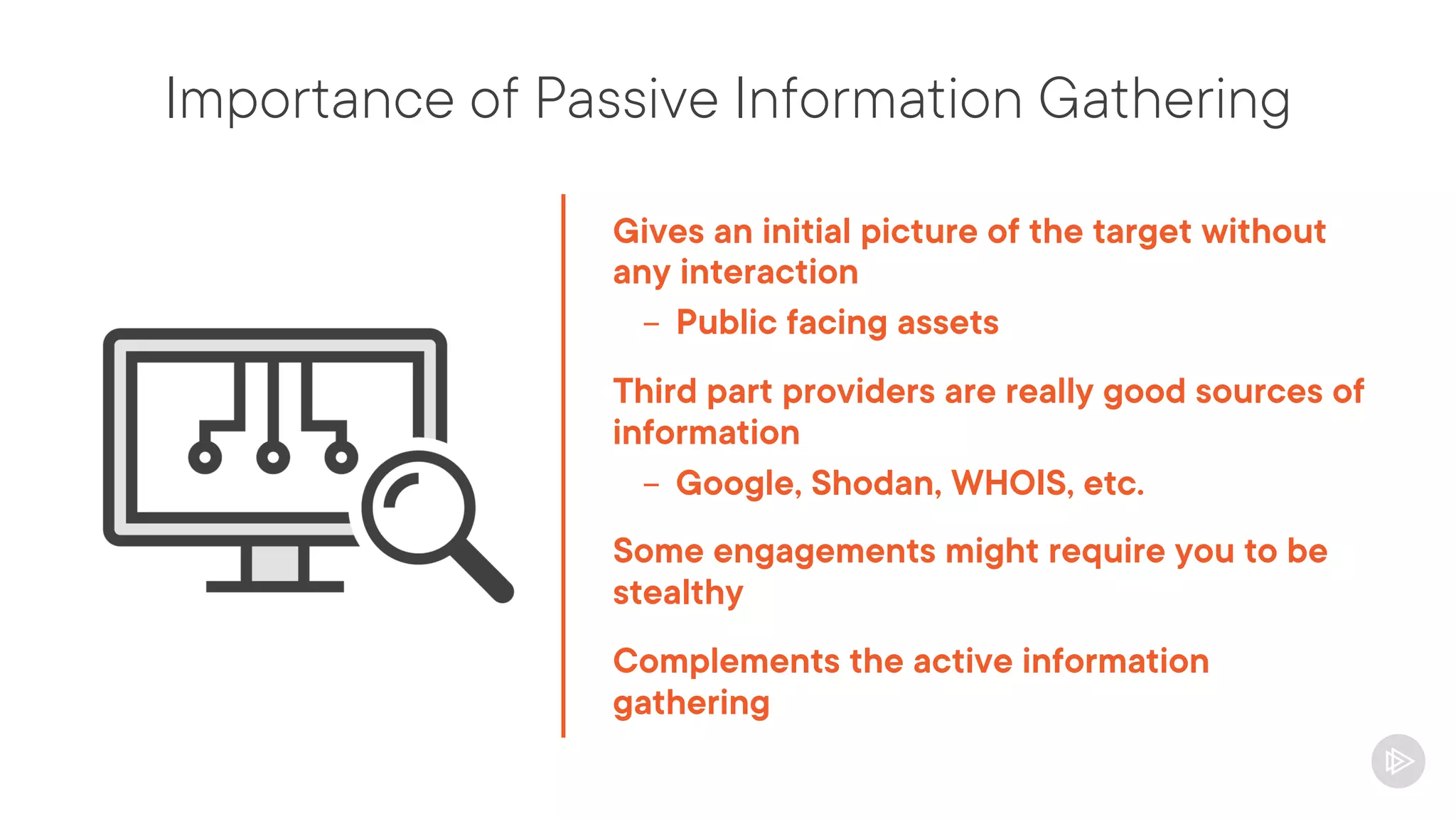
Importance of Passive Information Gathering
Gives an initial picture of the target without
any interaction
- Public facing assets
Third part providers are really good sources of
information
- Google, Shodan, WHOIS, etc.
Some engagements might require you to be
stealthy
Complements the active information
gathering
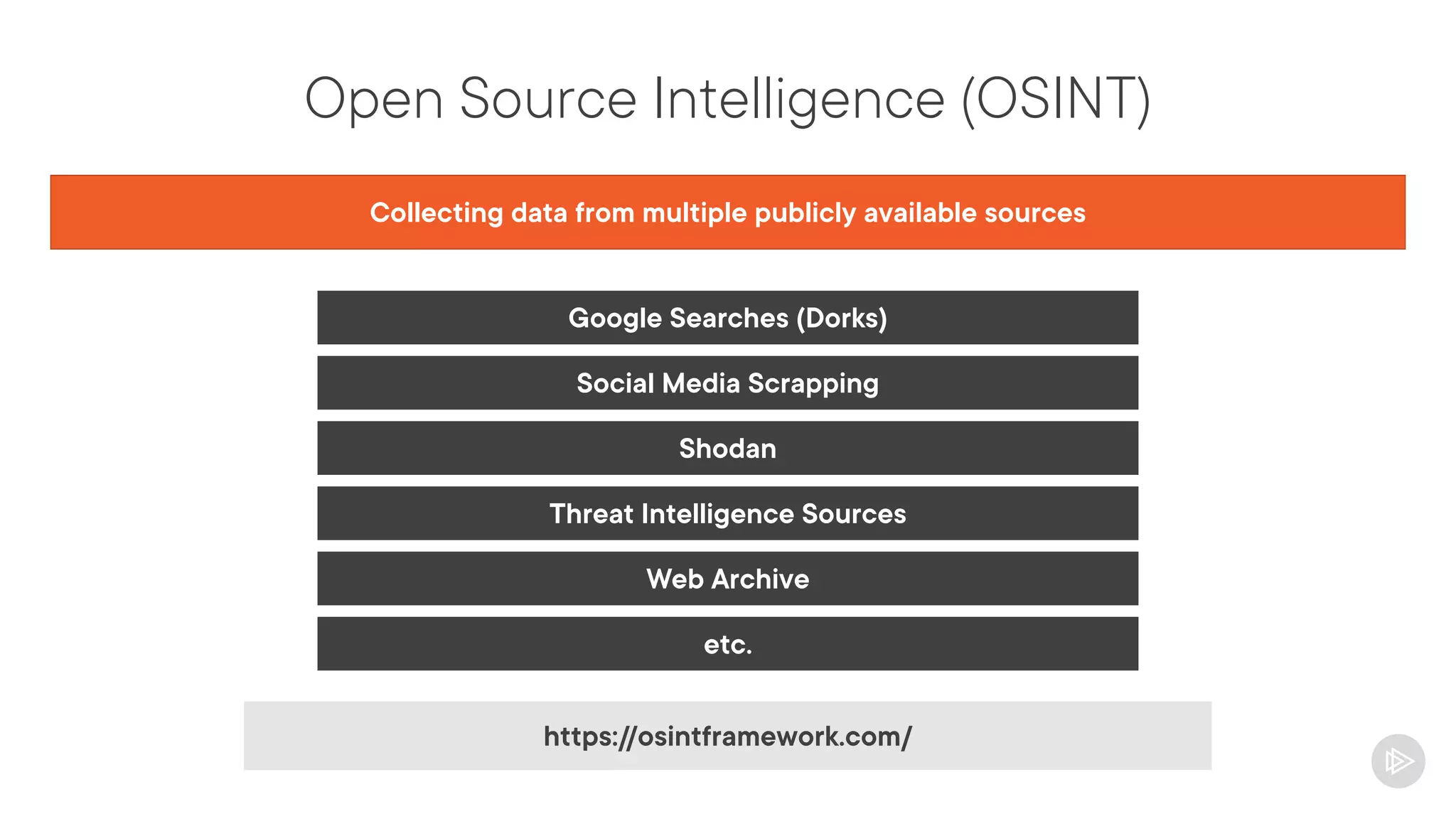
Open Source Intelligence (OSINT)
Collecting data from multiple publicly available sources
Google Searches (Dorks)
Social Media Scrapping
Shodan
Threat Intelligence Sources
Web Archive
etc.
https://osintframework.com/
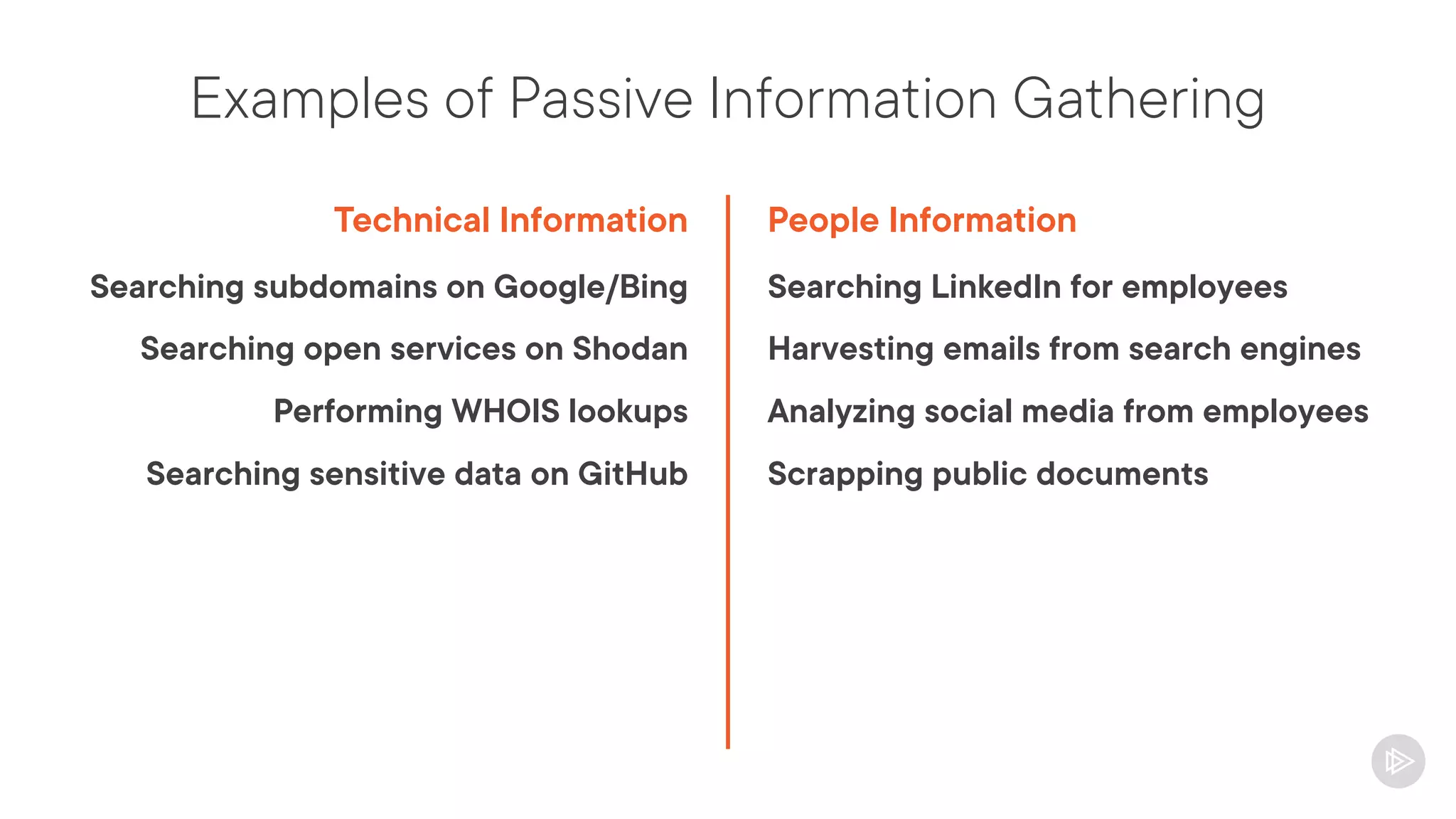
Examples of Passive Information Gathering
Technical Information
Searching subdomains on Google/Bing
Searching open services on Shodan
Performing WHOIS lookups
Searching sensitive data on GitHub
People Information
Searching LinkedIn for employees
Harvesting emails from search engines
Analyzing social media from employees
Scrapping public documents
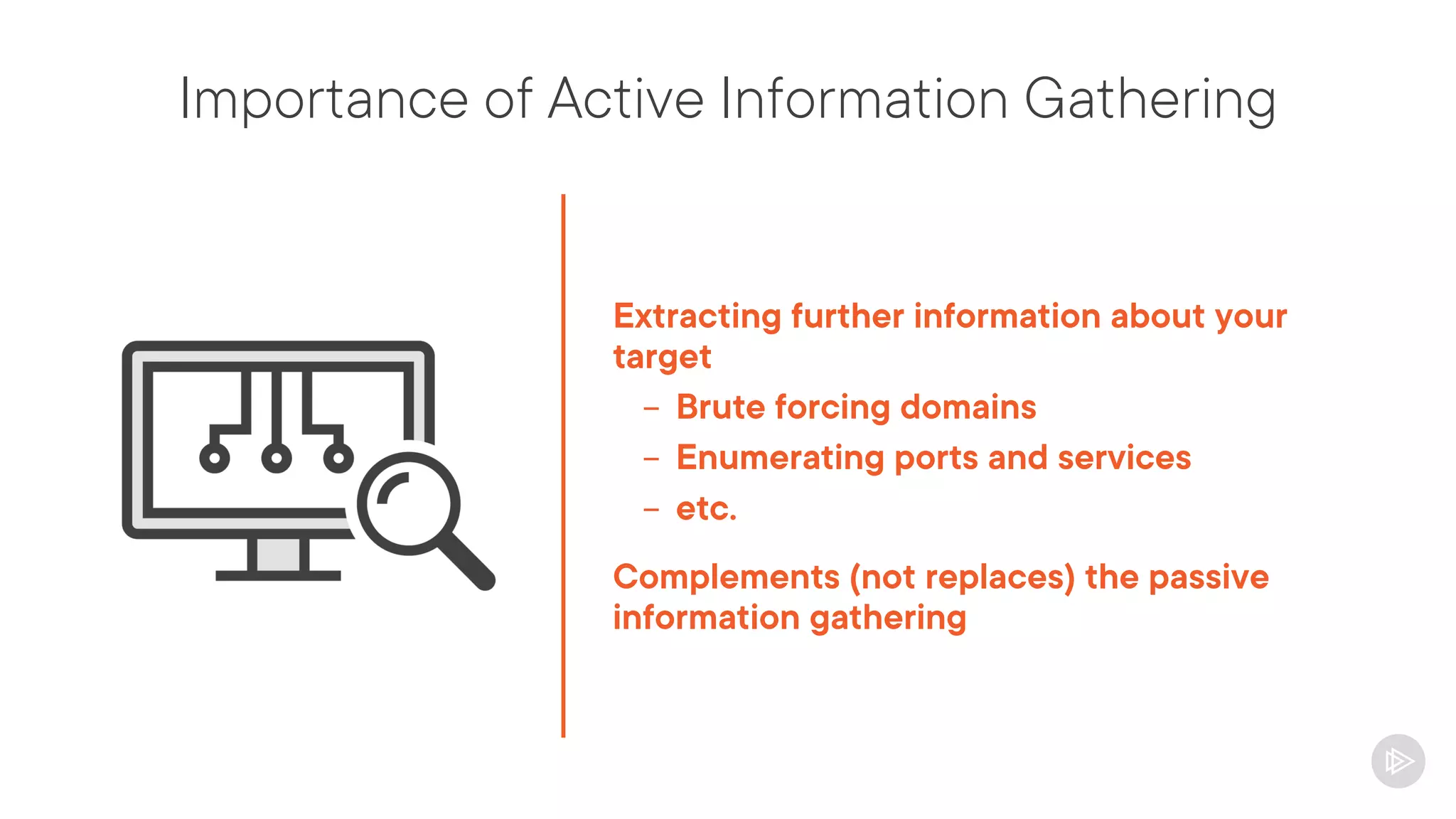
Importance of Active Information Gathering
Extracting further information about your
target
- Brute forcing domains
- Enumerating ports and services
- etc.
Complements (not replaces) the passive
information gathering
Risks on Active Information Gathering
Interacts with the target
It’s noisier, generate logs with your IP
If being stealthy is a requirement,
recommended to use a VPN and slow-scans
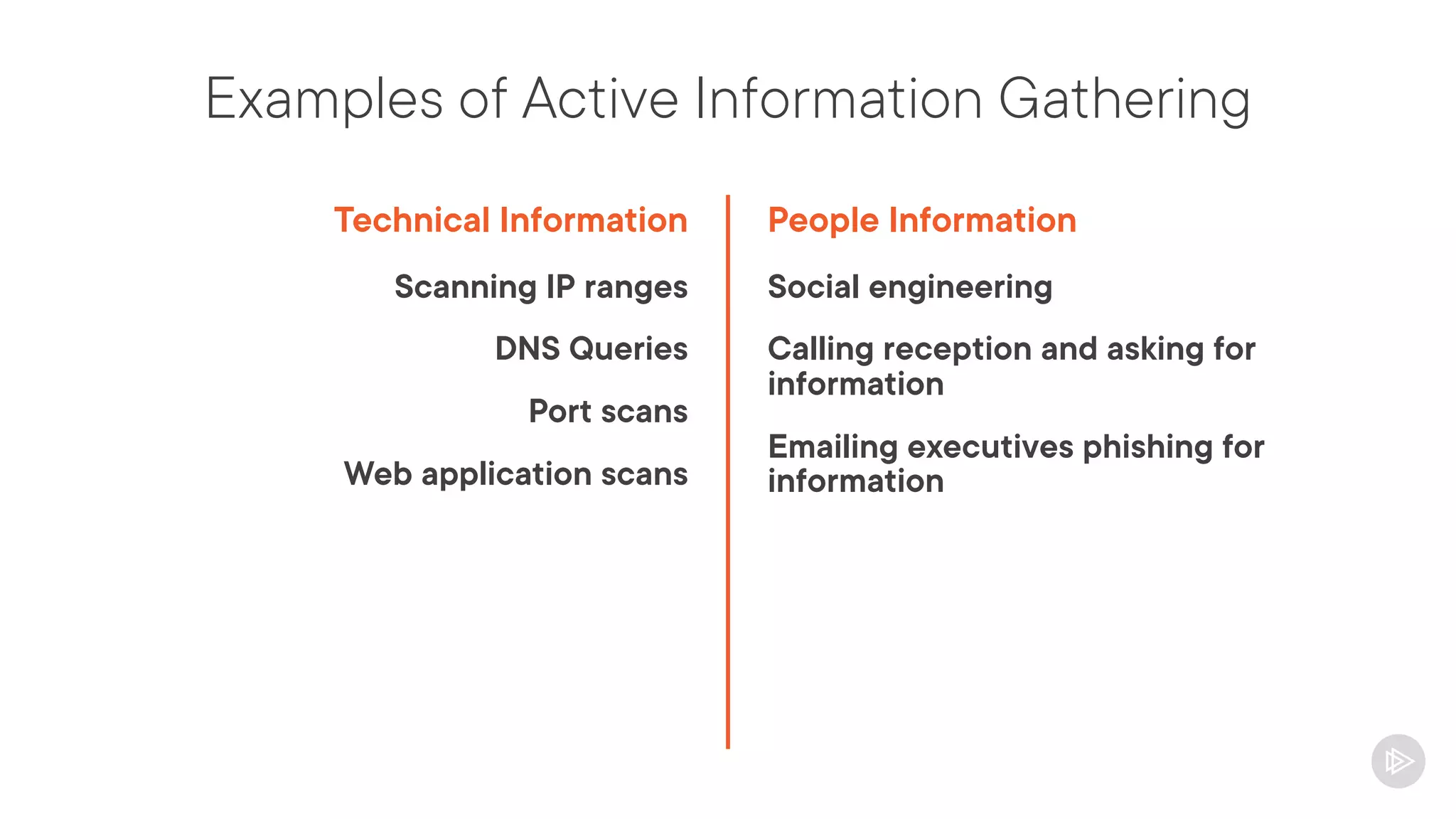
Examples of Active Information Gathering
Technical Information
Scanning IP ranges
DNS Queries
Port scans
Web application scans
People Information
Social engineering
Calling reception and asking for
information
Emailing executives phishing for
information
Passive Technical Information Gathering
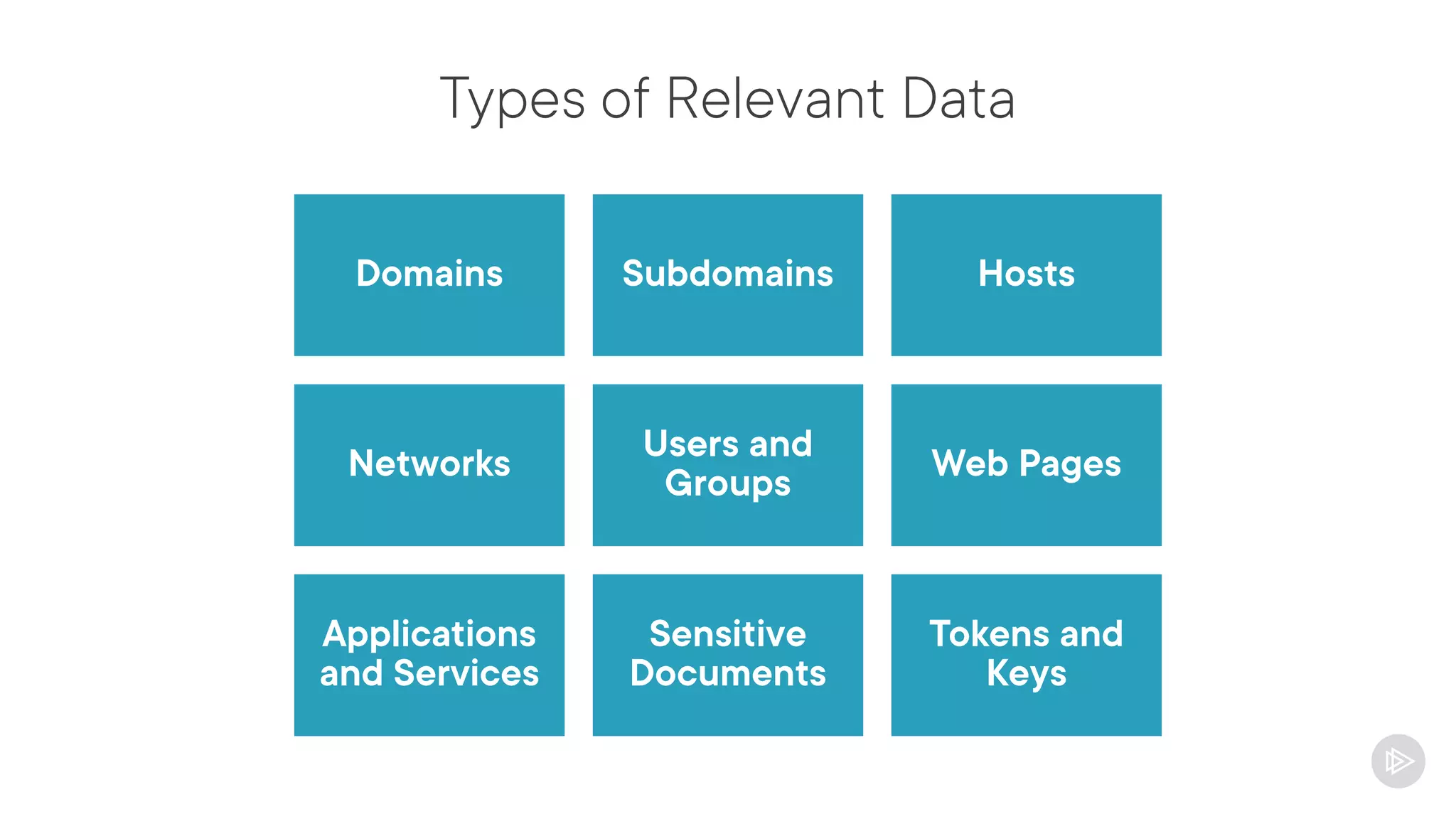
Types of Relevant Data
Domains Subdomains Hosts
Networks
Users and
Groups
Web Pages
Applications
and Services
Sensitive
Documents
Tokens and
Keys
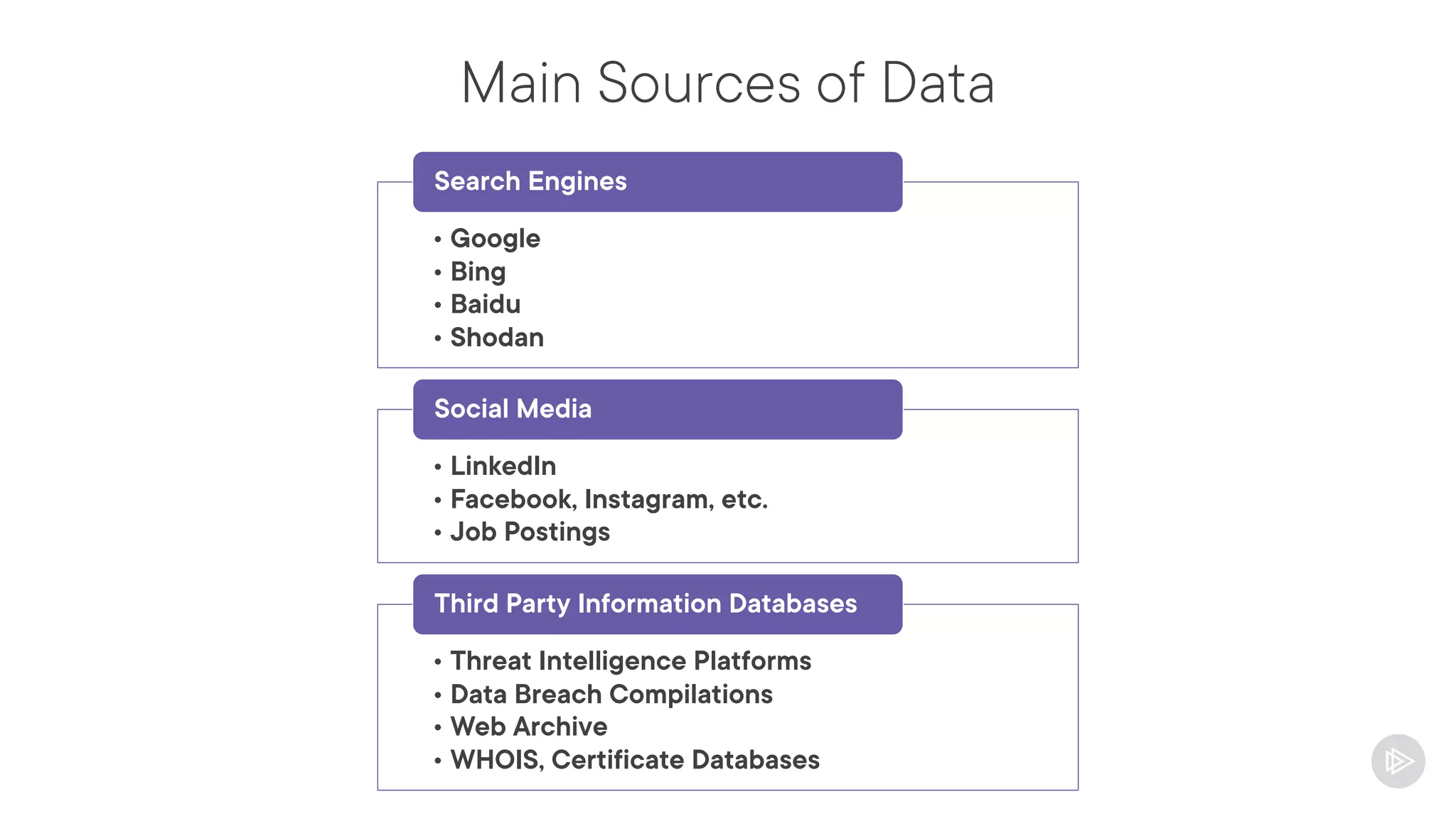
Main Sources of Data
• Google
• Bing
• Baidu
• Shodan
Search Engines
• LinkedIn
• Facebook, Instagram, etc.
• Job Postings
Social Media
• Threat Intelligence Platforms
• Data Breach Compilations
• Web Archive
• WHOIS, Certificate Databases
Third Party Information Databases
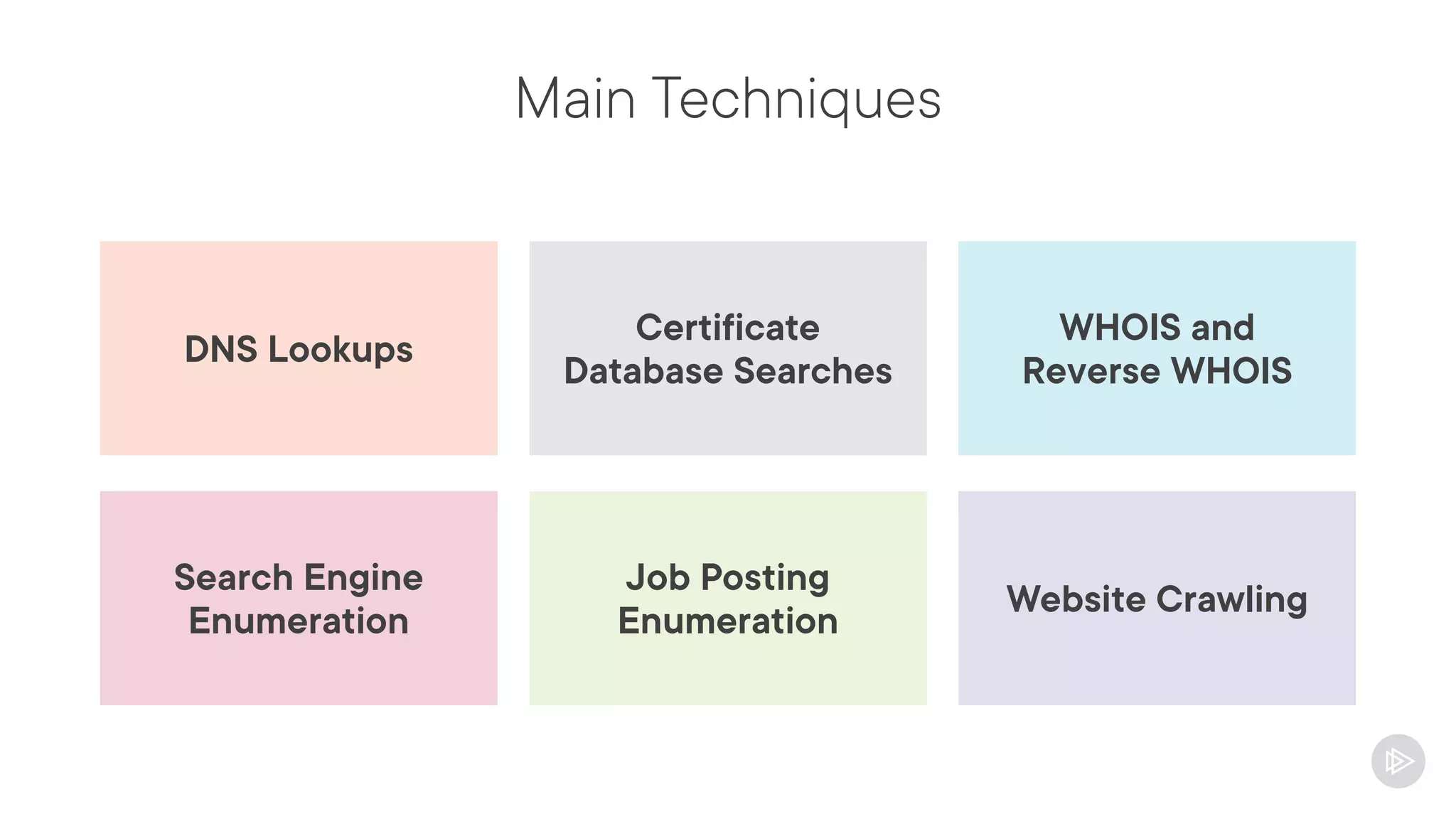
Main Techniques
Certificate
Database Searches
DNS Lookups
WHOIS and
Reverse WHOIS
Job Posting
Enumeration
Search Engine
Enumeration
Website Crawling
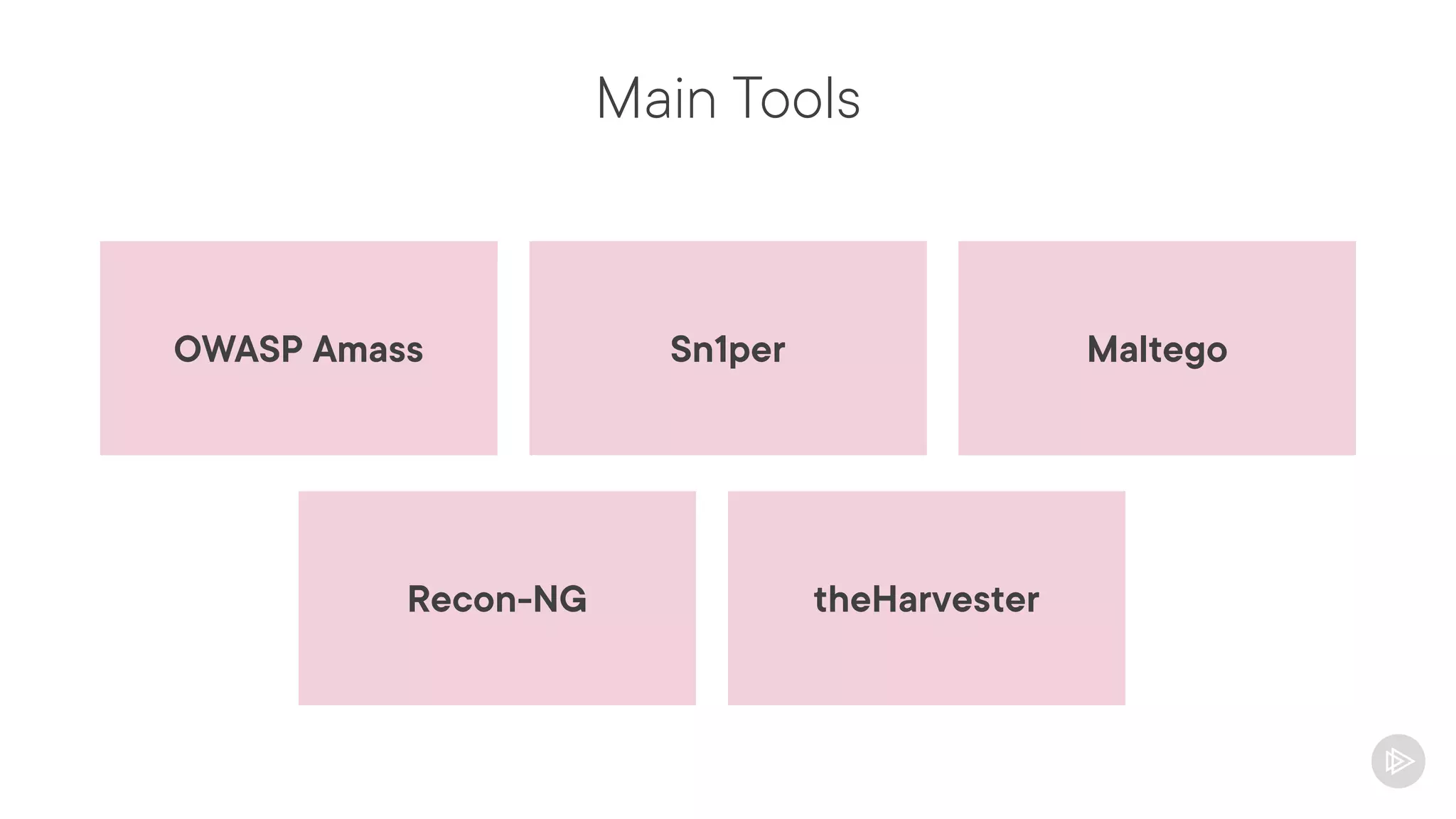
Main Tools
Sn1per
OWASP Amass Maltego
Recon-NG theHarvester
Searching Third-Party Sources of Information
What are Third-Party Sources of Information?
Services that collect and centralize
information
Main examples:
- Search engines
- Shodan
- Web archives
- etc.
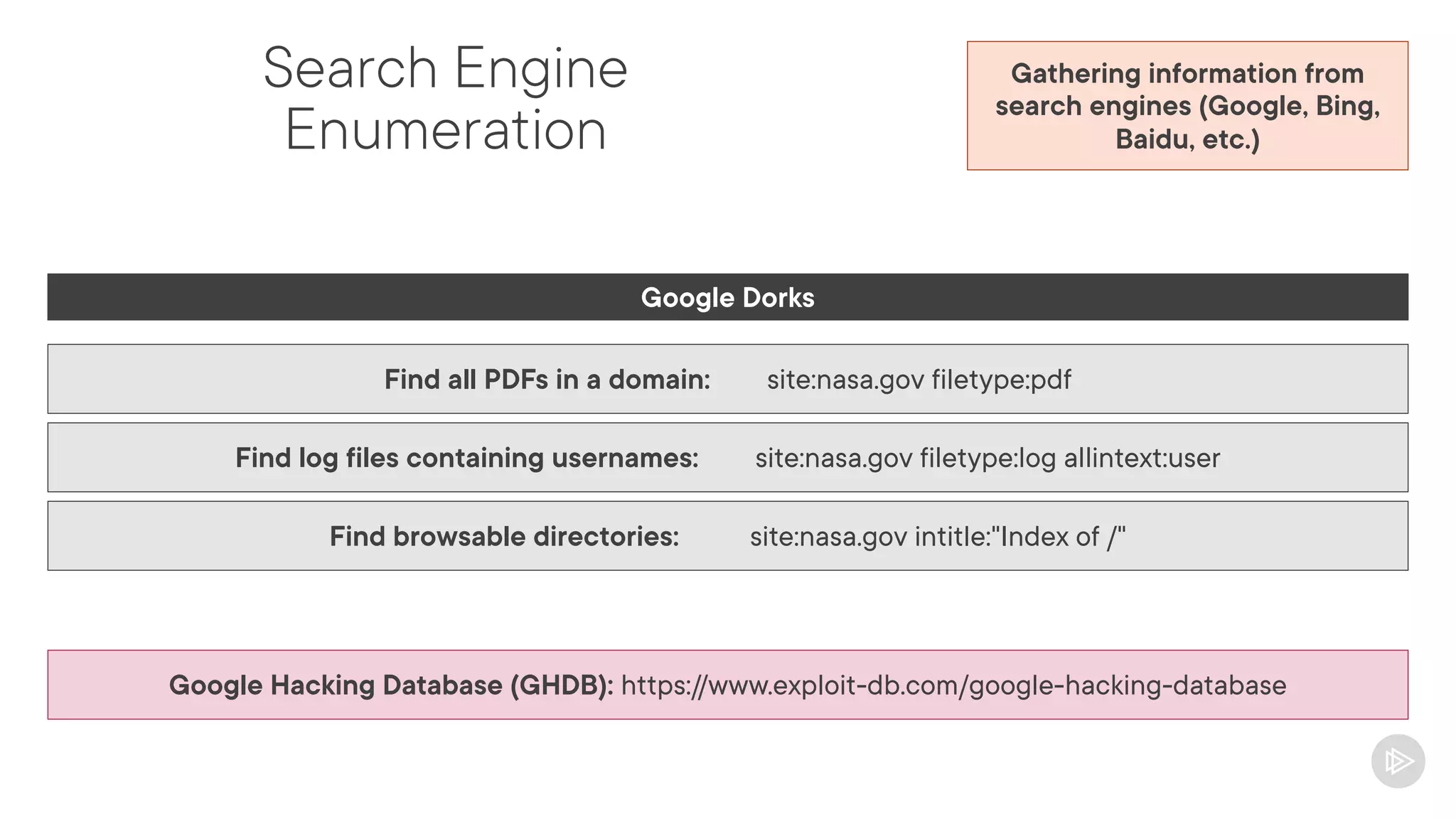
Search Engine
Enumeration
Gathering information from
search engines (Google, Bing,
Baidu, etc.)
Google Dorks
Find all PDFs in a domain: site:nasa.gov filetype:pdf
Find log files containing usernames: site:nasa.gov filetype:log allintext:user
Find browsable directories: site:nasa.gov intitle:"Index of /"
Google Hacking Database (GHDB): https://www.exploit-db.com/google-hacking-database
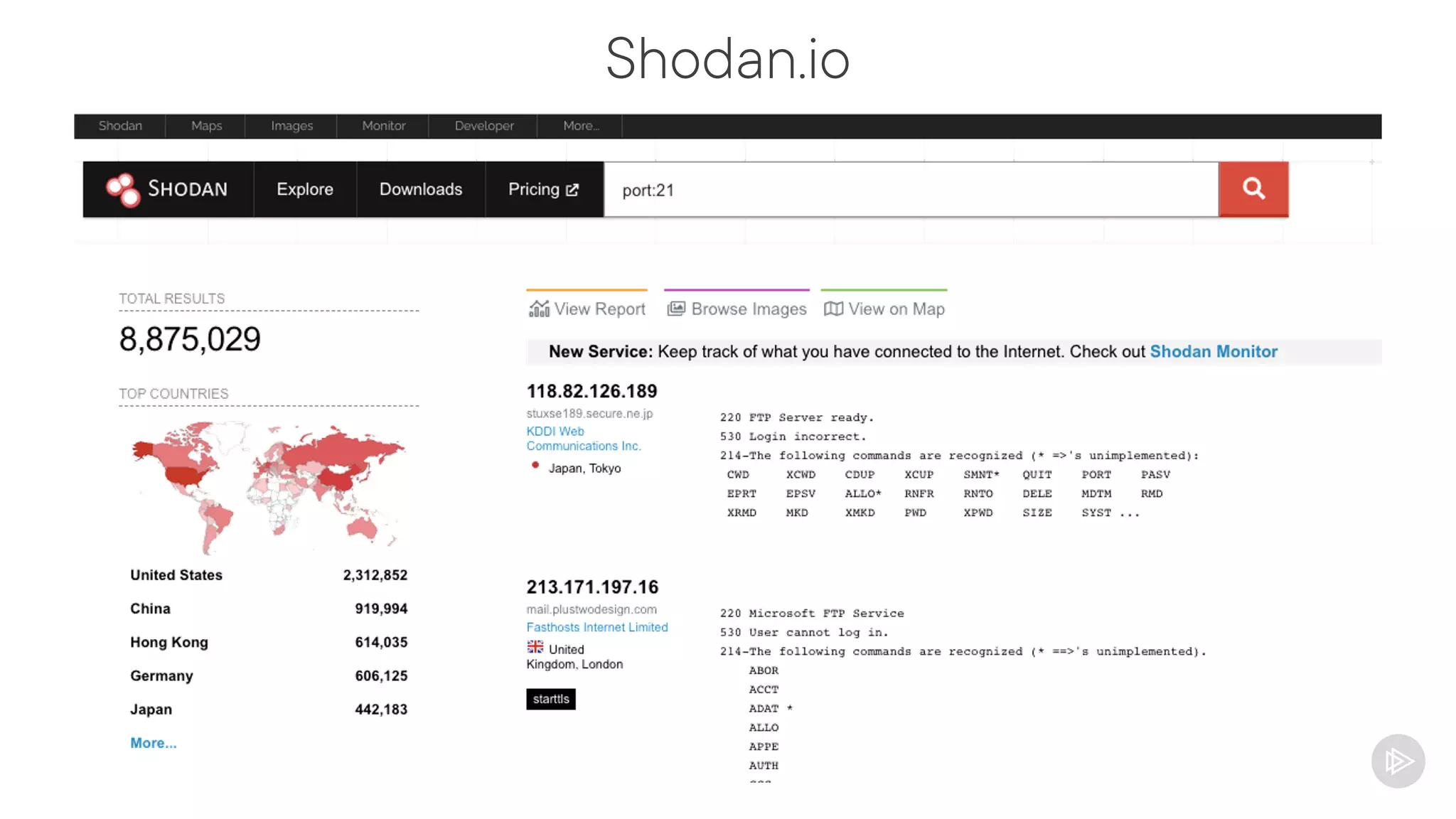
Shodan.io
Advanced type of search engine
Allows you to search for specific technologies
and services
Example: Find servers with port 21 open
Allows you to search for metadata
Shodan.io
Password Dump Databases
Search for accounts that were compromised in
previous data breaches
People reuse passwords
Main sources:
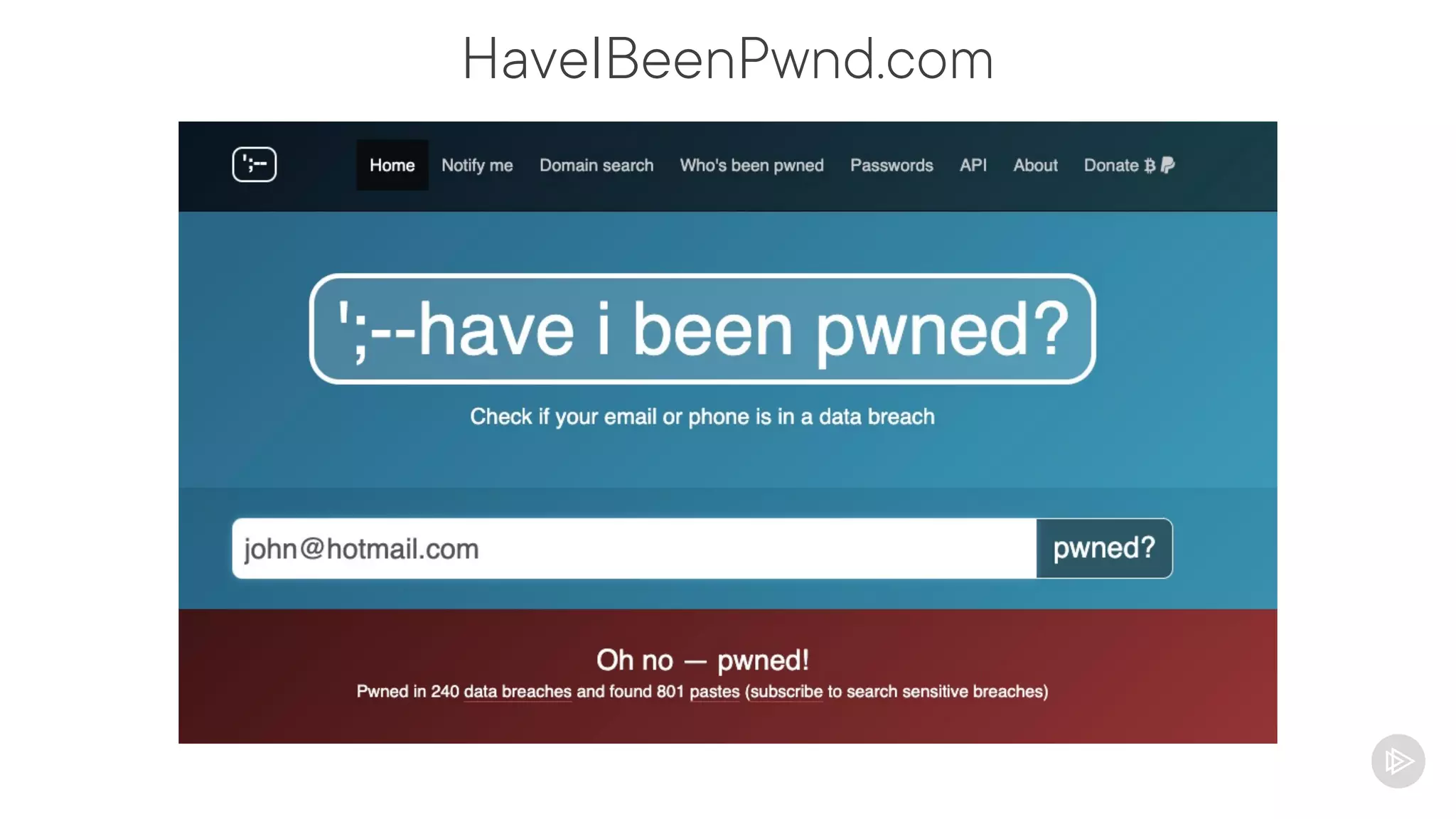
- HaveIBeenPwned
- Collection #1-#5
HaveIBeenPwnd.com
Website Archives
Services that allow you to search for old
versions of websites
You can use to find information that is not
publicly available anymore
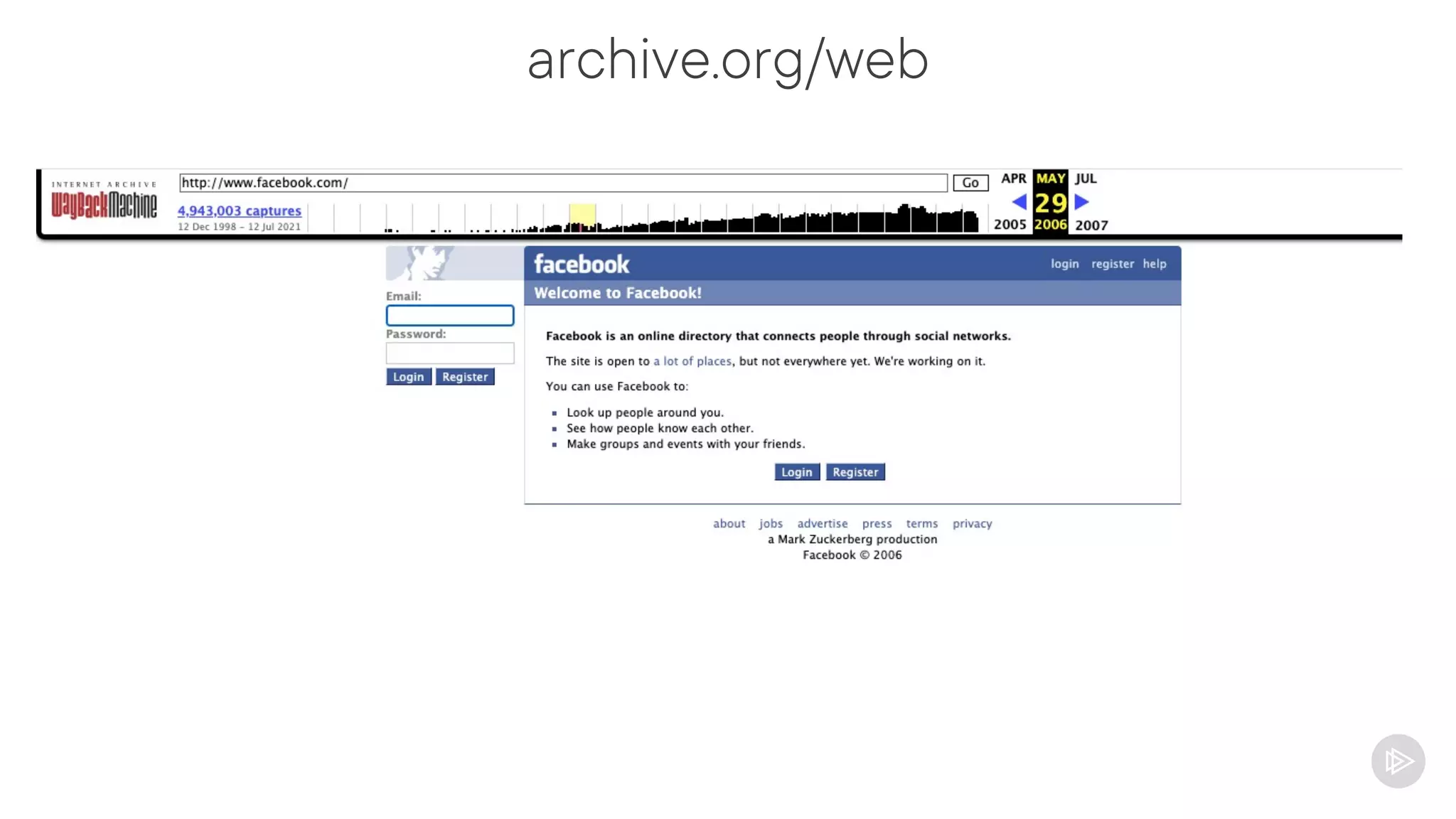
Most used service: https://archive.org/web/
archive.org/web
CVE/CWE Searches
Common Vulnerability Enumeration (CVE)
Common Weakness Enumeration (CWE)
Helps you to find vulnerabilities associated to a product/service
Describe the vulnerabilities/weaknesses and how to mitigate them
Supported by several cybersecurity tools
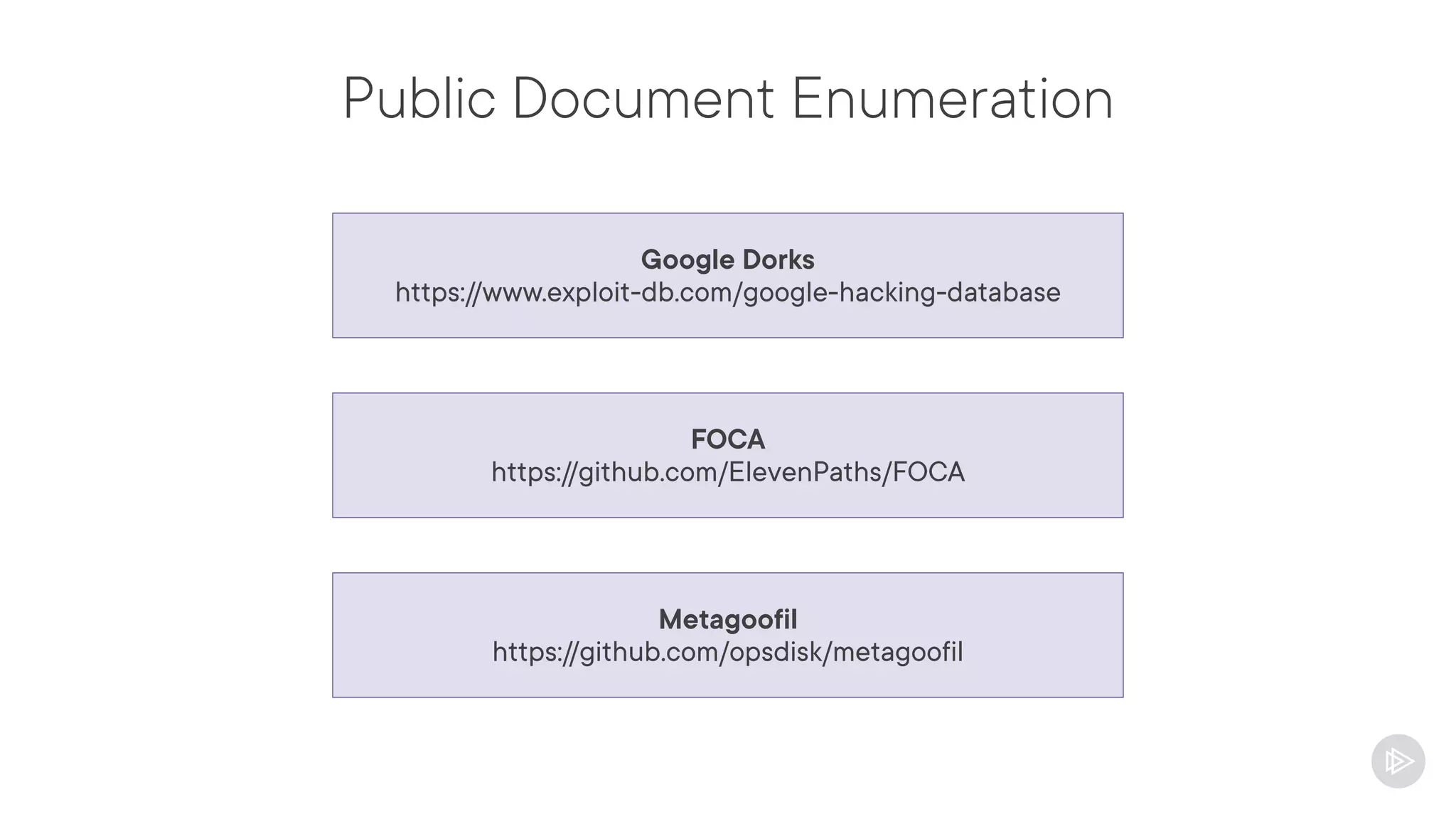
Public Document Enumeration
Google Dorks
https://www.exploit-db.com/google-hacking-database
FOCA
https://github.com/ElevenPaths/FOCA
Metagoofil
https://github.com/opsdisk/metagoofil
GitHub Searches
Sometimes people upload code to GitHub and
forget to remove sensitive data
Search for GitHub pages containing sensitive
information
- Usernames, passwords, private keys,
tokens, IPs, domains, etc.
Tools:
- GitLeaks
(https://github.com/zricethezav/gitleaks)
- TruffleHog
(https://github.com/trufflesecurity/truffleHog)
Actively Gathering Domains/IP Addresses
Why Enumerating Domains and IPs?
Passive recon is really useful but might not
find all available domains/IPs
Actively probing the targets might return more
information
Active enumeration complements passive
enumeration (does not replace)
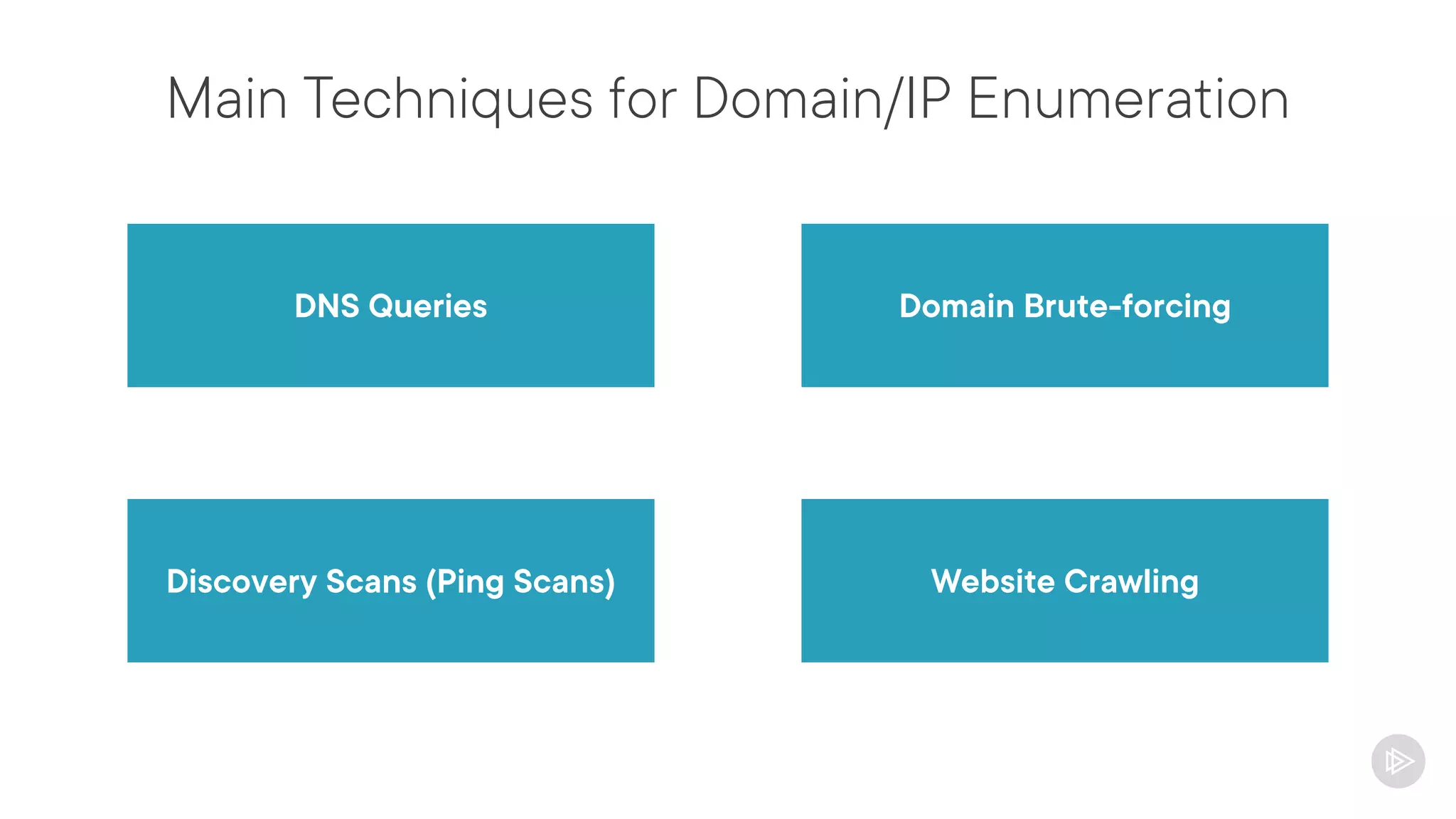
Main Techniques for Domain/IP Enumeration
DNS Queries Domain Brute-forcing
Website Crawling
Discovery Scans (Ping Scans)
Active Enumeration Considerations
Might generate a lot of traffic to the targets
Might cause instability
It is important to validate with the client
Use slow enumeration for slow networks
Ensure the IPs/Domains are part of the scope
- Be careful with cloud environments
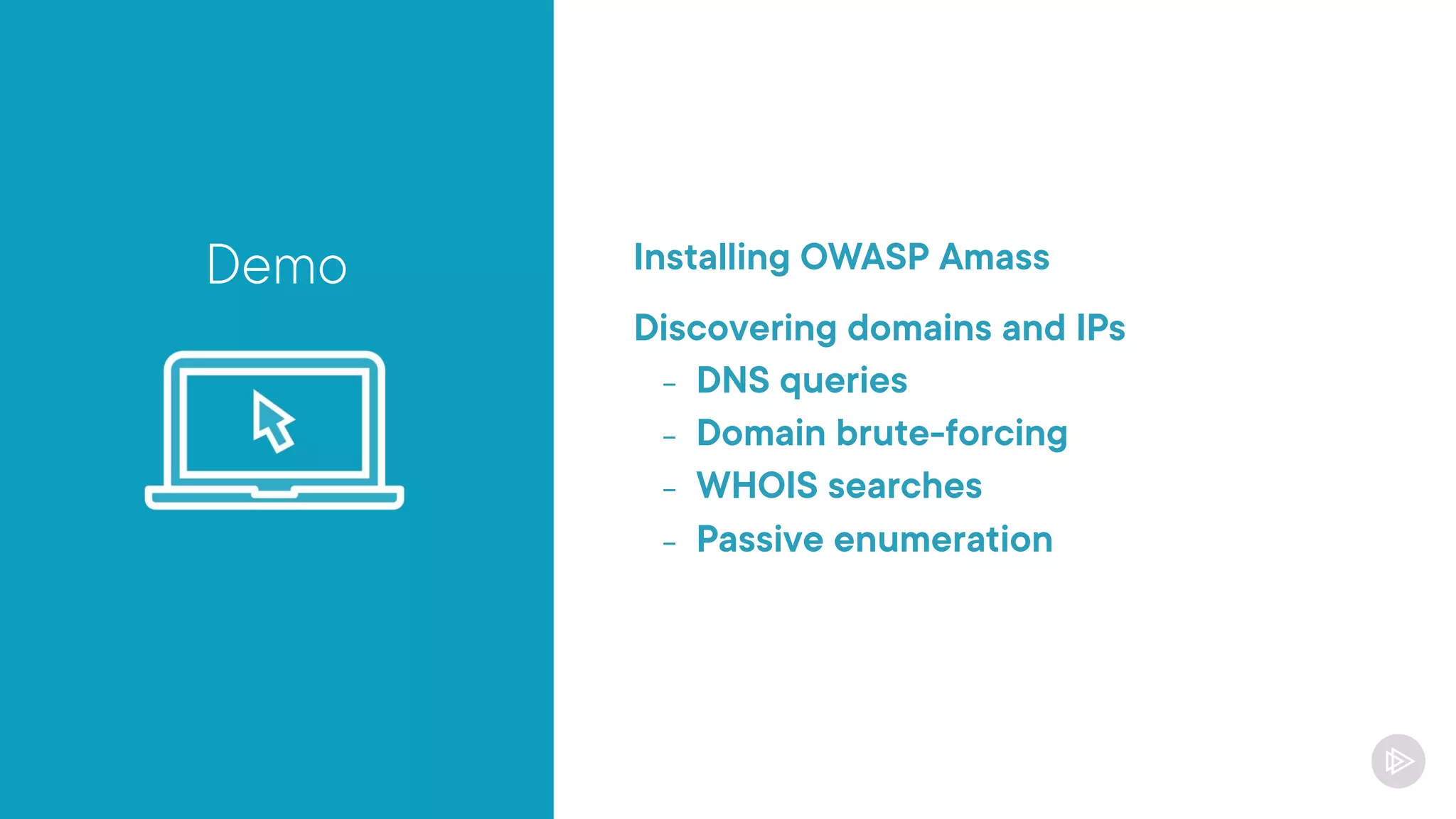
Demo Installing OWASP Amass
Discovering domains and IPs
- DNS queries
- Domain brute-forcing
- WHOIS searches
- Passive enumeration
Demo
Finding specific services with Shodan
Enumerating subdomains with Recon-ng
Actively Gathering
Port and Service Information
Why Gathering Port and Service Information?
Helps you to understand the technologies that the client uses
Enumerate the services and their versions
Find vulnerabilities for the specific services
Gives an overall picture of the exposure of the client
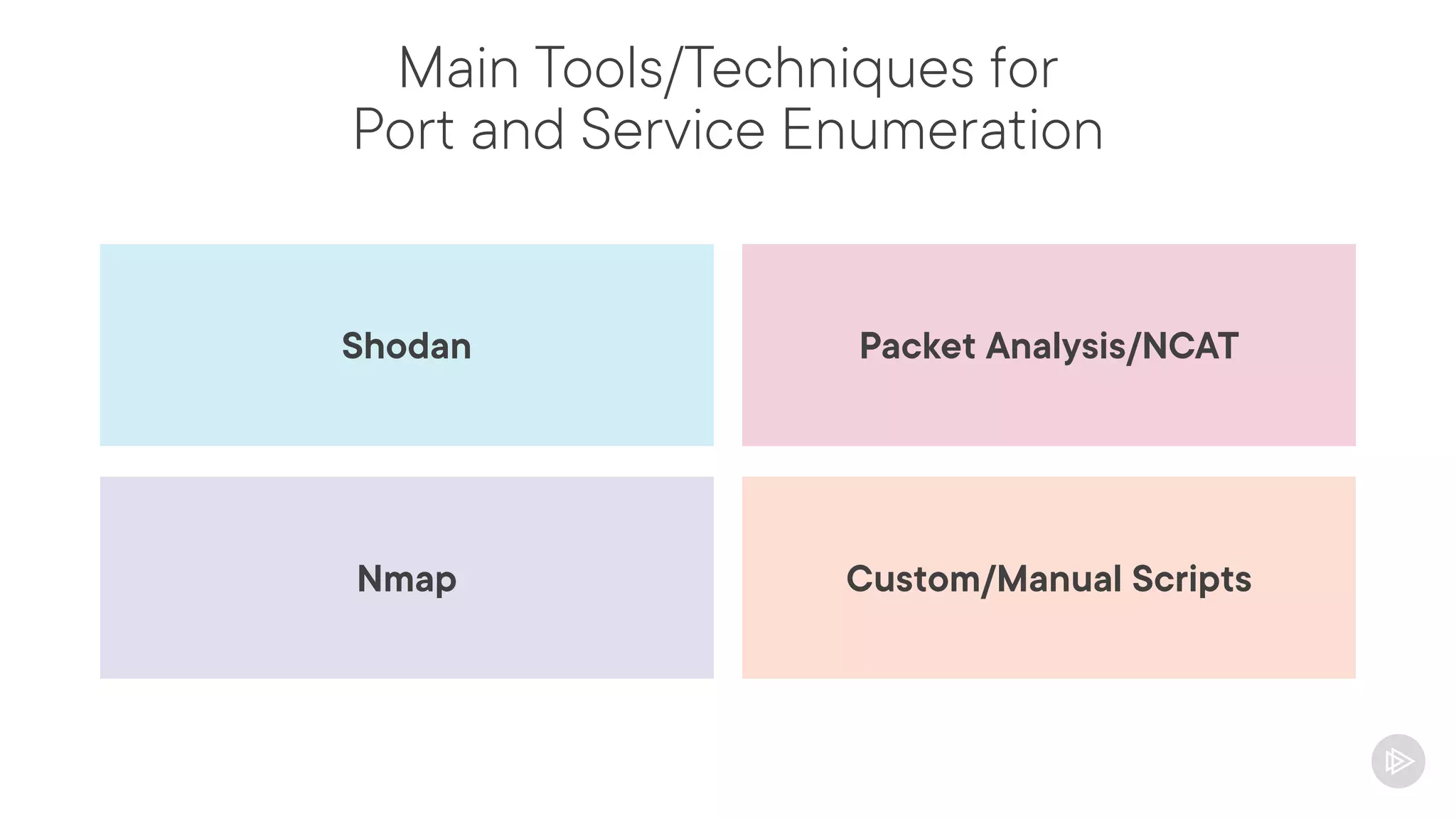
Main Tools/Techniques for
Port and Service Enumeration
Packet Analysis/NCAT
Shodan
Custom/Manual Scripts
Nmap
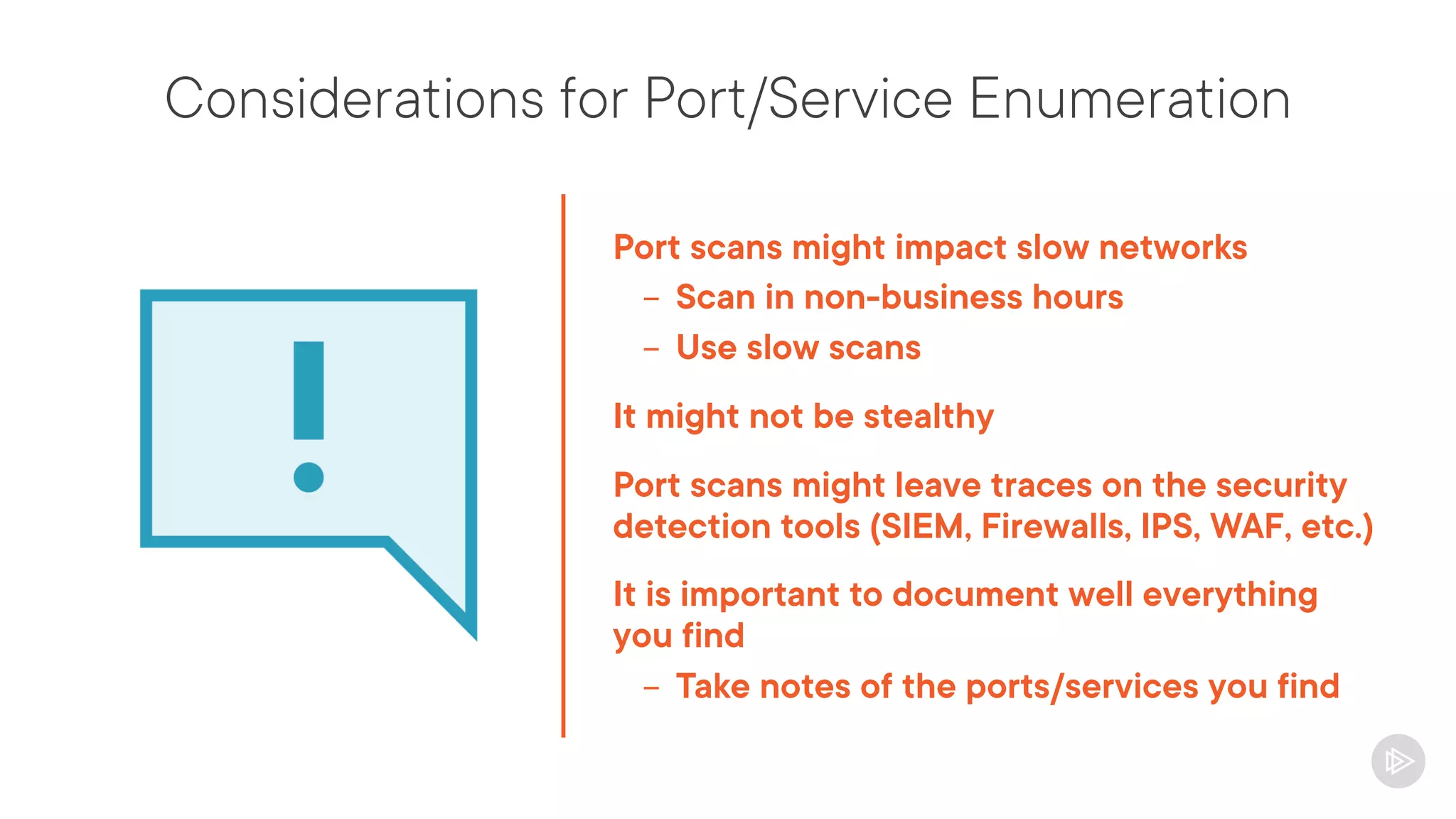
Considerations for Port/Service Enumeration
Port scans might impact slow networks
- Scan in non-business hours
- Use slow scans
It might not be stealthy
Port scans might leave traces on the security
detection tools (SIEM, Firewalls, IPS, WAF, etc.)
It is important to document well everything
you find
- Take notes of the ports/services you find
Demo
NetCat Usage
How to interact with a service
Enumerating a service with NetCat
Nmap Port Scanning
Importance of Nmap
One of the most used tools by pentesters
Allows you to enumerate hosts, applications,
services, banners, vulnerabilities and much
more
From a simple ping scan to complex
vulnerability checks
Highly customizable
Nmap Command Structure
$ nmap <OPTIONS> [TARGET]
$ nmap 10.10.56.18
$ nmap -p 21,22,80,443 10.10.56.0/24
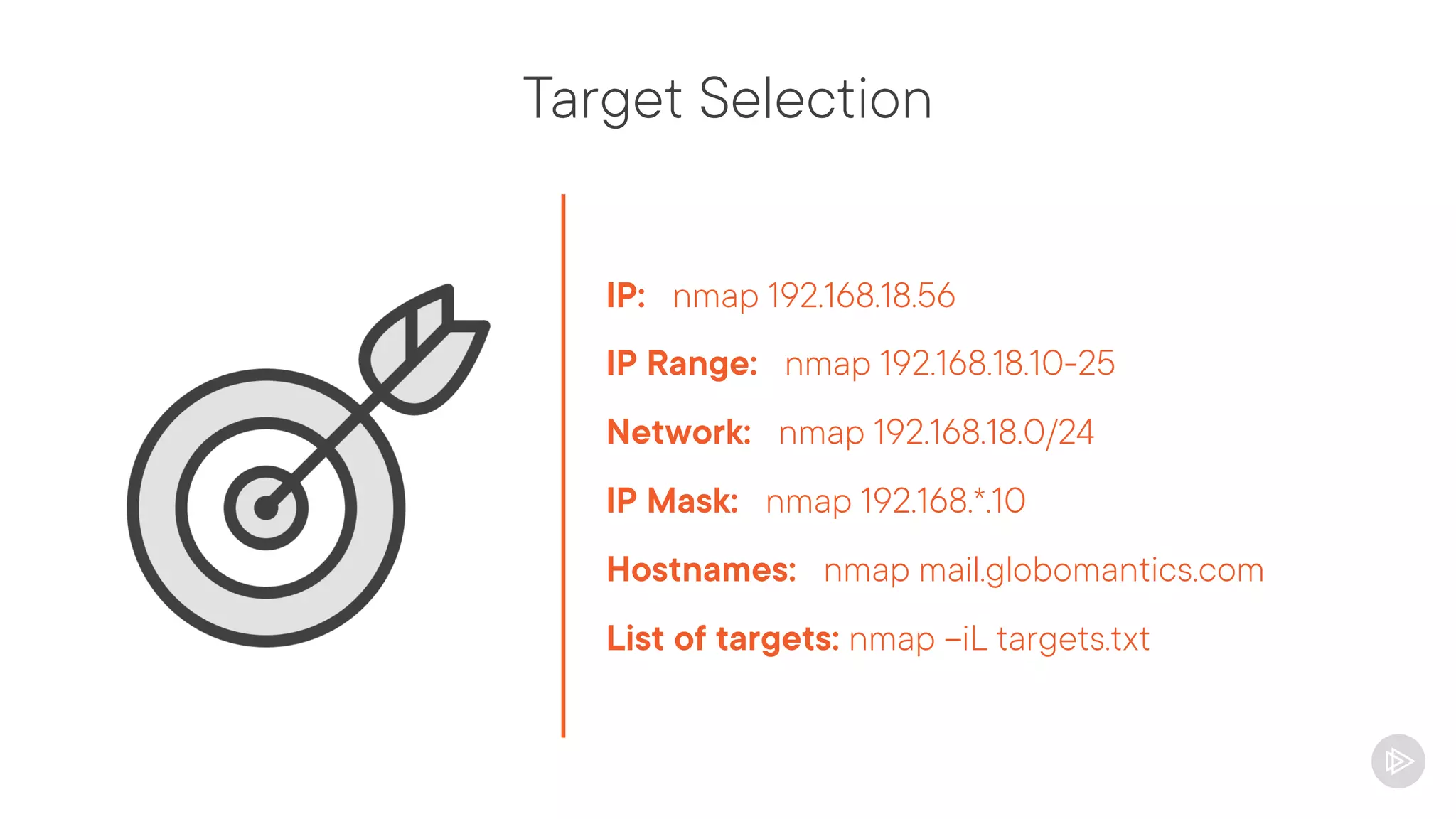
Target Selection
IP: nmap 192.168.18.56
IP Range: nmap 192.168.18.10-25
Network: nmap 192.168.18.0/24
IP Mask: nmap 192.168.*.10
Hostnames: nmap mail.globomantics.com
List of targets: nmap –iL targets.txt
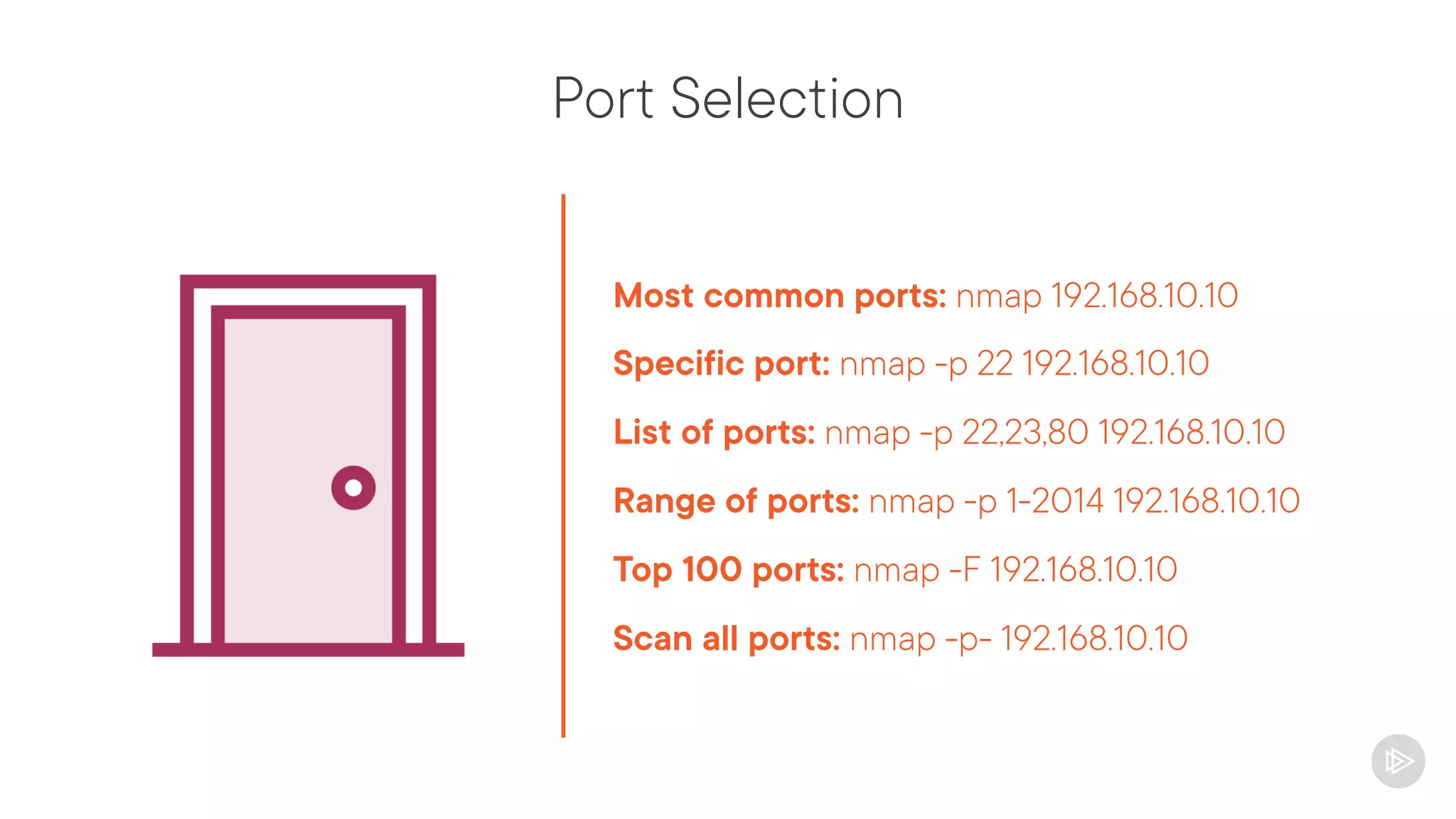
Port Selection
Most common ports: nmap 192.168.10.10
Specific port: nmap -p 22 192.168.10.10
List of ports: nmap -p 22,23,80 192.168.10.10
Range of ports: nmap -p 1-2014 192.168.10.10
Top 100 ports: nmap -F 192.168.10.10
Scan all ports: nmap -p- 192.168.10.10
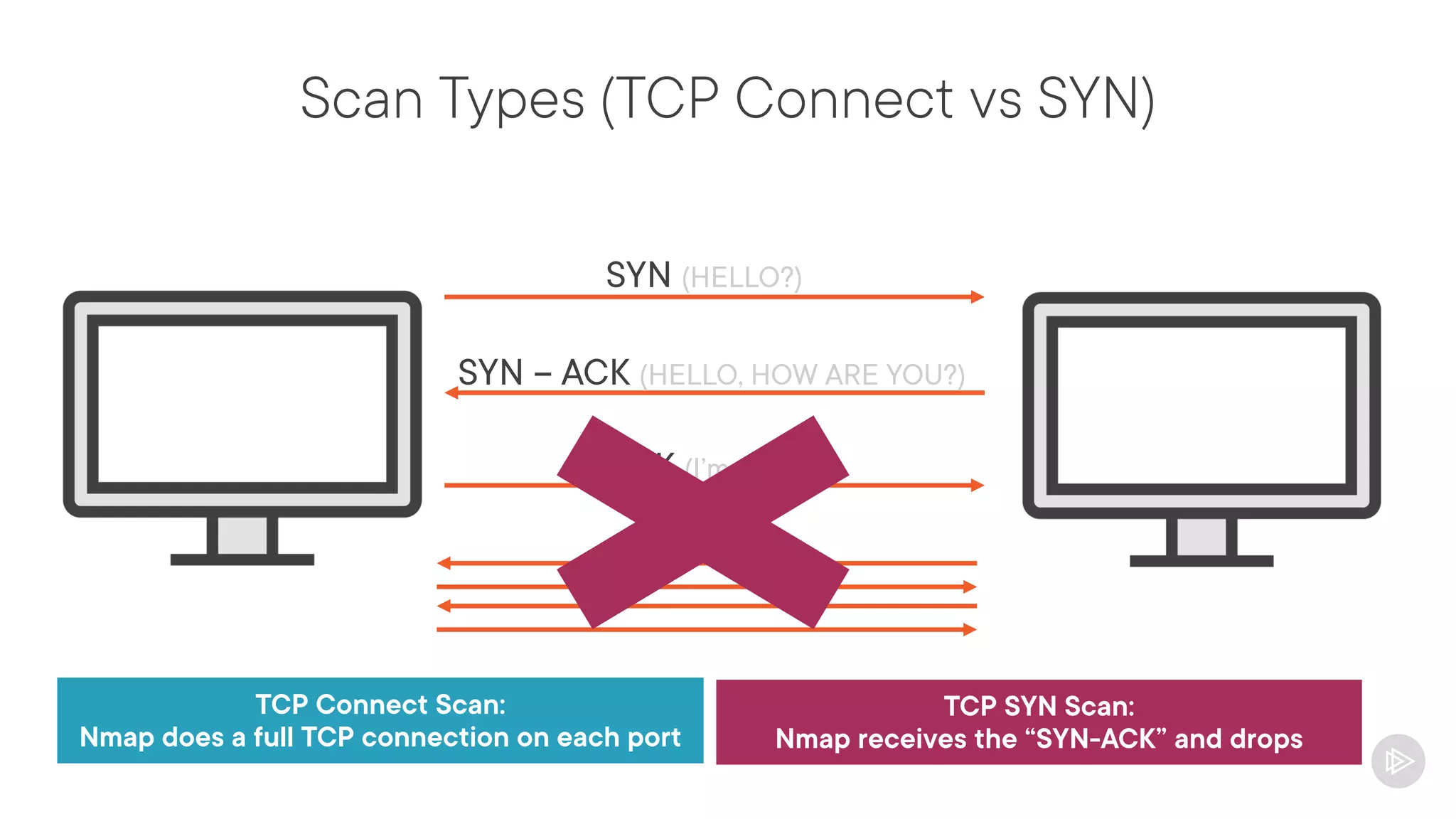
Scan Types (TCP Connect vs SYN)
SYN (HELLO?)
SYN – ACK (HELLO, HOW ARE YOU?)
ACK (I’m fine!)
Data
TCP Connect Scan:
Nmap does a full TCP connection on each port
TCP SYN Scan:
Nmap receives the “SYN-ACK” and drops
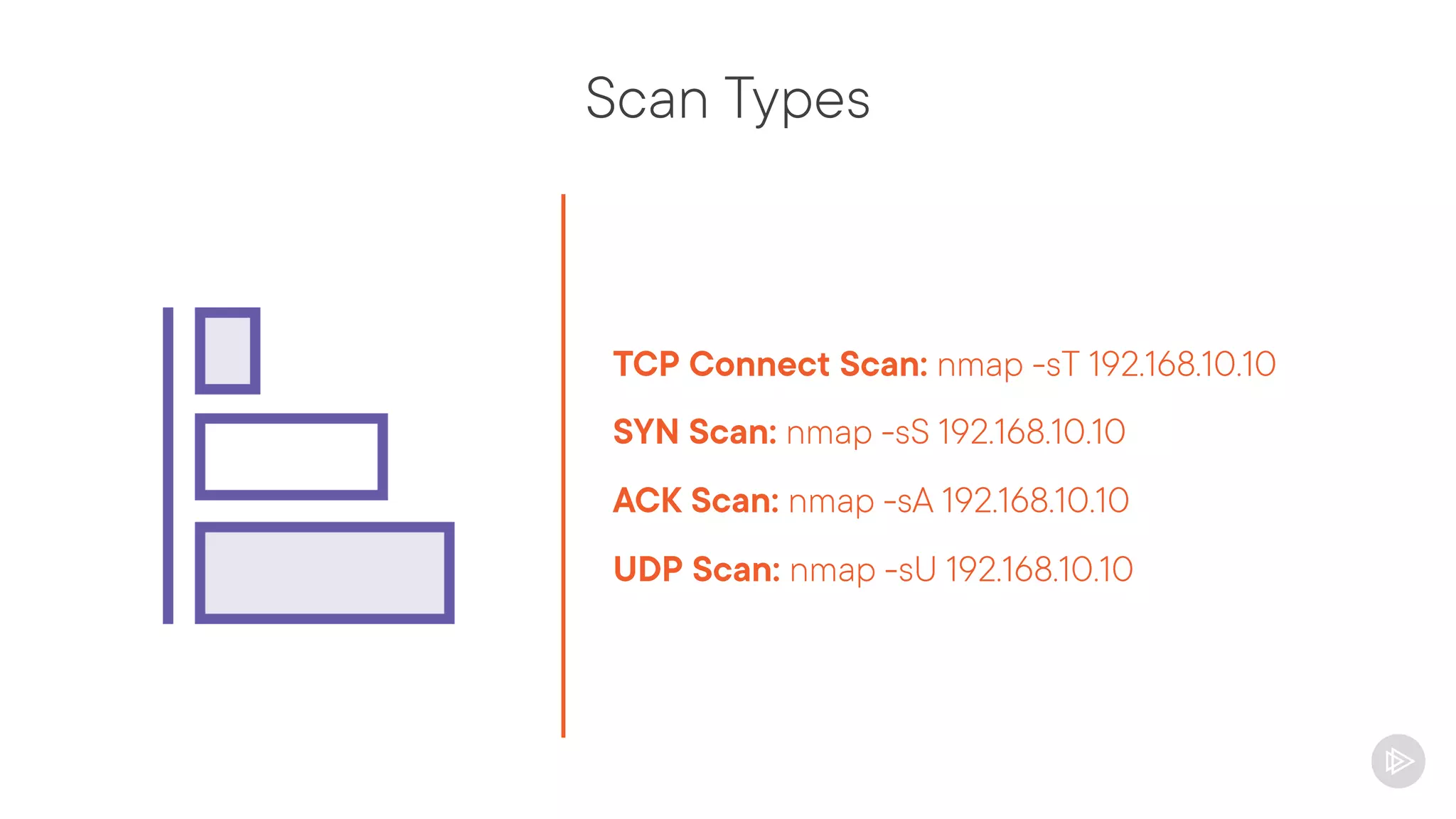
Scan Types
TCP Connect Scan: nmap -sT 192.168.10.10
SYN Scan: nmap -sS 192.168.10.10
ACK Scan: nmap -sA 192.168.10.10
UDP Scan: nmap -sU 192.168.10.10
Output Formats
Normal output:
nmap 192.168.10.10 -oN result.nmap
XML output:
nmap 192.168.10.10 -oX result.xml
Grepable output:
nmap 192.168.10.10 -oG | grep [string]
Output all types:
nmap 192.168.10.10 -oA result
[result.nmap, result.xml and result.gnmap]
Timing Options
Setting scan speed:
nmap –T [0-5] 192.168.10.10
Slow:0, Fast 5, Default: 3
Delay between probes:
nmap --scan-delay 5 192.168.10.10
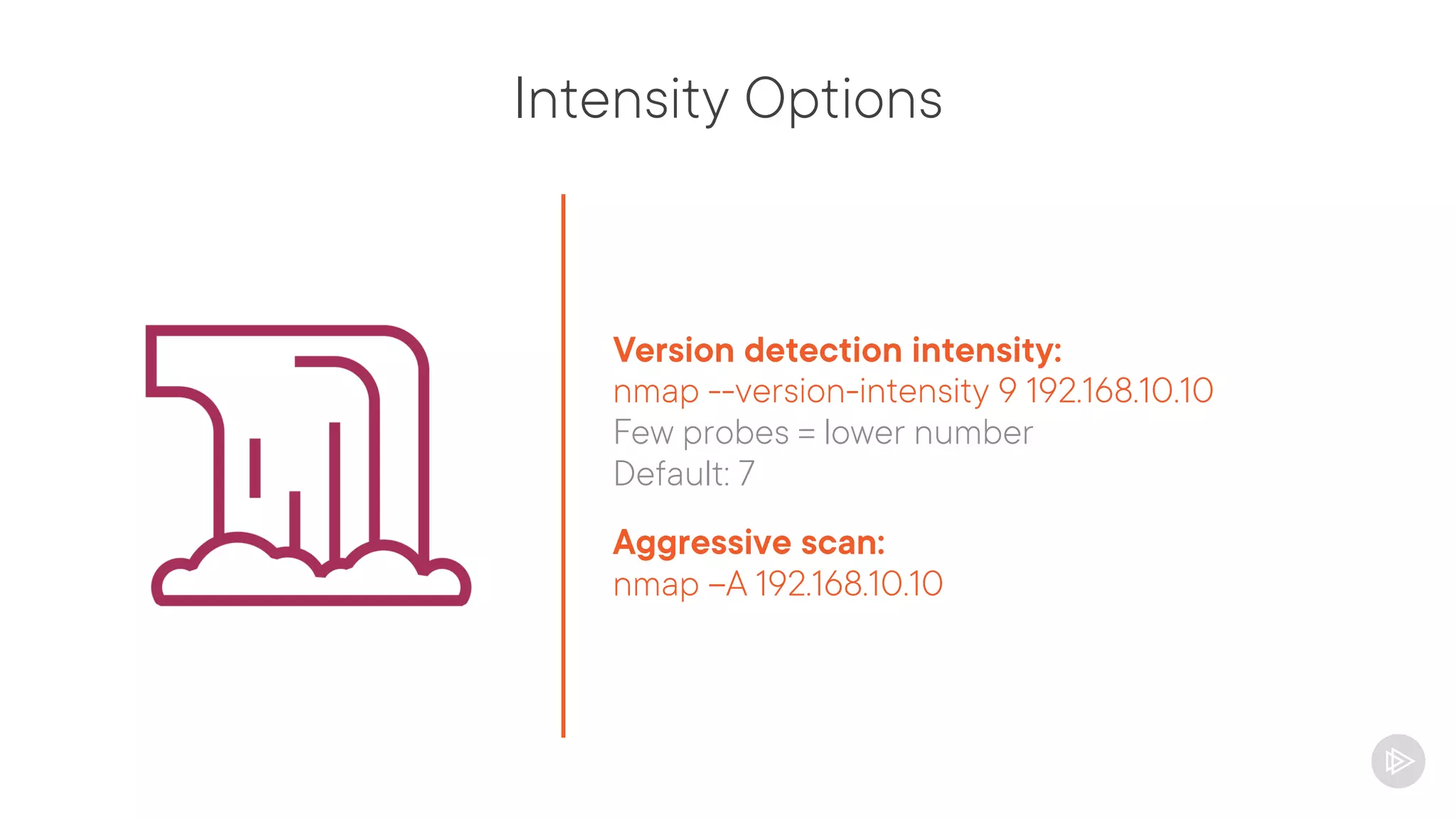
Intensity Options
Version detection intensity:
nmap --version-intensity 9 192.168.10.10
Few probes = lower number
Default: 7
Aggressive scan:
nmap –A 192.168.10.10
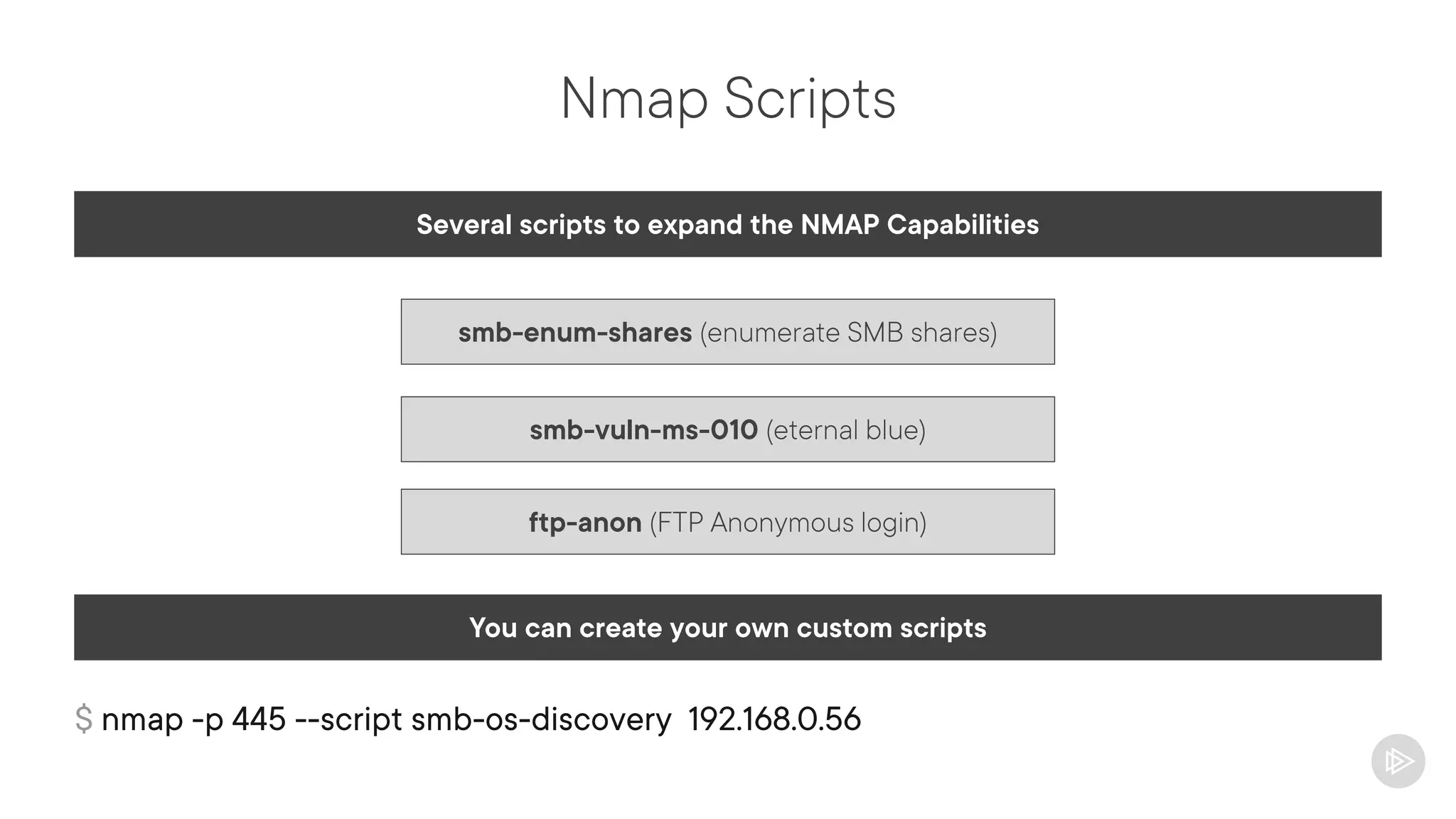
Nmap Scripts
Several scripts to expand the NMAP Capabilities
You can create your own custom scripts
smb-vuln-ms-010 (eternal blue)
smb-enum-shares (enumerate SMB shares)
ftp-anon (FTP Anonymous login)
$ nmap -p 445 --script smb-os-discovery 192.168.0.56
Demo Nmap basics
Scanning an IP
Exploring important arguments
Understanding the output
Website Scrapping and Crawling
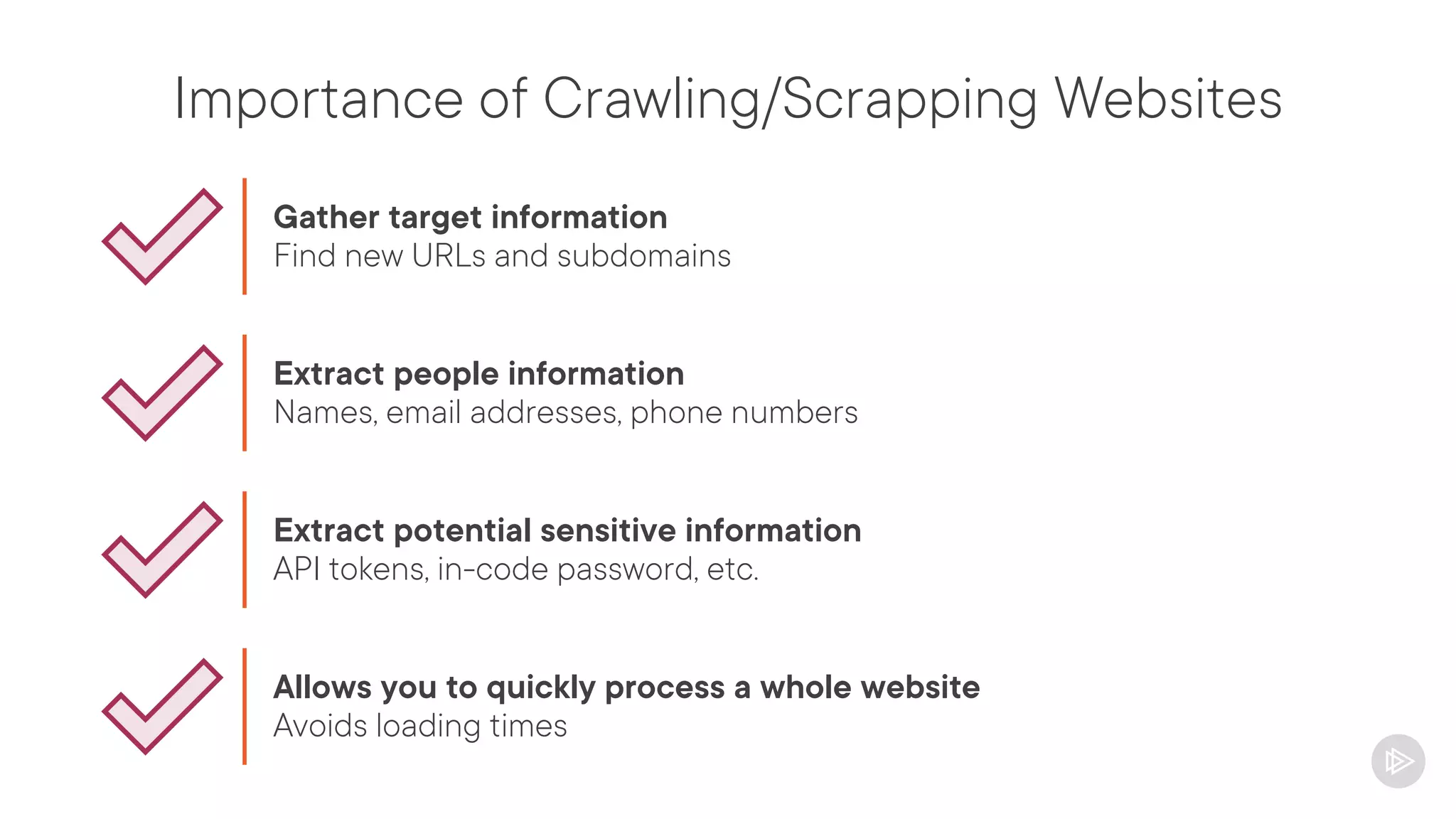
Importance of Crawling/Scrapping Websites
Gather target information
Find new URLs and subdomains
Extract people information
Names, email addresses, phone numbers
Extract potential sensitive information
API tokens, in-code password, etc.
Allows you to quickly process a whole website
Avoids loading times
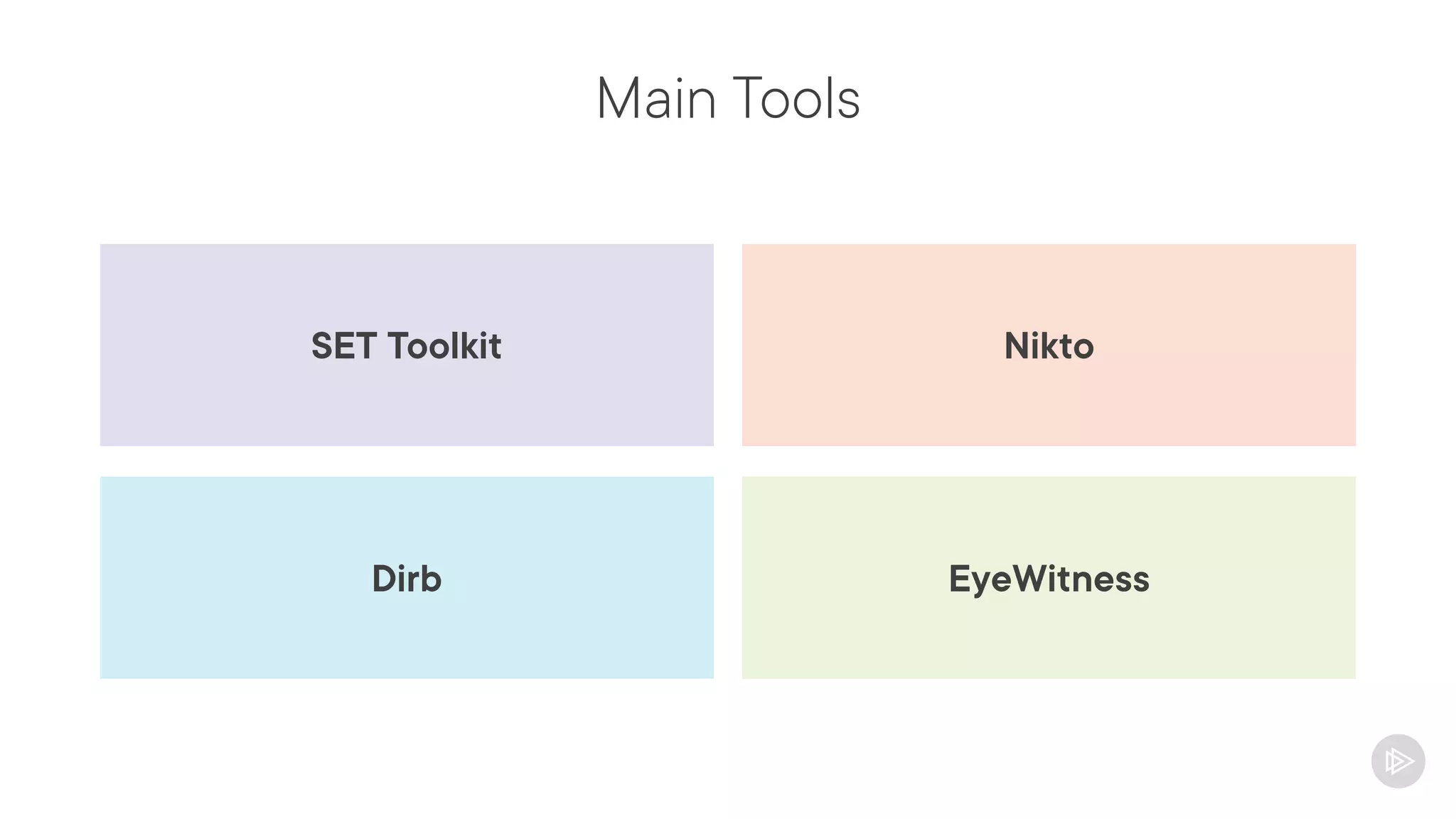
Main Tools
Nikto
SET Toolkit
EyeWitness
Dirb
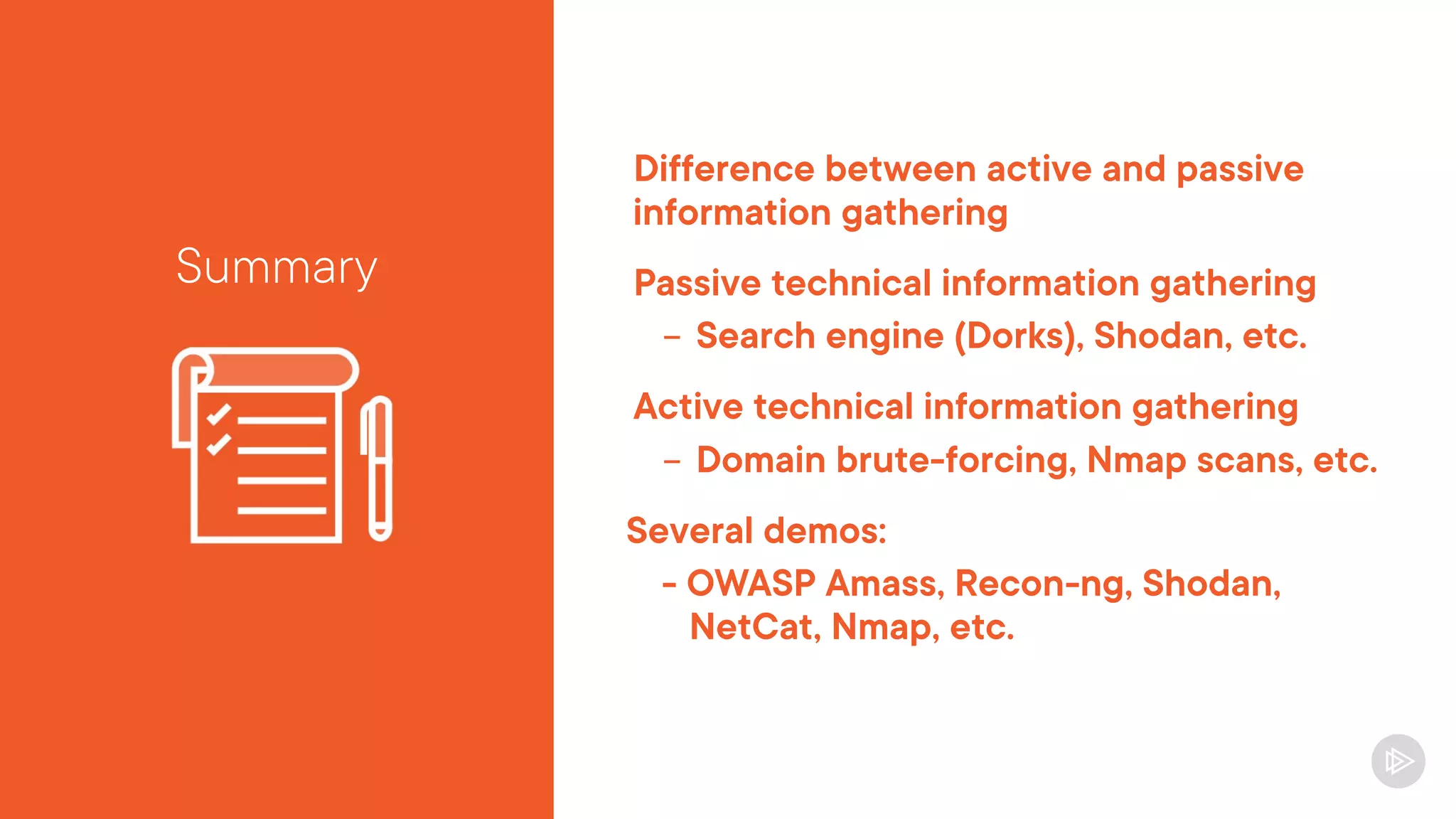
Difference between active and passive
information gathering
Passive technical information gathering
- Search engine (Dorks), Shodan, etc.
Active technical information gathering
- Domain brute-forcing, Nmap scans, etc.
Several demos:
- OWASP Amass, Recon-ng, Shodan,
NetCat, Nmap, etc.
Summary
Next up:
People Information Gathering

technical-information-gathering-slides.pdf

  • 1.
    Information Gathering andVulnerability Scanning for CompTIA Pentest+ Technical Information Gathering Ricardo Reimao, OSCP, CISSP Cybersecurity Consultant
  • 2.
  • 3.
    Information and VulnerabilityGathering Technical Information People Information Vulnerability Information
  • 4.
    CompTIA Pentest+ (PT0-002) 1.Planning and Scoping 2. Information Gathering and Vulnerability Scanning 3. Attacks and Exploits 4. Reporting and Communications 5. Tools and Code Analysis
  • 5.
    Information Gathering andVulnerability Scanning Course Overview Basic Enumeration Concepts Technical Information Gathering OSINT Techniques Active Scanning People Information Gathering Vulnerability Scans Several Demos
  • 6.
    Course Scenario You areexecuting your first pentest against Globomantics Corporation Scope: - 2 External networks (around 40 IPs) - 3 External websites - Social engineering Your job is to enumerate both technical and people information about your target Find vulnerabilities to be exploited in the next phase
  • 7.
    Recommended Knowledge Previous Course: Planningand Scoping for CompTIA Pentest+ Basic understanding of cyber security concepts Moderate networking, operational systems, and scripting skills
  • 8.
    The Overall PentestingProcess Planning and Scoping Information Gathering Vulnerability Analysis Exploitation Post Exploitation Reporting
  • 9.
    Why Information Gathering? Themore you enumerate, the more likely you will find useful vulnerabilities to be exploited Usually vulnerabilities are present in the most hidden services Makes the exploitation phase easier/quicker Provides to the client a picture of how much information is being shared Differentiates a good pentester from the rest
  • 10.
    Understanding Passive andActive Information Gathering
  • 11.
    Information Gathering Types Passive Gatheringinformation without interacting with the target Collect information from third-party sources It is considered stealthy Example: Searching on Google about your target Active Gather information by actively probing your target Collect information directly from the target machines It is considered noisier Example: Performing a port scan against a server
  • 12.
    Importance of PassiveInformation Gathering Gives an initial picture of the target without any interaction - Public facing assets Third part providers are really good sources of information - Google, Shodan, WHOIS, etc. Some engagements might require you to be stealthy Complements the active information gathering
  • 13.
    Open Source Intelligence(OSINT) Collecting data from multiple publicly available sources Google Searches (Dorks) Social Media Scrapping Shodan Threat Intelligence Sources Web Archive etc. https://osintframework.com/
  • 14.
    Examples of PassiveInformation Gathering Technical Information Searching subdomains on Google/Bing Searching open services on Shodan Performing WHOIS lookups Searching sensitive data on GitHub People Information Searching LinkedIn for employees Harvesting emails from search engines Analyzing social media from employees Scrapping public documents
  • 15.
    Importance of ActiveInformation Gathering Extracting further information about your target - Brute forcing domains - Enumerating ports and services - etc. Complements (not replaces) the passive information gathering
  • 16.
    Risks on ActiveInformation Gathering Interacts with the target It’s noisier, generate logs with your IP If being stealthy is a requirement, recommended to use a VPN and slow-scans
  • 17.
    Examples of ActiveInformation Gathering Technical Information Scanning IP ranges DNS Queries Port scans Web application scans People Information Social engineering Calling reception and asking for information Emailing executives phishing for information
  • 18.
  • 19.
    Types of RelevantData Domains Subdomains Hosts Networks Users and Groups Web Pages Applications and Services Sensitive Documents Tokens and Keys
  • 20.
    Main Sources ofData • Google • Bing • Baidu • Shodan Search Engines • LinkedIn • Facebook, Instagram, etc. • Job Postings Social Media • Threat Intelligence Platforms • Data Breach Compilations • Web Archive • WHOIS, Certificate Databases Third Party Information Databases
  • 21.
    Main Techniques Certificate Database Searches DNSLookups WHOIS and Reverse WHOIS Job Posting Enumeration Search Engine Enumeration Website Crawling
  • 22.
    Main Tools Sn1per OWASP AmassMaltego Recon-NG theHarvester
  • 23.
  • 24.
    What are Third-PartySources of Information? Services that collect and centralize information Main examples: - Search engines - Shodan - Web archives - etc.
  • 25.
    Search Engine Enumeration Gathering informationfrom search engines (Google, Bing, Baidu, etc.) Google Dorks Find all PDFs in a domain: site:nasa.gov filetype:pdf Find log files containing usernames: site:nasa.gov filetype:log allintext:user Find browsable directories: site:nasa.gov intitle:"Index of /" Google Hacking Database (GHDB): https://www.exploit-db.com/google-hacking-database
  • 26.
    Shodan.io Advanced type ofsearch engine Allows you to search for specific technologies and services Example: Find servers with port 21 open Allows you to search for metadata
  • 27.
  • 28.
    Password Dump Databases Searchfor accounts that were compromised in previous data breaches People reuse passwords Main sources: - HaveIBeenPwned - Collection #1-#5
  • 29.
  • 30.
    Website Archives Services thatallow you to search for old versions of websites You can use to find information that is not publicly available anymore Most used service: https://archive.org/web/
  • 31.
  • 32.
    CVE/CWE Searches Common VulnerabilityEnumeration (CVE) Common Weakness Enumeration (CWE) Helps you to find vulnerabilities associated to a product/service Describe the vulnerabilities/weaknesses and how to mitigate them Supported by several cybersecurity tools
  • 33.
    Public Document Enumeration GoogleDorks https://www.exploit-db.com/google-hacking-database FOCA https://github.com/ElevenPaths/FOCA Metagoofil https://github.com/opsdisk/metagoofil
  • 34.
    GitHub Searches Sometimes peopleupload code to GitHub and forget to remove sensitive data Search for GitHub pages containing sensitive information - Usernames, passwords, private keys, tokens, IPs, domains, etc. Tools: - GitLeaks (https://github.com/zricethezav/gitleaks) - TruffleHog (https://github.com/trufflesecurity/truffleHog)
  • 35.
  • 36.
    Why Enumerating Domainsand IPs? Passive recon is really useful but might not find all available domains/IPs Actively probing the targets might return more information Active enumeration complements passive enumeration (does not replace)
  • 37.
    Main Techniques forDomain/IP Enumeration DNS Queries Domain Brute-forcing Website Crawling Discovery Scans (Ping Scans)
  • 38.
    Active Enumeration Considerations Mightgenerate a lot of traffic to the targets Might cause instability It is important to validate with the client Use slow enumeration for slow networks Ensure the IPs/Domains are part of the scope - Be careful with cloud environments
  • 39.
    Demo Installing OWASPAmass Discovering domains and IPs - DNS queries - Domain brute-forcing - WHOIS searches - Passive enumeration
  • 40.
    Demo Finding specific serviceswith Shodan Enumerating subdomains with Recon-ng
  • 41.
    Actively Gathering Port andService Information
  • 42.
    Why Gathering Portand Service Information? Helps you to understand the technologies that the client uses Enumerate the services and their versions Find vulnerabilities for the specific services Gives an overall picture of the exposure of the client
  • 43.
    Main Tools/Techniques for Portand Service Enumeration Packet Analysis/NCAT Shodan Custom/Manual Scripts Nmap
  • 44.
    Considerations for Port/ServiceEnumeration Port scans might impact slow networks - Scan in non-business hours - Use slow scans It might not be stealthy Port scans might leave traces on the security detection tools (SIEM, Firewalls, IPS, WAF, etc.) It is important to document well everything you find - Take notes of the ports/services you find
  • 45.
    Demo NetCat Usage How tointeract with a service Enumerating a service with NetCat
  • 46.
  • 47.
    Importance of Nmap Oneof the most used tools by pentesters Allows you to enumerate hosts, applications, services, banners, vulnerabilities and much more From a simple ping scan to complex vulnerability checks Highly customizable
  • 48.
    Nmap Command Structure $nmap <OPTIONS> [TARGET] $ nmap 10.10.56.18 $ nmap -p 21,22,80,443 10.10.56.0/24
  • 49.
    Target Selection IP: nmap192.168.18.56 IP Range: nmap 192.168.18.10-25 Network: nmap 192.168.18.0/24 IP Mask: nmap 192.168.*.10 Hostnames: nmap mail.globomantics.com List of targets: nmap –iL targets.txt
  • 50.
    Port Selection Most commonports: nmap 192.168.10.10 Specific port: nmap -p 22 192.168.10.10 List of ports: nmap -p 22,23,80 192.168.10.10 Range of ports: nmap -p 1-2014 192.168.10.10 Top 100 ports: nmap -F 192.168.10.10 Scan all ports: nmap -p- 192.168.10.10
  • 51.
    Scan Types (TCPConnect vs SYN) SYN (HELLO?) SYN – ACK (HELLO, HOW ARE YOU?) ACK (I’m fine!) Data TCP Connect Scan: Nmap does a full TCP connection on each port TCP SYN Scan: Nmap receives the “SYN-ACK” and drops
  • 52.
    Scan Types TCP ConnectScan: nmap -sT 192.168.10.10 SYN Scan: nmap -sS 192.168.10.10 ACK Scan: nmap -sA 192.168.10.10 UDP Scan: nmap -sU 192.168.10.10
  • 53.
    Output Formats Normal output: nmap192.168.10.10 -oN result.nmap XML output: nmap 192.168.10.10 -oX result.xml Grepable output: nmap 192.168.10.10 -oG | grep [string] Output all types: nmap 192.168.10.10 -oA result [result.nmap, result.xml and result.gnmap]
  • 54.
    Timing Options Setting scanspeed: nmap –T [0-5] 192.168.10.10 Slow:0, Fast 5, Default: 3 Delay between probes: nmap --scan-delay 5 192.168.10.10
  • 55.
    Intensity Options Version detectionintensity: nmap --version-intensity 9 192.168.10.10 Few probes = lower number Default: 7 Aggressive scan: nmap –A 192.168.10.10
  • 56.
    Nmap Scripts Several scriptsto expand the NMAP Capabilities You can create your own custom scripts smb-vuln-ms-010 (eternal blue) smb-enum-shares (enumerate SMB shares) ftp-anon (FTP Anonymous login) $ nmap -p 445 --script smb-os-discovery 192.168.0.56
  • 57.
    Demo Nmap basics Scanningan IP Exploring important arguments Understanding the output
  • 58.
  • 59.
    Importance of Crawling/ScrappingWebsites Gather target information Find new URLs and subdomains Extract people information Names, email addresses, phone numbers Extract potential sensitive information API tokens, in-code password, etc. Allows you to quickly process a whole website Avoids loading times
  • 60.
  • 61.
    Difference between activeand passive information gathering Passive technical information gathering - Search engine (Dorks), Shodan, etc. Active technical information gathering - Domain brute-forcing, Nmap scans, etc. Several demos: - OWASP Amass, Recon-ng, Shodan, NetCat, Nmap, etc. Summary
  • 62.