Using What’s Free to Motivate
Animate This: Using What’s Free to Motivate  Outline of today’s talk: Brief theory and frameworks Online animation creation tools Why Animation? Why GoAnimate? An example Students examples Student survey results Comments Resources
IT, education, and theory 2 Frameworks
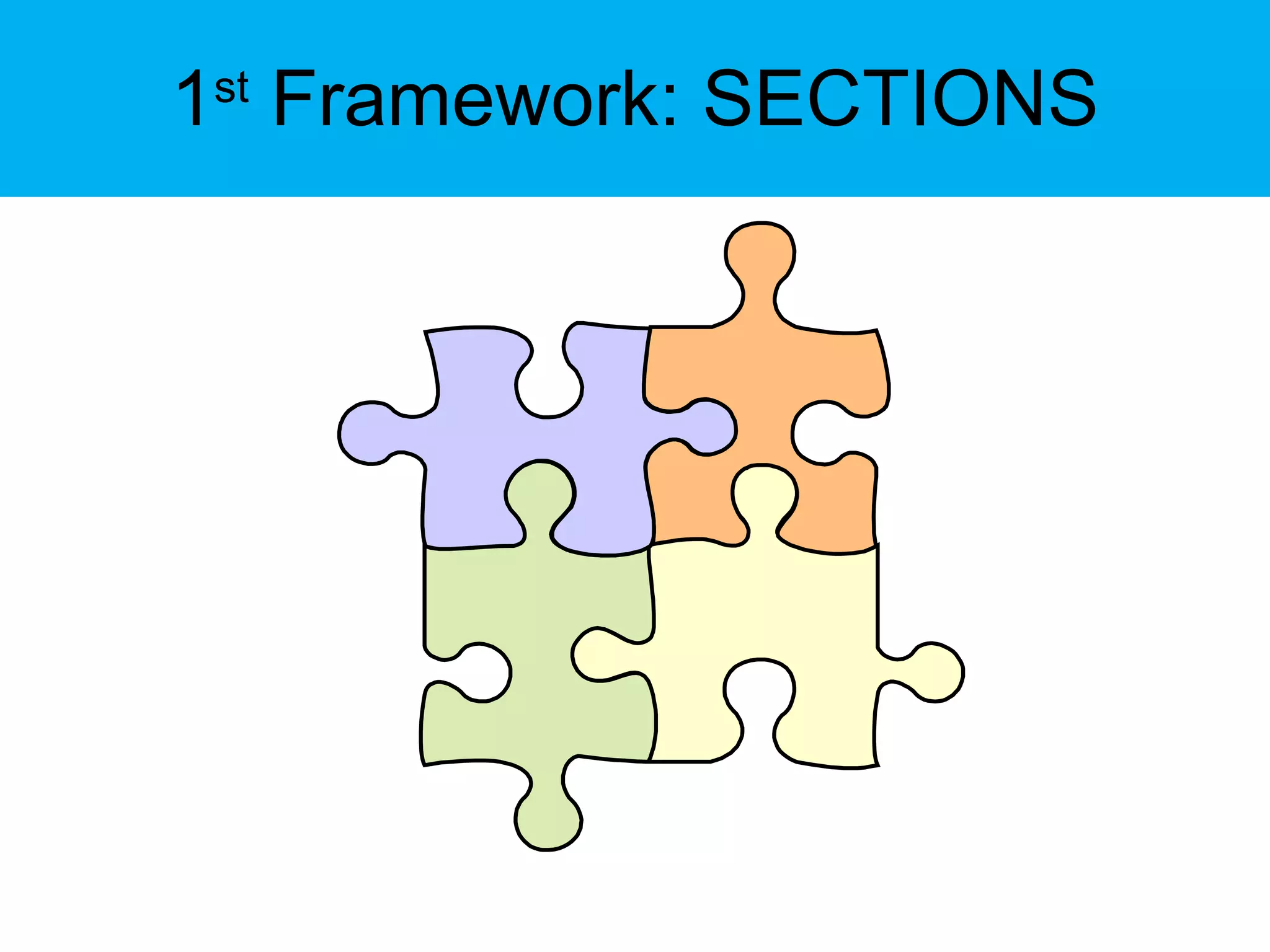
1 st  Framework: SECTIONS
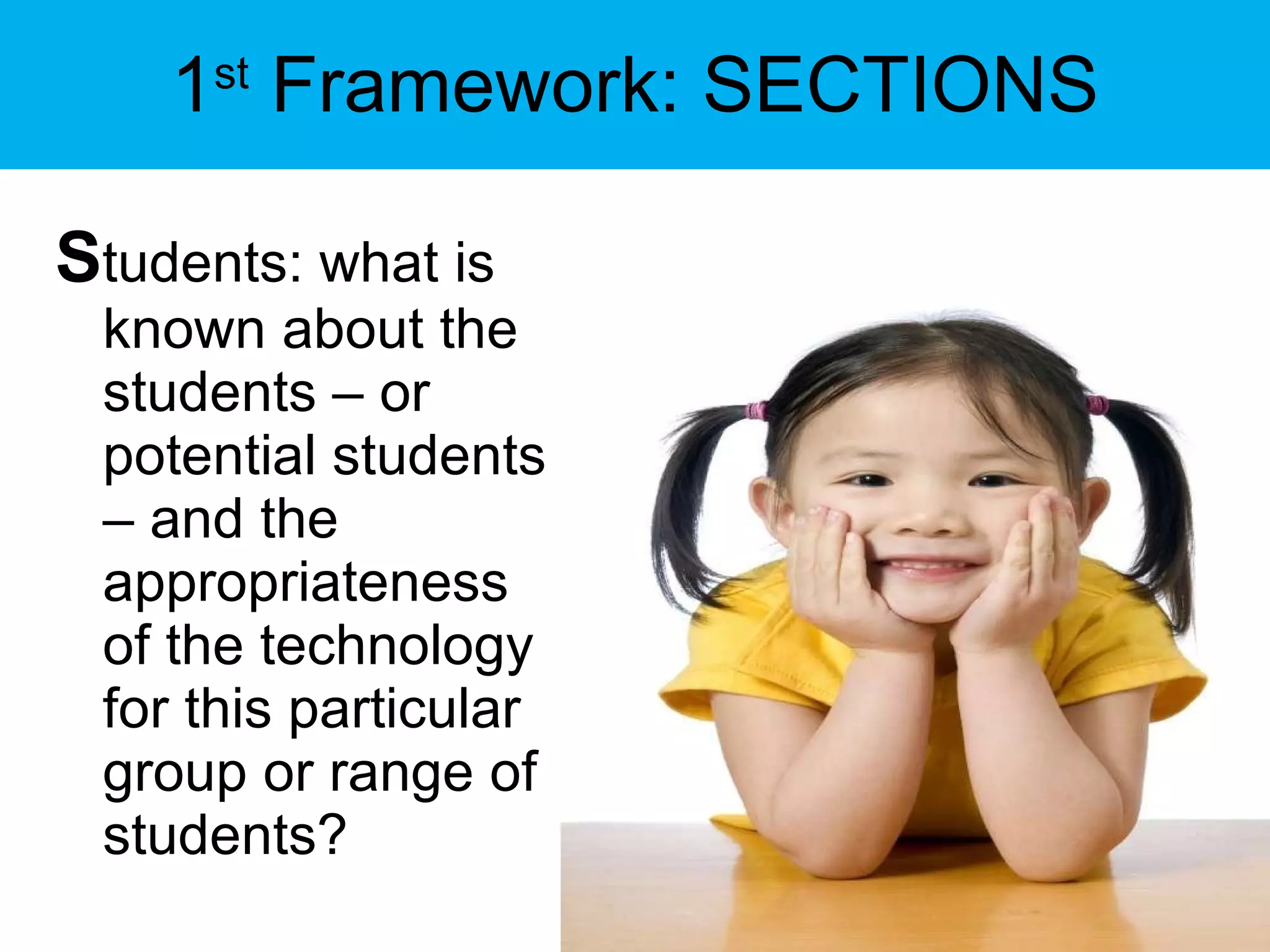
1 st  Framework: SECTIONS S tudents: what is known about the students – or potential students – and the appropriateness of the technology for this particular group or range of students?
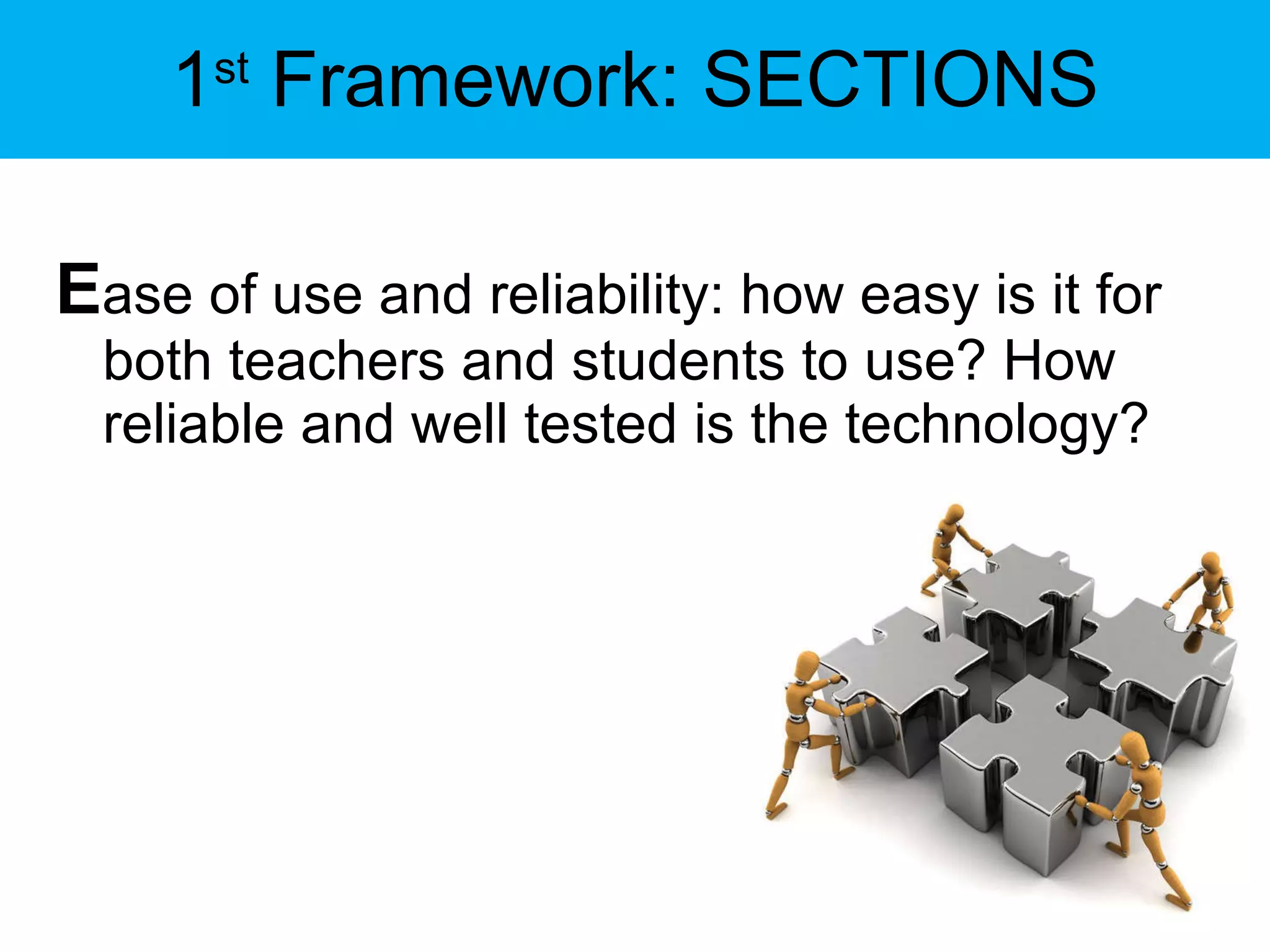
1 st  Framework: SECTIONS E ase of use and reliability: how easy is it for both teachers and students to use? How reliable and well tested is the technology?
1 st  Framework: SECTIONS C osts: what is the cost structure of each technology?  What is the unit cost per learner?
1 st  Framework: SECTIONS T eaching and learning: what kinds of learning are needed? What instructional approaches will best meet these needs?
1 st  Framework: SECTIONS I nteractivity: what kind of interaction does this technology enable?
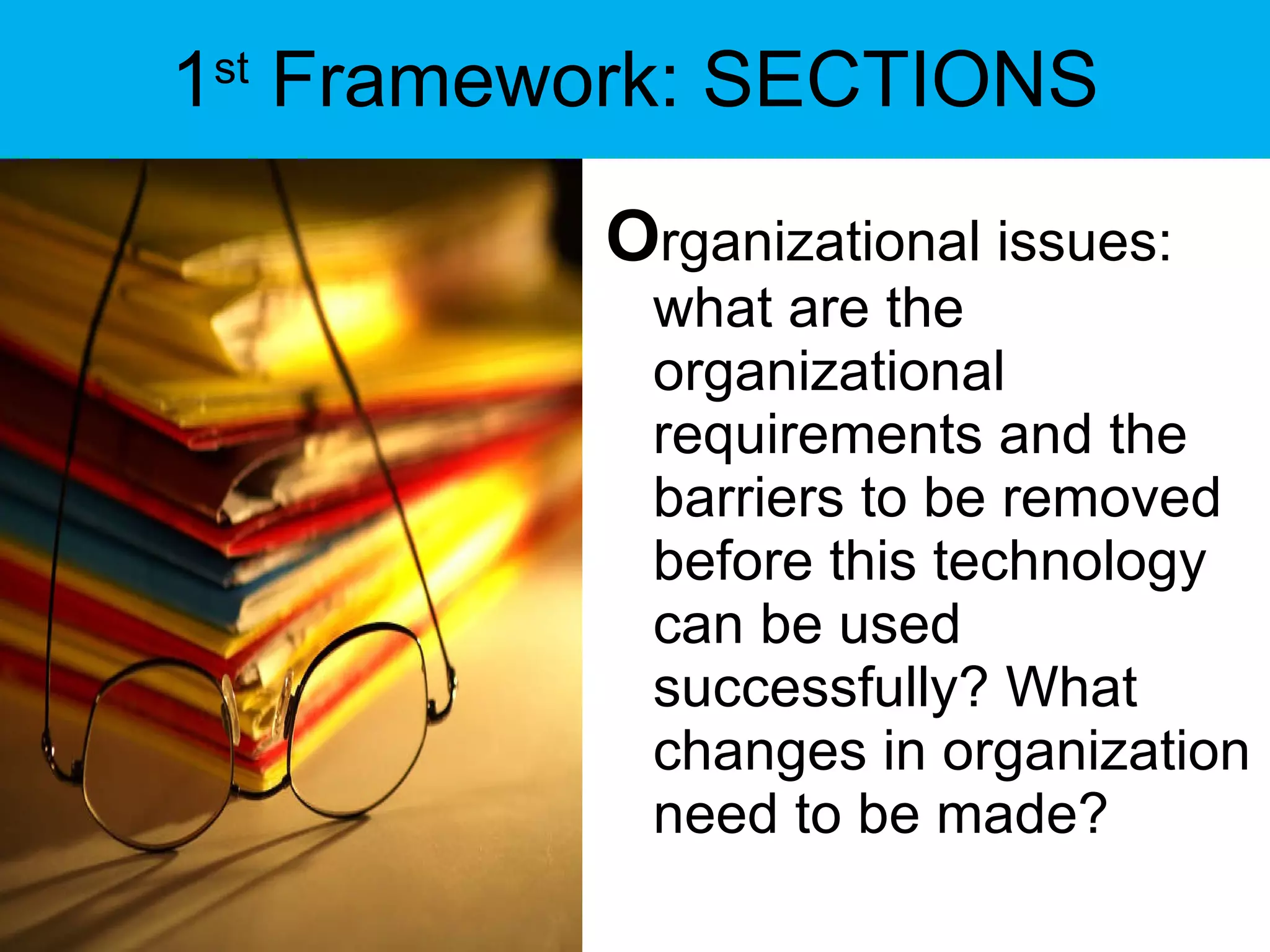
1 st  Framework: SECTIONS O rganizational issues: what are the organizational requirements and the barriers to be removed before this technology can be used successfully? What changes in organization need to be made?
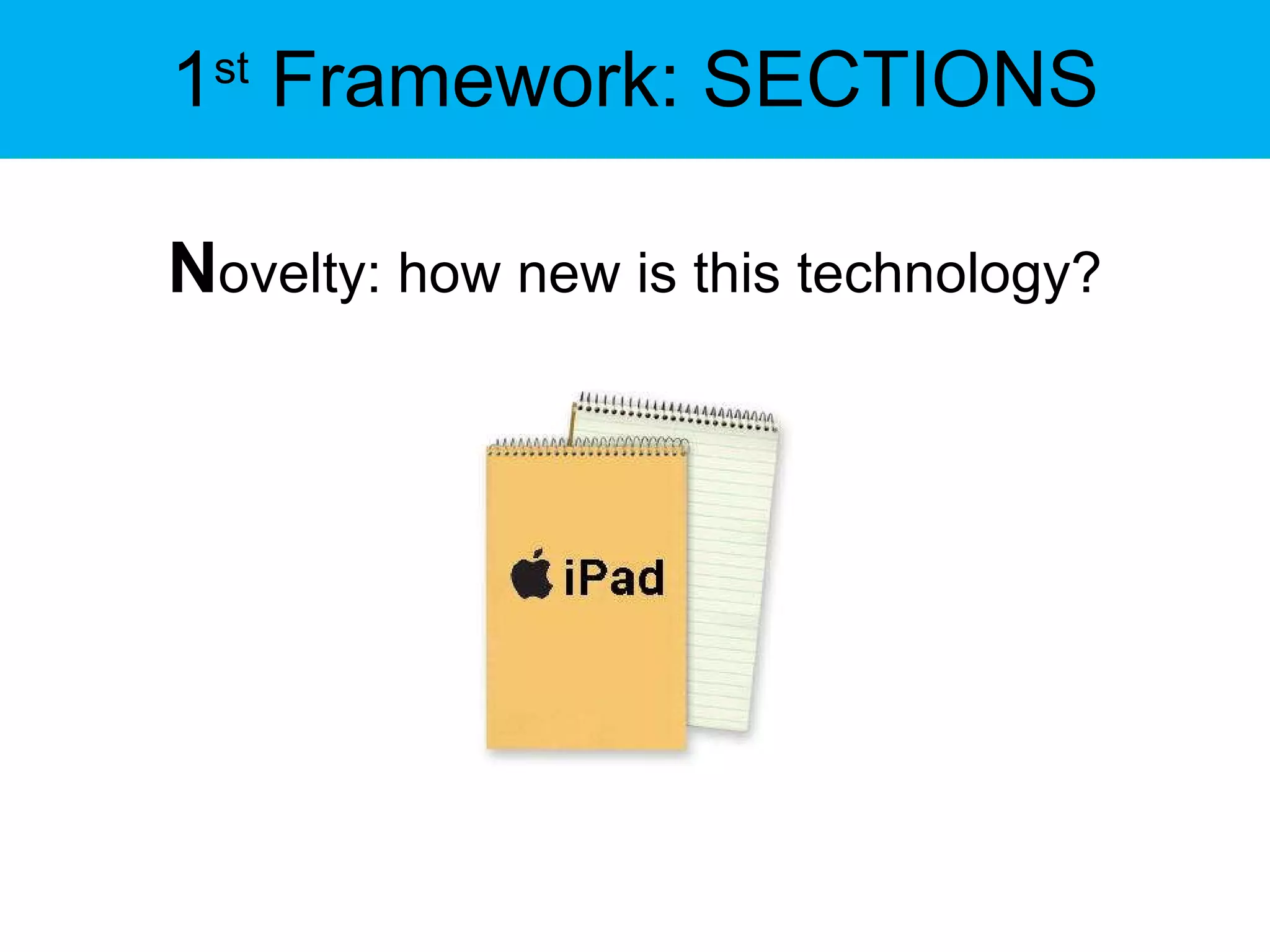
1 st  Framework: SECTIONS N ovelty: how new is this technology?
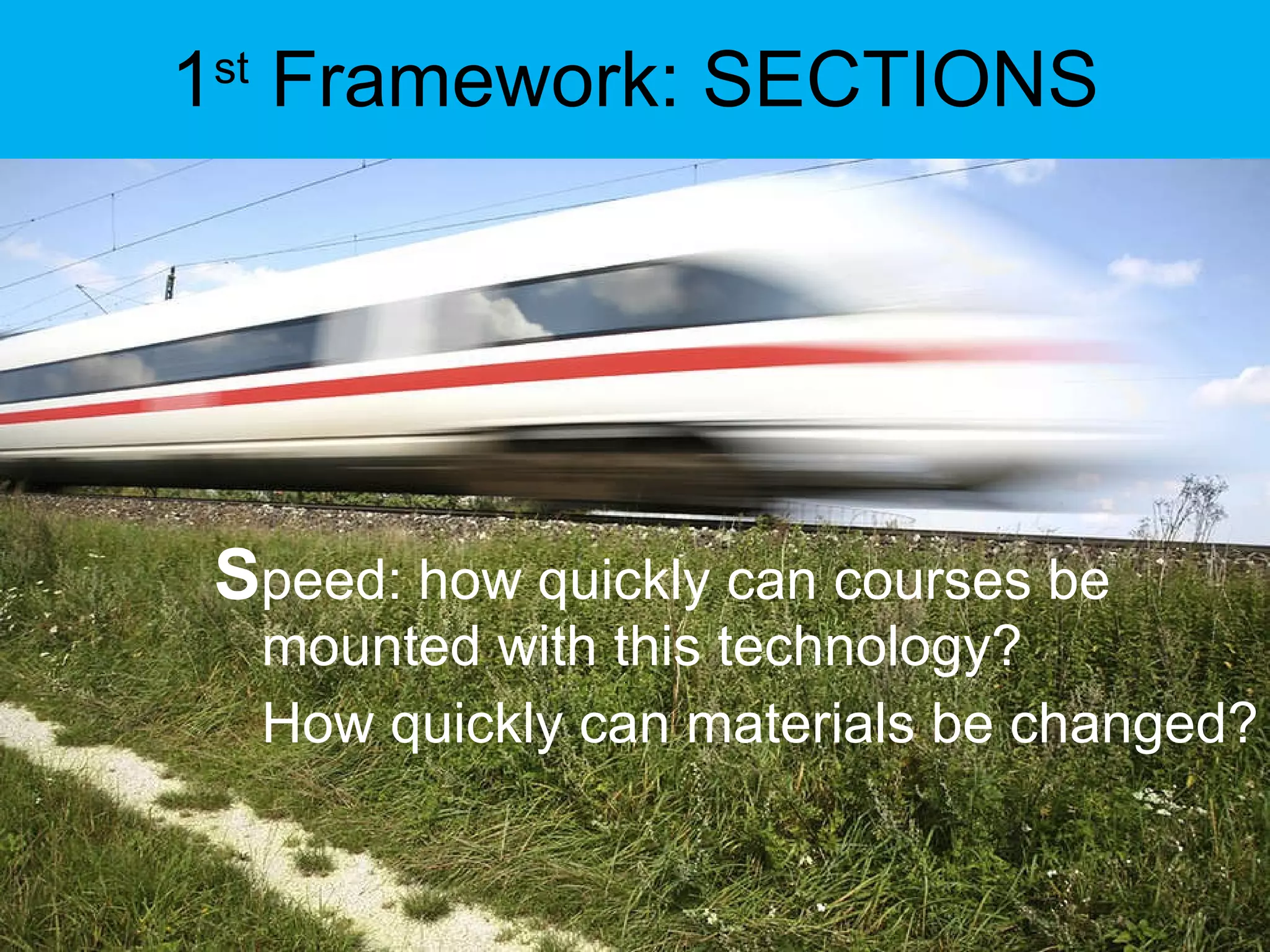
1 st  Framework: SECTIONS S peed: how quickly can courses be mounted with this technology?  How quickly can materials be changed?
2 nd  Framework Seven Principles For Good Practice in Undergraduate Education” (1987) and “Implementing the Seven Principles: Technology as Lever” (1992) by Arthur W. Chickering and Zelda F. Gamson.  
2 nd  Framework 1. Encourages contact between students and faculty. 2. Develops reciprocity and cooperation among students. 3. Encourages active learning. 4. Gives prompt feedback. 5. Emphasizes time on task. 6. Communicates high expectations. 7. Respects diverse talents and ways of learning.
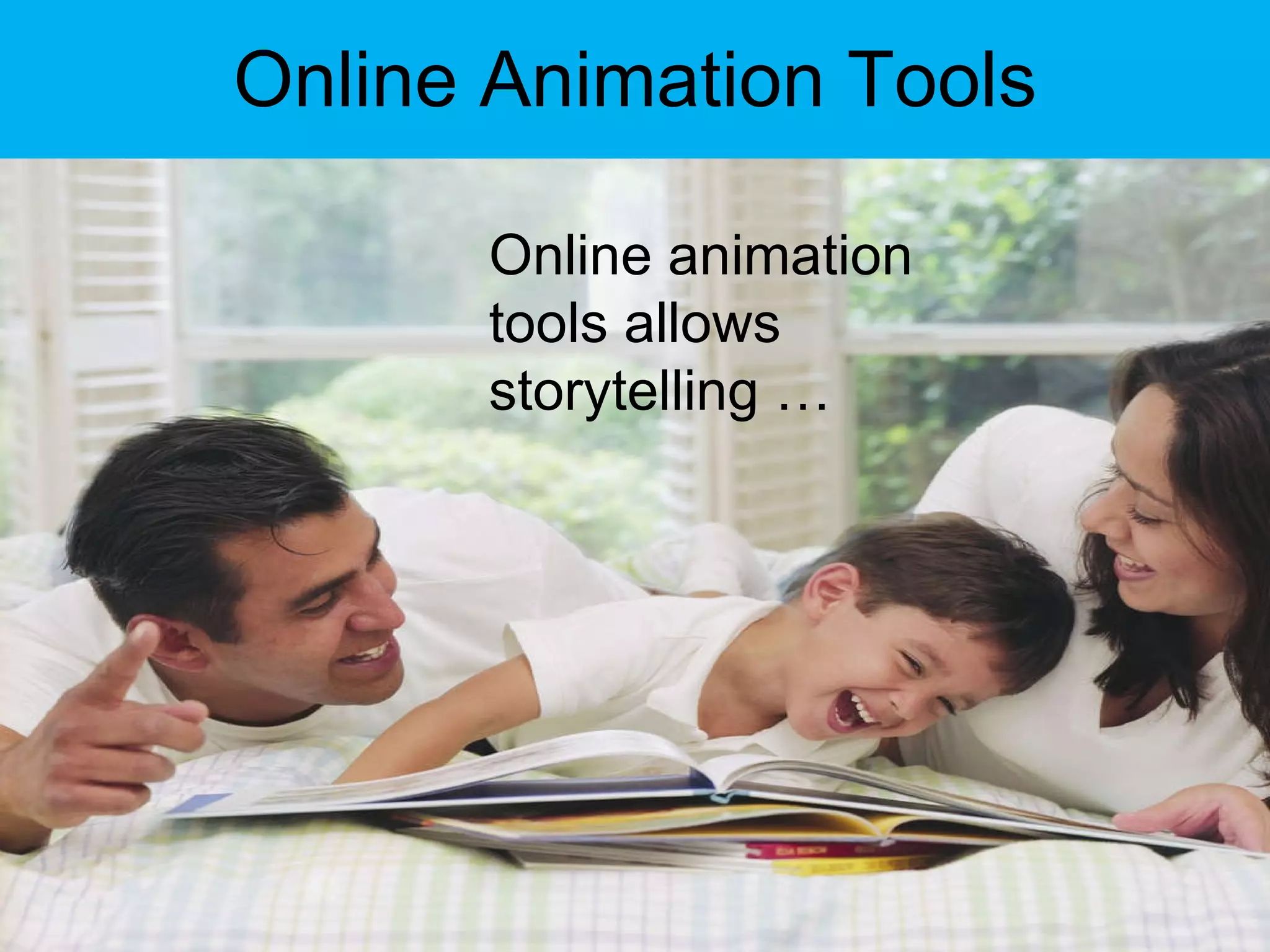
Online Animation Tools Online animation tools allows storytelling …
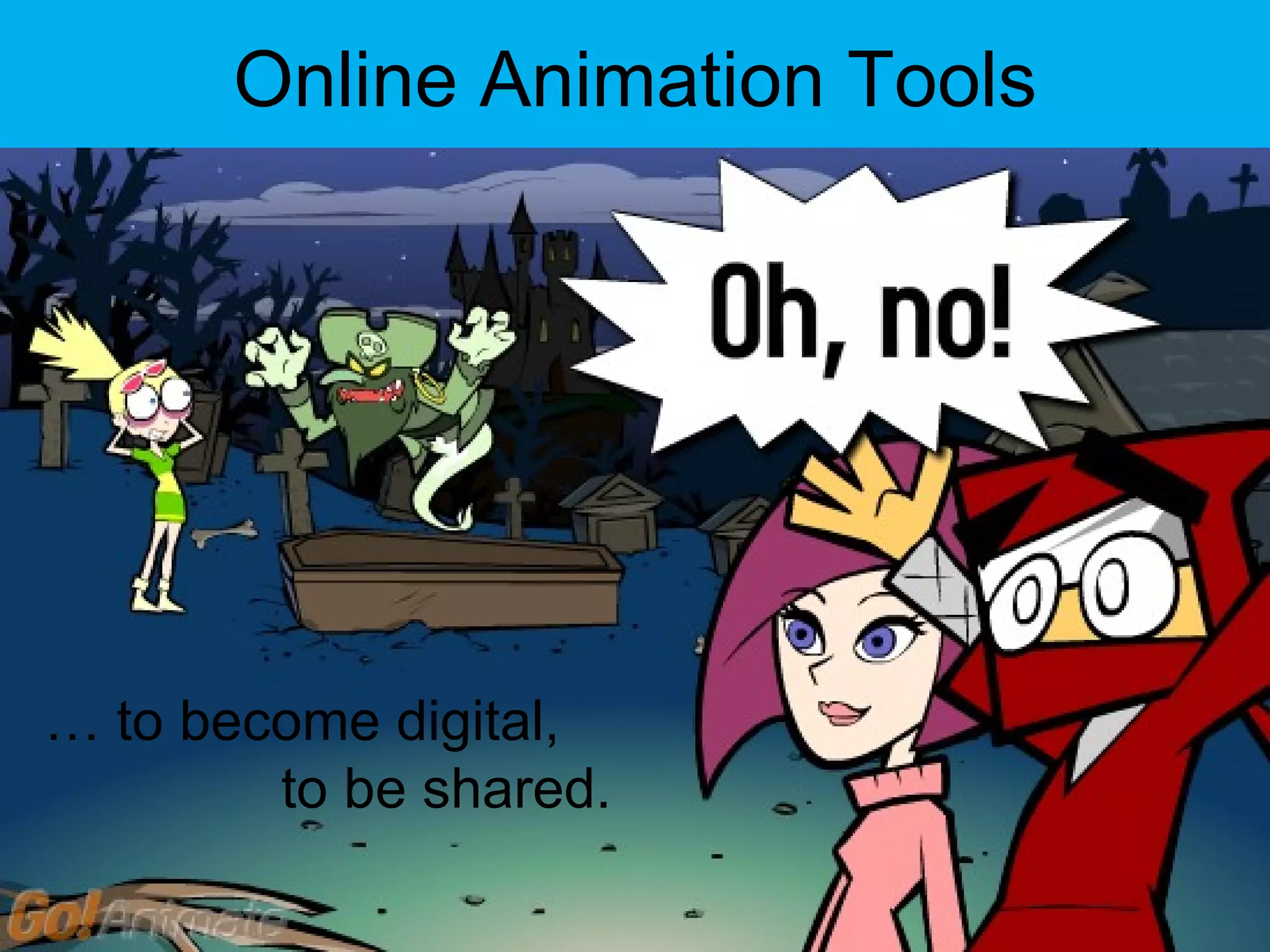
Online Animation Tools …  to become digital,    to be shared.
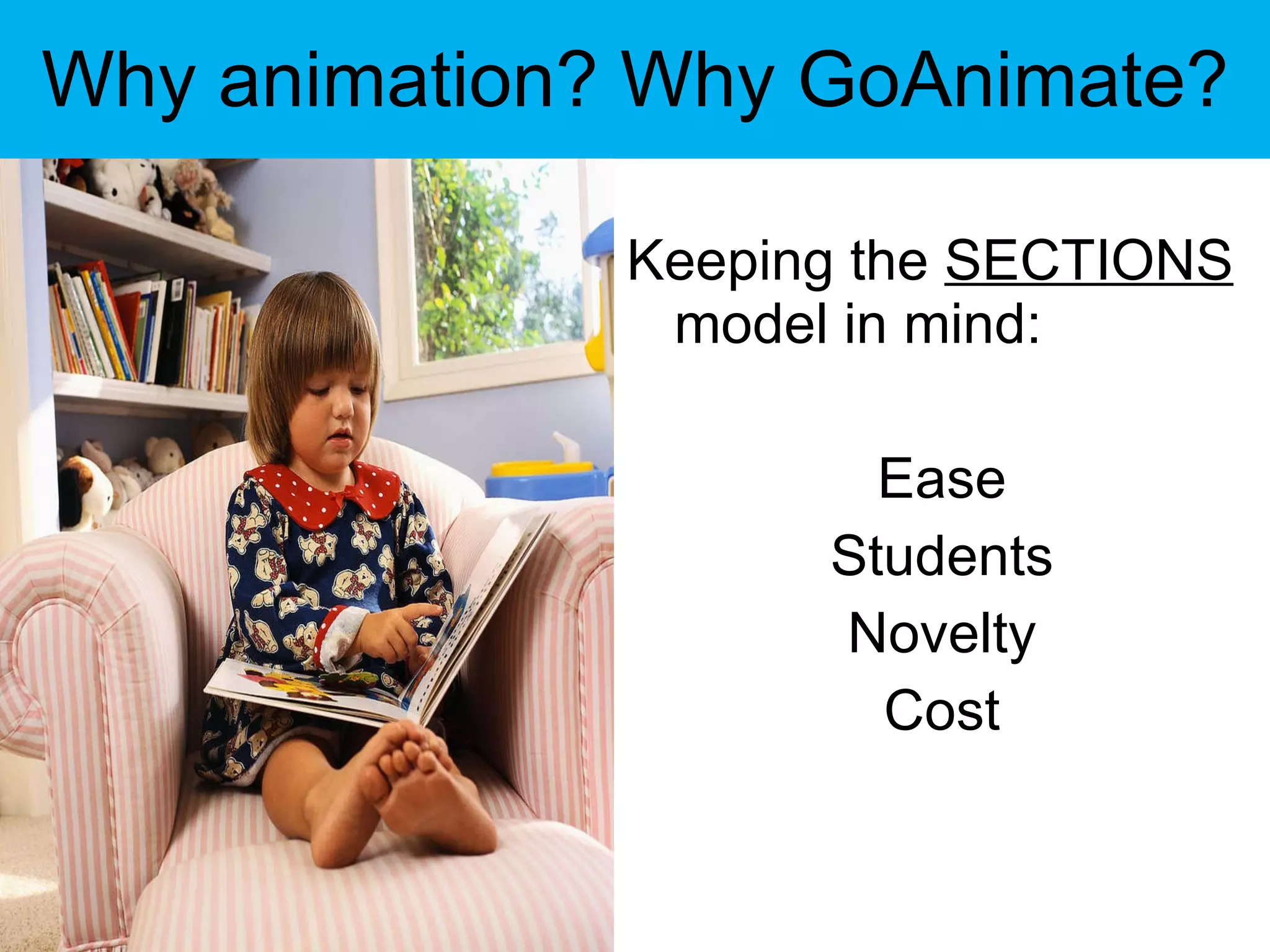
Why animation? Why GoAnimate? Keeping the  SECTIONS  model in mind: Ease Students Novelty Cost
Why animation? Why GoAnimate? GoAnimate incorporates text, audio and video, which re-enforces students’ language abilities.
Why animation? Why GoAnimate? It gives students the accessibility to experiment, learn, and reflect on their language acquisition.
Online Animation Tools Robin, Jenkins and Lonsdale note in their research that digital storytelling “offer new ways for students to present their work and to reflect upon it” (2006, 2007).
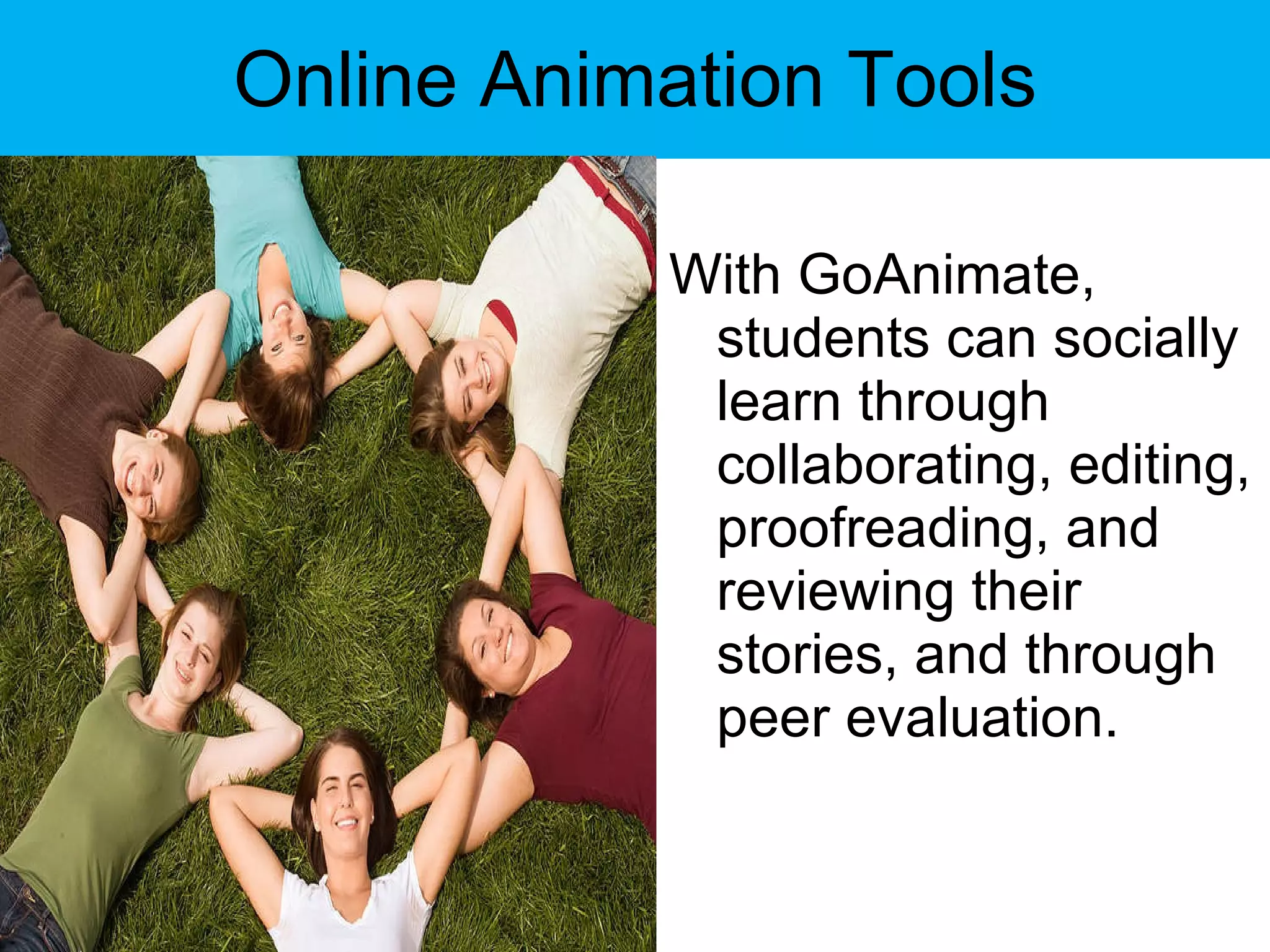
Online Animation Tools With GoAnimate, students can socially learn through collaborating, editing, proofreading, and reviewing their stories, and through peer evaluation.
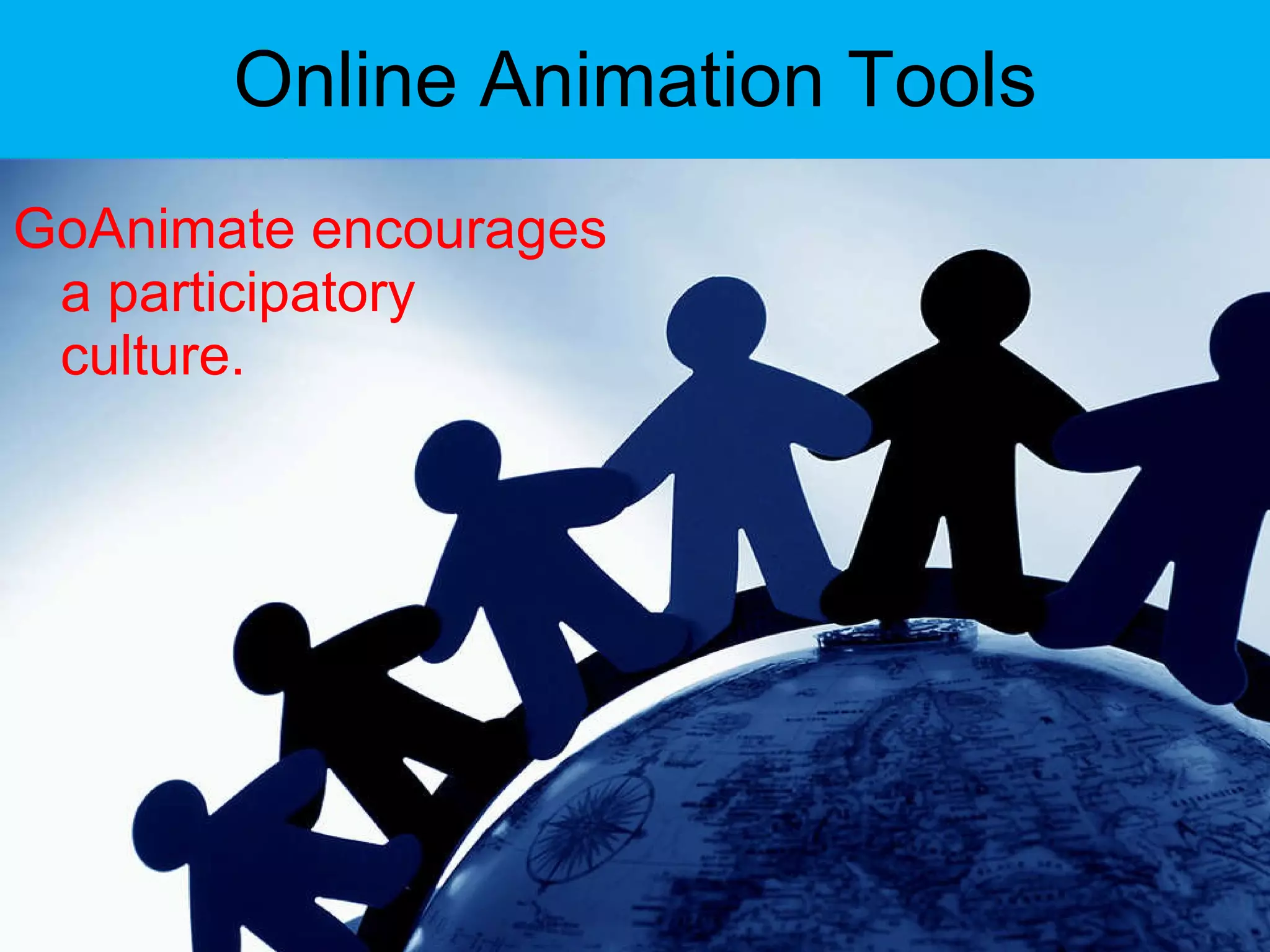
Online Animation Tools GoAnimate encourages a participatory culture.
Online Animation Tools In addition to collaborating on one piece, students can easily view, comment, rate, and recommend other students’ work.
Online Animation Tools Three types of digital stories (Robin):
Online Animation Tools 1) personal narratives – stories that contain accounts of significant incidents in one’s life;
Online Animation Tools 2) historical documentaries – stories that examine dramatic events that help us understand the past; and
Online Animation Tools 3) stories designed to inform or instruct the viewer on a particular concept or practice.
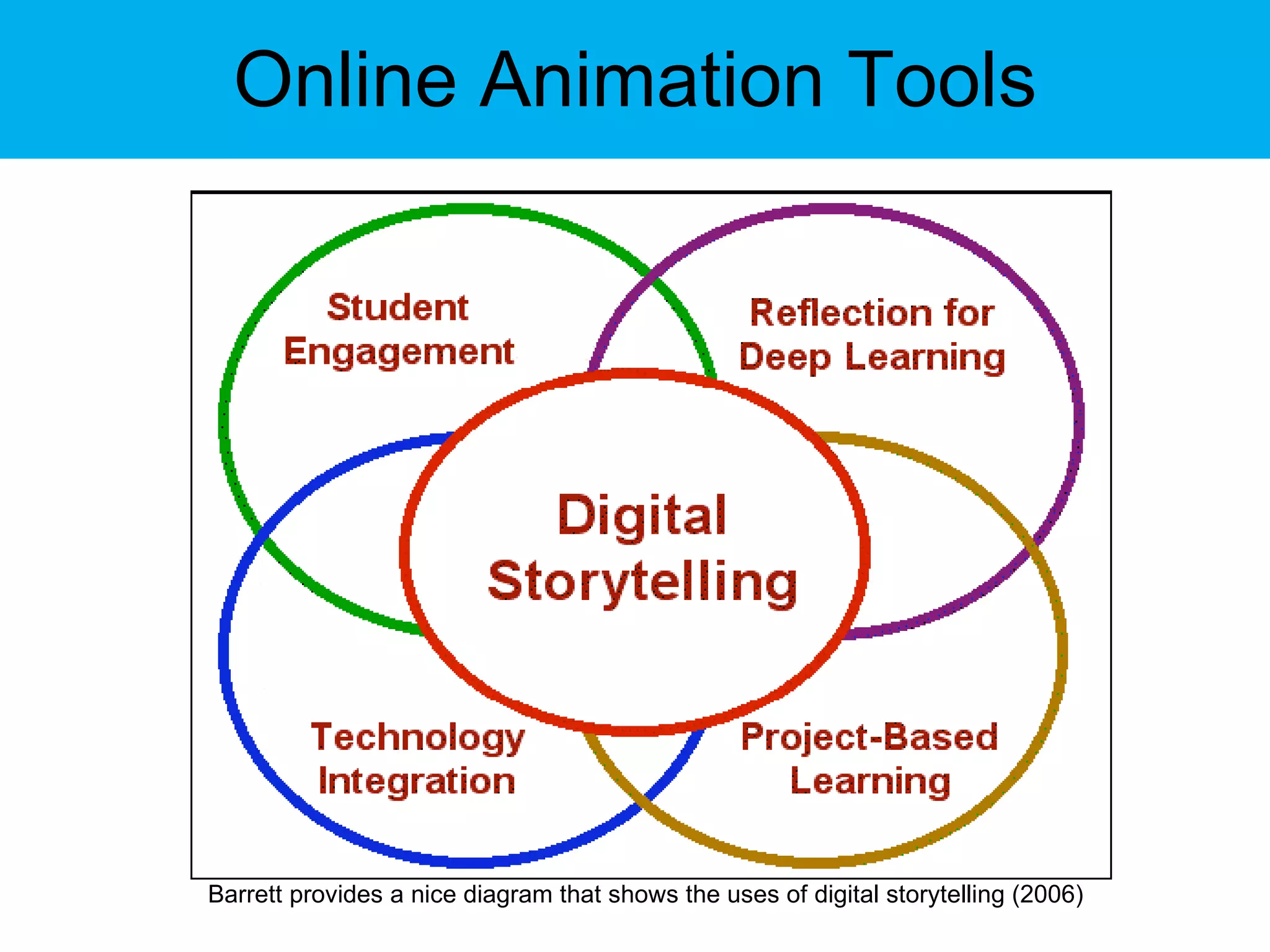
Online Animation Tools Barrett provides a nice diagram that shows the uses of digital storytelling (2006)
Online Animation Tools Enable students to: experience peer engagement, reflection for deeper learning, and project-based learning;  enable students to experience peer evaluation and teacher-student evaluation to measure learning outcomes;  enhance the abilities of students and staff to monitor difficulties and gauge improvement;
Online Animation Tools enhance faculty-student and student-student interaction;  and enable and encourage students to take a more pro-active, independent attitude toward their education and a more creative attitude to their work.
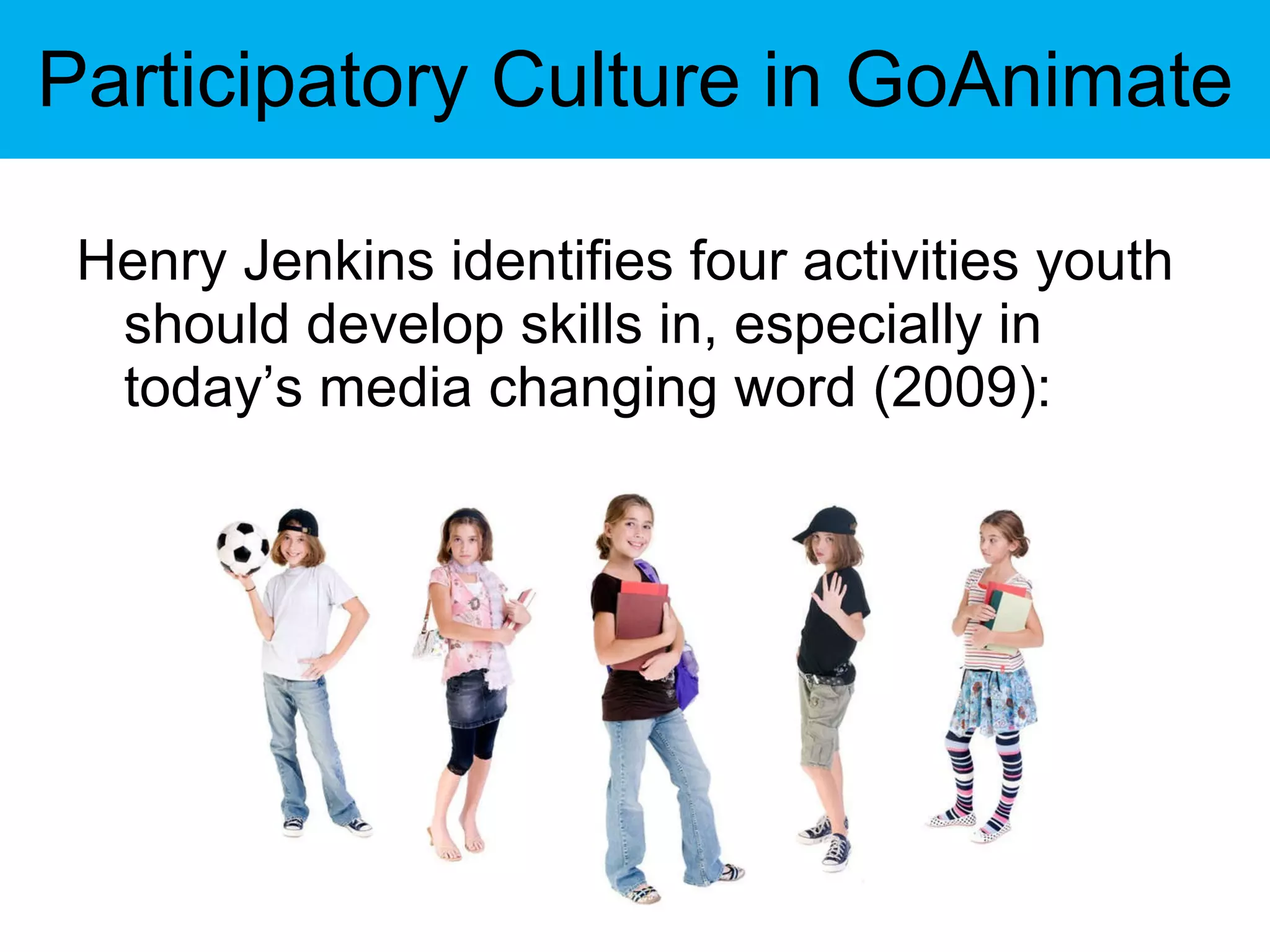
Participatory Culture in GoAnimate Henry Jenkins identifies four activities youth should develop skills in, especially in today’s media changing word (2009):
Participatory Culture in GoAnimate Affilitations : Memberships, formal and informal in online communities centered around various forms of media, such as Friendter, Facebook, metagaming, etc. Expressions : Producing new creative forms such as digital sampling, skinning and modding, fan videos, fan fiction, ones, or mash-ups.
Participatory Culture in GoAnimate Collaborative problem-solving : Working together in teams — formal and informal — to complete tasks and develop new knowledge, such as through Wikipedia, alternative reality gaming, or spoiling. Circulations : Shaping the flow of media, such as podcasting or blogging.
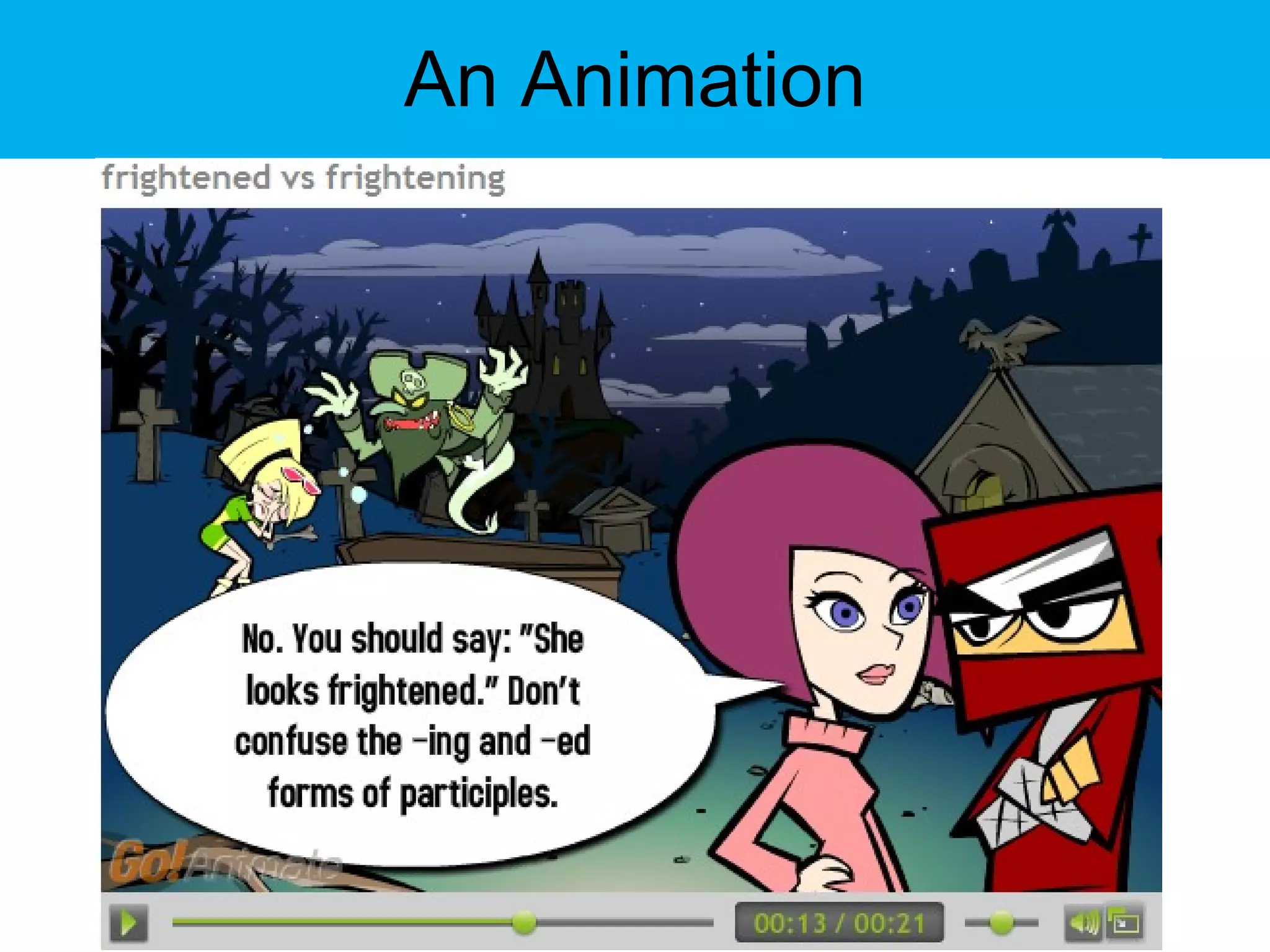
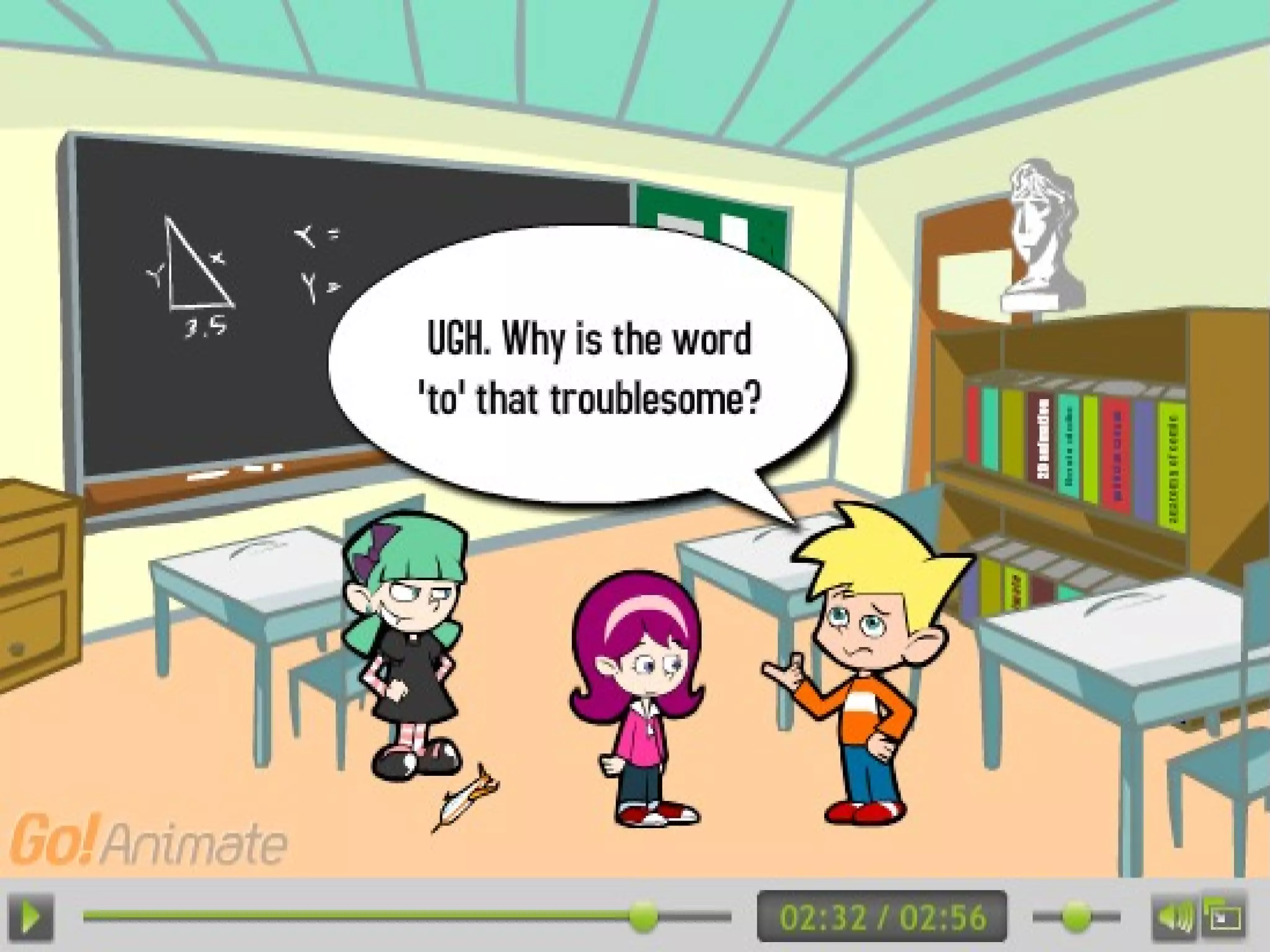
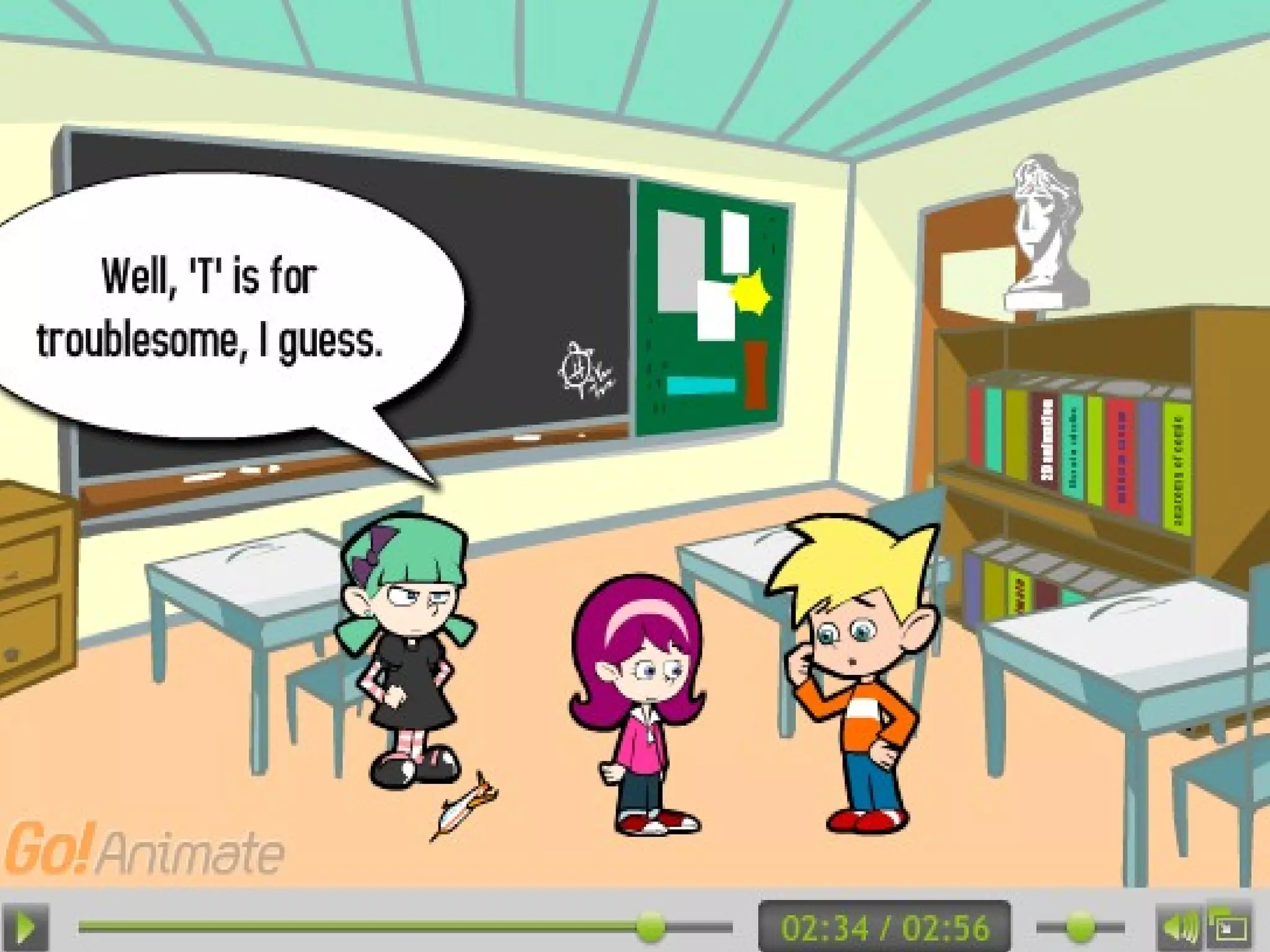
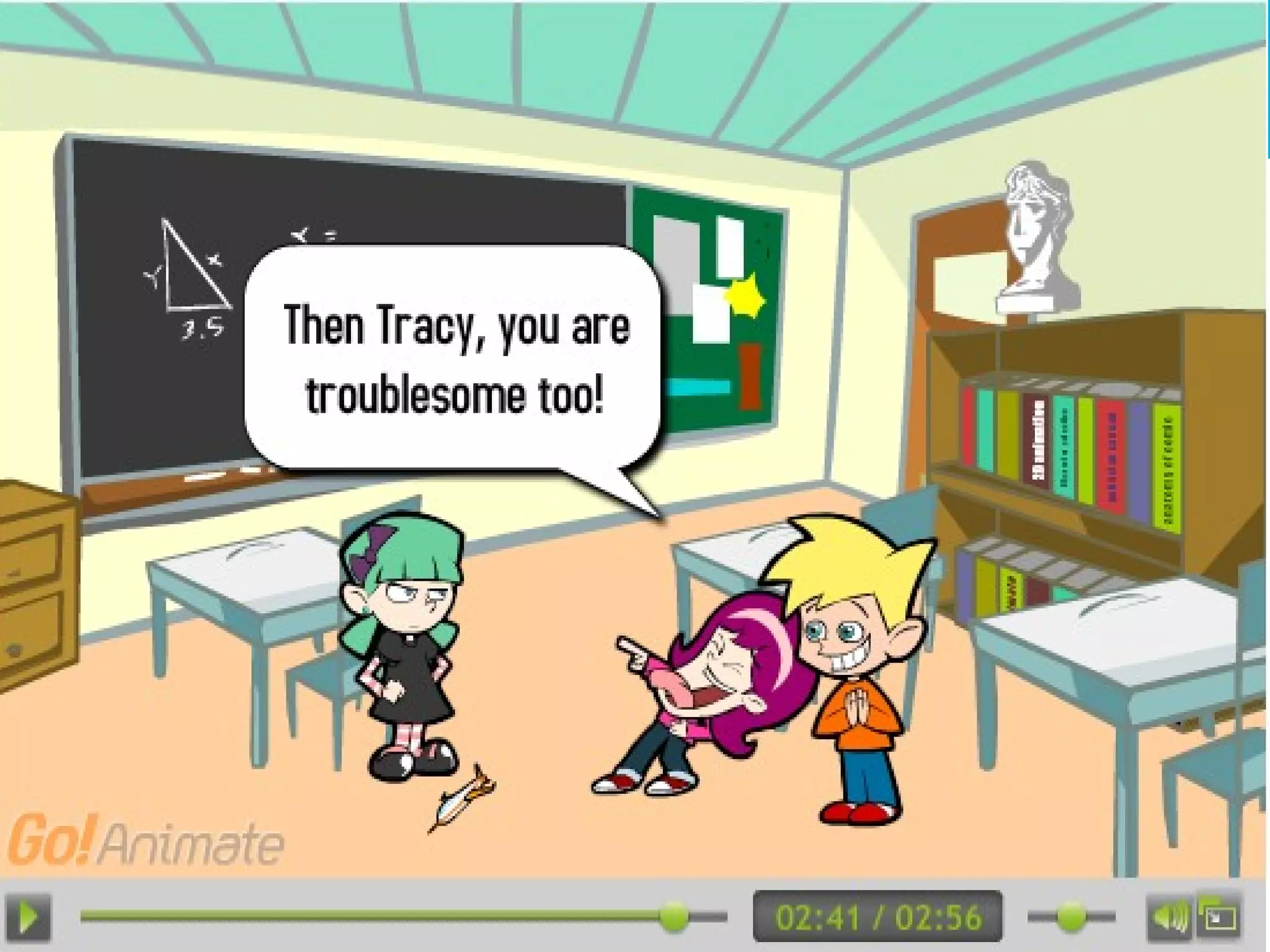
An Animation
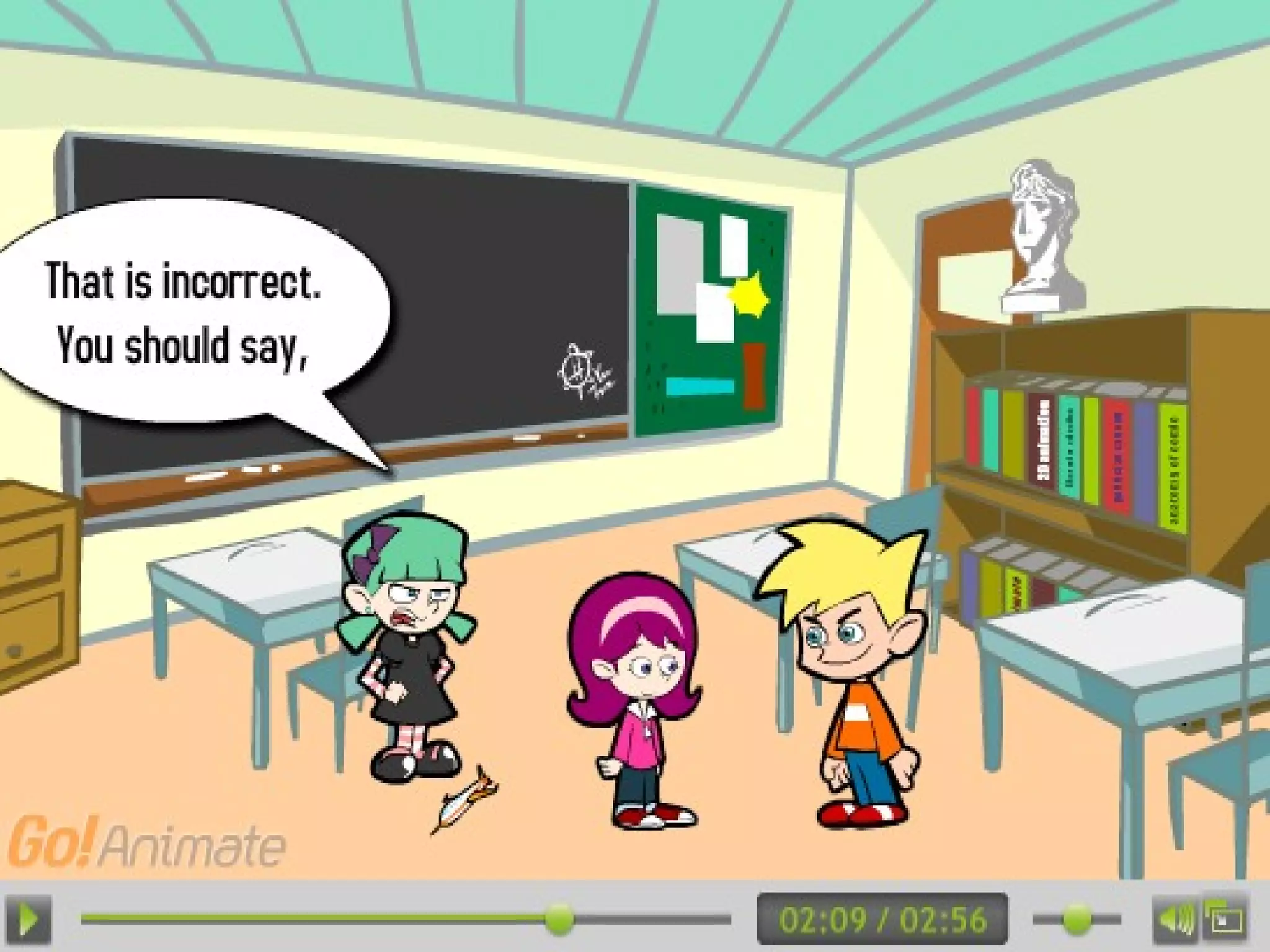
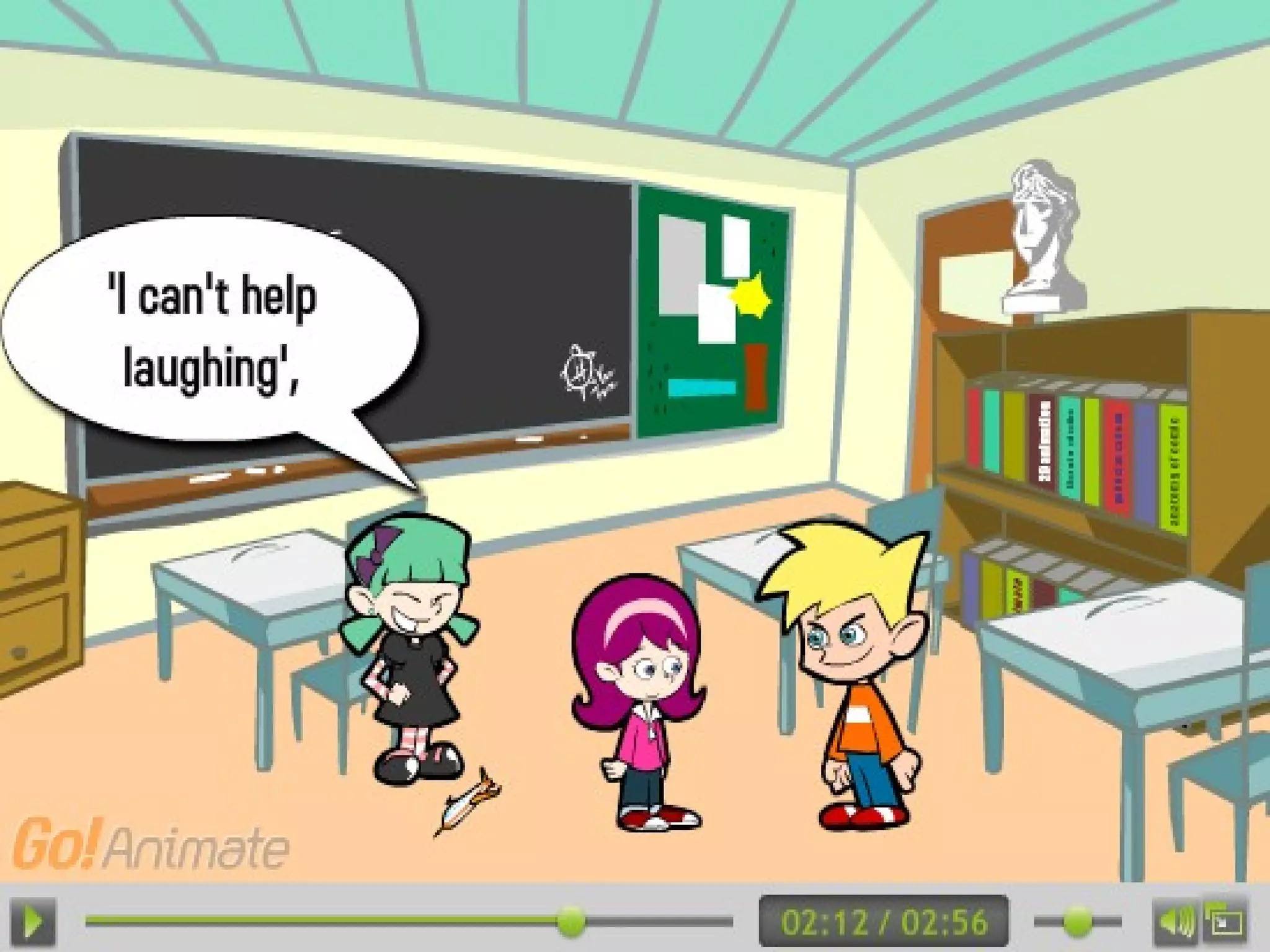
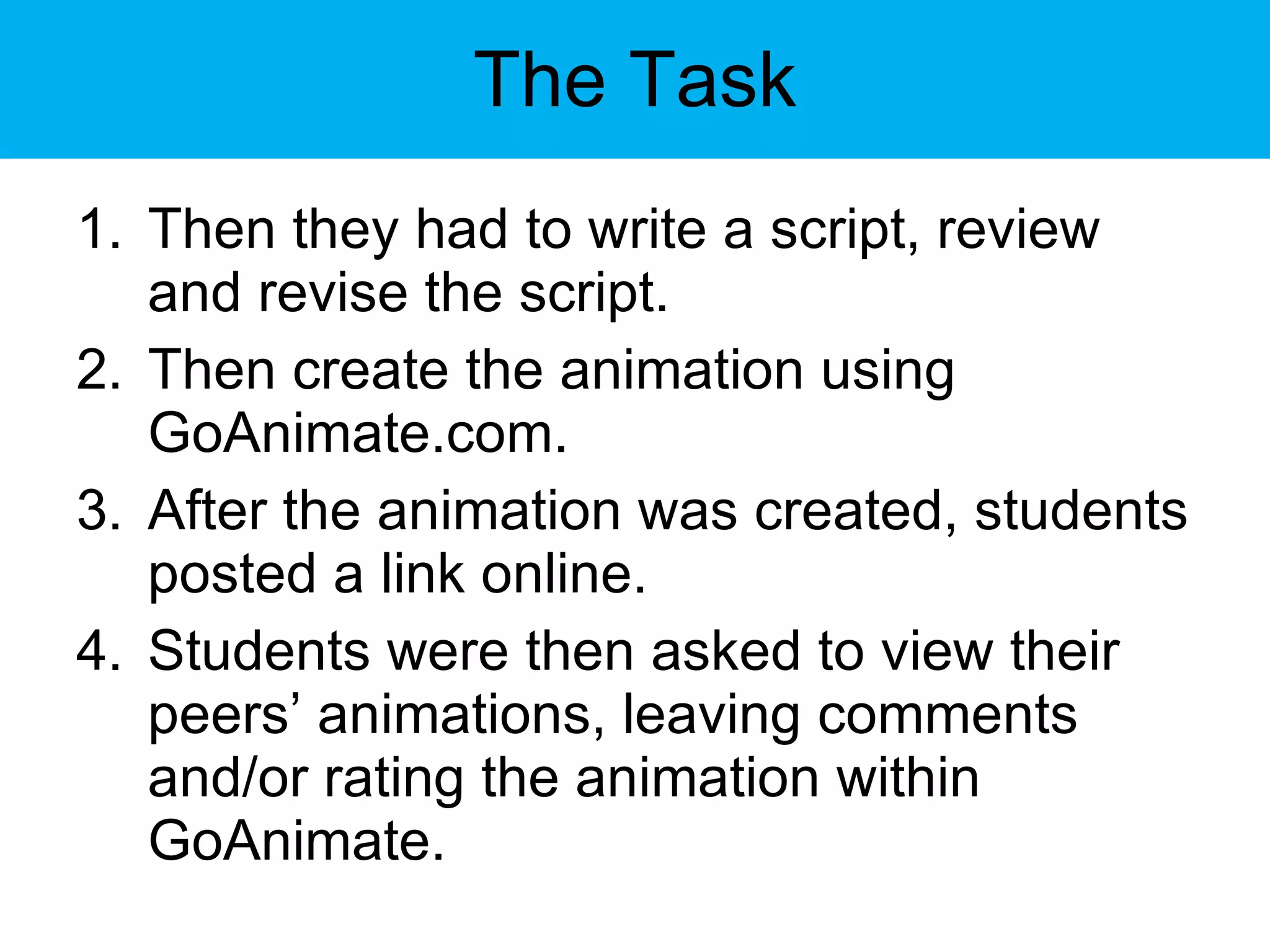
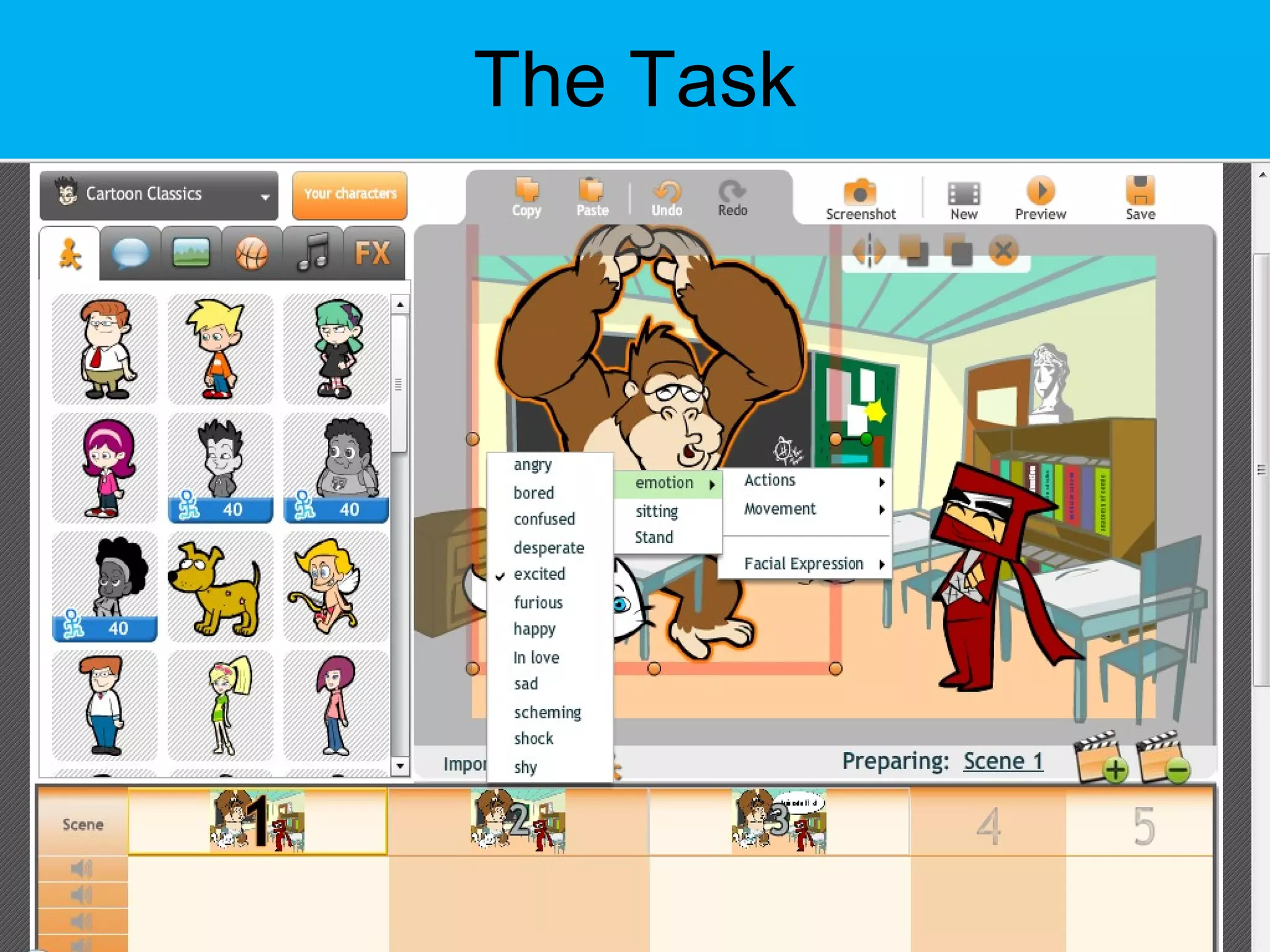
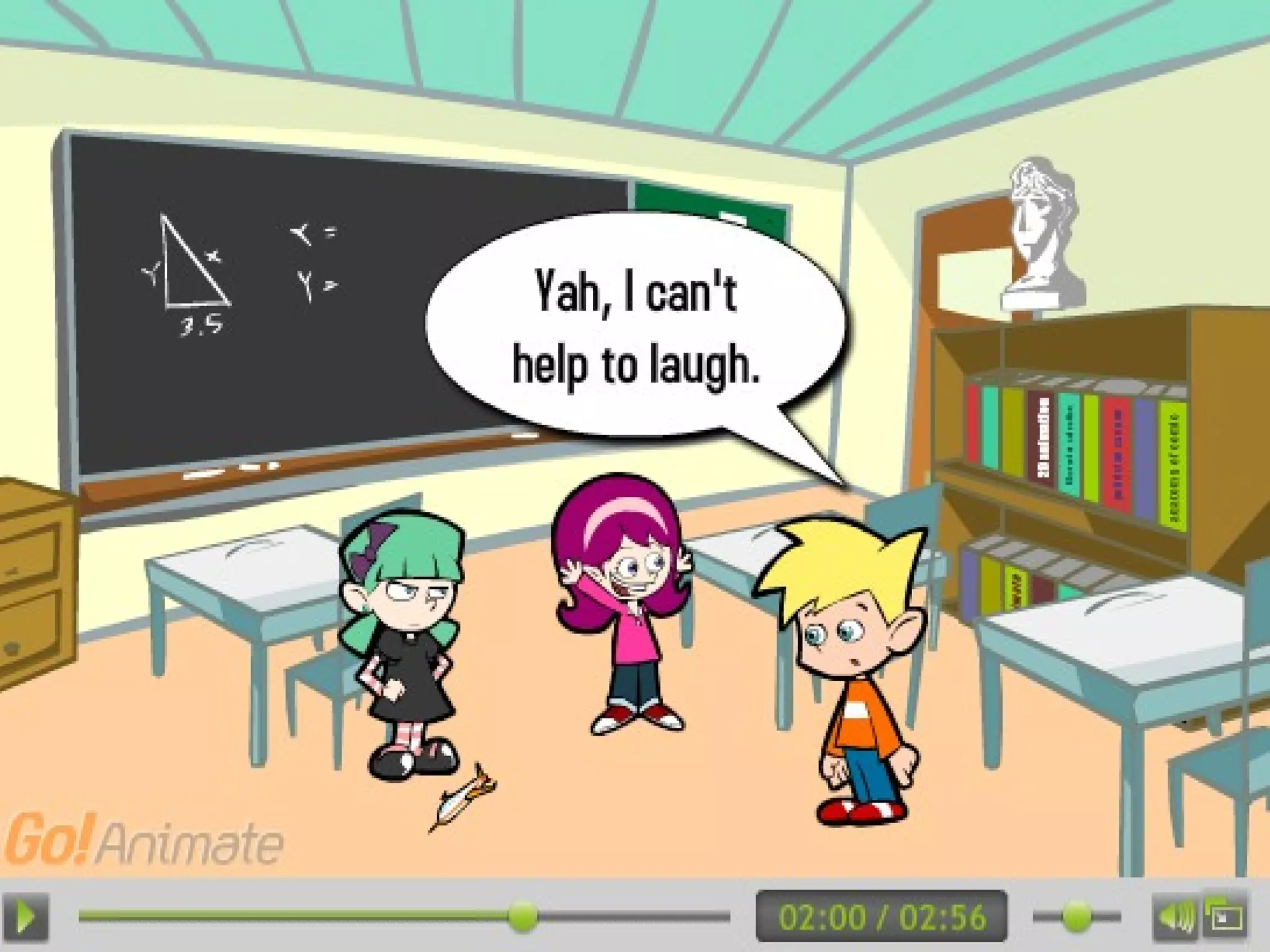
The Task Students were paired together I asked students to find a grammatical problem or element of the English language that Chinese speakers have difficulties with (I gave them an online source to find such information).  Students were given a purpose for creating the animation and a target audience (to provide an animated tutorial for learners of English).
The Task Then they had to write a script, review and revise the script. Then create the animation using GoAnimate.com. After the animation was created, students posted a link online. Students were then asked to view their peers’ animations, leaving comments and/or rating the animation within GoAnimate.
The Task
The Task
Online Animation Tools
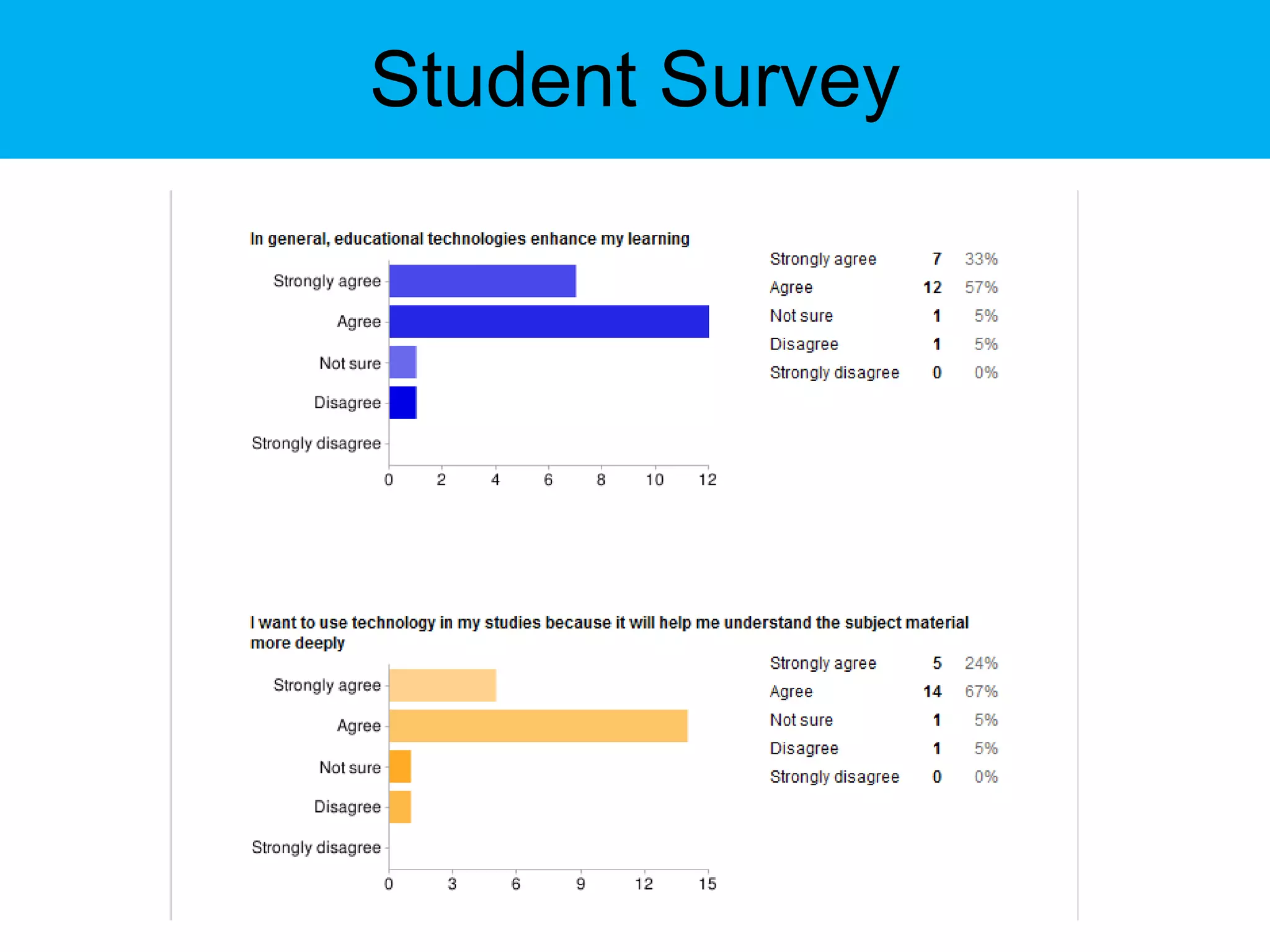
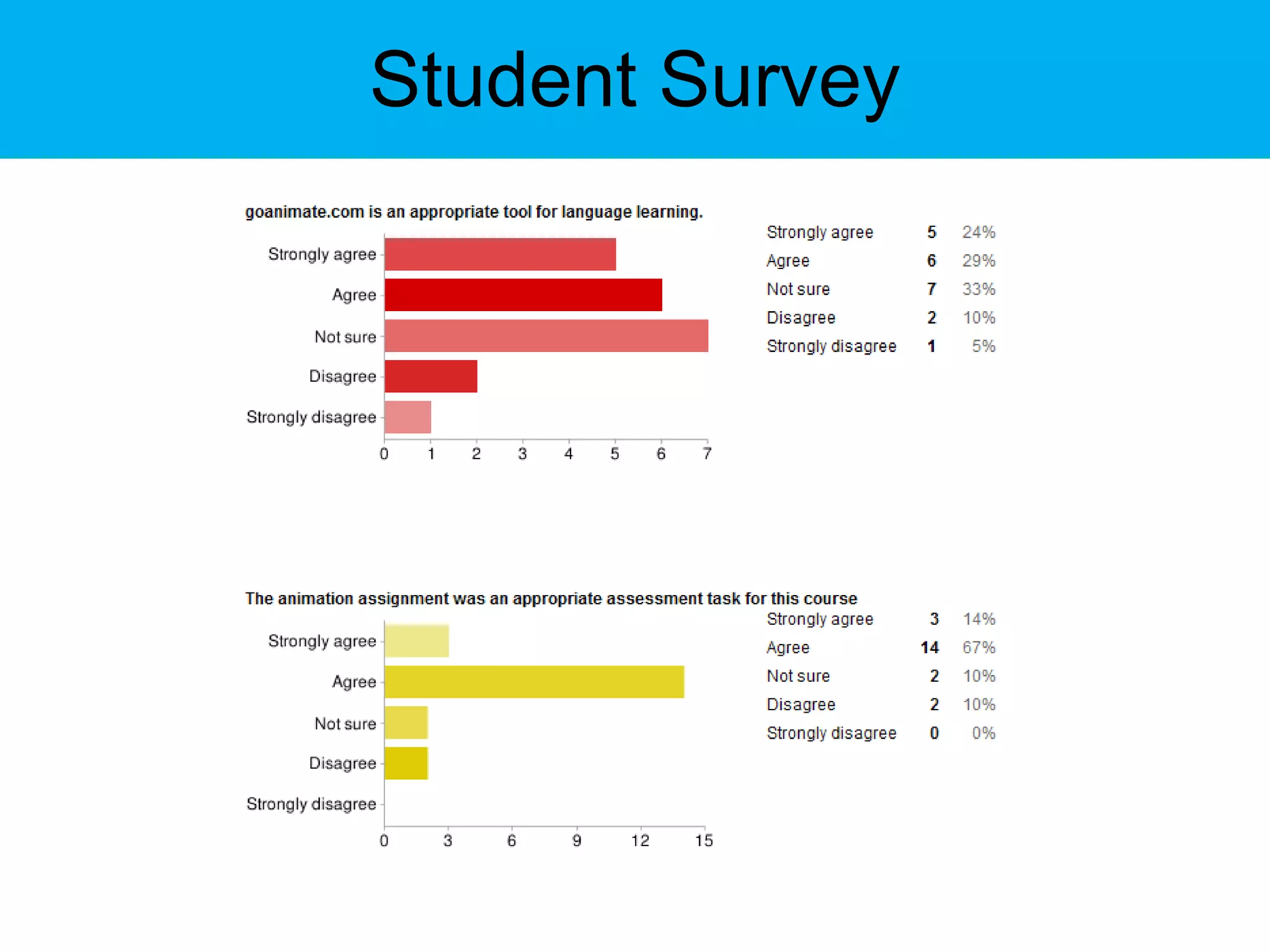
Student Survey
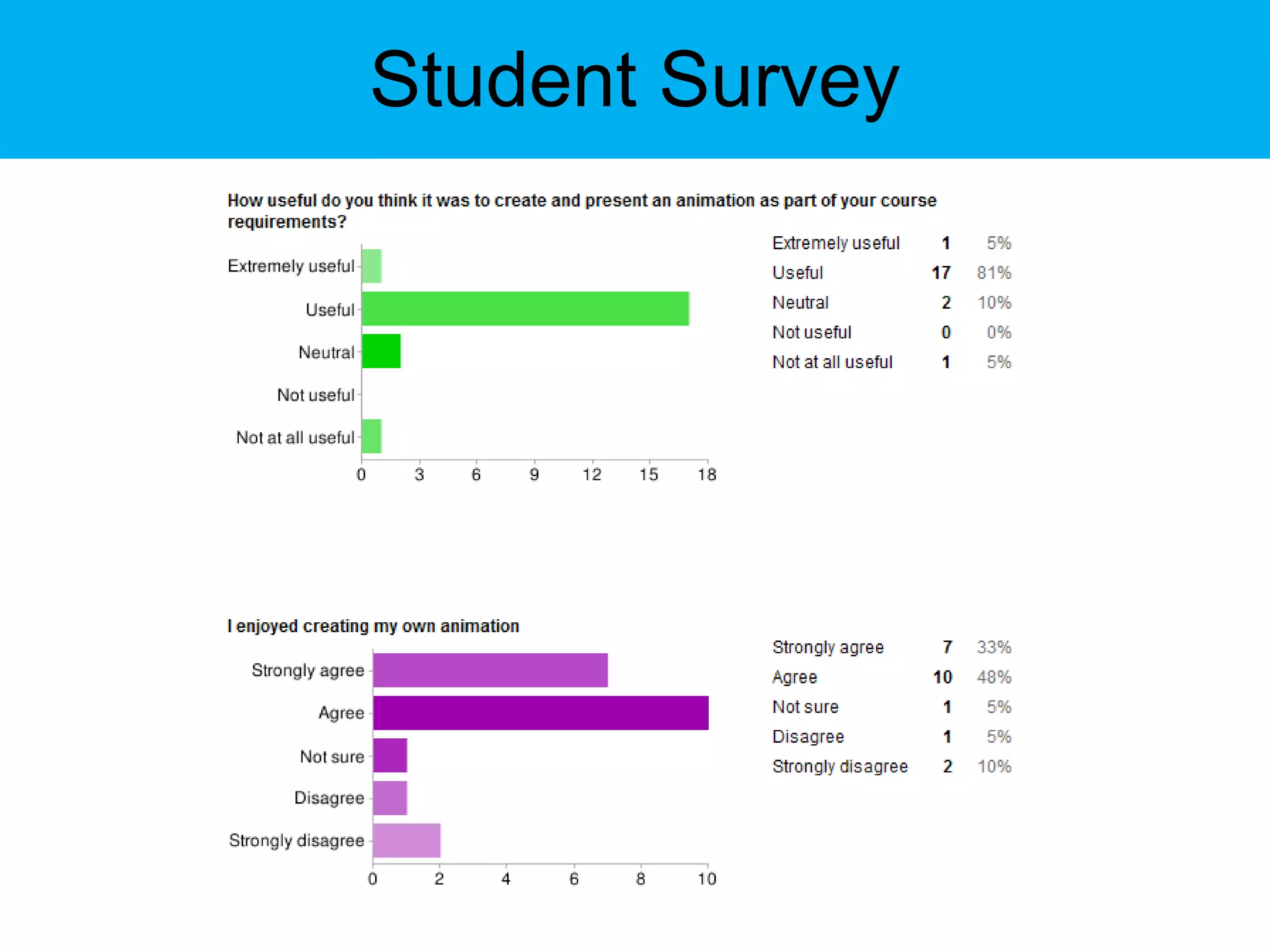
Student Survey
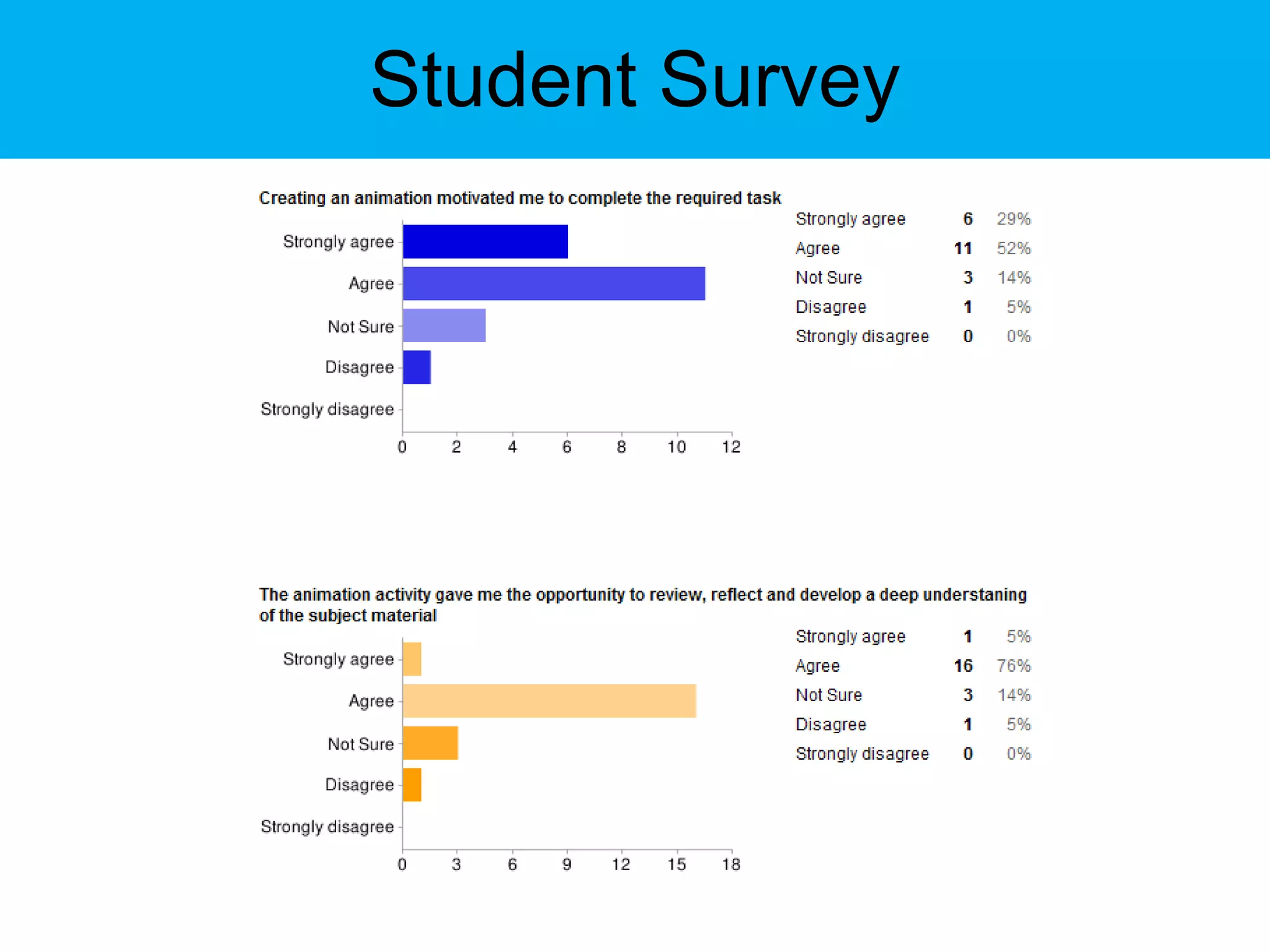
Student Survey
Student Survey
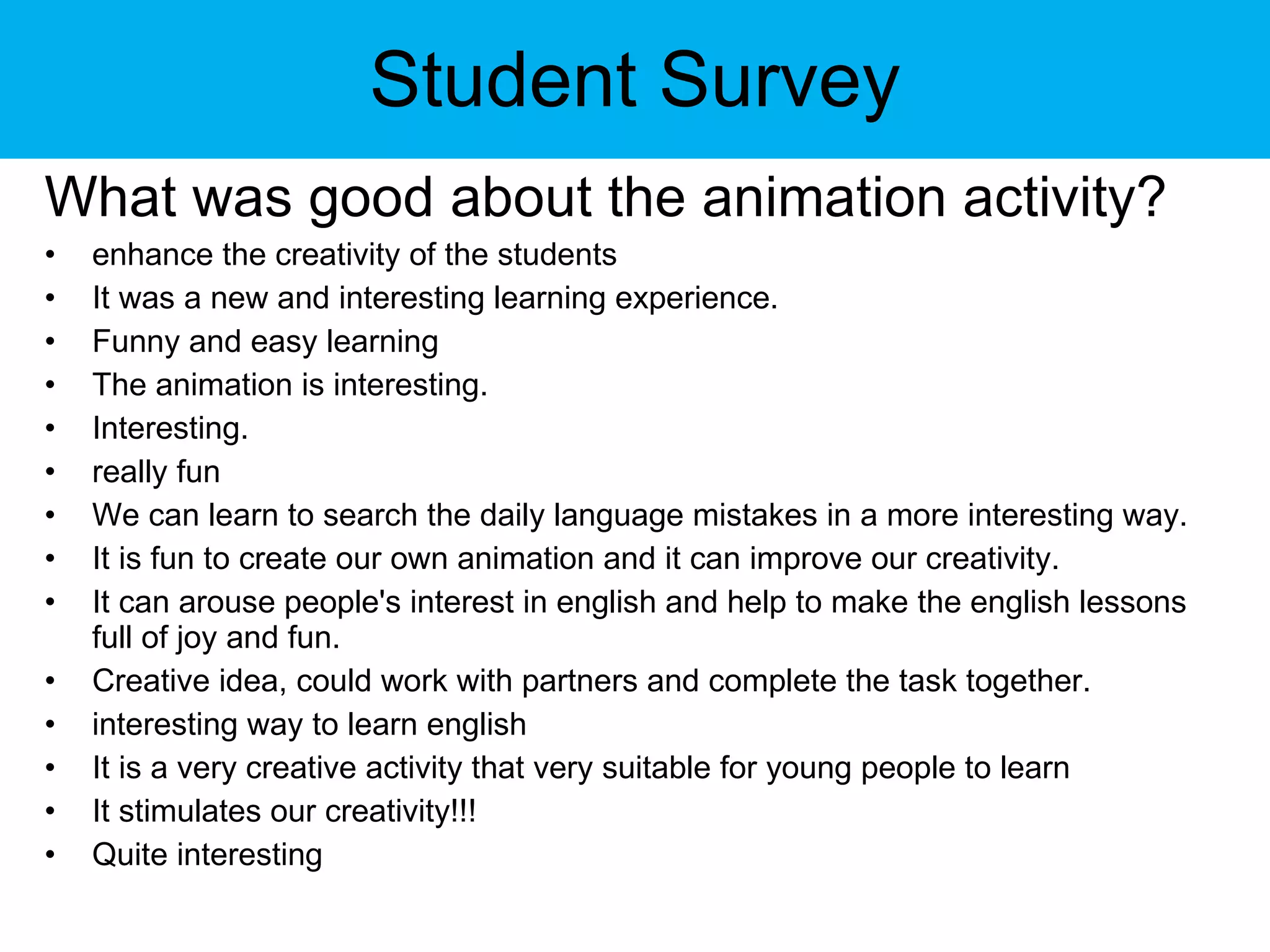
Student Survey What was good about the animation activity? enhance the creativity of the students  It was a new and interesting learning experience. Funny and easy learning The animation is interesting. Interesting.  really fun We can learn to search the daily language mistakes in a more interesting way. It is fun to create our own animation and it can improve our creativity. It can arouse people's interest in english and help to make the english lessons full of joy and fun. Creative idea, could work with partners and complete the task together. interesting way to learn english It is a very creative activity that very suitable for young people to learn It stimulates our creativity!!! Quite interesting
Student Survey What was bad about the animation activity? it's hard to do this at home because voice cannot be taken in the home computer. More guidance should be provided for choosing some particular elements, for example, the theme which could lead to unavailable audio upload. We need to spend a lot of time in creating a animation The animation is a bit too long. Students may not spend time watching a 3-minute video. goanimate.com has many restrictions on our creation. We have to create the animation all over again because of the technical problems of the Website. perhaps the restriction for the length of animation blocks our creativity!? Students who are not good at using the tools on the website may feel that making an animation is time-consuming. Moreover, there are only 2 students in each group of the animation activity. This arrangement limits the number of characters in the animation.
Drawbacks available software is not culturally appropriate for every student; available software does not consider end-user rights; we would want students to hold IP for their creations; no available software has every feature that we require for language learning objectives (for example: voice for speaking practice, collaboration or community elements for social learning, or grading management, etc. all in one);
Drawbacks difficult can to ensure that software would be accessible to all students; there are various copyright issues that appear when using someone else’s software; and you may not be able to control security, making the system as private or as public as needed.
Online Animation Tools Directory of tools that can be used for creating digital storyboards or animation:  http://cogdogroo.wikispaces.com/StoryTools List of free animation creating tools: http://goanimate.com http://www.aniboom.com/animachines/ http://www.fluxtime.com/ http://www.xtranormal.com/
Works Cited Barrett, H. (2006). Researching and evaluating digital storytelling as a deep learning tool. Technology and teacher education annual, 1, 647. Bates, A.W., and Poole, G. (2003). Effective teaching with technology in higher education: Foundations for success. San Francisco: Jossey-Bass Publishers. 79 – 80. Chickering, Arthur W., and Zelda F. Gamson. March 1987. "Seven Principles for Good Practice." AAHE Bulletin 39: 3-7. ED 282 491. 6 pp. MF-01; PC-01 Jenkins, H. (2009). Confronting the Challenges of Participatory Culture. Cambridge: The MIT Press. Jenkins, M., & Lonsdale, J. (2007). Evaluating the effectiveness of digital storytelling for student reflection. In ICT: Providing choices for learners and learning. Proceedings ASCILITE Singapore 2007. Robin, B. (2006). The educational uses of digital storytelling. TECHNOLOGY AND TEACHER EDUCATION ANNUAL, 1, 709.
Contact Sean McMinn Language Center, HKUST Clear Water Bay, NT Hong Kong [email_address]
Online Animation Tools Thank You

Animate This: Using What's Free to Motivate

  • 1.
  • 2.
    Animate This: UsingWhat’s Free to Motivate Outline of today’s talk: Brief theory and frameworks Online animation creation tools Why Animation? Why GoAnimate? An example Students examples Student survey results Comments Resources
  • 3.
    IT, education, andtheory 2 Frameworks
  • 4.
    1 st Framework: SECTIONS
  • 5.
    1 st Framework: SECTIONS S tudents: what is known about the students – or potential students – and the appropriateness of the technology for this particular group or range of students?
  • 6.
    1 st Framework: SECTIONS E ase of use and reliability: how easy is it for both teachers and students to use? How reliable and well tested is the technology?
  • 7.
    1 st Framework: SECTIONS C osts: what is the cost structure of each technology? What is the unit cost per learner?
  • 8.
    1 st Framework: SECTIONS T eaching and learning: what kinds of learning are needed? What instructional approaches will best meet these needs?
  • 9.
    1 st Framework: SECTIONS I nteractivity: what kind of interaction does this technology enable?
  • 10.
    1 st Framework: SECTIONS O rganizational issues: what are the organizational requirements and the barriers to be removed before this technology can be used successfully? What changes in organization need to be made?
  • 11.
    1 st Framework: SECTIONS N ovelty: how new is this technology?
  • 12.
    1 st Framework: SECTIONS S peed: how quickly can courses be mounted with this technology? How quickly can materials be changed?
  • 13.
    2 nd Framework Seven Principles For Good Practice in Undergraduate Education” (1987) and “Implementing the Seven Principles: Technology as Lever” (1992) by Arthur W. Chickering and Zelda F. Gamson.  
  • 14.
    2 nd Framework 1. Encourages contact between students and faculty. 2. Develops reciprocity and cooperation among students. 3. Encourages active learning. 4. Gives prompt feedback. 5. Emphasizes time on task. 6. Communicates high expectations. 7. Respects diverse talents and ways of learning.
  • 15.
    Online Animation ToolsOnline animation tools allows storytelling …
  • 16.
    Online Animation Tools… to become digital, to be shared.
  • 17.
    Why animation? WhyGoAnimate? Keeping the SECTIONS model in mind: Ease Students Novelty Cost
  • 18.
    Why animation? WhyGoAnimate? GoAnimate incorporates text, audio and video, which re-enforces students’ language abilities.
  • 19.
    Why animation? WhyGoAnimate? It gives students the accessibility to experiment, learn, and reflect on their language acquisition.
  • 20.
    Online Animation ToolsRobin, Jenkins and Lonsdale note in their research that digital storytelling “offer new ways for students to present their work and to reflect upon it” (2006, 2007).
  • 21.
    Online Animation ToolsWith GoAnimate, students can socially learn through collaborating, editing, proofreading, and reviewing their stories, and through peer evaluation.
  • 22.
    Online Animation ToolsGoAnimate encourages a participatory culture.
  • 23.
    Online Animation ToolsIn addition to collaborating on one piece, students can easily view, comment, rate, and recommend other students’ work.
  • 24.
    Online Animation ToolsThree types of digital stories (Robin):
  • 25.
    Online Animation Tools1) personal narratives – stories that contain accounts of significant incidents in one’s life;
  • 26.
    Online Animation Tools2) historical documentaries – stories that examine dramatic events that help us understand the past; and
  • 27.
    Online Animation Tools3) stories designed to inform or instruct the viewer on a particular concept or practice.
  • 28.
    Online Animation ToolsBarrett provides a nice diagram that shows the uses of digital storytelling (2006)
  • 29.
    Online Animation ToolsEnable students to: experience peer engagement, reflection for deeper learning, and project-based learning; enable students to experience peer evaluation and teacher-student evaluation to measure learning outcomes; enhance the abilities of students and staff to monitor difficulties and gauge improvement;
  • 30.
    Online Animation Toolsenhance faculty-student and student-student interaction; and enable and encourage students to take a more pro-active, independent attitude toward their education and a more creative attitude to their work.
  • 31.
    Participatory Culture inGoAnimate Henry Jenkins identifies four activities youth should develop skills in, especially in today’s media changing word (2009):
  • 32.
    Participatory Culture inGoAnimate Affilitations : Memberships, formal and informal in online communities centered around various forms of media, such as Friendter, Facebook, metagaming, etc. Expressions : Producing new creative forms such as digital sampling, skinning and modding, fan videos, fan fiction, ones, or mash-ups.
  • 33.
    Participatory Culture inGoAnimate Collaborative problem-solving : Working together in teams — formal and informal — to complete tasks and develop new knowledge, such as through Wikipedia, alternative reality gaming, or spoiling. Circulations : Shaping the flow of media, such as podcasting or blogging.
  • 34.
  • 35.
    The Task Studentswere paired together I asked students to find a grammatical problem or element of the English language that Chinese speakers have difficulties with (I gave them an online source to find such information). Students were given a purpose for creating the animation and a target audience (to provide an animated tutorial for learners of English).
  • 36.
    The Task Thenthey had to write a script, review and revise the script. Then create the animation using GoAnimate.com. After the animation was created, students posted a link online. Students were then asked to view their peers’ animations, leaving comments and/or rating the animation within GoAnimate.
  • 37.
  • 38.
  • 39.
  • 40.
  • 41.
  • 42.
  • 43.
  • 44.
  • 45.
  • 46.
  • 47.
  • 48.
  • 49.
    Student Survey Whatwas good about the animation activity? enhance the creativity of the students It was a new and interesting learning experience. Funny and easy learning The animation is interesting. Interesting. really fun We can learn to search the daily language mistakes in a more interesting way. It is fun to create our own animation and it can improve our creativity. It can arouse people's interest in english and help to make the english lessons full of joy and fun. Creative idea, could work with partners and complete the task together. interesting way to learn english It is a very creative activity that very suitable for young people to learn It stimulates our creativity!!! Quite interesting
  • 50.
    Student Survey Whatwas bad about the animation activity? it's hard to do this at home because voice cannot be taken in the home computer. More guidance should be provided for choosing some particular elements, for example, the theme which could lead to unavailable audio upload. We need to spend a lot of time in creating a animation The animation is a bit too long. Students may not spend time watching a 3-minute video. goanimate.com has many restrictions on our creation. We have to create the animation all over again because of the technical problems of the Website. perhaps the restriction for the length of animation blocks our creativity!? Students who are not good at using the tools on the website may feel that making an animation is time-consuming. Moreover, there are only 2 students in each group of the animation activity. This arrangement limits the number of characters in the animation.
  • 51.
    Drawbacks available softwareis not culturally appropriate for every student; available software does not consider end-user rights; we would want students to hold IP for their creations; no available software has every feature that we require for language learning objectives (for example: voice for speaking practice, collaboration or community elements for social learning, or grading management, etc. all in one);
  • 52.
    Drawbacks difficult canto ensure that software would be accessible to all students; there are various copyright issues that appear when using someone else’s software; and you may not be able to control security, making the system as private or as public as needed.
  • 53.
    Online Animation ToolsDirectory of tools that can be used for creating digital storyboards or animation:  http://cogdogroo.wikispaces.com/StoryTools List of free animation creating tools: http://goanimate.com http://www.aniboom.com/animachines/ http://www.fluxtime.com/ http://www.xtranormal.com/
  • 54.
    Works Cited Barrett,H. (2006). Researching and evaluating digital storytelling as a deep learning tool. Technology and teacher education annual, 1, 647. Bates, A.W., and Poole, G. (2003). Effective teaching with technology in higher education: Foundations for success. San Francisco: Jossey-Bass Publishers. 79 – 80. Chickering, Arthur W., and Zelda F. Gamson. March 1987. "Seven Principles for Good Practice." AAHE Bulletin 39: 3-7. ED 282 491. 6 pp. MF-01; PC-01 Jenkins, H. (2009). Confronting the Challenges of Participatory Culture. Cambridge: The MIT Press. Jenkins, M., & Lonsdale, J. (2007). Evaluating the effectiveness of digital storytelling for student reflection. In ICT: Providing choices for learners and learning. Proceedings ASCILITE Singapore 2007. Robin, B. (2006). The educational uses of digital storytelling. TECHNOLOGY AND TEACHER EDUCATION ANNUAL, 1, 709.
  • 55.
    Contact Sean McMinnLanguage Center, HKUST Clear Water Bay, NT Hong Kong [email_address]
  • 56.