©2015 InfoStretch Corporation. All rights reserved.
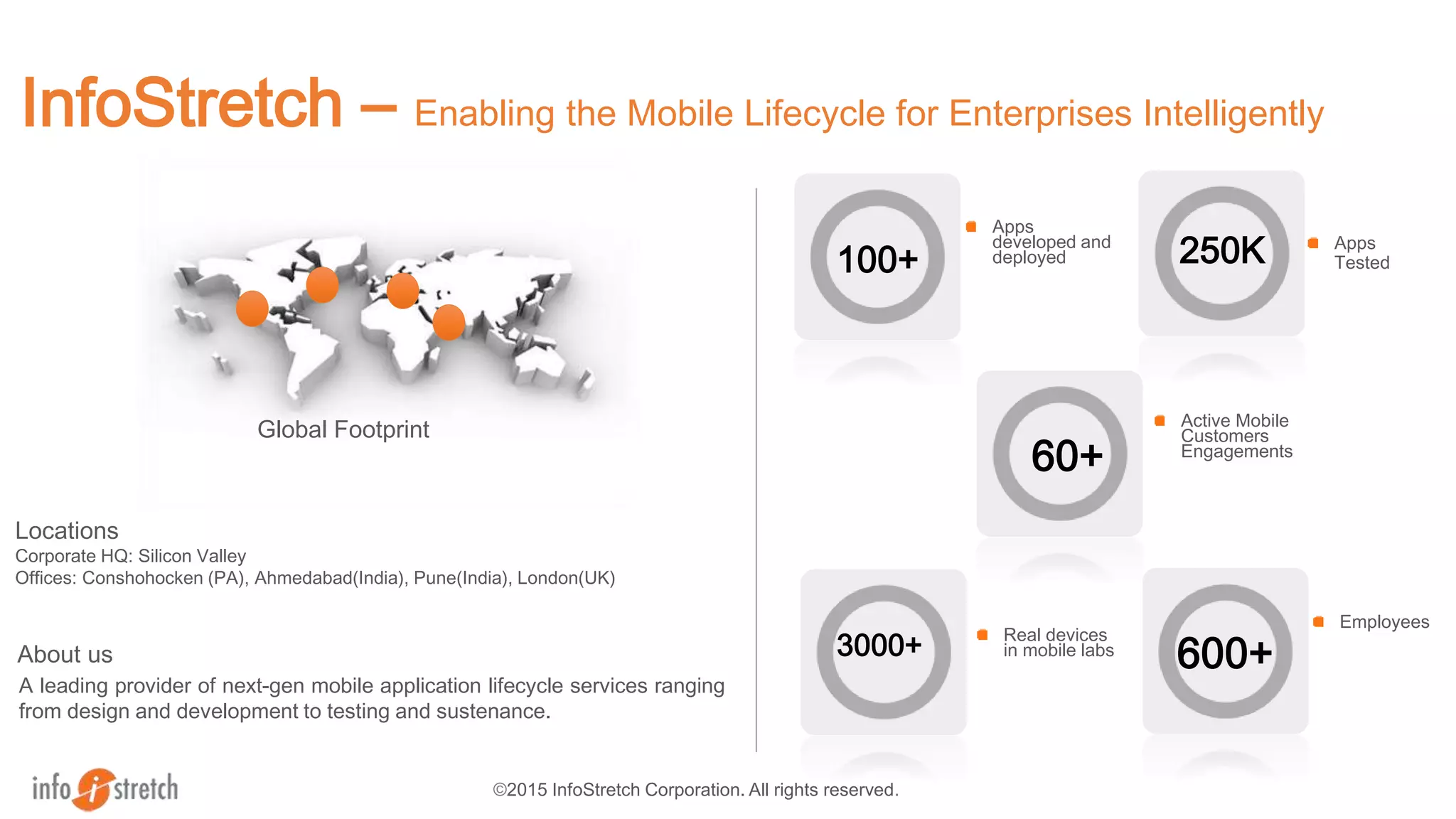
InfoStretch – Enabling the Mobile Lifecycle for Enterprises Intelligently
Apps
Tested
Employees
100+
Apps
developed and
deployed
Real devices
in mobile labs3000+
Global Footprint
A leading provider of next-gen mobile application lifecycle services ranging
from design and development to testing and sustenance.
About us
Locations
Corporate HQ: Silicon Valley
Offices: Conshohocken (PA), Ahmedabad(India), Pune(India), London(UK)
600+
250K
Active Mobile
Customers
Engagements
60+
© Sauce Labs, Inc.
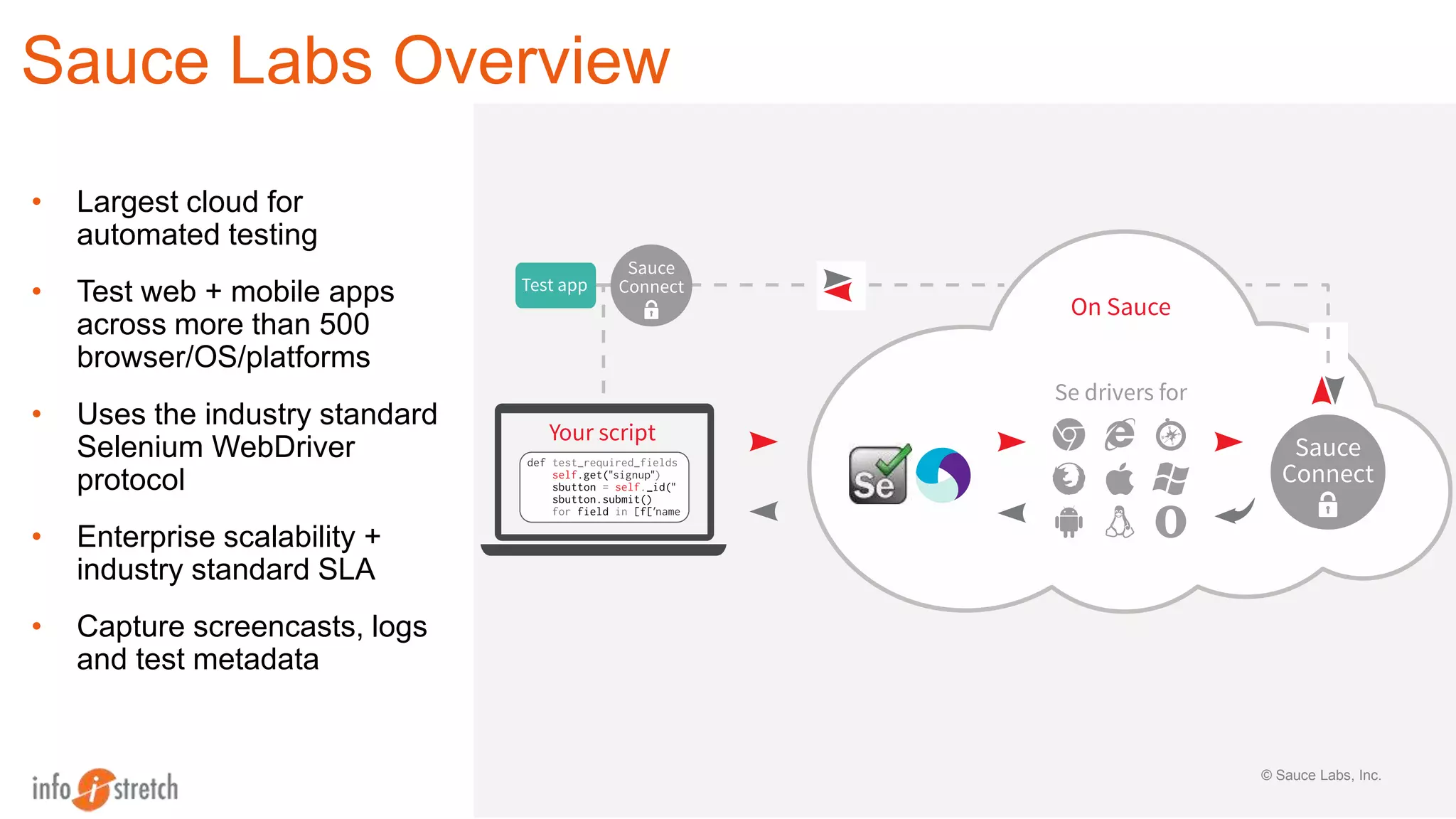
Sauce Labs Overview
• Largest cloud for
automated testing
• Test web + mobile apps
across more than 500
browser/OS/platforms
• Uses the industry standard
Selenium WebDriver
protocol
• Enterprise scalability +
industry standard SLA
• Capture screencasts, logs
and test metadata
©2015 InfoStretch Corporation. All rights reserved.
Sauce Labs - Overview
4
©2015 InfoStretch Corporation. All rights reserved.
Mobile Solutions Overview
2 Appium – Overview, Demo
3 Sauce Labs – Demo
1
4 Q & A
©2015 InfoStretch Corporation. All rights reserved.
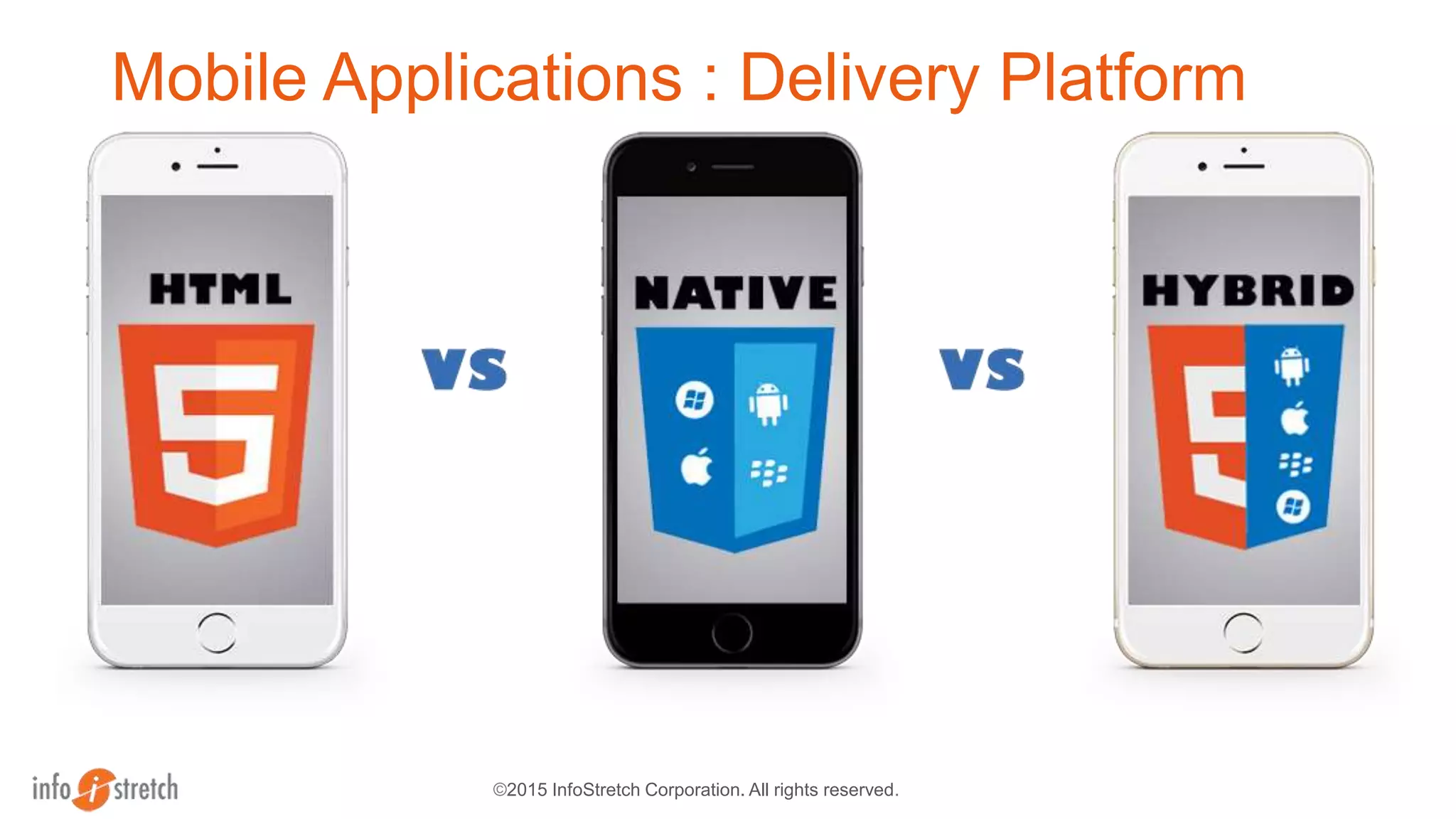
Mobile Applications : Delivery Platform
©2015 InfoStretch Corporation. All rights reserved.
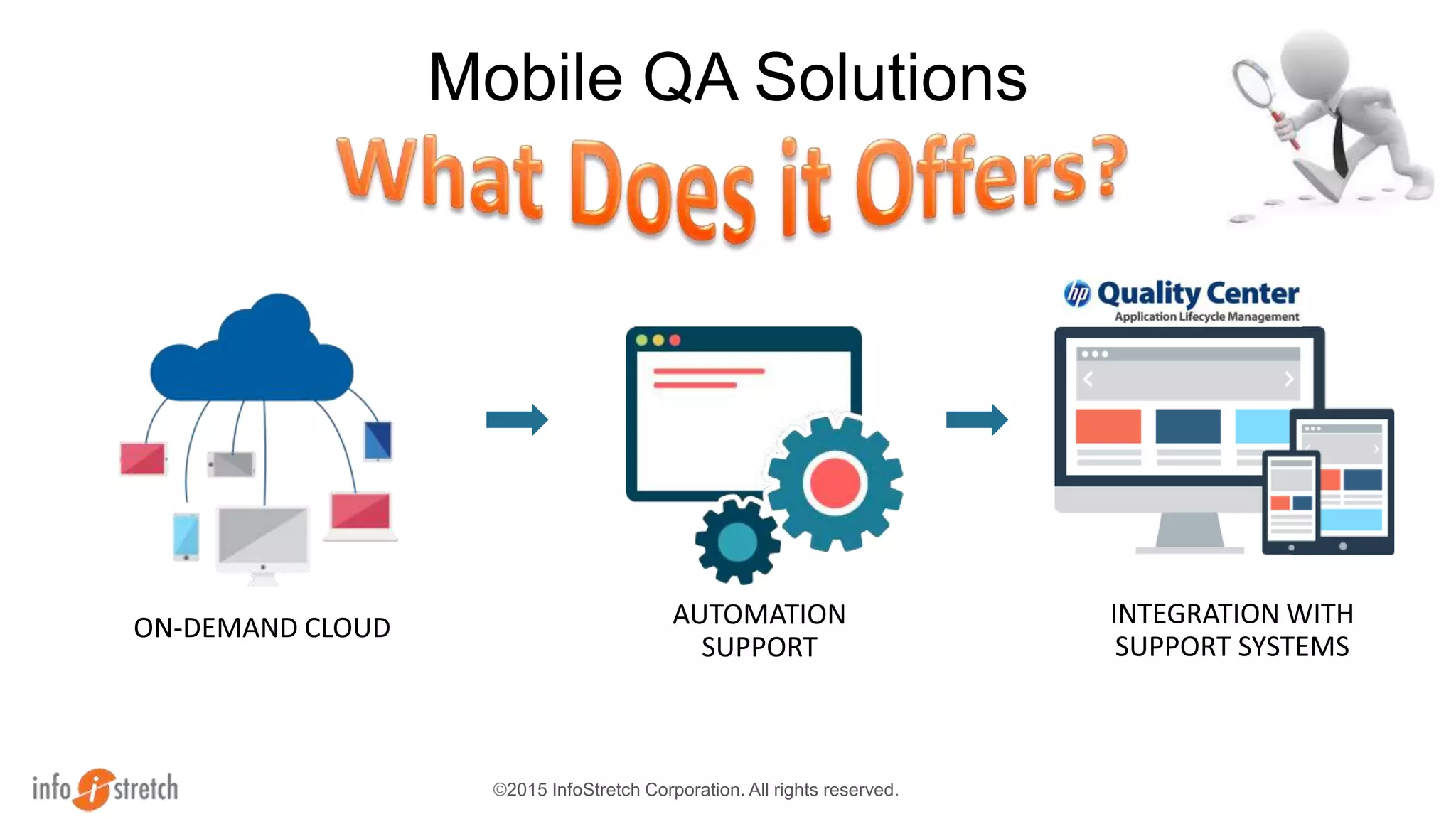
Mobile QA Solutions
ON-DEMAND CLOUD AUTOMATION
SUPPORT
INTEGRATION WITH
SUPPORT SYSTEMS
©2015 InfoStretch Corporation. All rights reserved.
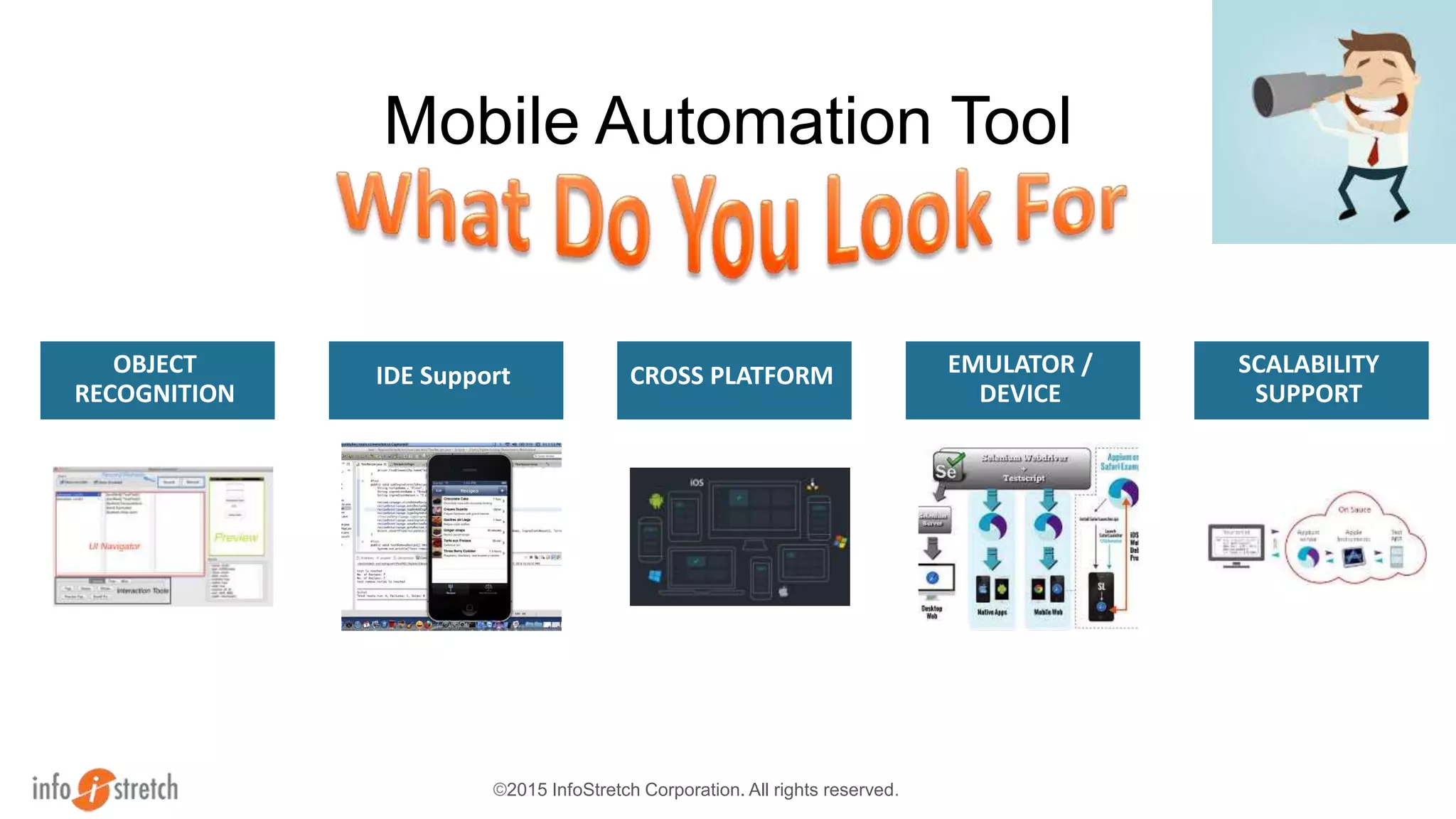
Mobile Automation Tool
OBJECT
RECOGNITION
IDE Support CROSS PLATFORM EMULATOR /
DEVICE
SCALABILITY
SUPPORT
©2015 InfoStretch Corporation. All rights reserved.
Mobile Solutions Overview
2 Appium – Overview, Demo
3 SauceLabs – Demo
1
4 Q & A
Appium is an open source test automation framework
which automates, native, hybrid and mobile apps.
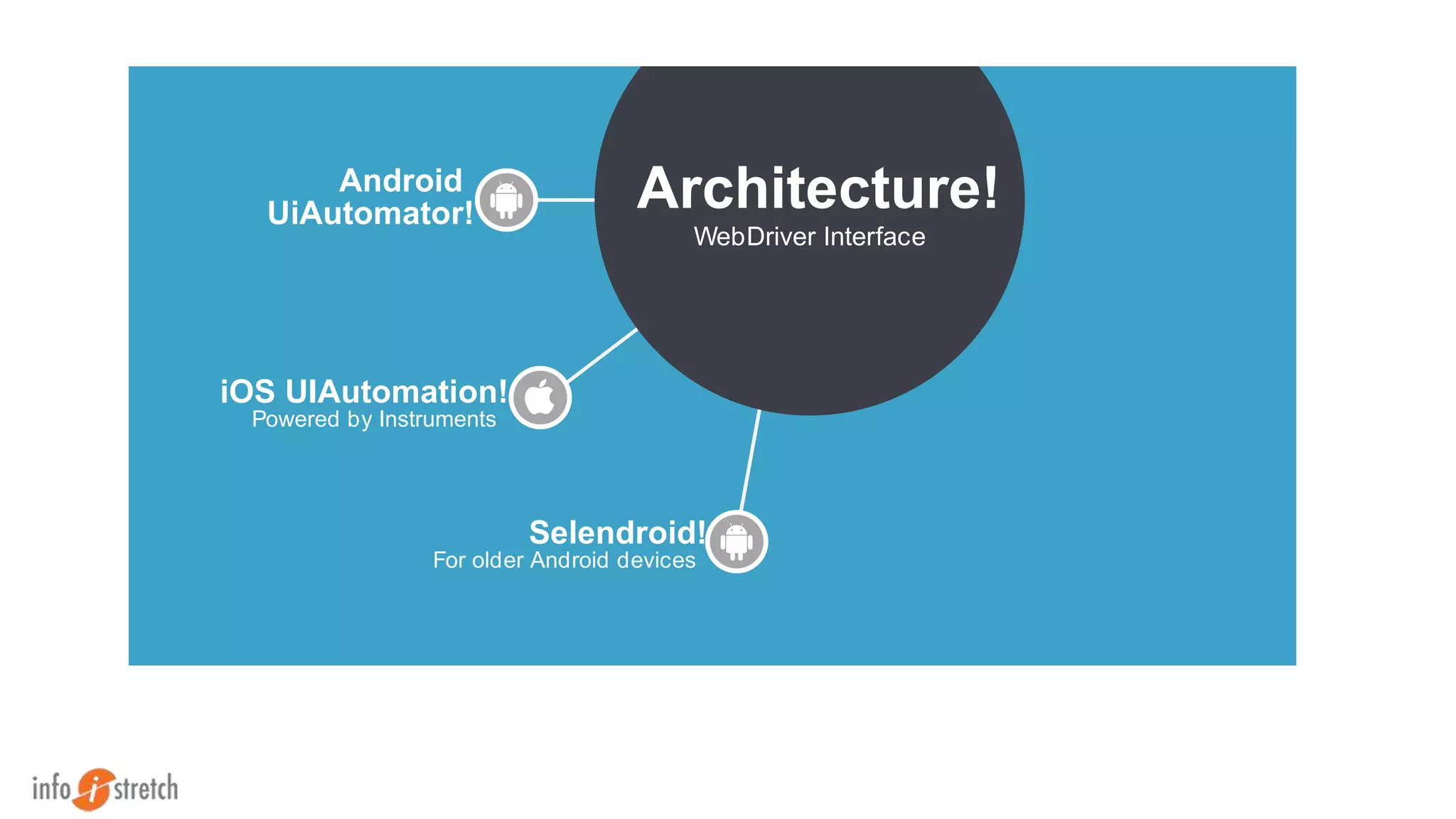
Android
UiAutomator! Architecture!
WebDriver Interface
iOS UIAutomation!
Powered by Instruments
Selendroid!
For older Android devices
Selenium Architecture
Selenium Builder
Appium test
Sauce Connect
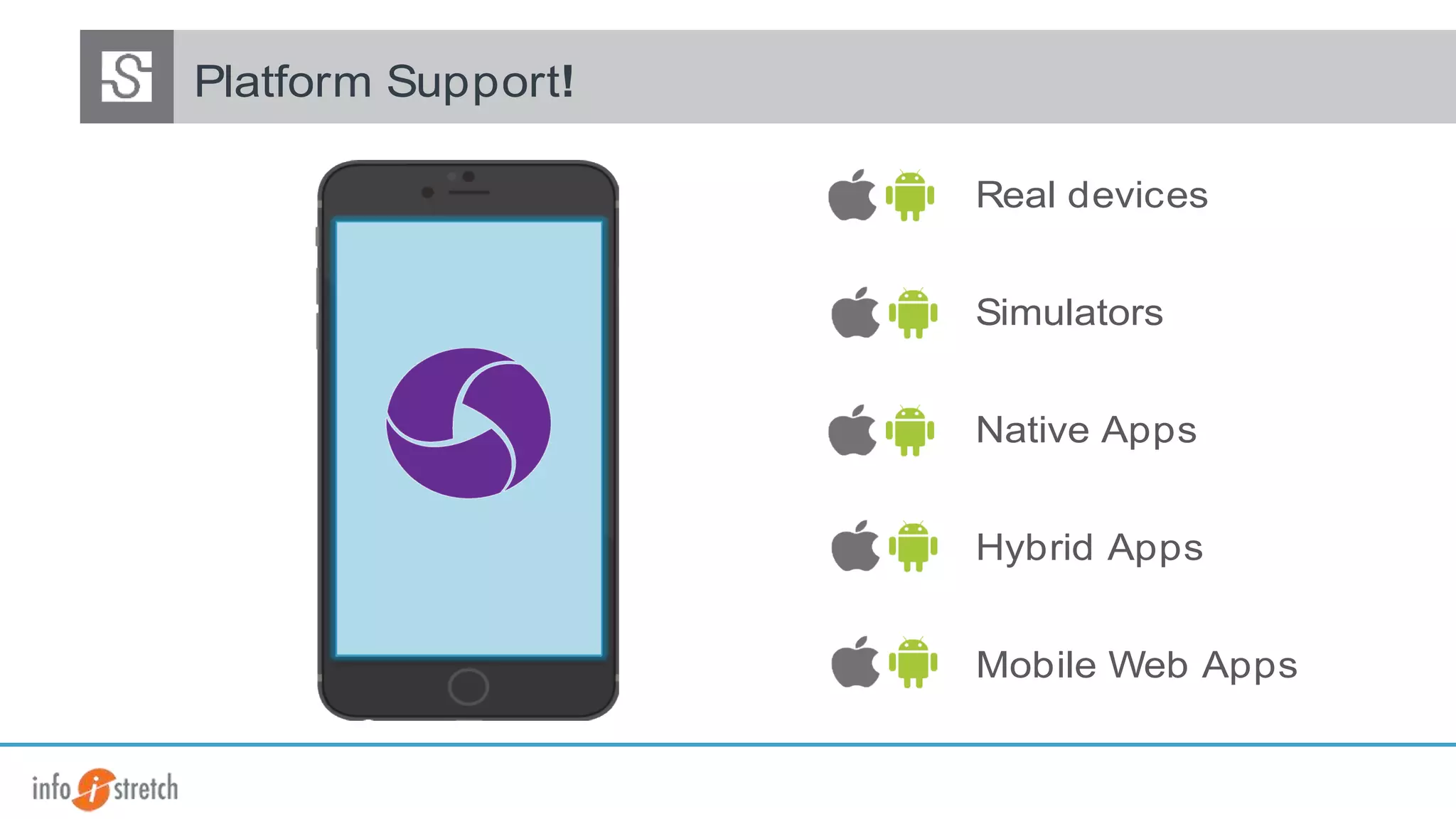
Real devices
Simulators
Native Apps
Hybrid Apps
Platform Support!
Mobile Web Apps
©2015 InfoStretch Corporation. All rights reserved.
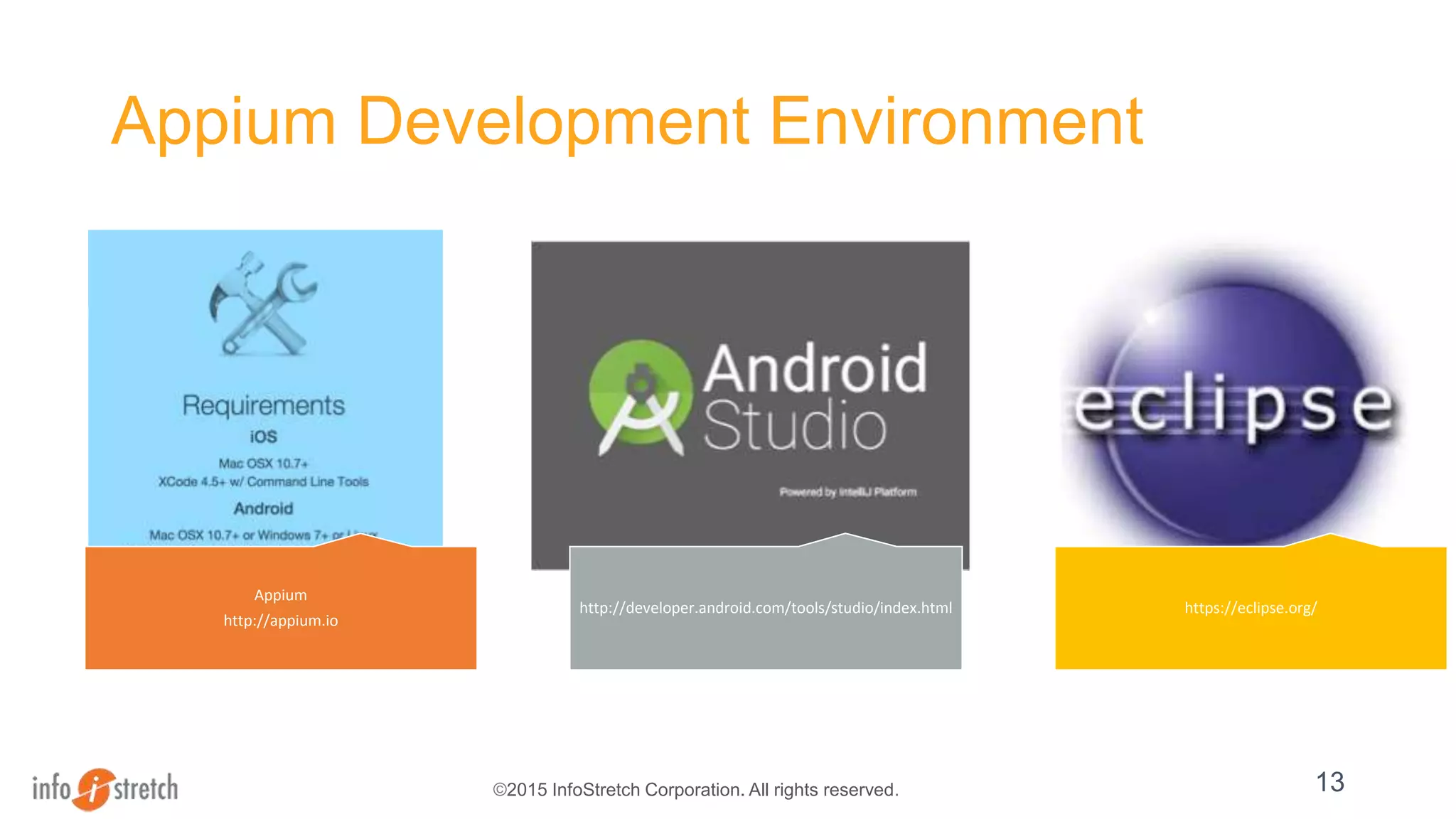
Appium Development Environment
Appium
http://appium.io
http://developer.android.com/tools/studio/index.html https://eclipse.org/
13
©2015 InfoStretch Corporation. All rights reserved.
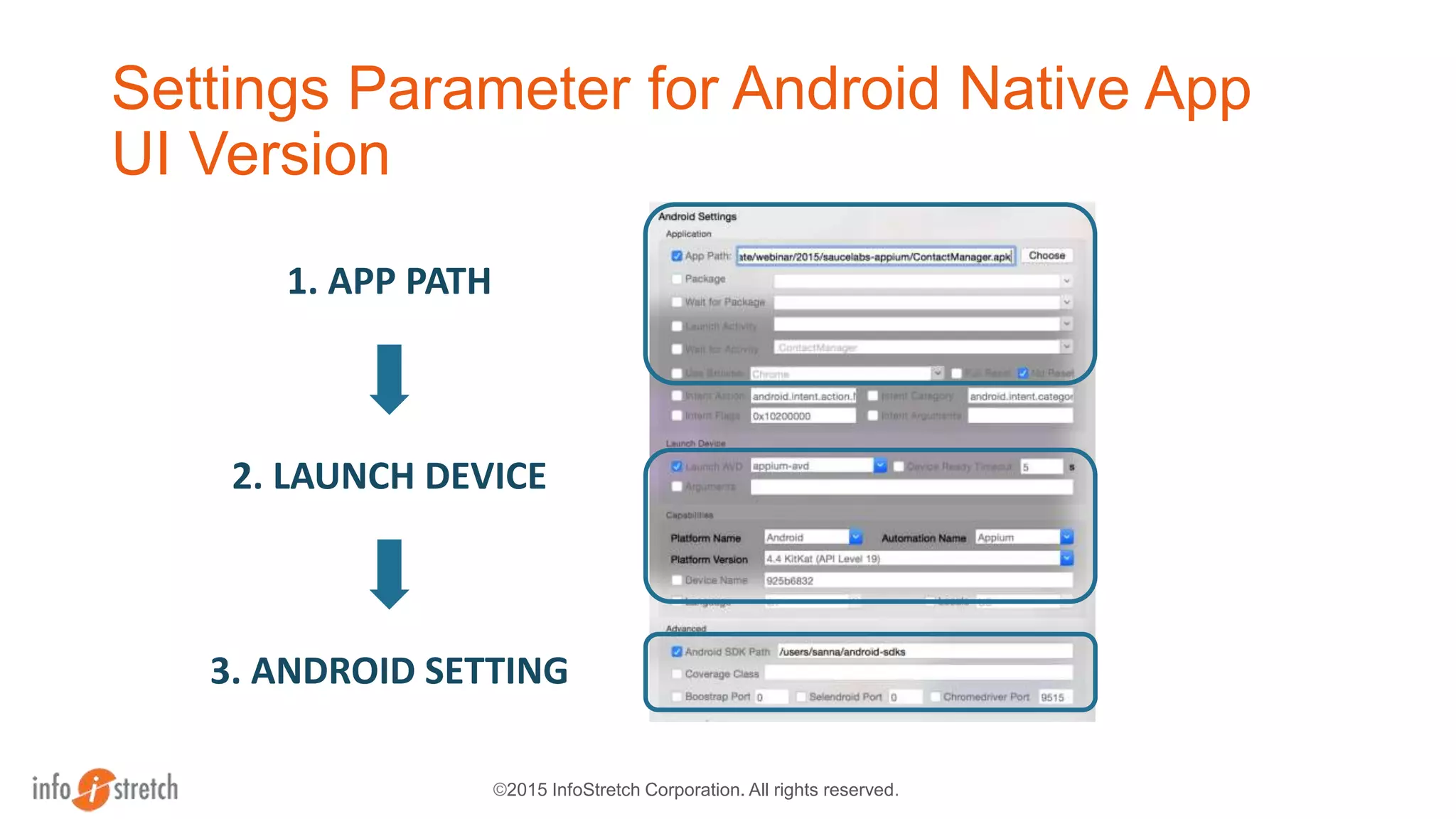
Settings Parameter for Android Native App
UI Version
1. APP PATH
2. LAUNCH DEVICE
3. ANDROID SETTING
©2015 InfoStretch Corporation. All rights reserved.
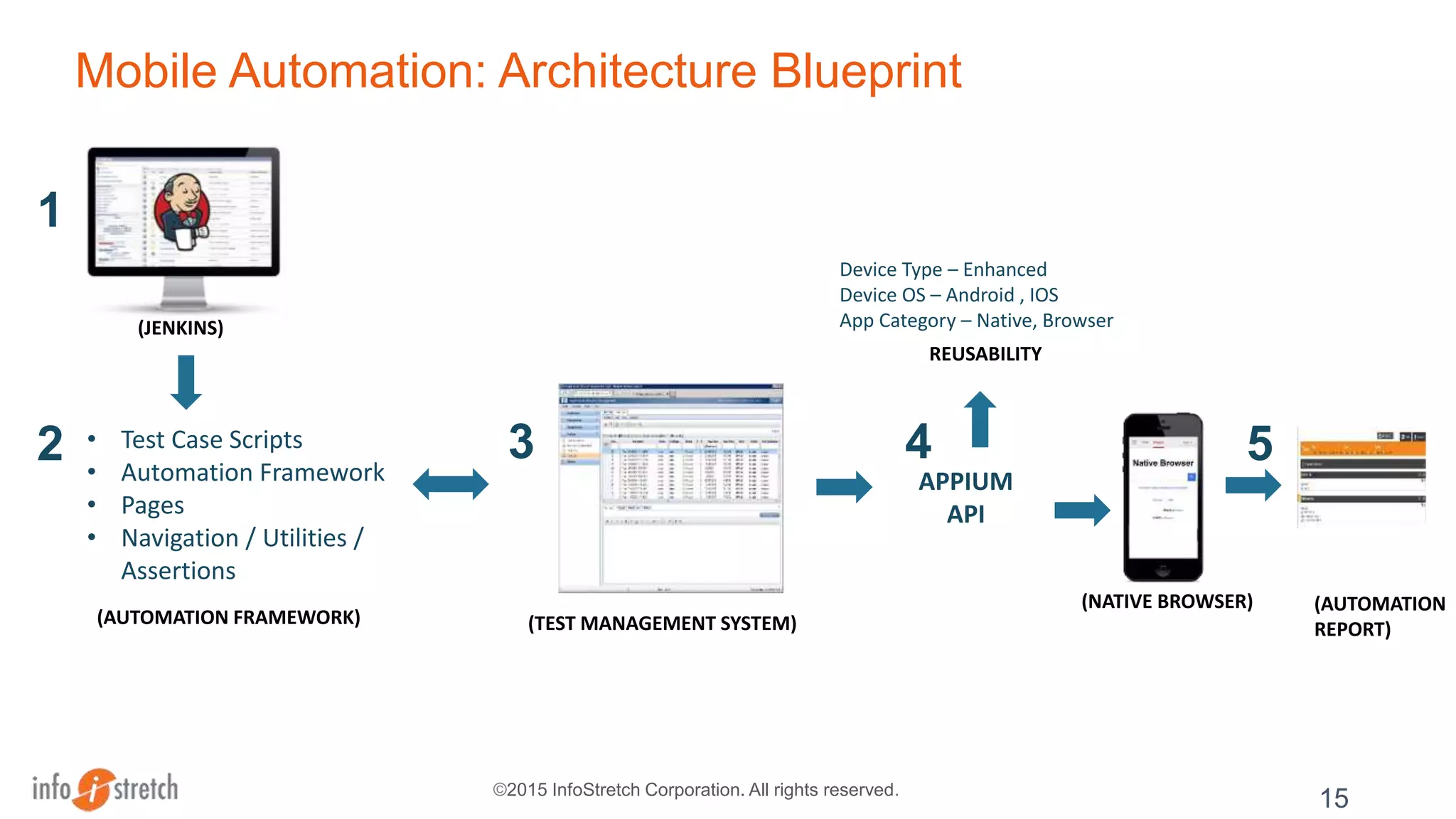
Mobile Automation: Architecture Blueprint
Device Type – Enhanced
Device OS – Android , IOS
App Category – Native, Browser
(AUTOMATION FRAMEWORK)
15
• Test Case Scripts
• Automation Framework
• Pages
• Navigation / Utilities /
Assertions
1
2 3
(JENKINS)
APPIUM
API
(TEST MANAGEMENT SYSTEM)
4
(NATIVE BROWSER) (AUTOMATION
REPORT)
5
REUSABILITY
©2015 InfoStretch Corporation. All rights reserved. 16
Android Virtual Device (AVD)
Appium Settings
Object Inspector
App Interaction
Recorded Scripts
©2015 InfoStretch Corporation. All rights reserved.
Demo
Appium & Sauce Labs
17
©2015 InfoStretch Corporation. All rights reserved.
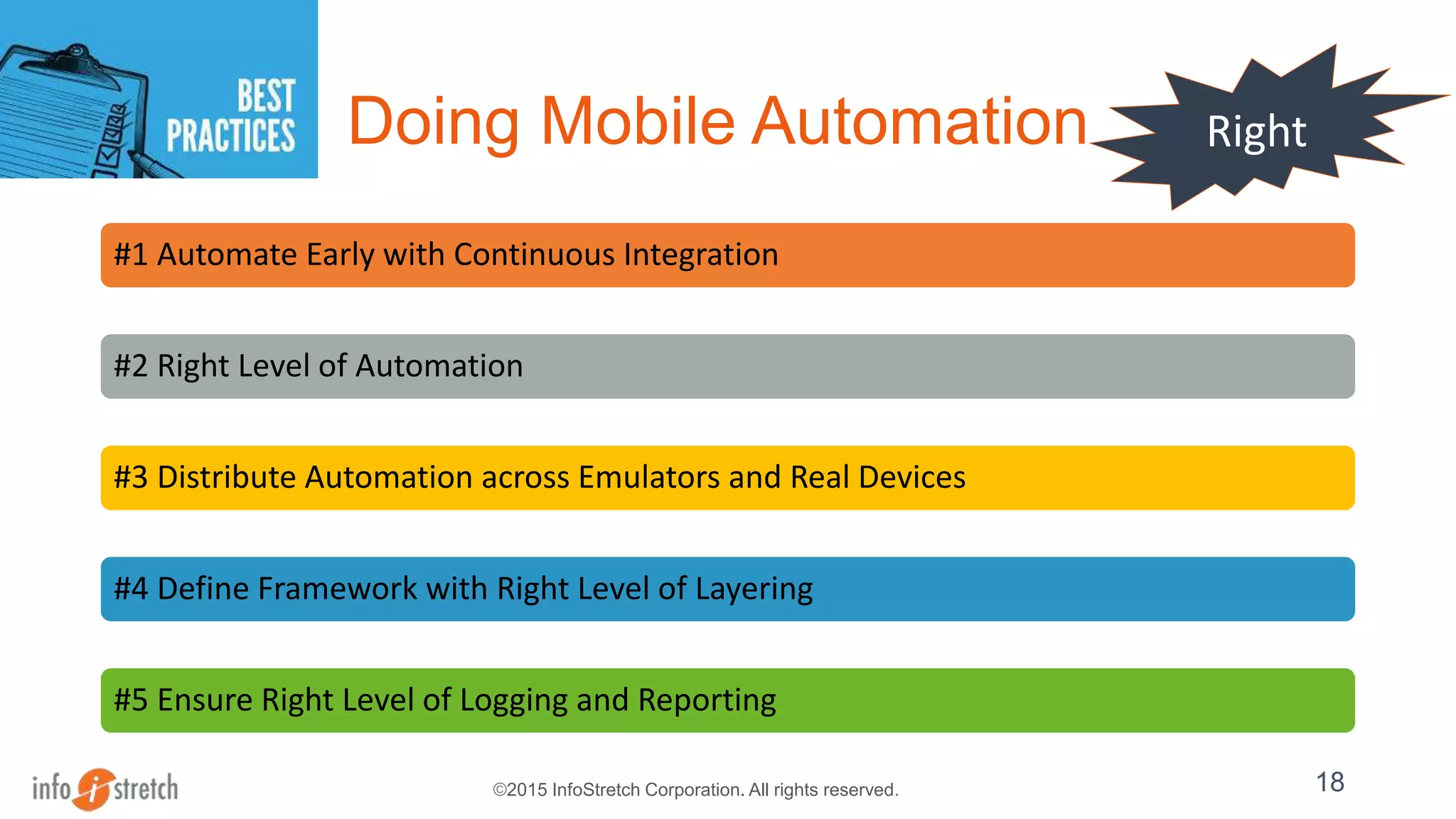
Doing Mobile Automation
#1 Automate Early with Continuous Integration
#2 Right Level of Automation
#3 Distribute Automation across Emulators and Real Devices
#4 Define Framework with Right Level of Layering
#5 Ensure Right Level of Logging and Reporting
18
Right
©2015 InfoStretch Corporation. All rights reserved.
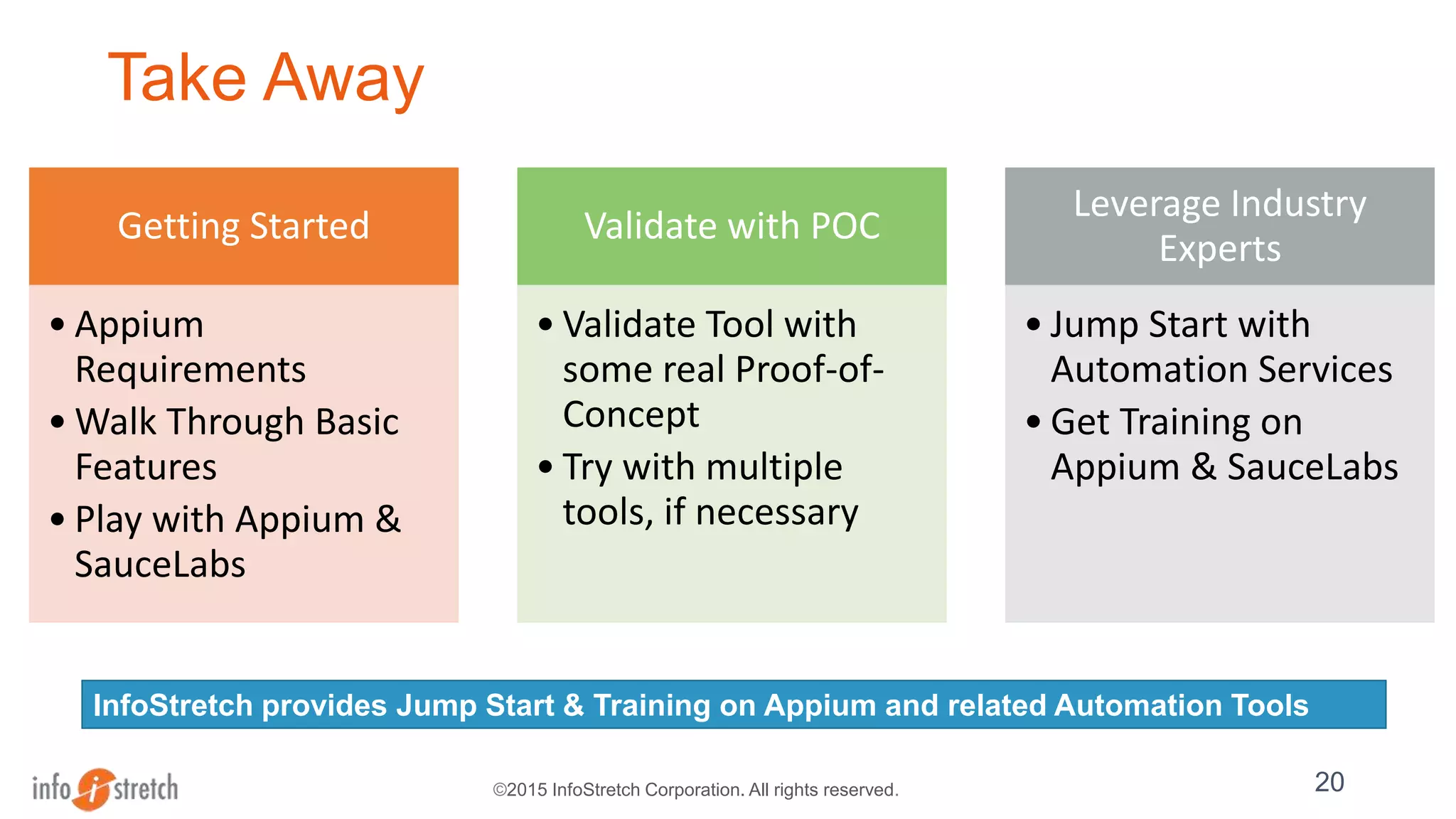
Take Away
Getting Started
• Appium
Requirements
• Walk Through Basic
Features
• Play with Appium &
SauceLabs
Validate with POC
• Validate Tool with
some real Proof-of-
Concept
• Try with multiple
tools, if necessary
Leverage Industry
Experts
• Jump Start with
Automation Services
• Get Training on
Appium & SauceLabs
20
InfoStretch provides Jump Start & Training on Appium and related Automation Tools
Thank You
©2015 InfoStretch Corporation. All rights reserved. 21
Info@infostretch.com
408.727.1100

Getting Started with Mobile Test Automation & Appium

  • 1.
  • 2.
    ©2015 InfoStretch Corporation.All rights reserved. InfoStretch – Enabling the Mobile Lifecycle for Enterprises Intelligently Apps Tested Employees 100+ Apps developed and deployed Real devices in mobile labs3000+ Global Footprint A leading provider of next-gen mobile application lifecycle services ranging from design and development to testing and sustenance. About us Locations Corporate HQ: Silicon Valley Offices: Conshohocken (PA), Ahmedabad(India), Pune(India), London(UK) 600+ 250K Active Mobile Customers Engagements 60+
  • 3.
    © Sauce Labs,Inc. Sauce Labs Overview • Largest cloud for automated testing • Test web + mobile apps across more than 500 browser/OS/platforms • Uses the industry standard Selenium WebDriver protocol • Enterprise scalability + industry standard SLA • Capture screencasts, logs and test metadata
  • 4.
    ©2015 InfoStretch Corporation.All rights reserved. Sauce Labs - Overview 4
  • 5.
    ©2015 InfoStretch Corporation.All rights reserved. Mobile Solutions Overview 2 Appium – Overview, Demo 3 Sauce Labs – Demo 1 4 Q & A
  • 6.
    ©2015 InfoStretch Corporation.All rights reserved. Mobile Applications : Delivery Platform
  • 7.
    ©2015 InfoStretch Corporation.All rights reserved. Mobile QA Solutions ON-DEMAND CLOUD AUTOMATION SUPPORT INTEGRATION WITH SUPPORT SYSTEMS
  • 8.
    ©2015 InfoStretch Corporation.All rights reserved. Mobile Automation Tool OBJECT RECOGNITION IDE Support CROSS PLATFORM EMULATOR / DEVICE SCALABILITY SUPPORT
  • 9.
    ©2015 InfoStretch Corporation.All rights reserved. Mobile Solutions Overview 2 Appium – Overview, Demo 3 SauceLabs – Demo 1 4 Q & A
  • 10.
    Appium is anopen source test automation framework which automates, native, hybrid and mobile apps.
  • 11.
    Android UiAutomator! Architecture! WebDriver Interface iOSUIAutomation! Powered by Instruments Selendroid! For older Android devices
  • 12.
    Selenium Architecture Selenium Builder Appiumtest Sauce Connect Real devices Simulators Native Apps Hybrid Apps Platform Support! Mobile Web Apps
  • 13.
    ©2015 InfoStretch Corporation.All rights reserved. Appium Development Environment Appium http://appium.io http://developer.android.com/tools/studio/index.html https://eclipse.org/ 13
  • 14.
    ©2015 InfoStretch Corporation.All rights reserved. Settings Parameter for Android Native App UI Version 1. APP PATH 2. LAUNCH DEVICE 3. ANDROID SETTING
  • 15.
    ©2015 InfoStretch Corporation.All rights reserved. Mobile Automation: Architecture Blueprint Device Type – Enhanced Device OS – Android , IOS App Category – Native, Browser (AUTOMATION FRAMEWORK) 15 • Test Case Scripts • Automation Framework • Pages • Navigation / Utilities / Assertions 1 2 3 (JENKINS) APPIUM API (TEST MANAGEMENT SYSTEM) 4 (NATIVE BROWSER) (AUTOMATION REPORT) 5 REUSABILITY
  • 16.
    ©2015 InfoStretch Corporation.All rights reserved. 16 Android Virtual Device (AVD) Appium Settings Object Inspector App Interaction Recorded Scripts
  • 17.
    ©2015 InfoStretch Corporation.All rights reserved. Demo Appium & Sauce Labs 17
  • 18.
    ©2015 InfoStretch Corporation.All rights reserved. Doing Mobile Automation #1 Automate Early with Continuous Integration #2 Right Level of Automation #3 Distribute Automation across Emulators and Real Devices #4 Define Framework with Right Level of Layering #5 Ensure Right Level of Logging and Reporting 18 Right
  • 19.
    ©2015 InfoStretch Corporation.All rights reserved. Take Away Getting Started • Appium Requirements • Walk Through Basic Features • Play with Appium & SauceLabs Validate with POC • Validate Tool with some real Proof-of- Concept • Try with multiple tools, if necessary Leverage Industry Experts • Jump Start with Automation Services • Get Training on Appium & SauceLabs 20 InfoStretch provides Jump Start & Training on Appium and related Automation Tools
  • 20.
    Thank You ©2015 InfoStretchCorporation. All rights reserved. 21 Info@infostretch.com 408.727.1100

Editor's Notes

  • #7 HTML 5 Fast but requires network connection Device Features are limited No App Release Dependency Native Very Fast Full device feature access Can be offline content / online content App Store Release Process Hybrid Mix and match of features from the above 2 models
  • #8 Cloud Distributed Team Access Cost Efficient Team Engagement Sharing / Test Execution Proofs Automation What type of tools / language support Selenium / UFT Support Integrations Test Management System / CI Integration
  • #9 Object Based Recognition – Faster / Easier Maintenance IDE Support – Eclipse / Integration with other tools Cross Platform – IOS / Android / Windows / Blackberry