Fast, cheap and somewhat in control 10 Lessons from the design of SlideShare Rashmi Sinha
First  www.slideshare.net www.themindcanvas.com
 
Designing SlideShare
1. Documents are hard to share  What would large-scaling sharing look like? Is office 2.0 just editing & collaboration?  A social critique of PowerPoint
2. A simple sharing website  A space, not a utility For sharing and connecting Sharing and finding both user driven
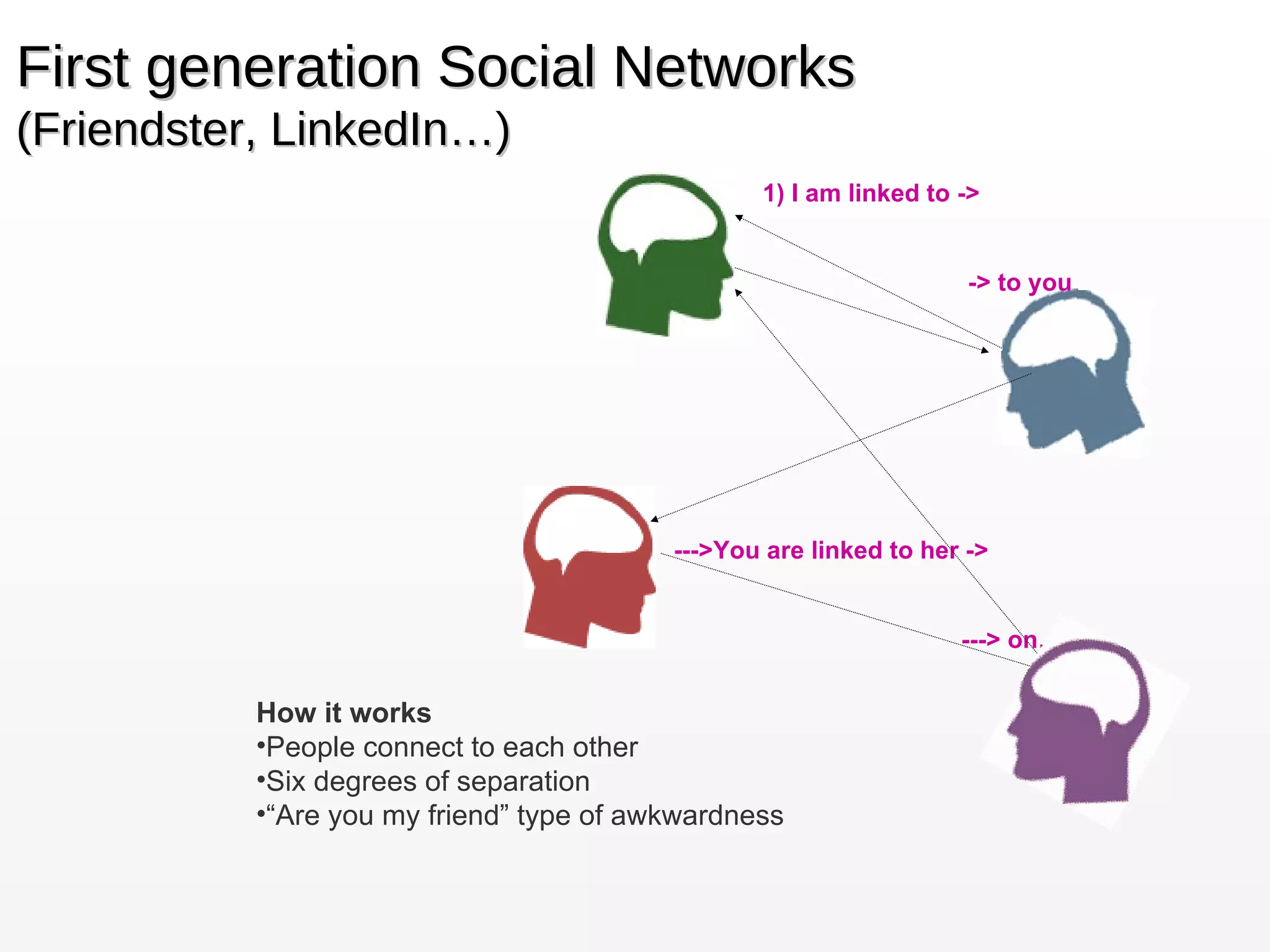
First generation Social Networks (Friendster, LinkedIn…) 1) I am linked to -> -> to you  --->You are linked to her -> ---> on… How it works People connect to each other Six degrees of separation “ Are you my friend” type of awkwardness
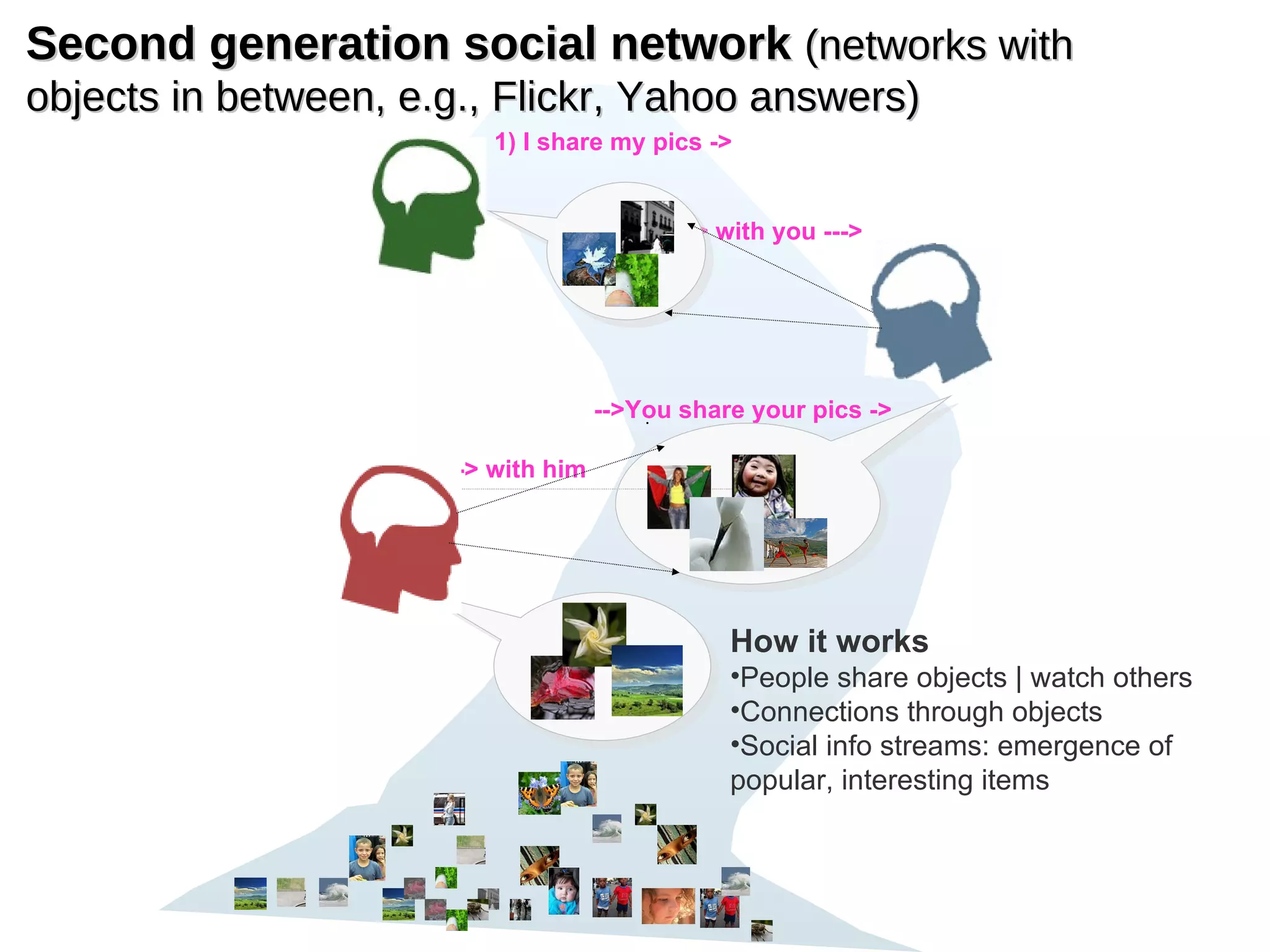
Second generation social network  (networks with objects in between, e.g., Flickr, Yahoo answers) 1) I share my pics ->   -> with you --->   -->You share your pics -> ---> with him How it works People share objects | watch others Connections through objects Social info streams: emergence of popular, interesting items
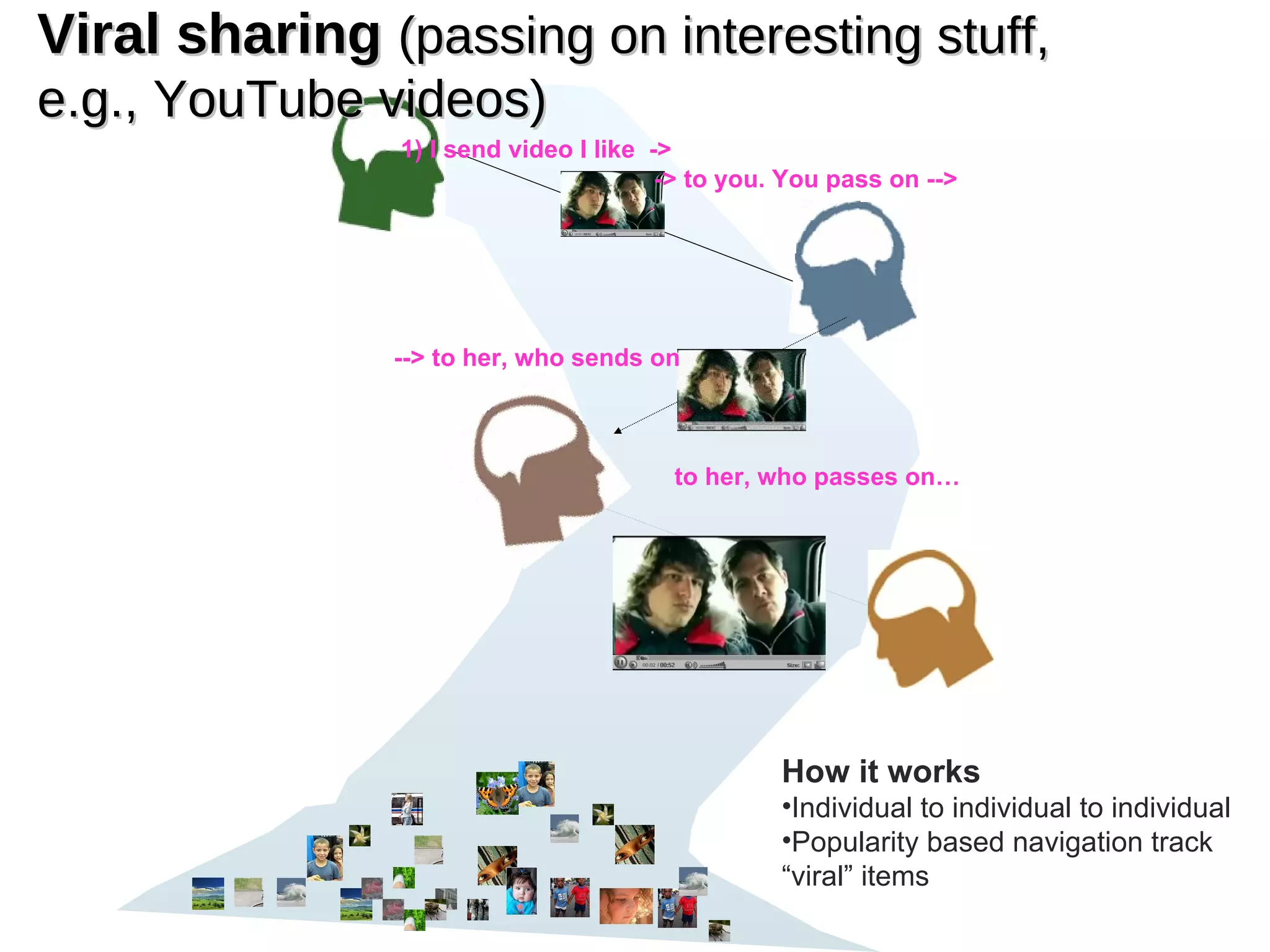
Viral sharing  (passing on interesting stuff, e.g., YouTube videos) How it works Individual to individual to individual Popularity based navigation track “viral” items 1) I send video I like  -> -> to you. You pass on -->   --> to her, who sends on to her, who passes on…
3.   good content  floats to the  top   Multiple models of popularity Users drive navigation
4. Slides as   MICROCONTENT URL for every slide Comment on individual slides
5. What  people share  on SlideShare Ministers  share  sermons Teachers  share  lesson plans Friends  share  memories Entrepreneurs  share  business plans
10 Lessons
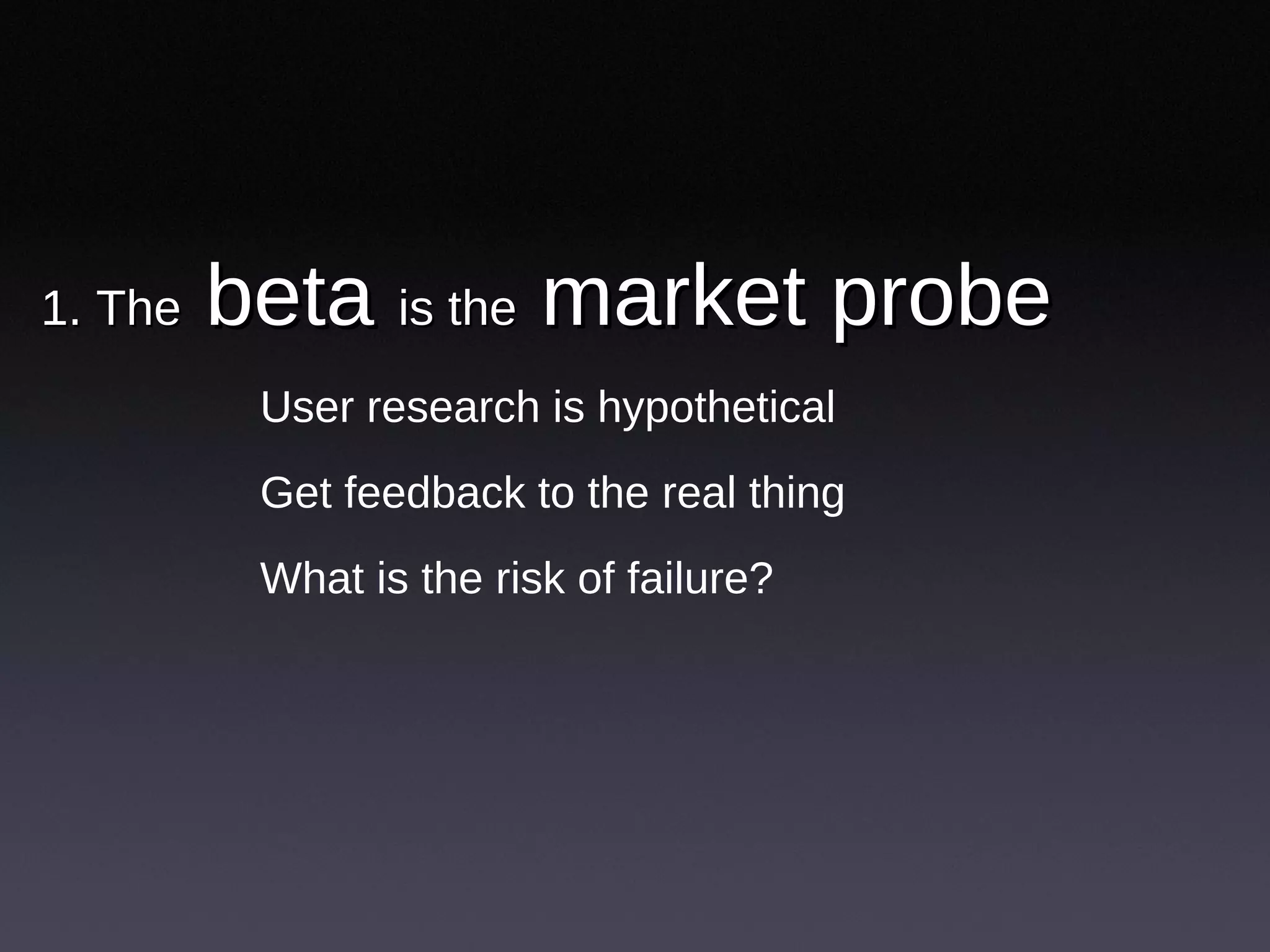
1. The  beta  is the  market probe  User research is hypothetical Get feedback to the real thing What is the risk of failure?
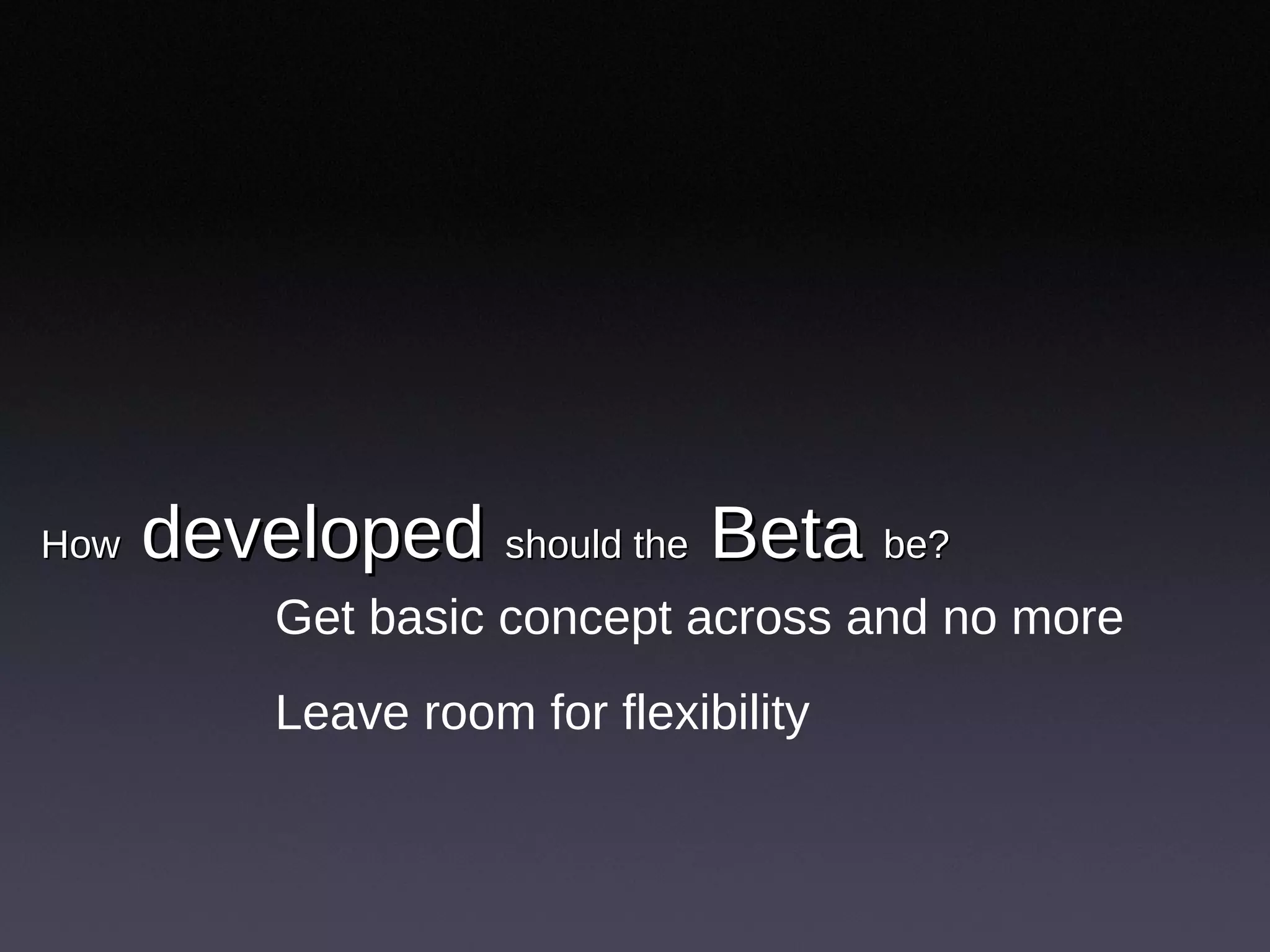
How  developed  should the  Beta  be?   Get basic concept across and no more Leave room for flexibility
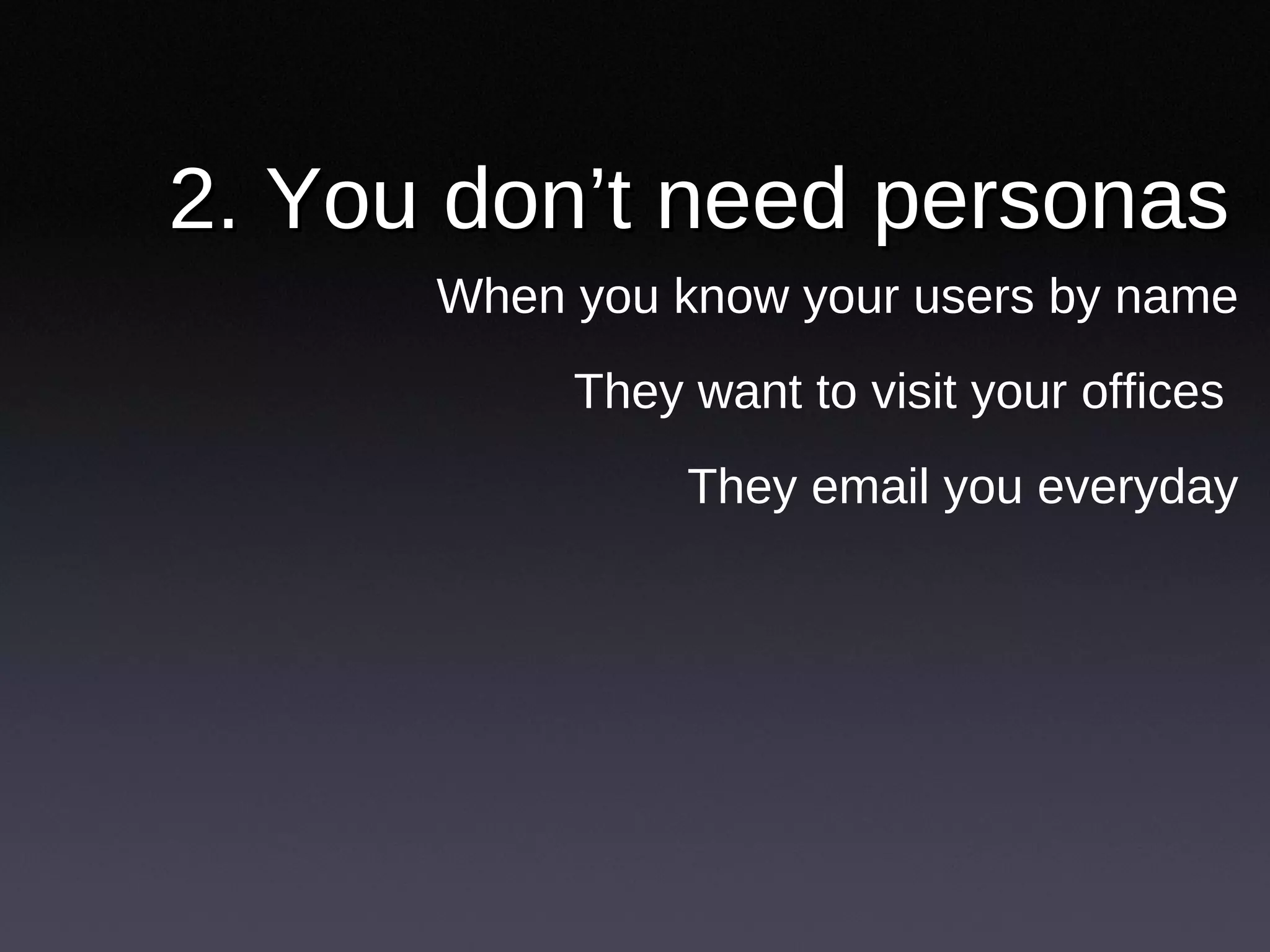
2. You don’t need personas When you know your users by name They want to visit your offices  They email you everyday
3. Get into a  conversation  with  users  Answer emails personally Monitor blogs, subscribe to RSS Customer service as user research
4. Get yourself a  shadow app  Keep a pulse on main metrics Experiments without A-B setup Simpler than logs, faster than usability testing Whole team responds to it
When  feedback  becomes a  torrent Feedback form not enough. Too unstructured  Issues need prioritization Diff users want diff features New team members need summary info Improvements beyond low hanging fruits
5. Launch  first,  refine  later UX folks can over analyze Look at examples, take a guess Put it out there. Respond. Refine.
6.  designer-developer  role is crucial Easier communication Reduced design work
7. Under invest in  visual design Let users feel ownership of space Unpolished look is fine
8. Pay attention to  technical simplicity Balance user needs & technical simplicity Complexity > slower, riskier, harder to maintain
9.  Help users kick ass Everything else is secondary No step by step ROI calculations Have sound business model, but don’t sacrifice user good
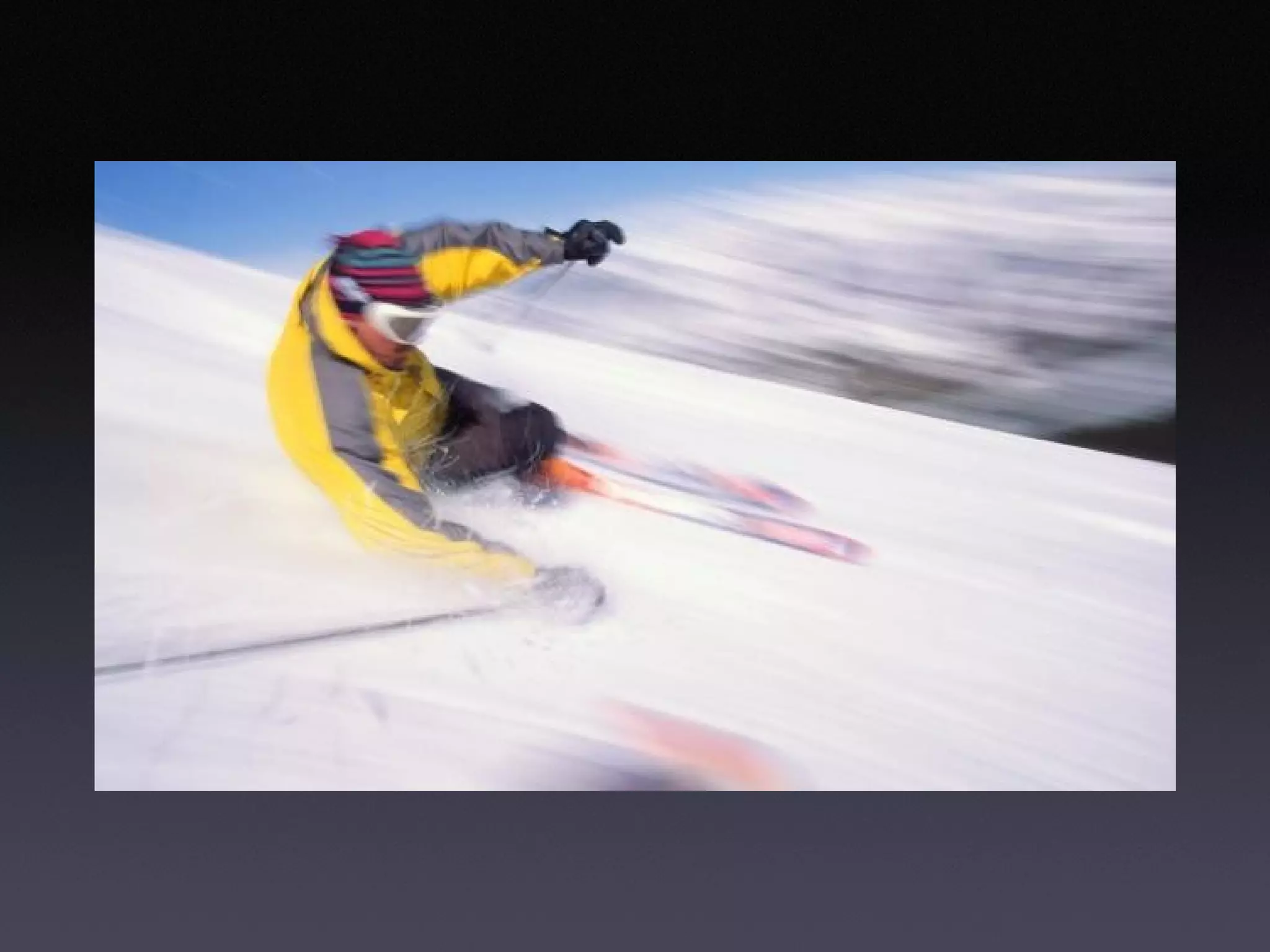
10. Single biggest win:  make app faster
Finally  www.slideshare.net/rashmi

Fast cheap and somewhat in control: 10 lessons from the design of SlideShare

  • 1.
    Fast, cheap andsomewhat in control 10 Lessons from the design of SlideShare Rashmi Sinha
  • 2.
    First www.slideshare.netwww.themindcanvas.com
  • 3.
  • 4.
  • 5.
    1. Documents arehard to share What would large-scaling sharing look like? Is office 2.0 just editing & collaboration? A social critique of PowerPoint
  • 6.
    2. A simplesharing website A space, not a utility For sharing and connecting Sharing and finding both user driven
  • 7.
    First generation SocialNetworks (Friendster, LinkedIn…) 1) I am linked to -> -> to you --->You are linked to her -> ---> on… How it works People connect to each other Six degrees of separation “ Are you my friend” type of awkwardness
  • 8.
    Second generation socialnetwork (networks with objects in between, e.g., Flickr, Yahoo answers) 1) I share my pics -> -> with you ---> -->You share your pics -> ---> with him How it works People share objects | watch others Connections through objects Social info streams: emergence of popular, interesting items
  • 9.
    Viral sharing (passing on interesting stuff, e.g., YouTube videos) How it works Individual to individual to individual Popularity based navigation track “viral” items 1) I send video I like -> -> to you. You pass on --> --> to her, who sends on to her, who passes on…
  • 10.
    3. good content floats to the top Multiple models of popularity Users drive navigation
  • 11.
    4. Slides as MICROCONTENT URL for every slide Comment on individual slides
  • 12.
    5. What people share on SlideShare Ministers share sermons Teachers share lesson plans Friends share memories Entrepreneurs share business plans
  • 13.
  • 14.
    1. The beta is the market probe User research is hypothetical Get feedback to the real thing What is the risk of failure?
  • 15.
    How developed should the Beta be? Get basic concept across and no more Leave room for flexibility
  • 16.
    2. You don’tneed personas When you know your users by name They want to visit your offices They email you everyday
  • 17.
    3. Get intoa conversation with users Answer emails personally Monitor blogs, subscribe to RSS Customer service as user research
  • 18.
    4. Get yourselfa shadow app Keep a pulse on main metrics Experiments without A-B setup Simpler than logs, faster than usability testing Whole team responds to it
  • 19.
    When feedback becomes a torrent Feedback form not enough. Too unstructured Issues need prioritization Diff users want diff features New team members need summary info Improvements beyond low hanging fruits
  • 20.
    5. Launch first, refine later UX folks can over analyze Look at examples, take a guess Put it out there. Respond. Refine.
  • 21.
    6. designer-developer role is crucial Easier communication Reduced design work
  • 22.
    7. Under investin visual design Let users feel ownership of space Unpolished look is fine
  • 23.
    8. Pay attentionto technical simplicity Balance user needs & technical simplicity Complexity > slower, riskier, harder to maintain
  • 24.
    9. Helpusers kick ass Everything else is secondary No step by step ROI calculations Have sound business model, but don’t sacrifice user good
  • 25.
    10. Single biggestwin: make app faster
  • 26.