Improved image    WordCamp Toronto - Developers
manipulation in WordPress   November 4, 2012
Marko Heijnen

• WordPress and mobile
  developer


• Working with WordPress for
  more then six years


• WordPress contributor of 3.0,
  3.3, 3.4 and 3.5


• Recent rockstar of 3.4


• Founder of WP Rockstars
Dealing with problems

• I like dealing with problems


• My first try of contributing was
  on the rewrite API


• For 3.4 I worked on the
  XML-RPC with Max Cutler &
  Westwood


• And now dealing with all the
  image manipulation API’s
What am I going to talk about

• How the current code looks like

• In short how the process went

• How the new API code looks like with the help of example
  code

• The future steps that still need to be done
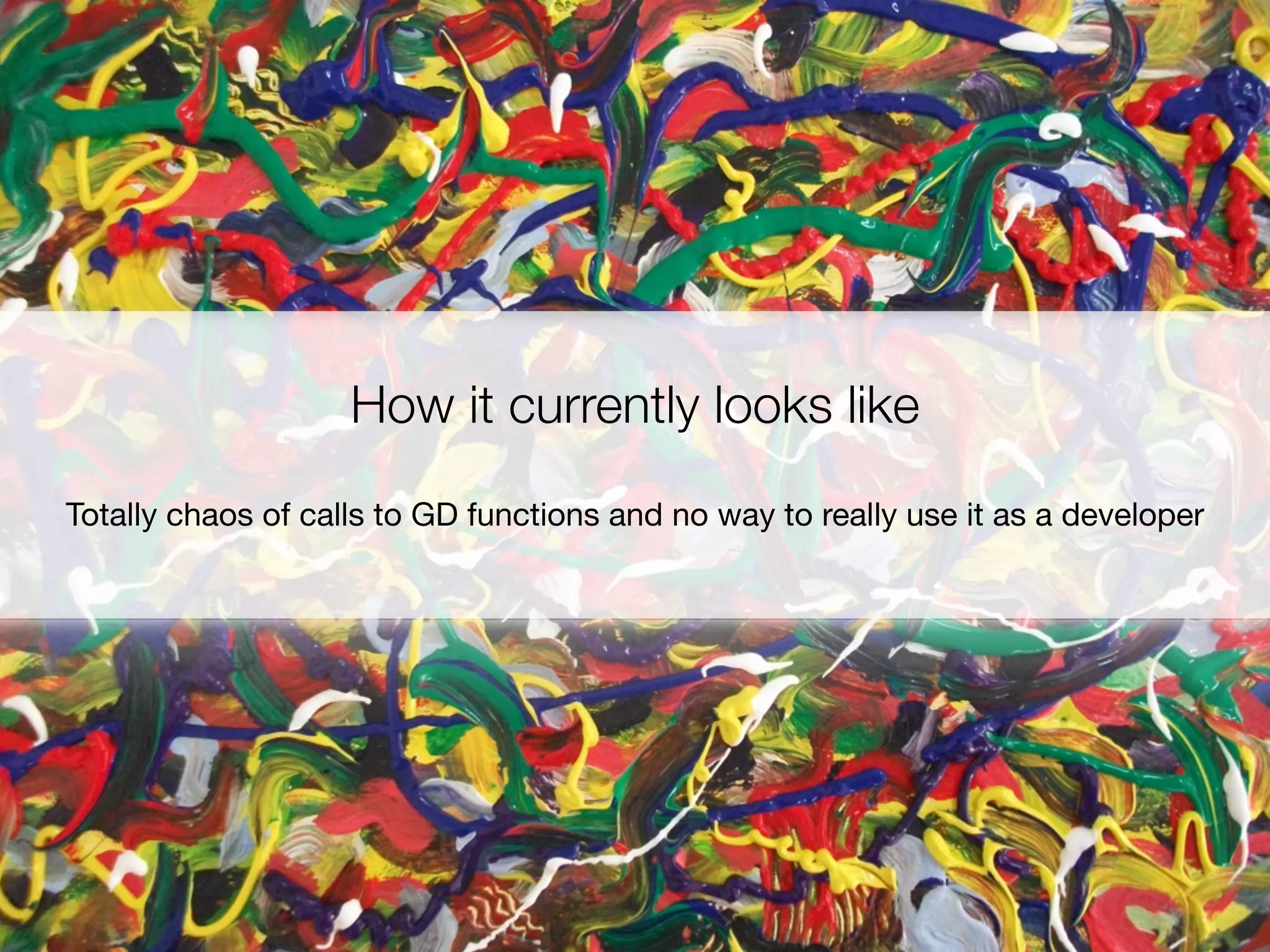
How it currently looks like
Totally chaos of calls to GD functions and no way to really use it as a developer
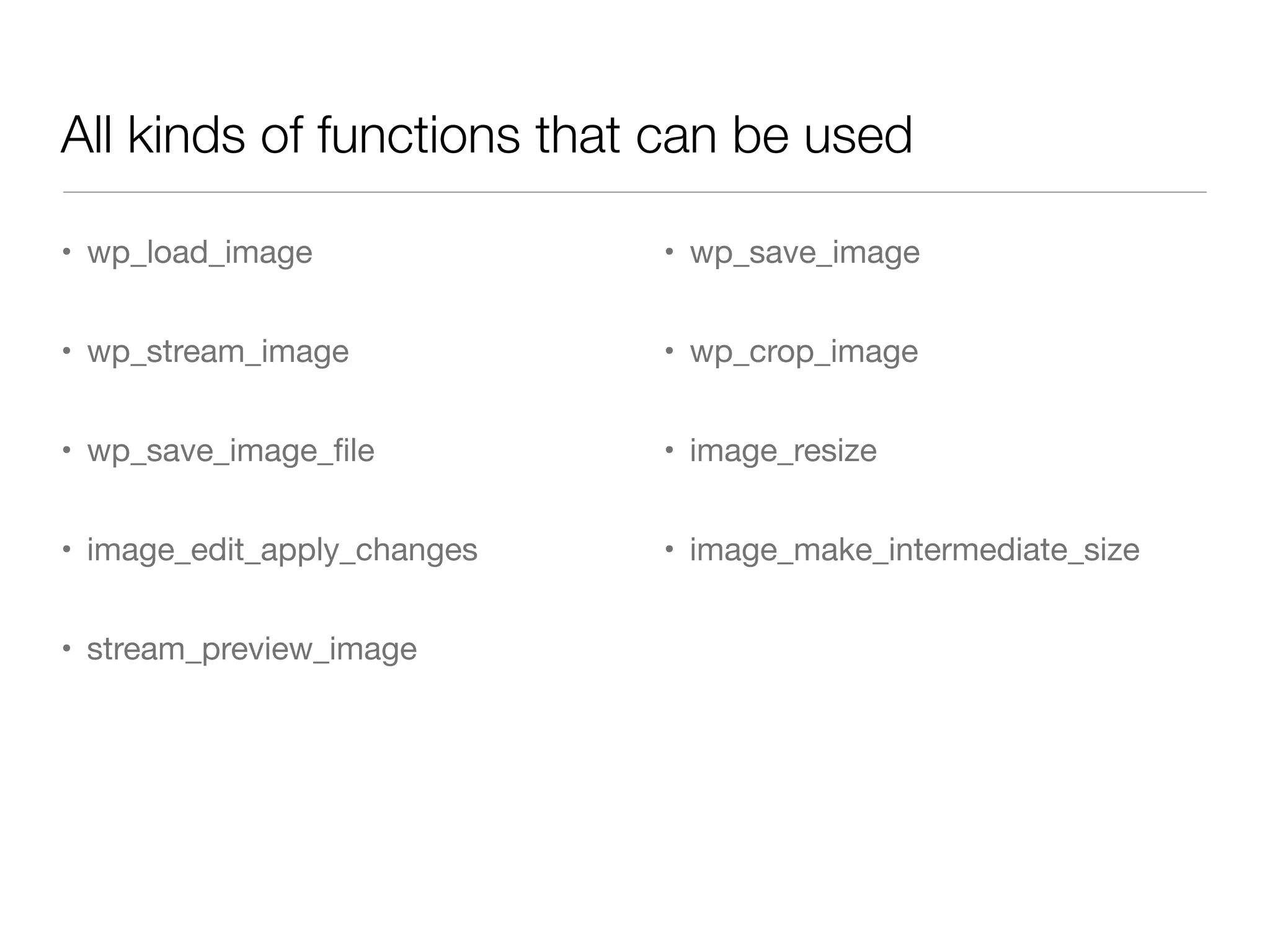
All kinds of functions that can be used

• wp_load_image              • wp_save_image


• wp_stream_image            • wp_crop_image


• wp_save_image_file          • image_resize


• image_edit_apply_changes   • image_make_intermediate_size


• stream_preview_image
It all started at the   Working with mainly
hackday in San Francisco      Mike Schroder and Japh Thomson
The progress

• Start at hackday San Francisco on August 5

• All the coding happened on Github

• In the end we got great help from Kurt Payne with
  creating unit tests

• And obviously getting some great feedback from the
  WordPress community

• Code got committed on October 1
So what can this new API do
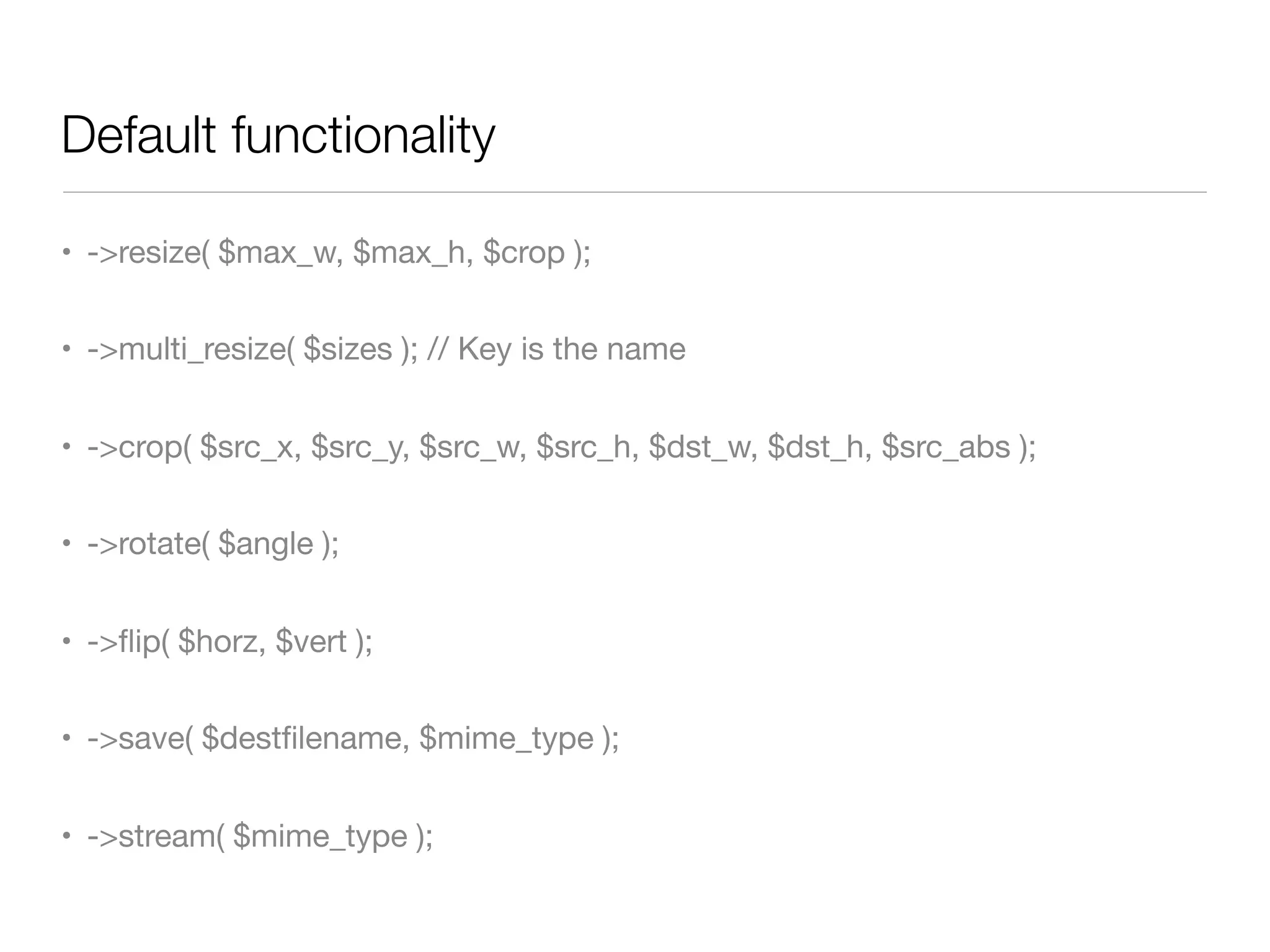
Default functionality

• ->resize( $max_w, $max_h, $crop );


• ->multi_resize( $sizes ); // Key is the name


• ->crop( $src_x, $src_y, $src_w, $src_h, $dst_w, $dst_h, $src_abs );


• ->rotate( $angle );


• ->flip( $horz, $vert );


• ->save( $destfilename, $mime_type );


• ->stream( $mime_type );
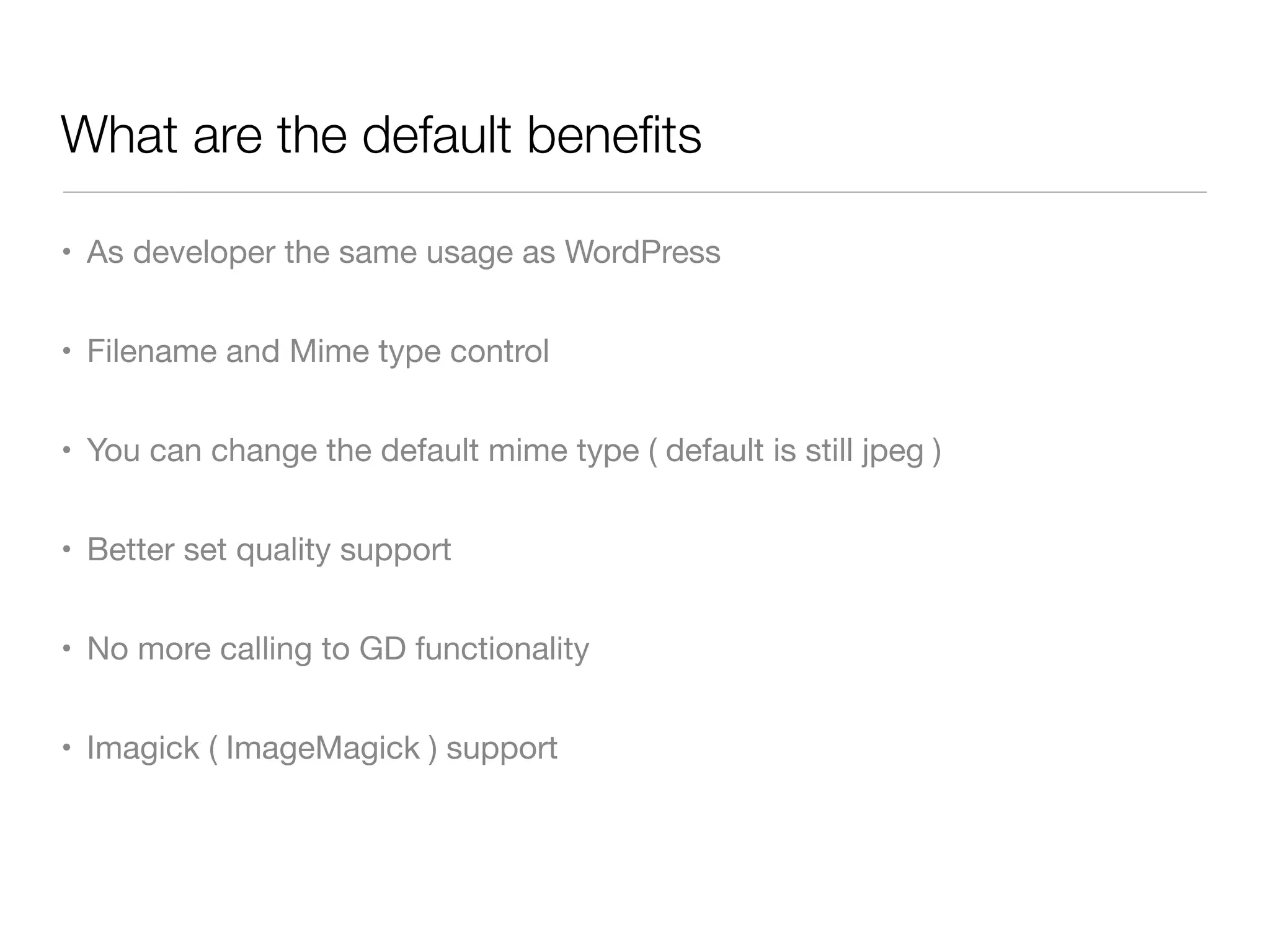
What are the default benefits

• As developer the same usage as WordPress


• Filename and Mime type control


• You can change the default mime type ( default is still jpeg )


• Better set quality support


• No more calling to GD functionality


• Imagick ( ImageMagick ) support
Examples
Let’s play with some of the code WordPress now has
Example 1
Same usage as you where using add_image_size but now you can create full
             control for which image you want to create one
The code
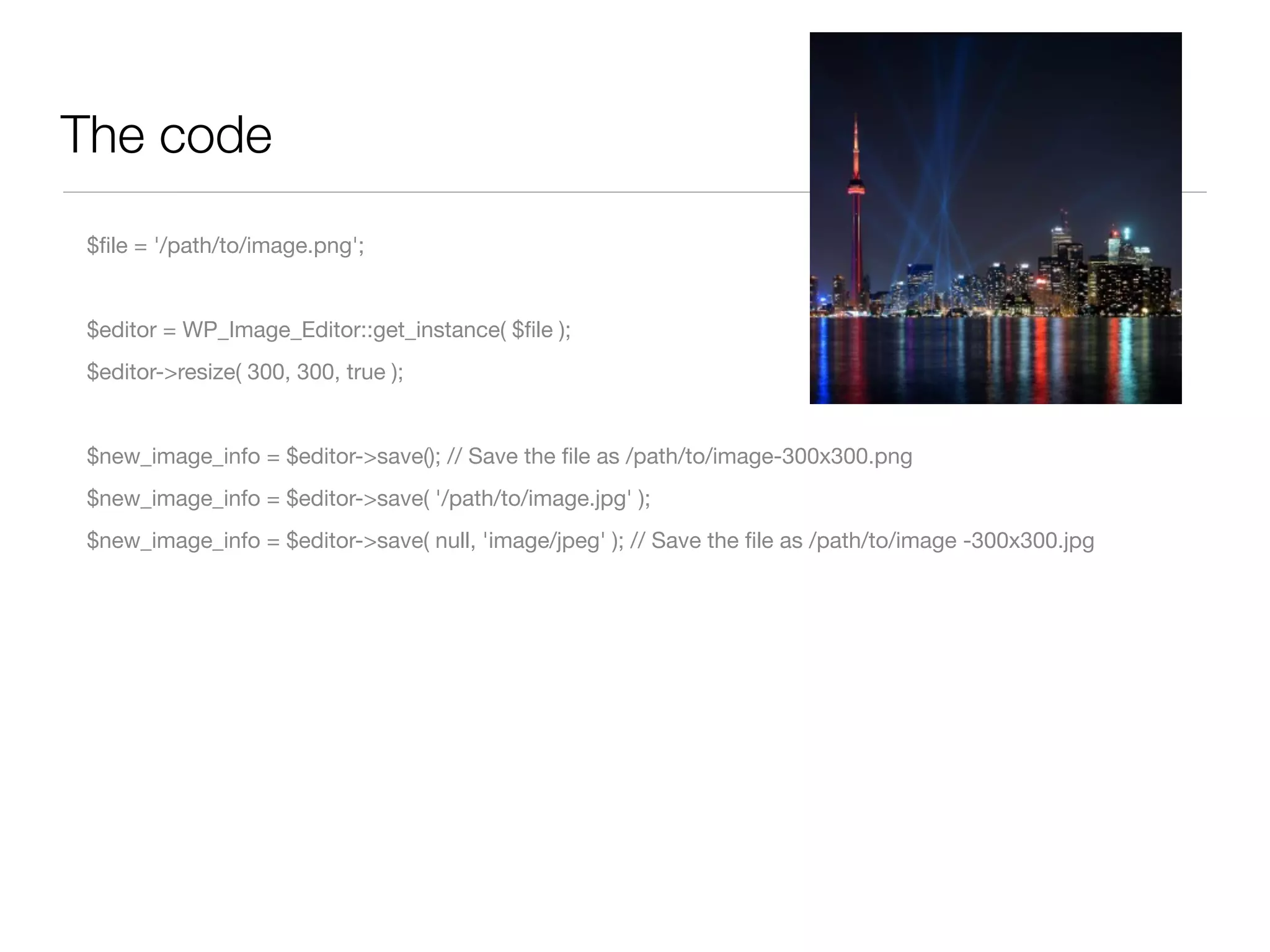
$file = '/path/to/image.png';


$editor = WP_Image_Editor::get_instance( $file );
$editor->resize( 300, 300, true );


$new_image_info = $editor->save(); // Save the file as /path/to/image-300x300.png
$new_image_info = $editor->save( '/path/to/image.jpg' );
$new_image_info = $editor->save( null, 'image/jpeg' ); // Save the file as /path/to/image -300x300.jpg
Info wat save() returns

 array(5) {

     ["path"]=> string(65) "/path/to/image-300x300.png"

     ["file"]=> string(20) "toronto-300x300.png"

     ["width"]=> int(300)

     ["height"]=> int(300)

     ["mime-type"]=> string(10) "image/png"

 }
Example 2
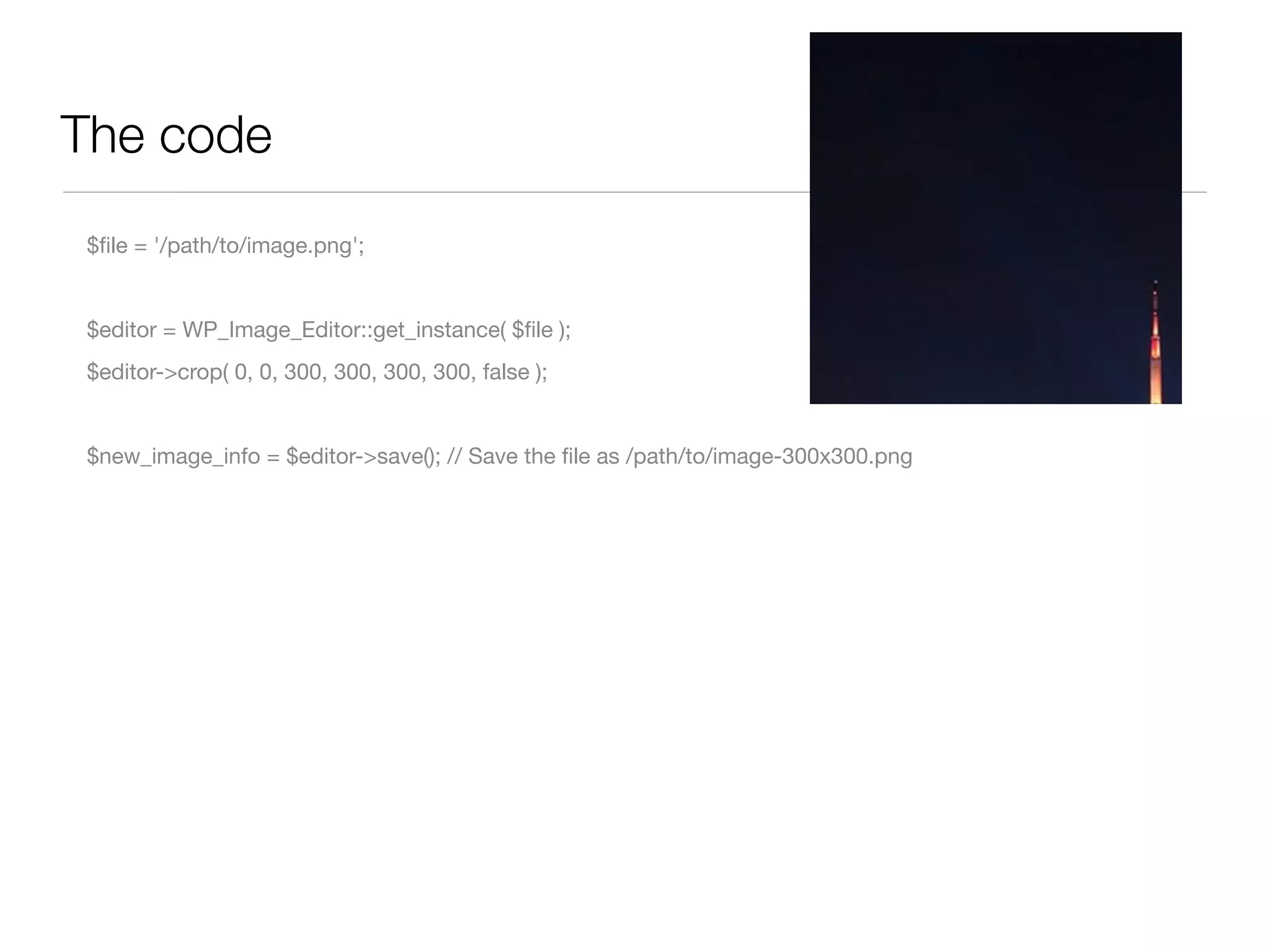
Create a crop where you want it
The code
$file = '/path/to/image.png';


$editor = WP_Image_Editor::get_instance( $file );
$editor->crop( 0, 0, 300, 300, 300, 300, false );


$new_image_info = $editor->save(); // Save the file as /path/to/image-300x300.png
Example 3
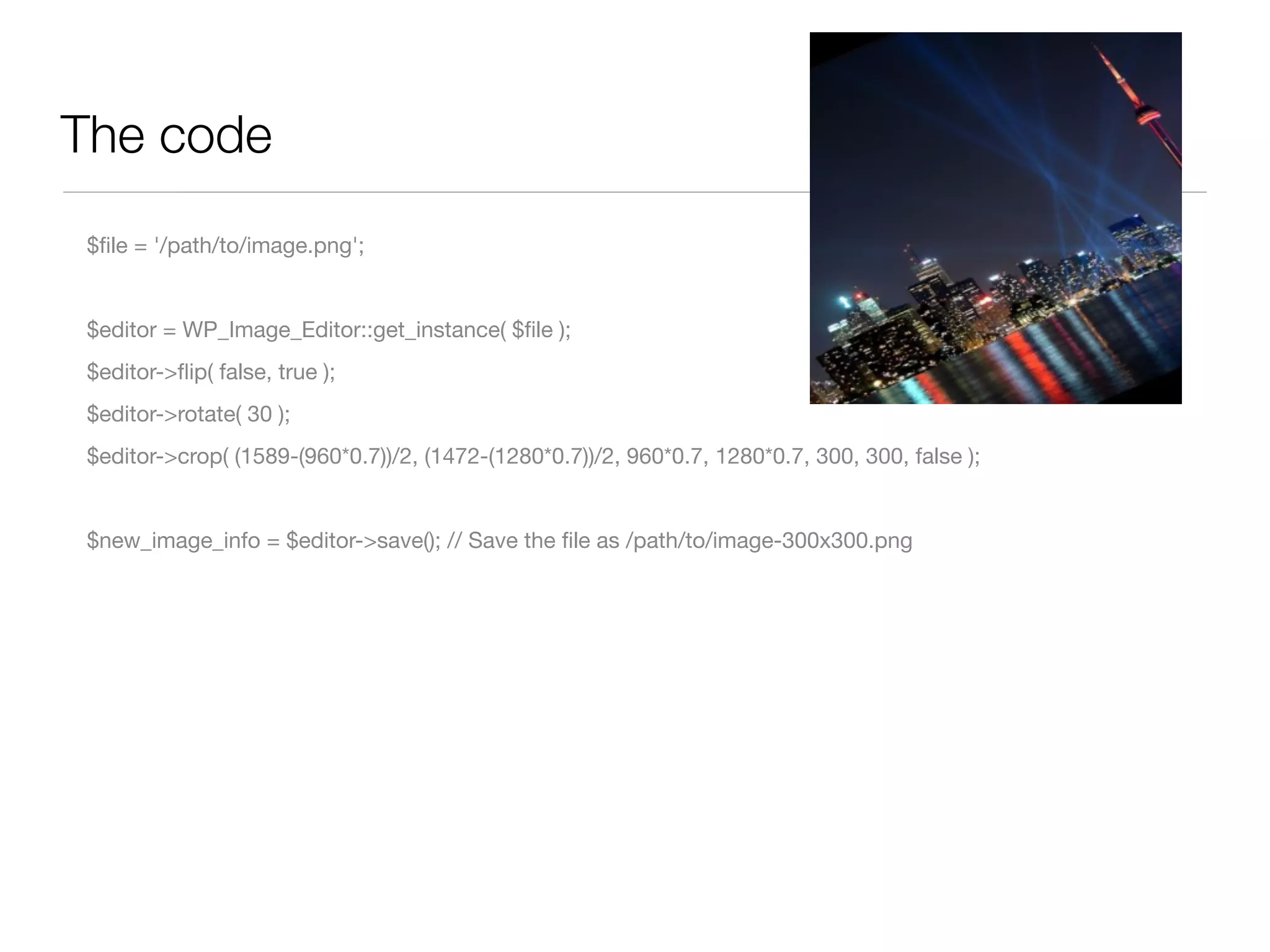
Multiple calls so lets have some play time
The code
$file = '/path/to/image.png';


$editor = WP_Image_Editor::get_instance( $file );
$editor->flip( false, true );
$editor->rotate( 30 );
$editor->crop( (1589-(960*0.7))/2, (1472-(1280*0.7))/2, 960*0.7, 1280*0.7, 300, 300, false );


$new_image_info = $editor->save(); // Save the file as /path/to/image-300x300.png
How does it work
How does it find the right editor to use
WP_Image_Editor::get_instance
	   public final static function get_instance( $path = null ) {
	   	     $implementation = self::choose_implementation();


	   	     if ( $implementation ) {
	   	     	     $editor = new $implementation( $path );
	   	     	     $loaded = $editor->load();


	   	     	     if ( is_wp_error ( $loaded ) )
	   	     	     	     return $loaded;


	   	     	     return $editor;
	   	     }


	   	     return new WP_Error( 'no_editor', __('No editor could be selected') );
	   }
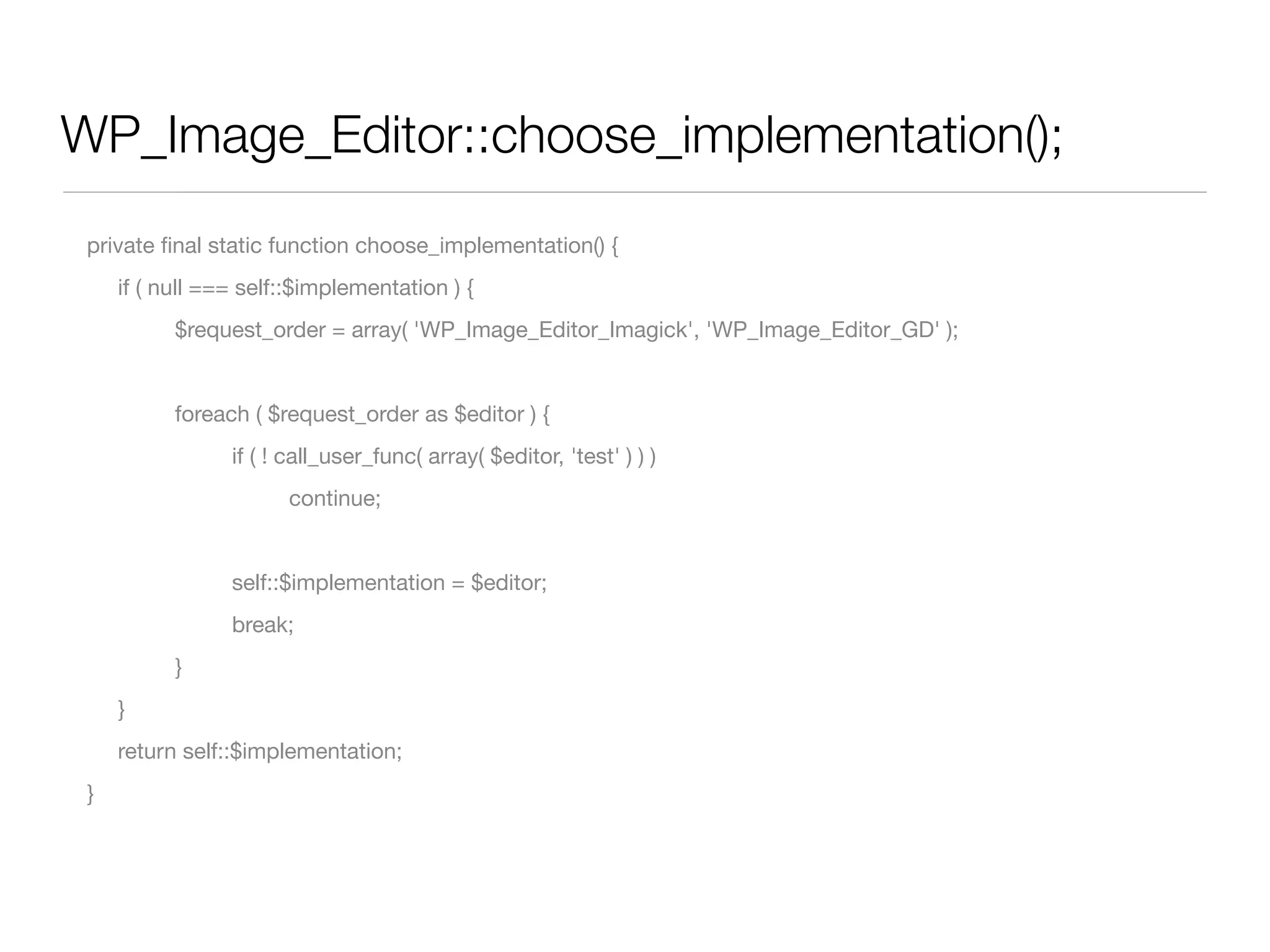
WP_Image_Editor::choose_implementation();
 private final static function choose_implementation() {
 	   if ( null === self::$implementation ) {
 	   	     $request_order = array( 'WP_Image_Editor_Imagick', 'WP_Image_Editor_GD' );


 	   	     foreach ( $request_order as $editor ) {
 	   	     	     if ( ! call_user_func( array( $editor, 'test' ) ) )
 	   	     	     	     continue;


 	   	     	     self::$implementation = $editor;
 	   	     	     break;
 	   	     }
 	   }
 	   return self::$implementation;
 }
Why using the word “default”
Because you can write your own implementation
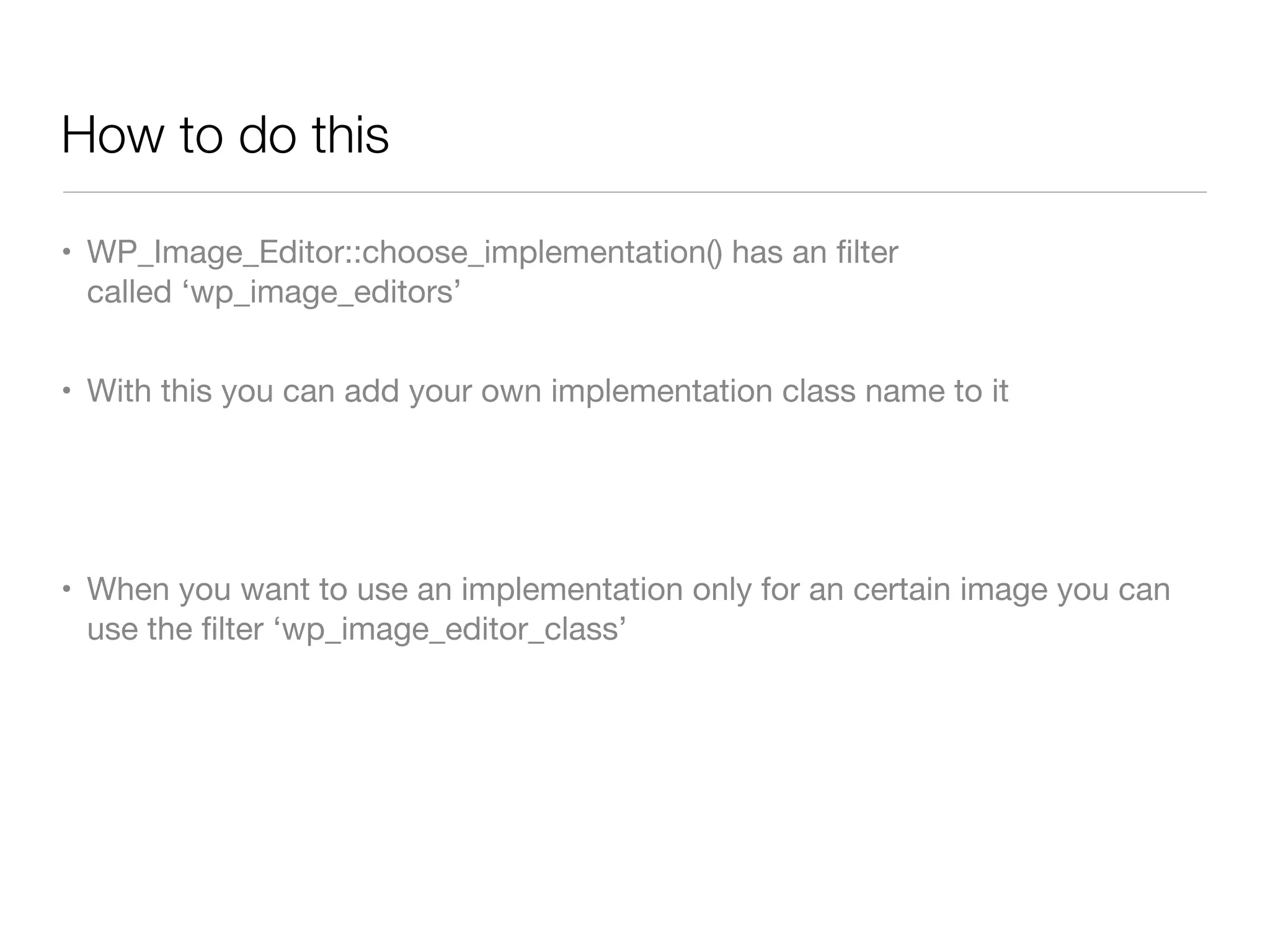
How to do this

• WP_Image_Editor::choose_implementation() has an filter
  called ‘wp_image_editors’


• With this you can add your own implementation class name to it


• When you want to use an implementation only for an certain image you can
  use the filter ‘wp_image_editor_class’
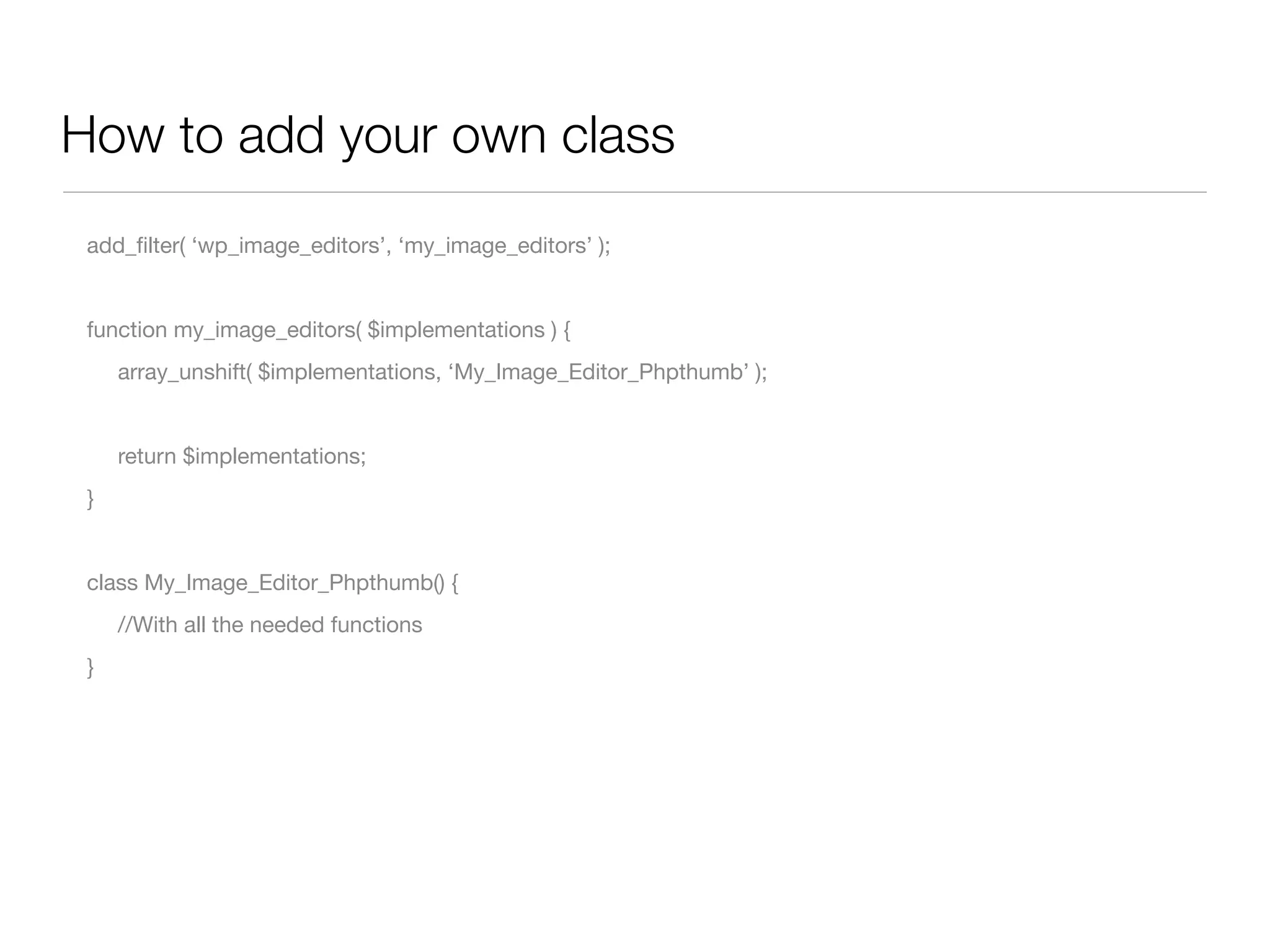
How to add your own class
 add_filter( ‘wp_image_editors’, ‘my_image_editors’ );


 function my_image_editors( $implementations ) {
 
   array_unshift( $implementations, ‘My_Image_Editor_Phpthumb’ );


 	   return $implementations;
 }


 class My_Image_Editor_Phpthumb() {
 	   //With all the needed functions
 }
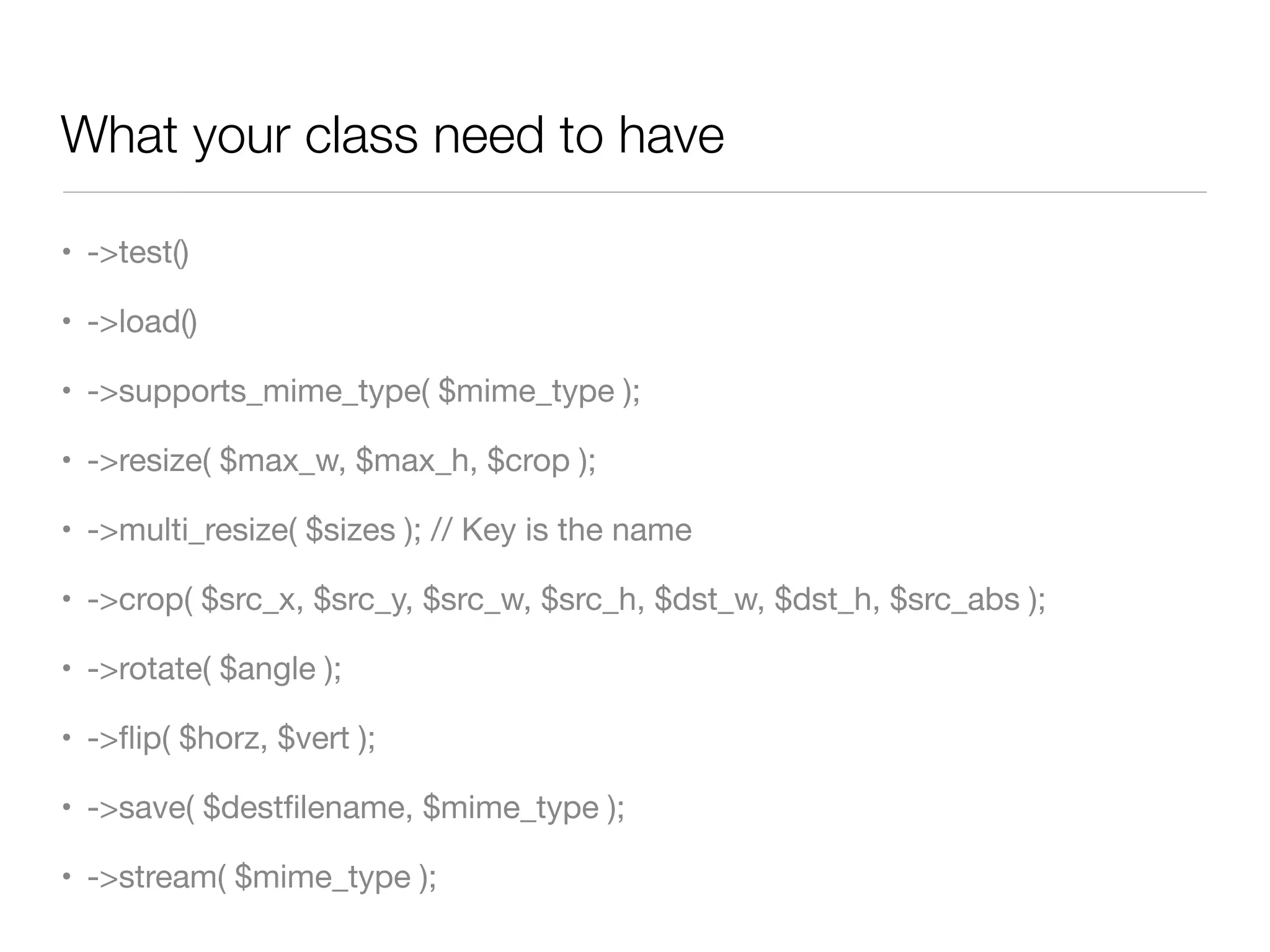
What your class need to have

• ->test()

• ->load()

• ->supports_mime_type( $mime_type );

• ->resize( $max_w, $max_h, $crop );

• ->multi_resize( $sizes ); // Key is the name

• ->crop( $src_x, $src_y, $src_w, $src_h, $dst_w, $dst_h, $src_abs );

• ->rotate( $angle );

• ->flip( $horz, $vert );

• ->save( $destfilename, $mime_type );

• ->stream( $mime_type );
Going into the code
Anyone has a question before we do?
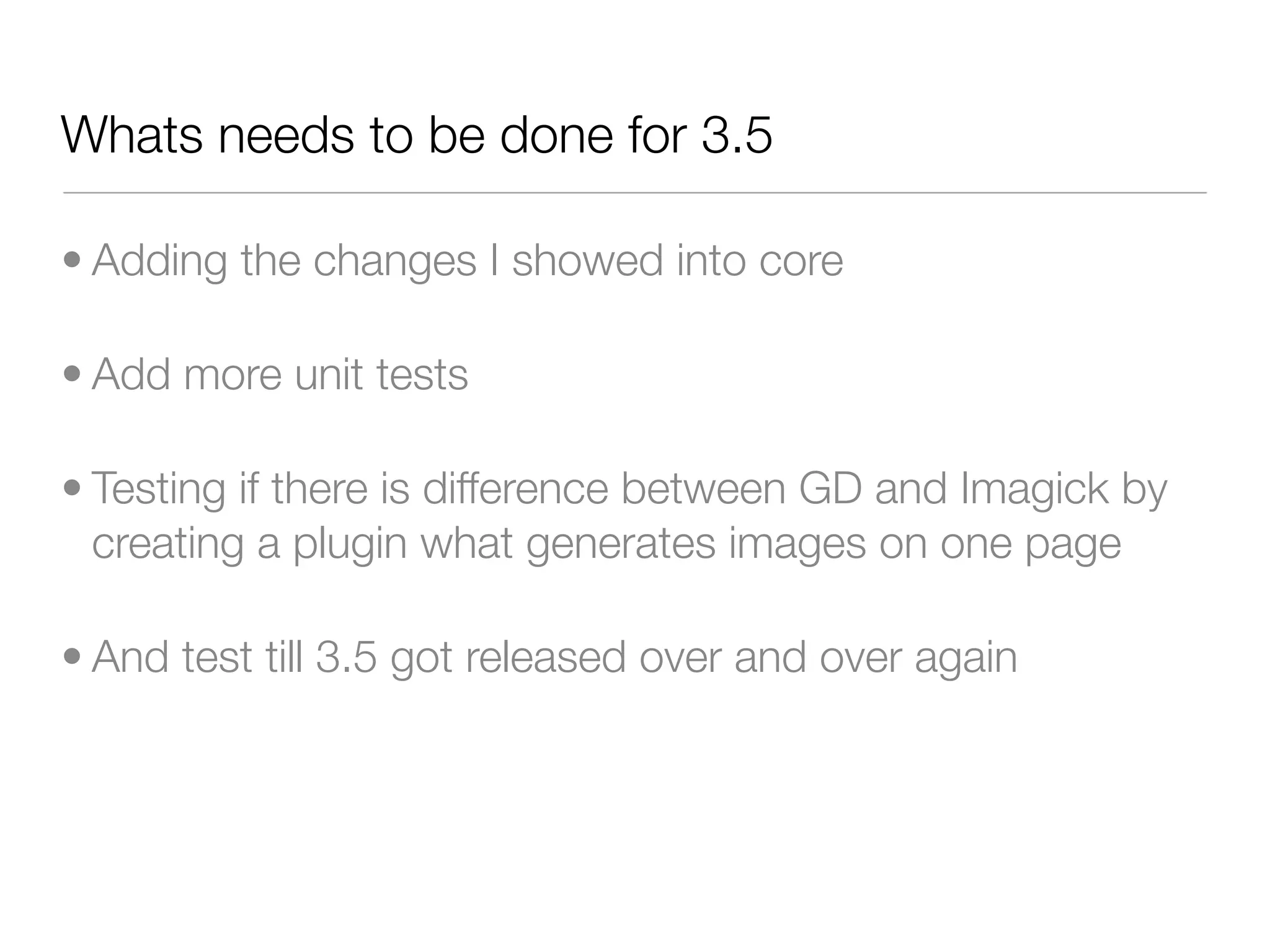
Whats needs to be done for 3.5

• Adding the changes I showed into core

• Add more unit tests

• Testing if there is difference between GD and Imagick by
  creating a plugin what generates images on one page

• And test till 3.5 got released over and over again
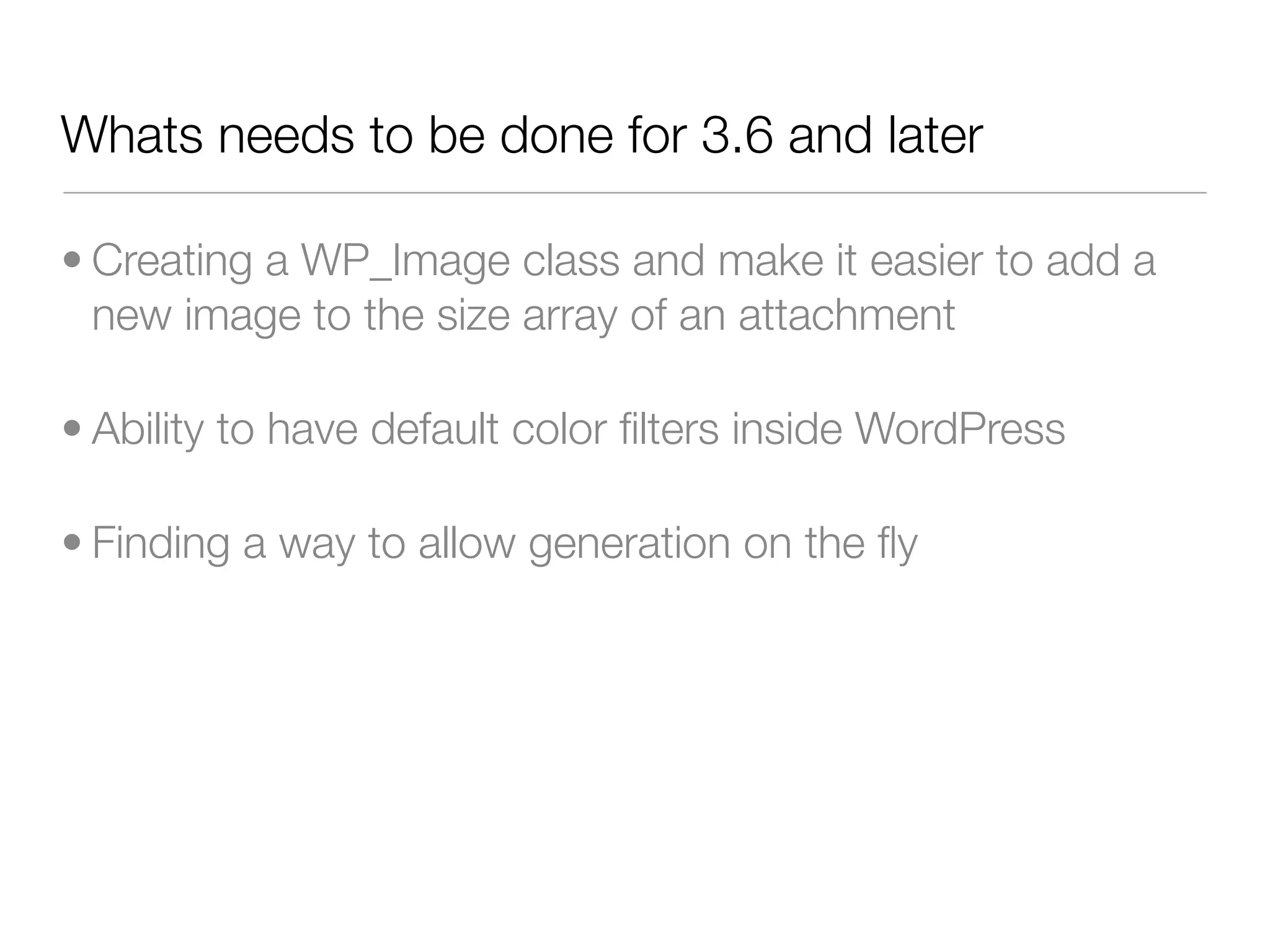
Whats needs to be done for 3.6 and later

• Creating a WP_Image class and make it easier to add a
  new image to the size array of an attachment

• Ability to have default color filters inside WordPress

• Finding a way to allow generation on the fly
Questions?
@markoheijnen - info@markoheijnen.com

Image manipulation in WordPress 3.5

  • 1.
    Improved image WordCamp Toronto - Developers manipulation in WordPress November 4, 2012
  • 2.
    Marko Heijnen • WordPressand mobile developer • Working with WordPress for more then six years • WordPress contributor of 3.0, 3.3, 3.4 and 3.5 • Recent rockstar of 3.4 • Founder of WP Rockstars
  • 3.
    Dealing with problems •I like dealing with problems • My first try of contributing was on the rewrite API • For 3.4 I worked on the XML-RPC with Max Cutler & Westwood • And now dealing with all the image manipulation API’s
  • 4.
    What am Igoing to talk about • How the current code looks like • In short how the process went • How the new API code looks like with the help of example code • The future steps that still need to be done
  • 5.
    How it currentlylooks like Totally chaos of calls to GD functions and no way to really use it as a developer
  • 6.
    All kinds offunctions that can be used • wp_load_image • wp_save_image • wp_stream_image • wp_crop_image • wp_save_image_file • image_resize • image_edit_apply_changes • image_make_intermediate_size • stream_preview_image
  • 8.
    It all startedat the Working with mainly hackday in San Francisco Mike Schroder and Japh Thomson
  • 9.
    The progress • Startat hackday San Francisco on August 5 • All the coding happened on Github • In the end we got great help from Kurt Payne with creating unit tests • And obviously getting some great feedback from the WordPress community • Code got committed on October 1
  • 10.
    So what canthis new API do
  • 11.
    Default functionality • ->resize($max_w, $max_h, $crop ); • ->multi_resize( $sizes ); // Key is the name • ->crop( $src_x, $src_y, $src_w, $src_h, $dst_w, $dst_h, $src_abs ); • ->rotate( $angle ); • ->flip( $horz, $vert ); • ->save( $destfilename, $mime_type ); • ->stream( $mime_type );
  • 12.
    What are thedefault benefits • As developer the same usage as WordPress • Filename and Mime type control • You can change the default mime type ( default is still jpeg ) • Better set quality support • No more calling to GD functionality • Imagick ( ImageMagick ) support
  • 13.
    Examples Let’s play withsome of the code WordPress now has
  • 14.
    Example 1 Same usageas you where using add_image_size but now you can create full control for which image you want to create one
  • 15.
    The code $file ='/path/to/image.png'; $editor = WP_Image_Editor::get_instance( $file ); $editor->resize( 300, 300, true ); $new_image_info = $editor->save(); // Save the file as /path/to/image-300x300.png $new_image_info = $editor->save( '/path/to/image.jpg' ); $new_image_info = $editor->save( null, 'image/jpeg' ); // Save the file as /path/to/image -300x300.jpg
  • 16.
    Info wat save()returns array(5) { ["path"]=> string(65) "/path/to/image-300x300.png" ["file"]=> string(20) "toronto-300x300.png" ["width"]=> int(300) ["height"]=> int(300) ["mime-type"]=> string(10) "image/png" }
  • 17.
    Example 2 Create acrop where you want it
  • 18.
    The code $file ='/path/to/image.png'; $editor = WP_Image_Editor::get_instance( $file ); $editor->crop( 0, 0, 300, 300, 300, 300, false ); $new_image_info = $editor->save(); // Save the file as /path/to/image-300x300.png
  • 19.
    Example 3 Multiple callsso lets have some play time
  • 20.
    The code $file ='/path/to/image.png'; $editor = WP_Image_Editor::get_instance( $file ); $editor->flip( false, true ); $editor->rotate( 30 ); $editor->crop( (1589-(960*0.7))/2, (1472-(1280*0.7))/2, 960*0.7, 1280*0.7, 300, 300, false ); $new_image_info = $editor->save(); // Save the file as /path/to/image-300x300.png
  • 21.
    How does itwork How does it find the right editor to use
  • 22.
    WP_Image_Editor::get_instance public final static function get_instance( $path = null ) { $implementation = self::choose_implementation(); if ( $implementation ) { $editor = new $implementation( $path ); $loaded = $editor->load(); if ( is_wp_error ( $loaded ) ) return $loaded; return $editor; } return new WP_Error( 'no_editor', __('No editor could be selected') ); }
  • 23.
    WP_Image_Editor::choose_implementation(); private finalstatic function choose_implementation() { if ( null === self::$implementation ) { $request_order = array( 'WP_Image_Editor_Imagick', 'WP_Image_Editor_GD' ); foreach ( $request_order as $editor ) { if ( ! call_user_func( array( $editor, 'test' ) ) ) continue; self::$implementation = $editor; break; } } return self::$implementation; }
  • 24.
    Why using theword “default”
  • 25.
    Because you canwrite your own implementation
  • 26.
    How to dothis • WP_Image_Editor::choose_implementation() has an filter called ‘wp_image_editors’ • With this you can add your own implementation class name to it • When you want to use an implementation only for an certain image you can use the filter ‘wp_image_editor_class’
  • 27.
    How to addyour own class add_filter( ‘wp_image_editors’, ‘my_image_editors’ ); function my_image_editors( $implementations ) { array_unshift( $implementations, ‘My_Image_Editor_Phpthumb’ ); return $implementations; } class My_Image_Editor_Phpthumb() { //With all the needed functions }
  • 28.
    What your classneed to have • ->test() • ->load() • ->supports_mime_type( $mime_type ); • ->resize( $max_w, $max_h, $crop ); • ->multi_resize( $sizes ); // Key is the name • ->crop( $src_x, $src_y, $src_w, $src_h, $dst_w, $dst_h, $src_abs ); • ->rotate( $angle ); • ->flip( $horz, $vert ); • ->save( $destfilename, $mime_type ); • ->stream( $mime_type );
  • 29.
    Going into thecode Anyone has a question before we do?
  • 30.
    Whats needs tobe done for 3.5 • Adding the changes I showed into core • Add more unit tests • Testing if there is difference between GD and Imagick by creating a plugin what generates images on one page • And test till 3.5 got released over and over again
  • 31.
    Whats needs tobe done for 3.6 and later • Creating a WP_Image class and make it easier to add a new image to the size array of an attachment • Ability to have default color filters inside WordPress • Finding a way to allow generation on the fly
  • 32.