Marko Heijnen CODEKITCHEN
My complicated site
WordCamp Croatia, Rijeka 2015
Who can remember how their
site was hosted 10 years ago?
Web isn’t the same as
it was in the nineties
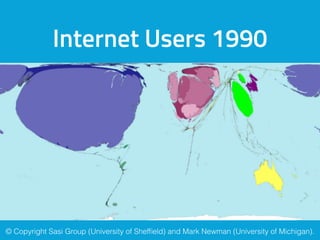
Internet Users 1990
© Copyright Sasi Group (University of Sheffield) and Mark Newman (University of Michigan).
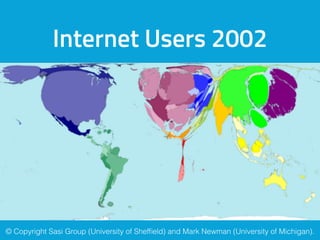
Internet Users 2002
© Copyright Sasi Group (University of Sheffield) and Mark Newman (University of Michigan).
Now around 43% of the world is
connected
And almost 50% users living in Asia
So shared hosting isn’t
enough anymore
My site’s history
My site’s history
• Started in 2008
• Hosted on a crappy shared host
• Switched to another shared host
• Switched to a VPS in 2010 with Directadmin
• Start using nginx in 2012 on another VPS
• In 2015 switched to Digital Ocean with multiple servers
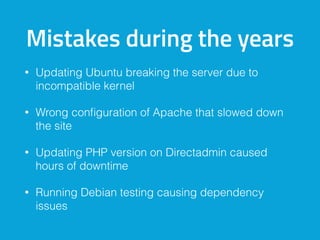
Mistakes during the years
• Updating Ubuntu breaking the server due to
incompatible kernel
• Wrong configuration of Apache that slowed down
the site
• Updating PHP version on Directadmin caused
hours of downtime
• Running Debian testing causing dependency
issues
Builded up my own cluster
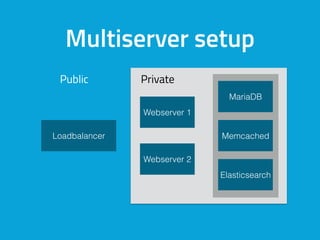
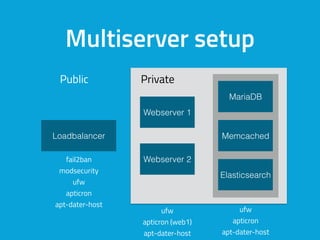
Multiserver setup
Public Private
Loadbalancer
Webserver 1
Webserver 2
Memcached
Elasticsearch
MariaDB
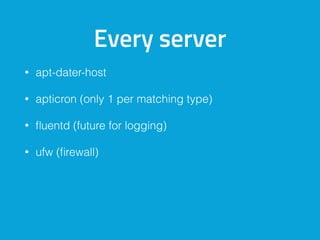
Every server
• apt-dater-host
• apticron (only 1 per matching type)
• fluentd (future for logging)
• ufw (firewall)
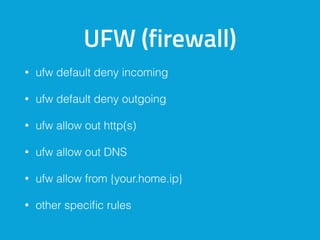
UFW (firewall)
• ufw default deny incoming
• ufw default deny outgoing
• ufw allow out http(s)
• ufw allow out DNS
• ufw allow from {your.home.ip}
• other specific rules
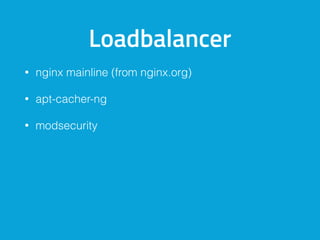
Loadbalancer
• nginx mainline (from nginx.org)

• apt-cacher-ng
• modsecurity
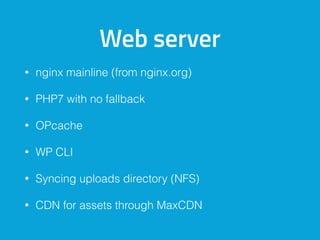
Web server
• nginx mainline (from nginx.org)
• PHP7 with no fallback
• OPcache
• WP CLI
• Syncing uploads directory (NFS)
• CDN for assets through MaxCDN
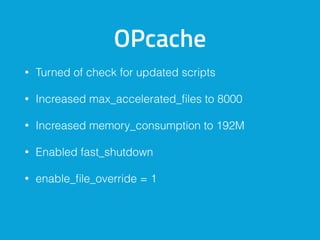
OPcache
• Turned of check for updated scripts
• Increased max_accelerated_files to 8000
• Increased memory_consumption to 192M
• Enabled fast_shutdown
• enable_file_override = 1
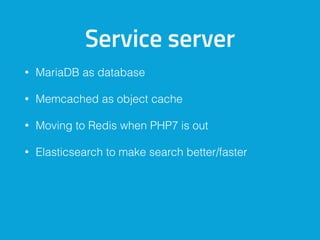
Service server
• MariaDB as database
• Memcached as object cache
• Moving to Redis when PHP7 is out
• Elasticsearch to make search better/faster
Multiserver setup
fail2ban
modsecurity
ufw
apticron
apt-dater-host
ufw
apticron (web1)
apt-dater-host
ufw
apticron
apt-dater-host
Loadbalancer
Webserver 1
Webserver 2
Memcached
Elasticsearch
MariaDB
Public Private
Additional microservice
server
What are microservices
• Microservices are small, autonomous services that
work together
• Small, and Focused on Doing One Thing Well

Benefits
• Offload functionality from WordPress
• Different services can use different programming

languages
• High level separation
• If WordPress breaks, the services still keep running
• Ease of Deployment
Benefits
• Scale services that require more resources
• In general they have an (REST) API
• Reusable
• Other microservices could call the service to run a
task
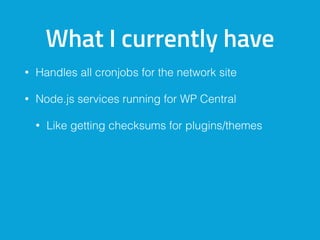
What I currently have
• Handles all cronjobs for the network site
• Node.js services running for WP Central
• Like getting checksums for plugins/themes
Additional server for
image manipulation
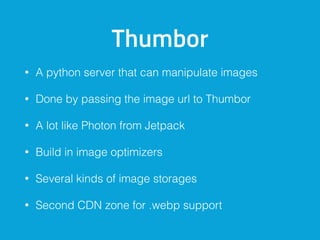
Thumbor
• A python server that can manipulate images
• Done by passing the image url to Thumbor
• A lot like Photon from Jetpack
• Build in image optimizers
• Several kinds of image storages
• Second CDN zone for .webp support
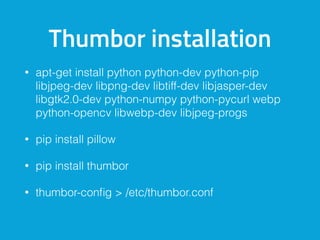
Thumbor installation
• apt-get install python python-dev python-pip
libjpeg-dev libpng-dev libtiff-dev libjasper-dev
libgtk2.0-dev python-numpy python-pycurl webp
python-opencv libwebp-dev libjpeg-progs
• pip install pillow
• pip install thumbor
• thumbor-config > /etc/thumbor.conf
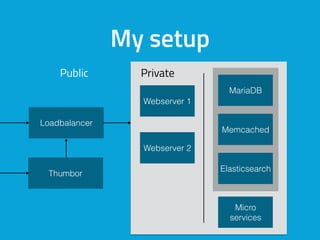
Loadbalancer
Memcached
Elasticsearch
MariaDB
My setup
Micro
services
Webserver 1
Webserver 2
Thumbor
Public Private
Security
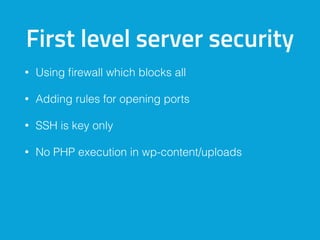
First level server security
• Using firewall which blocks all
• Adding rules for opening ports
• SSH is key only
• No PHP execution in wp-content/uploads
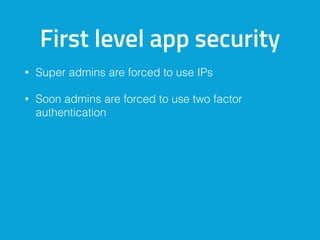
First level app security
• Super admins are forced to use IPs
• Soon admins are forced to use two factor
authentication
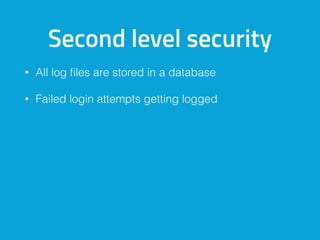
Second level security
• All log files are stored in a database
• Failed login attempts getting logged
Detection layer
• Detection layer when files are added/changed
• What is in your uploads folder (PHP files)
• Detect required updates
• Detect security issues in core/plugins/themes
• List plugins/themes that aren’t used
See also my presentation:

Protecting your site by detection
Play, break and learn
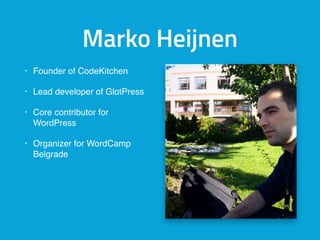
Marko Heijnen
• Founder of CodeKitchen
• Lead developer of GlotPress
• Core contributor for
WordPress
• Organizer for WordCamp
Belgrade
Marko Heijnen
info@markoheijnen.com
@markoheijnen
Thank you for
listening
Questions?
@markoheijnen
markoheijnen.com


codekitchen.eu

My complicated WordPress site