CODEKITCHENMarko Heijnen
Protecting your site by
detection
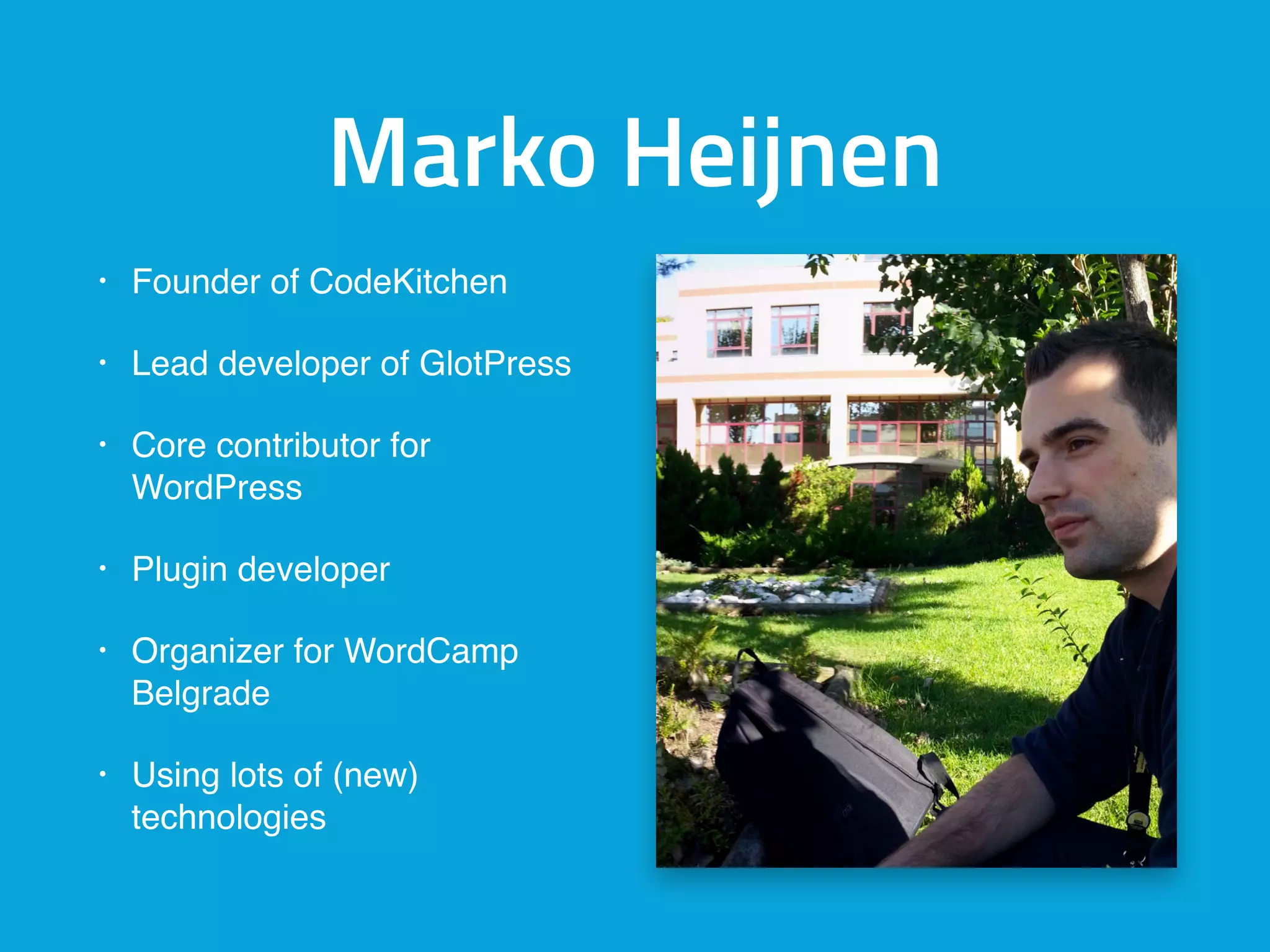
Marko Heijnen
• Founder of CodeKitchen
• Lead developer of GlotPress
• Core contributor for
WordPress
• Plugin developer
• Organizer for WordCamp
Belgrade
• Using lots of (new)
technologies
Recently lot’s of security
issues got reported
Stats first 5 months of 2015
• 3 core security updates
• Cross-site Scripting (XSS) due to the misuse of the
add_query_arg() and remove_query_arg()
functions
• Cross-site scripting (XSS) vulnerability inside the
popular JetPack plugin. and the default Twenty
Fifteen theme because of genericons.
I almost got hacked
Not only your site but
also your server
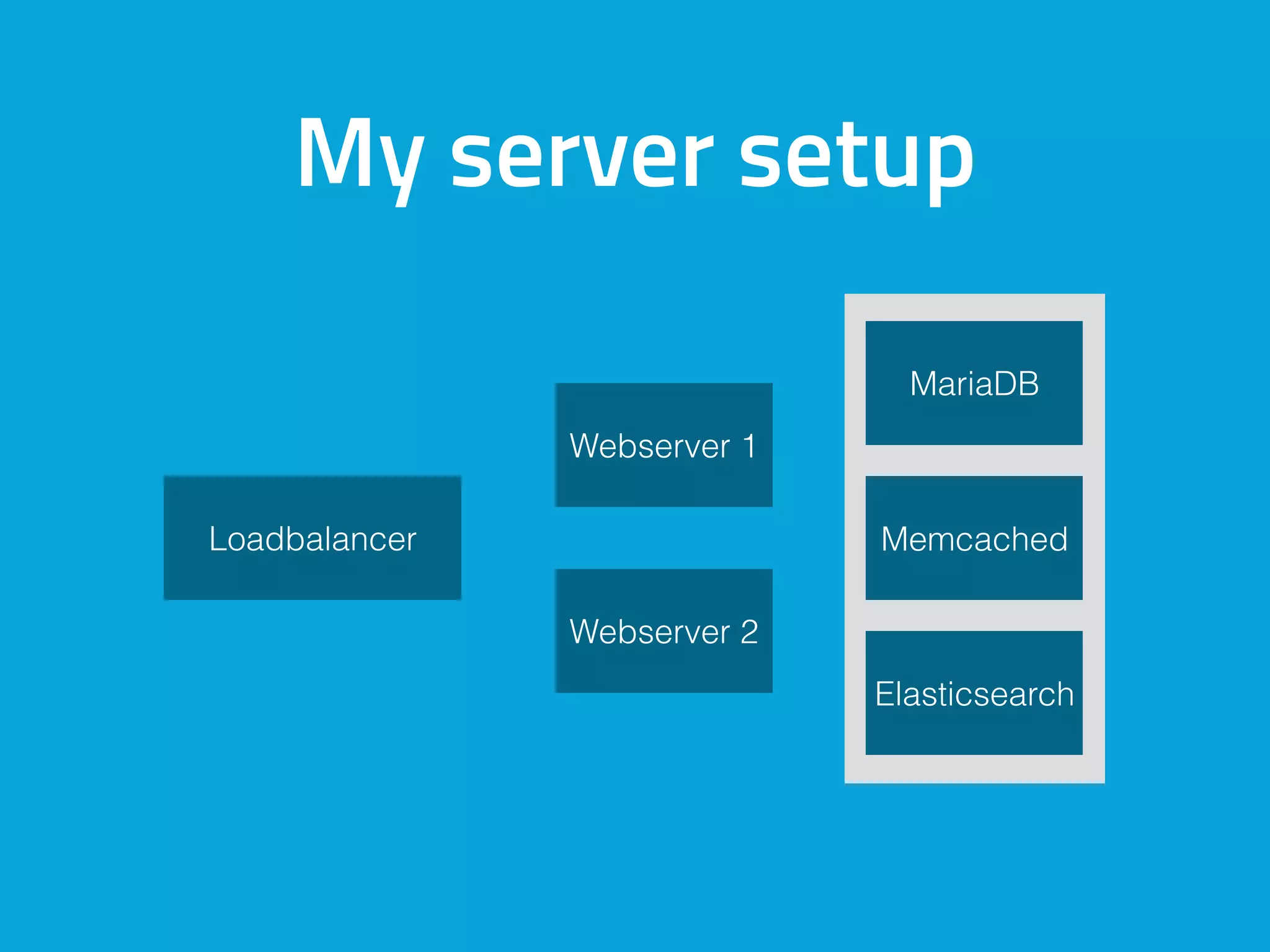
My server setup
Loadbalancer
Webserver 1
Webserver 2
Memcached
Elasticsearch
MariaDB
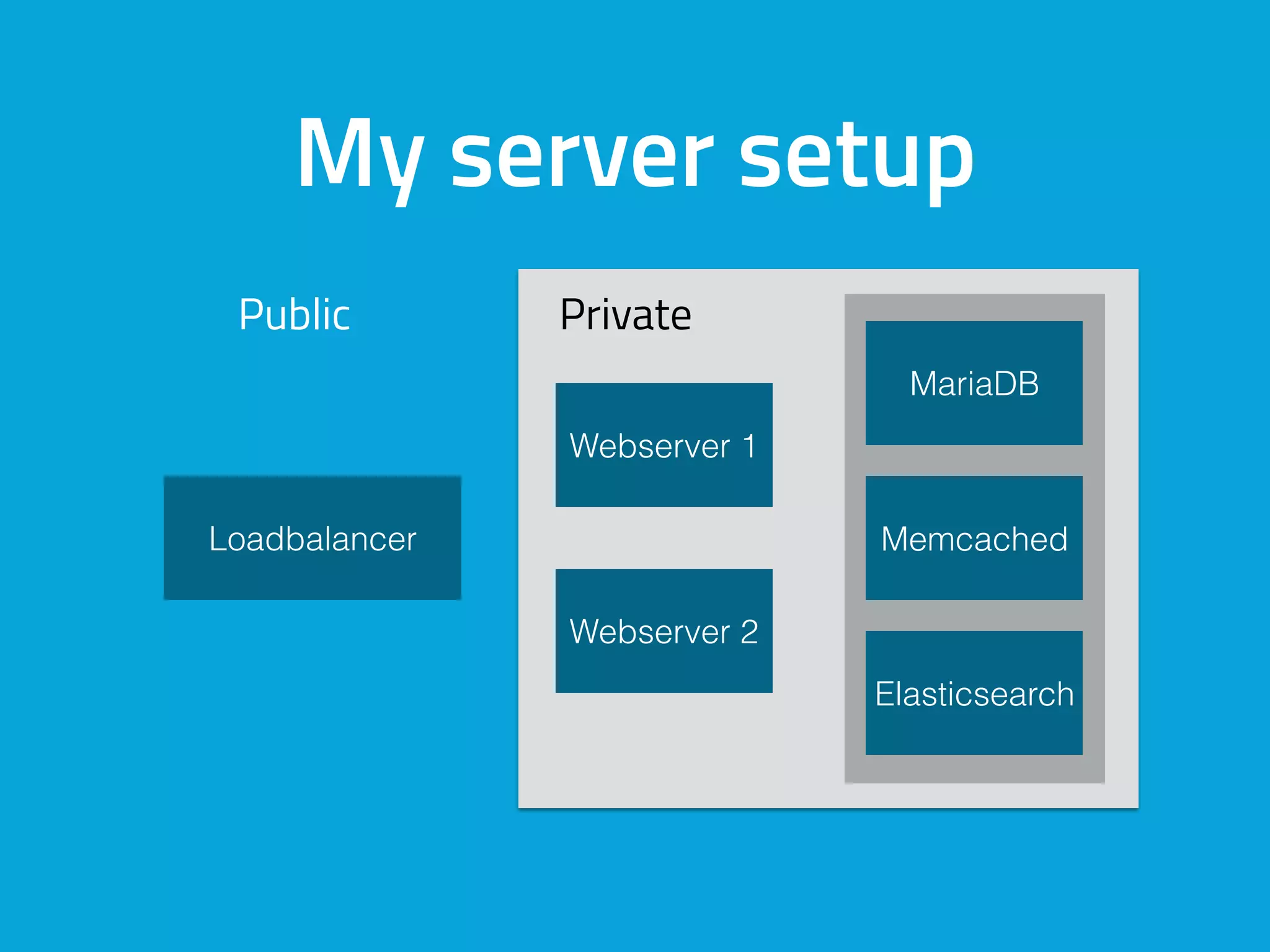
My server setup
Public Private
Loadbalancer
Webserver 1
Webserver 2
Memcached
Elasticsearch
MariaDB
Do you know if you are
currently hacked???
Protecting is silver
Detecting is gold
What can you detect
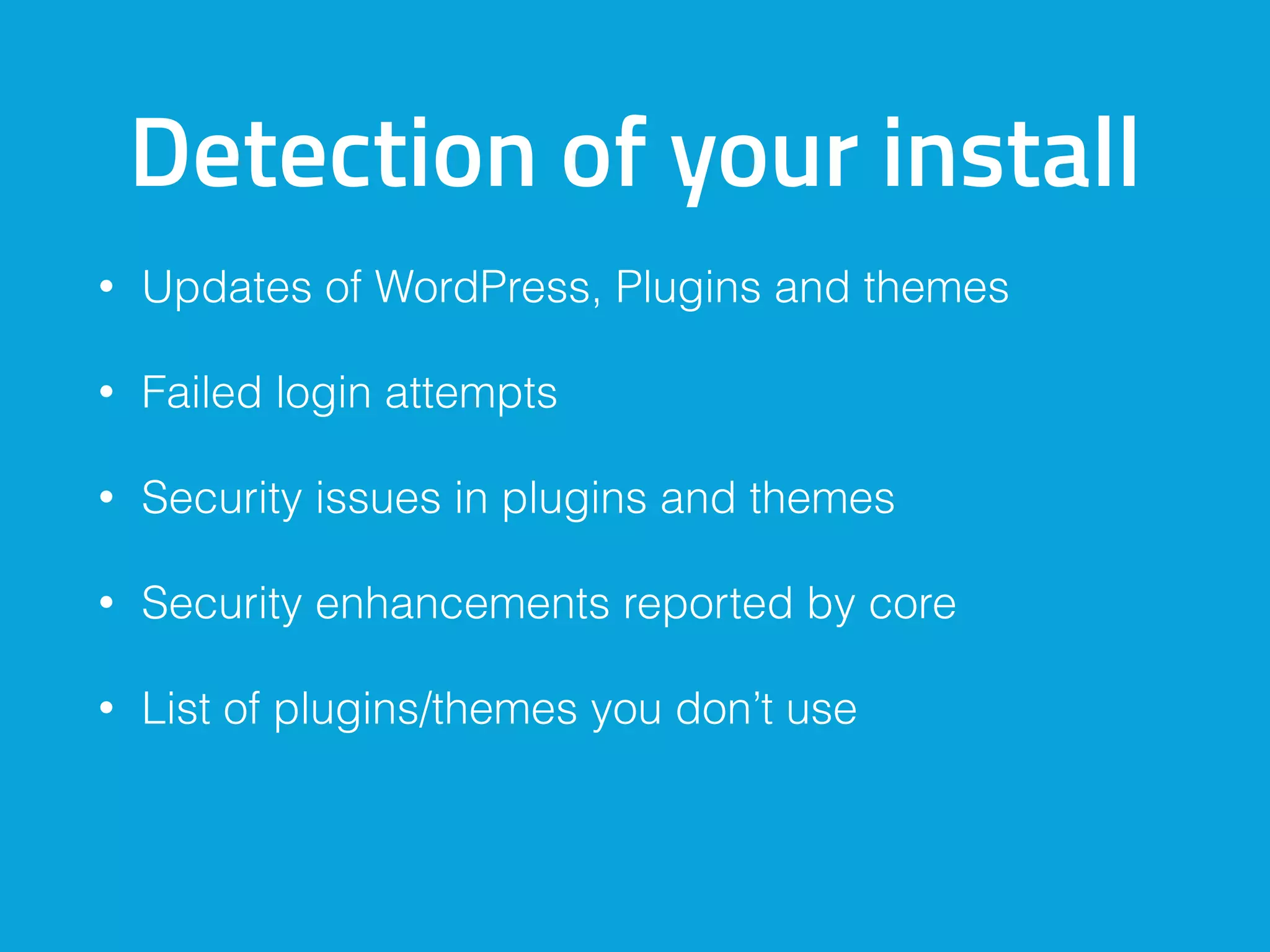
Detection of your install
• Updates of WordPress, Plugins and themes
• Failed login attempts
• Security issues in plugins and themes
• Security enhancements reported by core
• List of plugins/themes you don’t use
Detection of the server
• Updates of server software
• Failed login attempts
Detection what is going on
• Requests to plugins you don’t have (404’s)
• Permissions of your folders/files
• Check if files got changed (Core, plugins, themes)
• Check if files got added (Core, plugins, themes)
• What is in your uploads folder (PHP files)
How I do it
Software for security I use
• modsecurity / UFW on every server (default blocks
all)
• fail2ban
• apticron (only 1 per matching type)
• apt-dater-host (in combination with apt-dater)
• Own code
Apticron
• Cronjob checking if there are updates
• Mail you when there are updates
• Can mail the total list or only new updates
Apt-dater and Apt-dater-host
• Terminal-based remote package update manager
• A tool to manage a lot of servers
• Grouped same servers
• Install and update packages
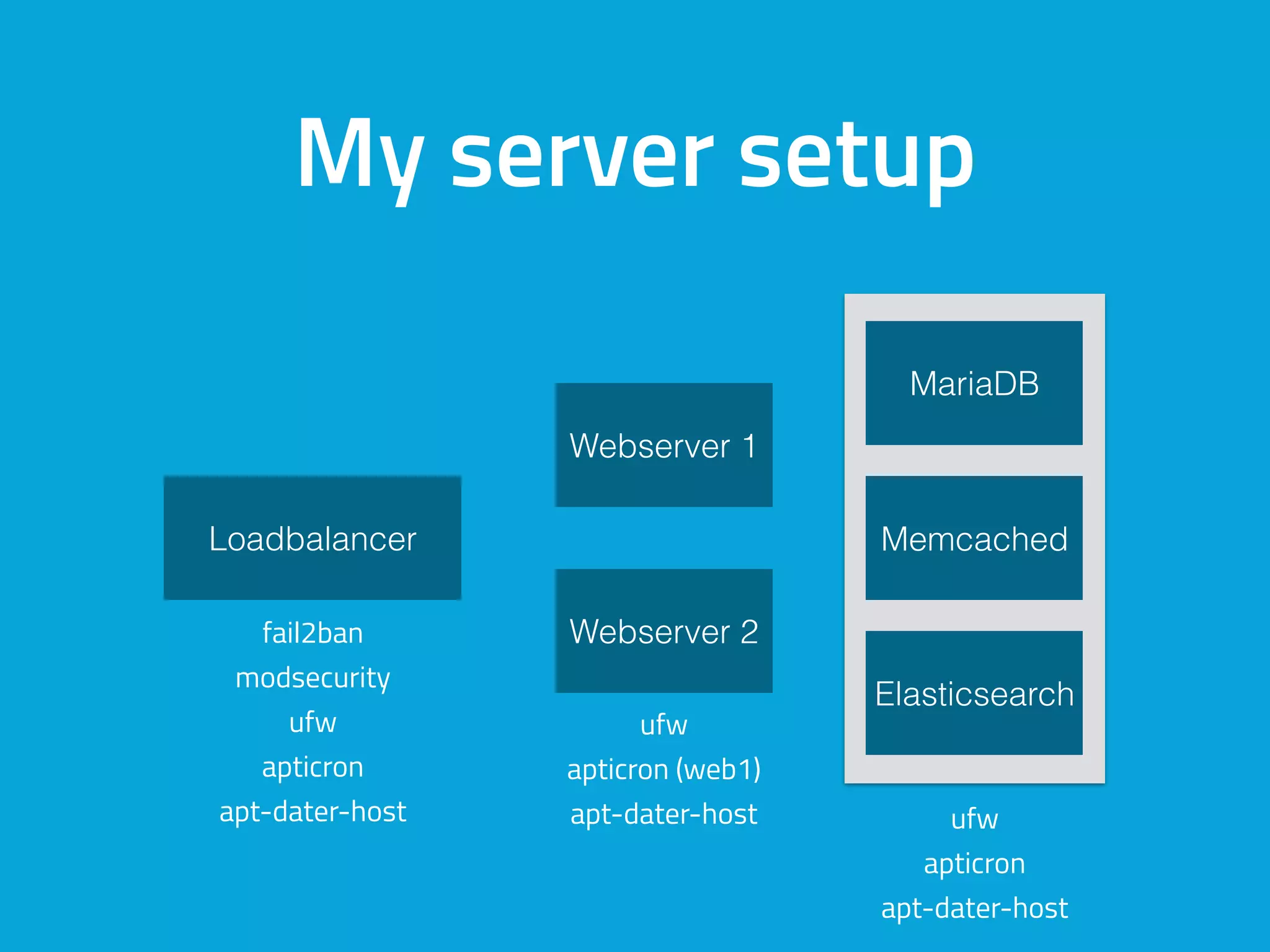
My server setup
fail2ban
modsecurity
ufw
apticron
apt-dater-host
ufw
apticron (web1)
apt-dater-host ufw
apticron
apt-dater-host
Loadbalancer
Webserver 1
Webserver 2
Memcached
Elasticsearch
MariaDB
Use WordPress to
manage WordPress
Features
• List all Linux packages
• List all PECL updates
• Shows if WP-CLI needs updating
• Restart services
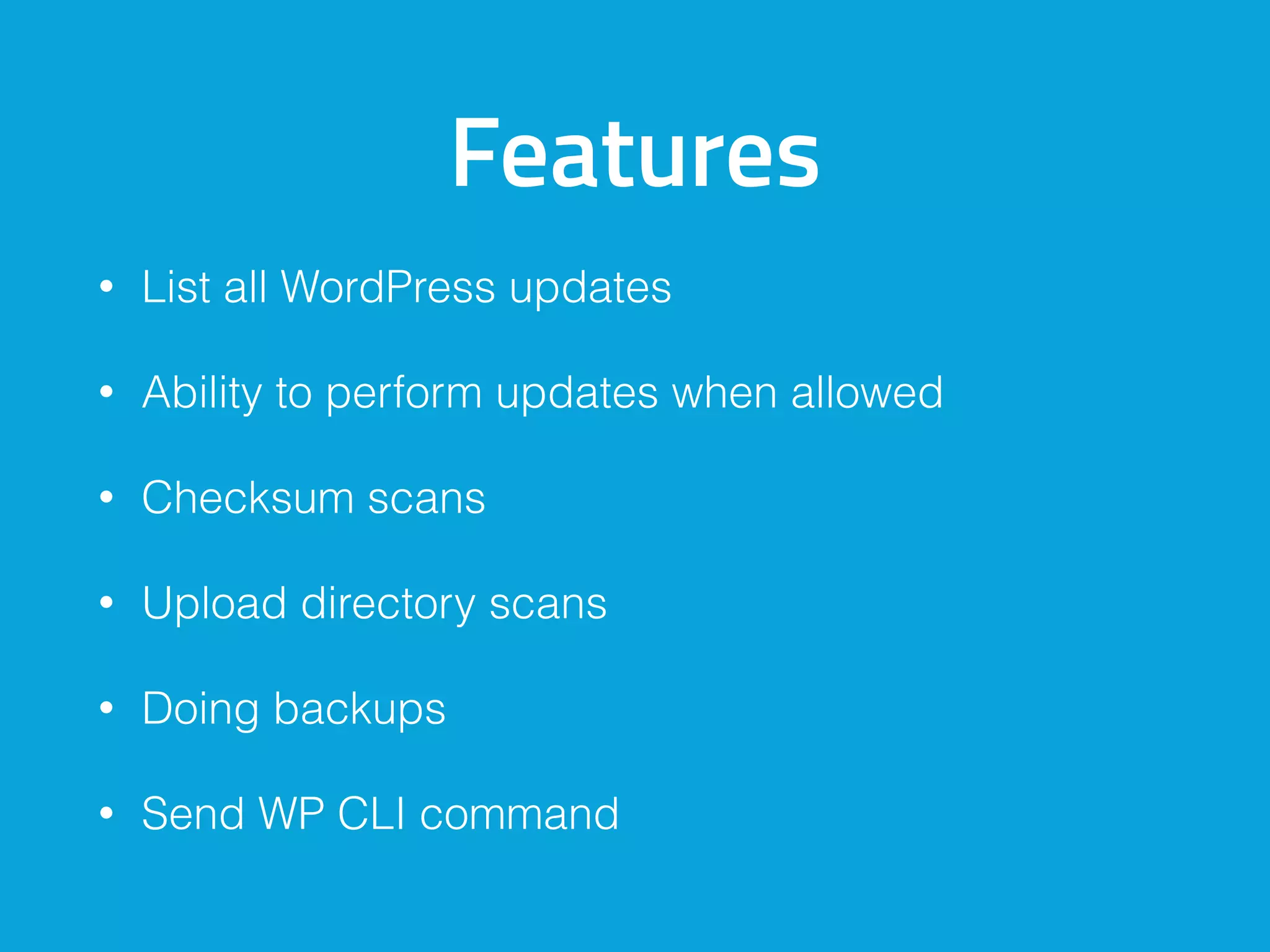
Features
• List all WordPress updates
• Ability to perform updates when allowed
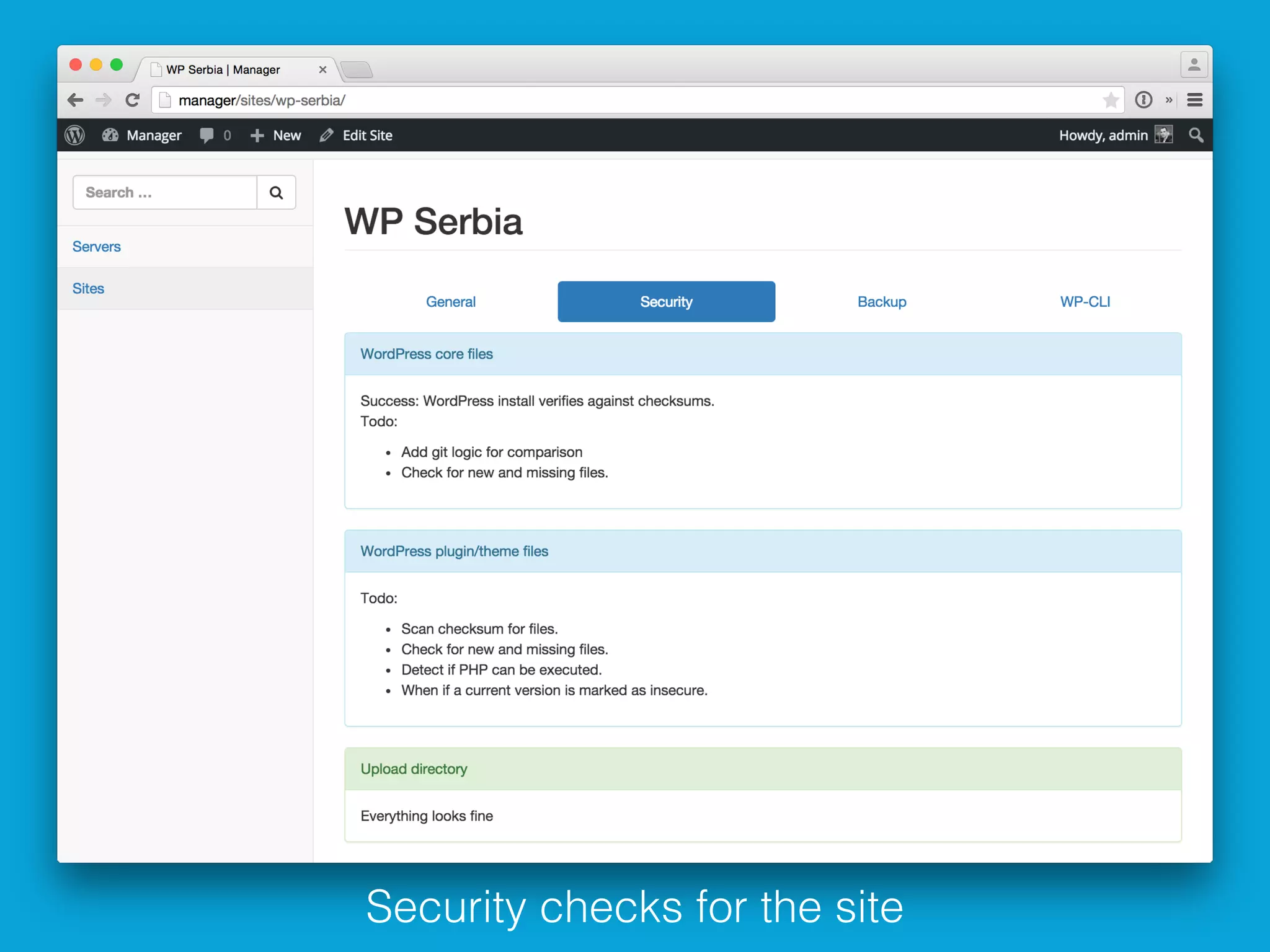
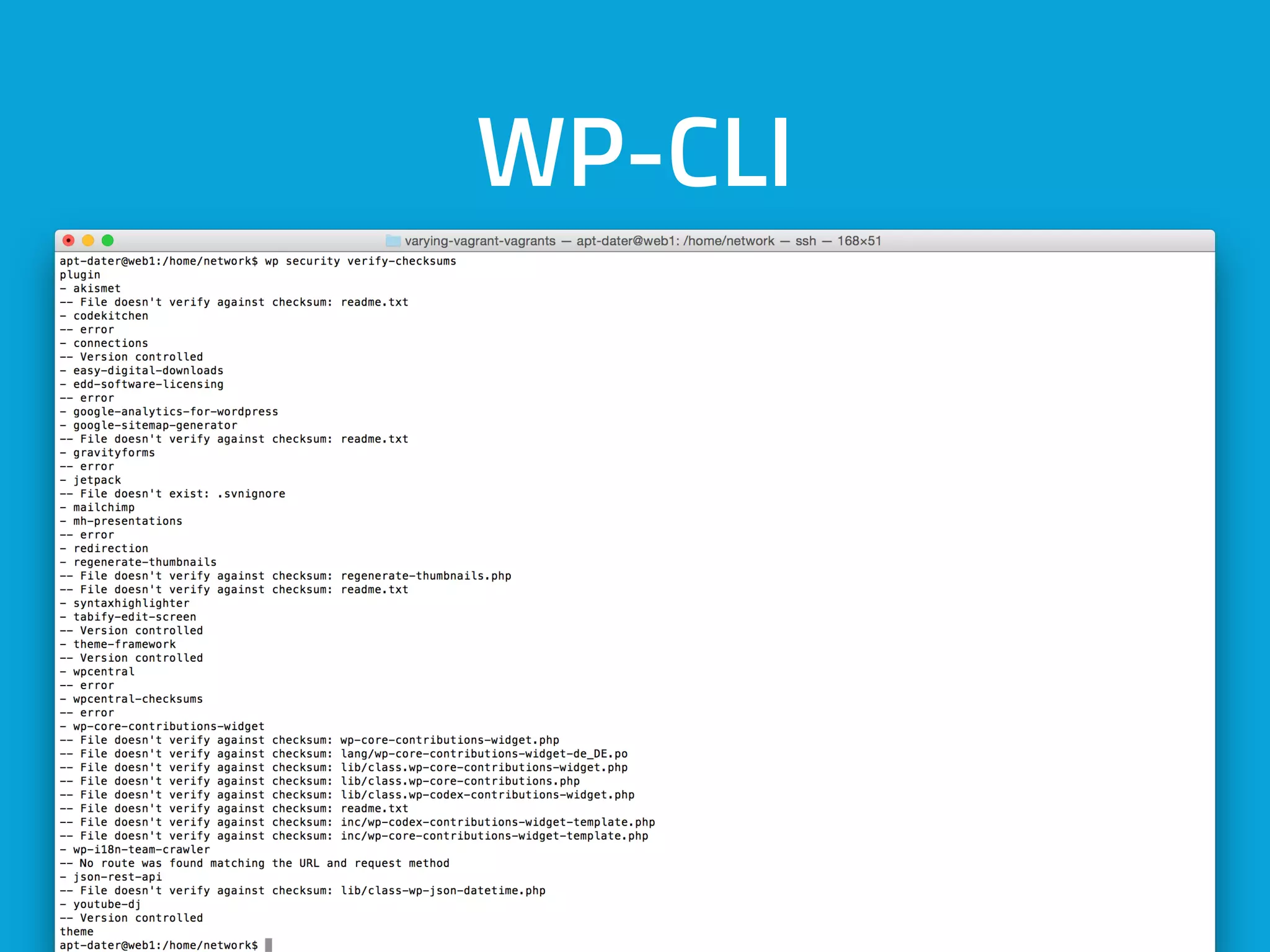
• Checksum scans
• Upload directory scans
• Doing backups
• Send WP CLI command
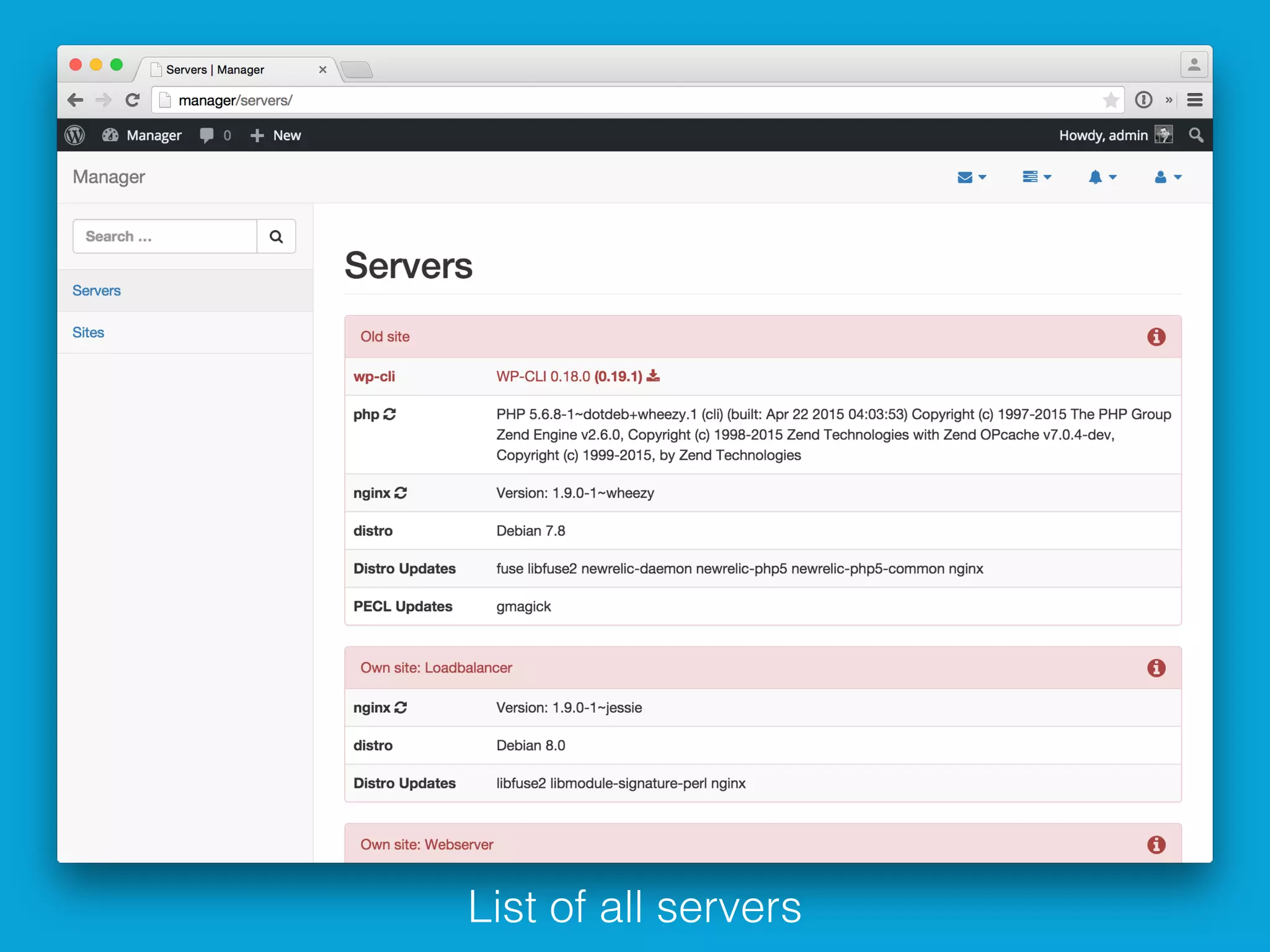
List of all servers
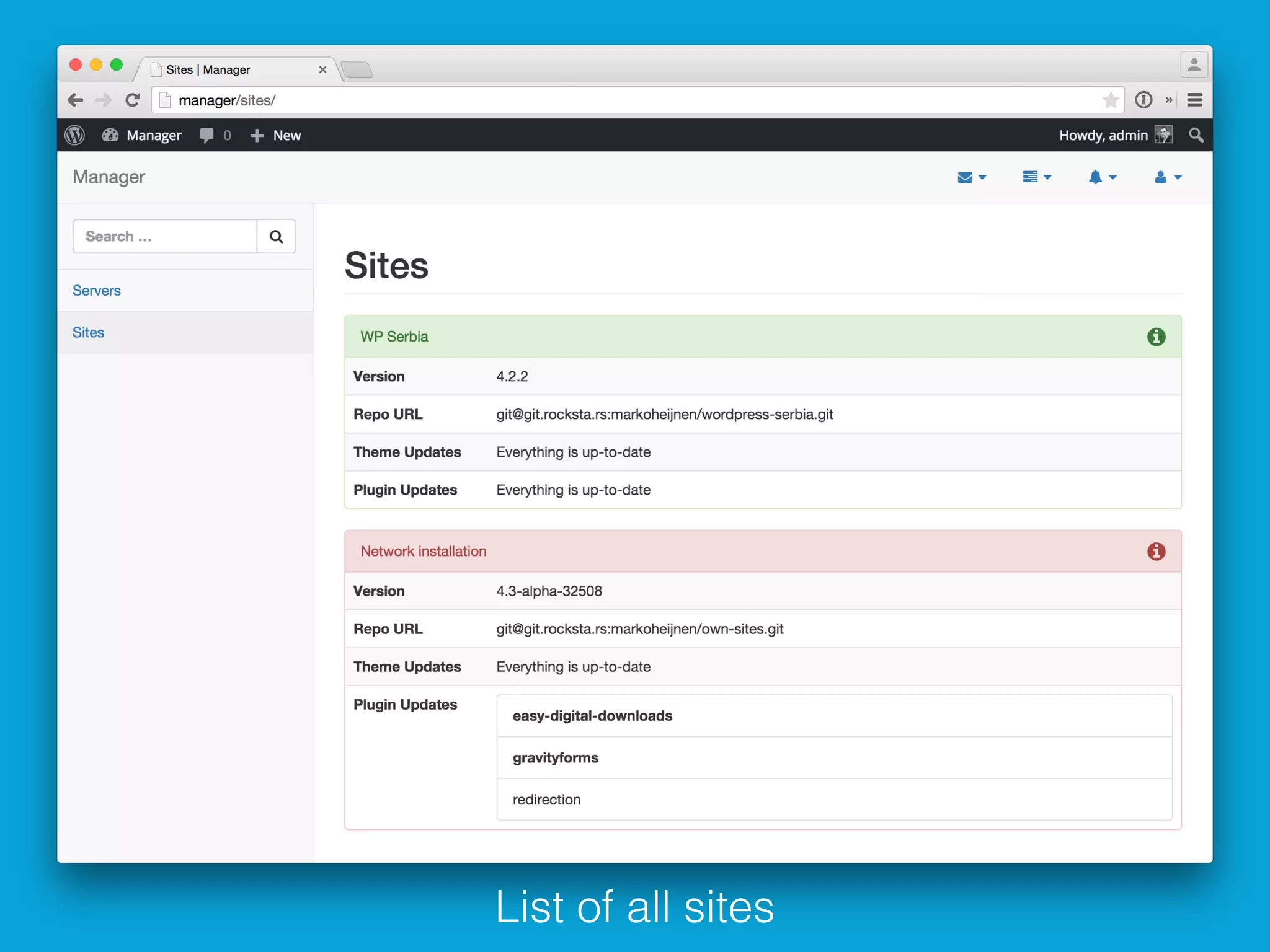
List of all sites
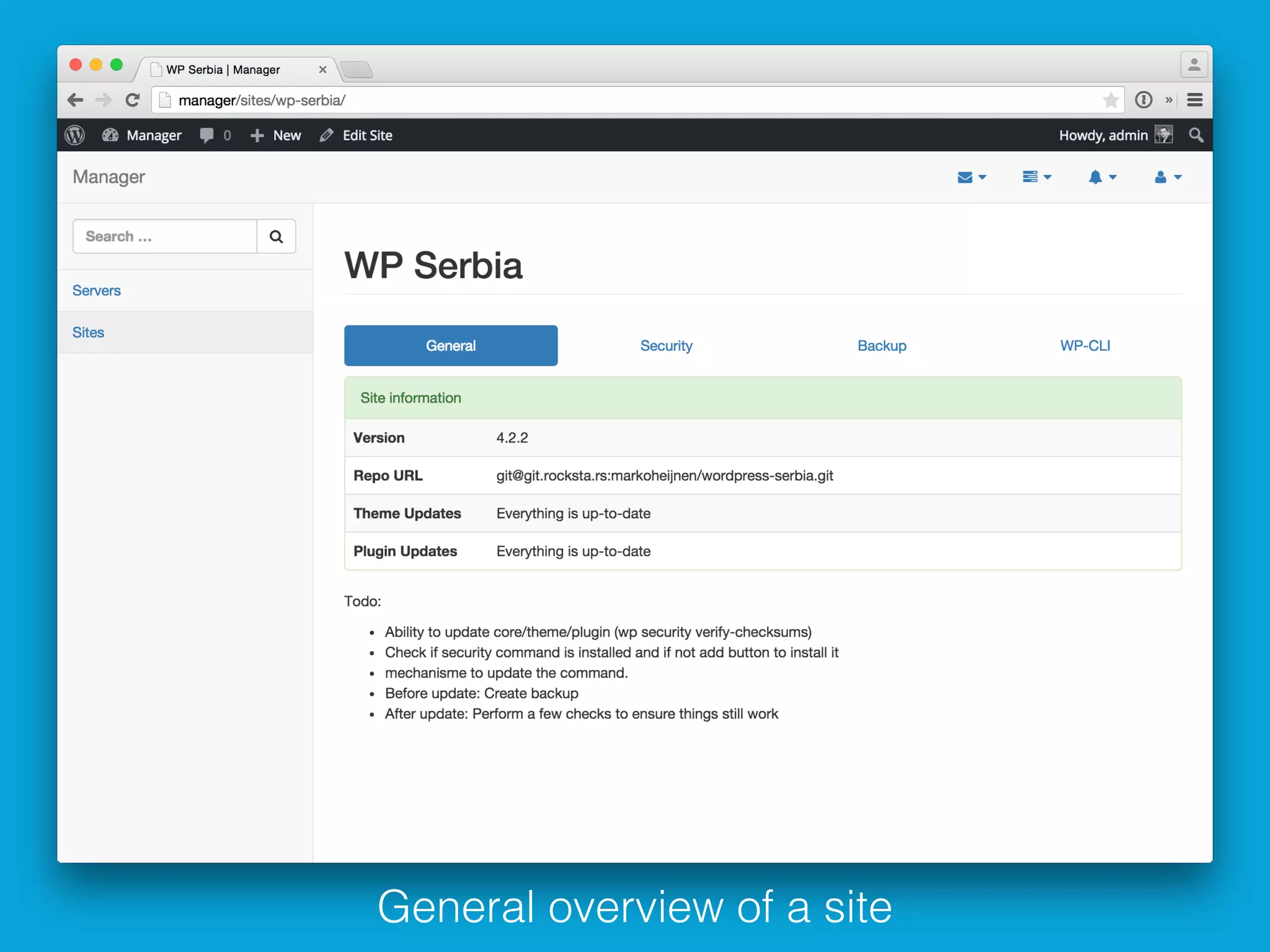
General overview of a site
Security checks for the site
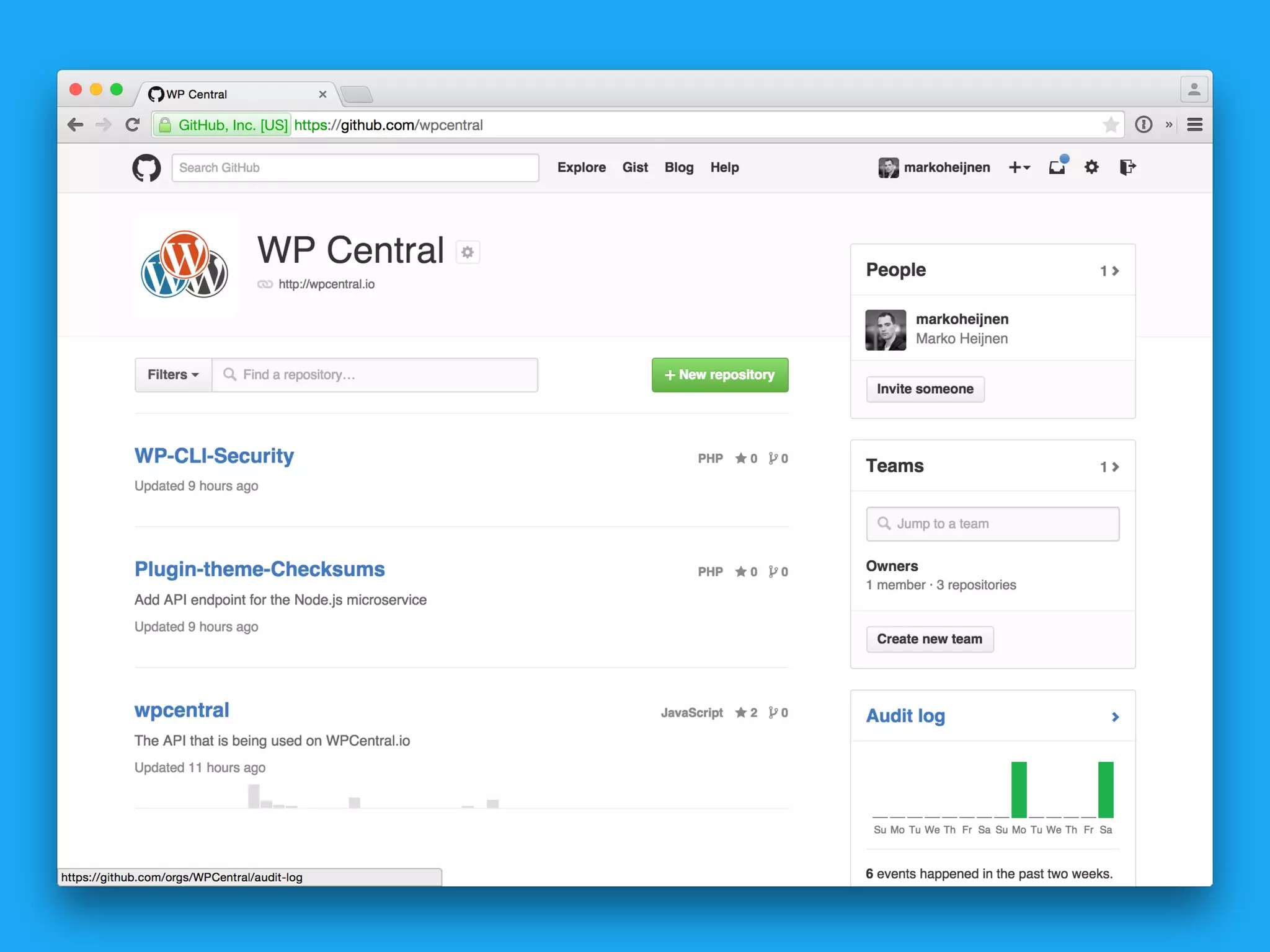
WP Central
WP Central API
• http://wpcentral.io/api/
• First started with contributors
• After that stats
• Now creating checksums for plugins and themes
• Soon similar functionality as wpvulndb.com
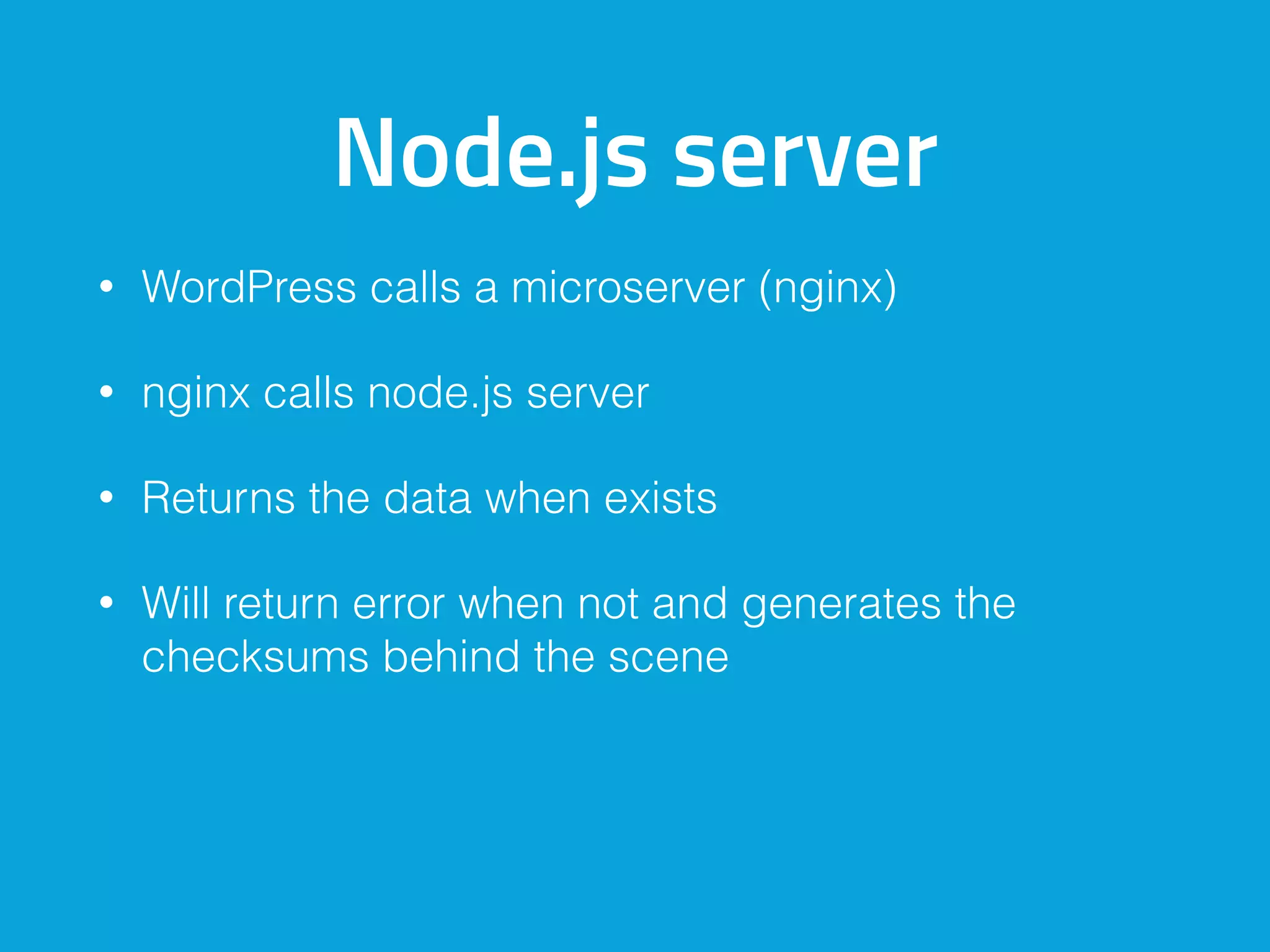
Node.js server
• WordPress calls a microserver (nginx)
• nginx calls node.js server
• Returns the data when exists
• Will return error when not and generates the
checksums behind the scene
WP Central API
• http://wpcentral.io/api/checksums/theme/
twentyfifteen/1.2
• [{"code":"wpcentral_server_error","message":"Gener
ating checksums”}]
• [{"file":"header.php","checksum":"c0919b5f4b6e4f3a
58b858b2305e9146"},{},{},{},{},{},{},{},{},{},{},{},{},{}]
WP-CLI
Ideas are more then
welcome
Other solutions
Other solutions
• VaultPress
• ManageWP / WP Remote / InfiniteWP
• Sucuri
There are WordPress
plugins you could use
But you should not trust that they do it all
The next steps
Log aggregation
• Logstash
• Fluentd
• OSSEC
OSSEC
• An Open Source Host-based Intrusion Detection
System
• Performs log analysis, file integrity checking, policy
monitoring, rootkit detection, real-time alerting and
active response
• Works with a manager and agents
• https://hackertarget.com/defending-wordpress-
ossec/
Thank you for
listening
Questions?
@markoheijnen
markoheijnen.com


codekitchen.eu

Protecting your site by detection