PLUGIN DEVELOPMENT
           PRACTICES
Presented By: Dan Pastori
      @danpastori           521 Dimensions
                                  TECHNOLGY SOLVING NEEDS
Dan Pastori
WHO AM I?
Primary PHP/Java Developer


Co-Founded 521 Dimensions


Been tearing apart Wordpress for 3 years


Built two large plugins and one theme
PRODUCTS I’VE DEVELOPED FOR


      And of course custom applications!
WORDPRESS IS THE BEST!
             (at least from my experience!)

Great Documentation


Great Community


Fast learning curve
PRE-REQUISITES
Understanding of PHP


Motivation/Consistency


A goal to develop towards
BEGIN THE JOURNEY
COMMON WP TERMINOLOGY
Hooks (there are 2 types):

1. A Filter - Modifies text before it hits the screen.

2. An Action - Hooks launched during execution.
WHAT SHOULD I BUILD?
1. Find a need


2. Focus on the need


3. Prototype


4. Jump right in and start building!
STRUCTURE YOUR PLUGIN
Create Directories
/wp-content/plugins/[NAME]
 /wp-content/plugins/[NAME]/css
 /wp-content/plugins/[NAME]/js
 /wp-content/plugins/[NAME]/images
Depending on Coding Style
 /wp-content/plugins/[NAME]/classes
 /wp-content/plugins/[NAME]/includes
ADD MAIN FILE
/wp-content/plugins/[NAME]/[NAME].php

* File must be named the name of your plugin
Now for some excitement!

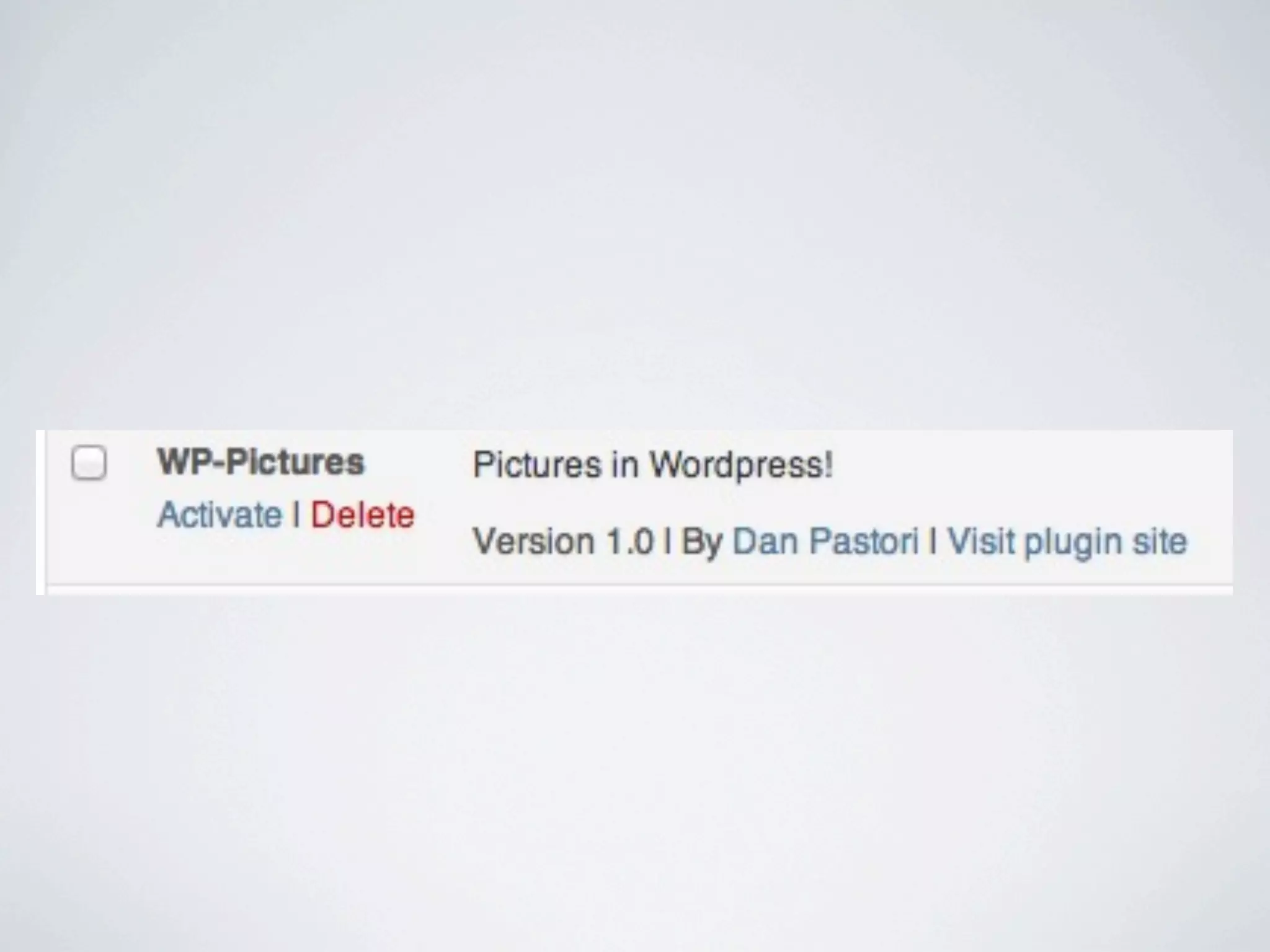
               Add Header in Main File

/*
Plugin Name: [NAME]
Plugin URI: http://www.521dimensions.com/wp-pictures
Description: Pictures in Wordpress!
Version: 1.0
Author: Dan Pastori
Author URI: http://www.521dimensions.com
License: GPL2
*/
OOP VS PROCEDURAL?
Modern programming practices say OOP

Both work!

I recommend OOP if you are familiar
BEGIN CODING!
DO NOT OVER-WRITE CORE FUNCTIONALITY

Interacting with the Core:

 Predefined Functions
 Actions
 Filters

(They’re there for a reason!)
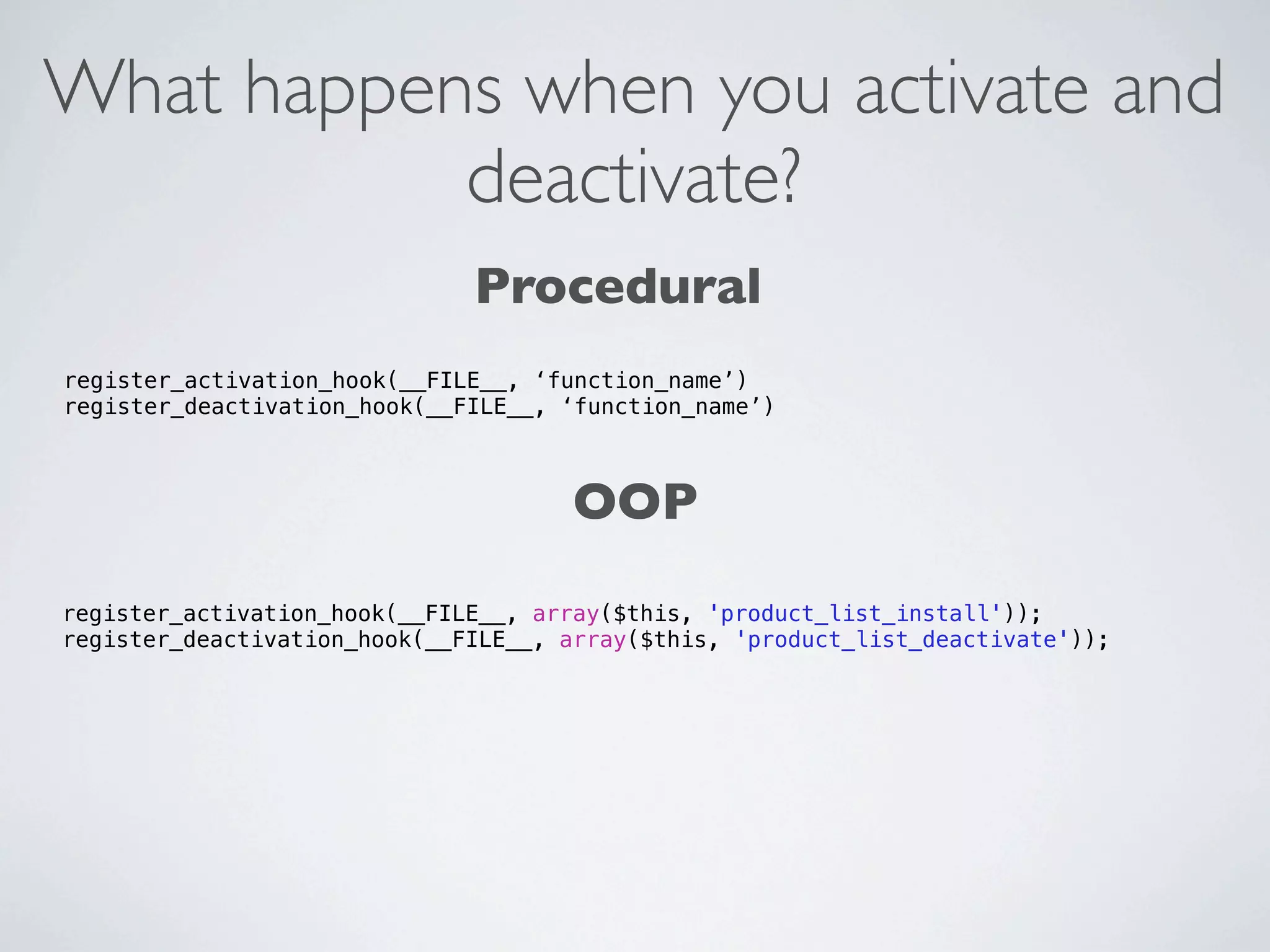
What happens when you activate and
           deactivate?
                              Procedural
register_activation_hook(__FILE__, ‘function_name’)
register_deactivation_hook(__FILE__, ‘function_name’)


                                      OOP
register_activation_hook(__FILE__, array($this, 'product_list_install'));
register_deactivation_hook(__FILE__, array($this, 'product_list_deactivate'));
Open [NAME].php

OOP
...
class WPPictures {
    static function install() {
        // do not generate any output here
    }
}
register_activation_hook( __FILE__, array('WPPictures', 'install') );


Procedural
...
function wp_pictures_install(){

}
register_activation_hook( __FILE__, ‘wp_pictures_install’ );
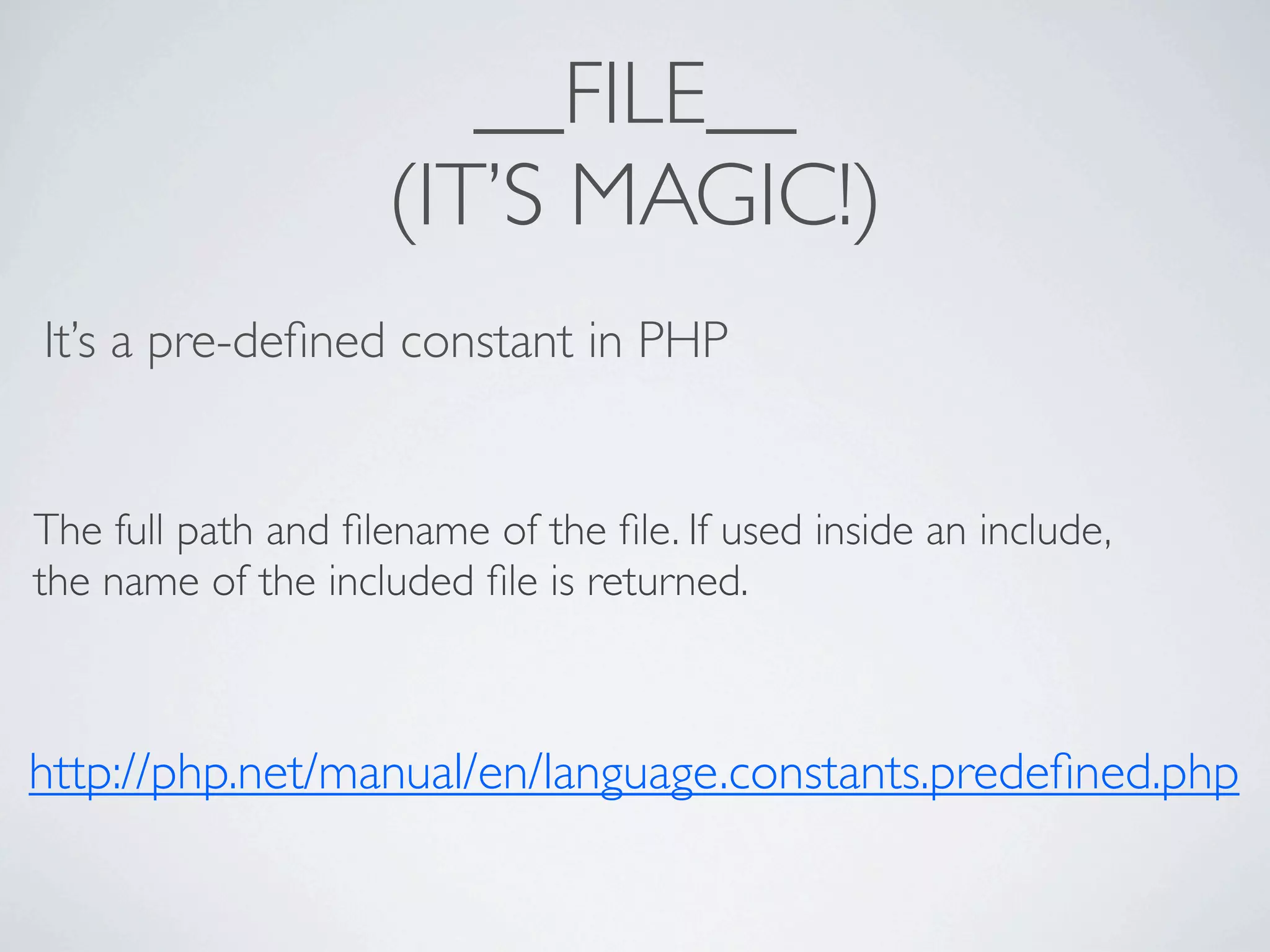
__FILE__
                    (IT’S MAGIC!)
It’s a pre-defined constant in PHP


The full path and filename of the file. If used inside an include,
the name of the included file is returned.


http://php.net/manual/en/language.constants.predefined.php
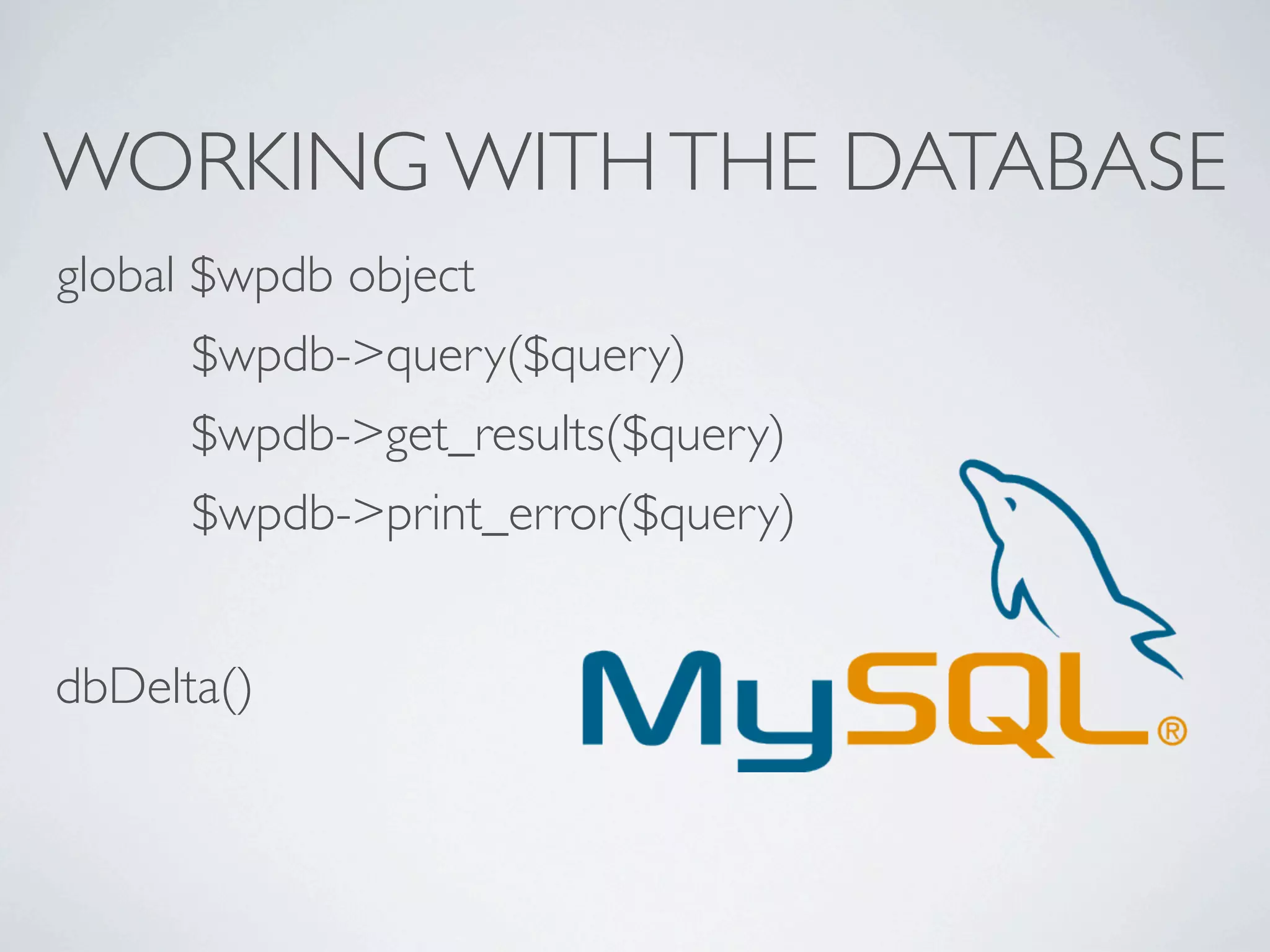
WORKING WITH THE DATABASE
global $wpdb object
      $wpdb->query($query)
      $wpdb->get_results($query)
      $wpdb->print_error($query)


dbDelta()
INITIAL INSTALL
                 In your install() function

1. Check for upgrades
    If {installed version} != {plugin version}
2. Create Tables

3. Set options
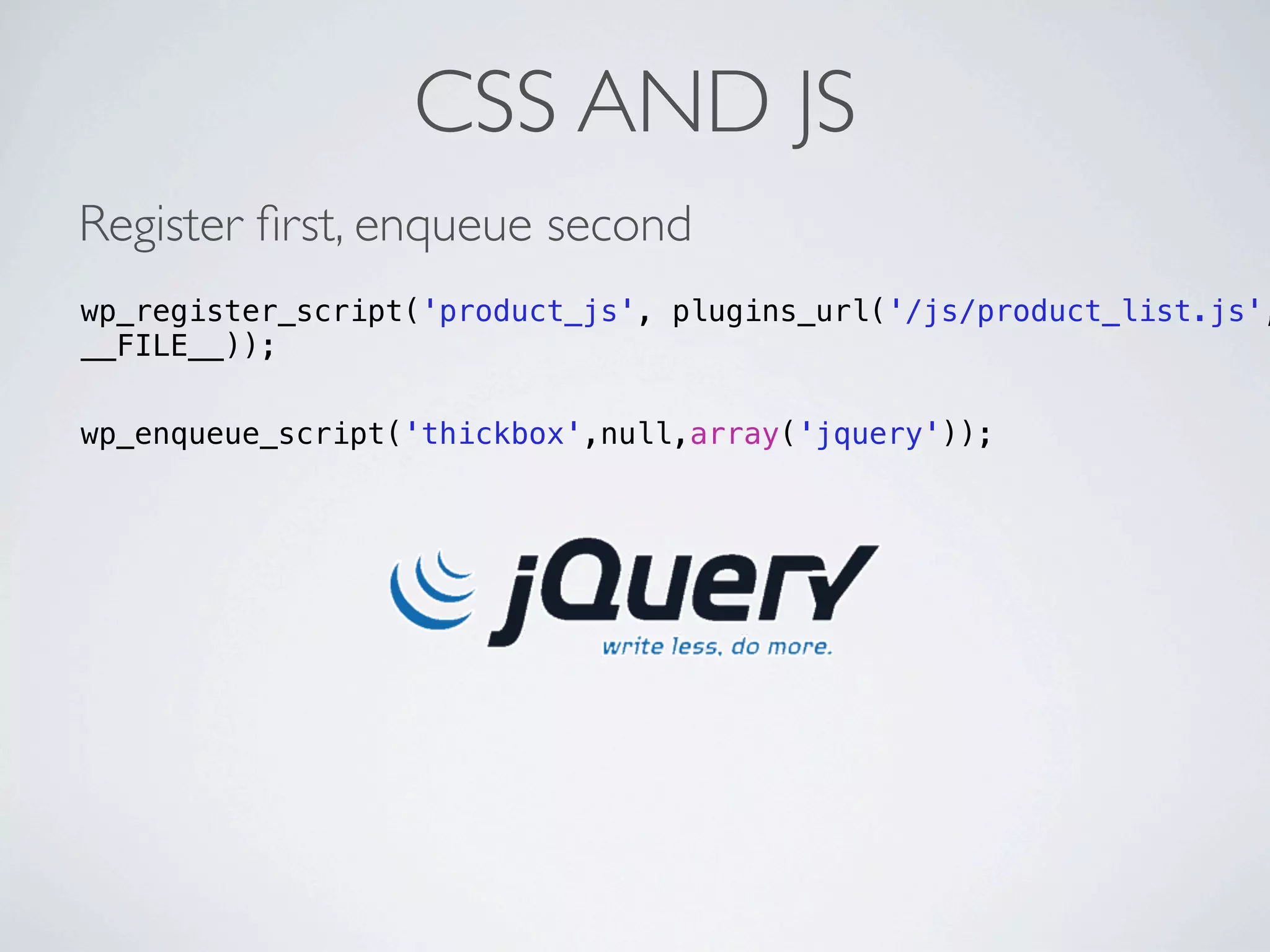
CSS AND JS
Register first, enqueue second
wp_register_script('product_js', plugins_url('/js/product_list.js',
__FILE__));

wp_enqueue_script('thickbox',null,array('jquery'));
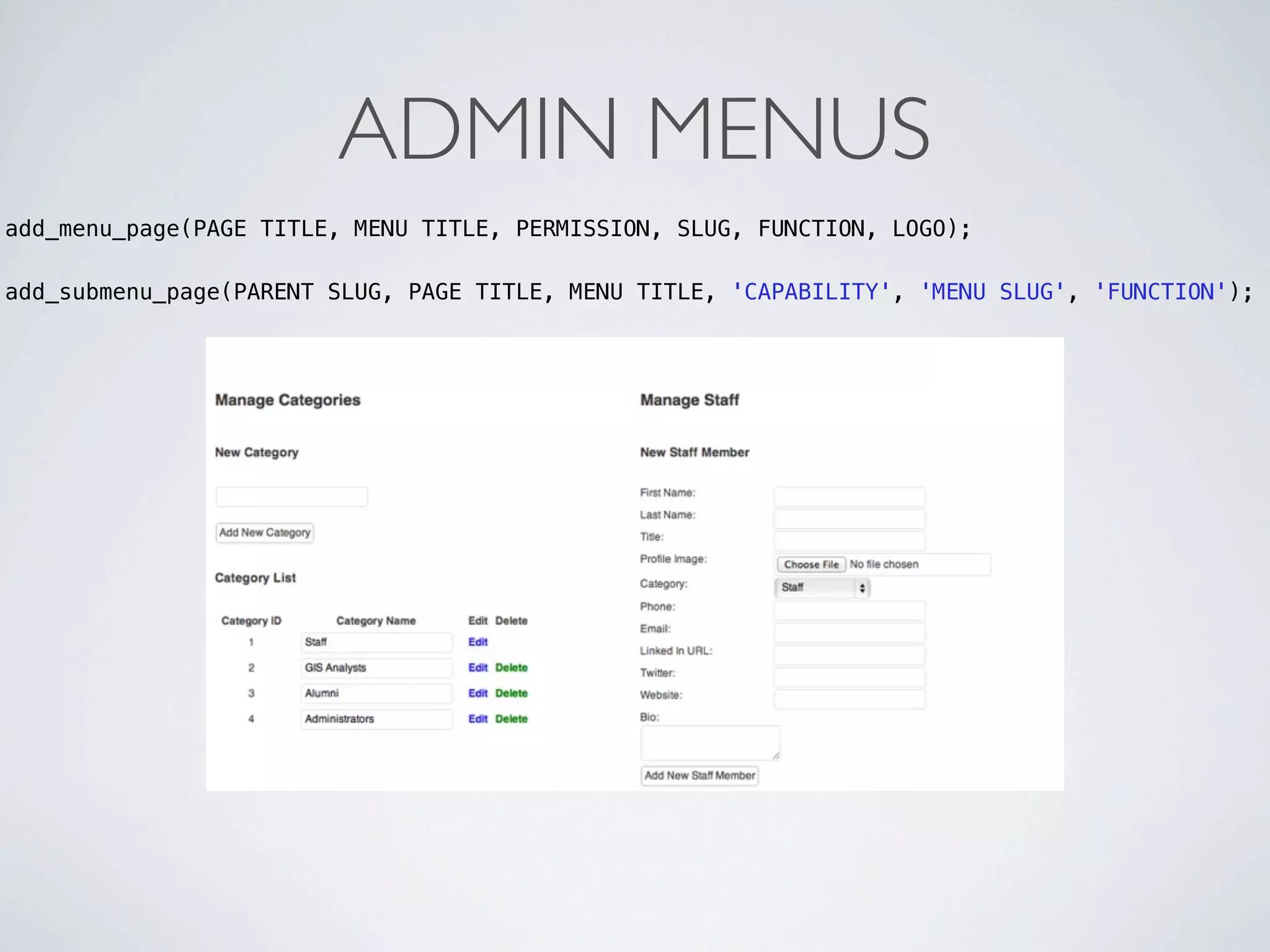
ADMIN MENUS
add_menu_page(PAGE TITLE, MENU TITLE, PERMISSION, SLUG, FUNCTION, LOGO);

add_submenu_page(PARENT SLUG, PAGE TITLE, MENU TITLE, 'CAPABILITY', 'MENU SLUG', 'FUNCTION');
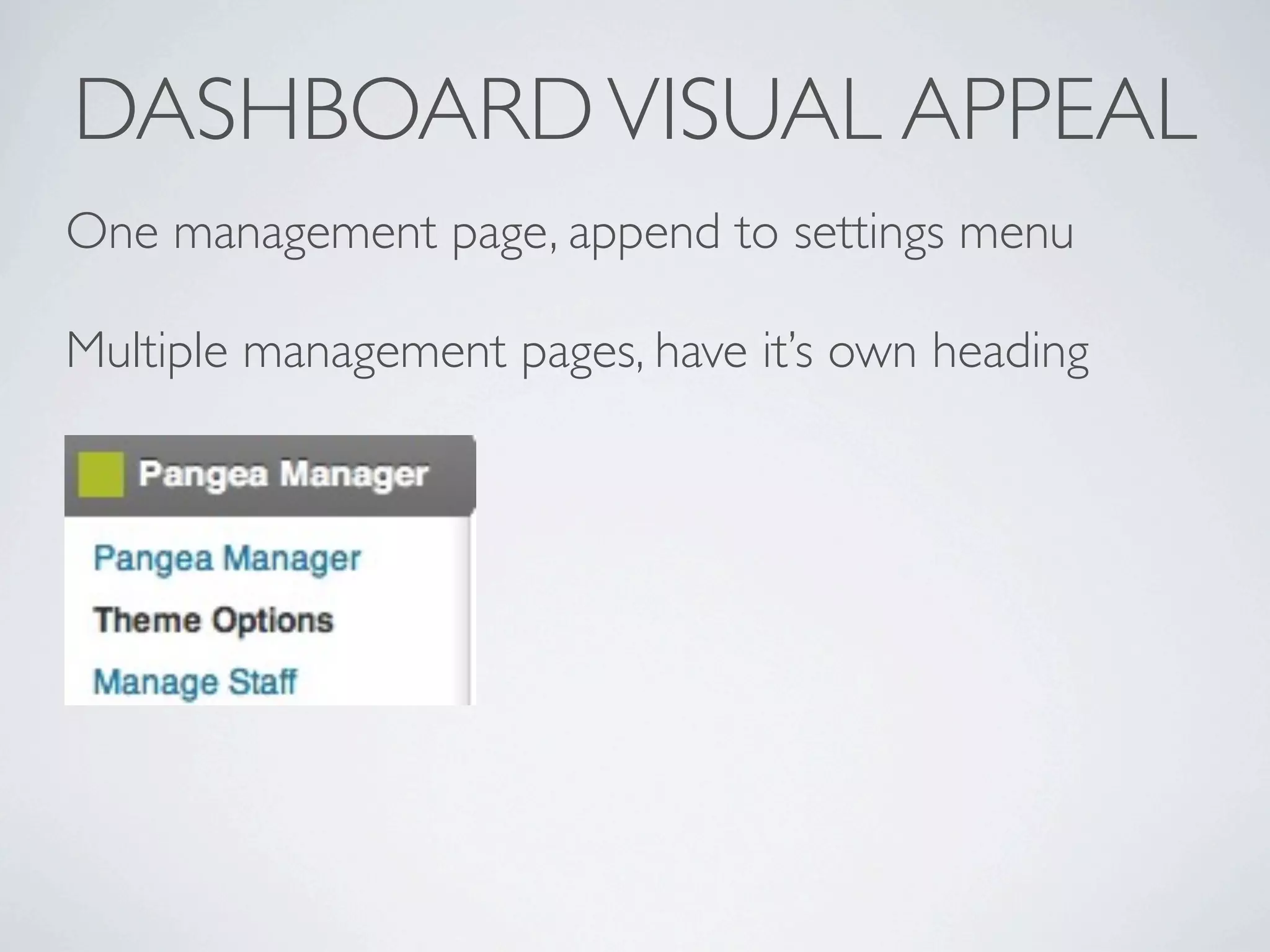
DASHBOARD VISUAL APPEAL
One management page, append to settings menu

Multiple management pages, have it’s own heading
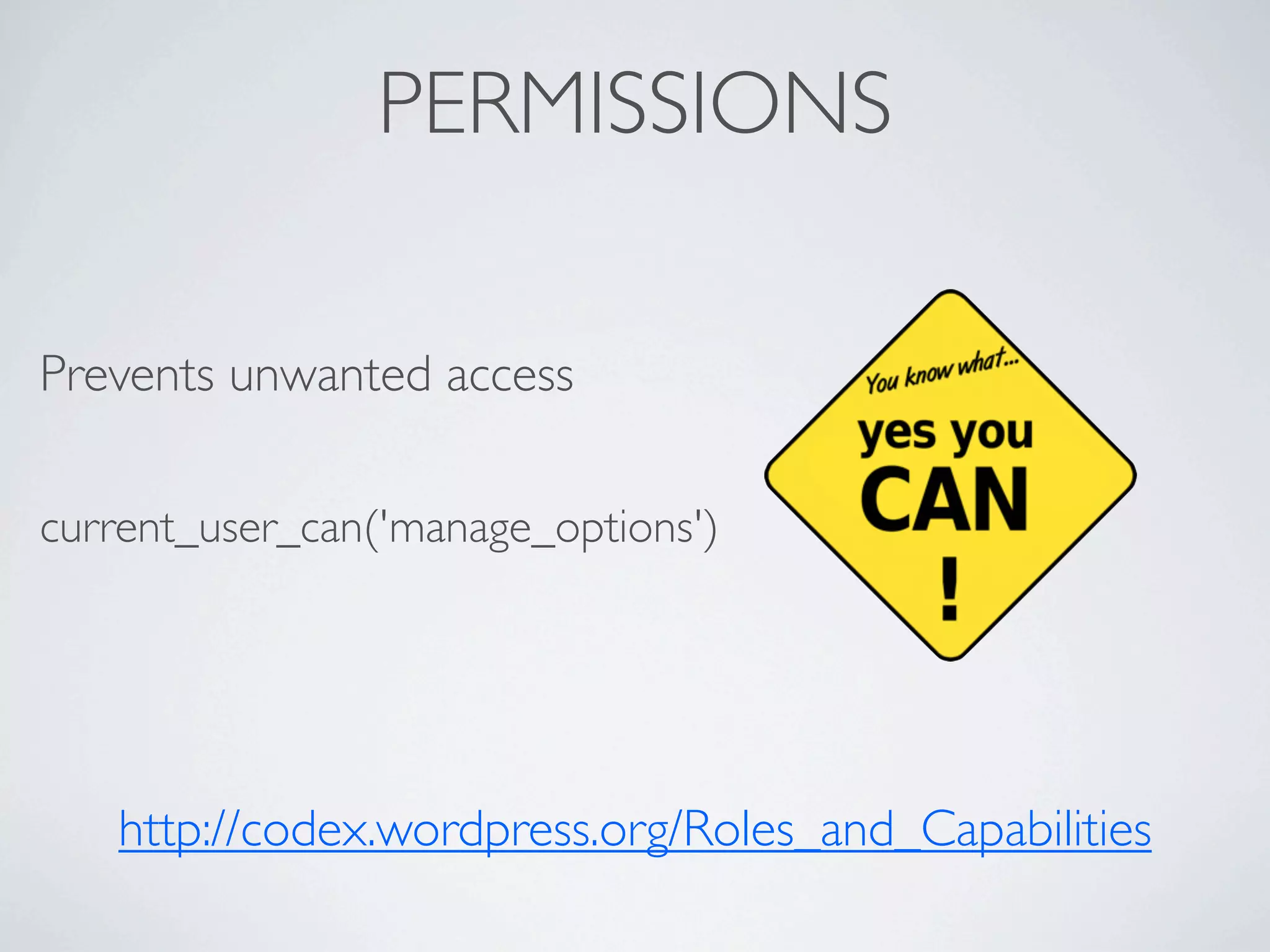
PERMISSIONS

Prevents unwanted access

current_user_can('manage_options')


   http://codex.wordpress.org/Roles_and_Capabilities
SHORTCODES
Dramatically increases user-experience of your plugin

Allows for custom control of display of data

add_shortcode('product-list', 'product_list_shortcode');


extract( shortcode_atts( array(
         'categoryID' => 'all',
        ), $attributes ));


[product-list category-id = 1]
ENSURE PLUGIN QUALITY
Not only be accepting, but invite criticism


DOCUMENT... PLEASE :)


Update


Don’t solve everything, do one thing right
BE THE SERVER ADMIN’S FRIEND
             (And have a quality plugin)
Minimize requests

Make sure your resources are present

Use common php packages

Don’t require 777 on ANY directory!
LAUNCH PLUGIN
Have your Mom use your plugin


Accept criticism

Maintain thorough documentation

Website maybe?
QUESTIONS?
 @

Plugin Development Practices

  • 1.
    PLUGIN DEVELOPMENT PRACTICES Presented By: Dan Pastori @danpastori 521 Dimensions TECHNOLGY SOLVING NEEDS
  • 2.
  • 3.
    WHO AM I? PrimaryPHP/Java Developer Co-Founded 521 Dimensions Been tearing apart Wordpress for 3 years Built two large plugins and one theme
  • 4.
    PRODUCTS I’VE DEVELOPEDFOR And of course custom applications!
  • 5.
    WORDPRESS IS THEBEST! (at least from my experience!) Great Documentation Great Community Fast learning curve
  • 6.
  • 7.
  • 8.
    COMMON WP TERMINOLOGY Hooks(there are 2 types): 1. A Filter - Modifies text before it hits the screen. 2. An Action - Hooks launched during execution.
  • 9.
    WHAT SHOULD IBUILD? 1. Find a need 2. Focus on the need 3. Prototype 4. Jump right in and start building!
  • 10.
    STRUCTURE YOUR PLUGIN CreateDirectories /wp-content/plugins/[NAME] /wp-content/plugins/[NAME]/css /wp-content/plugins/[NAME]/js /wp-content/plugins/[NAME]/images Depending on Coding Style /wp-content/plugins/[NAME]/classes /wp-content/plugins/[NAME]/includes
  • 11.
    ADD MAIN FILE /wp-content/plugins/[NAME]/[NAME].php *File must be named the name of your plugin
  • 12.
    Now for someexcitement! Add Header in Main File /* Plugin Name: [NAME] Plugin URI: http://www.521dimensions.com/wp-pictures Description: Pictures in Wordpress! Version: 1.0 Author: Dan Pastori Author URI: http://www.521dimensions.com License: GPL2 */
  • 14.
    OOP VS PROCEDURAL? Modernprogramming practices say OOP Both work! I recommend OOP if you are familiar
  • 15.
    BEGIN CODING! DO NOTOVER-WRITE CORE FUNCTIONALITY Interacting with the Core: Predefined Functions Actions Filters (They’re there for a reason!)
  • 16.
    What happens whenyou activate and deactivate? Procedural register_activation_hook(__FILE__, ‘function_name’) register_deactivation_hook(__FILE__, ‘function_name’) OOP register_activation_hook(__FILE__, array($this, 'product_list_install')); register_deactivation_hook(__FILE__, array($this, 'product_list_deactivate'));
  • 17.
    Open [NAME].php OOP ... class WPPictures{ static function install() { // do not generate any output here } } register_activation_hook( __FILE__, array('WPPictures', 'install') ); Procedural ... function wp_pictures_install(){ } register_activation_hook( __FILE__, ‘wp_pictures_install’ );
  • 18.
    __FILE__ (IT’S MAGIC!) It’s a pre-defined constant in PHP The full path and filename of the file. If used inside an include, the name of the included file is returned. http://php.net/manual/en/language.constants.predefined.php
  • 19.
    WORKING WITH THEDATABASE global $wpdb object $wpdb->query($query) $wpdb->get_results($query) $wpdb->print_error($query) dbDelta()
  • 20.
    INITIAL INSTALL In your install() function 1. Check for upgrades If {installed version} != {plugin version} 2. Create Tables 3. Set options
  • 21.
    CSS AND JS Registerfirst, enqueue second wp_register_script('product_js', plugins_url('/js/product_list.js', __FILE__)); wp_enqueue_script('thickbox',null,array('jquery'));
  • 22.
    ADMIN MENUS add_menu_page(PAGE TITLE,MENU TITLE, PERMISSION, SLUG, FUNCTION, LOGO); add_submenu_page(PARENT SLUG, PAGE TITLE, MENU TITLE, 'CAPABILITY', 'MENU SLUG', 'FUNCTION');
  • 23.
    DASHBOARD VISUAL APPEAL Onemanagement page, append to settings menu Multiple management pages, have it’s own heading
  • 24.
    PERMISSIONS Prevents unwanted access current_user_can('manage_options') http://codex.wordpress.org/Roles_and_Capabilities
  • 25.
    SHORTCODES Dramatically increases user-experienceof your plugin Allows for custom control of display of data add_shortcode('product-list', 'product_list_shortcode'); extract( shortcode_atts( array( 'categoryID' => 'all', ), $attributes )); [product-list category-id = 1]
  • 26.
    ENSURE PLUGIN QUALITY Notonly be accepting, but invite criticism DOCUMENT... PLEASE :) Update Don’t solve everything, do one thing right
  • 27.
    BE THE SERVERADMIN’S FRIEND (And have a quality plugin) Minimize requests Make sure your resources are present Use common php packages Don’t require 777 on ANY directory!
  • 28.
    LAUNCH PLUGIN Have yourMom use your plugin Accept criticism Maintain thorough documentation Website maybe?
  • 29.