Computer Virus
Ashis Talukder
Lecturer
Department of MIS
University of Dhaka
Presentation Outline
1. Introduction:
2. VIRUS Definition and Naming:
3. Types of computer virus:
4. Example of Virus
5. To phases of virus
6. Symptom of computer attacked by virus
7. Special focus on: Trojan, & phishing site
8. Combating Viruses
9. Anti viruses & Firewall
Presentation Outline
 Symptom of computer attacked by virus
 Special focus on: Trojan, & phishing site
 Combating VirusesAnti viruses & Firewall
Presentation Outline
1. Introduction:
2. VIRUS Definition and Naming:
3. History of Computer Virus:
4. Types of computer virus:
5. Example of Virus
6. To phases of virus:
Introduction: Computer VIRUS
 Almost every user has faced virus
attack
 And loses some sort of computer
resources
 Computer VIRUS is not a biological
element rather computer program
(s).
VIRUS definition and Naming
A virus is a program that reproduces its
own code by attaching itself to other
executable files in such a way that the
virus code is executed when the infected
executable file is executed.
 virus must do this without the permission
or knowledge of the user
What's in a name? That which we call a rose
By any other name would smell as sweet...
Fred Cohen
 In 1983 was a doctoral candidate at
University of Southern California
 For the first time he defined the
"computer virus".
 without his name discussion of virus
must be incomplete
Fred Cohen
He stated that
 a computer virus is a program that has a destructive
nature and is able to "affect other computer programs
by modifying them in such a way as to include a
(possibly evolved) copy of itself."
VIRUS =
Vital Information Resource Under Seize
Name implies the nature of VIRUS
Types of Virus: HOW they infect
Polymorphic Viruses
 Polymorphic viruses change characteristics as they
infect a computer.
Stealth Viruses
 Stealth viruses actively try to hide themselves from
anti-virus and system software.
Fast and Slow Infectors
 Fast and Slow viruses infect a computer in a particular
way to try to avoid being detected by anti-virus
software.
Sparse Infectors
 Sparse Infectors don't infect very often.
Armored Viruses
 Armored viruses are programmed to make eradication
difficult.
Types of Virus: HOW they infect
Multipartite Viruses
 Multipartite Viruses are viruses that may fall into more than
one of these categories.
Cavity (Spacefiller) Viruses
 Cavity (Spacefiller) viruses attempt to maintain a constant file
size when infecting a computer in order to try to avoid
detection.
Tunneling Viruses
 Tunneling viruses try to "tunnel" under anti-virus software
while infecting.
Camouflage Viruses
 Camouflage viruses attempt to appear as a benign program.
Virus Droppers
 Virus Droppers are a special category of programs that place
viruses on computers but are not by themselves an actual
virus.
Types of Virus: WHERE they infect
File infector viruses
 File infector viruses infect program files.
 These viruses normally infect executable code, such as .com
and .exe files.
 Jerusalem and Cascade.
Boot sector viruses
 Boot sector viruses infect the system area of a disk; that is, the
boot record on floppy disks and hard disks.
 All floppy disks and hard disks (including disks containing only
data) contain a small program in the boot record that is run
when the computer starts up.
 Boot sector viruses attach themselves to this part of the disk
and activate when the user attempts to start up from the
infected disk.
 Examples of boot sector viruses are Form, Disk Killer,
Michelangelo, and Stoned.
Types of Virus: WHERE they infect
Master Boot Record viruses
 Master boot record viruses are memory-resident viruses that
infect disks in the same manner as boot sector viruses.
 The difference between these two virus types is where the viral
code is located.
 Master boot record infectors normally save a legitimate copy of
the master boot record in an different location.
 Examples of master boot record infectors are NYB, AntiExe, and
Unashamed.
Multipartite viruses
 Multipartite (also known as polypartite) viruses infect both boot
records and program files.
 These are particularly difficult to repair.
 If the boot area is cleaned, but the files are not, the boot area will be
reinfected.
 Examples of multipartite viruses include One_Half, Emperor, Anthrax
and Tequilla.
Types of Virus: WHERE they infect
Macro viruses
 These types of viruses infect data files.
 With the advent of Visual Basic in Microsoft's Office 97, a macro virus can be written that
not only infects data files, but also can infect other files as well.
 Macro viruses infect Microsoft Office Word, Excel, PowerPoint and Access files. Newer
strains are now turning up in other programs as well.
 Examples of macro viruses include W97M.Melissa, WM.NiceDay and W97M.Groov.
Companion viruses
 A special Type That add files that runs first on the disk
Cluster viruses
 A special Type That infects through directory
Batch File viruses
 These use text batch files to infect
Source Code viruses
 These add code to actual program code
Visual Basic Worms
 These add code to actual program code
Types of Virus
A special Type:
Virus Dropper
 Programs that places viruses on the
system
 But they themselves are not virus (a
special form of Trojan)
Example of Computer Viruses
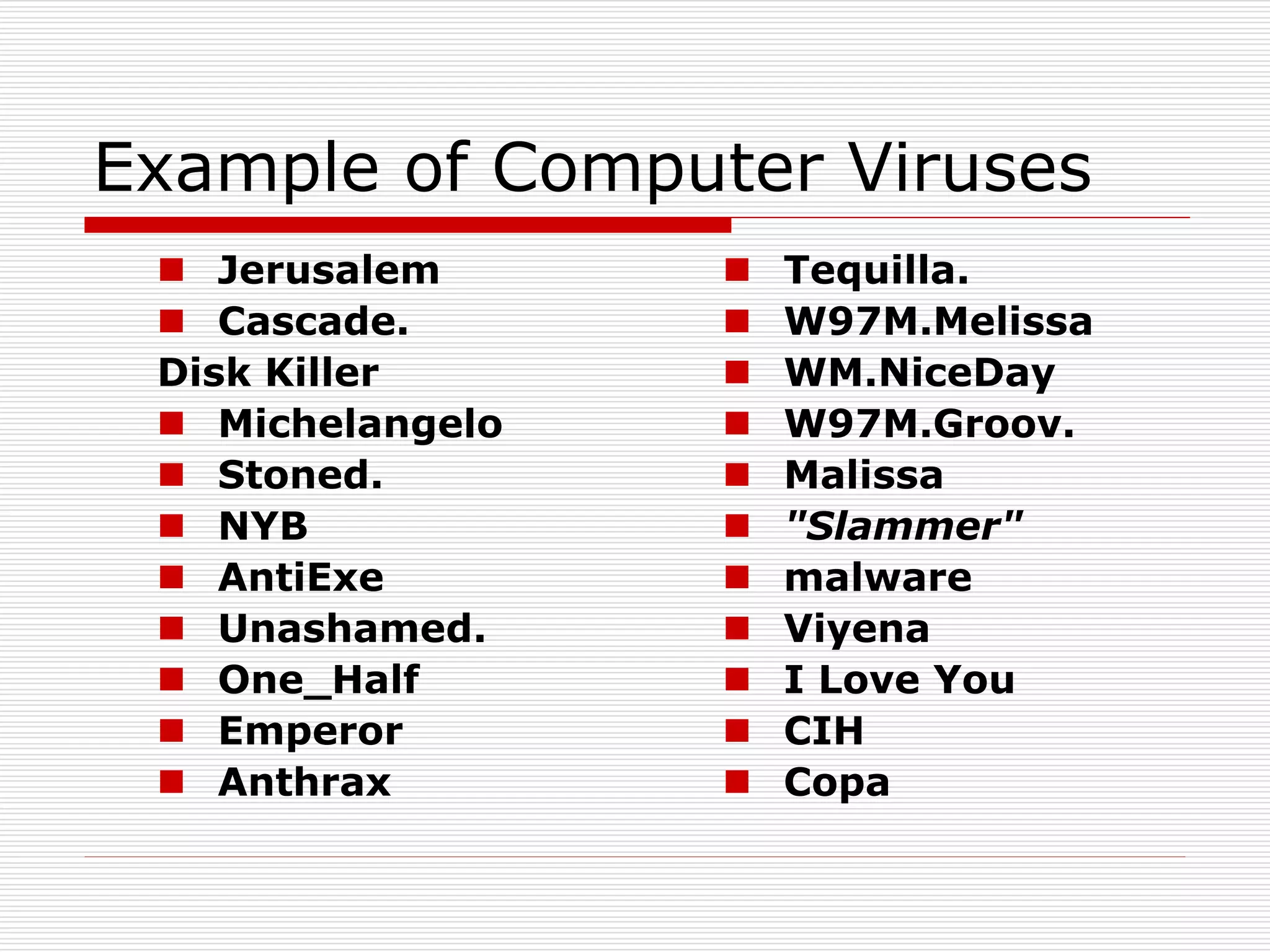
 Jerusalem
 Cascade.
Disk Killer
 Michelangelo
 Stoned.
 NYB
 AntiExe
 Unashamed.
 One_Half
 Emperor
 Anthrax
 Tequilla.
 W97M.Melissa
 WM.NiceDay
 W97M.Groov.
 Malissa
 "Slammer"
 malware
 Viyena
 I Love You
 CIH
 Copa
Two Phases of VIRUS
1. Reproduce Phase:
 A virus reproduces, usually without permission
or knowledge of the computer user. In general
terms they have an infection phase where they
reproduce widely
2. Attack phase:
 Where they do whatever damage they are
programmed to do (if any). There are a large
number of virus types.
Symptom of computer attacked by virus
1. Computer programs take longer to load than
normal.
2. The computer's hard drive constantly runs
out of free space.
3. The floppy disk drive or hard drive runs
when you are not using it.
4. New files keep appearing on the system and
you don't know where they came from.
5. Strange sounds or beeping noises come
from the computer or keyboard.
Symptom of computer attacked by virus
6. Strange graphics are displayed on your
computer monitor.
7. Files have strange names you don't
recognize.
8. You are unable to access the hard drive
when booting from the floppy drive.
9. Program sizes keep changing.
10. Conventional memory is less than it used to
be and you can't explain it.
11. Programs act erratically.
Two column bullet points
1. A Trojan Horse is
full of as much
trickery as the
mythological
Trojan Horse it
was named after.
Trojans
2. Trojan Horse, at first glance will appear to
be useful software but will actually do
damage once installed or run on your
computer.
3. Those on the receiving end of a Trojan
Horse are usually tricked into opening
them because they appear to be receiving
legitimate software or files from a
legitimate source.
Phishing Site
 Designed to fraudulently
obtain private information.
Phishing Site
 Generally, phishing does not involve personal contact
however; instead, legitimate looking E-mail, websites,
or other electronic means are involved in phishing
attacks.
 The term phishing is a variant of fishing which might
be used to describe the process of "fishing" for
information.
 The "ph" in place of the "f" was probably influenced by
phreaking.
Combating Viruses
1. Scanning
2. Integrity Checking
3. Interception
4. AV Product Use
Guidelines
5. File Extensions
6. Safe Computing
Practices (Safe Hex)
7. Update Update
Update
8. Outlook and
Outlook Express
9. Disable Scripting
10.Backup Strategy
11.On-going Virus
Information
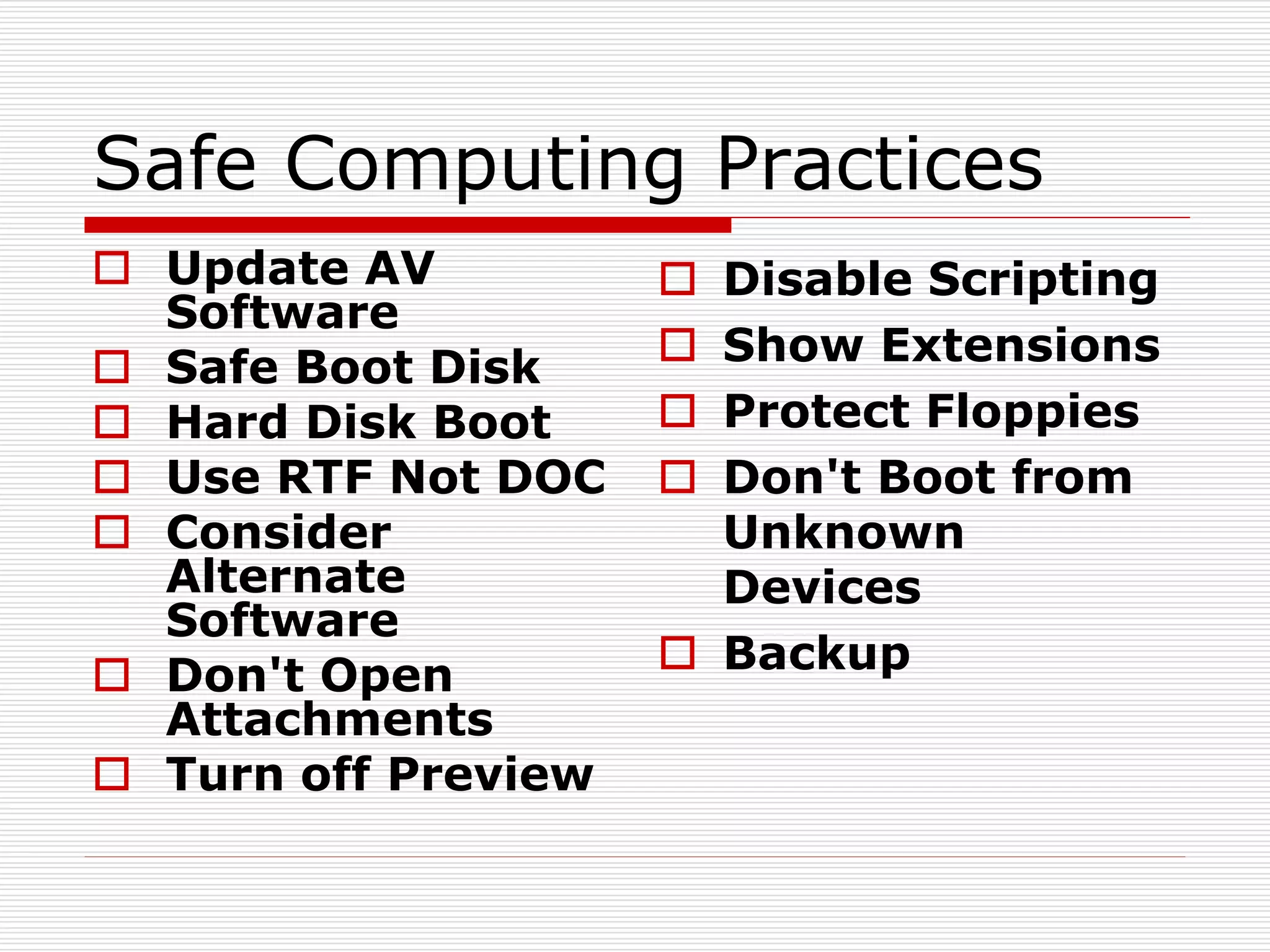
Safe Computing Practices
 Update AV
Software
 Safe Boot Disk
 Hard Disk Boot
 Use RTF Not DOC
 Consider
Alternate
Software
 Don't Open
Attachments
 Turn off Preview
 Disable Scripting
 Show Extensions
 Protect Floppies
 Don't Boot from
Unknown
Devices
 Backup
Back up
 Once damage is done to files on your computer (no
matter what the cause) it's often too late. A
comprehensive backup strategy is a vital component in
your computer security arsenal (and don't forget to
test the restore routines!).
 Develop a backup strategy based on how much work you are
willing to do to reenter information.
 Keep at least one backup copy off-site.
 Test your ability to restore from your backup before you
have to and be certain to store the recovery program with
the back.
Anti-Viruses
A
A-squared Anti-Malware
Alwil
AOL Active Virus Shield
Authentium
AVG (software)
Avira security software
B
BitDefender
C
Central Point Anti-Virus
Clam AntiVirus
ClamWin
Comodo Group
Comodo Internet Security
D
Disinfectant (software)
Dr Solomon's Antivirus
Dr. Web
DriveSentry
E
EICAR
Eliashim (anti virus)
ESET NOD32
Ewido Networks
F
F-Secure
FRISK Software International
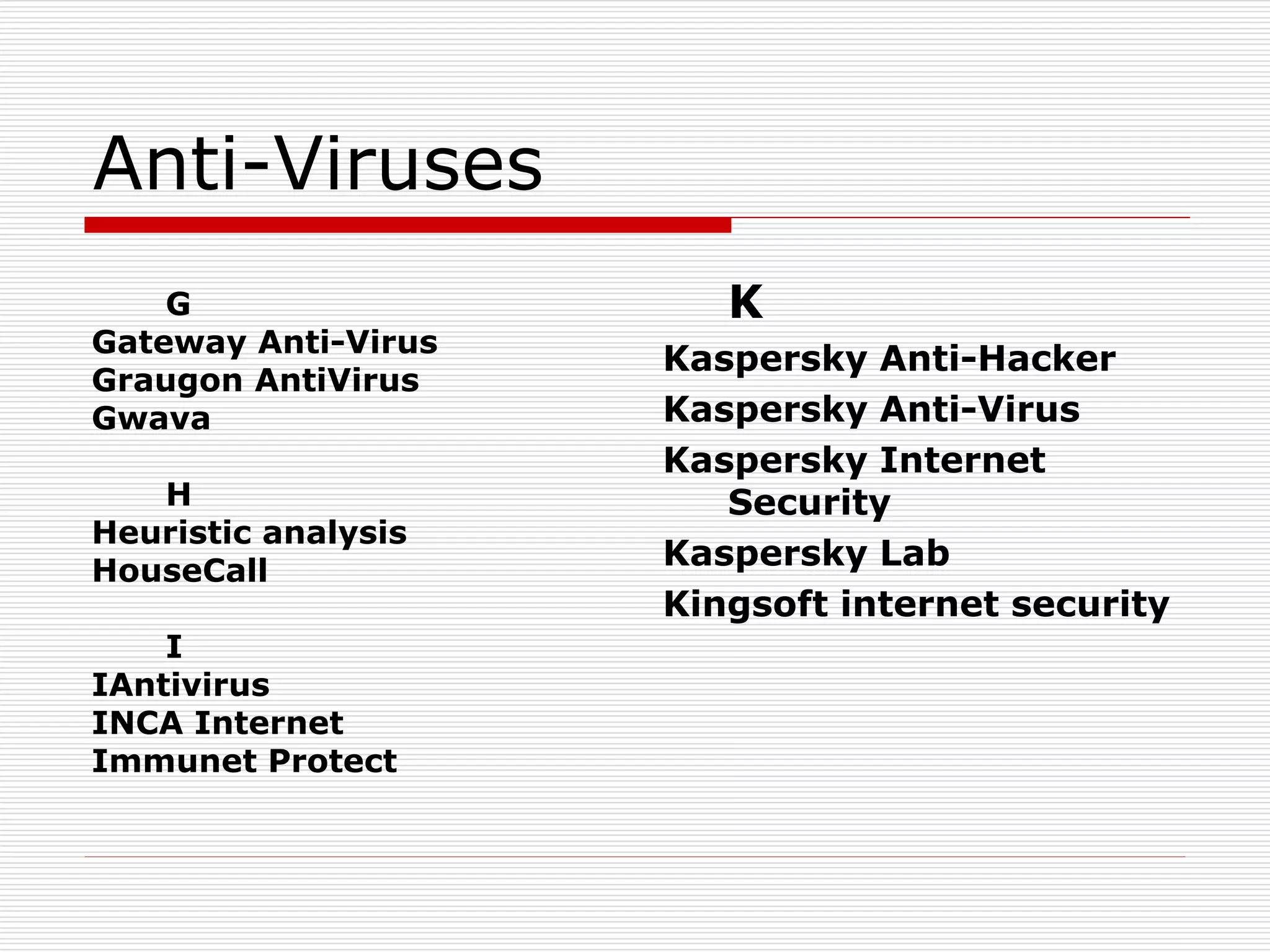
Anti-Viruses
G
Gateway Anti-Virus
Graugon AntiVirus
Gwava
H
Heuristic analysis
HouseCall
I
IAntivirus
INCA Internet
Immunet Protect
K
Kaspersky Anti-Hacker
Kaspersky Anti-Virus
Kaspersky Internet
Security
Kaspersky Lab
Kingsoft internet security
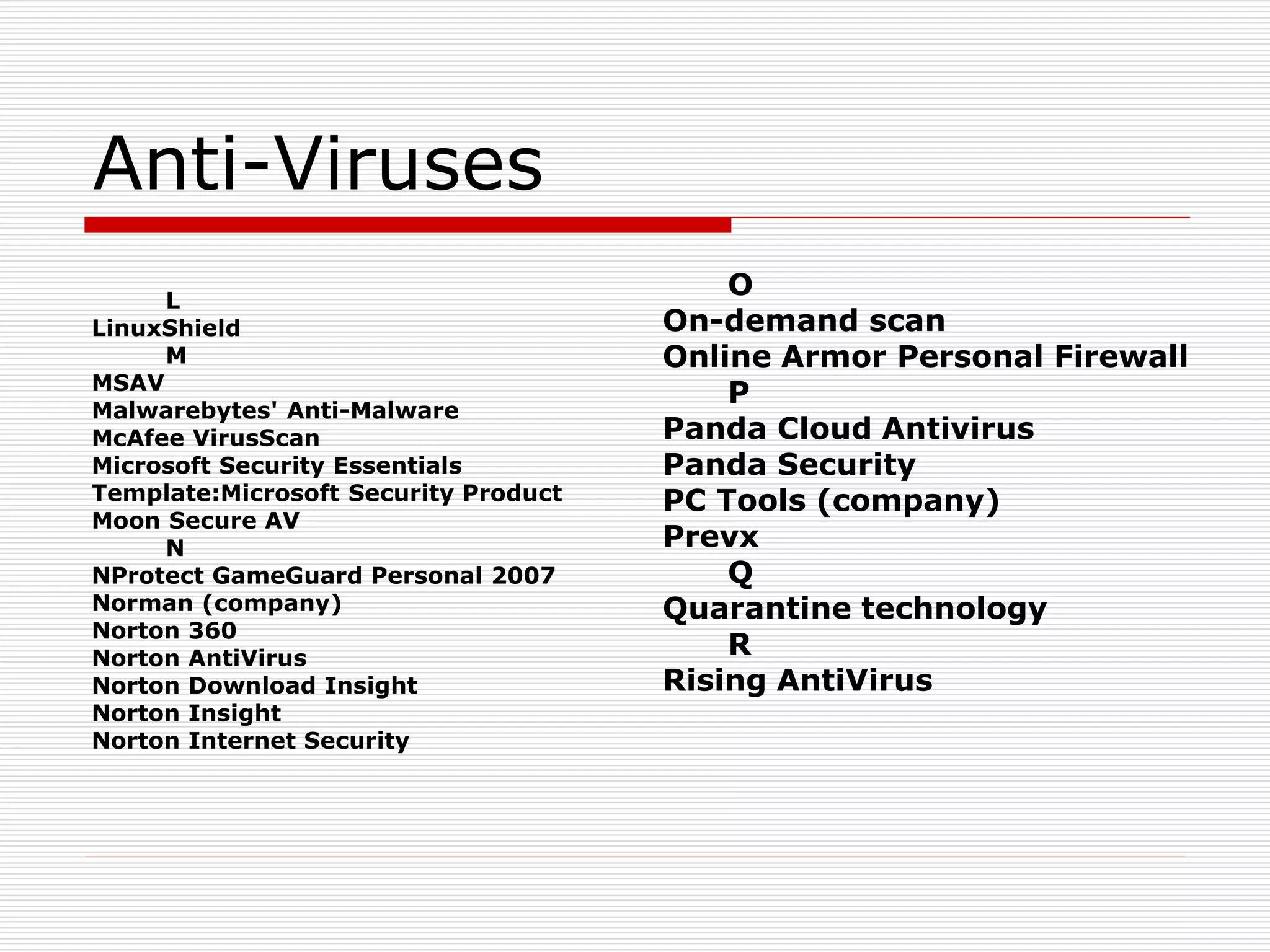
Anti-Viruses
L
LinuxShield
M
MSAV
Malwarebytes' Anti-Malware
McAfee VirusScan
Microsoft Security Essentials
Template:Microsoft Security Product
Moon Secure AV
N
NProtect GameGuard Personal 2007
Norman (company)
Norton 360
Norton AntiVirus
Norton Download Insight
Norton Insight
Norton Internet Security
O
On-demand scan
Online Armor Personal Firewall
P
Panda Cloud Antivirus
Panda Security
PC Tools (company)
Prevx
Q
Quarantine technology
R
Rising AntiVirus
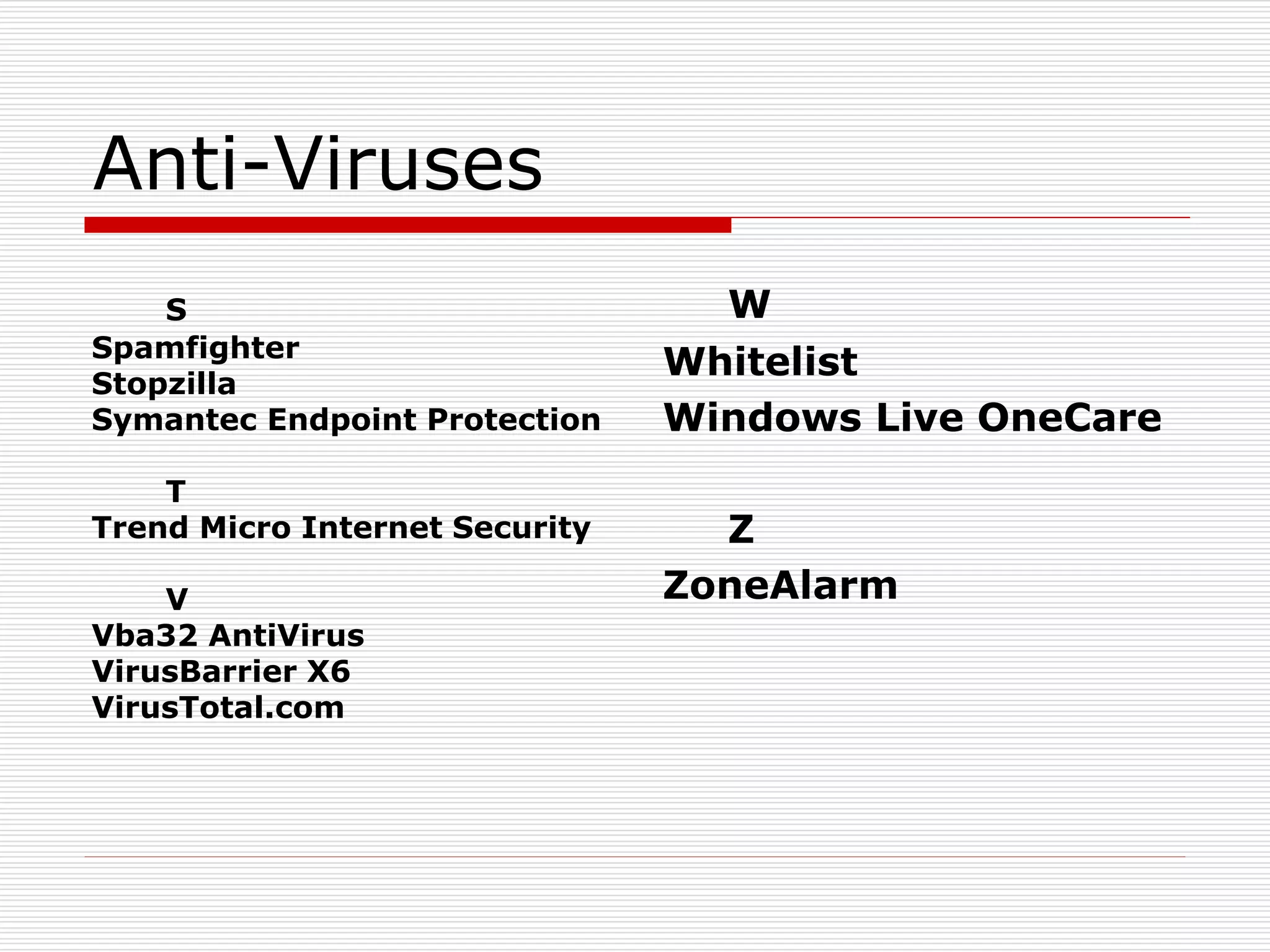
Anti-Viruses
S
Spamfighter
Stopzilla
Symantec Endpoint Protection
T
Trend Micro Internet Security
V
Vba32 AntiVirus
VirusBarrier X6
VirusTotal.com
W
Whitelist
Windows Live OneCare
Z
ZoneAlarm
Firewall
Firewall
 A firewall is a part of a computer system or network that is
designed to block unauthorized access while permitting
authorized communications. It is a device or set of devices
which is configured to permit or deny computer applications
based upon a set of rules and other criteria.
 Firewalls can be implemented in either hardware or software, or
a combination of both.
 Firewalls are frequently used to prevent unauthorized Internet
users from accessing private networks connected to the
Internet, especially intranets. All messages entering or leaving
the intranet pass through the firewall, which examines each
message and blocks those that do not meet the specified
security criteria.

Virus

  • 1.
  • 2.
    Presentation Outline 1. Introduction: 2.VIRUS Definition and Naming: 3. Types of computer virus: 4. Example of Virus 5. To phases of virus 6. Symptom of computer attacked by virus 7. Special focus on: Trojan, & phishing site 8. Combating Viruses 9. Anti viruses & Firewall
  • 3.
    Presentation Outline  Symptomof computer attacked by virus  Special focus on: Trojan, & phishing site  Combating VirusesAnti viruses & Firewall
  • 4.
    Presentation Outline 1. Introduction: 2.VIRUS Definition and Naming: 3. History of Computer Virus: 4. Types of computer virus: 5. Example of Virus 6. To phases of virus:
  • 5.
    Introduction: Computer VIRUS Almost every user has faced virus attack  And loses some sort of computer resources  Computer VIRUS is not a biological element rather computer program (s).
  • 6.
    VIRUS definition andNaming A virus is a program that reproduces its own code by attaching itself to other executable files in such a way that the virus code is executed when the infected executable file is executed.  virus must do this without the permission or knowledge of the user What's in a name? That which we call a rose By any other name would smell as sweet...
  • 7.
    Fred Cohen  In1983 was a doctoral candidate at University of Southern California  For the first time he defined the "computer virus".  without his name discussion of virus must be incomplete
  • 8.
    Fred Cohen He statedthat  a computer virus is a program that has a destructive nature and is able to "affect other computer programs by modifying them in such a way as to include a (possibly evolved) copy of itself." VIRUS = Vital Information Resource Under Seize Name implies the nature of VIRUS
  • 9.
    Types of Virus:HOW they infect Polymorphic Viruses  Polymorphic viruses change characteristics as they infect a computer. Stealth Viruses  Stealth viruses actively try to hide themselves from anti-virus and system software. Fast and Slow Infectors  Fast and Slow viruses infect a computer in a particular way to try to avoid being detected by anti-virus software. Sparse Infectors  Sparse Infectors don't infect very often. Armored Viruses  Armored viruses are programmed to make eradication difficult.
  • 10.
    Types of Virus:HOW they infect Multipartite Viruses  Multipartite Viruses are viruses that may fall into more than one of these categories. Cavity (Spacefiller) Viruses  Cavity (Spacefiller) viruses attempt to maintain a constant file size when infecting a computer in order to try to avoid detection. Tunneling Viruses  Tunneling viruses try to "tunnel" under anti-virus software while infecting. Camouflage Viruses  Camouflage viruses attempt to appear as a benign program. Virus Droppers  Virus Droppers are a special category of programs that place viruses on computers but are not by themselves an actual virus.
  • 11.
    Types of Virus:WHERE they infect File infector viruses  File infector viruses infect program files.  These viruses normally infect executable code, such as .com and .exe files.  Jerusalem and Cascade. Boot sector viruses  Boot sector viruses infect the system area of a disk; that is, the boot record on floppy disks and hard disks.  All floppy disks and hard disks (including disks containing only data) contain a small program in the boot record that is run when the computer starts up.  Boot sector viruses attach themselves to this part of the disk and activate when the user attempts to start up from the infected disk.  Examples of boot sector viruses are Form, Disk Killer, Michelangelo, and Stoned.
  • 12.
    Types of Virus:WHERE they infect Master Boot Record viruses  Master boot record viruses are memory-resident viruses that infect disks in the same manner as boot sector viruses.  The difference between these two virus types is where the viral code is located.  Master boot record infectors normally save a legitimate copy of the master boot record in an different location.  Examples of master boot record infectors are NYB, AntiExe, and Unashamed. Multipartite viruses  Multipartite (also known as polypartite) viruses infect both boot records and program files.  These are particularly difficult to repair.  If the boot area is cleaned, but the files are not, the boot area will be reinfected.  Examples of multipartite viruses include One_Half, Emperor, Anthrax and Tequilla.
  • 13.
    Types of Virus:WHERE they infect Macro viruses  These types of viruses infect data files.  With the advent of Visual Basic in Microsoft's Office 97, a macro virus can be written that not only infects data files, but also can infect other files as well.  Macro viruses infect Microsoft Office Word, Excel, PowerPoint and Access files. Newer strains are now turning up in other programs as well.  Examples of macro viruses include W97M.Melissa, WM.NiceDay and W97M.Groov. Companion viruses  A special Type That add files that runs first on the disk Cluster viruses  A special Type That infects through directory Batch File viruses  These use text batch files to infect Source Code viruses  These add code to actual program code Visual Basic Worms  These add code to actual program code
  • 14.
    Types of Virus Aspecial Type: Virus Dropper  Programs that places viruses on the system  But they themselves are not virus (a special form of Trojan)
  • 15.
    Example of ComputerViruses  Jerusalem  Cascade. Disk Killer  Michelangelo  Stoned.  NYB  AntiExe  Unashamed.  One_Half  Emperor  Anthrax  Tequilla.  W97M.Melissa  WM.NiceDay  W97M.Groov.  Malissa  "Slammer"  malware  Viyena  I Love You  CIH  Copa
  • 16.
    Two Phases ofVIRUS 1. Reproduce Phase:  A virus reproduces, usually without permission or knowledge of the computer user. In general terms they have an infection phase where they reproduce widely 2. Attack phase:  Where they do whatever damage they are programmed to do (if any). There are a large number of virus types.
  • 17.
    Symptom of computerattacked by virus 1. Computer programs take longer to load than normal. 2. The computer's hard drive constantly runs out of free space. 3. The floppy disk drive or hard drive runs when you are not using it. 4. New files keep appearing on the system and you don't know where they came from. 5. Strange sounds or beeping noises come from the computer or keyboard.
  • 18.
    Symptom of computerattacked by virus 6. Strange graphics are displayed on your computer monitor. 7. Files have strange names you don't recognize. 8. You are unable to access the hard drive when booting from the floppy drive. 9. Program sizes keep changing. 10. Conventional memory is less than it used to be and you can't explain it. 11. Programs act erratically.
  • 19.
    Two column bulletpoints 1. A Trojan Horse is full of as much trickery as the mythological Trojan Horse it was named after.
  • 20.
    Trojans 2. Trojan Horse,at first glance will appear to be useful software but will actually do damage once installed or run on your computer. 3. Those on the receiving end of a Trojan Horse are usually tricked into opening them because they appear to be receiving legitimate software or files from a legitimate source.
  • 21.
    Phishing Site  Designedto fraudulently obtain private information.
  • 22.
    Phishing Site  Generally,phishing does not involve personal contact however; instead, legitimate looking E-mail, websites, or other electronic means are involved in phishing attacks.  The term phishing is a variant of fishing which might be used to describe the process of "fishing" for information.  The "ph" in place of the "f" was probably influenced by phreaking.
  • 23.
    Combating Viruses 1. Scanning 2.Integrity Checking 3. Interception 4. AV Product Use Guidelines 5. File Extensions 6. Safe Computing Practices (Safe Hex) 7. Update Update Update 8. Outlook and Outlook Express 9. Disable Scripting 10.Backup Strategy 11.On-going Virus Information
  • 24.
    Safe Computing Practices Update AV Software  Safe Boot Disk  Hard Disk Boot  Use RTF Not DOC  Consider Alternate Software  Don't Open Attachments  Turn off Preview  Disable Scripting  Show Extensions  Protect Floppies  Don't Boot from Unknown Devices  Backup
  • 25.
    Back up  Oncedamage is done to files on your computer (no matter what the cause) it's often too late. A comprehensive backup strategy is a vital component in your computer security arsenal (and don't forget to test the restore routines!).  Develop a backup strategy based on how much work you are willing to do to reenter information.  Keep at least one backup copy off-site.  Test your ability to restore from your backup before you have to and be certain to store the recovery program with the back.
  • 26.
    Anti-Viruses A A-squared Anti-Malware Alwil AOL ActiveVirus Shield Authentium AVG (software) Avira security software B BitDefender C Central Point Anti-Virus Clam AntiVirus ClamWin Comodo Group Comodo Internet Security D Disinfectant (software) Dr Solomon's Antivirus Dr. Web DriveSentry E EICAR Eliashim (anti virus) ESET NOD32 Ewido Networks F F-Secure FRISK Software International
  • 27.
    Anti-Viruses G Gateway Anti-Virus Graugon AntiVirus Gwava H Heuristicanalysis HouseCall I IAntivirus INCA Internet Immunet Protect K Kaspersky Anti-Hacker Kaspersky Anti-Virus Kaspersky Internet Security Kaspersky Lab Kingsoft internet security
  • 28.
    Anti-Viruses L LinuxShield M MSAV Malwarebytes' Anti-Malware McAfee VirusScan MicrosoftSecurity Essentials Template:Microsoft Security Product Moon Secure AV N NProtect GameGuard Personal 2007 Norman (company) Norton 360 Norton AntiVirus Norton Download Insight Norton Insight Norton Internet Security O On-demand scan Online Armor Personal Firewall P Panda Cloud Antivirus Panda Security PC Tools (company) Prevx Q Quarantine technology R Rising AntiVirus
  • 29.
    Anti-Viruses S Spamfighter Stopzilla Symantec Endpoint Protection T TrendMicro Internet Security V Vba32 AntiVirus VirusBarrier X6 VirusTotal.com W Whitelist Windows Live OneCare Z ZoneAlarm
  • 30.
  • 31.
    Firewall  A firewallis a part of a computer system or network that is designed to block unauthorized access while permitting authorized communications. It is a device or set of devices which is configured to permit or deny computer applications based upon a set of rules and other criteria.  Firewalls can be implemented in either hardware or software, or a combination of both.  Firewalls are frequently used to prevent unauthorized Internet users from accessing private networks connected to the Internet, especially intranets. All messages entering or leaving the intranet pass through the firewall, which examines each message and blocks those that do not meet the specified security criteria.